Amazon RDS Multi-AZ vs Read Replicas Explained
The web and app tiers can be copied into a second AZ, as in High availability: two AZs. The database is harder: it holds the data, it fills up, it needs backups, and two copies must never disagree. This chapter compares running MySQL on your own EC2 with Amazon RDS, the managed database service. You will see how RDS grows storage on its own, how point-in-time restore closes the gap between backups, the difference between synchronous and asynchronous copies, how a Multi-AZ standby takes over when the primary fails, and how read replicas carry the read traffic. At the end you can say which one to use, and why.
What you'll learn in this class
- Database on your own EC2 vs Amazon RDS
- Why a full disk stops the database, and RDS storage autoscaling
- Backups, and point-in-time restore
- Synchronous vs asynchronous copies
- What "managed" means: an endpoint, no SSH
- Multi-AZ: standby and automatic failover
- Maintenance with Multi-AZ
- Why you can't just run two primary databases
- Read replicas and replica lag
- Cross-region replicas, and when not to read from a replica
- Multi-AZ vs read replicas, and building them in the console
1. Database on your own EC2 vs RDS
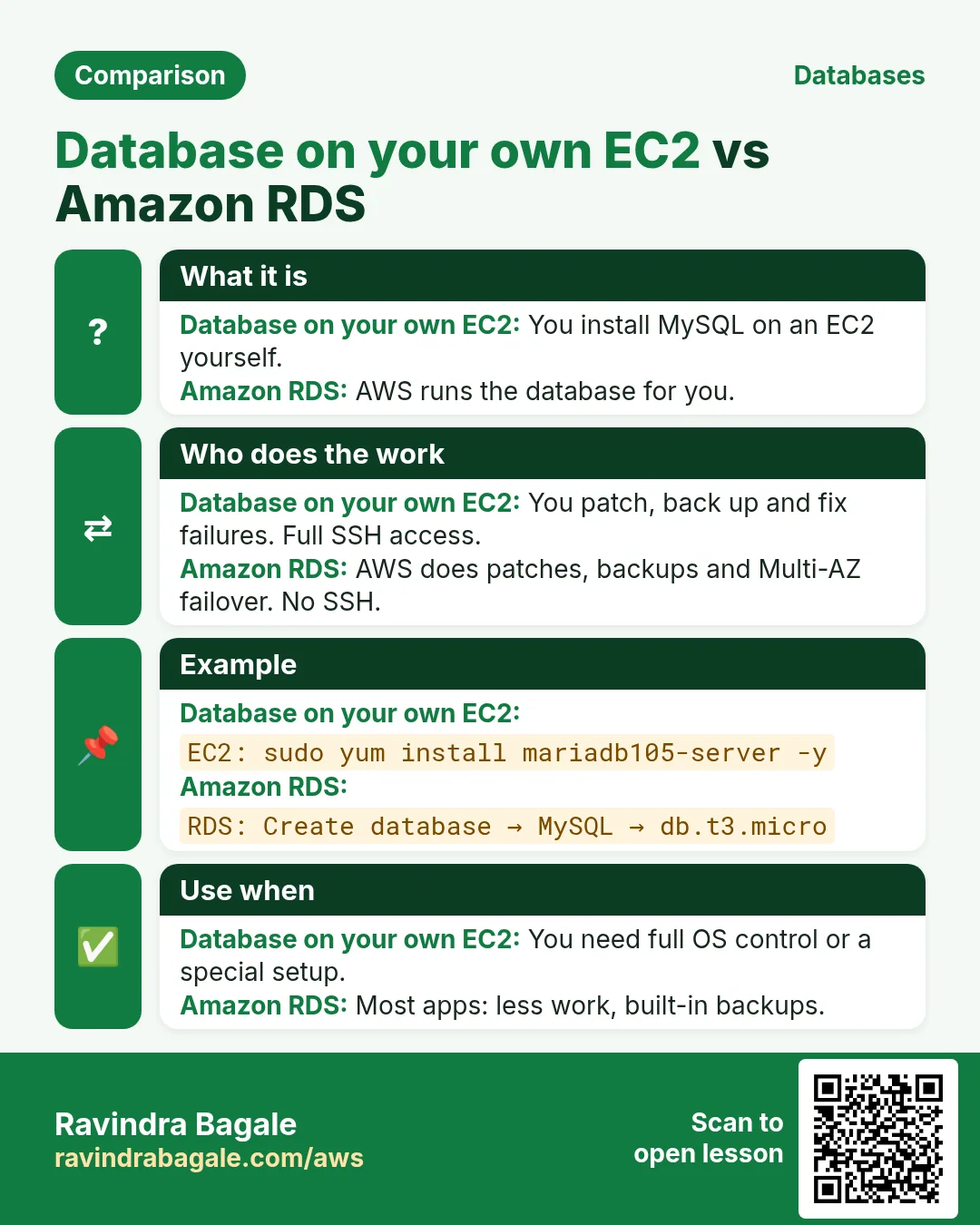
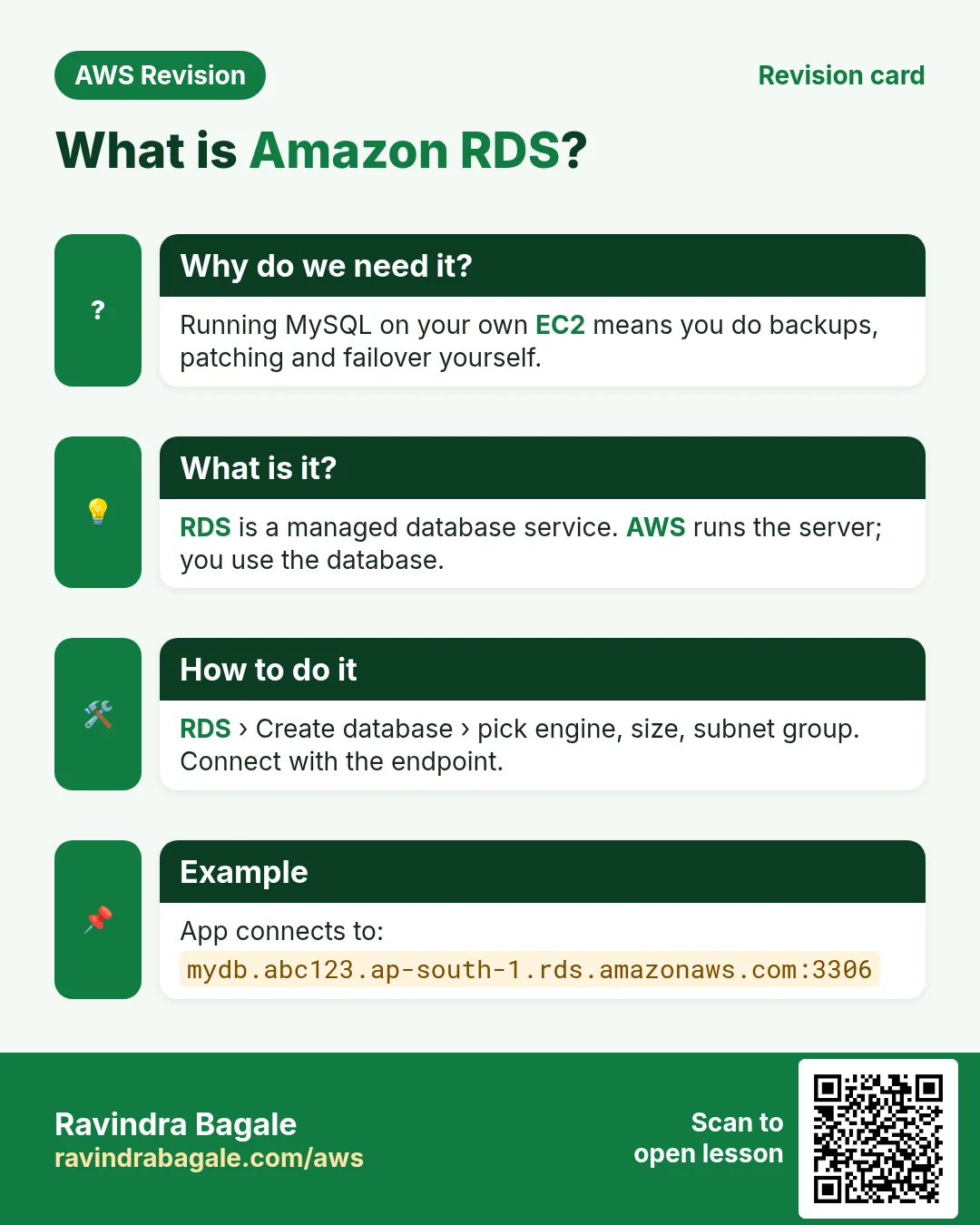
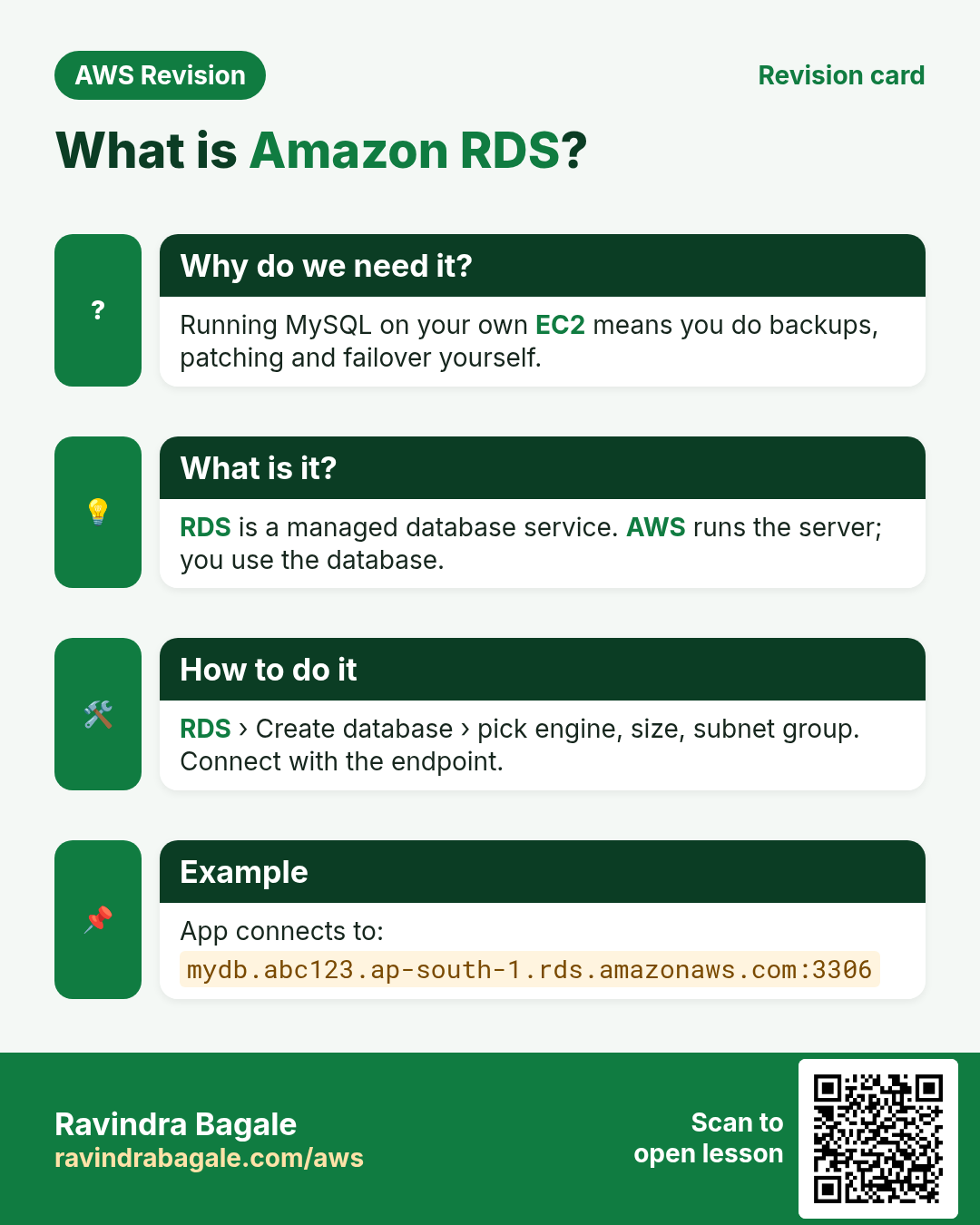
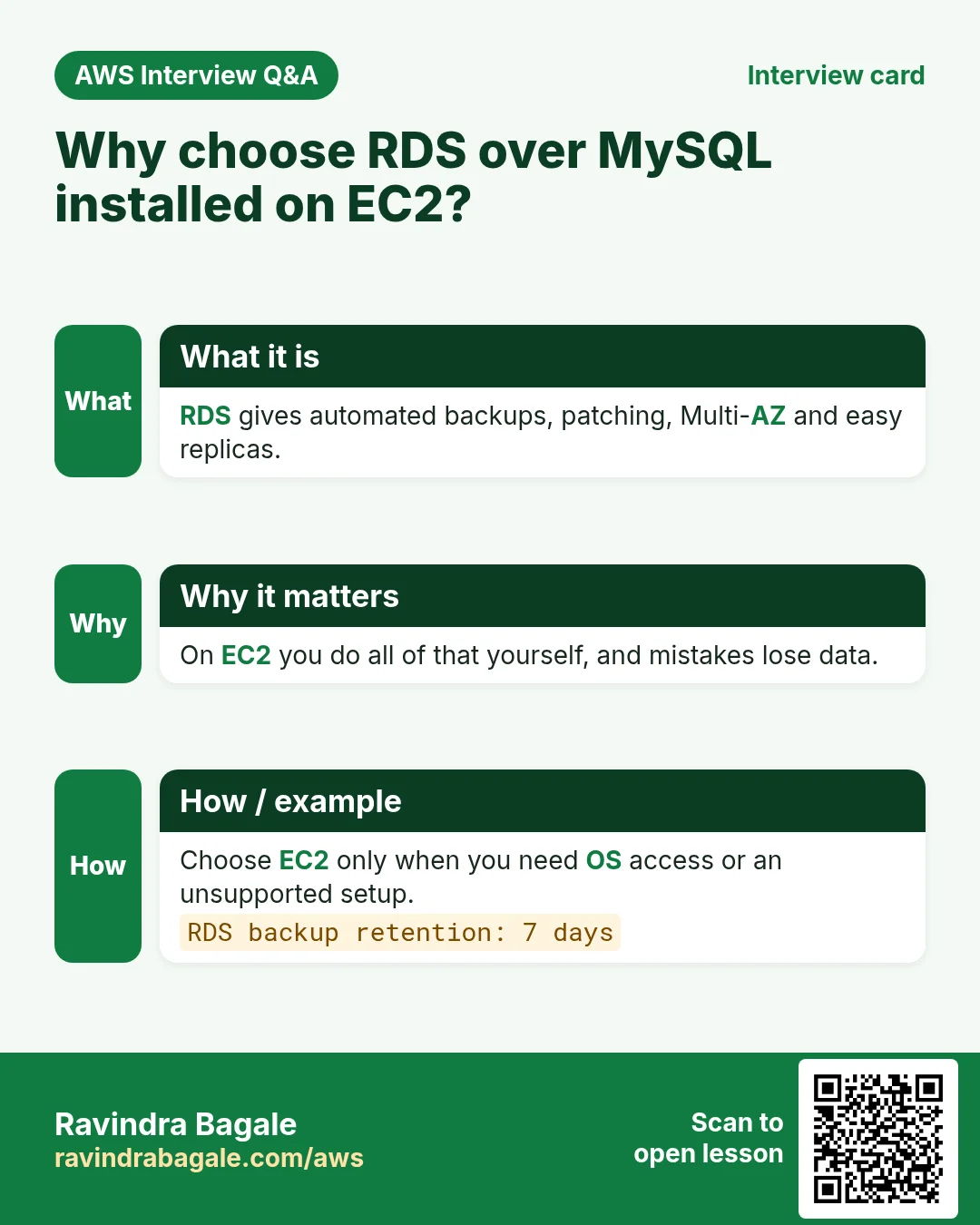
Your own EC2: you launch a server, sudo yum install mariadb105-server -y, and you look after everything: disk, backups, patches, a second copy.
Amazon RDS (Relational Database Service): AWS runs MySQL, MariaDB, PostgreSQL and other engines for you. You create a database, get an address (the endpoint), and connect to it. The details of creating one are in Amazon RDS.
The rest of this chapter is the list of problems you would have to solve yourself, and how RDS solves each one.
2. Problem 1: the disk fills up
Suppose the DB server starts with an 8 GB disk. A campaign works, and sign-ups pour in overnight.
- The disk reaches 100%.
- MySQL can't write anymore: new sign-ups fail, and the app hangs.
- Someone has to notice, grow the EBS volume to 16 GB, and grow the filesystem.
- Next month it is 32 GB, and again.
Classroom line
Lakhs of people came overnight, and you slept peacefully through the night.
Class मधलं वाक्य
रातोरात लाखो लोक आले आणि तुम्ही रात्री निवांत झोपलात.
Classroom line – हिंदी
"Raato raat lakho log aa gaye aur aap raat ko niwant so gaye."
Why not buy the biggest disk on day 1? You pay for every GB you provision, from day 1, used or not.
Classroom line
Our job is not only technical; saving the company's money is also our job.
Class मधलं वाक्य
आपलं काम फक्त technical नाही, company चे पैसे वाचवणं हेही आपलंच काम आहे.
Classroom line – हिंदी
"Hum logo ka kaam sirf technical nahi hai, company ka paisa bachana bhi apna kaam hai."
RDS storage autoscaling:
- You start small and set a maximum storage threshold.
- When free space runs low, RDS grows the storage by itself.
- No downtime, no one awake at night.
Figure 1. Suppose an 8 GB disk fills up overnight: MySQL stops writing, and someone grows it to 16 GB, then 32 GB by hand. RDS storage autoscaling grows it up to the maximum you set.
3. Problem 2: the gap between backups
Suppose one backup runs every night at 12:00 AM, and the database dies at 11:55 PM the next day.
- The last backup is from 12:00 AM.
- Everything written after it, almost a full day of sign-ups, is gone.
RDS automated backups keep a daily snapshot and the transaction logs (every change in between).
- You can restore to any second up to about 5 minutes before the crash. This is point-in-time restore.
- The restore creates a new DB instance; you point the app at its endpoint.
- Retention: 1 to 35 days.
More on snapshots: Backups and snapshots.
Figure 2. A daily backup at 12:00 AM and a crash at 11:55 PM the next day lose almost a day. With the transaction logs, RDS restores to any second up to about 5 minutes before the crash.
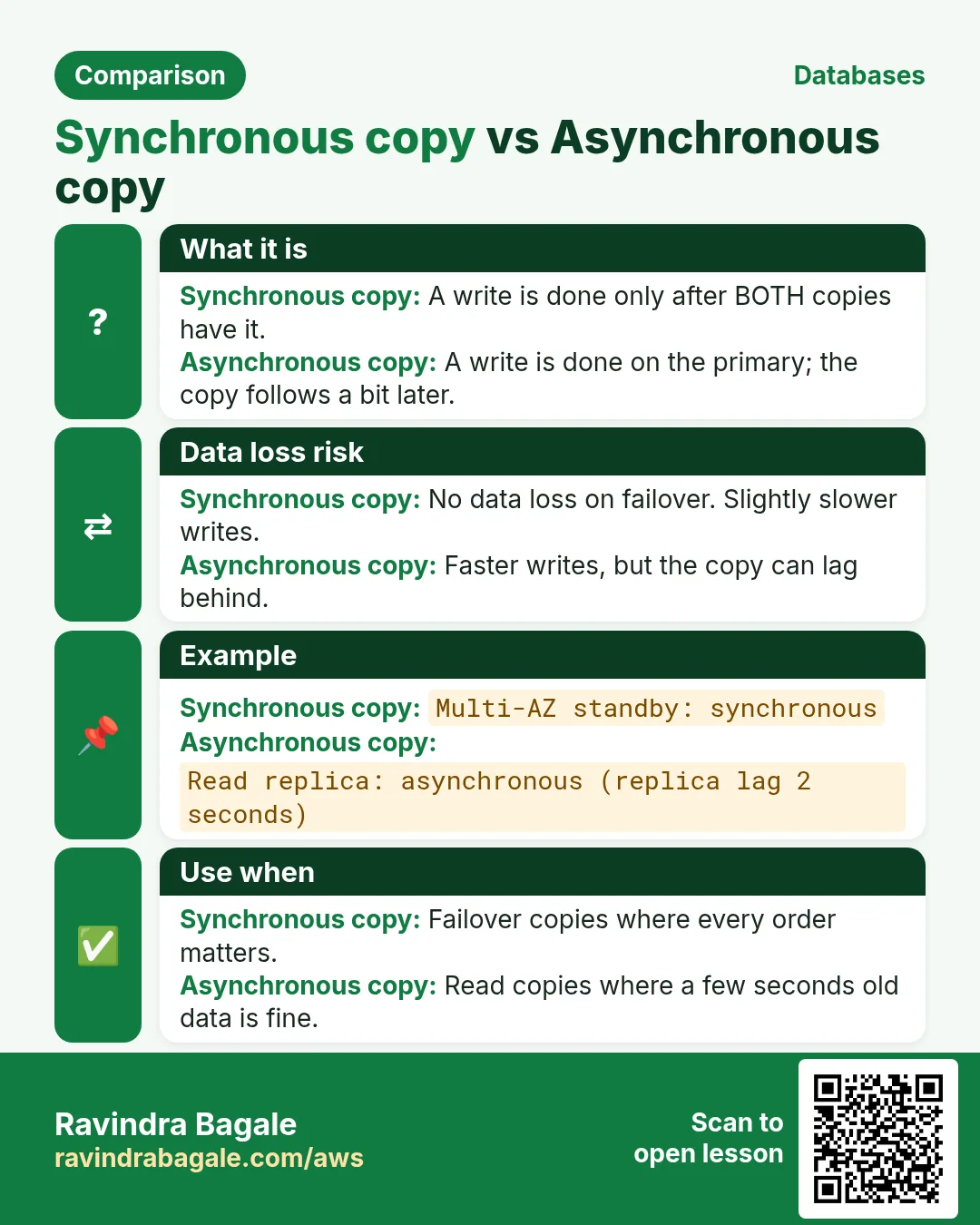
4. Synchronous vs asynchronous copies
Every second copy of a database is one of two kinds.
Synchronous:
- The app writes to the primary.
- The primary saves it and copies it to the second database.
- Only when both have saved it does the app get "OK".
- Nothing can be lost; each write waits a little longer.
Asynchronous:
- The app writes to the primary.
- The primary saves it and answers "OK" at once.
- The copy goes to the second database a moment later.
- Writes are fast; the copy can be slightly behind.
Multi-AZ uses the first kind, read replicas the second.
Figure 3. Animation: synchronous, "OK" only after the primary and the standby both saved the write; asynchronous, "OK" at once and the copy to the read replica follows.
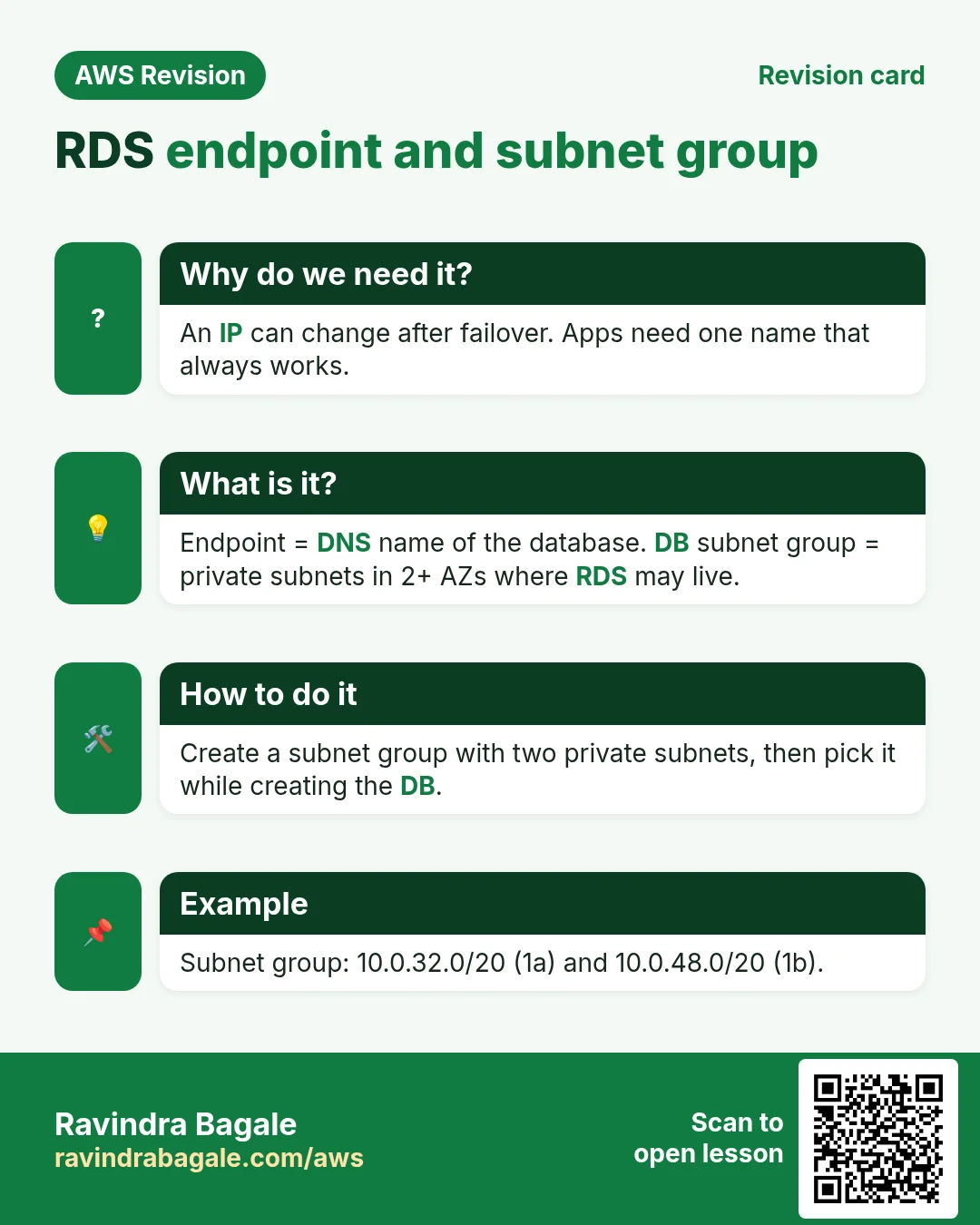
5. Managed means: an endpoint, not a server
- AWS handles the operating system, patches, the database software, backups and failover.
- You get an endpoint, for example
mydb.xxxx.ap-south-1.rds.amazonaws.com, on port 3306. - In PHP,
$servernamebecomes that endpoint. - There is no SSH to the DB server: no
cp,mv,mkdir, no editing files on it. - If you need the operating system, run MariaDB on your own EC2. (RDS Custom gives OS access, but only for Oracle and SQL Server.)
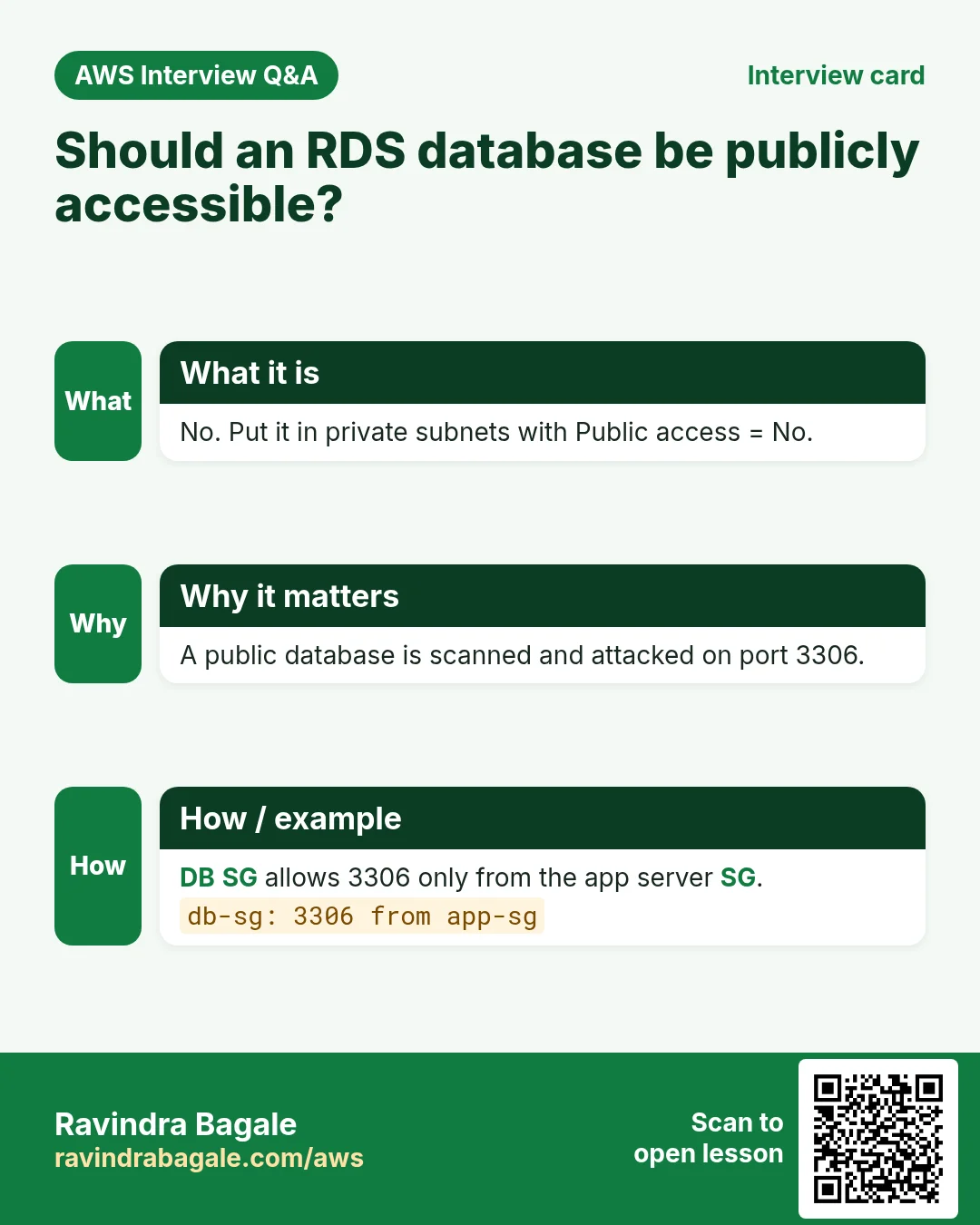
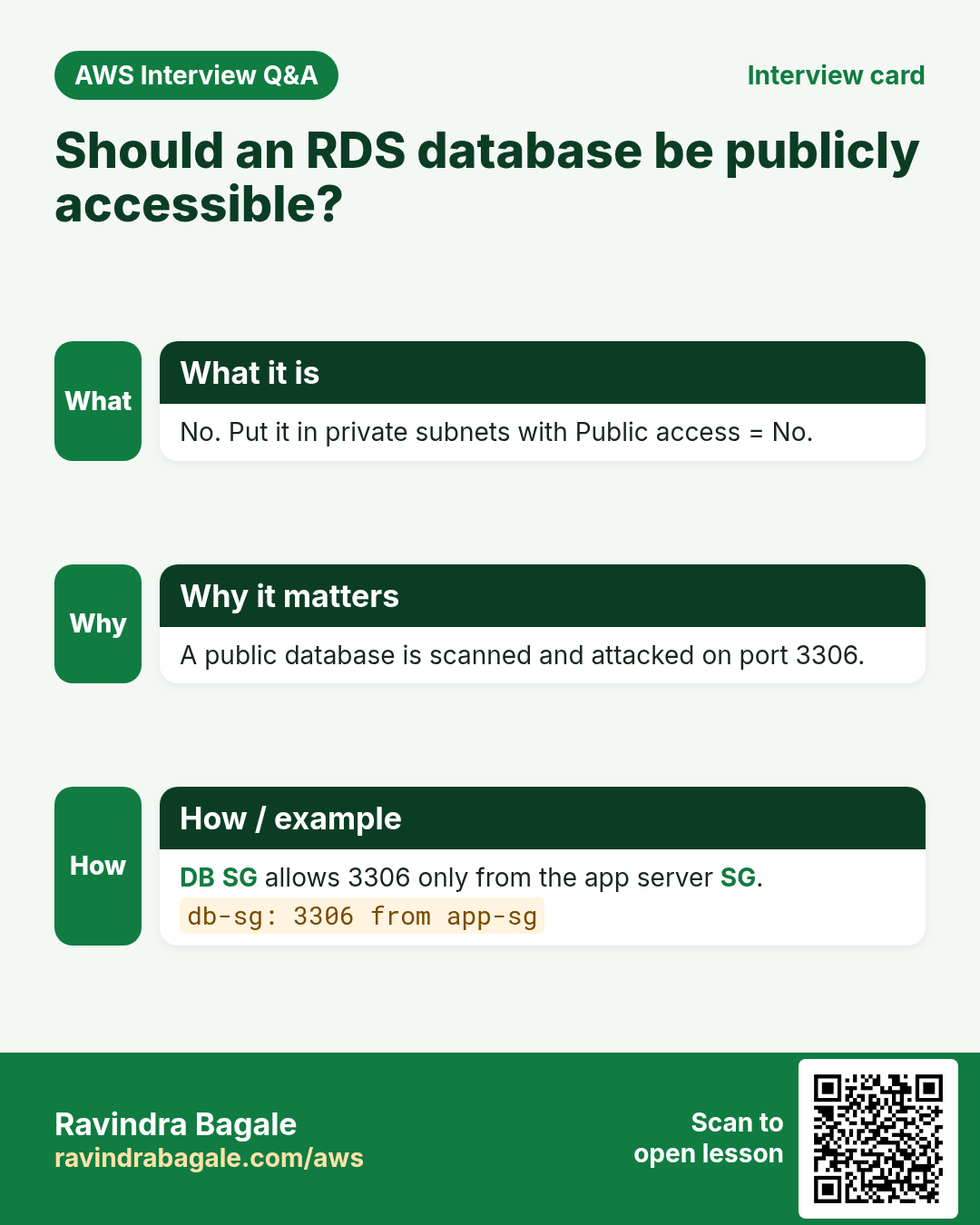
- The security group of the RDS instance allows 3306 from the app tier's security group only.
Figure 4. AWS does the OS, patching, software, backups, failover and storage growth. You do tables, users and queries, connect to the endpoint on 3306, and allow 3306 from the app SG only. No SSH.
6. Multi-AZ: a standby that takes over
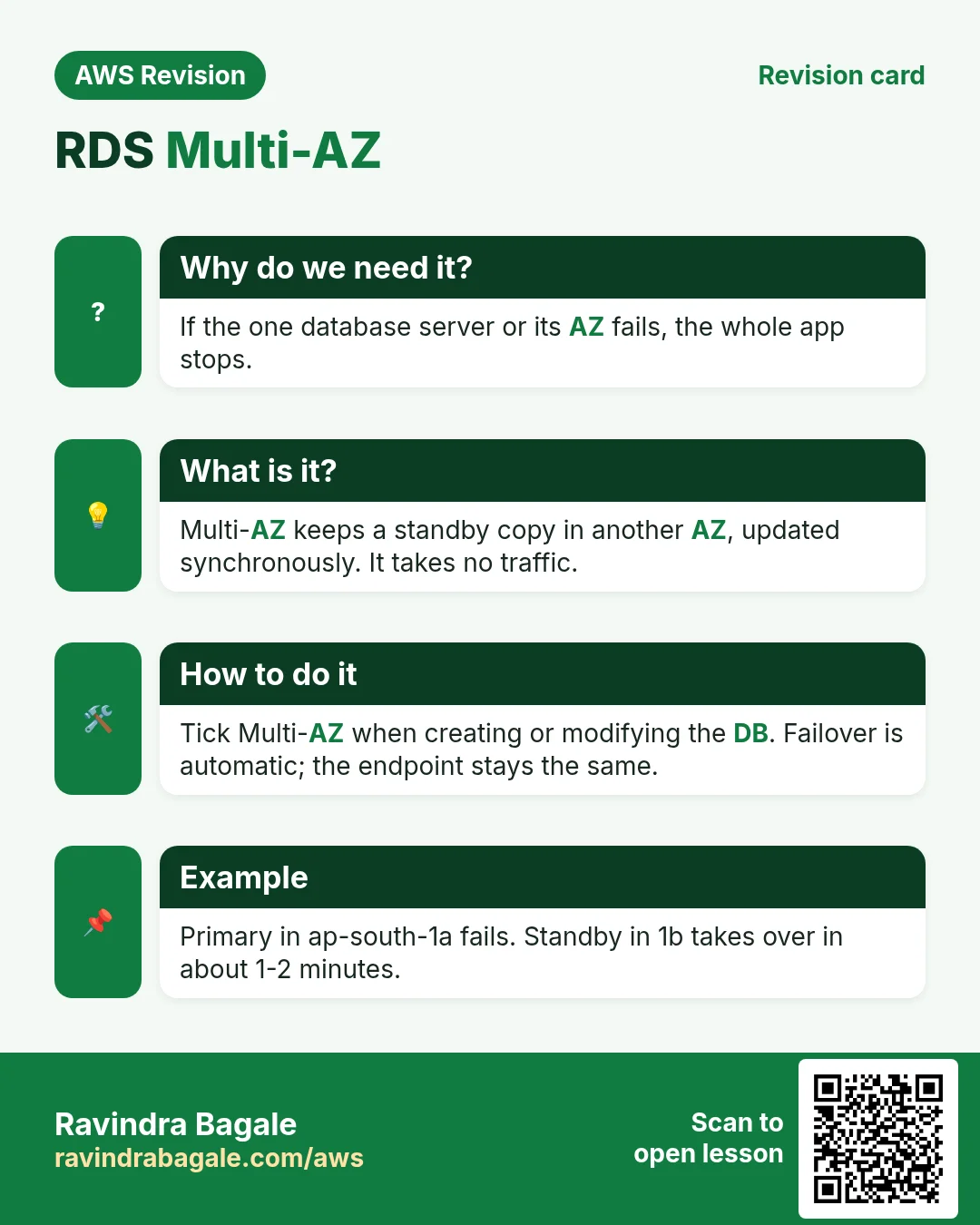
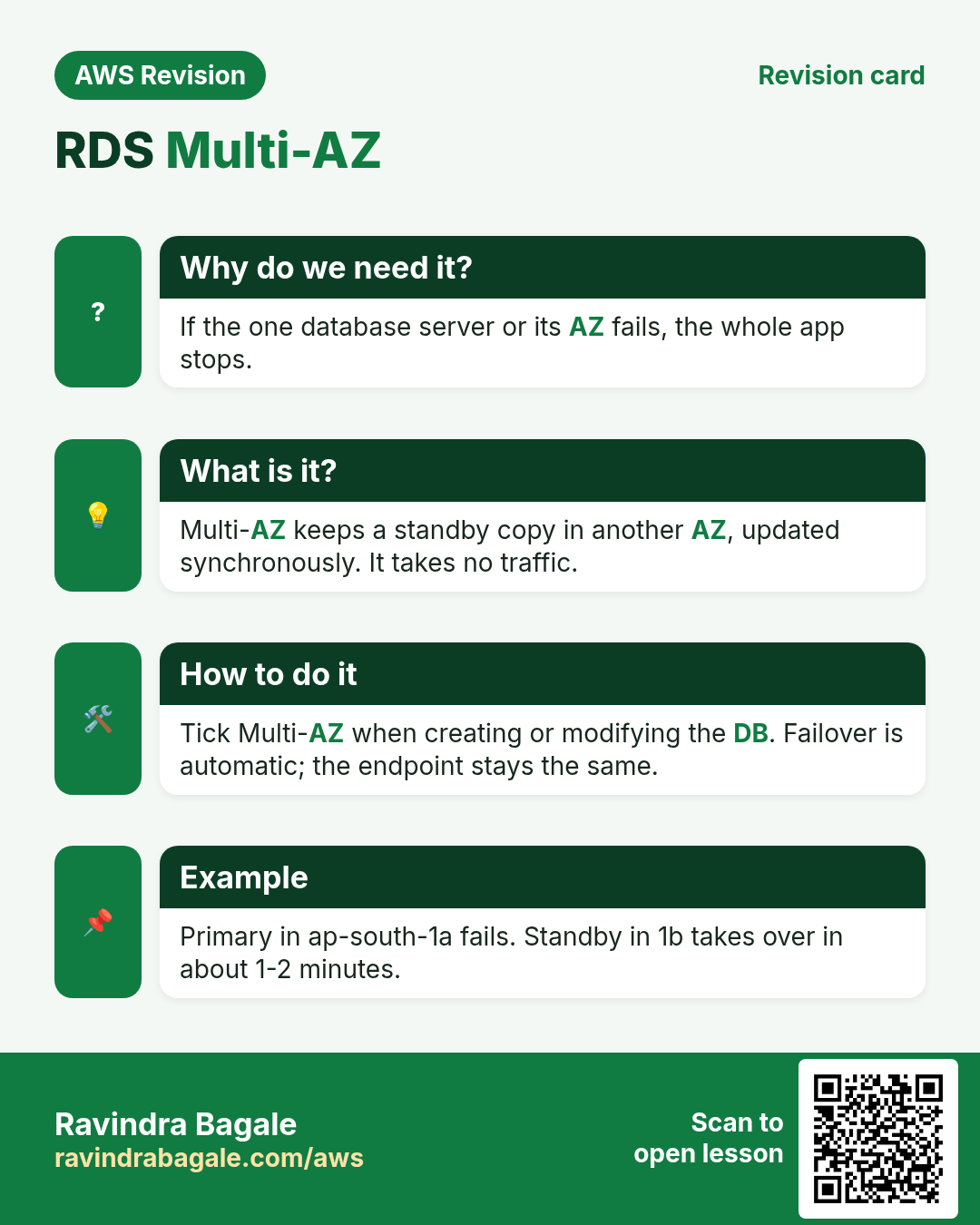
Why: one database in one AZ is a single point of failure.
How it works:
- The primary in
ap-south-1atakes all reads and writes from the app. - RDS keeps a standby in
ap-south-1band copies every write to it synchronously. - The standby serves no traffic. It waits.
- If the primary fails (the instance, its storage or the whole AZ), RDS promotes the standby to primary, typically in 1-2 minutes.
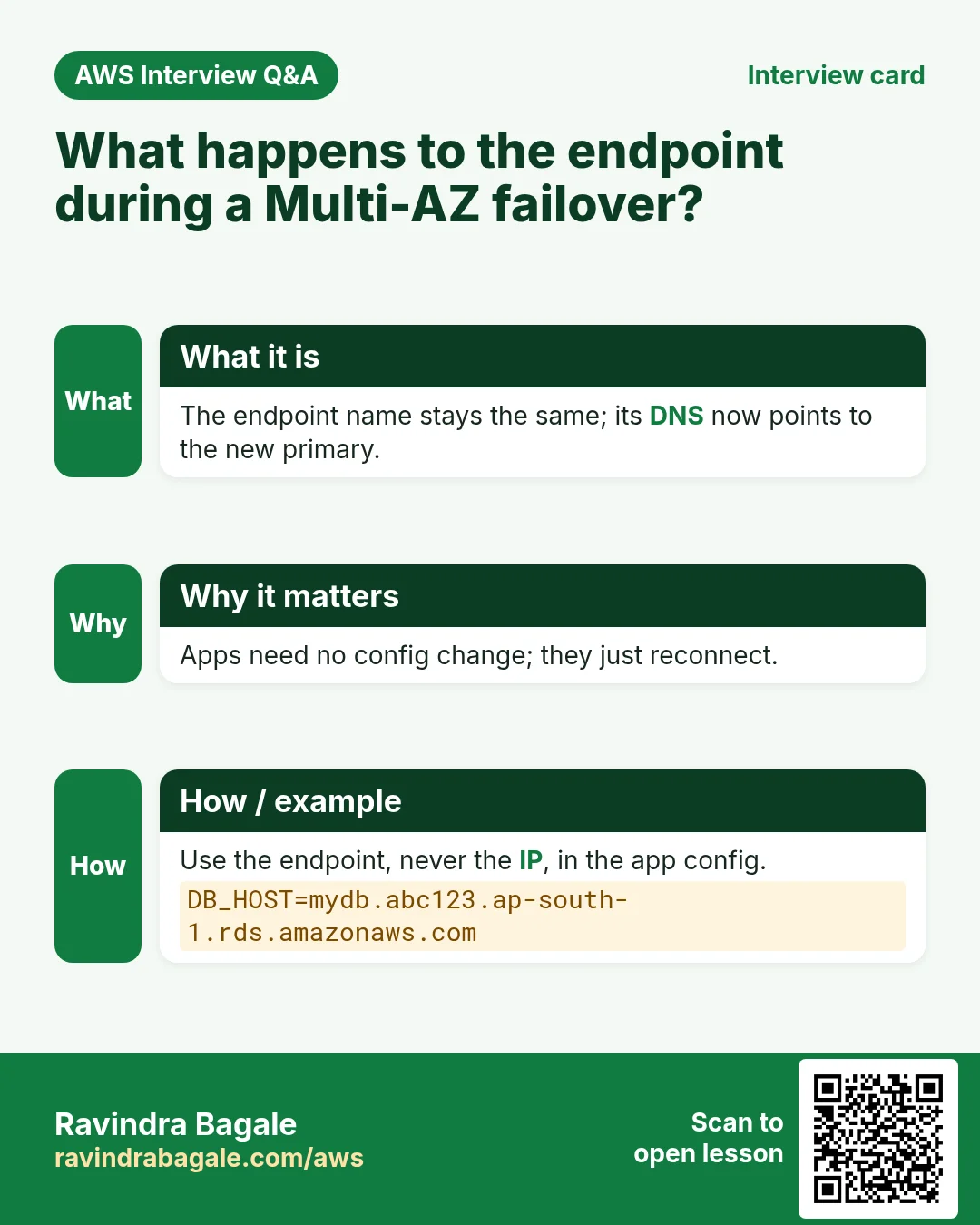
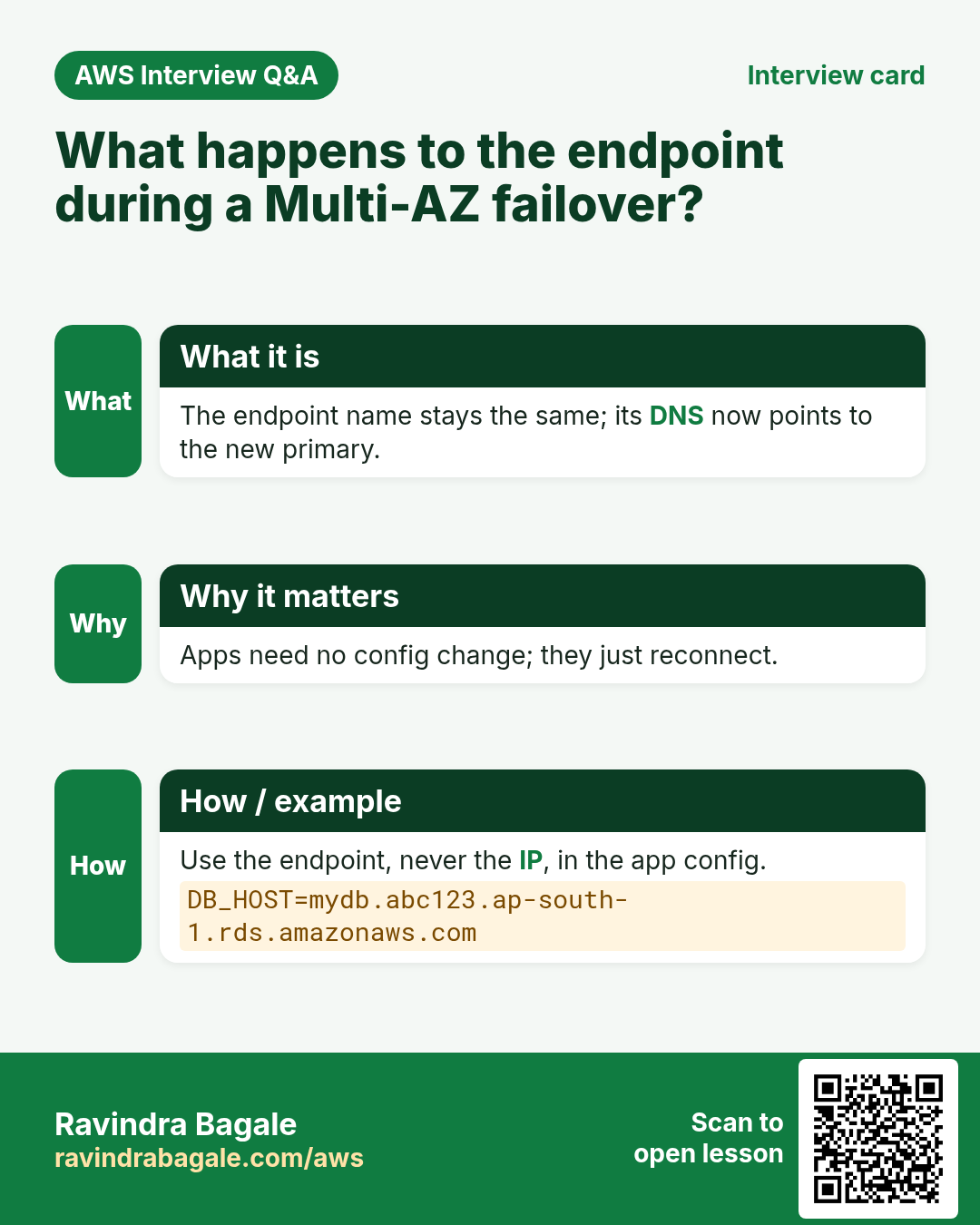
- The endpoint name stays the same; RDS points it to the new primary. The app reconnects, with no code change.
Classroom line
They are all people; only their roles are different.
Class मधलं वाक्य
"Sagle maansach aahet, fakt role vegvegle aahet."
सगळे माणसंच आहेत, फक्त role वेगवेगळे आहेत.
Classroom line
They are all people; only their roles are different.
Primary, standby and replica are all ordinary database instances; only their roles differ.
Figure 5. Animation: the primary in ap-south-1a copies to the standby in ap-south-1b; the primary fails; RDS promotes the standby in about 1-2 minutes, and the same endpoint now points to it.
7. Maintenance with Multi-AZ
Operating system maintenance (patches) is done one copy at a time:
- RDS patches the standby while the primary keeps serving.
- It fails over: the patched standby becomes the primary. The app sees a short blip.
- It patches the old primary, which is now the standby.
So patching costs a short blip instead of a long downtime.
A database engine version upgrade is different: the primary and the standby are upgraded together, so plan downtime for it.
Figure 6. OS maintenance: patch the standby, fail over, patch the old primary; only a short blip. An engine version upgrade updates both together, with downtime.
8. When the database becomes the bottleneck
Suppose we are Instagram. A load balancer spreads users over four web servers (Load balancing). All four talk to one database, and now the database is busy.
- Scale up: a bigger DB instance class. It helps, but there is always a biggest size.
- Two primary databases? Then one write lands on DB 1 and the next on DB 2. A user's like is on one, their comment on the other. The data no longer matches.
Classroom line
When does the data mismatch problem come up?
Class मधलं वाक्य
"Data mismatch cha problem kadhi yeto?"
Data mismatch चा problem कधी येतो?
Classroom line
When does the data mismatch problem come up?
Classroom line
We'll have to find a workaround.
Class मधलं वाक्य
काहीतरी जुगाड करावा लागेल.
Classroom line – हिंदी
"Jugaad karna padega."
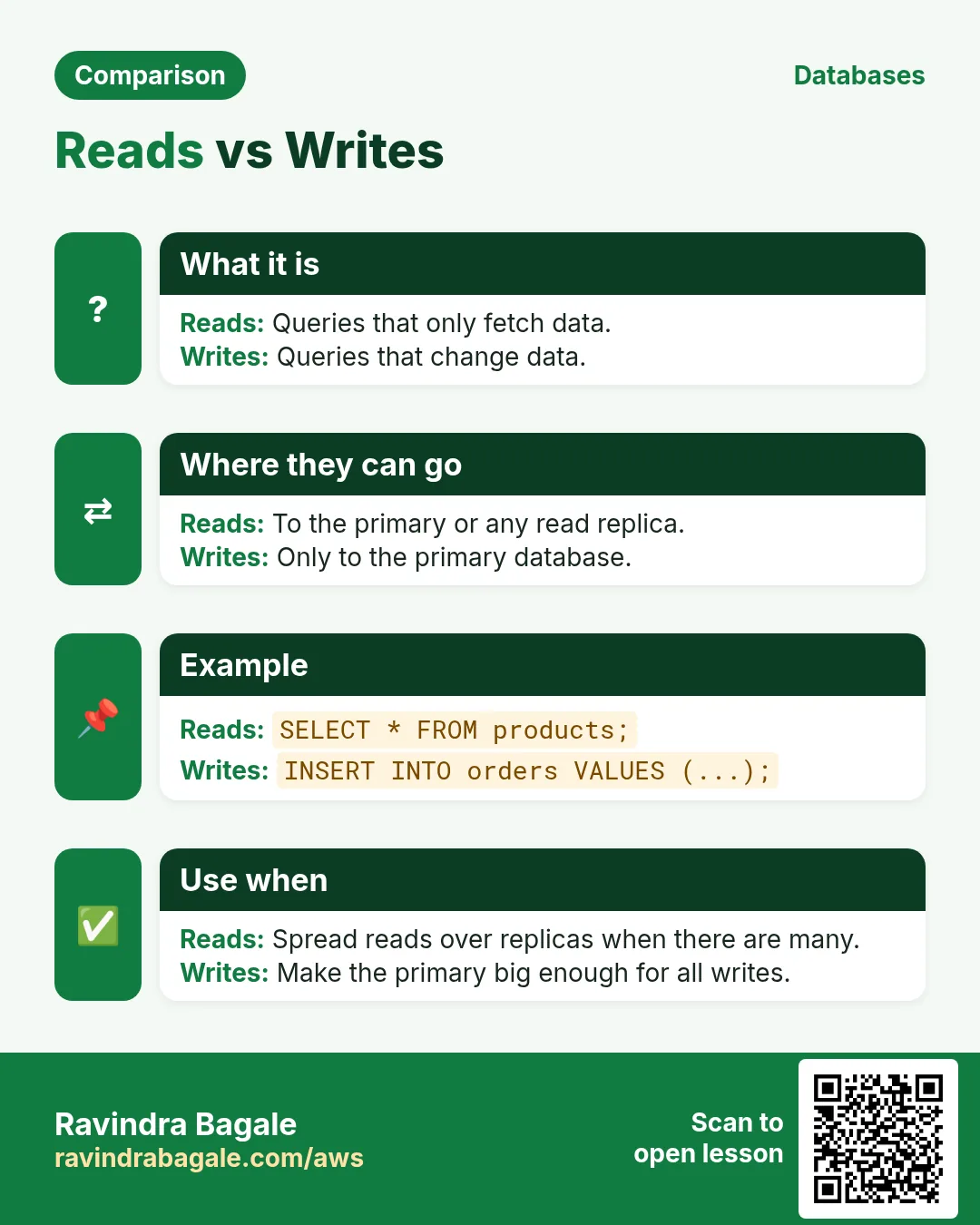
9. Reads vs writes
Look at what the users actually do.
- Writes: post a reel, like, comment. These are
INSERT,UPDATE,DELETE. - Reads: scroll the feed, watch reels, open profiles. These are
SELECT. - Most of the traffic is reads.
So keep one place for writes, and add more places for reads.
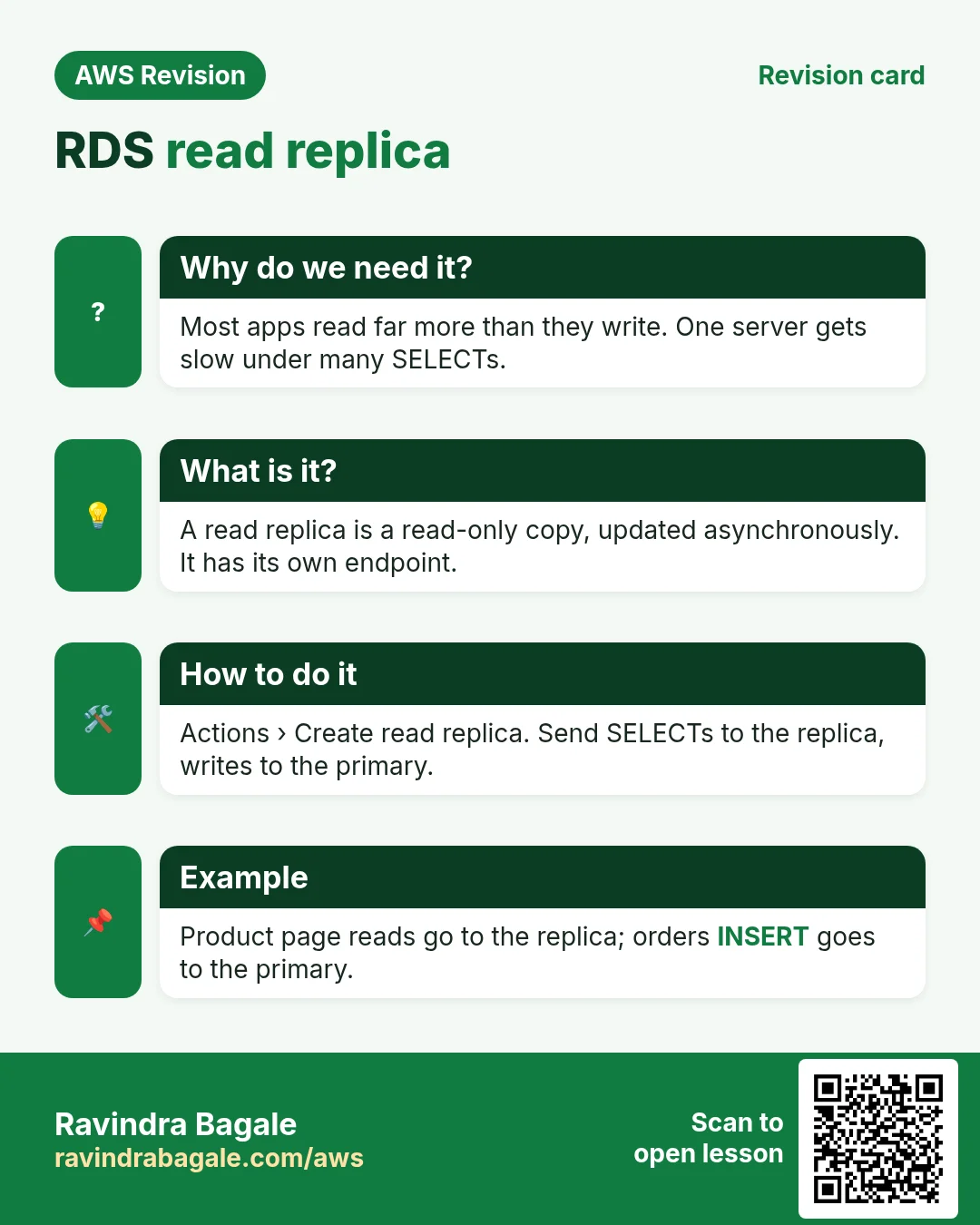
10. Read replicas
- The primary takes all writes.
- RDS copies every change to one or more read replicas, asynchronously. MySQL and MariaDB allow up to 15.
- Each replica has its own endpoint.
- The app sends writes to the primary endpoint and
SELECTs to a replica endpoint. Suppose we are Instagram: the upload and like APIs use the primary; the "view reel" API uses a replica. - Because the copy is asynchronous, a replica can be a moment behind: a like count may be off by one for a second. This is replica lag. Nothing is lost; the replica catches up.
Classroom line
There will be a separate API for uploading a reel.
Class मधलं वाक्य
Reel upload करायला वेगळा API असेल.
Classroom line – हिंदी
"Reel upload karne ke liye alag API hoga."
Figure 7. Writes (post, like, comment) go to the primary; reads (scroll, reels, profiles), most of the traffic, go to read replicas, which receive an asynchronous copy. MySQL/MariaDB: up to 15 replicas.
11. Replicas near the users, and when not to use them
- In each AZ: web servers in
ap-south-1aread from a replica inap-south-1a, and those inap-south-1bfrom one inap-south-1b. Less cross-AZ traffic, faster answers. - In other Regions: primary in Mumbai, replicas in Singapore, N. Virginia or London, so far-away users read from nearby. The farther the replica, the larger the lag; it can be seconds.
- Fine: likes, comments, reels, profiles.
- Not fine: any read that must be the latest value, such as a bank balance or a stock trade. Read those from the primary.
Classroom line
In the stock market you can't use this read replica.
Class मधलं वाक्य
Stock market मध्ये तुम्ही हा read replica वापरू शकत नाही.
Classroom line – हिंदी
"Stock market mein aap ye read replica use nahi kar sakte."
Figure 8. Primary in Mumbai with replicas in Singapore, N. Virginia and London. Fine for likes, comments and reels; not for a bank balance or stock trades, which must be read from the primary.
Cost and storage: a replica is a full copy, so it needs at least as much storage as the primary (its instance size can differ). Every replica is another instance on the bill, so add only as many as the read load needs.
12. Multi-AZ vs read replicas
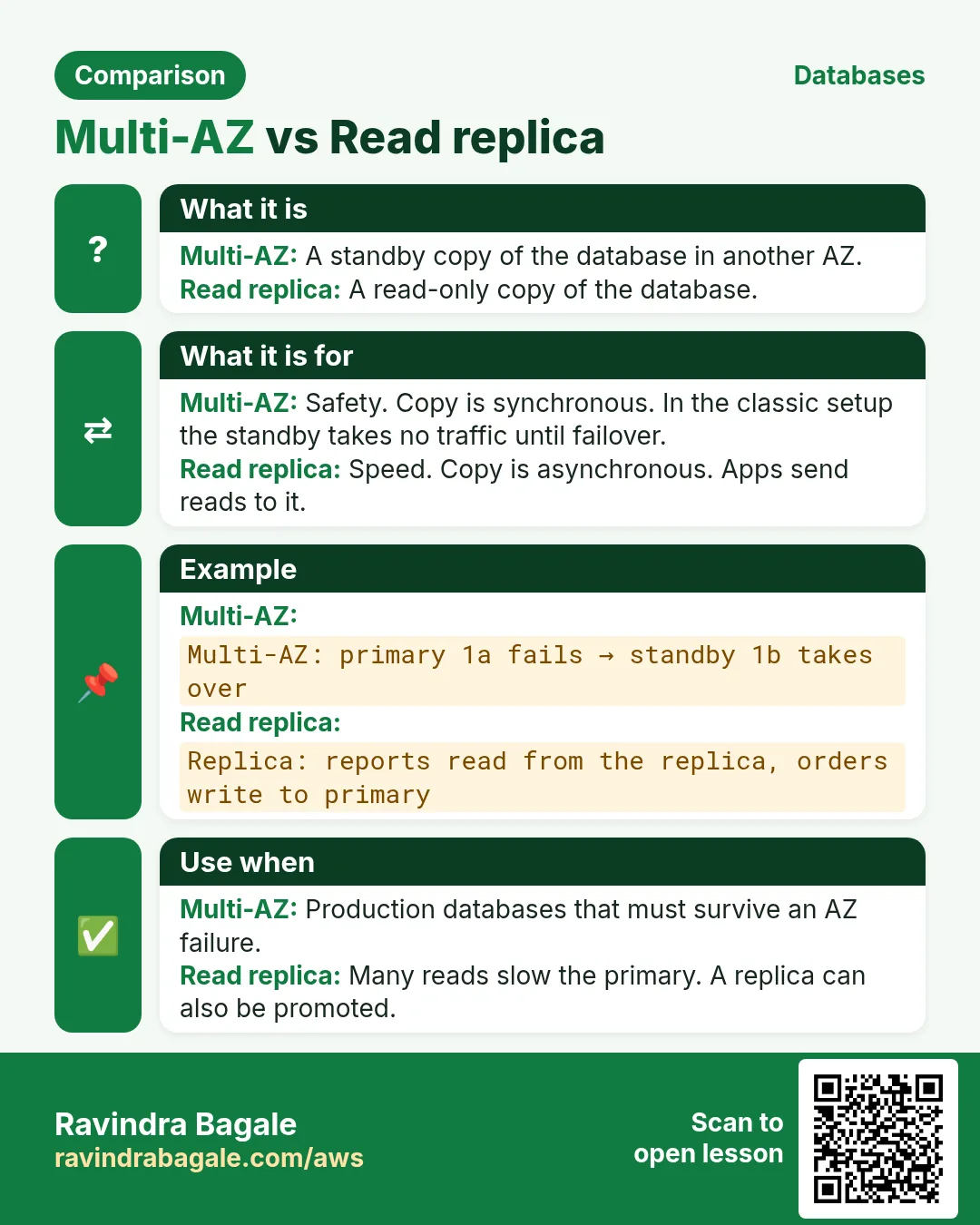
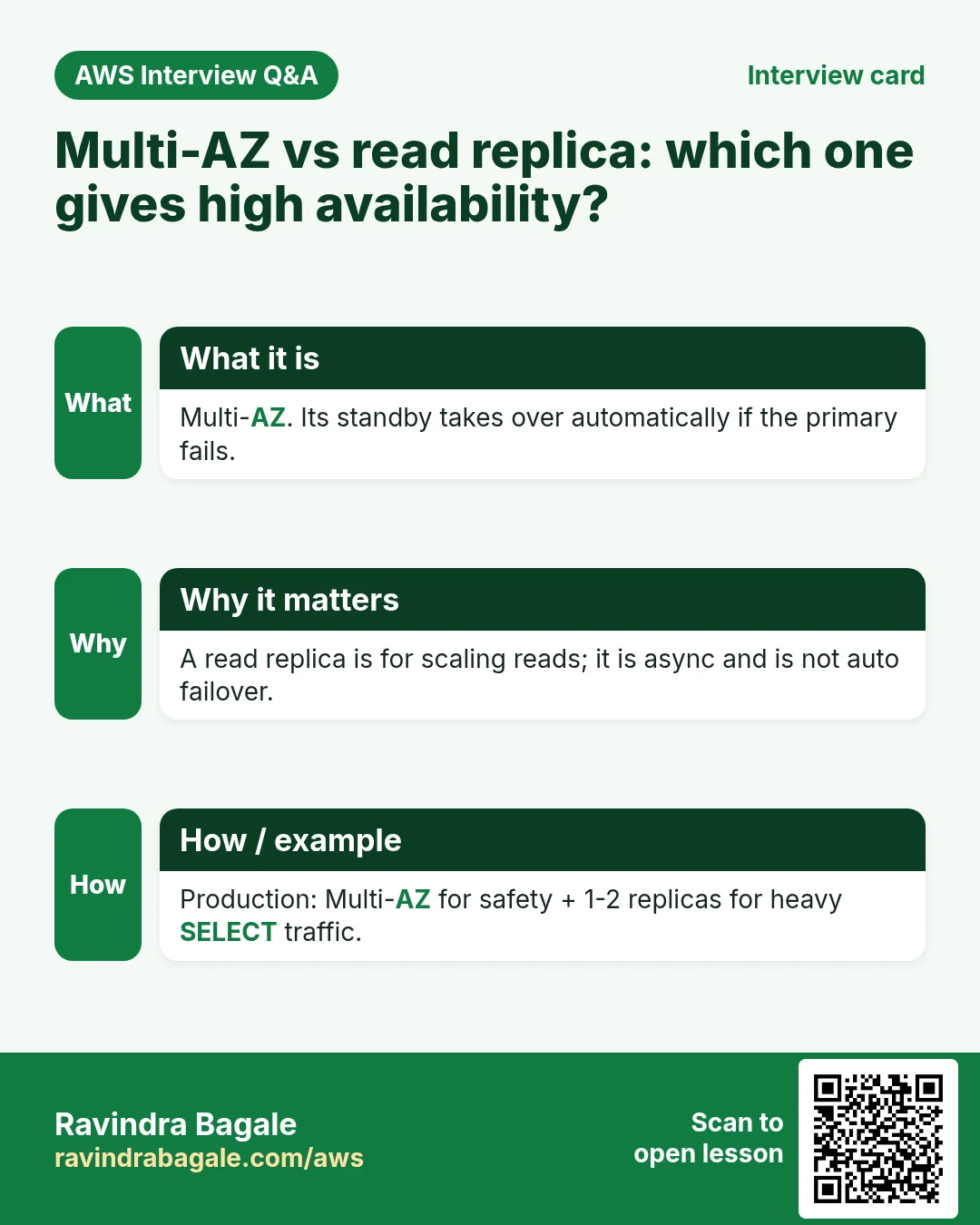
- Multi-AZ is for availability: survive a failure. Synchronous, one standby, serves nothing, same endpoint after failover.
- Read replicas are for performance: carry the reads. Asynchronous, up to 15, each serves
SELECTs on its own endpoint. - Production databases often use both: a Multi-AZ primary, plus replicas for the reads.
Figure 9. Multi-AZ: availability, synchronous, the standby serves nothing, same endpoint, one standby. Read replicas: performance, asynchronous, serve SELECTs, own endpoints, up to 15 for MySQL/MariaDB.
Another comparison is in Multi-AZ and read replicas.
13. Build it in the console
Part A: the database
- RDS > Databases > Create database, Standard create, engine MySQL.
- Templates: Production, or Dev/Test for practice.
- Availability and durability: Multi-AZ DB instance deployment (primary + standby). For a free practice run, choose Single-AZ.
- Settings: DB instance identifier
mydb, master username, and a password you keep safe. - Storage: start small, tick Enable storage autoscaling, set Maximum storage threshold.
- Connectivity: your VPC, a DB subnet group with private subnets in at least two AZs, Public access: No, security group
db-sg(3306 fromapp-sg). - Additional configuration: initial database name
insta, Enable automated backups, backup retention period in days. - Create database. When the status is Available, copy the Endpoint into
$servernameon the app server.
Part B: a read replica
- Select
mydb, Actions > Create read replica. (Automated backups must be on.) - Name it
mydb-replica-1, pick the instance class and the AZ (or another Region). - Create read replica. It gets its own endpoint; use it for
SELECTs only.
Part C: test a failover (Multi-AZ only)
- Select
mydb, Actions > Reboot, tick Reboot with failover. - Watch Logs & events: the standby becomes the primary, and the endpoint stays the same.
14. Two quick answers
Does a server's public IP change?
- An auto-assigned public IP stays the same on reboot.
- It changes on stop → start.
- An Elastic IP stays through both (What an Elastic IP is).
Classroom line
Unless you stop the server, the IP doesn't change.
Class मधलं वाक्य
"Server stop kelyashivay IP change nahi hot."
Server stop केल्याशिवाय IP change नाही होत.
Classroom line
Unless you stop the server, the IP doesn't change.
Which port does the app use for the database? Browsers talk to web servers over HTTP/HTTPS on 80/443. The app talks to MySQL or MariaDB on 3306, with the MySQL protocol, not HTTP. So the DB security group needs 3306, not 80.
15. When something goes wrong
- The app can't reach the RDS endpoint:
db-sgmust allow 3306 fromapp-sg, and the DB must be in the same VPC (Public access: No is correct). - "Create read replica" is greyed out: automated backups are off. Set a retention period of at least 1 day.
- A user doesn't see their own new comment: the app read it from a replica right after writing. Read your own just-written data from the primary.
- The app errors for a minute during failover: it kept an old connection. Make it reconnect, and don't cache the DB IP; always use the endpoint name.
- The bill doubled: Multi-AZ pays for the standby too, and each replica is a full instance.
Ravindra Bagale's Tip
Ask two separate questions. "What if the database dies?" is answered by Multi-AZ and point-in-time restore. "What if the database is too slow?" is answered by read replicas (and caching). Don't buy replicas to solve availability, or Multi-AZ to solve speed. And always connect by the endpoint name, never by an IP.
16. The whole class on one page
- On your own EC2 you handle disk, backups, patches and copies; RDS is the managed service that does them.
- A full disk stops MySQL writing. RDS storage autoscaling grows storage up to a maximum you set; you pay for what is provisioned.
- Automated backups + transaction logs: point-in-time restore to about 5 minutes before a crash; retention 1-35 days.
- Synchronous: "OK" after both copies saved. Asynchronous: "OK" first, copy later.
- RDS gives an endpoint on 3306, no SSH. Need the OS: MariaDB on EC2, or RDS Custom (Oracle/SQL Server only).
- Multi-AZ: synchronous standby in another AZ, serves nothing, automatic failover in about 1-2 minutes, same endpoint.
- OS patches: standby first, failover, then the old primary. Engine upgrades: both together, with downtime.
- Two primaries would mismatch data; keep one primary for writes.
- Read replicas: asynchronous copies for
SELECTs, own endpoints, up to 15 for MySQL/MariaDB; replica lag, no data loss. - Cross-region replicas lag more; read balances and trades from the primary.
- Reboot keeps an auto-assigned public IP; stop/start changes it. Apps talk to MySQL on 3306.
17. Try at home
Try at home
Task 1: on paper
- Suppose backups run daily at 12:00 AM and the DB fails at 6:00 PM. How many hours of data does a daily backup alone lose? What does point-in-time restore lose?
- For an app with posts, likes, profile views and wallet balance, mark each read as "replica OK" or "primary only".
Task 2: in the console
- Create a Single-AZ MySQL database with storage autoscaling and automated backups, in a private DB subnet group.
- From the app server, connect with
mysql -h <endpoint> -u admin -pand create a table. - Create a read replica, insert a row on the primary, and
SELECTit on the replica.
Task 3: clean up
- Delete the read replica first, then the database. Decide whether to keep a final snapshot (snapshots are charged too).
Recap
In short
- RDS takes the disk, backups, patches and copies off your hands; you get an endpoint, no SSH.
- Storage autoscaling and point-in-time restore fix the full-disk and backup-gap problems.
- Multi-AZ = a synchronous standby for availability, with automatic failover on the same endpoint.
- Read replicas = asynchronous copies for reads, with a little lag.
- Keep one primary for writes; send most reads to replicas, but read critical values from the primary.
- Use Multi-AZ for "what if it dies", read replicas for "what if it's slow".
Practice Tasks
London Legal LLP is a law business in London. Oliver Hughes looks after its IT and cloud work. They count money in GBP and run their AWS resources in the eu-west-2 Region. In the tasks below you do real jobs for them using what this lesson teaches. All names, account IDs, IP addresses and numbers are made up for practice.
0 / 12
Easy Find the database endpoint
Why: Your app connects using the endpoint name, not an IP.
What to do: Describe DB instance londonlegal-db.
- Read the task and decide which AWS service it is about.
- Write aws, then the service name, then the operation (the action word).
- Add each needed flag (--name) followed by its value from the task.
- Flags can be in any order. Click Check answer.
Easy Biggest orders first
Why: Querying the database is daily work after you set up RDS.
What to do: Show order id and amount, biggest amount first.
Tables: customers(id, name, city) and orders(id, customer_id, amount, odate).
- Find the table the task is about (see the table list above the box).
- Write the SQL statement step by step: what, from where, which rows.
- End the statement with ;
- Click Check answer. Your query runs on a practice copy of the table.
Easy Filter customers by city
Why: Querying the database is daily work after you set up RDS.
What to do: List the names of customers in Pune.
Tables: customers(id, name, city) and orders(id, customer_id, amount, odate).
- Find the table the task is about (see the table list above the box).
- Write the SQL statement step by step: what, from where, which rows.
- End the statement with ;
- Click Check answer. Your query runs on a practice copy of the table.
Medium Remove small orders
Why: Querying the database is daily work after you set up RDS.
What to do: Delete orders with amount below 200.
Tables: customers(id, name, city) and orders(id, customer_id, amount, odate).
- Find the table the task is about (see the table list above the box).
- Write the SQL statement step by step: what, from where, which rows.
- End the statement with ;
- Click Check answer. Your query runs on a practice copy of the table.
Medium Orders with customer names
Why: Querying the database is daily work after you set up RDS.
What to do: Show each customer name with each order amount.
Tables: customers(id, name, city) and orders(id, customer_id, amount, odate).
- Find the table the task is about (see the table list above the box).
- Write the SQL statement step by step: what, from where, which rows.
- End the statement with ;
- Click Check answer. Your query runs on a practice copy of the table.
Medium Total sales
Why: Querying the database is daily work after you set up RDS.
What to do: Show the total of all order amounts as one number.
Tables: customers(id, name, city) and orders(id, customer_id, amount, odate).
- Find the table the task is about (see the table list above the box).
- Write the SQL statement step by step: what, from where, which rows.
- End the statement with ;
- Click Check answer. Your query runs on a practice copy of the table.
Medium Fix a city
Why: Querying the database is daily work after you set up RDS.
What to do: Customer 5 moved to Rome. Update the record.
Tables: customers(id, name, city) and orders(id, customer_id, amount, odate).
- Find the table the task is about (see the table list above the box).
- Write the SQL statement step by step: what, from where, which rows.
- End the statement with ;
- Click Check answer. Your query runs on a practice copy of the table.
Medium Turn on Multi-AZ
Why: Multi-AZ keeps a standby copy in another AZ and fails over automatically.
What to do: Modify londonlegal-db to be Multi-AZ and apply the change immediately.
- Read the task and decide which AWS service it is about.
- Write aws, then the service name, then the operation (the action word).
- Add each needed flag (--name) followed by its value from the task.
- Flags can be in any order. Click Check answer.
Hard Sales per customer
Why: Querying the database is daily work after you set up RDS.
What to do: Show customer_id and total amount per customer, only where total is above 1000.
Tables: customers(id, name, city) and orders(id, customer_id, amount, odate).
- Find the table the task is about (see the table list above the box).
- Write the SQL statement step by step: what, from where, which rows.
- End the statement with ;
- Click Check answer. Your query runs on a practice copy of the table.
Hard Customers with no orders
Why: Querying the database is daily work after you set up RDS.
What to do: List names of customers who have never ordered.
Tables: customers(id, name, city) and orders(id, customer_id, amount, odate).
- Find the table the task is about (see the table list above the box).
- Write the SQL statement step by step: what, from where, which rows.
- End the statement with ;
- Click Check answer. Your query runs on a practice copy of the table.
Hard Create a MySQL database
Why: RDS runs the database for you: backups, patches and failover are managed.
What to do: Create RDS instance londonlegal-db: engine mysql, class db.t3.micro, 20 GiB storage, master user admin, master password from $DB_PASS.
- Read the task and decide which AWS service it is about.
- Write aws, then the service name, then the operation (the action word).
- Add each needed flag (--name) followed by its value from the task.
- Flags can be in any order. Click Check answer.
Hard Create a read replica
Why: Read replicas take report and read traffic off the main database.
What to do: Create read replica londonlegal-db-ro from source londonlegal-db.
- Read the task and decide which AWS service it is about.
- Write aws, then the service name, then the operation (the action word).
- Add each needed flag (--name) followed by its value from the task.
- Flags can be in any order. Click Check answer.
Quick revision cards
Revise this lesson in two minutes. Save the cards on your phone or download them as PNG files. The QR code on each card opens its lesson.
More cards: Ravi Sir's Cards.