Shell Scripting Complete 7: Bash Arrays and Associative Arrays (declare -A) Explained Simply
An array is one variable that holds many values: a list of servers, files or ports. An associative array holds key-value pairs: server to IP, user to team, city to PIN code. This chapter teaches indexed arrays, adding and removing items, looping safely, slices, mapfile to read a file into an array, building command arguments with arrays, and associative arrays with declare -A for counting and lookups.
What you'll learn in this chapter
- Create indexed arrays and read items
- Add, change and remove items
- Loop with "${arr[@]}" and indexes
- Read files with mapfile
- Build safe command arguments
- Use declare -A for maps and counts
1. An everyday example: a tiffin box and a phone book
Why do we need this?
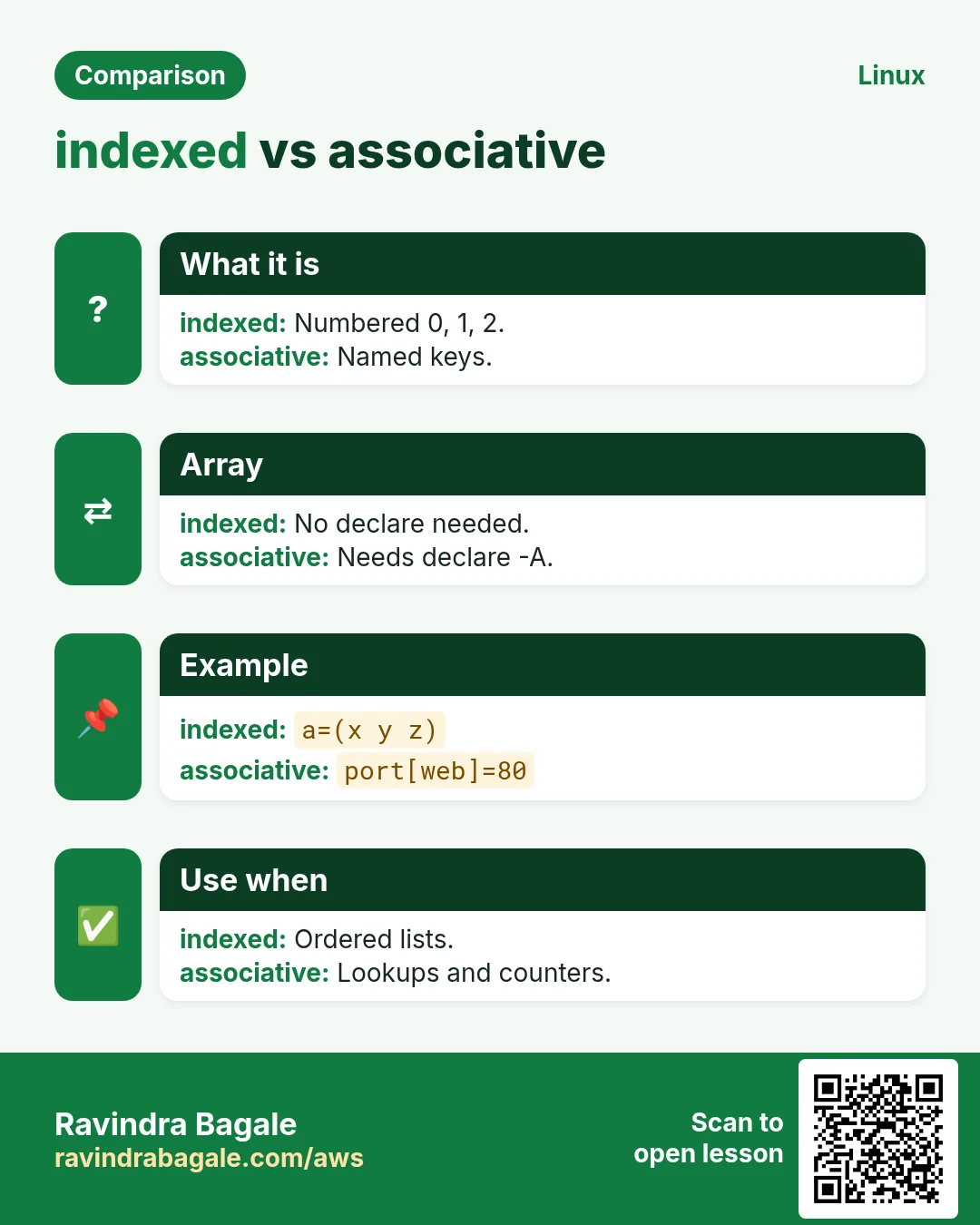
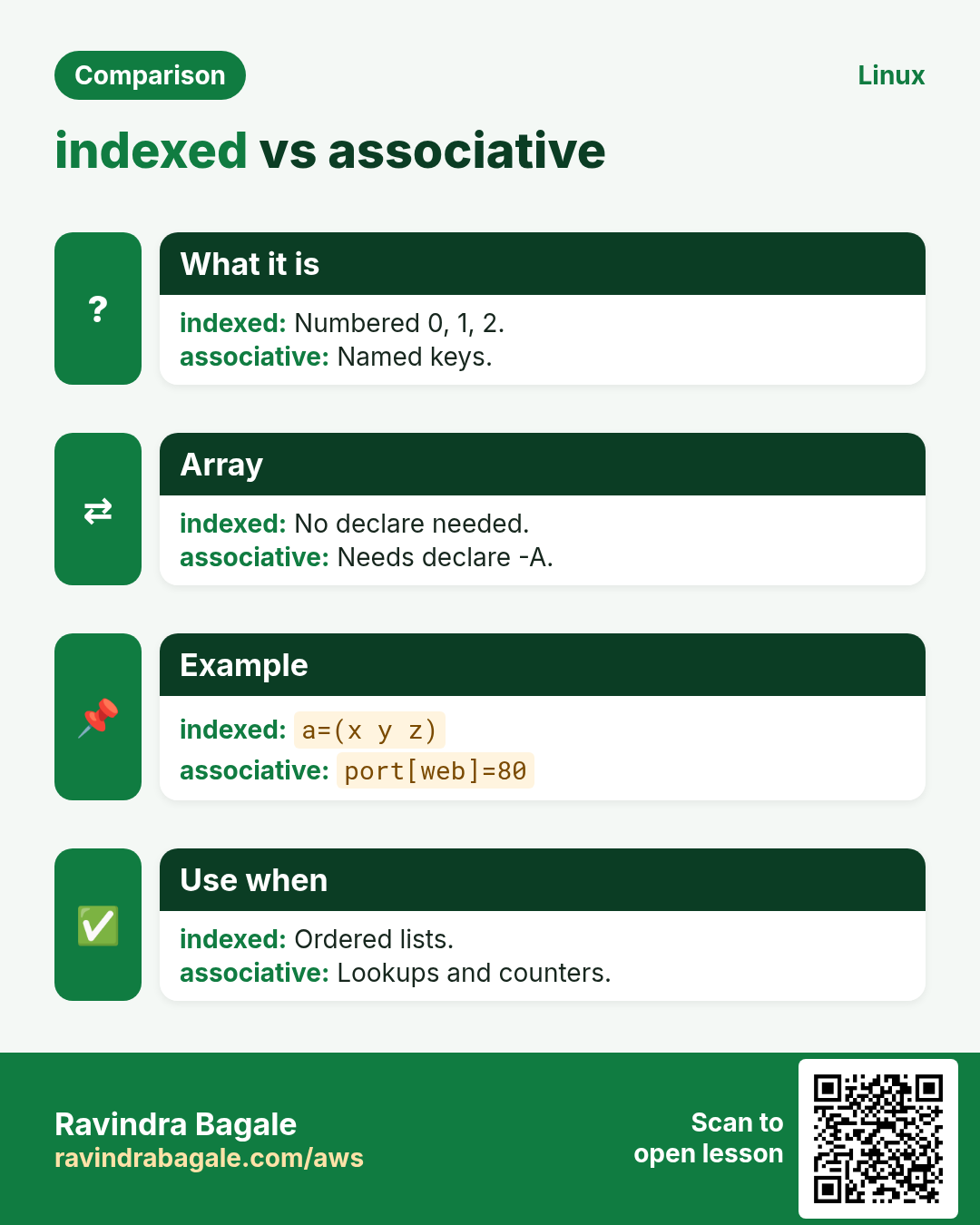
A stacked tiffin has numbered boxes: box 0 rice, box 1 dal, box 2 sabzi. You ask for 'box 1' and get dal. That is an indexed array. A phone book is different: you look up 'Ravi' and get his number. You use a name, not a number. That is an associative array.
What is it?
Tiffin = indexed array. Box number = index (starts at 0). Food in a box = element. Number of boxes = ${#arr[@]}. Phone book = associative array. Name = key. Phone number = value.
How to do it (step by step)
2. Create an indexed array
Why do we need this?
A space-separated string breaks on names with spaces. An array keeps each item separate and whole.
What is it?
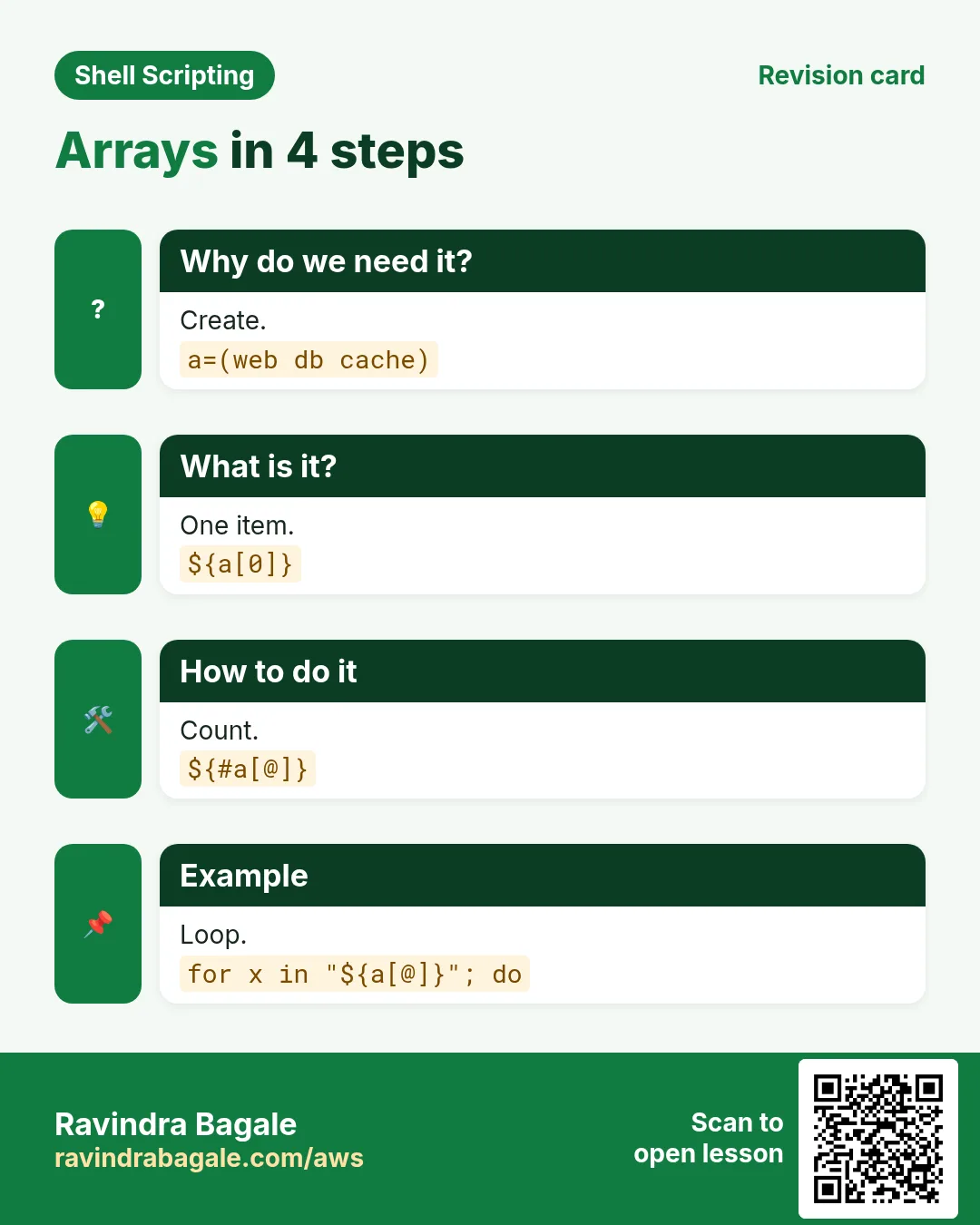
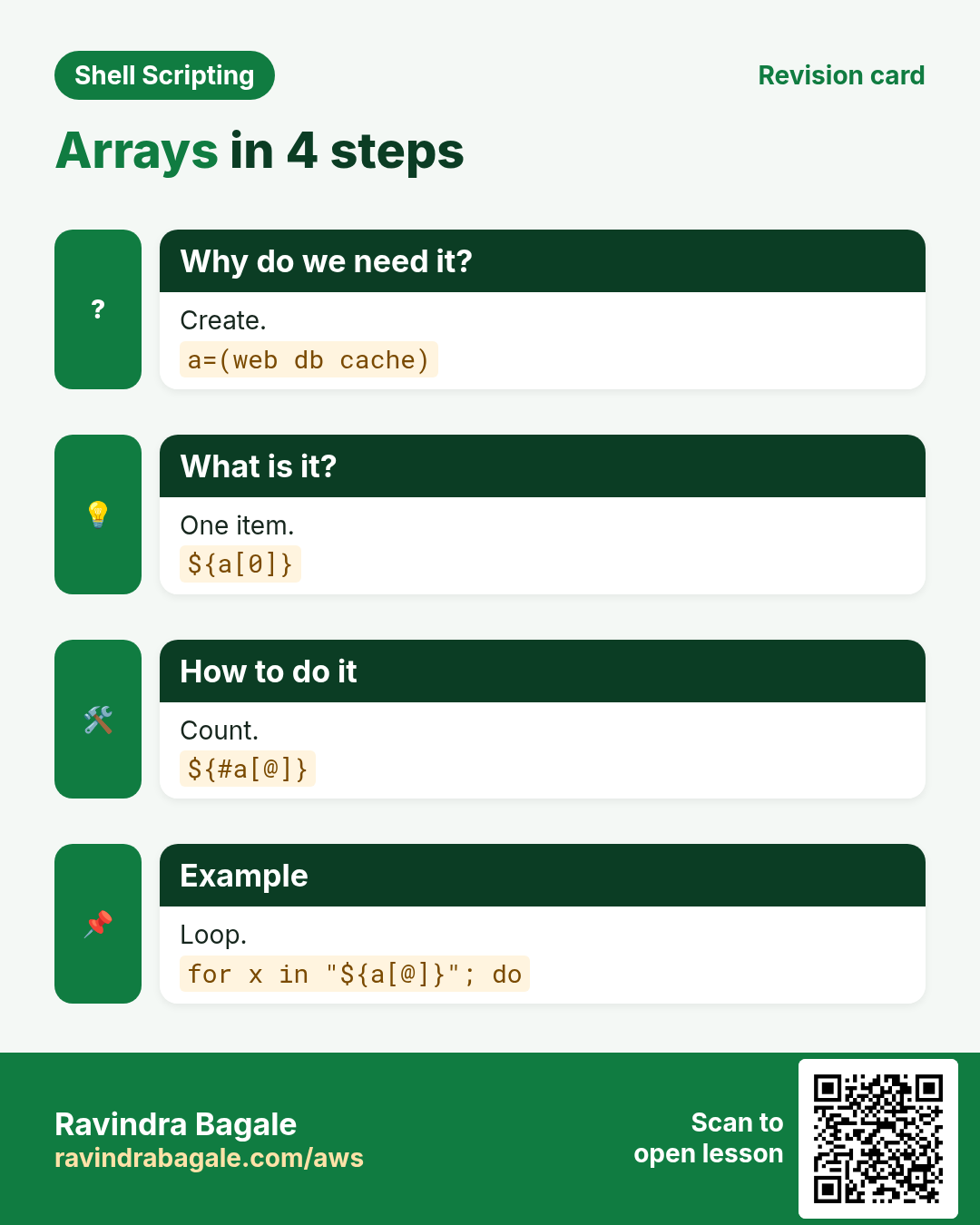
a=(one two 'three four') creates an array. Index starts at 0. ${a[0]} is the first item; ${a[-1]} the last (bash 4.3+). ${a[@]} is all items, ${#a[@]} the count, ${!a[@]} the indexes. Plain $a means ${a[0]} only. declare -p a shows everything.
| Form | Gives |
|---|---|
| ${a[0]} | first item |
| ${a[-1]} | last item |
| "${a[@]}" | all, each quoted |
| ${#a[@]} | count |
| ${!a[@]} | indexes |
| $a | same as ${a[0]} |
How to do it (step by step)
- Create and read.
cities=(Pune Mumbai 'Navi Mumbai'); echo "${cities[2]}"Output:
Navi MumbaiWhat it means: Index 2 is the third item.
- Count and last.
echo "${#cities[@]} cities, last is ${cities[-1]}"Output:
3 cities, last is Navi MumbaiWhat it means: -1 counts from the end.
- See everything.
declare -p citiesOutput:
declare -a cities=([0]="Pune" [1]="Mumbai" [2]="Navi Mumbai")What it means: Index and value pairs.
- Plain $name trap.
echo $citiesOutput:
PuneWhat it means: Only the first item.
3. Add, change and remove items
Why do we need this?
Lists grow while a script runs: failed hosts, files to upload, errors to report.
What is it?
a+=(new) appends. a[5]=x sets index 5 (arrays can have gaps). unset 'a[1]' removes item 1 but leaves a gap; rebuild with a=("${a[@]}") to renumber. a=() empties it; unset a deletes it. Quote 'a[1]' in unset so a file named a1 cannot confuse the glob.
How to do it (step by step)
- Append.
failed=(); failed+=(web3); failed+=(db2); echo "${failed[@]}"Output:
web3 db2What it means: += adds at the end.
- Change.
failed[0]=web4; echo "${failed[0]}"Output:
web4What it means: Assign by index.
- Remove and gap.
n=(a b c d); unset 'n[1]'; echo "${!n[@]}"Output:
0 2 3What it means: Index 1 is now missing.
- Renumber.
n=("${n[@]}"); echo "${!n[@]} -> ${n[*]}"Output:
0 1 2 -> a c dWhat it means: Rebuilt without gaps.
4. Loop over arrays safely
Why do we need this?
Most array work is a loop. The quoting decides whether names with spaces survive.
What is it?
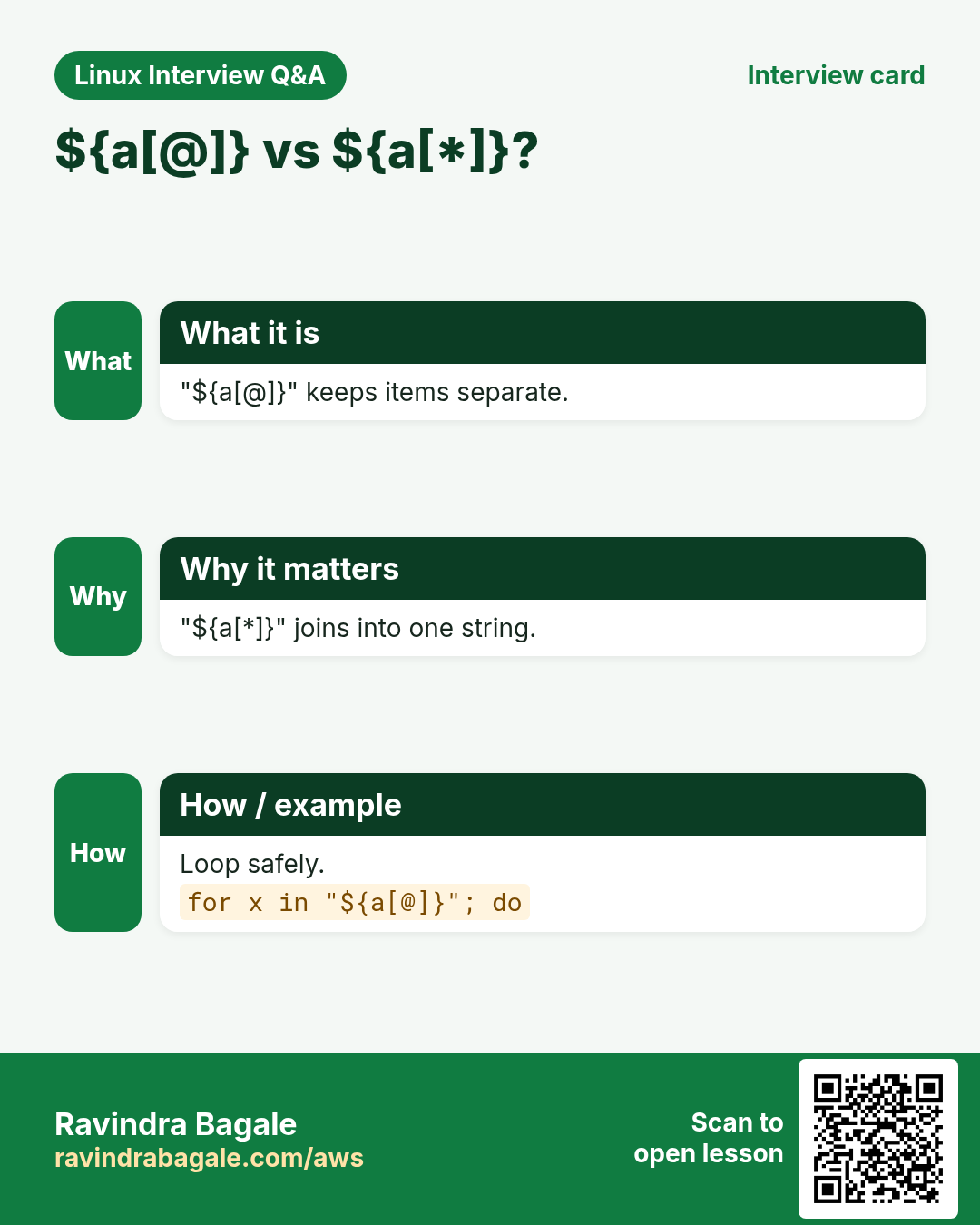
for v in "${a[@]}" gives each item whole. for i in "${!a[@]}" gives indexes, useful when you need position or want to change items. "${a[*]}" joins all items into one string using the first char of IFS, handy for printing: (IFS=,; echo "${a[*]}").
How to do it (step by step)
- Each item.
files=('Q1 sales.csv' summary.csv); for f in "${files[@]}"; do echo "upload [$f]"; doneOutput:
upload [Q1 sales.csv]
upload [summary.csv]
What it means: Spaces kept.
- Unquoted breaks.
for f in ${files[@]}; do echo "[$f]"; doneOutput:
[Q1]
[sales.csv]
[summary.csv]
What it means: Never leave it unquoted.
- With index.
for i in "${!files[@]}"; do echo "$((i+1)). ${files[i]}"; doneOutput:
1. Q1 sales.csv
2. summary.csv
What it means: Numbered list.
- Join with commas.
hosts=(web1 web2 db1); (IFS=,; echo "${hosts[*]}")Output:
web1,web2,db1What it means: IFS change stays inside ( ).
5. Slices, length of items and search
Why do we need this?
Batch processing, 'first 10' reports and checking membership are common needs.
What is it?
${a[@]:start:count} takes a slice. ${#a[2]} is the length of item 2. ${a[@]/old/new} replaces in every item. To check if a value is in an array, loop and compare, or use an associative array (faster for big lists).
How to do it (step by step)
- Slice.
nums=(10 20 30 40 50); echo "${nums[@]:1:3}"Output:
20 30 40What it means: Start at index 1, take 3.
- Batches of 2.
for ((i=0; i<${#nums[@]}; i+=2)); do echo "batch: ${nums[@]:i:2}"; doneOutput:
batch: 10 20
batch: 30 40
batch: 50
What it means: Good for API limits.
- Replace in all.
imgs=(a.jpeg b.jpeg); echo "${imgs[@]/%.jpeg/.jpg}"Output:
a.jpg b.jpgWhat it means: /% matches at the end.
- Contains?
in_list(){ local x=$1; shift; for v in "$@"; do [[ $v == "$x" ]] && return 0; done; return 1; }; in_list db1 web1 db1 && echo foundOutput:
foundWhat it means: Pass "${a[@]}" as arguments.
6. mapfile / readarray: file into an array
Why do we need this?
Loading a list of hosts or IDs into an array lets you count, slice and loop over it many times.
What is it?
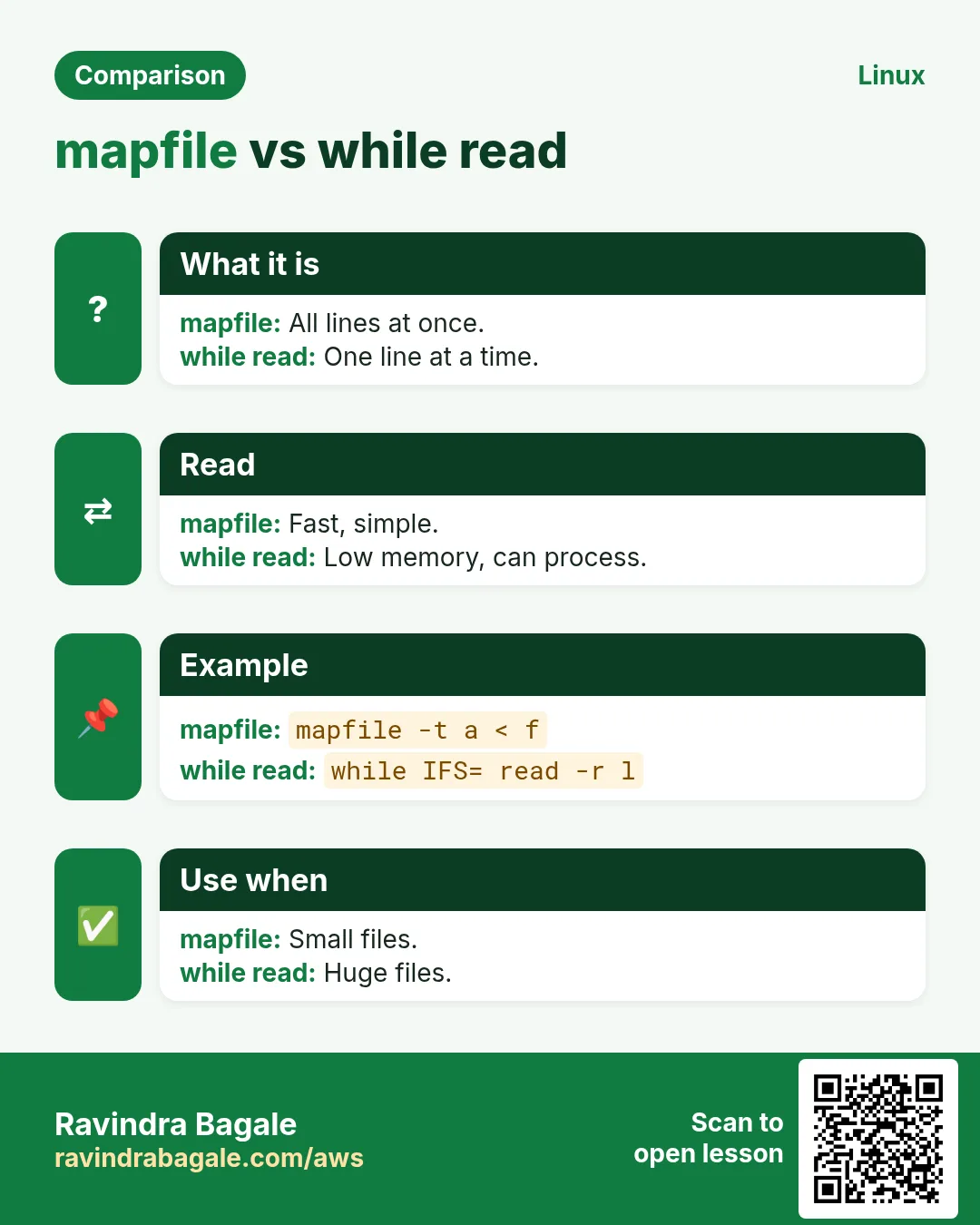
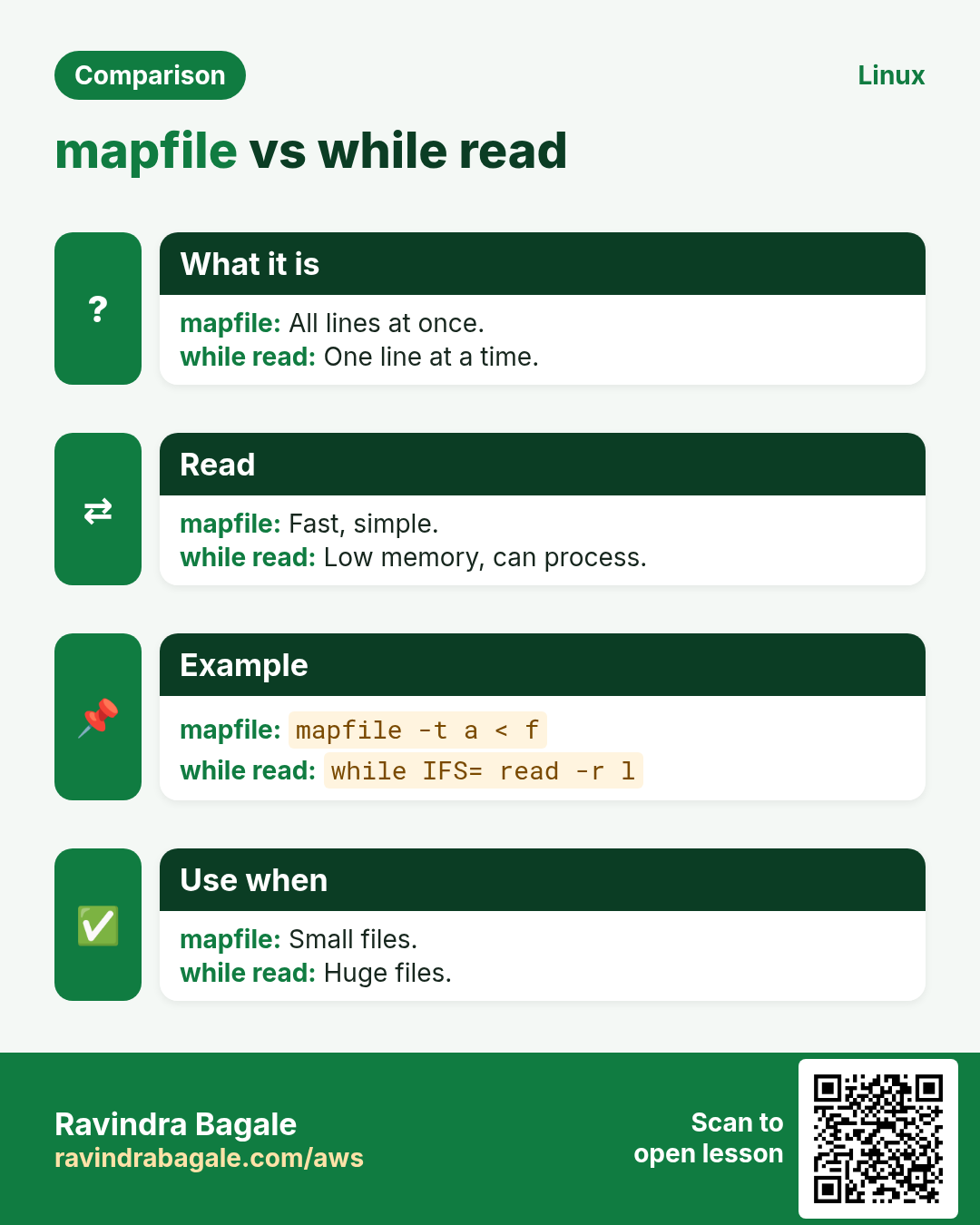
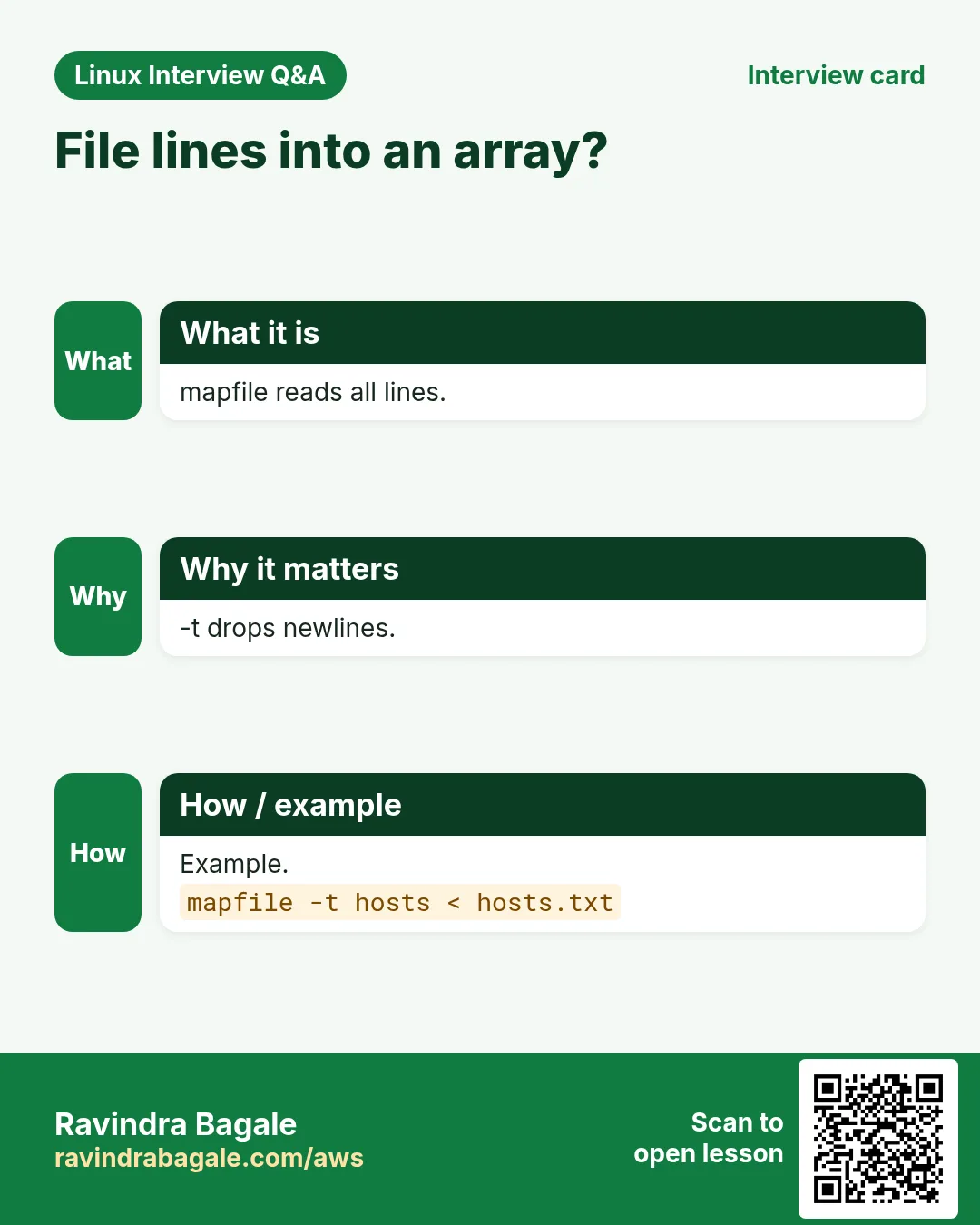
mapfile -t arr < file puts one line per item; -t removes the new line. readarray is the same command. Feed command output with mapfile -t arr < <(cmd). -s 1 skips the first line (header), -n 10 reads at most 10. For splitting one line into words, use read -ra arr <<< "$line".
How to do it (step by step)
- Lines to items.
printf 'web1\nweb2\ndb1\n' | tee servers.txt; mapfile -t srv < servers.txt; echo "${#srv[@]} servers: ${srv[*]}"Output:
3 servers: web1 web2 db1What it means: One item per line.
- From a command.
mapfile -t big < <(du -sh /var/* 2>/dev/null | sort -rh | head -3); printf '%s\n' "${big[@]}"Output:
1.2G	/var/lib
800M	/var/log
40M	/var/cache
What it means: Process substitution keeps the array.
- Skip header.
mapfile -t -s 1 rows < people.csv; echo "${rows[0]}"Output:
1,Asha,PuneWhat it means: -s 1 dropped the header.
- Split a line.
read -ra parts <<< 'mon tue wed'; echo "${parts[1]}"Output:
tueWhat it means: -a fills an array.
7. Build command arguments with arrays
Why do we need this?
Putting options in a string breaks on spaces and quotes. Arrays are the correct way to build optional flags.
What is it?
Start with args=() and add pieces: args+=(--exclude "$pat"). Run with cmd "${args[@]}". Each element is passed as exactly one argument, so spaces inside are safe. This is how professional scripts build rsync, curl and docker commands.
How to do it (step by step)
- String way breaks.
opts="-name 'my file.txt'"; find /tmp $optsOutput:
find: paths must precede expression: `file.txt''What it means: Quotes inside a string are not real quotes.
- Array way works.
opts=(-name 'my file.txt'); find /tmp "${opts[@]}"Output:
/tmp/my file.txtWhat it means: Each element is one argument.
- Optional flags.
verbose=1; args=(-a); (( verbose )) && args+=(-v); args+=(--exclude '*.tmp'); echo rsync "${args[@]}" src/ dst/Output:
rsync -a -v --exclude *.tmp src/ dst/What it means: Flags added only when needed.
- See exact arguments.
printf '[%s]\n' "${args[@]}"Output:
[-a]
[-v]
[--exclude]
[*.tmp]
What it means: *.tmp stayed one argument.
8. Associative arrays: declare -A
Why do we need this?
Lookups like 'which IP for this server' or 'which team for this user' are easy with keys instead of numbers.
What is it?
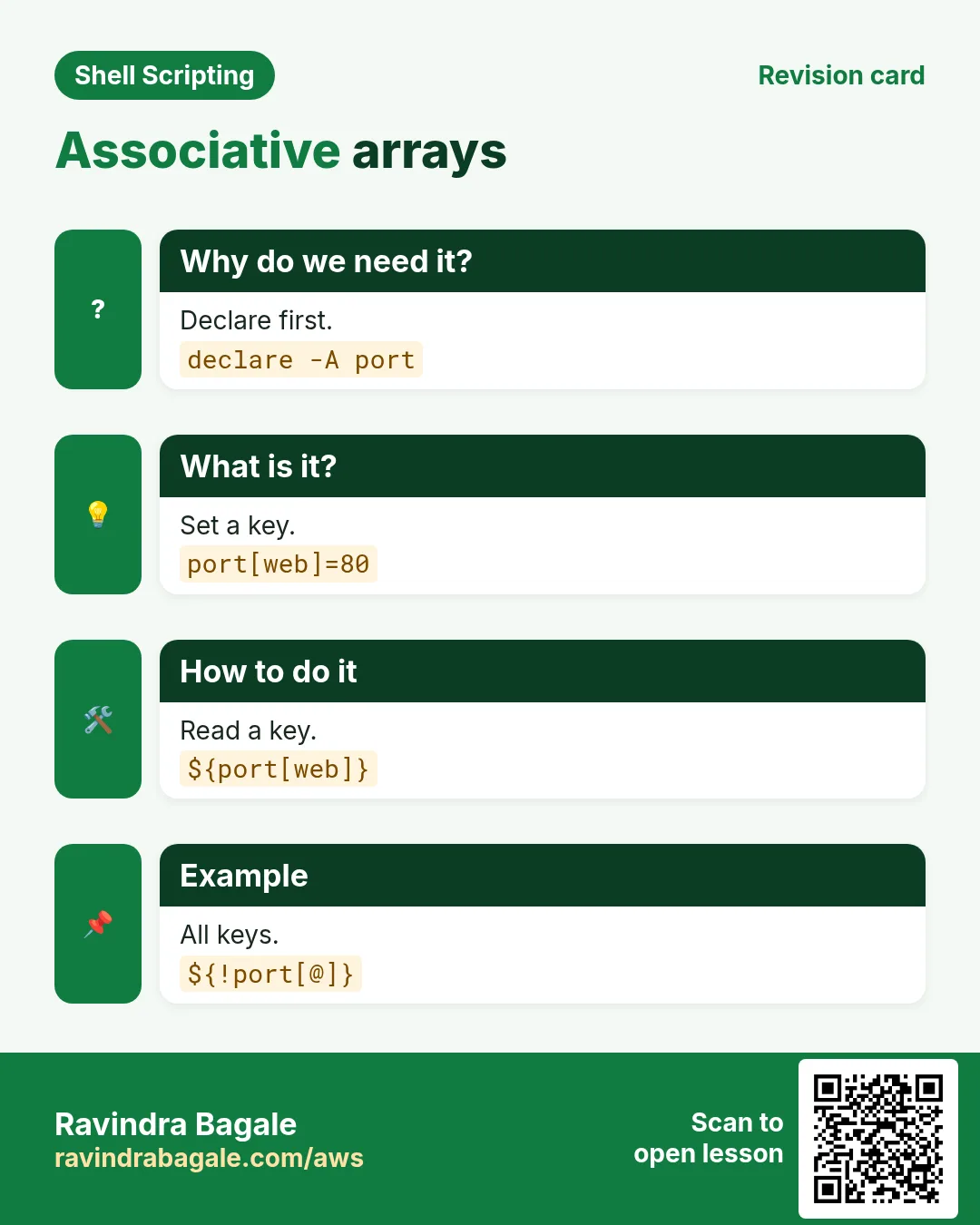
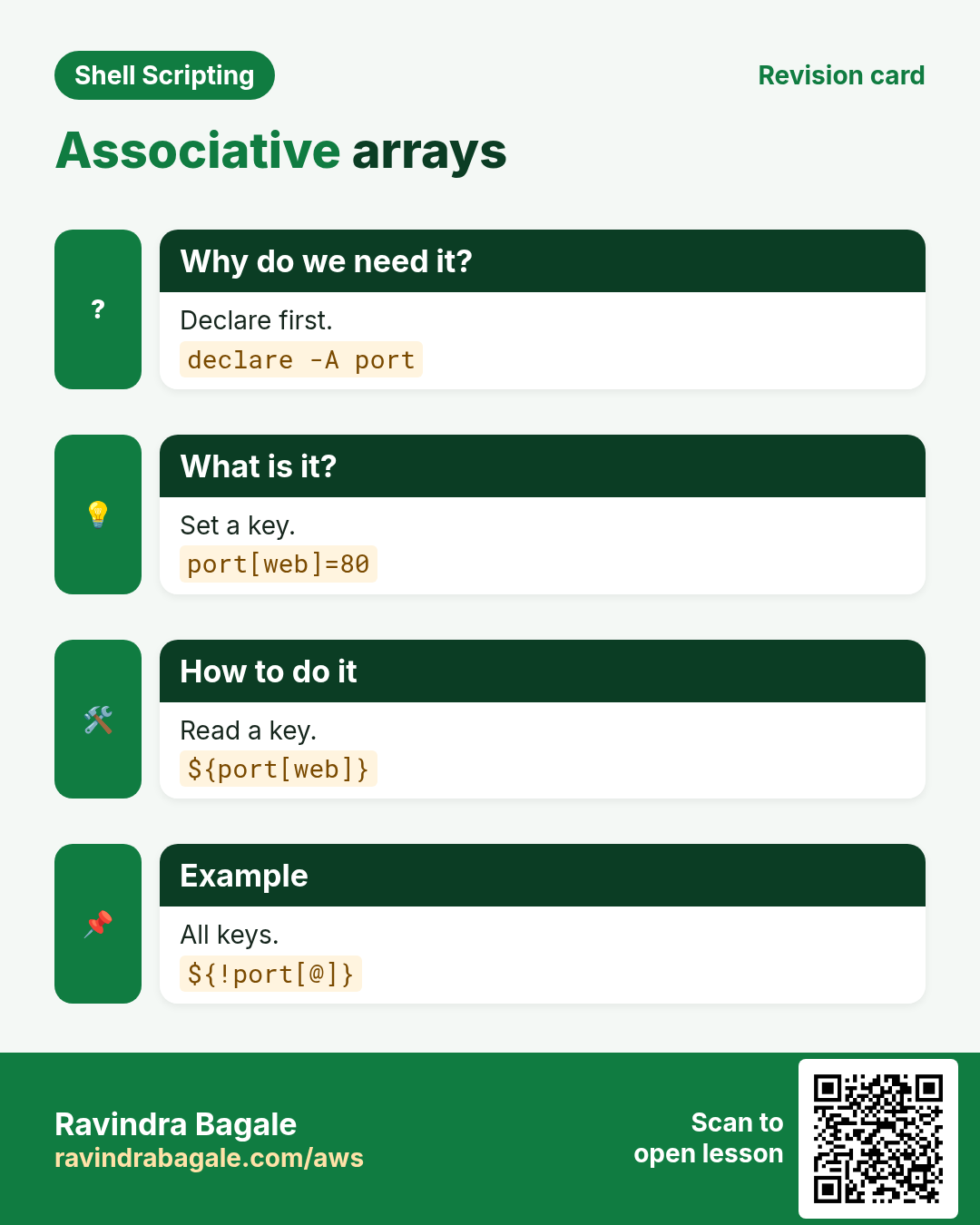
declare -A m creates one (required; bash 4+). m[key]=value sets, ${m[key]} reads, ${!m[@]} lists keys, ${#m[@]} counts. [[ -v m[key] ]] checks if a key exists. Order of keys is not guaranteed; sort them when printing. Keys can have spaces if quoted: m['Navi Mumbai']=400703.
| Action | Syntax |
|---|---|
| create | declare -A m |
| set | m[k]=v |
| get | ${m[k]} |
| keys | ${!m[@]} |
| exists? | [[ -v m[k] ]] |
| delete key | unset 'm[k]' |
How to do it (step by step)
- Create.
declare -A pin=([Pune]=411001 [Nashik]=422001 ['Navi Mumbai']=400703); echo "${pin[Nashik]}"Output:
422001What it means: Look up by name.
- Keys and values.
for c in "${!pin[@]}"; do echo "$c=${pin[$c]}"; done | sortOutput:
Nashik=422001
Navi Mumbai=400703
Pune=411001
What it means: sort gives a stable order.
- Exists?
[[ -v pin[Satara] ]] && echo yes || echo 'no Satara'Output:
no SataraWhat it means: -v checks the key.
- Forgot declare -A.
unset m; m[web]=1; m[db]=2; declare -p mOutput:
declare -a m=([0]="2")What it means: Treated as indexed; text keys became 0.
9. Counting and grouping with associative arrays
Why do we need this?
'How many errors per service' or 'how many hits per IP' is a daily log question.
What is it?
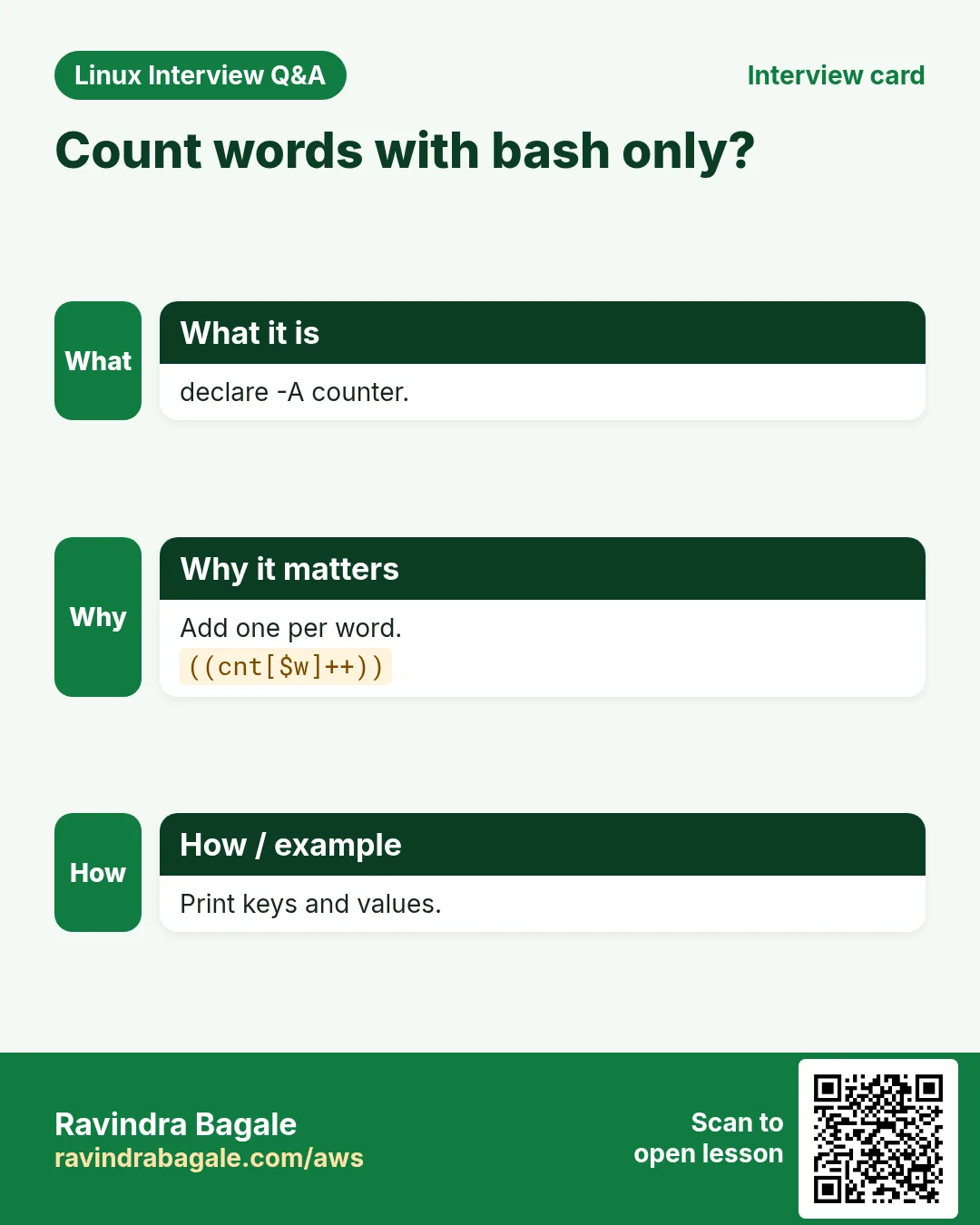
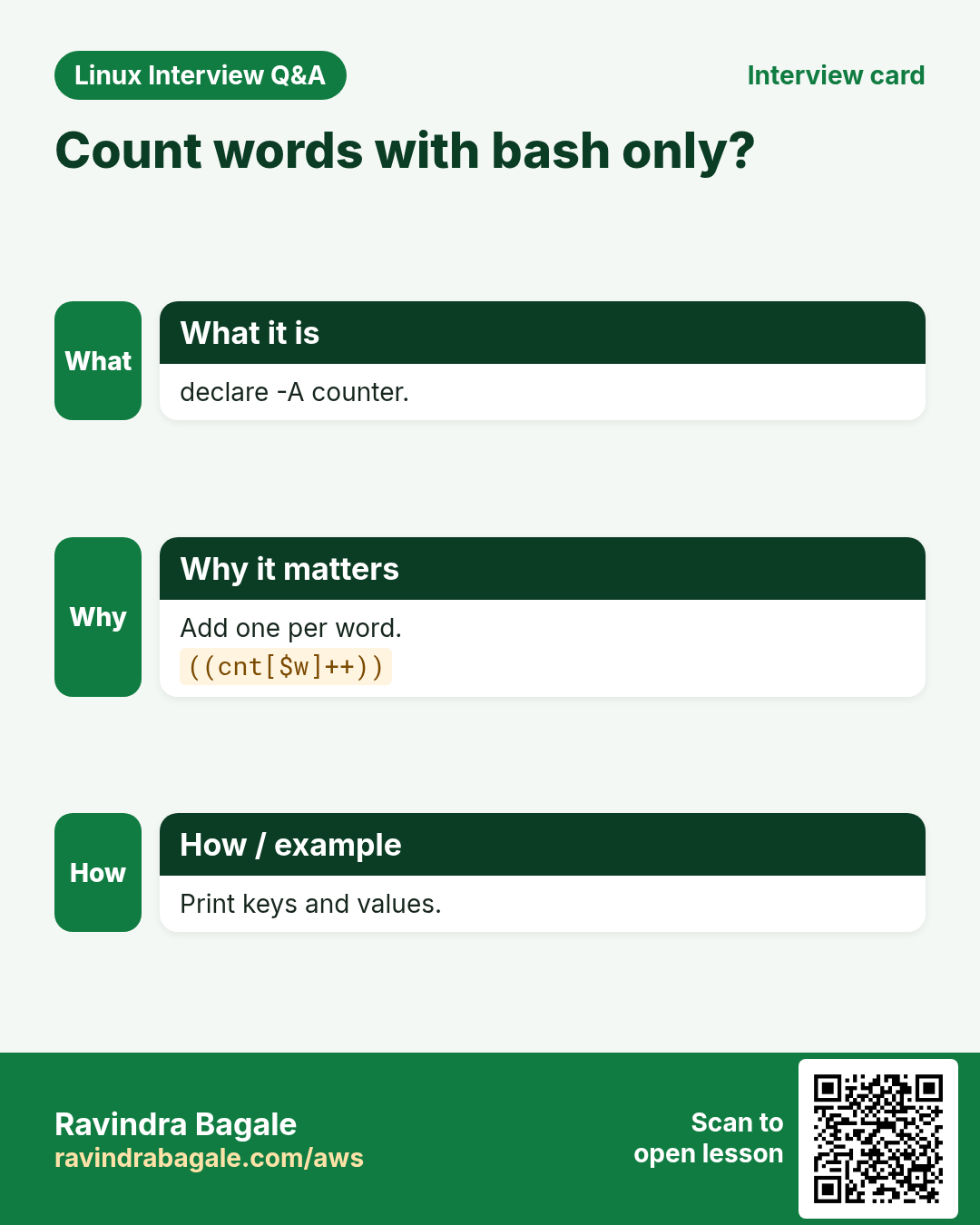
Use the thing you count as the key and ((count[$key]++)) in a loop. At the end print keys and counts, sorted by count with sort -k2 -nr. You can also group: list[$team]+="$user ". For very large files awk is faster, but this is clear for medium data.
How to do it (step by step)
- Count by status.
declare -A hits; while read -r ip _ _ _ _ _ _ _ code _; do ((hits[$code]++)); done < access.log; for k in "${!hits[@]}"; do echo "$k ${hits[$k]}"; done | sort -k2 -nrOutput:
200 912
404 37
500 4
What it means: Status code was the 9th field.
- Group users by team.
declare -A team; while IFS=, read -r u t; do team[$t]+="$u "; done < <(printf 'meera,dev\nkunal,ops\nasha,dev\n'); for t in "${!team[@]}"; do echo "$t: ${team[$t]}"; done | sortOutput:
dev: meera asha
ops: kunal
What it means: += appends text.
- Unique items.
declare -A seen; for x in b a b c a; do seen[$x]=1; done; echo "${!seen[@]}" | tr ' ' '\n' | sort | tr '\n' ' 'Output:
a b c What it means: Keys are unique by nature.
10. Real examples from many industries
Why do we need this?
The same Linux skill shows up in every kind of company. Seeing it in many places helps you remember it.
What is it?
Each row is a made-up team. It shows who uses this and how.
How to do it (step by step)
| Team and city | How they use it | Command |
|---|---|---|
| Aditi, e-commerce, Pune | Server to IP map for deploy | declare -A ip=([web1]=10.0.1.5) |
| Ben, broadcasting, London | rsync args built in an array | rsync "${args[@]}" |
| Min-jun, gaming, Seoul | Count errors per service | ((cnt[$svc]++)) |
| Layla, airline, Cairo | Host list via mapfile | mapfile -t hosts < hosts.txt |
| Mateo, fintech, Buenos Aires | Batch API calls in slices | ${ids[@]:i:50} |
| Swapnil, insurance, Nagpur | Collect failures and report | failed+=("$h") |
11. Common errors and how to fix them
Why do we need this?
Everyone hits these errors. Knowing the cause saves hours.
What is it?
Read the exact message first. Then match it to a row below.
How to do it (step by step)
| Error you see | Why it happens | How to fix |
|---|---|---|
Only first item printed | Used $a instead of "${a[@]}" | Use "${a[@]}".echo "${a[@]}" |
Items with spaces split | Unquoted ${a[@]} | Quote it.for x in "${a[@]}" |
Text keys collapsed to [0] | No declare -A | Declare first.declare -A m |
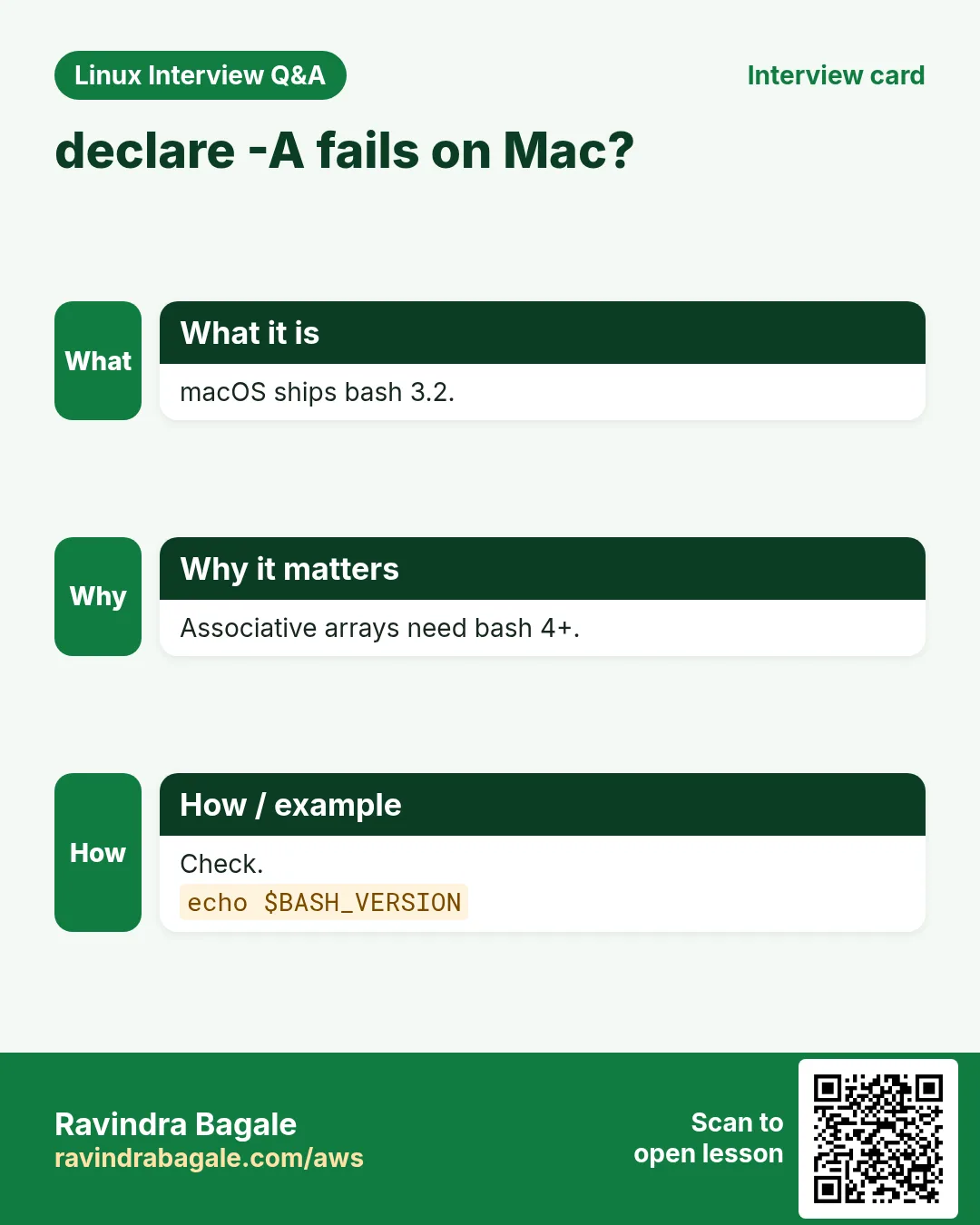
declare: -A: invalid option | Old bash 3 (macOS) | Install bash 4+.brew install bash |
bad array subscript | Empty key | Check key is not empty.[[ -n $k ]] && m[$k]=1 |
Array empty after pipe | while | Subshell lost it | Use < <(cmd) or mapfile.mapfile -t a < <(cmd) |
New line at end of every item | mapfile without -t | Add -t.mapfile -t a < f |
unbound variable with set -u on empty array | Old bash and empty array | Use ${a[@]+"${a[@]}"} or bash 4.4+.echo ${a[@]+"${a[@]}"} |
Arguments wrong when stored in a string | String instead of array | Build an array.args=(-name "$n") |
12. Troubleshooting step by step
Why do we need this?
declare -p shows exactly what an array holds, including type and indexes.
What is it?
Go top to bottom. Stop at the first step that shows the problem.
How to do it (step by step)
- Dump it.
declare -p a- Count.
echo ${#a[@]}- Each item boxed.
printf '[%s]\n' "${a[@]}"- Indexes.
echo "${!a[@]}"- Bash version.
echo $BASH_VERSION- Lint.
shellcheck s.sh13. Lab 1: Server inventory with arrays
Why do we need this?
Load servers with mapfile, ping them, collect failures in an array and print a summary.
What is it?
A full hands-on lab. Run every step on a test Linux machine (an EC2 instance, a VM, or WSL).
How to do it (step by step)
- Folder.
mkdir -p ~/lab43 && cd ~/lab43 && printf 'localhost\n127.0.0.1\nno.such.host\n' | tee inv.txt- Load.
mapfile -t inv < inv.txt; echo "${#inv[@]} servers"Output:
3 servers- Check.
ok=(); bad=(); for h in "${inv[@]}"; do if ping -c1 -W1 "$h" &>/dev/null; then ok+=("$h"); else bad+=("$h"); fi; done- Summary.
echo "up=${#ok[@]} down=${#bad[@]}"; printf 'DOWN: %s\n' "${bad[@]}"Output:
up=2 down=1
DOWN: no.such.host- Join.
(IFS=,; echo "up: ${ok[*]}")Output:
up: localhost,127.0.0.1- Inspect.
declare -p badOutput:
declare -a bad=([0]="no.such.host")14. Lab 2: Count by key with declare -A
Why do we need this?
Count login shells used on the system and map users to shells.
What is it?
A full hands-on lab. Run every step on a test Linux machine (an EC2 instance, a VM, or WSL).
How to do it (step by step)
- Declare.
declare -A cnt usr- Read passwd.
while IFS=: read -r u _ _ _ _ _ sh; do ((cnt[$sh]++)); usr[$u]=$sh; done < /etc/passwd- Counts.
for s in "${!cnt[@]}"; do echo "${cnt[$s]} $s"; done | sort -nrOutput:
22 /usr/sbin/nologin
3 /bin/bash
1 /bin/sync- Lookup.
echo "root uses ${usr[root]}"Output:
root uses /bin/bash- Exists?
[[ -v usr[nobody99] ]] || echo 'no such user'Output:
no such user- Total keys.
echo "${#usr[@]} users, ${#cnt[@]} shells"Output:
26 users, 3 shellsRavindra Bagale's Tip
Store lists in arrays, not in space-separated strings, and always expand them as "${arr[@]}". When you need lookups by name or counts, use declare -A and remember to declare it first.
Ravindra Bagale's Tip – मराठी
Lists arrays मधे ठेवा, space-separated strings मधे नाही, आणि नेहमी "${arr[@]}" ने expand करा. नावाने lookups किंवा counts लागत असतील तर declare -A वापरा आणि आधी declare करायला विसरू नका.
Ravindra Bagale's Tip – हिंदी
Lists arrays में रखिए, space-separated strings में नहीं, और हमेशा "${arr[@]}" से expand कीजिए. नाम से lookups या counts चाहिए तो declare -A इस्तेमाल कीजिए और पहले declare करना न भूलिए.
15. Frequently asked questions
Q. Index starts at?
0.
Q. "${a[@]}" vs "${a[*]}"?
Separate items vs one joined string.
Q. Sort an array?
mapfile -t s < <(printf '%s\n' "${a[@]}" | sort).
Q. Arrays in sh?
No; bash, zsh, ksh only.
Q. Pass an array to a function?
As "${a[@]}" or by nameref.
Q. Export an array?
Not possible; write to a file.
Q. Key order?
Not guaranteed; sort.
Q. 2D arrays?
Fake with keys like m[row,col].
16. Interview questions and answers
Beginner level
Q. Create an array?
a=(x y z).
Q. Number of items?
${#a[@]}.
Q. Add an item?
a+=(new).
Q. First item?
${a[0]}.
Mid level level
Q. Loop safely?
for x in "${a[@]}".
Q. File into array?
mapfile -t a < file.
Q. Associative array?
declare -A m; m[k]=v.
Q. Check a key?
[[ -v m[k] ]].
Senior level
Q. Why build commands in arrays?
Each element is one argument, safe with spaces.
Q. unset leaves gaps; how to fix?
a=("${a[@]}").
Q. Arrays vs awk for counting?
Arrays clear for medium data; awk faster for huge files.
Q. Portability concerns?
bash 4+ for -A; macOS ships bash 3.2.
Try at home
- Put five of your favourite places in an array and print them numbered, then remove the third one and print again.
- Use declare -A to count how many files of each extension are in your home folder.
Practice Tasks
Nairobi Ride is a transport business in Nairobi. Wanjiru Kamau looks after its IT and cloud work. They count money in KES and run their AWS resources in the af-south-1 Region. In the tasks below you do real jobs for them using what this lesson teaches. All names, account IDs, IP addresses and numbers are made up for practice.
0 / 21
Easy Make an array
Why: BIZ keeps lists of servers, users and counts in arrays.
What to do: Create an array zones with the items east west north.
- Find the Linux command that does this job.
- Add the options (like -r or -h) the task needs.
- Add the file names, folders or users in the right order.
- Use sudo if the job changes system files or users. Click Check answer.
Easy First item
Why: BIZ keeps lists of servers, users and counts in arrays.
What to do: Print the first item of the array zones.
- Find the Linux command that does this job.
- Add the options (like -r or -h) the task needs.
- Add the file names, folders or users in the right order.
- Use sudo if the job changes system files or users. Click Check answer.
Easy Last item
Why: BIZ keeps lists of servers, users and counts in arrays.
What to do: Print the last item of the array zones using a negative index.
- Find the Linux command that does this job.
- Add the options (like -r or -h) the task needs.
- Add the file names, folders or users in the right order.
- Use sudo if the job changes system files or users. Click Check answer.
Easy All items
Why: BIZ keeps lists of servers, users and counts in arrays.
What to do: Print all items of the array zones, each quoted.
- Find the Linux command that does this job.
- Add the options (like -r or -h) the task needs.
- Add the file names, folders or users in the right order.
- Use sudo if the job changes system files or users. Click Check answer.
Easy Count
Why: BIZ keeps lists of servers, users and counts in arrays.
What to do: Print how many items the array zones has.
- Find the Linux command that does this job.
- Add the options (like -r or -h) the task needs.
- Add the file names, folders or users in the right order.
- Use sudo if the job changes system files or users. Click Check answer.
Easy Append
Why: BIZ keeps lists of servers, users and counts in arrays.
What to do: Add south to the end of the array zones.
- Find the Linux command that does this job.
- Add the options (like -r or -h) the task needs.
- Add the file names, folders or users in the right order.
- Use sudo if the job changes system files or users. Click Check answer.
Easy Inspect
Why: BIZ keeps lists of servers, users and counts in arrays.
What to do: Show the full definition of the array zones.
- Find the Linux command that does this job.
- Add the options (like -r or -h) the task needs.
- Add the file names, folders or users in the right order.
- Use sudo if the job changes system files or users. Click Check answer.
Easy Make a map
Why: BIZ keeps lists of servers, users and counts in arrays.
What to do: Create an empty associative array named stockqty.
- Find the Linux command that does this job.
- Add the options (like -r or -h) the task needs.
- Add the file names, folders or users in the right order.
- Use sudo if the job changes system files or users. Click Check answer.
Easy Set a key
Why: BIZ keeps lists of servers, users and counts in arrays.
What to do: Set the key rice in the map stockqty to 40.
- Find the Linux command that does this job.
- Add the options (like -r or -h) the task needs.
- Add the file names, folders or users in the right order.
- Use sudo if the job changes system files or users. Click Check answer.
Medium Indexes
Why: BIZ keeps lists of servers, users and counts in arrays.
What to do: Print the indexes of the array zones.
- Find the Linux command that does this job.
- Add the options (like -r or -h) the task needs.
- Add the file names, folders or users in the right order.
- Use sudo if the job changes system files or users. Click Check answer.
Medium Set index 3
Why: BIZ keeps lists of servers, users and counts in arrays.
What to do: Set index 3 of the array zones to central.
- Find the Linux command that does this job.
- Add the options (like -r or -h) the task needs.
- Add the file names, folders or users in the right order.
- Use sudo if the job changes system files or users. Click Check answer.
Medium Remove item 1
Why: BIZ keeps lists of servers, users and counts in arrays.
What to do: Remove index 1 from the array zones, quoting the element.
- Find the Linux command that does this job.
- Add the options (like -r or -h) the task needs.
- Add the file names, folders or users in the right order.
- Use sudo if the job changes system files or users. Click Check answer.
Medium Loop items
Why: BIZ keeps lists of servers, users and counts in arrays.
What to do: Loop over the array zones printing each item, variable z.
- Find the Linux command that does this job.
- Add the options (like -r or -h) the task needs.
- Add the file names, folders or users in the right order.
- Use sudo if the job changes system files or users. Click Check answer.
Medium Slice
Why: BIZ keeps lists of servers, users and counts in arrays.
What to do: Print 2 items of the array zones starting at index 1.
- Find the Linux command that does this job.
- Add the options (like -r or -h) the task needs.
- Add the file names, folders or users in the right order.
- Use sudo if the job changes system files or users. Click Check answer.
Medium File into array
Why: BIZ keeps lists of servers, users and counts in arrays.
What to do: Read vendors.txt into the array vend, one line per item, without new lines.
- Find the Linux command that does this job.
- Add the options (like -r or -h) the task needs.
- Add the file names, folders or users in the right order.
- Use sudo if the job changes system files or users. Click Check answer.
Medium List keys
Why: BIZ keeps lists of servers, users and counts in arrays.
What to do: Print all keys of the map stockqty.
- Find the Linux command that does this job.
- Add the options (like -r or -h) the task needs.
- Add the file names, folders or users in the right order.
- Use sudo if the job changes system files or users. Click Check answer.
Medium Key exists
Why: BIZ keeps lists of servers, users and counts in arrays.
What to do: Print yes if the key dal exists in stockqty.
- Find the Linux command that does this job.
- Add the options (like -r or -h) the task needs.
- Add the file names, folders or users in the right order.
- Use sudo if the job changes system files or users. Click Check answer.
Hard Close the gaps
Why: BIZ keeps lists of servers, users and counts in arrays.
What to do: Rebuild the array zones so its indexes have no gaps.
- Find the Linux command that does this job.
- Add the options (like -r or -h) the task needs.
- Add the file names, folders or users in the right order.
- Use sudo if the job changes system files or users. Click Check answer.
Hard Join with pipe
Why: BIZ keeps lists of servers, users and counts in arrays.
What to do: In a subshell, print all items of zones joined with |.
- Find the Linux command that does this job.
- Add the options (like -r or -h) the task needs.
- Add the file names, folders or users in the right order.
- Use sudo if the job changes system files or users. Click Check answer.
Hard Command into array
Why: BIZ keeps lists of servers, users and counts in arrays.
What to do: Load the output of ls /etc/cron.d into the array jobs, without new lines.
- Find the Linux command that does this job.
- Add the options (like -r or -h) the task needs.
- Add the file names, folders or users in the right order.
- Use sudo if the job changes system files or users. Click Check answer.
Hard Count up
Why: BIZ keeps lists of servers, users and counts in arrays.
What to do: Increase the count for the key held in $code inside the map hitsby by one.
- Find the Linux command that does this job.
- Add the options (like -r or -h) the task needs.
- Add the file names, folders or users in the right order.
- Use sudo if the job changes system files or users. Click Check answer.
17. Related chapters
- Linux Ops Refresh for DevOps
- Bash Scripting for Automation
- Linux grep and find Commands with Examples
- How to Set Up Passwordless SSH Between Linux Servers
In short
- a=(x y) creates; index from 0.
- "${a[@]}" all items, ${#a[@]} count, ${!a[@]} indexes.
- a+=(x) adds; unset 'a[i]' removes.
- mapfile -t loads a file.
- Build command args with arrays.
- declare -A for keys, lookups and counts.
Revision, comparison and interview cards
Revise this lesson in a few minutes. Save the cards on your phone or download them as PNG files. The QR code on each card opens this lesson.
![${a[@]} vs ${a[*]}?. "${a[@]}" keeps items separate. "${a[*]}" joins into one string. Loop safely.](../ravi-sirs-cards/cards/en/int-lx7-int-arrq.webp)
More cards: Ravi Sir's Cards.