S3 Bucket Policy Project 9: Deny Delete, MFA Delete and Object Lock
Immutable evidence store: forensic lead Maya Banerjee in Kolkata must stop casual deletes. Combine a bucket policy Deny on delete without MFA, enable MFA Delete on versioning, and for stronger cases turn on S3 Object Lock (Governance or Compliance). Cleanup must be planned before Compliance mode.
What you'll learn in this chapter
- Why deny-delete and MFA matter for evidence
- What MFA condition and Object Lock modes mean
- How to CLI test delete deny vs MFA allow
- Governance vs Compliance cleanup reality
- Interview answers
1. Everyday project story
Delhi cyber cell analyst Rohit Verma and Stockholm SOC manager Erik Lindqvist keep incident disk images in S3. Accidental aws s3 rm must not wipe evidence.
2. Why deny delete + MFA + Lock?
Why do we need this?
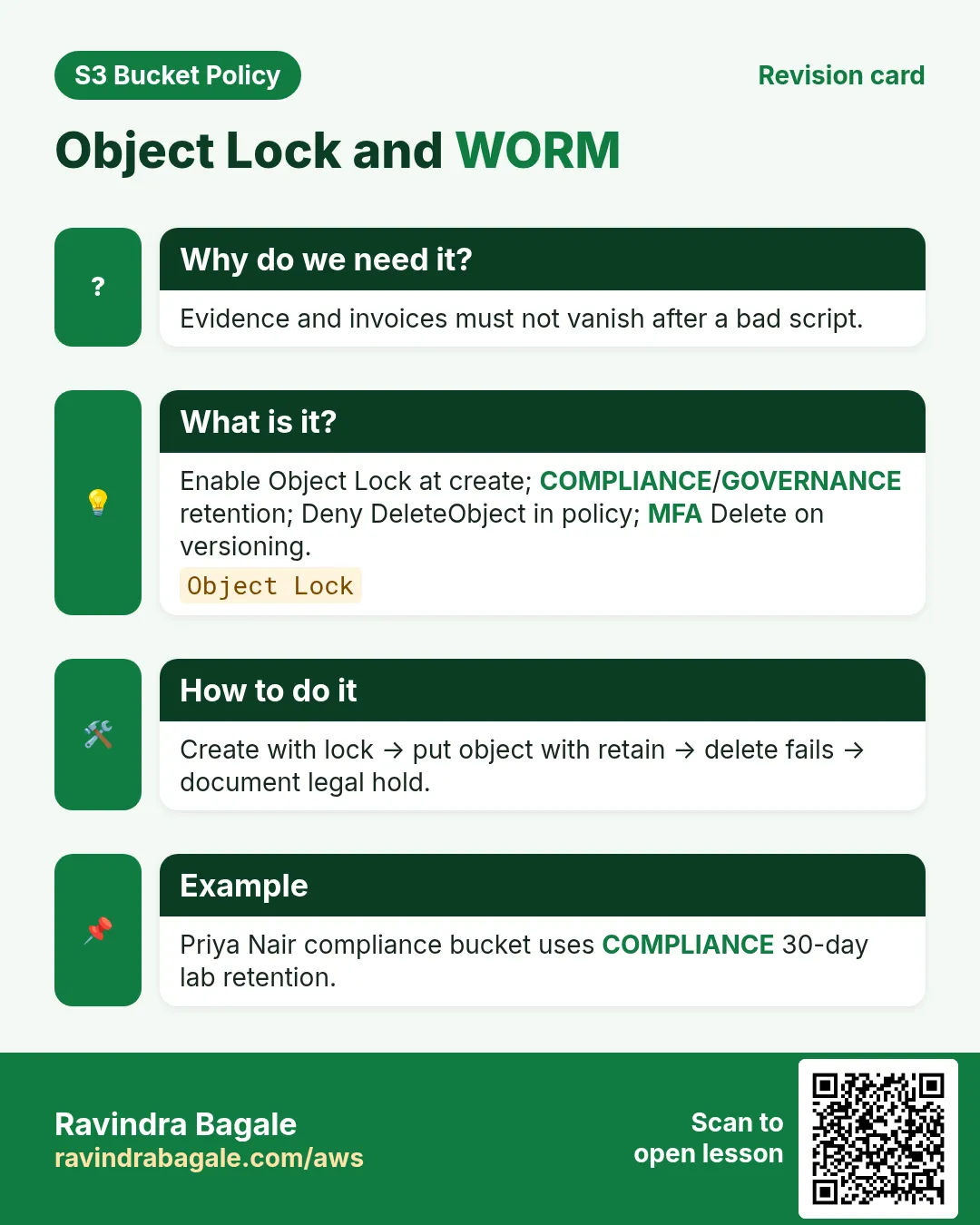
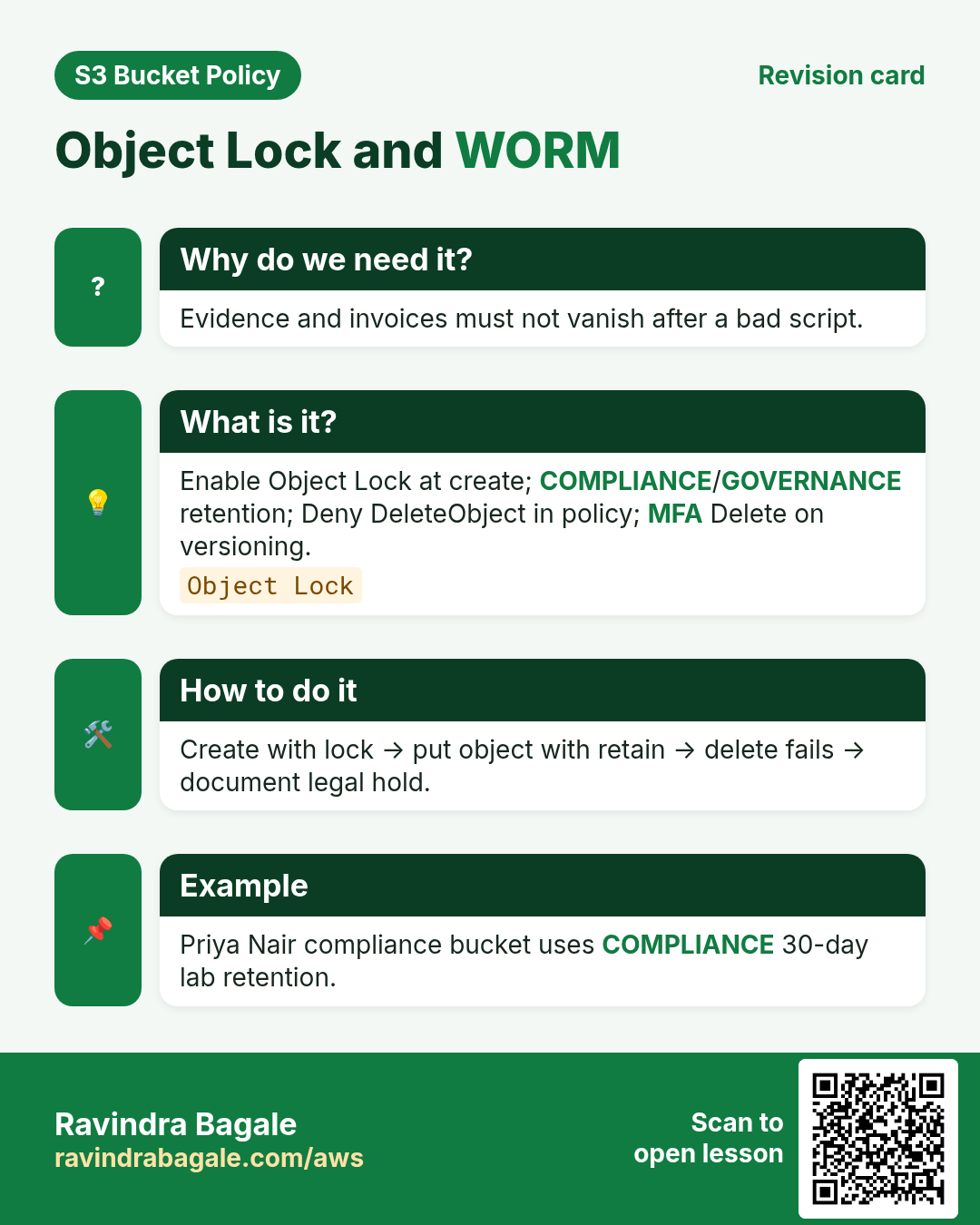
Versioning alone is not enough if someone deletes versions. MFA Delete and Object Lock add deliberate friction and WORM options.
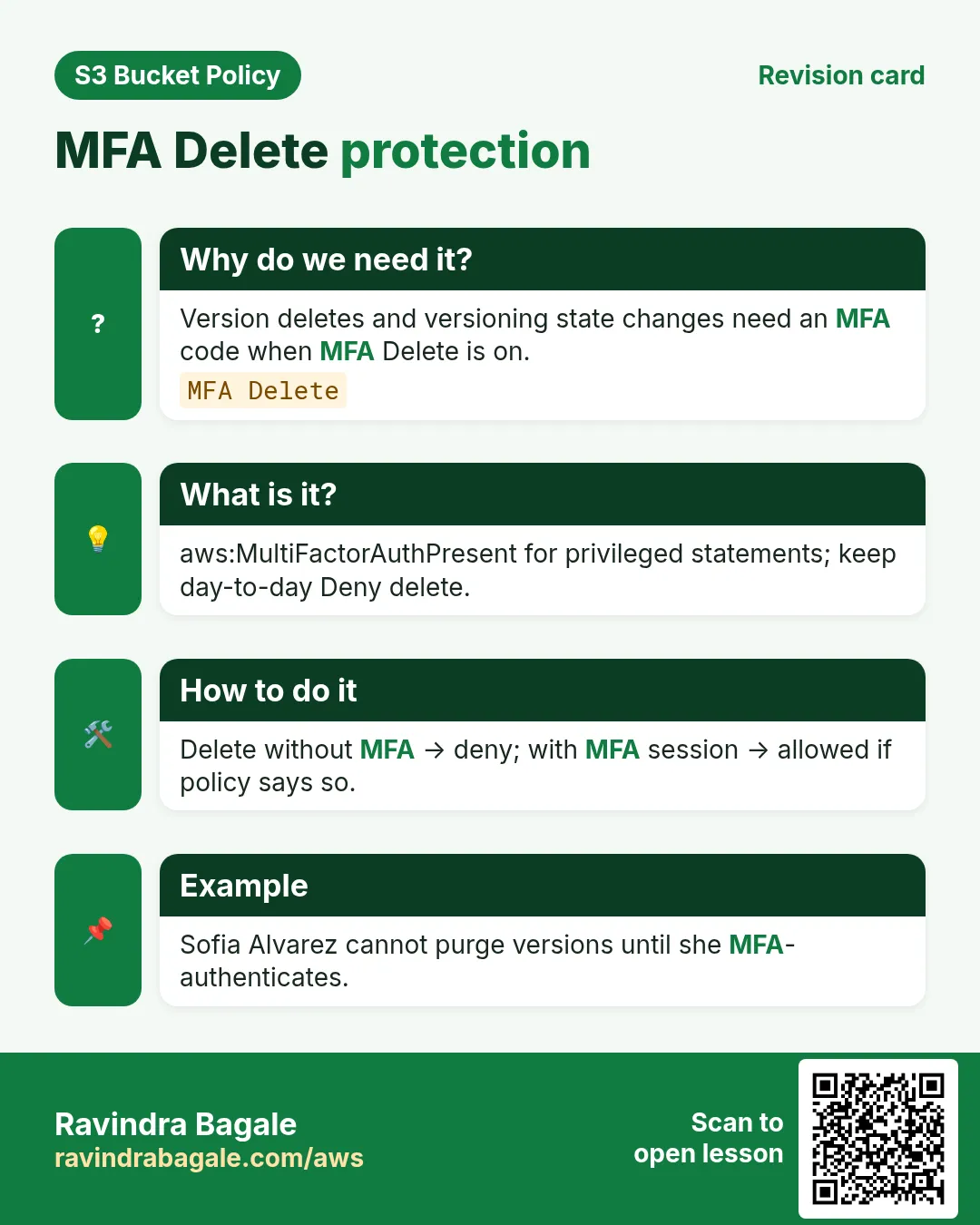
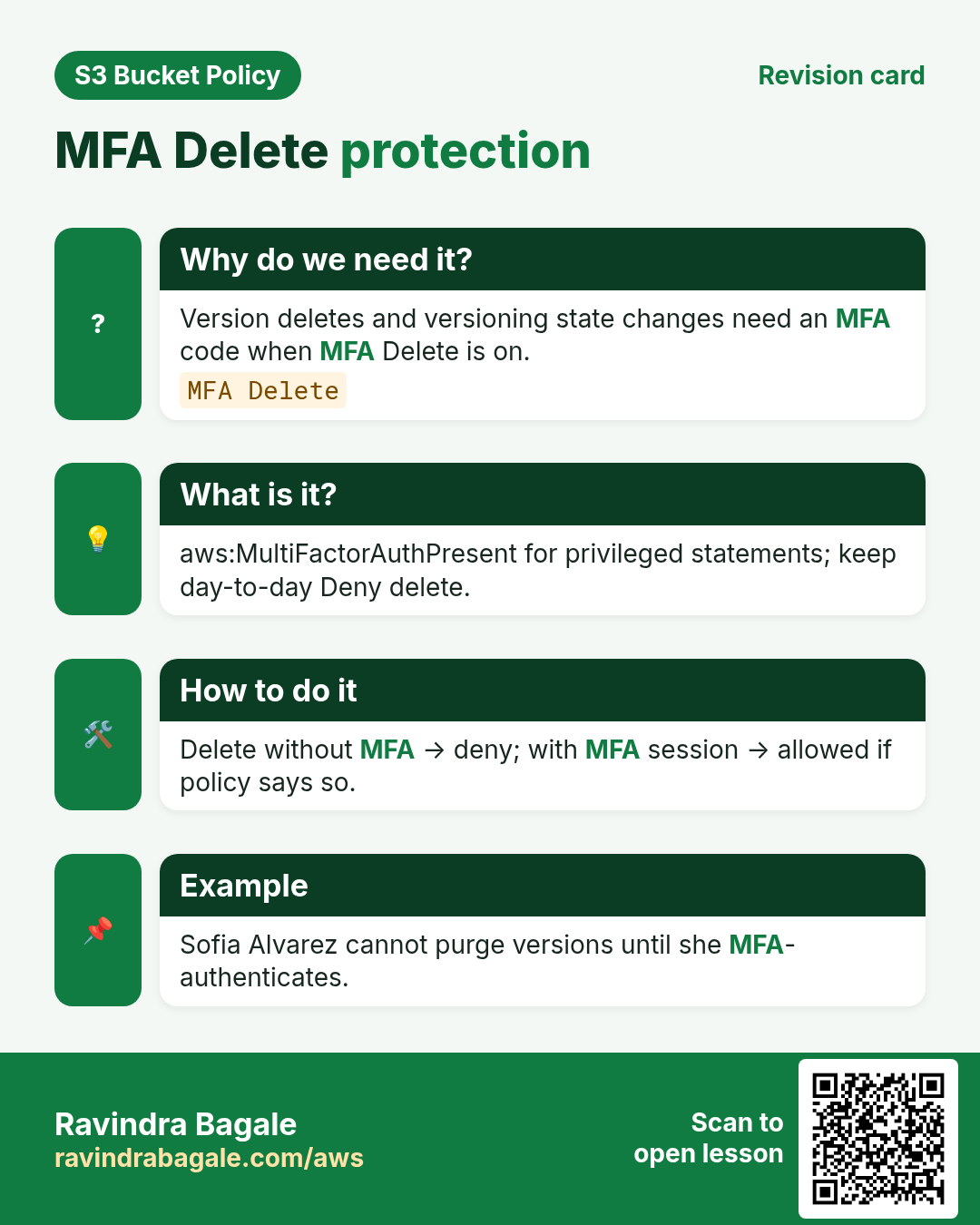
- Deny s3:DeleteObject* unless aws:MultiFactorAuthPresent
- Bucket versioning + MFA Delete (root MFA)
- Object Lock Governance vs Compliance
- Plan retention before Compliance
3. What is the policy?
What is it?
{
  "Version": "2012-10-17",
  "Statement": [
    {
      "Sid": "DenyDeleteWithoutMFA",
      "Effect": "Deny",
      "Principal": "*",
      "Action": [
        "s3:DeleteObject",
        "s3:DeleteObjectVersion",
        "s3:PutLifecycleConfiguration"
      ],
      "Resource": [
        "arn:aws:s3:::rb-evidence-ap-south-1",
        "arn:aws:s3:::rb-evidence-ap-south-1/*"
      ],
      "Condition": {
        "BoolIfExists": { "aws:MultiFactorAuthPresent": "false" }
      }
    }
  ]
}
Line-by-line
- Deny DeleteObject and DeleteObjectVersion without MFA.
- Also Deny PutLifecycleConfiguration — lifecycle can mass-expire.
- BoolIfExists MultiFactorAuthPresent false — no MFA → Deny.
- Does not replace Object Lock legal holds.
- Root enables MFA Delete on versioning.
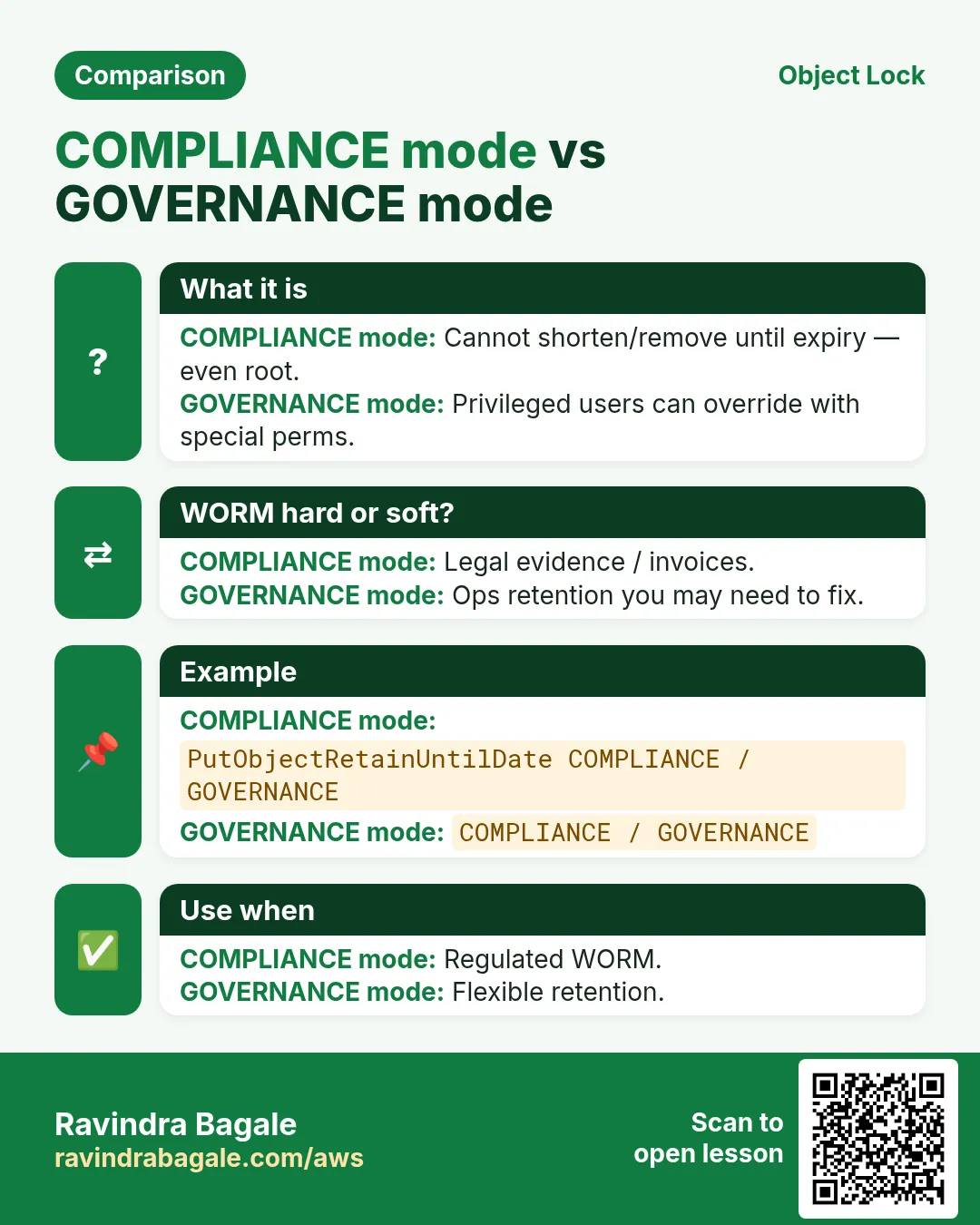
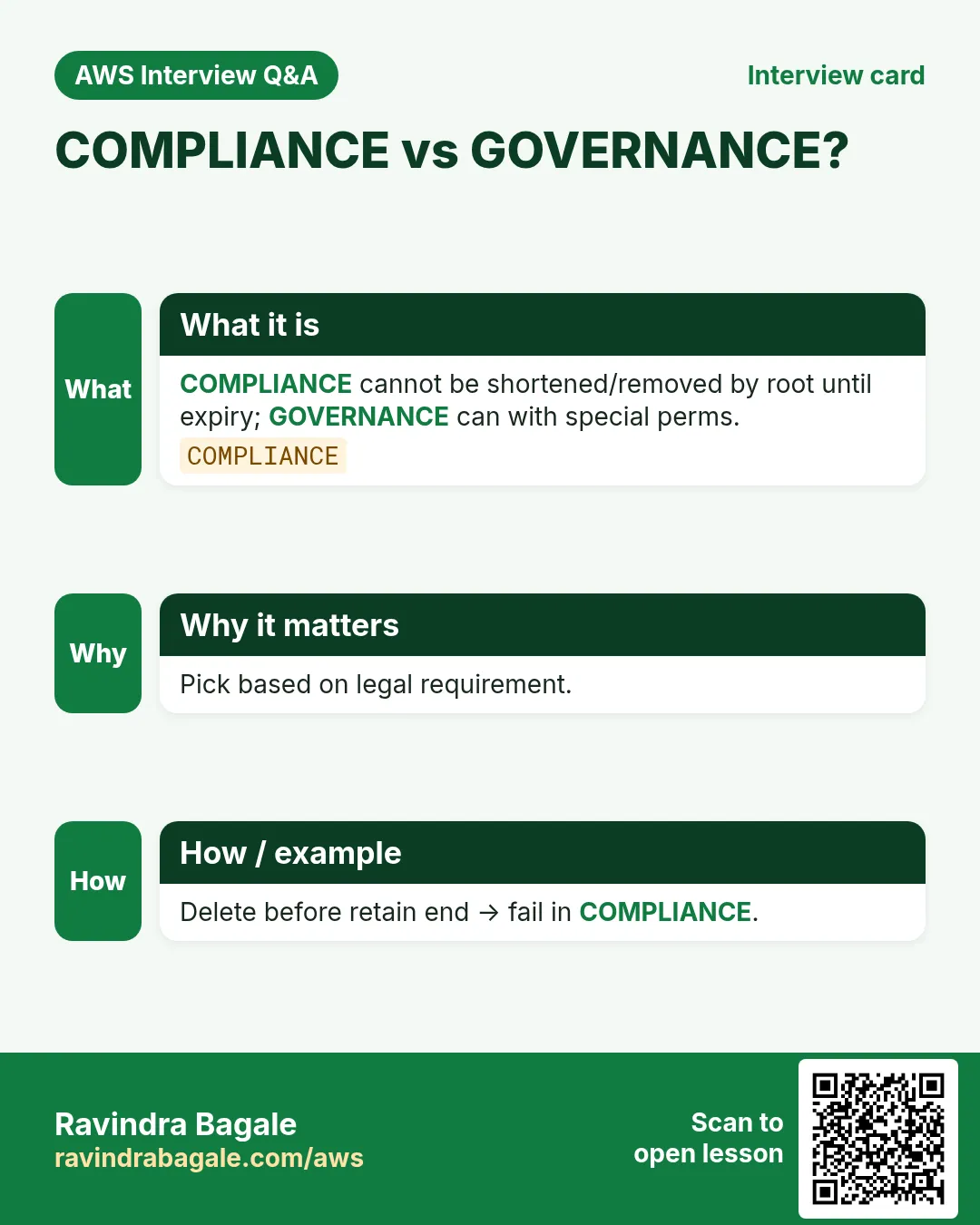
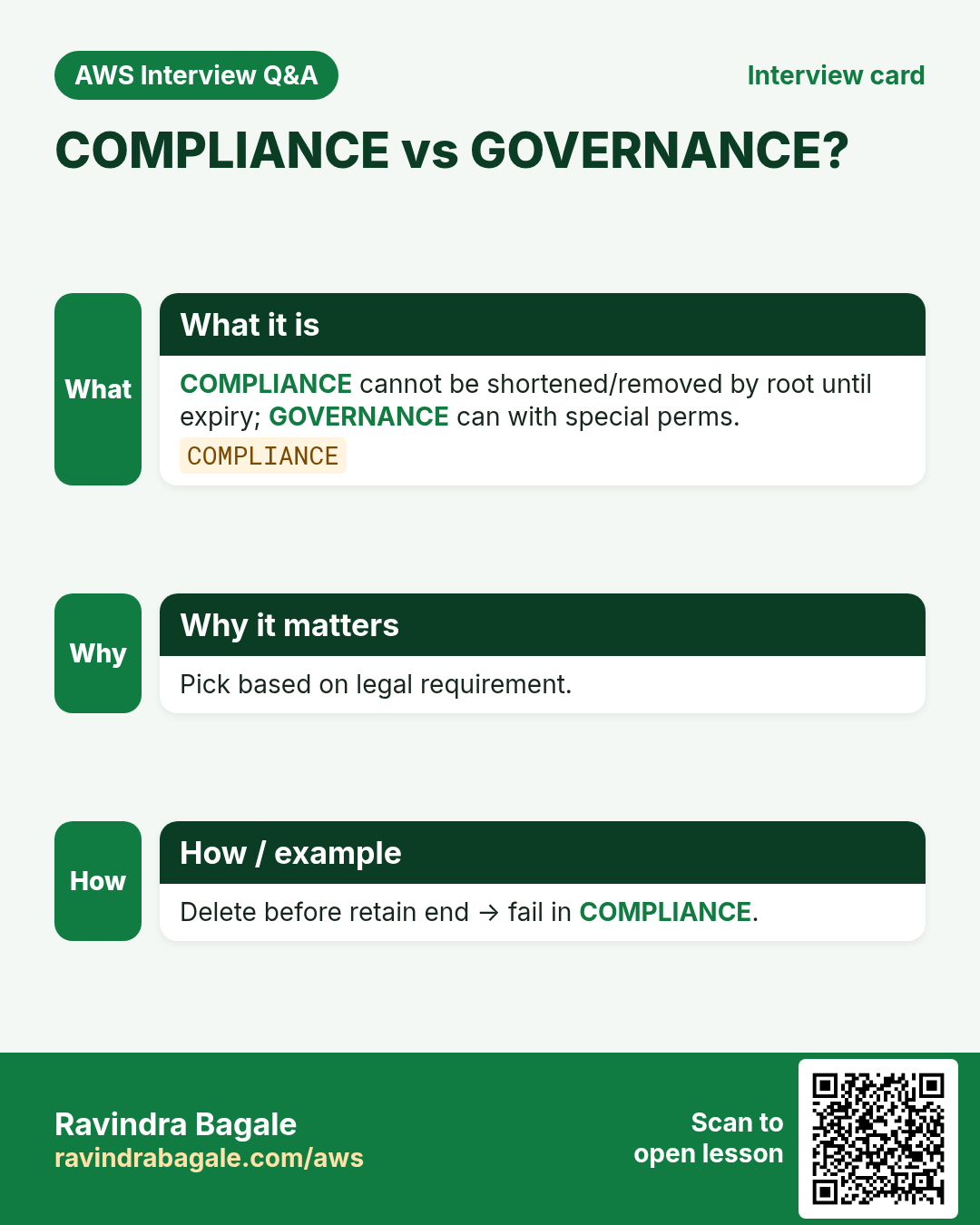
- Compliance mode retention cannot be shortened by anyone.
4. CLI with output
How to do it (step by step)
# Versioning + Object Lock must be set at create time for Lock
aws s3api create-bucket --bucket rb-evidence-ap-south-1 --region ap-south-1 \
  --create-bucket-configuration LocationConstraint=ap-south-1 \
  --object-lock-enabled-for-bucket

aws s3api put-bucket-policy --bucket rb-evidence-ap-south-1 --policy file://deny-delete.json

# MFA Delete (example — requires root serial/token; lab carefully)
# aws s3api put-bucket-versioning --bucket rb-evidence-ap-south-1 \
#   --versioning-configuration Status=Enabled,MFADelete=Enabled \
#   --mfa "arn:aws:iam::111122223333:mfa/root-account-mfa-device PASSCODE"
5. Test allow and deny
# DENY — normal session delete
aws s3 rm s3://rb-evidence-ap-south-1/disk.img
# AccessDenied

# ALLOW — session with MFA (STS get-session-token with MFA, then delete)
aws sts get-session-token --serial-number arn:aws:iam::111122223333:mfa/user --token-code 123456
# export temp keys, then:
aws s3 rm s3://rb-evidence-ap-south-1/disk.img
# delete success (unless Object Lock retention still blocks)
6. Object Lock modes
| Mode | Who can override | Use |
|---|---|---|
| Governance | Users with special bypass permission | Ops flexibility |
| Compliance | Nobody during retention — not even root | Regulated evidence |
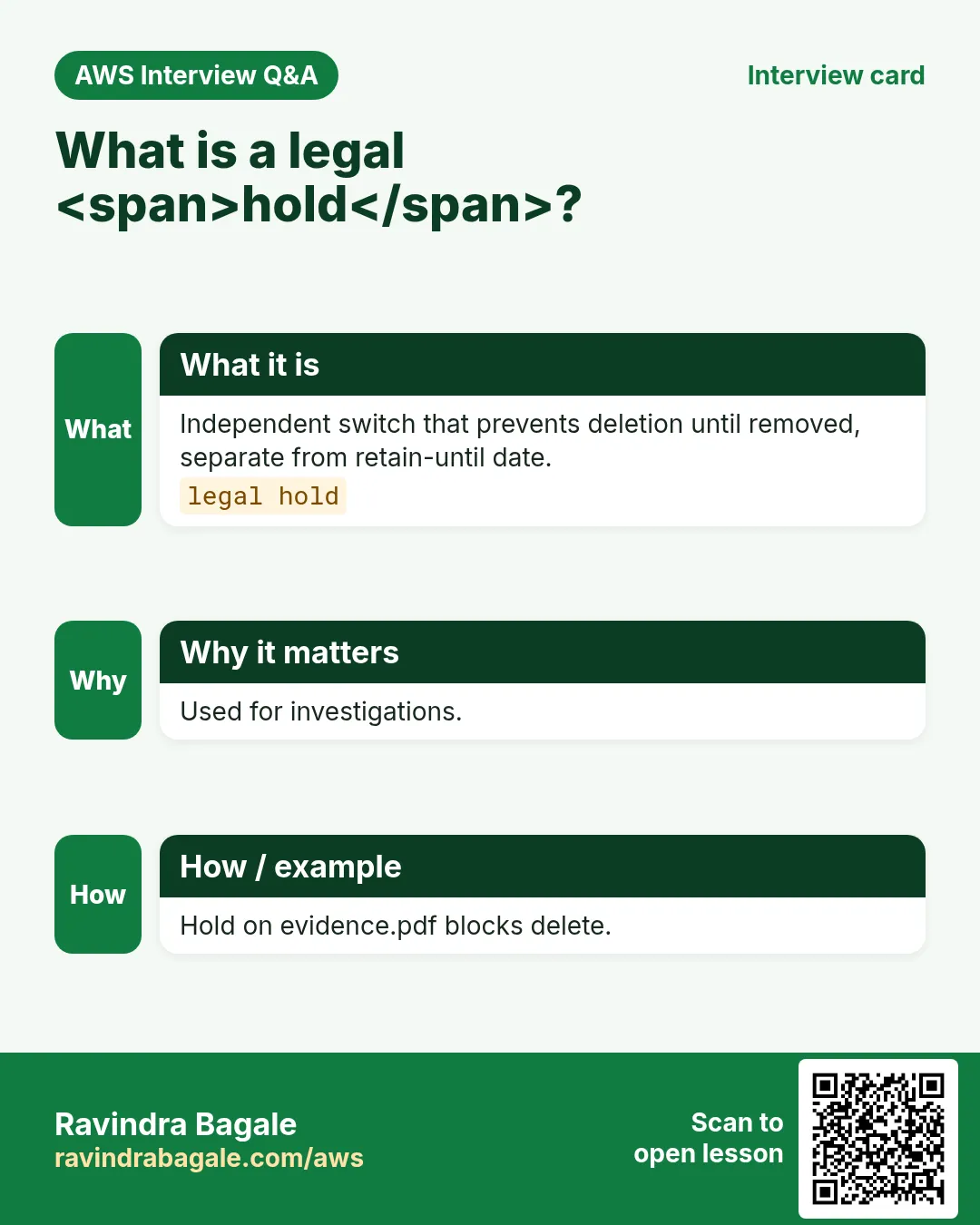
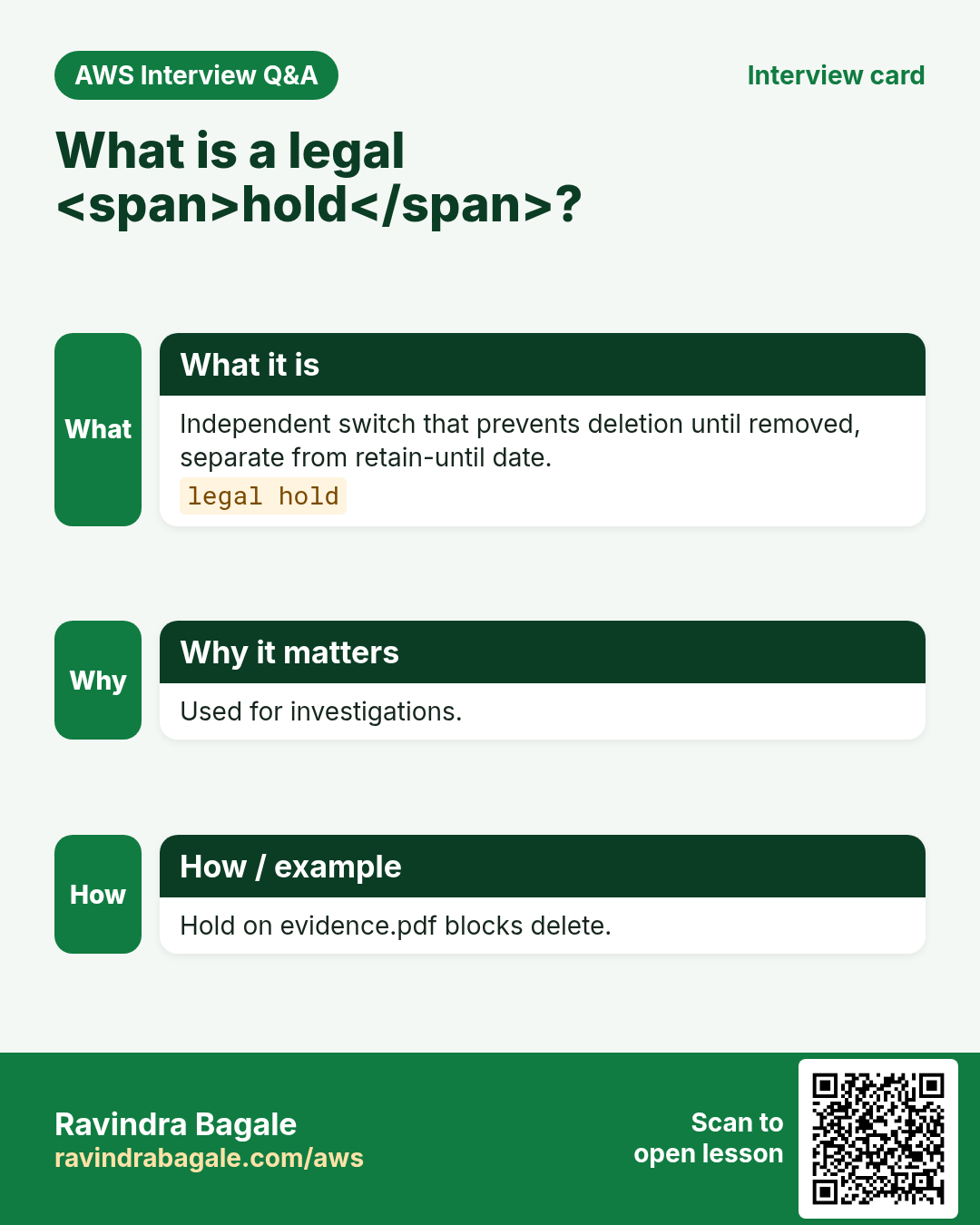
| Legal hold | Until hold removed | Case freeze |
7. Multi-industry
Forensics (Kolkata — Maya Banerjee), cyber cell (Delhi — Rohit Verma), SOC (Stockholm — Erik Lindqvist), pharma batch records (Vadodara — Dr. Helly Shah).
8. AccessDenied debugging and Policy Simulator
When S3 returns AccessDenied, check in order: (1) Block Public Access, (2) matching bucket policy Deny, (3) missing IAM Allow, (4) KMS key policy, (5) VPC endpoint policy, (6) legacy ACL. IAM Policy Simulator can miss BPA/VPC/KMS — always re-test with real CLI from the real network path.
# Decode
aws s3api get-bucket-policy --bucket BUCKET --query Policy --output text | python3 -m json.tool
aws s3api get-public-access-block --bucket BUCKET
aws iam simulate-principal-policy --policy-source-arn ARN \
  --action-names s3:GetObject --resource-arns arn:aws:s3:::BUCKET/key.txt
aws cloudtrail lookup-events --lookup-attributes AttributeKey=EventName,AttributeValue=GetObject --max-items 5
9. Lab: deny delete without MFA
Do this in ap-south-1 (Mumbai) unless your org forbids it. Set a budget alert first.
How to do it (step by step)
- Create Lock-enabled lab bucket (or versioning-only if Lock blocked).
- Apply DenyDeleteWithoutMFA; upload a file.
- aws s3 rm without MFA → AccessDenied.
- Optional: MFA session delete OR Governance retain — document result.
Cleanup (stop billing)
- Only delete when retention/hold allows; empty bucket; delete policy/bucket.
- Never leave Compliance locks you cannot afford in a personal lab.
10. Common errors and fixes
Each row is a real mistake students and juniors hit. Read the fix before you panic.
| Error / symptom | Fix |
|---|---|
| AccessDenied but IAM Allow looks fine | Find explicit Deny in bucket policy or BPA blocking public. |
| Policy JSON rejected on put | Validate with python3 -m json.tool; no smart quotes; use file://. |
| Policy Simulator Allow, CLI Deny | Simulator skips some layers; retest with real CLI/role/network. |
| Wrong Resource ARN shape | GetObject needs arn:...:bucket/* ; ListBucket needs bare bucket ARN. |
| Condition key typo or wrong case | Keys like aws:SourceIp are case-sensitive. |
| Missing Principal on bucket policy | Resource-based policies require Principal; identity policies must omit it. |
| Account-level BPA overrides bucket | Account Block Public Access can still block public grants. |
| Encrypted object / KMS forgotten | SSE-KMS needs key policy + kms:Decrypt/GenerateDataKey. |
| Cannot delete anything ever | Compliance retention still active — wait or use different lab bucket. |
| MFA Delete enable fails | Must use root credentials + MFA device. |
11. Troubleshooting checklist
- Confirm region and endpoint hostname for the bucket.
- Print get-bucket-policy and get-public-access-block.
- Reproduce with a least-privilege lab IAM user.
- Binary-search Denies by commenting one Sid at a time in lab.
- Read CloudTrail errorCode and additionalEventData.
- If KMS involved, test key permissions separately.
- From VPC path: route to gateway prefix list + endpoint policy.
- Cleanup versioning/Object Lock labs carefully.
12. FAQ
Q. Is a bucket policy the same as an IAM policy?
No. Bucket policy is resource-based on the bucket; IAM is identity-based. For same-account, either can Allow; explicit Deny wins; cross-account needs both.
Q. Do I still need ACLs in 2026?
Prefer Bucket owner enforced (ACLs off) + bucket policy. Some log deliveries still need canned ACL on Put.
Q. What is Block Public Access?
Switches that block public ACLs/policies at account or bucket. Disable only the minimum for a deliberate public design.
Q. How do you debug AccessDenied fast?
BPA → bucket policy → IAM → KMS → VPCe → CloudTrail. Never “fix” with Action *.
Q. MFA Delete vs policy MFA condition?
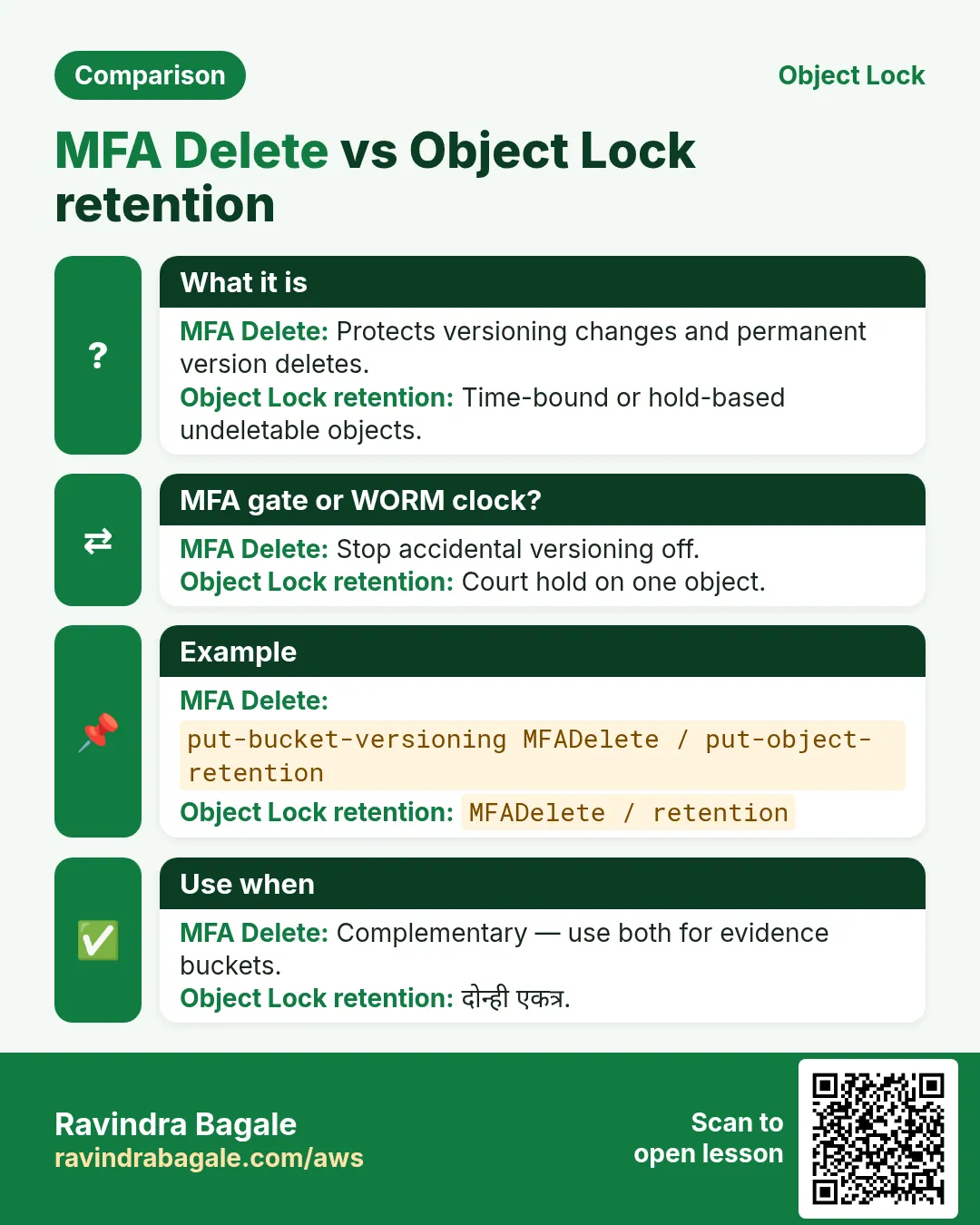
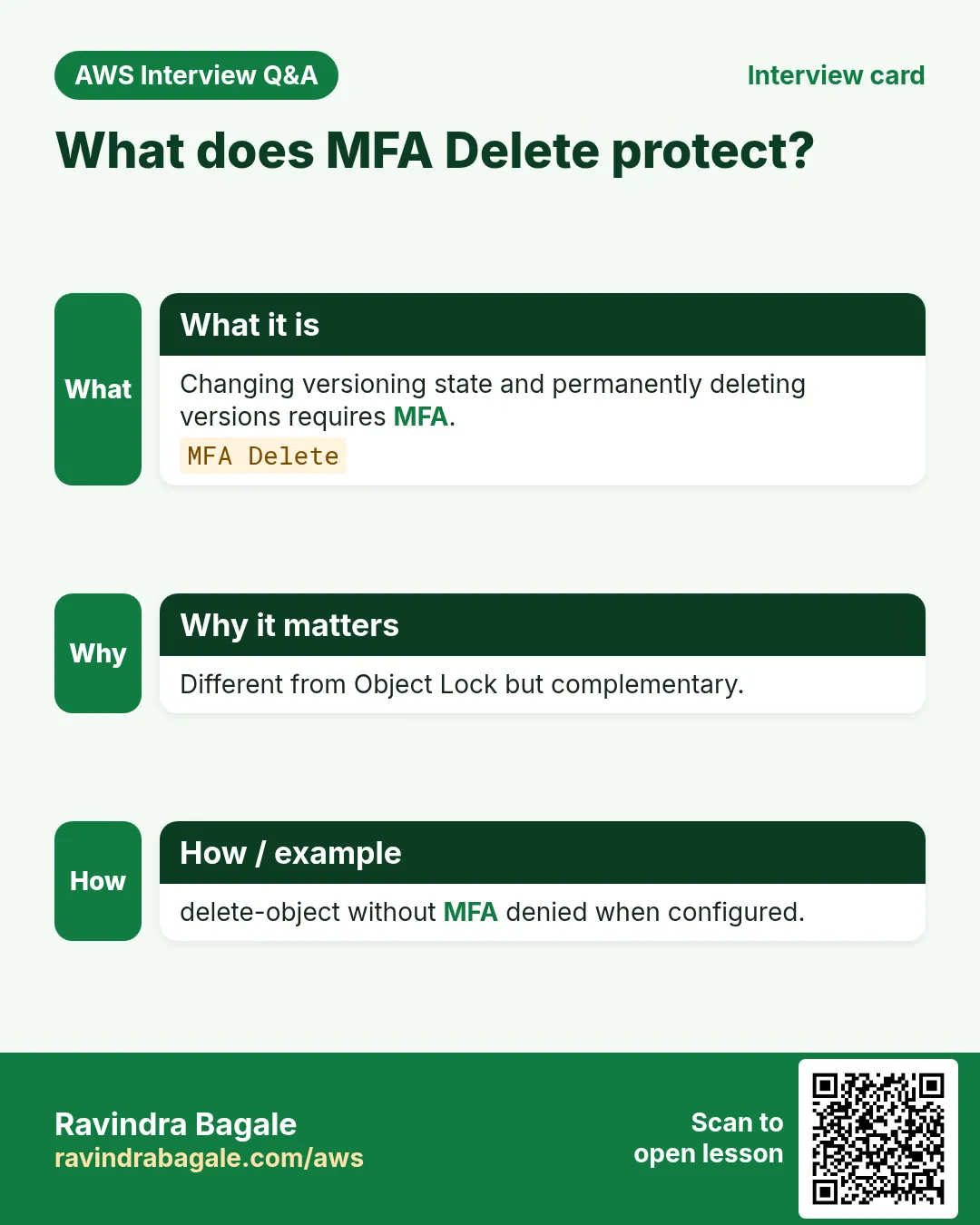
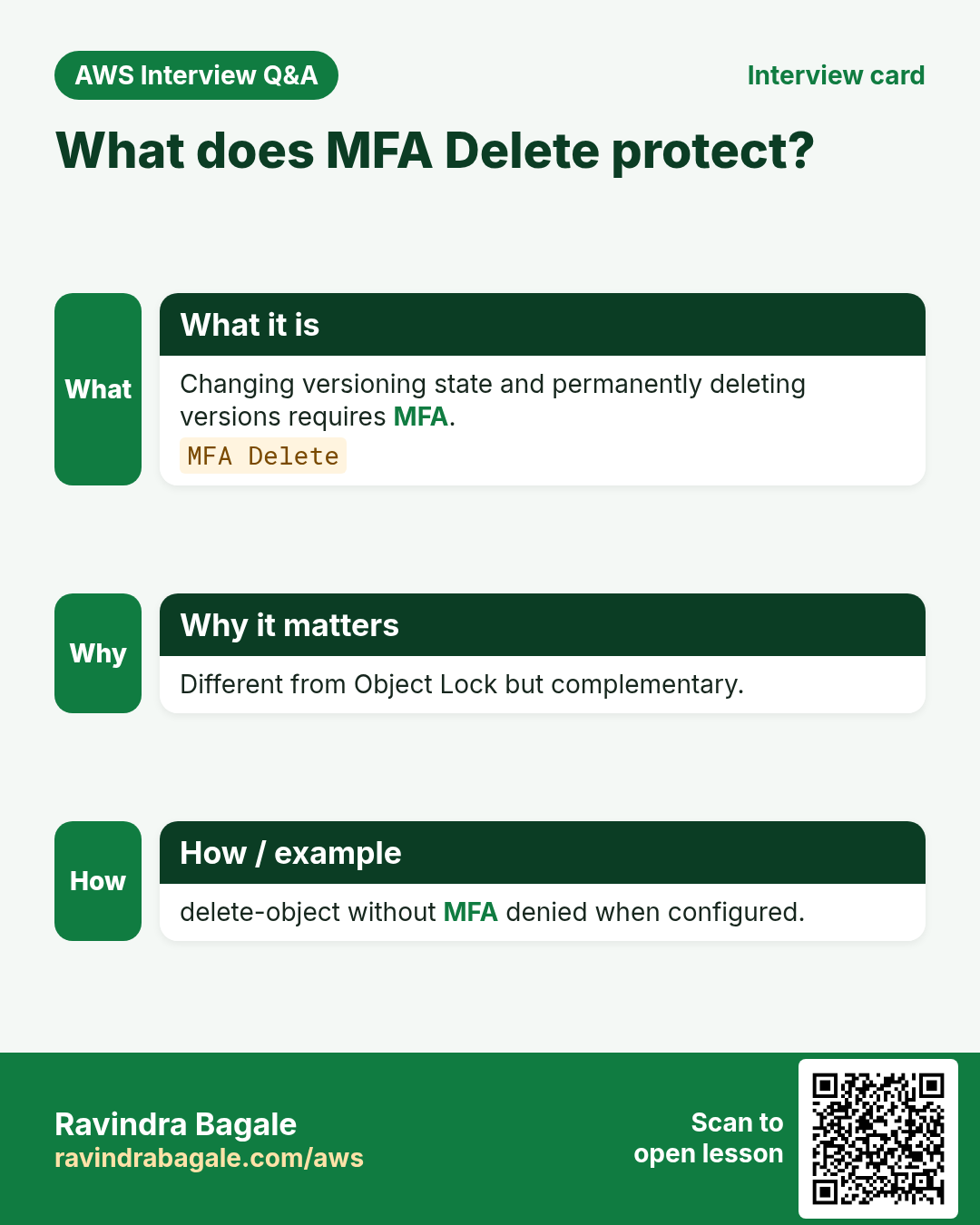
MFA Delete is a versioning feature (root); policy condition applies to API calls with MFA context.
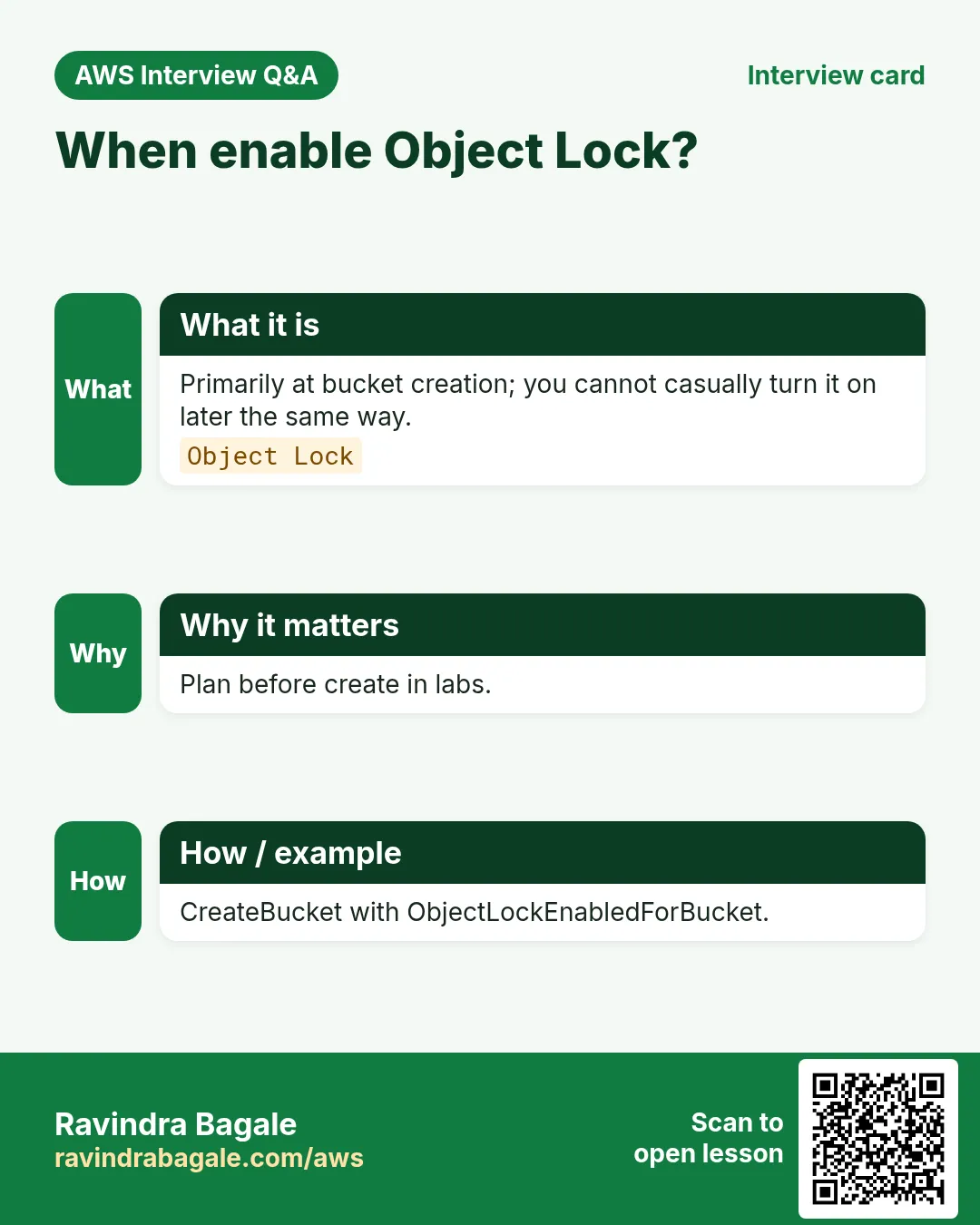
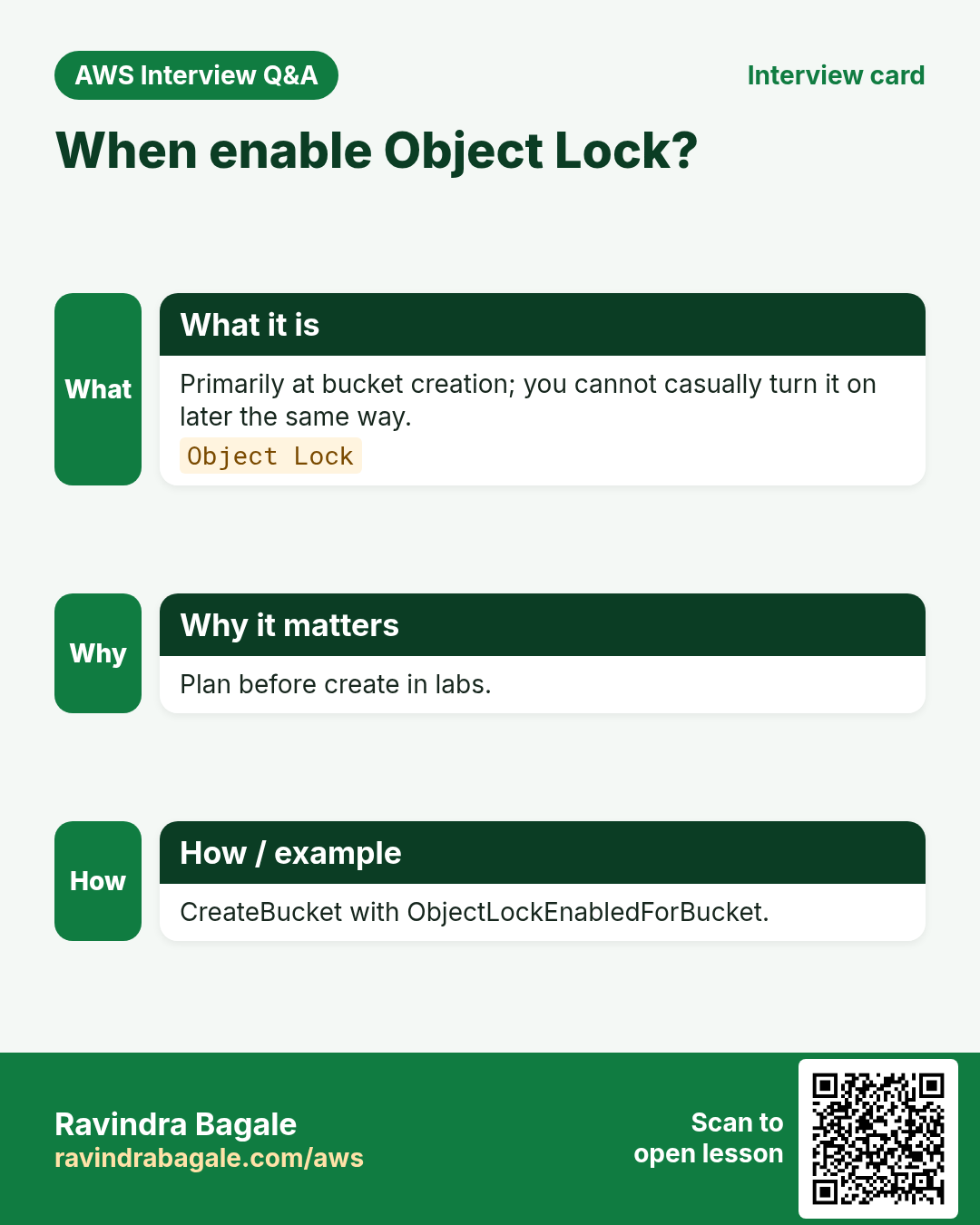
Q. Object Lock after create?
Must enable at bucket creation.
Q. Lifecycle bypass?
We Deny PutLifecycleConfiguration in the sample.
Q. Governance bypass permission?
s3:BypassGovernanceRetention — grant rarely.
13. Interview Q&A
Q. Stop casual deletes how?
Deny delete without MFA; consider MFA Delete + Object Lock.
Q. Governance vs Compliance?
Governance bypassable with permission; Compliance not during retain.
Q. Why Deny lifecycle changes?
Lifecycle can expire all versions quietly.
Q. Prove deny?
rm without MFA → AccessDenied.
Q. Root and Compliance?
Root also cannot shorten Compliance retention.
Q. When enable Object Lock?
At bucket creation — plan first.
14. Tips in English, Marathi and Hindi
Ravindra Bagale's Tip (EN)
Never enable Compliance mode on a personal credit-card lab without a short retention and a calendar reminder.
Ravindra Bagale's Tip (MR)
Personal lab वर Compliance बिना short retention व reminder नको.
Tip (HI)
Personal lab में Compliance बिना छोटी retention और reminder न लगाएं।
Try at home
- Deny delete without MFA; capture AccessDenied.
- Write 5 lines comparing Governance vs Compliance.
- List who in your org may bypass Governance.
In short
- Deny delete unless MFA present.
- MFA Delete is a versioning feature.
- Object Lock: Governance vs Compliance.
- Enable Lock at create time.
- Plan cleanup before Compliance.
15. Policy design checklist before you save
- Write the business rule in one sentence (who can do what from where).
- Choose Allow vs Deny-unless consciously; remember explicit Deny wins.
- List every Resource ARN shape you need (bucket vs bucket/*).
- Name every Condition key exactly (case-sensitive).
- Decide BPA settings before put-bucket-policy.
- Plan the allow test and the deny test with expected HTTP/CLI codes.
- Plan cleanup (versioning, Object Lock, KMS schedules).
- Paste JSON through python3 -m json.tool before apply.
16. Policy Simulator walkthrough
IAM Policy Simulator is great for identity policies and a first pass on resource policies, but it can miss Block Public Access, VPC endpoint policies, and some KMS denials. Use it to catch typos, then always re-test with AWS CLI from the real network path (office IP, VPC, or CloudFront).
- Open IAM → Policy simulator → pick the user/role.
- Add action s3:GetObject / PutObject and the object ARN.
- If you use resource policies, include the bucket policy text where the tool allows.
- Note Allow/Deny; then run the matching CLI from the real path.
- If Simulator Allow but CLI Deny, check BPA, VPCe, KMS, and explicit Denies next.
17. Copy-paste runbook (print this)
# 0) Region + names
export AWS_REGION=ap-south-1
export BUCKET=rb-lab-$(date +%s)-ap-south-1

# 1) Create + show BPA
aws s3api create-bucket --bucket $BUCKET --region $AWS_REGION \
  --create-bucket-configuration LocationConstraint=$AWS_REGION
aws s3api get-public-access-block --bucket $BUCKET || true

# 2) Validate + apply policy
python3 -m json.tool policy.json >/dev/null
aws s3api put-bucket-policy --bucket $BUCKET --policy file://policy.json
aws s3api get-bucket-policy --bucket $BUCKET --query Policy --output text | python3 -m json.tool | head

# 3) Allow test + Deny test (fill per project)
# ... project-specific curls / aws s3 cp ...

# 4) Cleanup
aws s3 rm s3://$BUCKET --recursive || true
aws s3api delete-bucket-policy --bucket $BUCKET || true
aws s3api delete-bucket --bucket $BUCKET
18. Industry story bank (reuse the pattern)
Each project above uses one industry story. Use the same policy pattern in these other industries without rewriting the JSON from scratch — only change the bucket name, principal, and Condition values.
- Healthcare (Priya Nair, Apollo-style clinic): patient PDFs — prefer SSE-KMS + OrgID + MFA delete.
- Fintech (Arjun Mehta, UPI wallet): statements — office IP + SecureTransport + CloudFront OAC for the customer portal.
- EdTech (Sofia Alvarez, online course): course videos — CloudFront OAC only; never public ACLs.
- Logistics (Kenji Watanabe, fleet app): GPS dumps — VPC endpoint only from the private subnet runners.
- Media (Fatima Khan, newsroom): raw footage — Object Lock COMPLIANCE + deny delete.
- Retail (Lucas Meyer, D2C brand): product images — public read for /images/* only; deny everything else.
- SaaS (Ananya Iyer, B2B CRM): tenant exports — ${aws:username} or ${aws:PrincipalTag/tenant} prefixes.
- Government (Rahul Deshmukh, state portal): RTI archives — OrgID + MFA + Object Lock.
19. AccessDenied debugging flowchart
- Read the error code and the request ID. Save both.
- Confirm you are calling the right bucket and region.
- Check Block Public Access if the principal is * or a service that looks public.
- Decode the policy: is there an explicit Deny that matches? Deny wins.
- Check Condition keys: SecureTransport, SourceVpce, SourceIp, PrincipalOrgID, encryption headers.
- For KMS: does the key policy allow the caller? Bucket policy alone is not enough.
- For CloudFront: is OAC present and the distribution id matching?
- For VPC: are you really going through the endpoint (no public IP leak)?
- Simulate in IAM Policy Simulator, then re-test with CLI from the real path.
- Only then open a support case with the request id and a redacted policy.
20. What good looks like in a PR review
- Policy JSON validates and is indented.
- Every Statement has Sid, Effect, Action, Resource.
- No Principal:* with write actions unless BPA and a Deny fence exist.
- Allow test and Deny test are documented with expected output.
- Cleanup steps will not strand Object Lock or KMS keys.
Practice Tasks
Singapore Freight is a logistics business in Singapore. Wei Ling Tan looks after its IT and cloud work. They count money in SGD and run their AWS resources in the ap-southeast-1 Region. In the tasks below you do real jobs for them using what this lesson teaches. All names, account IDs, IP addresses and numbers are made up for practice.
0 / 16
Easy Get lock policy
Why: Deny delete.
What to do: Get bucket policy sgfreight-lock.
- Read the task and decide which AWS service it is about.
- Write aws, then the service name, then the operation (the action word).
- Add each needed flag (--name) followed by its value from the task.
- Flags can be in any order. Click Check answer.
Easy Get versioning lock bucket
Why: Required.
What to do: Get bucket versioning sgfreight-lock.
- Read the task and decide which AWS service it is about.
- Write aws, then the service name, then the operation (the action word).
- Add each needed flag (--name) followed by its value from the task.
- Flags can be in any order. Click Check answer.
Easy COMPLIANCE blocks early delete — 1
Why: Strong.
What to do: Enter 1 if COMPLIANCE mode blocks early delete even for root.
- Write down the numbers the task gives you.
- Work it out step by step on paper.
- Type only the final answer in the box.
- Click Check answer.
Easy Versioning required — 1
Why: Prereq.
What to do: Enter 1 if Object Lock needs versioning.
- Write down the numbers the task gives you.
- Work it out step by step on paper.
- Type only the final answer in the box.
- Click Check answer.
Easy List lock bucket
Why: Inventory.
What to do: List objects sgfreight-lock.
- Read the task and decide which AWS service it is about.
- Write aws, then the service name, then the operation (the action word).
- Add each needed flag (--name) followed by its value from the task.
- Flags can be in any order. Click Check answer.
Easy Head lock bucket
Why: Exists.
What to do: Head bucket sgfreight-lock.
- Read the task and decide which AWS service it is about.
- Write aws, then the service name, then the operation (the action word).
- Add each needed flag (--name) followed by its value from the task.
- Flags can be in any order. Click Check answer.
Easy Get BPA lock
Why: BPA.
What to do: Get public access block sgfreight-lock.
- Read the task and decide which AWS service it is about.
- Write aws, then the service name, then the operation (the action word).
- Add each needed flag (--name) followed by its value from the task.
- Flags can be in any order. Click Check answer.
Medium Get Object Lock config
Why: WORM.
What to do: Get object lock configuration sgfreight-lock.
- Read the task and decide which AWS service it is about.
- Write aws, then the service name, then the operation (the action word).
- Add each needed flag (--name) followed by its value from the task.
- Flags can be in any order. Click Check answer.
Medium Put retained object
Why: Write.
What to do: Put object evidence.pdf into sgfreight-lock from ./evidence.pdf.
- Read the task and decide which AWS service it is about.
- Write aws, then the service name, then the operation (the action word).
- Add each needed flag (--name) followed by its value from the task.
- Flags can be in any order. Click Check answer.
Medium Allow delete only with MFA
Why: Privileged.
What to do: Allow s3:DeleteObjectVersion when aws:MultiFactorAuthPresent is true on sgfreight-lock objects.
- Start with { "Version": "2012-10-17", "Statement": [ ... ] }.
- In each statement write Effect, Action and Resource.
- Give only what the task needs (least privilege).
- Use double quotes and commas correctly. Click Check answer.
Medium Object Lock mode JSON
Why: COMPLIANCE.
What to do: JSON ObjectLockEnabled Enabled Mode COMPLIANCE.
- Start from the top-level keys the task names.
- Indent child keys with 2 spaces (no tabs).
- Fill in each property with the value from the task.
- Click Check answer. Key order does not matter.
Medium Lock mostly at create time — 1
Why: Flag.
What to do: Enter 1 if Object Lock is enabled mainly at bucket creation.
- Write down the numbers the task gives you.
- Work it out step by step on paper.
- Type only the final answer in the box.
- Click Check answer.
Medium Legal hold is separate — 1
Why: Hold.
What to do: Enter 1 if legal hold is independent until removed.
- Write down the numbers the task gives you.
- Work it out step by step on paper.
- Type only the final answer in the box.
- Click Check answer.
Hard Deny DeleteObject
Why: Protect.
What to do: Deny s3:DeleteObject for Principal * on sgfreight-lock objects.
- Start with { "Version": "2012-10-17", "Statement": [ ... ] }.
- In each statement write Effect, Action and Resource.
- Give only what the task needs (least privilege).
- Use double quotes and commas correctly. Click Check answer.
Hard MFA present JSON
Why: Condition.
What to do: JSON aws:MultiFactorAuthPresent true.
- Start from the top-level keys the task names.
- Indent child keys with 2 spaces (no tabs).
- Fill in each property with the value from the task.
- Click Check answer. Key order does not matter.
Hard Delete lock policy
Why: Cleanup.
What to do: Delete bucket policy sgfreight-lock.
- Read the task and decide which AWS service it is about.
- Write aws, then the service name, then the operation (the action word).
- Add each needed flag (--name) followed by its value from the task.
- Flags can be in any order. Click Check answer.
Revision, interview and comparison cards
Revise this lesson in a few minutes. Save the cards on your phone or download them as PNG files. The QR code on each card opens this lesson.
More cards: Ravi Sir's Cards.