AWS Config and CloudTrail: Compliance and API Audit Logs Explained
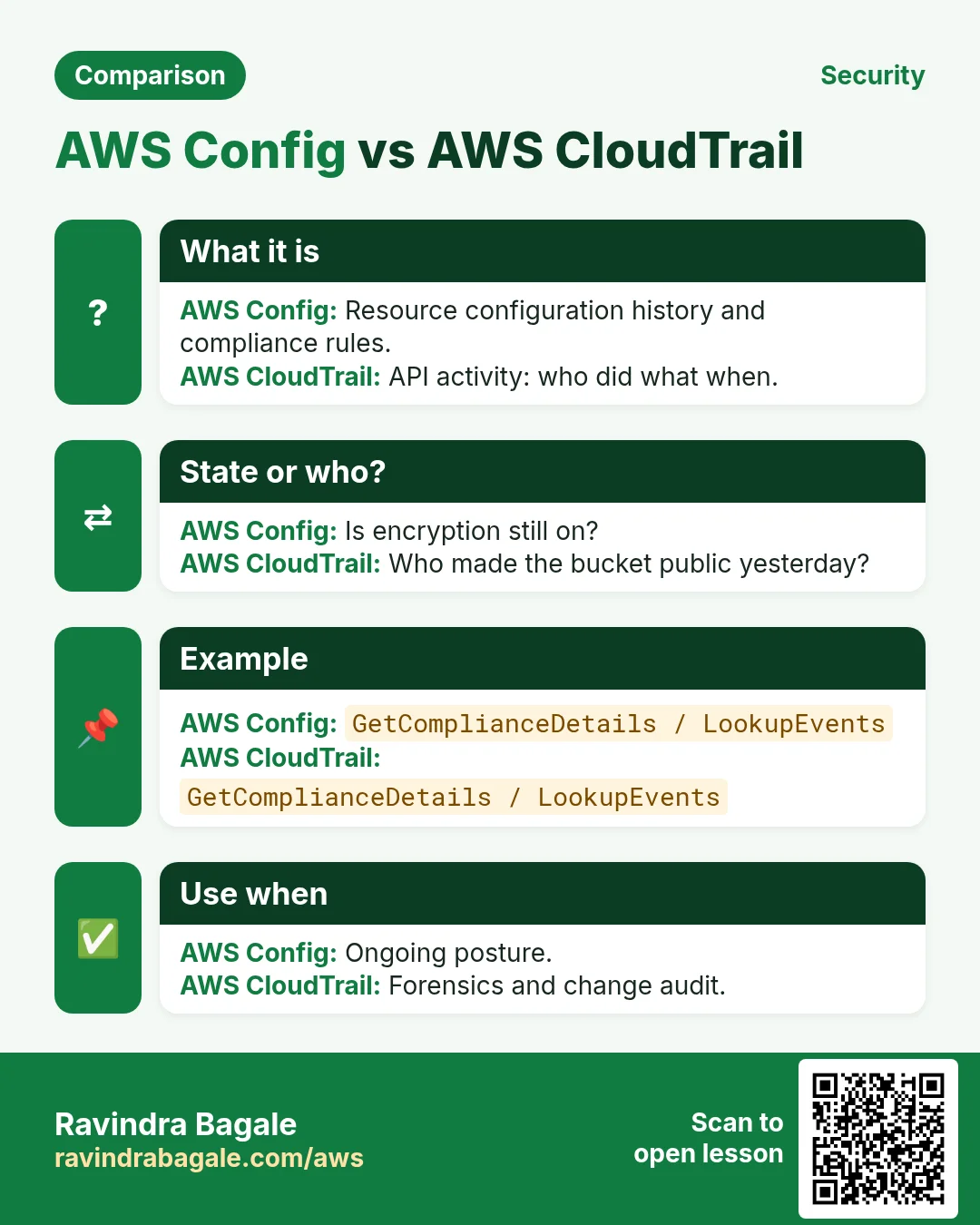
When something breaks in production, the first questions are: who changed what, and is the account still compliant? AWS CloudTrail records API activity. AWS Config records how resources look over time and evaluates rules. Together they are your CCTV + inspector for the cloud.
What you'll learn in this chapter
- Why audit and config history matter
- What CloudTrail trails and Config recorders/rules are
- How to turn on org-ready logging and queries
- Industries and compliance mapping
- Lab, errors, FAQ, interview
1. Everyday example first
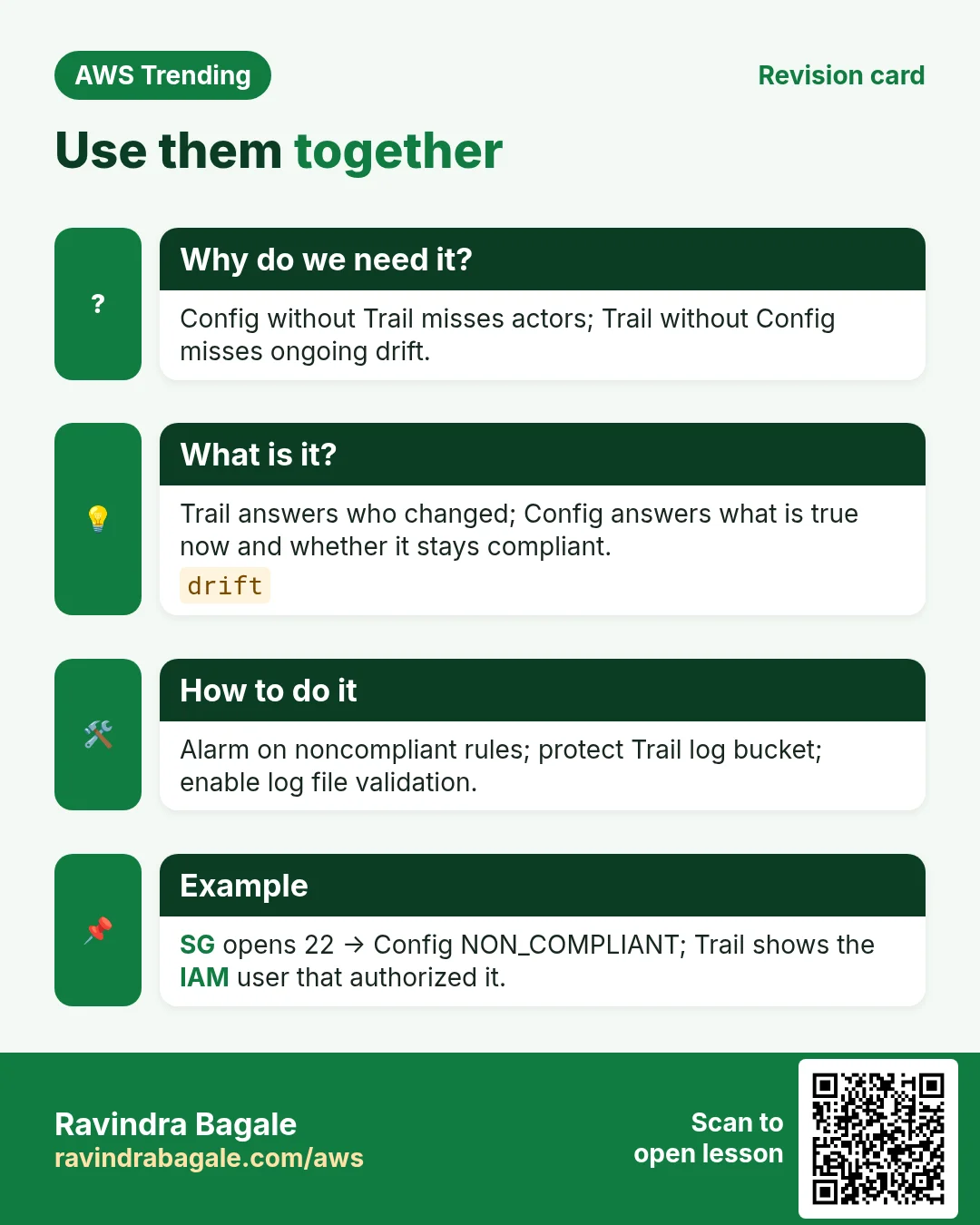
A Jaipur SaaS admin finds a security group wide open. CloudTrail shows which IAM user called AuthorizeSecurityGroupIngress at 14:02. Config rule restricted-ssh is NON_COMPLIANT and SNS already paged the on-call. Without both, you only guess.
2. Why Config and CloudTrail?
Why do we need this?
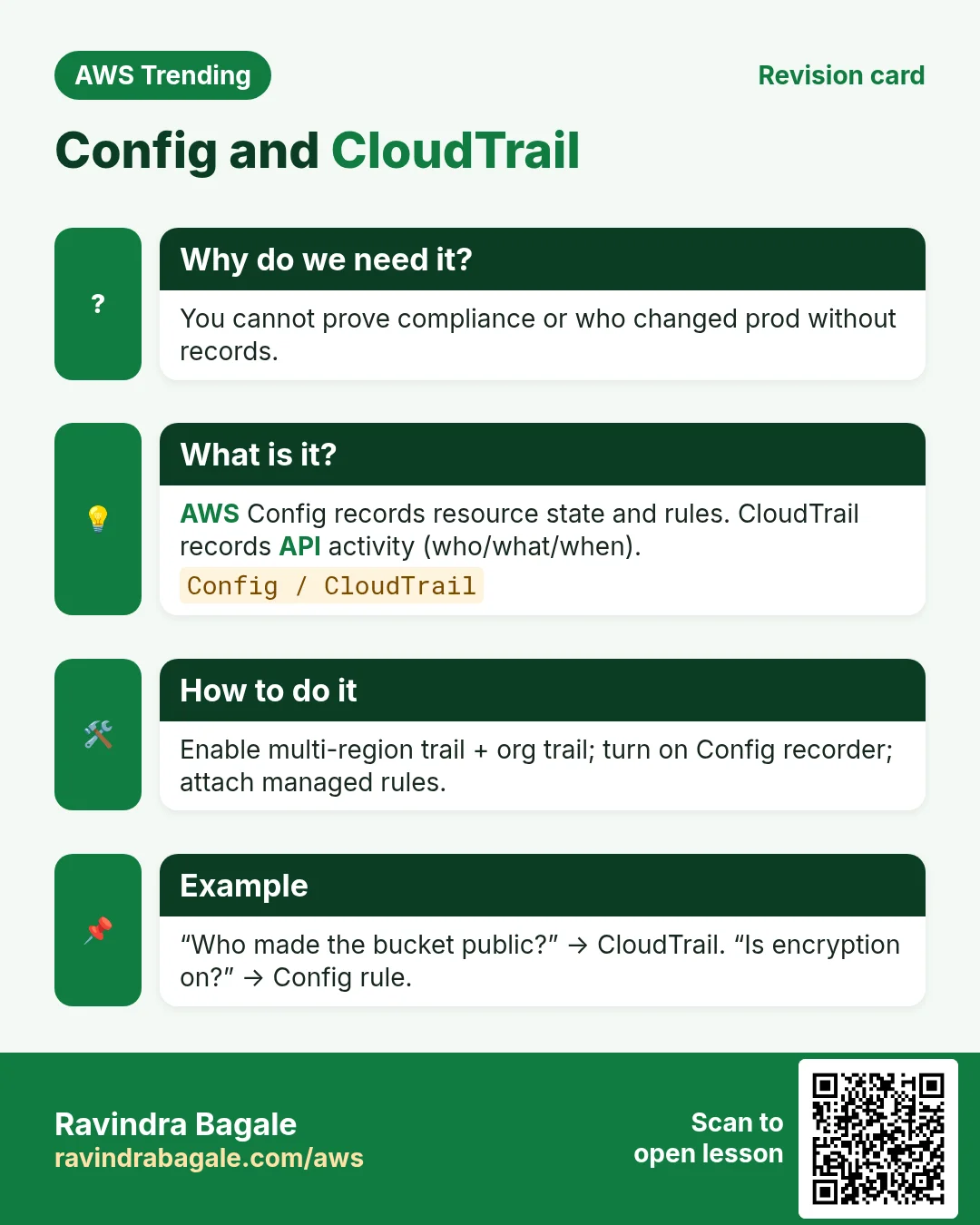
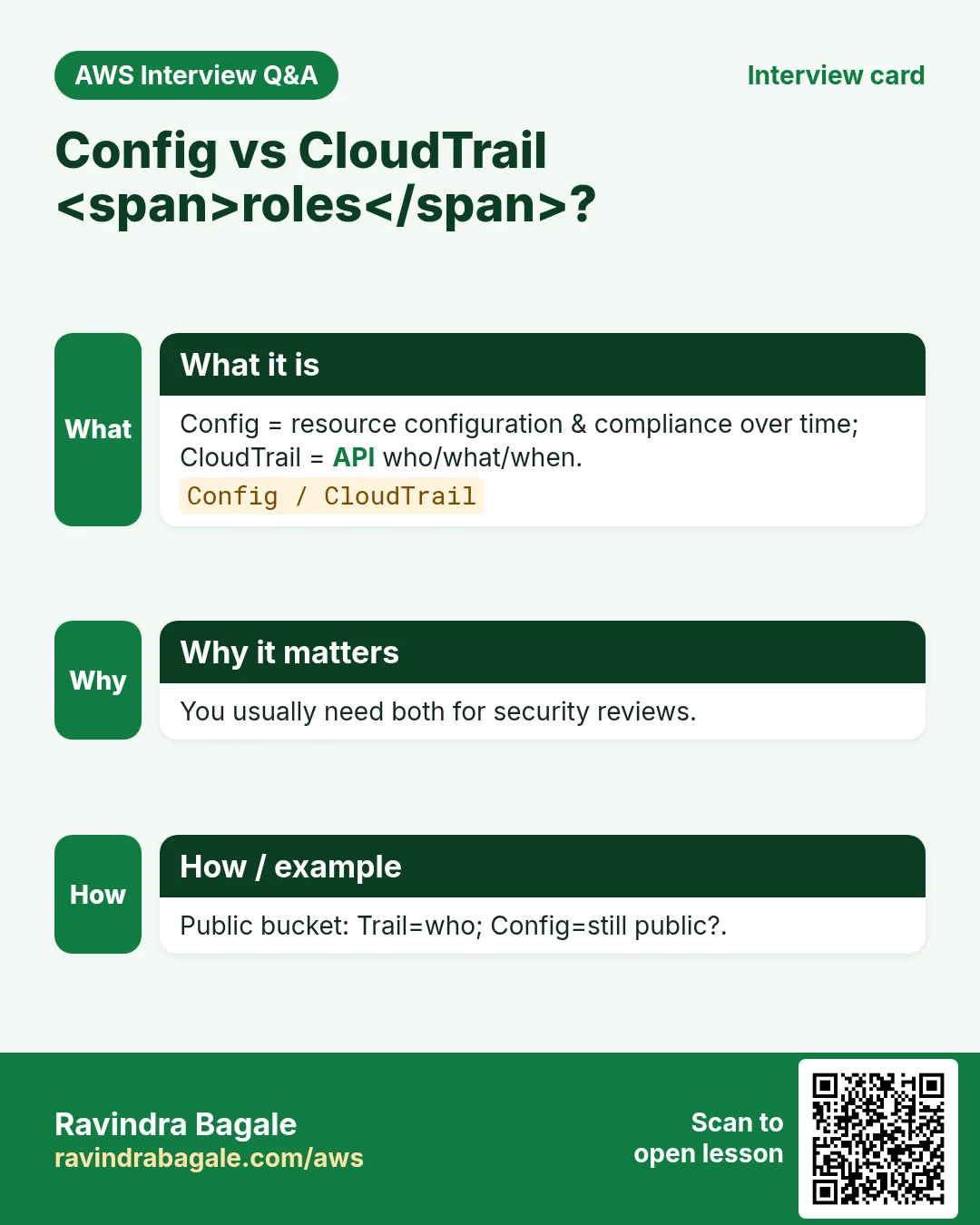
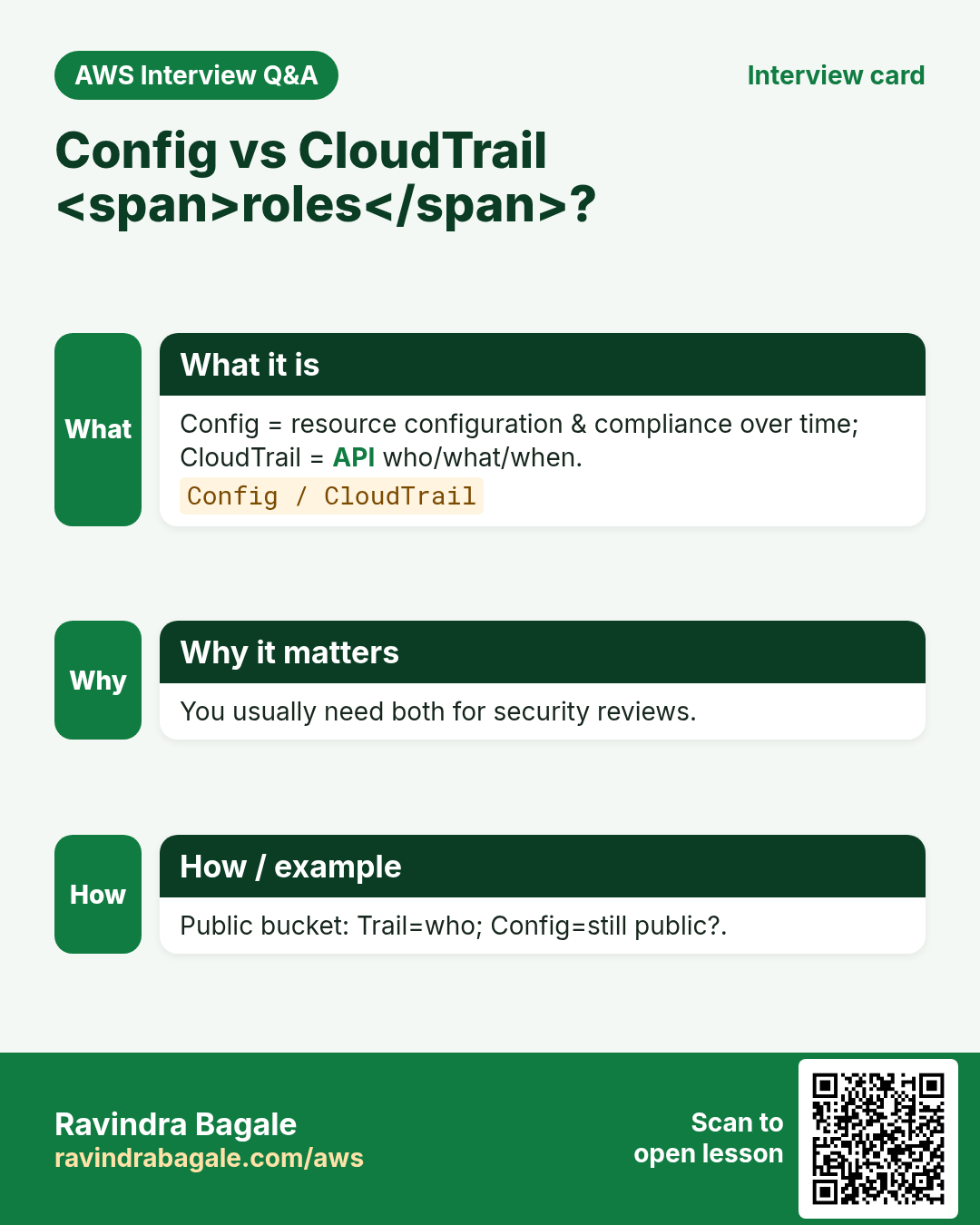
Security, finance, and customers ask for evidence. Trail answers “who API-called what”. Config answers “what did the resource look like and does it match policy”.
- Investigate incidents with API history
- Prove compliance with rules and conformance packs
- Detect drift from approved architecture
- Feed SIEM / Athena / Lake Formation analytics
3. What each service does
What is it?
CloudTrail: management events (and optionally data events) to S3/CloudWatch Logs. Organization trail covers all accounts. Config: configuration recorder + delivery channel to S3; rules (managed/custom) evaluate compliance continuously or on change.
| Piece | Plain job |
|---|---|
| Trail | Record API calls to S3 |
| Management events | Control-plane APIs (Create*, Put*) |
| Data events | S3 object / Lambda invoke level (costly) |
| Config recorder | Store resource configs over time |
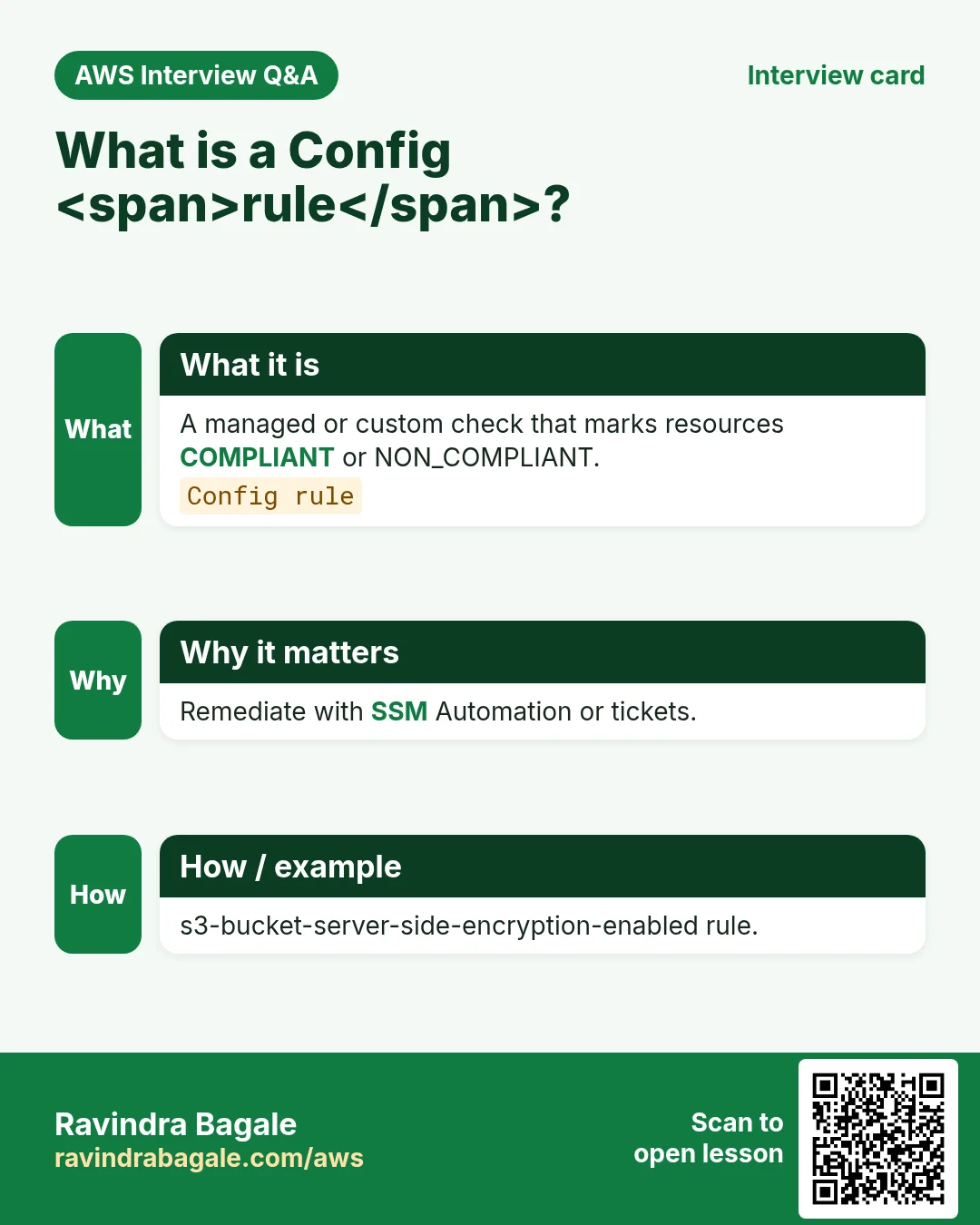
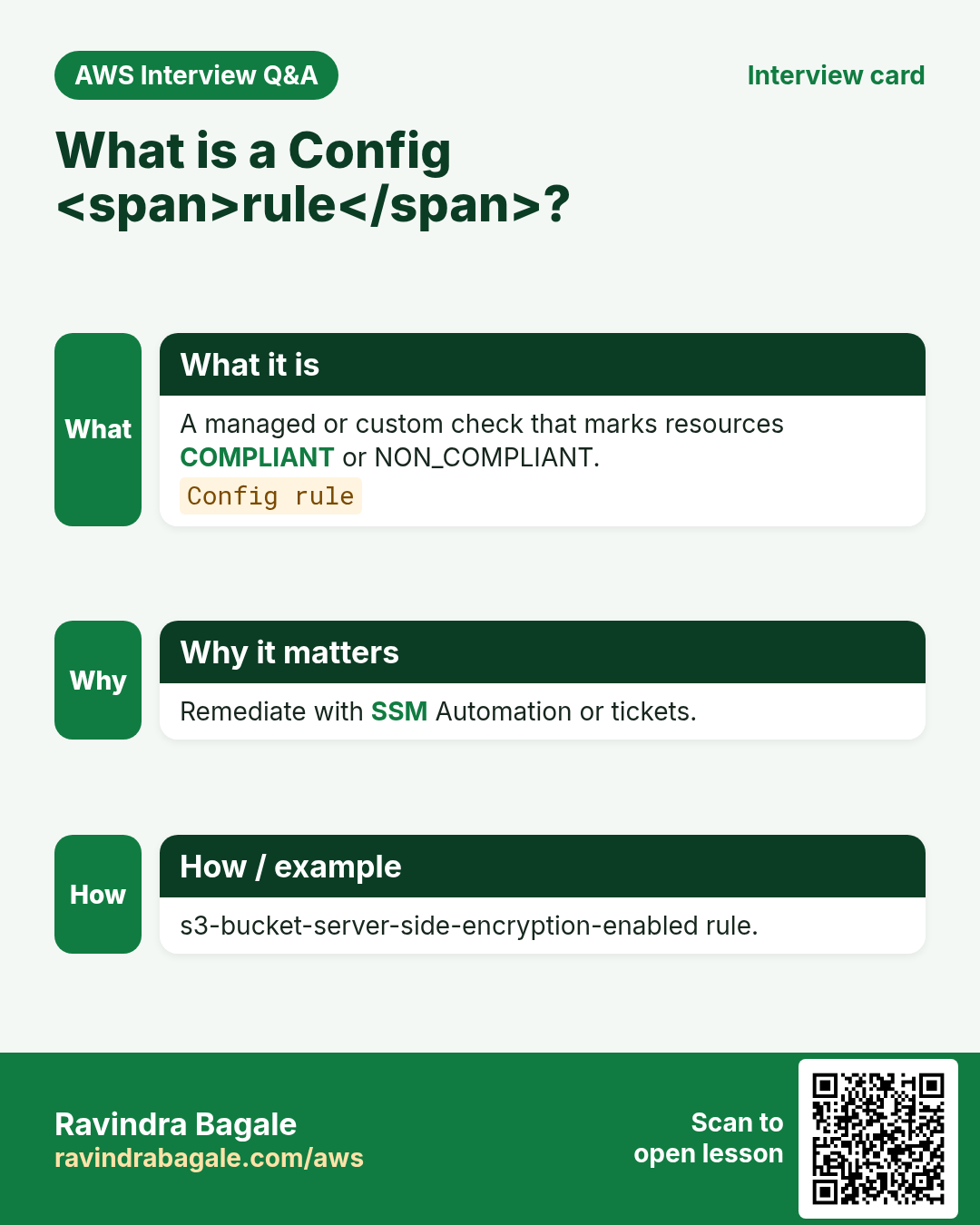
| Config rule | Pass/fail policy check |
| Conformance pack | Bundle of rules as a unit |
4. How to turn on a solid baseline
How to do it (step by step)
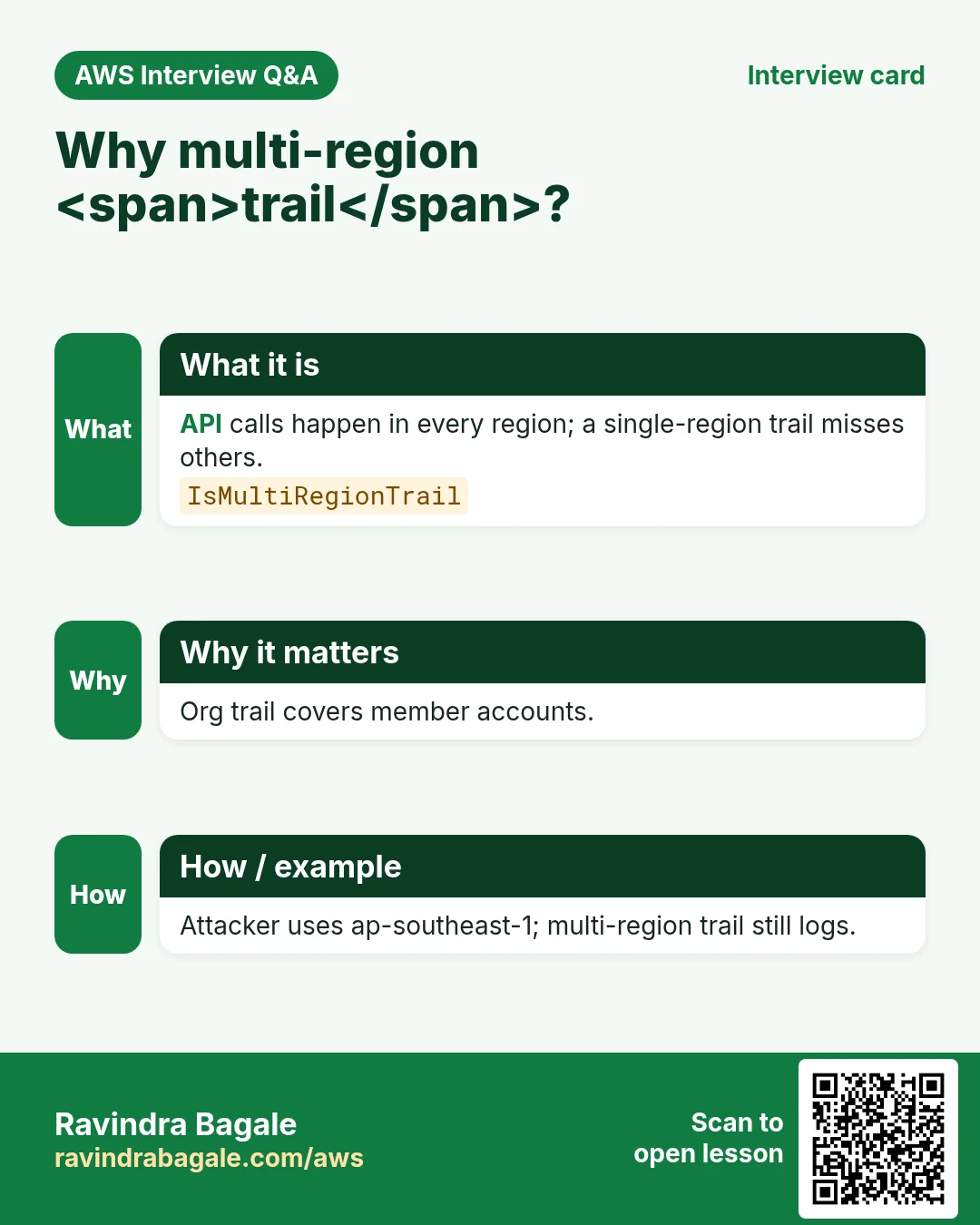
- Create an organization trail (or at least multi-region trail) to a central log bucket.
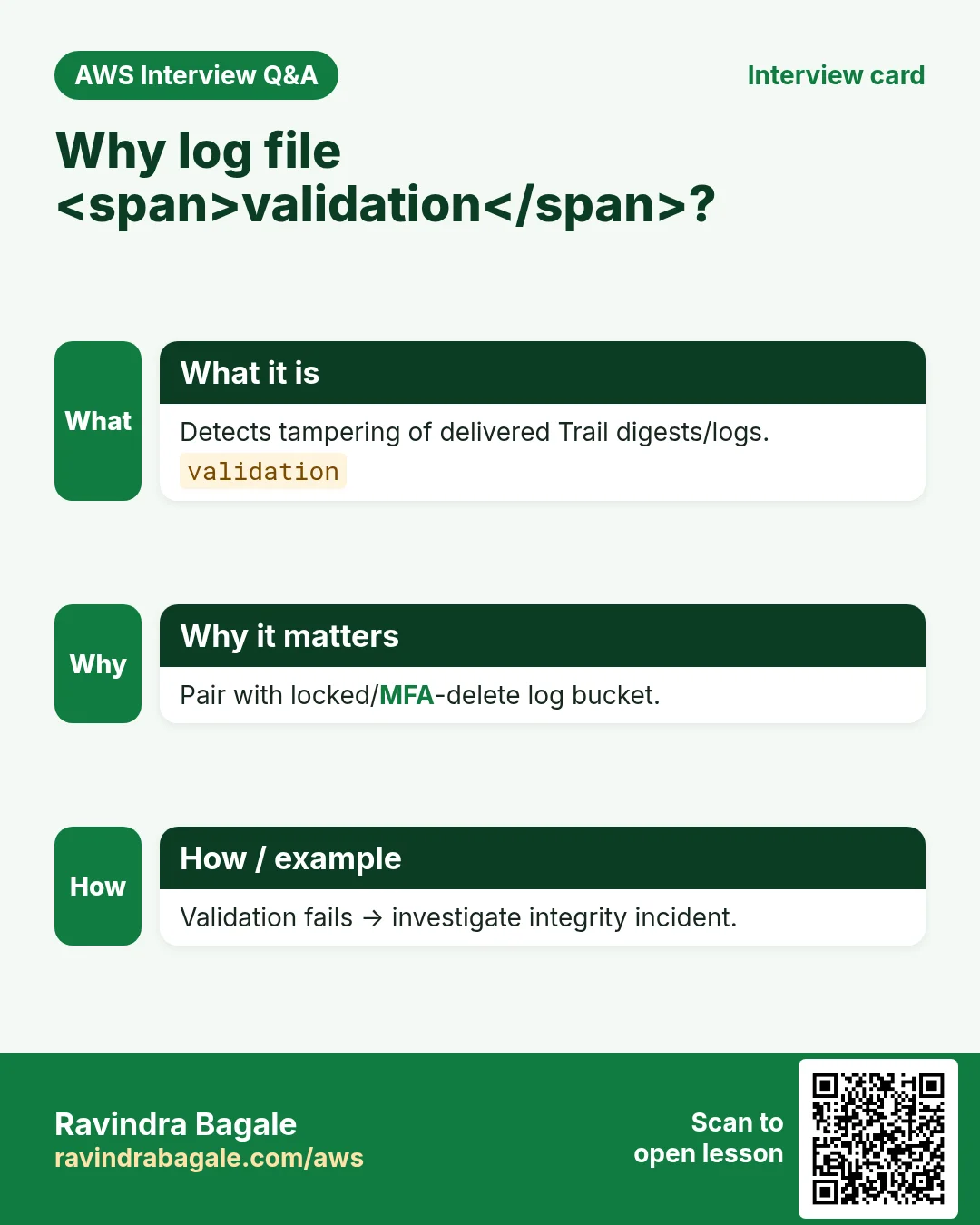
- Enable log file validation; restrict bucket with SCPs/policies.
- Turn on Config recorder in each region you use; deliver to bucket/topic.
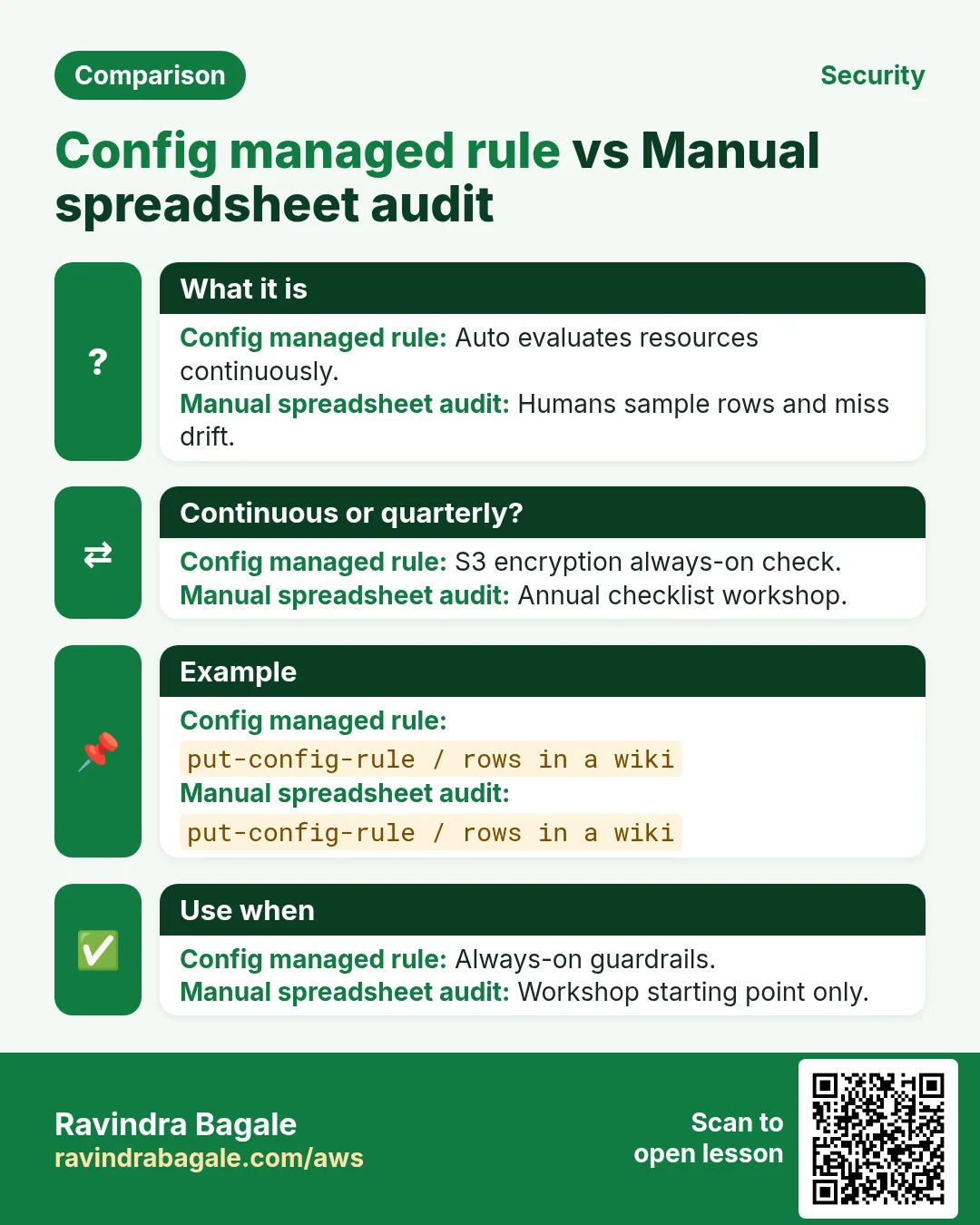
- Start with managed rules: restricted-ssh, root-mfa, encrypted volumes.
- Add conformance packs for CIS/PCI-like baselines when ready.
- Subscribe SNS for NON_COMPLIANT.
- Use Athena or CloudTrail Lake to query “who deleted the DB”.
- Separate duties: trail admins ≠ app admins.
- Watch cost of data events; enable selectively.
- Document retention (e.g., 7 years finance) with lifecycle.
# Athena mindset
# SELECT useridentity.arn, eventname, eventtime
# FROM cloudtrail_logs
# WHERE eventname = '''AuthorizeSecurityGroupIngress'''
# LIMIT 20;
5. Config vs CloudTrail vs CloudWatch
| Service | Question it answers |
|---|---|
| CloudTrail | Who called which API when? |
| Config | What is the resource state / compliant? |
| CloudWatch | Is the system healthy/metrics/logs now? |
| GuardDuty | Does this activity look malicious? |
6. Multi-industry notes
Banks keep org trails in a locked security account. Hospitals map Config rules to access logging for PHI-adjacent systems. Ecommerce uses Athena to find which key opened an S3 dump during a blip.
7. Industries and roles
- Security teams: incident forensics
- FinOps: who launched huge instances
- Auditors: evidence packs
- DevOps: drift after Terraform apply
- Gov: mandatory logging retention
8. Lab: trail + one Config rule
Do this in ap-south-1 (Mumbai) unless your org forbids it. Set a budget alert first.
How to do it (step by step)
- Create a multi-region trail to a new S3 bucket with validation on.
- Enable Config recorder; deliver to the same or sibling bucket.
- Enable managed rule restricted-ssh (or equivalent).
- Open SSH from 0.0.0.0/0 on a lab SG; wait for NON_COMPLIANT.
- Query CloudTrail (console Event history) for the Authorize* call.
Cleanup (stop billing)
- Close the SG; delete lab rule if desired; stop recorder only if lab-only.
- Empty/delete lab buckets carefully after you finish.
9. Common errors and fixes
Each row is a real mistake students and juniors hit. Read the fix before you panic.
| Error / symptom | Fix |
|---|---|
| Trail only in one region | Multi-region or org trail. |
| Everyone can delete log bucket | SCPs + bucket policy deny delete. |
| Config off in secondary regions | Turn on where you deploy. |
| Ignored NON_COMPLIANT noise | Tune rules; fix or suppress with tickets. |
| Data events on all S3 forever | Selective prefixes; watch bill. |
| No encryption on log bucket | SSE-KMS + TLS. |
| Looked only at CloudWatch for “who” | Use CloudTrail for API actor. |
| Clock skew confuses timelines | Normalize to UTC in reports. |
| Shared admin IAM for trail edits | Break-glass only. |
| Never tested Athena permissions | Prep a saved query. |
10. Troubleshooting checklist
- Trail not logging: delivery errors to S3 / KMS.
- Config insufficient delivery privilege.
- Rule stuck: wait for evaluation; check scope.
- Event history delay: use S3/Athena for deep history.
- Org trail not visible in member: expected — management account.
- Huge bill: disable unused data events.
11. FAQ
Q. CloudTrail free?
Management events free tier style historically; storage costs — verify pricing.
Q. Replace SIEM?
Trail feeds SIEM; not a full SIEM alone.
Q. Config vs Terraform state?
Config is AWS truth; state is tool memory.
Q. Latency of events?
Near real time; not instant atomic.
Q. Conformance pack?
Deploy many rules as one package.
Q. CloudTrail Lake?
Managed querying/store option for trails.
12. Interview Q&A
Q. CloudTrail purpose?
Account API activity audit log.
Q. Config purpose?
Resource configuration history + compliance rules.
Q. Org trail?
One trail covering all member accounts.
Q. Management vs data events?
Control plane vs data plane (S3/Lambda…).
Q. NON_COMPLIANT next step?
Alert, ticket, remediate or justify.
Q. Why both services?
Actor history + resource state/compliance.
13. Tips in English, Marathi and Hindi
Ravindra Bagale's Tip (EN)
Turn on org CloudTrail before you need it. Forensics cannot invent yesterday’s API calls.
Ravindra Bagale's Tip (MR)
Org CloudTrail गरज पडण्याआधी चालू करा. कालची API नंतर invent होत नाही.
Tip (HI)
जरूरत से पहले org CloudTrail ऑन करो — कल की API बाद में बनाई नहीं जा सकती।
Try at home
- Write one Athena-style question you would ask after a breach.
- Name five managed Config rules useful for startups.
- Sketch who can write vs read the log bucket.
In short
- CloudTrail = who called APIs.
- Config = resource state + rules.
- Org trail + locked bucket = baseline.
- Alert on NON_COMPLIANT and practice queries.
Revision, interview and comparison cards
Revise this lesson in a few minutes. Save the cards on your phone or download them as PNG files. The QR code on each card opens this lesson.
More cards: Ravi Sir's Cards.
Practice Tasks
Amravati Agro Market is a agriculture business in Amravati. Anjali Thakre looks after its IT and cloud work. They count money in INR and run their AWS resources in the ap-south-1 Region. In the tasks below you do real jobs for them using what this lesson teaches. All names, account IDs, IP addresses and numbers are made up for practice.
0 / 16
Easy Describe Config recorder
Why: Is recording on?
What to do: Describe configuration recorders.
- Read the task and decide which AWS service it is about.
- Write aws, then the service name, then the operation (the action word).
- Add each needed flag (--name) followed by its value from the task.
- Flags can be in any order. Click Check answer.
Easy Recorder status
Why: Delivery health.
What to do: Describe configuration recorder status.
- Read the task and decide which AWS service it is about.
- Write aws, then the service name, then the operation (the action word).
- Add each needed flag (--name) followed by its value from the task.
- Flags can be in any order. Click Check answer.
Easy Describe CloudTrail trails
Why: Audit trail list.
What to do: Describe trails.
- Read the task and decide which AWS service it is about.
- Write aws, then the service name, then the operation (the action word).
- Add each needed flag (--name) followed by its value from the task.
- Flags can be in any order. Click Check answer.
Easy Config detects drift — 1
Why: Compliance.
What to do: Enter 1 if Config detects resource drift.
- Write down the numbers the task gives you.
- Work it out step by step on paper.
- Type only the final answer in the box.
- Click Check answer.
Easy CloudTrail answers who — 1
Why: Audit.
What to do: Enter 1 if CloudTrail answers who did what.
- Write down the numbers the task gives you.
- Work it out step by step on paper.
- Type only the final answer in the box.
- Click Check answer.
Medium Describe Config rules
Why: Compliance rules.
What to do: Describe config rules.
- Read the task and decide which AWS service it is about.
- Write aws, then the service name, then the operation (the action word).
- Add each needed flag (--name) followed by its value from the task.
- Flags can be in any order. Click Check answer.
Medium Get compliance details
Why: Who fails.
What to do: Get compliance details by config rule amravatiagro-s3-encrypted.
- Read the task and decide which AWS service it is about.
- Write aws, then the service name, then the operation (the action word).
- Add each needed flag (--name) followed by its value from the task.
- Flags can be in any order. Click Check answer.
Medium Get trail status
Why: Logging on?
What to do: Get trail status amravatiagro-org-trail.
- Read the task and decide which AWS service it is about.
- Write aws, then the service name, then the operation (the action word).
- Add each needed flag (--name) followed by its value from the task.
- Flags can be in any order. Click Check answer.
Medium Get event selectors
Why: Data events scope.
What to do: Get event selectors for amravatiagro-org-trail.
- Read the task and decide which AWS service it is about.
- Write aws, then the service name, then the operation (the action word).
- Add each needed flag (--name) followed by its value from the task.
- Flags can be in any order. Click Check answer.
Medium Allow LookupEvents
Why: Forensic LP.
What to do: Allow cloudtrail:LookupEvents on *.
- Start with { "Version": "2012-10-17", "Statement": [ ... ] }.
- In each statement write Effect, Action and Resource.
- Give only what the task needs (least privilege).
- Use double quotes and commas correctly. Click Check answer.
Medium Recorder enabled JSON
Why: Must be ON.
What to do: JSON recording_enabled true.
- Start from the top-level keys the task names.
- Indent child keys with 2 spaces (no tabs).
- Fill in each property with the value from the task.
- Click Check answer. Key order does not matter.
Medium Log file validation — 1
Why: Integrity.
What to do: Enter 1 if enable log file validation.
- Write down the numbers the task gives you.
- Work it out step by step on paper.
- Type only the final answer in the box.
- Click Check answer.
Medium Sample delivery frequency hours
Why: Snapshot cadence.
What to do: Sample Config snapshot hours often used (enter 24)?
- Write down the numbers the task gives you.
- Work it out step by step on paper.
- Type only the final answer in the box.
- Click Check answer.
Hard Lookup events
Why: Find API calls.
What to do: Lookup events.
- Read the task and decide which AWS service it is about.
- Write aws, then the service name, then the operation (the action word).
- Add each needed flag (--name) followed by its value from the task.
- Flags can be in any order. Click Check answer.
Hard Allow GetComplianceDetails
Why: Auditor LP.
What to do: Allow config:GetComplianceDetailsByConfigRule on *.
- Start with { "Version": "2012-10-17", "Statement": [ ... ] }.
- In each statement write Effect, Action and Resource.
- Give only what the task needs (least privilege).
- Use double quotes and commas correctly. Click Check answer.
Hard Multi-region trail JSON
Why: Org trail.
What to do: JSON IsMultiRegionTrail true.
- Start from the top-level keys the task names.
- Indent child keys with 2 spaces (no tabs).
- Fill in each property with the value from the task.
- Click Check answer. Key order does not matter.