What Is Amazon Kinesis? Streaming Data on AWS Explained
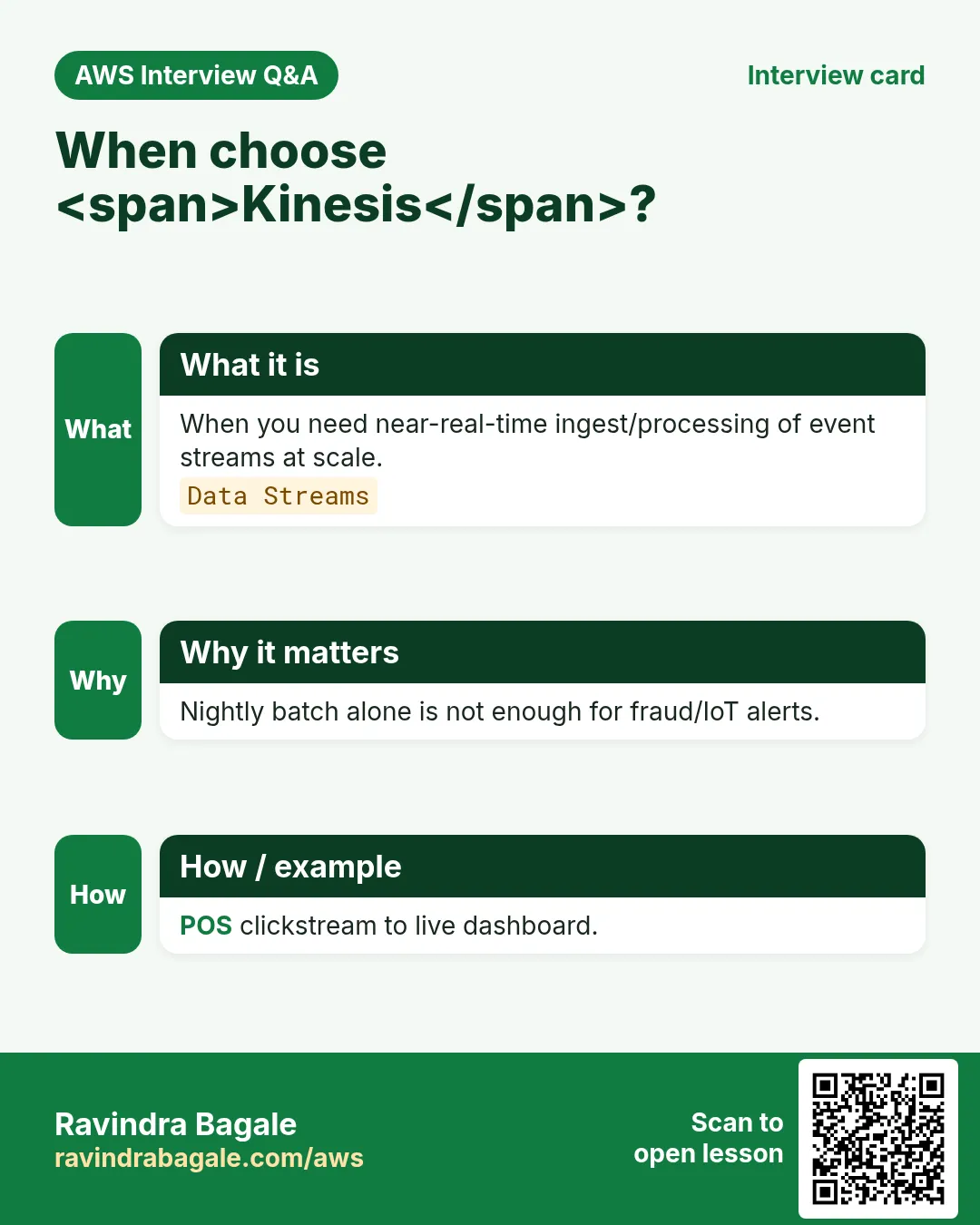
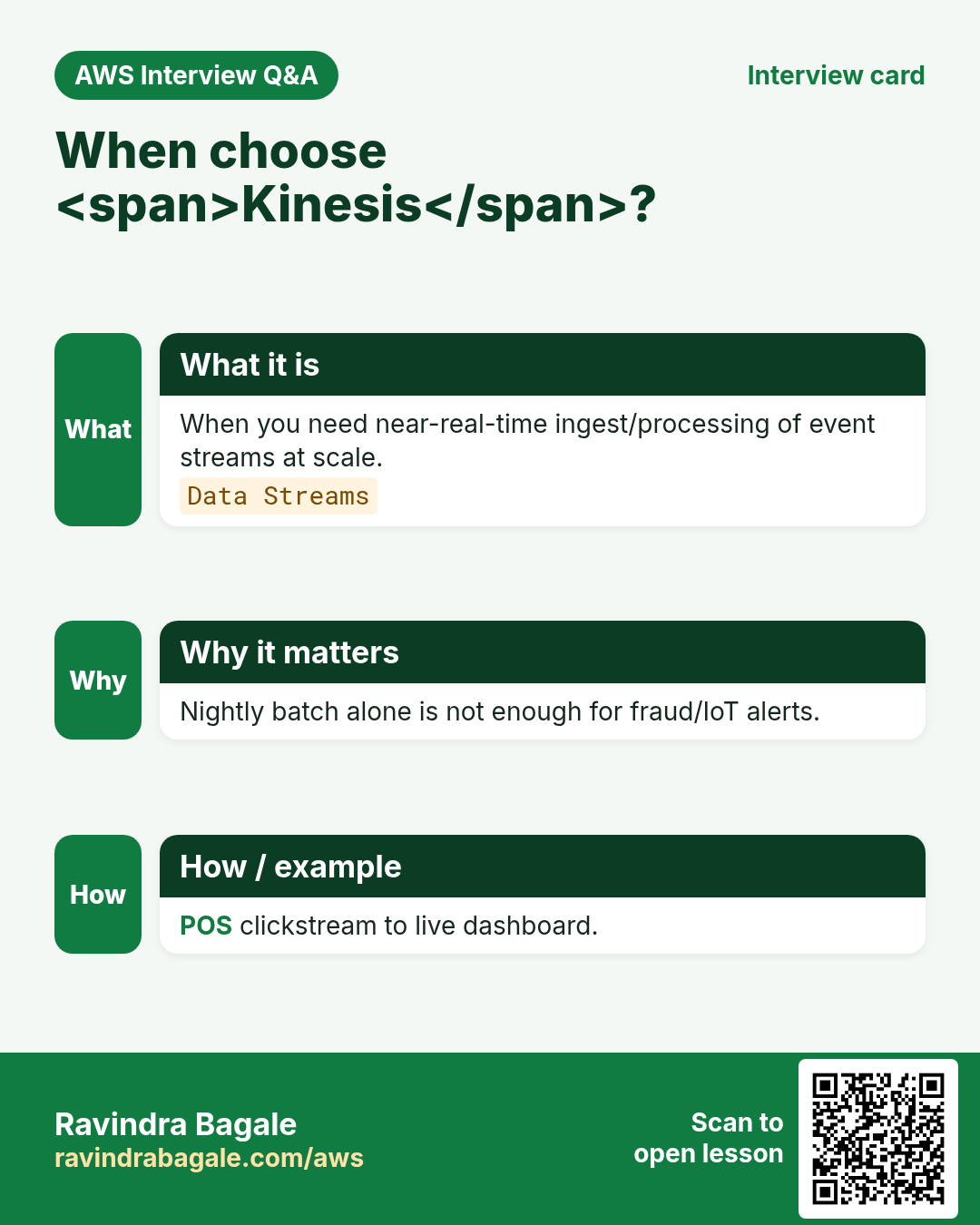
Batch jobs wait for a file at midnight. Streaming apps react as events happen: clicks, GPS pings, payments. Amazon Kinesis is a family of services for ingesting and processing streaming data on AWS — pipes that never sleep.
What you'll learn in this chapter
- Why streaming vs batch
- Data Streams vs Firehose vs Data Analytics
- Shards, producers, consumers
- When to pick MSK or SQS instead
- Lab, errors, FAQ, interview
1. Everyday example first
A cab app in Hyderabad emits location every few seconds. You cannot wait for nightly CSV. Producers write to a Kinesis data stream; consumers update ETAs and fraud checks in near real time. Firehose can also archive raw events to S3 for later Athena.
2. Why Kinesis?
Why do we need this?
Queues (SQS) are great for work tickets. Streams keep ordered records for multiple consumers over a retention window. Analytics and dashboards need that firehose of events.
3. What is in the Kinesis family?
What is it?
| Service | Plain job |
|---|---|
| Data Streams | Durable real-time stream with shards |
| Data Firehose | Load streams to S3/Redshift/OpenSearch with batching |
| Data Analytics / Flink | SQL/Flink processing on streams |
4. How shards work (simple)
How to do it (step by step)
- A stream is split into shards; each shard has throughput limits.
- Partition key chooses the shard (e.g., rider_id).
- Consumers use iterators or enhanced fan-out.
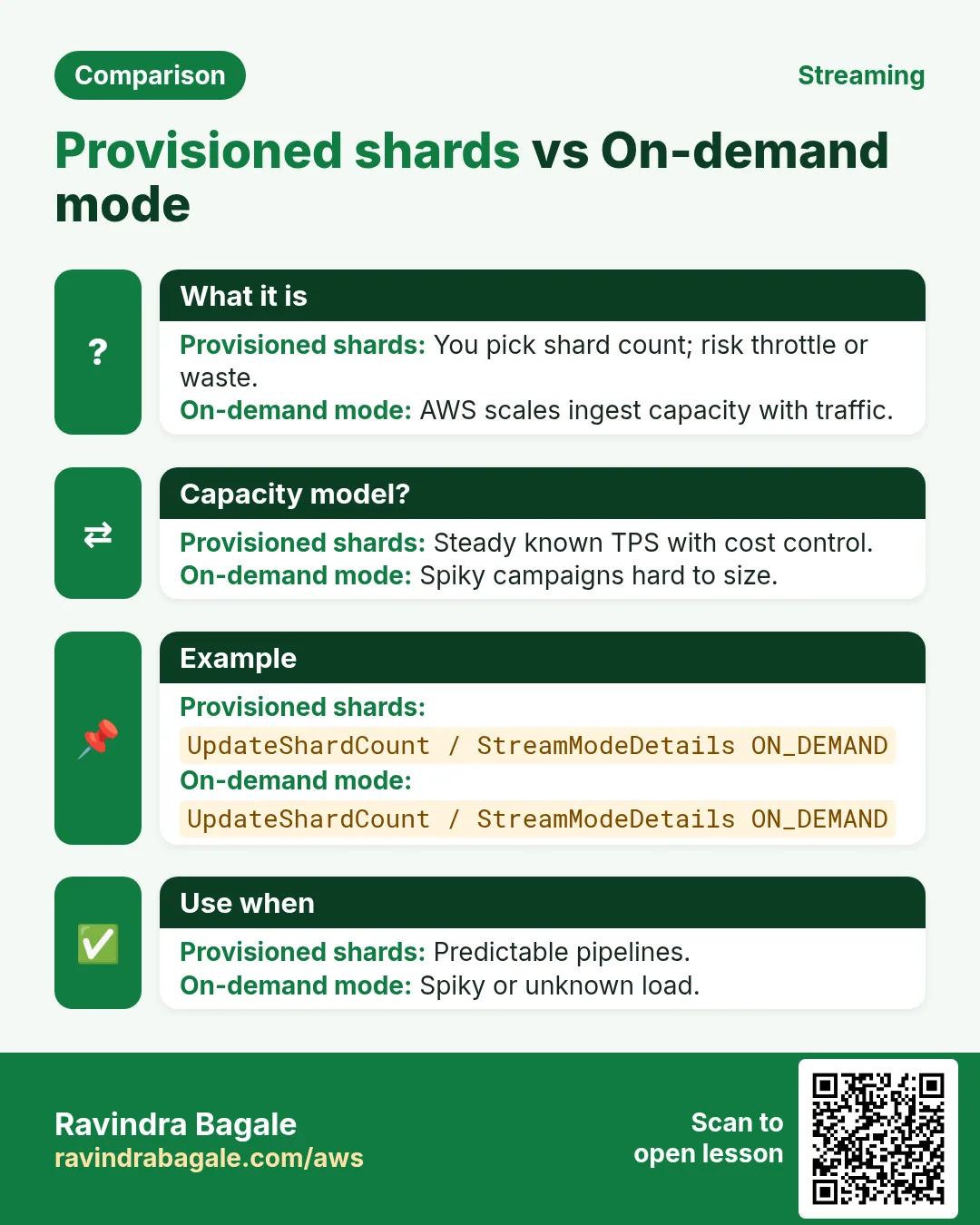
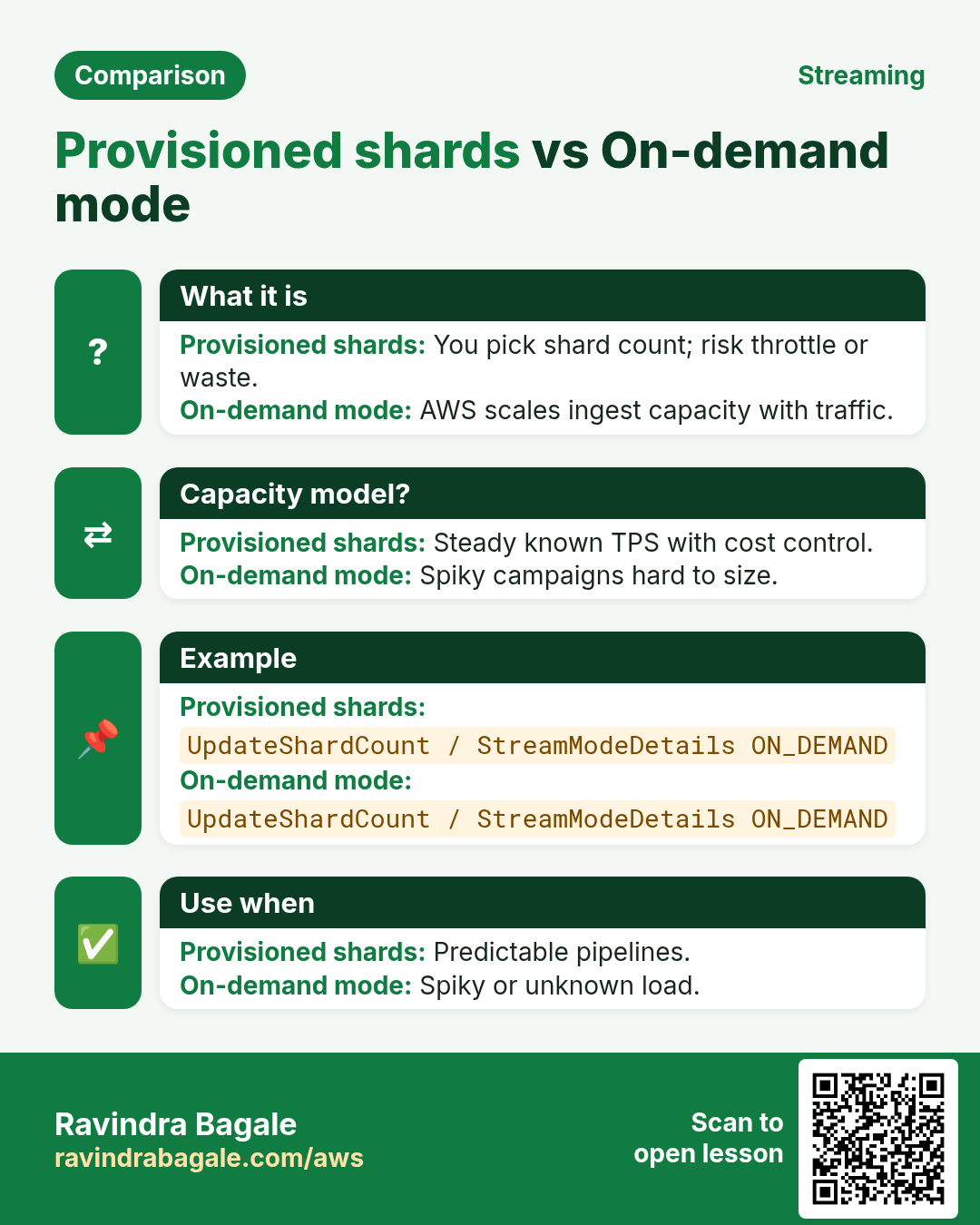
- Scale shards when throttled (or use on-demand mode).
- Set retention (hours to days) for replay.
- Monitor IteratorAge — lagging consumers.
# Producer sketch (boto3 mental model)
# kinesis.put_record(
#   StreamName='rides',
#   Data=b'{"rider":"R1","lat":17.4}',
#   PartitionKey='R1')
5. Kinesis vs MSK vs SQS
| Choice | When |
|---|---|
| Kinesis Data Streams | AWS-native streaming, simple ops |
| Amazon MSK | Need Kafka ecosystem/tools |
| SQS | Task queue, competing consumers, no long replay |
6. Industries
- Mobility: GPS + ETA
- Fintech: payment event pipelines
- IoT factories: sensor telemetry
- Media: clickstream personalization
7. Lab: paper design + console click-tour
Do this in ap-south-1 (Mumbai) unless your org forbids it. Set a budget alert first.
How to do it (step by step)
- Define three event fields for a sample clickstream.
- Choose partition key and explain hot-shard risk.
- Decide Firehose vs custom consumer for S3 archive.
- In console, open Kinesis and note on-demand vs provisioned.
- Write alarm idea: IteratorAge > 60s.
Cleanup (stop billing)
- Delete any lab stream you created.
- Stop Firehose delivery streams to halt S3 put costs.
8. Common errors and fixes
Each row is a real mistake students and juniors hit. Read the fix before you panic.
| Error / symptom | Fix |
|---|---|
| Hot shard from bad partition key | High-cardinality keys; avoid status=OK. |
| Consumer lag ignored | Alarm on IteratorAge. |
| PutRecord over 1MB | Split or compress carefully. |
| Firehose dynamic partitioning misconfig | Test prefixes; monitor failures. |
| Retained data but no replay plan | Document who replays how. |
| Used SQS but needed multiple replayable consumers | Pick a stream. |
| No encryption | Enable SSE (KMS). |
| Provisioned mode under-scaled | On-demand or reshard. |
| PII in cleartext events | Tokenize; encrypt fields. |
| Lambda consumer timeout loops | Batch size + bisect on error. |
9. Troubleshooting checklist
- ProvisionedThroughputExceeded → scale or on-demand.
- AccessDenied on put → IAM kinesis:PutRecord.
- Empty consumers → check iterator / subscription.
- Firehose to S3 403 → bucket policy + role.
- Wrong region stream name.
- Clock skew on producers → NTP.
10. FAQ
Q. Is Kinesis Kafka?
Different product; MSK is Kafka. Kinesis is AWS-native streaming.
Q. Firehose without Streams?
Firehose can ingest directly from many sources.
Q. How long is data kept?
Configurable retention on streams.
Q. Exactly-once?
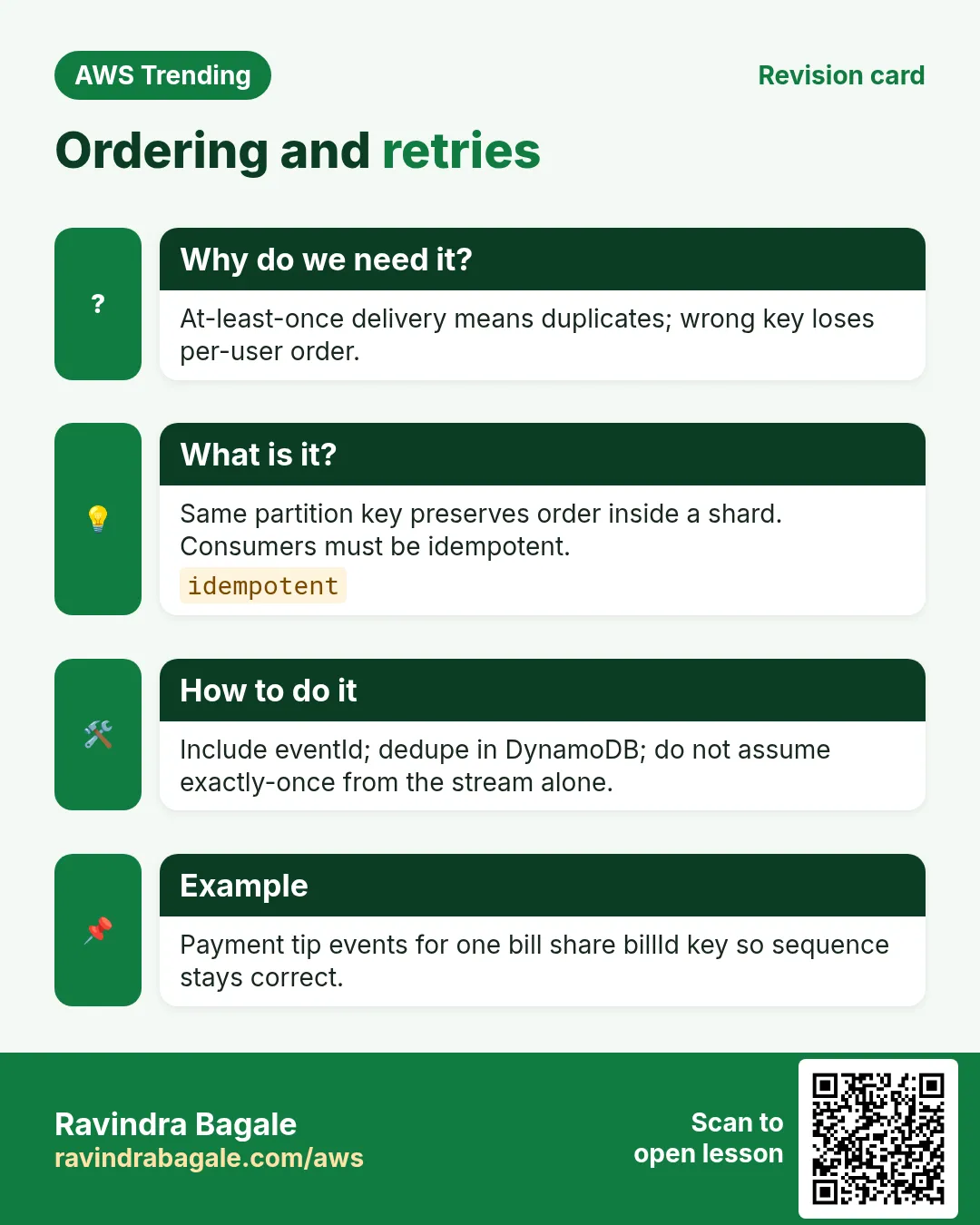
Plan for at-least-once; make consumers idempotent.
Q. Cost control tip?
On-demand carefully; compress; sample debug streams.
11. Interview Q&A
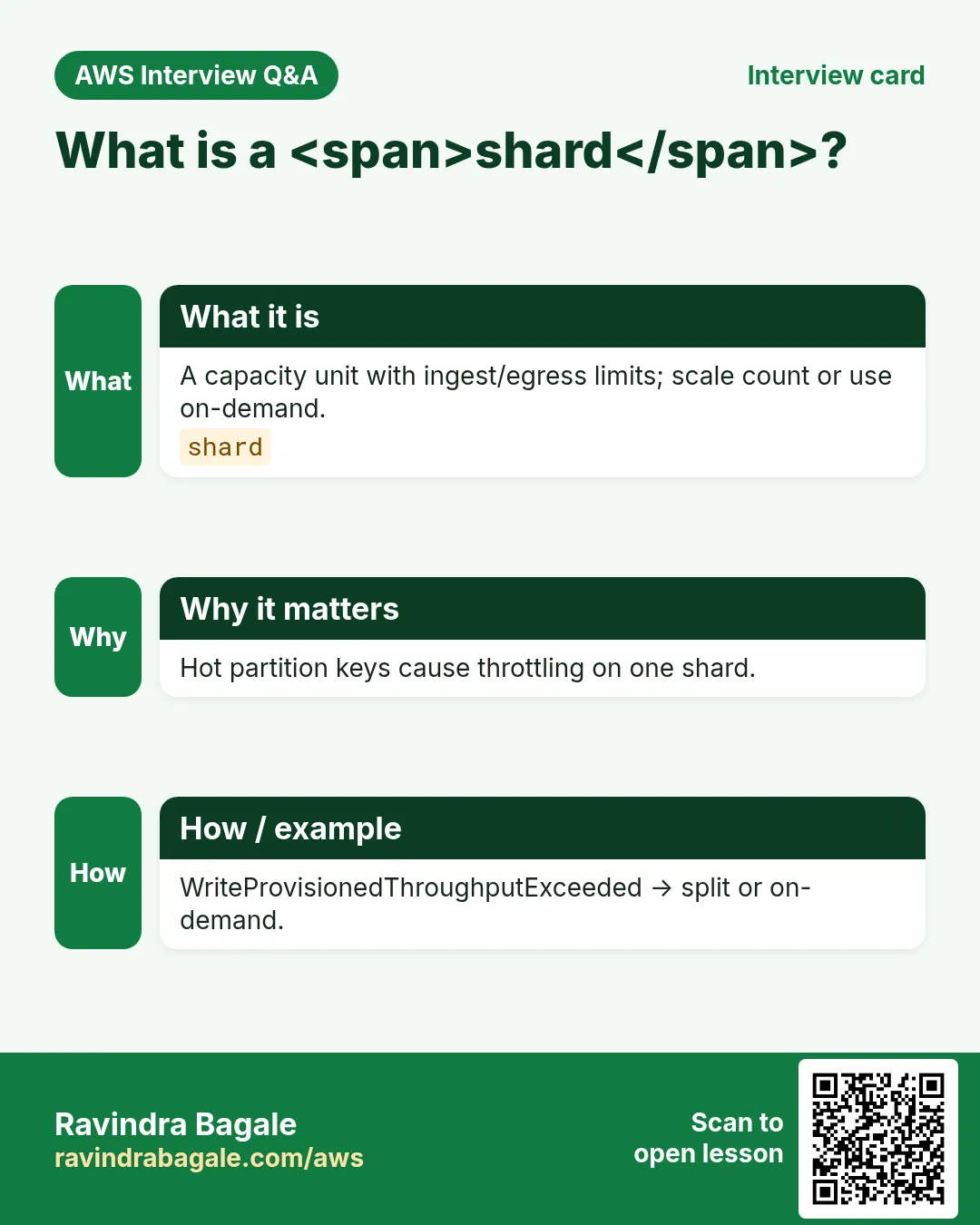
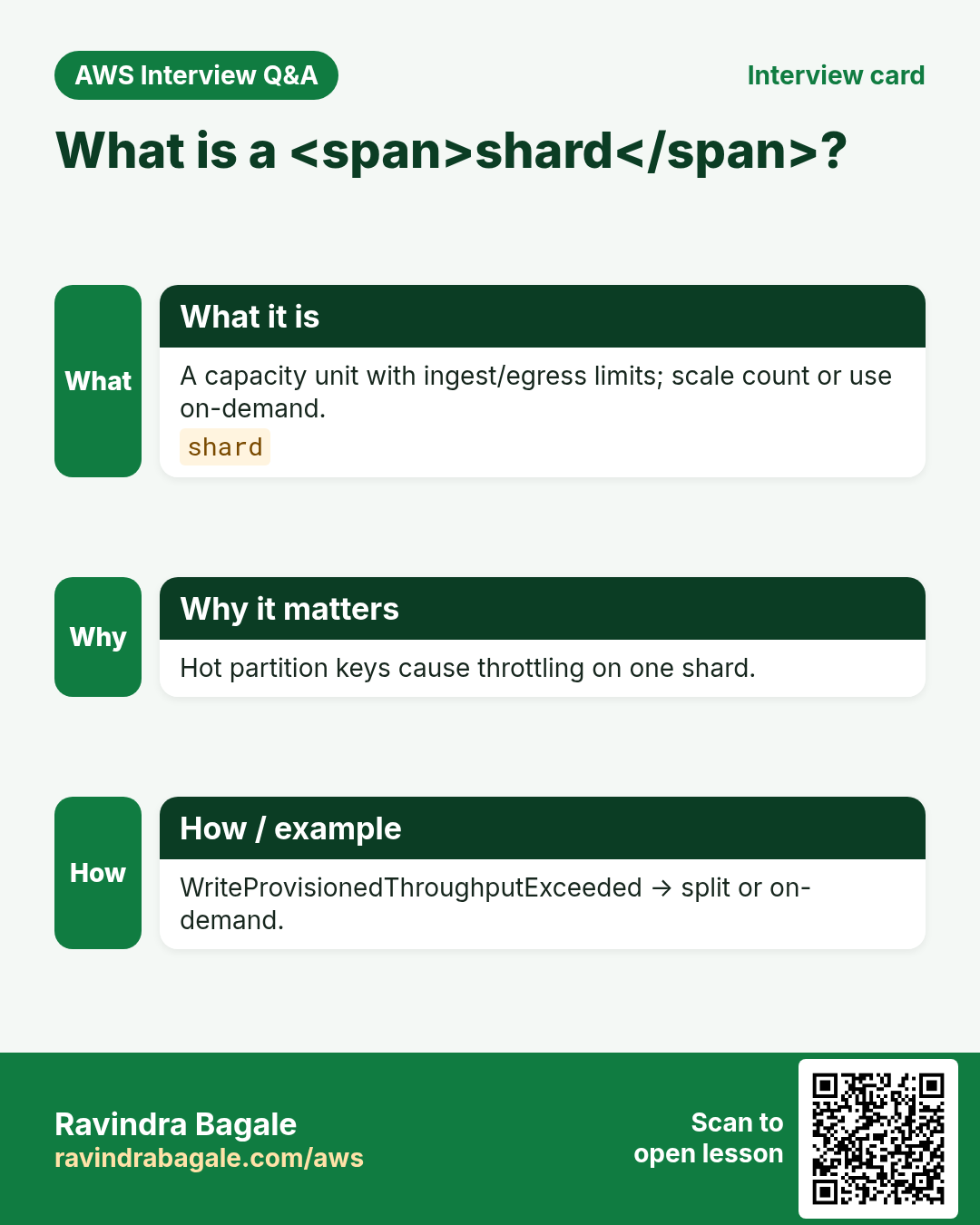
Q. What is a shard?
A throughput unit inside a data stream.
Q. Partition key purpose?
Routes records to shards; keep cardinality healthy.
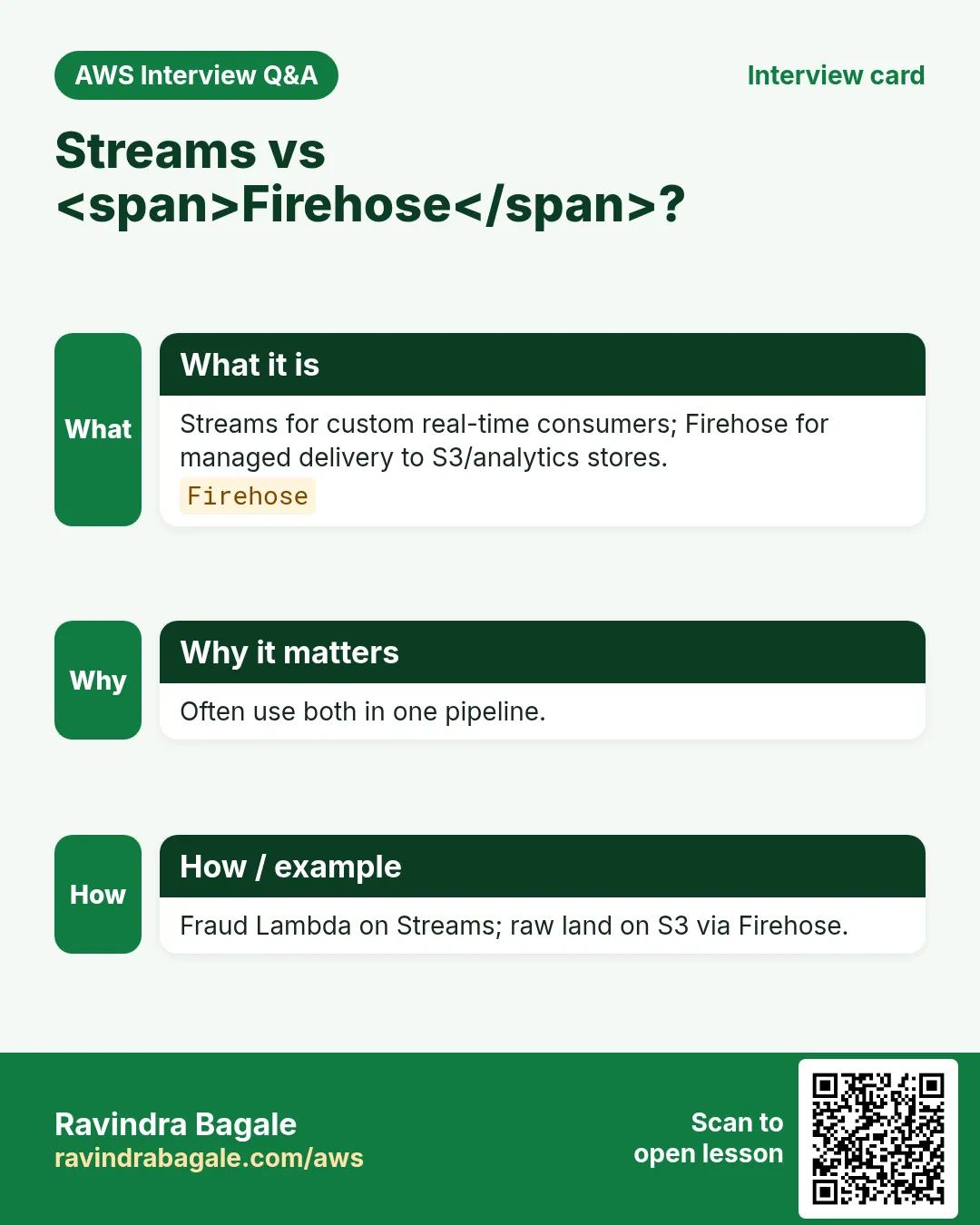
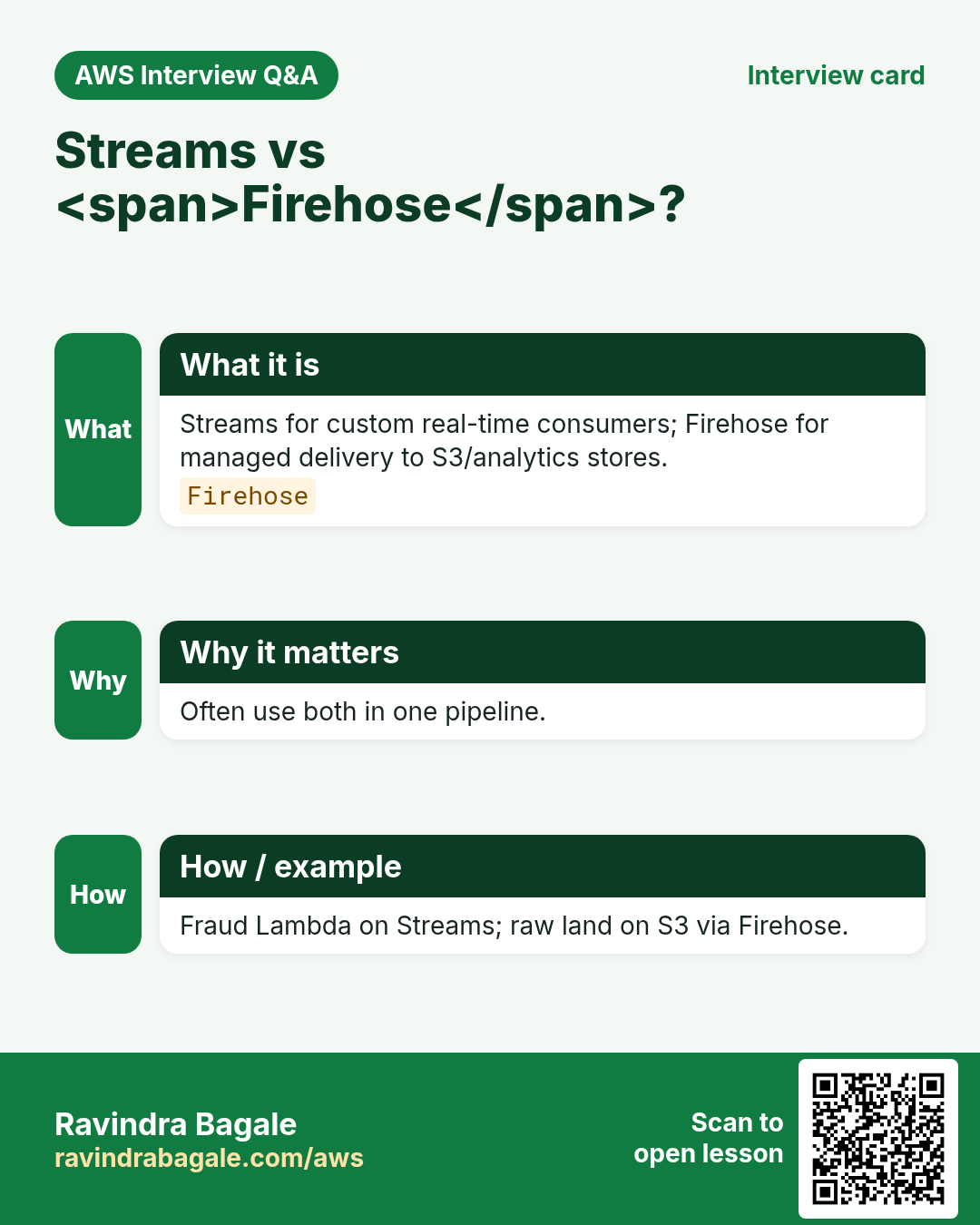
Q. Streams vs Firehose?
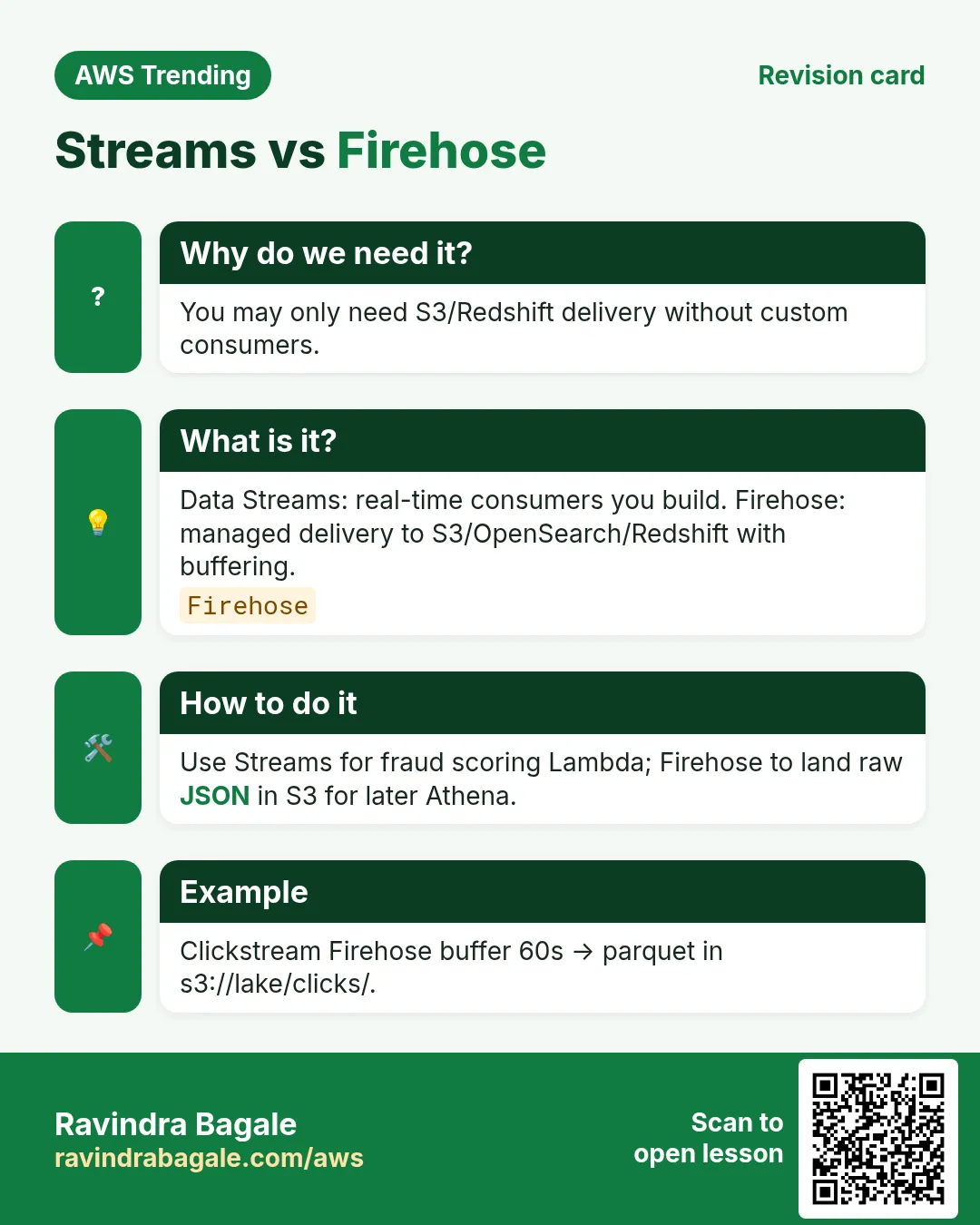
Streams=raw durable stream; Firehose=managed delivery.
Q. IteratorAge?
How late consumers are.
Q. When MSK?
Need Kafka APIs/ecosystem.
Q. Idempotent consumer?
Same record twice does not double-apply.
12. Tips in English, Marathi and Hindi
Ravindra Bagale's Tip (EN)
Pick the partition key with a whiteboard, not with a coin flip. Hot shards wake you at 3 AM.
Ravindra Bagale's Tip (MR)
Partition key whiteboard वर ठरवा. Hot shards रात्री उठवतात.
Tip (HI)
Partition key व्हाइटबोर्ड पर चुनो — hot shards रात में जगाते हैं।
Try at home
- List five events your phone apps probably stream.
- Compare SQS vs Kinesis in five bullets.
- Sketch producer → stream → Lambda → DynamoDB.
In short
- Kinesis moves streaming data on AWS.
- Streams vs Firehose vs Analytics = ingest vs load vs process.
- Shards + partition keys decide scale and hotspots.
- Prefer idempotent consumers; watch IteratorAge.
Revision, interview and comparison cards
Revise this lesson in a few minutes. Save the cards on your phone or download them as PNG files. The QR code on each card opens this lesson.
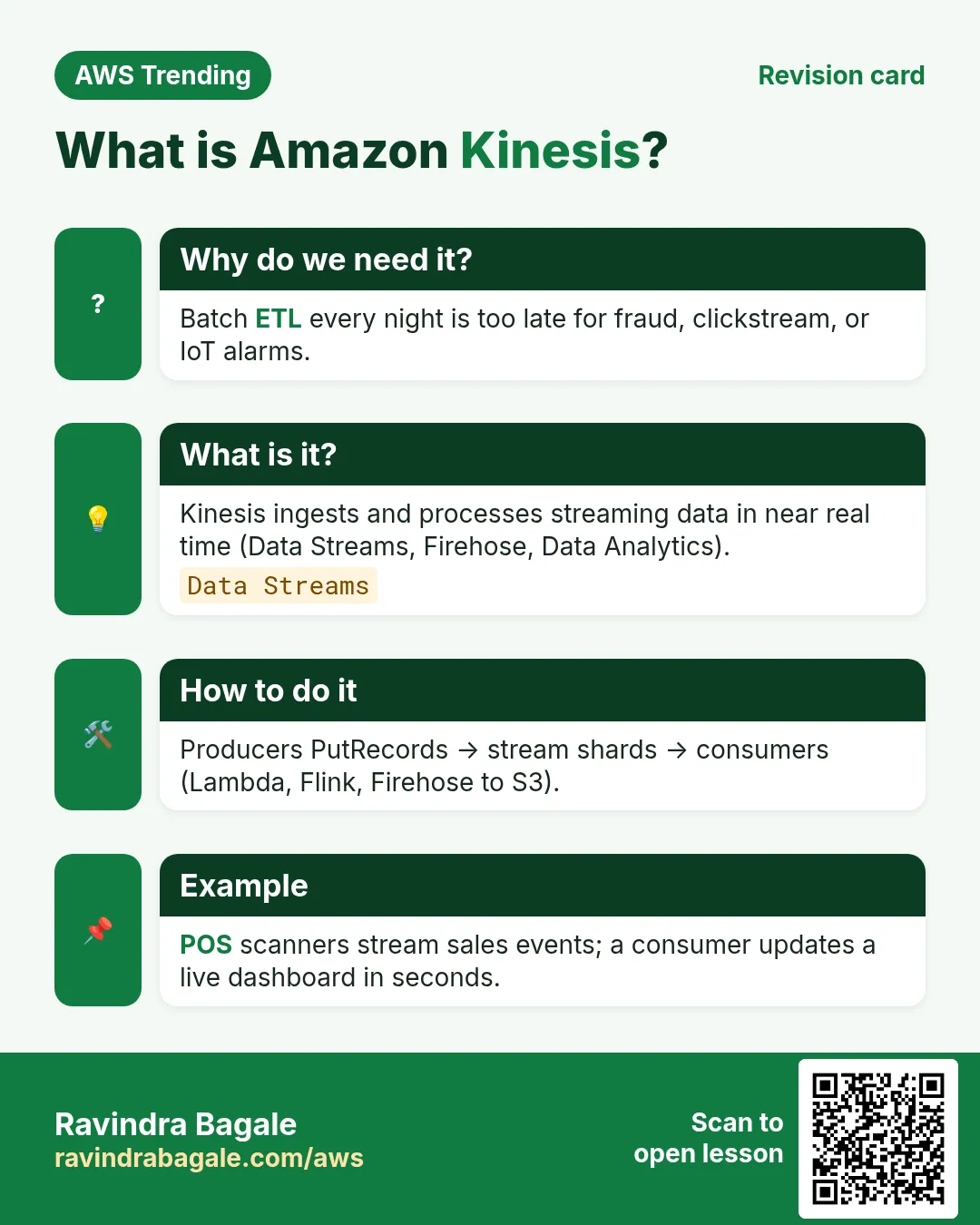
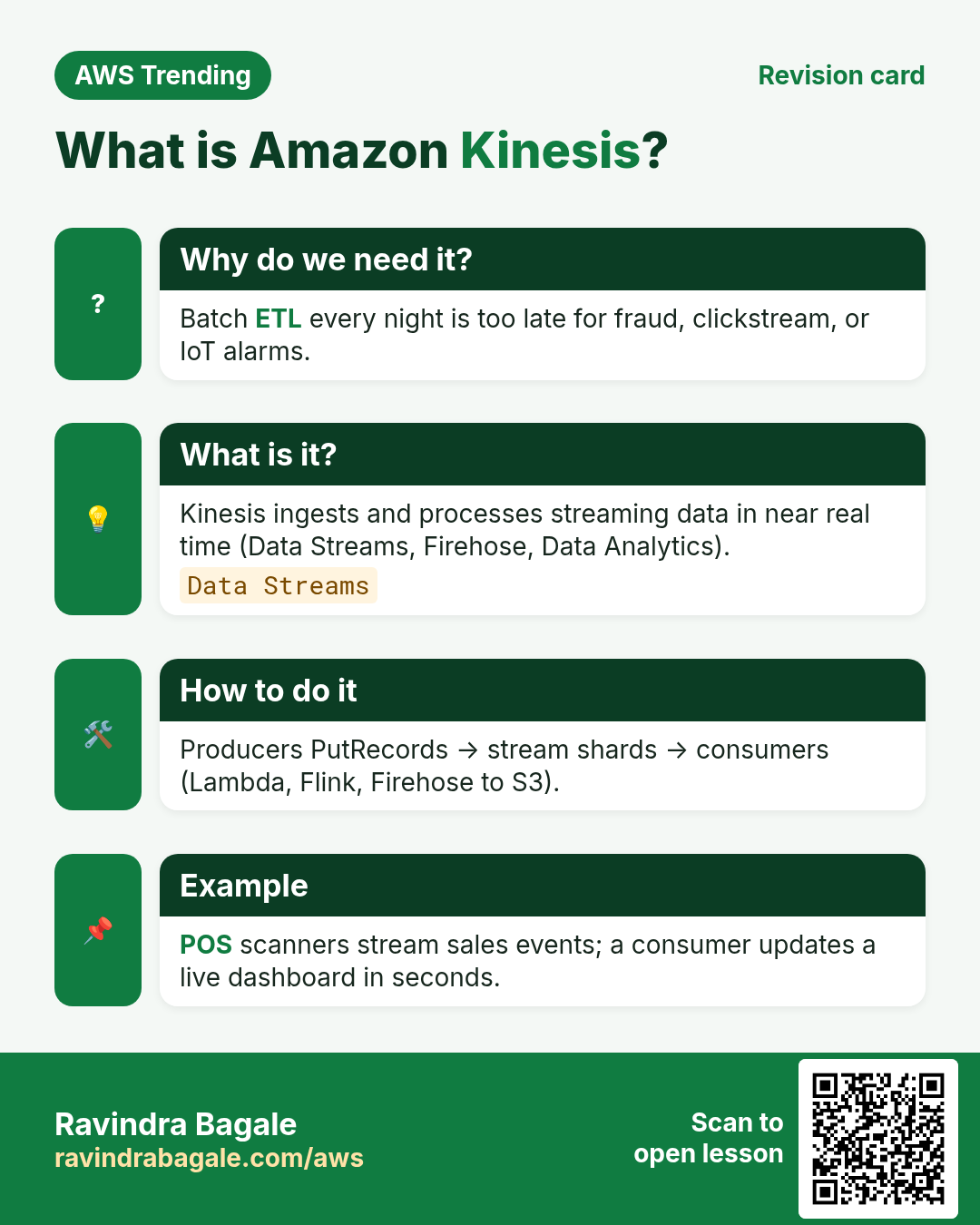
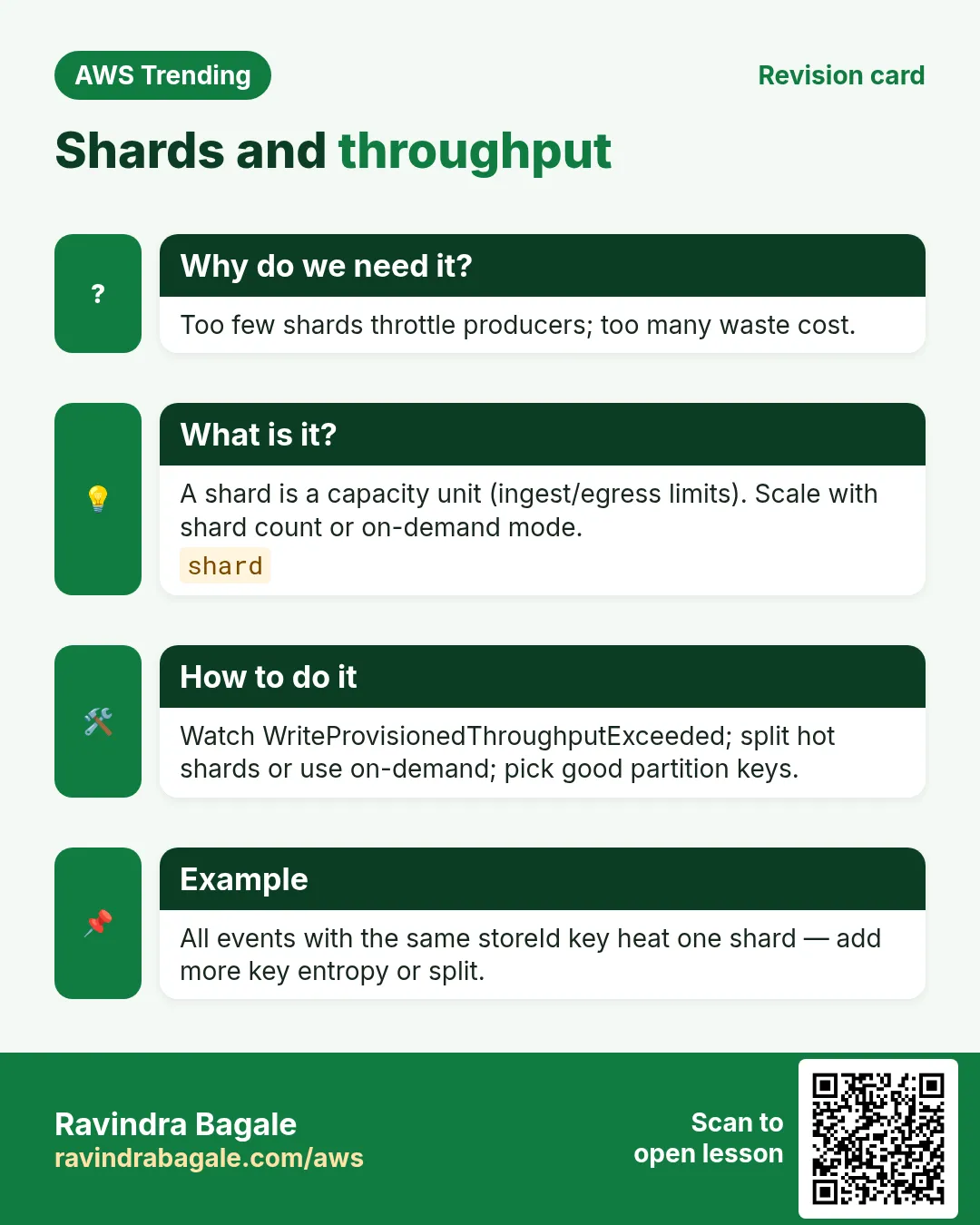
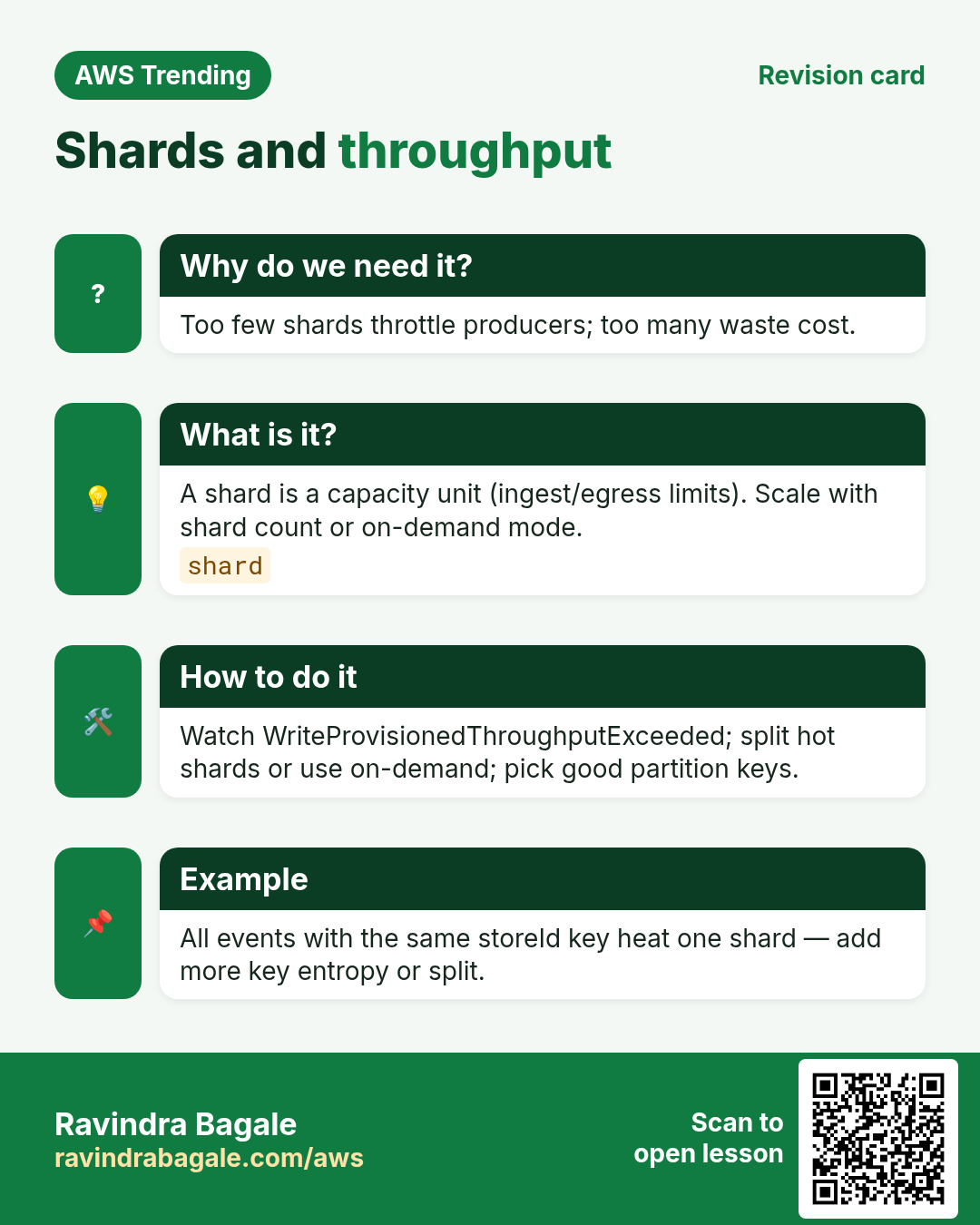
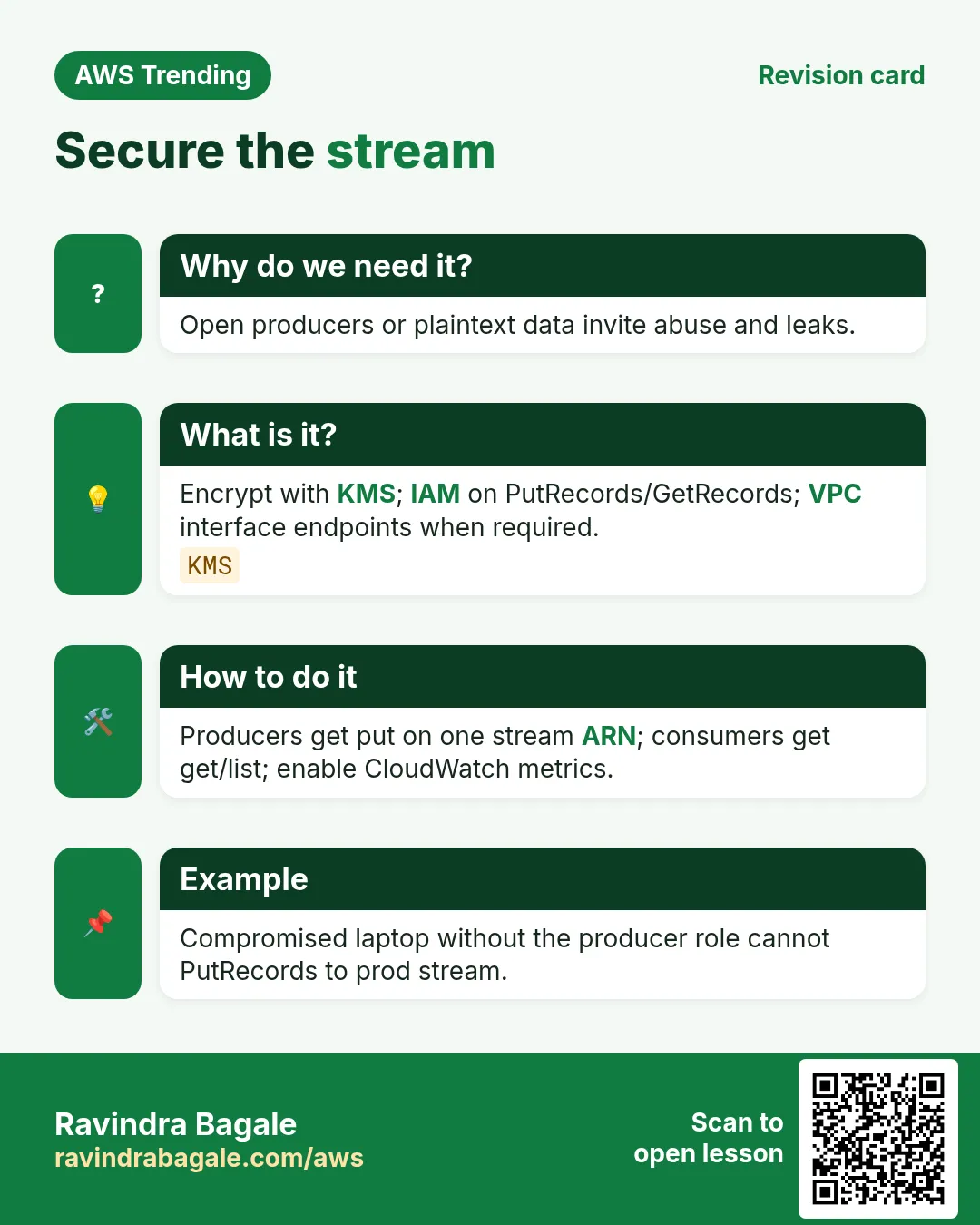
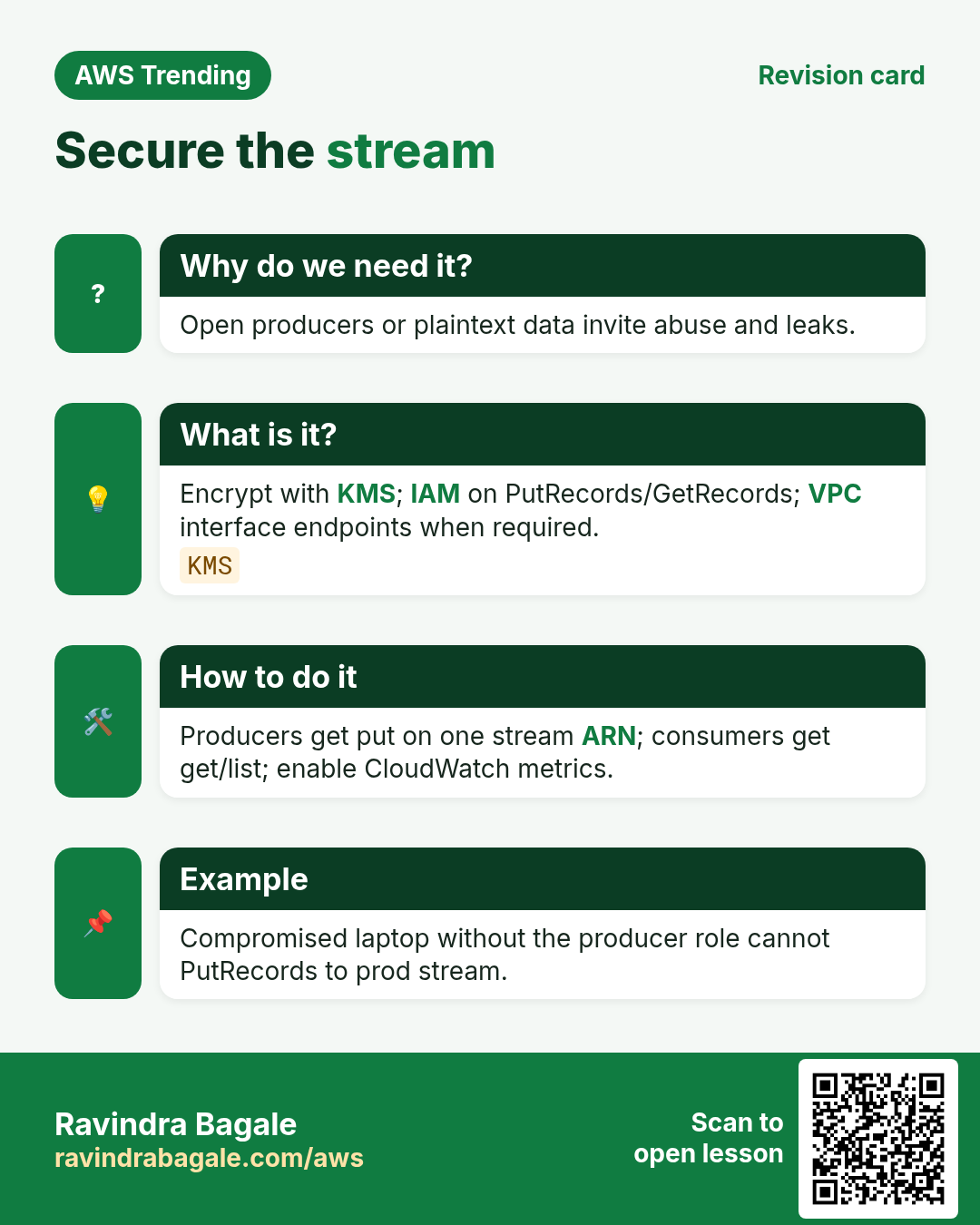
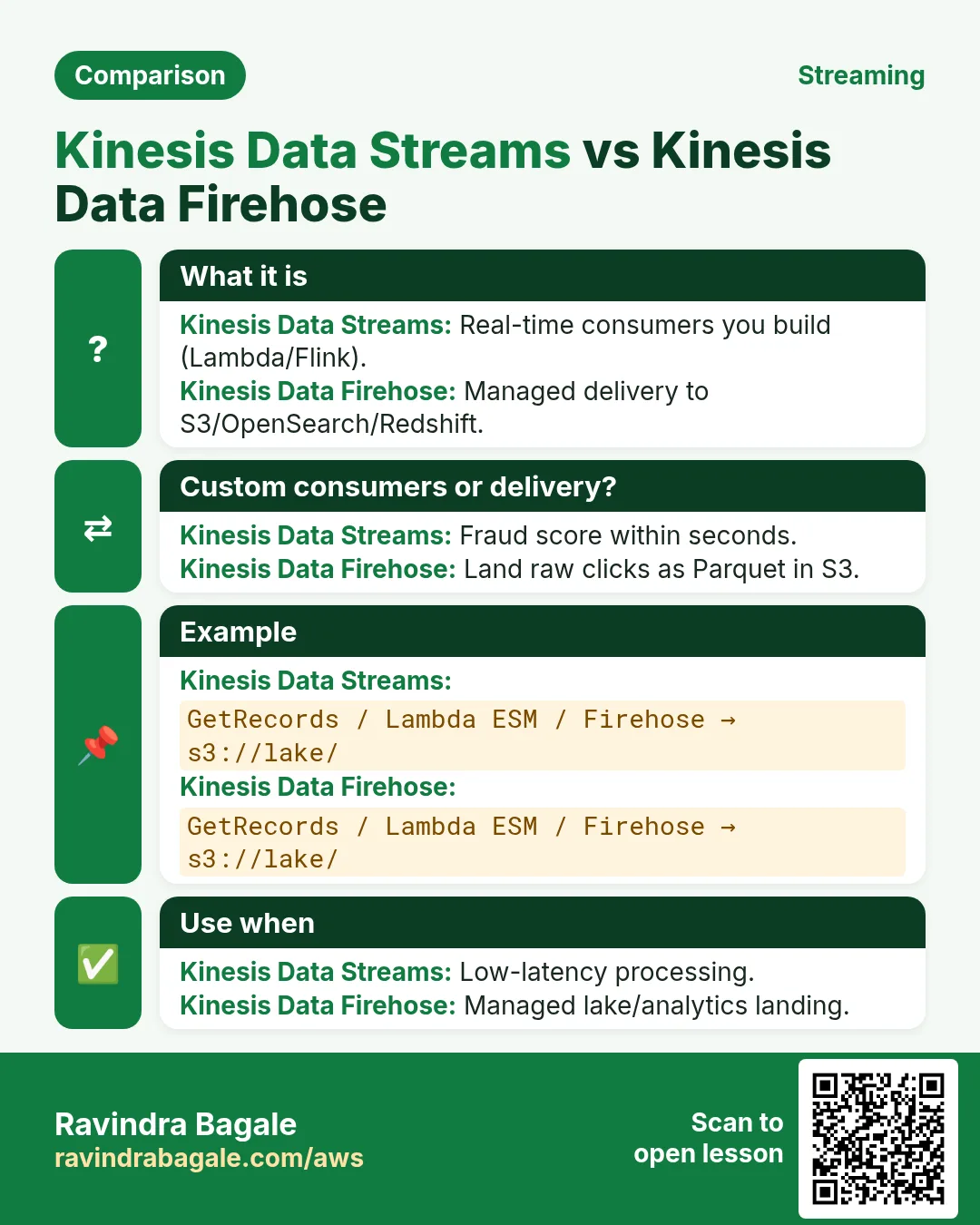
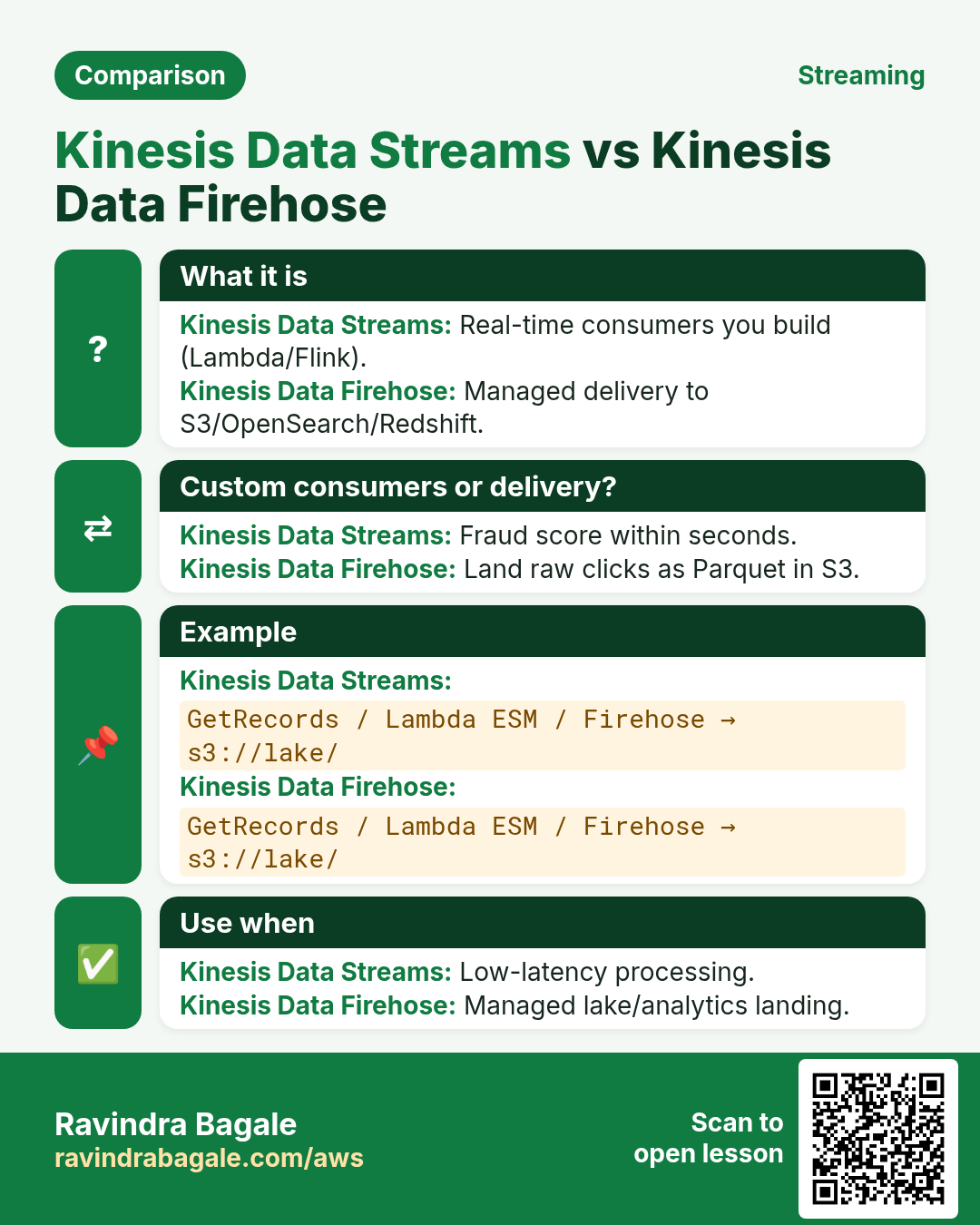
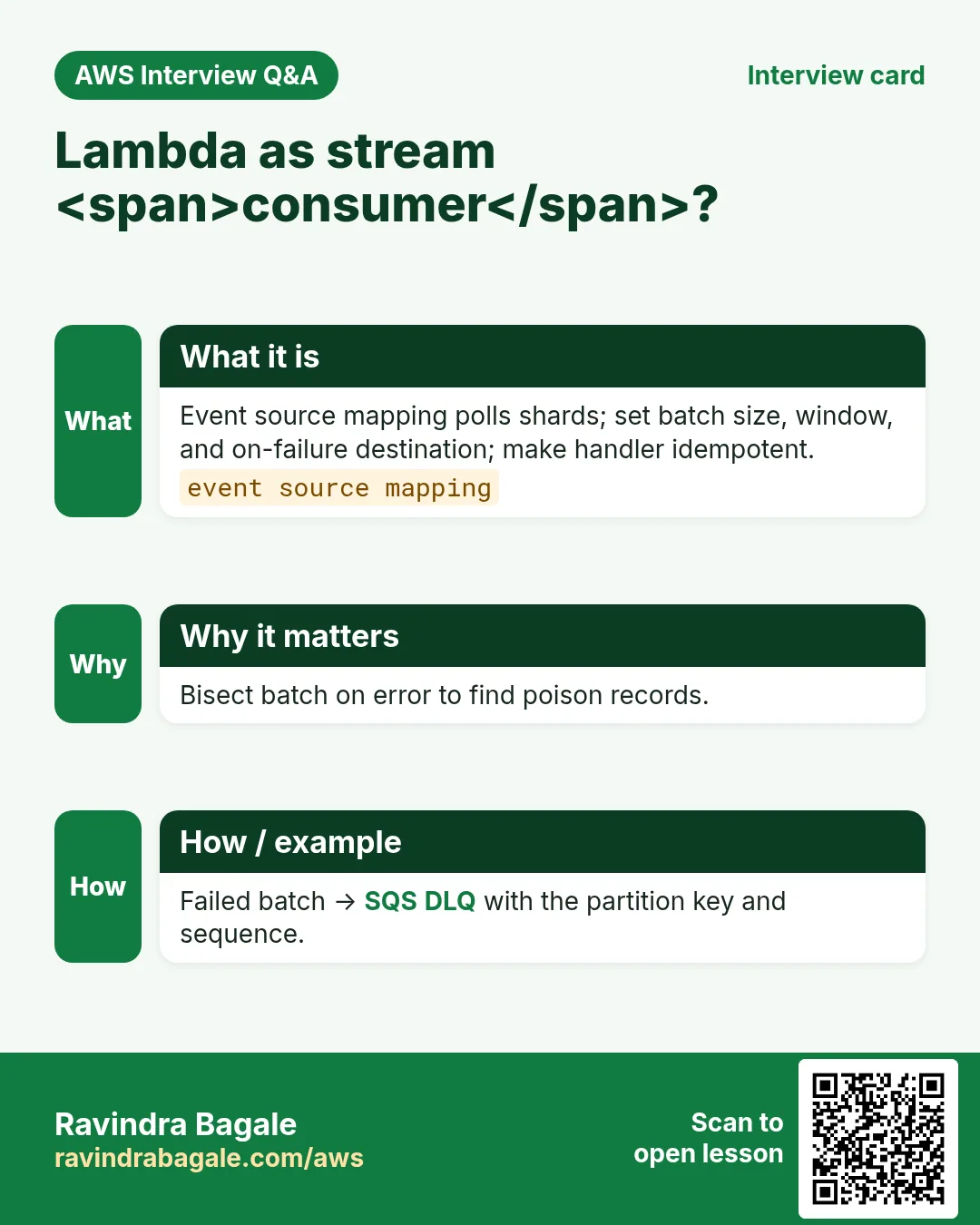
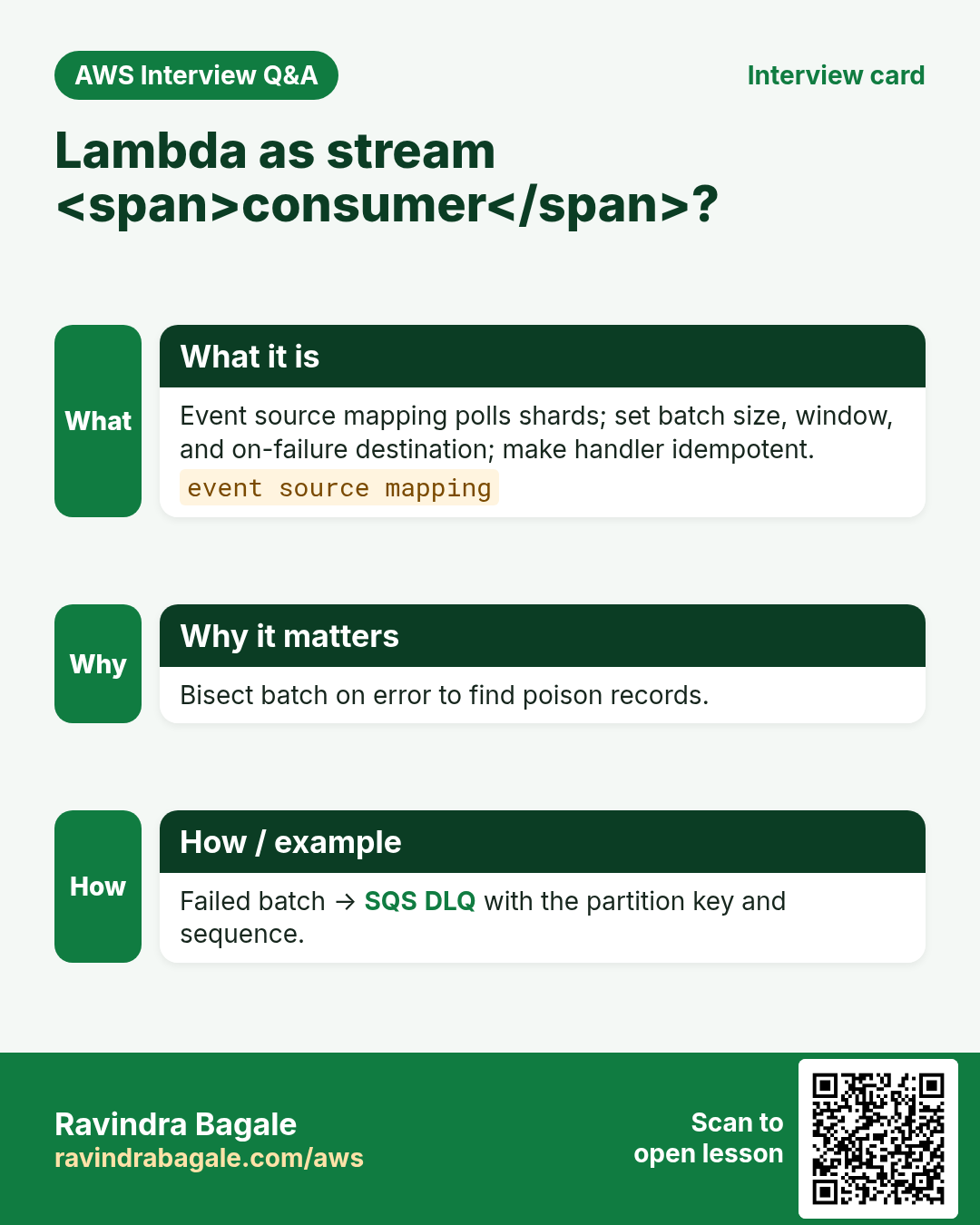
More cards: Ravi Sir's Cards.
Practice Tasks
Nairobi Ride is a transport business in Nairobi. Wanjiru Kamau looks after its IT and cloud work. They count money in KES and run their AWS resources in the af-south-1 Region. In the tasks below you do real jobs for them using what this lesson teaches. All names, account IDs, IP addresses and numbers are made up for practice.
0 / 16
Easy List streams
Why: See data streams.
What to do: List Kinesis streams.
- Read the task and decide which AWS service it is about.
- Write aws, then the service name, then the operation (the action word).
- Add each needed flag (--name) followed by its value from the task.
- Flags can be in any order. Click Check answer.
Easy Describe stream
Why: Shard count.
What to do: Describe stream nairobiride-rides.
- Read the task and decide which AWS service it is about.
- Write aws, then the service name, then the operation (the action word).
- Add each needed flag (--name) followed by its value from the task.
- Flags can be in any order. Click Check answer.
Easy List delivery streams
Why: Delivery inventory.
What to do: List Firehose delivery streams.
- Read the task and decide which AWS service it is about.
- Write aws, then the service name, then the operation (the action word).
- Add each needed flag (--name) followed by its value from the task.
- Flags can be in any order. Click Check answer.
Easy Shard write MB/s classic
Why: Throughput unit.
What to do: Classic shard write capacity MB/s often taught (enter 1)?
- Write down the numbers the task gives you.
- Work it out step by step on paper.
- Type only the final answer in the box.
- Click Check answer.
Easy SQS is not a stream — 0
Why: Pick right tool.
What to do: Is SQS the same as a Kinesis stream? Enter 0 for no.
- Write down the numbers the task gives you.
- Work it out step by step on paper.
- Type only the final answer in the box.
- Click Check answer.
Easy Partition key required — 1
Why: Routing.
What to do: Enter 1 if put-record needs a partition key.
- Write down the numbers the task gives you.
- Work it out step by step on paper.
- Type only the final answer in the box.
- Click Check answer.
Medium Put record
Why: Producer write.
What to do: Put record on nairobiride-rides partition key R1 data file://e.json.
- Read the task and decide which AWS service it is about.
- Write aws, then the service name, then the operation (the action word).
- Add each needed flag (--name) followed by its value from the task.
- Flags can be in any order. Click Check answer.
Medium Describe delivery stream
Why: Check destination.
What to do: Describe delivery stream nairobiride-to-s3.
- Read the task and decide which AWS service it is about.
- Write aws, then the service name, then the operation (the action word).
- Add each needed flag (--name) followed by its value from the task.
- Flags can be in any order. Click Check answer.
Medium Stream summary
Why: Faster than full describe.
What to do: Describe stream summary nairobiride-rides.
- Read the task and decide which AWS service it is about.
- Write aws, then the service name, then the operation (the action word).
- Add each needed flag (--name) followed by its value from the task.
- Flags can be in any order. Click Check answer.
Medium GetRecords
Why: Consumers.
What to do: Allow kinesis:GetRecords on arn:aws:kinesis:af-south-1:104591109902:stream/nairobiride-rides.
- Start with { "Version": "2012-10-17", "Statement": [ ... ] }.
- In each statement write Effect, Action and Resource.
- Give only what the task needs (least privilege).
- Use double quotes and commas correctly. Click Check answer.
Medium Event JSON
Why: Sample payload.
What to do: JSON rider R1 lat 17.4.
- Start from the top-level keys the task names.
- Indent child keys with 2 spaces (no tabs).
- Fill in each property with the value from the task.
- Click Check answer. Key order does not matter.
Medium IteratorAge alarm seconds sample
Why: Lag alarm.
What to do: Sample IteratorAge alarm threshold seconds (enter 60)?
- Write down the numbers the task gives you.
- Work it out step by step on paper.
- Type only the final answer in the box.
- Click Check answer.
Hard List shards
Why: Inspect hotspots.
What to do: List shards on nairobiride-rides.
- Read the task and decide which AWS service it is about.
- Write aws, then the service name, then the operation (the action word).
- Add each needed flag (--name) followed by its value from the task.
- Flags can be in any order. Click Check answer.
Hard Delete stream
Why: Stop lab cost.
What to do: Delete stream nairobiride-lab.
- Read the task and decide which AWS service it is about.
- Write aws, then the service name, then the operation (the action word).
- Add each needed flag (--name) followed by its value from the task.
- Flags can be in any order. Click Check answer.
Hard PutRecord on one stream
Why: Producers scoped.
What to do: Allow kinesis:PutRecord on arn:aws:kinesis:af-south-1:104591109902:stream/nairobiride-rides.
- Start with { "Version": "2012-10-17", "Statement": [ ... ] }.
- In each statement write Effect, Action and Resource.
- Give only what the task needs (least privilege).
- Use double quotes and commas correctly. Click Check answer.
Hard Retention hours JSON
Why: Replay window.
What to do: JSON RetentionHours 24.
- Start from the top-level keys the task names.
- Indent child keys with 2 spaces (no tabs).
- Fill in each property with the value from the task.
- Click Check answer. Key order does not matter.