DynamoDB Data Modeling and Single-Table Design for Beginners
Before you create another DynamoDB table, list how the app will read and write. Nairobi lead Amina Otieno and Pune founder Vikram Patil said: We modelled columns like MySQL, then every screen needed a Scan. Access-pattern-first and single-table thinking. Put/Get stays in CRUD and SDK. Intro: What Is Amazon DynamoDB?.
What you'll learn in this chapter
- Explain the core idea with an everyday story
- Apply Why / What / How on the topic
- Read commands with sample output and meaning
- Map the idea across industries
- Complete the lab and cleanup
1. Everyday example: one notebook for the whole shop
A kirana notebook: tabs=PK, lines=SK. USER#, ORD#, ITEM# labels share one notebook (single-table). Tax notebook separate. Meera Kulkarni (Pune) keeps patients+appointments together; firmware inventory separate for IAM.
2. Vertical steps
3. Why do we need this?
Why do we need this?
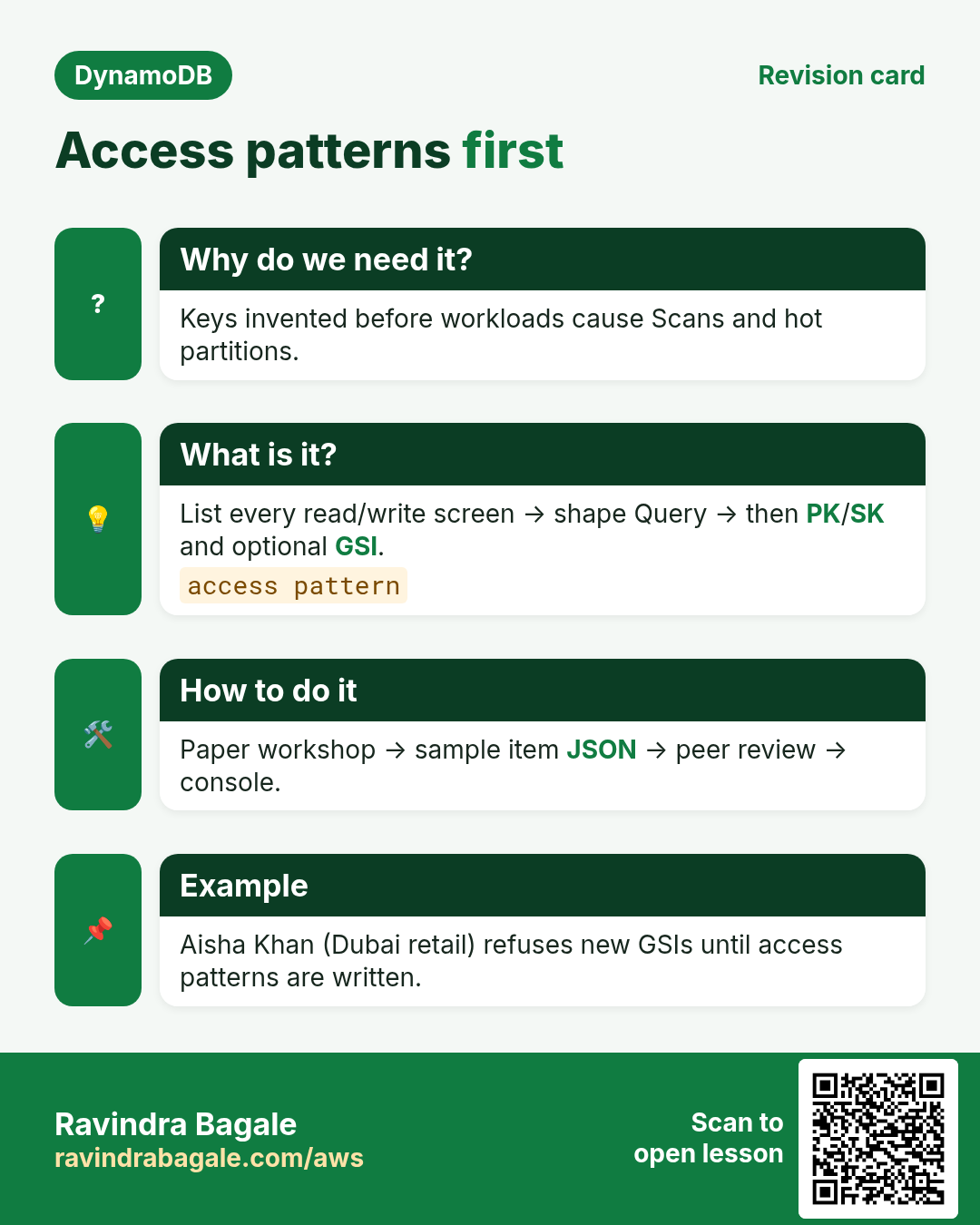
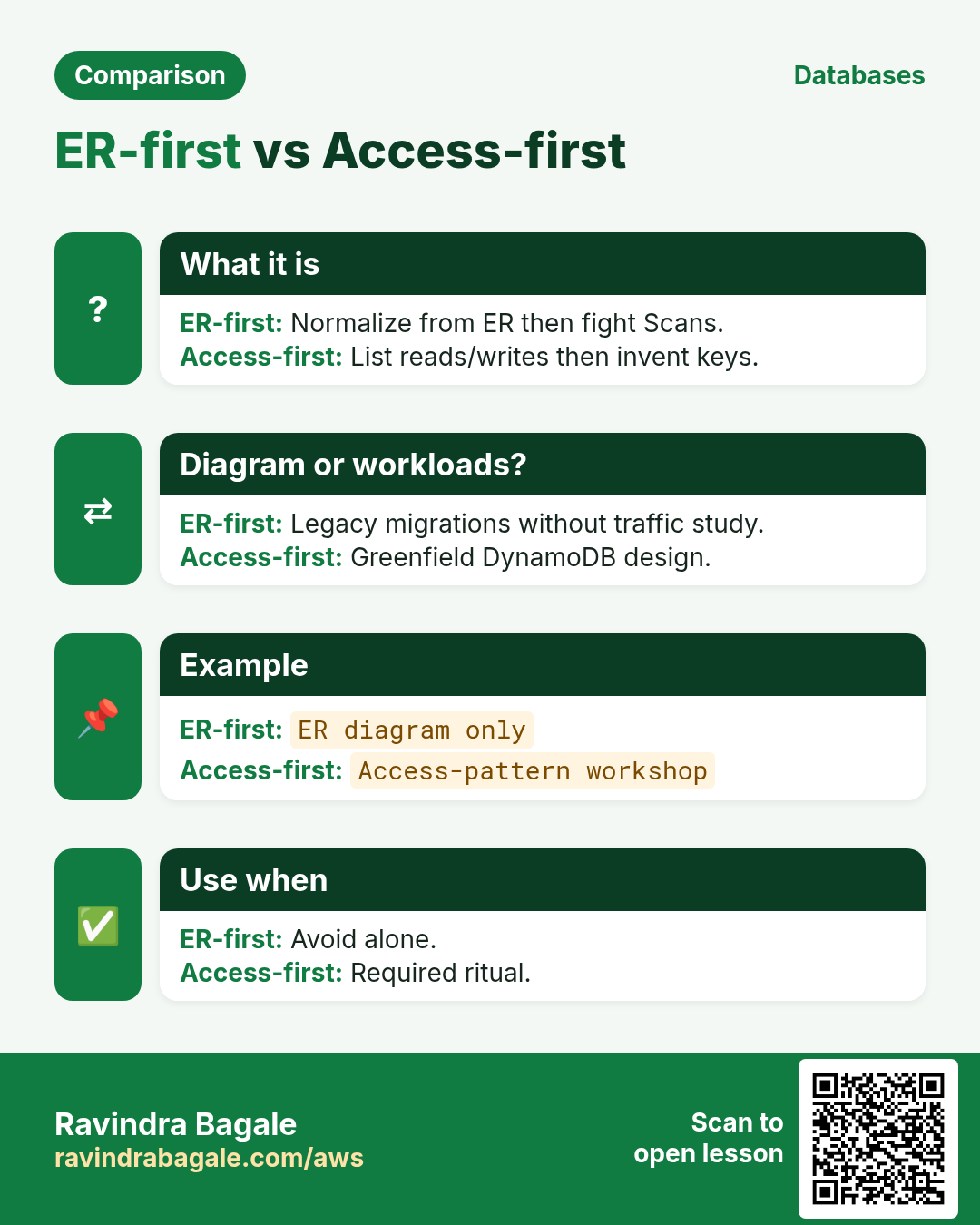
DynamoDB rewards questions first. Attribute-first design causes Scans that get slow and costly. Hot paths must be GetItem or Query on one partition.
4. What is it?
What is it?
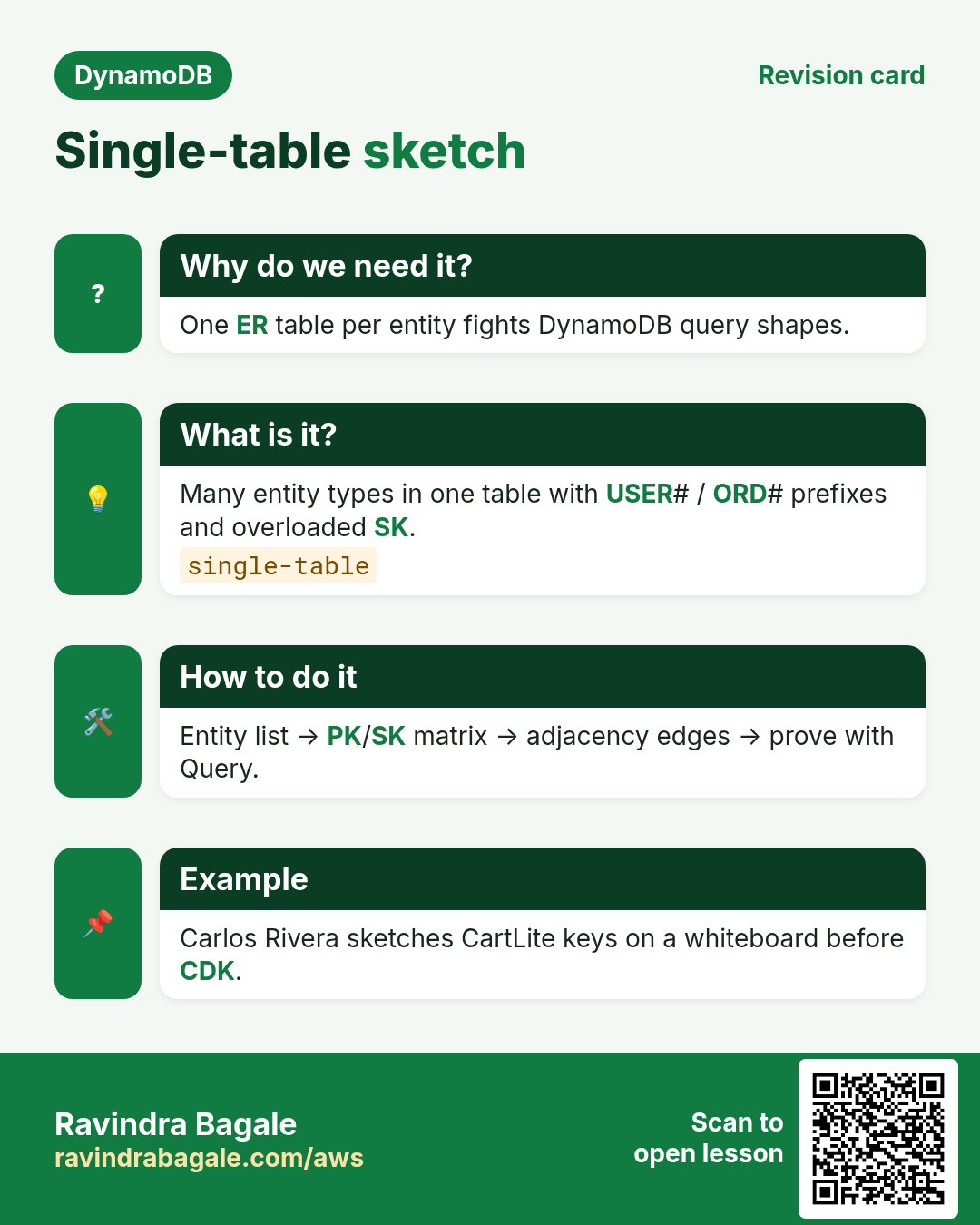
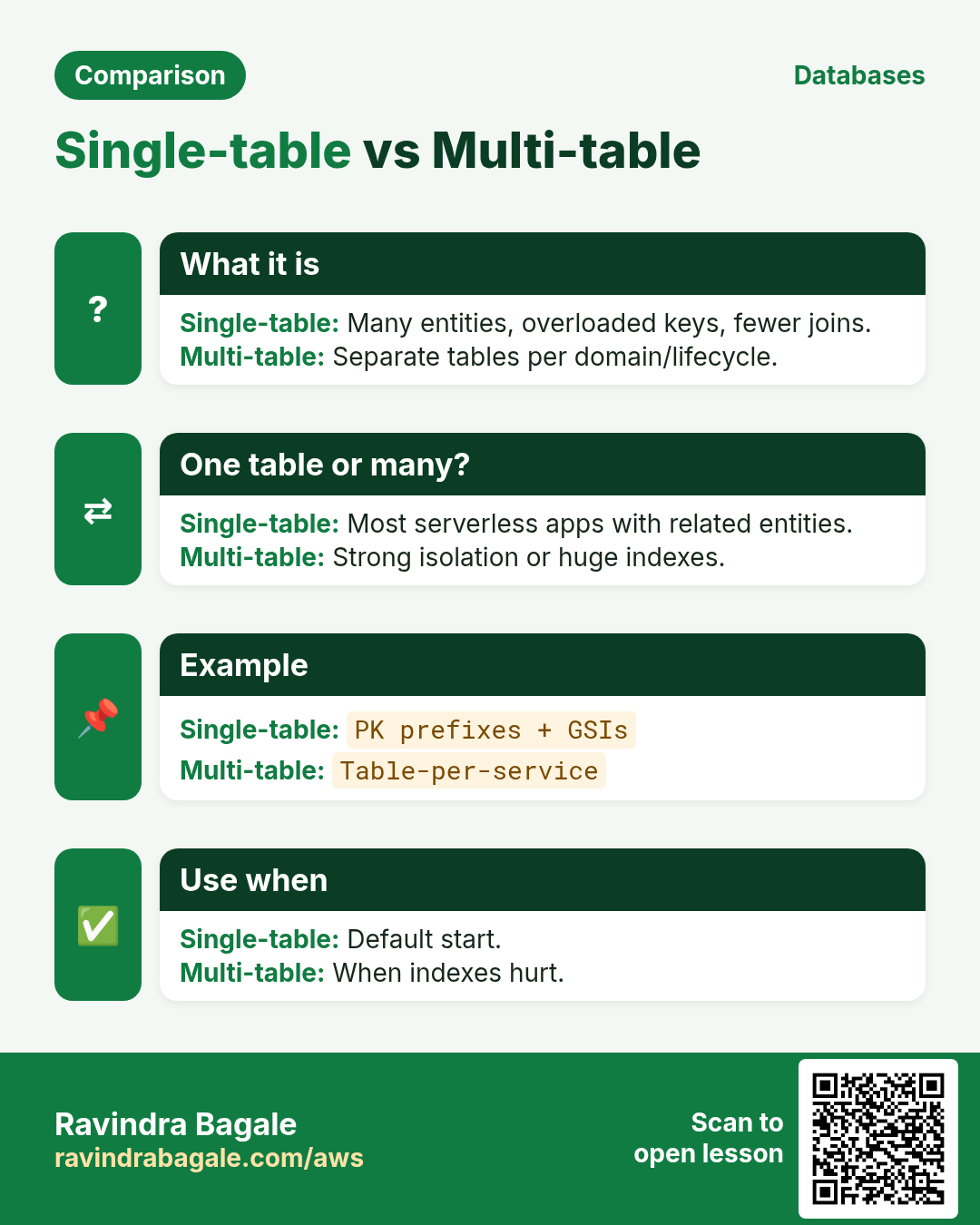
Single-table stores many entity types with overloaded PK/SK prefixes. Related items share a PK for one Query. Multi-table fits unrelated domains or different IAM/backup.
5. How to do it (step by step)
How to do it (step by step)
- Write 5-15 access patterns in English.
- Pick PK so hot patterns hit one partition.
- Pick SK for ranges/begins_with (ISO dates).
- Add EntityType for filters/Streams.
- Draw 8-10 sample items.
- Add GSI/LSI only for leftover patterns later.
6. CartLite key sketch
PK=USER#u100 SK=PROFILE; SK=ORD#2026-10-31T09:15#o2; PK=ORD#o2 SK=ITEM#sku9; PK=PROD#sku9 SK=META. Query USER for orders; Query ORD for lines.
7. Many-to-many edges
Kenji Watanabe (Osaka): STUD#/COURSE# and reverse edges. Thin edges; META for heavy fields; transactions in chapter 5.
8. Commands with output and meaning
aws dynamodb create-table --table-name lab-dda-shop \
  --attribute-definitions AttributeName=PK,AttributeType=S AttributeName=SK,AttributeType=S \
  --key-schema AttributeName=PK,KeyType=HASH AttributeName=SK,KeyType=RANGE \
  --billing-mode PAY_PER_REQUEST --region ap-south-1
# Output: TableStatus CREATING then ACTIVE
aws dynamodb put-item --table-name lab-dda-shop --item '{"PK":{"S":"USER#u100"},"SK":{"S":"PROFILE"},"EntityType":{"S":"User"},"name":{"S":"Ananya Rao"}}'
aws dynamodb query --table-name lab-dda-shop --key-condition-expression "PK = :pk" --expression-attribute-values '{":pk":{"S":"USER#u100"}}'
# Output: Count>=1. Meaning: item collection for that user PK.
create-table = on-demand HASH+RANGE lab. put-item adds User. query by PK returns the collection — the single-table read pattern.
9. Industry stories
- Retail (Diego Alvarez + Ananya Rao): CartLite USER# orders; ORD# lines.
- Logistics (Fatima Zahra, Casablanca): SHIP#+EVT# timeline.
- EdTech (Sofia Alvarez, Bogota): CLASS#+POST# feed.
- Bank (Lucas Meyer, Berlin): ledger vs marketing separate.
- SaaS (Omar Haddad, Amman): TEN# tenant PK.
- Media (Priya Nair, Kochi): watchlist with profile; invoices separate.
10. Lab
How to do it (step by step)
- Write 6 CartLite patterns; draw samples.
- Create lab-dda-shop; Put; Query USER# and ORD#.
- Delete table.
Cleanup (stop billing)
- Delete lab tables, indexes, and triggers you created.
- Confirm with describe-table that names are gone.
11. Access-pattern workshop (paper first)
- List every screen or API that reads or writes data.
- For each: write the exact key lookup or query shape in plain English.
- Mark 1:1, 1:many, many:many relationships.
- Circle anything that needs a sort range (time, status, score).
- Only then invent PK/SK and optional GSI keys.
- Estimate peak items per partition key per second.
- Write one sample item JSON for each entity type.
- Peer-review with someone who did not design it.
12. Copy-paste DynamoDB CLI starters
# Region habit for this series
export AWS_DEFAULT_REGION=ap-south-1

# Describe + sample
aws dynamodb describe-table --table-name ShopApp
aws dynamodb scan --table-name ShopApp --max-items 3

# Query by PK (replace names)
aws dynamodb query --table-name ShopApp   --key-condition-expression "PK = :pk"   --expression-attribute-values '{":pk":{"S":"USER#u123"}}'

# On-demand capacity mode check
aws dynamodb describe-table --table-name ShopApp   --query 'Table.BillingModeSummary'

# Streams status
aws dynamodb describe-table --table-name ShopApp   --query 'Table.StreamSpecification'
13. More industry stories
- Retail (Aisha Khan, Dubai): single-table cart+orders; PK=USER#id keeps each shopper hot path local.
- Gaming (Carlos Rivera, Mexico City): leaderboard uses sparse GSI on score; write shard on hot gameId.
- IoT (Mei Lin, Shenzhen): sensor#day PK + timestamp SK; TTL 30 days keeps storage flat.
- Healthcare (Rohan Deshmukh, Pune): appointment slots use conditional Put — no double book.
- Fintech (Elena Petrova, Warsaw): Streams fan-out to audit table; never update audit in place.
- Travel (Omar Haddad, Amman): global tables for read-local catalog; writes region-sticky for inventory.
14. Glossary (short)
| Term | Meaning |
|---|---|
| PK / Partition key | Hash key that places the item in a partition |
| SK / Sort key | Orders items inside a partition; enables ranges |
| Item collection | All items that share the same PK |
| GSI | Global Secondary Index — alternate PK/SK, own partitions |
| LSI | Local Secondary Index — same PK, different SK |
| RCU / WCU | Read/Write Capacity Units on provisioned mode |
| Conditional write | Write succeeds only if a condition is true |
| Stream view type | KEYS_ONLY / NEW_IMAGE / OLD_IMAGE / NEW_AND_OLD_IMAGES |
15. Practice: explain out loud
- 60s: why access patterns come before table design.
- 60s: hot partition and one fix (write sharding).
- 60s: GSI vs LSI in one breath.
- 60s: on-demand vs provisioned for a startup.
- 60s: optimistic locking with a version attribute.
- 60s: Streams + Lambda for an audit trail.
- Record once; cut filler; record again.
16. Safe lab hygiene
- Use ap-south-1 labs with a budget alert (₹/USD).
- Prefix lab tables with lab- and your initials.
- Prefer on-demand for tiny labs unless you are learning auto scaling.
- Delete tables and Lambda triggers after the lab.
- Never point Streams consumers at production without a DLQ.
- Tag every resource Owner + Expiry.
17. How this set links other chapters
- What Is Amazon DynamoDB? — NoSQL vs RDS, first keys.
- CRUD, Query, Scan, GSI, TTL — basics we deepen, not copy.
- AWS CLI DynamoDB — command catalog.
- AWS SDK DynamoDB — SDK + light conditionals.
- Serverless project builds that *use* DynamoDB — we link, not rebuild.
18. Single-table sketch pad
Write entities as rows in one mental table before you open the console. Example for a small shop: USER#, ORD#, ORD#|ITEM#, PROD# under carefully chosen PK/SK.
| Entity | PK | SK | Example attrs |
|---|---|---|---|
| User | USER#u1 | PROFILE | name, city |
| Order | USER#u1 | ORD#2026-10-31#o9 | total, status |
| Order item | ORD#o9 | ITEM#sku1 | qty, price |
| Product | PROD#sku1 | META | title, stock |
19. Ten oral drill questions
- What is an access pattern?
- Why overload PK with entity prefixes?
- Name one hot-partition symptom.
- Sparse GSI means what?
- When is LSI impossible after create?
- On-demand bills for what?
- What does attribute_not_exists do?
- NEW_AND_OLD_IMAGES costs more — why still pick it?
- How do you stop a poison Streams message loop?
- Which existing chapter do you open for PutItem syntax?
20. Capacity and throttle drill
- Open CloudWatch for your table: ConsumedReadCapacityUnits, ConsumedWriteCapacityUnits, ThrottledRequests.
- Note whether BillingMode is PAY_PER_REQUEST or PROVISIONED.
- If provisioned, write current RCU/WCU and autoscaling min/max.
- Name your hottest expected PK in one sentence.
- Write one mitigation: shard, cache, or redesign.
- Set or verify a budget alert for DynamoDB.
- Check GSI list and whether each is still used.
- Confirm Streams enabled only where consumers exist.
21. Condition expression cheatsheet
# Create-once
attribute_not_exists(PK)

# Optimistic lock
version = :v

# Stock / seat
stock > :zero
#status = :free

# Combine
attribute_not_exists(PK) AND #type = :user
Meaning: conditions are the seatbelt for concurrent writers. Put them on every race-prone update. Full SDK samples stay in the SDK chapter — here we only list the expressions you will reuse.
22. Streams consumer checklist
- View type matches need (KEYS_ONLY vs NEW_AND_OLD).
- Lambda has DLQ and retry policy.
- Handler idempotent on eventID or keys.
- IteratorAge alarm before users feel lag.
- No accidental write-loop back into the same table without markers.
- Fan-out via SNS/EventBridge when >1 consumer team.
- Disable stream when lab ends.
23. Link map for this deep set (batch 1)
- Ch1 Modeling -> Ch2 Hot keys -> Ch3 GSI/LSI -> Ch4 Capacity -> Ch5 Transactions -> Ch6 Streams.
- Always link intro + CRUD + CLI + SDK instead of rewriting Put/Get.
- Projects P1-P7 come in later batches and reuse these ideas.
24. Extra oral drills
- Explain single-table to a product manager in 45 seconds.
- Draw PK/SK for a chat thread on a whiteboard.
- Name three CloudWatch metrics for DynamoDB pain.
- Say when you would refuse a new GSI request.
- Describe one transaction for seat + payment record.
- Explain why Streams are at-least-once.
- Convert a Scan-based feature request into a Query design.
- List cleanup steps after a DynamoDB lab.
25. Teacher story: the notebook that became a database
Ravindra once watched a shop keep every customer, order and payment in one paper notebook. Finding last Tuesday's unpaid bills meant flipping pages. DynamoDB single-table thinking is that notebook done carefully: one place, clear labels (PK/SK), and an index tab (GSI) only when a second way to find rows is worth the cost. Do not photocopy the notebook into ten unrelated books unless the shop truly has ten separate businesses.
When Meera (clinic), Omar (travel), and Aisha (retail) design together, they still start on paper: screen list, key sketch, sample JSON, peer review. Console clicks come last. That ritual is why this deep series links the intro and CRUD chapters instead of rewriting PutItem on every page.
26. Sixteen mini tasks (self-check, leak-free)
- Write three access patterns for a cart app in one minute.
- Invent PK/SK for user profile and orders under that user.
- Name one hot-partition anti-pattern.
- Explain write sharding to a teammate in 40 seconds.
- Say GSI vs LSI without notes.
- Pick KEYS_ONLY or ALL for a sparse open-orders index — why?
- Choose on-demand or provisioned for a weekend flash sale.
- List five DynamoDB bill line-item types.
- Write a create-once condition in words.
- Describe optimistic locking with a version attribute.
- When do you wrap two writes in a transaction?
- Pick a stream view type for an audit log — justify.
- Name two Stream consumer safety rules.
- What CloudWatch metric shows stream lag?
- Which linked chapter has PutItem CLI syntax?
- Write your lab cleanup checklist (table, stream, lambda, alarms).
27. Marathi classroom lines (say out loud)
- Access patterns आधी, keys नंतर — हे mantra आठवा.
- Hot partition म्हणजे एक PK वर गर्दी — shard किंवा redesign.
- GSI लवचिक; LSI create-time — चुकीचा index महाग.
- On-demand म्हणजे वापरल्यावर पैसे; provisioned म्हणजे आरक्षित units.
- Condition आणि transaction म्हणजे race साठी seatbelt.
- Streams at-least-once आहे — handler idempotent ठेवा.
28. Hindi bridge lines
- Pehle access patterns likho, baad mein PK/SK.
- Hot partition ek key par zyada load.
- GSI kabhi bhi; LSI table banate waqt.
- On-demand spike ke liye; provisioned steady ke liye.
- Transaction = sab milkar ya kuch nahi.
- Streams duplicate de sakte hain — idempotent likho.
29. Common errors and fixes
Each row is a real mistake students and juniors hit. Read the fix before you panic.
| Error / symptom | Fix |
|---|---|
| MySQL-first attributes | Patterns first. |
| Email as PK | Opaque userId. |
| Giant nested orders item | Split + Query. |
| Forced single-table | Split domains. |
| Bad SK time format | ISO-8601. |
| No EntityType | Add it. |
| Scan for feed | Query model. |
| No sample drawing | Draw first. |
| Copy Put instead of link | Use CRUD/SDK. |
30. Troubleshooting checklist
- Empty Query: PK string + region.
- Wrong order: SK not sortable.
- Missing lines: under ORD# PK.
- Throttle one user: hot partition next ch.
- Need joins: DynamoDB vs RDS intro.
31. FAQ
Q. Should I always use a single table?
Often yes for related access patterns; not a religion. Separate tables are fine for unrelated domains or different capacity/security needs.
Q. Do I still need RDS?
Yes for heavy joins, multi-row SQL reports, and strong relational constraints. See the intro DynamoDB vs RDS chapter.
Q. Is Scan evil?
Scan is a tool for rare admin jobs and small tables. Design so hot paths use Query/GetItem.
Q. Where are Put/Get command details?
In the CRUD survey, CLI and SDK chapters — this deep set links them instead of copying.
Q. Single-table mandatory?
No — related patterns only.
Q. Entity count?
As patterns need.
Q. PutItem where?
CRUD/CLI/SDK.
Q. Change PK?
Migrate new table.
32. Interview Q&A
Q. (B) Access pattern?
Specific read/write in English before keys.
Q. (B) USER# prefix?
Many types; begins_with.
Q. (M) Multi-table when?
Unrelated/IAM/teams.
Q. (M) Adjacency list?
Edges both ways.
Q. (S/MNC) 50k users orders?
User+order partitions; load-test.
Q. (MNC) Avoid Scans?
Pattern review gate per screen.
33. Tips in English, Marathi and Hindi
Ravindra Bagale's Tip (EN)
Questions first; keys are answers.
Ravindra Bagale's Tip (MR)
आधी प्रश्न; keys उत्तरे.
Tip (HI)
पहले सवाल, फिर keys।
Try at home
- 8 patterns on paper.
- 3-entity collection draw.
- Re-read Query vs Scan in CRUD.
In short
- Patterns before attributes.
- Single-table = prefixes + overload.
- Collections cheap related reads.
- Link CRUD/CLI/SDK.
Revision, interview and comparison cards
Revise this lesson in a few minutes. Save the cards on your phone or download them as PNG files. The QR code on each card opens this lesson.
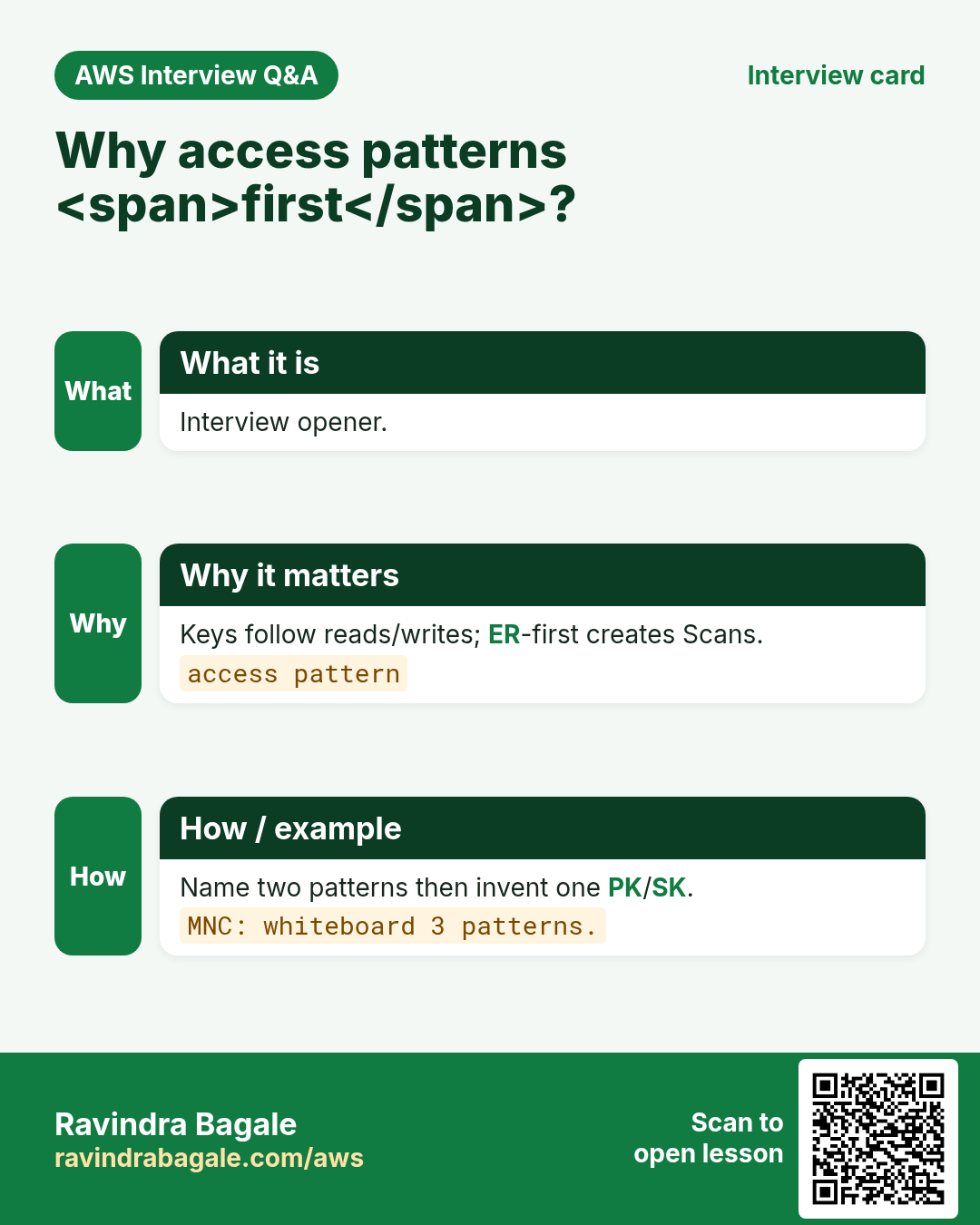
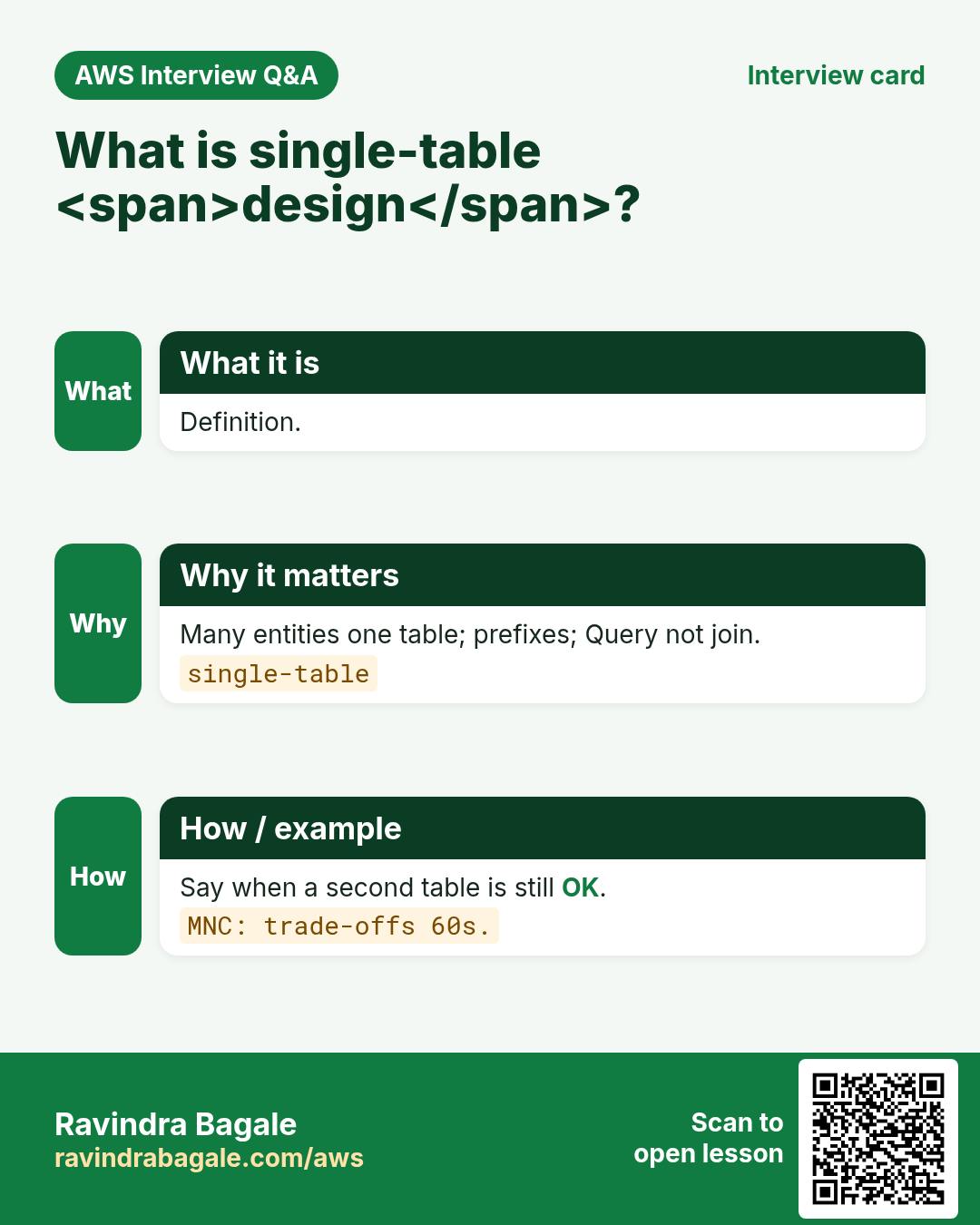
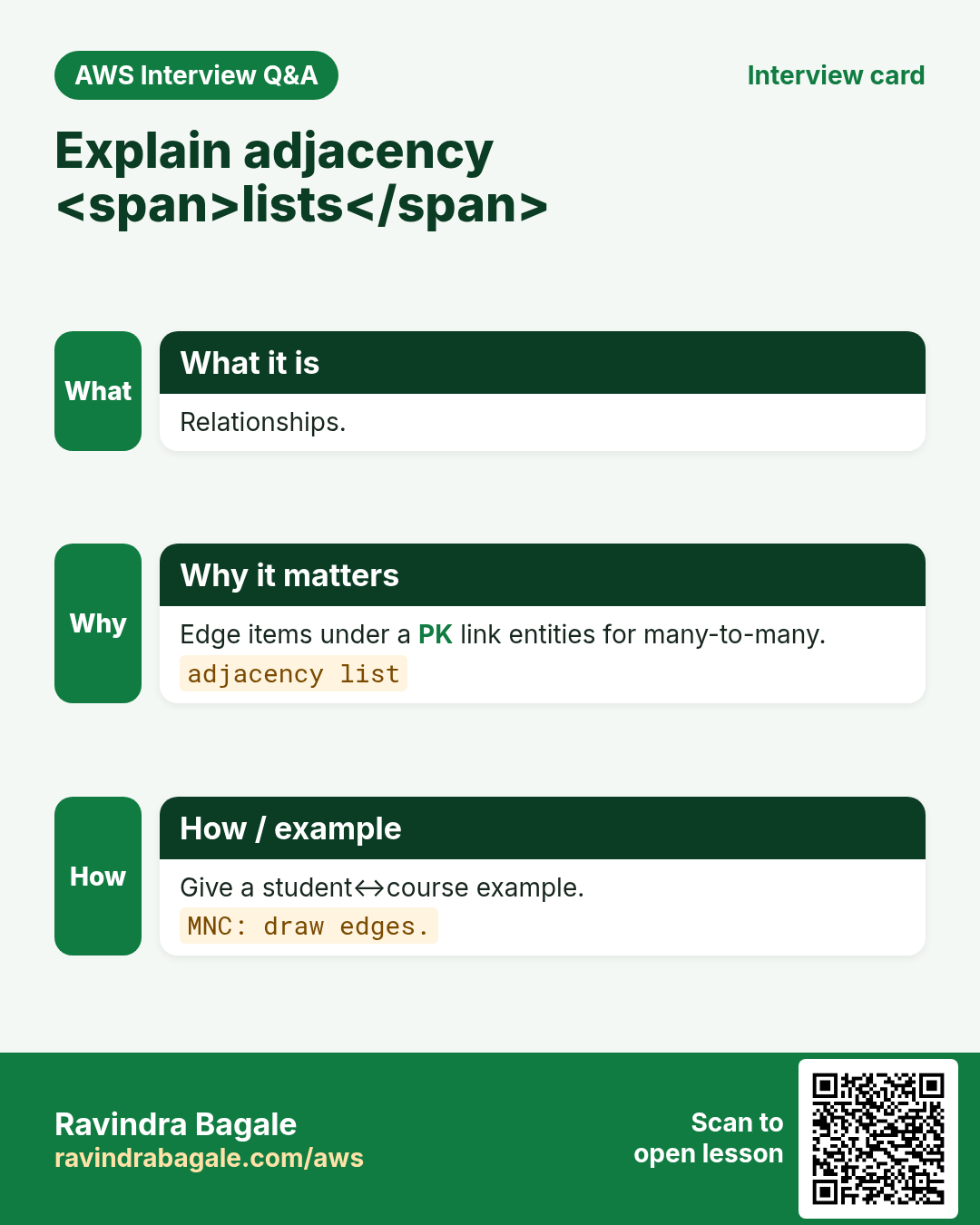
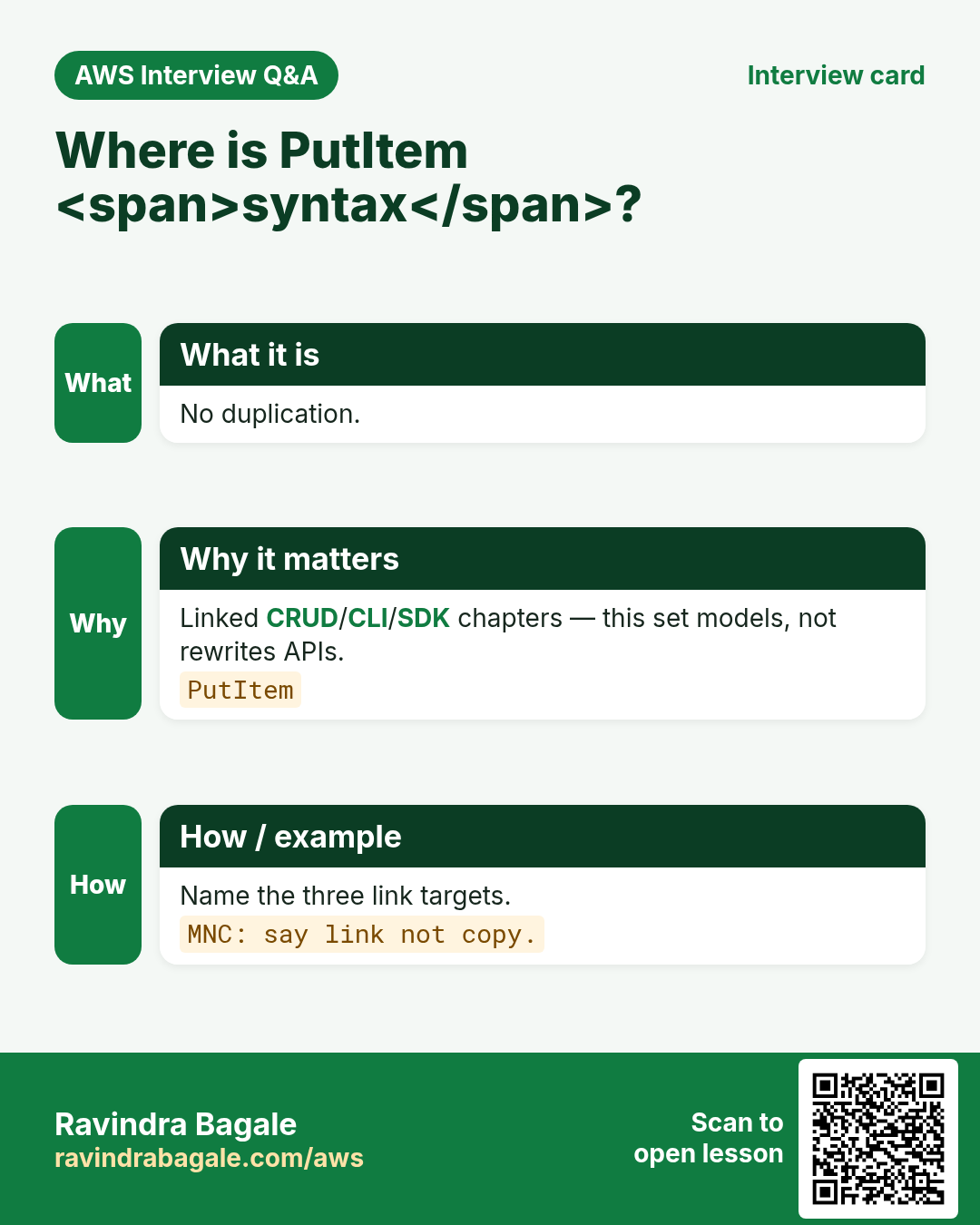
More cards: Ravi Sir's Cards.
Practice Tasks
Maple Leaf Books is a bookselling business in Toronto. Emily Tremblay looks after its IT and cloud work. They count money in CAD and run their AWS resources in the ca-central-1 Region. In the tasks below you do real jobs for them using what this lesson teaches. All names, account IDs, IP addresses and numbers are made up for practice.
0 / 16
Easy Access patterns come first — 1
Why: Order.
What to do: Enter 1 if you list access patterns before inventing PK/SK.
- Write down the numbers the task gives you.
- Work it out step by step on paper.
- Type only the final answer in the box.
- Click Check answer.
Easy Single-table shares one table — 1
Why: Idea.
What to do: Enter 1 if single-table design keeps many entity types in one table.
- Write down the numbers the task gives you.
- Work it out step by step on paper.
- Type only the final answer in the box.
- Click Check answer.
Easy PK prefixes like USER# help — 1
Why: Keys.
What to do: Enter 1 if entity prefixes on PK/SK help Query shapes.
- Write down the numbers the task gives you.
- Work it out step by step on paper.
- Type only the final answer in the box.
- Click Check answer.
Easy Adjacency lists model many-to-many — 1
Why: Edges.
What to do: Enter 1 if adjacency/edge items model many-to-many.
- Write down the numbers the task gives you.
- Work it out step by step on paper.
- Type only the final answer in the box.
- Click Check answer.
Easy Tiny access map YAML
Why: Sketch.
What to do: YAML: patterns with get-user and list-orders-by-user.
- Start from the top-level keys the task names.
- Indent child keys with 2 spaces (no tabs).
- Fill in each property with the value from the task.
- Click Check answer. Key order does not matter.
Easy DynamoDB has no SQL joins — 1
Why: Model.
What to do: Enter 1 if you model relationships without SQL-style joins.
- Write down the numbers the task gives you.
- Work it out step by step on paper.
- Type only the final answer in the box.
- Click Check answer.
Easy GSI is optional alternate access — 1
Why: Index.
What to do: Enter 1 if GSIs are added for alternate access patterns after the base keys.
- Write down the numbers the task gives you.
- Work it out step by step on paper.
- Type only the final answer in the box.
- Click Check answer.
Medium Item collection shares a PK — 1
Why: Def.
What to do: Enter 1 if an item collection is all items with the same PK.
- Write down the numbers the task gives you.
- Work it out step by step on paper.
- Type only the final answer in the box.
- Click Check answer.
Medium SK enables ranges — 1
Why: Range.
What to do: Enter 1 if sort keys enable range queries inside a partition.
- Write down the numbers the task gives you.
- Work it out step by step on paper.
- Type only the final answer in the box.
- Click Check answer.
Medium Do not design only from ER — 1
Why: Mindset.
What to do: Enter 1 if designing only from relational ER diagrams is a trap.
- Write down the numbers the task gives you.
- Work it out step by step on paper.
- Type only the final answer in the box.
- Click Check answer.
Medium Second table sometimes OK — 1
Why: Pragmatism.
What to do: Enter 1 if a second table is OK for a separate bounded context.
- Write down the numbers the task gives you.
- Work it out step by step on paper.
- Type only the final answer in the box.
- Click Check answer.
Medium User profile key sketch
Why: Keys.
What to do: YAML: pk: USER#u1, sk: PROFILE.
- Start from the top-level keys the task names.
- Indent child keys with 2 spaces (no tabs).
- Fill in each property with the value from the task.
- Click Check answer. Key order does not matter.
Hard Link CRUD for PutItem — 1
Why: No dup.
What to do: Enter 1 if PutItem syntax stays in linked CRUD/CLI/SDK chapters.
- Write down the numbers the task gives you.
- Work it out step by step on paper.
- Type only the final answer in the box.
- Click Check answer.
Hard Paper workshop first — 1
Why: Process.
What to do: Enter 1 if a paper access-pattern workshop should precede console work.
- Write down the numbers the task gives you.
- Work it out step by step on paper.
- Type only the final answer in the box.
- Click Check answer.
Hard Overloaded SK encodes type+time — 1
Why: Design.
What to do: Enter 1 if overloaded sort keys often encode entity type plus time/status.
- Write down the numbers the task gives you.
- Work it out step by step on paper.
- Type only the final answer in the box.
- Click Check answer.
Hard Sample item JSON per entity — 1
Why: Hygiene.
What to do: Enter 1 if you should write a sample item JSON per entity type before coding.
- Write down the numbers the task gives you.
- Work it out step by step on paper.
- Type only the final answer in the box.
- Click Check answer.