AWS Well-Architected Framework: Six Pillars Explained for Beginners
Architecture arguments get emotional: someone wants more servers, someone wants less cost. The AWS Well-Architected Framework gives six pillars and questions so teams review calmly — like a health checkup for the cloud, not a blame meeting.
What you'll learn in this chapter
- Why structured reviews beat gut feel
- Six pillars in plain words
- How to run a lightweight WAR
- Trade-offs for Indian startups
- Lab checklist, errors, FAQ, interview
1. Everyday example first
A 12-person SaaS in Bengaluru runs one big EC2, no backups, root keys on laptops. A Well-Architected review surfaces Reliability and Security gaps before the first big customer audit. They leave with a 30-day fix list, not a rewrite fantasy.
2. Why Well-Architected?
Why do we need this?
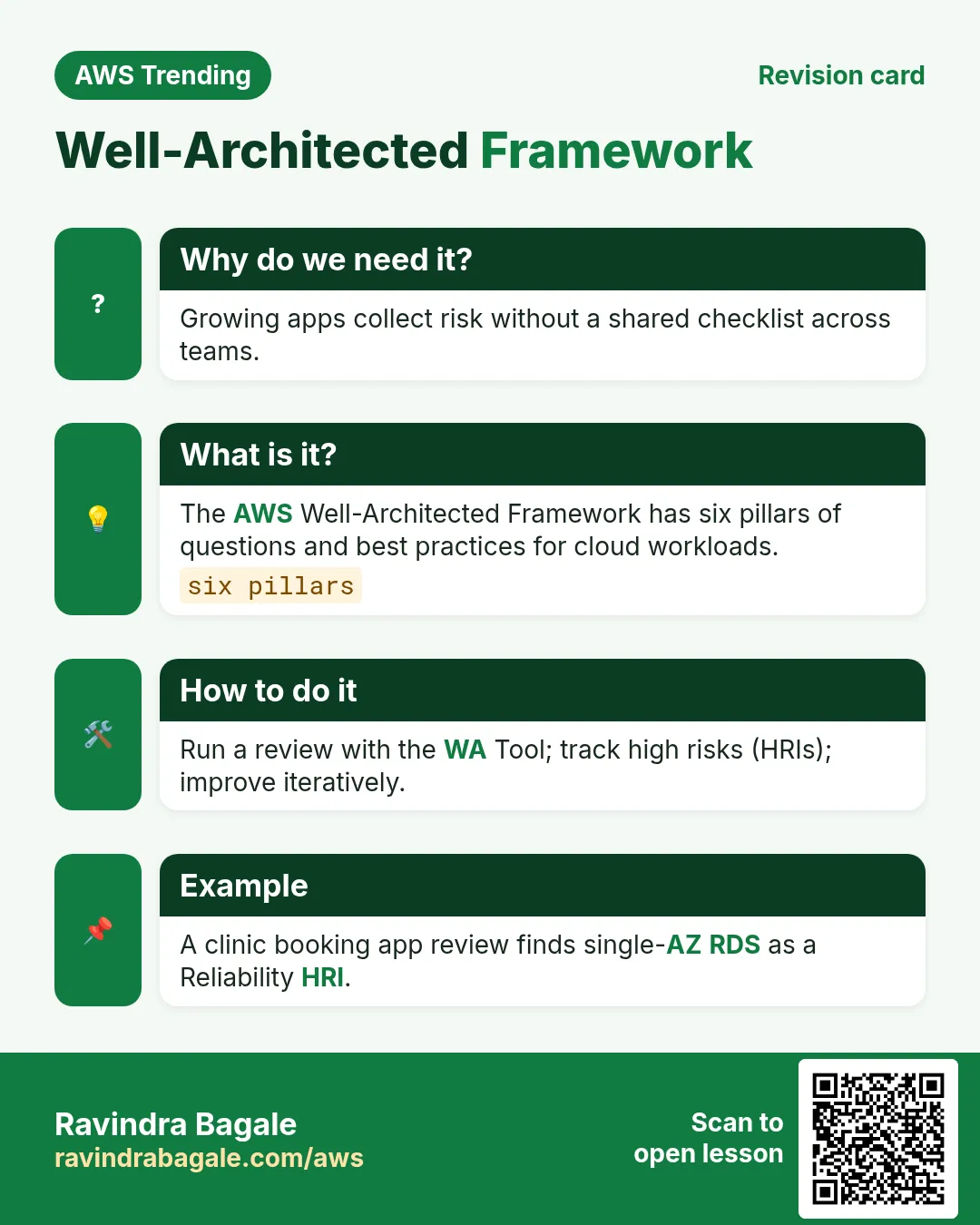
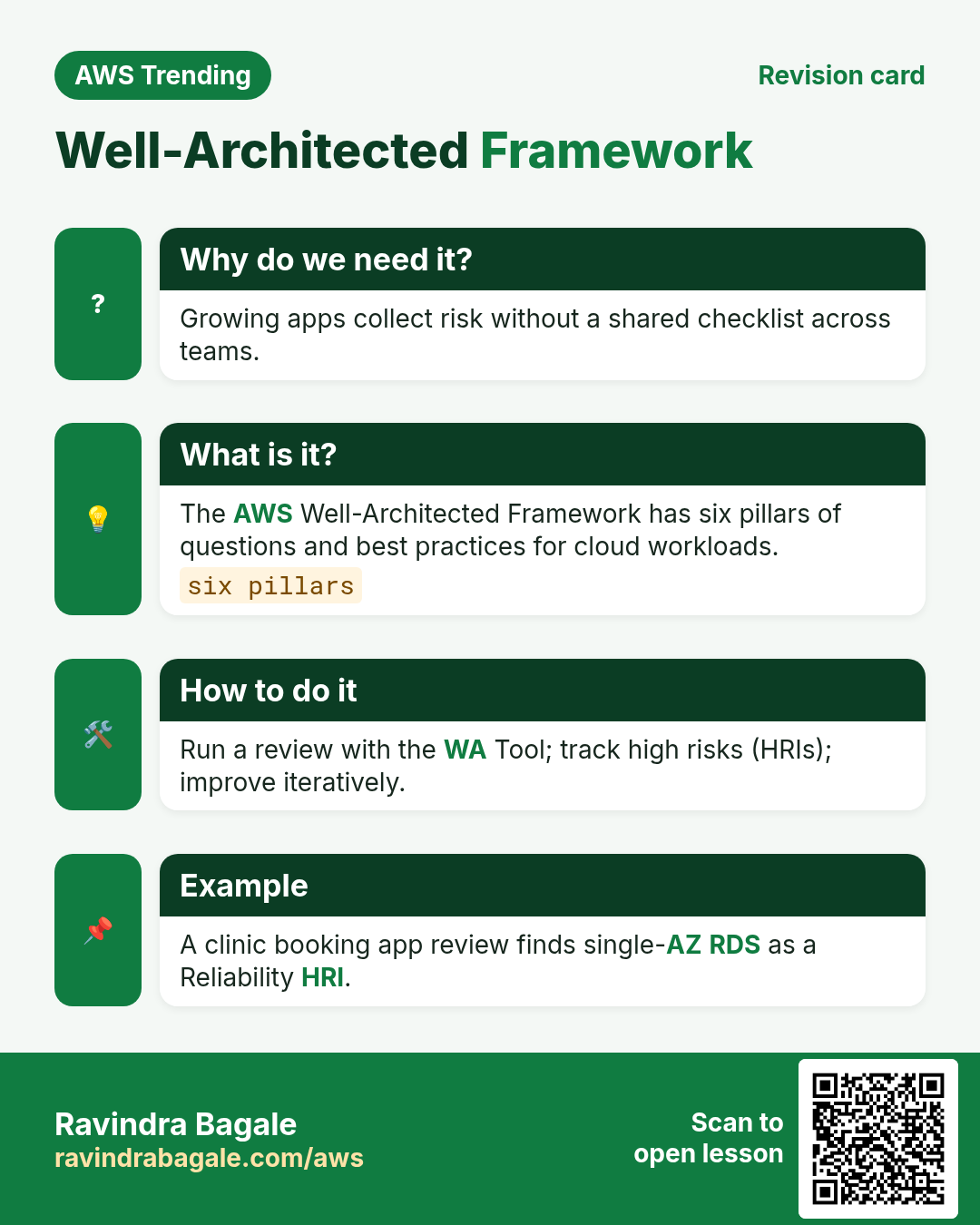
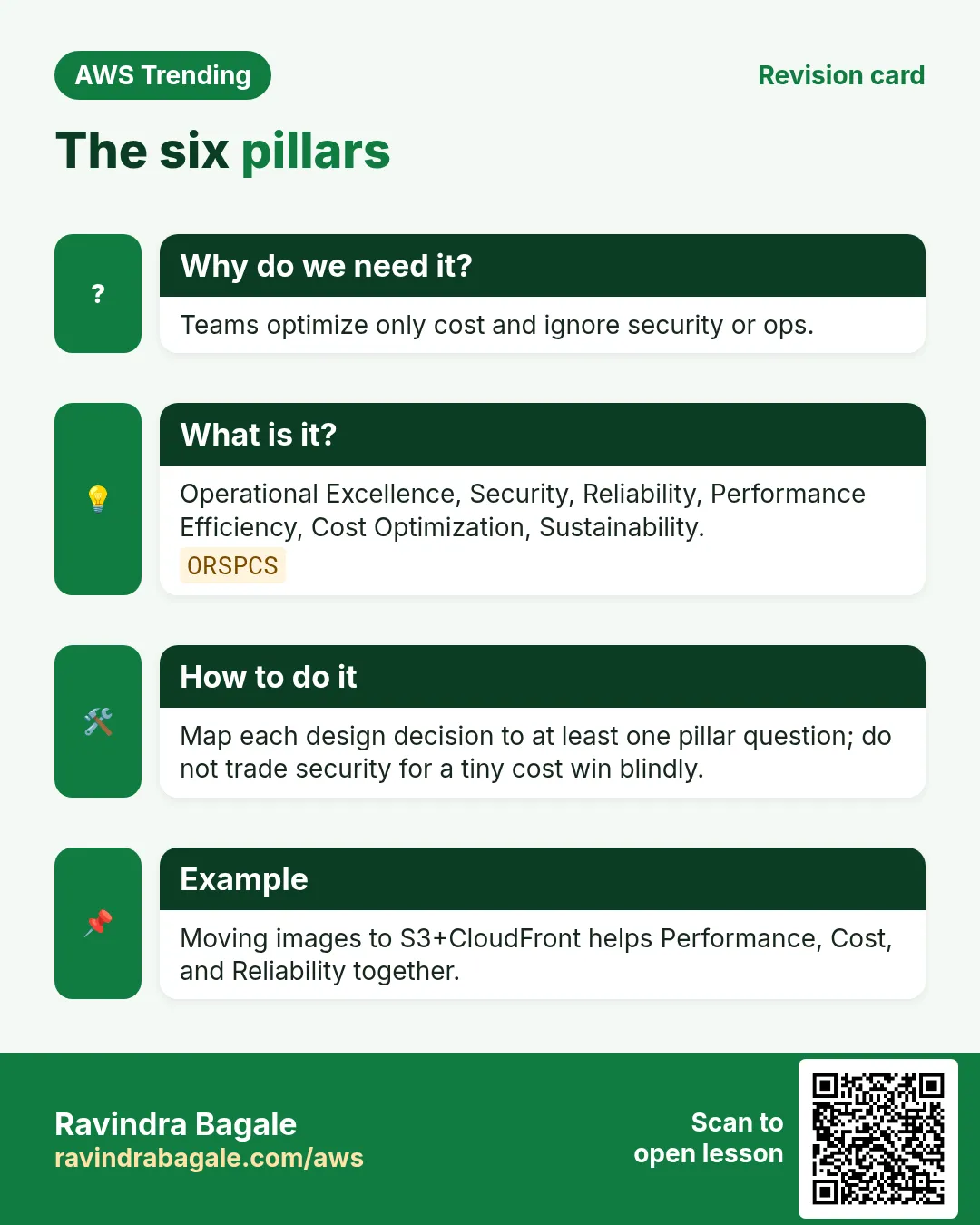
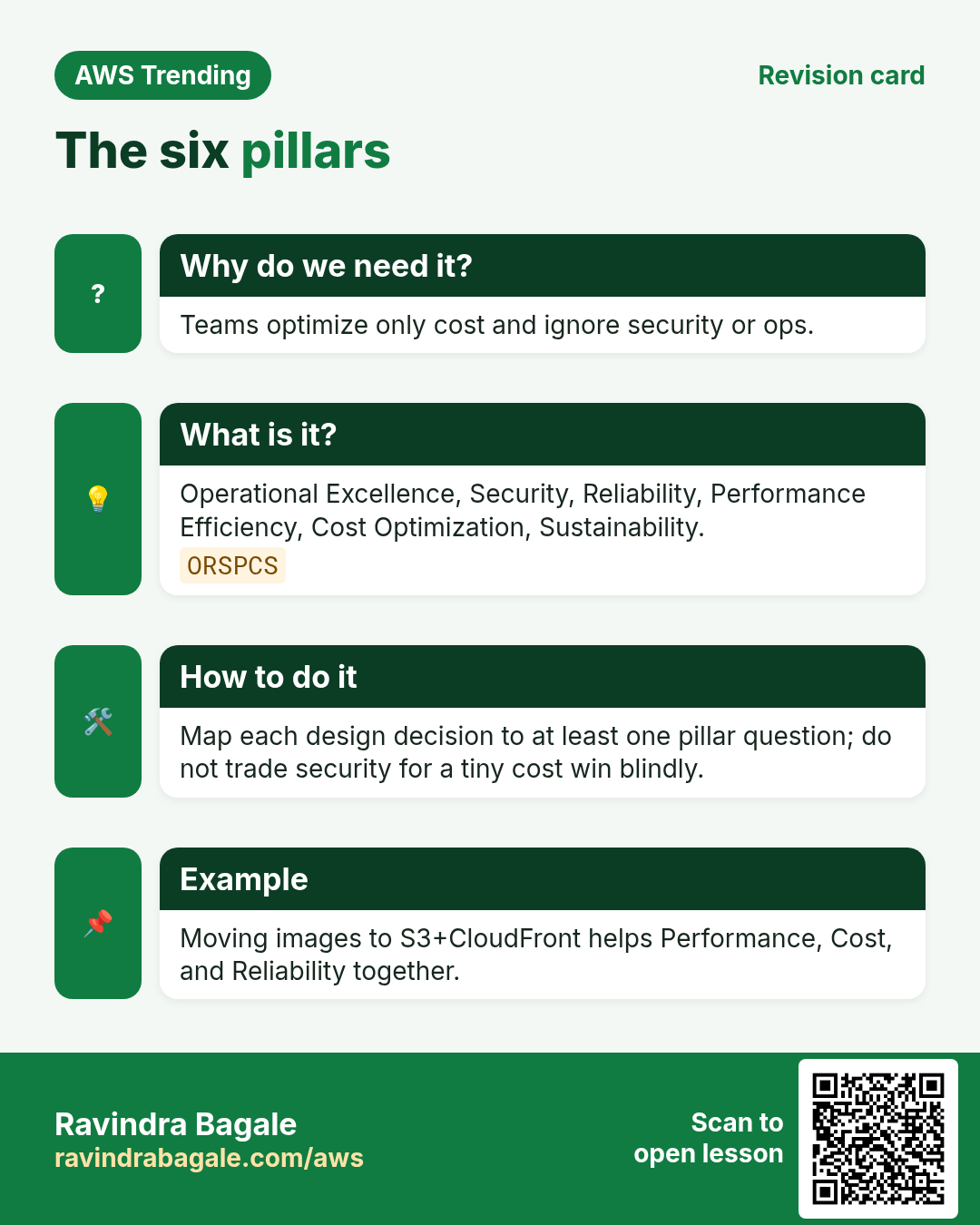
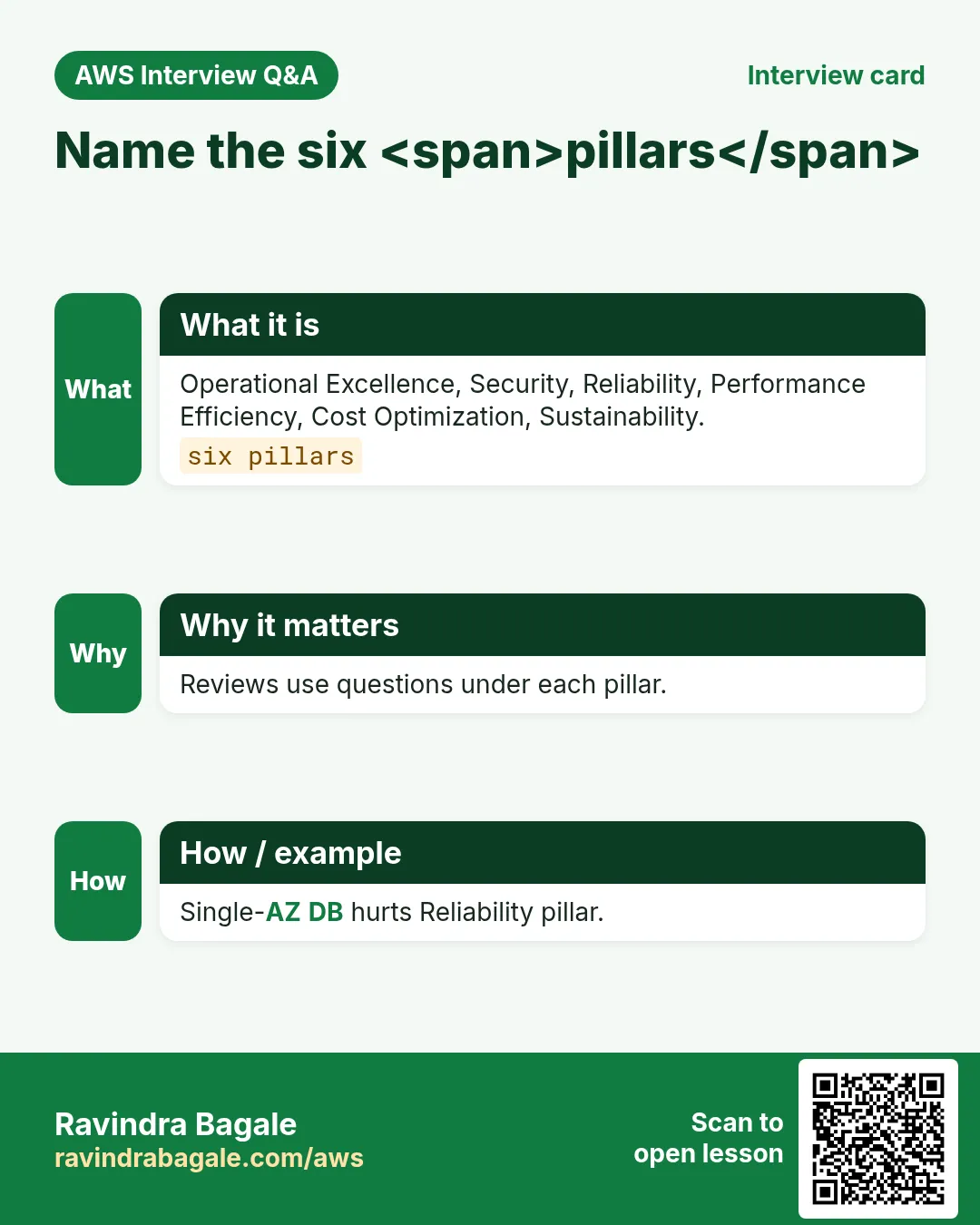
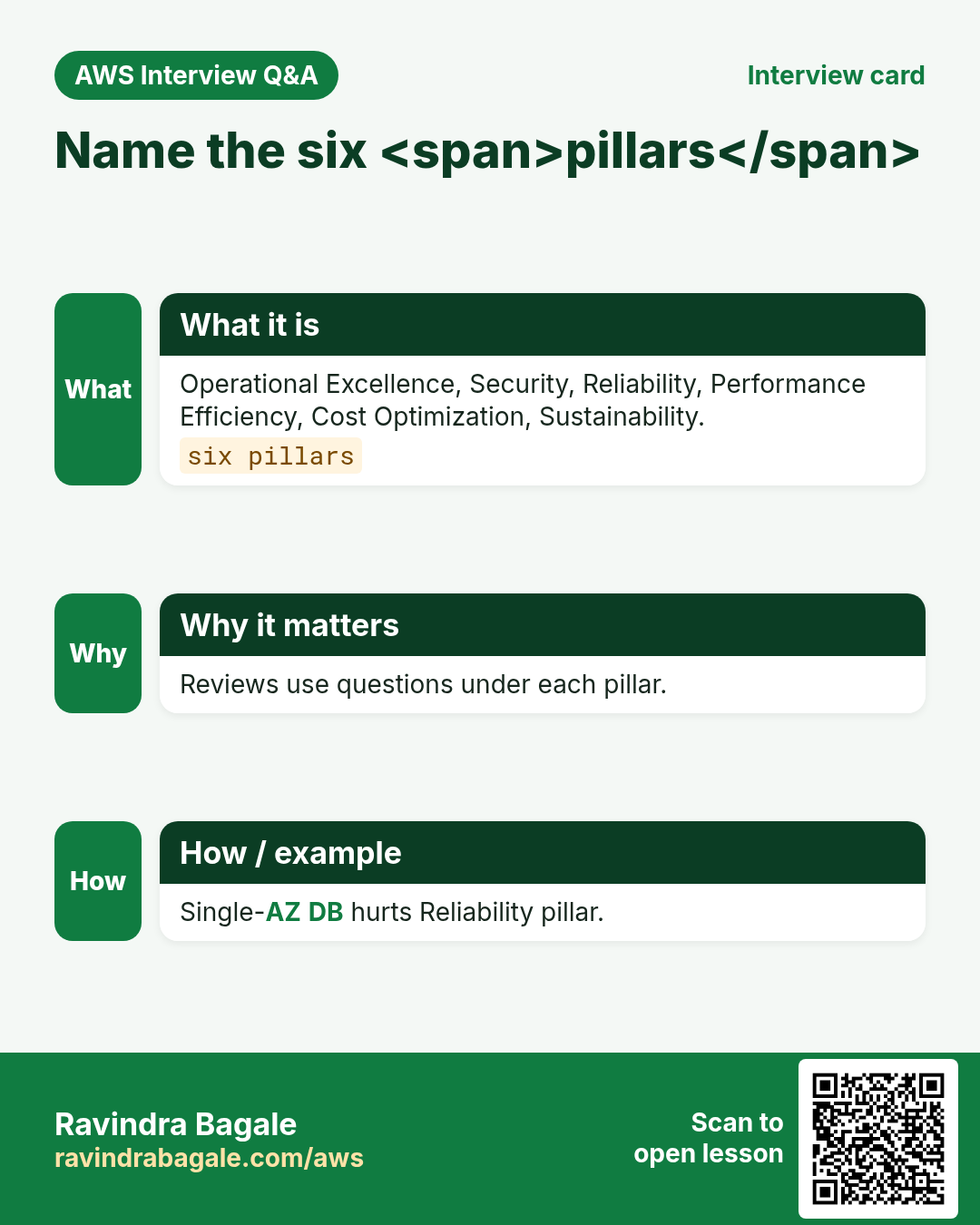
Without a shared checklist, every review is opinion. The framework standardizes questions across Operational Excellence, Security, Reliability, Performance Efficiency, Cost Optimization, and Sustainability.
3. What are the six pillars?
What is it?
| Pillar | Plain question |
|---|---|
| Operational Excellence | Can we run and improve this safely? |
| Security | Who can do what, and is data protected? |
| Reliability | How do we fail and recover? |
| Performance Efficiency | Are we using the right resources? |
| Cost Optimization | Are we only paying for value? |
| Sustainability | Can we reduce waste and energy? |
4. How to run a lightweight WAR
How to do it (step by step)
- Pick one workload (not the whole company).
- Bring builder + security + cost owner (even if same person wears three hats).
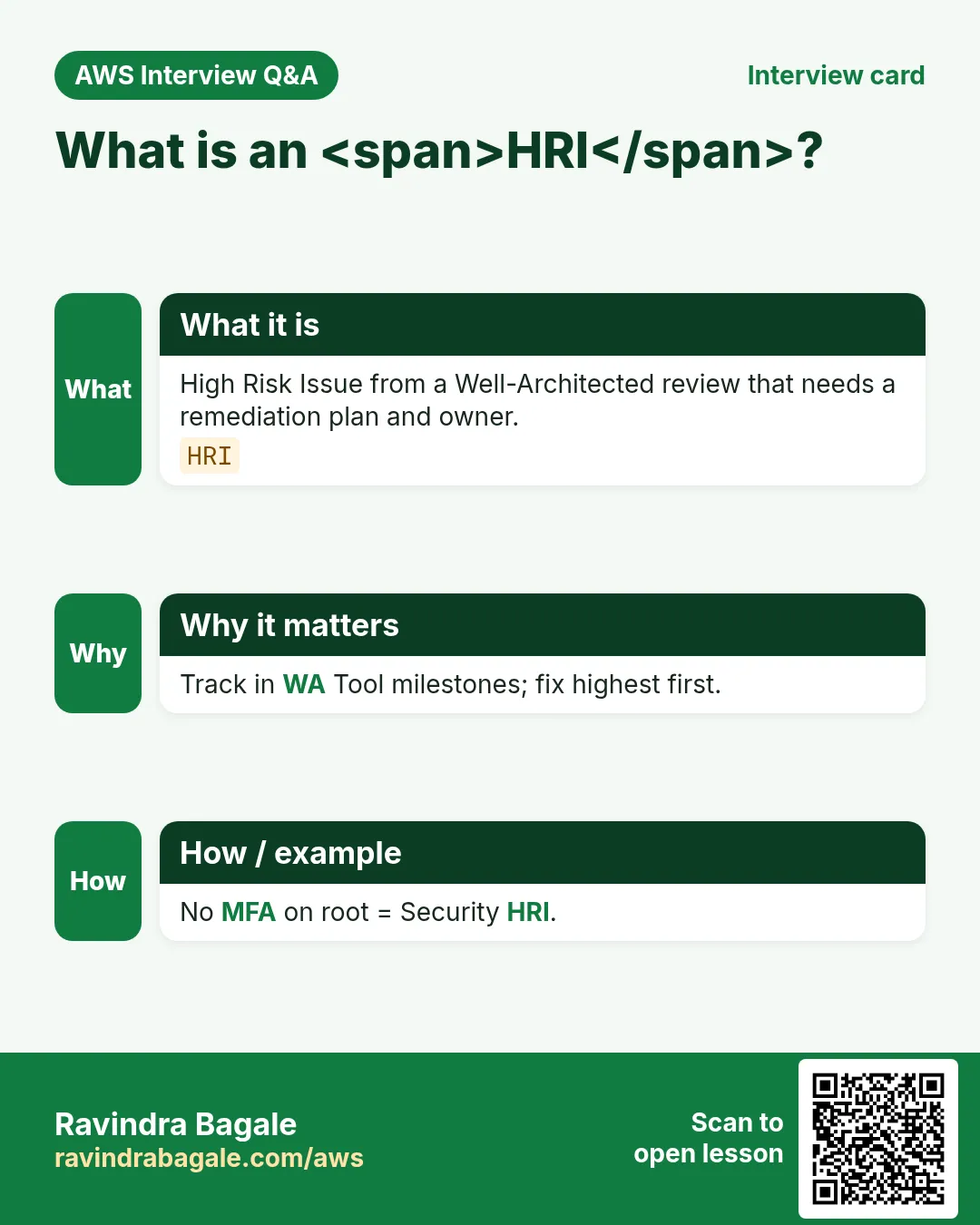
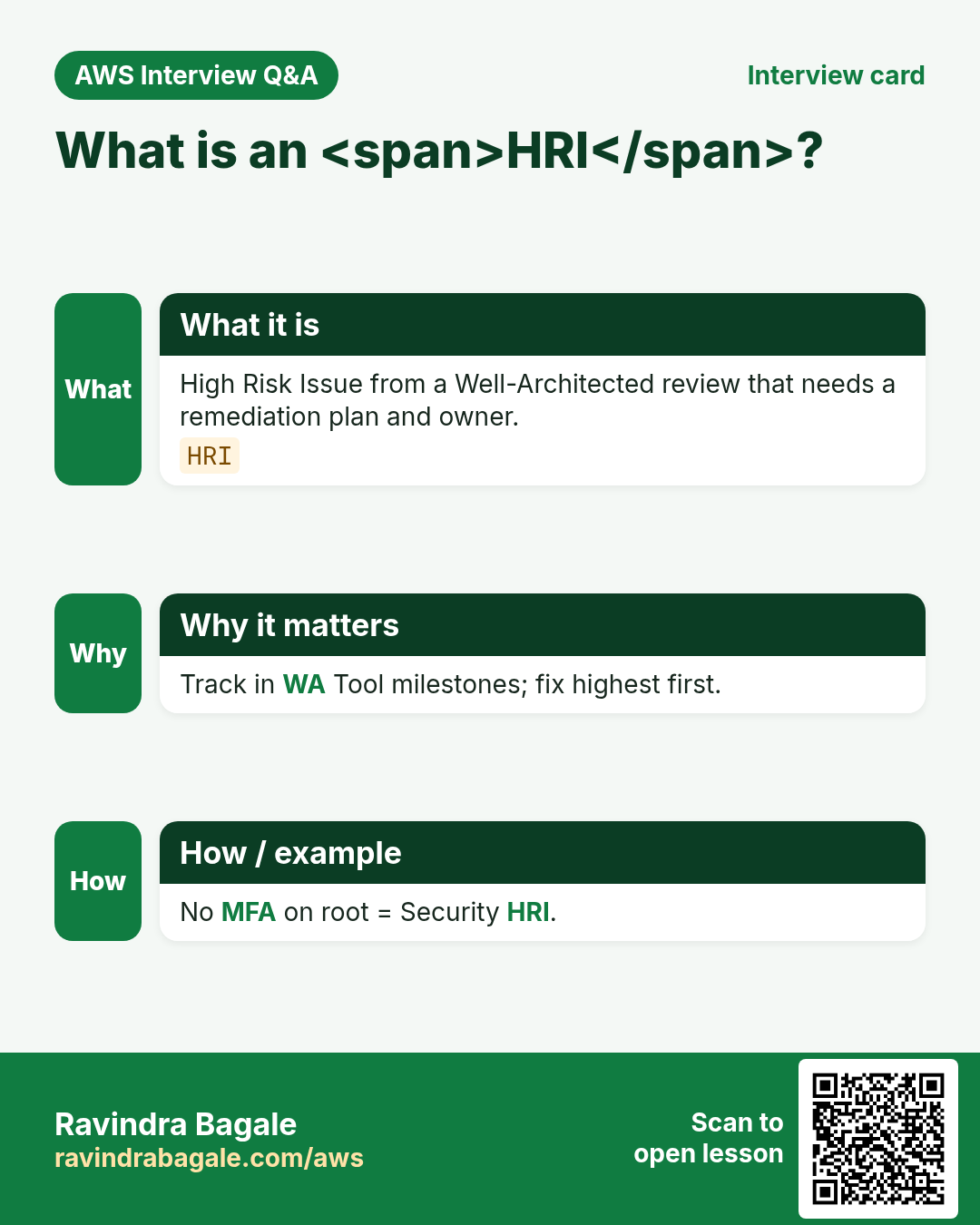
- Answer pillar questions honestly; mark High/Med risks.
- Create a 30/60/90 day improvement backlog.
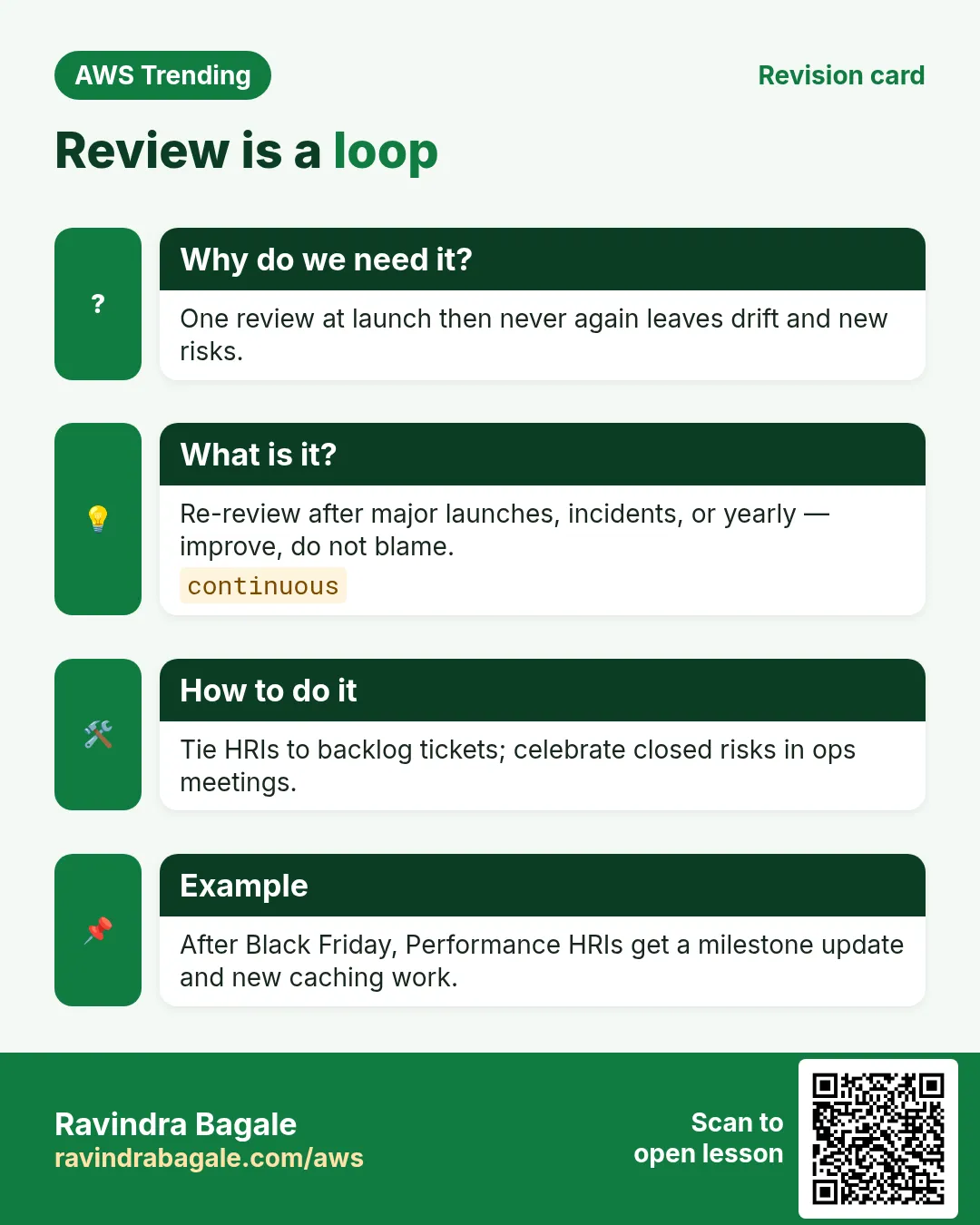
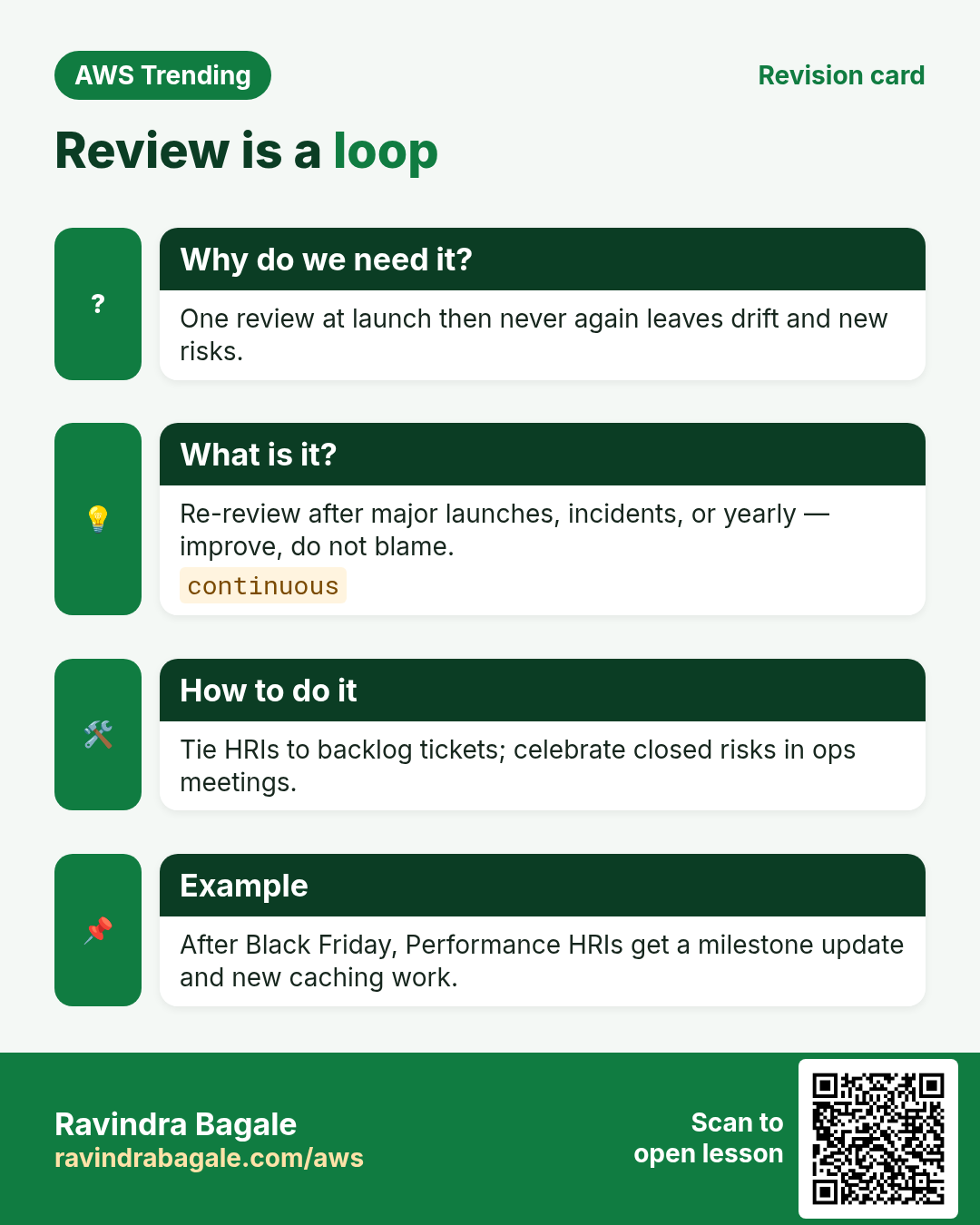
- Revisit after big launches.
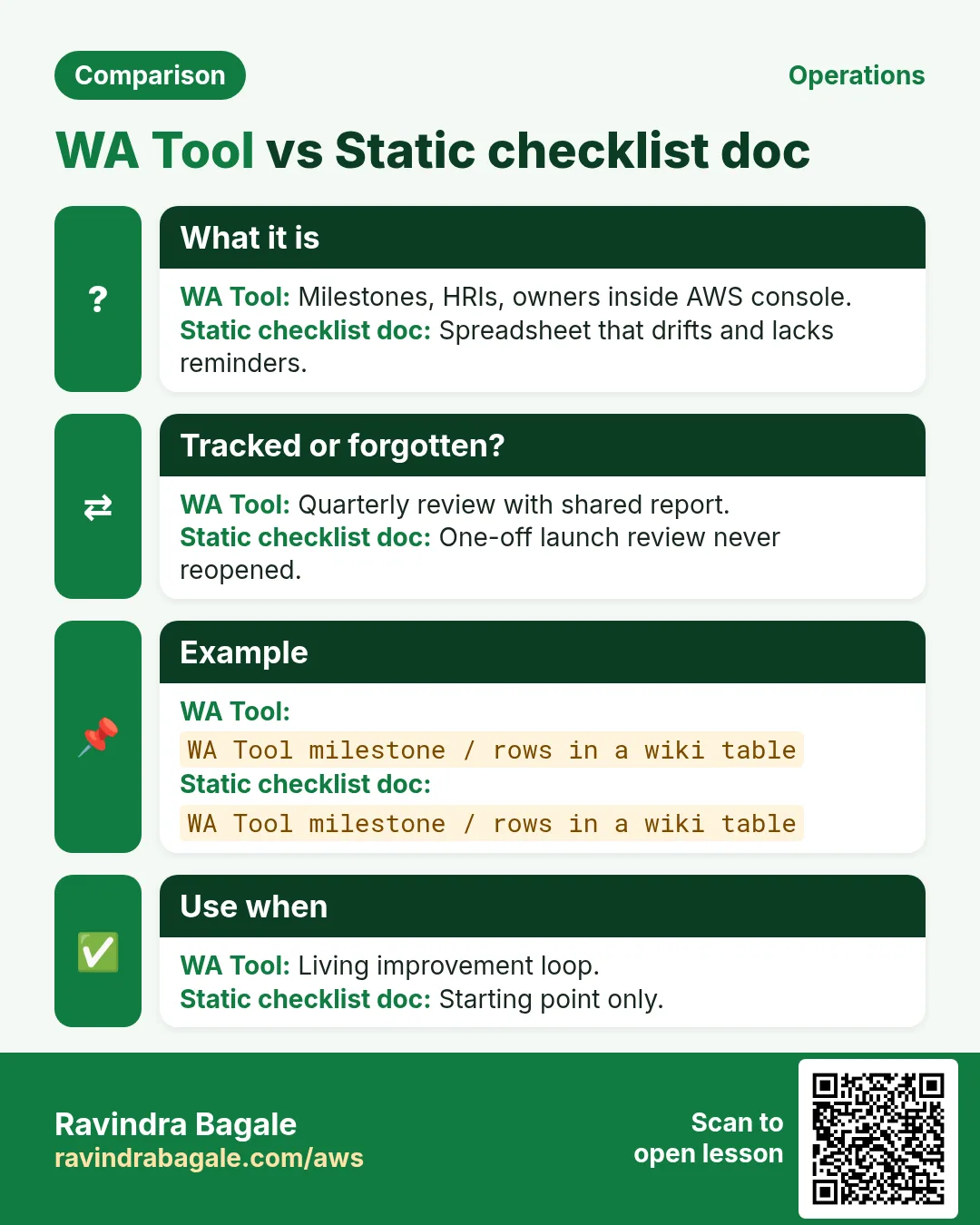
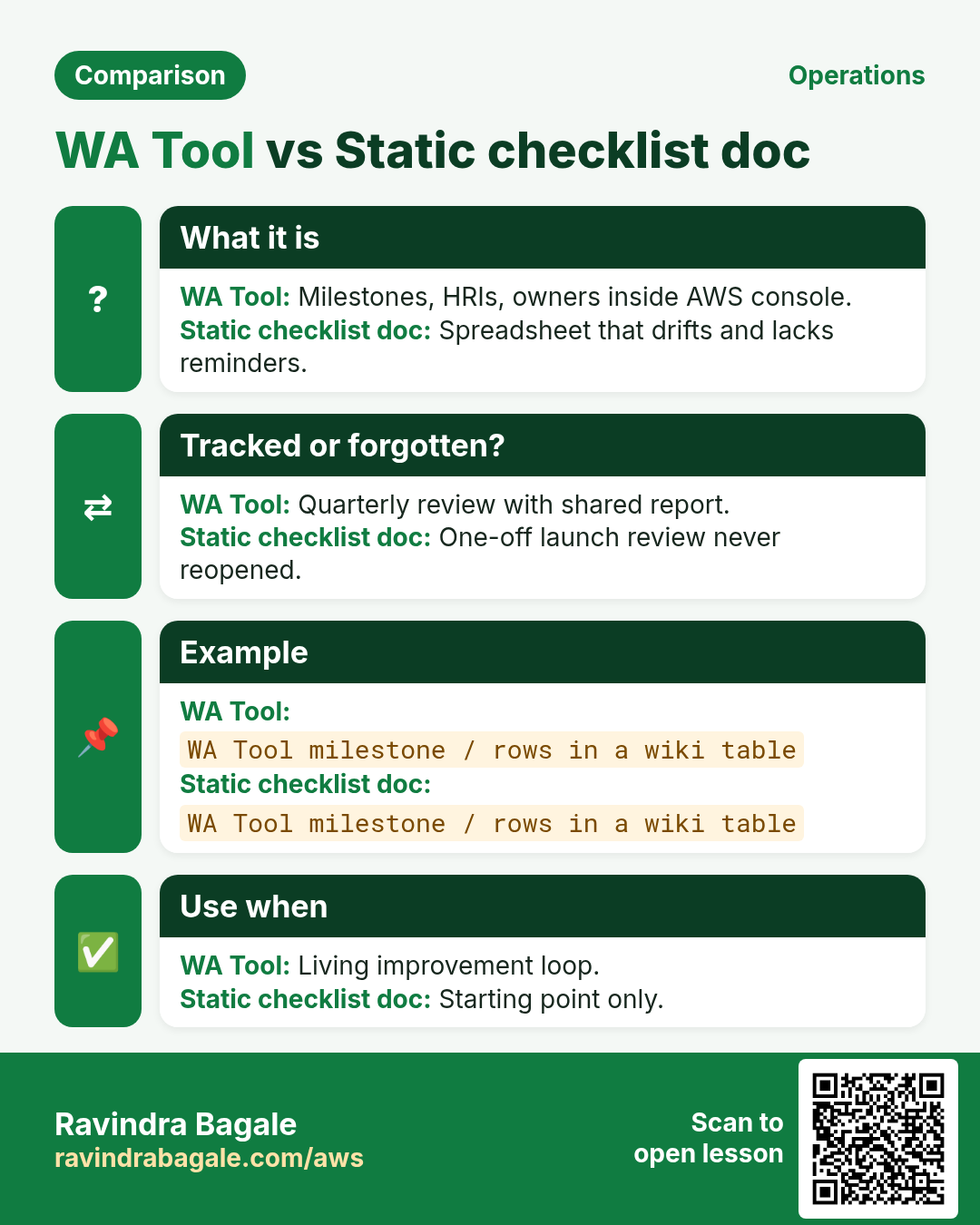
- Optional: AWS Well-Architected Tool in console to track.
# Sample risk card
# Pillar: Reliability
# Question: How do you back up data?
# Risk: High — single EC2 disk, no tested restore
# Fix (30d): automated EBS snapshots + restore drill
5. Industries
- BFSI: Security + Reliability heavy before audits
- Healthcare: Security + OE runbooks
- E-commerce: Performance + Cost around festivals
- Public sector: documentation for every exception
6. Lab: mini review on a personal project
Do this in ap-south-1 (Mumbai) unless your org forbids it. Set a budget alert first.
How to do it (step by step)
- Name the workload in one sentence.
- Score each pillar 1–5 gut feel.
- Write three High risks with owners.
- Pick one 48-hour fix (e.g., enable MFA, snapshot).
- Schedule a 30-day revisit note in calendar.
Cleanup (stop billing)
- No AWS cleanup if paper-only.
- If you opened WA Tool, delete the sample workload.
7. Common errors and fixes
Each row is a real mistake students and juniors hit. Read the fix before you panic.
| Error / symptom | Fix |
|---|---|
| Boiling the ocean — review all apps at once | One workload per session. |
| Only security team attends | Include builders who operate it. |
| Risks with no owners | Every High risk needs a name. |
| Ignoring Cost pillar | Cost is a pillar — not optional. |
| Paper review never becomes tickets | Export to backlog same day. |
| Copying AWS sample answers blindly | Answer for YOUR architecture. |
| No evidence (diagrams, runbooks) | Attach links in WA Tool notes. |
| Treating WAR as audit blame | Blameless; focus on risks. |
| Never revisiting after launch | Re-review on major change. |
| Skipping Sustainability entirely | At least measure idle waste. |
8. Troubleshooting checklist
- Team defensive → start with wins, then risks.
- No diagrams → draw C4 container view first.
- Too many High risks → timebox top five.
- Tool access → IAM wa: permissions.
- Unclear workload boundary → define users and data stores.
- Action items stale → weekly 15-min triage.
9. FAQ
Q. Is WAR mandatory?
Not always, but buyers and partners often ask.
Q. Does AWS charge for the Tool?
The Tool itself is free; resources are not.
Q. Six or five pillars?
Six — Sustainability added; learn current set.
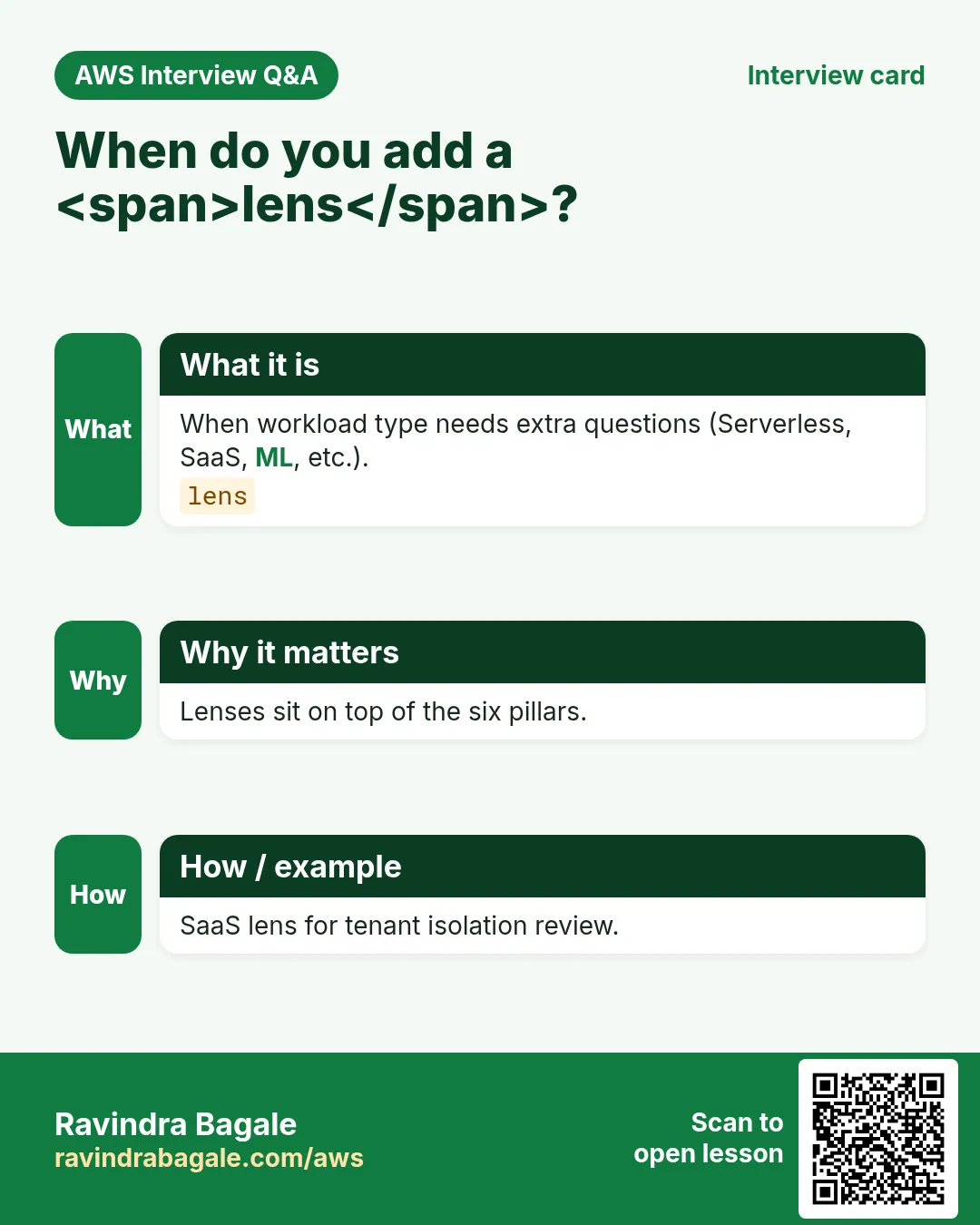
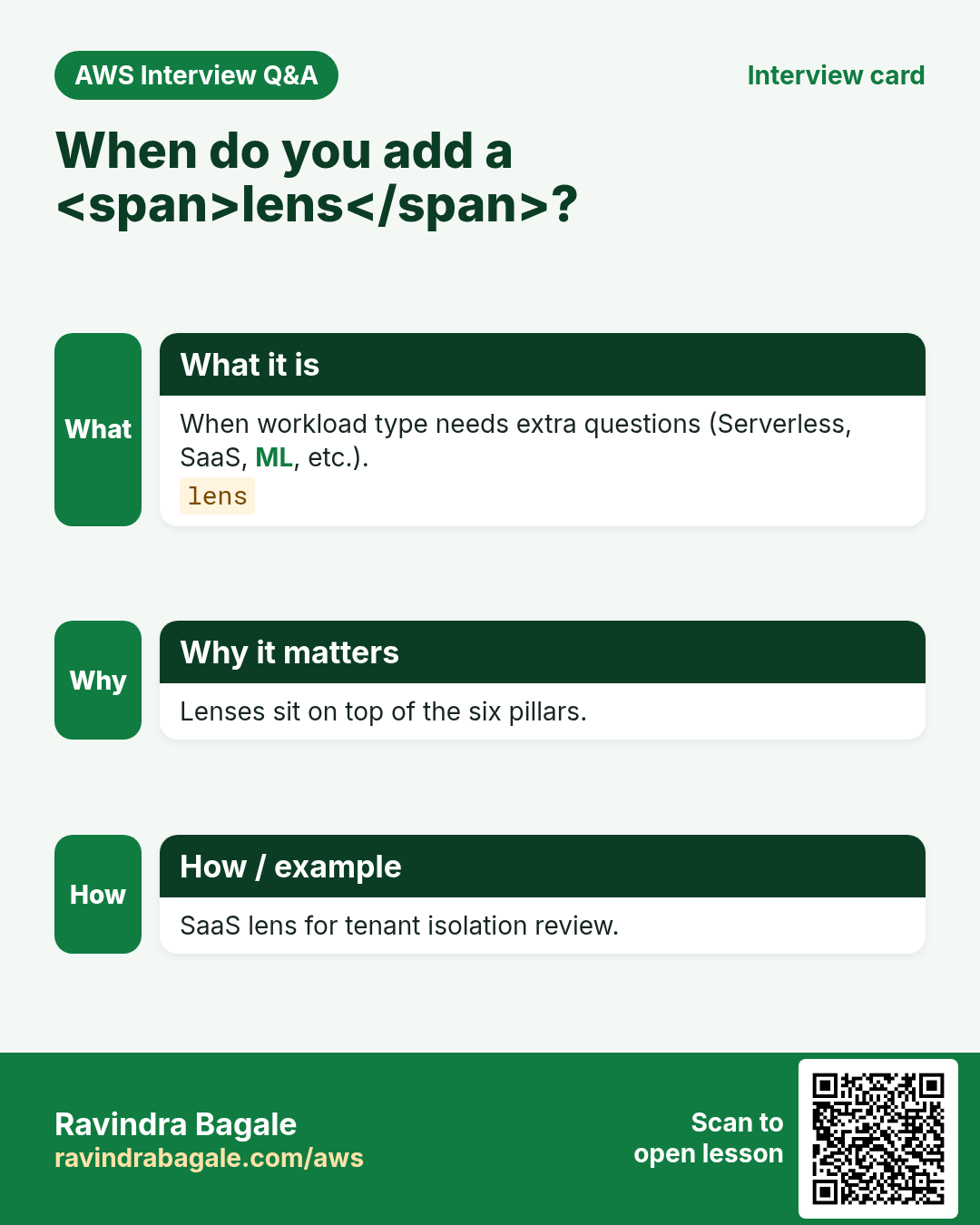
Q. Lenses?
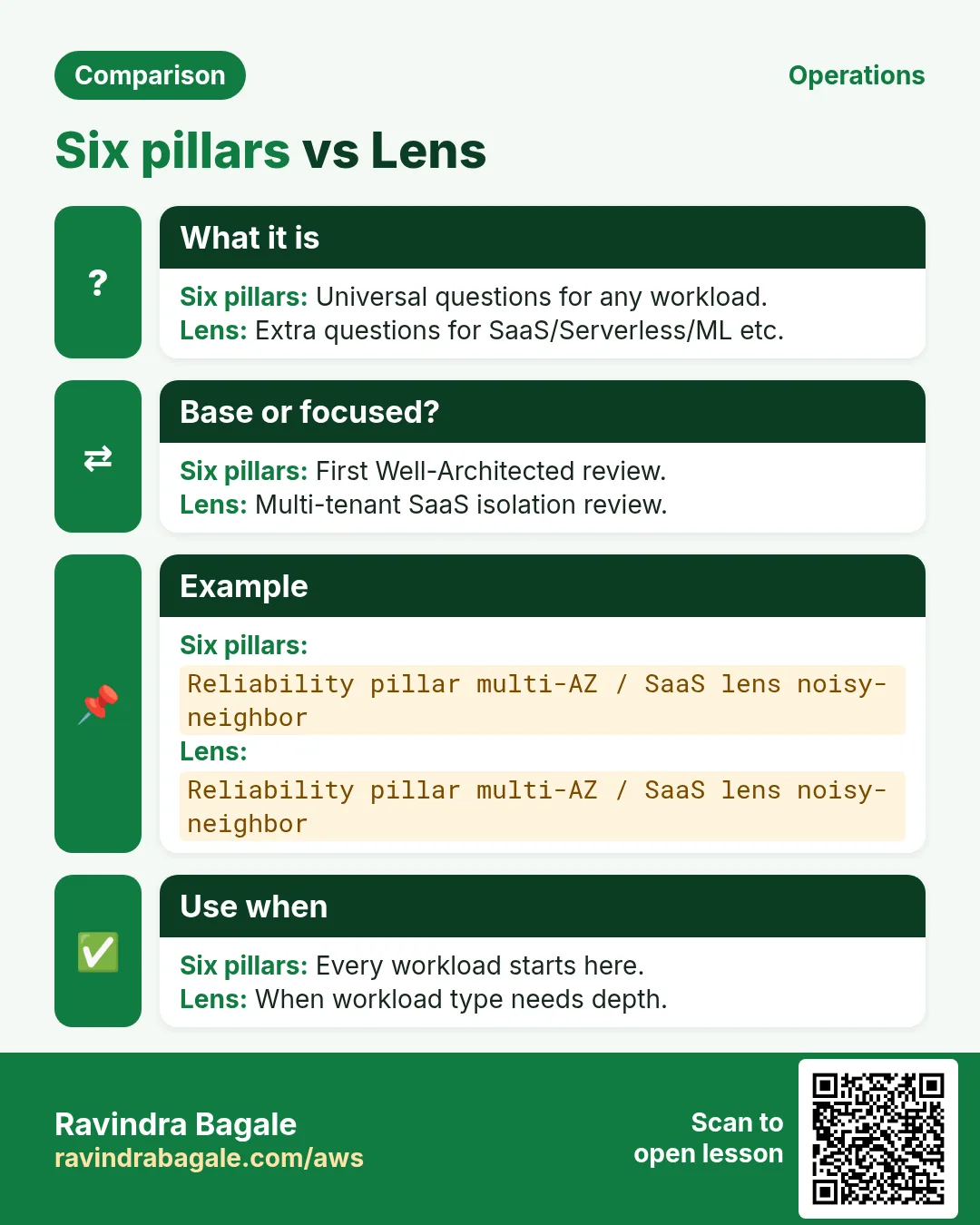
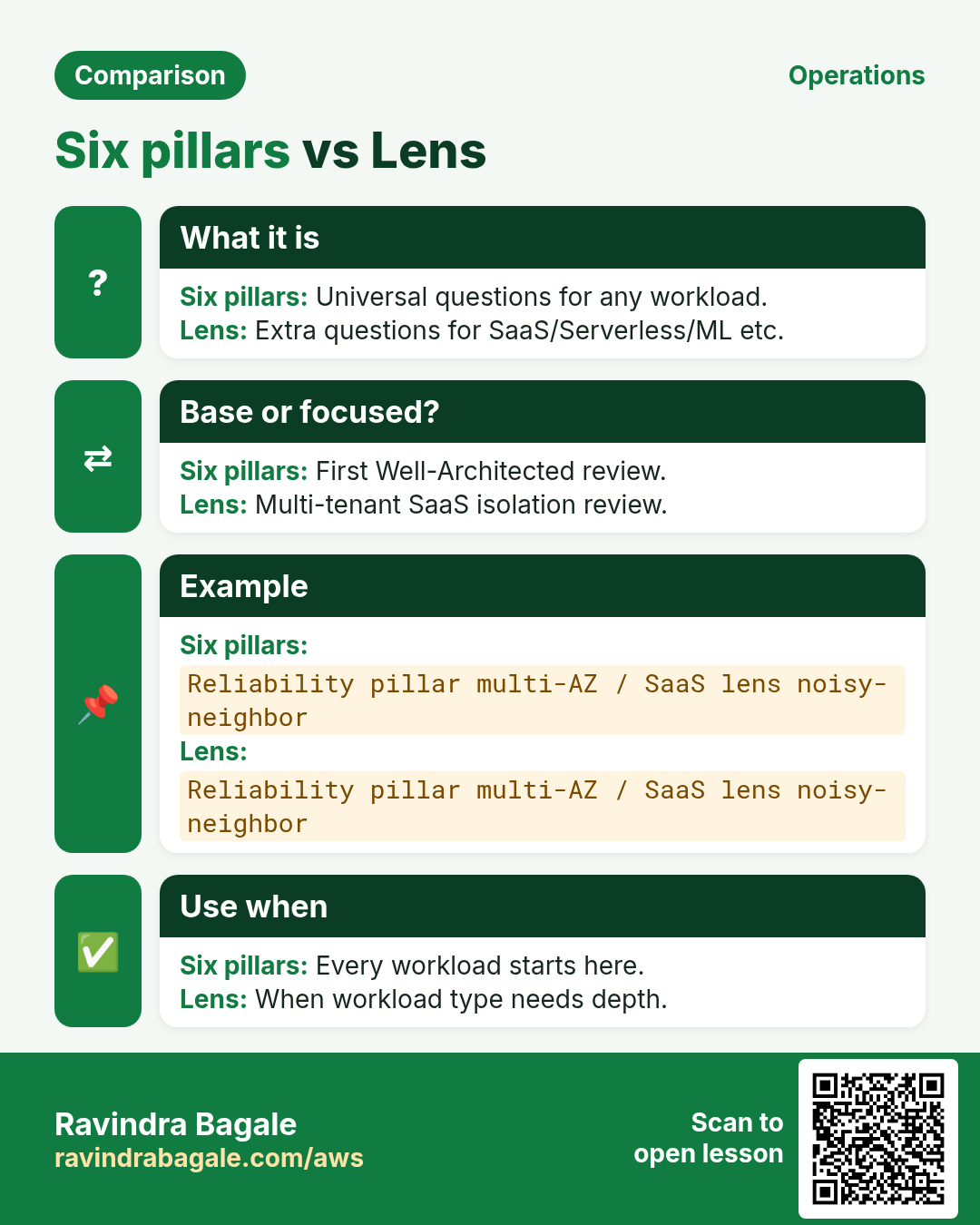
Industry/tech overlays with extra questions.
Q. Replace ISO audits?
No — complementary.
10. Interview Q&A
Q. Name the six pillars.
OE, Security, Reliability, Performance Efficiency, Cost Optimization, Sustainability.
Q. What is a workload?
A set of components that deliver business value.
Q. High risk example?
Single AZ prod DB without tested backup.
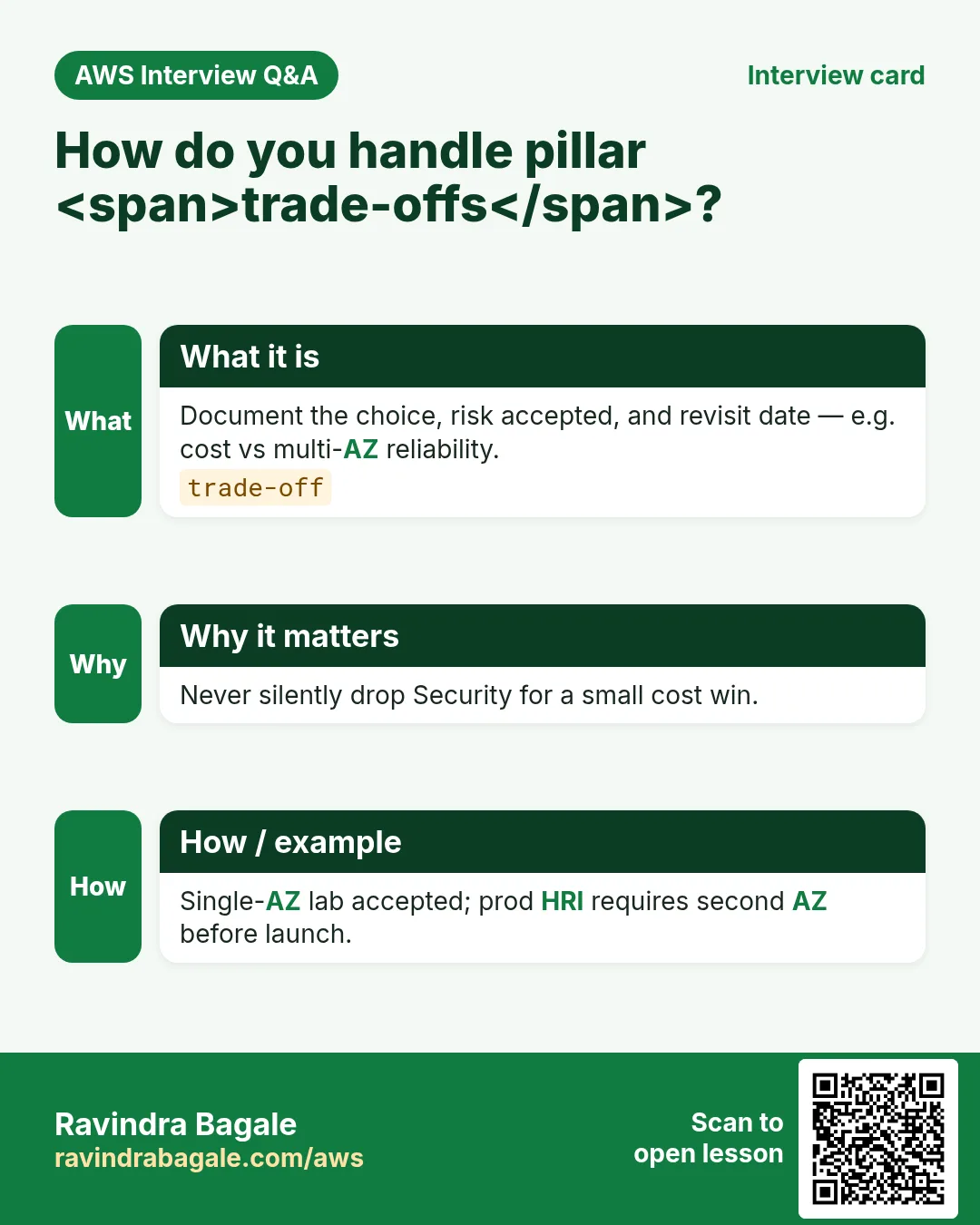
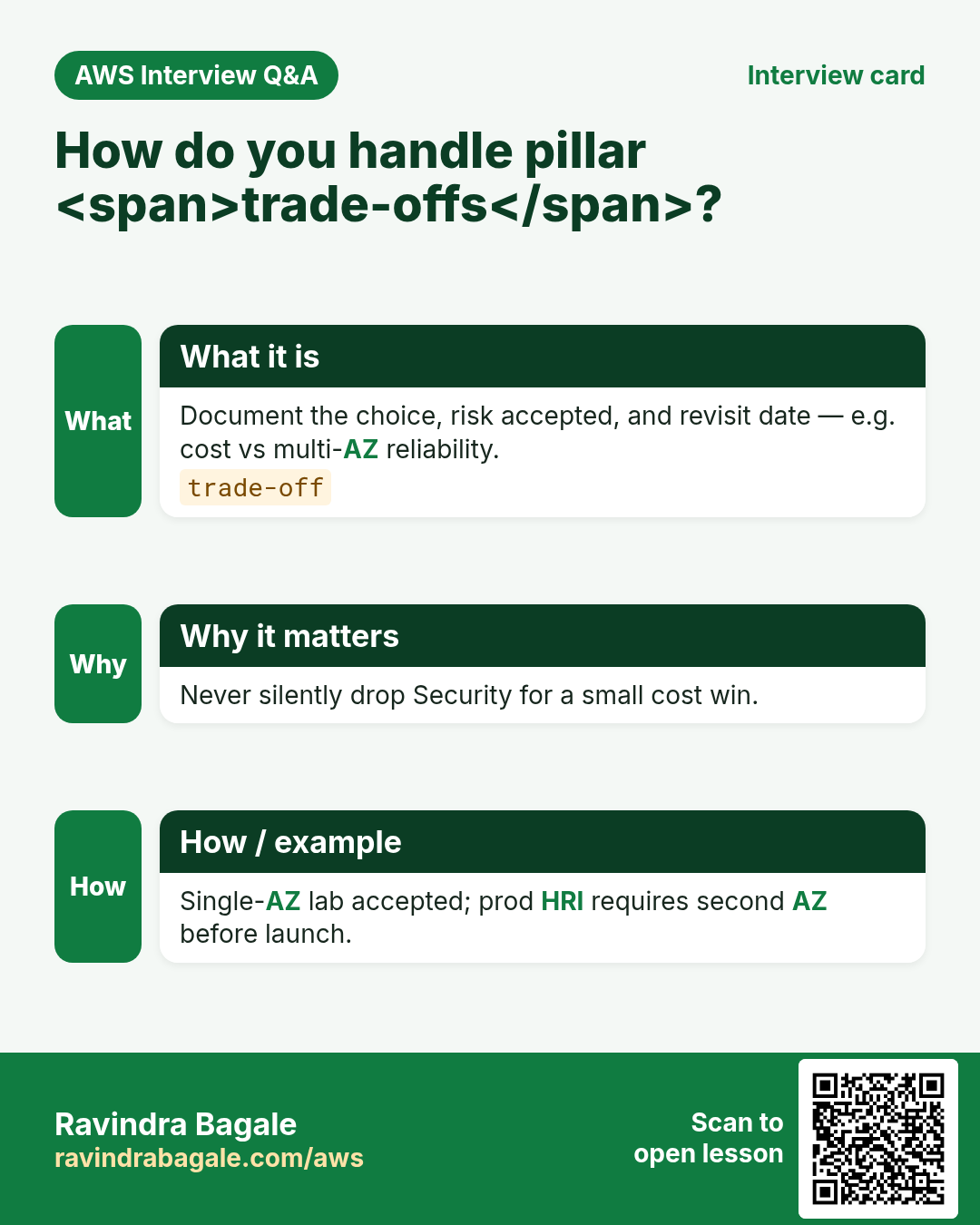
Q. How do you trade cost vs reliability?
Document RTO/RPO and buy only what meets them.
Q. What is the WA Tool?
Console tool to record answers and risks.
Q. First 30 days after WAR?
Fix High security/reliability items with owners.
11. Tips in English, Marathi and Hindi
Ravindra Bagale's Tip (EN)
A review that creates no tickets is a book club. End with owners and dates.
Ravindra Bagale's Tip (MR)
Tickets नसलेली review = book club. Owners + dates.
Tip (HI)
बिना टिकट की review किताब क्लब है — owners और dates के साथ खत्म करो।
Try at home
- Print six pillar names and stick near monitor.
- Do a 20-minute review on a college project.
- Write one Sustainability win (turn off idle labs).
In short
- Well-Architected = six pillars + questions.
- Review one workload; rank risks; assign owners.
- Use 30/60/90 plans, not rewrite fantasies.
- Revisit after major launches.
Revision, interview and comparison cards
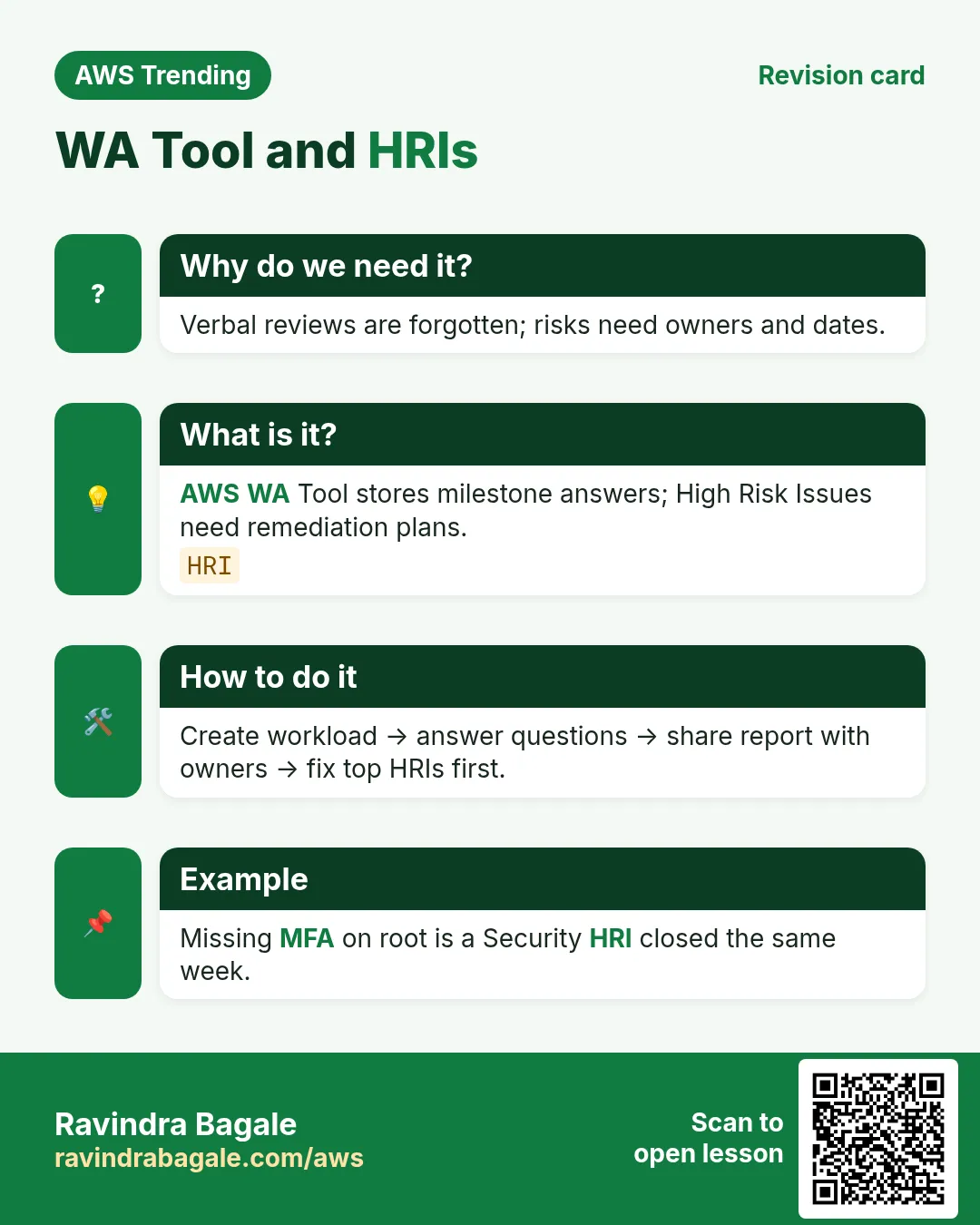
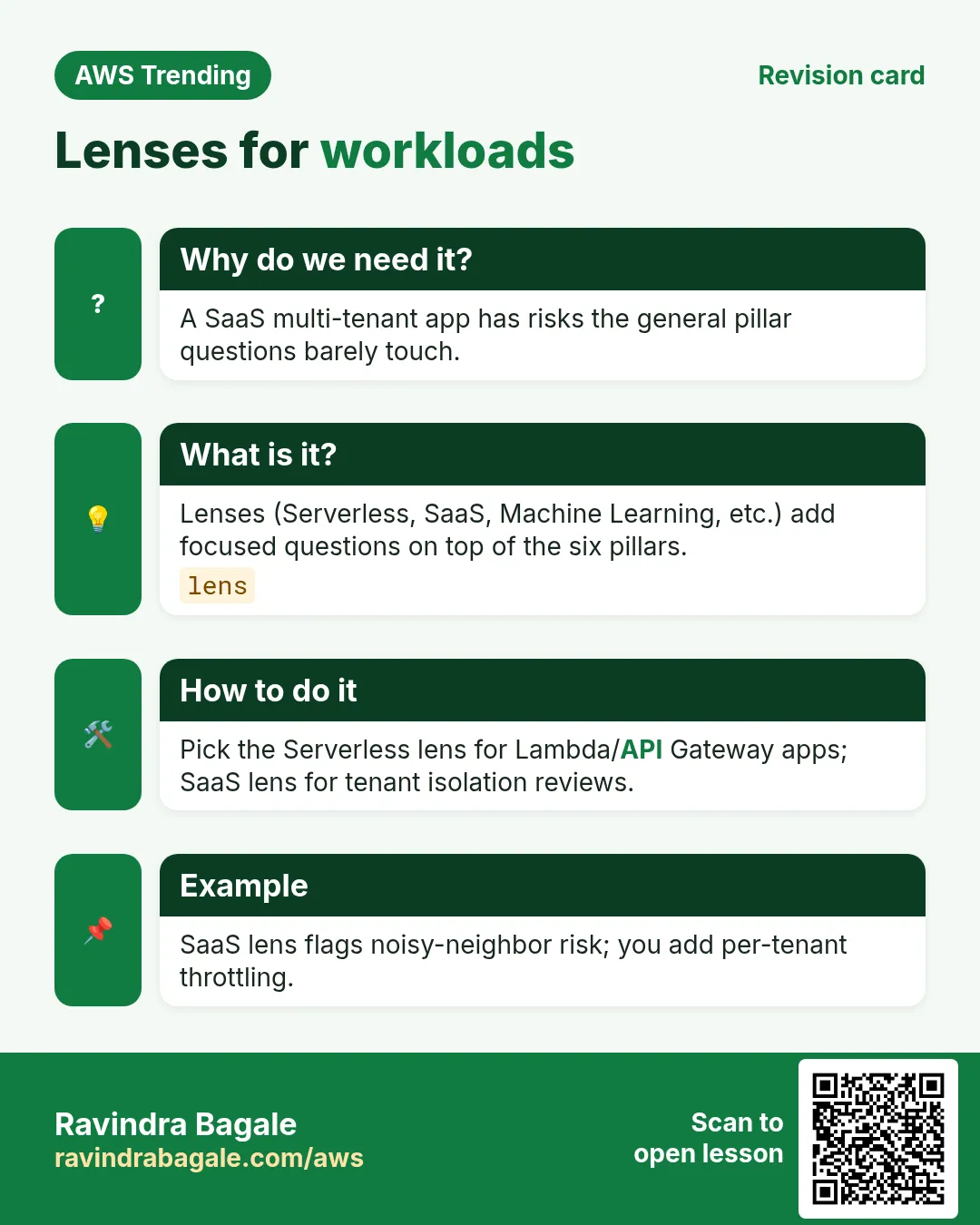
Revise this lesson in a few minutes. Save the cards on your phone or download them as PNG files. The QR code on each card opens this lesson.
More cards: Ravi Sir's Cards.
Practice Tasks
Ahmednagar Sugar Co-op is a sugar co-operative business in Ahilyanagar. Balasaheb Pawar looks after its IT and cloud work. They count money in INR and run their AWS resources in the ap-south-1 Region. In the tasks below you do real jobs for them using what this lesson teaches. All names, account IDs, IP addresses and numbers are made up for practice.
0 / 16
Easy List stack tags via CFN
Why: Evidence for reviews.
What to do: Describe stack nagarsugar-app.
- Read the task and decide which AWS service it is about.
- Write aws, then the service name, then the operation (the action word).
- Add each needed flag (--name) followed by its value from the task.
- Flags can be in any order. Click Check answer.
Easy Describe trail
Why: Security evidence.
What to do: Describe trail lab-trail.
- Read the task and decide which AWS service it is about.
- Write aws, then the service name, then the operation (the action word).
- Add each needed flag (--name) followed by its value from the task.
- Flags can be in any order. Click Check answer.
Easy List alarms
Why: Ops excellence.
What to do: Describe CloudWatch alarms.
- Read the task and decide which AWS service it is about.
- Write aws, then the service name, then the operation (the action word).
- Add each needed flag (--name) followed by its value from the task.
- Flags can be in any order. Click Check answer.
Easy List MFA devices for user
Why: Security basics.
What to do: List MFA devices for user nagarsugar-admin.
- Read the task and decide which AWS service it is about.
- Write aws, then the service name, then the operation (the action word).
- Add each needed flag (--name) followed by its value from the task.
- Flags can be in any order. Click Check answer.
Easy Pillar count
Why: Six pillars.
What to do: How many Well-Architected pillars?
- Write down the numbers the task gives you.
- Work it out step by step on paper.
- Type only the final answer in the box.
- Click Check answer.
Easy Workloads per session
Why: One at a time.
What to do: How many workloads per lightweight WAR session (enter 1)?
- Write down the numbers the task gives you.
- Work it out step by step on paper.
- Type only the final answer in the box.
- Click Check answer.
Easy Revisit after launch — 1
Why: Not one-and-done.
What to do: Enter 1 if you should revisit WAR after major launch.
- Write down the numbers the task gives you.
- Work it out step by step on paper.
- Type only the final answer in the box.
- Click Check answer.
Medium Describe budget
Why: Cost pillar.
What to do: Describe budget monthly-lab in account.
- Read the task and decide which AWS service it is about.
- Write aws, then the service name, then the operation (the action word).
- Add each needed flag (--name) followed by its value from the task.
- Flags can be in any order. Click Check answer.
Medium List backup vaults
Why: Reliability backups.
What to do: List backup vaults.
- Read the task and decide which AWS service it is about.
- Write aws, then the service name, then the operation (the action word).
- Add each needed flag (--name) followed by its value from the task.
- Flags can be in any order. Click Check answer.
Medium Describe config recorders
Why: OE / compliance.
What to do: Describe configuration recorders.
- Read the task and decide which AWS service it is about.
- Write aws, then the service name, then the operation (the action word).
- Add each needed flag (--name) followed by its value from the task.
- Flags can be in any order. Click Check answer.
Medium Read-only CFN
Why: Reviewers need read.
What to do: Allow cloudformation:DescribeStacks Resource *.
- Start with { "Version": "2012-10-17", "Statement": [ ... ] }.
- In each statement write Effect, Action and Resource.
- Give only what the task needs (least privilege).
- Use double quotes and commas correctly. Click Check answer.
Medium Risk card JSON
Why: WAR output.
What to do: JSON Pillar Reliability Severity High.
- Start from the top-level keys the task names.
- Indent child keys with 2 spaces (no tabs).
- Fill in each property with the value from the task.
- Click Check answer. Key order does not matter.
Medium Sample RTO hours classroom
Why: Reliability metric.
What to do: Sample classroom RTO target in hours (enter 4)?
- Write down the numbers the task gives you.
- Work it out step by step on paper.
- Type only the final answer in the box.
- Click Check answer.
Hard Describe instances
Why: Performance / reliability inventory.
What to do: Describe instances with tag Project=nagarsugar.
- Read the task and decide which AWS service it is about.
- Write aws, then the service name, then the operation (the action word).
- Add each needed flag (--name) followed by its value from the task.
- Flags can be in any order. Click Check answer.
Hard Deny leave org
Why: Org safety.
What to do: Deny organizations:LeaveOrganization on *.
- Start with { "Version": "2012-10-17", "Statement": [ ... ] }.
- In each statement write Effect, Action and Resource.
- Give only what the task needs (least privilege).
- Use double quotes and commas correctly. Click Check answer.
Hard 30-60-90 JSON
Why: Backlog structure.
What to do: JSON d30 snapshots d60 multi-az d90 chaos.
- Start from the top-level keys the task names.
- Indent child keys with 2 spaces (no tabs).
- Fill in each property with the value from the task.
- Click Check answer. Key order does not matter.