What Is Amazon Bedrock Agents? Action Groups and Tools Explained
A chatbot that only answers from a PDF is a librarian. A chatbot that can create a support ticket, check order status, and then answer is an agent. Amazon Bedrock Agents wrap a foundation model with tools (action groups) and optional knowledge bases so the model can take steps — with guardrails.
What you'll learn in this chapter
- Why agents need tools beyond RAG
- What Bedrock Agents and action groups are
- How a request flows through an agent
- Industries shipping agents carefully
- Lab, errors, FAQ, interview
1. Everyday example first
An insurance app user says: update my phone and send policy PDF. The agent must call two APIs and maybe fetch a document — not invent a phone number. Action groups map those APIs; guardrails stop the model from promising refunds it cannot give.
2. Why agents?
Why do we need this?
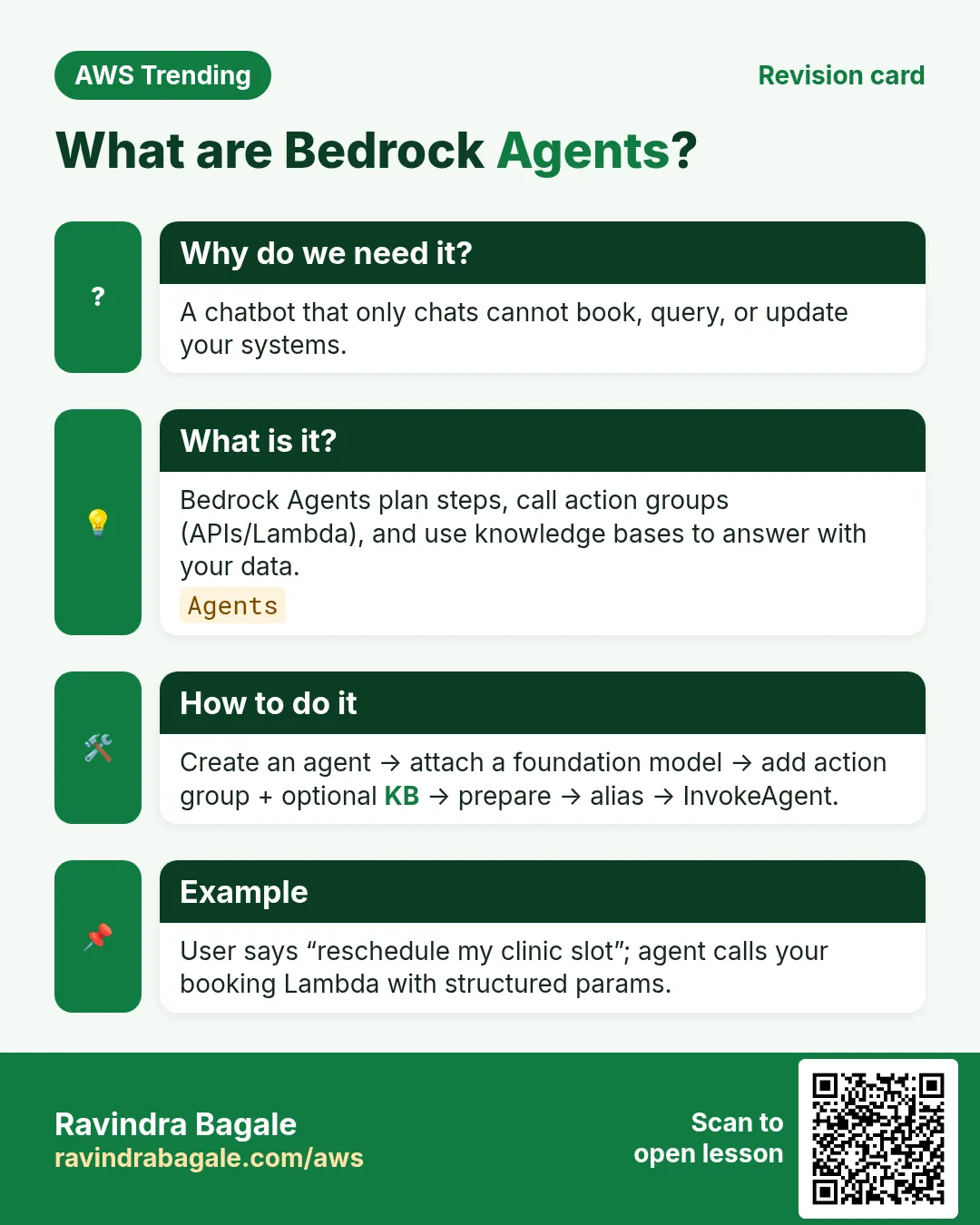
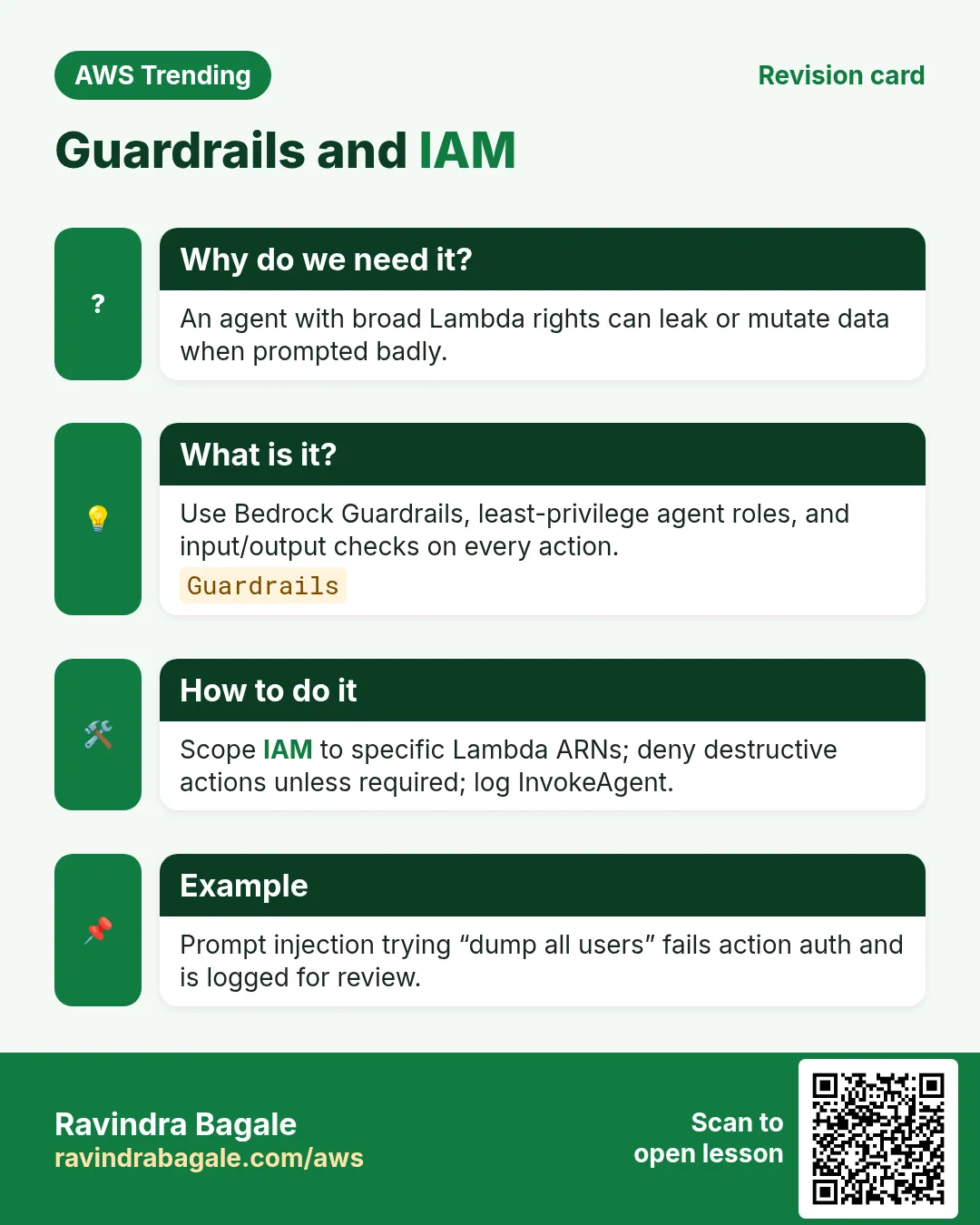
RAG retrieves text. Business work needs side effects: create ticket, start Step Functions, query DynamoDB. Agents plan steps, call tools, and summarize. Without clear tools and IAM, agents hallucinate actions.
3. What is a Bedrock Agent?
What is it?
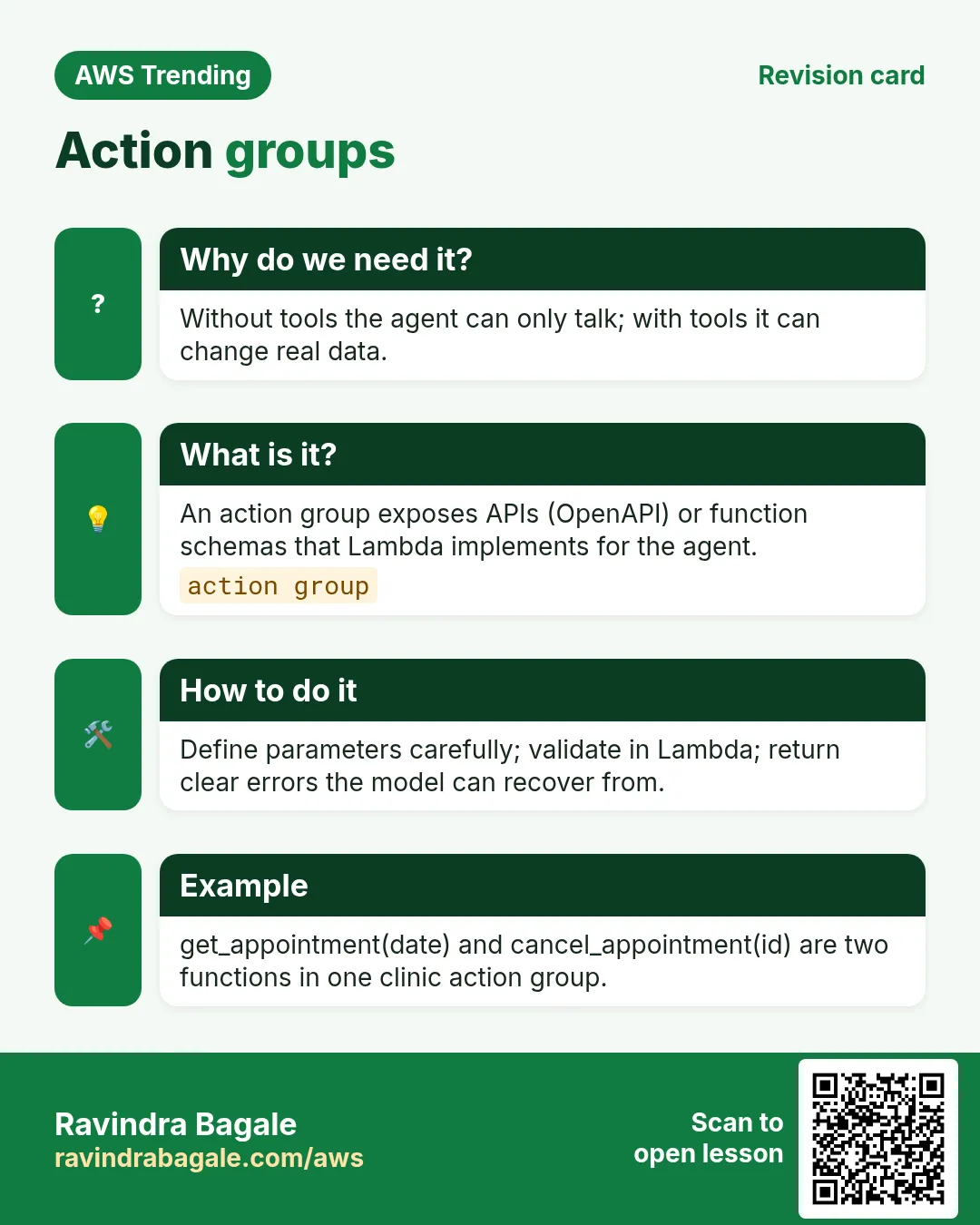
A Bedrock Agent packages: instructions (system prompt), optional knowledge base, action groups (OpenAPI schemas to Lambda or return of control), and guardrails. The orchestrator decides when to search, call a tool, or answer.
| Concept | Plain meaning |
|---|---|
| Action group | A bundle of API tools the agent may call |
| Knowledge base | Optional RAG store for facts |
| Guardrail | Safety filters and denied topics |
| Return of control | Your app runs the tool, not Lambda |
4. How to build (high level)
How to do it (step by step)
- Write the user story and list allowed tools only.
- Create Lambdas or ROC handlers with least-privilege IAM.
- Describe APIs in OpenAPI for the action group.
- Attach a knowledge base only if facts must be grounded.
- Add guardrails for PII and denied topics.
- Test traces: did it call the right tool with the right args?
# Mental model
# Agent
#  - instruction: never invent order ids
#  - action_group: GetOrder (Lambda)
#  - action_group: CreateTicket (Lambda)
#  - guardrail: block refund promises
5. Agent vs Knowledge Base alone
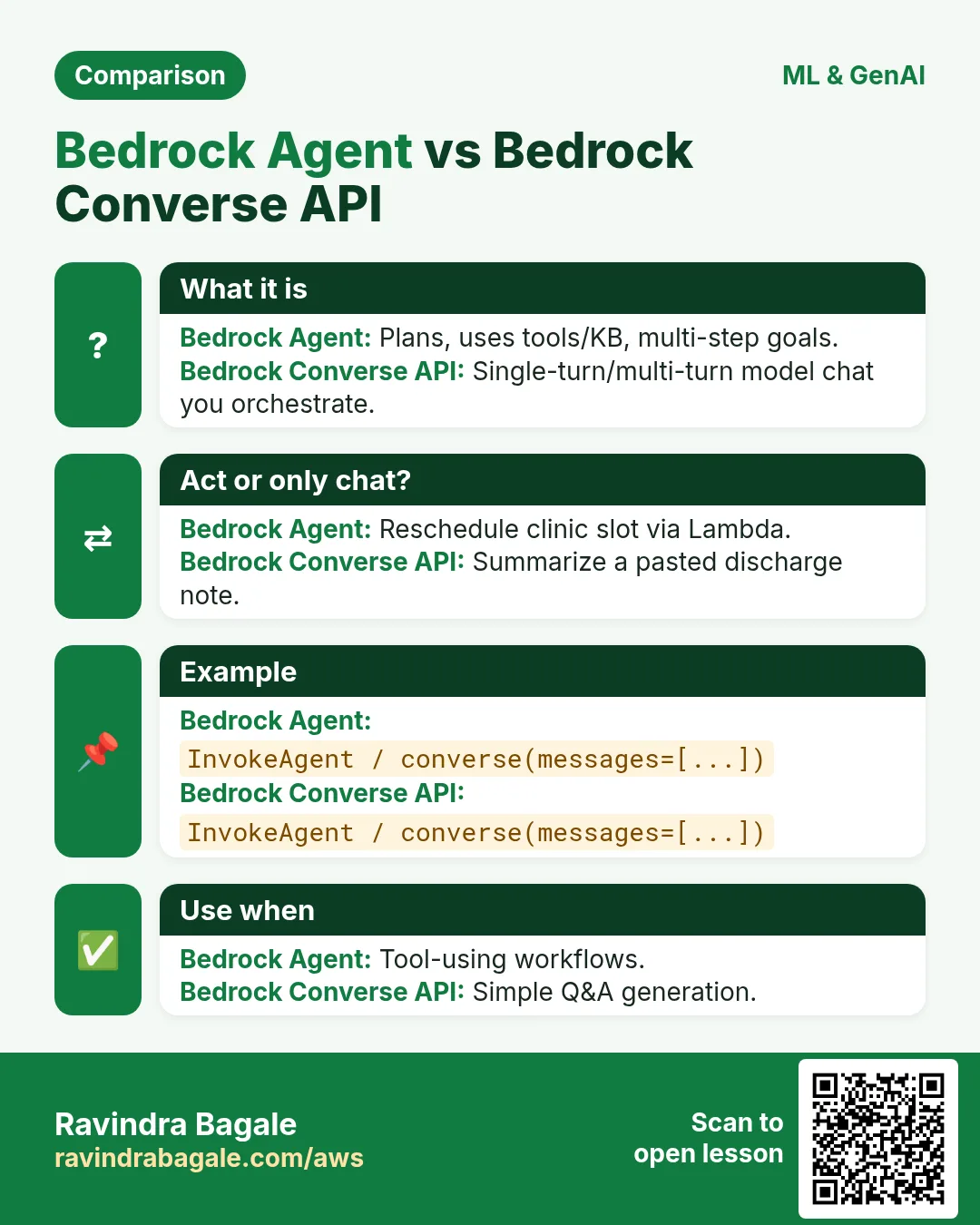
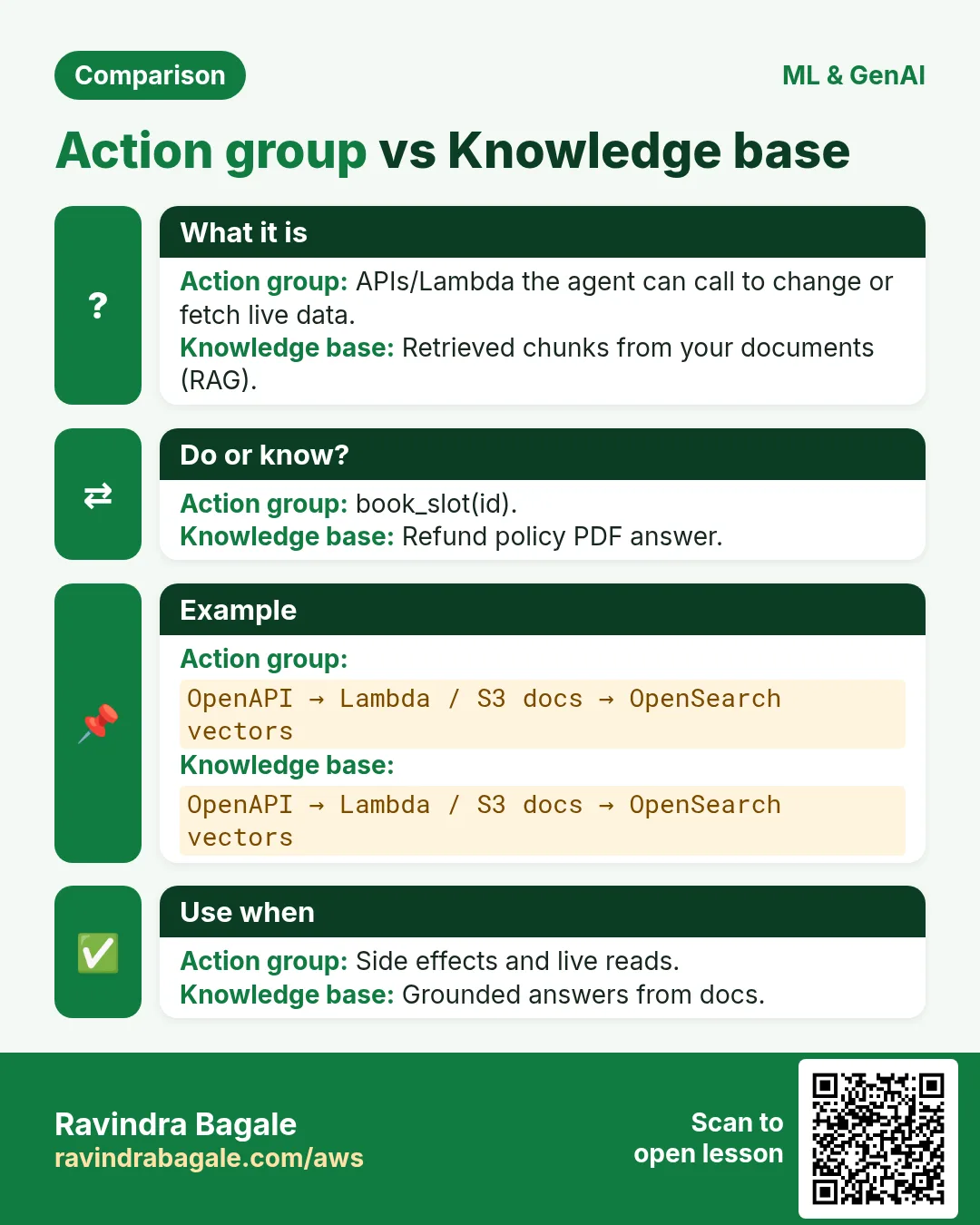
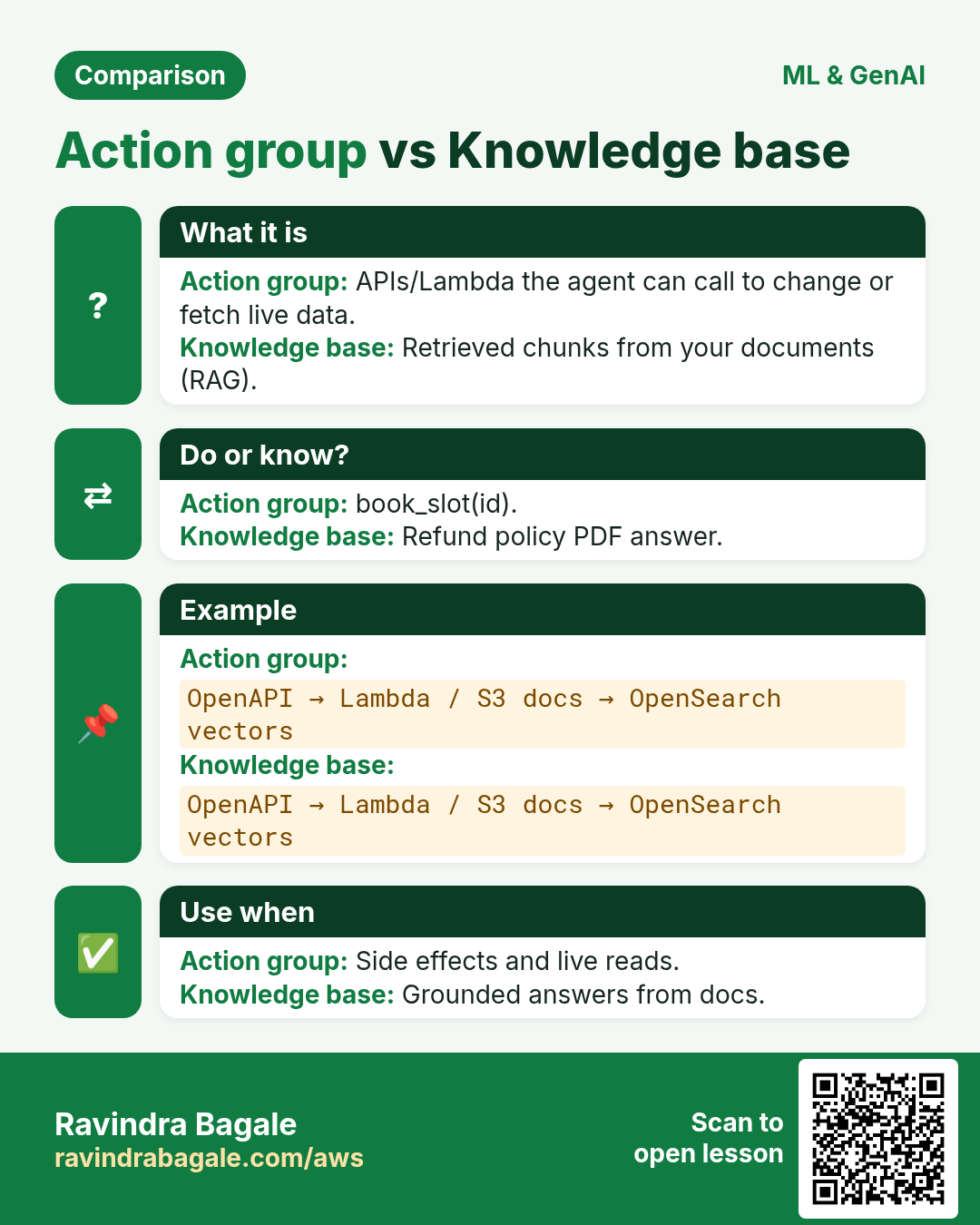
A knowledge base answers from documents. An agent can also change systems through tools. Many products need both: KB for policy text, tools for account actions. Do not call a chatbot an agent unless it can use tools safely.
6. Safety checklist before production
- AuthN/AuthZ before sensitive tools
- Human approval for money-moving actions
- Audit every tool call
- Rate limit and max turns
- Red-team prompts weekly
7. Industries
- E-commerce: order status + returns ticket
- Banking: FAQ + secure balance tool behind strong auth
- Healthcare admin: appointment reschedule with audit
- Internal IT: reset VPN access via approved runbook API
8. Lab: design one action group on paper
Do this in ap-south-1 (Mumbai) unless your org forbids it. Set a budget alert first.
How to do it (step by step)
- Pick get order status by order_id.
- Write OpenAPI paths and one error response.
- List IAM actions the Lambda needs (dynamodb:GetItem only).
- Write three user utterances that should call the tool.
- Write one utterance that must NOT call the tool.
Cleanup (stop billing)
- No AWS cost if paper-only.
- If you created a test agent, delete it and its Lambdas.
9. Common errors and fixes
Each row is a real mistake students and juniors hit. Read the fix before you panic.
| Error / symptom | Fix |
|---|---|
| Agent invents order ids | Force tool use; never answer from imagination. |
| Action group schema vague | Tight OpenAPI types and enums. |
| Lambda role star on DynamoDB | Scope to table ARN + GetItem. |
| No guardrail on refunds | Deny topic + human handoff. |
| KB and tools contradict | Prefer tool for live data; KB for policy text. |
| Infinite tool loops | Max iterations; idempotent tools. |
| PII in traces stored forever | Redact logs; short retention. |
| Wrong region model id | Match agent region and model access. |
| ROC timeout too short | Align app timeout with agent. |
| Shared agent for all brands | Separate instructions per brand. |
10. Troubleshooting checklist
- Model access not enabled in Bedrock console.
- Action group Lambda permission missing.
- OpenAPI path != Lambda event mapping.
- Guardrail blocking legitimate answers — tune.
- Trace shows wrong tool — improve instruction examples.
- Latency high — cache static FAQ in KB.
11. FAQ
Q. Agent vs plain Bedrock InvokeModel?
InvokeModel = one shot; Agent = plan + tools + memory of steps.
Q. Do I need a knowledge base?
Only for grounded documents; live orders need tools.
Q. Can agents call Step Functions?
Yes via Lambda or API tool.
Q. How to stop hallucination?
Require tools for facts; guardrails; tests.
Q. Is this the same as Agents for Amazon Bedrock in console?
Yes — console/API name for this feature family.
12. Interview Q&A
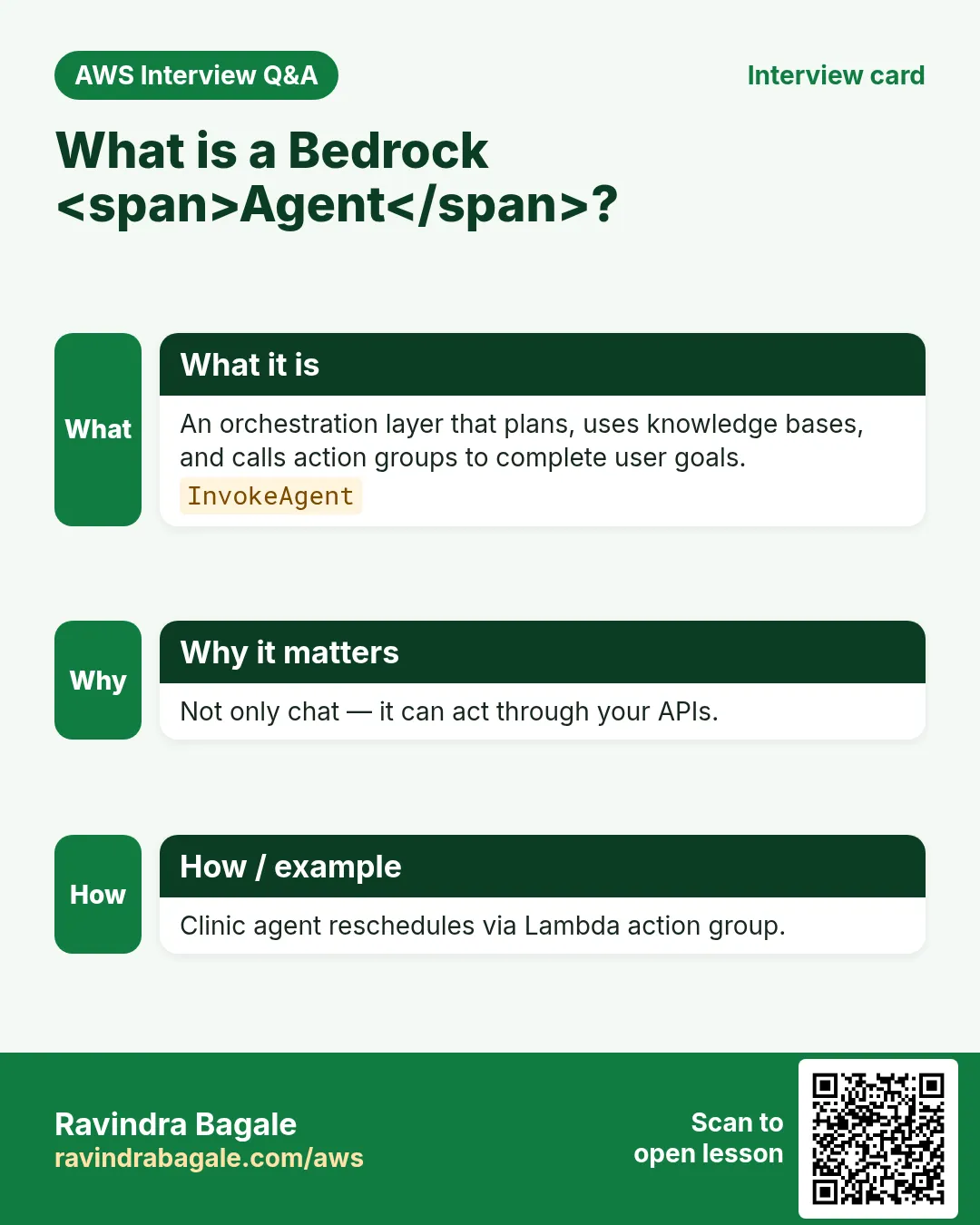
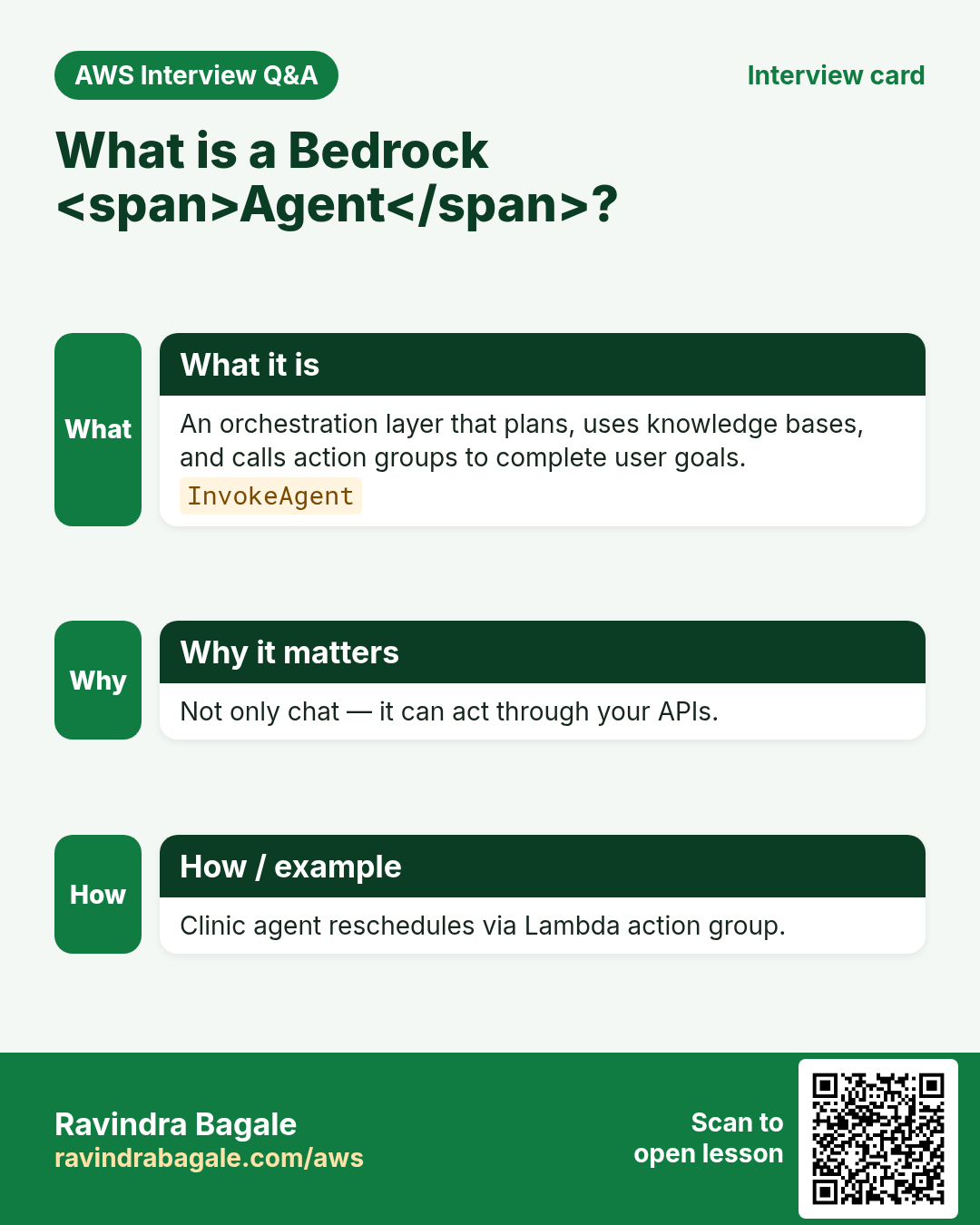
Q. What is a Bedrock Agent?
FM plus instructions, optional KB, action groups, guardrails.
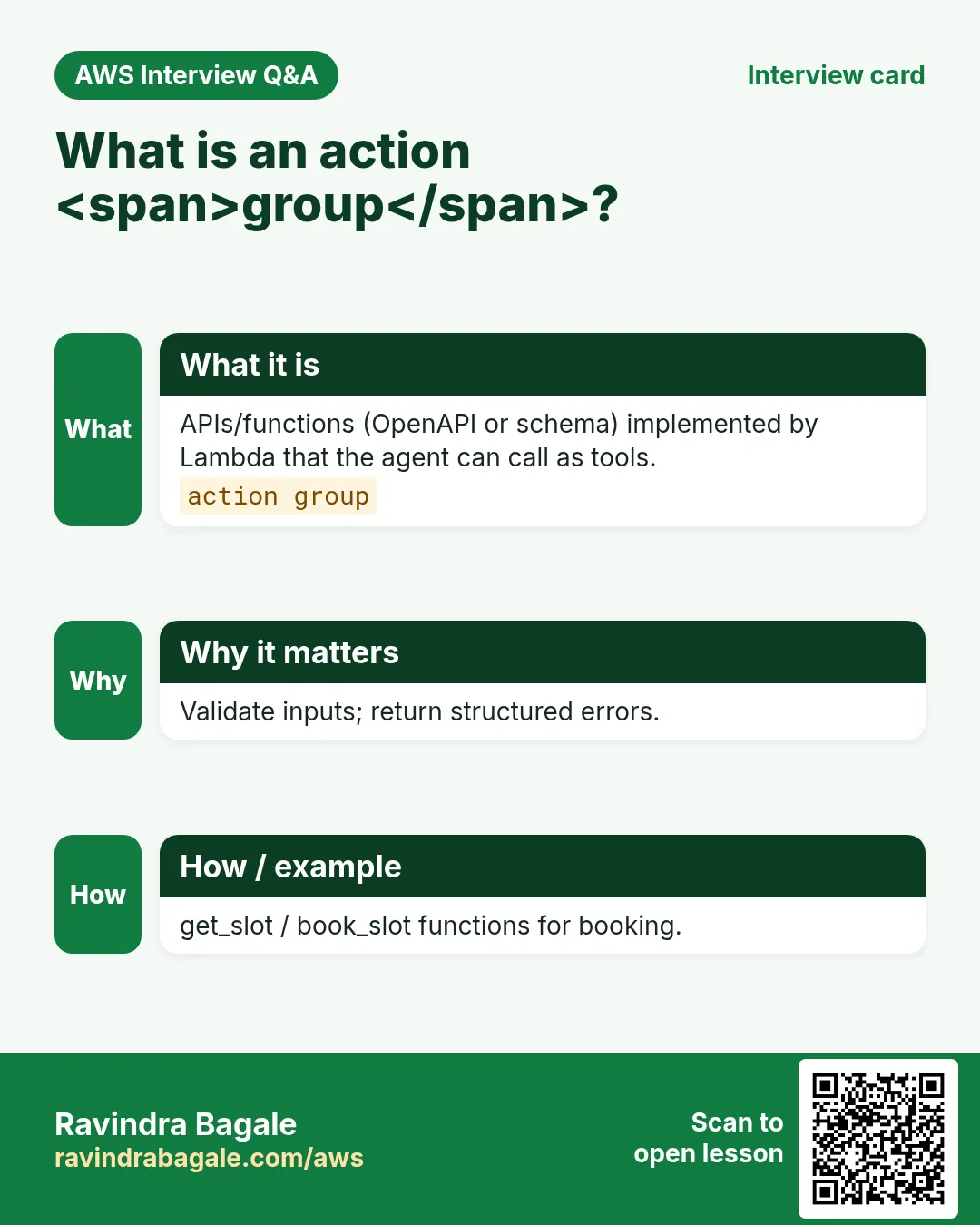
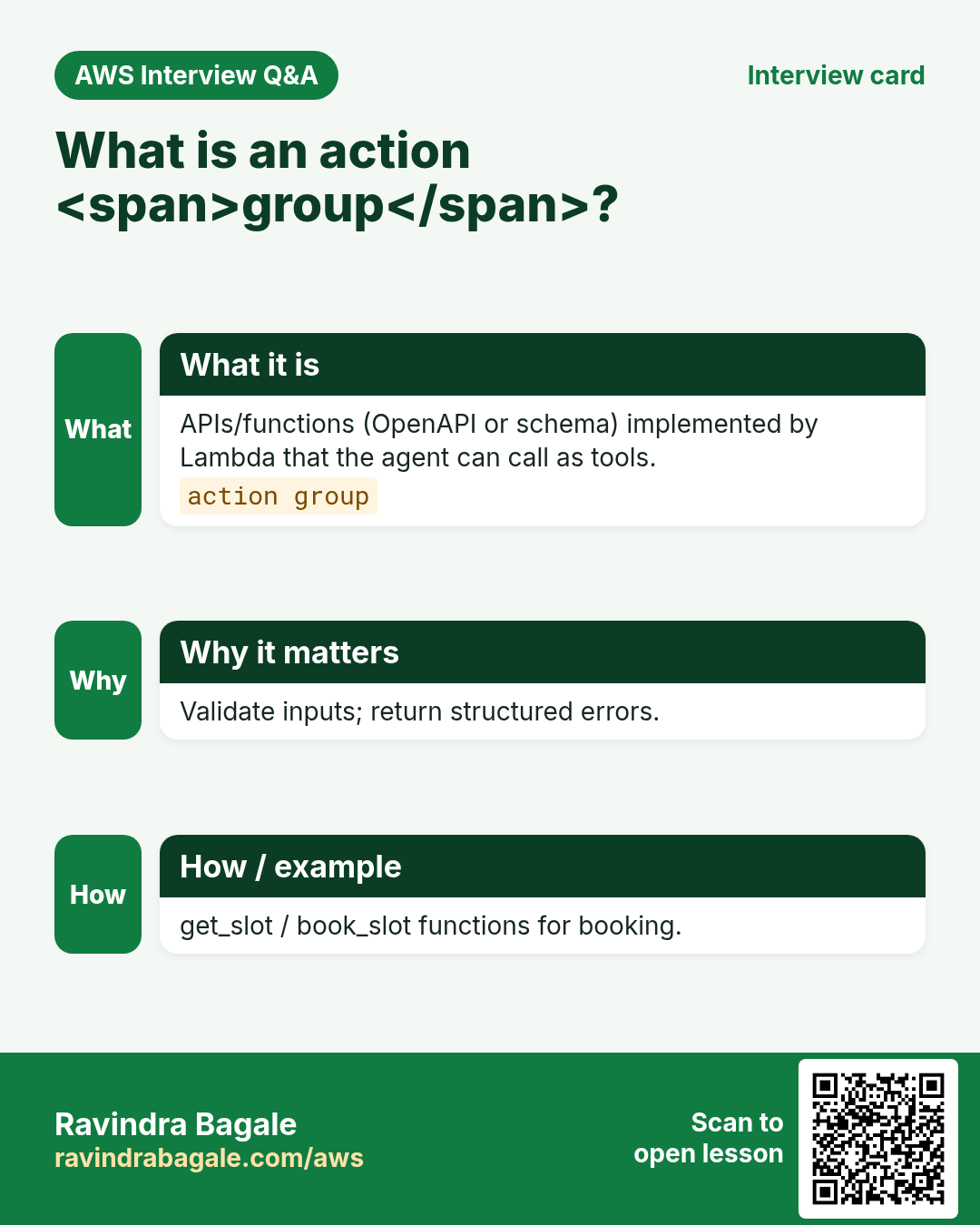
Q. What is an action group?
OpenAPI-described tools backed by Lambda or ROC.
Q. KB vs tool?
KB = documents; tool = live side effects / queries.
Q. How secure an agent?
Least privilege IAM, guardrails, auth before sensitive tools.
Q. Return of control?
Your application executes the tool call.
Q. Testing strategy?
Utterance suite + trace assertions on tool args.
13. Tips in English, Marathi and Hindi
Ravindra Bagale's Tip (EN)
Design tools first. A clever prompt cannot fix a missing API.
Ravindra Bagale's Tip (MR)
आधी tools डिझाइन. Prompt missing API दुरुस्त करत नाही.
Tip (HI)
पहले tools डिज़ाइन करो — बढ़िया प्रॉम्प्ट missing API नहीं बचाता।
Try at home
- Draw agent boxes: User, Agent, Tool, KB, Guardrail.
- Write OpenAPI for one GetOrder tool.
- List five prompts that must refuse (refunds, secrets).
In short
- Agents = model + tools + optional KB + guardrails.
- Action groups describe APIs the model may call.
- Live data → tools; documents → KB.
- Always test traces and least-privilege IAM.
Revision, interview and comparison cards
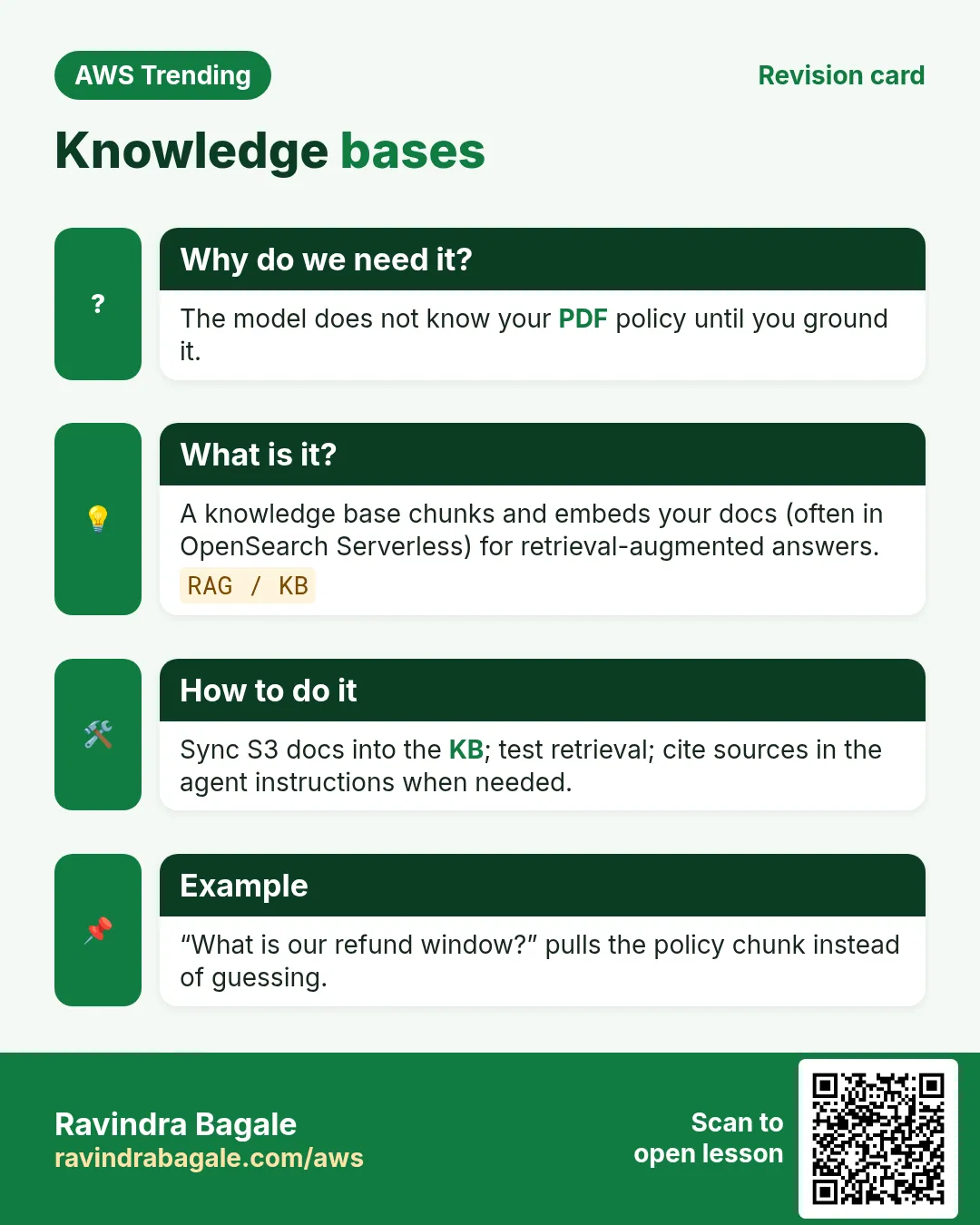
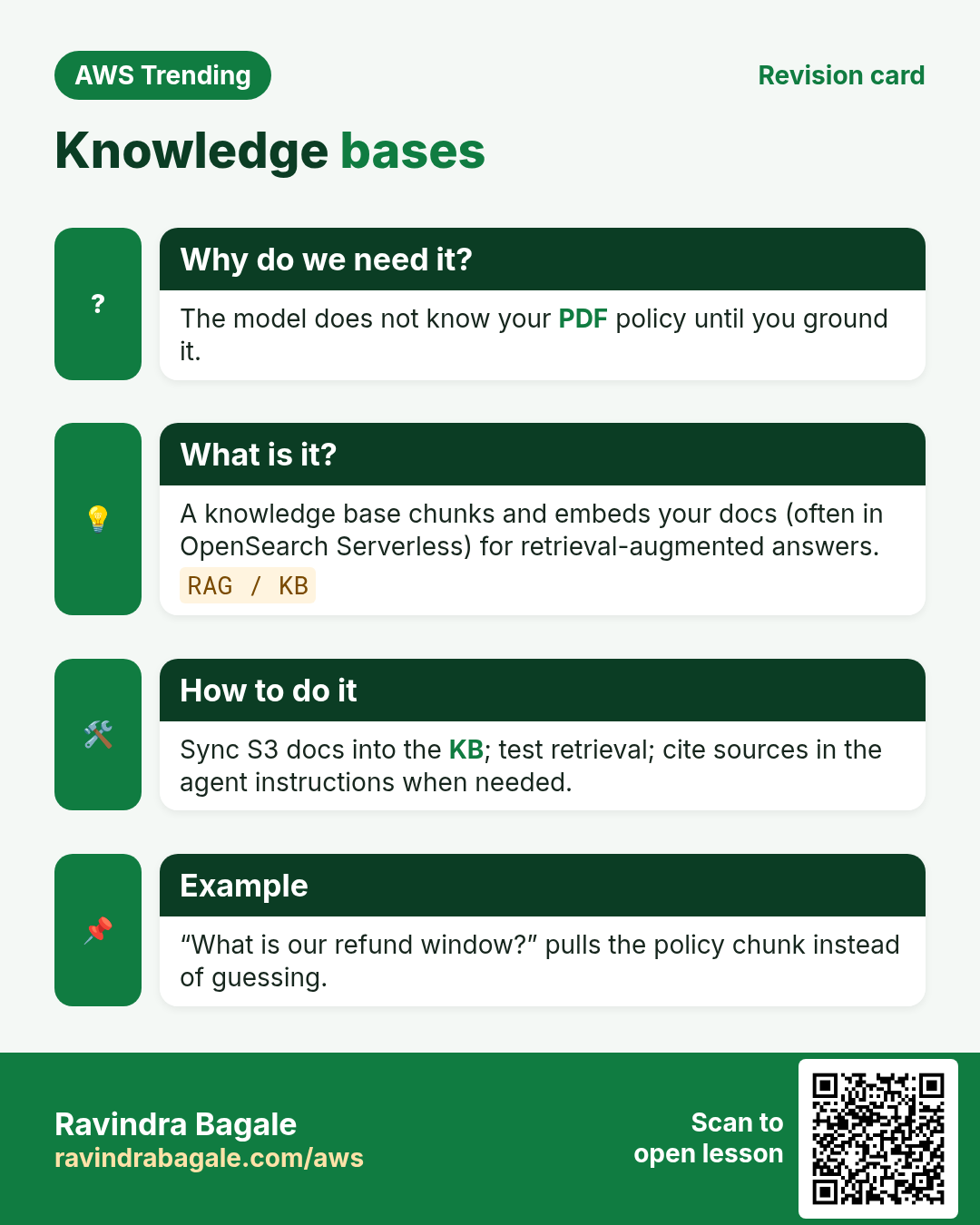
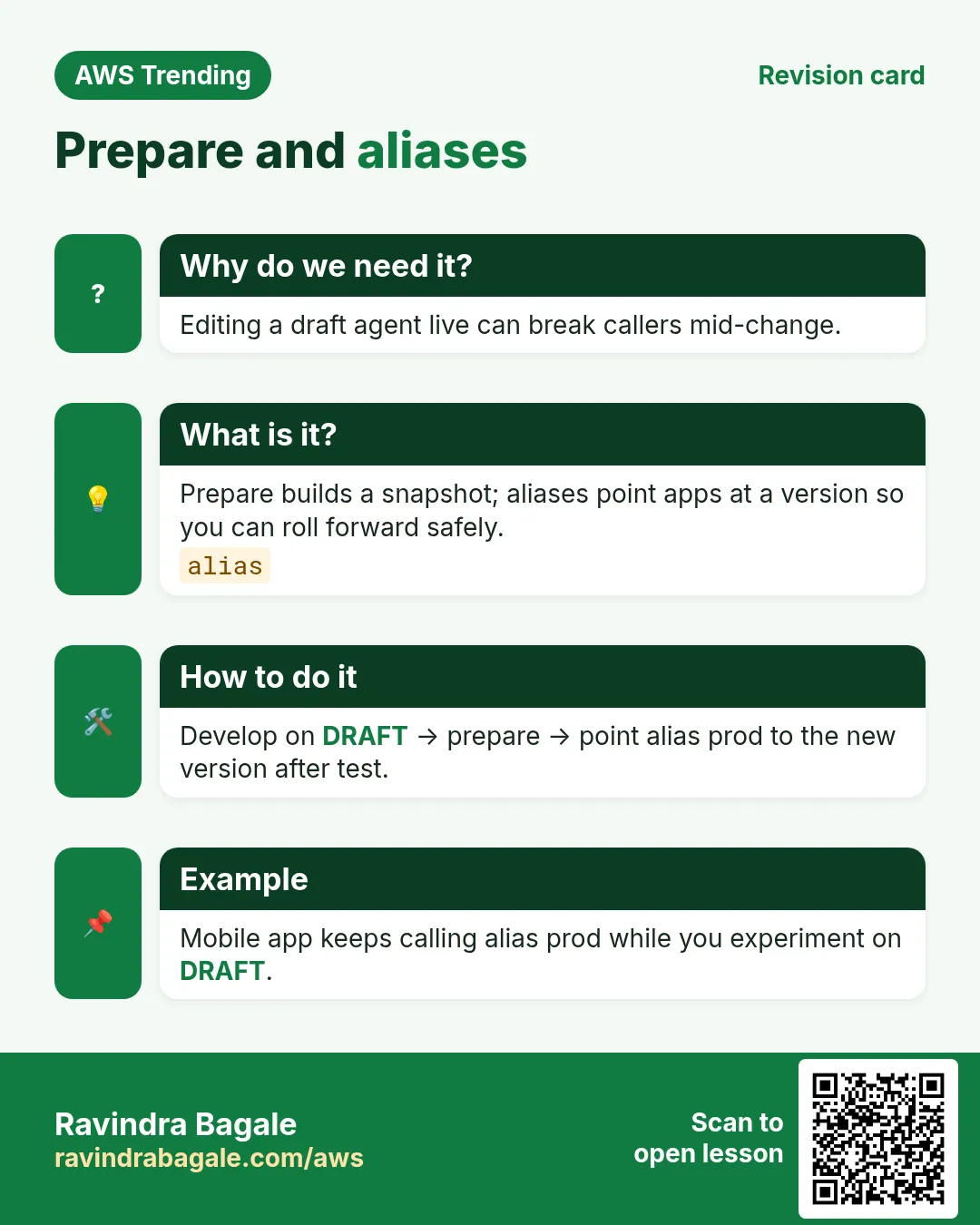
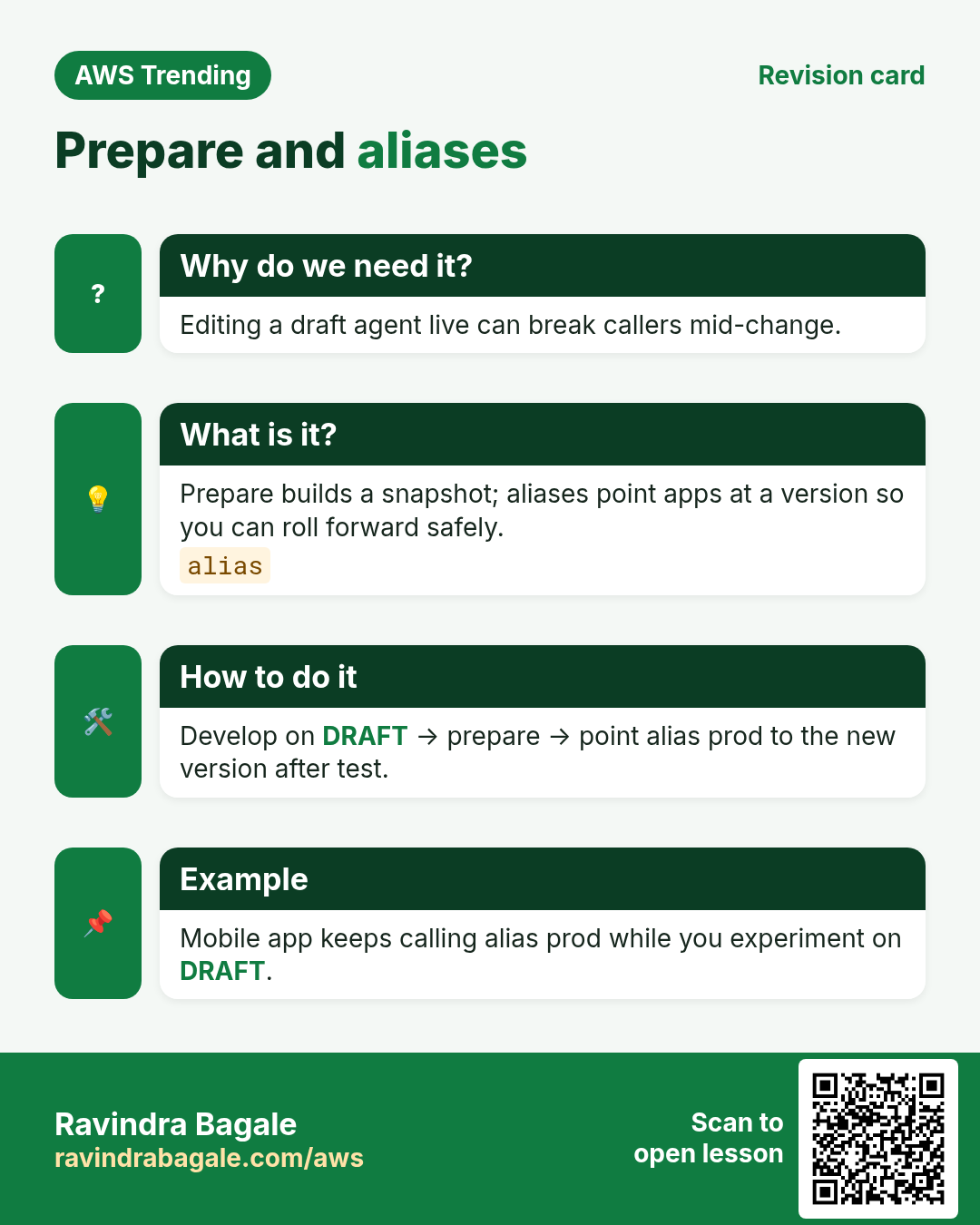
Revise this lesson in a few minutes. Save the cards on your phone or download them as PNG files. The QR code on each card opens this lesson.
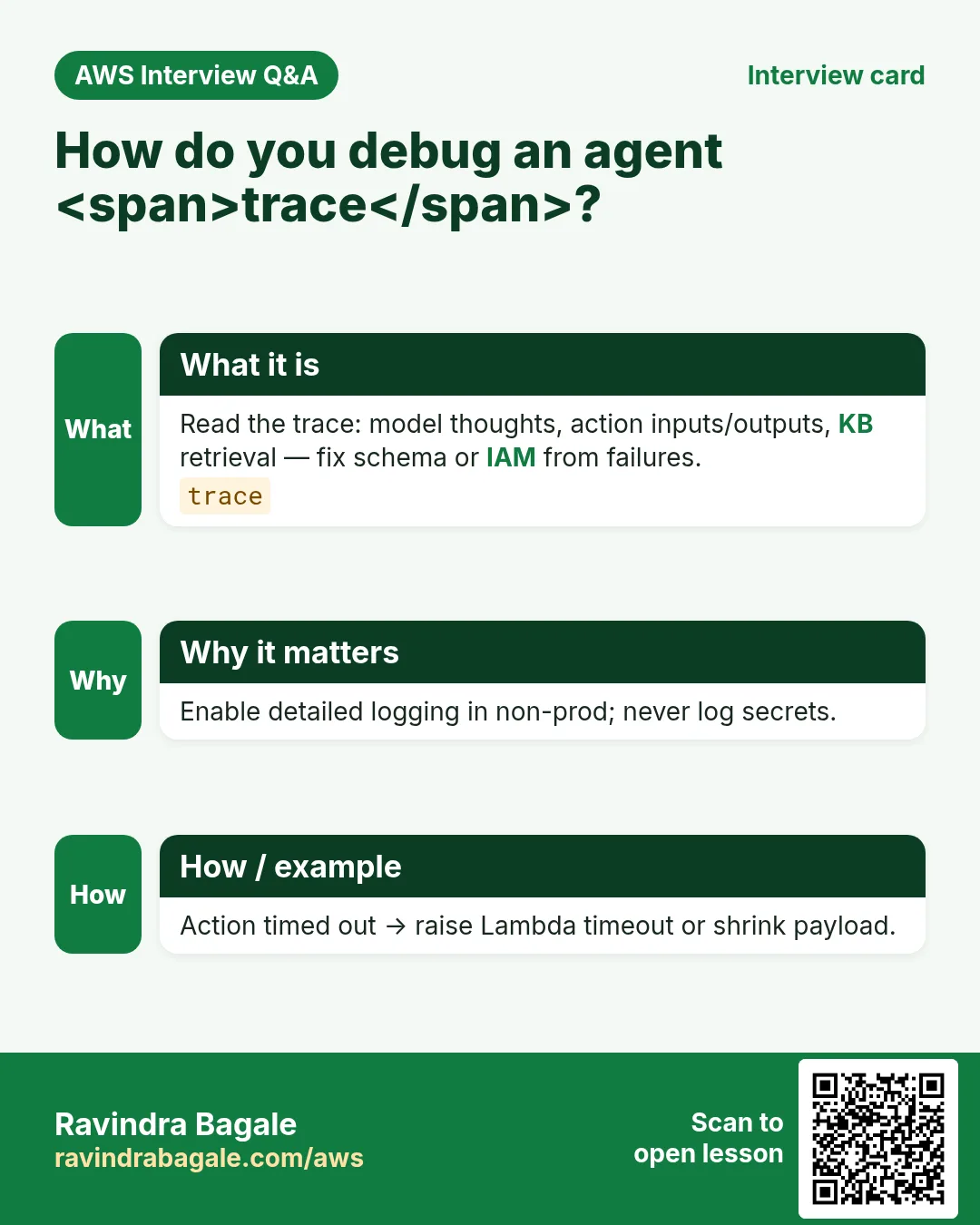
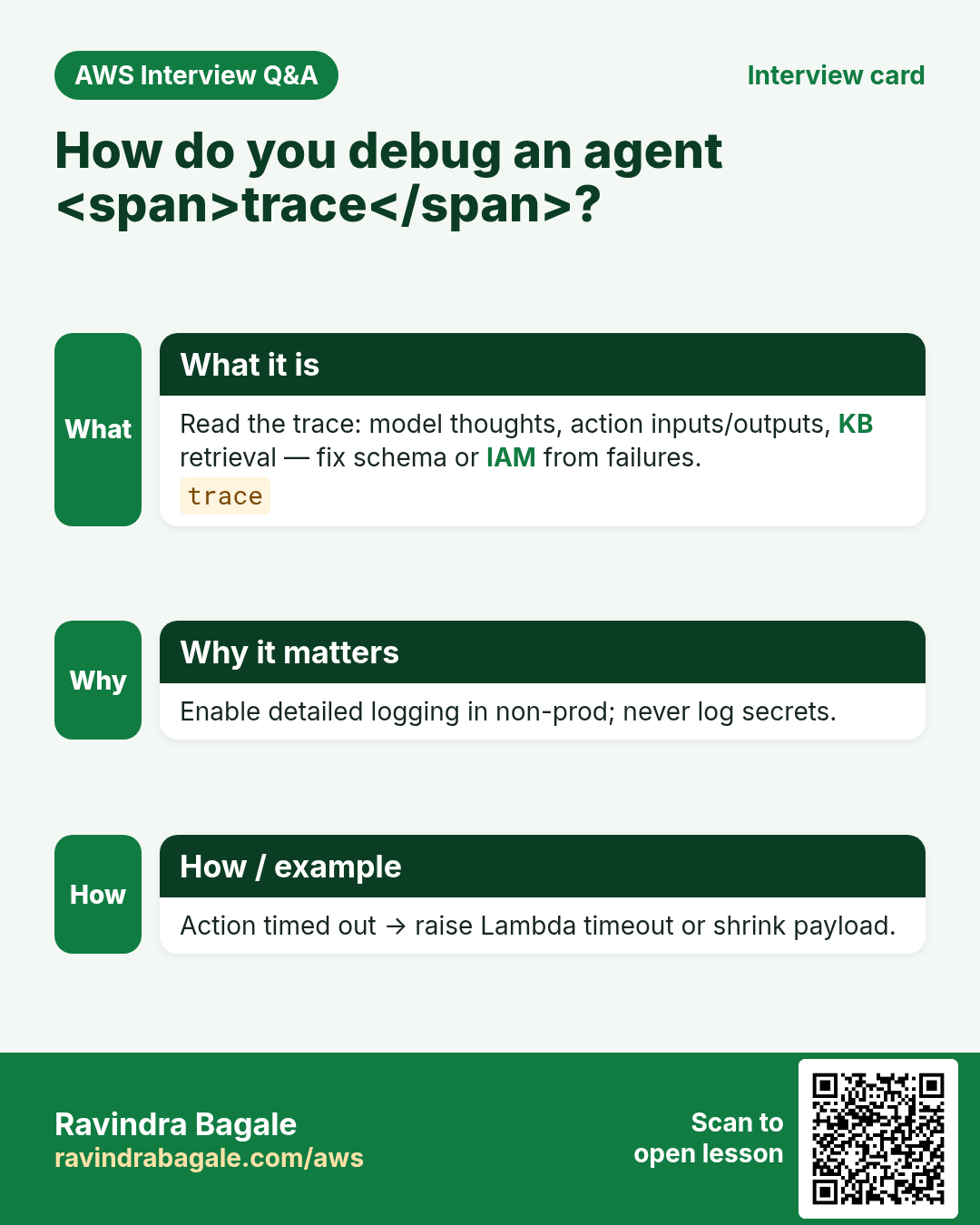
More cards: Ravi Sir's Cards.
Practice Tasks
Vidarbha Cotton Mills is a textiles business in Nagpur. Ganesh Wankhede looks after its IT and cloud work. They count money in INR and run their AWS resources in the ap-south-1 Region. In the tasks below you do real jobs for them using what this lesson teaches. All names, account IDs, IP addresses and numbers are made up for practice.
0 / 16
Easy List Bedrock agents
Why: See what exists.
What to do: List agents.
- Read the task and decide which AWS service it is about.
- Write aws, then the service name, then the operation (the action word).
- Add each needed flag (--name) followed by its value from the task.
- Flags can be in any order. Click Check answer.
Easy List knowledge bases
Why: Optional grounding store.
What to do: List knowledge bases.
- Read the task and decide which AWS service it is about.
- Write aws, then the service name, then the operation (the action word).
- Add each needed flag (--name) followed by its value from the task.
- Flags can be in any order. Click Check answer.
Easy Min tools for order+ticket
Why: Design tools first.
What to do: Minimum distinct tools for get-order and create-ticket (enter 2)?
- Write down the numbers the task gives you.
- Work it out step by step on paper.
- Type only the final answer in the box.
- Click Check answer.
Easy KB optional flag as 0/1
Why: KB not always required.
What to do: Is a knowledge base mandatory for every agent? Enter 0 for no.
- Write down the numbers the task gives you.
- Work it out step by step on paper.
- Type only the final answer in the box.
- Click Check answer.
Easy ROC means app runs tool — enter 1
Why: Return of control.
What to do: Enter 1 if return-of-control means your app runs the tool.
- Write down the numbers the task gives you.
- Work it out step by step on paper.
- Type only the final answer in the box.
- Click Check answer.
Medium Get agent
Why: Inspect instructions.
What to do: Get agent vidarbhacottonagid.
- Read the task and decide which AWS service it is about.
- Write aws, then the service name, then the operation (the action word).
- Add each needed flag (--name) followed by its value from the task.
- Flags can be in any order. Click Check answer.
Medium List action groups
Why: Tools attached to agent.
What to do: List action groups for agent vidarbhacottonagid.
- Read the task and decide which AWS service it is about.
- Write aws, then the service name, then the operation (the action word).
- Add each needed flag (--name) followed by its value from the task.
- Flags can be in any order. Click Check answer.
Medium Get tool Lambda
Why: Least privilege tools.
What to do: Get function vidarbhacotton-tool.
- Read the task and decide which AWS service it is about.
- Write aws, then the service name, then the operation (the action word).
- Add each needed flag (--name) followed by its value from the task.
- Flags can be in any order. Click Check answer.
Medium Filter tool logs
Why: Trace failures.
What to do: Filter log events on /aws/lambda/vidarbhacotton-tool.
- Read the task and decide which AWS service it is about.
- Write aws, then the service name, then the operation (the action word).
- Add each needed flag (--name) followed by its value from the task.
- Flags can be in any order. Click Check answer.
Medium GetItem only
Why: Order tool should not scan all.
What to do: Allow dynamodb:GetItem on arn:aws:dynamodb:ap-south-1:108737854657:table/vidarbhacotton-orders.
- Start with { "Version": "2012-10-17", "Statement": [ ... ] }.
- In each statement write Effect, Action and Resource.
- Give only what the task needs (least privilege).
- Use double quotes and commas correctly. Click Check answer.
Medium Tiny OpenAPI path JSON
Why: Action groups need schemas.
What to do: JSON path /orders/{id} method get.
- Start from the top-level keys the task names.
- Indent child keys with 2 spaces (no tabs).
- Fill in each property with the value from the task.
- Click Check answer. Key order does not matter.
Medium Sane max agent iterations
Why: Stop loops.
What to do: A common classroom max iterations value (enter 5)?
- Write down the numbers the task gives you.
- Work it out step by step on paper.
- Type only the final answer in the box.
- Click Check answer.
Hard Get action group
Why: Verify OpenAPI binding.
What to do: Get action group vidarbhacottonag for agent vidarbhacottonagid version DRAFT.
- Read the task and decide which AWS service it is about.
- Write aws, then the service name, then the operation (the action word).
- Add each needed flag (--name) followed by its value from the task.
- Flags can be in any order. Click Check answer.
Hard Prepare agent
Why: Build draft for test.
What to do: Prepare agent vidarbhacottonagid.
- Read the task and decide which AWS service it is about.
- Write aws, then the service name, then the operation (the action word).
- Add each needed flag (--name) followed by its value from the task.
- Flags can be in any order. Click Check answer.
Hard Tool Lambda invoke by agent role
Why: Agent role needs invoke.
What to do: Allow lambda:InvokeFunction on arn:aws:lambda:ap-south-1:108737854657:function:vidarbhacotton-tool.
- Start with { "Version": "2012-10-17", "Statement": [ ... ] }.
- In each statement write Effect, Action and Resource.
- Give only what the task needs (least privilege).
- Use double quotes and commas correctly. Click Check answer.
Hard Guardrail topics JSON
Why: Block refund promises.
What to do: JSON denied_topics array refunds and secrets.
- Start from the top-level keys the task names.
- Indent child keys with 2 spaces (no tabs).
- Fill in each property with the value from the task.
- Click Check answer. Key order does not matter.