What Is Amazon Cognito? User Pools and Identity Pools Explained
Your React app needs sign-up, login, MFA, and temporary AWS credentials to upload to S3 — without you building a custom auth server. Amazon Cognito gives User Pools (directory + tokens) and Identity Pools (federate to AWS IAM credentials).
What you'll learn in this chapter
- Why managed auth beats home-grown password DBs
- What user pools vs identity pools are
- How JWT app clients and IdPs fit together
- Industries and mobile/web patterns
- Lab, errors, FAQ, interview
1. Everyday example first
A Kochi fitness app lets users sign in with email+OTP or Google. Cognito User Pool issues JWT. An Identity Pool exchanges the token for short-lived IAM rights to PutObject into s3://app-uploads/userId/*. API Gateway JWT authorizer protects /workouts.
2. Why Cognito?
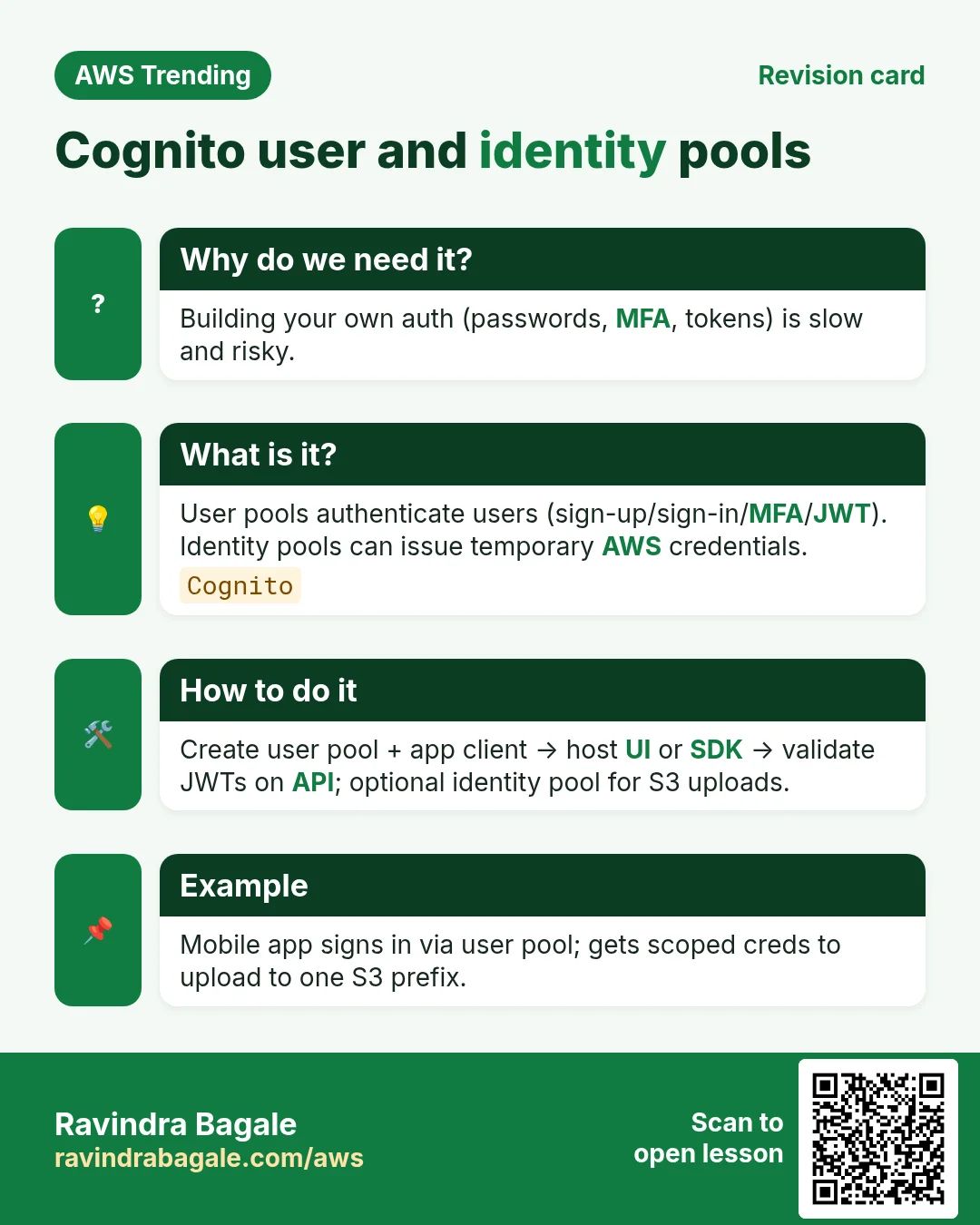
Why do we need this?
Password storage, reset flows, MFA, and token crypto are easy to get wrong. Cognito provides standards-based auth (OAuth2/OIDC) and hooks into AWS IAM for fine-grained data access.
- Hosted UI or own UI with SDKs
- Social and SAML/OIDC enterprise IdPs
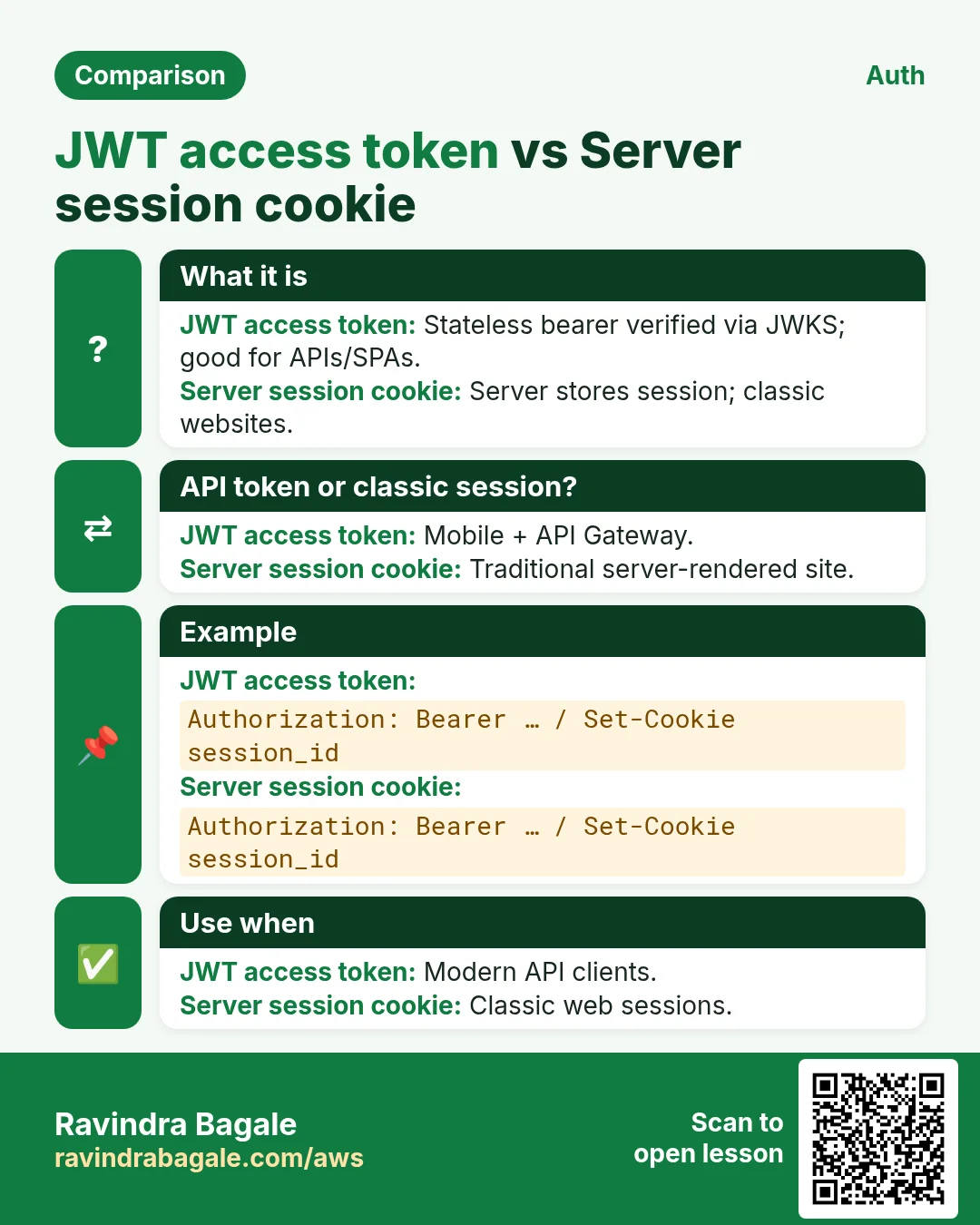
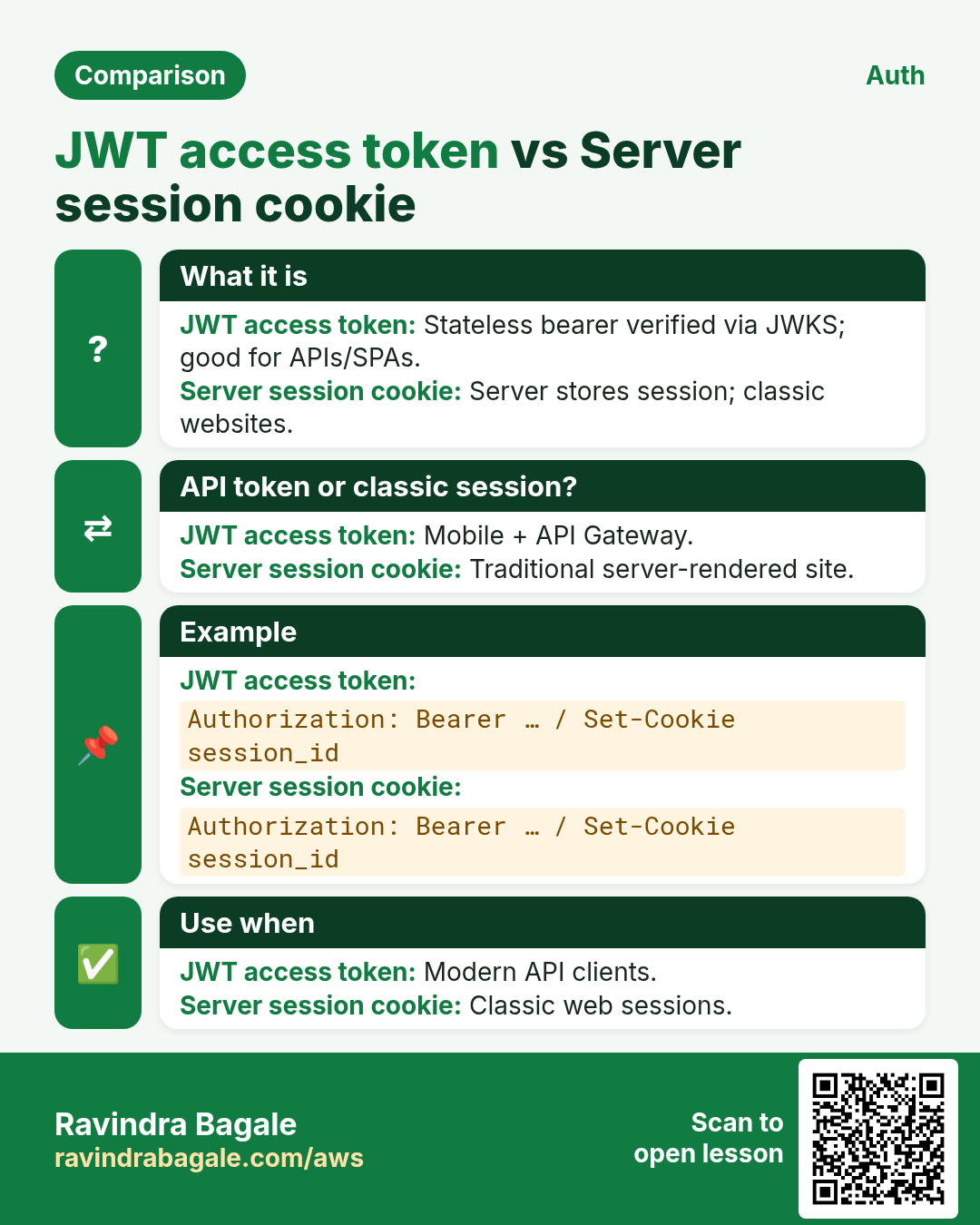
- JWT for APIs
- Identity Pool → temporary AWS credentials
3. What are User Pools and Identity Pools?
What is it?
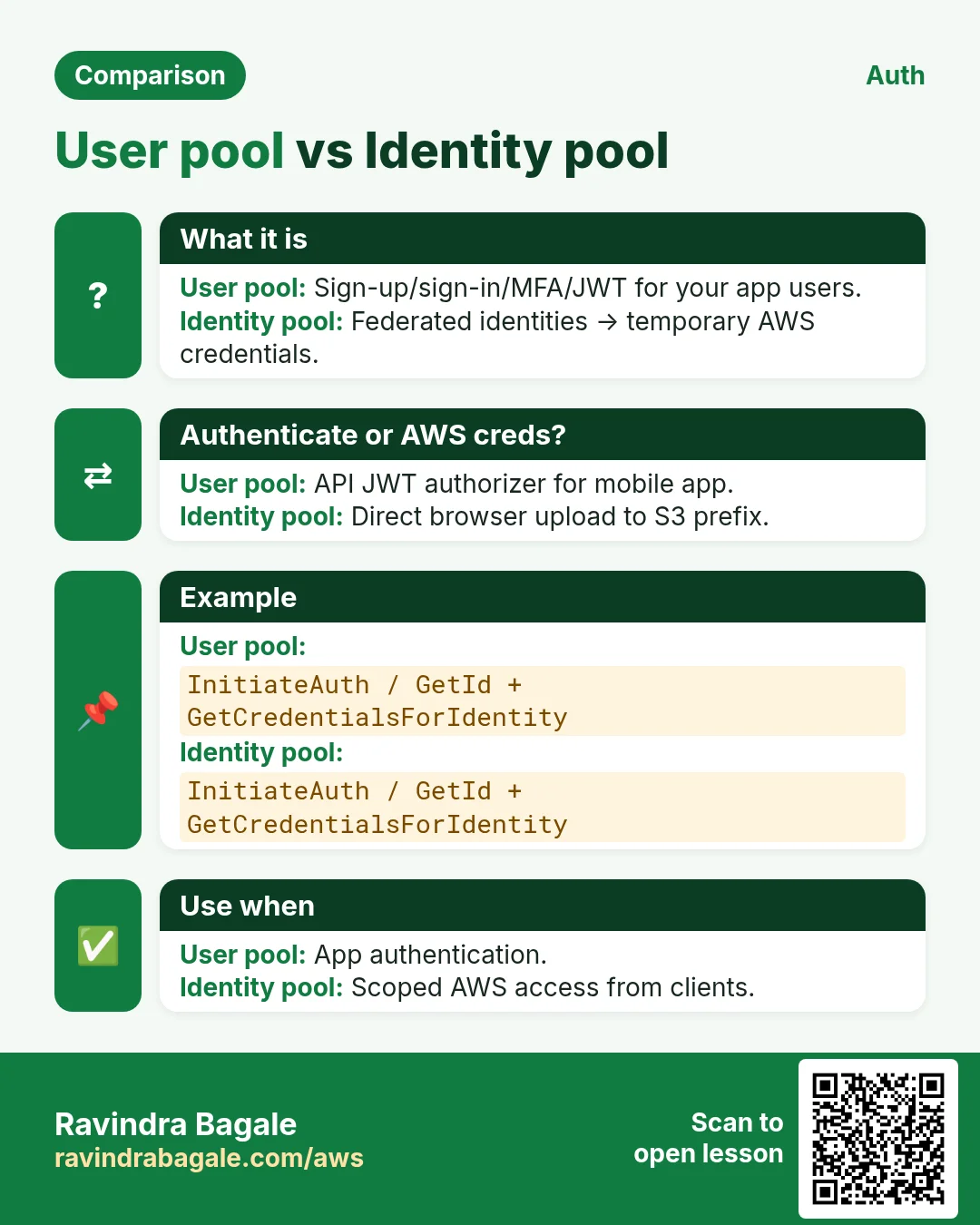
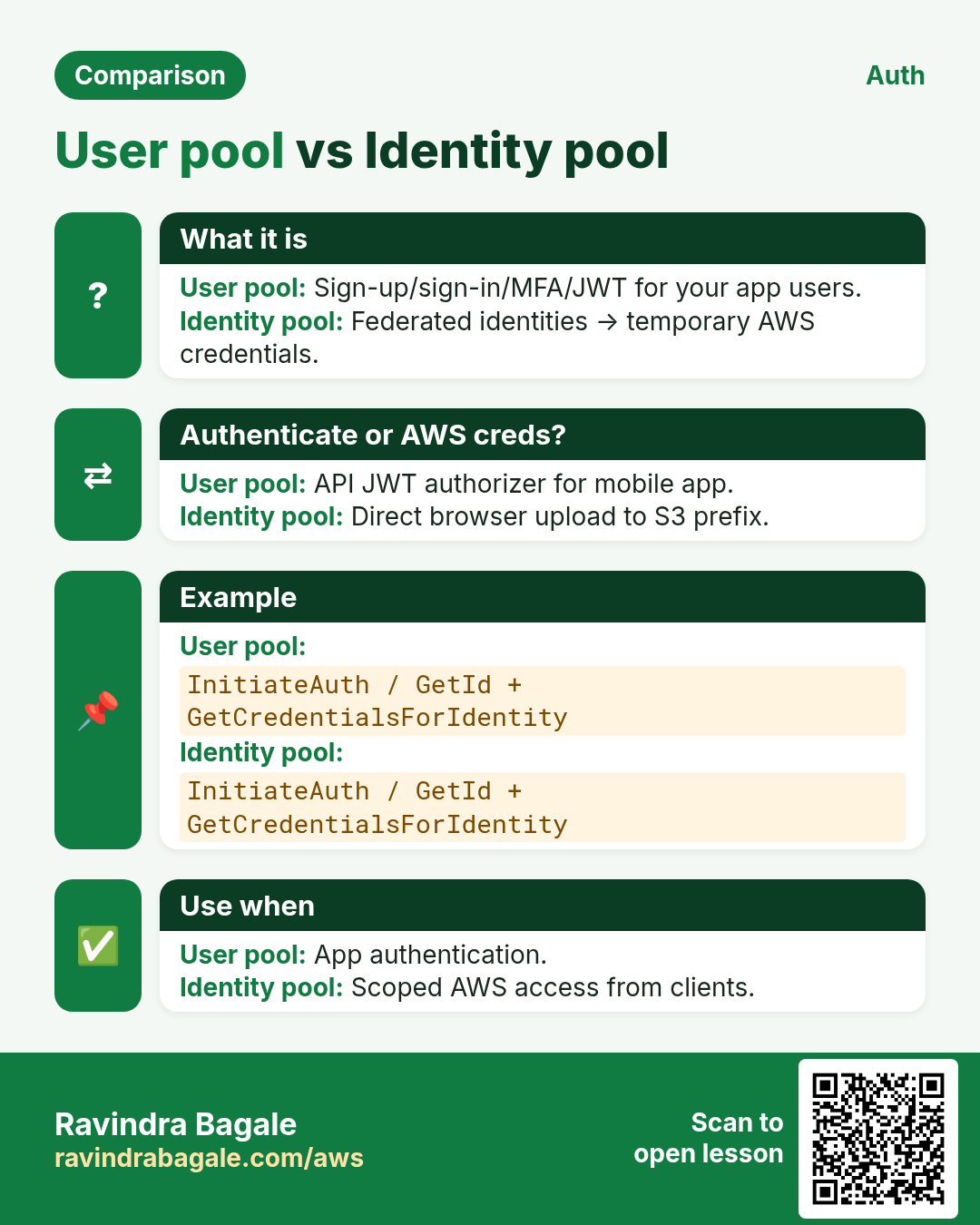
User Pool = user directory: sign-up, sign-in, MFA, groups, app clients, hosted UI; outputs JWT (ID/access/refresh). Identity Pool (Federated Identities) = map authenticated (or guest) users to IAM roles via STS — for AWS resource access.
| Piece | Plain job |
|---|---|
| User pool | AuthN directory + tokens |
| App client | Public/confidential client settings |
| Hosted UI | Ready login pages |
| Identity pool | Token → IAM role credentials |
| JWT authorizer | API Gateway validates Cognito tokens |
| Triggers | Lambda customize sign-up/auth challenges |
4. How to wire a safe app client
How to do it (step by step)
- Create a user pool with strong password policy + MFA optional/required as needed.
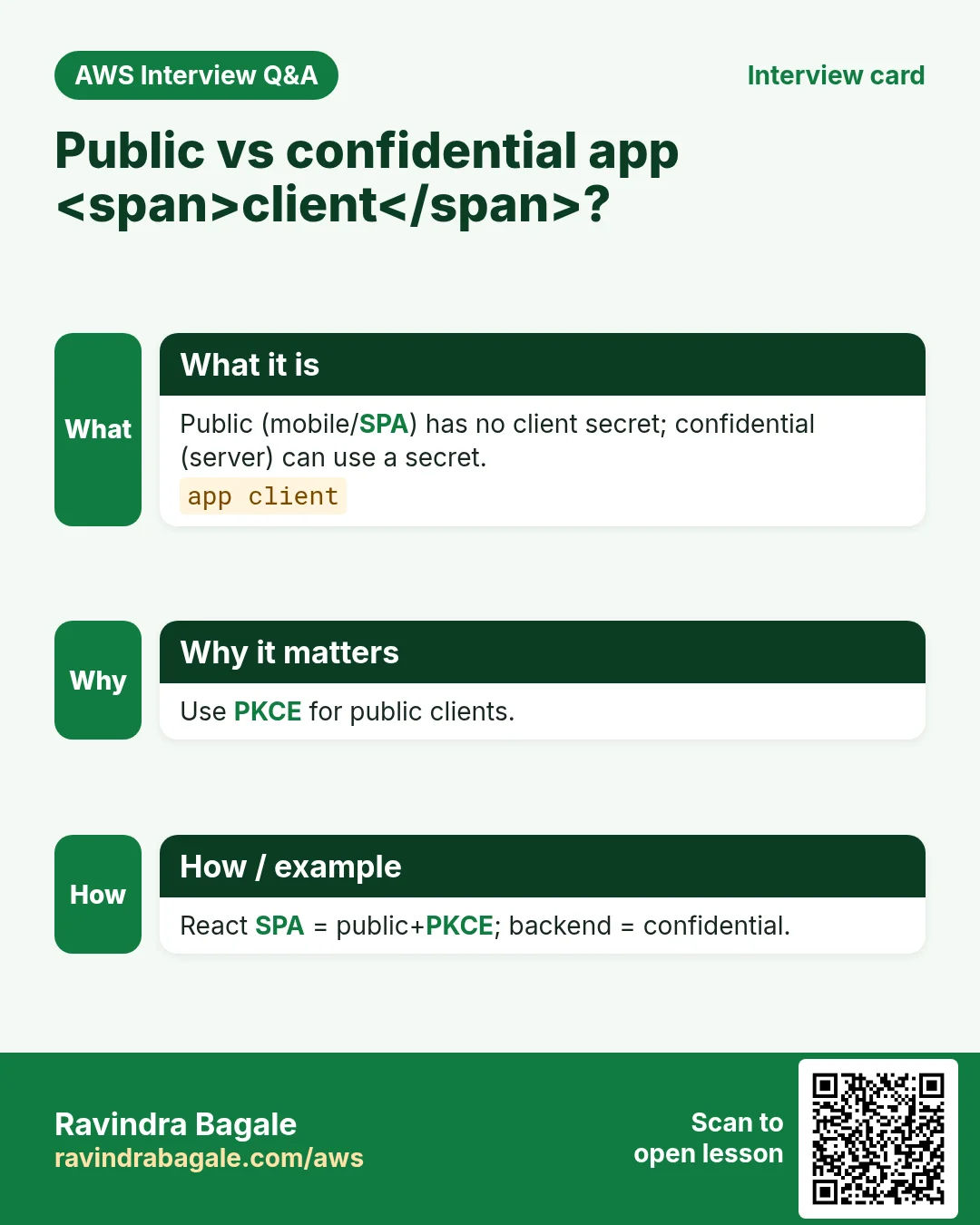
- Create an app client; for public SPAs use PKCE; never embed client secrets in mobile/SPA.
- Configure callback/logout URLs tightly.
- Enable Google/Apple/SAML only after privacy review.
- Protect APIs with JWT authorizer or ALB auth.
- If S3 upload needed, Identity Pool roles with prefix-by-sub IAM.
- Use groups/custom claims carefully; authorize on server.
- Rotate refresh token strategy; handle revoke on logout.
- Log Advanced Security / Compromised credentials features if available.
- Never use Cognito only on client without API checks.
# Mental model
# 1) User Pool authenticates → JWT
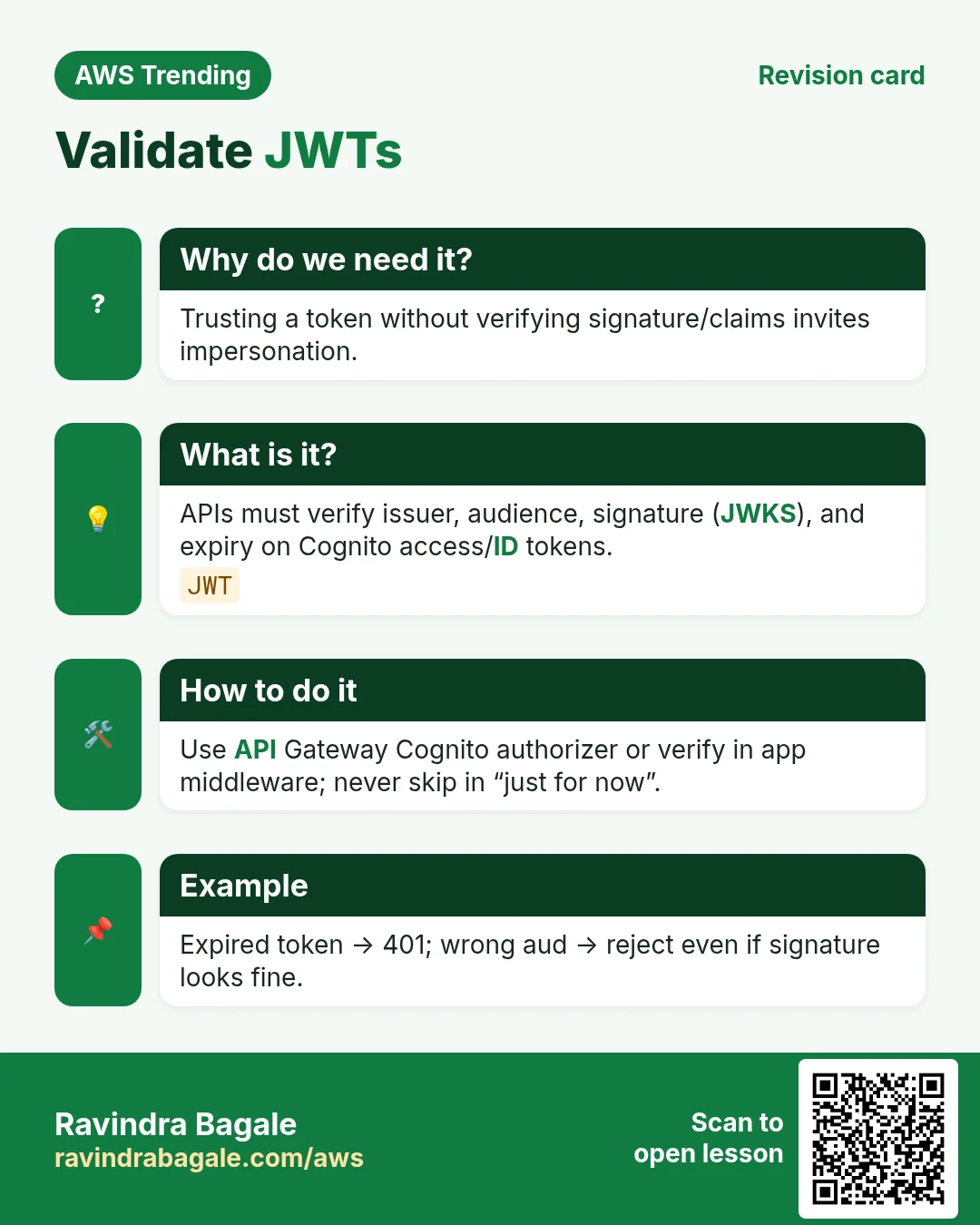
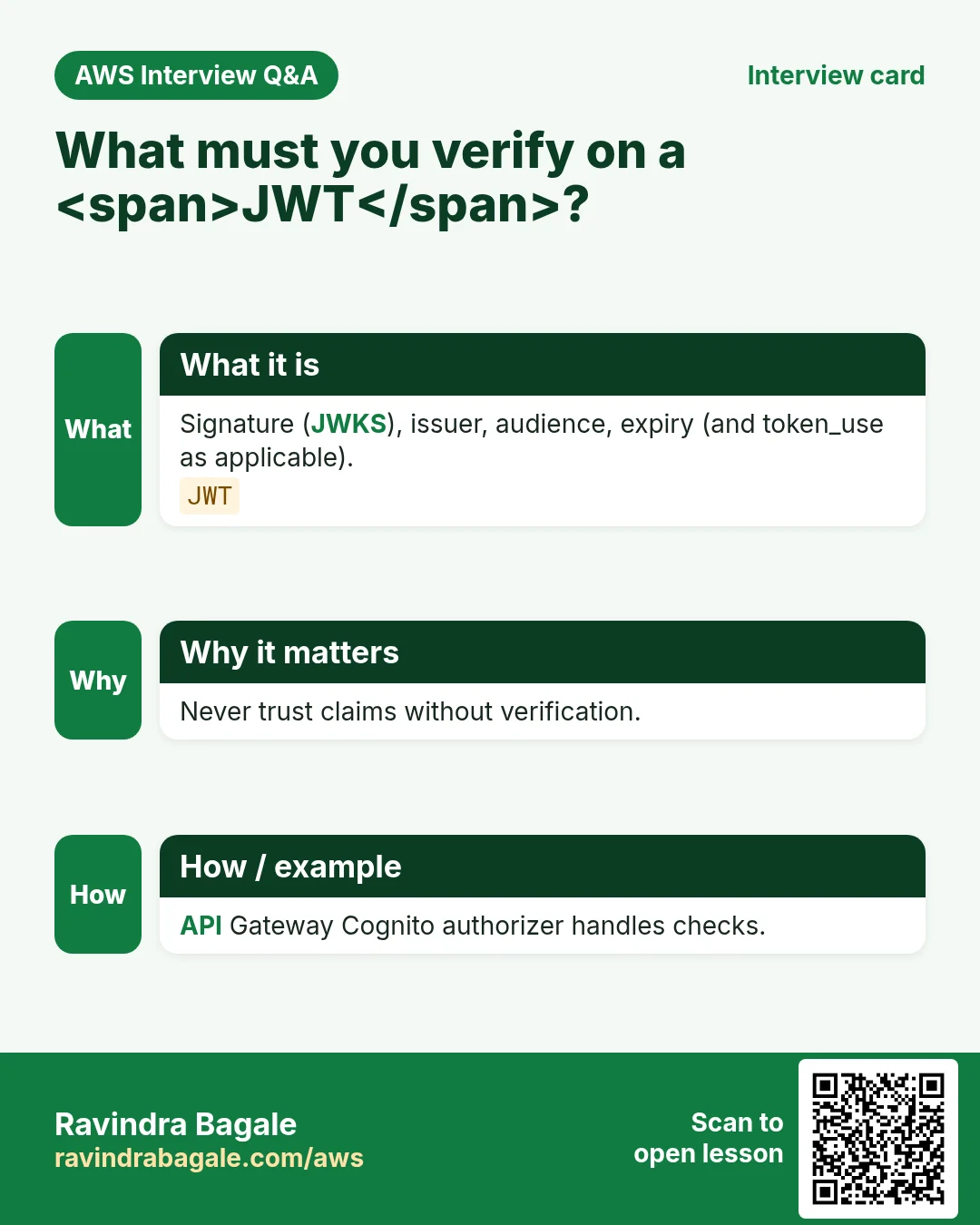
# 2) API Gateway JWT authorizer checks iss/aud/exp
# 3) Optional: Identity Pool GetCredentialsForIdentity → S3 PutObject
5. User pool vs identity pool vs IAM Identity Center
| Choice | When |
|---|---|
| Cognito user pool | Customer/app users AuthN |
| Cognito identity pool | AWS creds for app users |
| IAM Identity Center | Workforce SSO into AWS accounts |
| Amazon Verified Permissions | Fine-grained authZ policies (Cedar) |
6. Multi-industry notes
EdTech apps use Cognito for millions of students with social login. Hospitals integrate SAML IdP for clinicians but still Cognito for patient apps. Fintech adds MFA mandatory and device tracking.
7. Industries and roles
- Mobile/web startups: fast auth
- EdTech: social + email OTP
- Healthcare: SAML workforce + patient pools
- Fintech: MFA + risk
- API developers: JWT authorizers
8. Lab: user pool + Hosted UI sample
Do this in ap-south-1 (Mumbai) unless your org forbids it. Set a budget alert first.
How to do it (step by step)
- Create a user pool with email sign-in in ap-south-1.
- Create a public app client with callback https://localhost:3000/callback (lab).
- Enable Hosted UI; create a test user; sign in; inspect JWT claims carefully offline (lab token).
- Optional: create Identity Pool mapped to authenticated role with Deny all except one S3 prefix.
- Attach API Gateway JWT authorizer mindset (even if mock).
Cleanup (stop billing)
- Delete test users, app client, user pool, identity pool roles.
- Remove lab callback URLs from any reused pools.
9. Common errors and fixes
Each row is a real mistake students and juniors hit. Read the fix before you panic.
| Error / symptom | Fix |
|---|---|
| Client secret in React bundle | Public client + PKCE; secrets only confidential apps. |
| Callback URL * | Exact URLs only. |
| Trusted JWT on client only | Always verify on API. |
| Identity Pool role = AdministratorAccess | Prefix-scoped least privilege. |
| Confused user pool with identity pool | AuthN tokens vs AWS creds. |
| Disabled token revocation thinking | Handle logout/refresh carefully. |
| MFA off for finance app | Turn on MFA. |
| Custom UI missing error handling for USER_PASSWORD_AUTH flows | Handle challenges. |
| PII in custom attributes without consent | Privacy review. |
| Long-lived access tokens | Short exp + refresh. |
10. Troubleshooting checklist
- Invalid redirect: callback mismatch.
- Unauthorized client: app client auth flows mis-set.
- CORS issues on Hosted UI/API: configure properly.
- Identity Pool no credentials: role trust / claim mapping.
- API 401: audience/issuer mismatch.
- Email delivery for OTP: SES sandbox limits.
11. FAQ
Q. Cognito free?
MAU pricing; free tier exists — check current.
Q. Replace Auth0/Firebase?
Comparable space; evaluate features/TCO.
Q. Offline mobile?
Refresh/session design; not magic offline auth.
Q. SAML enterprise?
Supported federation into user pools.
Q. Guest access?
Identity Pool unauthenticated role — tight limits.
Q. Passwordless?
Custom auth / features evolving — verify docs.
12. Interview Q&A
Q. User pool vs identity pool?
User pool=AuthN/JWT; identity pool=AWS IAM creds.
Q. What is JWT here?
Signed token APIs validate for identity/scopes.
Q. PKCE?
Protect public clients during auth code flow.
Q. Hosted UI?
Cognito-managed login pages.
Q. Secure S3 upload pattern?
Identity Pool role limited to user prefix.
Q. Workforce vs customer auth?
IDC for workforce; Cognito often customer apps.
13. Tips in English, Marathi and Hindi
Ravindra Bagale's Tip (EN)
Never ship a Cognito client secret inside a mobile or SPA binary. Public client + PKCE, and authorize on the server.
Ravindra Bagale's Tip (MR)
Mobile/SPA मध्ये client secret नका. Public+PKCE; server authorize.
Tip (HI)
मोबाइल/SPA में client secret मत डालो — public+PKCE और server पर authorize।
Try at home
- Draw user pool → JWT → API Gateway on paper.
- Write an IAM policy sketch: s3:PutObject on private/user-sub prefix.
- List three callback URL mistakes.
In short
- User pools authenticate users and issue JWTs.
- Identity pools exchange identity for IAM credentials.
- PKCE for public apps; verify JWT on APIs.
- Least-privilege roles for uploads.
Revision, interview and comparison cards
Revise this lesson in a few minutes. Save the cards on your phone or download them as PNG files. The QR code on each card opens this lesson.
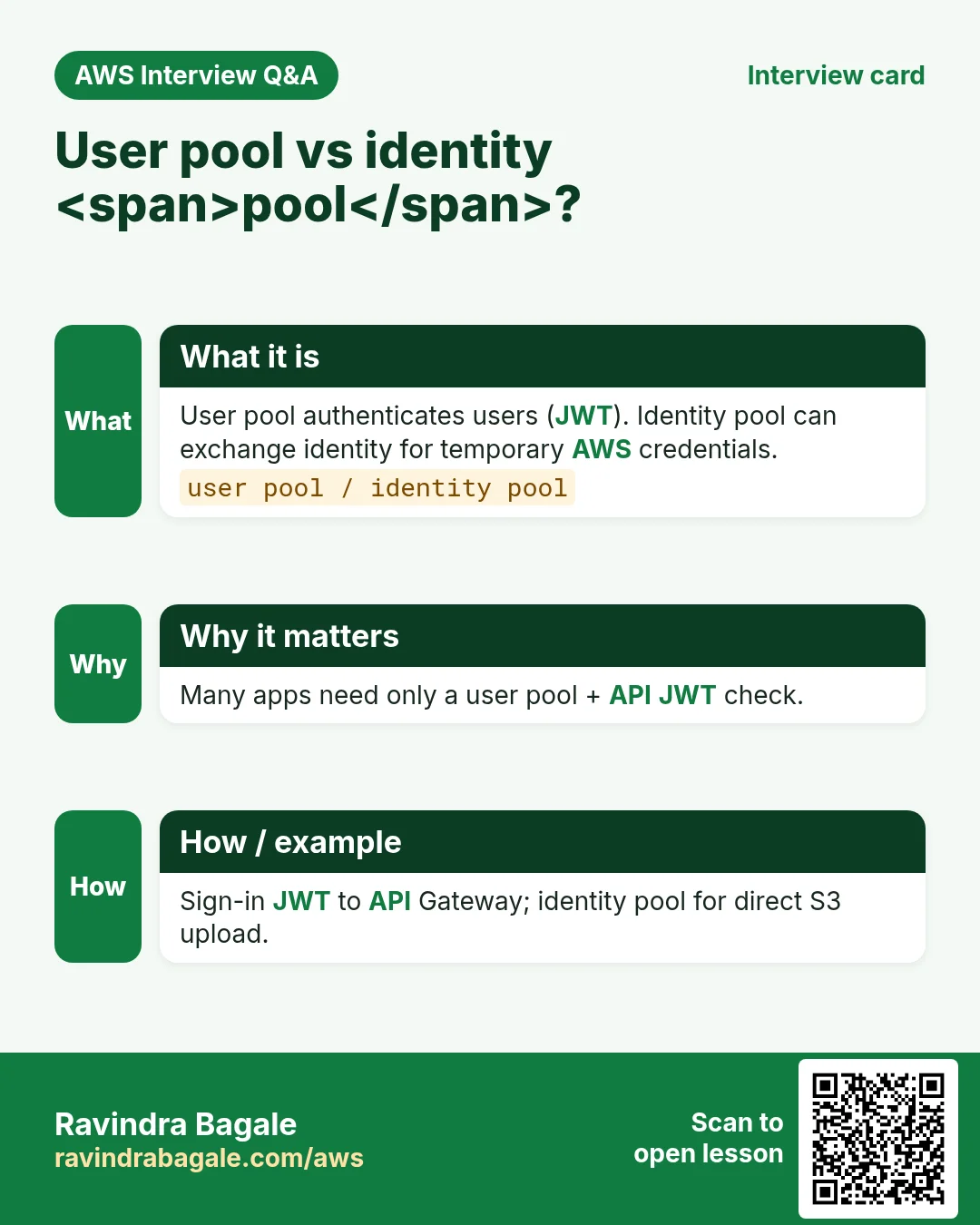
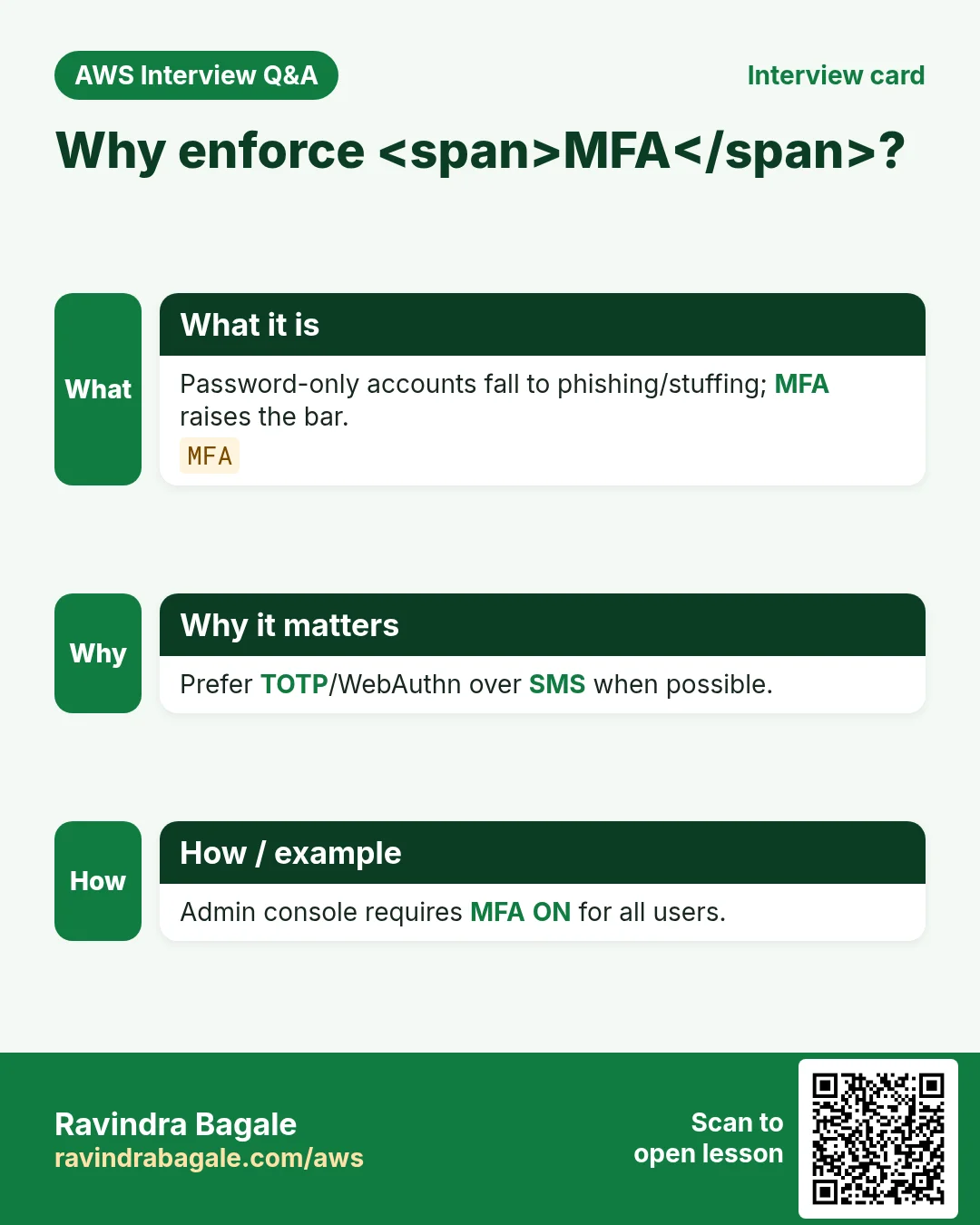
More cards: Ravi Sir's Cards.
Practice Tasks
Nairobi Ride is a transport business in Nairobi. Wanjiru Kamau looks after its IT and cloud work. They count money in KES and run their AWS resources in the af-south-1 Region. In the tasks below you do real jobs for them using what this lesson teaches. All names, account IDs, IP addresses and numbers are made up for practice.
0 / 16
Easy List user pools
Why: Auth inventory.
What to do: List user pools.
- Read the task and decide which AWS service it is about.
- Write aws, then the service name, then the operation (the action word).
- Add each needed flag (--name) followed by its value from the task.
- Flags can be in any order. Click Check answer.
Easy Describe user pool
Why: MFA/password.
What to do: Describe user pool nairobiridepool.
- Read the task and decide which AWS service it is about.
- Write aws, then the service name, then the operation (the action word).
- Add each needed flag (--name) followed by its value from the task.
- Flags can be in any order. Click Check answer.
Easy List resource servers
Why: Scopes.
What to do: List resource servers for nairobiridepool.
- Read the task and decide which AWS service it is about.
- Write aws, then the service name, then the operation (the action word).
- Add each needed flag (--name) followed by its value from the task.
- Flags can be in any order. Click Check answer.
Easy User pool authenticates — 1
Why: AuthN.
What to do: Enter 1 if user pools authenticate users.
- Write down the numbers the task gives you.
- Work it out step by step on paper.
- Type only the final answer in the box.
- Click Check answer.
Easy Identity pool AWS creds — 1
Why: Creds.
What to do: Enter 1 if identity pools can issue temporary AWS credentials.
- Write down the numbers the task gives you.
- Work it out step by step on paper.
- Type only the final answer in the box.
- Click Check answer.
Medium List user pool clients
Why: App clients.
What to do: List user pool clients for nairobiridepool.
- Read the task and decide which AWS service it is about.
- Write aws, then the service name, then the operation (the action word).
- Add each needed flag (--name) followed by its value from the task.
- Flags can be in any order. Click Check answer.
Medium List groups
Why: Authorization.
What to do: List groups in nairobiridepool.
- Read the task and decide which AWS service it is about.
- Write aws, then the service name, then the operation (the action word).
- Add each needed flag (--name) followed by its value from the task.
- Flags can be in any order. Click Check answer.
Medium List identity pools
Why: AWS creds.
What to do: List identity pools.
- Read the task and decide which AWS service it is about.
- Write aws, then the service name, then the operation (the action word).
- Add each needed flag (--name) followed by its value from the task.
- Flags can be in any order. Click Check answer.
Medium Allow GetId identity pool
Why: Mobile LP.
What to do: Allow cognito-identity:GetId on arn:aws:cognito-identity:af-south-1:104591109902:identitypool/nairobirideidpool.
- Start with { "Version": "2012-10-17", "Statement": [ ... ] }.
- In each statement write Effect, Action and Resource.
- Give only what the task needs (least privilege).
- Use double quotes and commas correctly. Click Check answer.
Medium MFA required JSON
Why: Security.
What to do: JSON MfaConfiguration ON.
- Start from the top-level keys the task names.
- Indent child keys with 2 spaces (no tabs).
- Fill in each property with the value from the task.
- Click Check answer. Key order does not matter.
Medium Validate JWT — 1
Why: API auth.
What to do: Enter 1 if APIs should validate Cognito JWTs.
- Write down the numbers the task gives you.
- Work it out step by step on paper.
- Type only the final answer in the box.
- Click Check answer.
Medium Sample access token minutes
Why: Token life.
What to do: Sample access token minutes often used (enter 60)?
- Write down the numbers the task gives you.
- Work it out step by step on paper.
- Type only the final answer in the box.
- Click Check answer.
Hard List identity providers
Why: Federation.
What to do: List identity providers for nairobiridepool.
- Read the task and decide which AWS service it is about.
- Write aws, then the service name, then the operation (the action word).
- Add each needed flag (--name) followed by its value from the task.
- Flags can be in any order. Click Check answer.
Hard List users
Why: Directory.
What to do: List users in nairobiridepool.
- Read the task and decide which AWS service it is about.
- Write aws, then the service name, then the operation (the action word).
- Add each needed flag (--name) followed by its value from the task.
- Flags can be in any order. Click Check answer.
Hard Allow AdminGetUser
Why: Support LP.
What to do: Allow cognito-idp:AdminGetUser on arn:aws:cognito-idp:af-south-1:104591109902:userpool/nairobiridepool.
- Start with { "Version": "2012-10-17", "Statement": [ ... ] }.
- In each statement write Effect, Action and Resource.
- Give only what the task needs (least privilege).
- Use double quotes and commas correctly. Click Check answer.
Hard Auth flows JSON
Why: SRPA.
What to do: JSON ExplicitAuthFlows USER_SRP_AUTH.
- Start from the top-level keys the task names.
- Indent child keys with 2 spaces (no tabs).
- Fill in each property with the value from the task.
- Click Check answer. Key order does not matter.