Terraform on AWS: Infrastructure as Code for Beginners
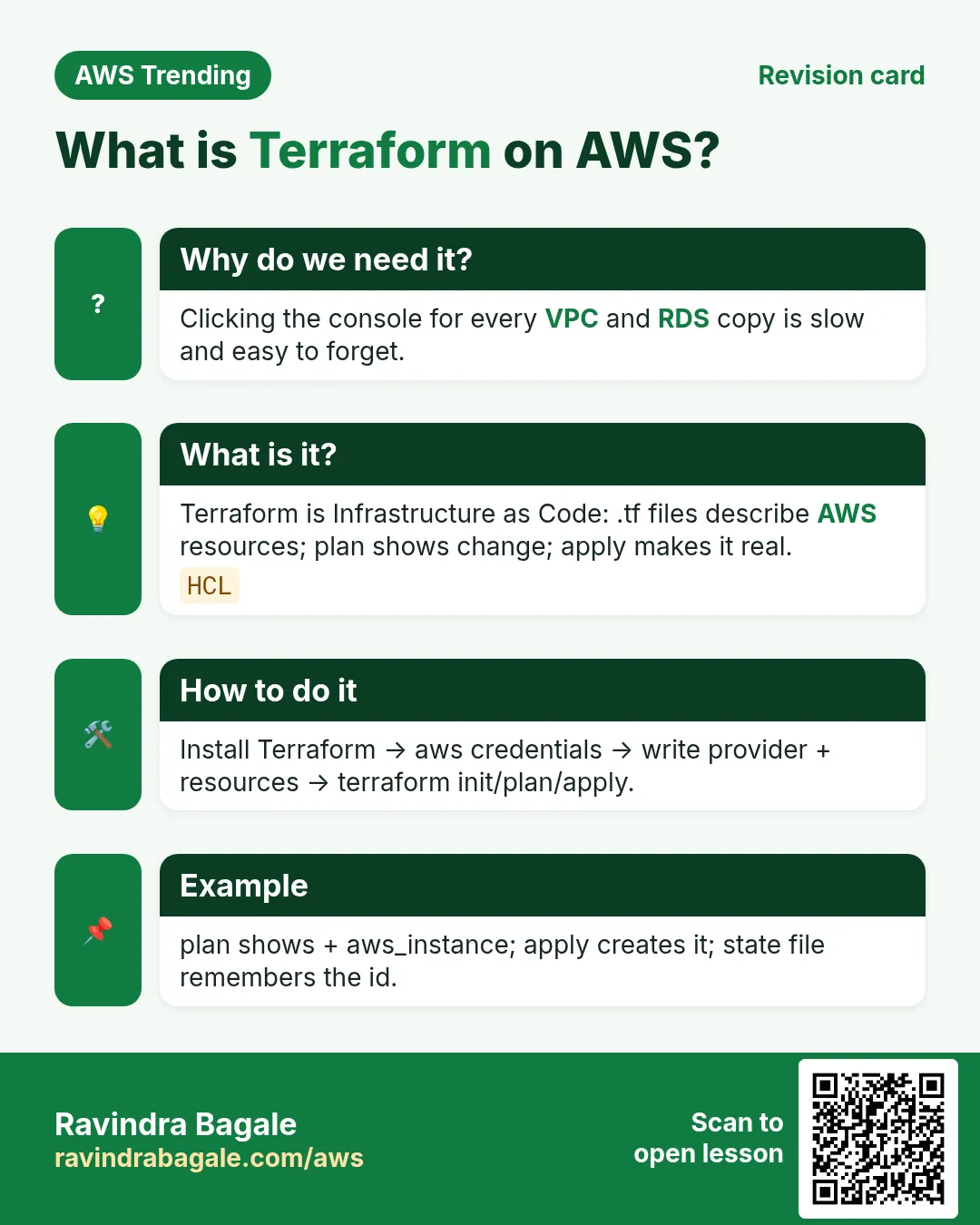
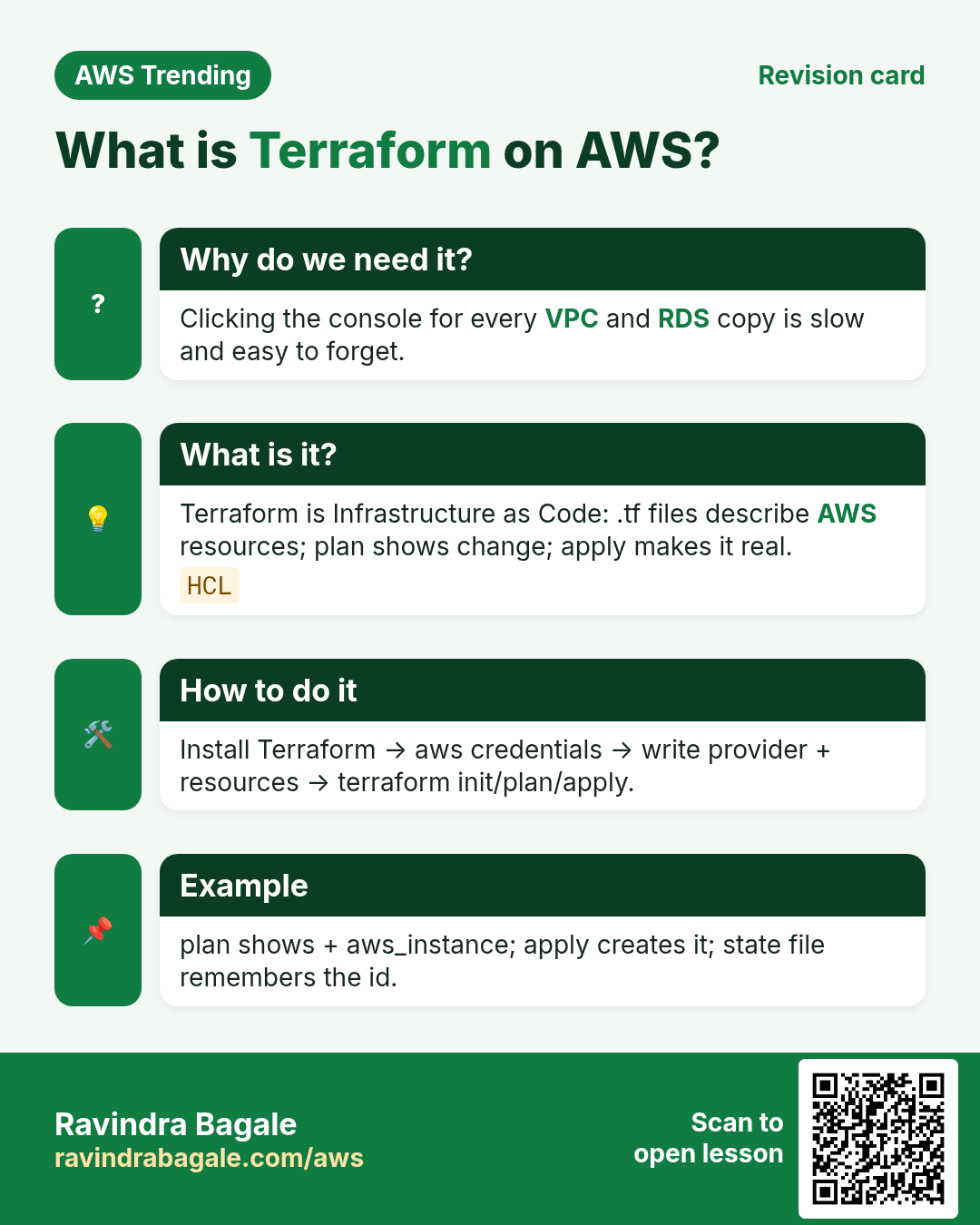
Clicking 40 screens to build a VPC is like cooking without a written recipe — you cannot repeat it for staging. Terraform is the written recipe for AWS: plan shows the shopping list, apply cooks it, state remembers what exists.
What you'll learn in this chapter
- Why IaC beats click-ops
- Providers, resources, plan, apply, destroy
- Remote state on S3 + DynamoDB lock
- Modules, workspaces, and guardrails
- Lab, errors, FAQ, interview
1. Everyday example first
Why do we need this?
A Pune SaaS team rebuilt staging by hand every month and drifted from prod. One missed security group rule caused a night outage. Terraform made staging = prod shape, reviewed in Git.
What is it?
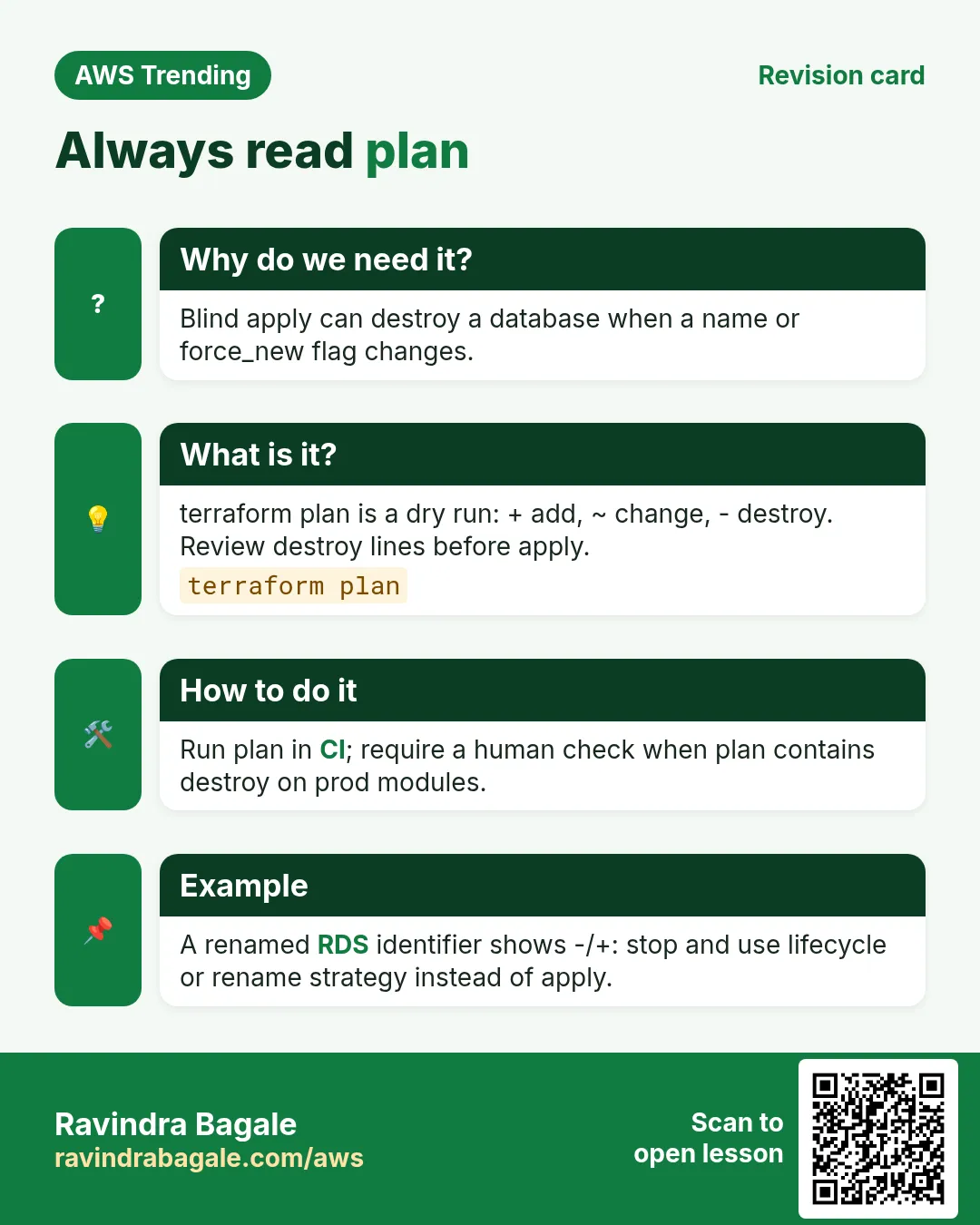
Terraform (HashiCorp) is infrastructure as code. You declare AWS resources in HCL. terraform plan shows the diff; apply makes it real; state tracks IDs so later plans know what already exists.
2. Core words
| Word | Meaning | Picture |
|---|---|---|
| Provider | Plugin talking to AWS | Translator |
| Resource | One AWS object you manage | One dish on the menu |
| State | JSON map of real IDs | Kitchen inventory book |
| Plan | Dry-run diff | Shopping list before market |
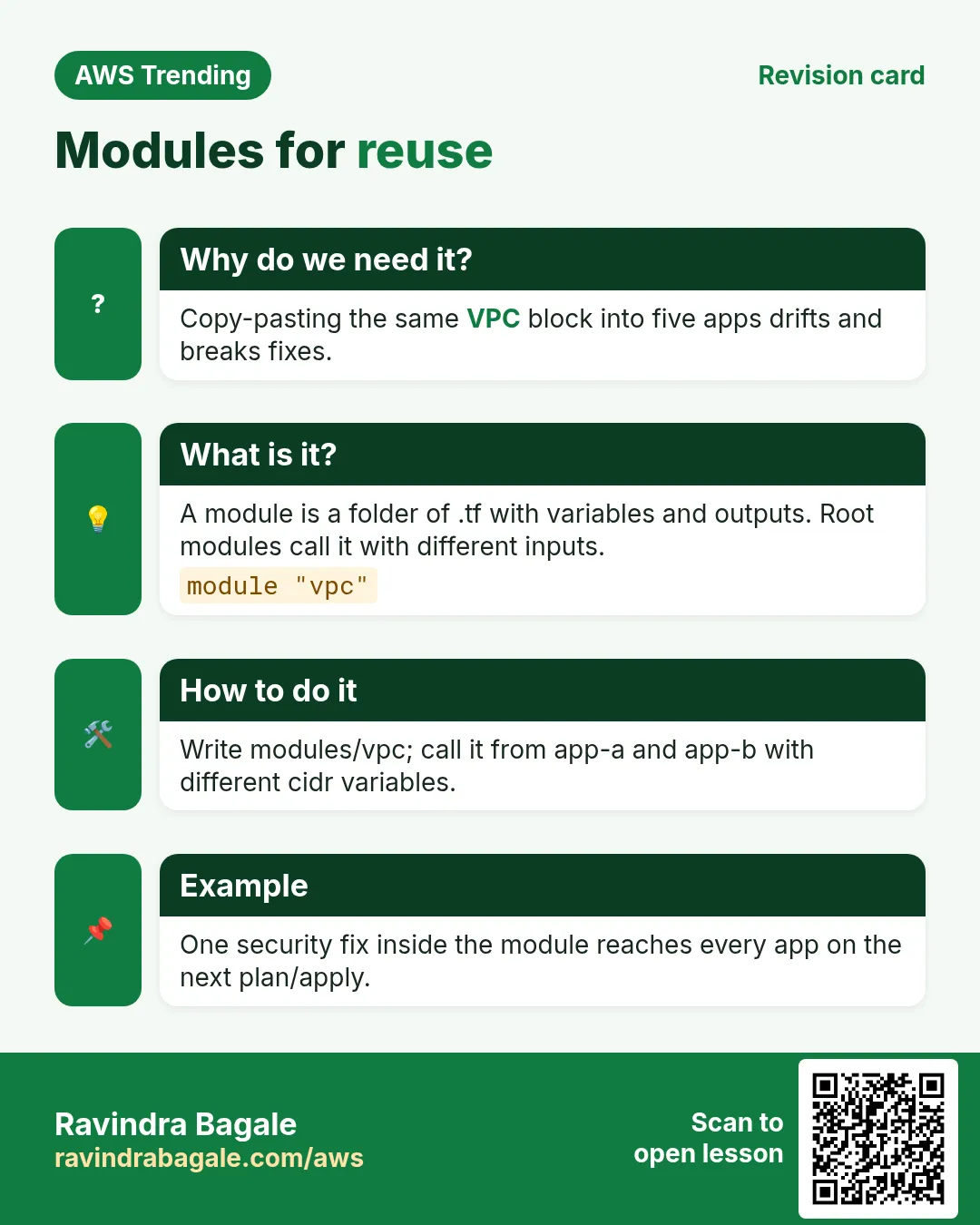
| Module | Reusable folder of .tf | Shared recipe card |
| Backend | Where state is stored | Shared inventory in S3 |
3. Remote state (do this early)
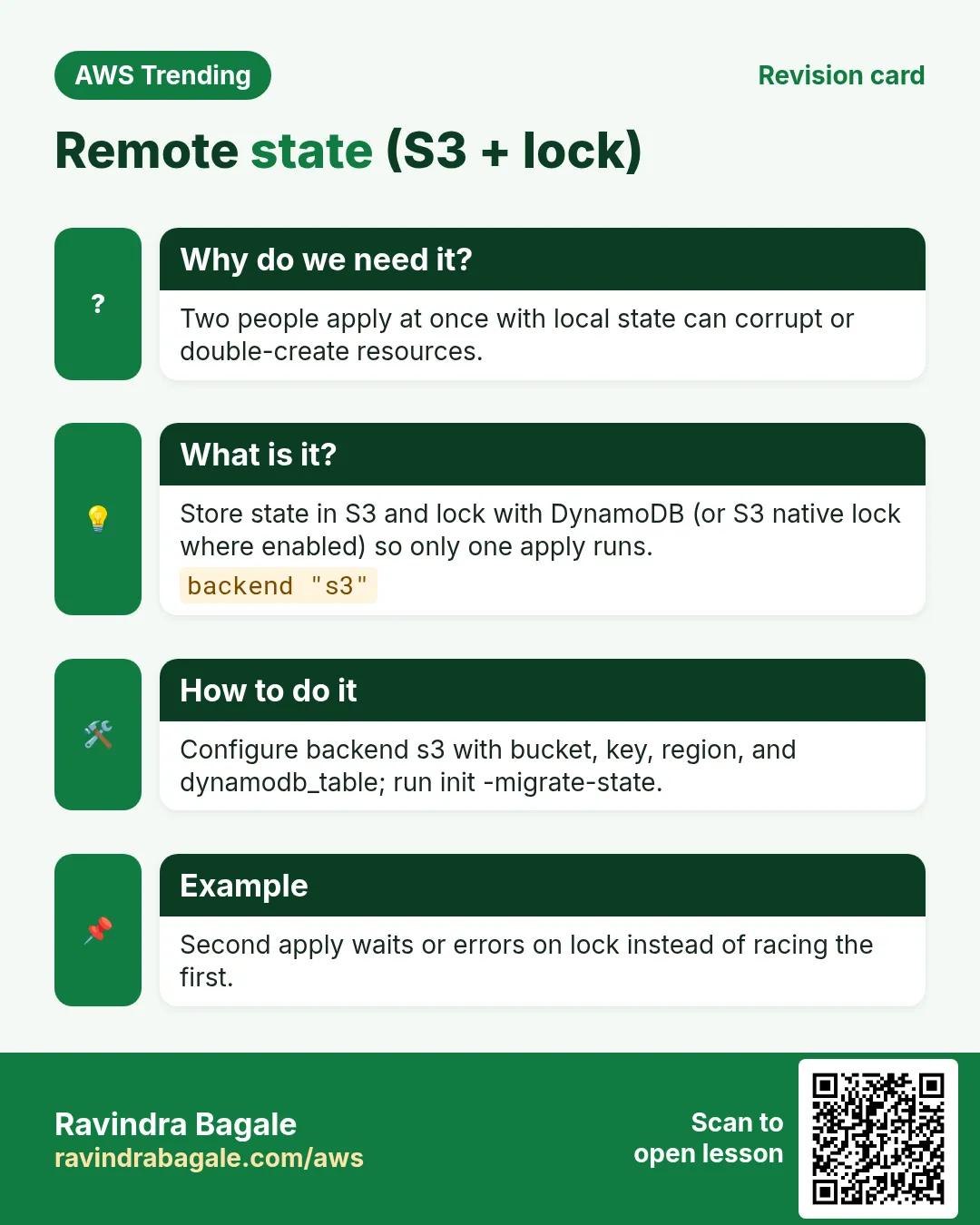
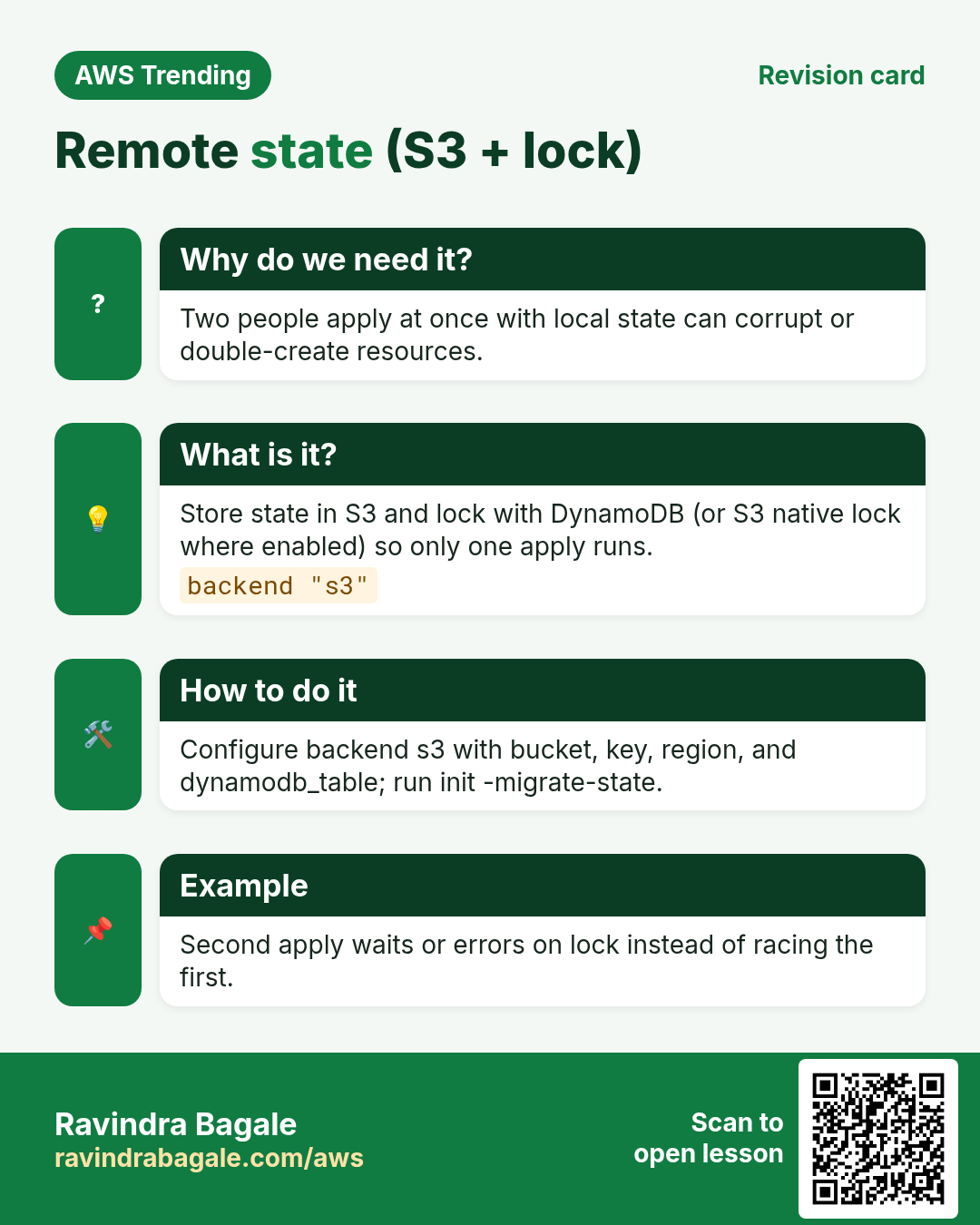
Why do we need this?
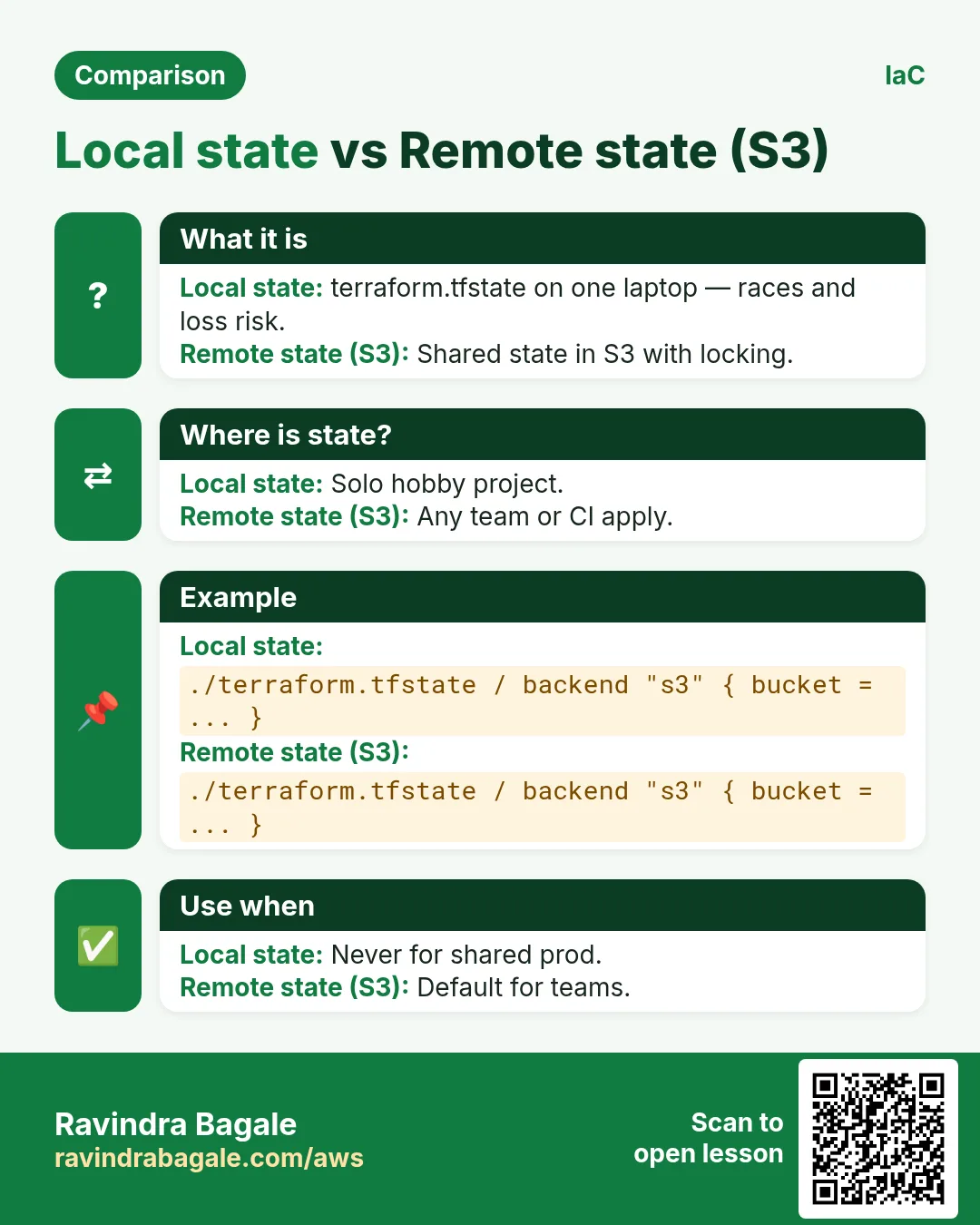
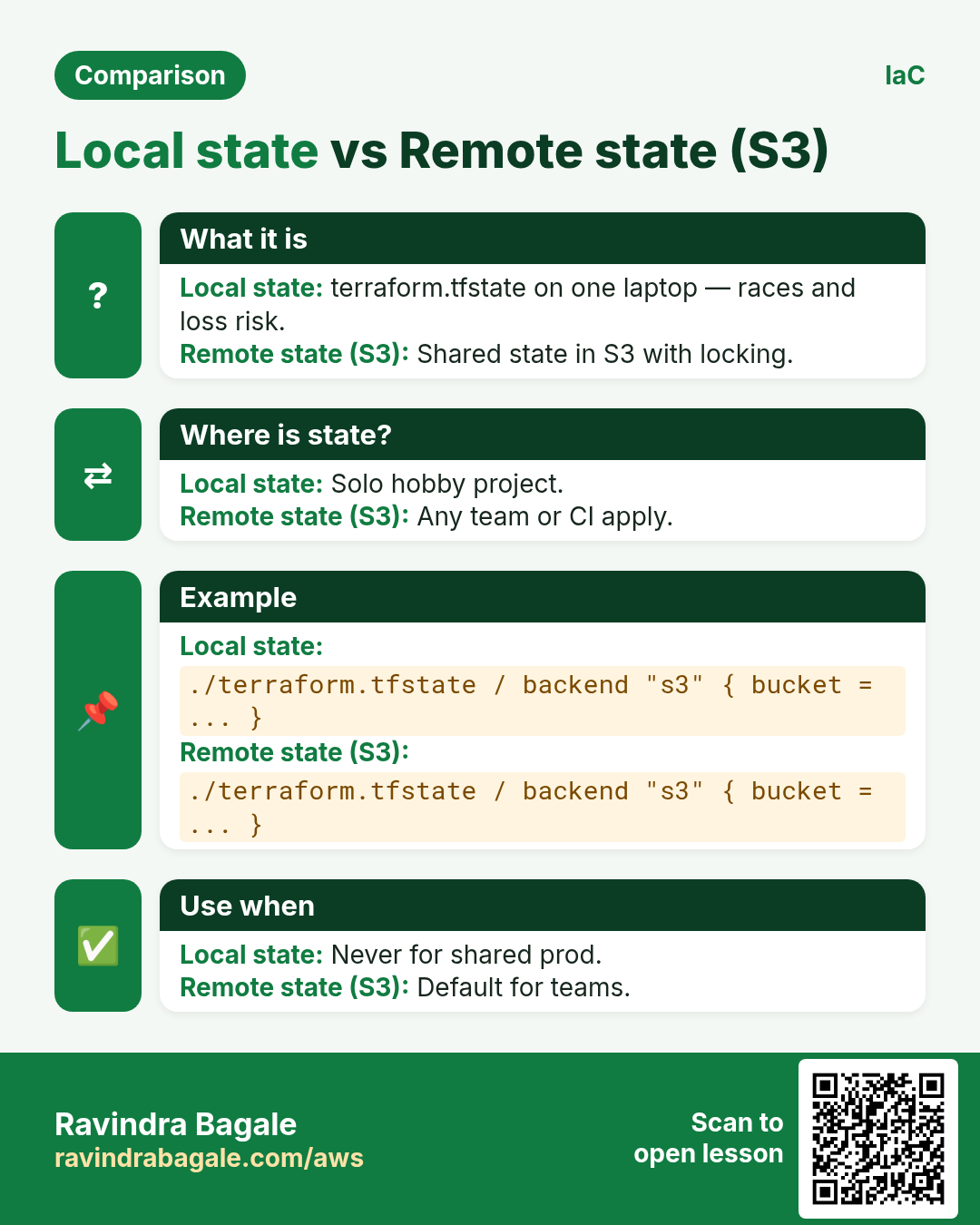
Local state on a laptop is how two people destroy each other's work.
What is it?
Store state in an S3 bucket with versioning and encrypt it. Use a DynamoDB table for state locking so two applies cannot run together.
terraform {
  required_providers {
    aws = { source = "hashicorp/aws", version = "~> 5.0" }
  }
  backend "s3" {
    bucket         = "myorg-tfstate-ap-south-1"
    key            = "app/staging/terraform.tfstate"
    region         = "ap-south-1"
    dynamodb_table = "myorg-tf-locks"
    encrypt        = true
  }
}

provider "aws" { region = "ap-south-1" }

resource "aws_s3_bucket" "logs" {
  bucket = "myorg-staging-logs-example"
}
4. Industries
- Banks: separate AWS accounts + Terraform modules for VPC baselines.
- Startups: same module for dev/stage/prod with tfvars.
- Agencies: client VPCs from a private module registry.
- Data teams: Glue/S3 lakes described in code for audit.
- Platform teams: Terraform + CI (plan on PR, apply on merge).
5. Terraform vs CDK vs Console
| Tool | Strength | Watch-out |
|---|---|---|
| Console | Learning, emergencies | Not repeatable |
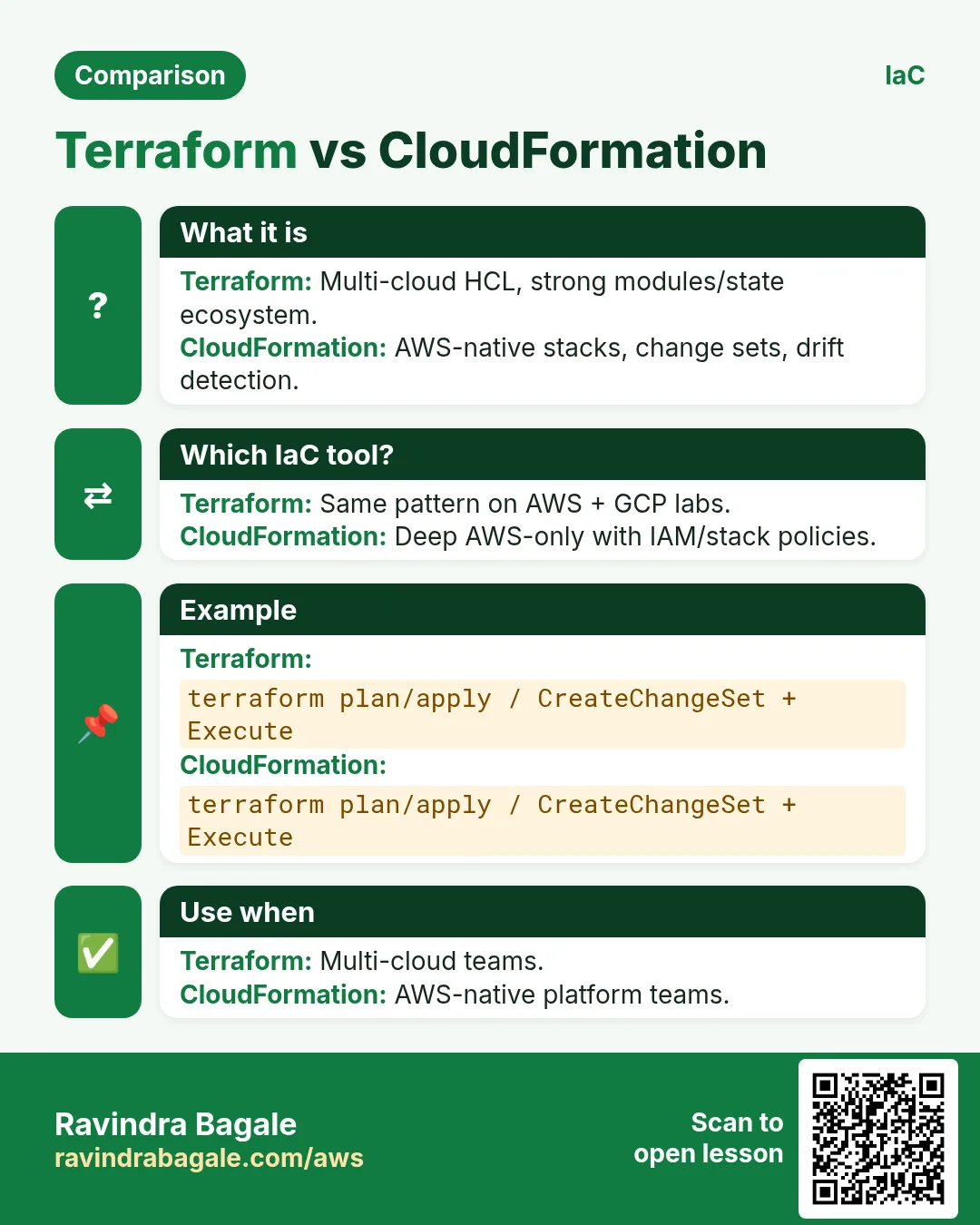
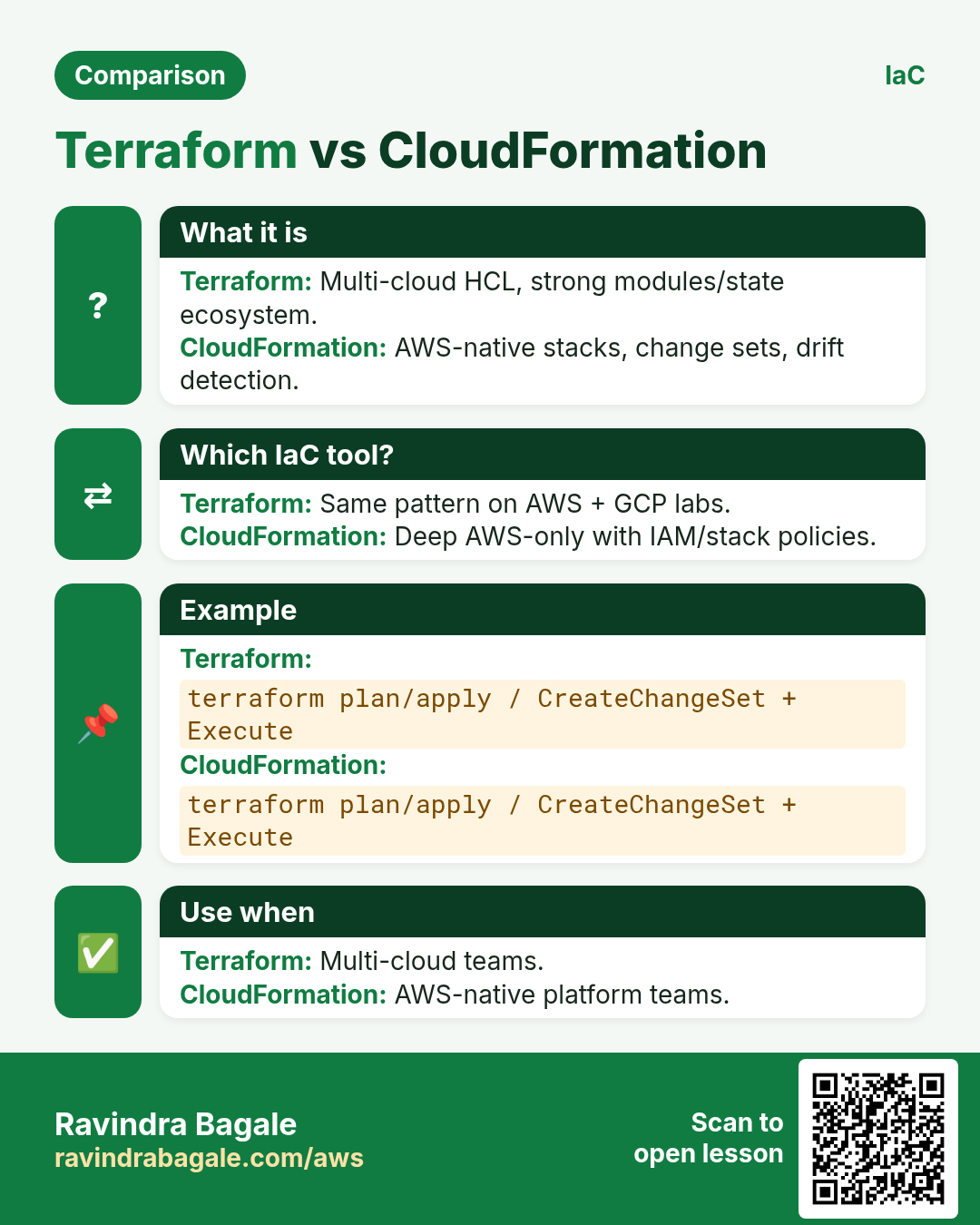
| CloudFormation/CDK | AWS-native deep integration | AWS-only comfort zone |
| Terraform | Multi-cloud, huge module ecosystem | State file is crown jewels |
Ravindra Bagale's Tip
Treat state like a password file: encrypt, lock, restrict IAM, never commit it.
6. Mini lab: bucket with plan/apply
Do this in ap-south-1 (Mumbai) unless your org forbids it. Set a budget alert first.
How to do it (step by step)
- Install Terraform; configure AWS CLI profile for a sandbox account.
- Write provider + aws_s3_bucket in main.tf.
- terraform init && terraform plan — read every line.
- terraform apply — auto-approve only in sandbox.
- Change a tag; plan again; see update in-place.
Cleanup (stop billing)
- terraform destroy in the sandbox.
- Confirm bucket gone in console.
7. Common errors and fixes
Each row is a real mistake students and juniors hit. Read the fix before you panic.
| Error / symptom | Fix |
|---|---|
| Error acquiring state lock | Another apply running or crashed — check DynamoDB lock item. |
| Resource already exists | Import or rename; do not double-create. |
| Provider credentials | Wrong profile/region/SSO expired. |
| State drift | Someone clicked console — refresh / untaint carefully. |
| Force-unlocked casually | Only after you proved no other apply is running. |
| Committed .tfstate to Git | Rotate secrets; move to S3 backend; purge Git history if needed. |
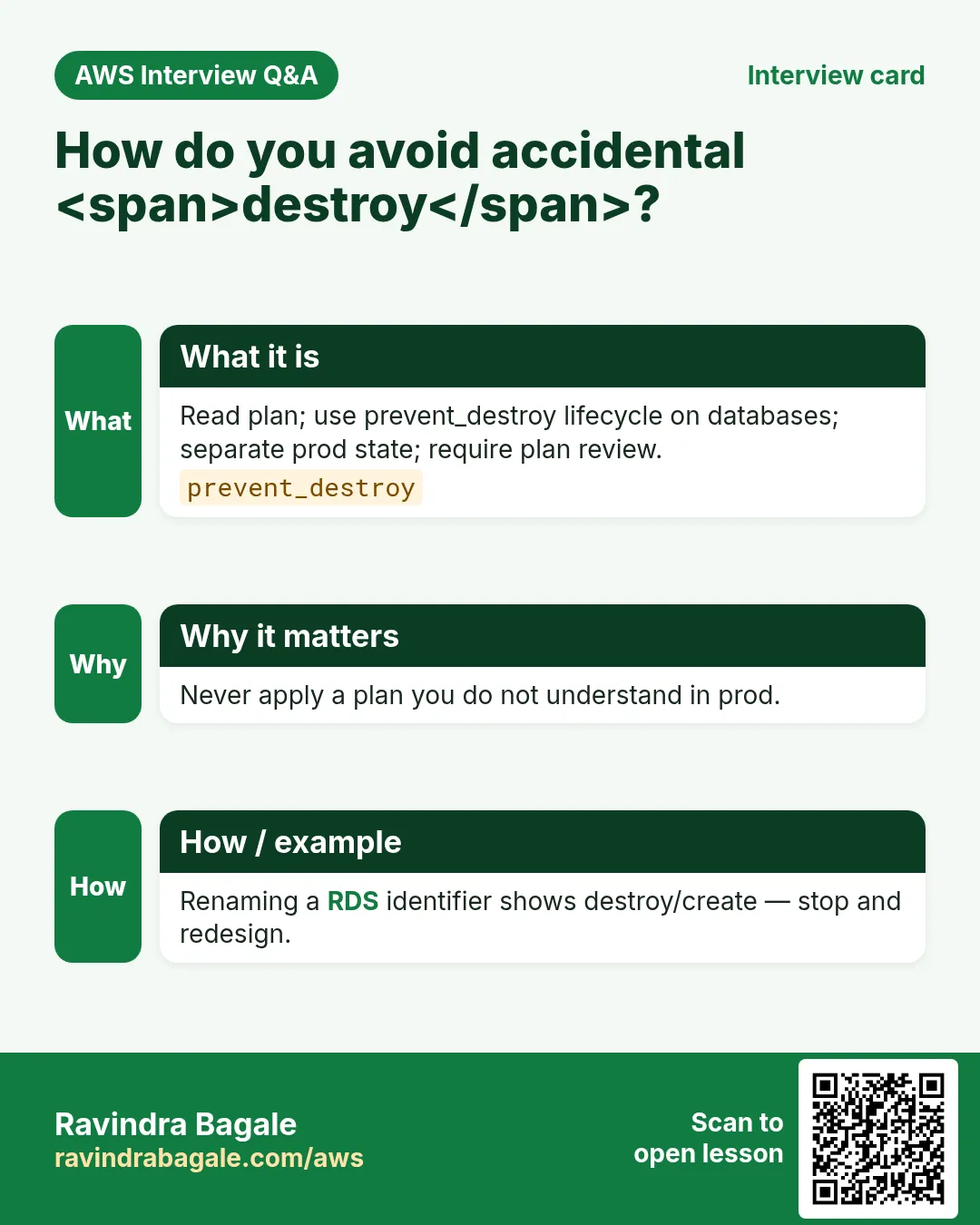
| Destructive plan on prod | Require plan artifact review; restrict who can apply. |
| Module version floating | Pin module versions. |
| count/for_each index shift | Use maps with stable keys, not bare lists, for renames. |
| AccessDenied on backend | IAM needs s3 + dynamodb lock permissions. |
8. Troubleshooting checklist
- terraform version and AWS_PROFILE echo.
- terraform init -reconfigure if backend changed.
- Read plan file before apply.
- terraform state list to see what Terraform thinks exists.
- For one bad object, prefer import over manual delete when unsure.
9. FAQ
Q. Is Terraform free?
Open source Terraform CLI is free; Terraform Cloud is optional paid collaboration.
Q. Can Terraform manage existing clicks?
Yes — terraform import (and newer generate flows).
Q. Terraform or CDK?
Multi-cloud / existing TF modules → Terraform. Heavy AWS+TypeScript teams → CDK.
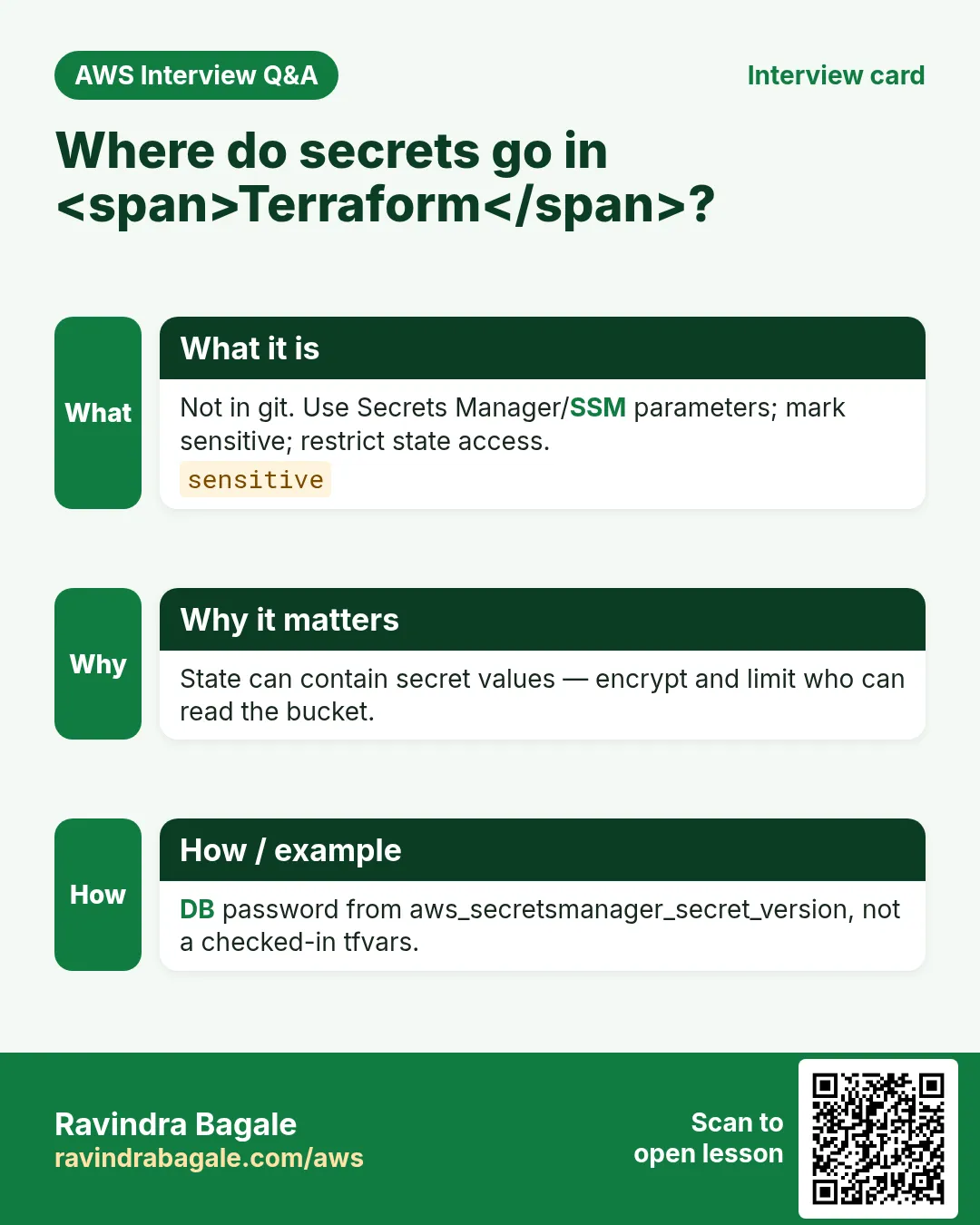
Q. How to secret-manage?
Use SSM/Secrets Manager data sources; never hardcode.
Q. Workspaces?
Lightweight separation; many teams prefer separate state keys/accounts.
10. Interview Q&A
Q. What does terraform plan do?
Shows the create/update/destroy diff without changing AWS.
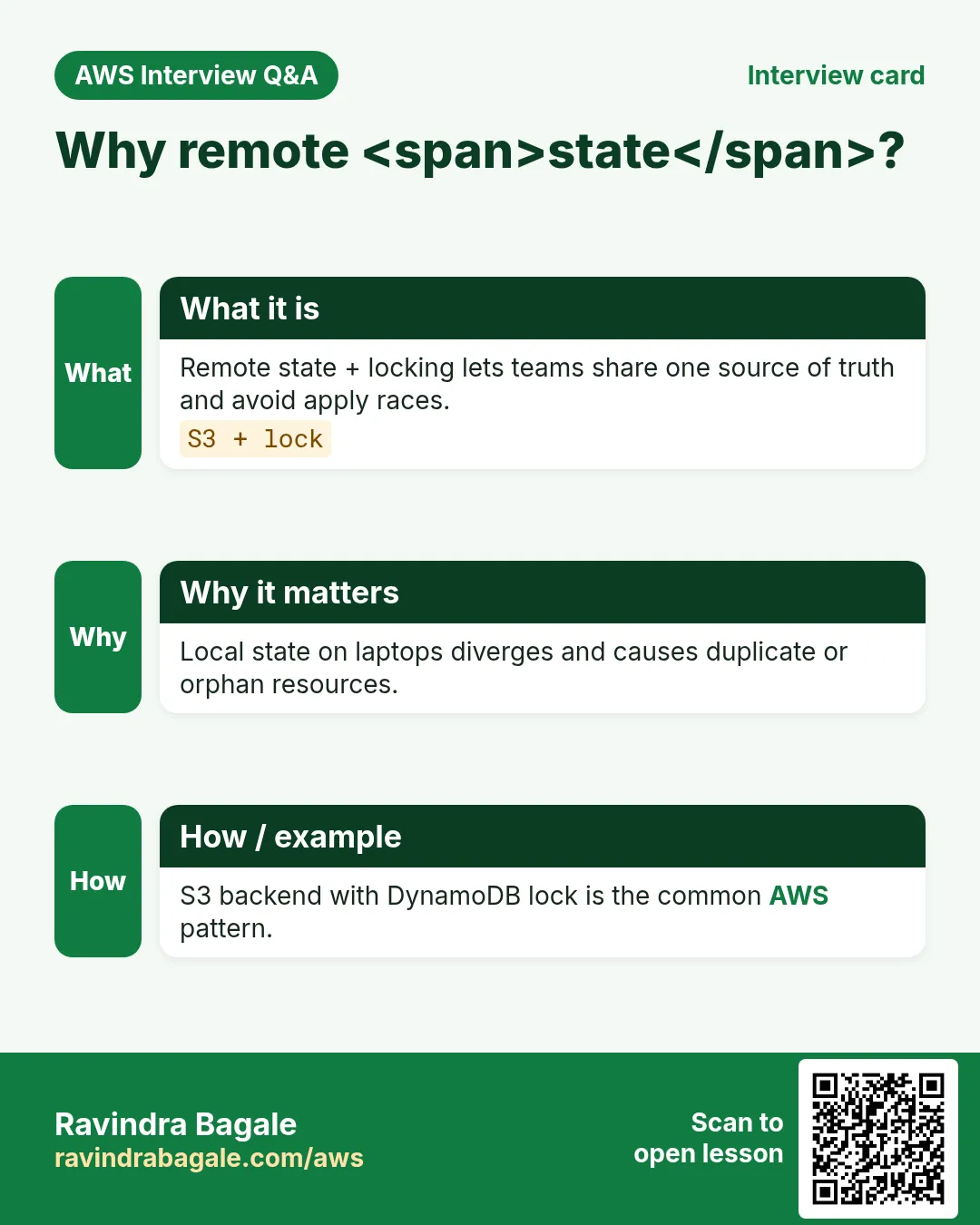
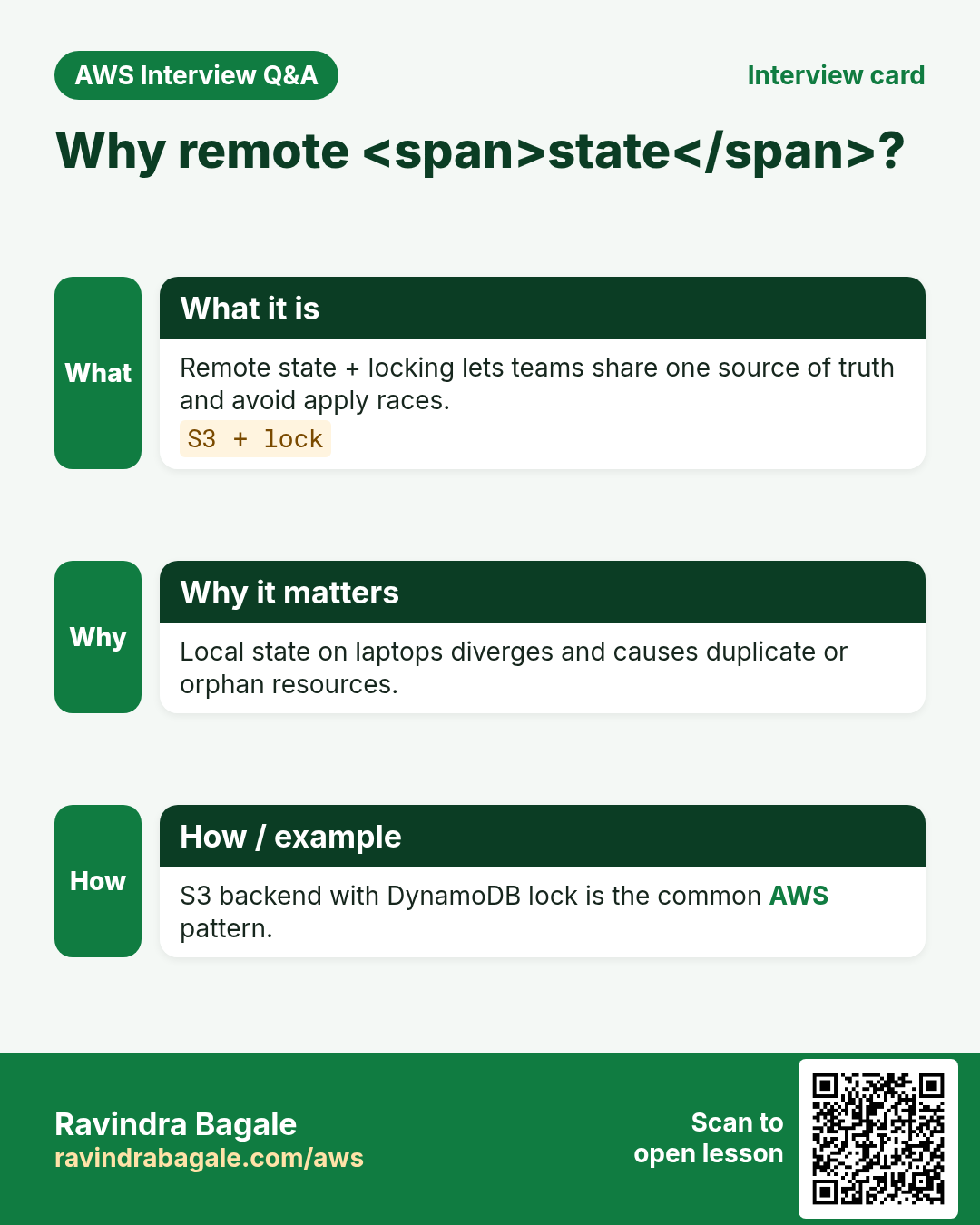
Q. Why remote state?
Share IDs safely across people and CI with locking.
Q. State file risk?
May contain sensitive values — protect like secrets.
Q. Module benefit?
Reuse reviewed building blocks (VPC, ECS service).
Q. How do you stop prod accidents?
PR plan, approvals, least-privilege apply role, separate accounts.
Q. Drift detection?
Regular plans in CI; optional refresh policies.
11. Tips in English, Marathi and Hindi
Ravindra Bagale's Tip (EN)
Plan is a document. If you cannot explain a destroy line, do not apply.
Ravindra Bagale's Tip (MR)
Plan = document. Destroy ओळ समजत नसेल तर apply नको.
Tip (HI)
Plan एक दस्तावेज़ है — destroy लाइन समझ न आए तो apply मत करो।
Try at home
- Write a main.tf with one S3 bucket and one tag.
- Draw S3 backend + DynamoDB lock on paper.
- List console clicks you did last week that should be code.
In short
- Terraform declares AWS in HCL; plan then apply.
- Remote state + lock are mandatory for teams.
- Pin versions; never commit state.
- Review destroys like production incidents.
Revision, interview and comparison cards
Revise this lesson in a few minutes. Save the cards on your phone or download them as PNG files. The QR code on each card opens this lesson.
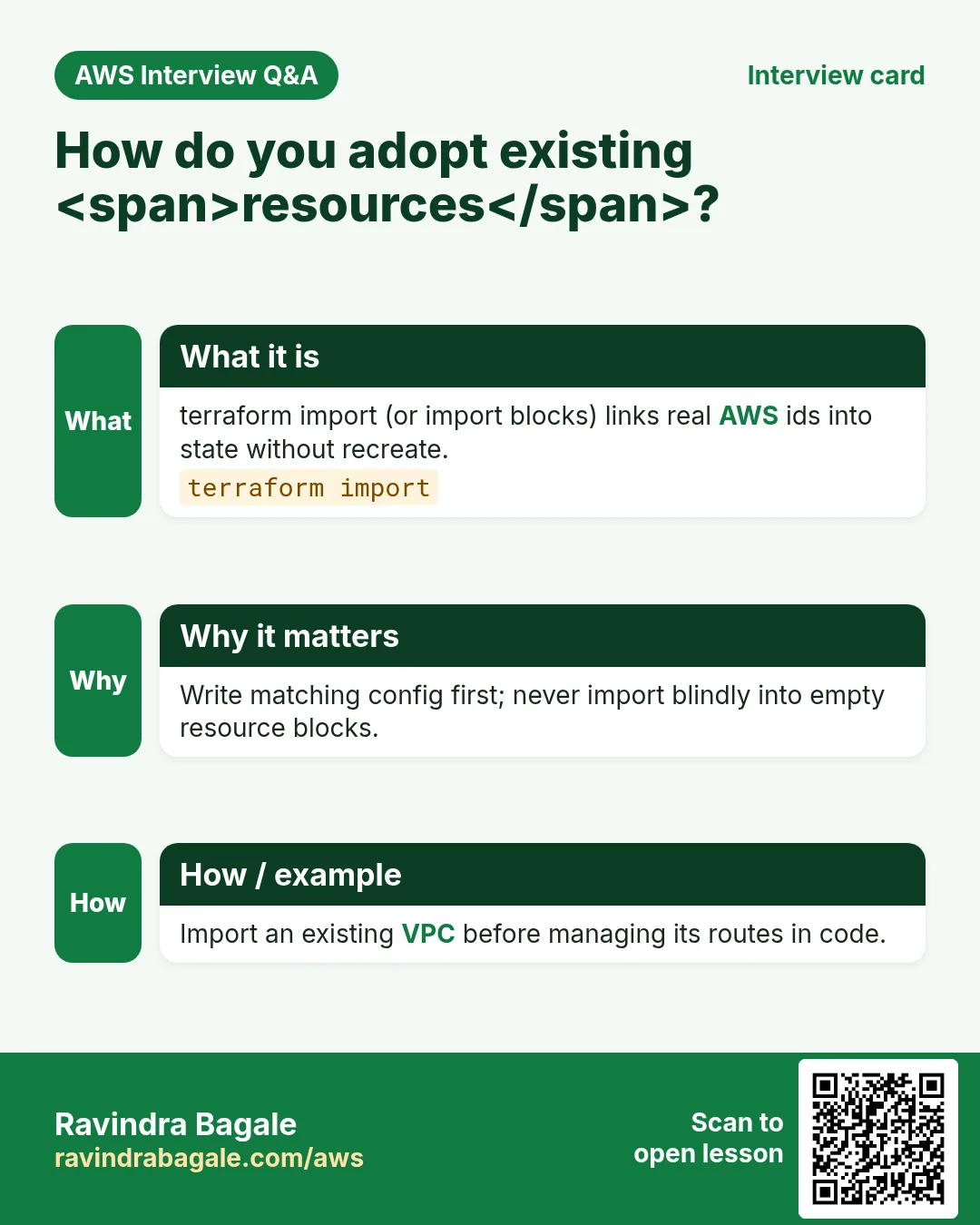
More cards: Ravi Sir's Cards.
Practice Tasks
London Legal LLP is a law business in London. Oliver Hughes looks after its IT and cloud work. They count money in GBP and run their AWS resources in the eu-west-2 Region. In the tasks below you do real jobs for them using what this lesson teaches. All names, account IDs, IP addresses and numbers are made up for practice.
0 / 16
Easy terraform init
Why: Download providers.
What to do: Run terraform init in the project folder.
- Find the Linux command that does this job.
- Add the options (like -r or -h) the task needs.
- Add the file names, folders or users in the right order.
- Use sudo if the job changes system files or users. Click Check answer.
Easy terraform plan
Why: Preview changes.
What to do: Run terraform plan.
- Find the Linux command that does this job.
- Add the options (like -r or -h) the task needs.
- Add the file names, folders or users in the right order.
- Use sudo if the job changes system files or users. Click Check answer.
Easy terraform validate
Why: Catch syntax errors.
What to do: Validate the Terraform configuration.
- Find the Linux command that does this job.
- Add the options (like -r or -h) the task needs.
- Add the file names, folders or users in the right order.
- Use sudo if the job changes system files or users. Click Check answer.
Easy terraform fmt
Why: Keep style consistent.
What to do: Format Terraform files in place.
- Find the Linux command that does this job.
- Add the options (like -r or -h) the task needs.
- Add the file names, folders or users in the right order.
- Use sudo if the job changes system files or users. Click Check answer.
Easy List buckets after apply
Why: Verify what Terraform made.
What to do: List S3 buckets in eu-west-2.
- Read the task and decide which AWS service it is about.
- Write aws, then the service name, then the operation (the action word).
- Add each needed flag (--name) followed by its value from the task.
- Flags can be in any order. Click Check answer.
Easy Who am I (sts)
Why: Confirm which account Terraform uses.
What to do: Show the caller identity for the current AWS credentials.
- Read the task and decide which AWS service it is about.
- Write aws, then the service name, then the operation (the action word).
- Add each needed flag (--name) followed by its value from the task.
- Flags can be in any order. Click Check answer.
Easy Local state file count after init
Why: terraform.tfstate is the usual local file.
What to do: How many primary local state files named terraform.tfstate does a simple project use?
- Write down the numbers the task gives you.
- Work it out step by step on paper.
- Type only the final answer in the box.
- Click Check answer.
Easy Example AZ count for HA
Why: Multi-AZ needs 2+.
What to do: Minimum Availability Zones often recommended for HA?
- Write down the numbers the task gives you.
- Work it out step by step on paper.
- Type only the final answer in the box.
- Click Check answer.
Medium terraform apply auto-approve
Why: Apply without prompt in CI.
What to do: Apply Terraform changes with auto-approve.
- Find the Linux command that does this job.
- Add the options (like -r or -h) the task needs.
- Add the file names, folders or users in the right order.
- Use sudo if the job changes system files or users. Click Check answer.
Medium terraform destroy auto-approve
Why: Tear down lab.
What to do: Destroy all managed resources with auto-approve.
- Find the Linux command that does this job.
- Add the options (like -r or -h) the task needs.
- Add the file names, folders or users in the right order.
- Use sudo if the job changes system files or users. Click Check answer.
Medium terraform output
Why: Read stack outputs.
What to do: Show Terraform outputs.
- Find the Linux command that does this job.
- Add the options (like -r or -h) the task needs.
- Add the file names, folders or users in the right order.
- Use sudo if the job changes system files or users. Click Check answer.
Medium terraform state list
Why: See tracked resources.
What to do: List resources in Terraform state.
- Find the Linux command that does this job.
- Add the options (like -r or -h) the task needs.
- Add the file names, folders or users in the right order.
- Use sudo if the job changes system files or users. Click Check answer.
Medium Default tags JSON
Why: Tag every resource.
What to do: JSON default_tags Project learn Env lab.
- Start from the top-level keys the task names.
- Indent child keys with 2 spaces (no tabs).
- Fill in each property with the value from the task.
- Click Check answer. Key order does not matter.
Medium terraform plan success exit code
Why: Automation checks exit codes.
What to do: Typical success exit code for terraform plan with no error?
- Write down the numbers the task gives you.
- Work it out step by step on paper.
- Type only the final answer in the box.
- Click Check answer.
Medium CI role: list state bucket
Why: CI needs read on state.
What to do: Allow s3:ListBucket on arn:aws:s3:::londonlegal-tfstate.
- Start with { "Version": "2012-10-17", "Statement": [ ... ] }.
- In each statement write Effect, Action and Resource.
- Give only what the task needs (least privilege).
- Use double quotes and commas correctly. Click Check answer.
Hard Remote state backend JSON
Why: Teams share state in S3.
What to do: JSON backend s3 with bucket londonlegal-tfstate key app/terraform.tfstate region eu-west-2.
- Start from the top-level keys the task names.
- Indent child keys with 2 spaces (no tabs).
- Fill in each property with the value from the task.
- Click Check answer. Key order does not matter.