What Is Amazon Q Developer? AI Coding Assistant on AWS Explained
You open VS Code, stuck on an IAM policy. Asking a senior is slow. Amazon Q Developer sits in the IDE: it reads your file, suggests code and explains AWS services in chat — like a junior who already studied the AWS docs.
What you'll learn in this chapter
- Why AI coding assistants matter for AWS work
- What Amazon Q Developer is (chat, inline, security)
- How to install and ask good questions
- Industries using AI pair programming
- Lab, errors, FAQ, interview answers
1. Everyday example first
A Pune fintech intern must add S3 upload with KMS encryption. Instead of copy-pasting Stack Overflow, they ask Q for a boto3 put_object with SSE-KMS in ap-south-1 and an explanation of each line. Q drafts code plus a short threat note. The intern still reviews IAM and tests.
2. Why do we need Amazon Q Developer?
Why do we need this?
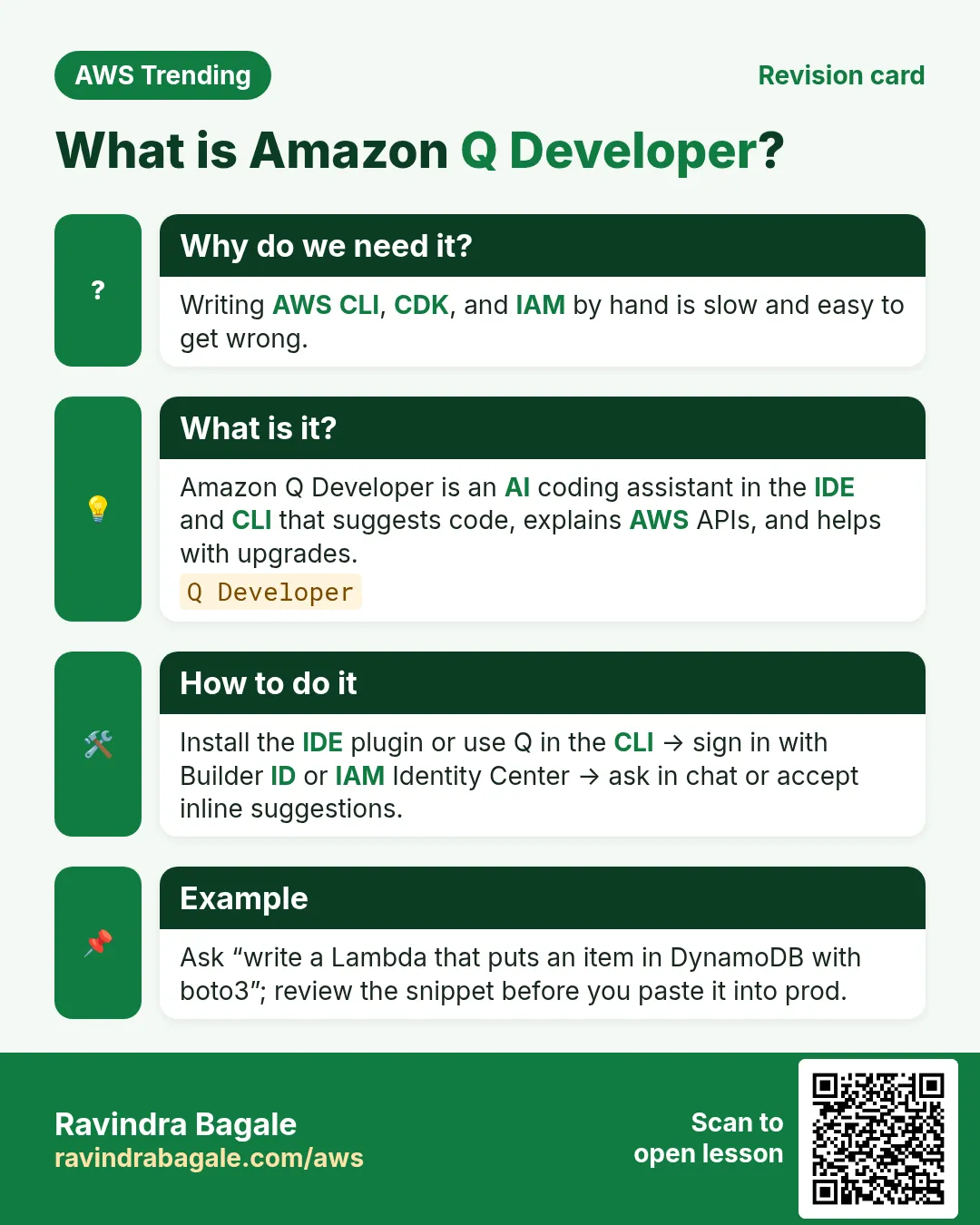
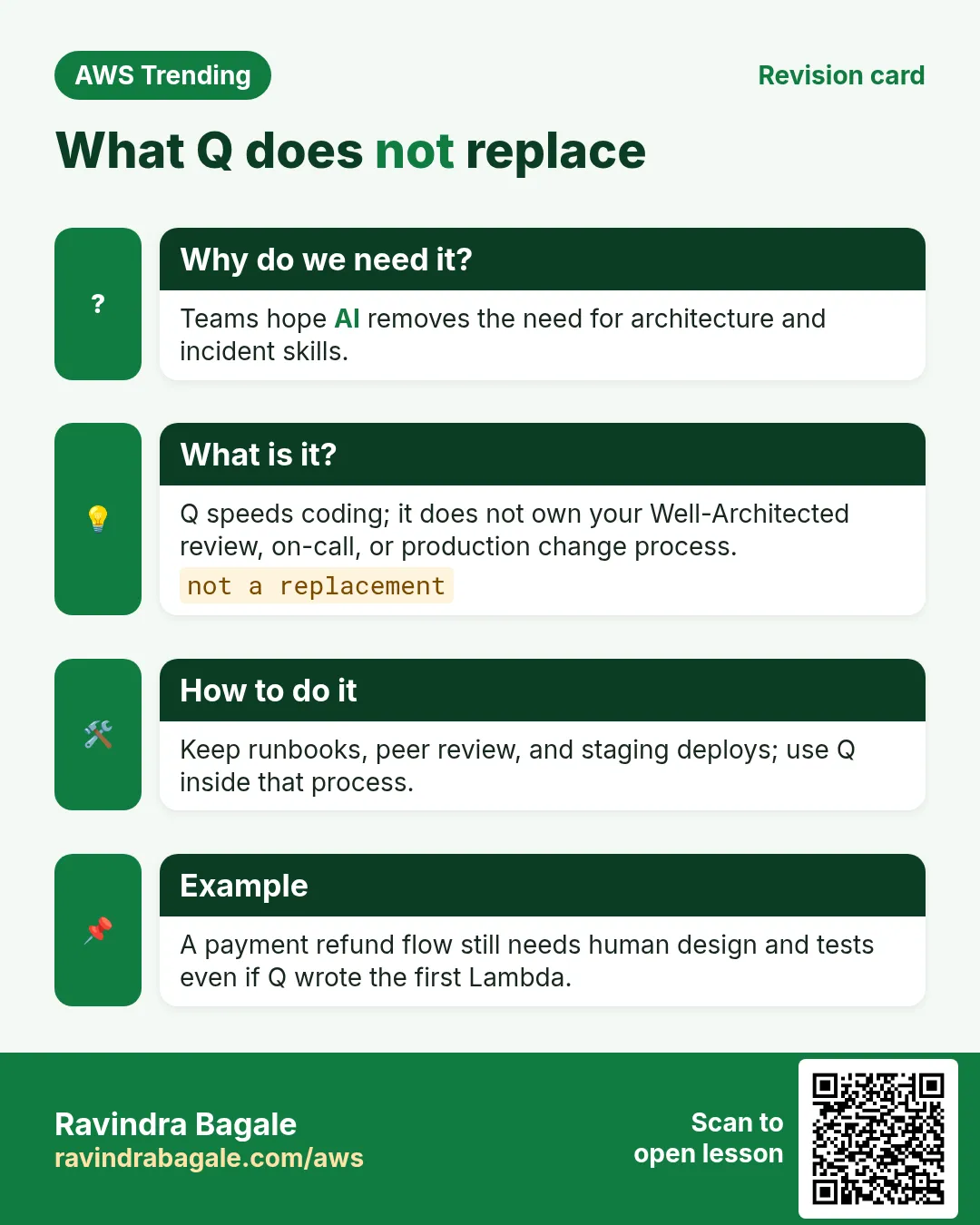
AWS has hundreds of services. Juniors spend hours finding the right API. Q shortens the search and keeps answers closer to AWS docs than a random chat site. It does not replace reading IAM or running tests.
- Faster first draft of SDK and CLI snippets
- AWS-context answers inside the IDE
- Optional security scans on suggestions
- Helps interview prep with explanations
3. What is Amazon Q Developer?
What is it?
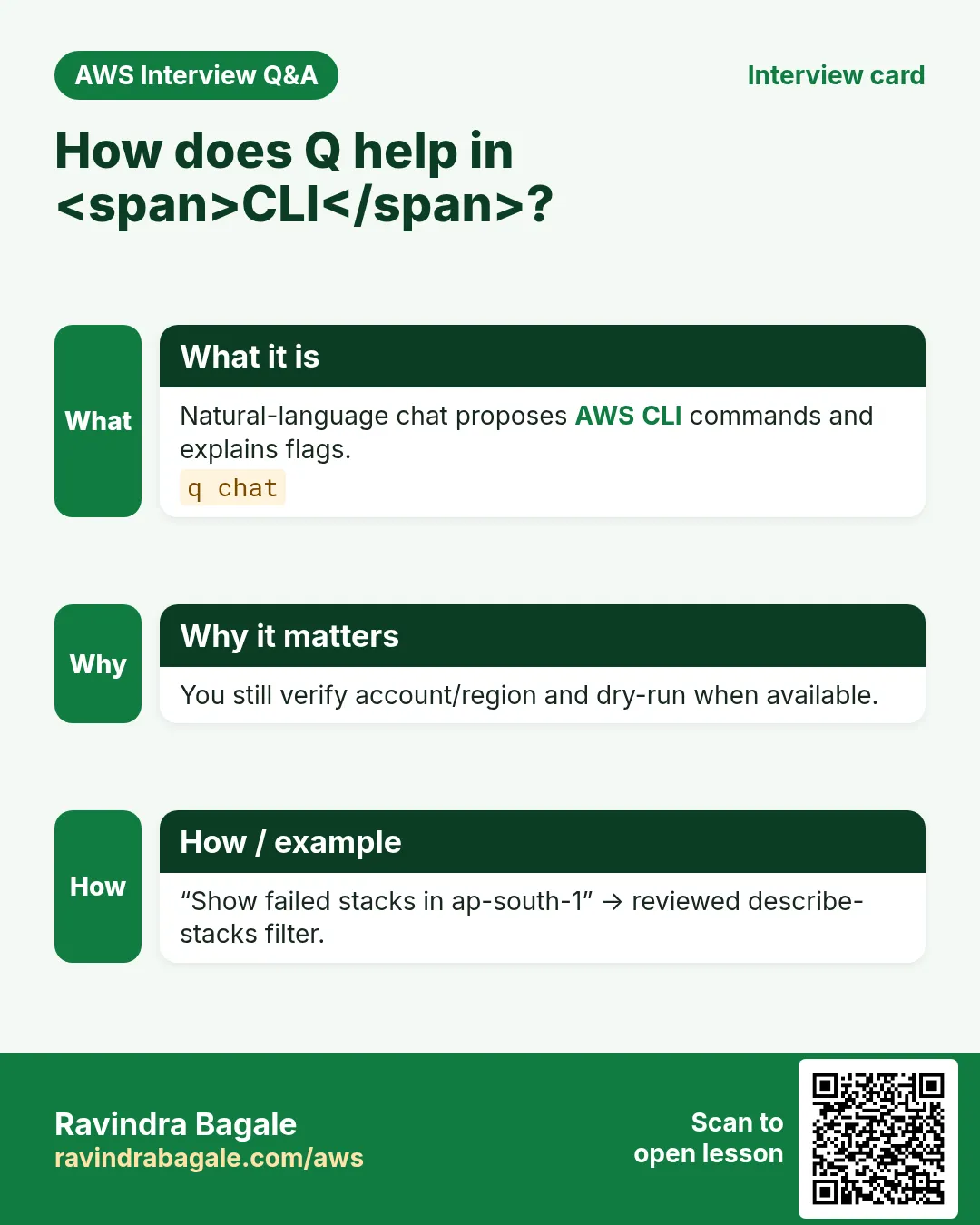
Amazon Q Developer is AWS AI assistant for builders. In the IDE plugin you get inline completions and a chat panel. In the AWS console, Q can explain resource errors. There is also a CLI flavour for terminal workflows. Think pair programmer who studied AWS, not magic deploy button.
| Piece | What it does |
|---|---|
| IDE chat | Ask about code, AWS APIs, errors |
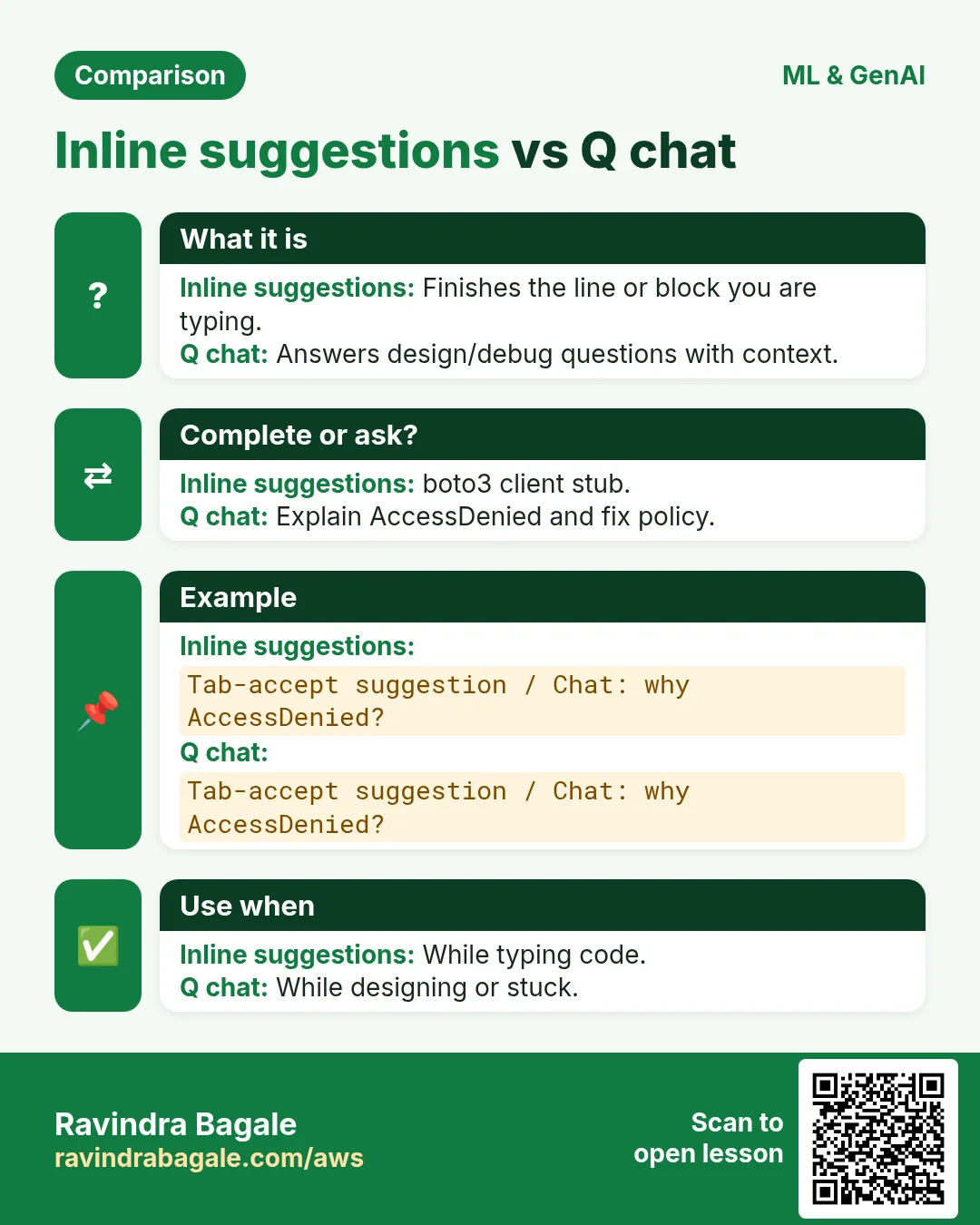
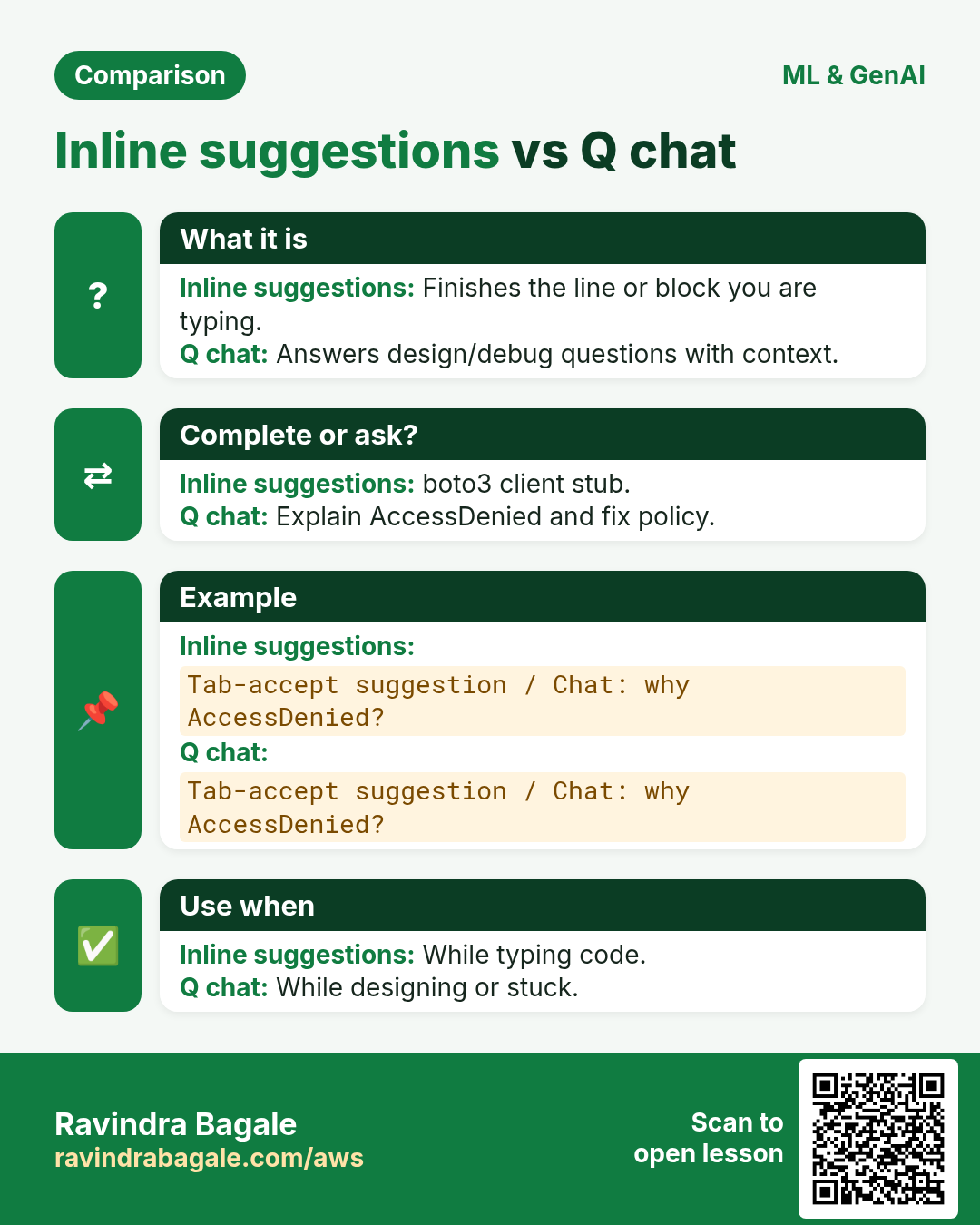
| Inline suggestions | Complete the line you started |
| Security scan | Flag risky patterns in suggestions |
| Console Q | Explain selected errors or docs |
4. How to use it (safe path)
How to do it (step by step)
- Install the Amazon Q plugin for VS Code or JetBrains from the official marketplace.
- Sign in with an AWS Builder ID or IAM Identity Center as your org requires.
- Open a small repo; ask a narrow question with region, language, and constraint.
- Never paste production secrets into chat. Use placeholders.
- Run unit tests and IAM policy simulator before merge.
- For company code, follow your legal/AI policy — some orgs restrict AI tools.
# Good prompt example
# Region: ap-south-1 Language: Python 3.12
# Task: boto3 S3 put_object with SSE-KMS
# Constraint: no hard-coded keys; use env AWS_REGION
5. Industries and roles
- IT services: faster delivery of CRUD APIs on Lambda
- Banking: draft policies, humans approve
- EdTech: explain CloudFormation errors to juniors
- Startups: solo founders ship MVPs with fewer Stack Overflow tabs
6. Lab: ask Q for a safe S3 helper
Do this in ap-south-1 (Mumbai) unless your org forbids it. Set a budget alert first.
How to do it (step by step)
- Create a throwaway folder q-lab with an empty app.py.
- Ask Q for a function upload_bytes(bucket, key, data, kms_key_id) with type hints.
- Replace any sample account ids with 111122223333 placeholders.
- Add a pytest that mocks boto3 client.
- Ask Q to explain one IAM action your function needs.
Cleanup (stop billing)
- Delete the local folder if it has no secrets.
- Sign out of Q on shared lab PCs.
7. Common errors and fixes
Each row is a real mistake students and juniors hit. Read the fix before you panic.
| Error / symptom | Fix |
|---|---|
| Pasted prod Access Key into chat | Revoke key in IAM; rotate; use roles. |
| Accepted insecure default (public ACL) | Reject; ask again with private ACL + KMS. |
| Blind copy of deprecated API | Check current boto3 docs year. |
| Org forbids AI tools but used anyway | Follow policy; use internal docs. |
| Huge repo context confused Q | Ask on one file; paste minimal snippet. |
| Wrong region in sample | State ap-south-1 in every prompt. |
| No tests after accept | Always add a failing test first. |
| Shared Builder ID on lab machine | Use personal Builder ID; sign out. |
| Thought Q replaces architecture design | Still draw diagrams and threat models. |
| Leaked customer PII in prompt | Redact; treat chat like a ticket system. |
8. Troubleshooting checklist
- Plugin not showing: restart IDE after install.
- Auth loop: clear plugin cache; retry Builder ID.
- Empty suggestions: check network / proxy.
- Wrong language: set file language mode.
- Security scan noisy: triage like linter warnings.
- Console Q missing: confirm region and feature availability.
9. FAQ
Q. Is Q free?
There is a free tier / Builder experience; Pro features may need subscription — check current AWS pricing.
Q. Q vs ChatGPT for AWS?
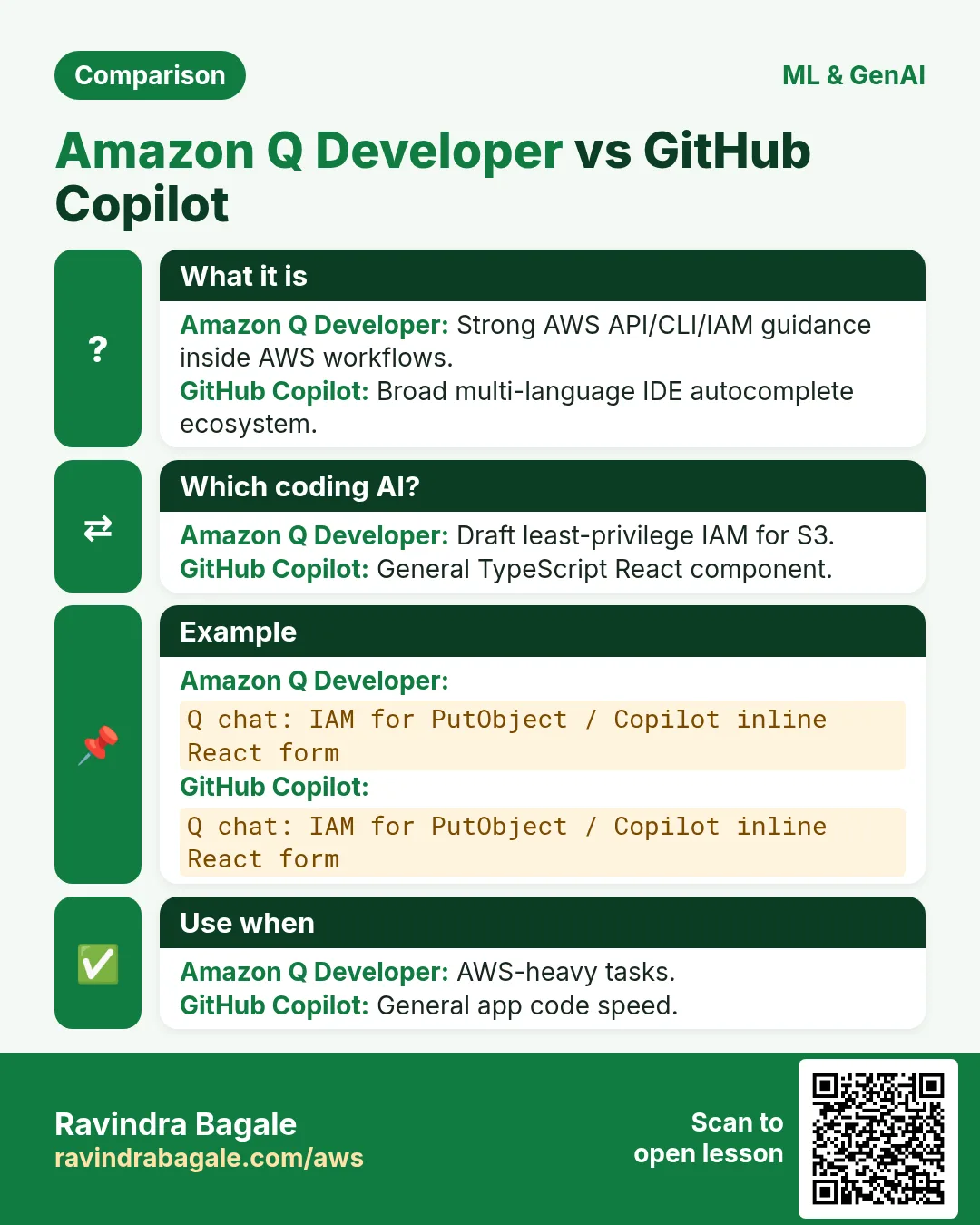
Q is tuned for AWS APIs and IDE context; still verify.
Q. Does it write CloudFormation?
Yes drafts; you own drift and IAM.
Q. Can it access my AWS account data?
Chat in IDE uses what you paste/open; console features follow IAM.
Q. Safe for interviews?
Use to learn, not to cheat live interviews.
10. Interview Q&A
Q. What is Amazon Q Developer?
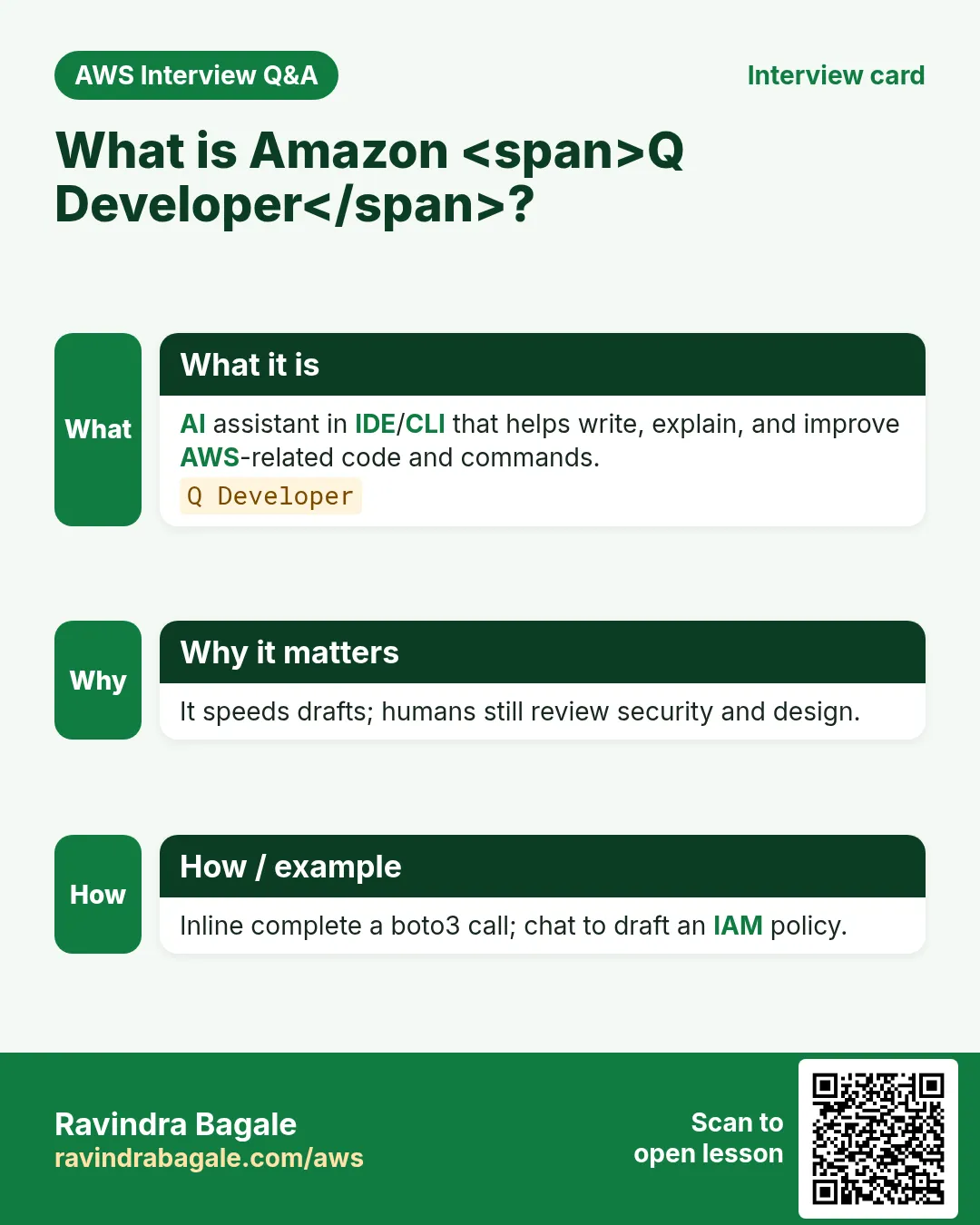
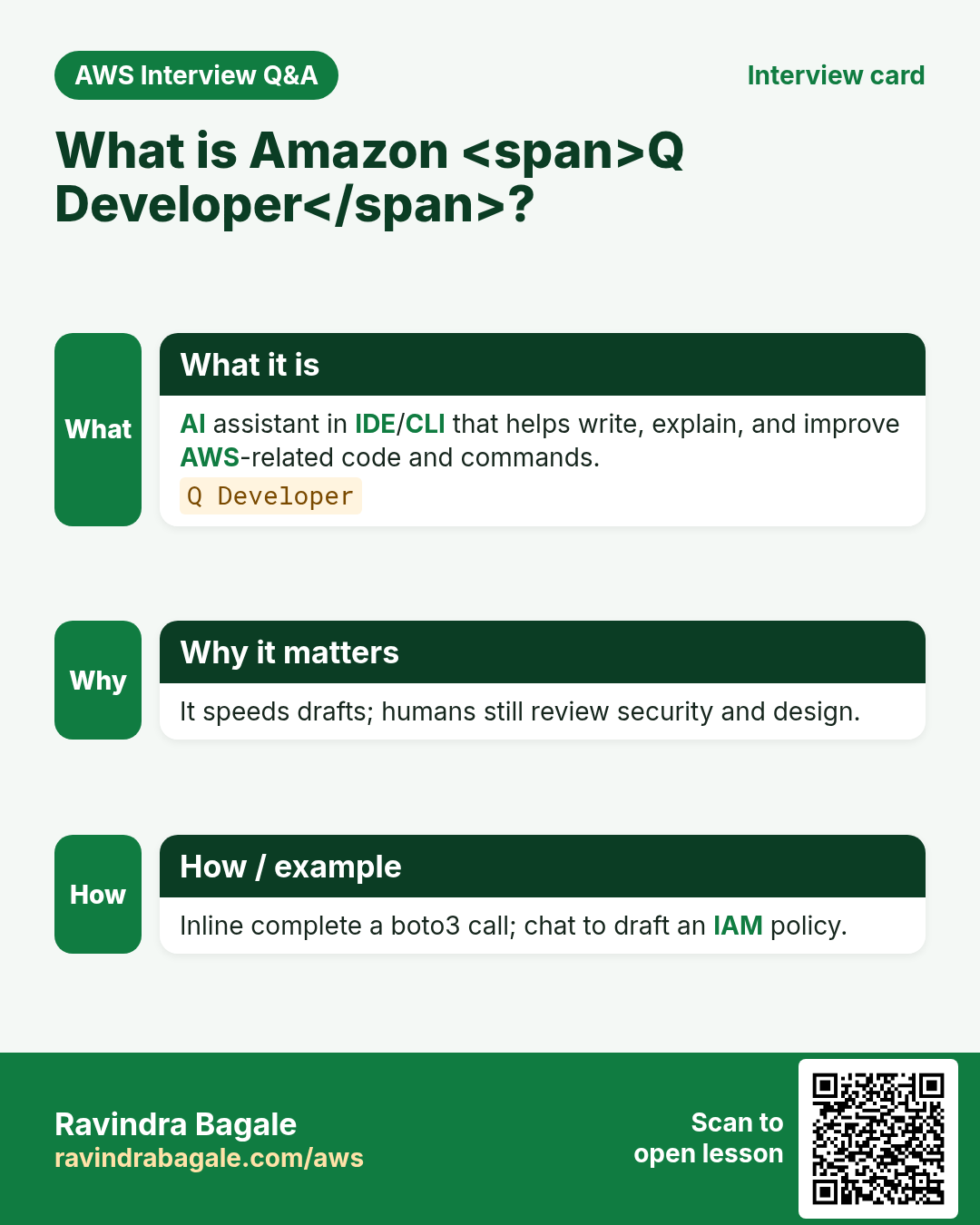
AWS AI assistant for code and AWS guidance in IDE/console.
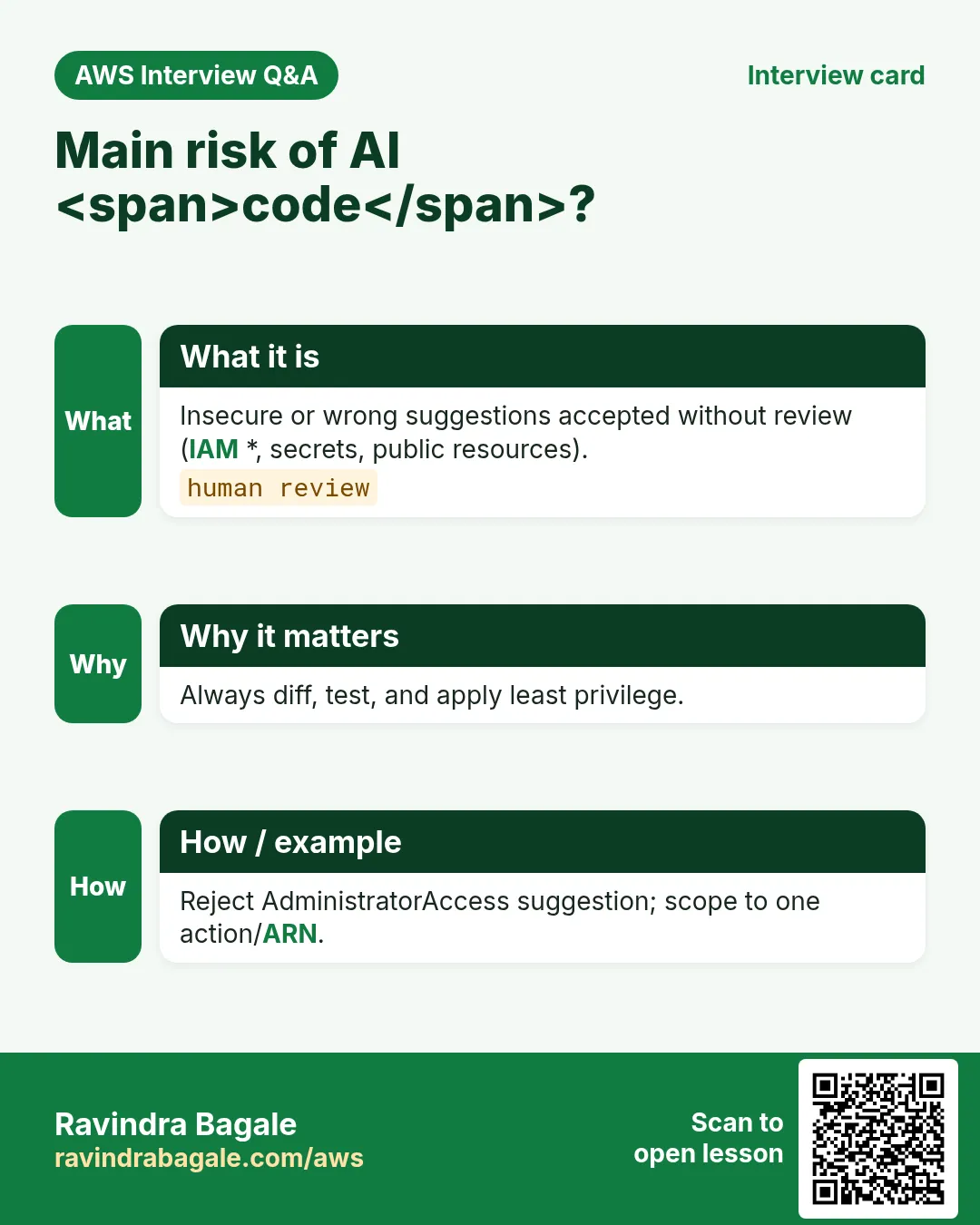
Q. Risk of AI-generated code?
Wrong IAM, deprecated APIs, secret leaks — needs review.
Q. How do you prompt well?
Region, language, constraints, no secrets.
Q. Inline vs chat?
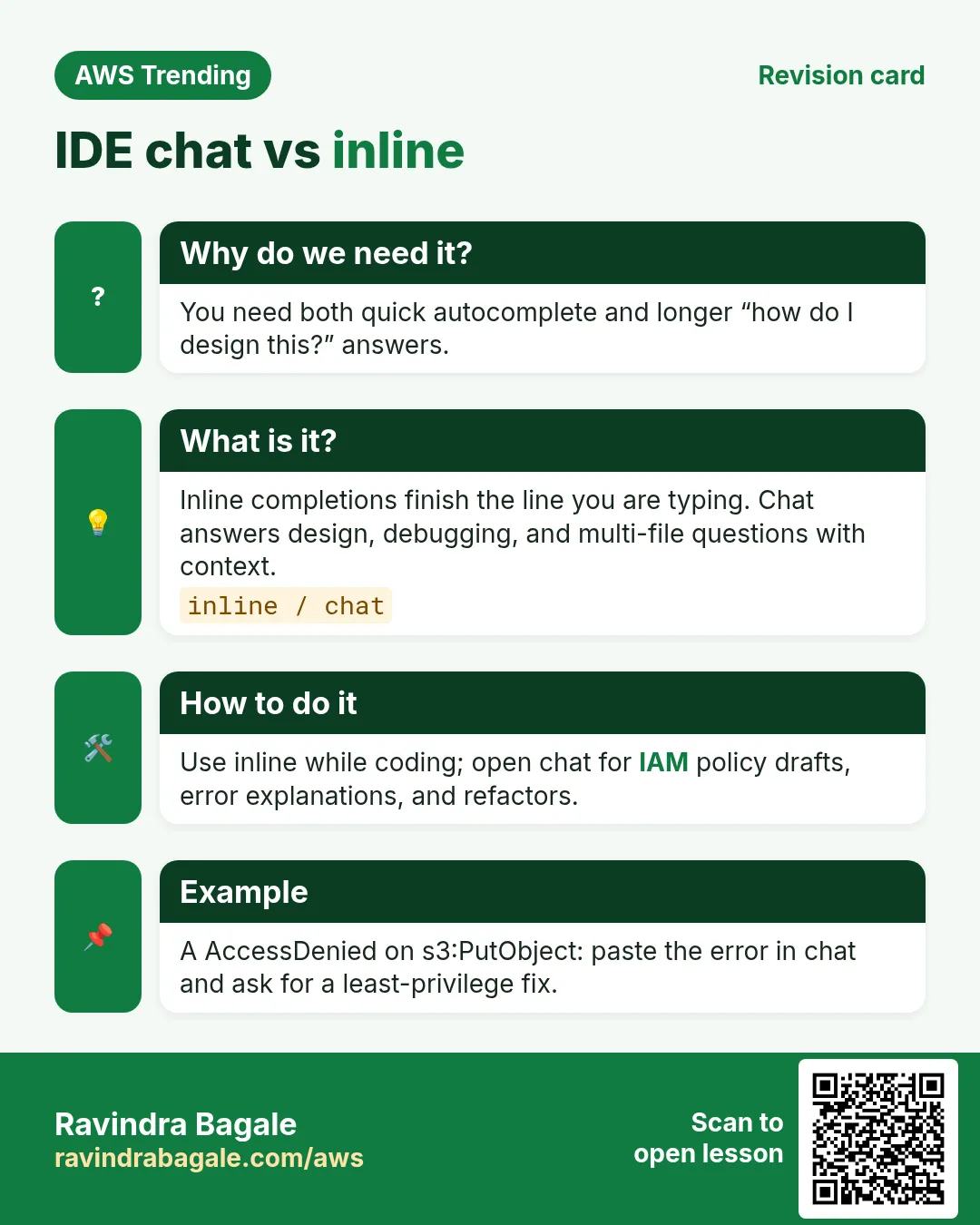
Inline completes lines; chat explains and scaffolds.
Q. When not to use AI assistants?
When policy forbids or when handling regulated secrets.
Q. How verify a suggestion?
Tests, IAM simulator, current docs.
11. Tips in English, Marathi and Hindi
Ravindra Bagale's Tip (EN)
Prompt like a ticket: region, language, acceptance criteria. Vague prompts waste tokens and trust.
Ravindra Bagale's Tip (MR)
Prompt = ticket: region, language, acceptance. Vague = वेळ वाया.
Tip (HI)
प्रॉम्प्ट को टिकट की तरह लिखो — region, भाषा, criteria; अस्पष्ट सवाल भरोसा तोड़ते हैं।
Try at home
- Install Q in a throwaway profile and ask for a Hello Lambda.
- Rewrite one bad prompt into a ticket-style prompt.
- List three things you will never paste into any AI chat.
In short
- Amazon Q Developer = AWS-aware IDE/console AI assistant.
- Drafts are fast; reviews and tests are mandatory.
- Never paste production secrets or PII.
- Follow org AI policy.
Revision, interview and comparison cards
Revise this lesson in a few minutes. Save the cards on your phone or download them as PNG files. The QR code on each card opens this lesson.
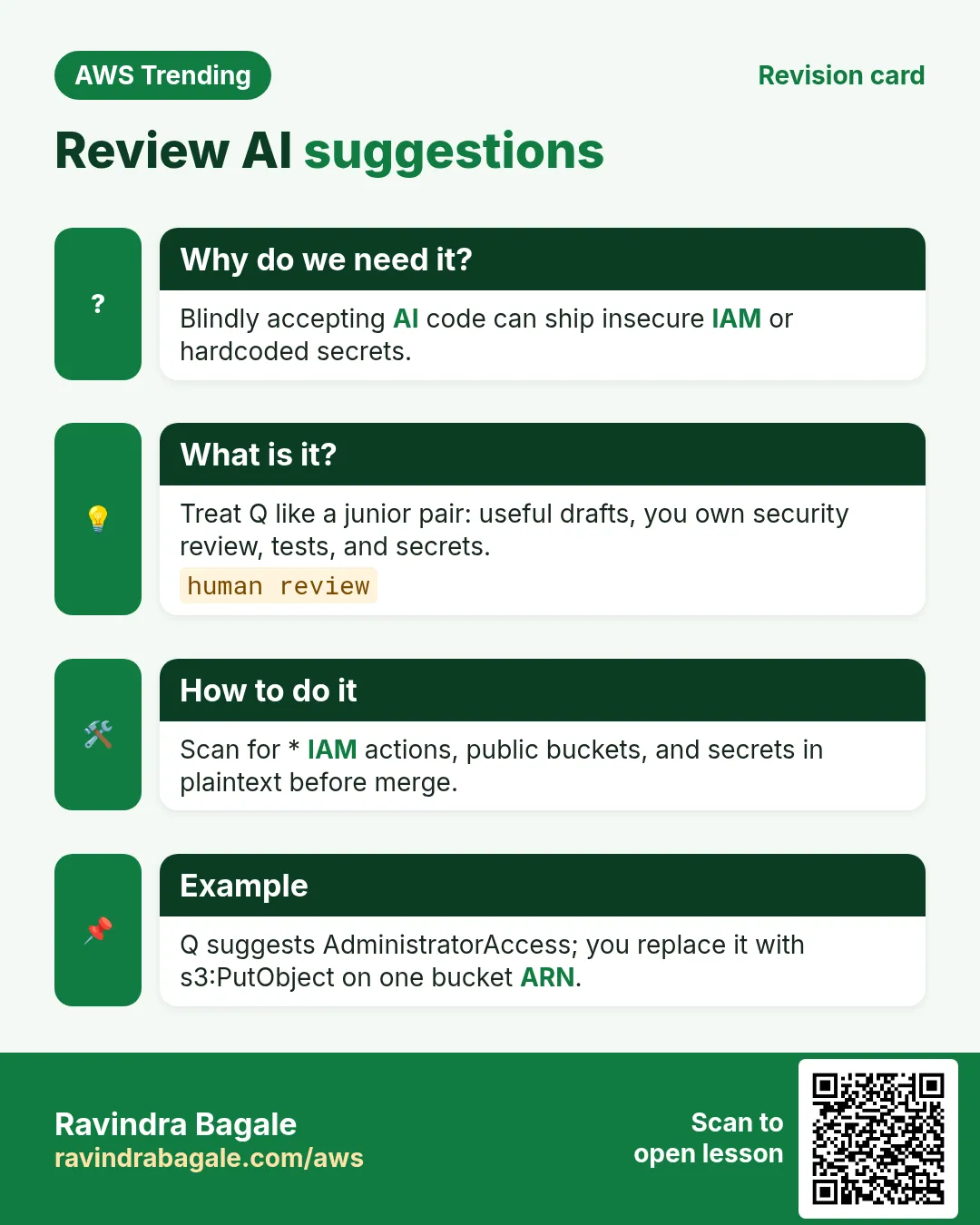
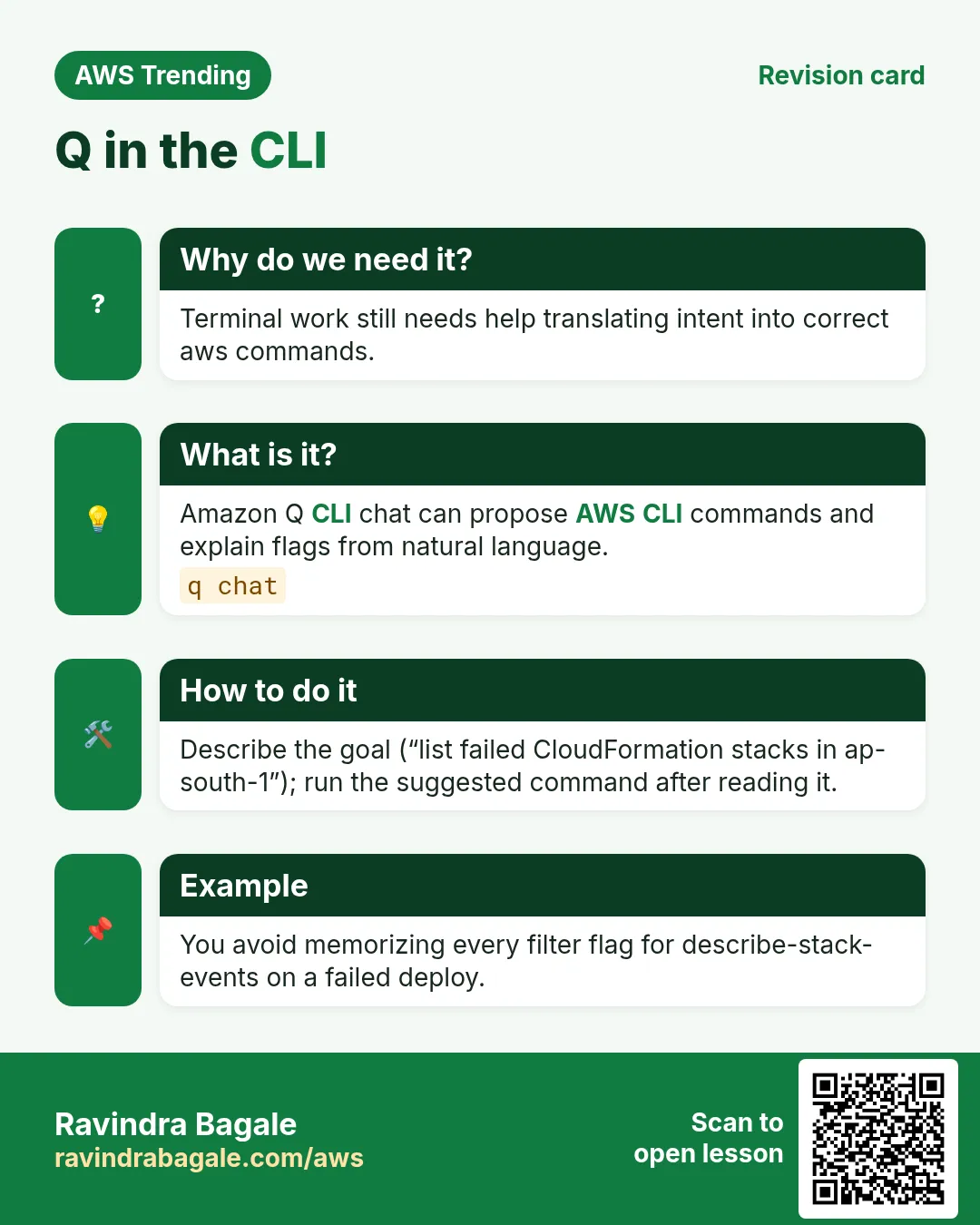
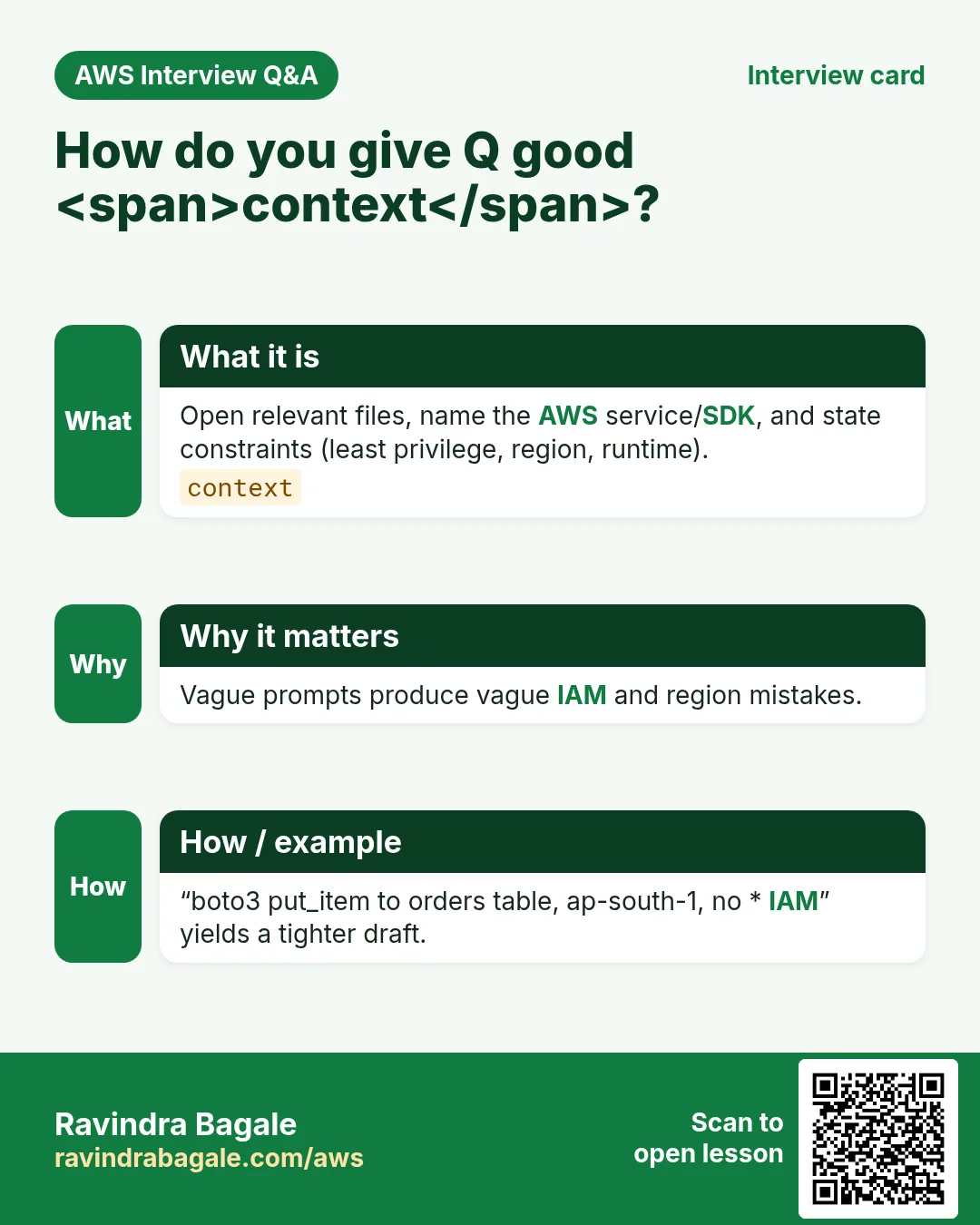
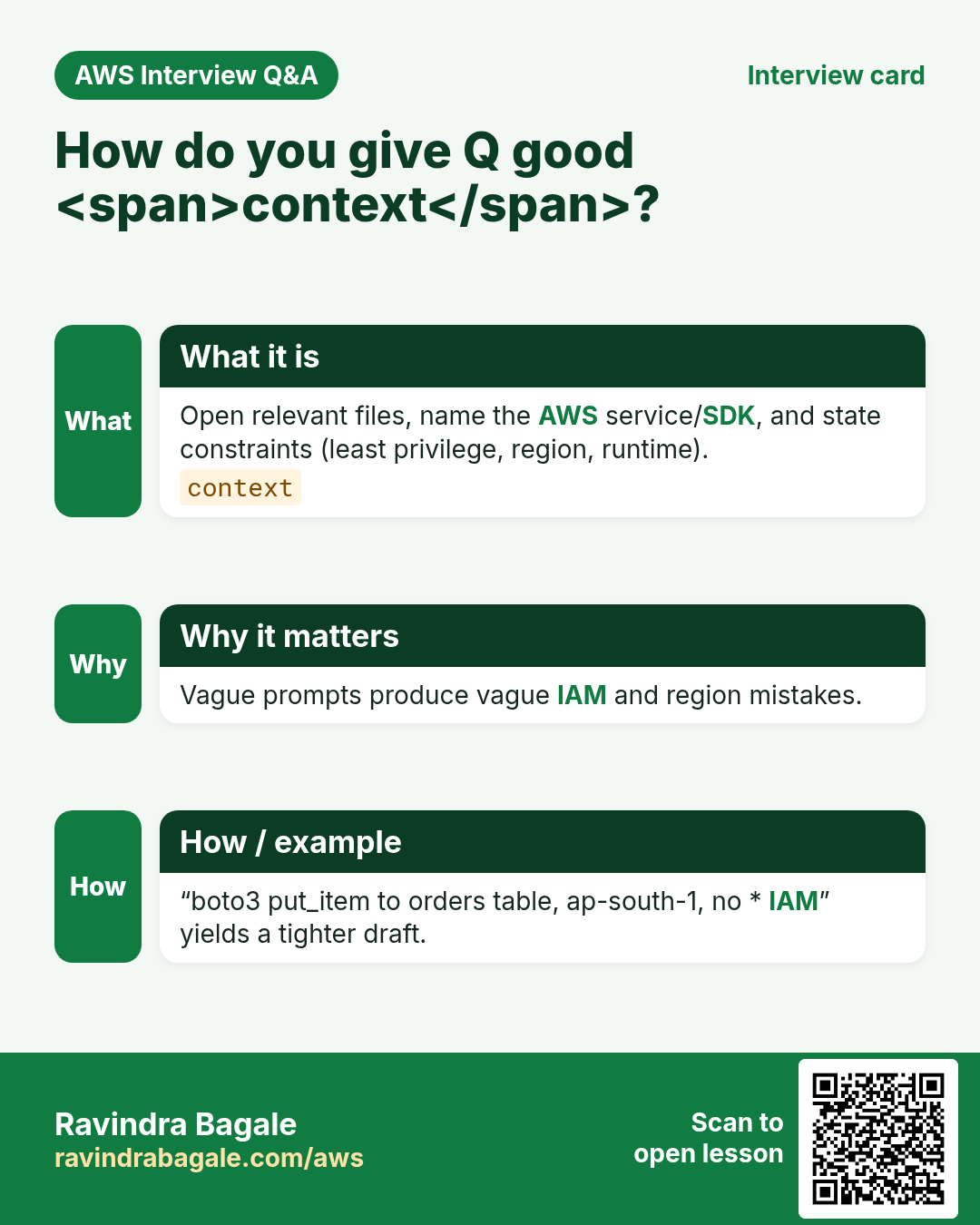
More cards: Ravi Sir's Cards.
Practice Tasks
Maple Leaf Books is a bookselling business in Toronto. Emily Tremblay looks after its IT and cloud work. They count money in CAD and run their AWS resources in the ca-central-1 Region. In the tasks below you do real jobs for them using what this lesson teaches. All names, account IDs, IP addresses and numbers are made up for practice.
0 / 16
Easy AWS CLI help for s3
Why: Find flags before asking AI.
What to do: Show AWS CLI help for s3.
- Read the task and decide which AWS service it is about.
- Write aws, then the service name, then the operation (the action word).
- Add each needed flag (--name) followed by its value from the task.
- Flags can be in any order. Click Check answer.
Easy List buckets
Why: Inventory before coding.
What to do: List all S3 buckets.
- Read the task and decide which AWS service it is about.
- Write aws, then the service name, then the operation (the action word).
- Add each needed flag (--name) followed by its value from the task.
- Flags can be in any order. Click Check answer.
Easy Who am I
Why: Confirm caller identity.
What to do: Get caller identity.
- Read the task and decide which AWS service it is about.
- Write aws, then the service name, then the operation (the action word).
- Add each needed flag (--name) followed by its value from the task.
- Flags can be in any order. Click Check answer.
Easy List KMS aliases
Why: Know keys before suggesting SSE-KMS.
What to do: List KMS aliases.
- Read the task and decide which AWS service it is about.
- Write aws, then the service name, then the operation (the action word).
- Add each needed flag (--name) followed by its value from the task.
- Flags can be in any order. Click Check answer.
Easy How many WA pillars
Why: Architecture still matters.
What to do: How many Well-Architected pillars are there?
- Write down the numbers the task gives you.
- Work it out step by step on paper.
- Type only the final answer in the box.
- Click Check answer.
Easy S3 SSE-KMS flag count mental
Why: Encryption awareness.
What to do: Minimum headers often cited for SSE-KMS put (enter 2 for algorithm+key id concept)?
- Write down the numbers the task gives you.
- Work it out step by step on paper.
- Type only the final answer in the box.
- Click Check answer.
Easy Root MFA devices recommended min
Why: Basics before AI toys.
What to do: Minimum MFA devices you should enable on root (enter 1)?
- Write down the numbers the task gives you.
- Work it out step by step on paper.
- Type only the final answer in the box.
- Click Check answer.
Medium Get Lambda function
Why: Inspect before editing with AI.
What to do: Get function mapleleafbooks-api.
- Read the task and decide which AWS service it is about.
- Write aws, then the service name, then the operation (the action word).
- Add each needed flag (--name) followed by its value from the task.
- Flags can be in any order. Click Check answer.
Medium Get role
Why: Check trust before pasting policy.
What to do: Get role mapleleafbooks-app.
- Read the task and decide which AWS service it is about.
- Write aws, then the service name, then the operation (the action word).
- Add each needed flag (--name) followed by its value from the task.
- Flags can be in any order. Click Check answer.
Medium Tail log group
Why: Debug AI-generated code.
What to do: Filter log events on /aws/lambda/mapleleafbooks-api.
- Read the task and decide which AWS service it is about.
- Write aws, then the service name, then the operation (the action word).
- Add each needed flag (--name) followed by its value from the task.
- Flags can be in any order. Click Check answer.
Medium Allow GetObject one bucket
Why: Least privilege for generated code.
What to do: Allow s3:GetObject on arn:aws:s3:::mapleleafbooks-data/*.
- Start with { "Version": "2012-10-17", "Statement": [ ... ] }.
- In each statement write Effect, Action and Resource.
- Give only what the task needs (least privilege).
- Use double quotes and commas correctly. Click Check answer.
Medium Ticket-style prompt JSON
Why: Good prompts need structure.
What to do: JSON Region ap-south-1 Language Python Constraint no-secrets.
- Start from the top-level keys the task names.
- Indent child keys with 2 spaces (no tabs).
- Fill in each property with the value from the task.
- Click Check answer. Key order does not matter.
Medium Default lab region code length
Why: State region in prompts.
What to do: How many characters in ap-south-1 including hyphens?
- Write down the numbers the task gives you.
- Work it out step by step on paper.
- Type only the final answer in the box.
- Click Check answer.
Hard Validate template
Why: Lint AI CloudFormation.
What to do: Validate CloudFormation template file://tpl.yaml.
- Read the task and decide which AWS service it is about.
- Write aws, then the service name, then the operation (the action word).
- Add each needed flag (--name) followed by its value from the task.
- Flags can be in any order. Click Check answer.
Hard Deny wildcard invoke
Why: Reject dangerous AI IAM.
What to do: Deny lambda:InvokeFunction on all resources (Effect Deny Action lambda:InvokeFunction Resource *).
- Start with { "Version": "2012-10-17", "Statement": [ ... ] }.
- In each statement write Effect, Action and Resource.
- Give only what the task needs (least privilege).
- Use double quotes and commas correctly. Click Check answer.
Hard Code review checklist JSON
Why: AI drafts need gates.
What to do: JSON Checks array: iam-sim, unit-tests, no-secrets.
- Start from the top-level keys the task names.
- Indent child keys with 2 spaces (no tabs).
- Fill in each property with the value from the task.
- Click Check answer. Key order does not matter.