What Is Amazon Redshift? Data Warehouse on AWS Explained
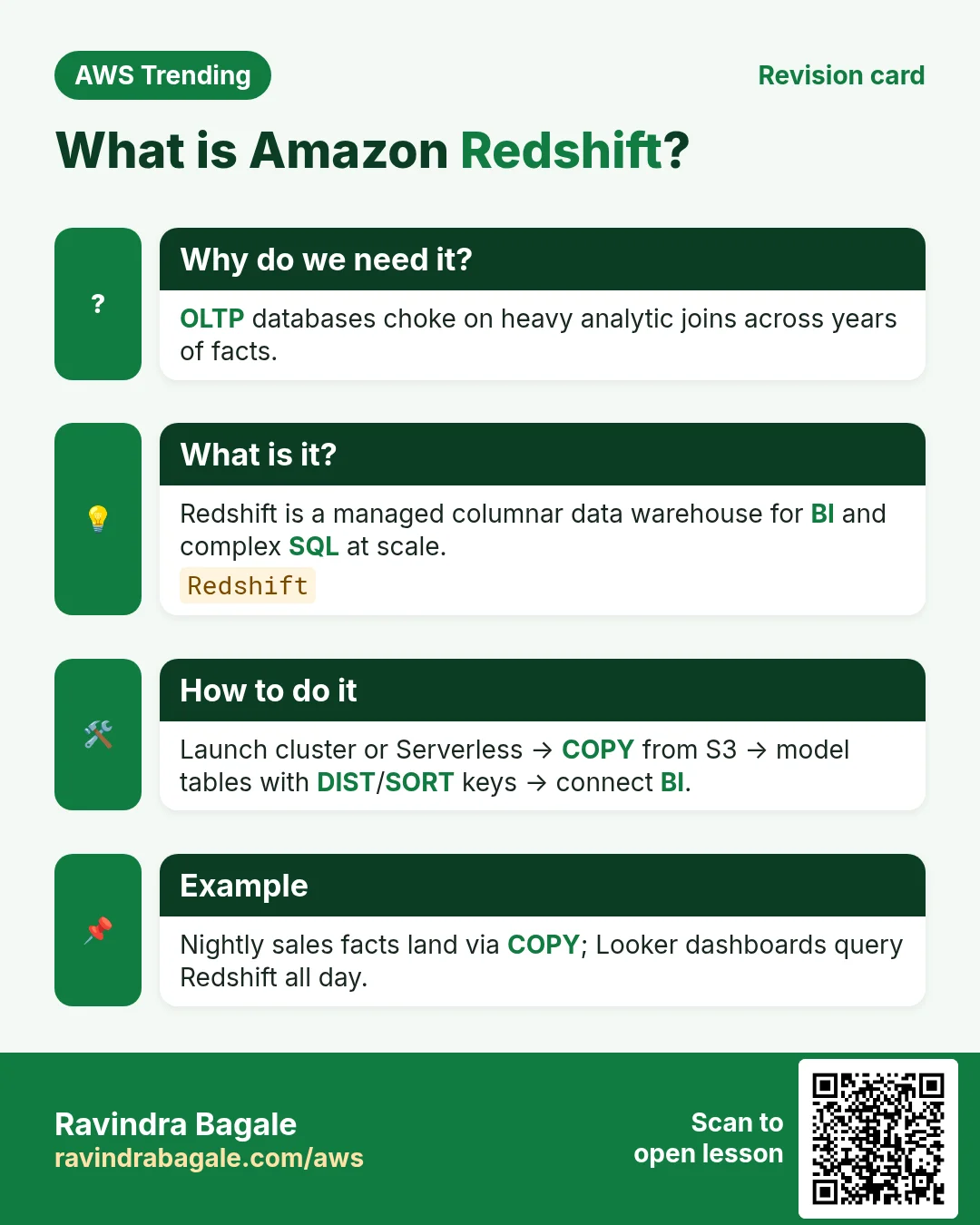
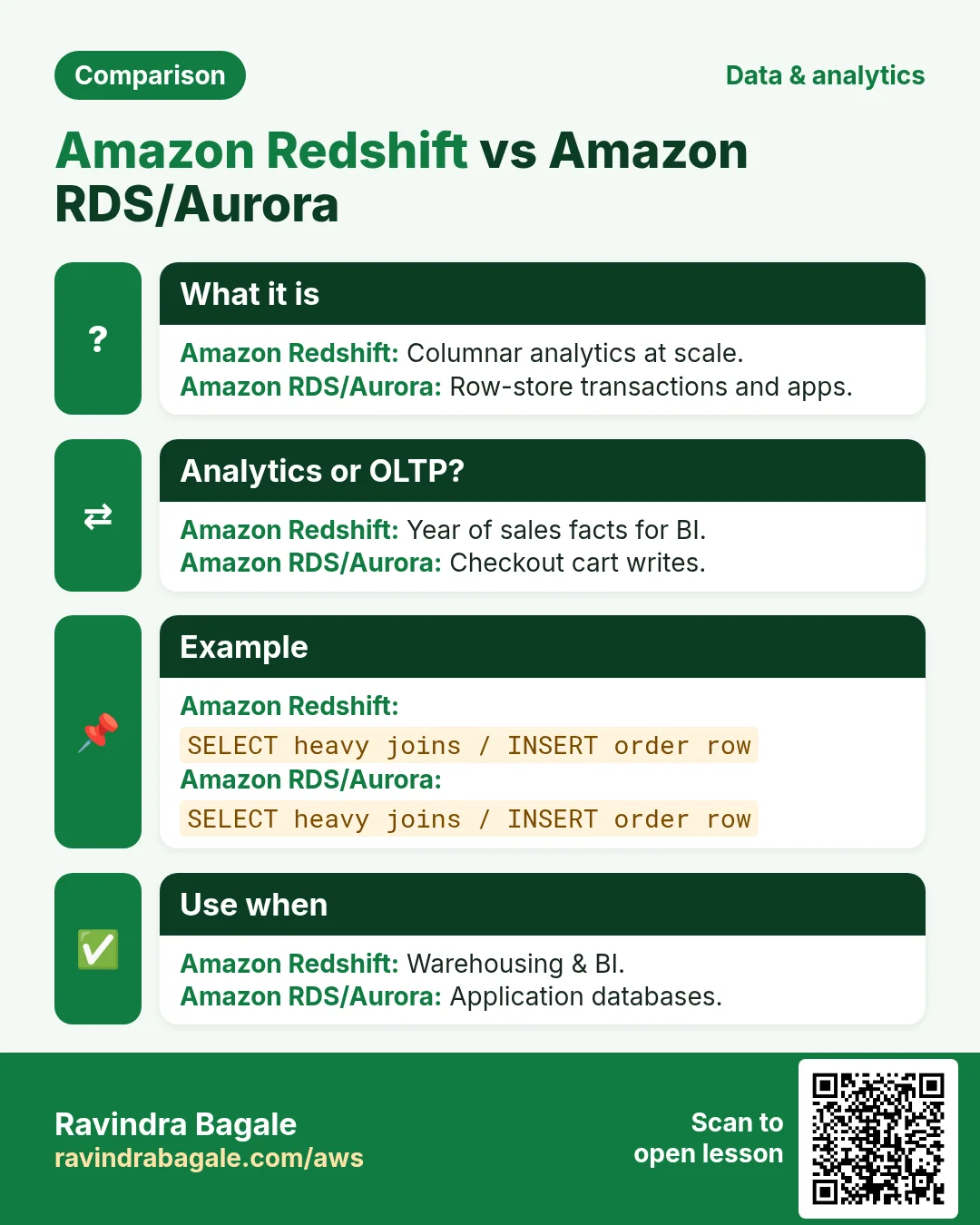
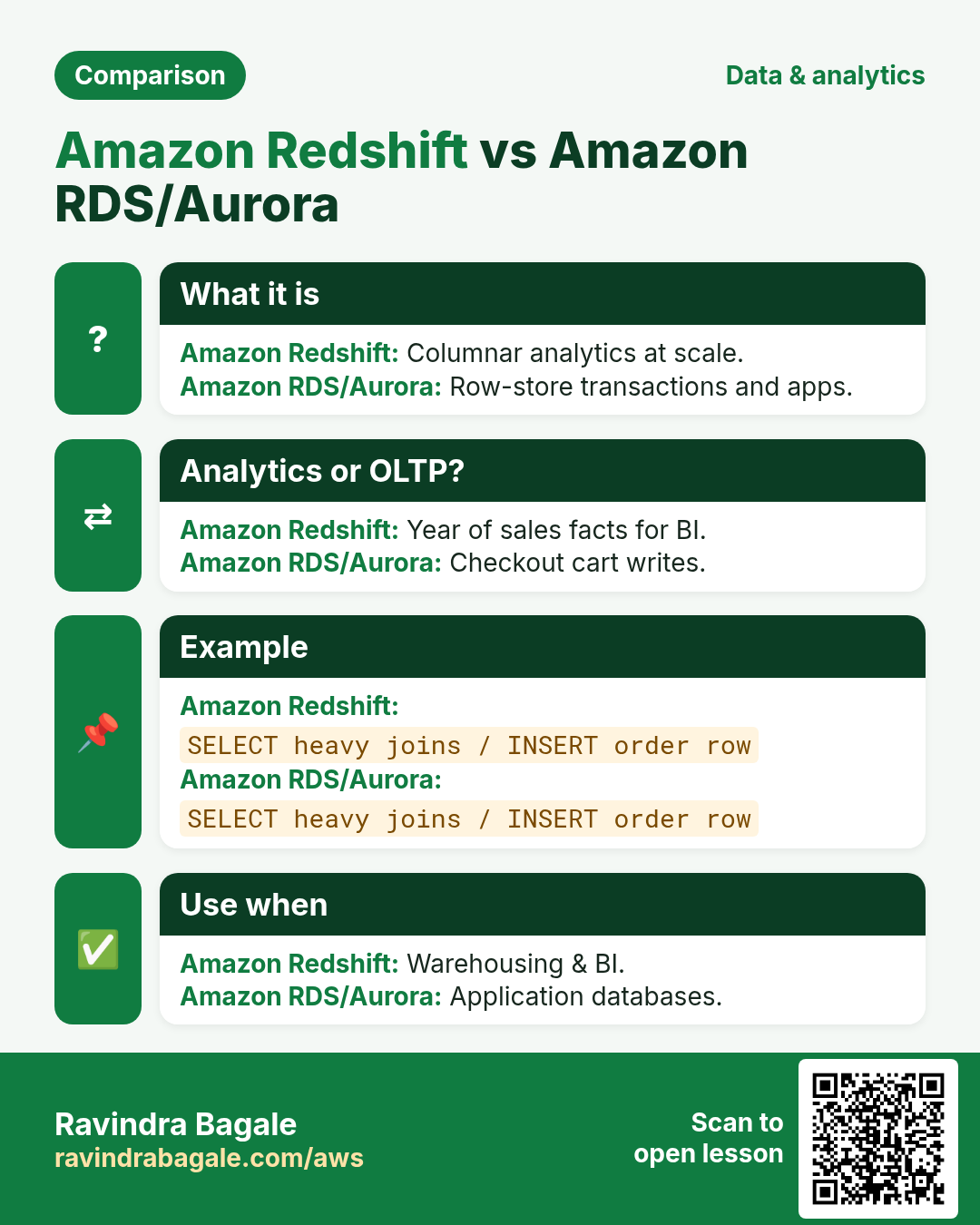
Your app database (RDS/DynamoDB) answers single-customer lookups fast. The CFO asks for last year sales by city and product — that is analytics. Amazon Redshift is AWS cloud data warehouse: columnar storage, massively parallel queries, great at scanning large fact tables.
What you'll learn in this chapter
- Why warehouses differ from OLTP
- What Redshift clusters / Serverless / Spectrum are
- How data lands with COPY and distribution styles
- Industries using Redshift
- Lab, errors, FAQ, interview
1. Everyday example first
A Surat textile marketplace dumps daily order Parquet into S3. A Glue job lands cleaned facts; Redshift COPY or Spectrum queries power Metabase dashboards for sellers. RDS MySQL stays for checkout — not for last-365-days GROUP BY.
2. Why Redshift?
Why do we need this?
Row stores excel at transactions. Columnar warehouses compress and scan only needed columns for BI. Redshift adds MPP parallelism and AWS integrations (S3, IAM, Spectrum).
- Fast aggregations on large history
- Separate analytics load from OLTP
- Spectrum to query S3 without full ingest
- RA3 / Serverless options for modern sizing
3. What is Amazon Redshift?
What is it?
Redshift is a managed PostgreSQL-compatible warehouse. Classic clusters use leaders and compute nodes; RA3 separates storage; Serverless measures RPU. Distribution styles (KEY, ALL, EVEN) and sort keys shape performance. COPY loads from S3 efficiently.
| Piece | Plain job |
|---|---|
| Leader node | Plan/coordinate queries |
| Compute nodes | Store data and run slices |
| RA3 | Managed storage; scale compute separately |
| Serverless | Auto capacity in RPUs |
| COPY | Bulk load from S3 (and friends) |
| Spectrum | Query external S3 tables |
4. How to load and model simply
How to do it (step by step)
- Keep OLTP for transactions; warehouse for analytics.
- Land Parquet/CSV in S3 with clear prefixes/dates.
- Create schemas/tables with distkey/sortkey thoughtfully (start EVEN + time sort).
- IAM role on Redshift to Read S3; COPY in parallel.
- Use Spectrum/external schemas for rarely used cold data.
- Vacuum/analyze as needed on provisioned; understand Serverless behaviors.
- WLM / concurrency scaling for bursty BI.
- Encrypt with KMS; restrict network (private).
- CI for SQL migrations; never hot-fix prod casually.
- Monitor STL/SVL tables for slow queries.
-- Mental COPY
-- COPY sales FROM 's3://bucket/facts/sales/'
-- IAM_ROLE 'arn:aws:iam::111122223333:role/RedshiftLoad'
-- FORMAT AS PARQUET;
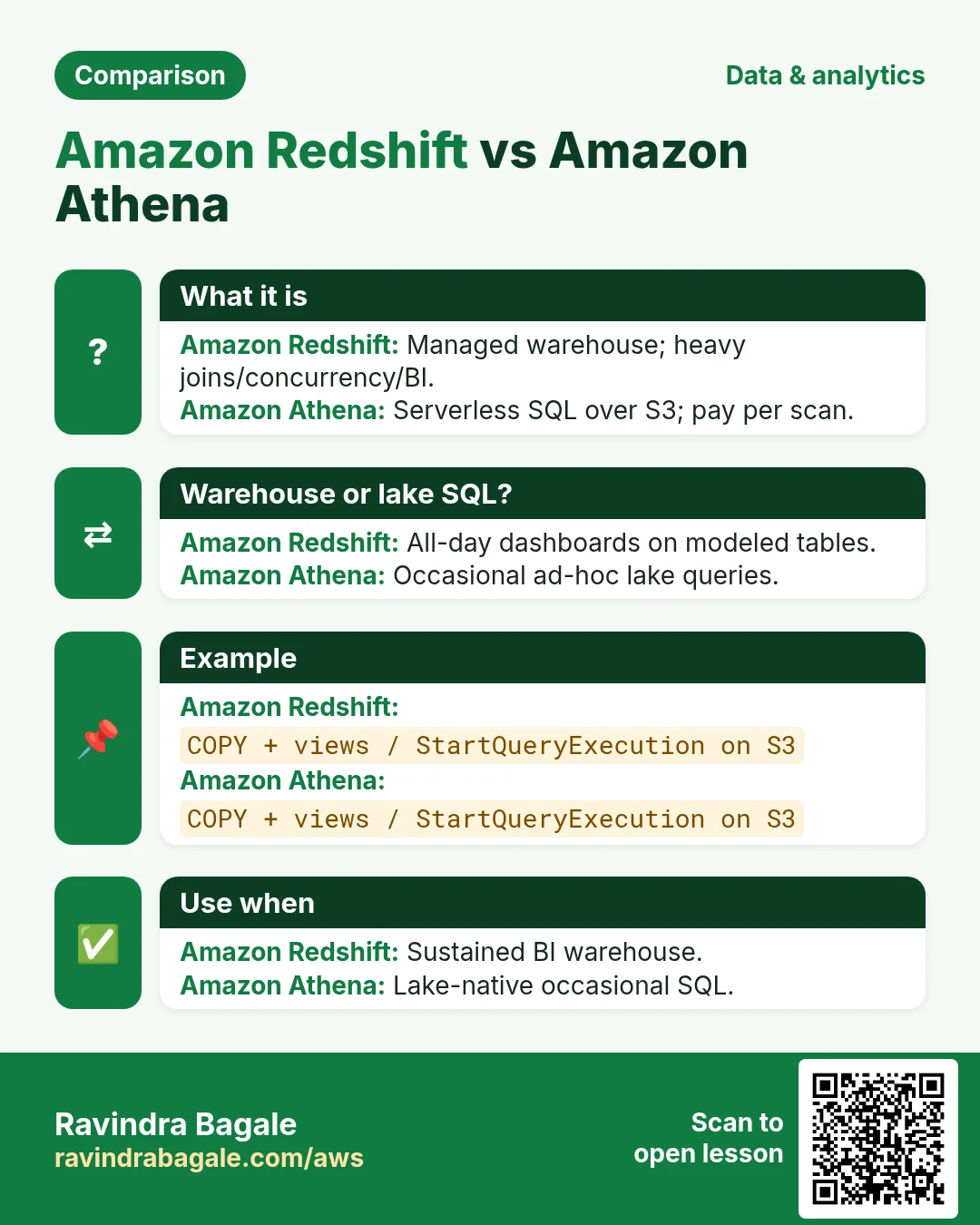
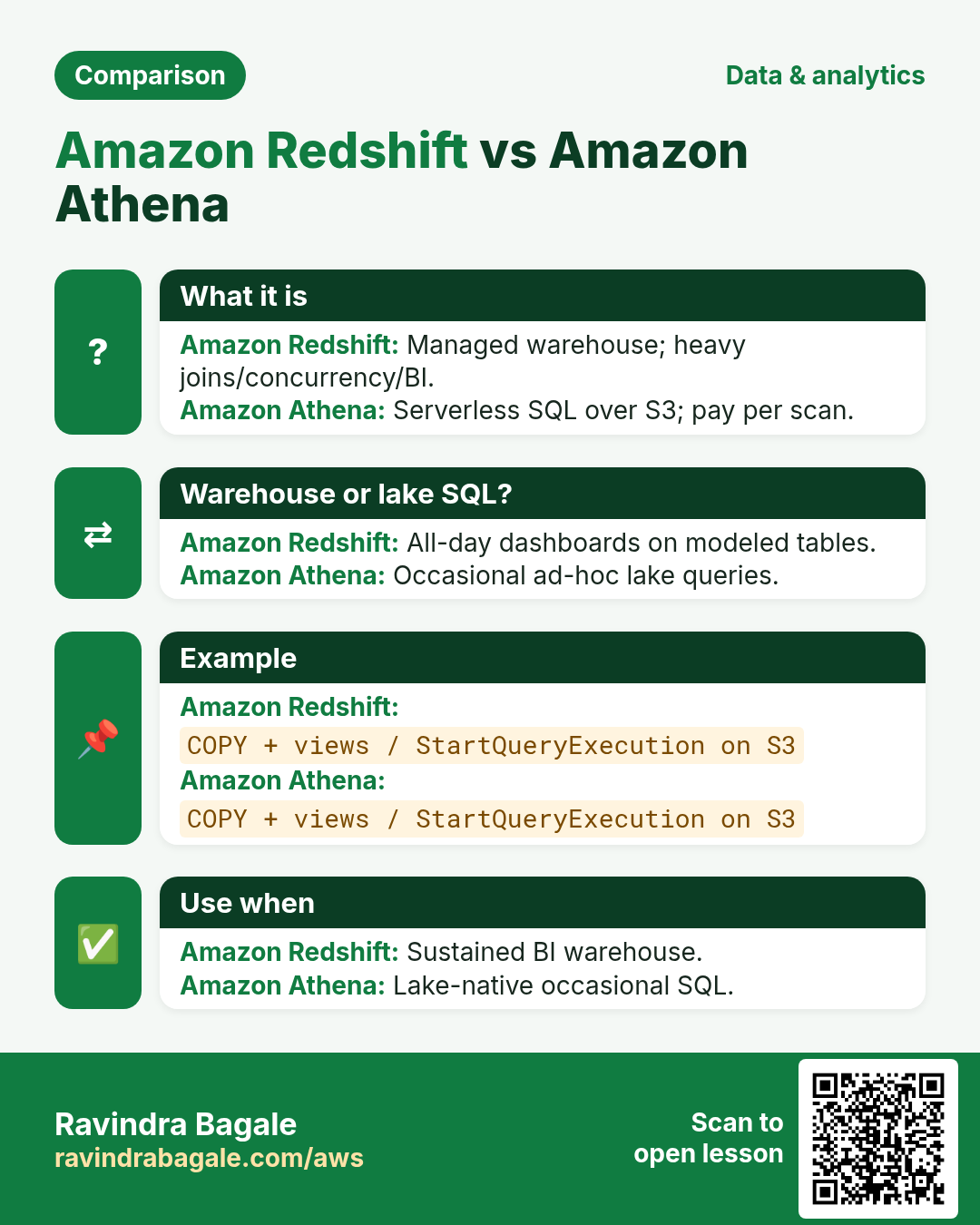
5. Redshift vs RDS vs Athena
| Choice | When |
|---|---|
| RDS/Aurora | OLTP app traffic |
| Redshift | Repeated BI on large curated warehouse |
| Athena | Ad-hoc SQL on S3 lake; pay per query |
| Glue ETL | Transform/catalog before warehouse |
6. Multi-industry notes
Retail chains warehouse POS facts nightly. Insurers run actuarial SQL with concurrency scaling during month-end. Gaming studios analyze event aggregates without touching the live player DB.
7. Industries and roles
- Retail/ecommerce analytics
- Fintech ledgers & risk marts
- Healthcare cohort reporting (with privacy controls)
- AdTech click aggregates
- Data engineers / analysts / BI developers
8. Lab: Serverless or tiny cluster + COPY mindset
Do this in ap-south-1 (Mumbai) unless your org forbids it. Set a budget alert first.
How to do it (step by step)
- Create Redshift Serverless workgroup (or tiny cluster if Serverless unavailable).
- Create IAM role for S3 read; associate to namespace/cluster.
- Upload a tiny CSV/Parquet sample to S3.
- CREATE TABLE then COPY; run a GROUP BY query.
- Optional: create external schema for Spectrum on the same prefix.
Cleanup (stop billing)
- Pause/delete Serverless workgroup or delete cluster; remove sample S3.
- Detach IAM roles you created only for lab.
9. Common errors and fixes
Each row is a real mistake students and juniors hit. Read the fix before you panic.
| Error / symptom | Fix |
|---|---|
| Ran heavy reports on RDS and melted app | Move analytics to warehouse/lake. |
| COPY without IAM role | Associate role; trust redshift.amazonaws.com. |
| Wrong distkey causing redistribution storms | Start EVEN; evolve with evidence. |
| Selected * on huge fact daily | Project columns; aggregate early. |
| Publicly reachable warehouse | Private subnets + SG. |
| No compression/encoding awareness | Let COPY analyze or set encodings. |
| Spectrum over millions tiny files | Compact files; partition wisely. |
| Forgot vacuum on provisioned after mass deletes | Schedule maintenance. |
| Shared superuser for all analysts | Roles/groups least privilege. |
| Cost shock leaving cluster 24x7 idle | RA3/Serverless/pause strategies. |
10. Troubleshooting checklist
- COPY error: access denied S3 — role/bucket policy.
- Queue wait: WLM slots / concurrency.
- Slow join: skew on dist keys — check SVV.
- Disk full on dense nodes: archive/resize/RA3.
- SSL required failures: force encryption settings.
- Spectrum: Glue catalog permissions.
11. FAQ
Q. Postgres compatible?
SQL flavor similar; not every PG extension.
Q. Redshift vs Snowflake?
Both warehouses; evaluate lock-in/cost/skills.
Q. Serverless vs provisioned?
Variable vs steady workloads.
Q. Need ETL?
Usually yes — Glue/dbt/etc.
Q. Row-level security?
Features exist; design carefully.
Q. Backup?
Snapshots / recovery features — enable.
12. Interview Q&A
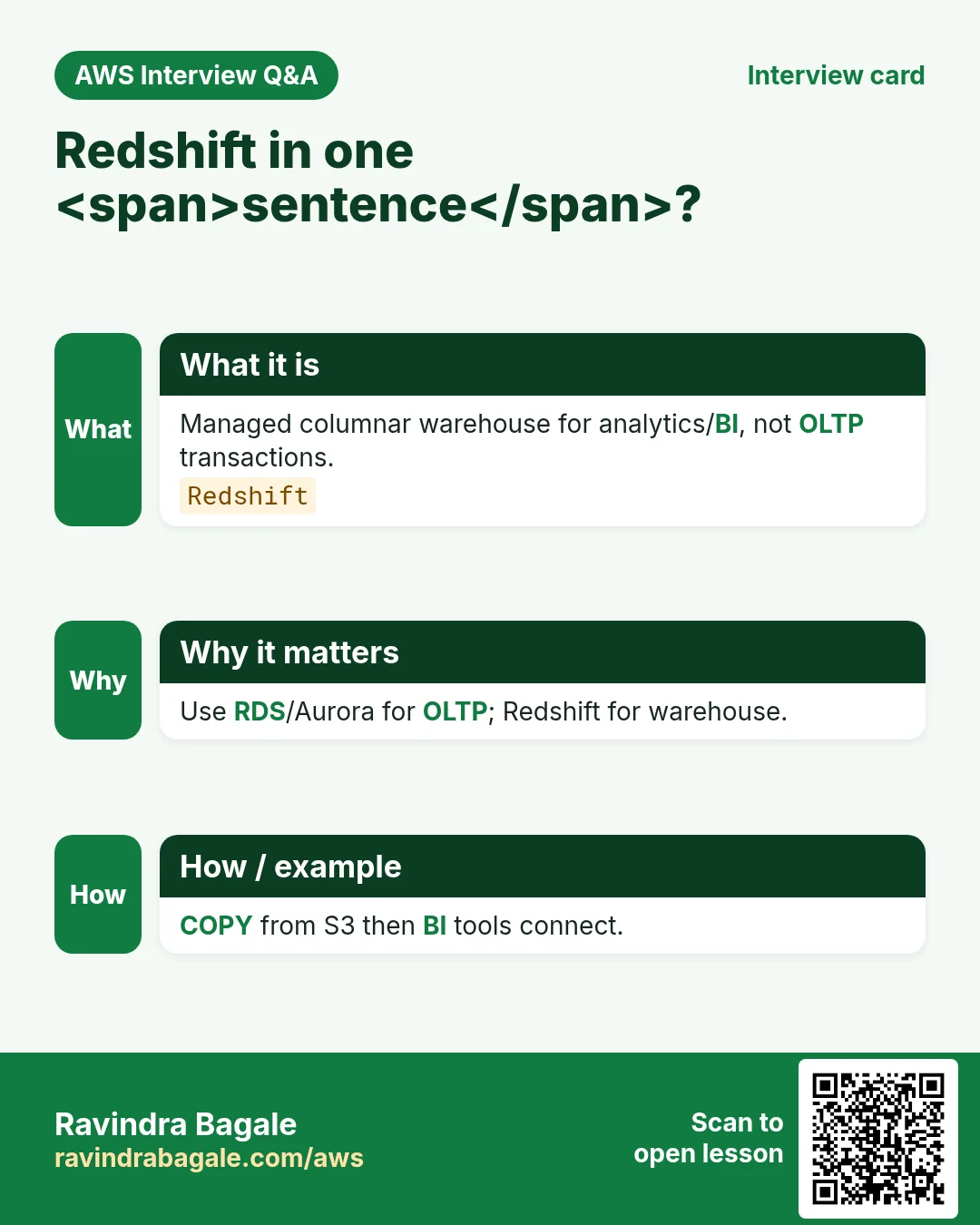
Q. What is Redshift?
AWS managed columnar MPP data warehouse.
Q. Columnar benefit?
Read only needed columns; better compression for BI.
Q. COPY?
Bulk parallel load typically from S3.
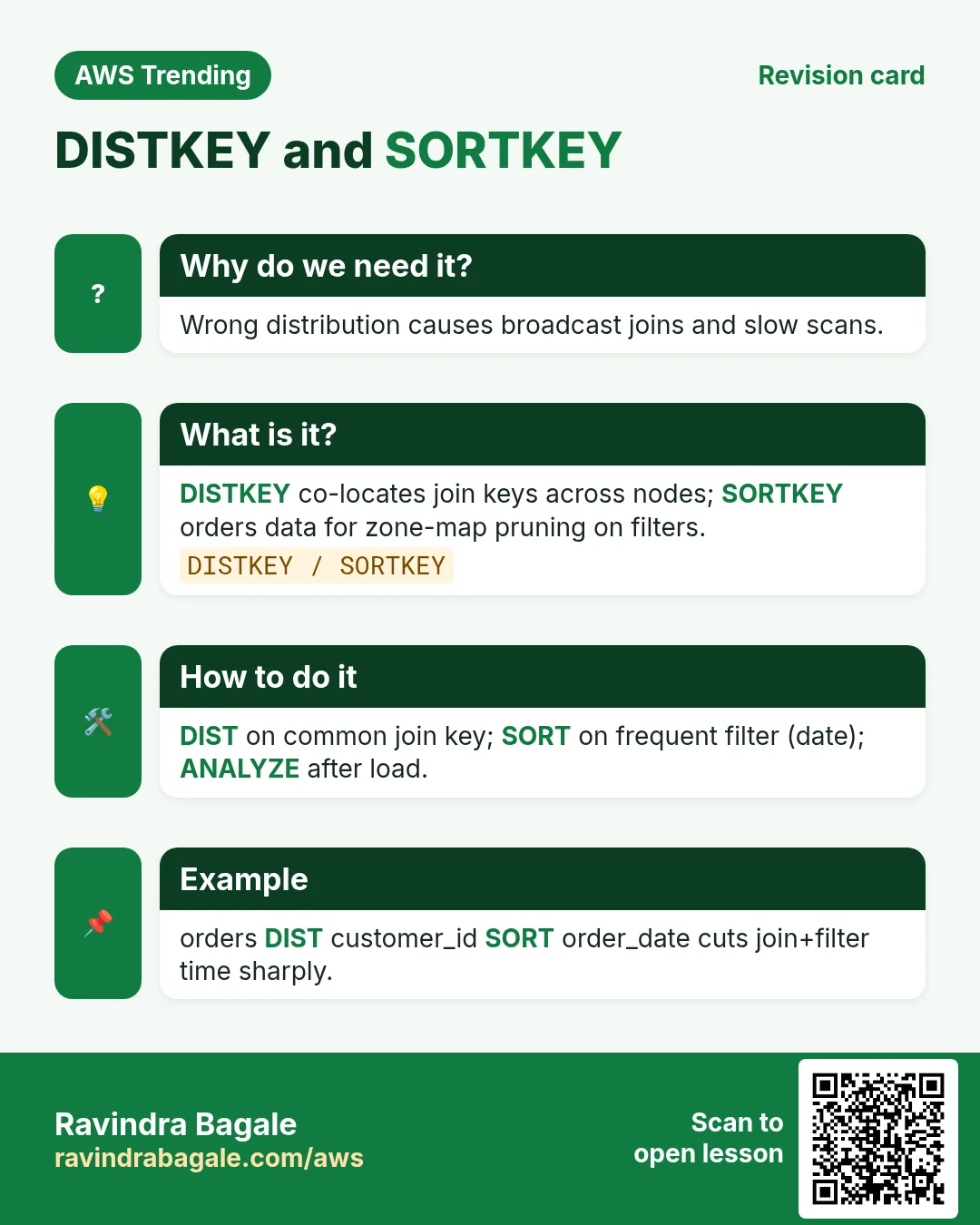
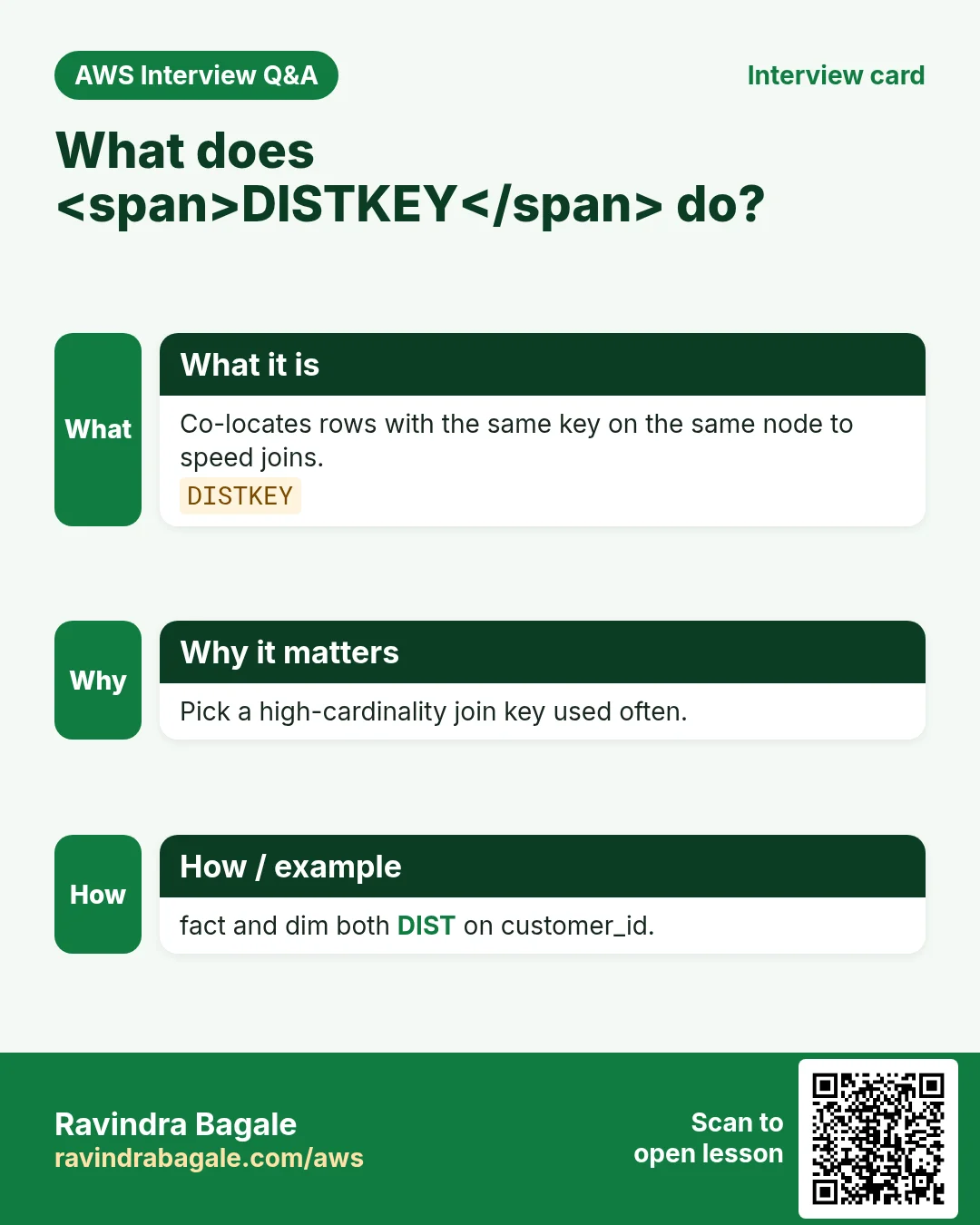
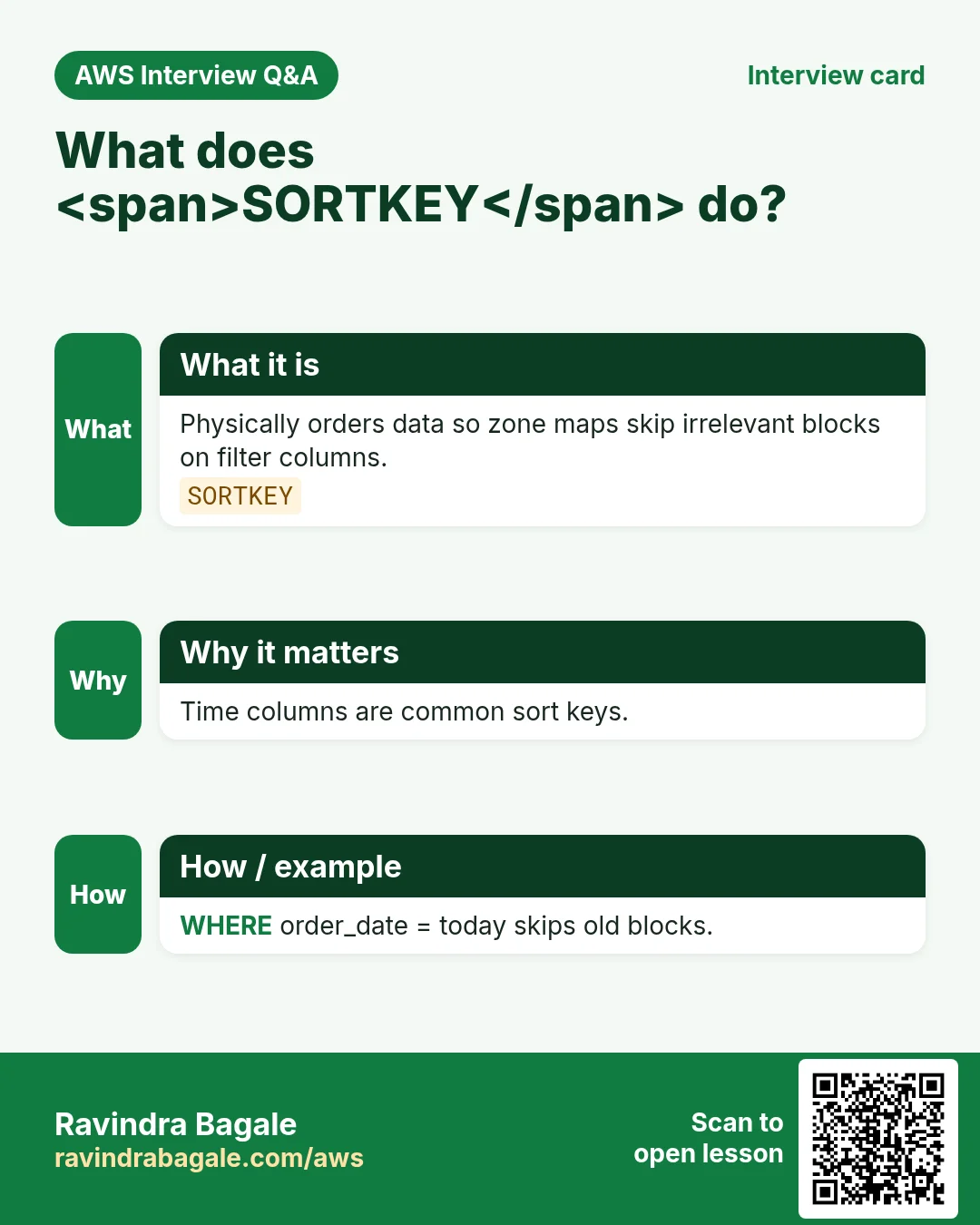
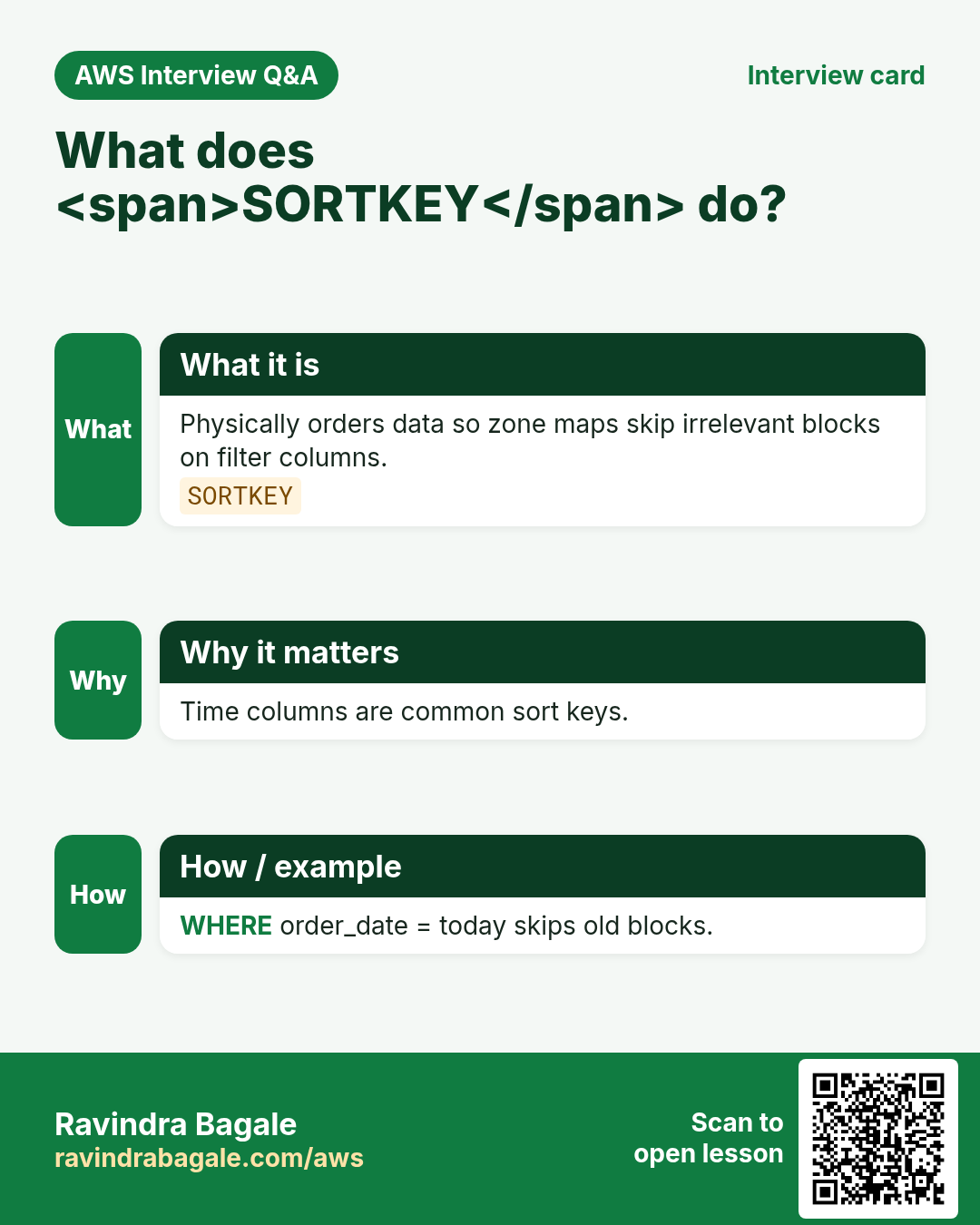
Q. Distkey?
How rows are placed across nodes to reduce reshuffle.
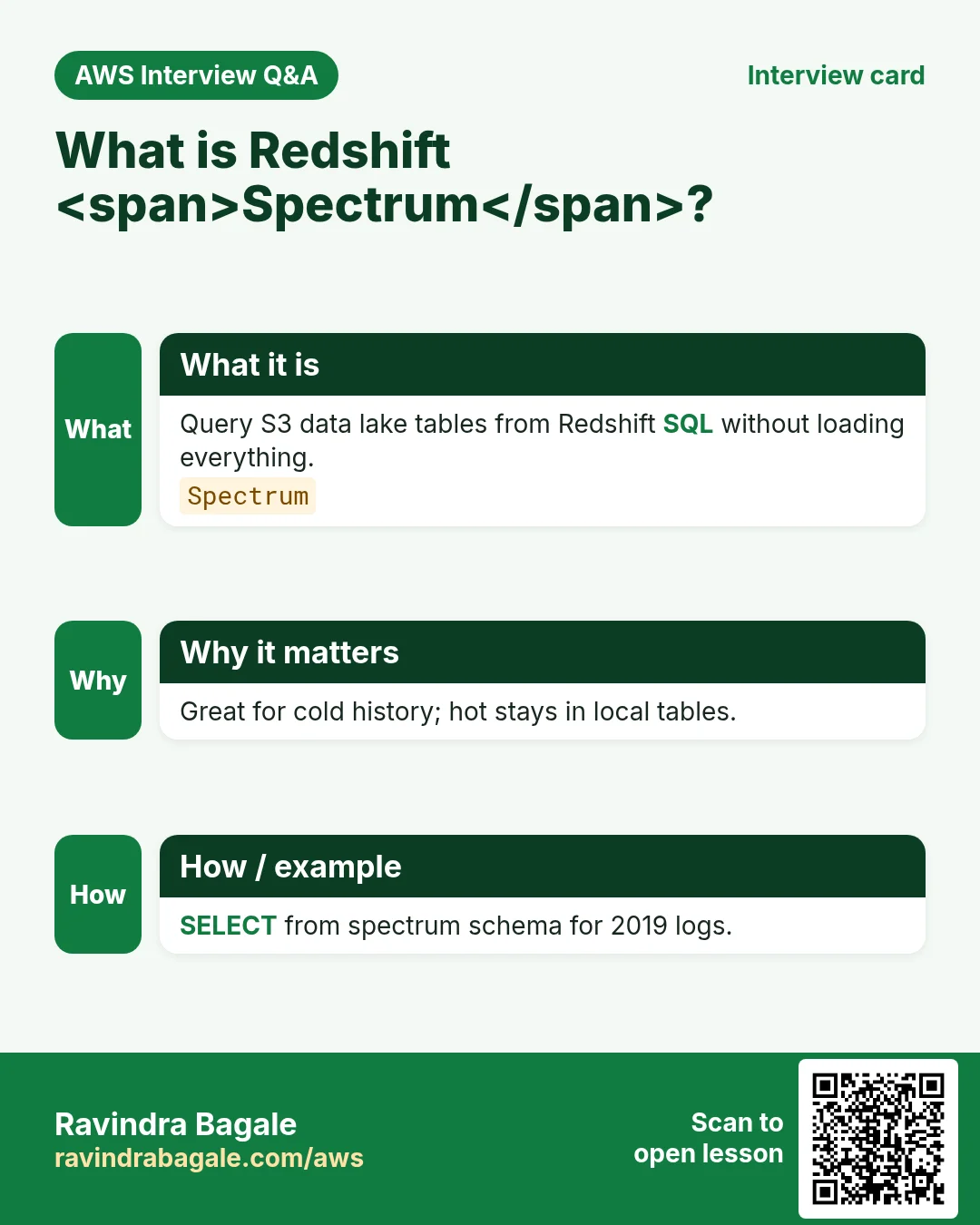
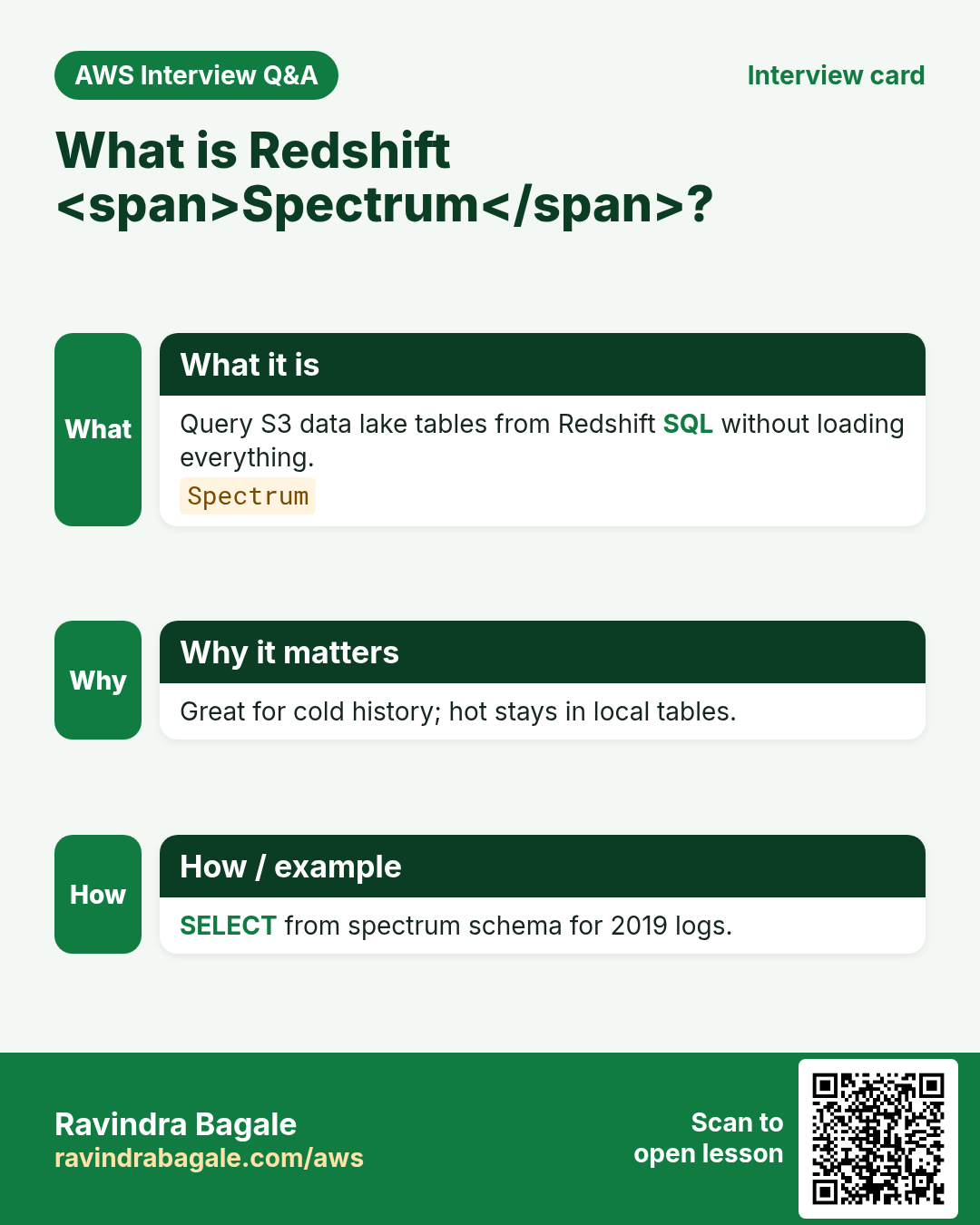
Q. Spectrum?
Query S3 external tables from Redshift.
Q. OLTP vs warehouse?
Transactions vs analytical scans.
13. Tips in English, Marathi and Hindi
Ravindra Bagale's Tip (EN)
Do not just point Metabase at RDS. Warehouses exist so checkout stays fast while finance scans history.
Ravindra Bagale's Tip (MR)
Metabase थेट RDS ला नका. Checkout जलद राहू द्या; finance warehouse स्कॅन करो.
Tip (HI)
Metabase सीधे RDS पर मत लगाओ — checkout तेज रहे, history warehouse स्कैन करे।
Try at home
- Write one query that belongs on RDS and one on Redshift.
- Explain KEY vs EVEN dist in two lines.
- List S3 landing folder naming for daily sales.
In short
- Redshift = analytics warehouse, not app OLTP.
- COPY/Spectrum from S3 are core patterns.
- Dist/sort keys and WLM shape speed.
- Keep it private and encrypted.
Revision, interview and comparison cards
Revise this lesson in a few minutes. Save the cards on your phone or download them as PNG files. The QR code on each card opens this lesson.
More cards: Ravi Sir's Cards.
Practice Tasks
Ahmednagar Sugar Co-op is a sugar co-operative business in Ahilyanagar. Balasaheb Pawar looks after its IT and cloud work. They count money in INR and run their AWS resources in the ap-south-1 Region. In the tasks below you do real jobs for them using what this lesson teaches. All names, account IDs, IP addresses and numbers are made up for practice.
0 / 16
Easy Describe Redshift clusters
Why: Warehouse list.
What to do: Describe clusters.
- Read the task and decide which AWS service it is about.
- Write aws, then the service name, then the operation (the action word).
- Add each needed flag (--name) followed by its value from the task.
- Flags can be in any order. Click Check answer.
Easy Describe parameter groups
Why: WLM/settings.
What to do: Describe cluster parameter groups.
- Read the task and decide which AWS service it is about.
- Write aws, then the service name, then the operation (the action word).
- Add each needed flag (--name) followed by its value from the task.
- Flags can be in any order. Click Check answer.
Easy Describe tags
Why: Cost/owner.
What to do: Describe tags for arn:aws:redshift:ap-south-1:131959625285:cluster:nagarsugar-dw.
- Read the task and decide which AWS service it is about.
- Write aws, then the service name, then the operation (the action word).
- Add each needed flag (--name) followed by its value from the task.
- Flags can be in any order. Click Check answer.
Easy Columnar helps analytics — 1
Why: Warehouse.
What to do: Enter 1 if columnar storage helps analytics.
- Write down the numbers the task gives you.
- Work it out step by step on paper.
- Type only the final answer in the box.
- Click Check answer.
Easy Not OLTP — 1
Why: Use case.
What to do: Enter 1 if Redshift is for analytics not OLTP.
- Write down the numbers the task gives you.
- Work it out step by step on paper.
- Type only the final answer in the box.
- Click Check answer.
Medium Describe one cluster
Why: Inspect size.
What to do: Describe cluster nagarsugar-dw.
- Read the task and decide which AWS service it is about.
- Write aws, then the service name, then the operation (the action word).
- Add each needed flag (--name) followed by its value from the task.
- Flags can be in any order. Click Check answer.
Medium Describe snapshots
Why: Backup points.
What to do: Describe cluster snapshots.
- Read the task and decide which AWS service it is about.
- Write aws, then the service name, then the operation (the action word).
- Add each needed flag (--name) followed by its value from the task.
- Flags can be in any order. Click Check answer.
Medium Describe security groups
Why: Network access.
What to do: Describe cluster security groups.
- Read the task and decide which AWS service it is about.
- Write aws, then the service name, then the operation (the action word).
- Add each needed flag (--name) followed by its value from the task.
- Flags can be in any order. Click Check answer.
Medium Describe subnet groups
Why: VPC placement.
What to do: Describe cluster subnet groups.
- Read the task and decide which AWS service it is about.
- Write aws, then the service name, then the operation (the action word).
- Add each needed flag (--name) followed by its value from the task.
- Flags can be in any order. Click Check answer.
Medium Allow PauseCluster one
Why: Cost control.
What to do: Allow redshift:PauseCluster on arn:aws:redshift:ap-south-1:131959625285:cluster:nagarsugar-dw.
- Start with { "Version": "2012-10-17", "Statement": [ ... ] }.
- In each statement write Effect, Action and Resource.
- Give only what the task needs (least privilege).
- Use double quotes and commas correctly. Click Check answer.
Medium DISTKEY JSON
Why: Join key.
What to do: JSON distkey customer_id.
- Start from the top-level keys the task names.
- Indent child keys with 2 spaces (no tabs).
- Fill in each property with the value from the task.
- Click Check answer. Key order does not matter.
Medium Spectrum queries S3 — 1
Why: Lake.
What to do: Enter 1 if Spectrum can query S3.
- Write down the numbers the task gives you.
- Work it out step by step on paper.
- Type only the final answer in the box.
- Click Check answer.
Medium Sample node count small lab
Why: Size.
What to do: Sample small lab node count (enter 2)?
- Write down the numbers the task gives you.
- Work it out step by step on paper.
- Type only the final answer in the box.
- Click Check answer.
Hard Describe events
Why: Ops signals.
What to do: Describe events.
- Read the task and decide which AWS service it is about.
- Write aws, then the service name, then the operation (the action word).
- Add each needed flag (--name) followed by its value from the task.
- Flags can be in any order. Click Check answer.
Hard Allow DescribeClusters
Why: Analyst LP.
What to do: Allow redshift:DescribeClusters on *.
- Start with { "Version": "2012-10-17", "Statement": [ ... ] }.
- In each statement write Effect, Action and Resource.
- Give only what the task needs (least privilege).
- Use double quotes and commas correctly. Click Check answer.
Hard SORTKEY JSON
Why: Filter key.
What to do: JSON sortkey order_date.
- Start from the top-level keys the task names.
- Indent child keys with 2 spaces (no tabs).
- Fill in each property with the value from the task.
- Click Check answer. Key order does not matter.