Project: DDoS-Resilient Architecture with Shield, WAF, CloudFront, Route 53 and ALB
Final project: design a DDoS-resilient public app using Shield, WAF, CloudFront, Route 53 and ALB/Auto Scaling, governed by Firewall Manager, with incident runbooks. We reuse WAF skills from chapters 1–2 and Shield choices from chapter 3. CDN deep setup stays linked to the CloudFront+WAF survey — here the focus is the full resilience architecture.
What you'll learn in this chapter
- Why a layered edge beats a single control
- What the reference architecture contains
- How to wire Shield, WAF, CF, R53, ALB/ASG and Firewall Manager
- How to run an incident with clear runbooks
- How to prove resilience with tests and a cleanup plan
1. Everyday project brief
Ananya Iyer’s Bengaluru B2B CRM must stay up through festive traffic and opportunistic DDoS. Public DNS on Route 53, CloudFront in front, WAF on the distribution, origin ALB + ASG in ap-south-1, Shield Advanced on the org, Firewall Manager policy for baseline WAF rules across accounts. Runbooks for L3/L4 vs L7 incidents.
CloudFront distribution + HTTPS/OAC details: survey chapter. WAF rule deep-dive: previous two chapters. Shield buy decision: chapter 3.
2. Why layered resilience?
Why do we need this?
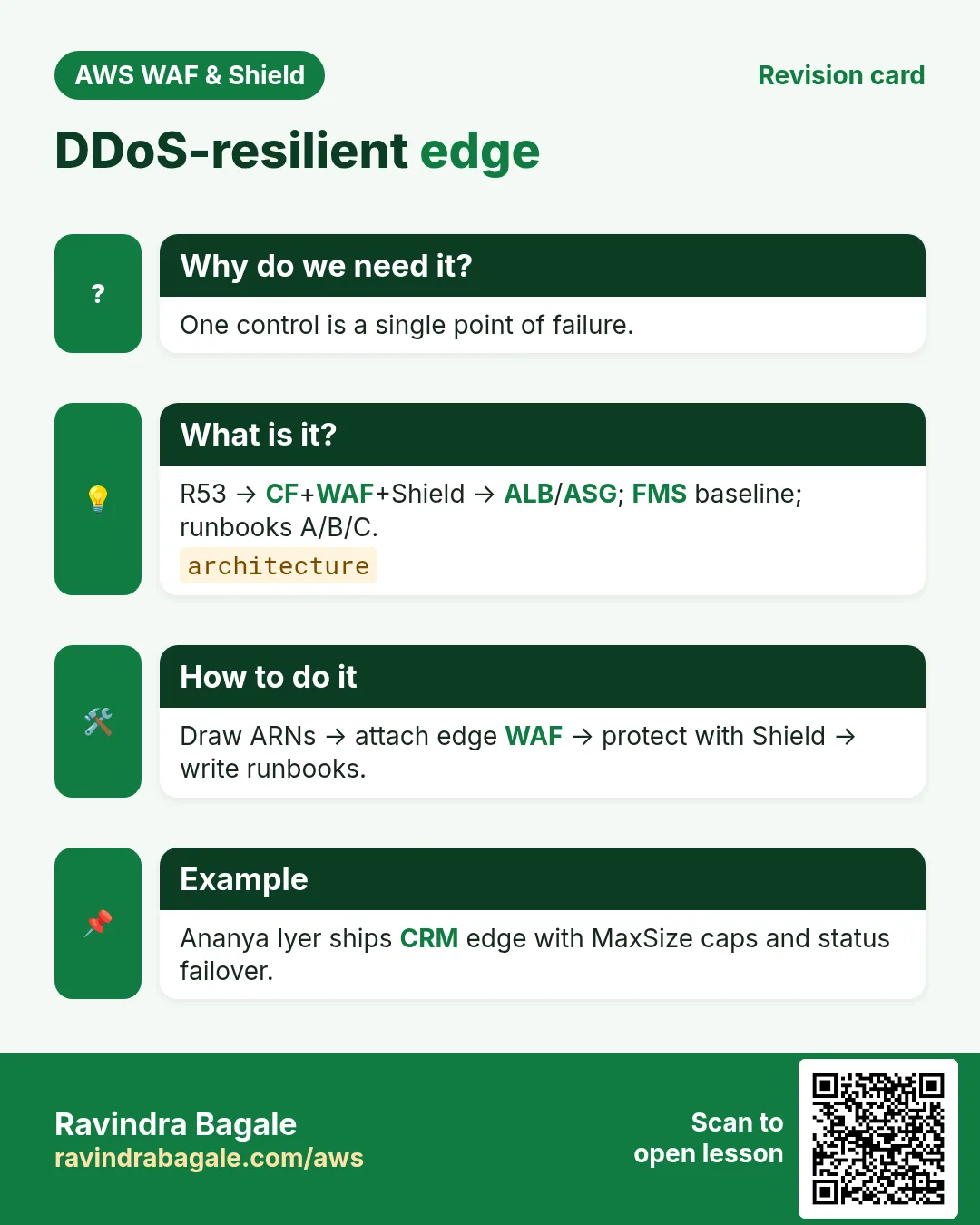
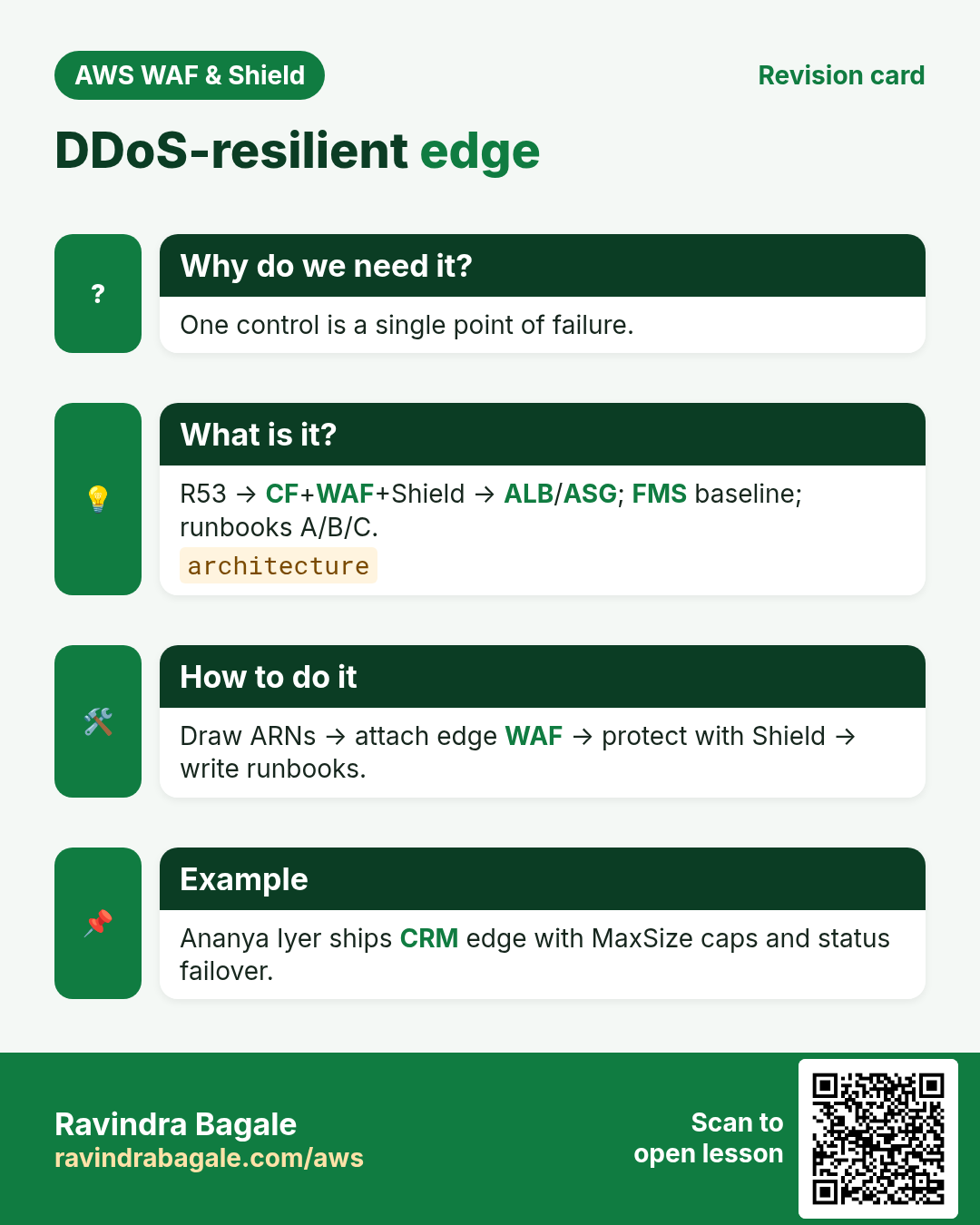
One control fails open or false-positives. Layers: DNS health+failover (Route 53), edge cache+TLS (CloudFront), volumetric (Shield), HTTP rules (WAF), healthy capacity (ALB/ASG), org baseline (Firewall Manager), humans (runbooks/SRT).
3. What is the reference architecture?
What is it?
- Route 53: alias to CloudFront; health checks; optional failover to static status page
- CloudFront: TLS, caching, OAC to origins as needed
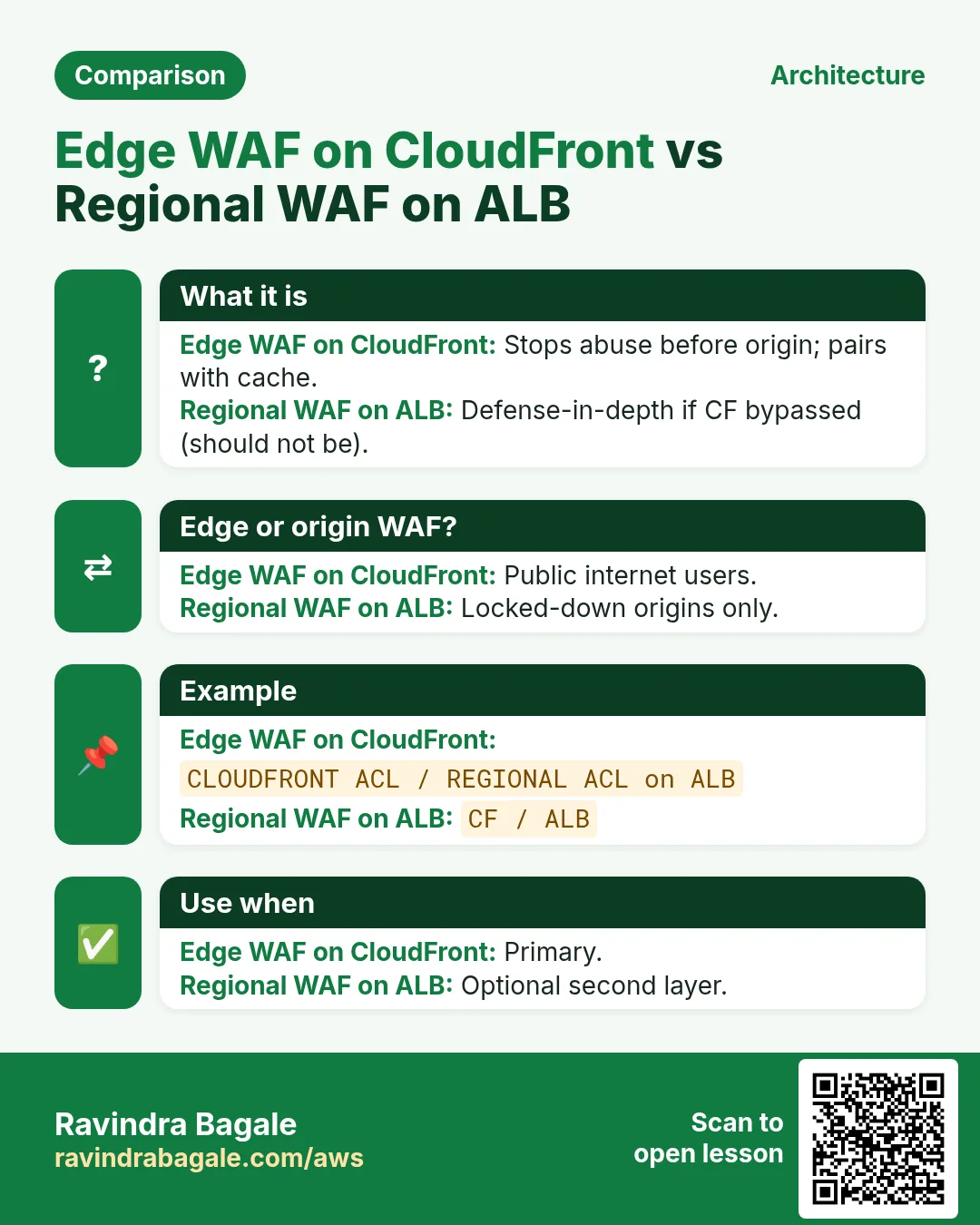
- WAF (CLOUDFRONT scope, us-east-1): managed CRS/SQLi Count→Block, rate /login, geo as needed
- Shield Advanced: protect CF/R53/ALB; health-based; protection group “crm-public”
- ALB + ASG: max capacity caps; WAF REGIONAL optional defense-in-depth
- Firewall Manager: org policy for required WAF rule groups on all public ACLs
- Logging: WAF → Firehose → SIEM; CF/ALB access logs; Shield metrics alarms
4. How to wire it (checklist + CLI sketches)
How to do it (step by step)
# 0) Decisions
# - Shield Advanced: yes (memo from ch3)
# - WAF scope for public: CLOUDFRONT in us-east-1
# - Regional WAF on ALB: optional second layer

# 1) Web ACL (us-east-1, CLOUDFRONT) — rules from ch2 pattern
aws wafv2 create-web-acl --name crm-public-edge --scope CLOUDFRONT --region us-east-1 \
  --default-action Allow={} --visibility-config SampledRequestsEnabled=true,CloudWatchMetricsEnabled=true,MetricName=crmPublicEdge \
  --rules file://edge-rules.json

# 2) Attach to CloudFront distribution (WebACLId = ACL ARN)
# (distribution create/update — see survey chapter for HTTPS/OAC)

# 3) Route 53 alias A/AAAA to CloudFront; health check on /health
# 4) Shield Advanced protections on CF, R53 hosted zone, ALB; create protection group
# 5) Firewall Manager security policy: WAFv2 → associate to CloudFront resources in org OUs
# 6) Alarms: Shield DDoS detected, WAF BlockedRequests spike, ALB 5xx, ASG at MaxSize
5. Firewall Manager role
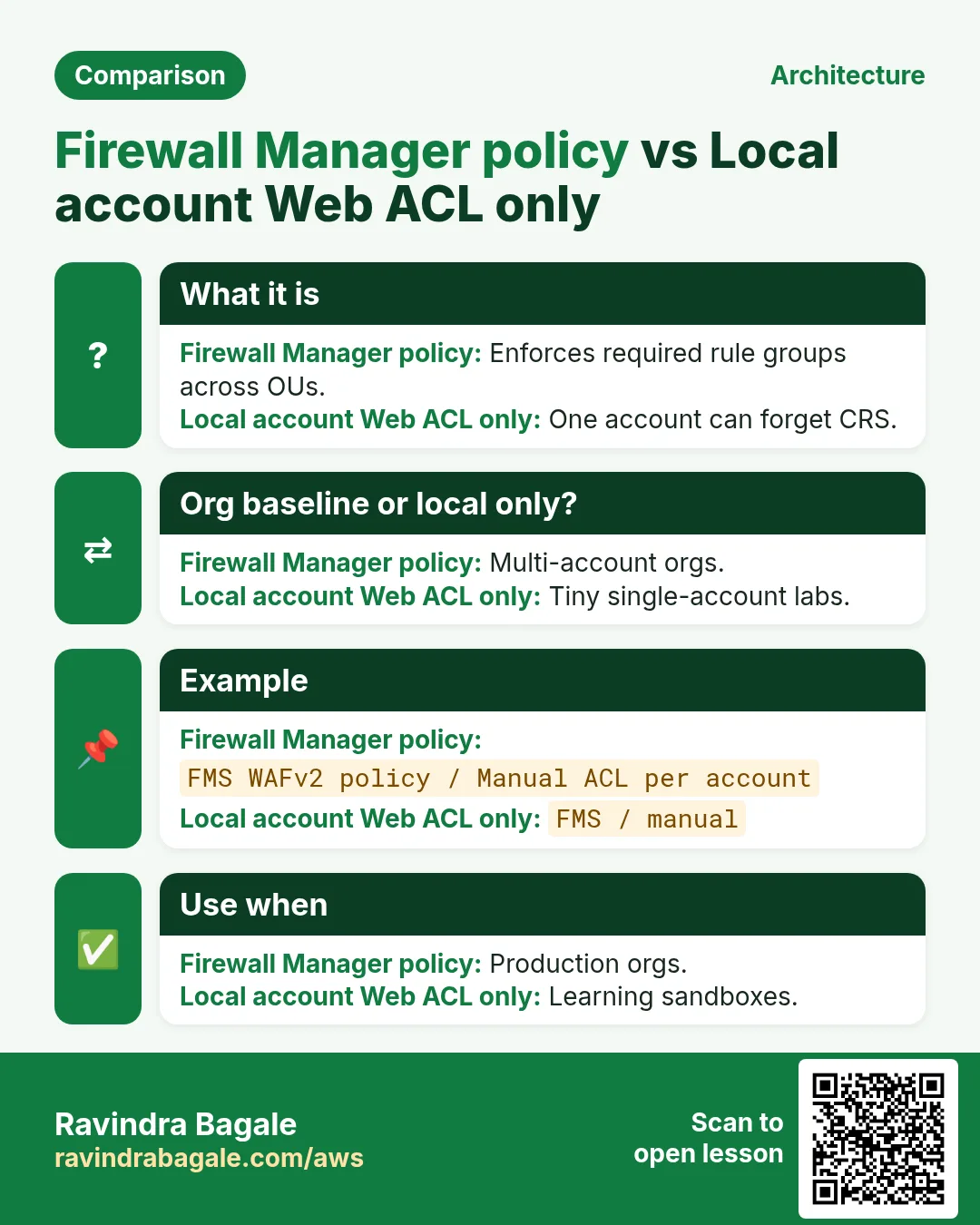
AWS Firewall Manager centrally deploys WAF rule groups, Shield Advanced policy, security groups, and network firewall policies across accounts. For this project: a WAFv2 policy that requires CRS+SQLi on every CloudFront Web ACL in the “Public” OU, with a Change Administrator account owning the policy.
6. Incident runbooks
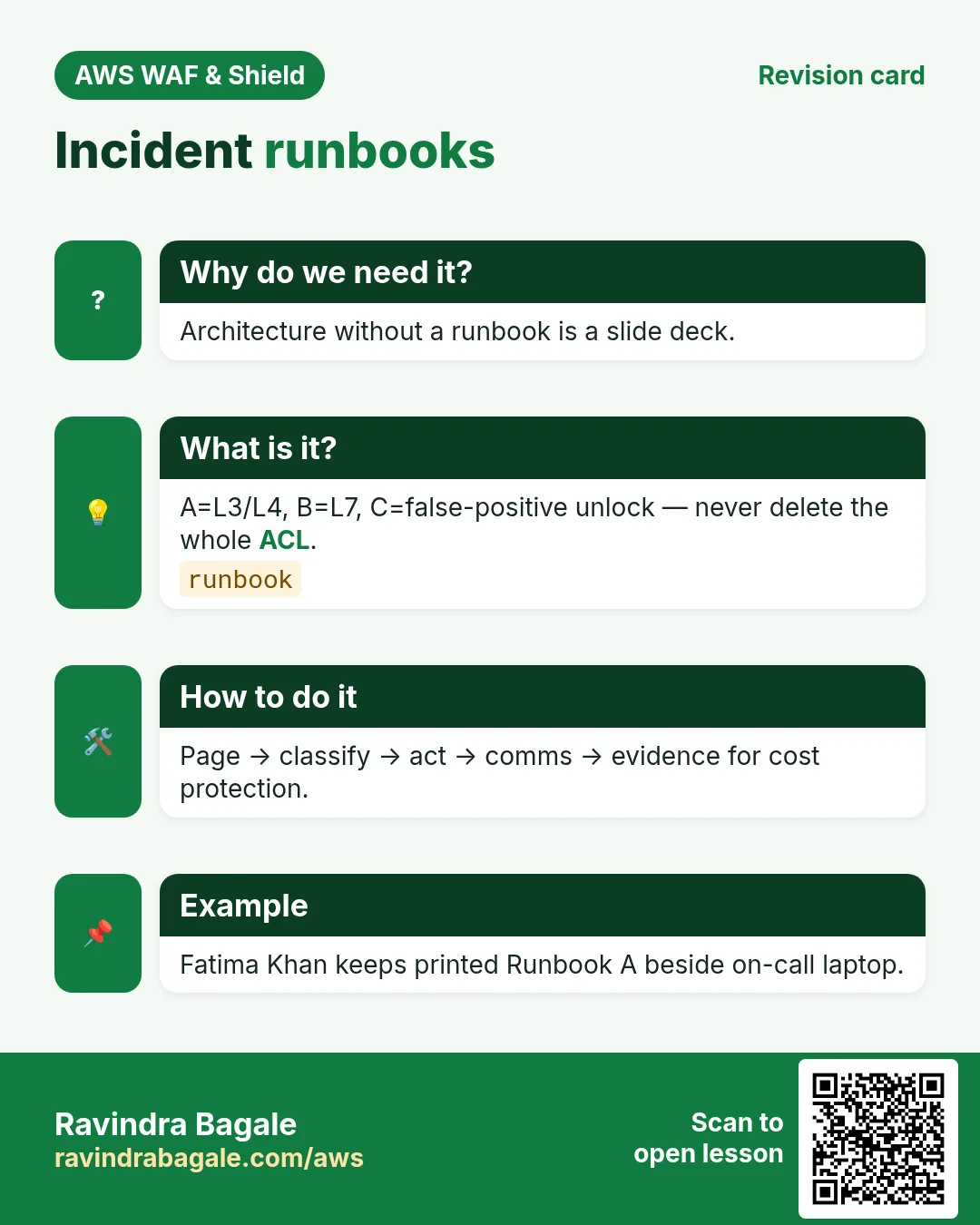
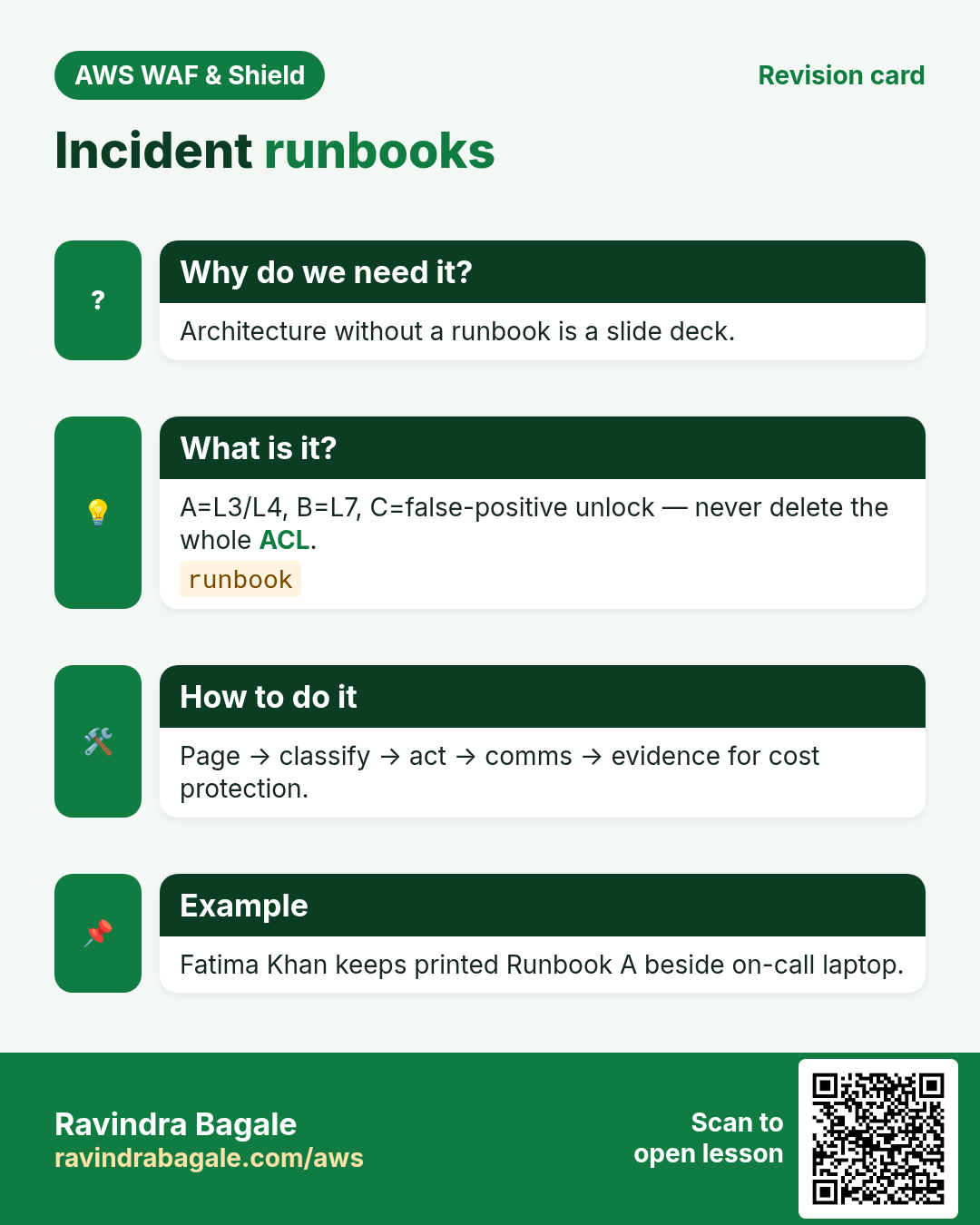
Runbook A — suspected L3/L4 volumetric
- Declare incident; page on-call + security.
- Check Shield console / CloudWatch for DDoSDetected.
- Confirm Route 53 and CloudFront still resolve/serve cache.
- If Advanced: engage SRT with attack start time + protected resource ARNs.
- Raise ASG max only within pre-approved caps; watch bill.
- Comms: status page via R53 failover if origin sick.
- Hourly notes; preserve metrics for cost protection claim.
Runbook B — suspected L7 HTTP flood / abuse
- Check WAF BlockedRequests and Top rules in sampled/logs.
- Tighten rate-based on hot URIs; temporary emergency IP Block at prio 10.
- Flip relevant Count→Block if already validated.
- CAPTCHA/Challenge on browser paths only.
- If Advanced + severe: SRT for L7 guidance.
- Post-incident: keep emergency rules with expiry date in ticket.
Runbook C — false positive outage
- Identify ruleId from 403 logs.
- Override that rule to Count or add narrow Allow at higher priority.
- Never delete the whole Web ACL under pressure.
- Customer comms: “security filter false positive, mitigated”.
7. Multi-industry variants
- Ecommerce flash sale (Lucas Meyer): Bot Control + 429 custom + ASG scheduled scale
- Fintech (Arjun Mehta): stricter rate on /pay /otp; no Challenge on APIs
- Healthcare (Priya Nair): geo allow + CRS; PHI stays off edge logs (redact)
- Gaming (Mei Chen): Shield Advanced mandatory; protection group per title
- Gov (Rahul Deshmukh): FMS org-wide; CAPTCHA on forms; SRT tabletop yearly
8. Lab: architecture diagram + tabletop + mini proof
Do this in ap-south-1 (Mumbai) unless your org forbids it. Set a budget alert first.
How to do it (step by step)
- Draw the reference architecture with ARNs placeholders for your lab account.
- Create (or reuse) CLOUDFRONT Web ACL in us-east-1; attach to a lab distribution.
- Add rate rule; curl flood lab path → 403; save proof.
- Write Runbook A/B/C one-pagers in the repo.
- Draft Firewall Manager policy text (even if org lacks FMS — as design).
Cleanup (stop billing)
- Disassociate lab Web ACL; delete lab ACL/IP sets if dedicated.
- Revert any emergency prio-10 rules.
- Do not leave Shield Advanced enabled without budget owner sign-off.
9. Common errors and fixes
Each row is a real mistake students and juniors hit. Read the fix before you panic.
| Error / symptom | Fix |
|---|---|
| Web ACL associated but still no blocks | Wrong scope (REGIONAL vs CLOUDFRONT) or rule still in Count. |
| Managed rule false-positive on legit traffic | Use Count first; add narrow Allow or label exclusion. |
| Rate-based rule never trips | Window/threshold too high; or IP header not the one you think (X-Forwarded-For). |
| 403 on health checks | Health checker IP not allowlisted at higher priority. |
| CAPTCHA on API clients | CAPTCHA/Challenge need a browser; use Block/rate for pure APIs. |
| Logs empty after put-logging-configuration | Destination ARN wrong; bucket policy missing wafv2.amazonaws.com. |
| Cannot associate to CloudFront | CLOUDFRONT Web ACLs must be created in us-east-1. |
| Shield Advanced bill shock | Advanced is monthly per org + data transfer; confirm before enable. |
| Origin ASG scaled to cost spiral during attack | Pre-set MaxSize + budget alarms + Shield cost protection. |
| FMS policy fought local ACL edits | Understand FMS vs local admin; use exemptions carefully. |
| R53 failover to empty bucket | Pre-stage static status page with its own OAC/policy. |
| Ran L3 runbook on L7 attack | Classify first: packets vs HTTP. |
10. Troubleshooting checklist
- Confirm Web ACL scope matches resource type.
- Open Sampled requests for the last 3 hours.
- Diff priorities: is an Allow above your Block?
- curl -v with and without the attack payload.
- Check WAF logs in S3/Firehose for ruleId and action.
- For CloudFront: confirm us-east-1 Web ACL and distribution id.
- For ALB: confirm association ARN equals the listener’s load balancer.
- If Shield Advanced: check protection status and health checks.
11. FAQ
Q. Is AWS WAF the same as a network firewall?
No. WAF inspects HTTP/HTTPS (Layer 7). Network Firewall / Security Groups cover lower layers. Shield covers volumetric DDoS.
Q. Do I need WAF if I already have CloudFront?
CloudFront caches and TLS-terminates; WAF adds Layer-7 rules. Many teams attach WAF to the distribution. See the CloudFront+WAF survey chapter.
Q. Count vs Block — when?
Count for learning and low-confidence rules; Block when false-positive rate is acceptable.
Q. Shield Standard vs Advanced in one line?
Standard is free automatic L3/L4 on AWS; Advanced adds L7 DDoS tools, SRT, cost protection, health-based detection for a fee.
Q. Do I need WAF on both CloudFront and ALB?
Edge WAF is primary; regional on ALB is defense-in-depth if someone bypasses CF (lock that down with SG/OAC).
Q. Firewall Manager vs Config rules?
FMS deploys/enforces security policies (WAF/Shield/SG/NFW); Config audits.
Q. Who owns the runbook?
Named on-call rotation + security champion; review quarterly.
Q. Is Auto Scaling a DDoS control?
Capacity help only — without caps it becomes a bill weapon. Pair with Shield/WAF.
12. Interview Q&A
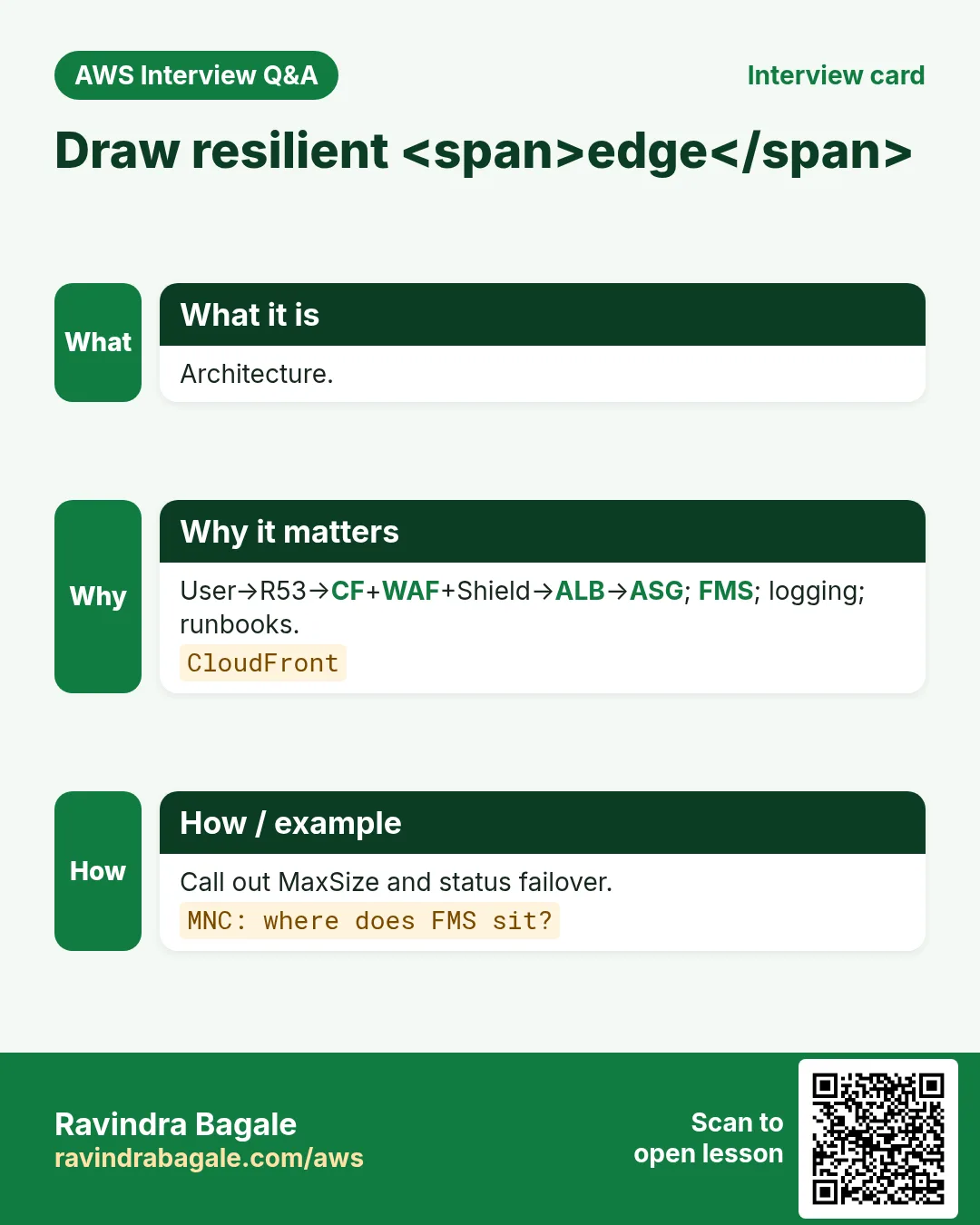
Q. Draw DDoS-resilient AWS edge for a payments API.
R53→CF+WAF+Shield→ALB/ASG; FMS baseline; runbooks; logging.
Q. Shield vs WAF vs SG one line each.
Shield DDoS; WAF L7; SG L3/L4 ports.
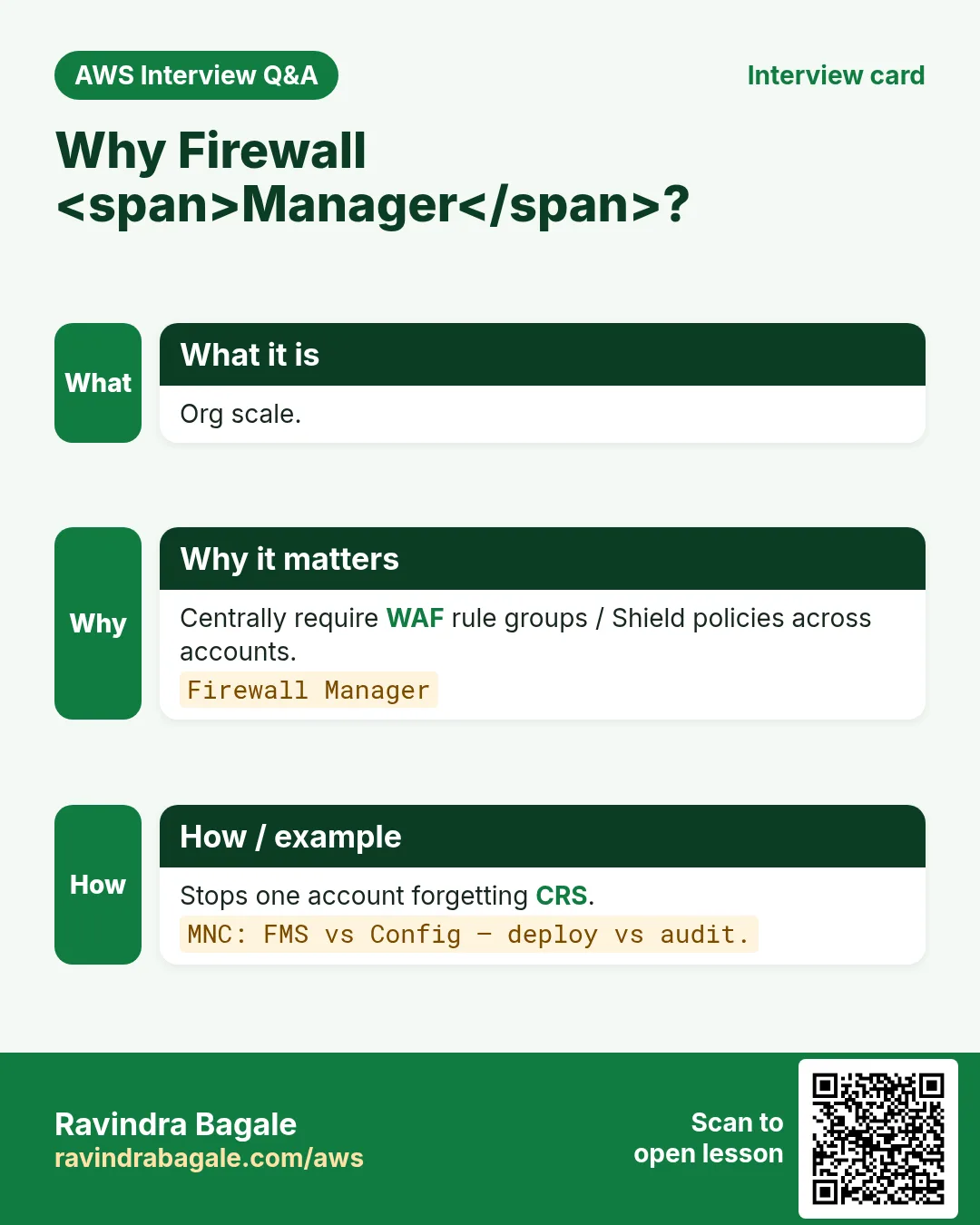
Q. Why Firewall Manager here?
Org-wide baseline so one account cannot “forget” CRS.
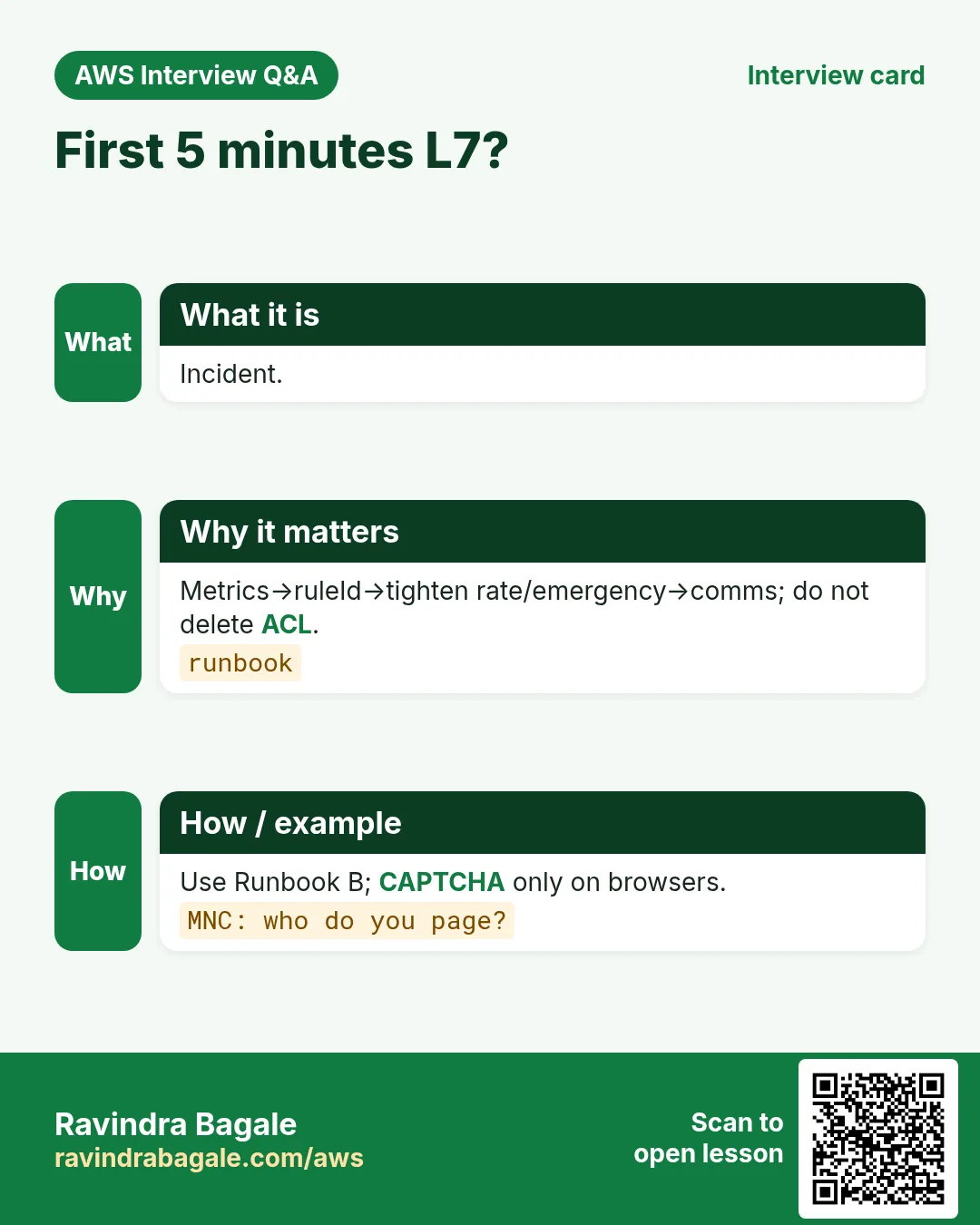
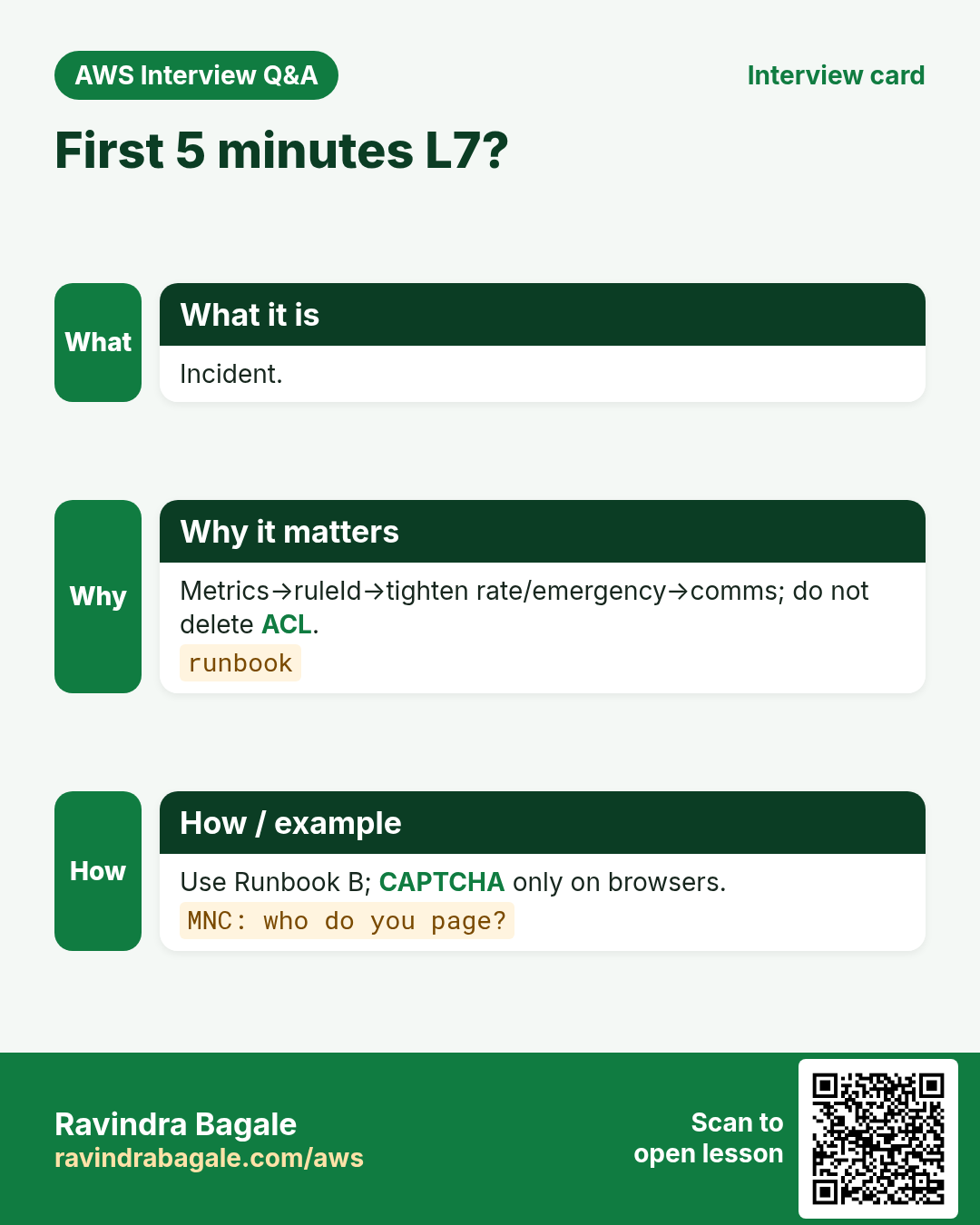
Q. First five minutes of an L7 incident?
Metrics→ruleId→tighten rate/emergency Allow-list→comms.
Q. MNC: how do you avoid ASG bill shock?
MaxSize, budgets, Shield cost protection, cache at CF.
Q. MNC: evidence for cost protection claim?
Timestamps, Shield event ids, metrics exports, ticket ids.
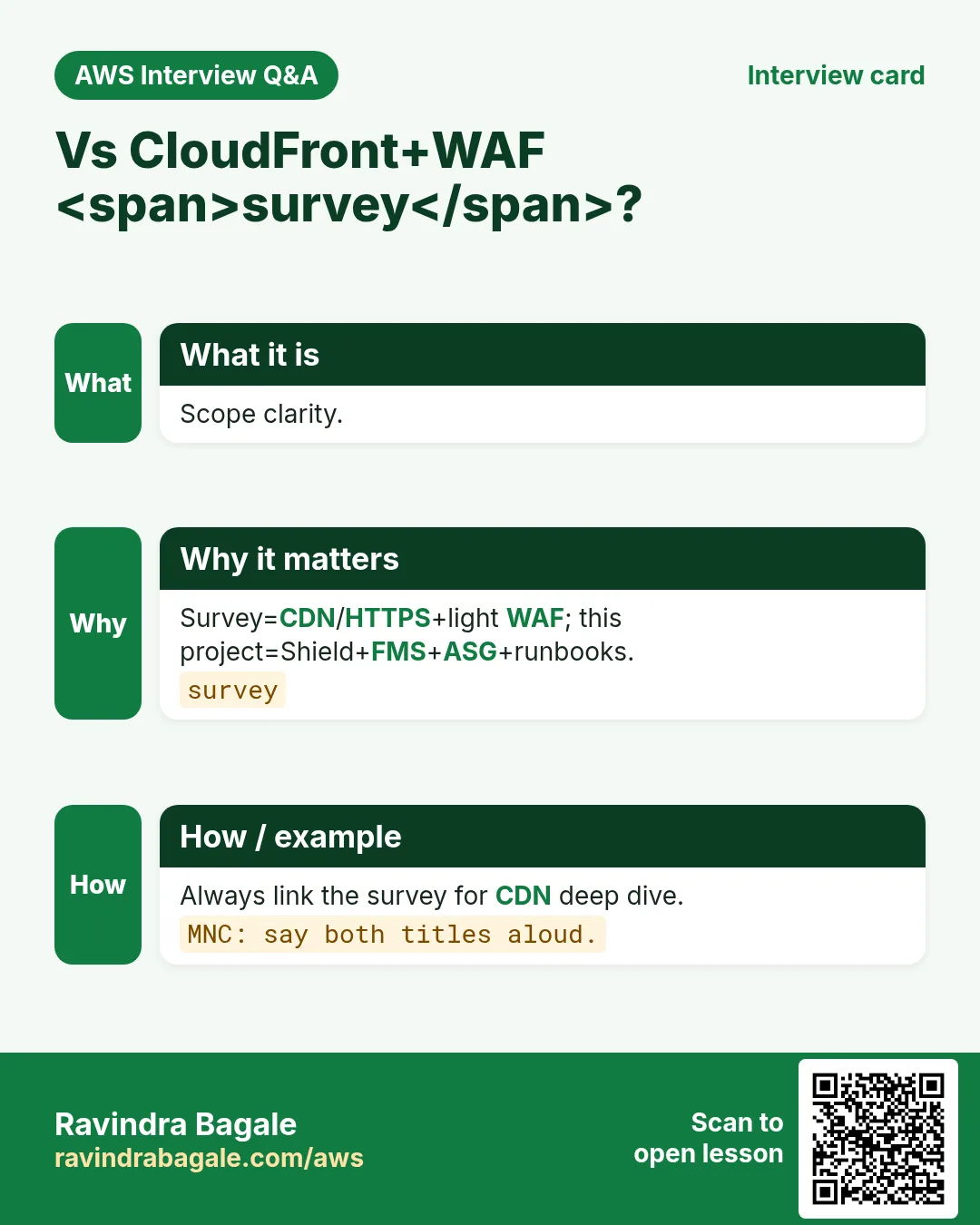
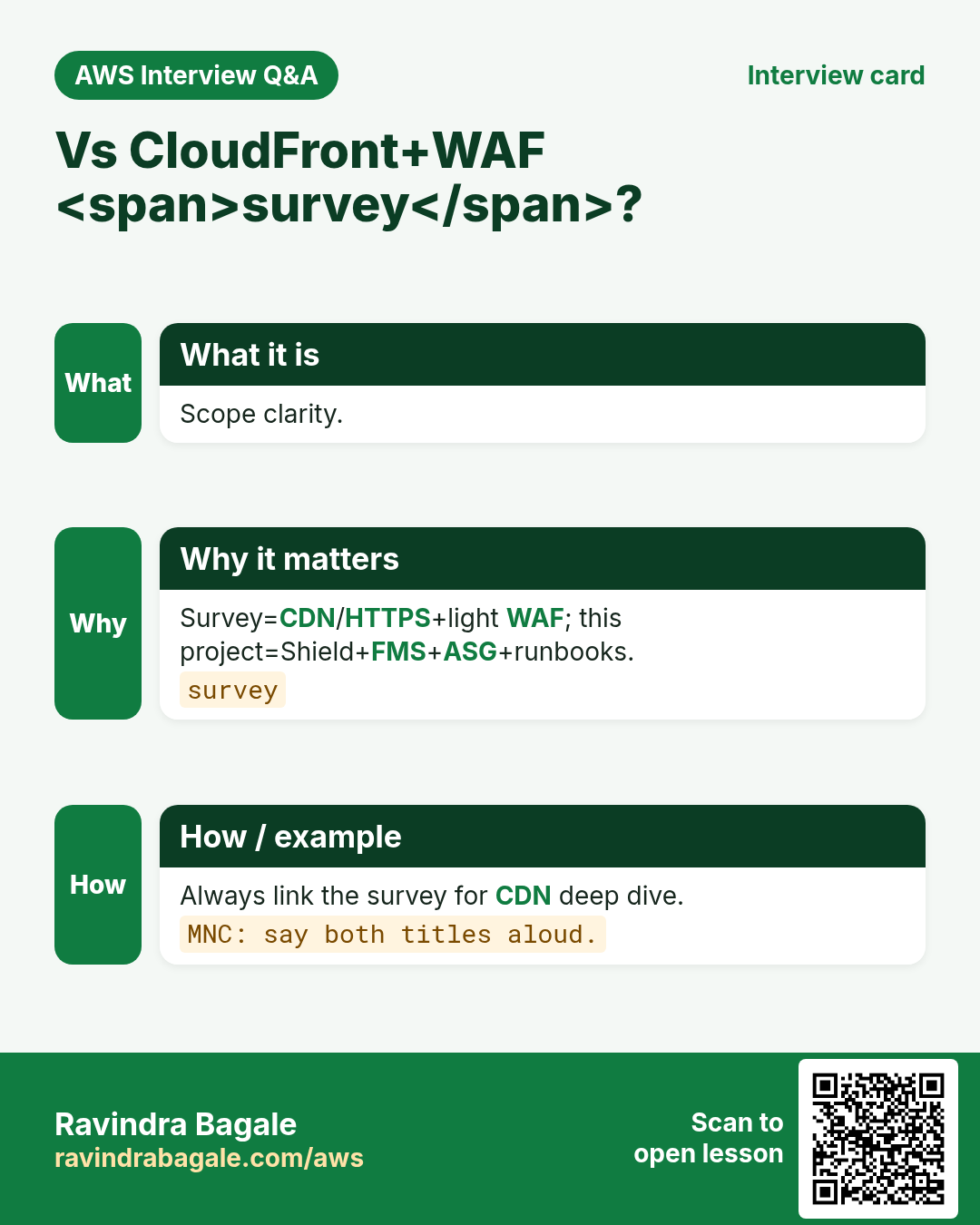
Q. How does this differ from the CloudFront+WAF survey?
Survey teaches CF+light WAF; this project stitches Shield+FMS+ASG+runbooks.
Q. Protection group example.
All CloudFront distributions for crm-public brand.
13. Tips in English, Marathi and Hindi
Ravindra Bagale's Tip (EN)
Architecture without a runbook is a slide deck. Print Runbook A/B/C next to the on-call laptop.
Ravindra Bagale's Tip (MR)
Runbook नसलेली architecture = slide deck. A/B/C print करून on-call जवळ ठेवा.
Tip (HI)
बिना runbook की architecture स्लाइड है। A/B/C प्रिंट कर on-call के पास रखें.
Try at home
- Complete the lab diagram and store it with the 403 proof.
- Tabletop Runbook A with a friend for 15 minutes.
- List FMS OUs you would target in your org.
In short
- Layer DNS + CF + Shield + WAF + ALB/ASG + FMS + humans.
- Primary WAF at CloudFront; optional regional.
- Runbooks A/B/C for L3/L4, L7, false positive.
- ASG MaxSize + budgets prevent bill weapons.
- Link survey for CDN/HTTPS deep dive.
14. WAF design checklist before you publish
- Write the threat in one sentence (bot scrape, SQLi, credential stuffing, country block).
- Choose scope: CloudFront (global) vs regional (ALB/API GW/AppSync).
- List default action: Allow with Block rules, or Block with Allow exceptions.
- Decide priority bands: 0–99 emergency, 100–499 allowlists, 500–899 managed, 900+ rate.
- Start risky new rules in Count for 24–72 hours, then flip to Block.
- Plan CAPTCHA/Challenge only where a human can solve them (not pure APIs).
- Enable logging to S3 or Firehose before the first Block go-live.
- Document the curl allow test and the 403 deny test.
- Name the owner on-call for false-positive unlocks.
- Link back to the CloudFront+WAF survey chapter for CDN/HTTPS basics.
15. Copy-paste WAF CLI runbook
# Region for REGIONAL Web ACL (ALB / API GW). Use --scope CLOUDFRONT + us-east-1 for CDN.
export AWS_REGION=ap-south-1
export NAME=rb-waf-lab-$(date +%s)

# IP set (office allowlist example)
aws wafv2 create-ip-set --name $NAME-office --scope REGIONAL --region $AWS_REGION \
  --ip-address-version IPV4 --addresses 203.0.113.10/32

# Web ACL skeleton (default Allow; add rules in console or JSON)
aws wafv2 create-web-acl --name $NAME --scope REGIONAL --region $AWS_REGION \
  --default-action Allow={} --visibility-config SampledRequestsEnabled=true,CloudWatchMetricsEnabled=true,MetricName=$NAME \
  --rules file://rules.json

# Associate to ALB
aws wafv2 associate-web-acl --web-acl-arn $WEB_ACL_ARN --resource-arn $ALB_ARN --region $AWS_REGION

# Logging
aws wafv2 put-logging-configuration --logging-configuration \
  ResourceArn=$WEB_ACL_ARN,LogDestinationConfigs=$LOG_BUCKET_ARN

# Test
curl -s -o /dev/null -w "%{http_code}\n" https://app.example.com/
# expect 200 for allow path; 403 for blocked path
16. Priority bands that interviewers love
- 0–99: emergency Block / IP denylist (fastest kill switch)
- 100–199: explicit Allow for partners / health checks / office IP
- 200–499: geo / ASN / bot control early filters
- 500–799: AWS Managed Rules (SQLi, XSS, WordPress, Linux, Windows)
- 800–899: custom body / header / URI matches
- 900–999: rate-based rules (last line before default)
Lower number = higher priority. First matching terminating action wins. Count never terminates — evaluation continues.
17. Industry story bank (reuse the pattern)
Use the same WAF pattern across industries — only change IP sets, geo lists, URI paths, and rate thresholds.
- Fintech (Arjun Mehta, UPI wallet, Mumbai): rate-limit /login and /otp; CAPTCHA on password reset.
- Healthcare (Priya Nair, clinic portal, Kochi): geo allow India+UAE; Block SQLi on /api/patients.
- EdTech (Sofia Alvarez, LMS, Bogotá): Challenge on scraping /courses; Allow CDN health.
- Ecommerce (Lucas Meyer, D2C, Berlin): Bot Control on flash-sale; custom 429 HTML.
- Media (Fatima Khan, newsroom, Dubai): rate on /search; Block known bad ASNs.
- SaaS (Ananya Iyer, B2B CRM, Bengaluru): IP allow partner webhooks; Block rest on /hooks.
- Logistics (Kenji Watanabe, fleet API, Tokyo): geo Japan+SG; rate on /track.
- Government (Rahul Deshmukh, state portal, Nagpur): managed Core Rule Set + CAPTCHA on forms.
- Gaming (Mei Chen, matchmaking API, Singapore): Shield Advanced + WAF rate on /join.
- Travel (Amina Okello, booking, Nairobi): geo allow Africa+EU partners; Block card-testing paths.
18. False-positive unlock runbook
- Find the blocked request in Sampled requests or WAF logs (rule id + label).
- Reproduce with curl -v and the same headers/body.
- If Count would have been enough, flip Block→Count for that rule only.
- Add a narrow Allow rule at higher priority (specific URI + IP) rather than disabling the whole managed group.
- Label-match exclusions inside managed rule groups when AWS supports them for that group.
- Re-test allow and deny paths; leave a ticket with request id.
- Never set default action to Allow and delete all rules under pressure.
19. What good looks like in a PR review
- Scope (REGIONAL vs CLOUDFRONT) matches the resource.
- Priorities documented in a table in the PR.
- New managed rules started in Count with a flip date.
- Logging destination exists and is encrypted.
- curl 200 and curl 403 proofs pasted.
- Link to CloudFront+WAF survey for CDN/TLS context.
- Shield Advanced decision recorded (yes/no + reason).
20. Related chapters on this site
- CloudFront + WAF survey (CDN, HTTPS, light WAF): open chapter
- Well-Architected Framework (security pillar context): next chapter after this series.
- S3 bucket policy projects (origin hardening behind OAC).
21. Metric and alarm starter pack
Create these CloudWatch alarms on day one so an attack is not a Slack surprise. Thresholds are starting points — tune per app.
- WAF BlockedRequests Sum > N for 5 minutes on the Web ACL metric
- WAF CountedRequests Sum high on a rule still in Count (review before flip)
- ALB HTTPCode_Target_5XX_Count spike
- ASG GroupInServiceInstances at MaxSize for 10 minutes
- Shield Advanced DDoSDetected = 1 (if subscribed)
- CloudFront 4xx/5xx error rate
- Route 53 health check Unhealthy
- WAF logging delivery errors (Firehose throttles)
22. Sampled requests reading guide
- Open Web ACL → Sampled requests → pick a rule.
- Note action (Count/Block), URI, country, and matched data.
- Decide: true positive (keep Block), false positive (Count or exclude), or need CAPTCHA.
- Export request ids into the ticket for auditors.
- Never tune only from memory — tune from samples + logs.
23. WAF + Shield glossary (exam friendly)
| Term | Meaning |
|---|---|
| Web ACL | Container of rules + default action |
| Scope | REGIONAL or CLOUDFRONT |
| Managed rule group | AWS/marketplace signatures |
| Label | Tag for downstream rules |
| Rate-based | Threshold per 5-minute window |
| SRT | Shield Response Team (Advanced) |
| Protection group | Bundle of Shield Advanced protections |
| Firewall Manager | Org-wide security policy deployment |
| Cost protection | Advanced reimbursement path for attack-driven charges |
| Challenge | Silent browser JS challenge action |
24. Fifteen-minute tabletop script
- Minute 0–2: Inject scenario (“CF 5xx + Shield metric up” or “login 403 storm”).
- Minute 2–5: Classify L3/L4 vs L7; name the runbook.
- Minute 5–10: Say aloud the first three console clicks + who to page.
- Minute 10–13: Customer comms one-liner.
- Minute 13–15: Note one gap to fix in the real runbook.
25. Cost notes (approximate mindset)
WAF charges for Web ACLs, rules, and request units; Bot Control/ATP add-ons cost more. Shield Advanced has a monthly org fee plus data-transfer related charges — confirm on the AWS pricing page the day you buy. Logging to Firehose/S3/CW adds storage and throughput cost. Always set budgets.
26. Security hygiene beyond WAF
- Lock origins so clients cannot bypass CloudFront (SG, OAC, custom header).
- Least-privilege IAM for wafv2:* on deploy roles.
- Encrypt log buckets; block public access on log buckets.
- Quarterly review of IP sets and geo lists (people travel; offices move).
- Redact Authorization and cookie headers in WAF logs.
- Keep a break-glass Allow rule documented but disabled.
27. Pairing with other AWS chapters on this site
Read S3 policy projects when hardening origins behind OAC. Read Well-Architected (next after this series) for the security pillar checklist. Read the CloudFront+WAF survey when you need CDN caching and HTTPS step-by-step.
28. Request flow deep dive (teacher board)
A browser hits https://app.example.com/login. DNS (Route 53) returns CloudFront. TLS ends at CloudFront. WAF Web ACL (CLOUDFRONT, us-east-1) evaluates rules by priority. A Count rule on CRS may label the request. A rate-based rule may Block with 403. If Allow, CloudFront cache or origin fetch runs. Origin ALB may have a second REGIONAL Web ACL. Shield watches volumetric patterns the whole time. Logs land in S3/Firehose for the SOC.
- DNS resolve and TLS handshake (Shield sees floods here).
- WAF evaluation at edge (L7).
- Cache hit/miss at CloudFront.
- Origin request to ALB; optional regional WAF.
- ASG target serves app; health checks continue.
- Metrics + logs + optional SRT.
29. Rule JSON anatomy (read aloud)
{
  "Name": "RateLogin1000",
  "Priority": 900,
  "Action": {"Block": {"CustomResponse": {"ResponseCode": 429}}},
  "VisibilityConfig": {
    "SampledRequestsEnabled": true,
    "CloudWatchMetricsEnabled": true,
    "MetricName": "RateLogin1000"
  },
  "Statement": {
    "RateBasedStatement": {
      "Limit": 1000,
      "AggregateKeyType": "IP",
      "ScopeDownStatement": {
        "ByteMatchStatement": {
          "SearchString": "/login",
          "FieldToMatch": {"UriPath": {}},
          "TextTransformations": [{"Priority": 0, "Type": "LOWERCASE"}],
          "PositionalConstraint": "STARTS_WITH"
        }
      }
    }
  }
}
30. Text transformations cheat sheet
- LOWERCASE — normalise path/header compares
- URL_DECODE / URL_DECODE_UNI — catch encoded probes
- HTML_ENTITY_DECODE — body HTML tricks
- CMD_LINE — OS command obfuscation (with care)
- Compress whitespace / Strip — reduce bypass noise
- Apply in priority order inside the rule
31. Office-hours mini drills (students)
- Drill 1: Explain why Count does not stop later rules (2 minutes).
- Drill 2: Given priorities 10 Block IP, 100 Allow /health, 500 CRS — what happens to office IP hitting /health?
- Drill 3: Write curl that should 403 under SQLi Block.
- Drill 4: Name three Shield Advanced-only features.
- Drill 5: Sketch Runbook B first three steps from memory.
- Drill 6: Where must a CloudFront Web ACL be created?
- Drill 7: Who wins — managed Block vs later Allow at higher number?
- Drill 8: Redact which headers in WAF logs for a bank?
32. Change calendar (safe rollout)
- Day 0: ACL + logging + Allow default + health Allow rule
- Day 1: Managed groups in Count
- Day 2–3: Review sampled; add exclusions
- Day 4: Flip SQLi/CRS to Block off-peak
- Day 5: Rate-based on /login in Count then Block
- Day 7: CAPTCHA on password reset only
- Day 14: Firewall Manager baseline if org-ready
- Day 30: Tabletop + Advanced decision revisit
Revision, interview and comparison cards
Revise this lesson in a few minutes. Save the cards on your phone or download them as PNG files. The QR code on each card opens this lesson.
More cards: Ravi Sir's Cards.
Practice Tasks
Amravati Agro Market is a agriculture business in Amravati. Anjali Thakre looks after its IT and cloud work. They count money in INR and run their AWS resources in the ap-south-1 Region. In the tasks below you do real jobs for them using what this lesson teaches. All names, account IDs, IP addresses and numbers are made up for practice.
0 / 16
Easy Primary WAF at CloudFront — 1
Why: Edge.
What to do: Enter 1 if public sites should put primary WAF on CloudFront.
- Write down the numbers the task gives you.
- Work it out step by step on paper.
- Type only the final answer in the box.
- Click Check answer.
Easy FMS org baseline — 1
Why: Org.
What to do: Enter 1 if Firewall Manager can enforce org-wide WAF baselines.
- Write down the numbers the task gives you.
- Work it out step by step on paper.
- Type only the final answer in the box.
- Click Check answer.
Easy ASG MaxSize needed — 1
Why: Bill.
What to do: Enter 1 if ASG MaxSize caps help stop DDoS bill shock.
- Write down the numbers the task gives you.
- Work it out step by step on paper.
- Type only the final answer in the box.
- Click Check answer.
Easy Edge flow JSON
Why: Order.
What to do: JSON first_hop Route53.
- Start from the top-level keys the task names.
- Indent child keys with 2 spaces (no tabs).
- Fill in each property with the value from the task.
- Click Check answer. Key order does not matter.
Easy List CLOUDFRONT Web ACLs
Why: Edge.
What to do: List Web ACLs scope CLOUDFRONT.
- Read the task and decide which AWS service it is about.
- Write aws, then the service name, then the operation (the action word).
- Add each needed flag (--name) followed by its value from the task.
- Flags can be in any order. Click Check answer.
Medium Runbook A is L3/L4 — 1
Why: Volumetric.
What to do: Enter 1 if Runbook A covers L3/L4 volumetric.
- Write down the numbers the task gives you.
- Work it out step by step on paper.
- Type only the final answer in the box.
- Click Check answer.
Medium Runbook B is L7 — 1
Why: HTTP.
What to do: Enter 1 if Runbook B covers L7 HTTP abuse.
- Write down the numbers the task gives you.
- Work it out step by step on paper.
- Type only the final answer in the box.
- Click Check answer.
Medium Never delete whole ACL in FP — 1
Why: Unlock.
What to do: Enter 1 if false positives should not delete the whole Web ACL.
- Write down the numbers the task gives you.
- Work it out step by step on paper.
- Type only the final answer in the box.
- Click Check answer.
Medium Edge WAF scope JSON
Why: CF.
What to do: JSON edge_waf_scope CLOUDFRONT.
- Start from the top-level keys the task names.
- Indent child keys with 2 spaces (no tabs).
- Fill in each property with the value from the task.
- Click Check answer. Key order does not matter.
Medium List Shield protections
Why: Advanced.
What to do: List Shield protections.
- Read the task and decide which AWS service it is about.
- Write aws, then the service name, then the operation (the action word).
- Add each needed flag (--name) followed by its value from the task.
- Flags can be in any order. Click Check answer.
Medium List Route53 hosted zones
Why: DNS.
What to do: List hosted zones.
- Read the task and decide which AWS service it is about.
- Write aws, then the service name, then the operation (the action word).
- Add each needed flag (--name) followed by its value from the task.
- Flags can be in any order. Click Check answer.
Hard R53 failover status page — 1
Why: Comms.
What to do: Enter 1 if Route 53 failover can point to a status page.
- Write down the numbers the task gives you.
- Work it out step by step on paper.
- Type only the final answer in the box.
- Click Check answer.
Hard Keep attack evidence — 1
Why: Cost.
What to do: Enter 1 if you keep timestamps and Shield event ids for cost protection.
- Write down the numbers the task gives you.
- Work it out step by step on paper.
- Type only the final answer in the box.
- Click Check answer.
Hard Runbook B name JSON
Why: L7.
What to do: JSON runbook L7_HTTP.
- Start from the top-level keys the task names.
- Indent child keys with 2 spaces (no tabs).
- Fill in each property with the value from the task.
- Click Check answer. Key order does not matter.
Hard FMS policy type JSON
Why: WAF.
What to do: JSON fms_policy WAFv2.
- Start from the top-level keys the task names.
- Indent child keys with 2 spaces (no tabs).
- Fill in each property with the value from the task.
- Click Check answer. Key order does not matter.
Hard Describe Auto Scaling groups
Why: Caps.
What to do: Describe Auto Scaling groups.
- Read the task and decide which AWS service it is about.
- Write aws, then the service name, then the operation (the action word).
- Add each needed flag (--name) followed by its value from the task.
- Flags can be in any order. Click Check answer.