AWS Backup and Disaster Recovery Plans Explained for Beginners
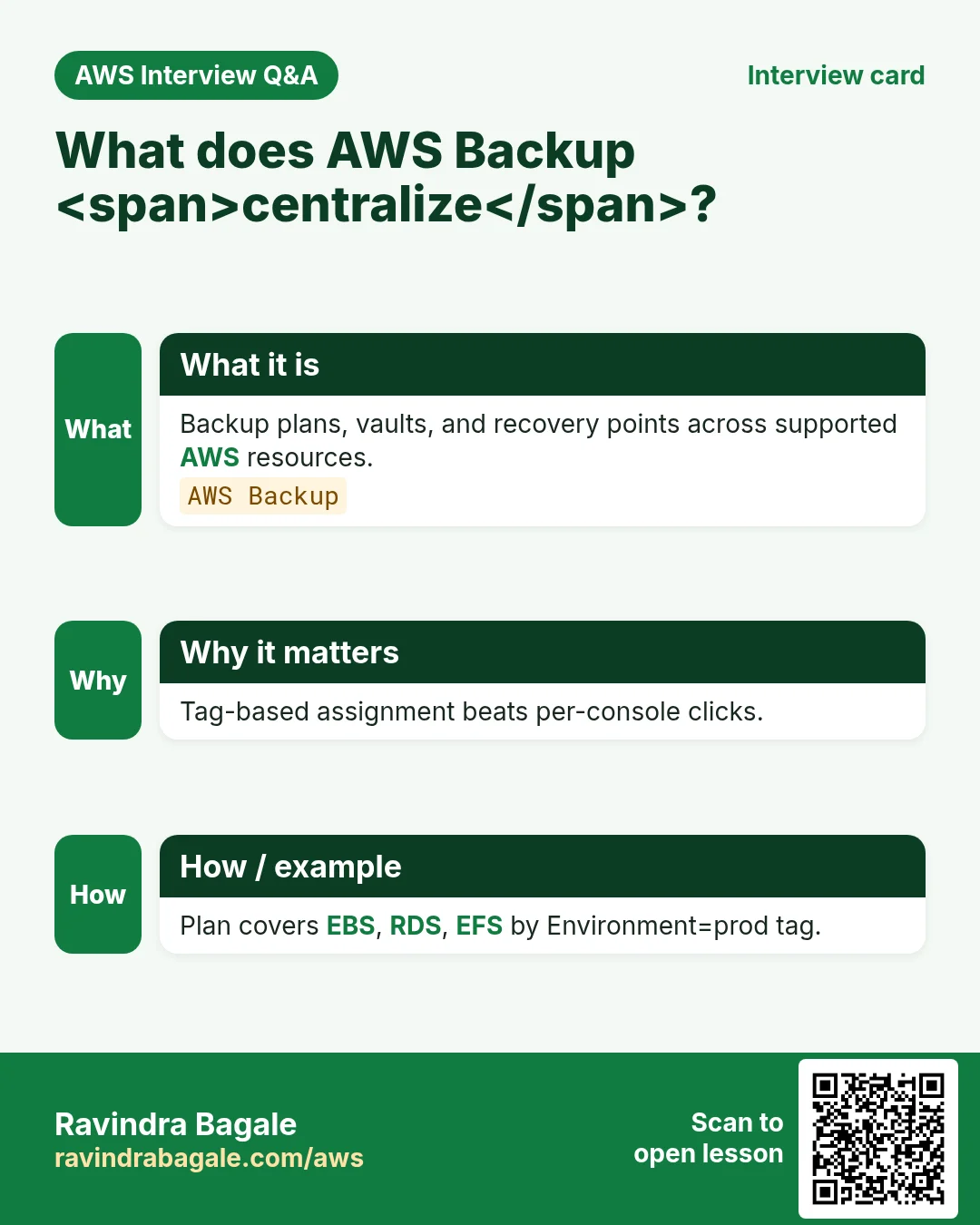
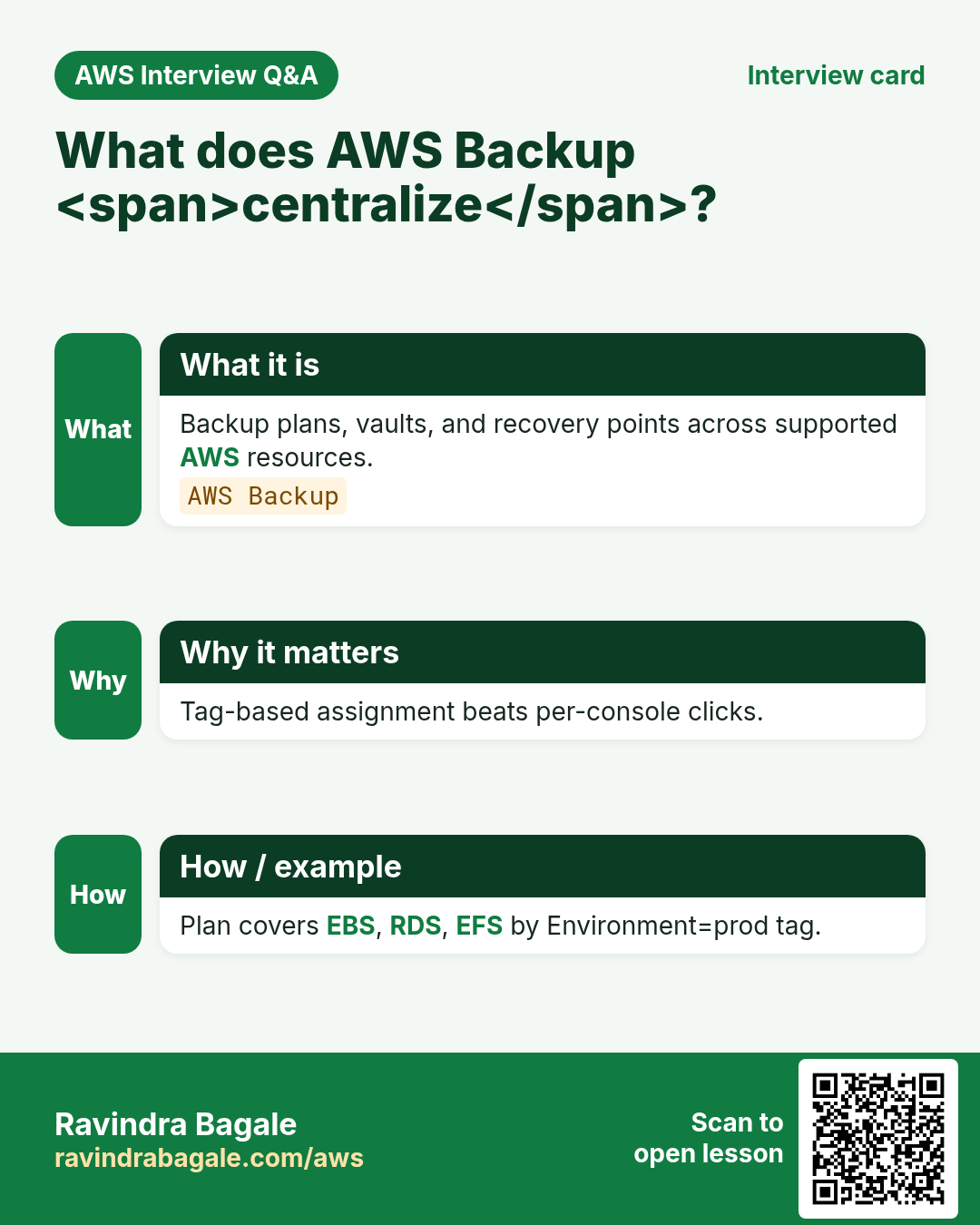
A laptop dies and students panic about project files. In AWS the same fear is bigger: a region event, ransomware, or an accidental delete of an EBS volume. AWS Backup centralizes backup plans; disaster recovery (DR) is the practiced plan to meet RPO and RTO — not a vague “we have snapshots”.
What you'll learn in this chapter
- Why backups and DR are different
- What AWS Backup plans, vaults and copies are
- How to choose pilot light vs warm standby vs multi-site
- Industries and compliance angles
- Lab, errors, FAQ, interview
1. Everyday example first
A Pune clinic runs RDS + EFS for reports. Nightly AWS Backup plan snapshots both into a vault with 35-day retention and copies weekly to ap-southeast-1. They restore a table to a staging instance every month — a drill, not a hope.
2. Why AWS Backup and DR?
Why do we need this?
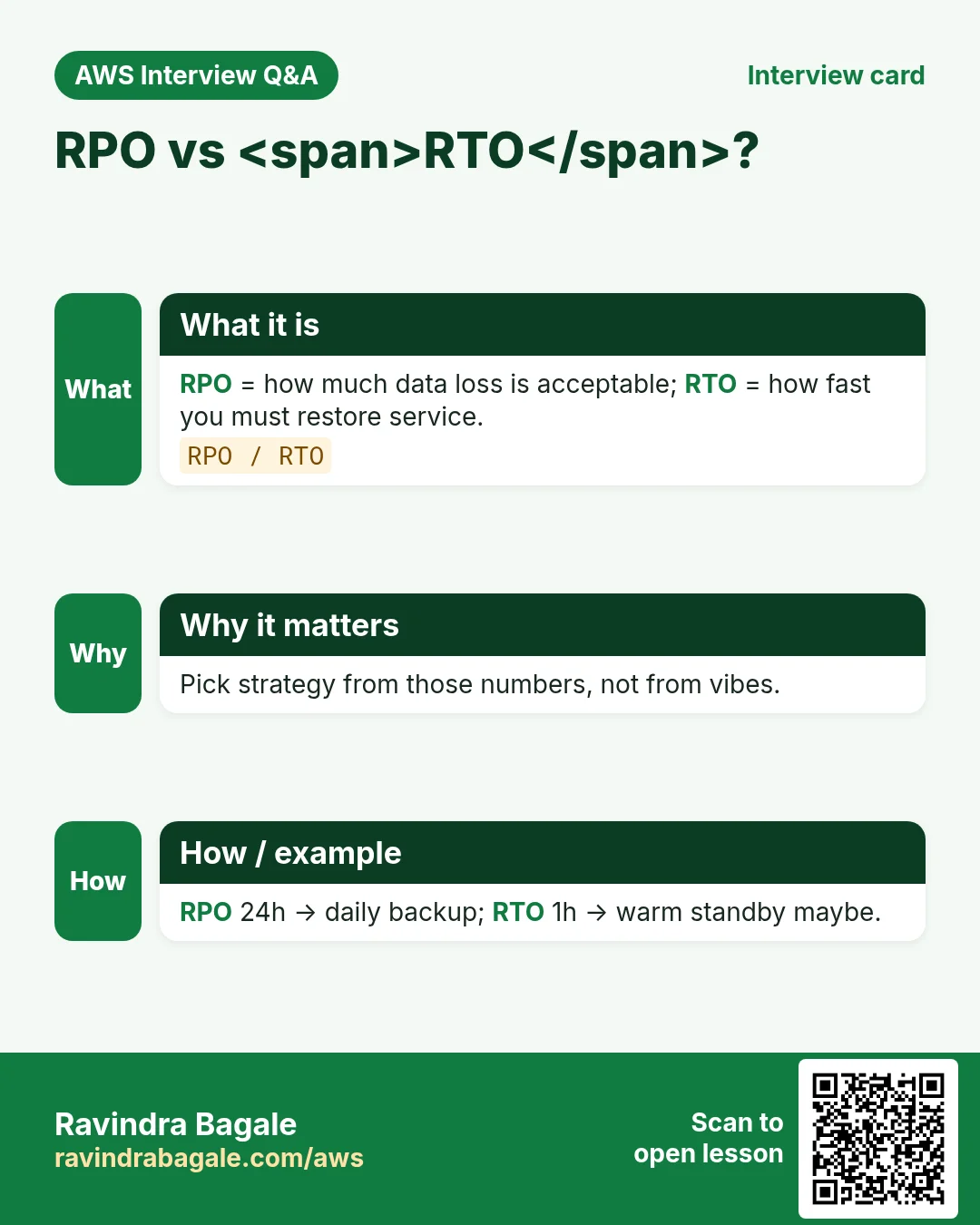
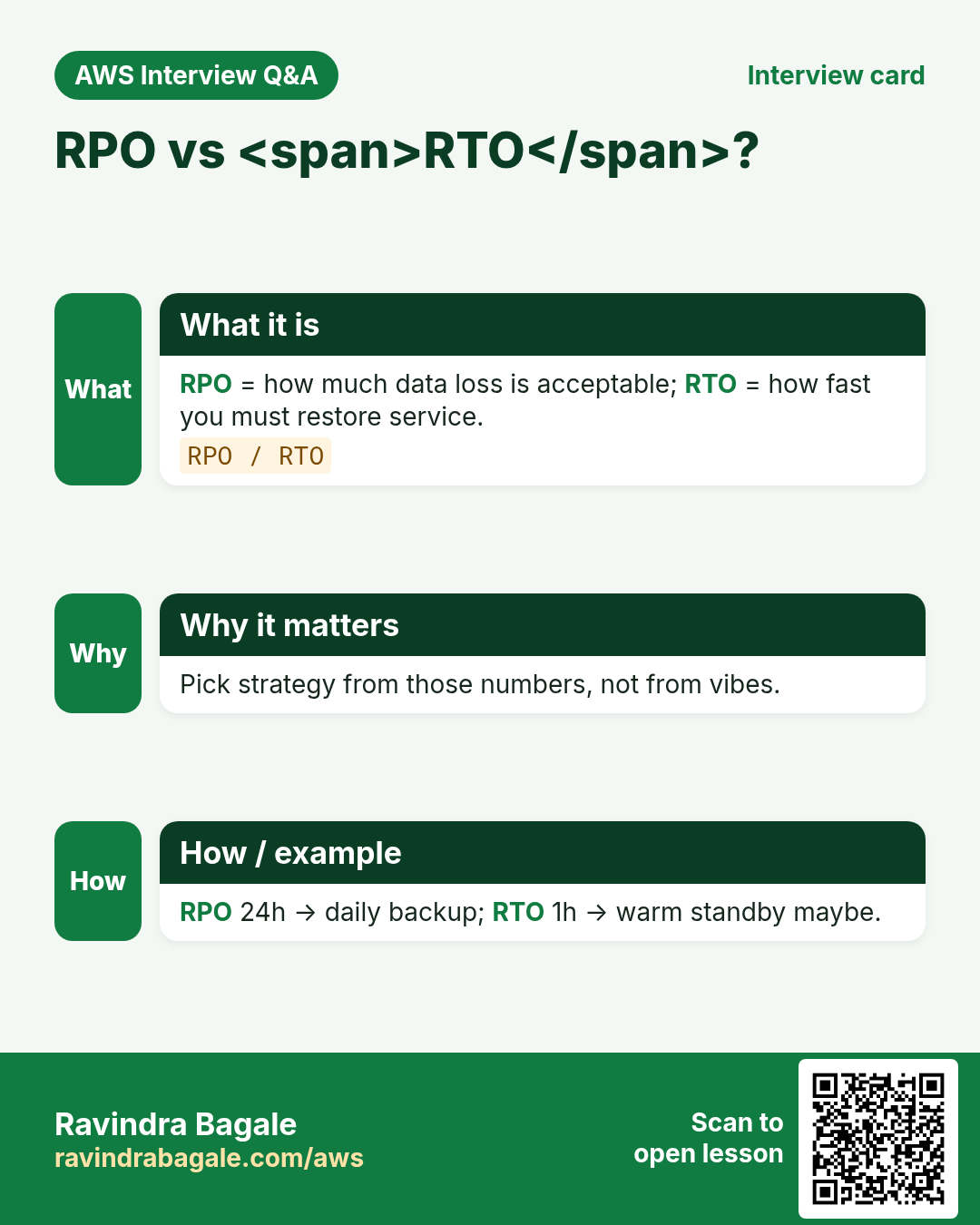
Snapshots alone are not a strategy. You need schedules, encryption, immutability options, cross-account/region copies, and restore runbooks with measured RPO (how much data loss OK) and RTO (how fast back).
- Single place to protect RDS, EBS, EFS, DynamoDB, and more
- Lifecycle to cold storage and expire old recovery points
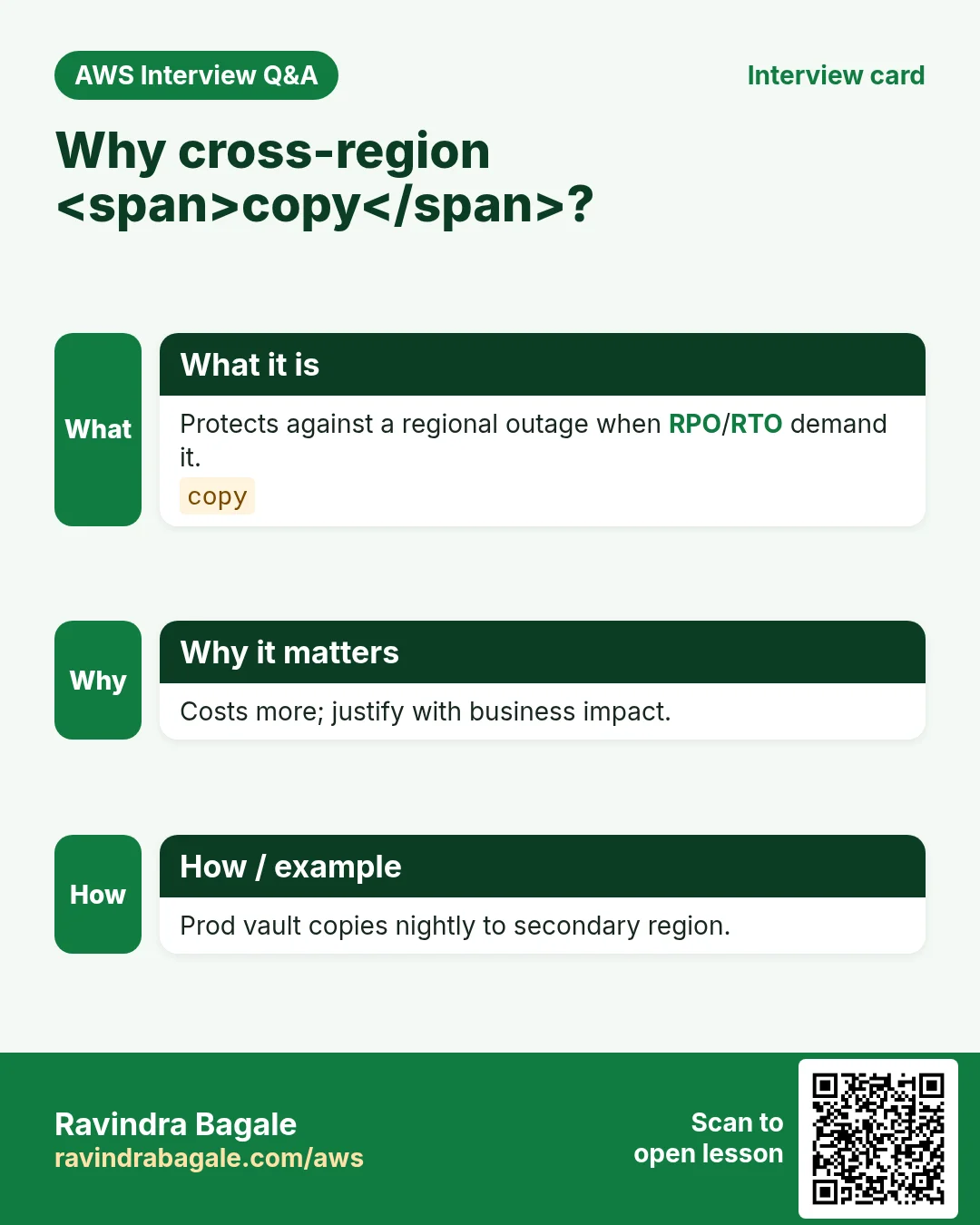
- Cross-region copy for region DR
- Audit who changed backup plans
3. What is AWS Backup?
What is it?
AWS Backup is a managed service: you define a backup plan (schedule + lifecycle), assign resources by tags or IDs, and store recovery points in a backup vault. You can copy to another region/account. DR patterns (pilot light, warm standby, active-active) decide how much infra waits ready.
| Term | Meaning |
|---|---|
| RPO | Max data loss you accept (e.g., 15 minutes) |
| RTO | Max downtime you accept |
| Backup plan | When and how often you back up |
| Vault | Container for recovery points + access policy |
| Pilot light | Minimal core in DR region; scale on event |
| Warm standby | Scaled-down full env always on |
4. How to set a starter DR path
How to do it (step by step)
- Write RPO/RTO with the business (example: RPO 1h, RTO 4h).
- Tag every protectable resource Backup=true, Env=prod.
- Create a vault with KMS CMK and a deny-delete policy for humans if required.
- Create a daily plan; retain 35 days; weekly copy to second region.
- Assign selections by tag; include RDS, EBS, EFS as needed.
- Enable backup notifications to SNS for failed jobs.
- Document restore steps in a runbook with screenshots.
- Run a restore drill quarterly; record actual RTO.
- Test ransomware story: vault lock / immutability where offered.
- Review cost: frequency × retention × storage class.
# Mental model
# AWS Backup plan → rules (cron) → selections (tags/ARNs)
# → vault (KMS) → optional cross-region copy
5. DR patterns compared
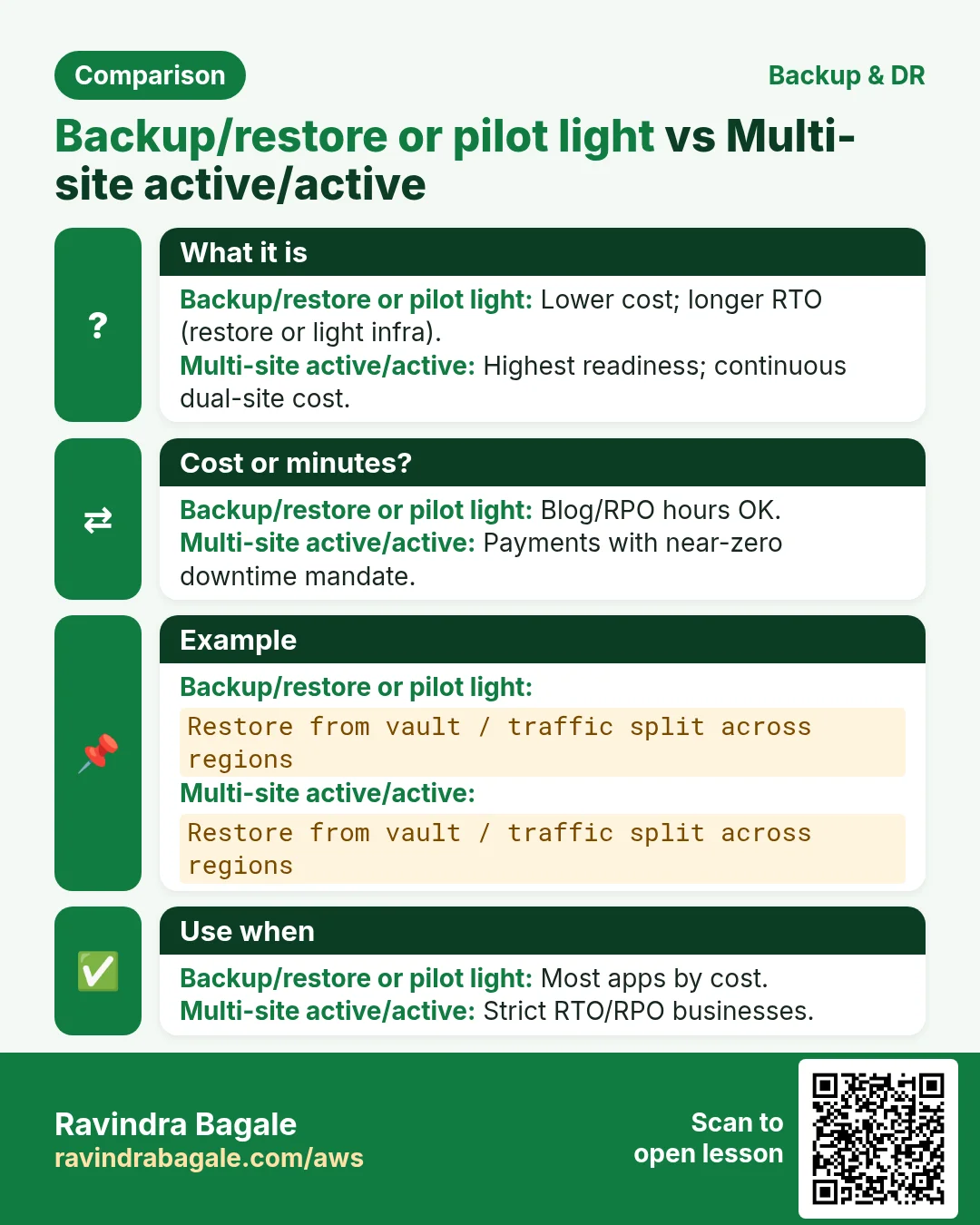
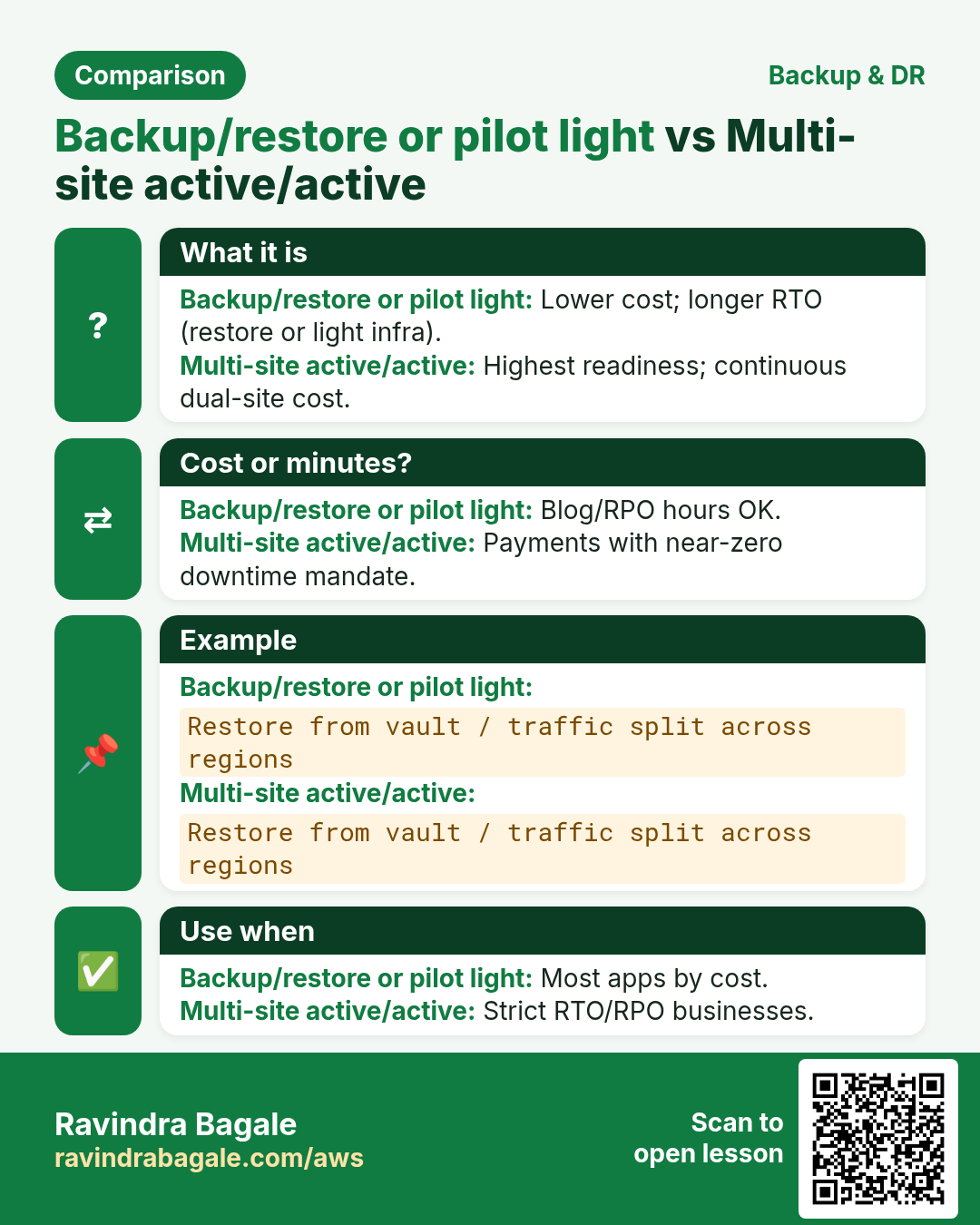
| Pattern | Cost vs speed |
|---|---|
| Backup/restore | Cheapest; slowest RTO |
| Pilot light | Low cost; boot data tier on event |
| Warm standby | Higher cost; faster RTO |
| Multi-site active | Highest cost; near-zero RTO |
6. Multi-industry notes
Banks often need cross-region copies and immutable vaults. Factories care about OT historian volumes on EBS. EdTech can accept longer RPO for course videos in S3 (versioning + replication) but tight RPO for student progress DBs.
7. Industries and roles
- Healthcare: patient records restore drills
- Fintech: immutable backups vs ransomware
- SaaS: per-tenant restore playbooks
- Gov/education: retention policies by law
- IT services: managed backup as an offering
8. Lab: plan + vault + restore drill on a tiny volume
Do this in ap-south-1 (Mumbai) unless your org forbids it. Set a budget alert first.
How to do it (step by step)
- Create a 1 GiB EBS volume in ap-south-1; tag Backup=true.
- Create vault lab-vault and a daily backup plan selecting that tag.
- Run an on-demand backup; wait for completed recovery point.
- Restore to a new volume; attach to a tiny EC2 and confirm data file.
- Optional: configure copy to another region if your account allows.
Cleanup (stop billing)
- Delete restore volume, original volume, recovery points per policy, plan, vault.
- Remove lab alarms/SNS.
9. Common errors and fixes
Each row is a real mistake students and juniors hit. Read the fix before you panic.
| Error / symptom | Fix |
|---|---|
| Thought AMI equals full DR | AMI≠DR; plans+RPO/RTO+drills. |
| No restore test ever | Schedule drills; measure RTO. |
| Vault open to every admin delete | Vault access policies; break-glass only. |
| Backups in same AZ only story | Region + cross-region copy. |
| Untagged resources skipped silently | Config rule / periodic inventory. |
| RPO promised 0 with daily backups | Align sales with plan frequency. |
| Encrypted with wrong key in DR region | Replicate CMKs / grants. |
| Forgotten DynamoDB PITR vs Backup | Know service-native options too. |
| Cost shock from forever retention | Lifecycle to cold + expire. |
| Runbook only in someone’s head | Store runbook in git + wiki. |
10. Troubleshooting checklist
- Job failed: IAM role for Backup missing permissions.
- Vault access denied: check vault policy and KMS.
- Restore slow: choose right volume type/size.
- Copy pending: second region quotas/KMS.
- Resource not listed: unsupported type or wrong region.
- Tags not matching selection: case/space typos.
11. FAQ
Q. Is AWS Backup free?
You pay storage and restore; check pricing.
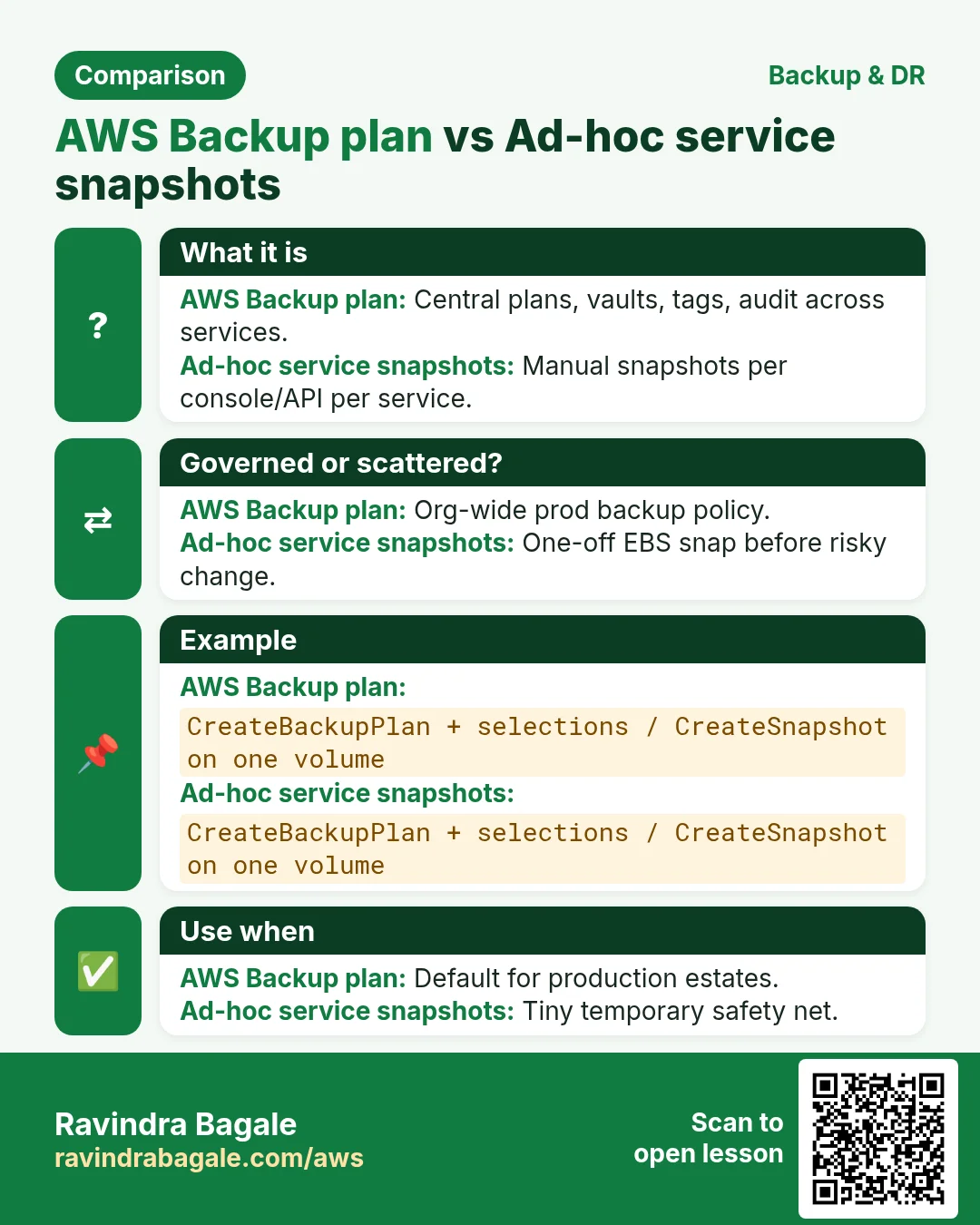
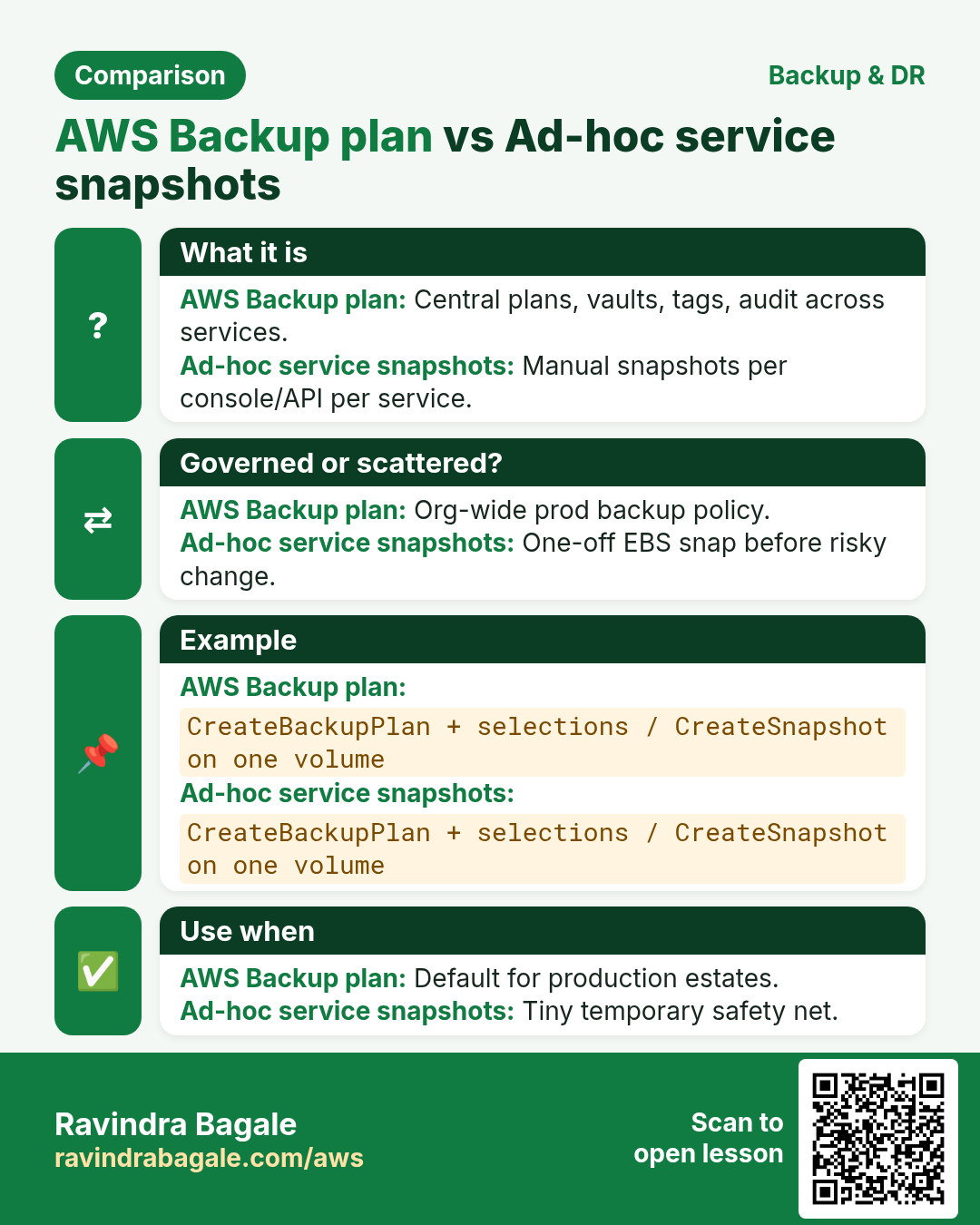
Q. Snapshots vs AWS Backup?
Backup orchestrates many services + policies.
Q. S3 versioning enough?
Great for objects; not a full account DR plan.
Q. Pilot light vs warm standby?
Cost vs RTO trade-off.
Q. Cross-account backups?
Supported pattern for ransomware isolation.
Q. Who owns drills?
Engineering + business; quarterly minimum.
12. Interview Q&A
Q. RPO vs RTO?
RPO=data loss tolerance; RTO=downtime tolerance.
Q. What is AWS Backup?
Managed backup plans, vaults, copies across AWS resources.
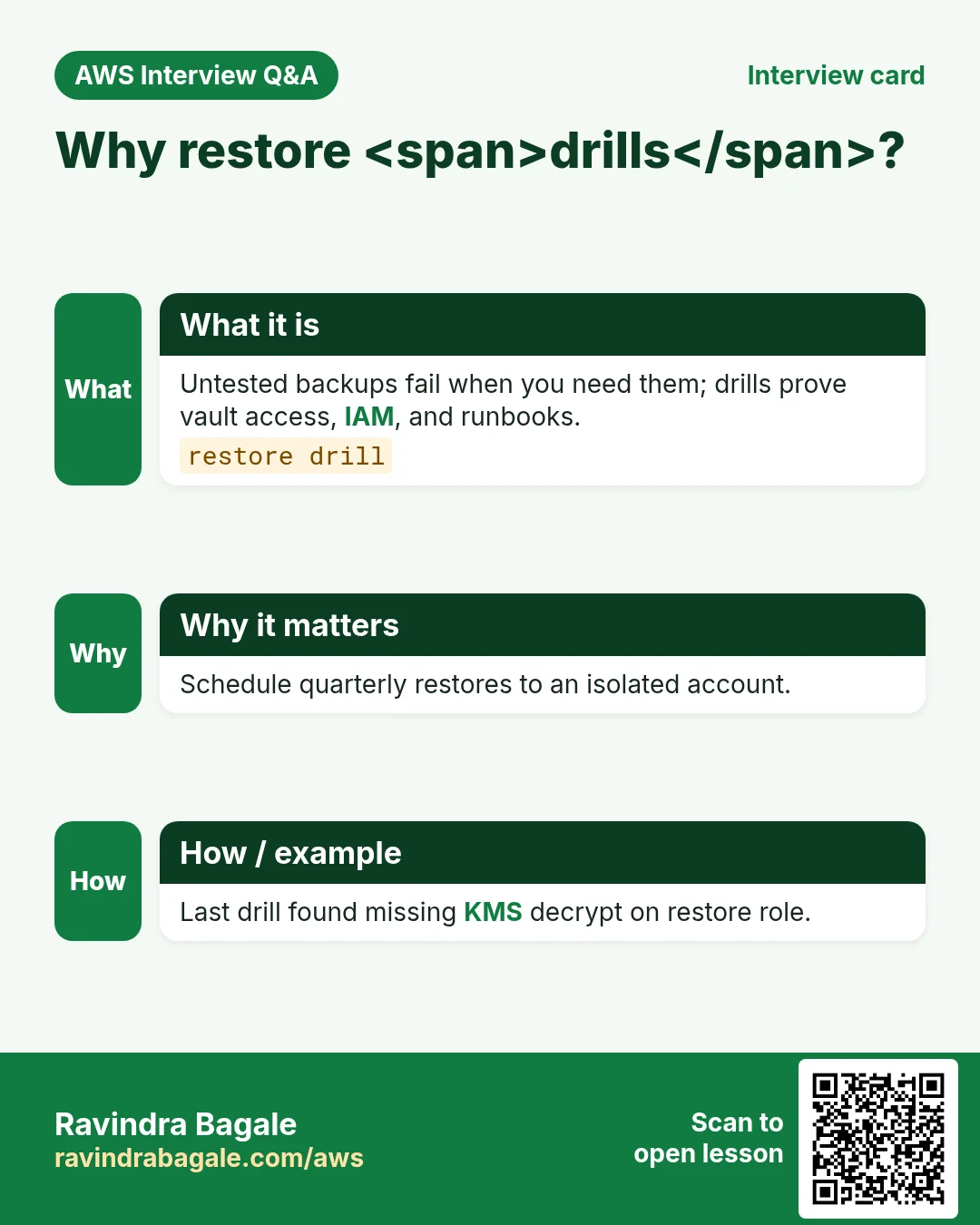
Q. Why restore drills?
Untested backups fail when you need them.
Q. Pilot light?
Minimal DR footprint you scale on disaster.
Q. Immutable backup?
Prevent delete/overwrite for a locked period.
Q. Tags for backups?
Selections often key off tags for scale.
13. Tips in English, Marathi and Hindi
Ravindra Bagale's Tip (EN)
A backup you never restored is a story, not a control. Put the last drill date next to RPO/RTO on your wiki.
Ravindra Bagale's Tip (MR)
Restore न केलेला backup = story. Wiki वर last drill + RPO/RTO.
Tip (HI)
बिना restore ड्रिल का बैकअप सिर्फ कहानी है — wiki पर drill तारीख और RPO/RTO लिखो।
Try at home
- Write RPO/RTO for a sample online store in one sentence each.
- List five resources in a 3-tier app you must tag for Backup.
- Sketch pilot light vs warm standby boxes for Mumbai→Singapore.
In short
- AWS Backup centralizes plans and vaults.
- DR needs RPO/RTO + tested restores.
- Copy across region/account for serious threats.
- Lifecycle retention or bills grow forever.
Revision, interview and comparison cards
Revise this lesson in a few minutes. Save the cards on your phone or download them as PNG files. The QR code on each card opens this lesson.
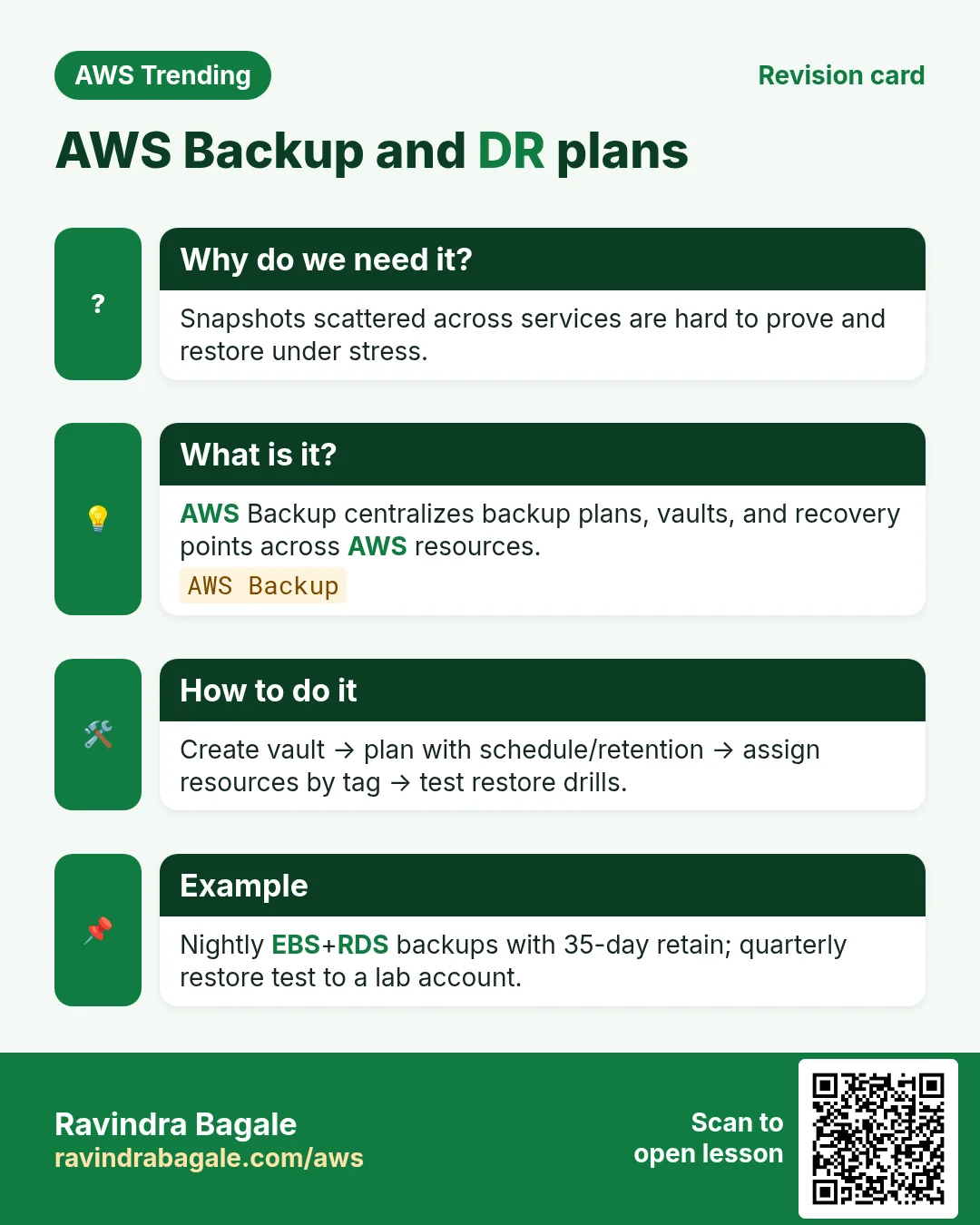
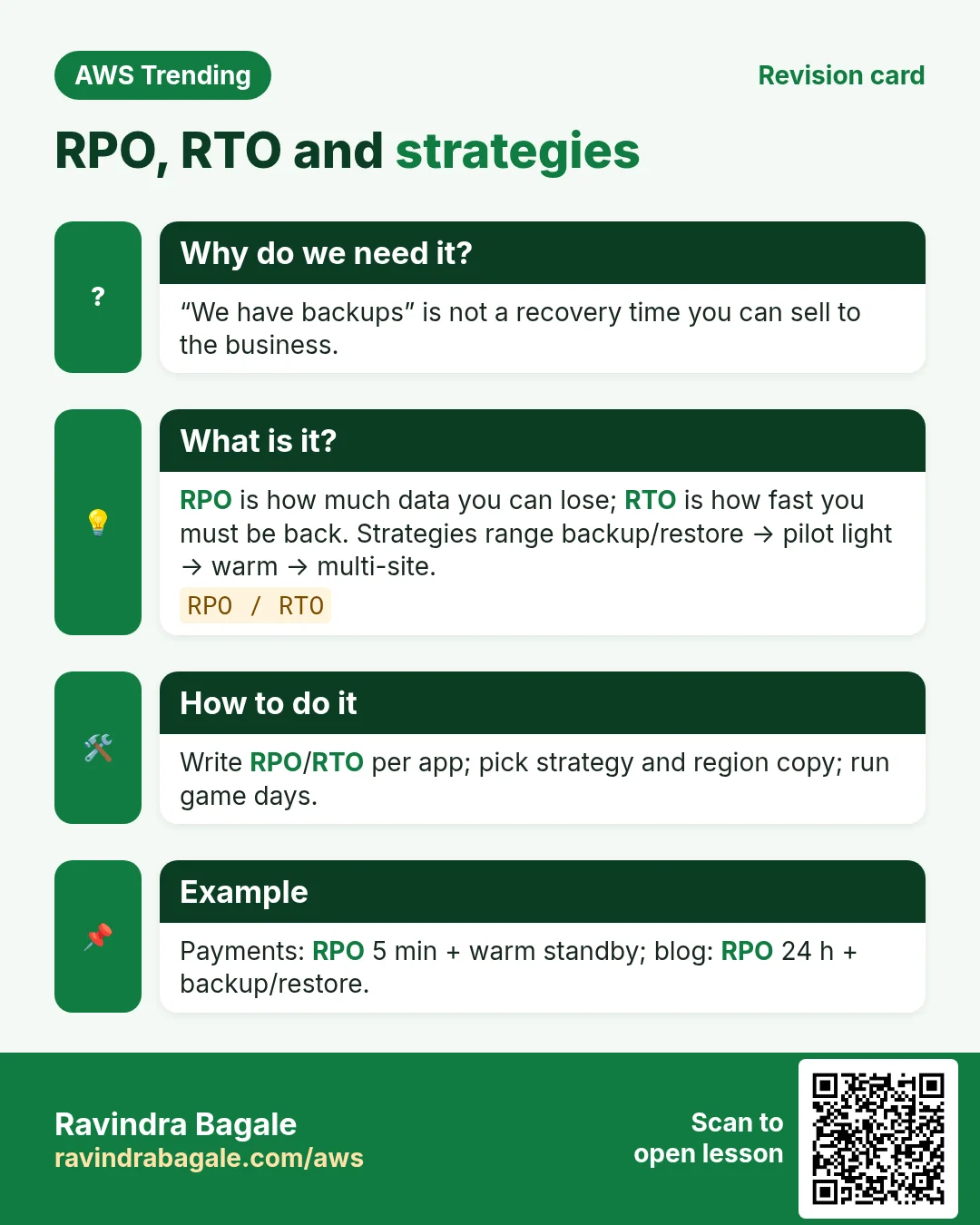
More cards: Ravi Sir's Cards.
Practice Tasks
Vidarbha Cotton Mills is a textiles business in Nagpur. Ganesh Wankhede looks after its IT and cloud work. They count money in INR and run their AWS resources in the ap-south-1 Region. In the tasks below you do real jobs for them using what this lesson teaches. All names, account IDs, IP addresses and numbers are made up for practice.
0 / 16
Easy List backup plans
Why: See DR plans.
What to do: List backup plans.
- Read the task and decide which AWS service it is about.
- Write aws, then the service name, then the operation (the action word).
- Add each needed flag (--name) followed by its value from the task.
- Flags can be in any order. Click Check answer.
Easy List backup vaults
Why: Where recovery points live.
What to do: List backup vaults.
- Read the task and decide which AWS service it is about.
- Write aws, then the service name, then the operation (the action word).
- Add each needed flag (--name) followed by its value from the task.
- Flags can be in any order. Click Check answer.
Easy Describe vault
Why: KMS and policy.
What to do: Describe backup vault vidarbhacotton-vault.
- Read the task and decide which AWS service it is about.
- Write aws, then the service name, then the operation (the action word).
- Add each needed flag (--name) followed by its value from the task.
- Flags can be in any order. Click Check answer.
Easy Restore drills needed — 1
Why: Test restores.
What to do: Enter 1 if restore drills matter.
- Write down the numbers the task gives you.
- Work it out step by step on paper.
- Type only the final answer in the box.
- Click Check answer.
Easy Cross-region copy helps — 1
Why: Regional DR.
What to do: Enter 1 if cross-region copy helps regional DR.
- Write down the numbers the task gives you.
- Work it out step by step on paper.
- Type only the final answer in the box.
- Click Check answer.
Medium Get backup plan
Why: Inspect rules.
What to do: Get backup plan vidarbhacottonplan.
- Read the task and decide which AWS service it is about.
- Write aws, then the service name, then the operation (the action word).
- Add each needed flag (--name) followed by its value from the task.
- Flags can be in any order. Click Check answer.
Medium List selections
Why: What is protected.
What to do: List backup selections for plan vidarbhacottonplan.
- Read the task and decide which AWS service it is about.
- Write aws, then the service name, then the operation (the action word).
- Add each needed flag (--name) followed by its value from the task.
- Flags can be in any order. Click Check answer.
Medium List backup jobs
Why: Watch failures.
What to do: List backup jobs.
- Read the task and decide which AWS service it is about.
- Write aws, then the service name, then the operation (the action word).
- Add each needed flag (--name) followed by its value from the task.
- Flags can be in any order. Click Check answer.
Medium Allow StartRestoreJob
Why: Restore LP.
What to do: Allow backup:StartRestoreJob on arn:aws:backup:ap-south-1:108737854657:recovery-point:*.
- Start with { "Version": "2012-10-17", "Statement": [ ... ] }.
- In each statement write Effect, Action and Resource.
- Give only what the task needs (least privilege).
- Use double quotes and commas correctly. Click Check answer.
Medium RPO hours JSON
Why: State RPO.
What to do: JSON RPOHours 24.
- Start from the top-level keys the task names.
- Indent child keys with 2 spaces (no tabs).
- Fill in each property with the value from the task.
- Click Check answer. Key order does not matter.
Medium Pilot light cheaper than multi-site — 1
Why: Cost ladder.
What to do: Enter 1 if pilot light is usually cheaper than multi-site.
- Write down the numbers the task gives you.
- Work it out step by step on paper.
- Type only the final answer in the box.
- Click Check answer.
Medium Sample daily retain days
Why: Retention.
What to do: Sample daily retain days in labs (enter 35)?
- Write down the numbers the task gives you.
- Work it out step by step on paper.
- Type only the final answer in the box.
- Click Check answer.
Hard List recovery points
Why: Know restore points.
What to do: List recovery points by vault vidarbhacotton-vault.
- Read the task and decide which AWS service it is about.
- Write aws, then the service name, then the operation (the action word).
- Add each needed flag (--name) followed by its value from the task.
- Flags can be in any order. Click Check answer.
Hard List restore jobs
Why: Audit restores.
What to do: List restore jobs.
- Read the task and decide which AWS service it is about.
- Write aws, then the service name, then the operation (the action word).
- Add each needed flag (--name) followed by its value from the task.
- Flags can be in any order. Click Check answer.
Hard Allow StartBackupJob vault
Why: Operator LP.
What to do: Allow backup:StartBackupJob on arn:aws:backup:ap-south-1:108737854657:backup-vault:vidarbhacotton-vault.
- Start with { "Version": "2012-10-17", "Statement": [ ... ] }.
- In each statement write Effect, Action and Resource.
- Give only what the task needs (least privilege).
- Use double quotes and commas correctly. Click Check answer.
Hard RTO hours JSON
Why: State RTO.
What to do: JSON RTOHours 4.
- Start from the top-level keys the task names.
- Indent child keys with 2 spaces (no tabs).
- Fill in each property with the value from the task.
- Click Check answer. Key order does not matter.