S3 Bucket Policy Project 4: Restrict by Office Source IP
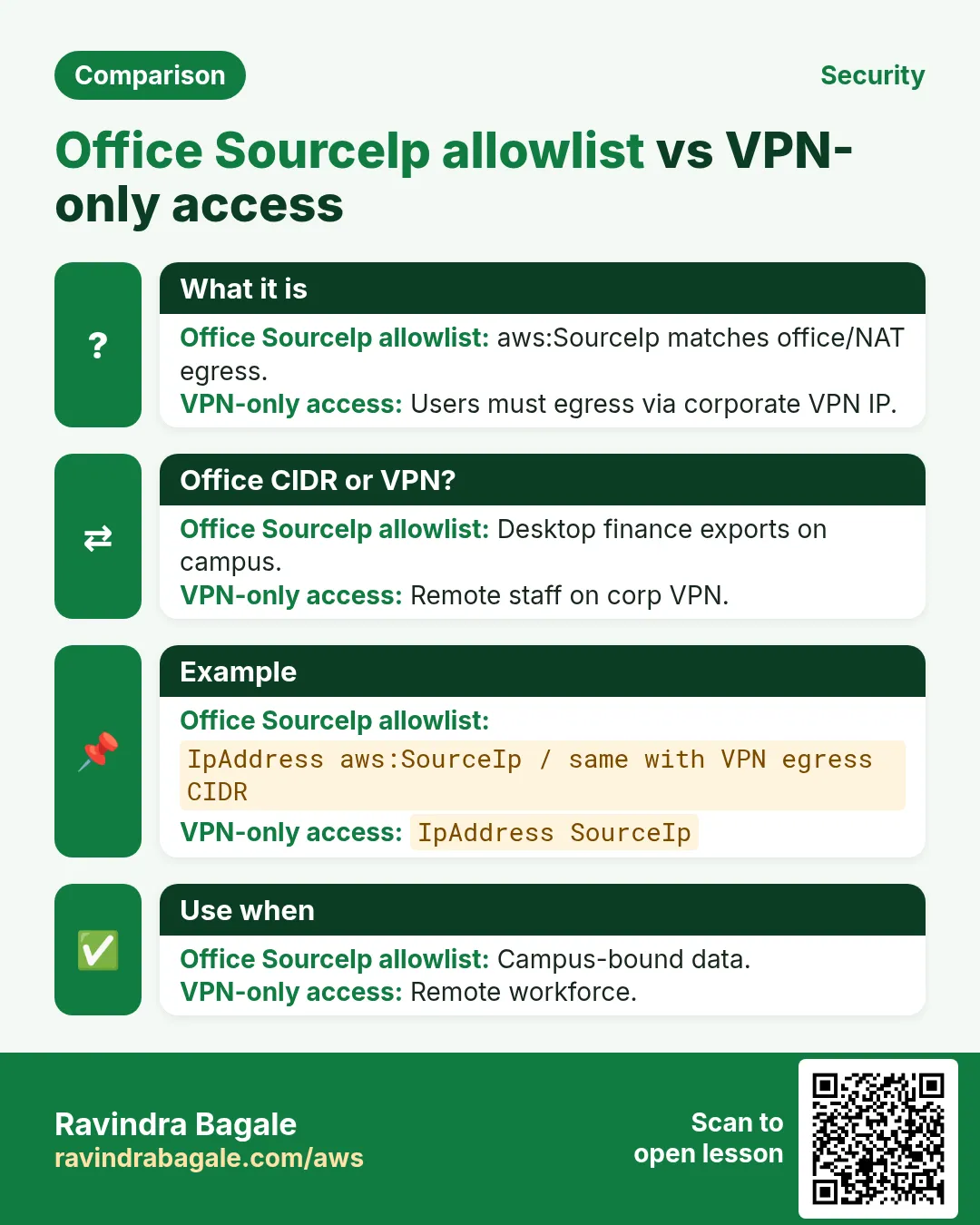
Office-only access: Ravi Kulkarni at a Pune manufacturing firm wants finance spreadsheets in S3 readable only from the office public IPs (and the VPN NAT). aws:SourceIp in a bucket policy Deny-unless pattern is the classic control — with VPN caveats.
What you'll learn in this chapter
- Why IP conditions help for office-bound data
- What aws:SourceIp JSON looks like line by line
- How to test allow from office and deny from home/coffee shop
- VPN NAT and CloudFront pitfalls
- Interview answers
1. Everyday project story
Ahmedabad CA firm partner Nisha Patel and Dubai trading desk lead Omar Al-Farsi both keep export CSVs in S3. Home broadband must not open them even with a leaked key.
2. Why source IP restrict?
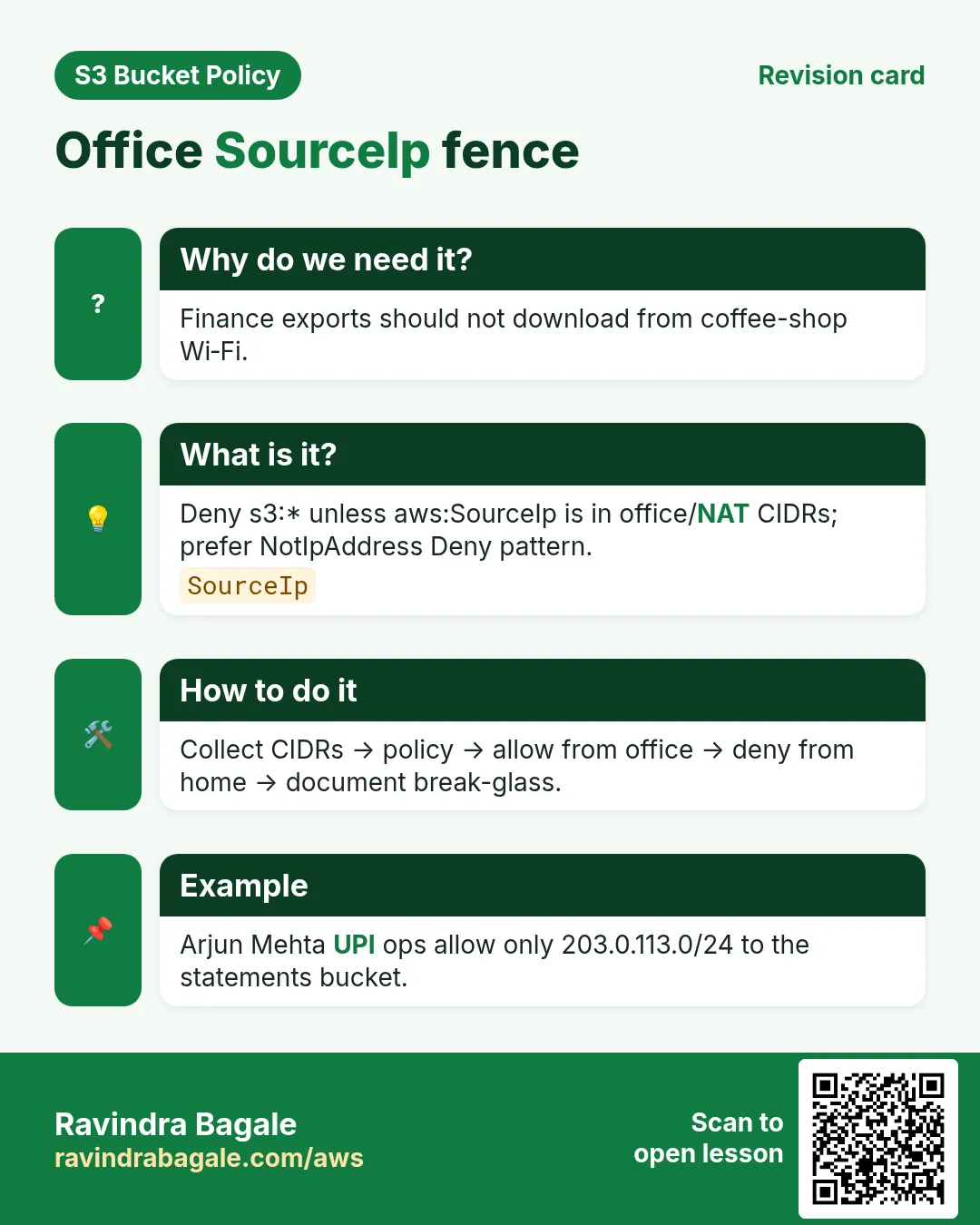
Why do we need this?
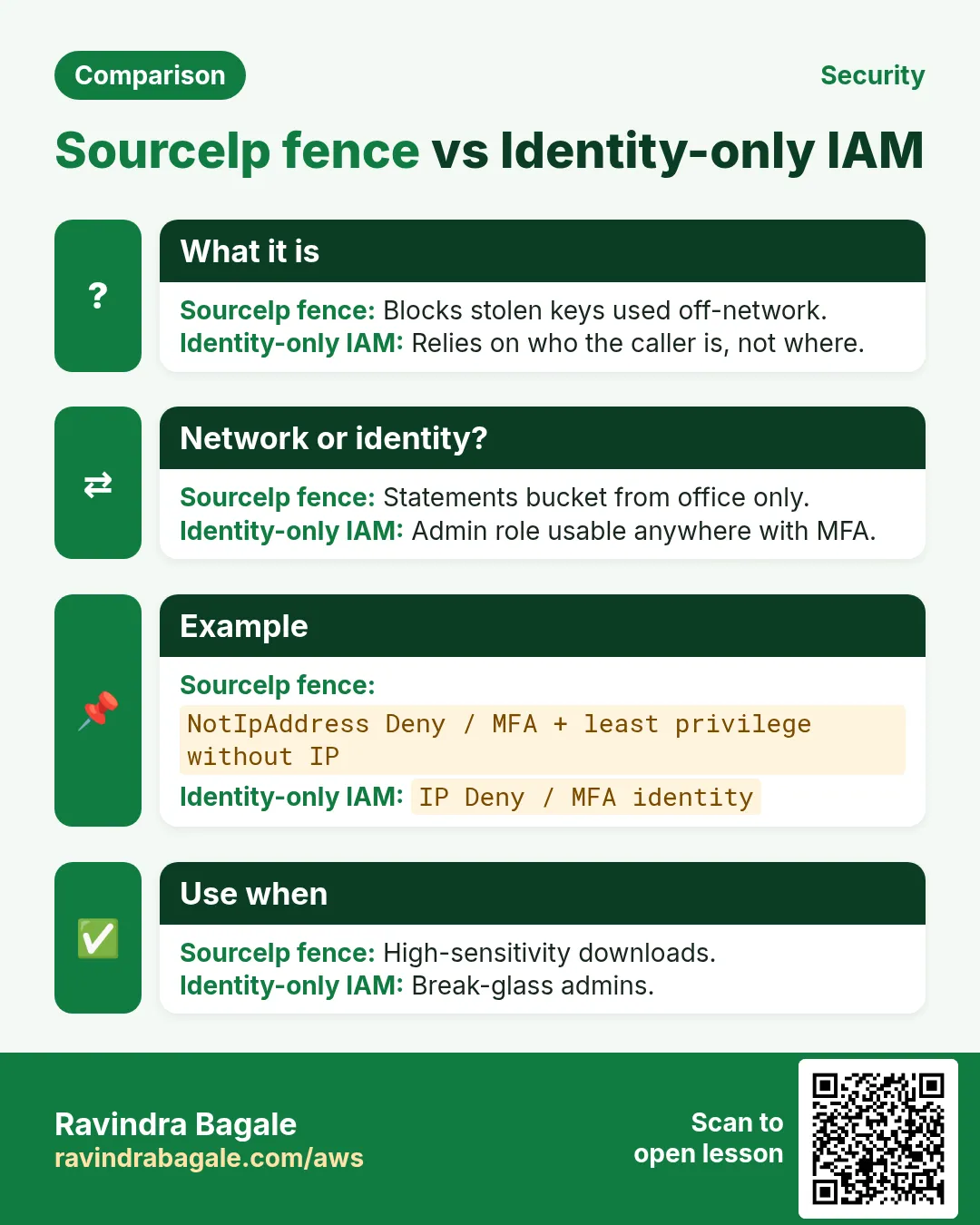
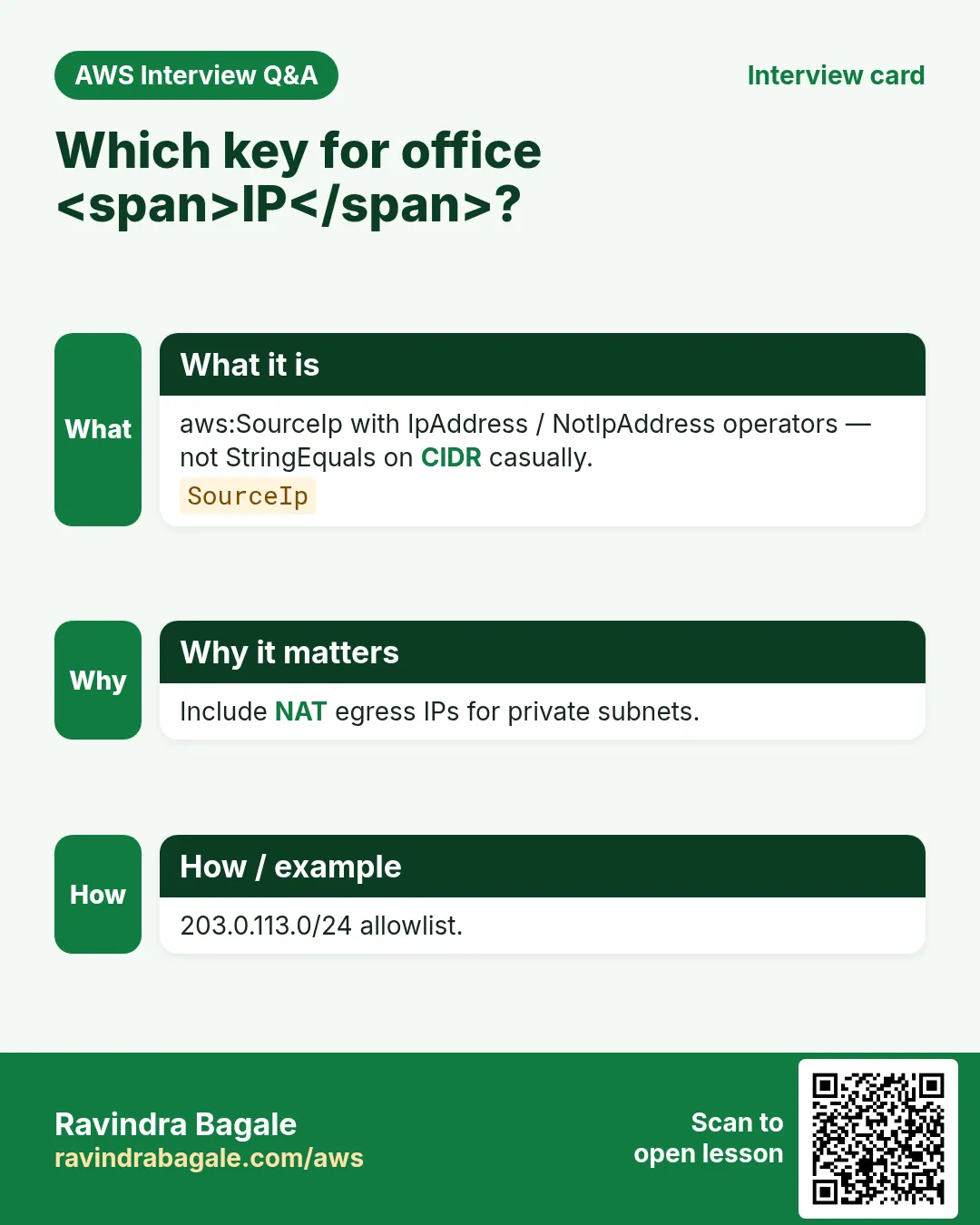
Stolen access keys used from random IPs should fail. Office egress CIDRs (and VPN NATs you control) become the allow-list.
- Collect stable egress CIDRs (office + VPN)
- Deny if aws:SourceIp not in list
- Do not mix naively with CloudFront (edge IPs)
- Prefer VPN + private access for stronger design
3. What is the policy?
What is it?
{
  "Version": "2012-10-17",
  "Statement": [
    {
      "Sid": "DenyUnlessOfficeIp",
      "Effect": "Deny",
      "Principal": "*",
      "Action": "s3:*",
      "Resource": [
        "arn:aws:s3:::rb-finance-office-ap-south-1",
        "arn:aws:s3:::rb-finance-office-ap-south-1/*"
      ],
      "Condition": {
        "NotIpAddress": {
          "aws:SourceIp": [
            "203.0.113.10/32",
            "203.0.113.0/28",
            "198.51.100.20/32"
          ]
        },
        "Bool": { "aws:ViaAWSService": "false" }
      }
    }
  ]
}
Line-by-line
- NotIpAddress on aws:SourceIp — deny when client IP not in list.
- List office /32 and /28 ranges you own.
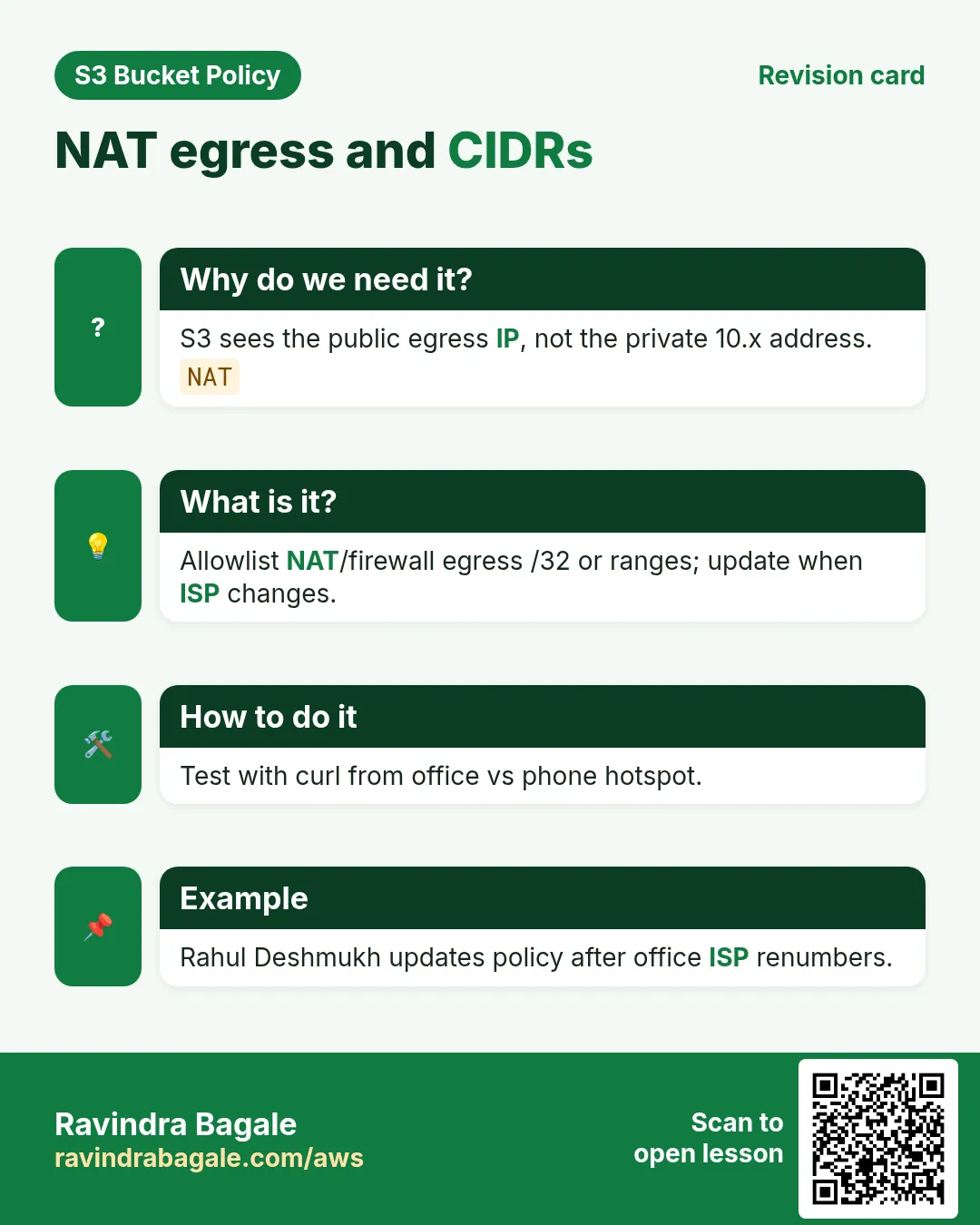
- Include VPN NAT public IPs staff use.
- Bool aws:ViaAWSService false — avoid breaking some AWS service calls; tune for your case.
- Resource covers bucket + objects.
- Still need IAM Allow for users.
4. CLI with output
How to do it (step by step)
# Discover your egress IP from office
curl -s https://checkip.amazonaws.com
# 203.0.113.10

aws s3api put-bucket-policy --bucket rb-finance-office-ap-south-1 --policy file://office-ip.json
# (empty success)
5. Test allow and deny
# ALLOW — on office network
aws s3 ls s3://rb-finance-office-ap-south-1/
# PRE exports/

# DENY — phone hotspot / home
aws s3 ls s3://rb-finance-office-ap-south-1/
# An error occurred (AccessDenied) when calling the ListObjectsV2 operation: Access Denied
VPN reality
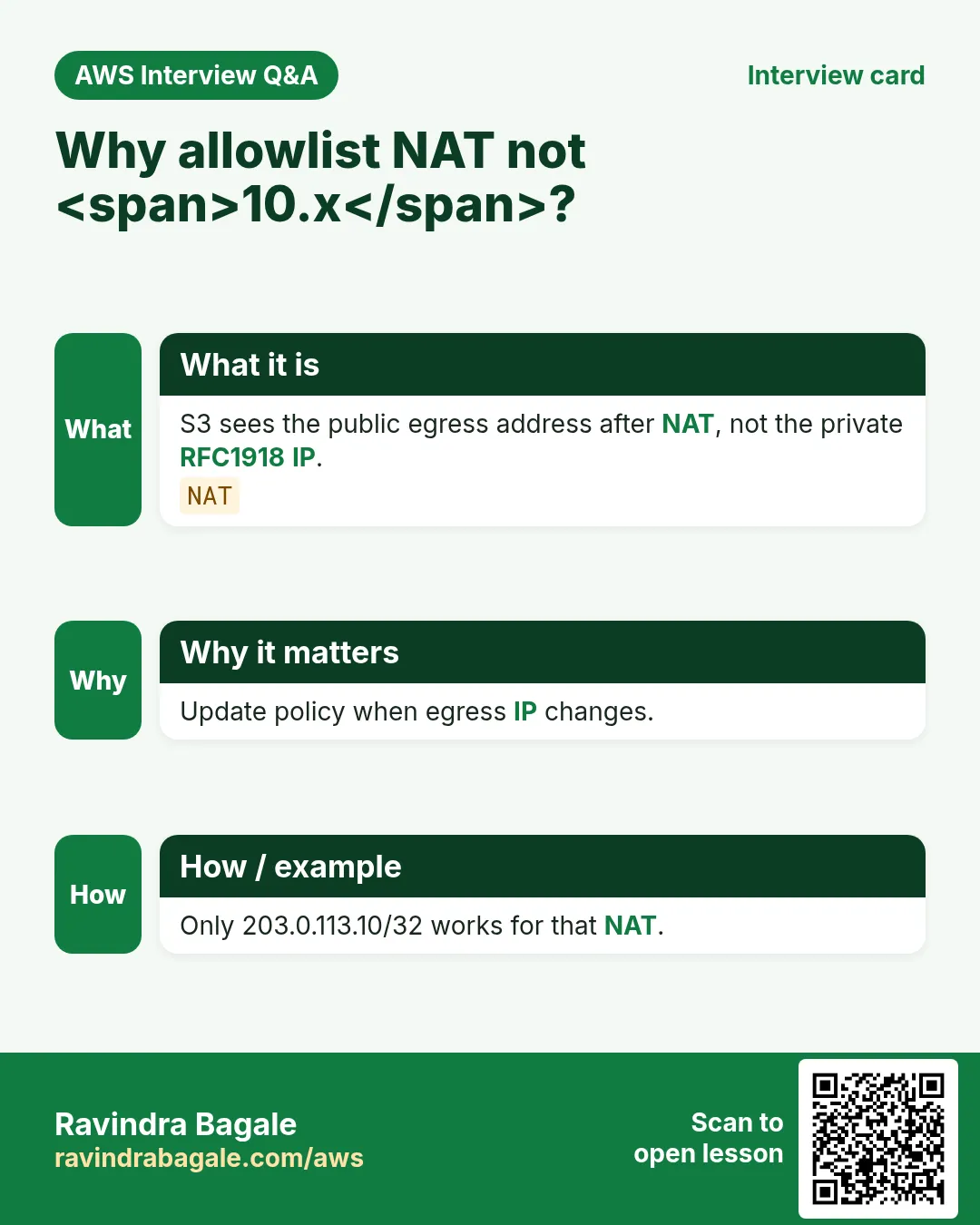
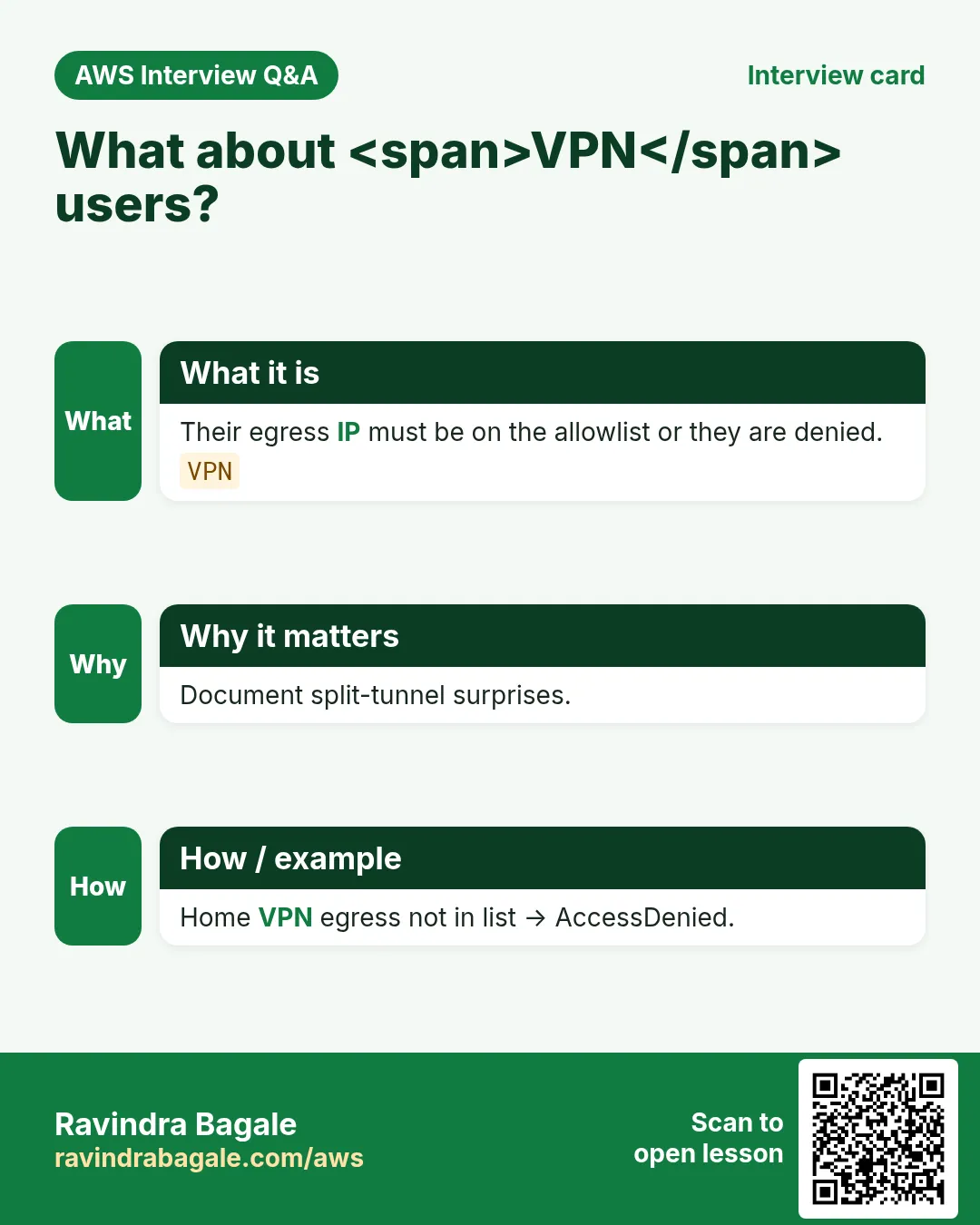
If staff use Client VPN or corporate VPN, the VPN egress IP is what S3 sees — not the home Wi-Fi IP. Update the list when NAT changes.
6. Multi-industry
Manufacturing finance (Pune — Ravi Kulkarni), CA exports (Ahmedabad — Nisha Patel), trading desk (Dubai — Omar Al-Farsi), legal discovery (Boston — Hannah Brooks).
7. AccessDenied debugging and Policy Simulator
When S3 returns AccessDenied, check in order: (1) Block Public Access, (2) matching bucket policy Deny, (3) missing IAM Allow, (4) KMS key policy, (5) VPC endpoint policy, (6) legacy ACL. IAM Policy Simulator can miss BPA/VPC/KMS — always re-test with real CLI from the real network path.
# Decode
aws s3api get-bucket-policy --bucket BUCKET --query Policy --output text | python3 -m json.tool
aws s3api get-public-access-block --bucket BUCKET
aws iam simulate-principal-policy --policy-source-arn ARN \
  --action-names s3:GetObject --resource-arns arn:aws:s3:::BUCKET/key.txt
aws cloudtrail lookup-events --lookup-attributes AttributeKey=EventName,AttributeValue=GetObject --max-items 5
8. Lab: office IP allow-list
Do this in ap-south-1 (Mumbai) unless your org forbids it. Set a budget alert first.
How to do it (step by step)
- Note checkip.amazonaws.com from lab network; put that /32 in policy.
- Apply DenyUnlessOfficeIp; ls succeeds on that network.
- Switch network (or use a friend IP); confirm AccessDenied.
- Add a second CIDR; retest.
Cleanup (stop billing)
- Delete bucket policy; delete lab bucket.
- Remove temporary IAM lab user.
9. Common errors and fixes
Each row is a real mistake students and juniors hit. Read the fix before you panic.
| Error / symptom | Fix |
|---|---|
| AccessDenied but IAM Allow looks fine | Find explicit Deny in bucket policy or BPA blocking public. |
| Policy JSON rejected on put | Validate with python3 -m json.tool; no smart quotes; use file://. |
| Policy Simulator Allow, CLI Deny | Simulator skips some layers; retest with real CLI/role/network. |
| Wrong Resource ARN shape | GetObject needs arn:...:bucket/* ; ListBucket needs bare bucket ARN. |
| Condition key typo or wrong case | Keys like aws:SourceIp are case-sensitive. |
| Missing Principal on bucket policy | Resource-based policies require Principal; identity policies must omit it. |
| Account-level BPA overrides bucket | Account Block Public Access can still block public grants. |
| Encrypted object / KMS forgotten | SSE-KMS needs key policy + kms:Decrypt/GenerateDataKey. |
| VPN users suddenly denied | NAT IP missing from list. |
| CloudFront + SourceIp confusion | Bucket sees edge IPs — do not combine naively. |
10. Troubleshooting checklist
- Confirm region and endpoint hostname for the bucket.
- Print get-bucket-policy and get-public-access-block.
- Reproduce with a least-privilege lab IAM user.
- Binary-search Denies by commenting one Sid at a time in lab.
- Read CloudTrail errorCode and additionalEventData.
- If KMS involved, test key permissions separately.
- From VPC path: route to gateway prefix list + endpoint policy.
- Cleanup versioning/Object Lock labs carefully.
11. FAQ
Q. Is a bucket policy the same as an IAM policy?
No. Bucket policy is resource-based on the bucket; IAM is identity-based. For same-account, either can Allow; explicit Deny wins; cross-account needs both.
Q. Do I still need ACLs in 2026?
Prefer Bucket owner enforced (ACLs off) + bucket policy. Some log deliveries still need canned ACL on Put.
Q. What is Block Public Access?
Switches that block public ACLs/policies at account or bucket. Disable only the minimum for a deliberate public design.
Q. How do you debug AccessDenied fast?
BPA → bucket policy → IAM → KMS → VPCe → CloudTrail. Never “fix” with Action *.
Q. IPv6?
Include IPv6 ranges if your office uses them.
Q. Dynamic home IP?
Do not rely on SourceIp for home WFH — use VPN.
Q. ViaAWSService why?
Lets some AWS services operate when they call S3 on your behalf — validate for your apps.
Q. Better than IP alone?
VPN + PrivateLink/VPCe + IAM; IP is one layer.
12. Interview Q&A
Q. Condition key for client IP?
aws:SourceIp with IpAddress or NotIpAddress.
Q. What IP does S3 see via VPN?
VPN/NAT egress public IP.
Q. Why office IP alone is weak for WFH?
Home IPs change; VPN is stabler.
Q. CloudFront with SourceIp?
Usually wrong — edge IPs.
Q. Prove policy?
Allow on listed IP; Deny off-list.
Q. CIDR /32 vs /24?
/32 one host; wider ranges increase blast if NAT shared.
13. Tips in English, Marathi and Hindi
Ravindra Bagale's Tip (EN)
Treat IP allow-lists as living documents — NAT changes break prod silently.
Ravindra Bagale's Tip (MR)
IP list = living doc; NAT change = silent break.
Tip (HI)
IP allow-list को living document समझें — NAT बदलते ही prod टूट सकता है।
Try at home
- Capture allow + deny CLI from two networks.
- Document VPN NAT owners in the team wiki.
- Interview: explain ViaAWSService in one minute.
In short
- aws:SourceIp Deny-unless for office CIDRs.
- Include VPN NAT IPs.
- Do not mix naively with CloudFront.
- Test on and off the allow-list.
- Prefer VPN+VPCe for stronger designs.
14. Policy design checklist before you save
- Write the business rule in one sentence (who can do what from where).
- Choose Allow vs Deny-unless consciously; remember explicit Deny wins.
- List every Resource ARN shape you need (bucket vs bucket/*).
- Name every Condition key exactly (case-sensitive).
- Decide BPA settings before put-bucket-policy.
- Plan the allow test and the deny test with expected HTTP/CLI codes.
- Plan cleanup (versioning, Object Lock, KMS schedules).
- Paste JSON through python3 -m json.tool before apply.
15. Policy Simulator walkthrough
IAM Policy Simulator is great for identity policies and a first pass on resource policies, but it can miss Block Public Access, VPC endpoint policies, and some KMS denials. Use it to catch typos, then always re-test with AWS CLI from the real network path (office IP, VPC, or CloudFront).
- Open IAM → Policy simulator → pick the user/role.
- Add action s3:GetObject / PutObject and the object ARN.
- If you use resource policies, include the bucket policy text where the tool allows.
- Note Allow/Deny; then run the matching CLI from the real path.
- If Simulator Allow but CLI Deny, check BPA, VPCe, KMS, and explicit Denies next.
16. Copy-paste runbook (print this)
# 0) Region + names
export AWS_REGION=ap-south-1
export BUCKET=rb-lab-$(date +%s)-ap-south-1

# 1) Create + show BPA
aws s3api create-bucket --bucket $BUCKET --region $AWS_REGION \
  --create-bucket-configuration LocationConstraint=$AWS_REGION
aws s3api get-public-access-block --bucket $BUCKET || true

# 2) Validate + apply policy
python3 -m json.tool policy.json >/dev/null
aws s3api put-bucket-policy --bucket $BUCKET --policy file://policy.json
aws s3api get-bucket-policy --bucket $BUCKET --query Policy --output text | python3 -m json.tool | head

# 3) Allow test + Deny test (fill per project)
# ... project-specific curls / aws s3 cp ...

# 4) Cleanup
aws s3 rm s3://$BUCKET --recursive || true
aws s3api delete-bucket-policy --bucket $BUCKET || true
aws s3api delete-bucket --bucket $BUCKET
17. Industry story bank (reuse the pattern)
Each project above uses one industry story. Use the same policy pattern in these other industries without rewriting the JSON from scratch — only change the bucket name, principal, and Condition values.
- Healthcare (Priya Nair, Apollo-style clinic): patient PDFs — prefer SSE-KMS + OrgID + MFA delete.
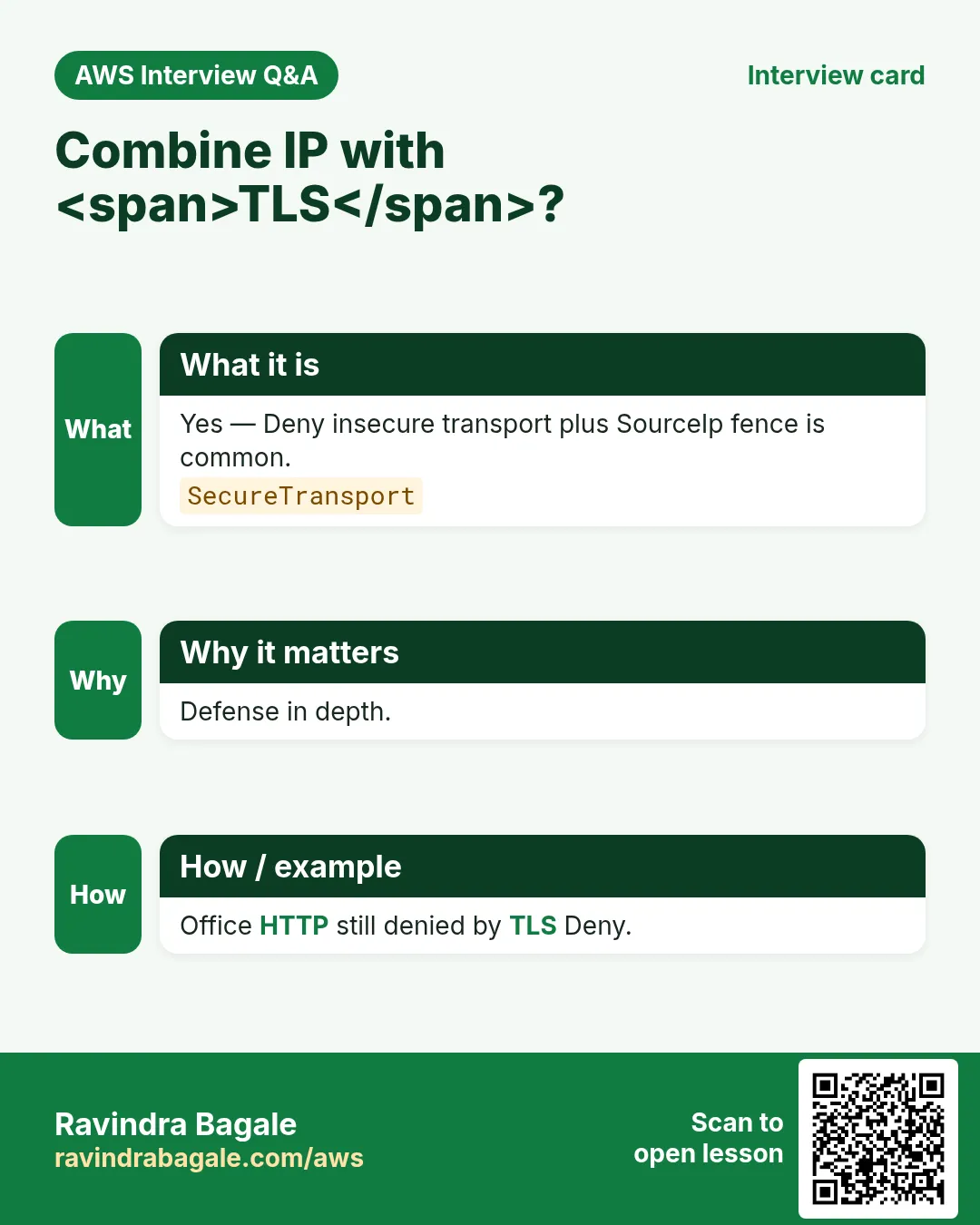
- Fintech (Arjun Mehta, UPI wallet): statements — office IP + SecureTransport + CloudFront OAC for the customer portal.
- EdTech (Sofia Alvarez, online course): course videos — CloudFront OAC only; never public ACLs.
- Logistics (Kenji Watanabe, fleet app): GPS dumps — VPC endpoint only from the private subnet runners.
- Media (Fatima Khan, newsroom): raw footage — Object Lock COMPLIANCE + deny delete.
- Retail (Lucas Meyer, D2C brand): product images — public read for /images/* only; deny everything else.
- SaaS (Ananya Iyer, B2B CRM): tenant exports — ${aws:username} or ${aws:PrincipalTag/tenant} prefixes.
- Government (Rahul Deshmukh, state portal): RTI archives — OrgID + MFA + Object Lock.
18. AccessDenied debugging flowchart
- Read the error code and the request ID. Save both.
- Confirm you are calling the right bucket and region.
- Check Block Public Access if the principal is * or a service that looks public.
- Decode the policy: is there an explicit Deny that matches? Deny wins.
- Check Condition keys: SecureTransport, SourceVpce, SourceIp, PrincipalOrgID, encryption headers.
- For KMS: does the key policy allow the caller? Bucket policy alone is not enough.
- For CloudFront: is OAC present and the distribution id matching?
- For VPC: are you really going through the endpoint (no public IP leak)?
- Simulate in IAM Policy Simulator, then re-test with CLI from the real path.
- Only then open a support case with the request id and a redacted policy.
19. What good looks like in a PR review
- Policy JSON validates and is indented.
- Every Statement has Sid, Effect, Action, Resource.
- No Principal:* with write actions unless BPA and a Deny fence exist.
- Allow test and Deny test are documented with expected output.
- Cleanup steps will not strand Object Lock or KMS keys.
Practice Tasks
Amravati Agro Market is a agriculture business in Amravati. Anjali Thakre looks after its IT and cloud work. They count money in INR and run their AWS resources in the ap-south-1 Region. In the tasks below you do real jobs for them using what this lesson teaches. All names, account IDs, IP addresses and numbers are made up for practice.
0 / 16
Easy Get IP-restricted policy
Why: Read IP fence.
What to do: Get bucket policy amravatiagro-office.
- Read the task and decide which AWS service it is about.
- Write aws, then the service name, then the operation (the action word).
- Add each needed flag (--name) followed by its value from the task.
- Flags can be in any order. Click Check answer.
Easy List office bucket
Why: From office IP.
What to do: List objects amravatiagro-office.
- Read the task and decide which AWS service it is about.
- Write aws, then the service name, then the operation (the action word).
- Add each needed flag (--name) followed by its value from the task.
- Flags can be in any order. Click Check answer.
Easy Home IP denied — 1
Why: Fence.
What to do: Enter 1 if home IP should be denied by office SourceIp policy.
- Write down the numbers the task gives you.
- Work it out step by step on paper.
- Type only the final answer in the box.
- Click Check answer.
Easy NAT public IP matters — 1
Why: Egress.
What to do: Enter 1 if S3 sees the NAT gateway public IP.
- Write down the numbers the task gives you.
- Work it out step by step on paper.
- Type only the final answer in the box.
- Click Check answer.
Easy Get BPA office
Why: Public block.
What to do: Get public access block amravatiagro-office.
- Read the task and decide which AWS service it is about.
- Write aws, then the service name, then the operation (the action word).
- Add each needed flag (--name) followed by its value from the task.
- Flags can be in any order. Click Check answer.
Easy Head office bucket
Why: Exists.
What to do: Head bucket amravatiagro-office.
- Read the task and decide which AWS service it is about.
- Write aws, then the service name, then the operation (the action word).
- Add each needed flag (--name) followed by its value from the task.
- Flags can be in any order. Click Check answer.
Medium Get object office
Why: Allow path.
What to do: Get object report.pdf from amravatiagro-office.
- Read the task and decide which AWS service it is about.
- Write aws, then the service name, then the operation (the action word).
- Add each needed flag (--name) followed by its value from the task.
- Flags can be in any order. Click Check answer.
Medium Put object office
Why: Upload.
What to do: Put object report.pdf into amravatiagro-office from ./report.pdf.
- Read the task and decide which AWS service it is about.
- Write aws, then the service name, then the operation (the action word).
- Add each needed flag (--name) followed by its value from the task.
- Flags can be in any order. Click Check answer.
Medium Deny insecure transport
Why: TLS too.
What to do: Deny s3:* when aws:SecureTransport is false on amravatiagro-office objects.
- Start with { "Version": "2012-10-17", "Statement": [ ... ] }.
- In each statement write Effect, Action and Resource.
- Give only what the task needs (least privilege).
- Use double quotes and commas correctly. Click Check answer.
Medium Office CIDR JSON
Why: Document IP.
What to do: JSON aws:SourceIp 203.0.113.0/24.
- Start from the top-level keys the task names.
- Indent child keys with 2 spaces (no tabs).
- Fill in each property with the value from the task.
- Click Check answer. Key order does not matter.
Medium Use IpAddress operators — 1
Why: Correct op.
What to do: Enter 1 if IpAddress/NotIpAddress are the right operators for SourceIp.
- Write down the numbers the task gives you.
- Work it out step by step on paper.
- Type only the final answer in the box.
- Click Check answer.
Medium VPN egress must match allowlist — 1
Why: Same IP.
What to do: Enter 1 if VPN egress IP must be on the allowlist.
- Write down the numbers the task gives you.
- Work it out step by step on paper.
- Type only the final answer in the box.
- Click Check answer.
Medium Get versioning
Why: State.
What to do: Get bucket versioning amravatiagro-office.
- Read the task and decide which AWS service it is about.
- Write aws, then the service name, then the operation (the action word).
- Add each needed flag (--name) followed by its value from the task.
- Flags can be in any order. Click Check answer.
Hard Deny unless office CIDR
Why: Office only.
What to do: Deny s3:* when aws:SourceIp is not 203.0.113.0/24 on amravatiagro-office ARNs.
- Start with { "Version": "2012-10-17", "Statement": [ ... ] }.
- In each statement write Effect, Action and Resource.
- Give only what the task needs (least privilege).
- Use double quotes and commas correctly. Click Check answer.
Hard NAT egress note JSON
Why: Public egress.
What to do: JSON nat_egress_ip 203.0.113.10.
- Start from the top-level keys the task names.
- Indent child keys with 2 spaces (no tabs).
- Fill in each property with the value from the task.
- Click Check answer. Key order does not matter.
Hard Delete office policy
Why: Cleanup.
What to do: Delete bucket policy amravatiagro-office.
- Read the task and decide which AWS service it is about.
- Write aws, then the service name, then the operation (the action word).
- Add each needed flag (--name) followed by its value from the task.
- Flags can be in any order. Click Check answer.
Revision, interview and comparison cards
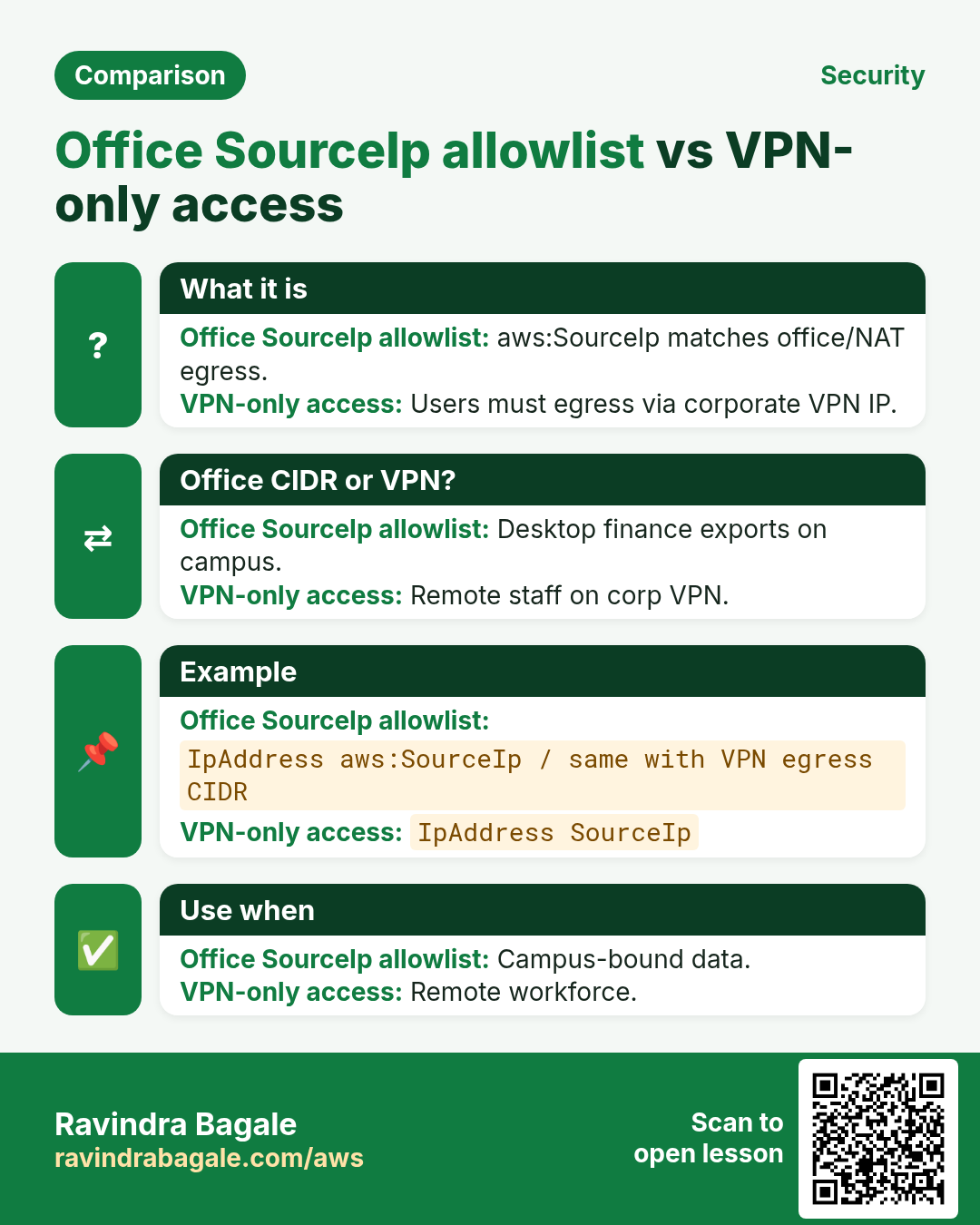
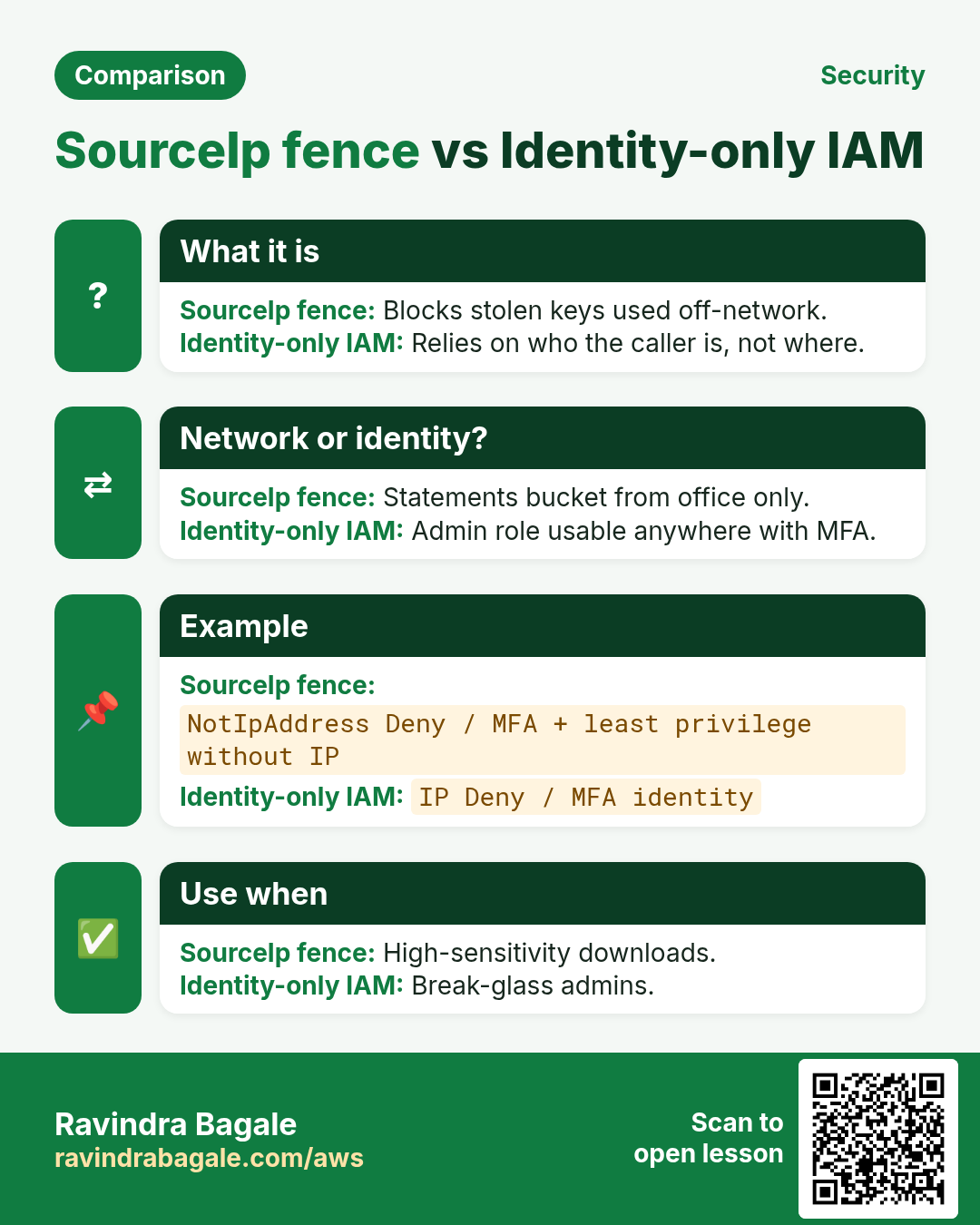
Revise this lesson in a few minutes. Save the cards on your phone or download them as PNG files. The QR code on each card opens this lesson.
More cards: Ravi Sir's Cards.