What Is AWS Step Functions? Orchestrate Lambda Workflows Explained
A bank loan needs many checks in order: KYC, credit score, offer letter, then SMS. If each check is a Lambda, something must remember where we are when one step fails. That something is AWS Step Functions — a traffic policeman for your cloud workflow.
What you'll learn in this chapter
- Why long workflows need a state machine
- What ASL, Task, Retry, Catch, Map and Parallel mean
- Standard vs Express workflows
- Industries that already use Step Functions
- Lab path, errors, FAQ and interview answers
1. Everyday example first
Why do we need this?
Swiggy order: validate cart, reserve stock, charge card, notify rider. If charge fails after stock reserve, you must release stock. Hard-coding that in one Lambda becomes spaghetti. A state machine draws the path on a board.
What is it?
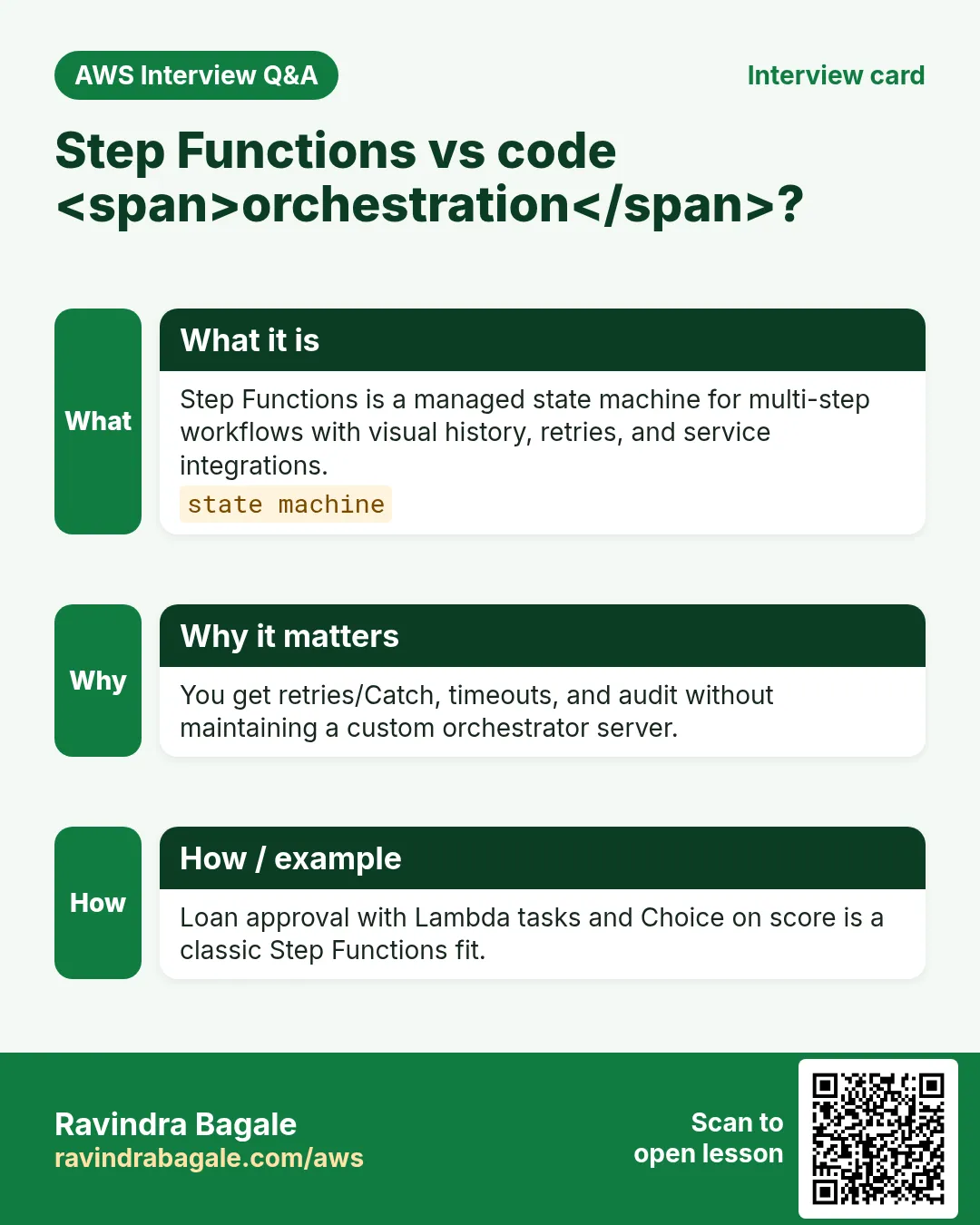
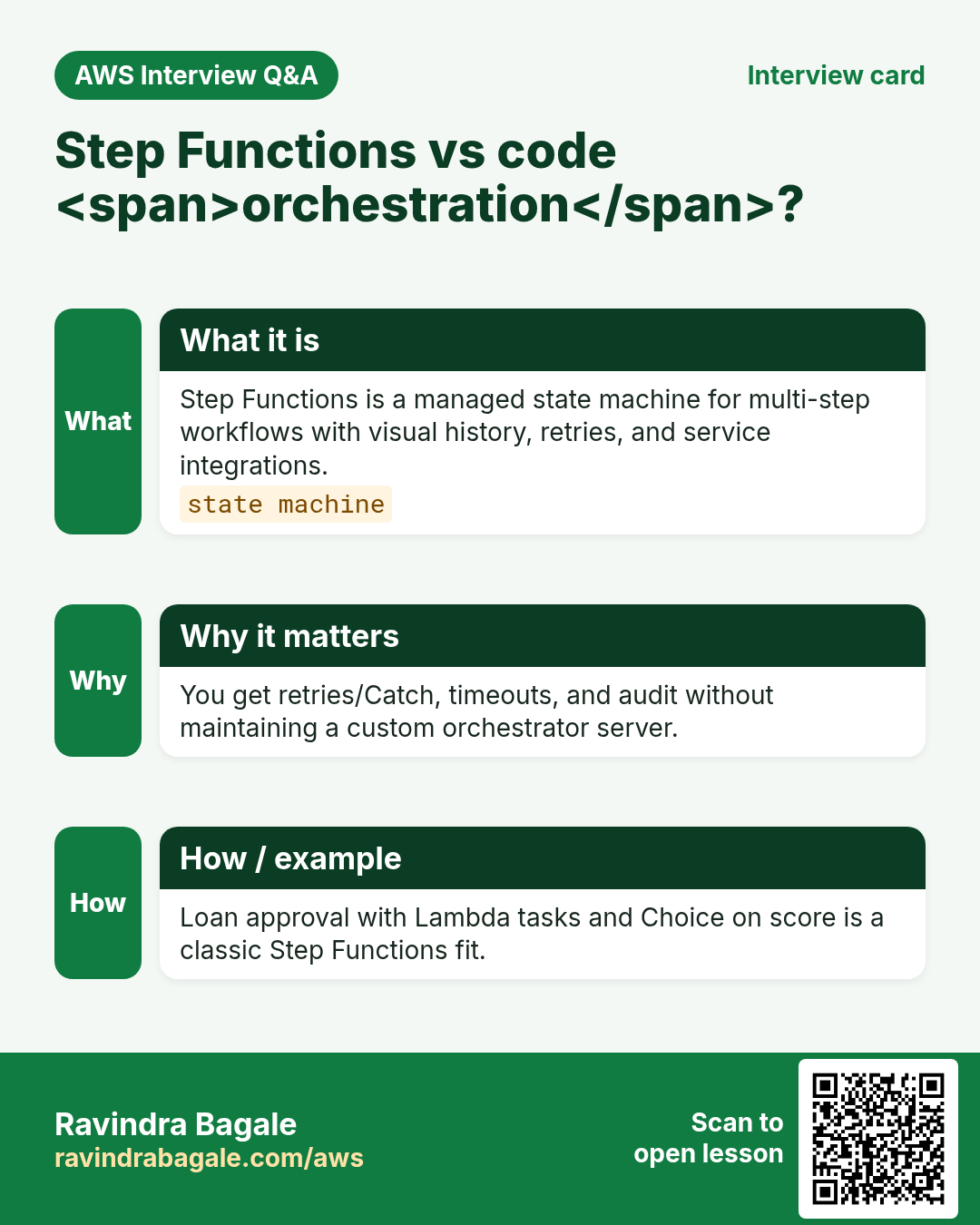
AWS Step Functions runs a state machine described in Amazon States Language (ASL) JSON. Each state can call Lambda, DynamoDB, ECS, another workflow, wait, choose a branch, retry or catch errors.
2. Core words
| Word | Meaning | Street picture |
|---|---|---|
| State machine | The whole flowchart you deploy | Full kitchen recipe |
| ASL | JSON language of states | Recipe as JSON |
| Task | Do work (often Lambda ARN) | One cooking step |
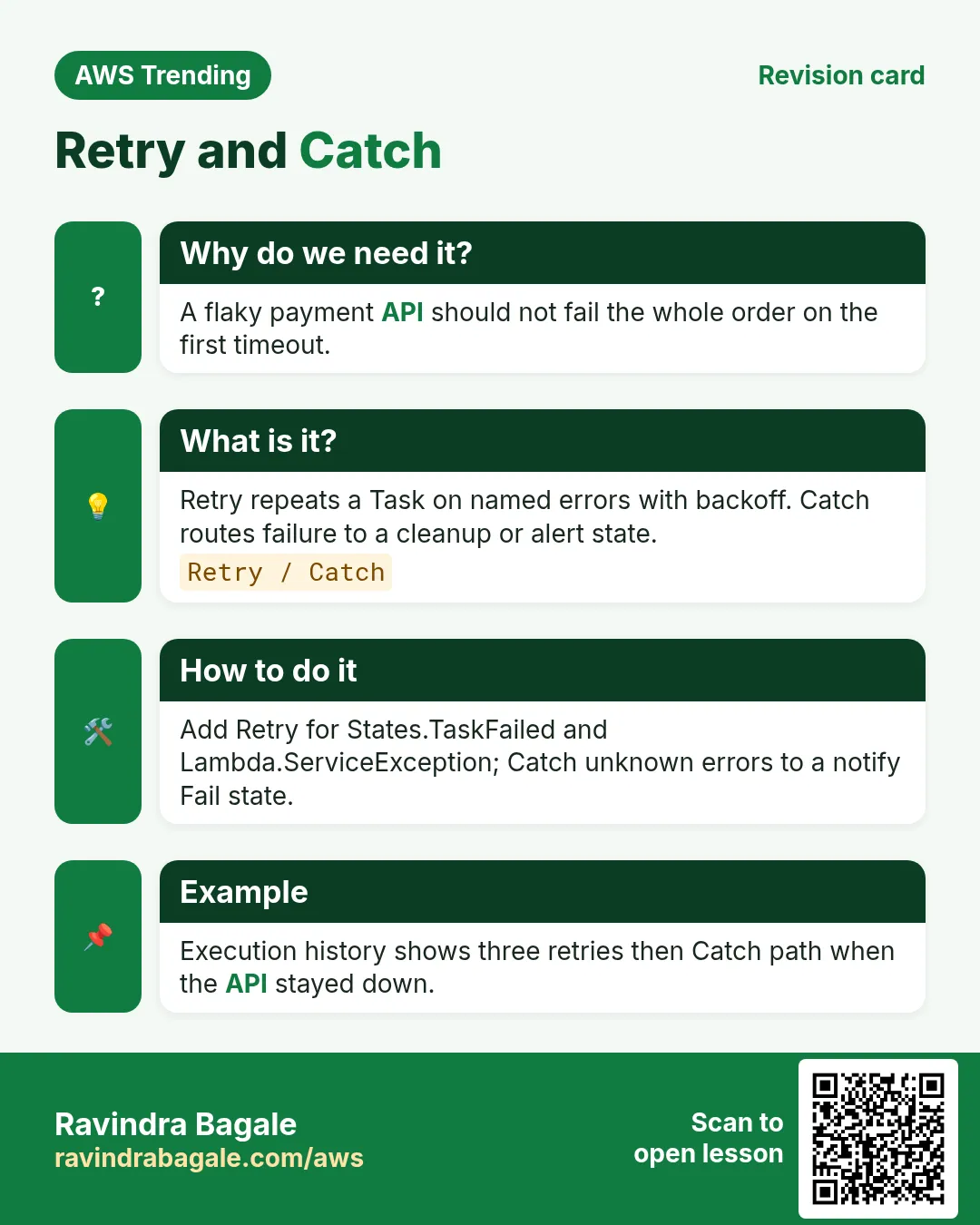
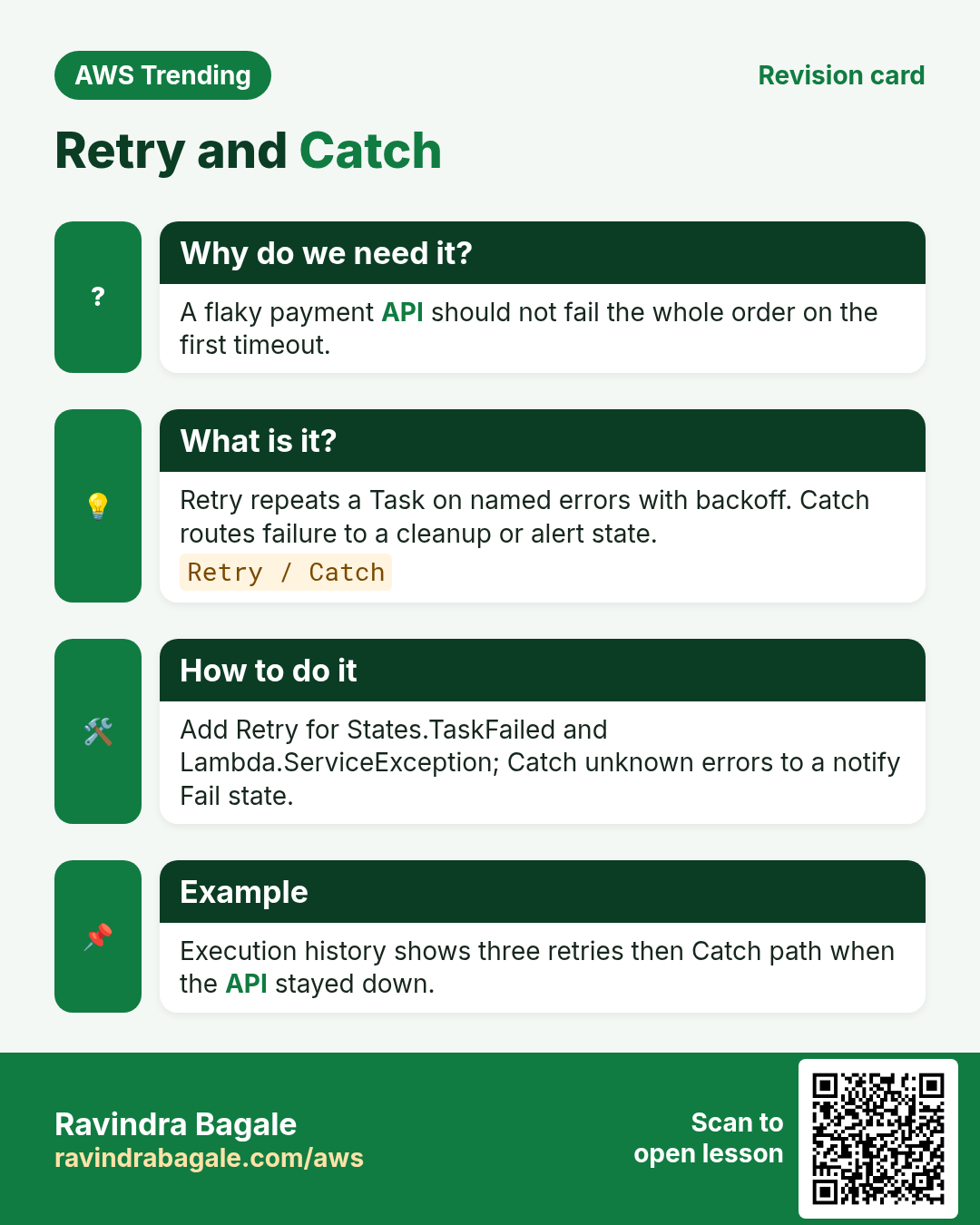
| Retry / Catch | Try again or go to error path | Burnt roti: remake or call manager |
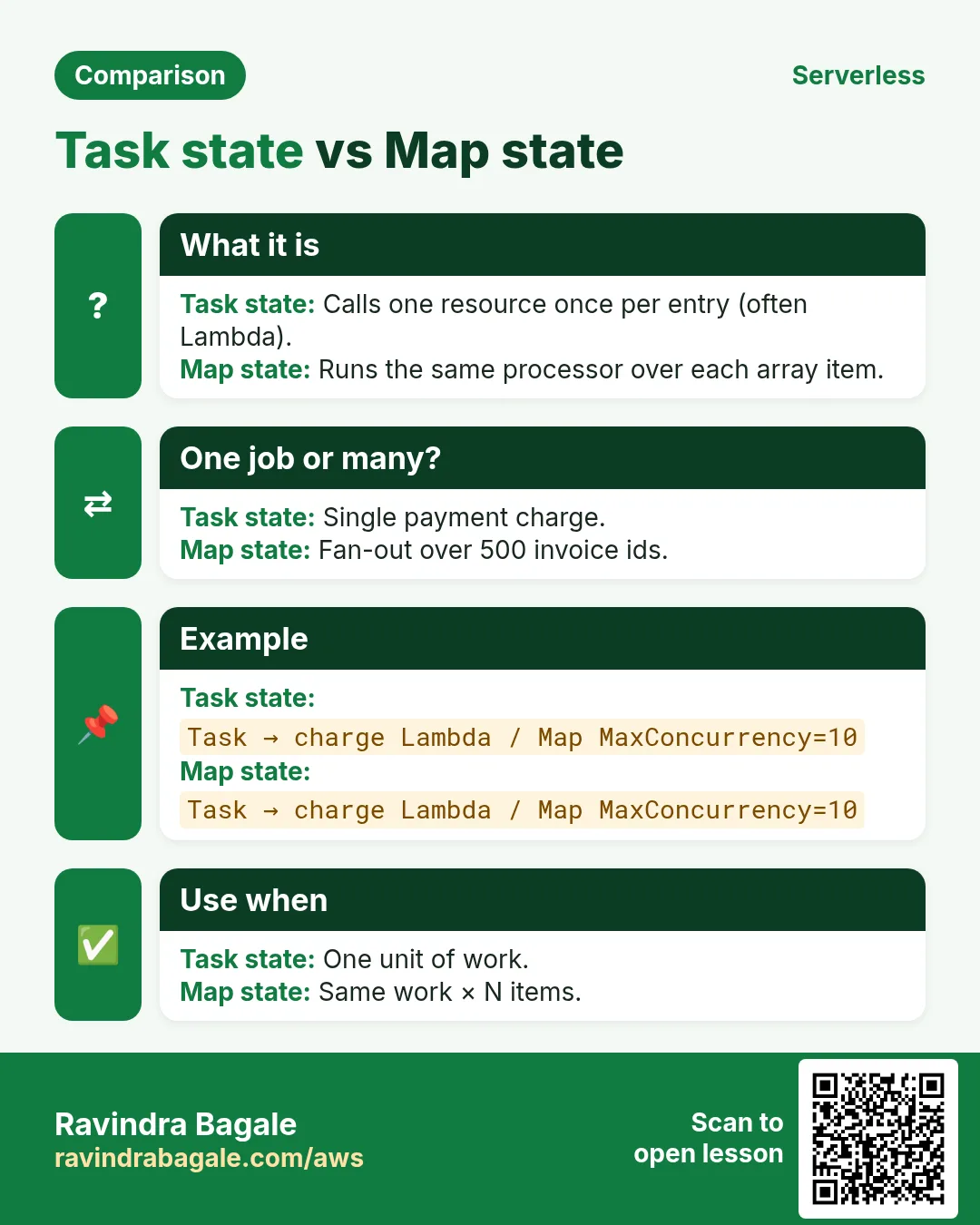
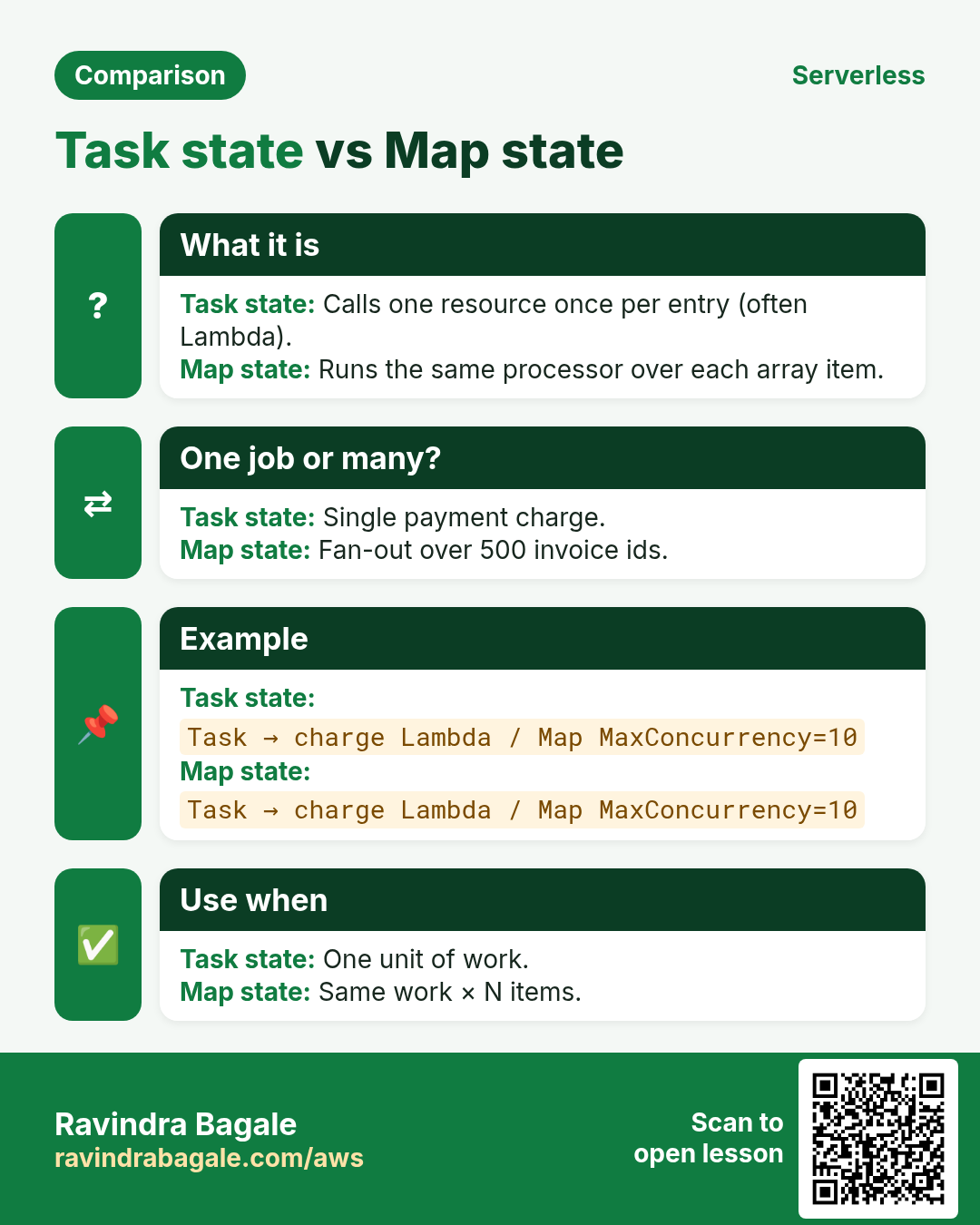
| Map / Parallel | Fan-out over a list / run branches together | Many parcels at once |
| Standard / Express | Long durable vs short high-volume | Registered post vs bulk SMS |
3. Standard vs Express
Why do we need this?
Wrong mode wastes money or loses the audit trail banks need.
What is it?
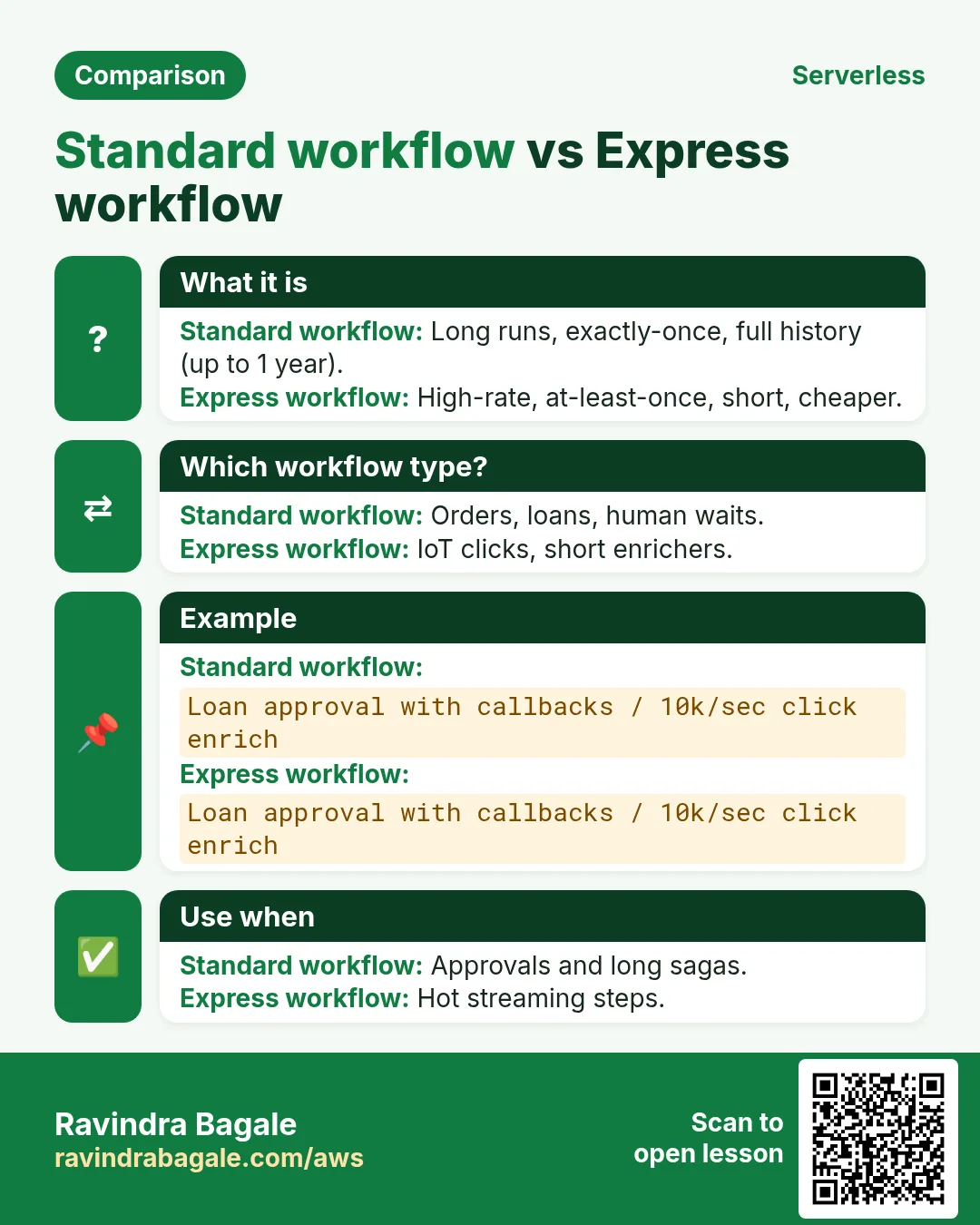
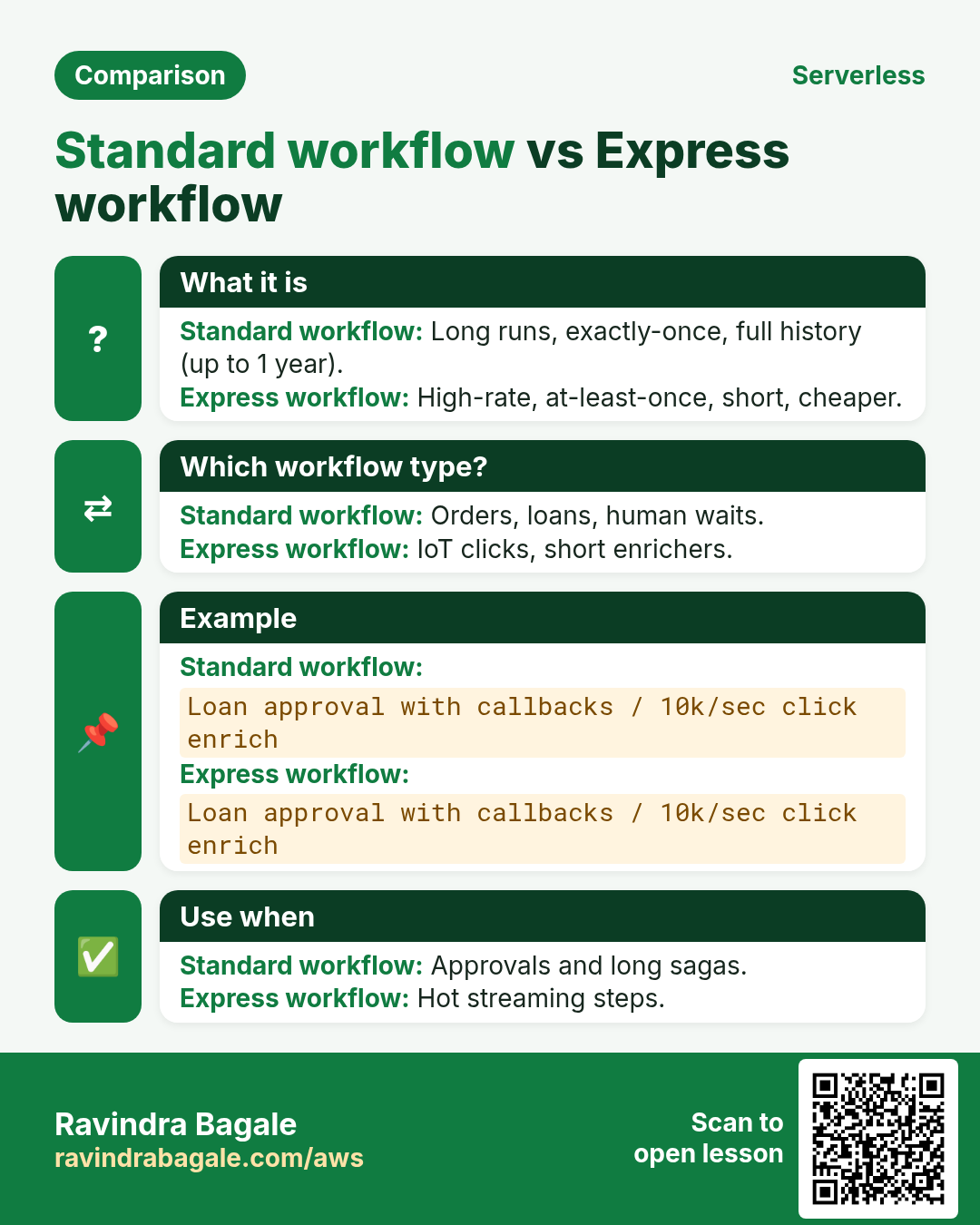
| Need | Pick | Why |
|---|---|---|
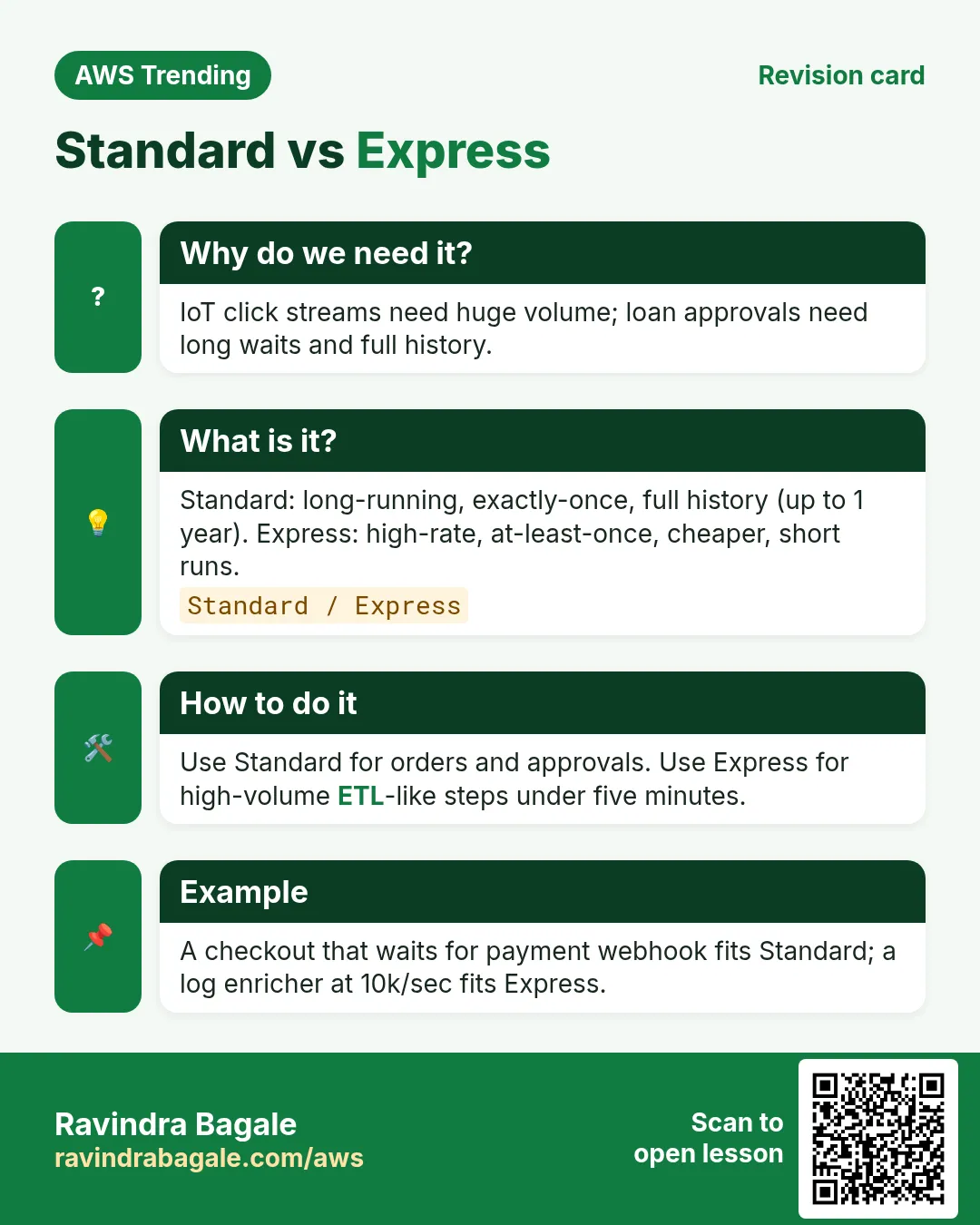
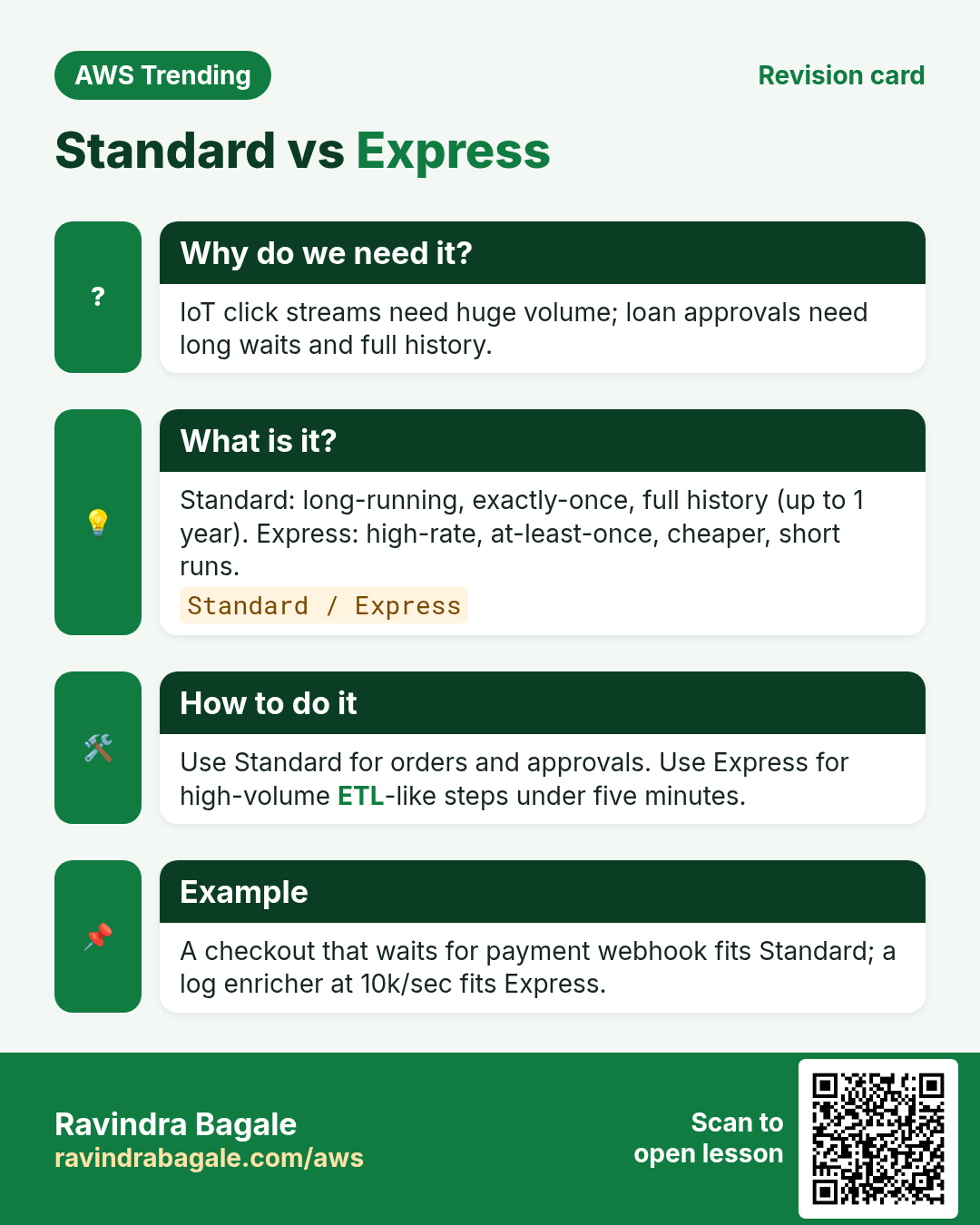
| Loan, KYC, human approval, days-long wait | Standard | Exactly-once, 1 year max, full history |
| IoT click stream, 100k short pipes per sec | Express | At-least-once, 5 min max, cheaper at huge volume |
| Need console replay for support | Standard | Execution history is the support ticket |
Ravindra Bagale's Tip
Start every student lab on Standard. Move to Express only when metrics prove volume.
4. Industries using it
- Fintech (Pune/Bengaluru): KYC → bureau → offer → e-sign.
- Healthcare: intake → insurance check → appointment SMS.
- Ecommerce: order → fraud → warehouse → shipping label.
- Media: upload → transcode Map state → CDN invalidate.
- SaaS onboarding: create tenant → seed DB → welcome email.
5. How to sketch your first machine
How to do it (step by step)
- Write the happy path on paper with 3 to 5 boxes.
- Circle which box is Lambda vs wait vs choice.
- Add one Retry on the flaky call (payment, SMS).
- Add one Catch that writes failure to DynamoDB and notifies SNS.
- Translate to ASL JSON; start execution with a tiny input.
{
  "Comment": "Tiny charge flow",
  "StartAt": "Validate",
  "States": {
    "Validate": {
      "Type": "Task",
      "Resource": "arn:aws:lambda:ap-south-1:123456789012:function:validate",
      "Next": "Charge"
    },
    "Charge": {
      "Type": "Task",
      "Resource": "arn:aws:lambda:ap-south-1:123456789012:function:charge",
      "Retry": [{"ErrorEquals": ["States.TaskFailed"], "IntervalSeconds": 2, "MaxAttempts": 3}],
      "Catch": [{"ErrorEquals": ["States.ALL"], "Next": "FailNotify"}],
      "End": true
    },
    "FailNotify": {
      "Type": "Task",
      "Resource": "arn:aws:lambda:ap-south-1:123456789012:function:fail-notify",
      "End": true
    }
  }
}
6. Mini lab: console state machine
Do this in ap-south-1 (Mumbai) unless your org forbids it. Set a budget alert first.
How to do it (step by step)
- Open Step Functions → Create state machine → Write your workflow in code.
- Paste a 2-Task ASL that calls two existing Lambdas (or the sample).
- Start execution with {"orderId":"lab-1"}.
- Open Graph view; confirm green success path.
- Copy the execution ARN into your notes.
Cleanup (stop billing)
- Delete the state machine if it is only a lab.
- Delete lab Lambdas if you created them only for this.
7. Common errors and fixes
Each row is a real mistake students and juniors hit. Read the fix before you panic.
| Error / symptom | Fix |
|---|---|
| States.Runtime / invalid ASL | Validate ASL in Workflow Studio or aws stepfunctions validate-state-machine-definition. |
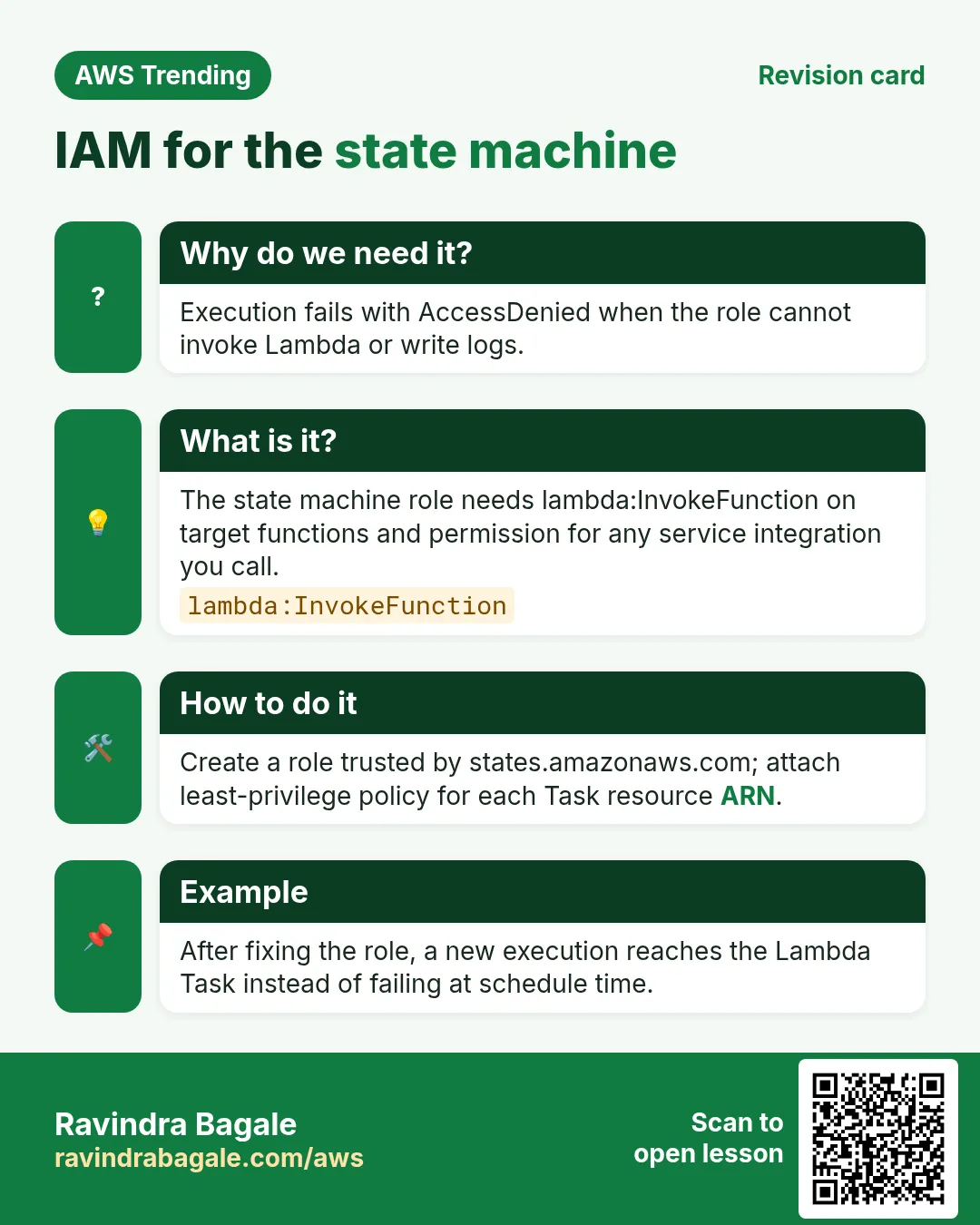
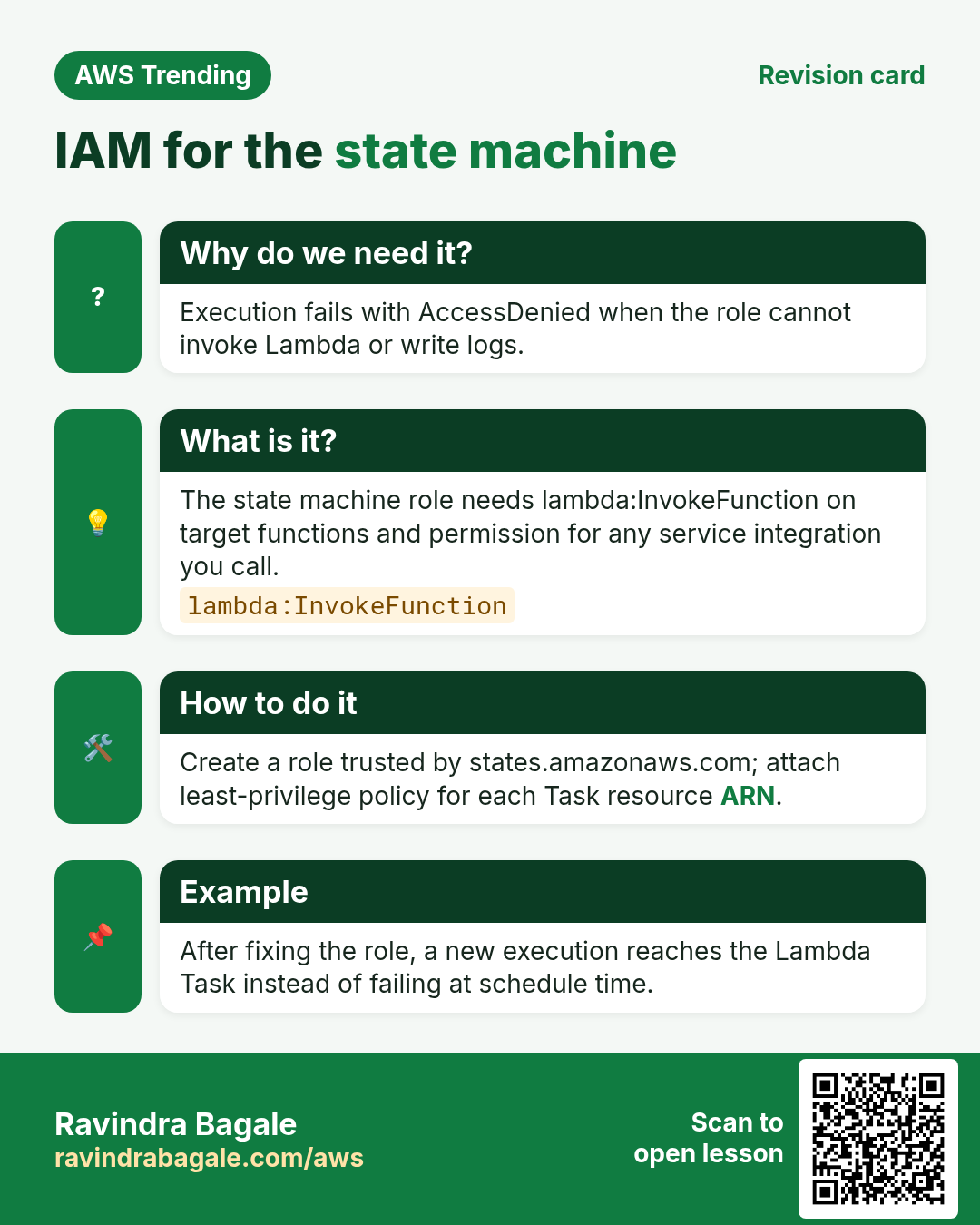
| Lambda not authorized | Execution role needs lambda:InvokeFunction on that ARN. |
| Task timed out | Raise TimeoutSeconds or fix Lambda timeout; check cold start. |
| Infinite Retry storm | Cap MaxAttempts; send to Catch. |
| Express used but need audit | Migrate that flow to Standard. |
| Payload larger than 256 KB | Store blob in S3; pass s3 key in state. |
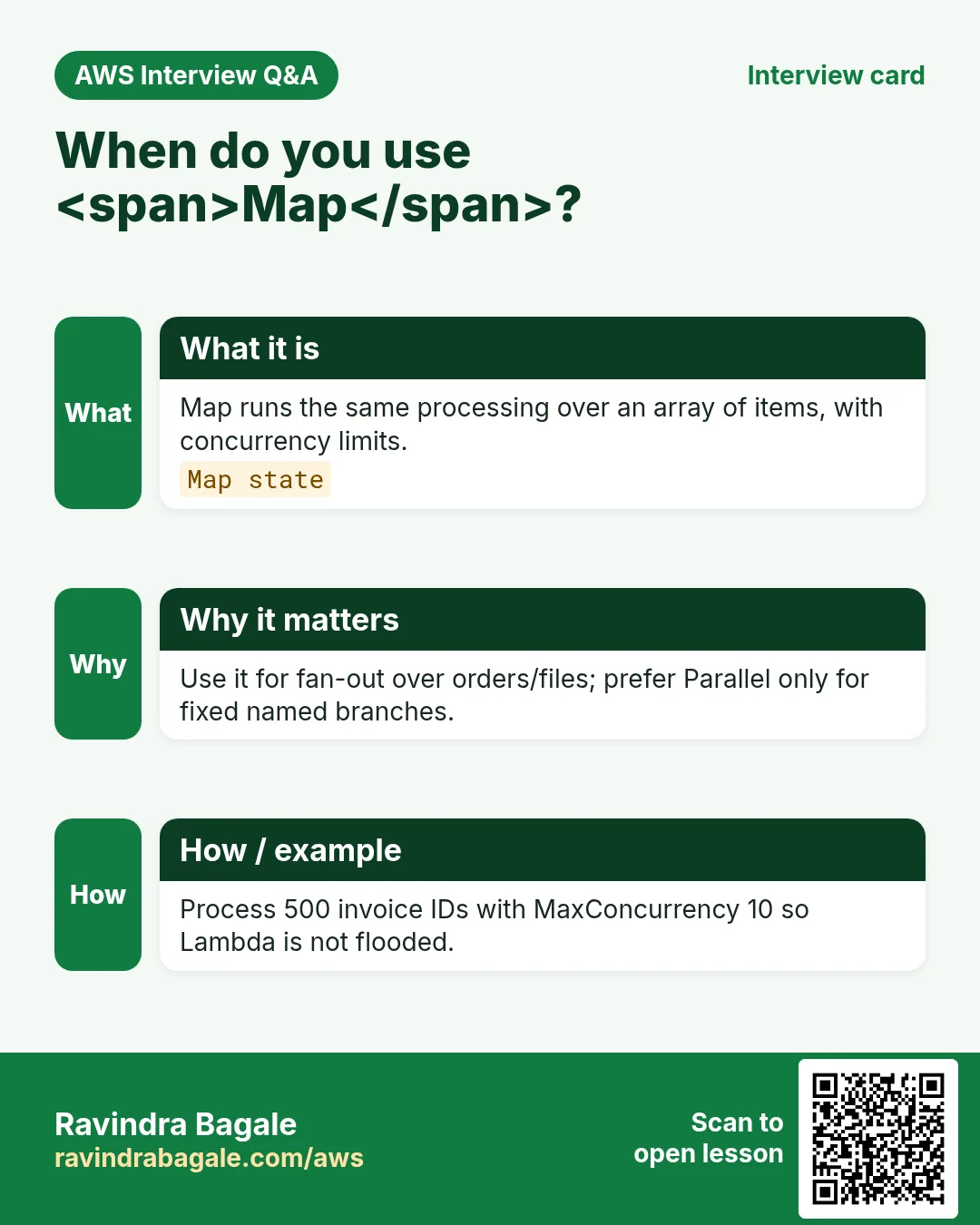
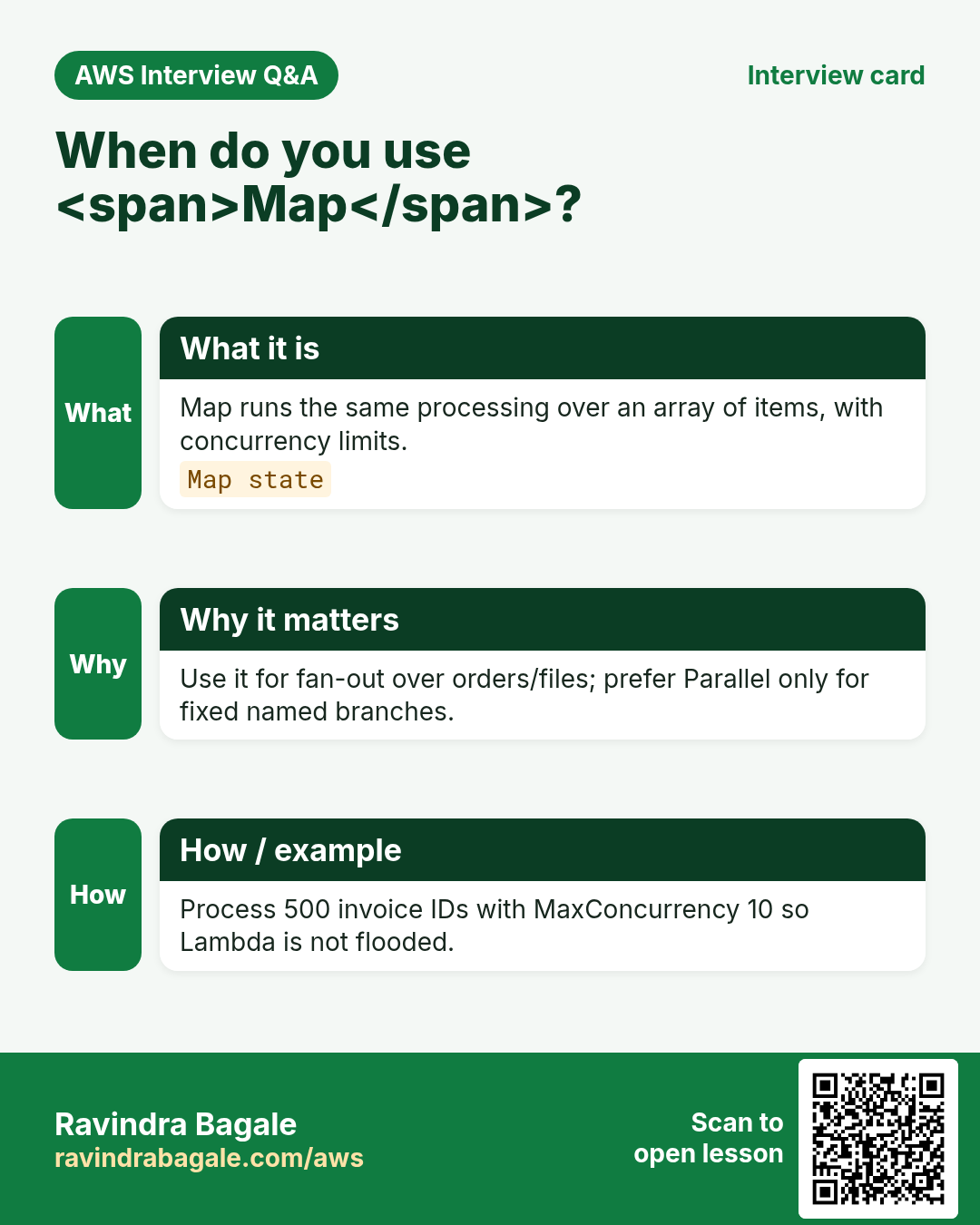
| Map concurrency thunders Lambda | Set MaxConcurrency on Map. |
| Wrong region ARN | All ARNs must match the state machine region. |
| Catch never runs | ErrorEquals must match; use States.ALL while learning. |
| Billing surprise | Standard charges per state transition — trim Wait loops. |
8. Troubleshooting checklist
- Confirm region equals ap-south-1 (or your org region).
- IAM execution role attached and trusted by states.amazonaws.com.
- Lambda allows invoke from the role.
- Open failed state → error cause JSON and read it fully.
- Test the Lambda alone with the same payload.
- Check CloudWatch Logs on the Task Lambda.
9. FAQ
Q. Is Step Functions only for Lambda?
No — direct SDK integrations hit many AWS APIs without Lambda glue.
Q. Step Functions vs SQS?
SQS is a queue; Step Functions is an orchestrator with branches and history.
Q. Can I wait 30 days?
Standard Wait state can wait up to one year.
Q. Does Express support all states?
Most, but history and exactly-once differ — read docs before migrating.
Q. How do I unit test ASL?
Prefer contract tests on Lambdas plus small integration executions.
10. Interview Q&A
Q. What is a state machine in AWS?
A deployed ASL flowchart Step Functions executes with retries and branches.
Q. Standard vs Express?
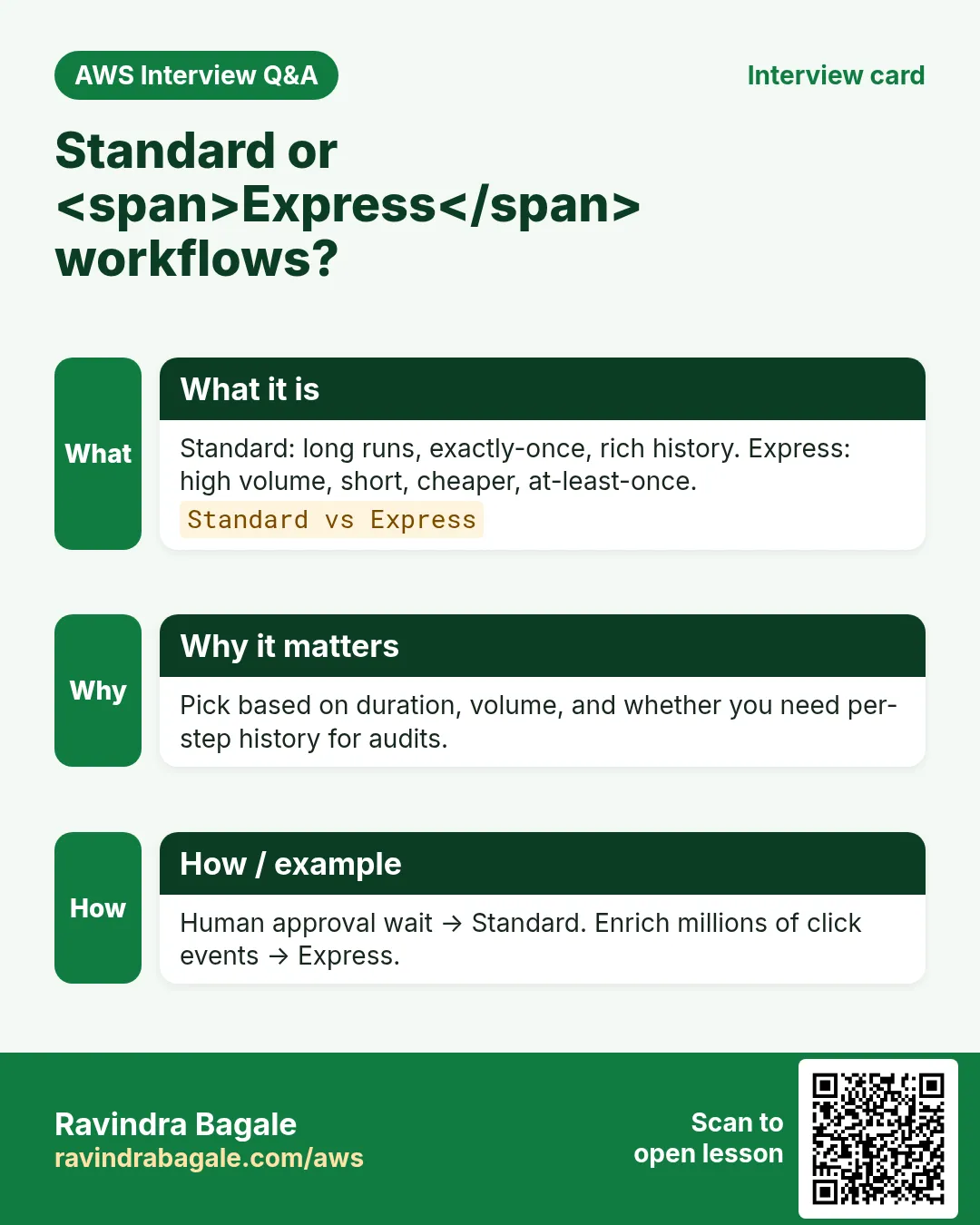
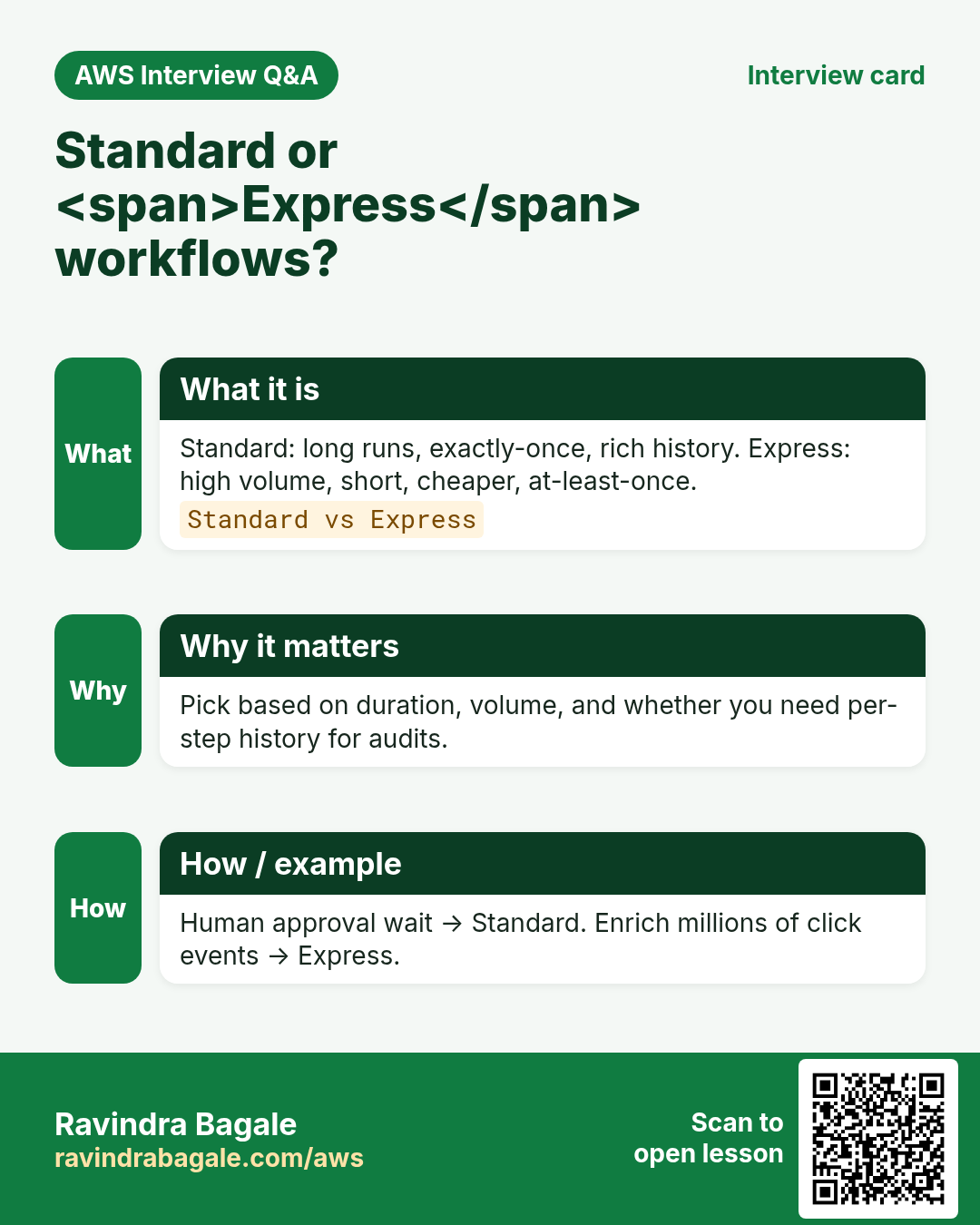
Standard: long, exactly-once, full history. Express: short, high volume, cheaper.
Q. Why Catch and Retry?
Retry handles blips; Catch handles poison with a defined failure path.
Q. Map state use case?
Fan-out the same work over an array (resize 500 images).
Q. How do you pass large files?
S3 object key in the JSON; never the whole file.
Q. Idempotency tip?
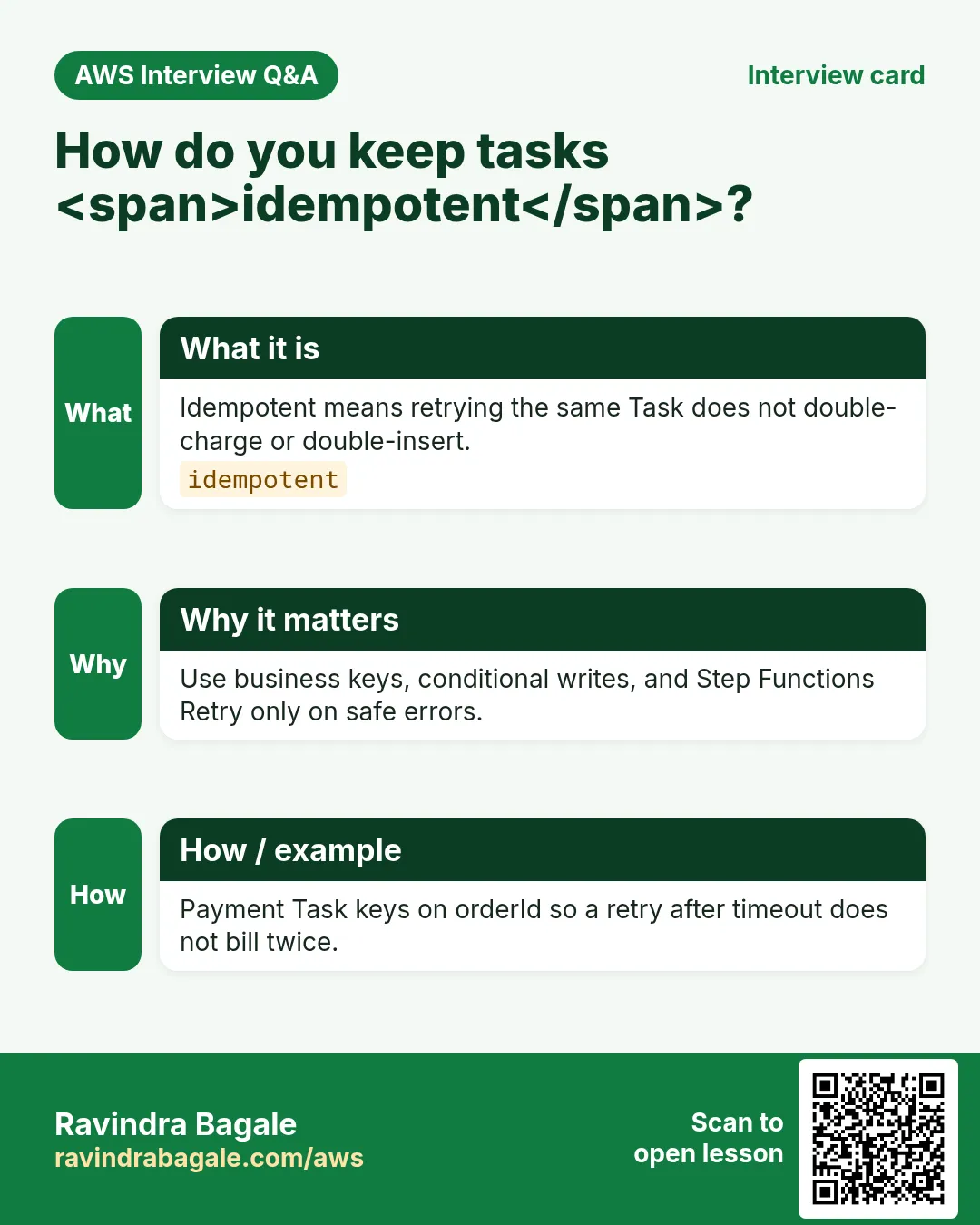
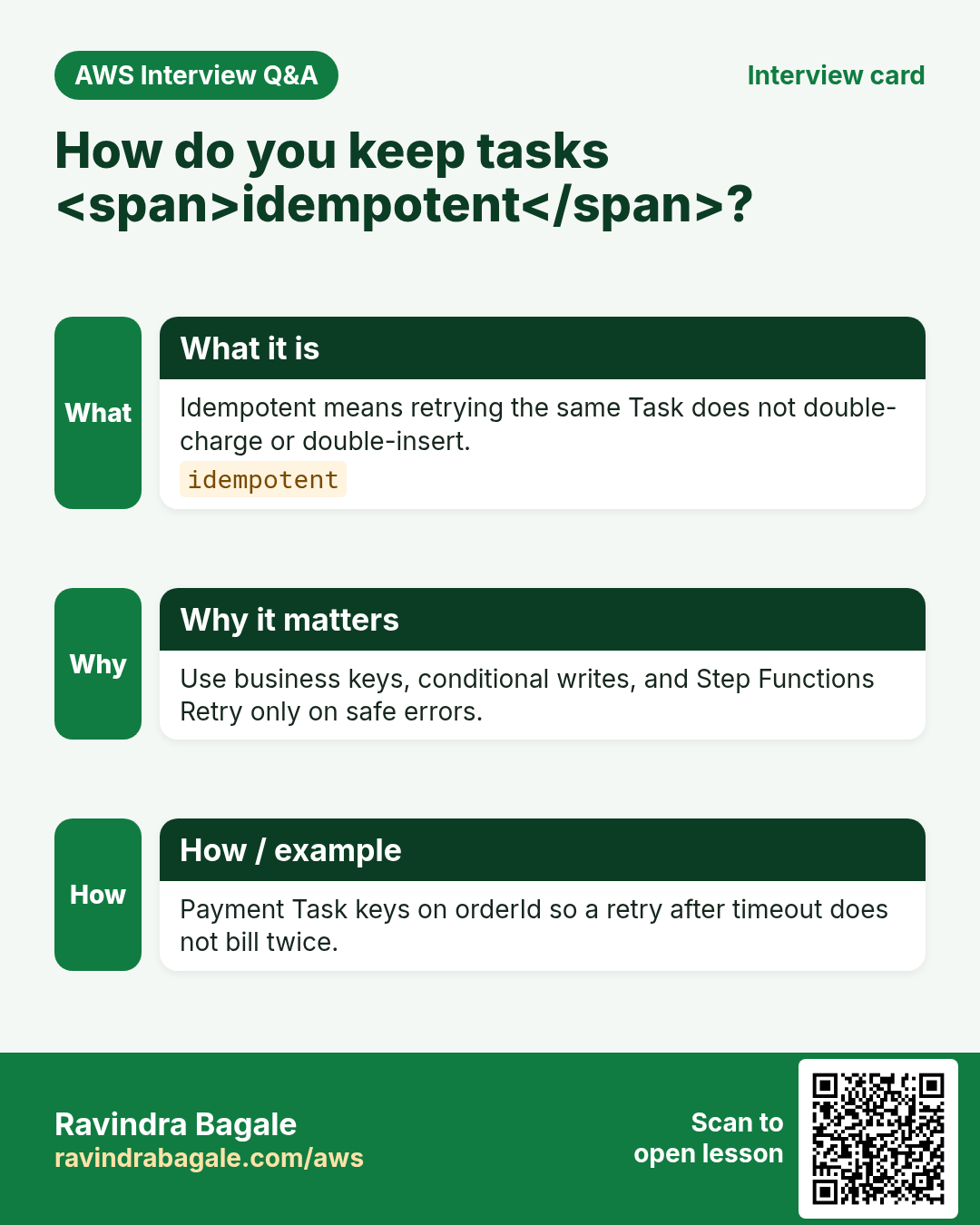
Make Task Lambdas idempotent; use execution name or business key.
11. Tips in English, Marathi and Hindi
Ravindra Bagale's Tip (EN)
Draw the flowchart before you open the console. Cheap paper beats expensive failed executions.
Ravindra Bagale's Tip (MR)
आधी कागदावर flowchart. स्वस्त कागद > महाग failed executions.
Tip (HI)
पहले कागज़ पर flowchart बनाओ — सस्ता कागज़ महंगे failed execution से बेहतर है।
Try at home
- Rewrite the Swiggy path as 4 boxes with one Catch.
- In console, open a sample project and press Start execution.
- List three workflows at your job or college that need orchestration.
In short
- Step Functions = state machine for AWS workflows.
- ASL JSON describes Task, Choice, Wait, Map, Parallel, Retry, Catch.
- Standard for durable business flows; Express for short high-volume.
- Always design failure paths and cleanup lab resources.
Revision, interview and comparison cards
Revise this lesson in a few minutes. Save the cards on your phone or download them as PNG files. The QR code on each card opens this lesson.
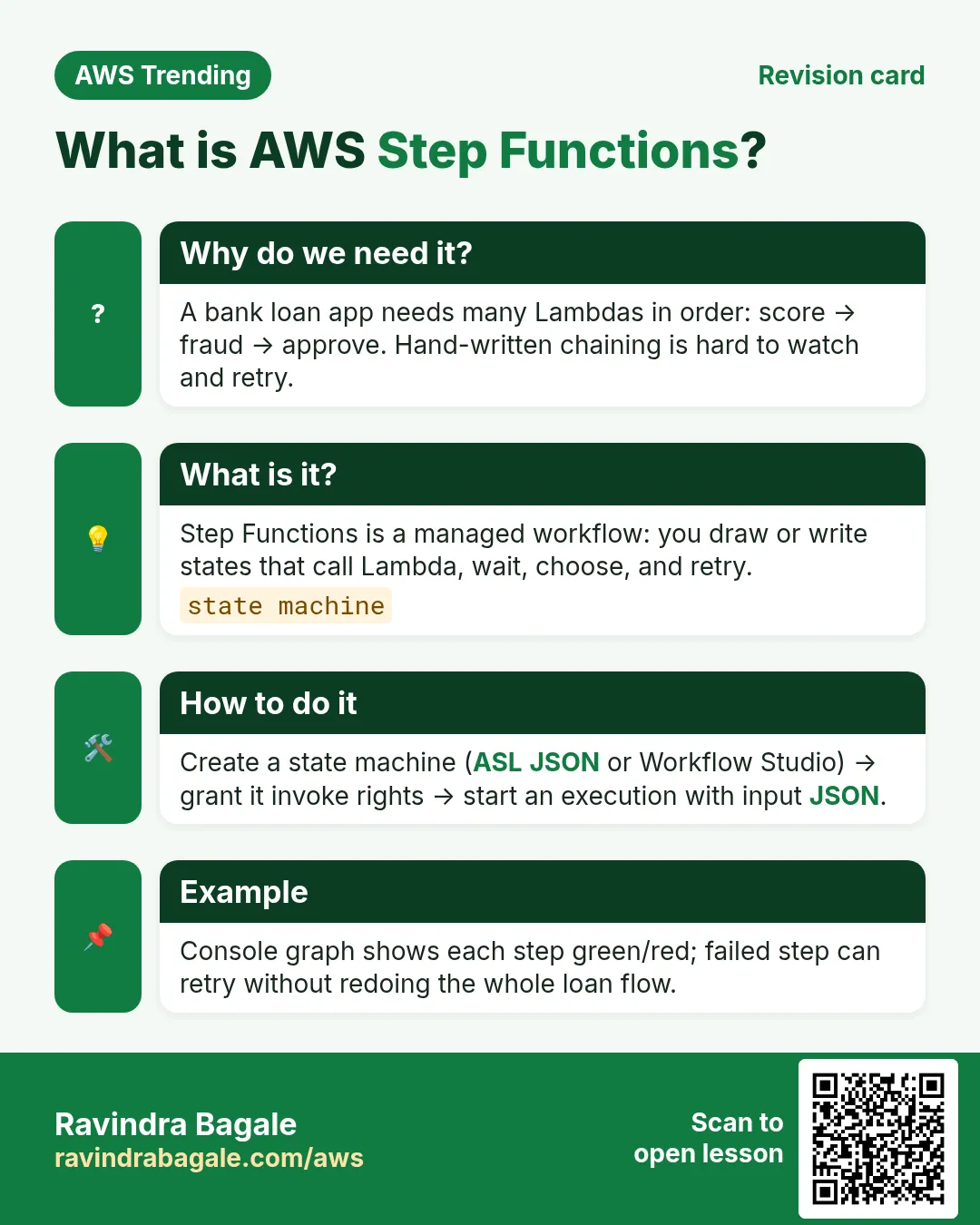
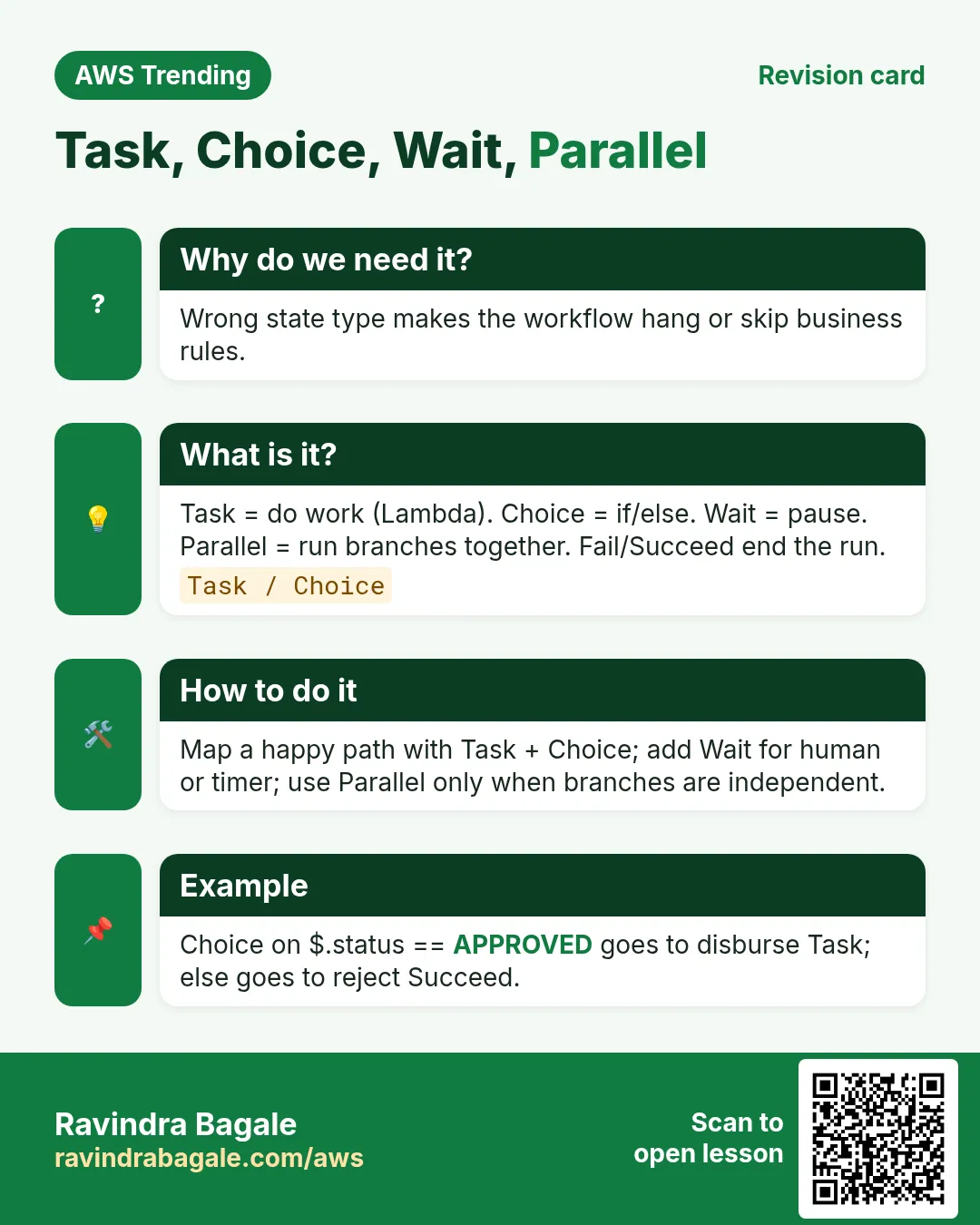
More cards: Ravi Sir's Cards.
Practice Tasks
Maple Leaf Books is a bookselling business in Toronto. Emily Tremblay looks after its IT and cloud work. They count money in CAD and run their AWS resources in the ca-central-1 Region. In the tasks below you do real jobs for them using what this lesson teaches. All names, account IDs, IP addresses and numbers are made up for practice.
0 / 16
Easy List state machines
Why: See which workflows exist.
What to do: List state machines in ca-central-1.
- Read the task and decide which AWS service it is about.
- Write aws, then the service name, then the operation (the action word).
- Add each needed flag (--name) followed by its value from the task.
- Flags can be in any order. Click Check answer.
Easy Describe a state machine
Why: Check definition and role ARN.
What to do: Describe state machine arn:aws:states:ca-central-1:102932412000:stateMachine:mapleleafbooks-order.
- Read the task and decide which AWS service it is about.
- Write aws, then the service name, then the operation (the action word).
- Add each needed flag (--name) followed by its value from the task.
- Flags can be in any order. Click Check answer.
Easy Delete a state machine
Why: Stop lab billing for unused machines.
What to do: Delete state machine arn:aws:states:ca-central-1:102932412000:stateMachine:mapleleafbooks-lab.
- Read the task and decide which AWS service it is about.
- Write aws, then the service name, then the operation (the action word).
- Add each needed flag (--name) followed by its value from the task.
- Flags can be in any order. Click Check answer.
Easy List executions
Why: See running and failed runs.
What to do: List executions for arn:aws:states:ca-central-1:102932412000:stateMachine:mapleleafbooks-order.
- Read the task and decide which AWS service it is about.
- Write aws, then the service name, then the operation (the action word).
- Add each needed flag (--name) followed by its value from the task.
- Flags can be in any order. Click Check answer.
Easy Standard max duration (years)
Why: Know the durable limit.
What to do: How many years can a Standard workflow run at most?
- Write down the numbers the task gives you.
- Work it out step by step on paper.
- Type only the final answer in the box.
- Click Check answer.
Easy Express max minutes
Why: Express is short.
What to do: Express workflows max duration in minutes?
- Write down the numbers the task gives you.
- Work it out step by step on paper.
- Type only the final answer in the box.
- Click Check answer.
Medium Start an execution
Why: Run the workflow with input.
What to do: Start execution on arn:aws:states:ca-central-1:102932412000:stateMachine:mapleleafbooks-order named run-1 with input file://input.json.
- Read the task and decide which AWS service it is about.
- Write aws, then the service name, then the operation (the action word).
- Add each needed flag (--name) followed by its value from the task.
- Flags can be in any order. Click Check answer.
Medium Get execution history
Why: Debug which state failed.
What to do: Get history for execution arn:aws:states:ca-central-1:102932412000:execution:mapleleafbooks-order:run-1.
- Read the task and decide which AWS service it is about.
- Write aws, then the service name, then the operation (the action word).
- Add each needed flag (--name) followed by its value from the task.
- Flags can be in any order. Click Check answer.
Medium Stop an execution
Why: Cancel a stuck run.
What to do: Stop execution arn:aws:states:ca-central-1:102932412000:execution:mapleleafbooks-order:run-1.
- Read the task and decide which AWS service it is about.
- Write aws, then the service name, then the operation (the action word).
- Add each needed flag (--name) followed by its value from the task.
- Flags can be in any order. Click Check answer.
Medium Validate a definition
Why: Catch ASL errors early.
What to do: Validate the state machine definition in asl.json.
- Read the task and decide which AWS service it is about.
- Write aws, then the service name, then the operation (the action word).
- Add each needed flag (--name) followed by its value from the task.
- Flags can be in any order. Click Check answer.
Medium Trust policy for Step Functions
Why: Who may assume the role.
What to do: Trust policy that lets states.amazonaws.com assume the role.
- Start with { "Version": "2012-10-17", "Statement": [ ... ] }.
- In each statement write Effect, Action and Resource.
- Give only what the task needs (least privilege).
- Use double quotes and commas correctly. Click Check answer.
Medium Allow SFN to invoke one Lambda
Why: Least privilege for Task states.
What to do: Allow lambda:InvokeFunction on arn:aws:lambda:ca-central-1:102932412000:function:mapleleafbooks-charge only.
- Start with { "Version": "2012-10-17", "Statement": [ ... ] }.
- In each statement write Effect, Action and Resource.
- Give only what the task needs (least privilege).
- Use double quotes and commas correctly. Click Check answer.
Medium Payload limit KB
Why: Know when to use S3.
What to do: Max state payload size often cited in KB?
- Write down the numbers the task gives you.
- Work it out step by step on paper.
- Type only the final answer in the box.
- Click Check answer.
Hard Create a state machine
Why: Deploy ASL from a file.
What to do: Create state machine mapleleafbooks-order of type STANDARD with role arn:aws:iam::102932412000:role/mapleleafbooks-sfn and definition file://asl.json.
- Read the task and decide which AWS service it is about.
- Write aws, then the service name, then the operation (the action word).
- Add each needed flag (--name) followed by its value from the task.
- Flags can be in any order. Click Check answer.
Hard ASL: Validate then Charge
Why: State machines need a clear StartAt path.
What to do: Write ASL JSON: StartAt Validate; Validate Task Resource arn:aws:lambda:ap-south-1:123456789012:function:validate Next Charge; Charge Task Resource arn:aws:lambda:ap-south-1:123456789012:function:charge End true.
- Start from the top-level keys the task names.
- Indent child keys with 2 spaces (no tabs).
- Fill in each property with the value from the task.
- Click Check answer. Key order does not matter.
Hard ASL with Retry
Why: Retries soften flaky payments.
What to do: ASL: StartAt Pay; Pay Task Resource arn:aws:lambda:ap-south-1:123456789012:function:pay with Retry MaxAttempts 3 on States.TaskFailed and End true.
- Start from the top-level keys the task names.
- Indent child keys with 2 spaces (no tabs).
- Fill in each property with the value from the task.
- Click Check answer. Key order does not matter.