What Is Serverless Architecture? When to Use It and When Not To
Your friend opens a chai stall only when customers walk up. No rent for an empty shop at 3 AM. Serverless architecture is that idea for software: run code when work arrives, pay mainly for that work, and let the cloud own the servers. This chapter maps the whole patterns series and tells you when NOT to go serverless.
What you'll learn in this chapter
- Explain serverless with an everyday story
- List what you manage vs what AWS manages
- Choose Lambda vs EC2 vs containers
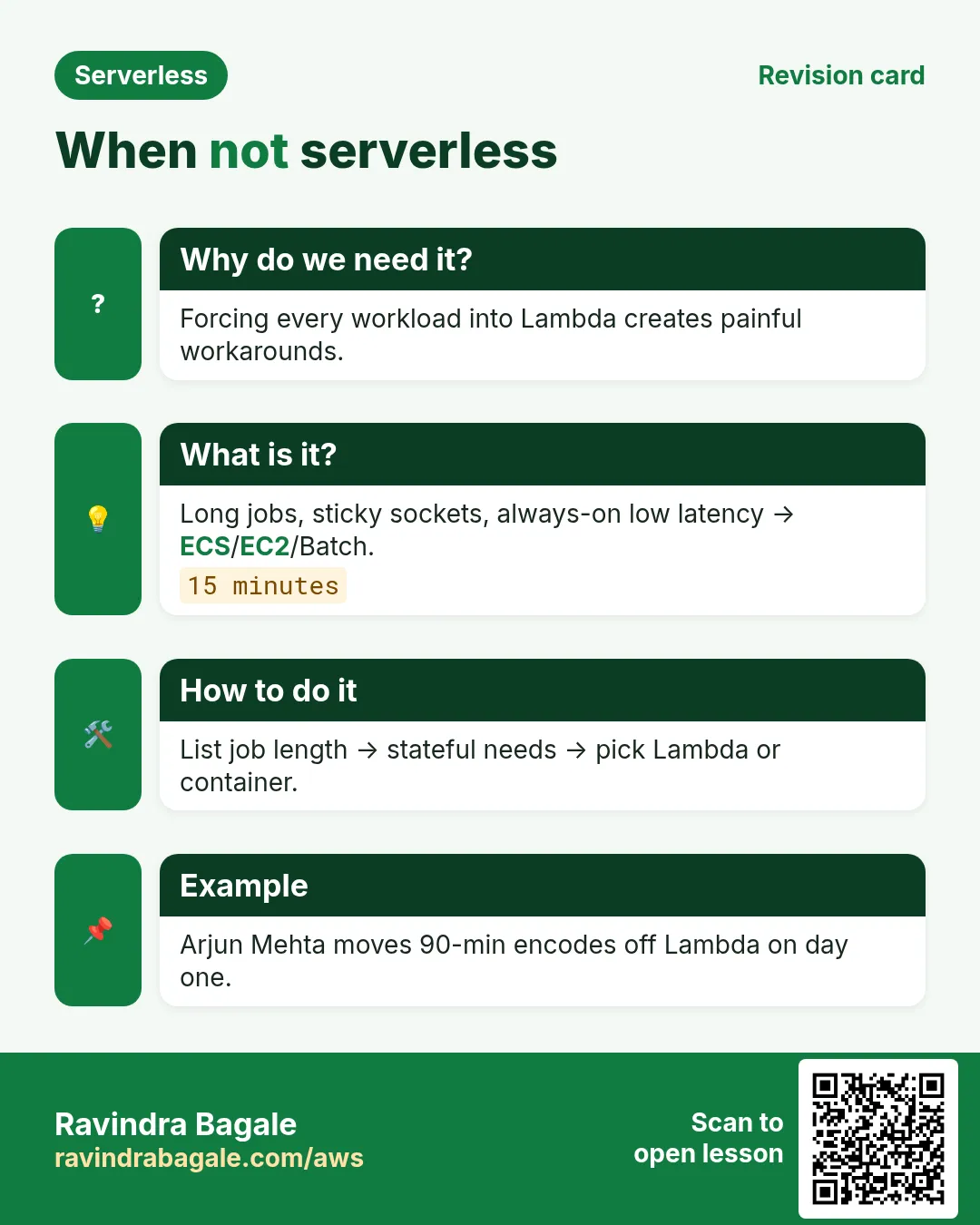
- Name anti-patterns (long jobs, sticky state)
- Link existing Lambda/API/DDB/project chapters
1. Everyday example: the on-demand chai stall
Ravi boils water only when someone orders chai. Priya in Bengaluru runs a PDF invoice API the same way: quiet nights, then 50,000 INR invoices at month-end. Always-on EC2 wastes money at 3 AM. Lambda behind API Gateway sleeps and wakes per invoice. That is serverless architecture: managed services wired so you write business code, not patch Tuesdays.
Serverless does not mean no servers exist. Servers live inside AWS. You do not SSH, patch the OS, or size a fleet for 3 AM.
Refresh compute basics in What Is AWS Lambda? before designing a whole system. This chapter zooms out to architecture.
2. Why an architecture view?
Why do we need this?
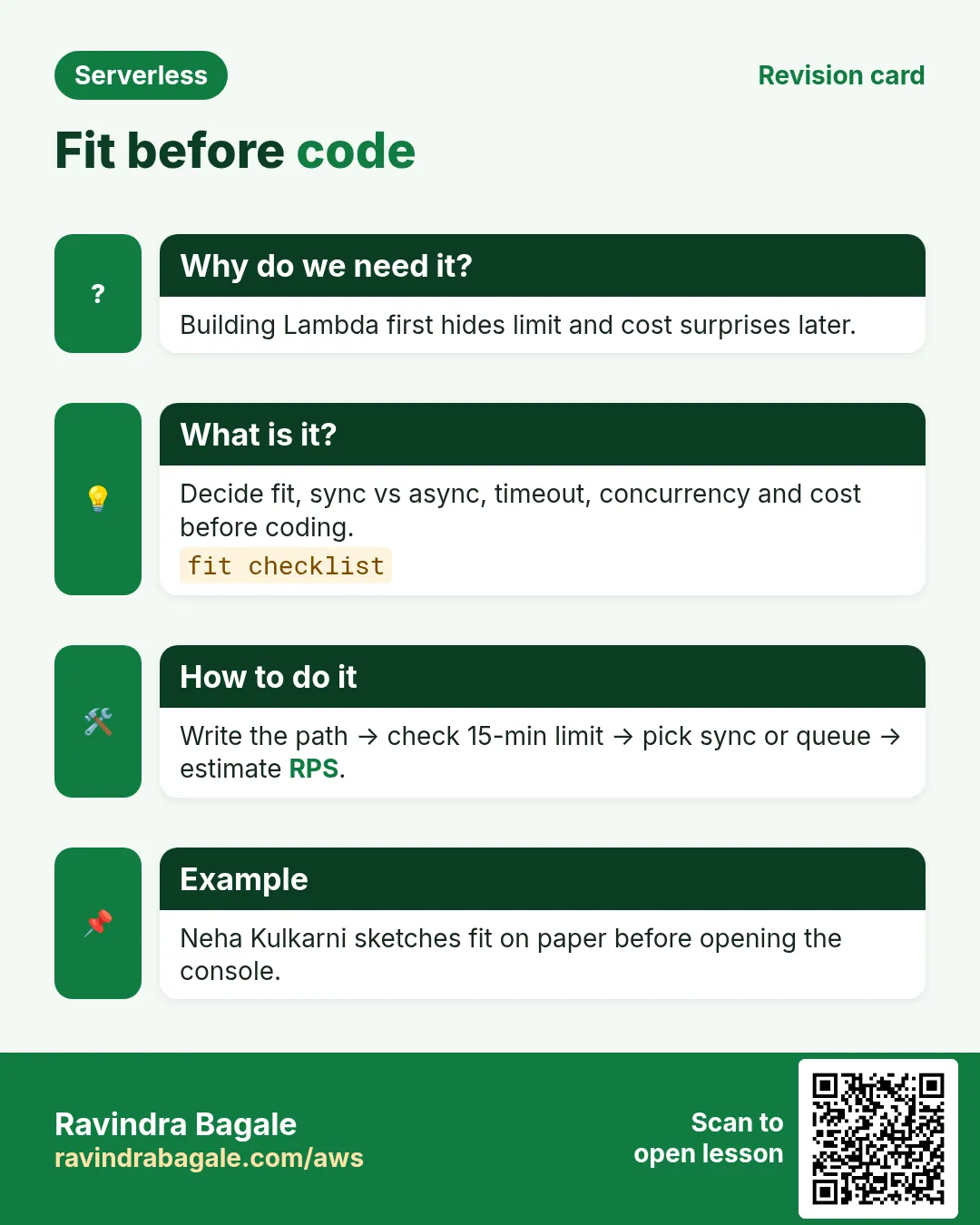
Five pasted Lambda tutorials are not architecture. Production then hurts: recursive S3 triggers, no DLQ, 15-minute jobs in Lambda, surprise bills in USD or INR. Architecture forces fit, limits, failure and cost before code.
What is it?
Serverless architecture means default building blocks are managed event-driven services (Lambda, API Gateway, DynamoDB, SQS, SNS, EventBridge, Step Functions, Cognito) assembled into patterns: API backend, fan-out, saga, strangler, and more.
| You manage | AWS manages | Example |
|---|---|---|
| Code, IAM intent, data model, alarms | Servers, OS patching, metal capacity | You write handler; AWS places microVMs |
| Retry/idempotency/DLQ design | Queue storage replication | You set maxReceiveCount |
| Auth rules, WAF, secret rotation process | KMS HSM, Cognito scaling | You pick authorizer |
3. Vertical diagram: client to data
4. Building blocks you already studied
What is it?
- Compute: What Is AWS Lambda?.
- HTTP: API Gateway.
- Data: DynamoDB.
- Messaging: SQS and SNS.
- Events: EventBridge.
- Orchestration: Step Functions.
- Identity: Cognito.
Hands-on live projects: notes app project, URL shortener, plus more build-* chapters. Patterns link them; they do not paste source again.
5. When serverless shines
- Spiky traffic: campus fest tickets, flash sale.
- Glue: S3 resize, webhook validate then queue.
- Many small APIs for small teams.
- Cron/automation without a babysitting server.
- Afternoon prototypes.
6. When NOT to use serverless
| Smell | Better default | Why |
|---|---|---|
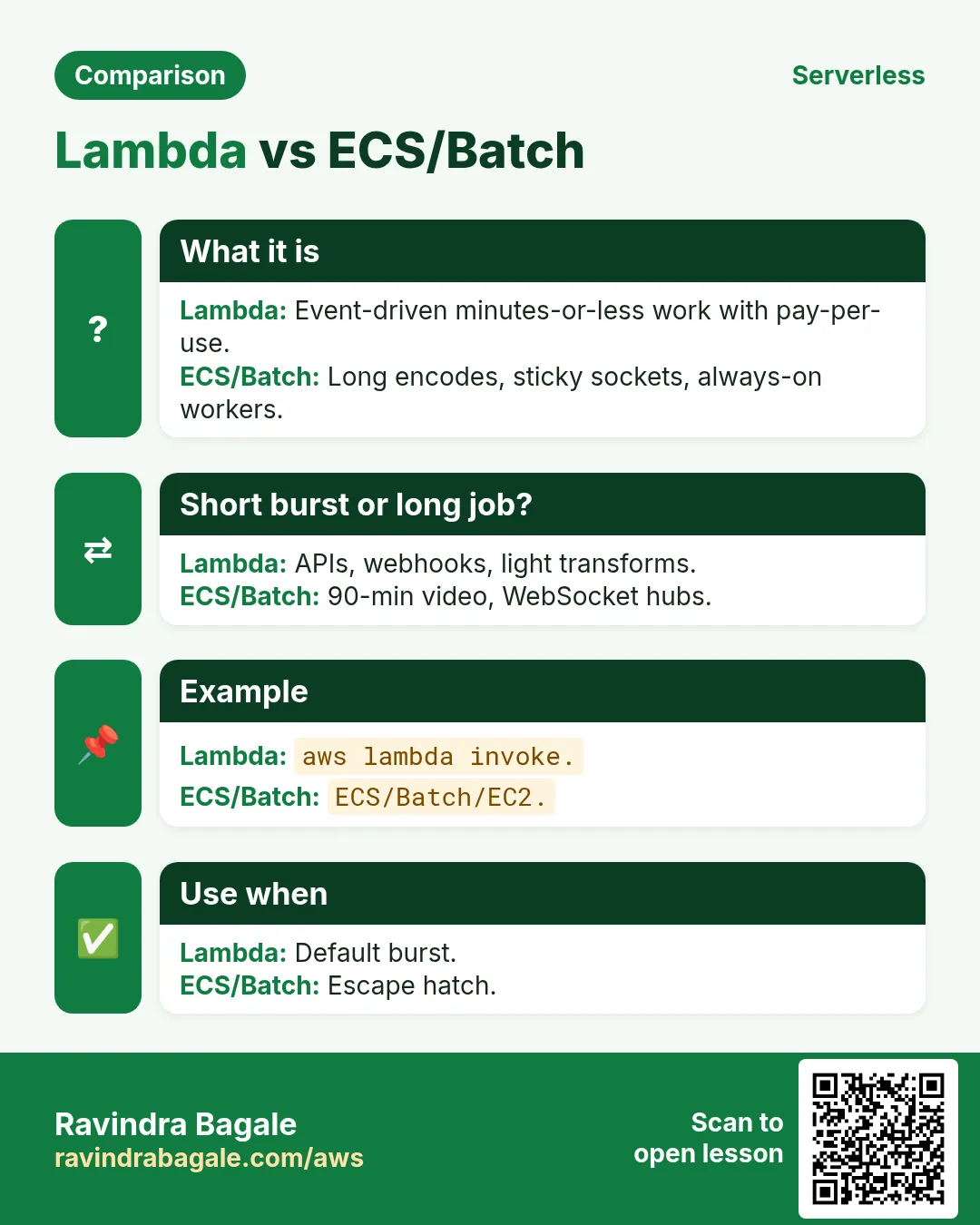
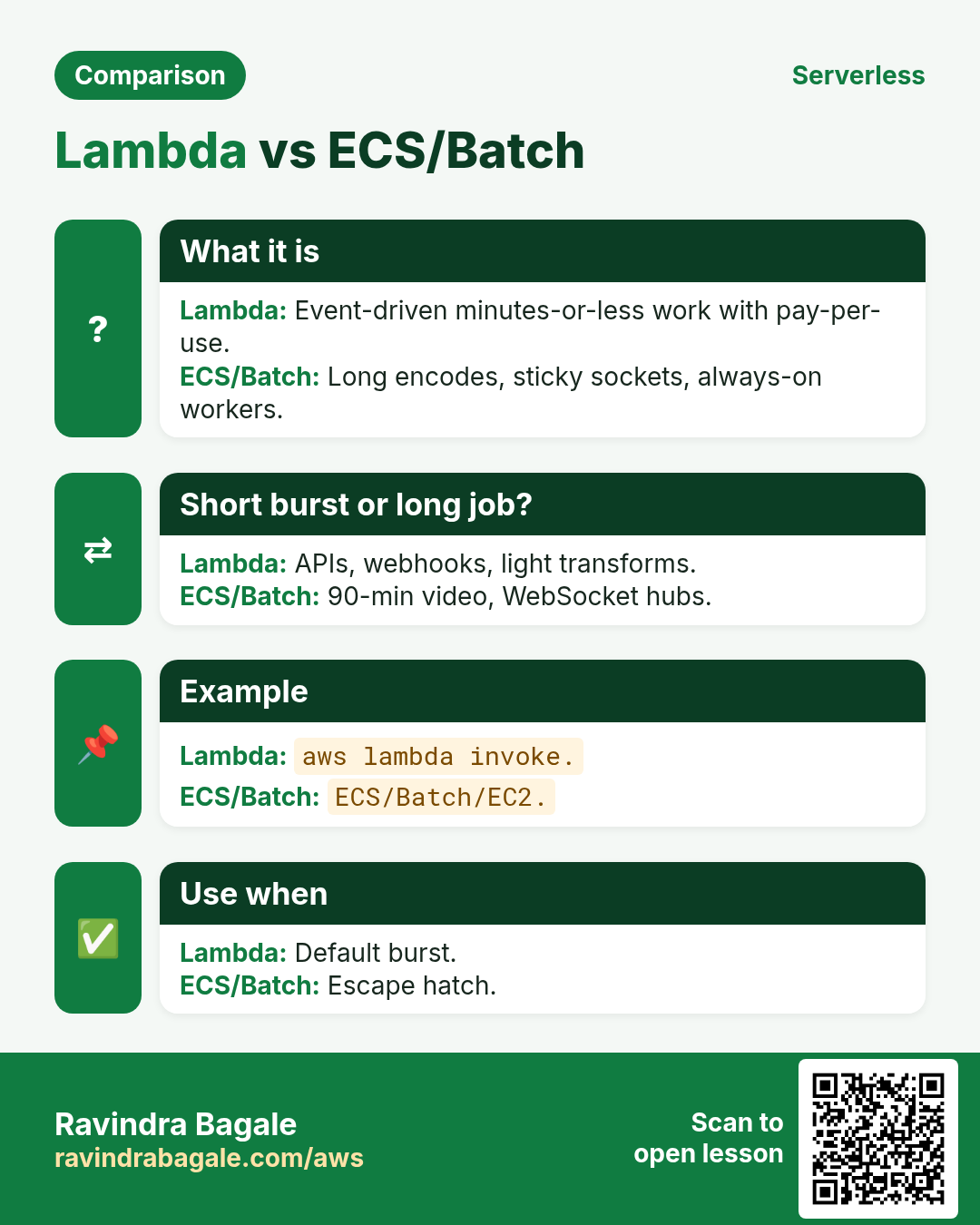
| 30-120 min continuous job | ECS/Batch/EC2 | Lambda 15 min cap |
| Sticky game with huge memory | ECS/EKS/game servers | Lambda stateless between invokes |
| p99 under 5 ms VPC hairpin | Fleet near data | Cold start + VPC risk |
| Always-warm 2 GB native monolith | ECS containers | Packaging/cold starts hurt |
| All-day GPU | EC2/SageMaker | Lambda GPU rare |
| Managed runtimes forbidden | EC2 CIS image | Ask GRC first |
Ravindra Bagale's Tip
If every function needs provisioned concurrency to feel like a server, consider a small always-on container.
7. Decision table
| Question | If yes | If no |
|---|---|---|
| Finishes in seconds to minutes? | Lambda candidate | ECS/Batch/EC2 |
| Traffic often near zero? | Serverless saves idle | Reserved EC2 may win |
| Custom kernel/GPU/huge disk? | EC2/ECS | Lambda OK |
| Team already on Kubernetes? | Stay; Lambda for glue | Serverless API may be simpler |
8. How to sketch a serverless system
How to do it (step by step)
- User journey in 5 bullets — no AWS names yet.
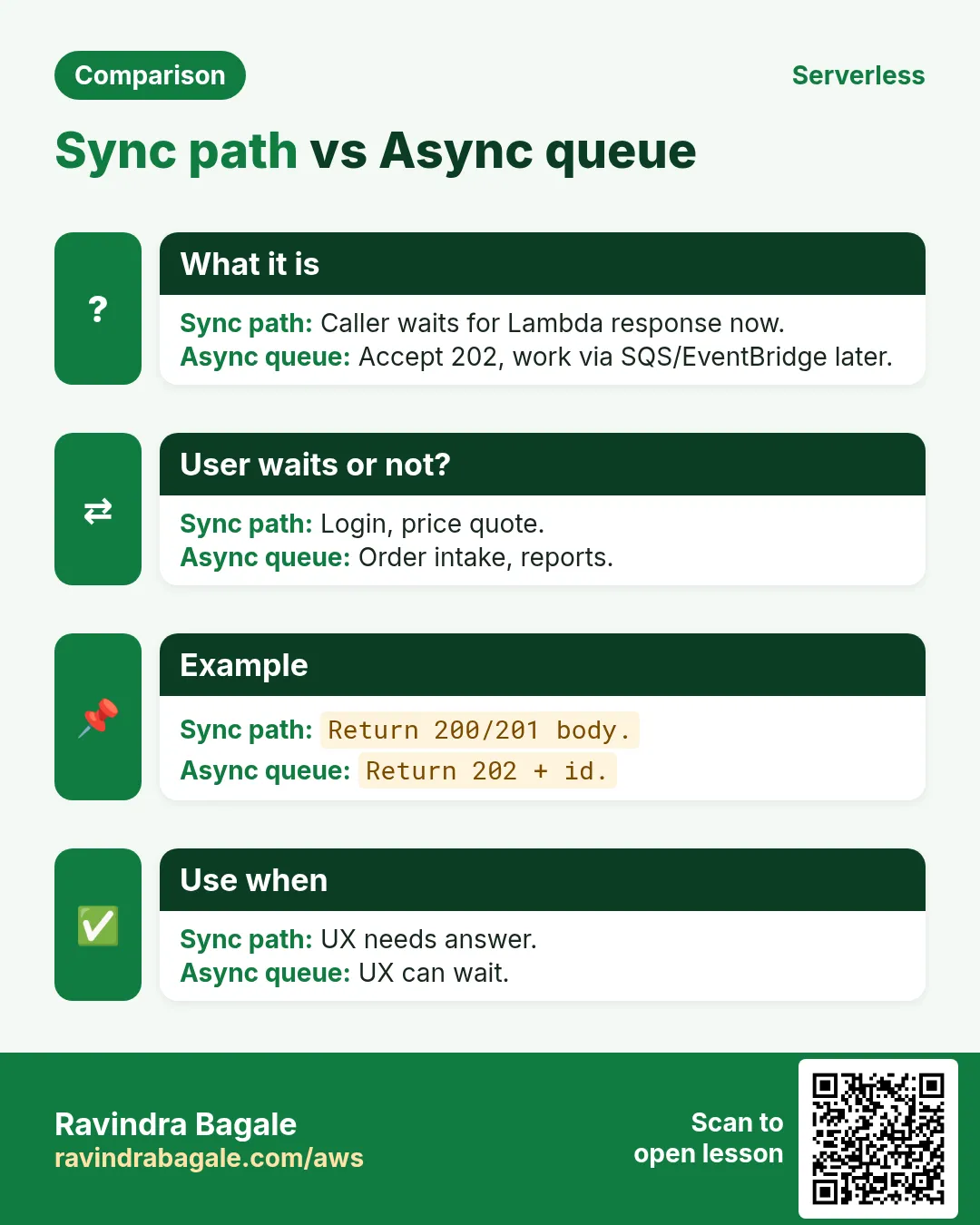
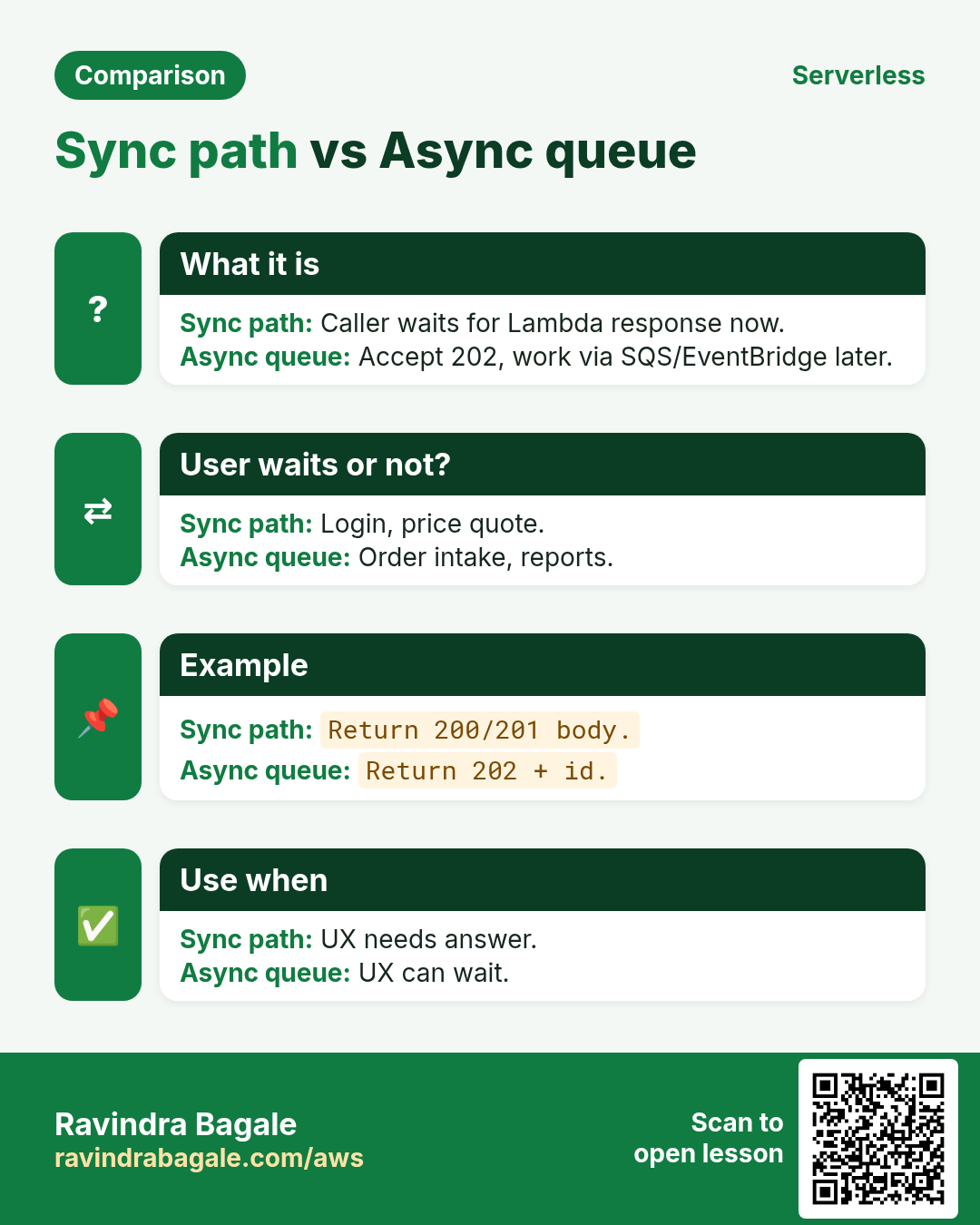
- Mark sync (user waits) vs async.
- Sync -> API Gateway+Lambda; async -> queue/bus+worker.
- Pick data from access patterns (link DynamoDB modeling).
- Add auth, observability, DLQ/saga.
- Cost model at 10x traffic before coding.
- Then console or IaC.
List functions (ap-south-1)
aws lambda list-functions --region ap-south-1 --query 'Functions[].FunctionName' --output tableMeaning: See existing functions before adding another hello.
Account concurrency ceiling
aws lambda get-account-settings --region ap-south-1 --query 'AccountLimit.[ConcurrentExecutions,UnreservedConcurrentExecutions]'Meaning: Know the ceiling before load tests.
9. Lab: paper architecture + read-only console
Do this in ap-south-1 (Mumbai) unless your org forbids it. Set a budget alert first.
How to do it (step by step)
- Draw vertical diagram for create-order + async email.
- Label sync/async; circle idempotency points.
- Lambda Dashboard: note Throttles and Concurrent executions (read-only).
- One function Monitor: Duration p99 vs timeout.
- One sentence: we will/will not use Lambda because ...
Cleanup (stop billing)
- Delete any test function you created.
- Remove log groups only if you created them today.
10. Worked mini-examples
Python: prefer async?
def prefer_async(user_waits, work_ms):
    if not user_waits: return True
    return work_ms > 2500
print(prefer_async(True, 800))
print(prefer_async(True, 8000))
print(prefer_async(False, 100))
Output: False / True / True. Meaning: long waits belong behind a queue.
Node: GB-seconds gut-check
const gbSec=(mb,ms,n)=>(mb/1024)*(ms/1000)*n;
console.log(gbSec(512,200,1_000_000)); // 100000
Meaning: 1M x 200ms x 512MB ≈ 100k GB-seconds — often inside free tier. Re-check pricing pages.
11. Stack stories
- Python FastAPI on EC2: peel /invoices to Lambda+APIGW.
- Node Express: one Lambda per bounded context.
- Java nightly batch: EventBridge Lambda starts ECS task.
- .NET minimal API: AspNetCoreServer on Lambda for low traffic.
- Go SQS worker: event source mapping, no poll loop.
- PHP Laravel: queues on ECS; Lambda for S3/webhooks.
12. Per-concept commands with meaning
Get function config timeout
aws lambda get-function-configuration --function-name hello-lambda-lab --region ap-south-1 --query '[Timeout,MemorySize]'Meaning: Compare timeout to your p99 duration.
Estimate log group presence
aws logs describe-log-groups --log-group-name-prefix /aws/lambda/ --region ap-south-1 --max-items 5Meaning: Confirms functions are writing logs somewhere.
13. Same pattern across industries
- Fintech (Aisha, Lagos): payment webhooks → SQS → Lambda; never block the bank callback thread.
- Ecommerce (Rohan, Pune): checkout API on API Gateway+Lambda; inventory fan-out on SNS.
- Healthcare (Mei, Singapore): appointment SMS via SNS; PHI stays in DynamoDB with fine-grained IAM.
- EdTech (Diego, São Paulo): nightly cleanup EventBridge → Lambda on student drafts.
- Logistics (Fatima, Casablanca): package scan events on EventBridge bus; Step Functions for customs saga.
- Media (Kenji, Osaka): S3 upload → Lambda thumbnails; fan-out to moderation + CDN invalidate.
- SaaS multi-tenant (Priya, Bengaluru): Cognito groups + DynamoDB partition per tenant.
- Gov portal (Omar, Amman): strangler fig — peel one PDF form route per sprint to Lambda.
14. Troubleshooting checklist
- Confirm region (ap-south-1 vs us-east-1 for CloudFront/ACM quirks).
- Check CloudWatch Logs for the function name and request id.
- Verify IAM execution role allows the API you call.
- For async: check DLQ depth and SQS age of oldest message.
- For APIs: curl -v and compare status, CORS headers, body.
- For workflows: open Step Functions execution event history.
- Re-read the linked deep chapter before reinventing a service.
- If cost spikes: check concurrency, retries, and provisioned capacity.
15. Common errors and fixes
Each row is a real mistake students and juniors hit. Read the fix before you panic.
| Error / symptom | Fix |
|---|---|
| One 2000-line Lambda for everything | Split by route/domain. |
| No DLQ on async | Add SQS DLQ or on-failure destination. |
| Recursive S3 trigger | Different prefix/bucket. |
| Video encode in Lambda | MediaConvert/ECS/Batch. |
| Provisioned concurrency on nightly cron | On-demand + EventBridge. |
| Secrets in env vars | Secrets Manager/SSM. |
| Ignore concurrency until launch | Load test + reserved caps. |
| Copy DynamoDB modeling into every page | Link modeling chapter. |
| Claim no-Ops | You own IAM, data, alarms, cost. |
| Big-bang monolith rewrite | Strangler fig chapter. |
16. FAQ
Q. Only Lambda?
No — DDB, SQS, Fargate, Aurora Serverless too. Series is Lambda-centric.
Q. Always cheaper?
No. Steady 24/7 may favor EC2/Savings Plans.
Q. Laravel as-is?
Painful; prefer strangler peel.
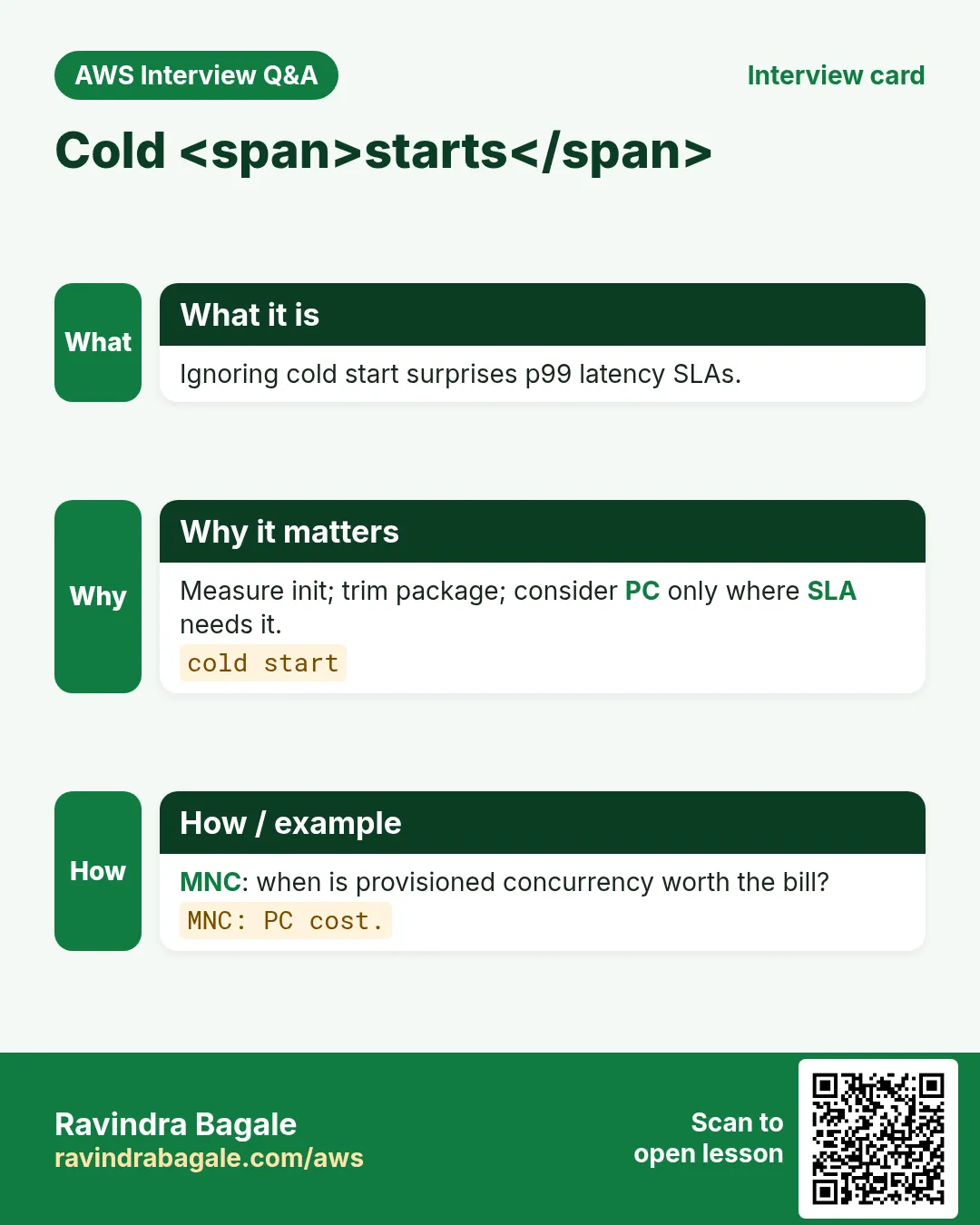
Q. Cold starts?
Real; deep dive in later chapter.
Q. Where do build-* projects fit?
Worked examples to link.
Q. Need Kubernetes first?
No.
17. Interview Q&A (Beginner / Mid / Senior + MNC)
Q. Beginner: serverless meaning?
No server management; on-demand run; servers still exist.
Q. Beginner: five building blocks?
Lambda, APIGW, DDB, SQS/SNS, EventBridge/SFN/Cognito.
Q. Mid: refuse Lambda when?
Long jobs, sticky state, banned runtimes, ultra-low latency.
Q. Mid: sync vs async?
Wait->sync; else 202+queue.
Q. Senior: surprise bills?
Budgets, anomaly, caps, DLQ, 10x model.
Q. MNC: payments webhooks?
SQS, idempotent ledger, least privilege, refund saga.
18. Tips in English, Marathi and Hindi
Ravindra Bagale's Tip (EN)
Draw the vertical path on paper before the console. Missing boxes become hidden servers.
Ravindra Bagale's Tip (MR)
Console आधी कागदावर vertical path. गायब box = hidden server.
Tip (HI)
कंसोल से पहले कागज़ पर vertical path बनाएं। छूटा बॉक्स hidden server बनता है।
Try at home
- One-page ADR: serverless vs ECS for a side project.
- List three anti-fits at work.
In short
- Start from a real story, then name the AWS services.
- Link existing chapters — do not copy their labs.
- Design for failure: retries, DLQ, idempotency, rollback.
- Measure before you buy provisioned concurrency or multi-region.
19. Cost gut-check before you code
Priya sketches a receipt API: 2 million invokes/month, 256 MB, 150 ms average. Rough GB-seconds = (256/1024) * 0.15 * 2e6 ≈ 75,000. Often inside free tier for compute; API Gateway request charges and DynamoDB reads still matter. Always open the current pricing page for ap-south-1 — numbers change.
Python: rough monthly Lambda compute units
def gb_seconds(mb, ms, invokes):
    return (mb/1024.0) * (ms/1000.0) * invokes
print(round(gb_seconds(256, 150, 2_000_000)))
print(round(gb_seconds(1024, 3000, 100_000)))
Output: 75000 then 300000. Meaning: heavy memory + long duration dominates cost more than invoke count alone.
20. Failure paths you must draw
What is it?
- Sync API error: return 4xx/5xx with stable JSON; never leak stack traces.
- Async poison message: after N receives, move to DLQ; alarm on DLQ depth.
- Partial fan-out: one consumer fails — others must still succeed (choreography).
- Long workflow: Step Functions retries per state; compensations for saga.
- Auth failure: 401/403 at the edge; do not invoke business Lambda if possible.
21. Observability starter kit
- Structured JSON logs with requestId and tenantId.
- One metric filter or EMF custom metric for business success.
- Alarm on errors, throttles, DLQ depth, p99 duration.
- X-Ray or Powertools tracing on the critical path (deep chapter later).
Tail recent Lambda log streams (read-only)
aws logs describe-log-streams --log-group-name /aws/lambda/hello-lambda-lab \
  --order-by LastEventTime --descending --max-items 3 --region ap-south-1
Meaning: Confirms the function is emitting logs before you dig Insights queries.
22. Anti-pattern deep dive
| Anti-pattern | Symptom | Fix |
|---|---|---|
| Lambda calling Lambda sync for everything | Timeouts cascade; cost doubles | Prefer SQS/EventBridge between domains |
| Shared mutable /tmp as a database | Collisions across invokes | DynamoDB/S3 for state |
| Fat deployment package with unused SDK | Slow cold starts | Layers or container image; tree-shake |
| One IAM role for all functions | Blast radius huge | Per-function least privilege |
| No reserved concurrency on noisy neighbor | One flood starves others | Reserve for critical; limit for batch |
23. Migration sketch (preview of strangler)
You do not rewrite a Laravel/Django monolith in a weekend. Later chapters cover strangler fig: put API Gateway in front, peel one route to Lambda, keep the rest on EC2/ECS. This chapter only asks you to name the first peel candidate.
- List top 10 routes by traffic.
- Circle routes with little shared in-memory state.
- Pick one read-heavy route as peel #1.
- Write success metrics before you cut traffic.
24. Team checklist for the first production cut
- Budget alarm and anomaly detection on the account.
- Least-privilege execution roles reviewed by a second person.
- DLQ + alarm on every async path.
- Runbook link in the alarm description.
- Load test at 2x expected peak; watch throttles.
- Rollback plan: previous Lambda version or alias.
- Data backup story for DynamoDB (PITR) if you store money or PII.
- Document the when-NOT decision so future you does not shove batch into Lambda.
If two of these are missing, you are still in lab mode — that is fine, just do not call it production.
25. Architecture decision checklist
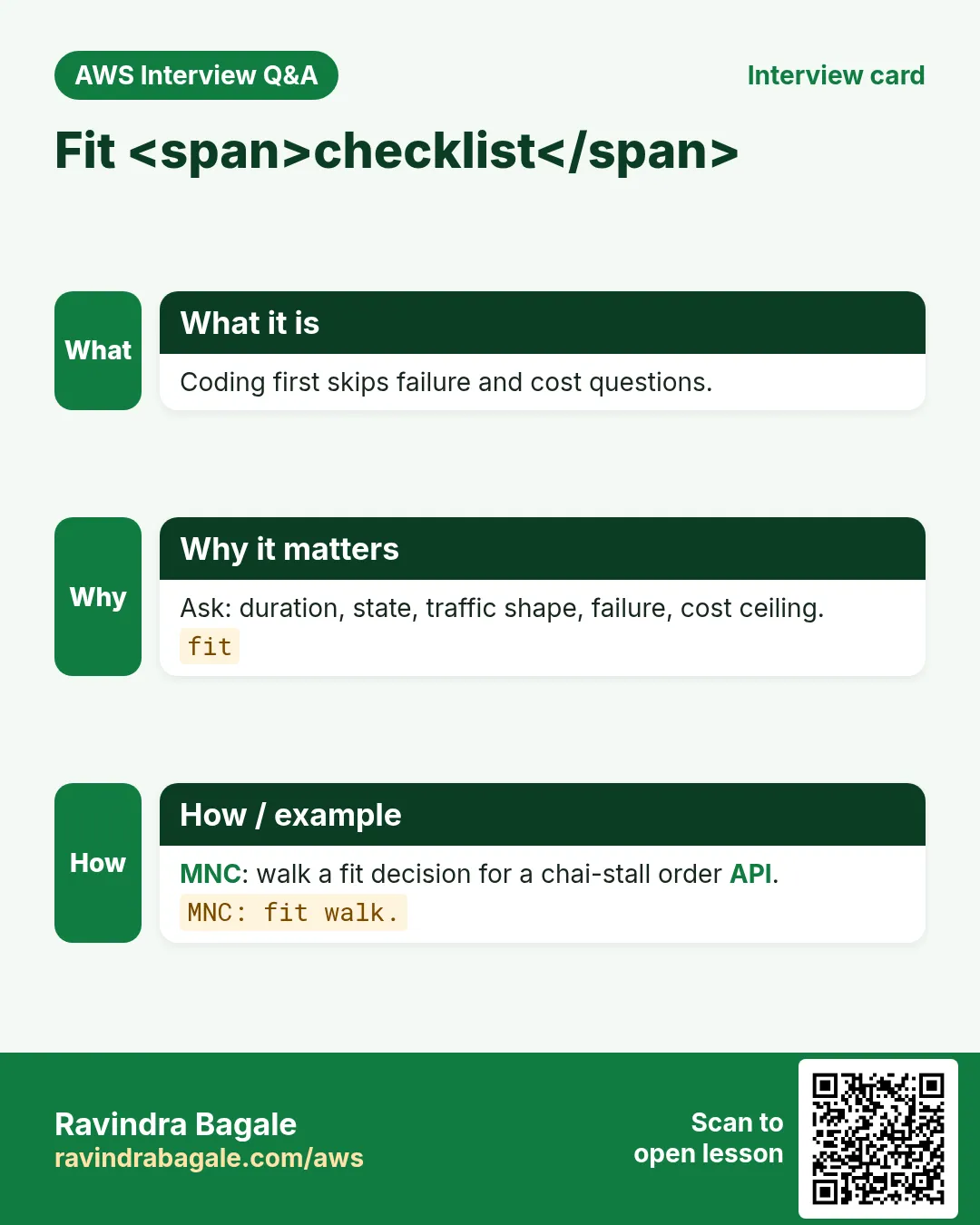
- Write the user journey in five bullets with no AWS names.
- Mark each step sync (user waits) or async.
- Name failure mode: retry, DLQ, compensate, or alert-only.
- Name the idempotency key for every write.
- Pick data store from access patterns (link DynamoDB modeling).
- Estimate monthly cost at 1x and 10x traffic (USD and INR).
- Confirm account concurrency and service quotas in ap-south-1.
- Decide auth: Cognito, IAM, Lambda authorizer, or none.
- Name on-call and which CloudWatch alarm pages them.
- Link the deep chapter you will not rewrite.
- Only then open console or IaC.
26. Copy-paste quick commands (read-only first)
# Region and identity
aws configure get region
aws sts get-caller-identity

# Lambda landscape
aws lambda list-functions --region ap-south-1 --max-items 20 \
  --query 'Functions[].{N:FunctionName,R:Runtime,T:Timeout,M:MemorySize}' --output table
aws lambda get-account-settings --region ap-south-1

# API Gateway (HTTP APIs)
aws apigatewayv2 get-apis --region ap-south-1 --query 'Items[].{N:Name,Id:ApiId,Ep:ProtocolType}' --output table

# Queues and topics
aws sqs list-queues --region ap-south-1
aws sns list-topics --region ap-south-1 --query 'Topics[].TopicArn'

# Event buses and state machines
aws events list-event-buses --region ap-south-1
aws stepfunctions list-state-machines --region ap-south-1 --query 'stateMachines[].name'

# DynamoDB tables (names only)
aws dynamodb list-tables --region ap-south-1
Run these in a sandbox account. Prefer read-only IAM while learning.
27. More industry and stack stories
- Fintech (Aisha, Lagos, NGN): bank webhooks must return 200 fast — SQS absorbs spikes; ledger Lambda is idempotent on paymentId.
- Ecommerce (Rohan, Pune, INR): Black Friday — API Gateway throttle + SQS order intake; SNS fans inventory, email, analytics.
- Healthcare (Mei, Singapore, SGD): appointment reminders via SNS SMS; PHI only in DynamoDB with condition keys.
- EdTech (Diego, São Paulo, BRL): EventBridge nightly cleanup of draft quizzes; Lambda timeout 30s, not 15 min.
- Logistics (Fatima, Casablanca, MAD): package scans on custom EventBridge bus; Step Functions customs saga.
- Media (Kenji, Osaka, JPY): S3 → Lambda thumbnails; never write thumbs to the watched prefix.
- SaaS (Priya, Bengaluru, INR): Cognito groups + DynamoDB PK tenantId; one Lambda authorizer for all routes.
- Gov (Omar, Amman, JOD): strangler — peel one PDF form route per sprint from the monolith.
- Startup (Sofia, Sofia, EUR): start with Function URL for demos; move to HTTP API when partners need JWT.
- Retail (Luis, Mexico City, MXN): store POS sync via SQS FIFO when order matters; Standard when it does not.
- Python: handlers thin; put domain logic in plain modules for unit tests without Lambda.
- Node: prefer async/await; never block the event loop on sync DNS.
- Java: SnapStart for cold starts; keep dependencies lean.
- .NET: AspNetCoreServer for low-traffic tenants; watch package size.
- Go: single static binary; great for SQS workers.
- PHP: keep Laravel queues on ECS; Lambda for S3/webhooks glue.
28. Glossary (short)
| Term | Meaning |
|---|---|
| Cold start | First invoke pays init; later invokes reuse the env |
| Idempotency | Same request twice → same effect |
| DLQ | Dead-letter queue for failed messages |
| Choreography | Services react to events; no central conductor |
| Orchestration | Central workflow (Step Functions) directs steps |
| Fan-out | One event → many consumers |
| Fan-in | Many branches join before next step |
| Strangler fig | Peel routes from monolith gradually |
| Saga | Distributed tx via steps + compensations |
| Provisioned concurrency | Keep N envs warm; you pay for ready capacity |
29. Practice: explain out loud
- 60 seconds: everyday story for serverless architecture.
- 60 seconds: sync vs async with a checkout example.
- 60 seconds: when you refuse Lambda.
- 60 seconds: DLQ + idempotency in one breath.
- Record once; cut fillers; record again.
30. Safe lab hygiene
- Tag every lab resource with owner and expiry date.
- Set a monthly AWS Budget alarm in INR or USD before experiments.
- Prefer read-only commands first; mutate in a sandbox account.
- Delete queues, APIs, tables you created — DynamoDB and APIGW leave footprints.
- Never put production secrets in env vars or screenshots.
- Do not enable provisioned concurrency for a hello-world.
31. How this chapter links others
- Compute depth: Lambda.
- HTTP edge: API Gateway.
- Data modeling: DynamoDB.
- Messaging: SQS/SNS.
- Events: EventBridge.
- Workflows: Step Functions.
- Project chapters (build-*): worked assemblies — link, do not paste.
32. Myths to drop
| Myth | Reality |
|---|---|
| Serverless means zero servers | Servers exist; you do not manage them |
| Always cheaper than EC2 | Steady high load can favor EC2/Savings Plans |
| No Ops needed | You own IAM, data, alarms, cost, incidents |
| One Lambda per app is fine | Bounded contexts scale better |
| Queues are optional decoration | Queues are the load leveler and blast-radius wall |
33. Error budget thinking for serverless
If your monthly error budget is 0.1% on checkout, a fan-out that retries aggressively can burn the budget with duplicate emails while money stays correct. Separate business correctness SLOs from notification SLOs.
- Write two SLOs: money-correct and notify-delivered.
- Retries on money path: bounded + idempotent.
- Retries on notify path: best-effort + DLQ.
- Page humans on money DLQ; ticket on notify DLQ.
34. Regional notes (ap-south-1)
- Build labs in Mumbai (ap-south-1) unless your org mandates elsewhere.
- Some services launch first in us-east-1 — check feature availability.
- Data residency for INR fintech may require in-region only.
- Latency to end users in India usually favors ap-south-1.
35. Naming conventions that save incidents
# Suggested prefixes
# Lambda:  pay-intake-prod, pay-worker-prod
# SQS:     pay-orders.fifo / pay-orders-dlq
# SNS:     pay-order-events
# EB bus:  pay.domain
# SFN:     pay-refund-saga
# DDB:     pay-orders-prod
Include env (dev/stage/prod) and domain. Future you grepping CloudWatch will thank present you.
36. Pre-mortems (ten minutes)
- Imagine tomorrow headline: double charge in AED. What broke?
- Imagine DLQ depth 50,000 after a bad deploy. How do you drain?
- Imagine Cognito outage. Do APIs fail closed or serve read-only?
- Write answers in the runbook before go-live.
37. Currency and locale in examples
Rotate currencies in designs: INR, USD, EUR, AED, NGN, BRL, JPY, SGD. Rotate names: Aisha, Rohan, Mei, Diego, Fatima, Kenji, Priya, Omar, Sofia, Luis. This keeps mental models global — not one-country samples.
Revision, interview and comparison cards
Revise this lesson in a few minutes. Save the cards on your phone or download them as PNG files. The QR code on each card opens this lesson.
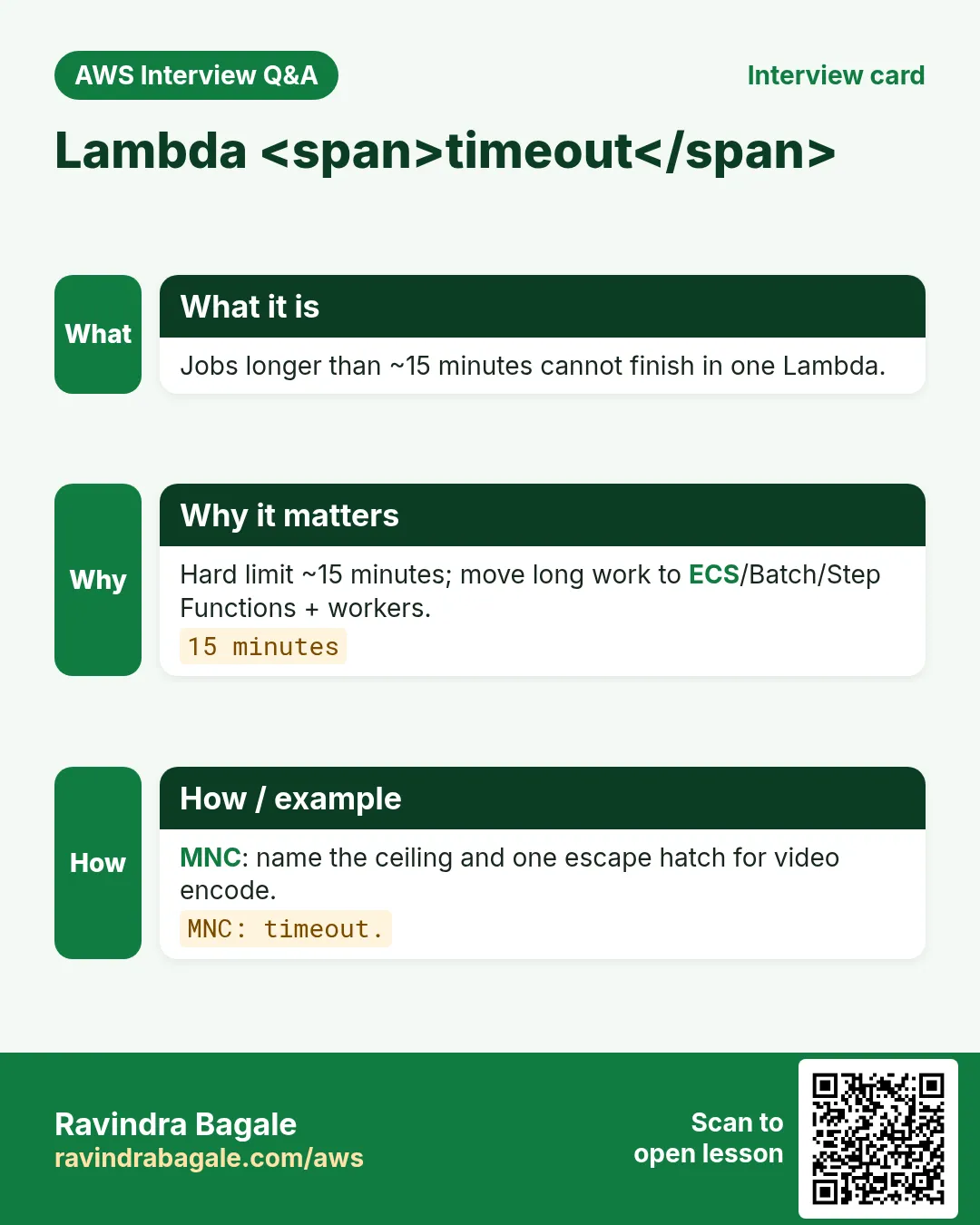
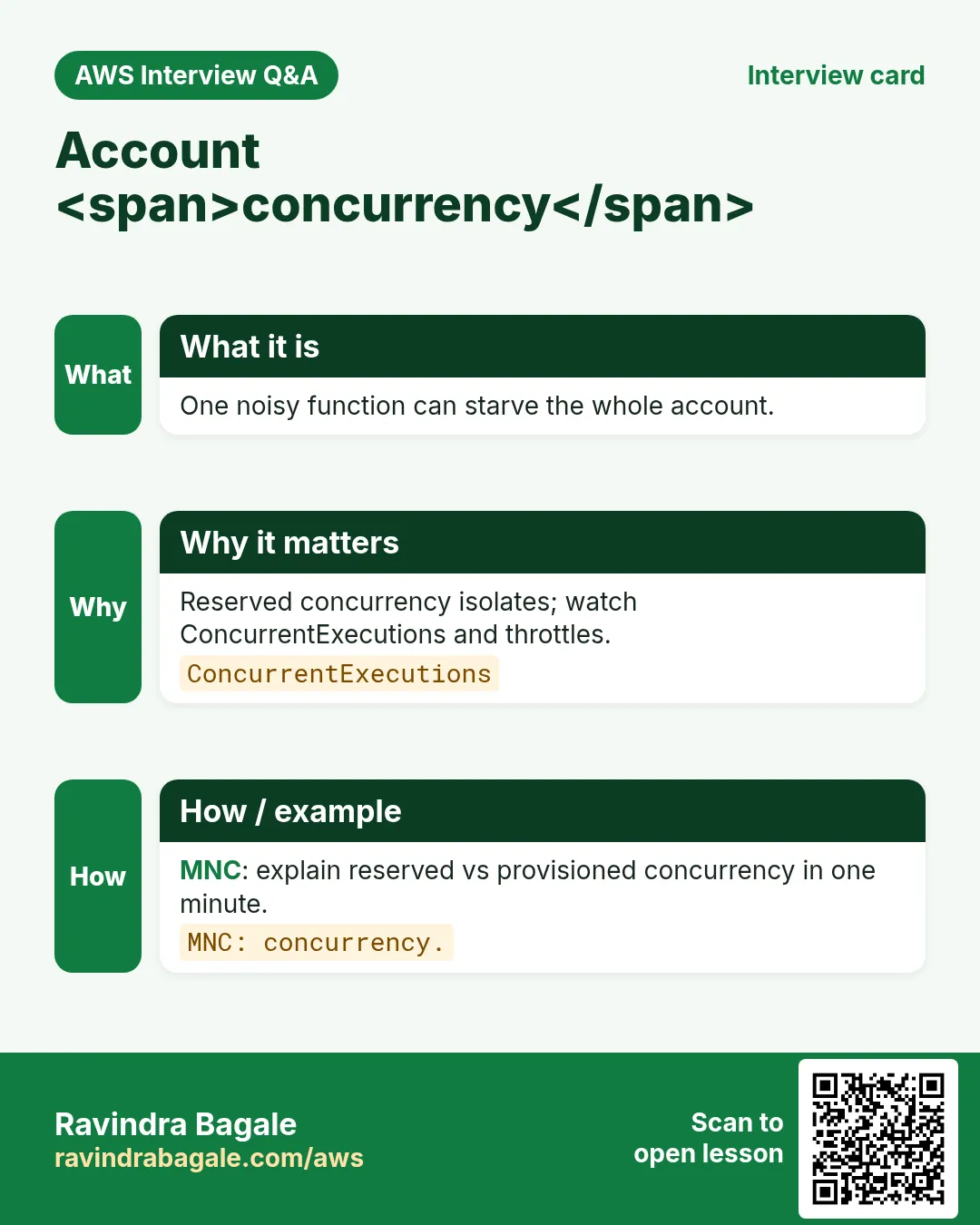
More cards: Ravi Sir's Cards.
Practice Tasks
Maple Leaf Books is a bookselling business in Toronto. Emily Tremblay looks after its IT and cloud work. They count money in CAD and run their AWS resources in the ca-central-1 Region. In the tasks below you do real jobs for them using what this lesson teaches. All names, account IDs, IP addresses and numbers are made up for practice.
0 / 16
Easy Servers still exist — 1
Why: Model.
What to do: Enter 1 if serverless still runs on servers you do not manage.
- Write down the numbers the task gives you.
- Work it out step by step on paper.
- Type only the final answer in the box.
- Click Check answer.
Easy On-demand metaphor — 1
Why: Fit.
What to do: Enter 1 if chai stall that opens on demand maps to serverless.
- Write down the numbers the task gives you.
- Work it out step by step on paper.
- Type only the final answer in the box.
- Click Check answer.
Easy Lambda timeout ceiling — 1
Why: Limit.
What to do: Enter 1 if Lambda hard timeout is about 15 minutes.
- Write down the numbers the task gives you.
- Work it out step by step on paper.
- Type only the final answer in the box.
- Click Check answer.
Easy Long encode not Lambda — 1
Why: Fit.
What to do: Enter 1 if a 90-minute encode belongs on ECS/Batch not Lambda.
- Write down the numbers the task gives you.
- Work it out step by step on paper.
- Type only the final answer in the box.
- Click Check answer.
Easy List Lambda functions
Why: CLI.
What to do: List functions in the account
- Read the task and decide which AWS service it is about.
- Write aws, then the service name, then the operation (the action word).
- Add each needed flag (--name) followed by its value from the task.
- Flags can be in any order. Click Check answer.
Easy Fit checklist YAML
Why: Keys.
What to do: YAML: timeout_ok: yes, stateful: no.
- Start from the top-level keys the task names.
- Indent child keys with 2 spaces (no tabs).
- Fill in each property with the value from the task.
- Click Check answer. Key order does not matter.
Easy Cold start exists — 1
Why: Reality.
What to do: Enter 1 if cold starts are a real latency consideration.
- Write down the numbers the task gives you.
- Work it out step by step on paper.
- Type only the final answer in the box.
- Click Check answer.
Medium Sync path waits — 1
Why: UX.
What to do: Enter 1 if a sync path means the user waits for the response.
- Write down the numbers the task gives you.
- Work it out step by step on paper.
- Type only the final answer in the box.
- Click Check answer.
Medium Account concurrency — 1
Why: Shared.
What to do: Enter 1 if account ConcurrentExecutions can throttle other functions.
- Write down the numbers the task gives you.
- Work it out step by step on paper.
- Type only the final answer in the box.
- Click Check answer.
Medium Nightly cron PC wasteful — 1
Why: Cost.
What to do: Enter 1 if provisioned concurrency for a once-nightly cron is usually wasteful.
- Write down the numbers the task gives you.
- Work it out step by step on paper.
- Type only the final answer in the box.
- Click Check answer.
Medium Recursive S3 trigger — 1
Why: Anti.
What to do: Enter 1 if recursive S3 triggers can re-invoke forever.
- Write down the numbers the task gives you.
- Work it out step by step on paper.
- Type only the final answer in the box.
- Click Check answer.
Medium When-not YAML
Why: Anti.
What to do: YAML: long_job: ecs, always_on: ec2.
- Start from the top-level keys the task names.
- Indent child keys with 2 spaces (no tabs).
- Fill in each property with the value from the task.
- Click Check answer. Key order does not matter.
Hard Architecture before code — 1
Why: Design.
What to do: Enter 1 if you decide fit, limits, failure and cost before coding.
- Write down the numbers the task gives you.
- Work it out step by step on paper.
- Type only the final answer in the box.
- Click Check answer.
Hard Bare metal not serverless block — 1
Why: Scope.
What to do: Enter 1 if unmanaged bare-metal you SSH daily is not a serverless building block here.
- Write down the numbers the task gives you.
- Work it out step by step on paper.
- Type only the final answer in the box.
- Click Check answer.
Hard Pay per use — 1
Why: Model.
What to do: Enter 1 if you mainly pay when work runs, not for idle VMs.
- Write down the numbers the task gives you.
- Work it out step by step on paper.
- Type only the final answer in the box.
- Click Check answer.
Hard Delete lab same day — 1
Why: Hygiene.
What to do: Enter 1 if lab-spa-fit should be deleted same day.
- Write down the numbers the task gives you.
- Work it out step by step on paper.
- Type only the final answer in the box.
- Click Check answer.