AWS WAF Hands-On: Rate Rules, IP Sets, Geo, SQLi/XSS, Logging and Attachments
This is the hands-on WAF chapter. You will build rate-based rules, IP sets, geo match, SQLi/XSS protections, custom responses, attach the Web ACL to ALB / API Gateway / CloudFront / AppSync / Cognito, turn on logging to S3 CloudWatch Firehose, and prove a Block with curl → 403. CDN distribution setup itself stays in the CloudFront+WAF survey — we only attach and test here.
What you'll learn in this chapter
- How to create rate-based, IP set, geo and managed SQLi/XSS rules
- How to attach one Web ACL to each supported resource type
- How to enable logging and read a blocked request
- How to prove Block with curl 403 and custom bodies
- How to clean up without leaving billable associations
1. Everyday lab story
Kochi clinic portal (Priya Nair) runs behind an ALB in ap-south-1. Tonight we put a REGIONAL Web ACL on that ALB: office IP Allow, geo IN+AE, CRS+SQLi in Count then Block, rate 1000/5min on /login, custom 429 page, logs to S3. Nairobi booking API (Amina Okello) will reuse the same pattern on API Gateway.
For CloudFront attachment theory and HTTPS/OAC, open CloudFront and WAF survey.
2. Why hands-on matters
Why do we need this?
Console screenshots fade. A curl 403 in your notes proves the Block path. Logging proves you can forensics. Attachment mistakes (wrong scope/region) are the #1 silent failure.
3. What you will build
What is it?
- IP set for office /32 addresses
- Geo match statement for IN and AE
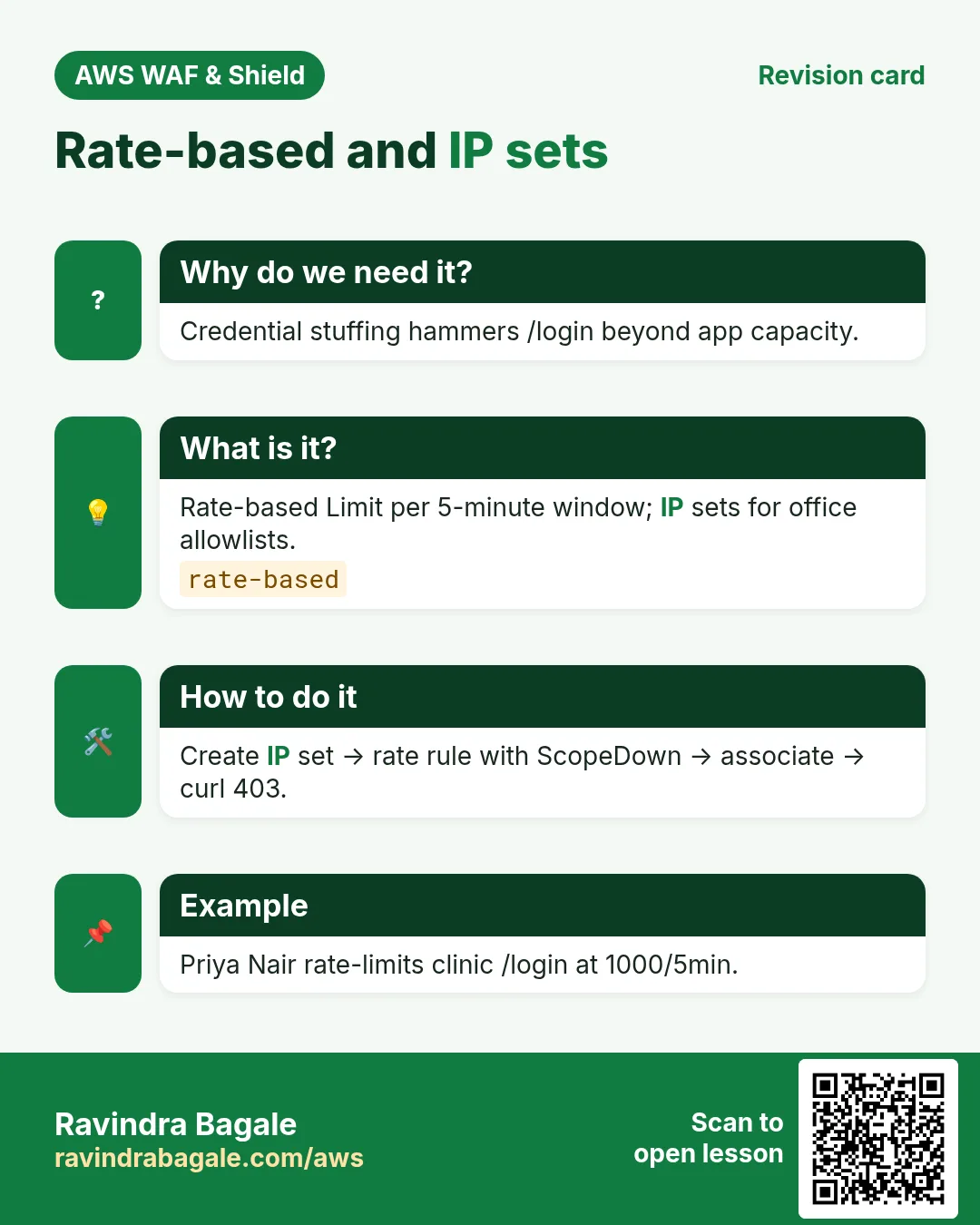
- Rate-based rule on /login
- AWS Managed SQLi + CRS (Count→Block)
- Custom response 403/429 body
- Associate to ALB (and notes for API GW, CF, AppSync, Cognito)
- Logging to S3 (and Firehose/CW options)
- curl allow 200 + attack 403
4. How: IP set + geo + rate
How to do it (step by step)
export AWS_REGION=ap-south-1
export NAME=rb-waf-handson-$(date +%s)

aws wafv2 create-ip-set --name $NAME-office --scope REGIONAL --region $AWS_REGION \
  --ip-address-version IPV4 --addresses 203.0.113.10/32 198.51.100.20/32
# note Id + LockToken from output

# rules.json sketch (priorities):
# 100 Allow if IPSetReference office
# 200 Block if NOT GeoMatch [IN, AE]   (careful with travel users)
# 500 Managed SQLi Count override
# 510 Managed CRS Count override
# 900 RateBasedStatement Limit=1000 AggregateKeyType=IP
#     scoped down with ByteMatch /login in ScopeDownStatement
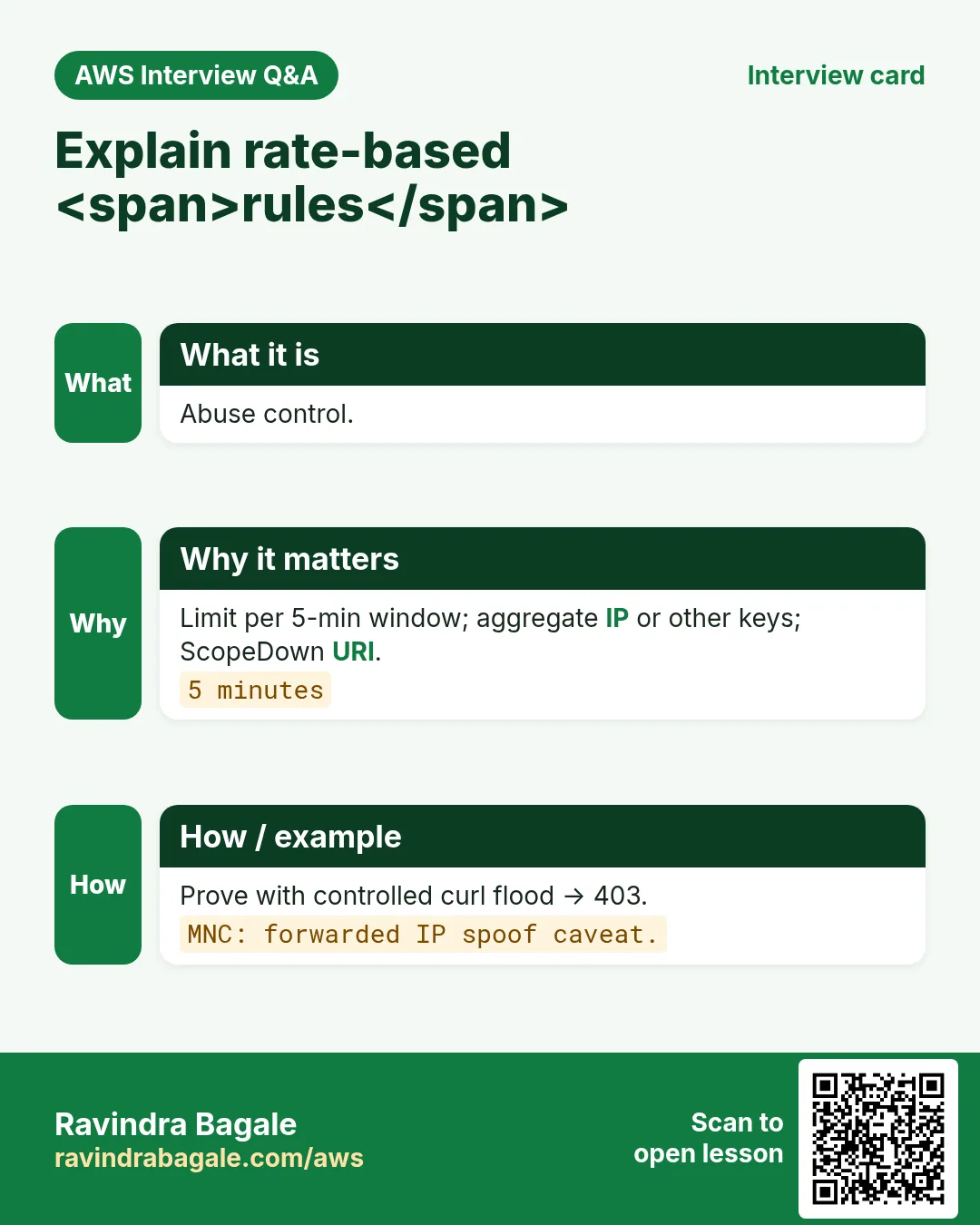
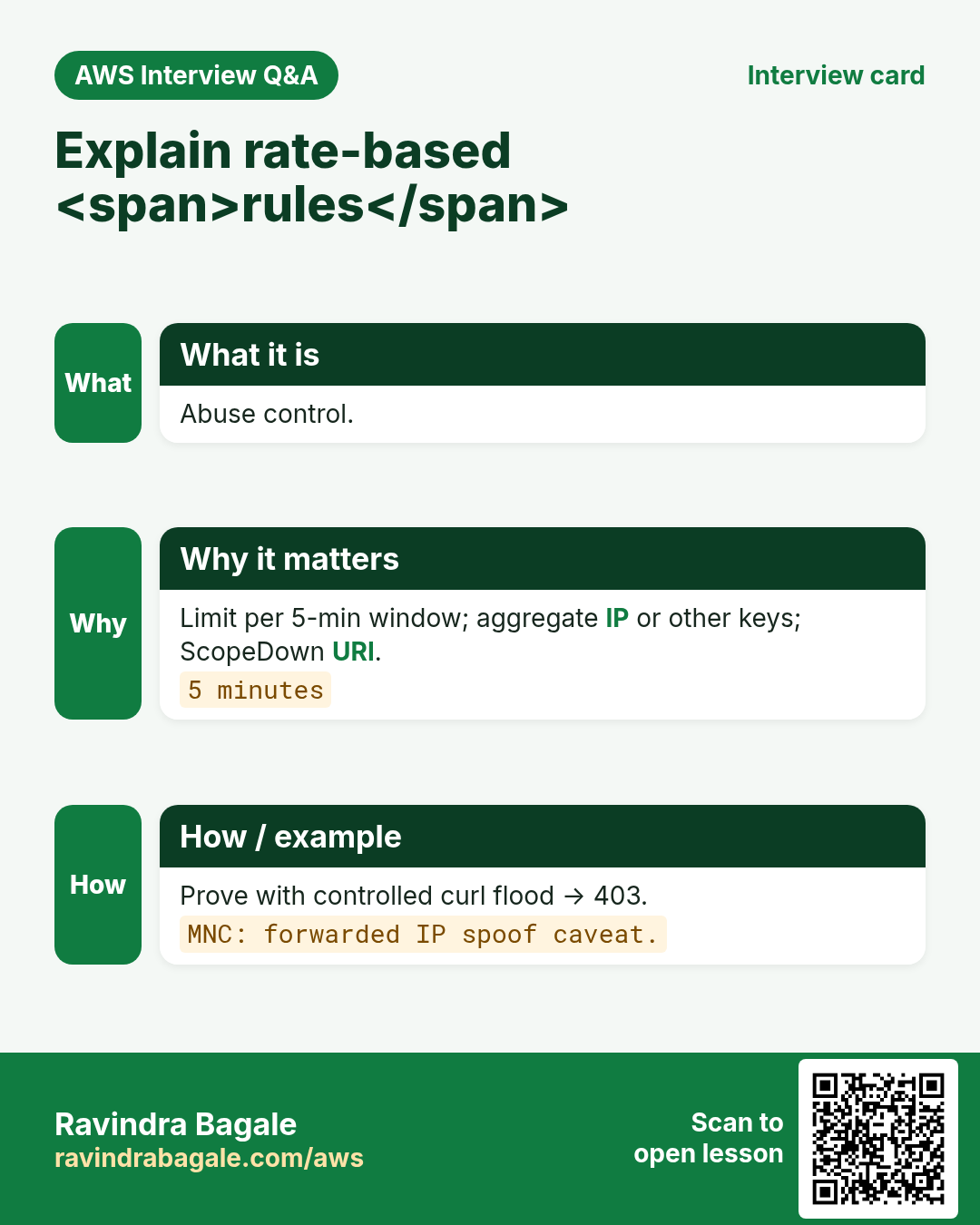
Rate-based aggregate keys: IP (default), forwarded IP (use with caution + fallback), HTTP method, query argument, header, cookie, label namespace. Pick the key that matches the abuse (credential stuffing → IP or username label).
5. SQLi and XSS managed rules
Prefer AWSManagedRulesSQLiRuleSet and XSS-related rules inside CRS over hand-rolled regex. Start in Count. Inspect sampled requests for false positives on rich text fields (Fatima Khan’s newsroom CMS in Dubai often needs exclusions on /admin/editor).
6. Custom responses
# Custom response body on the Web ACL, then reference from a Block action
# Example: 429 with JSON {"error":"slow_down","retry_after":60}
# Console: Web ACL → Custom response bodies → Add
# Or CLI create-web-acl / update-web-acl with CustomResponseBodies map
7. Attach to every supported resource
| Resource | How |
|---|---|
| Application Load Balancer | REGIONAL ACL; associate-web-acl with ALB ARN |
| API Gateway REST/HTTP | REGIONAL; stage ARN / API ARN per docs |
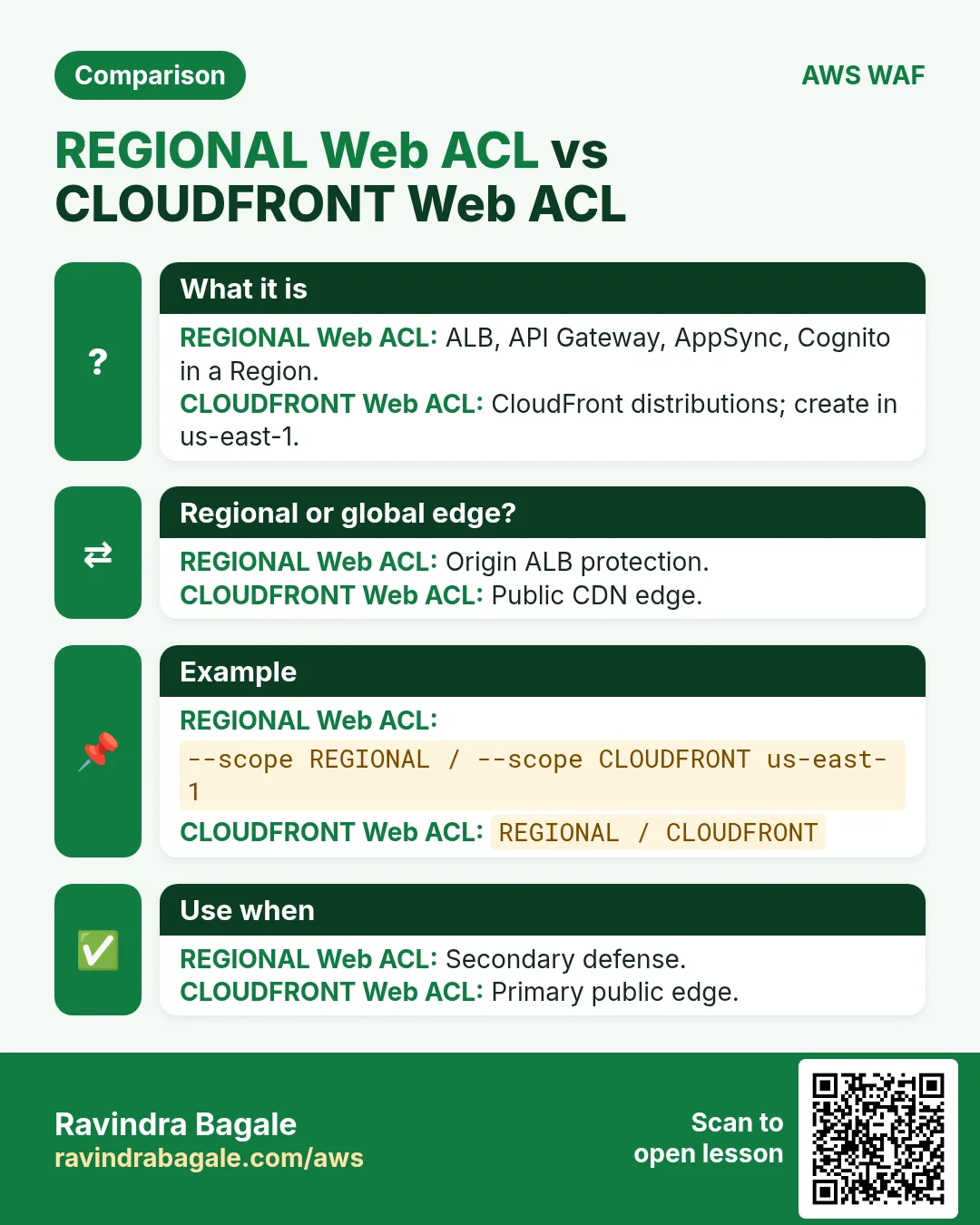
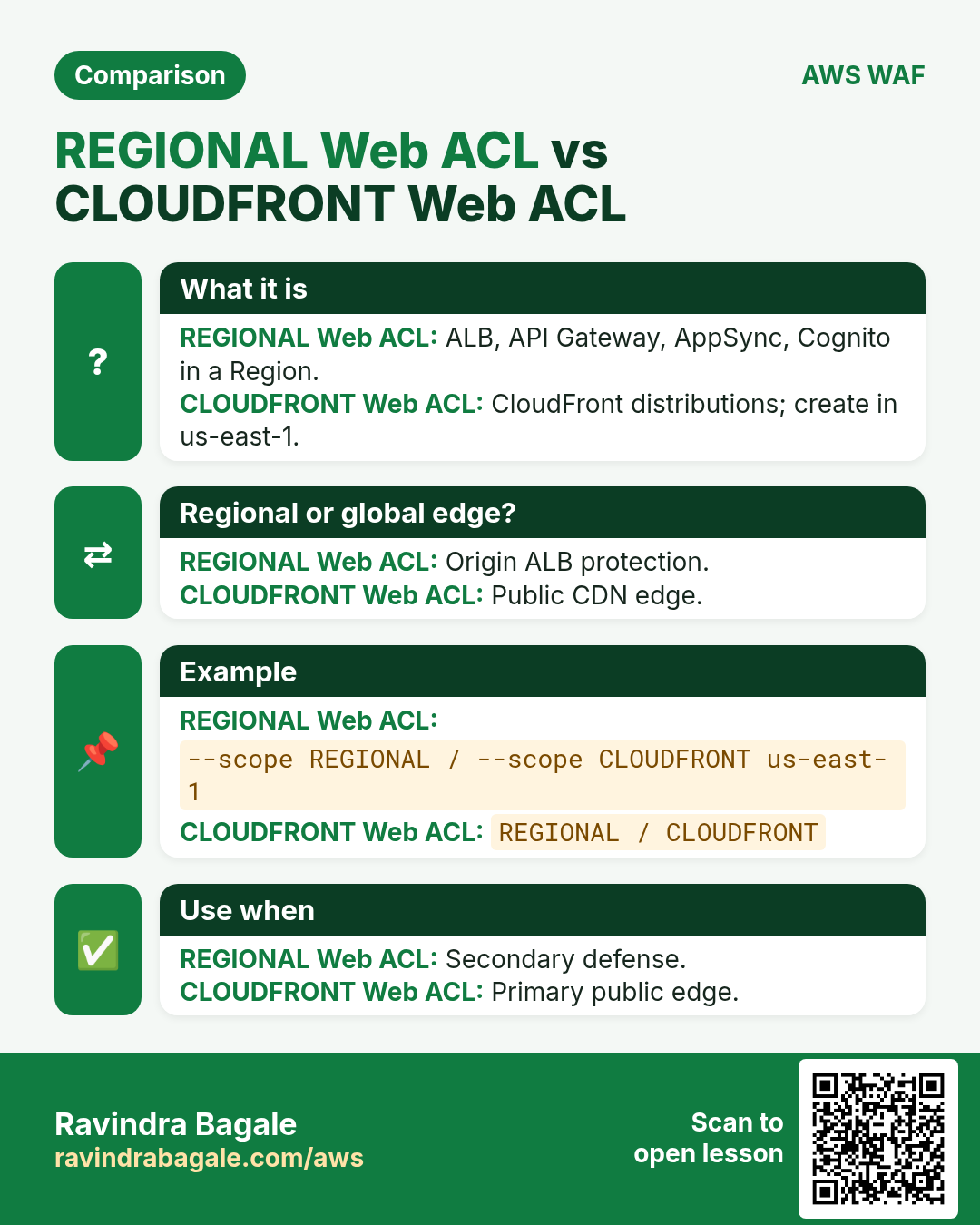
| CloudFront distribution | CLOUDFRONT ACL in us-east-1; set WebACLId on distribution |
| AppSync GraphQL API | REGIONAL associate to AppSync ARN |
| Cognito user pool | REGIONAL associate to user pool ARN (WAF for hosted UI / APIs as supported) |
# ALB
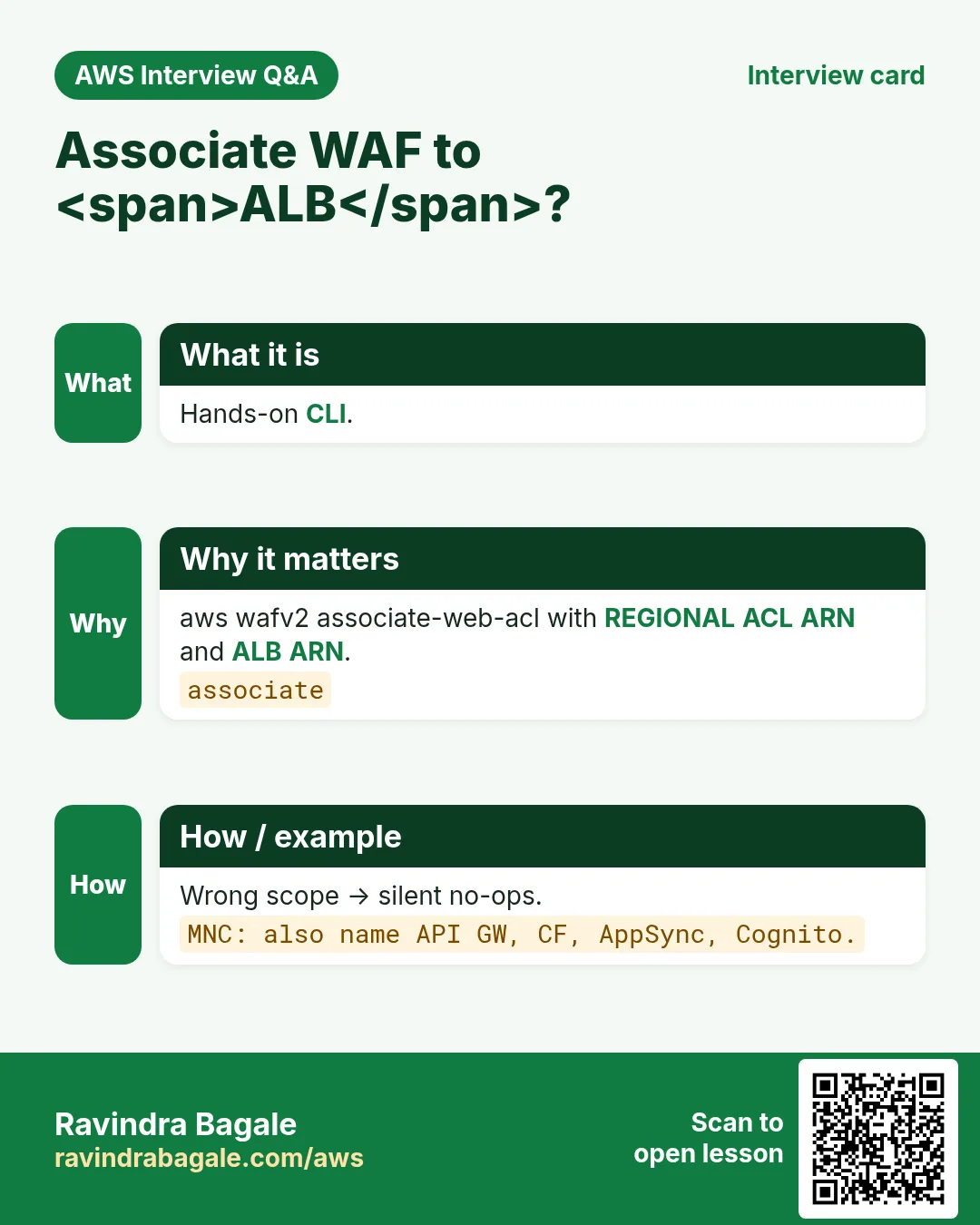
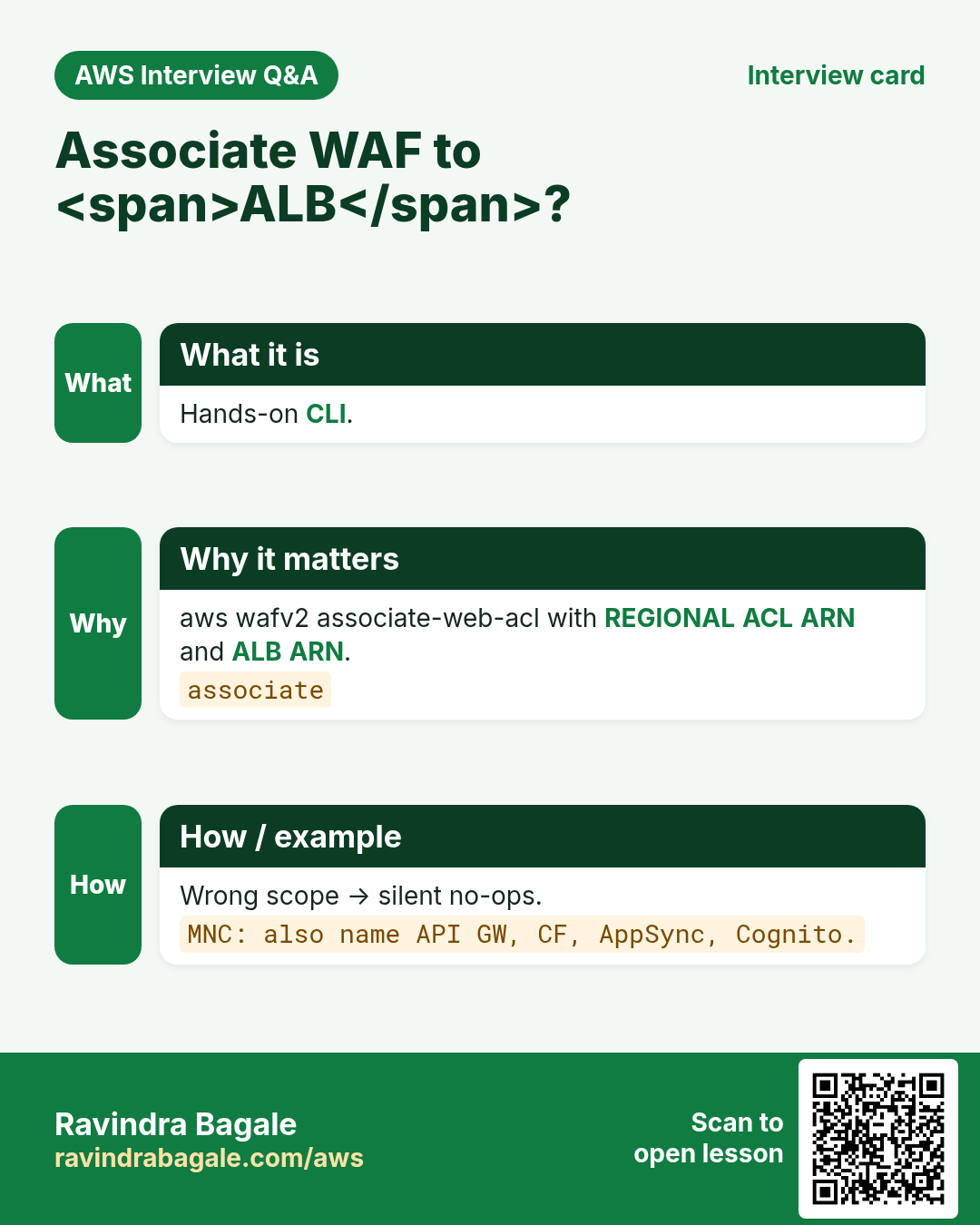
aws wafv2 associate-web-acl --web-acl-arn "$WEB_ACL_ARN" --resource-arn "$ALB_ARN" --region $AWS_REGION

# CloudFront (ACL must already exist in us-east-1 with --scope CLOUDFRONT)
aws cloudfront get-distribution-config --id E123 > /tmp/d.json
# set WebACLId to ACL ARN, raise ETag IfMatch, update-distribution
8. Logging to S3, CloudWatch Logs, Firehose
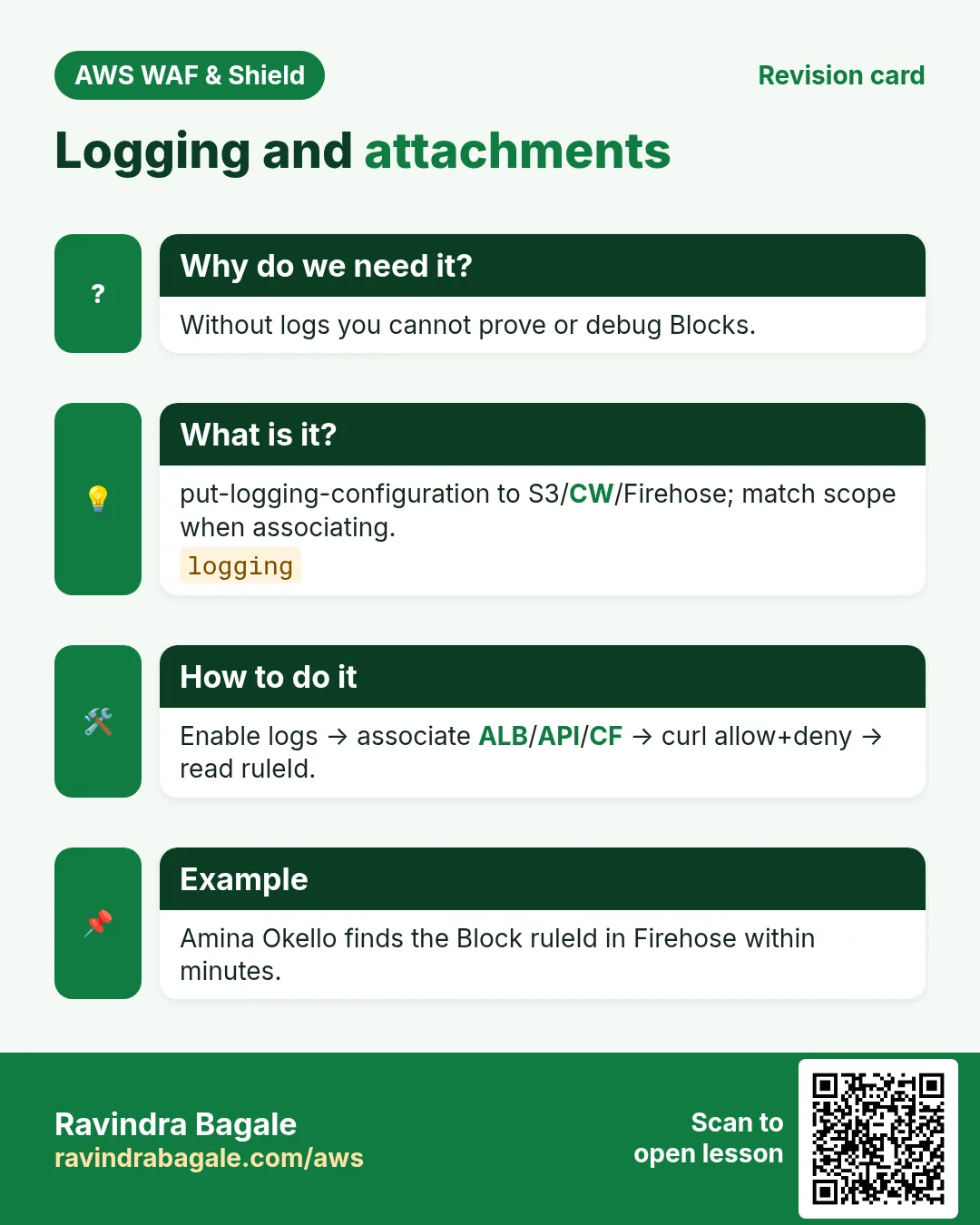
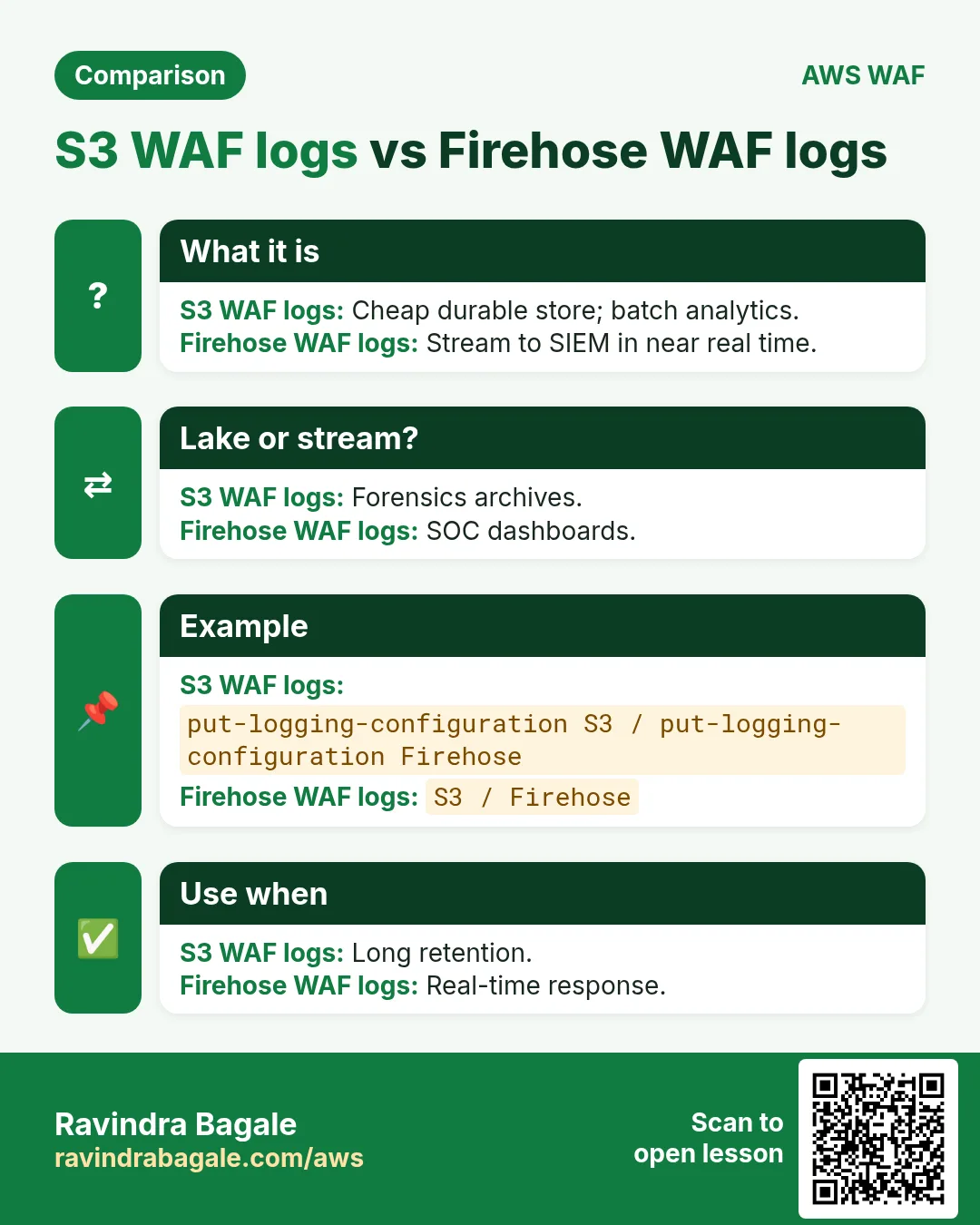
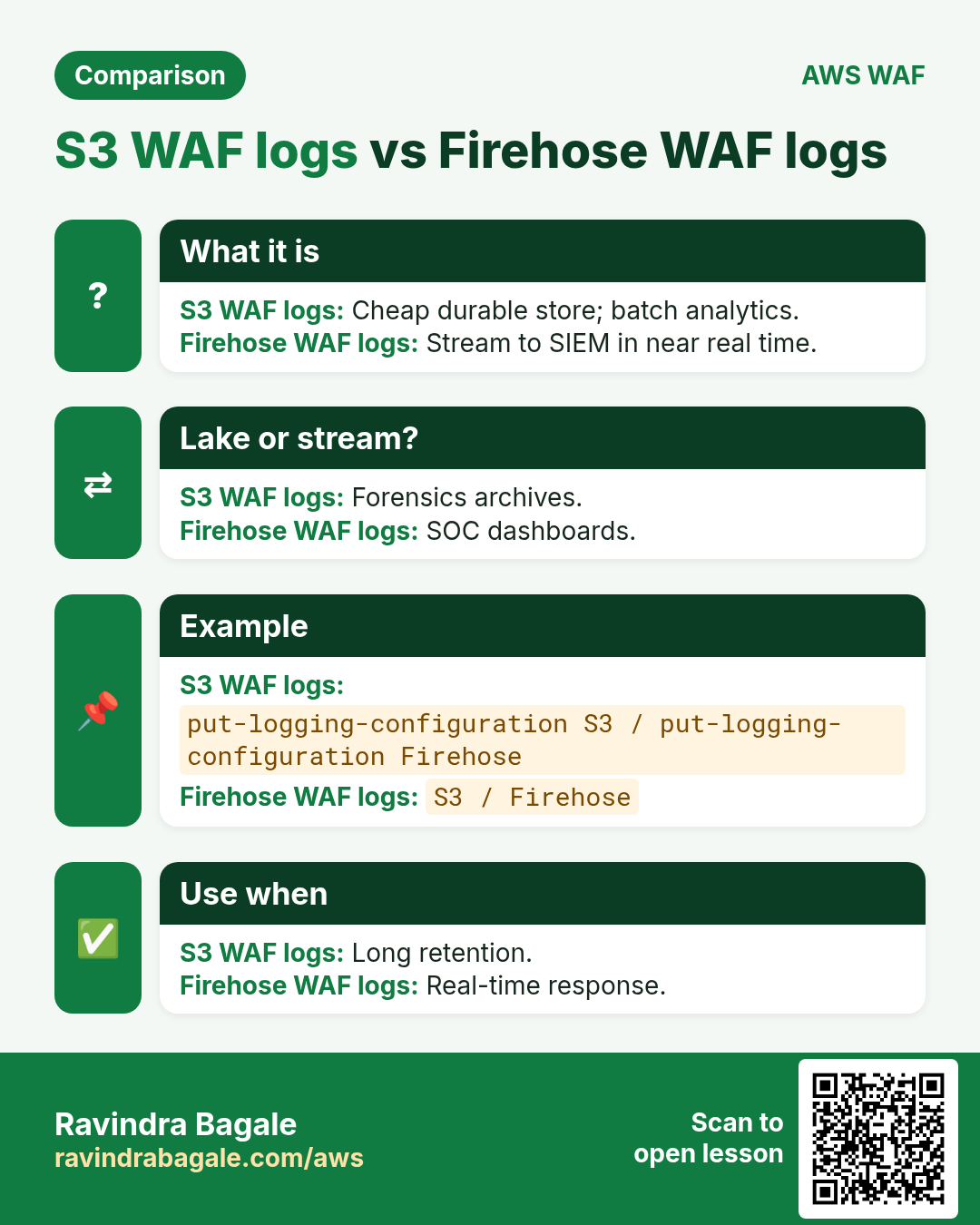
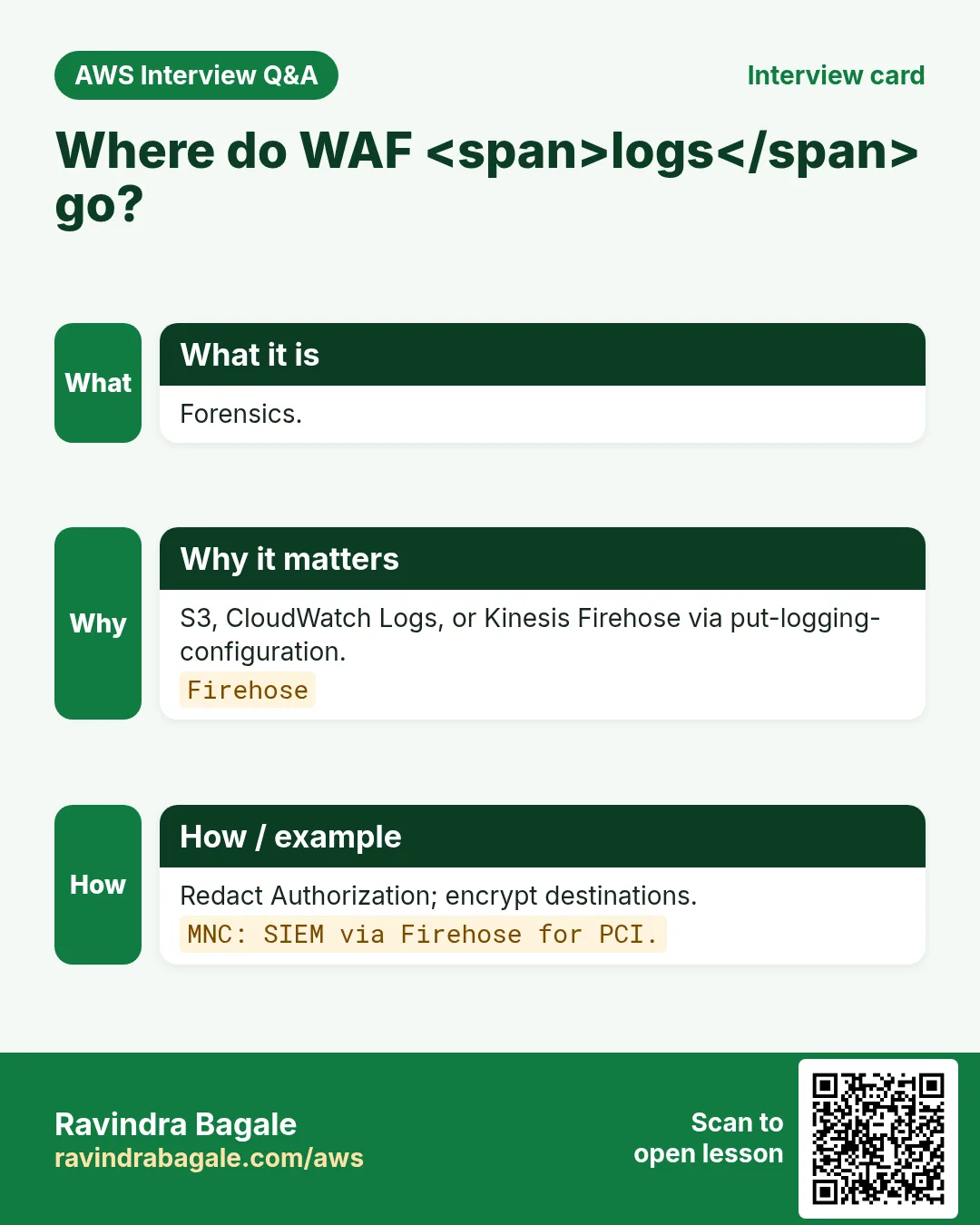
put-logging-configuration accepts destinations: S3 bucket (prefix AWSLogs/…), CloudWatch Logs log group (aws-waf-logs-*), or Kinesis Data Firehose (aws-waf-logs-*). Bucket/Firehose/log group names must start with aws-waf-logs- for some destinations — check current docs for your destination type. Encrypt with KMS where required and keep a lifecycle policy.
aws wafv2 put-logging-configuration --region $AWS_REGION --logging-configuration \
  ResourceArn=$WEB_ACL_ARN,LogDestinationConfigs=$LOG_BUCKET_ARN,RedactedFields=[]
# Then: aws s3 ls s3://aws-waf-logs-rb-lab/ --recursive | tail
9. Test with curl (200 and 403)
# ALLOW — normal homepage
curl -s -o /dev/null -w "%{http_code}\n" https://clinic.example.com/
# 200

# BLOCK — classic SQLi probe (after SQLi rules are in Block mode)
curl -s -o /dev/null -w "%{http_code}\n" \
  "https://clinic.example.com/search?q=1%27%20OR%20%271%27%3D%271"
# 403

# RATE — hammer /login from one IP (lab only)
for i in $(seq 1 1200); do curl -s -o /dev/null https://clinic.example.com/login & done
wait
curl -s -o /dev/null -w "%{http_code}\n" https://clinic.example.com/login
# 403 (once rate key exceeds Limit)
Only probe systems you own
SQLi strings and rate floods against foreign sites are illegal. Use lab hostnames you control.
10. Multi-industry attachments
- Fintech (Arjun Mehta): API Gateway + rate /otp + Firehose → SIEM
- Ecommerce (Lucas Meyer): CloudFront ACL + Bot Control + 429 HTML
- SaaS (Ananya Iyer): ALB + IP allow /hooks + CW Logs
- EdTech (Sofia Alvarez): CloudFront + Challenge on /courses
- Gov (Rahul Deshmukh): ALB + Cognito hosted UI WAF + S3 logs
11. Lab: ALB Web ACL with rate + SQLi + S3 logs
Do this in ap-south-1 (Mumbai) unless your org forbids it. Set a budget alert first.
How to do it (step by step)
- Create REGIONAL Web ACL in ap-south-1 with default Allow.
- Add office IP Allow (prio 100), geo optional, SQLi managed Count (500), rate /login 1000 (900).
- Associate to a lab ALB; enable S3 logging.
- curl homepage → 200; SQLi URL → (after Block flip) 403; save outputs.
- Flip SQLi Count→Block after reviewing sampled requests.
Cleanup (stop billing)
- Disassociate Web ACL from ALB.
- Delete logging config; empty log bucket prefixes.
- Delete Web ACL, IP sets, lab ALB if dedicated.
12. Common errors and fixes
Each row is a real mistake students and juniors hit. Read the fix before you panic.
| Error / symptom | Fix |
|---|---|
| Web ACL associated but still no blocks | Wrong scope (REGIONAL vs CLOUDFRONT) or rule still in Count. |
| Managed rule false-positive on legit traffic | Use Count first; add narrow Allow or label exclusion. |
| Rate-based rule never trips | Window/threshold too high; or IP header not the one you think (X-Forwarded-For). |
| 403 on health checks | Health checker IP not allowlisted at higher priority. |
| CAPTCHA on API clients | CAPTCHA/Challenge need a browser; use Block/rate for pure APIs. |
| Logs empty after put-logging-configuration | Destination ARN wrong; bucket policy missing wafv2.amazonaws.com. |
| Cannot associate to CloudFront | CLOUDFRONT Web ACLs must be created in us-east-1. |
| Shield Advanced bill shock | Advanced is monthly per org + data transfer; confirm before enable. |
| associate-web-acl InvalidResourceType | Wrong scope or ARN type (e.g. CLOUDFRONT ARN with REGIONAL ACL). |
| Rate test never 403 | Limit too high or requests not hitting ScopeDown URI. |
| Firehose destination rejected | Name must match aws-waf-logs-* pattern. |
13. Troubleshooting checklist
- Confirm Web ACL scope matches resource type.
- Open Sampled requests for the last 3 hours.
- Diff priorities: is an Allow above your Block?
- curl -v with and without the attack payload.
- Check WAF logs in S3/Firehose for ruleId and action.
- For CloudFront: confirm us-east-1 Web ACL and distribution id.
- For ALB: confirm association ARN equals the listener’s load balancer.
- If Shield Advanced: check protection status and health checks.
14. FAQ
Q. Is AWS WAF the same as a network firewall?
No. WAF inspects HTTP/HTTPS (Layer 7). Network Firewall / Security Groups cover lower layers. Shield covers volumetric DDoS.
Q. Do I need WAF if I already have CloudFront?
CloudFront caches and TLS-terminates; WAF adds Layer-7 rules. Many teams attach WAF to the distribution. See the CloudFront+WAF survey chapter.
Q. Count vs Block — when?
Count for learning and low-confidence rules; Block when false-positive rate is acceptable.
Q. Shield Standard vs Advanced in one line?
Standard is free automatic L3/L4 on AWS; Advanced adds L7 DDoS tools, SRT, cost protection, health-based detection for a fee.
Q. Can I attach one ACL to many ALBs?
Yes — same region/scope. Watch blast radius of a bad rule.
Q. Where do CloudFront WAF logs land?
Same put-logging-configuration; ACL lives in us-east-1.
Q. RedactedFields why?
Hide Authorization, cookies, or sensitive query args from logs.
Q. AppSync and Cognito really supported?
Yes for WAFv2 associations listed in current AWS docs — verify ARN format.
15. Interview Q&A
Q. Show the CLI to associate a Web ACL to an ALB.
aws wafv2 associate-web-acl --web-acl-arn … --resource-arn ALB_ARN.
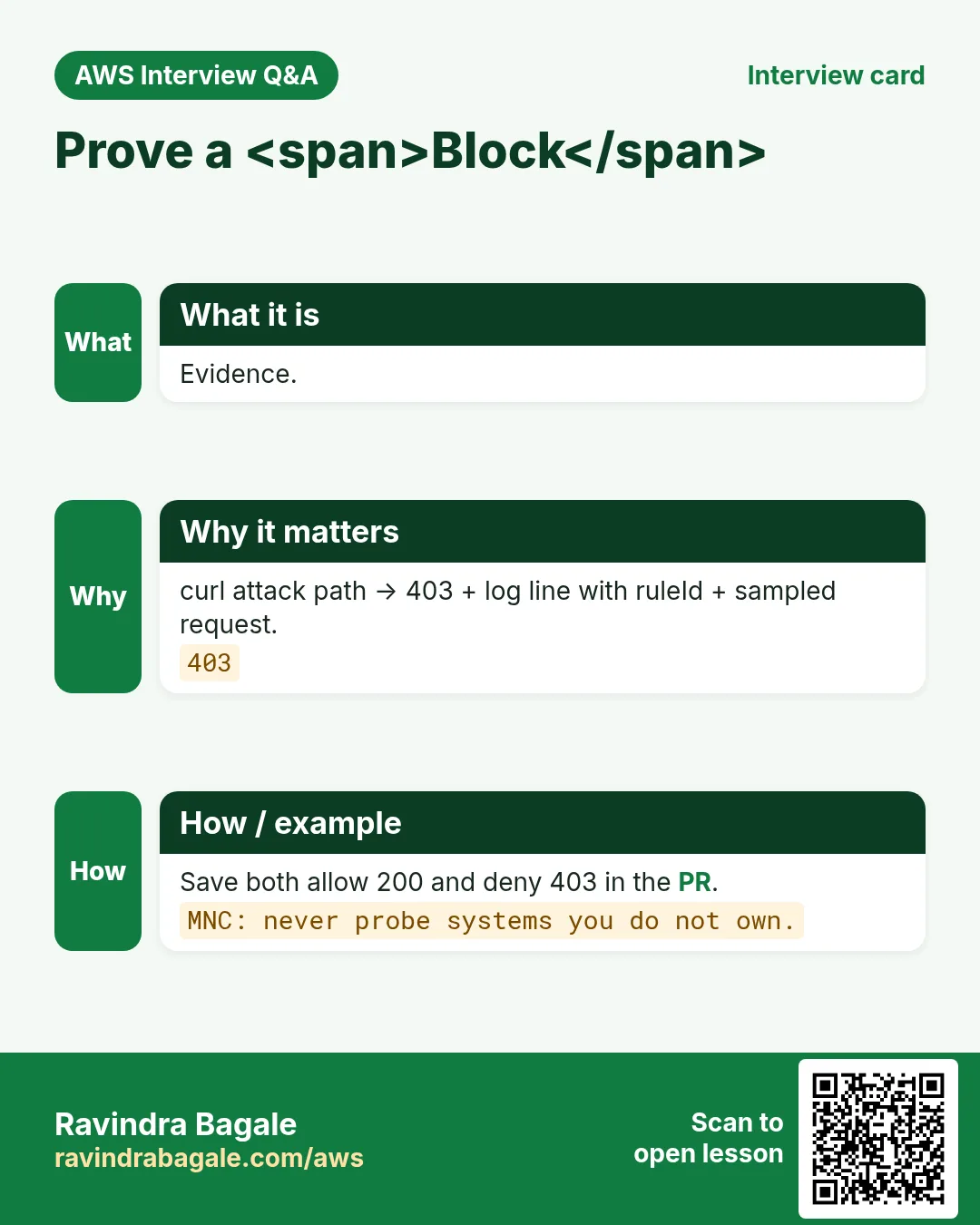
Q. How do you prove a Block in an interview?
curl attack path → 403 + matching log line with ruleId.
Q. Rate-based window length?
5 minutes (requests per 5-minute window).
Q. Why us-east-1 for CloudFront ACL?
Global service requirement for CLOUDFRONT scope.
Q. MNC: design logging for PCI app.
Firehose → SIEM, redact auth headers, KMS CMK, 1-year freeze.
Q. MNC: false positive on SQLi rule during demo.
Revert that rule to Count; narrow Allow for the URI; never disable whole ACL.
Q. Custom response vs default 403?
Custom can set code/body/headers for UX and client handling.
Q. Forwarded IP aggregate risk?
Clients can spoof X-Forwarded-For unless you restrict to trusted proxies.
16. Tips in English, Marathi and Hindi
Ravindra Bagale's Tip (EN)
Always save a 200 and a 403 in the PR. Logging before Block has saved every team I coach.
Ravindra Bagale's Tip (MR)
PR मध्ये 200 आणि 403 save करा. Block आधी logging = बचाव.
Tip (HI)
PR में 200 और 403 दोनों लगाएं। Block से पहले logging चालू करें.
Try at home
- Build IP set + rate rule on a lab ALB; capture 403.
- Enable S3 logging; find one Block JSON line.
- Write attach steps for API Gateway in 5 bullets.
In short
- Hands-on = IP/geo/rate/managed + attach + logs + curl.
- Scope must match resource; CF ACL in us-east-1.
- Count then Block; prove with 403.
- Log destinations need correct naming/permissions.
- CDN deep-dive stays in the survey chapter.
17. ScopeDown and nested statements
Rate-based and managed groups can use a ScopeDownStatement so only /login or only application/json bodies are inspected. Nest AND/OR/NOT carefully — test with Count. Nested depth has service limits; prefer labels over deep trees.
# Pseudo rule: rate only on /login POST
RateBasedStatement:
  Limit: 1000
  AggregateKeyType: IP
  ScopeDownStatement:
    AndStatement:
      Statements:
        - ByteMatchStatement: {SearchString: /login, FieldToMatch: UriPath, ...}
        - ByteMatchStatement: {SearchString: POST, FieldToMatch: Method, ...}
18. Bot Control and Account Takeover notes
AWS WAF Bot Control (common/targeted) and Account Takeover Prevention are managed add-ons with extra cost. Use Targeted Bot Control when scrapers ignore robots.txt (Sofia Alvarez LMS). Use ATP on /login /signup for credential stuffing (Arjun Mehta fintech). Still start in Count.
19. IAM for WAF deploy roles
- wafv2:CreateWebACL / UpdateWebACL / DeleteWebACL on lab resources
- wafv2:AssociateWebACL / DisassociateWebACL
- wafv2:PutLoggingConfiguration + S3/Firehose permissions on destinations
- iam:CreateServiceLinkedRole for WAF logging when first used
- Deny wafv2:DeleteWebACL without tag Environment=lab in production accounts
20. End-to-end allow/deny matrix
| Case | Expected |
|---|---|
| Office IP GET / | 200 Allow rule |
| Foreign IP GET / (if geo block on) | 403 geo Block |
| Any IP GET /search with SQLi probe | 403 SQLi (after Block flip) |
| Any IP 1200× POST /login | 403 rate-based |
| Health checker GET /health | 200 Allow prio 100 |
21. WAF design checklist before you publish
- Write the threat in one sentence (bot scrape, SQLi, credential stuffing, country block).
- Choose scope: CloudFront (global) vs regional (ALB/API GW/AppSync).
- List default action: Allow with Block rules, or Block with Allow exceptions.
- Decide priority bands: 0–99 emergency, 100–499 allowlists, 500–899 managed, 900+ rate.
- Start risky new rules in Count for 24–72 hours, then flip to Block.
- Plan CAPTCHA/Challenge only where a human can solve them (not pure APIs).
- Enable logging to S3 or Firehose before the first Block go-live.
- Document the curl allow test and the 403 deny test.
- Name the owner on-call for false-positive unlocks.
- Link back to the CloudFront+WAF survey chapter for CDN/HTTPS basics.
22. Copy-paste WAF CLI runbook
# Region for REGIONAL Web ACL (ALB / API GW). Use --scope CLOUDFRONT + us-east-1 for CDN.
export AWS_REGION=ap-south-1
export NAME=rb-waf-lab-$(date +%s)

# IP set (office allowlist example)
aws wafv2 create-ip-set --name $NAME-office --scope REGIONAL --region $AWS_REGION \
  --ip-address-version IPV4 --addresses 203.0.113.10/32

# Web ACL skeleton (default Allow; add rules in console or JSON)
aws wafv2 create-web-acl --name $NAME --scope REGIONAL --region $AWS_REGION \
  --default-action Allow={} --visibility-config SampledRequestsEnabled=true,CloudWatchMetricsEnabled=true,MetricName=$NAME \
  --rules file://rules.json

# Associate to ALB
aws wafv2 associate-web-acl --web-acl-arn $WEB_ACL_ARN --resource-arn $ALB_ARN --region $AWS_REGION

# Logging
aws wafv2 put-logging-configuration --logging-configuration \
  ResourceArn=$WEB_ACL_ARN,LogDestinationConfigs=$LOG_BUCKET_ARN

# Test
curl -s -o /dev/null -w "%{http_code}\n" https://app.example.com/
# expect 200 for allow path; 403 for blocked path
23. Priority bands that interviewers love
- 0–99: emergency Block / IP denylist (fastest kill switch)
- 100–199: explicit Allow for partners / health checks / office IP
- 200–499: geo / ASN / bot control early filters
- 500–799: AWS Managed Rules (SQLi, XSS, WordPress, Linux, Windows)
- 800–899: custom body / header / URI matches
- 900–999: rate-based rules (last line before default)
Lower number = higher priority. First matching terminating action wins. Count never terminates — evaluation continues.
24. Industry story bank (reuse the pattern)
Use the same WAF pattern across industries — only change IP sets, geo lists, URI paths, and rate thresholds.
- Fintech (Arjun Mehta, UPI wallet, Mumbai): rate-limit /login and /otp; CAPTCHA on password reset.
- Healthcare (Priya Nair, clinic portal, Kochi): geo allow India+UAE; Block SQLi on /api/patients.
- EdTech (Sofia Alvarez, LMS, Bogotá): Challenge on scraping /courses; Allow CDN health.
- Ecommerce (Lucas Meyer, D2C, Berlin): Bot Control on flash-sale; custom 429 HTML.
- Media (Fatima Khan, newsroom, Dubai): rate on /search; Block known bad ASNs.
- SaaS (Ananya Iyer, B2B CRM, Bengaluru): IP allow partner webhooks; Block rest on /hooks.
- Logistics (Kenji Watanabe, fleet API, Tokyo): geo Japan+SG; rate on /track.
- Government (Rahul Deshmukh, state portal, Nagpur): managed Core Rule Set + CAPTCHA on forms.
- Gaming (Mei Chen, matchmaking API, Singapore): Shield Advanced + WAF rate on /join.
- Travel (Amina Okello, booking, Nairobi): geo allow Africa+EU partners; Block card-testing paths.
25. False-positive unlock runbook
- Find the blocked request in Sampled requests or WAF logs (rule id + label).
- Reproduce with curl -v and the same headers/body.
- If Count would have been enough, flip Block→Count for that rule only.
- Add a narrow Allow rule at higher priority (specific URI + IP) rather than disabling the whole managed group.
- Label-match exclusions inside managed rule groups when AWS supports them for that group.
- Re-test allow and deny paths; leave a ticket with request id.
- Never set default action to Allow and delete all rules under pressure.
26. What good looks like in a PR review
- Scope (REGIONAL vs CLOUDFRONT) matches the resource.
- Priorities documented in a table in the PR.
- New managed rules started in Count with a flip date.
- Logging destination exists and is encrypted.
- curl 200 and curl 403 proofs pasted.
- Link to CloudFront+WAF survey for CDN/TLS context.
- Shield Advanced decision recorded (yes/no + reason).
27. Related chapters on this site
- CloudFront + WAF survey (CDN, HTTPS, light WAF): open chapter
- Well-Architected Framework (security pillar context): next chapter after this series.
- S3 bucket policy projects (origin hardening behind OAC).
28. Metric and alarm starter pack
Create these CloudWatch alarms on day one so an attack is not a Slack surprise. Thresholds are starting points — tune per app.
- WAF BlockedRequests Sum > N for 5 minutes on the Web ACL metric
- WAF CountedRequests Sum high on a rule still in Count (review before flip)
- ALB HTTPCode_Target_5XX_Count spike
- ASG GroupInServiceInstances at MaxSize for 10 minutes
- Shield Advanced DDoSDetected = 1 (if subscribed)
- CloudFront 4xx/5xx error rate
- Route 53 health check Unhealthy
- WAF logging delivery errors (Firehose throttles)
29. Sampled requests reading guide
- Open Web ACL → Sampled requests → pick a rule.
- Note action (Count/Block), URI, country, and matched data.
- Decide: true positive (keep Block), false positive (Count or exclude), or need CAPTCHA.
- Export request ids into the ticket for auditors.
- Never tune only from memory — tune from samples + logs.
30. WAF + Shield glossary (exam friendly)
| Term | Meaning |
|---|---|
| Web ACL | Container of rules + default action |
| Scope | REGIONAL or CLOUDFRONT |
| Managed rule group | AWS/marketplace signatures |
| Label | Tag for downstream rules |
| Rate-based | Threshold per 5-minute window |
| SRT | Shield Response Team (Advanced) |
| Protection group | Bundle of Shield Advanced protections |
| Firewall Manager | Org-wide security policy deployment |
| Cost protection | Advanced reimbursement path for attack-driven charges |
| Challenge | Silent browser JS challenge action |
31. Fifteen-minute tabletop script
- Minute 0–2: Inject scenario (“CF 5xx + Shield metric up” or “login 403 storm”).
- Minute 2–5: Classify L3/L4 vs L7; name the runbook.
- Minute 5–10: Say aloud the first three console clicks + who to page.
- Minute 10–13: Customer comms one-liner.
- Minute 13–15: Note one gap to fix in the real runbook.
32. Cost notes (approximate mindset)
WAF charges for Web ACLs, rules, and request units; Bot Control/ATP add-ons cost more. Shield Advanced has a monthly org fee plus data-transfer related charges — confirm on the AWS pricing page the day you buy. Logging to Firehose/S3/CW adds storage and throughput cost. Always set budgets.
33. Security hygiene beyond WAF
- Lock origins so clients cannot bypass CloudFront (SG, OAC, custom header).
- Least-privilege IAM for wafv2:* on deploy roles.
- Encrypt log buckets; block public access on log buckets.
- Quarterly review of IP sets and geo lists (people travel; offices move).
- Redact Authorization and cookie headers in WAF logs.
- Keep a break-glass Allow rule documented but disabled.
34. Pairing with other AWS chapters on this site
Read S3 policy projects when hardening origins behind OAC. Read Well-Architected (next after this series) for the security pillar checklist. Read the CloudFront+WAF survey when you need CDN caching and HTTPS step-by-step.
35. Request flow deep dive (teacher board)
A browser hits https://app.example.com/login. DNS (Route 53) returns CloudFront. TLS ends at CloudFront. WAF Web ACL (CLOUDFRONT, us-east-1) evaluates rules by priority. A Count rule on CRS may label the request. A rate-based rule may Block with 403. If Allow, CloudFront cache or origin fetch runs. Origin ALB may have a second REGIONAL Web ACL. Shield watches volumetric patterns the whole time. Logs land in S3/Firehose for the SOC.
- DNS resolve and TLS handshake (Shield sees floods here).
- WAF evaluation at edge (L7).
- Cache hit/miss at CloudFront.
- Origin request to ALB; optional regional WAF.
- ASG target serves app; health checks continue.
- Metrics + logs + optional SRT.
36. Rule JSON anatomy (read aloud)
{
  "Name": "RateLogin1000",
  "Priority": 900,
  "Action": {"Block": {"CustomResponse": {"ResponseCode": 429}}},
  "VisibilityConfig": {
    "SampledRequestsEnabled": true,
    "CloudWatchMetricsEnabled": true,
    "MetricName": "RateLogin1000"
  },
  "Statement": {
    "RateBasedStatement": {
      "Limit": 1000,
      "AggregateKeyType": "IP",
      "ScopeDownStatement": {
        "ByteMatchStatement": {
          "SearchString": "/login",
          "FieldToMatch": {"UriPath": {}},
          "TextTransformations": [{"Priority": 0, "Type": "LOWERCASE"}],
          "PositionalConstraint": "STARTS_WITH"
        }
      }
    }
  }
}
37. Text transformations cheat sheet
- LOWERCASE — normalise path/header compares
- URL_DECODE / URL_DECODE_UNI — catch encoded probes
- HTML_ENTITY_DECODE — body HTML tricks
- CMD_LINE — OS command obfuscation (with care)
- Compress whitespace / Strip — reduce bypass noise
- Apply in priority order inside the rule
38. Office-hours mini drills (students)
- Drill 1: Explain why Count does not stop later rules (2 minutes).
- Drill 2: Given priorities 10 Block IP, 100 Allow /health, 500 CRS — what happens to office IP hitting /health?
- Drill 3: Write curl that should 403 under SQLi Block.
- Drill 4: Name three Shield Advanced-only features.
- Drill 5: Sketch Runbook B first three steps from memory.
- Drill 6: Where must a CloudFront Web ACL be created?
- Drill 7: Who wins — managed Block vs later Allow at higher number?
- Drill 8: Redact which headers in WAF logs for a bank?
39. Change calendar (safe rollout)
- Day 0: ACL + logging + Allow default + health Allow rule
- Day 1: Managed groups in Count
- Day 2–3: Review sampled; add exclusions
- Day 4: Flip SQLi/CRS to Block off-peak
- Day 5: Rate-based on /login in Count then Block
- Day 7: CAPTCHA on password reset only
- Day 14: Firewall Manager baseline if org-ready
- Day 30: Tabletop + Advanced decision revisit
Revision, interview and comparison cards
Revise this lesson in a few minutes. Save the cards on your phone or download them as PNG files. The QR code on each card opens this lesson.
More cards: Ravi Sir's Cards.
Practice Tasks
Vidarbha Cotton Mills is a textiles business in Nagpur. Ganesh Wankhede looks after its IT and cloud work. They count money in INR and run their AWS resources in the ap-south-1 Region. In the tasks below you do real jobs for them using what this lesson teaches. All names, account IDs, IP addresses and numbers are made up for practice.
0 / 16
Easy Rate window 5 minutes — enter 5
Why: Window.
What to do: Enter the rate-based window length in minutes.
- Write down the numbers the task gives you.
- Work it out step by step on paper.
- Type only the final answer in the box.
- Click Check answer.
Easy Block often returns 403 — enter 403
Why: Proof.
What to do: HTTP status often seen on WAF Block (enter 403).
- Write down the numbers the task gives you.
- Work it out step by step on paper.
- Type only the final answer in the box.
- Click Check answer.
Easy Logging before Block — 1
Why: Forensics.
What to do: Enter 1 if you should enable logging before flipping to Block.
- Write down the numbers the task gives you.
- Work it out step by step on paper.
- Type only the final answer in the box.
- Click Check answer.
Easy Rate Limit JSON
Why: 1000.
What to do: JSON Limit 1000.
- Start from the top-level keys the task names.
- Indent child keys with 2 spaces (no tabs).
- Fill in each property with the value from the task.
- Click Check answer. Key order does not matter.
Easy List Web ACLs REGIONAL
Why: Lab.
What to do: List Web ACLs scope REGIONAL.
- Read the task and decide which AWS service it is about.
- Write aws, then the service name, then the operation (the action word).
- Add each needed flag (--name) followed by its value from the task.
- Flags can be in any order. Click Check answer.
Medium ALB uses REGIONAL ACL — 1
Why: Scope.
What to do: Enter 1 if ALB associations use REGIONAL Web ACLs.
- Write down the numbers the task gives you.
- Work it out step by step on paper.
- Type only the final answer in the box.
- Click Check answer.
Medium Forwarded IP spoof risk — 1
Why: Aggregate.
What to do: Enter 1 if forwarded-IP aggregate keys can be spoofed without trusted proxies.
- Write down the numbers the task gives you.
- Work it out step by step on paper.
- Type only the final answer in the box.
- Click Check answer.
Medium SQLi Count then Block — 1
Why: Rollout.
What to do: Enter 1 if SQLi managed rules should Count then Block.
- Write down the numbers the task gives you.
- Work it out step by step on paper.
- Type only the final answer in the box.
- Click Check answer.
Medium AggregateKeyType IP JSON
Why: IP key.
What to do: JSON AggregateKeyType IP.
- Start from the top-level keys the task names.
- Indent child keys with 2 spaces (no tabs).
- Fill in each property with the value from the task.
- Click Check answer. Key order does not matter.
Medium List IP sets REGIONAL
Why: Office.
What to do: List IP sets scope REGIONAL.
- Read the task and decide which AWS service it is about.
- Write aws, then the service name, then the operation (the action word).
- Add each needed flag (--name) followed by its value from the task.
- Flags can be in any order. Click Check answer.
Medium List resources for Web ACL
Why: Associations.
What to do: List resources for Web ACL.
- Read the task and decide which AWS service it is about.
- Write aws, then the service name, then the operation (the action word).
- Add each needed flag (--name) followed by its value from the task.
- Flags can be in any order. Click Check answer.
Hard Firehose name prefix — 1
Why: Naming.
What to do: Enter 1 if Firehose destinations often need aws-waf-logs- prefix.
- Write down the numbers the task gives you.
- Work it out step by step on paper.
- Type only the final answer in the box.
- Click Check answer.
Hard Health 403 → allowlist — 1
Why: Prio.
What to do: Enter 1 if health-check 403 means allow health IPs at higher priority.
- Write down the numbers the task gives you.
- Work it out step by step on paper.
- Type only the final answer in the box.
- Click Check answer.
Hard Geo country IN JSON
Why: India.
What to do: JSON CountryCode IN.
- Start from the top-level keys the task names.
- Indent child keys with 2 spaces (no tabs).
- Fill in each property with the value from the task.
- Click Check answer. Key order does not matter.
Hard ScopeDown /login JSON
Why: Login.
What to do: JSON UriPath /login.
- Start from the top-level keys the task names.
- Indent child keys with 2 spaces (no tabs).
- Fill in each property with the value from the task.
- Click Check answer. Key order does not matter.
Hard Get logging configuration
Why: Read logs cfg.
What to do: Get logging configuration for a Web ACL.
- Read the task and decide which AWS service it is about.
- Write aws, then the service name, then the operation (the action word).
- Add each needed flag (--name) followed by its value from the task.
- Flags can be in any order. Click Check answer.