AWS Shield Standard vs Advanced: DDoS Layers, SRT and Cost Protection
When Mei Chen’s Singapore gaming API melted under a SYN flood, Security Groups did nothing useful and WAF never saw the packets. That is Shield’s job. This chapter separates Shield Standard (always on, free) from Shield Advanced (paid: SRT, cost protection, health-based detection, protection groups) and shows where WAF still fits for Layer-7 application attacks.
What you'll learn in this chapter
- Why DDoS needs Shield beside WAF
- What Standard covers at Layers 3/4 vs what Advanced adds
- How SRT, cost protection, health-based detection and protection groups work
- How to decide buy vs not for Indian startups and MNCs
- Interview comparison answers
1. Everyday example
A volumetric UDP reflection hit Lucas Meyer’s Berlin shopfront. CloudFront + Shield Standard absorbed most of it at the edge. A later application-layer slowloris-style hit needed WAF rate rules. Different layers, different tools — see also CloudFront+WAF survey.
2. Why Shield?
Why do we need this?
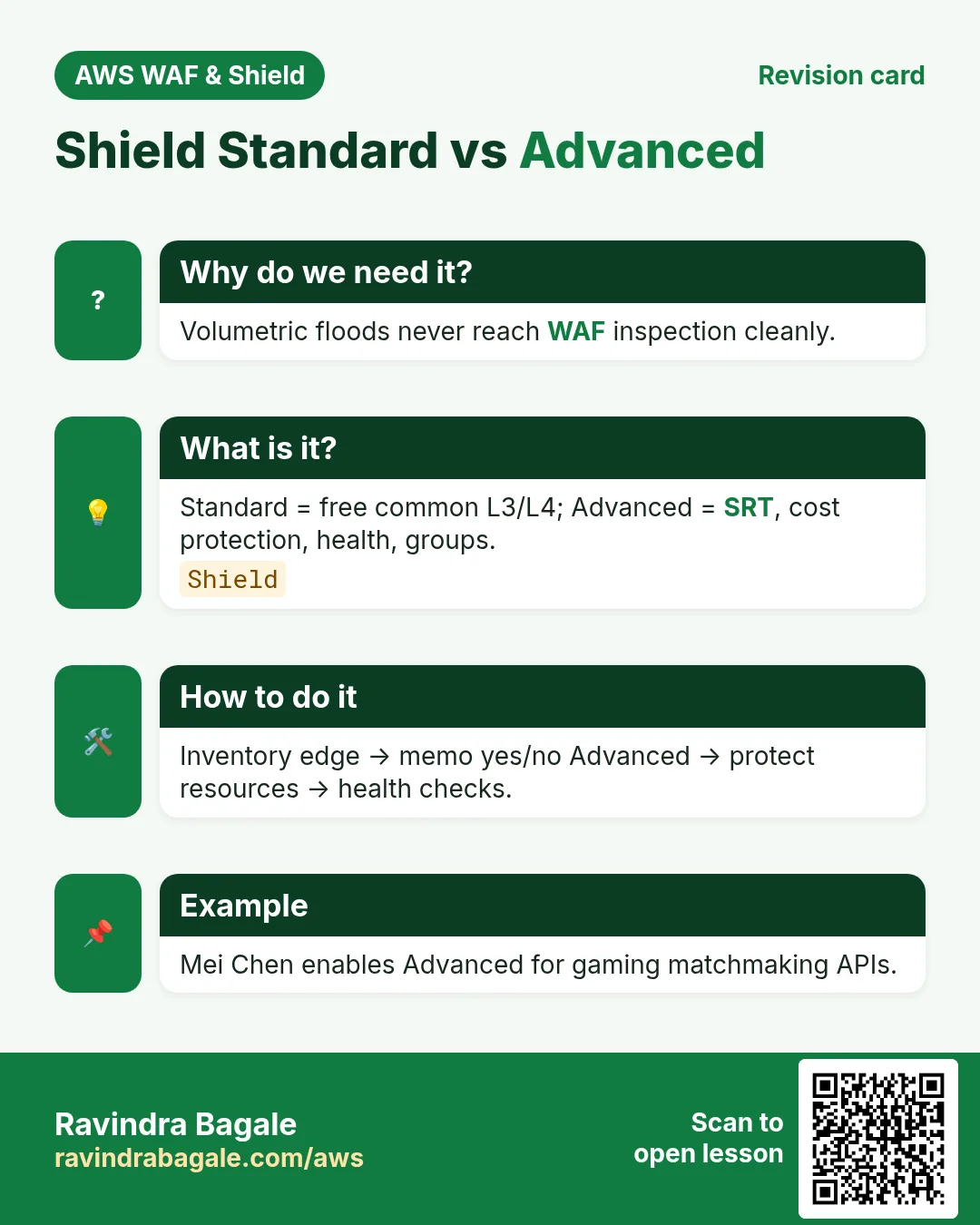
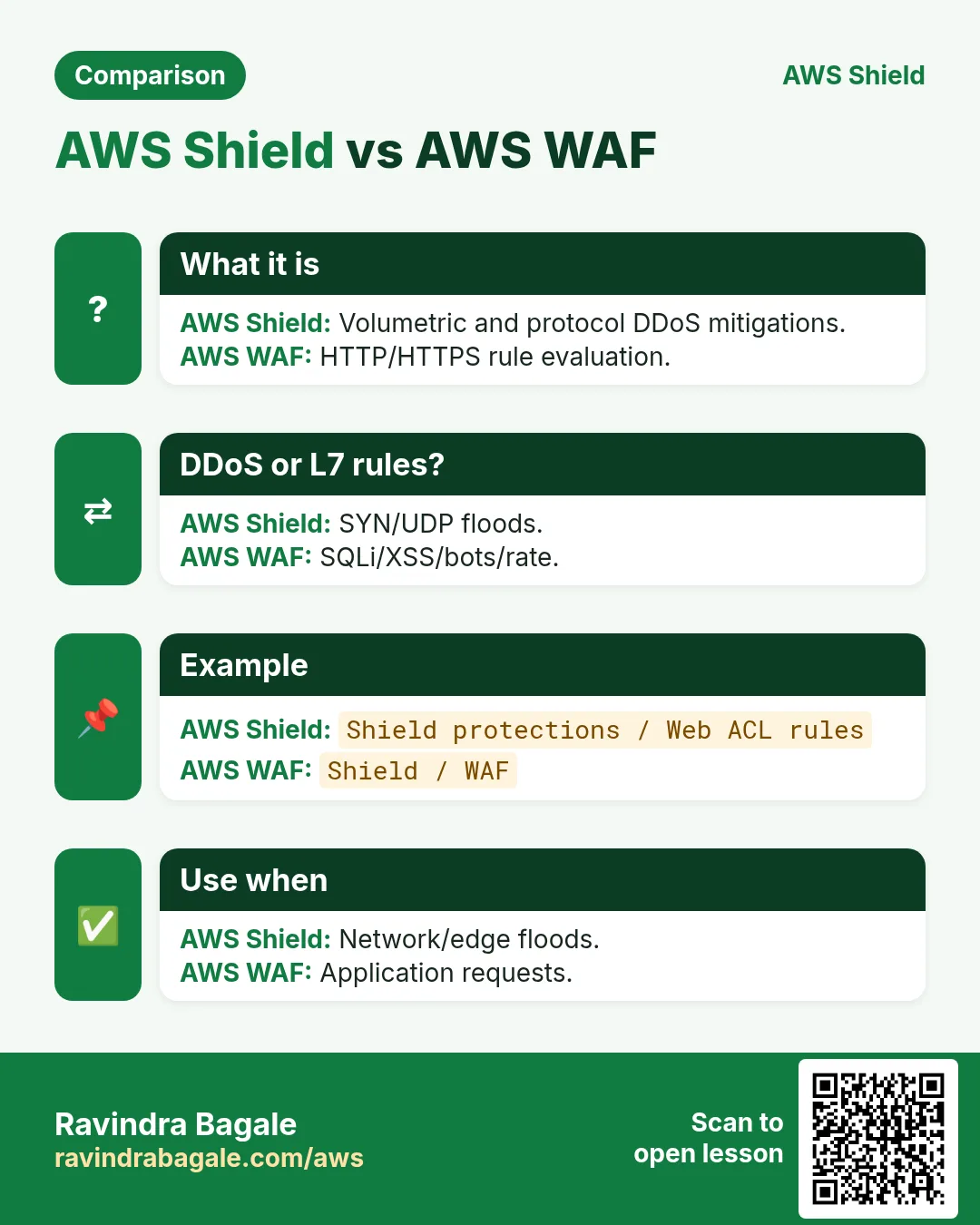
DDoS tries to exhaust bandwidth, packets/second, connections, or application workers. WAF sees HTTP. Shield sits with AWS networking to detect and mitigate volumetric and protocol attacks on AWS resources, with Advanced adding people and money-back style protections.
3. What is Shield Standard?
What is it?
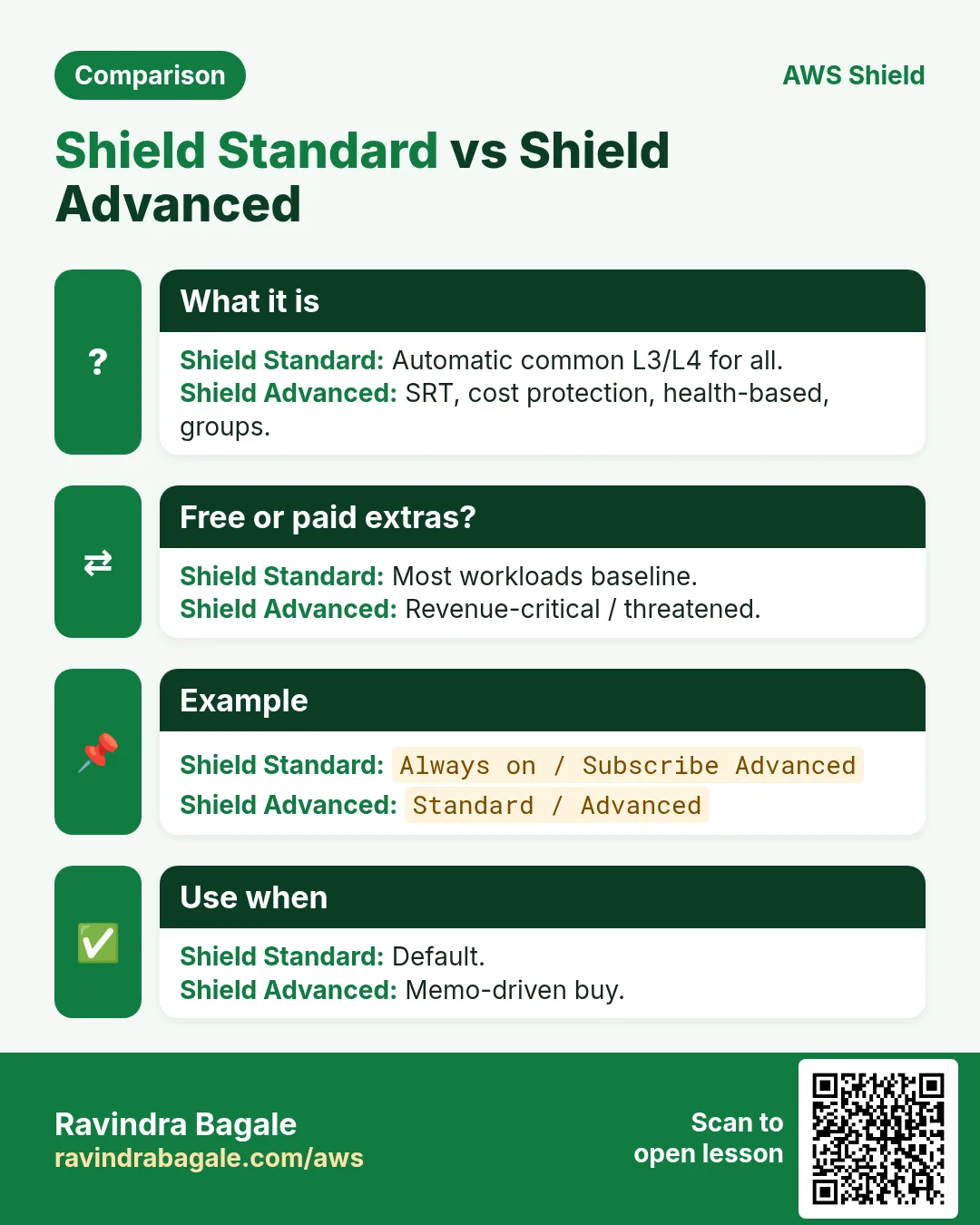
Automatic, no-cost protection for all AWS customers against common, frequently occurring network and transport layer DDoS attacks. It runs on services like CloudFront, Route 53, Global Accelerator, and also benefits many regional resources. You do not “turn it on” — it is there.
4. What is Shield Advanced?
Paid subscription (per-organization monthly fee + usage) that adds: enhanced detection/mitigation, Shield Response Team (SRT) engagement, cost protection against related usage spikes, health-based detection using Route 53 health checks, protection groups, advanced WAF integration credits in some bundles historically, and richer visibility in Firewall Manager / console. Always re-read current pricing before enabling.
| Topic | Standard | Advanced |
|---|---|---|
| Cost | Included | Monthly + usage (confirm) |
| L3/L4 DDoS | Common attacks | Enhanced + custom |
| L7 application DDoS | Indirect via CF etc. | Tighter with WAF + SRT |
| SRT (humans) | No | Yes — engage on attack |
| Cost protection | No | Yes — eligible charges |
| Health-based detection | No | Yes with health checks |
| Protection groups | No | Yes — group resources |
5. DDoS layers 3, 4 and 7
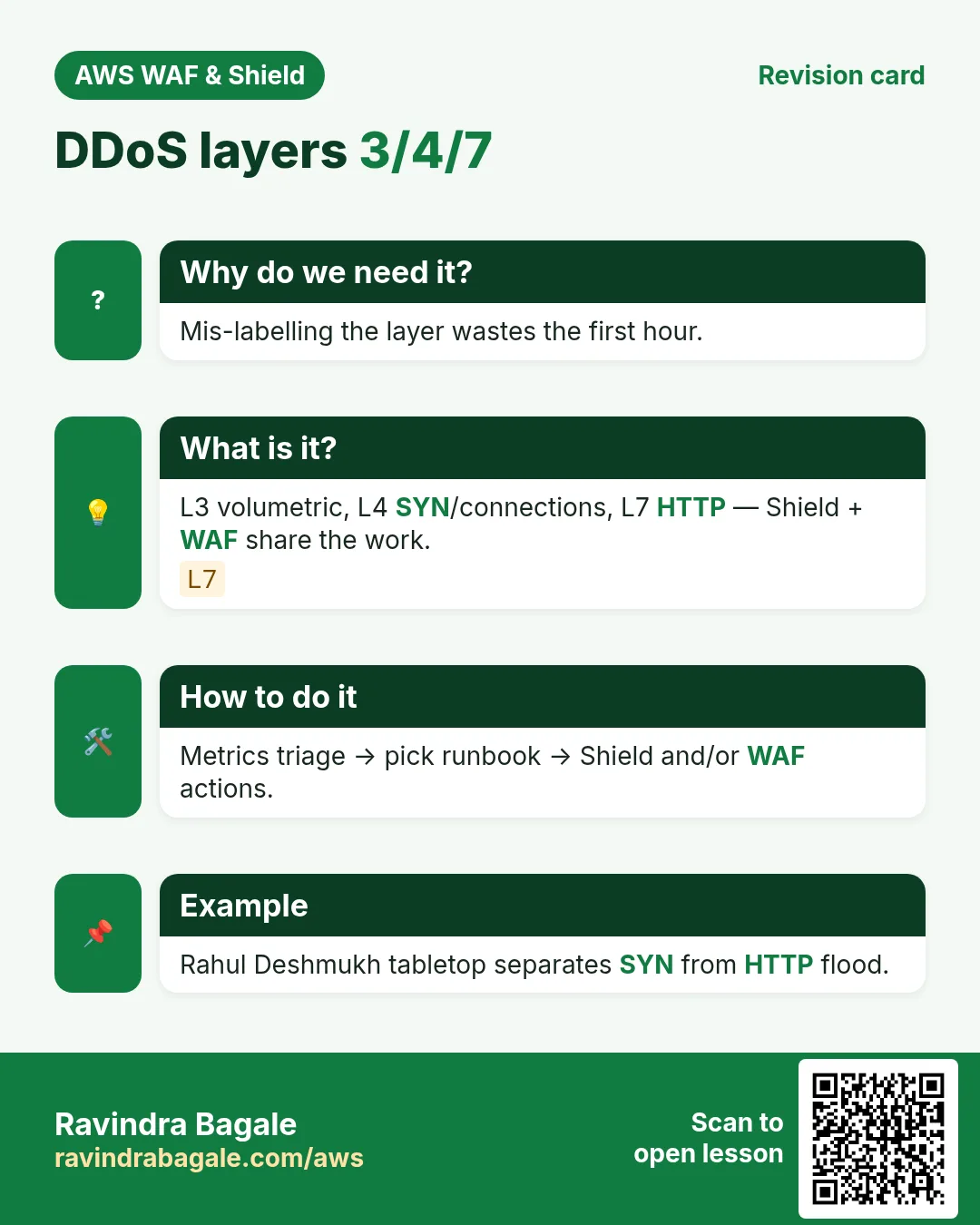
- Layer 3 (Network): volumetric floods, amplification — Gbps/Tbps. Shield’s home turf.
- Layer 4 (Transport): SYN floods, connection exhaustion.
- Layer 7 (Application): HTTP floods, expensive queries, credential stuffing — WAF + sometimes Advanced/SRT.
6. SRT — Shield Response Team
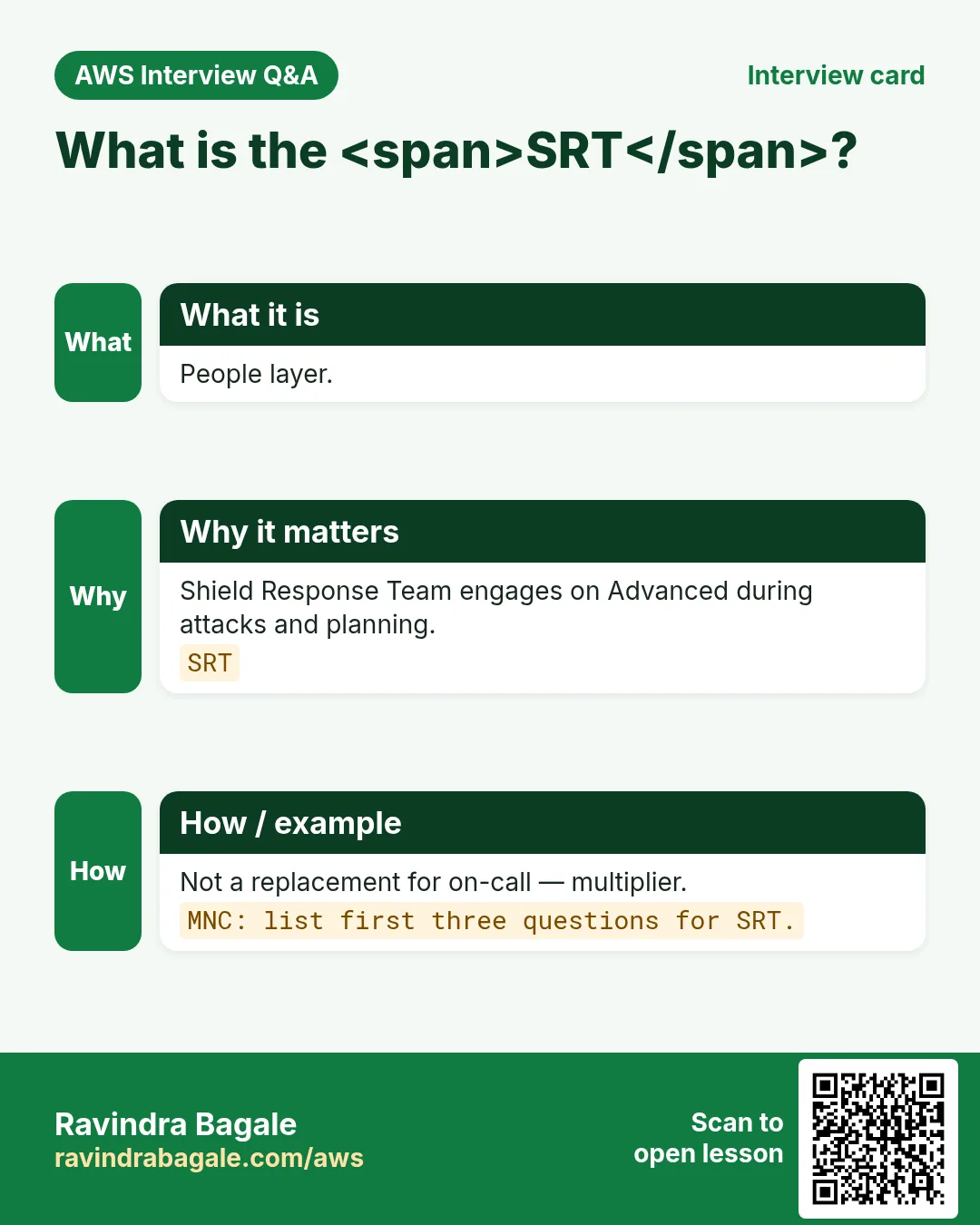
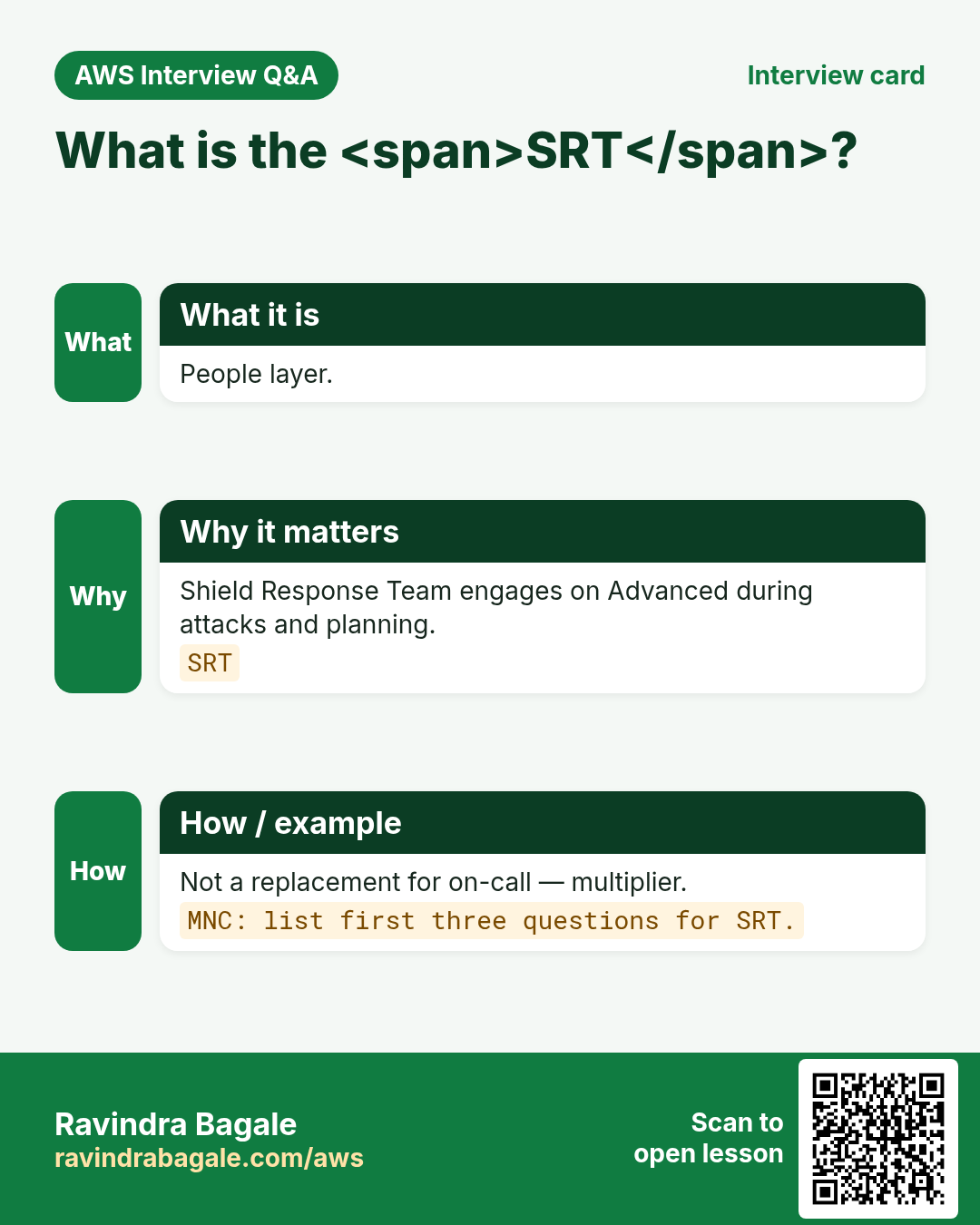
With Advanced you can engage AWS experts during an attack (and for proactive planning). They help tune mitigations, WAF rules, and communications. Not a replacement for your on-call — a force multiplier. Practice the engagement path in a tabletop before Black Friday (Lucas Meyer).
7. Cost protection
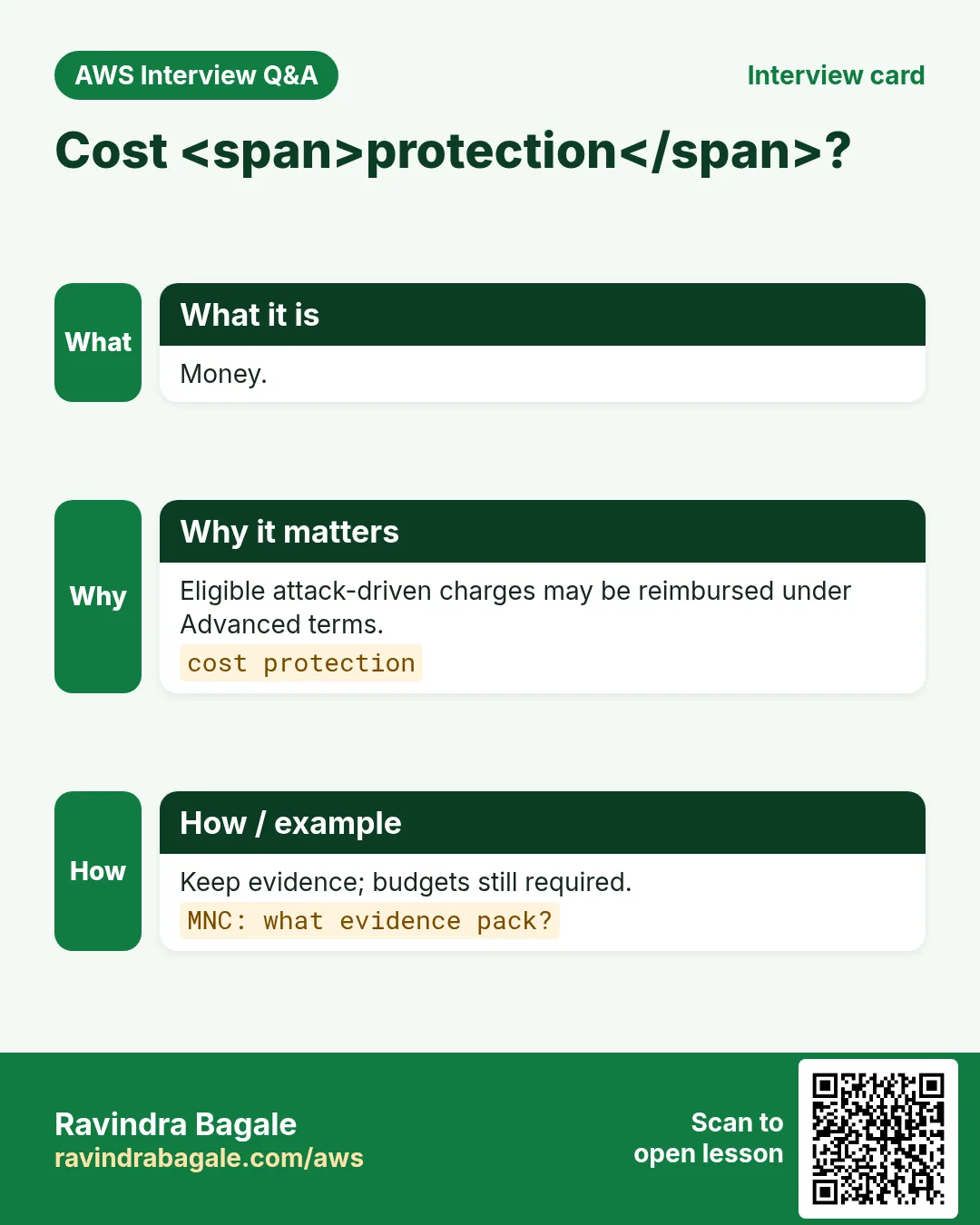
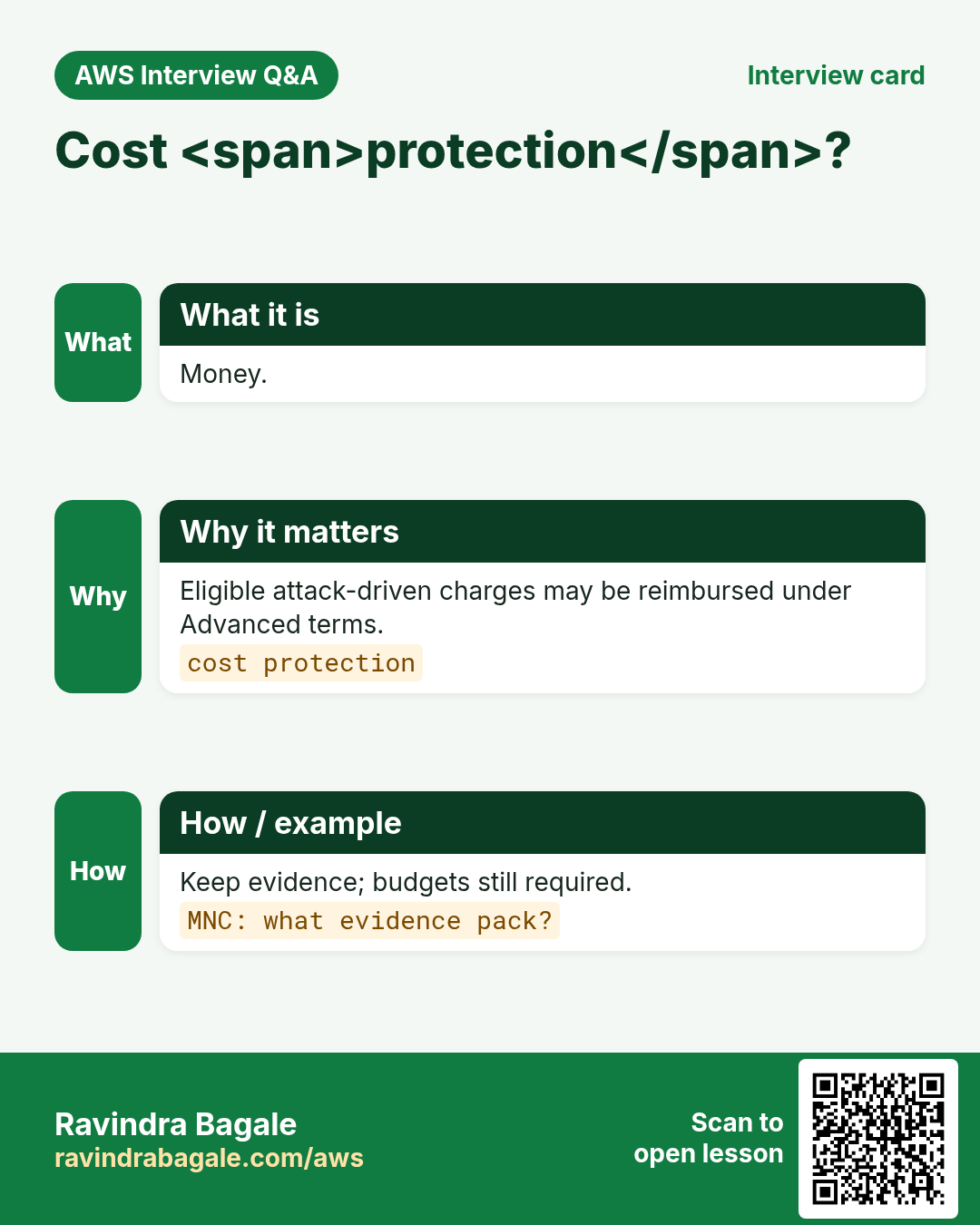
Eligible AWS charges that spike because of a DDoS (e.g. certain scaling/data transfer patterns under an Advanced protection) may be reimbursable under cost protection terms. Read the fine print — not every bill line qualifies. Still set budgets and anomaly detection.
8. Health-based detection
Tie Route 53 health checks (or equivalent) to Advanced protections so detection knows when your app is unhealthy, not only when traffic is “large”. Reduces missed stealthy attacks and noisy false starts.
9. Protection groups
Bundle resources (e.g. all ALBs in pay API, or all CloudFront distributions for a brand) so mitigations and visibility apply as a unit. Helpful for Mei Chen’s multi-region gaming endpoints.
10. When to buy Advanced (decision)
- Public revenue-critical endpoints with past DDoS or credible threat
- Regulated orgs that need SRT + documented playbooks
- Businesses that fear bill shock from attack-driven scale-out
- Skip (for now) if only internal apps + Standard edge services suffice
Ravindra Bagale's Tip
Never confuse “we enabled Shield Advanced” with “we are DDoS-proof”. You still need WAF, sensible autoscaling limits, Route 53 failover, and a runbook (next chapter).
11. Lab: inventory Standard coverage and Advanced decision memo
Do this in ap-south-1 (Mumbai) unless your org forbids it. Set a budget alert first.
How to do it (step by step)
- List public entry points: CF, R53, AGA, ALB, API GW, Global services.
- Confirm Shield Standard is implied (no toggle) — screenshot console Shield page.
- Write a 1-page Advanced yes/no memo: risk, cost, SRT need, health checks plan.
- If Advanced exists in the account, list protections and groups (read-only).
Cleanup (stop billing)
- Do not enable Advanced in a personal lab without budget approval.
- Store the memo in the team wiki; link WAF chapters.
12. Common errors and fixes
Each row is a real mistake students and juniors hit. Read the fix before you panic.
| Error / symptom | Fix |
|---|---|
| Web ACL associated but still no blocks | Wrong scope (REGIONAL vs CLOUDFRONT) or rule still in Count. |
| Managed rule false-positive on legit traffic | Use Count first; add narrow Allow or label exclusion. |
| Rate-based rule never trips | Window/threshold too high; or IP header not the one you think (X-Forwarded-For). |
| 403 on health checks | Health checker IP not allowlisted at higher priority. |
| CAPTCHA on API clients | CAPTCHA/Challenge need a browser; use Block/rate for pure APIs. |
| Logs empty after put-logging-configuration | Destination ARN wrong; bucket policy missing wafv2.amazonaws.com. |
| Cannot associate to CloudFront | CLOUDFRONT Web ACLs must be created in us-east-1. |
| Shield Advanced bill shock | Advanced is monthly per org + data transfer; confirm before enable. |
| Thought Shield replaces WAF | Shield ≠ L7 rules; keep WAF for SQLi/XSS/bots. |
| Enabled Advanced on wrong account without org plan | Advanced is org-scoped billing — coordinate. |
| No health checks → weak Advanced detection | Attach Route 53 health checks to protections. |
| Expected SRT on Standard | SRT is Advanced-only. |
13. Troubleshooting checklist
- Confirm Web ACL scope matches resource type.
- Open Sampled requests for the last 3 hours.
- Diff priorities: is an Allow above your Block?
- curl -v with and without the attack payload.
- Check WAF logs in S3/Firehose for ruleId and action.
- For CloudFront: confirm us-east-1 Web ACL and distribution id.
- For ALB: confirm association ARN equals the listener’s load balancer.
- If Shield Advanced: check protection status and health checks.
- Separate L3/L4 symptoms (packet flood) from L7 (HTTP 5xx / WAF blocks).
- Check CloudWatch / Shield console metrics during the window.
- If Advanced: open SRT path per your support plan.
14. FAQ
Q. Is AWS WAF the same as a network firewall?
No. WAF inspects HTTP/HTTPS (Layer 7). Network Firewall / Security Groups cover lower layers. Shield covers volumetric DDoS.
Q. Do I need WAF if I already have CloudFront?
CloudFront caches and TLS-terminates; WAF adds Layer-7 rules. Many teams attach WAF to the distribution. See the CloudFront+WAF survey chapter.
Q. Count vs Block — when?
Count for learning and low-confidence rules; Block when false-positive rate is acceptable.
Q. Shield Standard vs Advanced in one line?
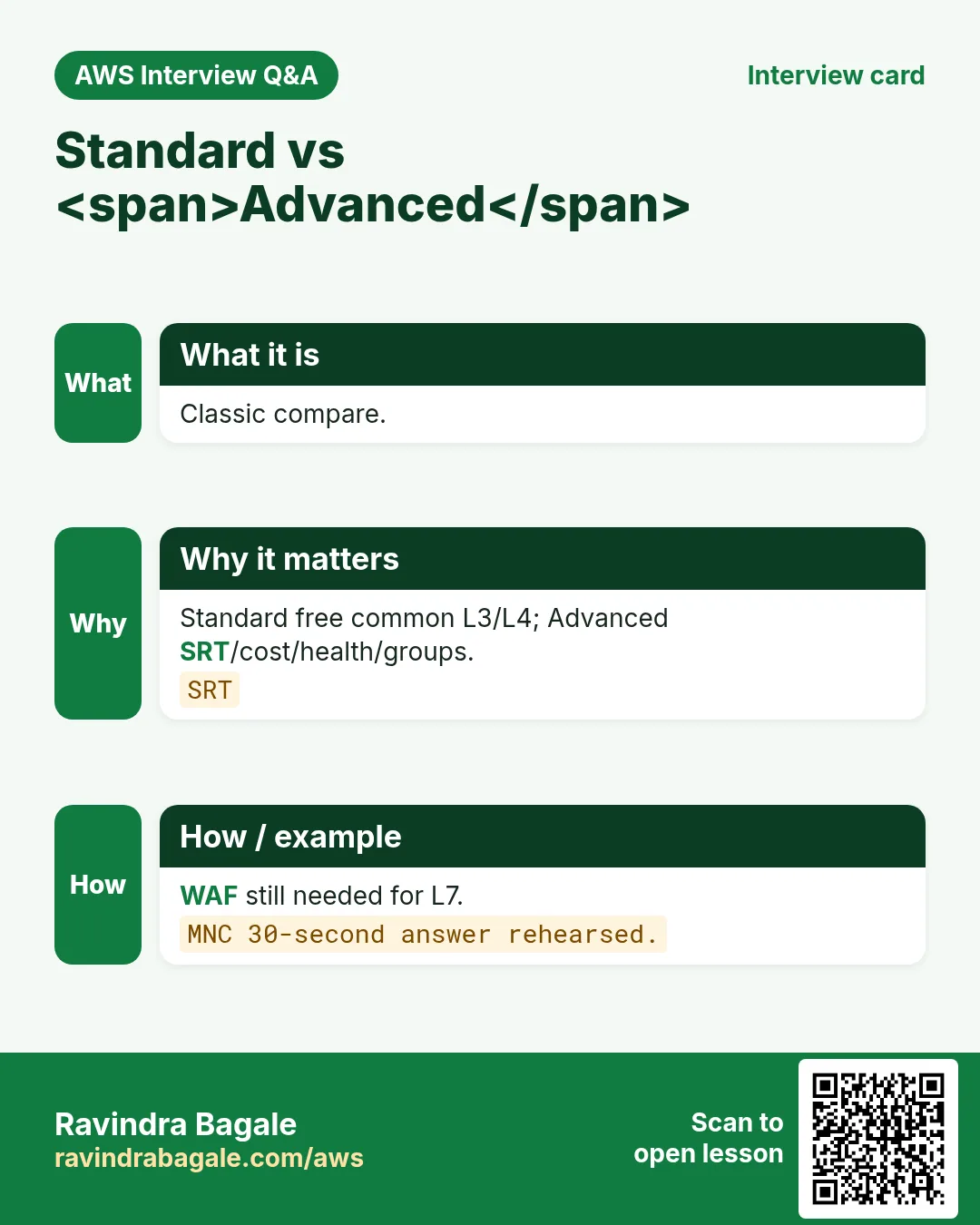
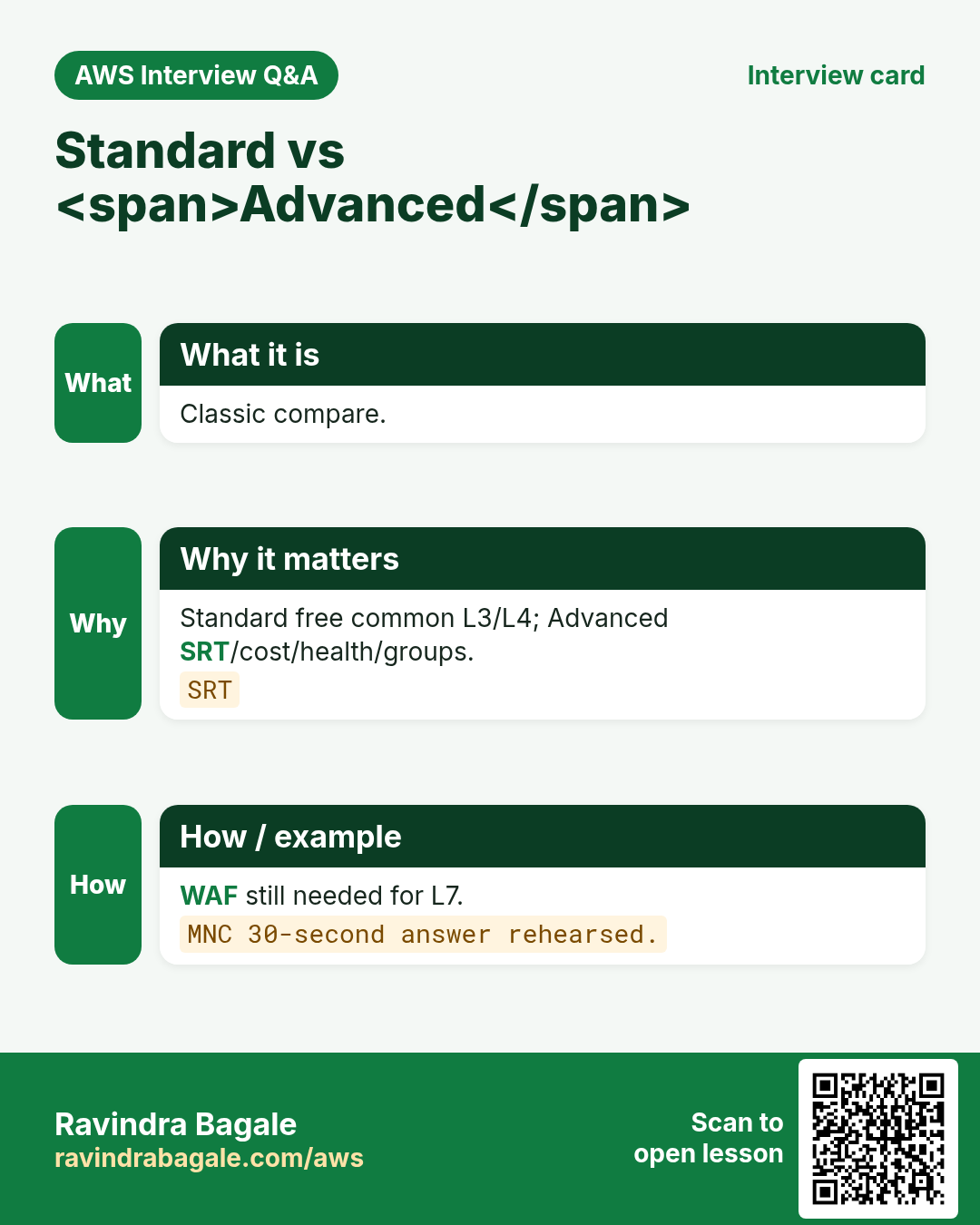
Standard is free automatic L3/L4 on AWS; Advanced adds L7 DDoS tools, SRT, cost protection, health-based detection for a fee.
Q. Is Shield Standard enough for a startup brochure site?
Often yes with CloudFront+WAF; revisit Advanced when revenue or threats grow.
Q. Does Advanced include WAF?
You still configure WAF; Advanced improves DDoS posture and may include related benefits — check current bundle.
Q. Protection group vs resource protection?
Groups aggregate many resources for joint mitigation/visibility.
Q. Cost protection automatic?
Follow AWS process/terms after an attack; keep evidence.
15. Interview Q&A
Q. Standard vs Advanced in 30 seconds.
Standard free common L3/L4; Advanced paid SRT/cost protection/health/groups/enhanced.
Q. Which layer is WAF?
Layer 7 HTTP/HTTPS.
Q. Name two Advanced-only features.
SRT and cost protection (also health-based, groups).
Q. Where does Shield help before WAF sees traffic?
Volumetric L3/L4 at edge/network.
Q. MNC: justify Advanced for payments.
Revenue critical, prior events, SRT SLA, cost protection, health checks on /pay.
Q. MNC: tabletop agenda for DDoS.
Detect → classify layer → Shield/WAF actions → SRT → comms → postmortem.
Q. Route 53 and Shield?
R53 is a common Shield-protected edge for DNS floods.
Q. Can Security Groups stop DDoS?
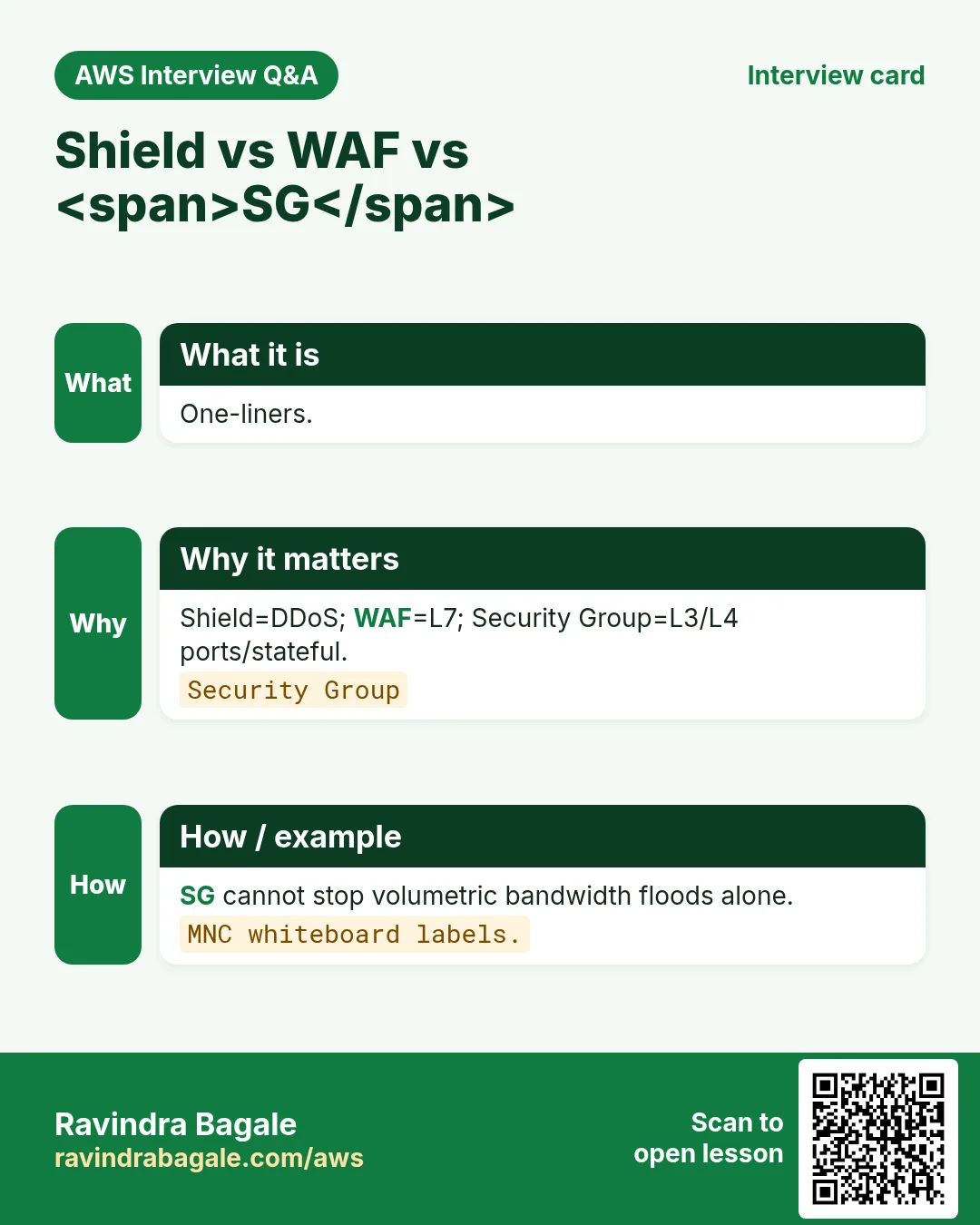
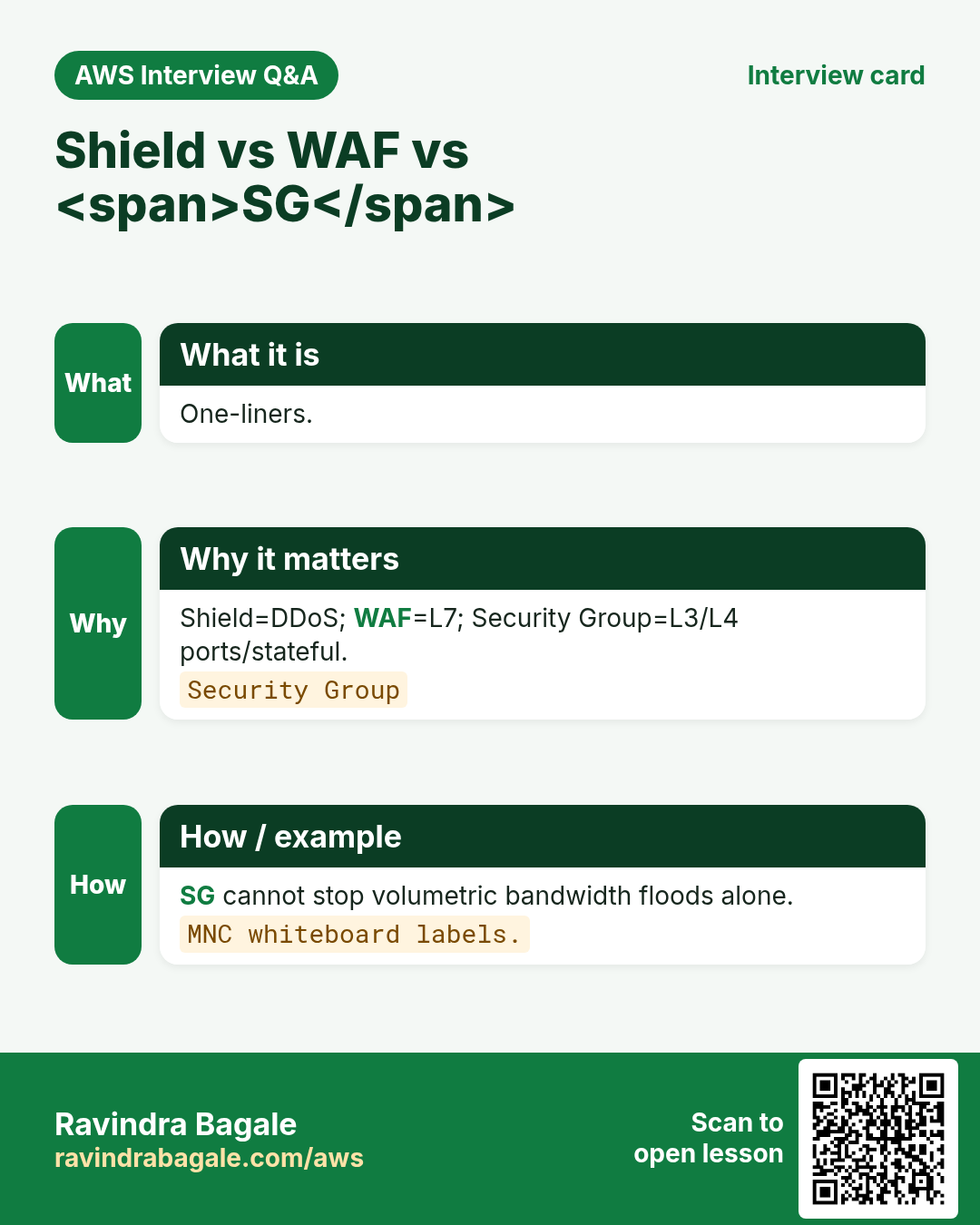
They limit ports/sources but not volumetric floods saturating bandwidth.
16. Tips in English, Marathi and Hindi
Ravindra Bagale's Tip (EN)
Say “Standard is free and automatic; Advanced buys people and money protection.” Then mention WAF for L7.
Ravindra Bagale's Tip (MR)
“Standard free automatic; Advanced = people + money protection.” नंतर L7 WAF.
Tip (HI)
Standard मुफ़्त व automatic है; Advanced लोगों और cost protection के लिए। L7 के लिए WAF.
Try at home
- Draft the Advanced yes/no memo for your current project.
- Draw L3/L4/L7 with Shield/WAF/SG labels.
- List three questions you would ask SRT in the first call.
In short
- Standard = free common L3/L4.
- Advanced = SRT, cost protection, health-based, groups.
- L7 app attacks still need WAF.
- Buy with a memo, not a panic click.
- Architecture project is the next chapter.
17. WAF design checklist before you publish
- Write the threat in one sentence (bot scrape, SQLi, credential stuffing, country block).
- Choose scope: CloudFront (global) vs regional (ALB/API GW/AppSync).
- List default action: Allow with Block rules, or Block with Allow exceptions.
- Decide priority bands: 0–99 emergency, 100–499 allowlists, 500–899 managed, 900+ rate.
- Start risky new rules in Count for 24–72 hours, then flip to Block.
- Plan CAPTCHA/Challenge only where a human can solve them (not pure APIs).
- Enable logging to S3 or Firehose before the first Block go-live.
- Document the curl allow test and the 403 deny test.
- Name the owner on-call for false-positive unlocks.
- Link back to the CloudFront+WAF survey chapter for CDN/HTTPS basics.
18. Copy-paste WAF CLI runbook
# Region for REGIONAL Web ACL (ALB / API GW). Use --scope CLOUDFRONT + us-east-1 for CDN.
export AWS_REGION=ap-south-1
export NAME=rb-waf-lab-$(date +%s)

# IP set (office allowlist example)
aws wafv2 create-ip-set --name $NAME-office --scope REGIONAL --region $AWS_REGION \
  --ip-address-version IPV4 --addresses 203.0.113.10/32

# Web ACL skeleton (default Allow; add rules in console or JSON)
aws wafv2 create-web-acl --name $NAME --scope REGIONAL --region $AWS_REGION \
  --default-action Allow={} --visibility-config SampledRequestsEnabled=true,CloudWatchMetricsEnabled=true,MetricName=$NAME \
  --rules file://rules.json

# Associate to ALB
aws wafv2 associate-web-acl --web-acl-arn $WEB_ACL_ARN --resource-arn $ALB_ARN --region $AWS_REGION

# Logging
aws wafv2 put-logging-configuration --logging-configuration \
  ResourceArn=$WEB_ACL_ARN,LogDestinationConfigs=$LOG_BUCKET_ARN

# Test
curl -s -o /dev/null -w "%{http_code}\n" https://app.example.com/
# expect 200 for allow path; 403 for blocked path
19. Priority bands that interviewers love
- 0–99: emergency Block / IP denylist (fastest kill switch)
- 100–199: explicit Allow for partners / health checks / office IP
- 200–499: geo / ASN / bot control early filters
- 500–799: AWS Managed Rules (SQLi, XSS, WordPress, Linux, Windows)
- 800–899: custom body / header / URI matches
- 900–999: rate-based rules (last line before default)
Lower number = higher priority. First matching terminating action wins. Count never terminates — evaluation continues.
20. Industry story bank (reuse the pattern)
Use the same WAF pattern across industries — only change IP sets, geo lists, URI paths, and rate thresholds.
- Fintech (Arjun Mehta, UPI wallet, Mumbai): rate-limit /login and /otp; CAPTCHA on password reset.
- Healthcare (Priya Nair, clinic portal, Kochi): geo allow India+UAE; Block SQLi on /api/patients.
- EdTech (Sofia Alvarez, LMS, Bogotá): Challenge on scraping /courses; Allow CDN health.
- Ecommerce (Lucas Meyer, D2C, Berlin): Bot Control on flash-sale; custom 429 HTML.
- Media (Fatima Khan, newsroom, Dubai): rate on /search; Block known bad ASNs.
- SaaS (Ananya Iyer, B2B CRM, Bengaluru): IP allow partner webhooks; Block rest on /hooks.
- Logistics (Kenji Watanabe, fleet API, Tokyo): geo Japan+SG; rate on /track.
- Government (Rahul Deshmukh, state portal, Nagpur): managed Core Rule Set + CAPTCHA on forms.
- Gaming (Mei Chen, matchmaking API, Singapore): Shield Advanced + WAF rate on /join.
- Travel (Amina Okello, booking, Nairobi): geo allow Africa+EU partners; Block card-testing paths.
21. False-positive unlock runbook
- Find the blocked request in Sampled requests or WAF logs (rule id + label).
- Reproduce with curl -v and the same headers/body.
- If Count would have been enough, flip Block→Count for that rule only.
- Add a narrow Allow rule at higher priority (specific URI + IP) rather than disabling the whole managed group.
- Label-match exclusions inside managed rule groups when AWS supports them for that group.
- Re-test allow and deny paths; leave a ticket with request id.
- Never set default action to Allow and delete all rules under pressure.
22. What good looks like in a PR review
- Scope (REGIONAL vs CLOUDFRONT) matches the resource.
- Priorities documented in a table in the PR.
- New managed rules started in Count with a flip date.
- Logging destination exists and is encrypted.
- curl 200 and curl 403 proofs pasted.
- Link to CloudFront+WAF survey for CDN/TLS context.
- Shield Advanced decision recorded (yes/no + reason).
23. Related chapters on this site
- CloudFront + WAF survey (CDN, HTTPS, light WAF): open chapter
- Well-Architected Framework (security pillar context): next chapter after this series.
- S3 bucket policy projects (origin hardening behind OAC).
24. Metric and alarm starter pack
Create these CloudWatch alarms on day one so an attack is not a Slack surprise. Thresholds are starting points — tune per app.
- WAF BlockedRequests Sum > N for 5 minutes on the Web ACL metric
- WAF CountedRequests Sum high on a rule still in Count (review before flip)
- ALB HTTPCode_Target_5XX_Count spike
- ASG GroupInServiceInstances at MaxSize for 10 minutes
- Shield Advanced DDoSDetected = 1 (if subscribed)
- CloudFront 4xx/5xx error rate
- Route 53 health check Unhealthy
- WAF logging delivery errors (Firehose throttles)
25. Sampled requests reading guide
- Open Web ACL → Sampled requests → pick a rule.
- Note action (Count/Block), URI, country, and matched data.
- Decide: true positive (keep Block), false positive (Count or exclude), or need CAPTCHA.
- Export request ids into the ticket for auditors.
- Never tune only from memory — tune from samples + logs.
26. WAF + Shield glossary (exam friendly)
| Term | Meaning |
|---|---|
| Web ACL | Container of rules + default action |
| Scope | REGIONAL or CLOUDFRONT |
| Managed rule group | AWS/marketplace signatures |
| Label | Tag for downstream rules |
| Rate-based | Threshold per 5-minute window |
| SRT | Shield Response Team (Advanced) |
| Protection group | Bundle of Shield Advanced protections |
| Firewall Manager | Org-wide security policy deployment |
| Cost protection | Advanced reimbursement path for attack-driven charges |
| Challenge | Silent browser JS challenge action |
27. Fifteen-minute tabletop script
- Minute 0–2: Inject scenario (“CF 5xx + Shield metric up” or “login 403 storm”).
- Minute 2–5: Classify L3/L4 vs L7; name the runbook.
- Minute 5–10: Say aloud the first three console clicks + who to page.
- Minute 10–13: Customer comms one-liner.
- Minute 13–15: Note one gap to fix in the real runbook.
28. Cost notes (approximate mindset)
WAF charges for Web ACLs, rules, and request units; Bot Control/ATP add-ons cost more. Shield Advanced has a monthly org fee plus data-transfer related charges — confirm on the AWS pricing page the day you buy. Logging to Firehose/S3/CW adds storage and throughput cost. Always set budgets.
29. Security hygiene beyond WAF
- Lock origins so clients cannot bypass CloudFront (SG, OAC, custom header).
- Least-privilege IAM for wafv2:* on deploy roles.
- Encrypt log buckets; block public access on log buckets.
- Quarterly review of IP sets and geo lists (people travel; offices move).
- Redact Authorization and cookie headers in WAF logs.
- Keep a break-glass Allow rule documented but disabled.
30. Pairing with other AWS chapters on this site
Read S3 policy projects when hardening origins behind OAC. Read Well-Architected (next after this series) for the security pillar checklist. Read the CloudFront+WAF survey when you need CDN caching and HTTPS step-by-step.
31. Request flow deep dive (teacher board)
A browser hits https://app.example.com/login. DNS (Route 53) returns CloudFront. TLS ends at CloudFront. WAF Web ACL (CLOUDFRONT, us-east-1) evaluates rules by priority. A Count rule on CRS may label the request. A rate-based rule may Block with 403. If Allow, CloudFront cache or origin fetch runs. Origin ALB may have a second REGIONAL Web ACL. Shield watches volumetric patterns the whole time. Logs land in S3/Firehose for the SOC.
- DNS resolve and TLS handshake (Shield sees floods here).
- WAF evaluation at edge (L7).
- Cache hit/miss at CloudFront.
- Origin request to ALB; optional regional WAF.
- ASG target serves app; health checks continue.
- Metrics + logs + optional SRT.
32. Rule JSON anatomy (read aloud)
{
  "Name": "RateLogin1000",
  "Priority": 900,
  "Action": {"Block": {"CustomResponse": {"ResponseCode": 429}}},
  "VisibilityConfig": {
    "SampledRequestsEnabled": true,
    "CloudWatchMetricsEnabled": true,
    "MetricName": "RateLogin1000"
  },
  "Statement": {
    "RateBasedStatement": {
      "Limit": 1000,
      "AggregateKeyType": "IP",
      "ScopeDownStatement": {
        "ByteMatchStatement": {
          "SearchString": "/login",
          "FieldToMatch": {"UriPath": {}},
          "TextTransformations": [{"Priority": 0, "Type": "LOWERCASE"}],
          "PositionalConstraint": "STARTS_WITH"
        }
      }
    }
  }
}
33. Text transformations cheat sheet
- LOWERCASE — normalise path/header compares
- URL_DECODE / URL_DECODE_UNI — catch encoded probes
- HTML_ENTITY_DECODE — body HTML tricks
- CMD_LINE — OS command obfuscation (with care)
- Compress whitespace / Strip — reduce bypass noise
- Apply in priority order inside the rule
34. Office-hours mini drills (students)
- Drill 1: Explain why Count does not stop later rules (2 minutes).
- Drill 2: Given priorities 10 Block IP, 100 Allow /health, 500 CRS — what happens to office IP hitting /health?
- Drill 3: Write curl that should 403 under SQLi Block.
- Drill 4: Name three Shield Advanced-only features.
- Drill 5: Sketch Runbook B first three steps from memory.
- Drill 6: Where must a CloudFront Web ACL be created?
- Drill 7: Who wins — managed Block vs later Allow at higher number?
- Drill 8: Redact which headers in WAF logs for a bank?
35. Change calendar (safe rollout)
- Day 0: ACL + logging + Allow default + health Allow rule
- Day 1: Managed groups in Count
- Day 2–3: Review sampled; add exclusions
- Day 4: Flip SQLi/CRS to Block off-peak
- Day 5: Rate-based on /login in Count then Block
- Day 7: CAPTCHA on password reset only
- Day 14: Firewall Manager baseline if org-ready
- Day 30: Tabletop + Advanced decision revisit
Revision, interview and comparison cards
Revise this lesson in a few minutes. Save the cards on your phone or download them as PNG files. The QR code on each card opens this lesson.
More cards: Ravi Sir's Cards.
Practice Tasks
London Legal LLP is a law business in London. Oliver Hughes looks after its IT and cloud work. They count money in GBP and run their AWS resources in the eu-west-2 Region. In the tasks below you do real jobs for them using what this lesson teaches. All names, account IDs, IP addresses and numbers are made up for practice.
0 / 16
Easy Standard is included — 1
Why: Free.
What to do: Enter 1 if Shield Standard is included for AWS customers.
- Write down the numbers the task gives you.
- Work it out step by step on paper.
- Type only the final answer in the box.
- Click Check answer.
Easy SRT needs Advanced — 1
Why: Humans.
What to do: Enter 1 if SRT requires Shield Advanced.
- Write down the numbers the task gives you.
- Work it out step by step on paper.
- Type only the final answer in the box.
- Click Check answer.
Easy Volumetric is L3 — 1
Why: Flood.
What to do: Enter 1 if volumetric Gbps floods are Layer 3 style.
- Write down the numbers the task gives you.
- Work it out step by step on paper.
- Type only the final answer in the box.
- Click Check answer.
Easy Service Shield JSON
Why: Name.
What to do: JSON service AWS_Shield.
- Start from the top-level keys the task names.
- Indent child keys with 2 spaces (no tabs).
- Fill in each property with the value from the task.
- Click Check answer. Key order does not matter.
Easy Get Shield subscription state
Why: Advanced?
What to do: Get Shield subscription state.
- Read the task and decide which AWS service it is about.
- Write aws, then the service name, then the operation (the action word).
- Add each needed flag (--name) followed by its value from the task.
- Flags can be in any order. Click Check answer.
Medium HTTP flood needs WAF — 1
Why: App.
What to do: Enter 1 if HTTP application floods need WAF.
- Write down the numbers the task gives you.
- Work it out step by step on paper.
- Type only the final answer in the box.
- Click Check answer.
Medium SYN flood is L4 — 1
Why: Transport.
What to do: Enter 1 if SYN floods are Layer 4.
- Write down the numbers the task gives you.
- Work it out step by step on paper.
- Type only the final answer in the box.
- Click Check answer.
Medium Cost protection Advanced — 1
Why: Bill.
What to do: Enter 1 if cost protection is an Advanced feature.
- Write down the numbers the task gives you.
- Work it out step by step on paper.
- Type only the final answer in the box.
- Click Check answer.
Medium Tier Advanced JSON
Why: Paid.
What to do: JSON tier Advanced.
- Start from the top-level keys the task names.
- Indent child keys with 2 spaces (no tabs).
- Fill in each property with the value from the task.
- Click Check answer. Key order does not matter.
Medium List Shield protections
Why: Inventory.
What to do: List Shield protections.
- Read the task and decide which AWS service it is about.
- Write aws, then the service name, then the operation (the action word).
- Add each needed flag (--name) followed by its value from the task.
- Flags can be in any order. Click Check answer.
Medium List Shield attacks
Why: History.
What to do: List Shield attacks.
- Read the task and decide which AWS service it is about.
- Write aws, then the service name, then the operation (the action word).
- Add each needed flag (--name) followed by its value from the task.
- Flags can be in any order. Click Check answer.
Hard Health-based uses checks — 1
Why: R53.
What to do: Enter 1 if health-based detection uses health checks.
- Write down the numbers the task gives you.
- Work it out step by step on paper.
- Type only the final answer in the box.
- Click Check answer.
Hard Protection groups Advanced — 1
Why: Bundle.
What to do: Enter 1 if protection groups are Shield Advanced.
- Write down the numbers the task gives you.
- Work it out step by step on paper.
- Type only the final answer in the box.
- Click Check answer.
Hard Layer SYN JSON
Why: 4.
What to do: JSON layer 4.
- Start from the top-level keys the task names.
- Indent child keys with 2 spaces (no tabs).
- Fill in each property with the value from the task.
- Click Check answer. Key order does not matter.
Hard Engage SRT JSON
Why: Call.
What to do: JSON engage SRT.
- Start from the top-level keys the task names.
- Indent child keys with 2 spaces (no tabs).
- Fill in each property with the value from the task.
- Click Check answer. Key order does not matter.
Hard List protection groups
Why: Bundles.
What to do: List Shield protection groups.
- Read the task and decide which AWS service it is about.
- Write aws, then the service name, then the operation (the action word).
- Add each needed flag (--name) followed by its value from the task.
- Flags can be in any order. Click Check answer.