AWS Shield Standard vs Advanced: DDoS Layers, SRT आणि Cost Protection
Mei Chen (Singapore gaming) SYN flood: SG/WAF अपुरे — Shield. Standard (free) vs Advanced (SRT, cost protection, health-based, protection groups). L7 साठी WAF अजून.
या chapter मध्ये तुम्ही काय शिकाल
- DDoS ला Shield का
- Standard vs Advanced
- SRT + extras
- Buy decision
- Interview
1. रोजचे उदाहरण
Lucas Meyer (Berlin): UDP flood → CF+Shield Standard. App-layer → WAF rate. survey.
2. Shield का?
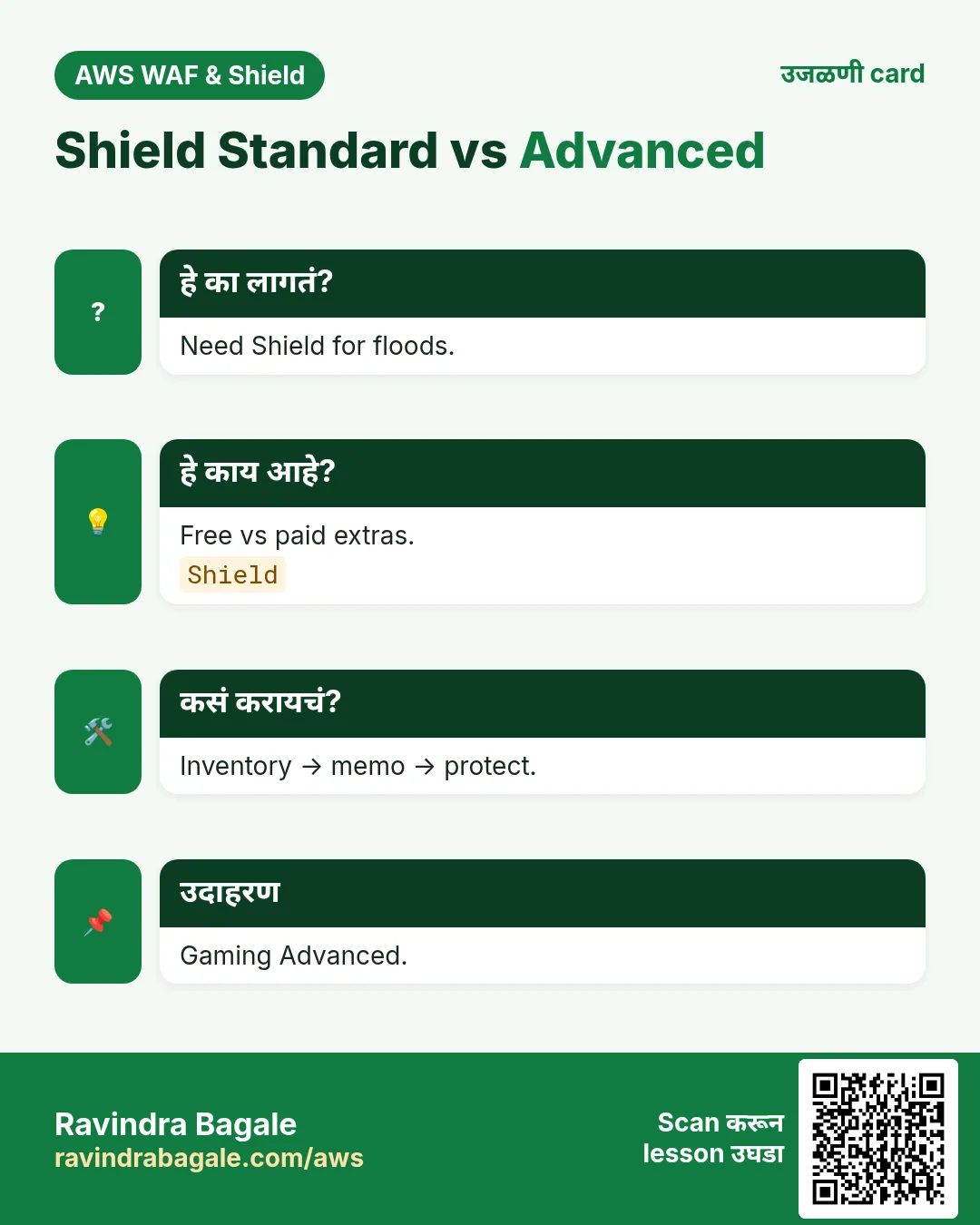
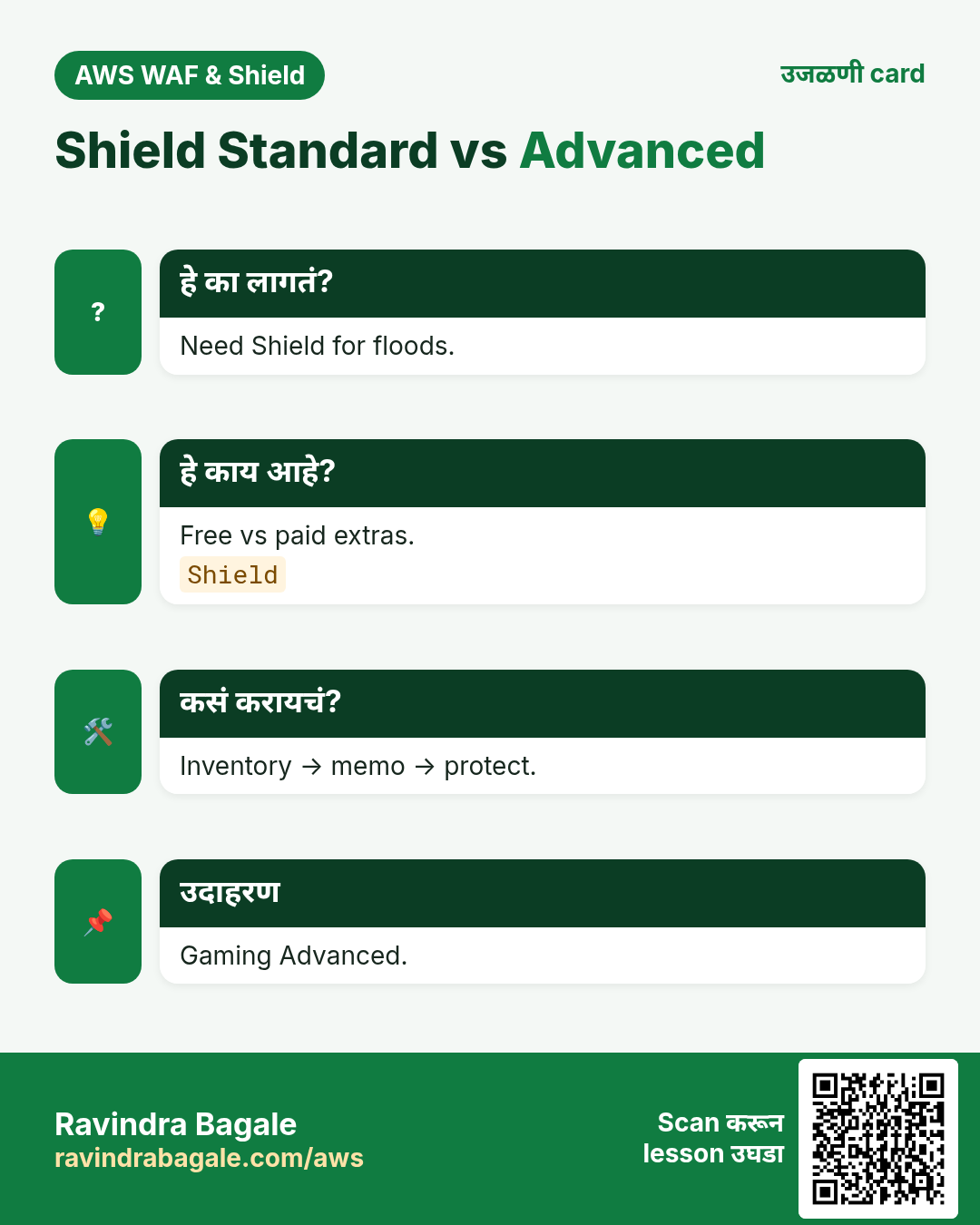
हे का लागतं?
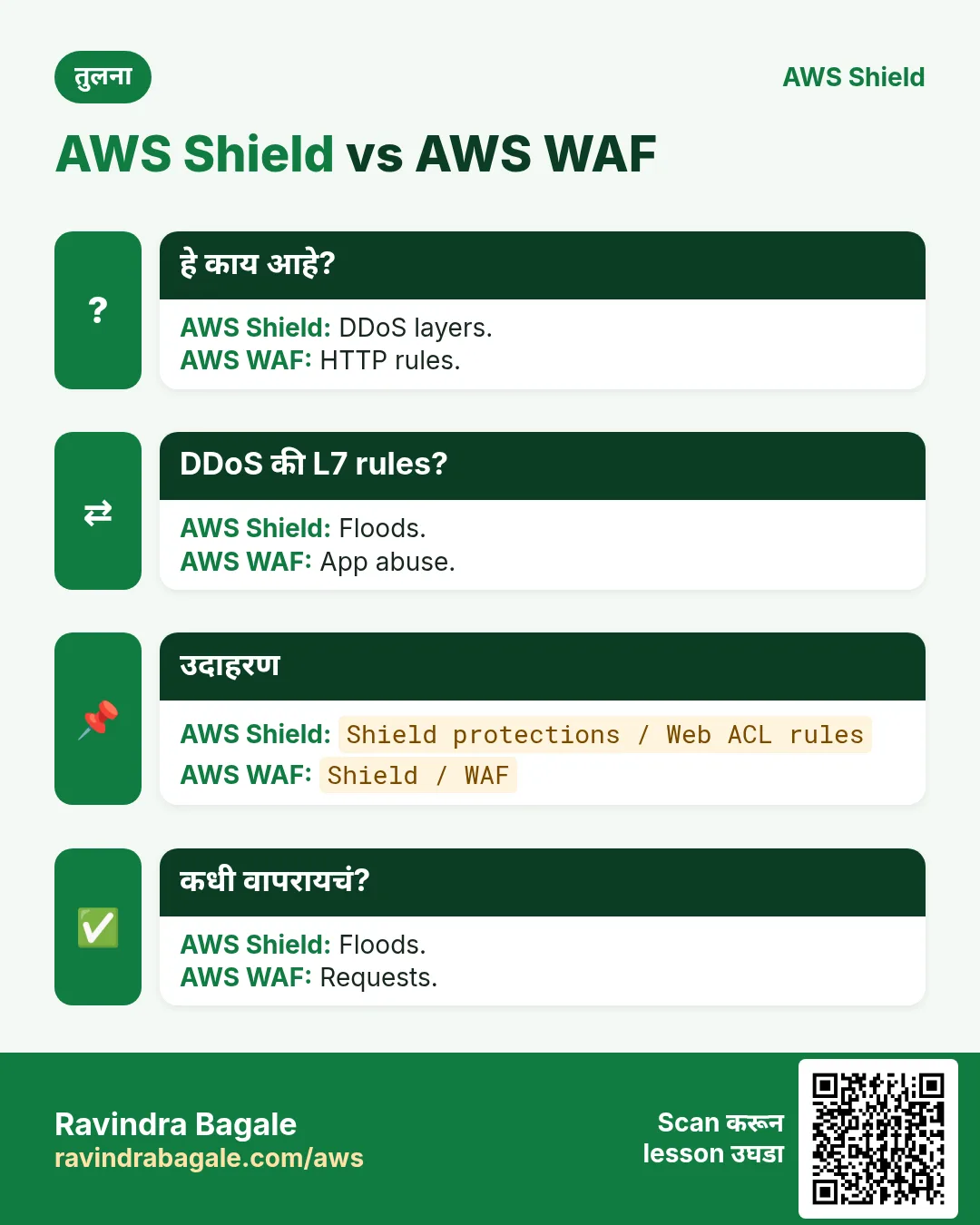
DDoS = bandwidth/pps/connections/workers. WAF = HTTP. Shield = volumetric/protocol + Advanced extras.
3. Shield Standard काय?
हे काय आहे?
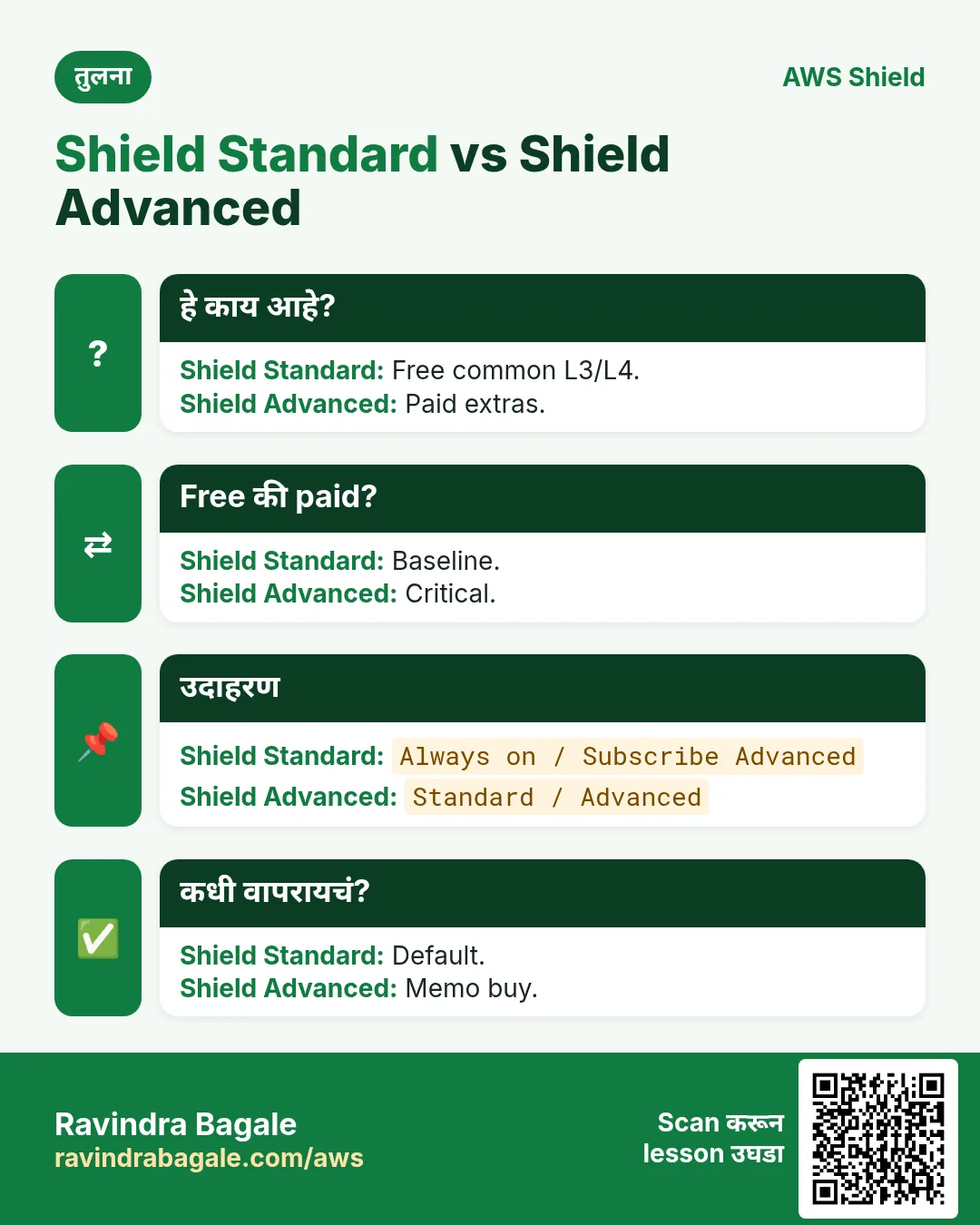
Automatic, free — common L3/L4 DDoS. CF, R53, AGA, इतर. On करायला नको — आहेच.
4. Shield Advanced काय?
Paid: enhanced mitigation, SRT, cost protection, health-based detection, protection groups, visibility. Pricing आधी वाचा.
| Topic | Standard | Advanced |
|---|---|---|
| Cost | Included | Monthly + usage |
| L3/L4 | Common | Enhanced |
| L7 | CF indirect | WAF + SRT |
| SRT | नाही | हो — engage |
| Cost protection | नाही | हो — eligible |
| Health-based | नाही | Health checks |
| Protection groups | नाही | हो — group |
5. DDoS layers 3/4/7
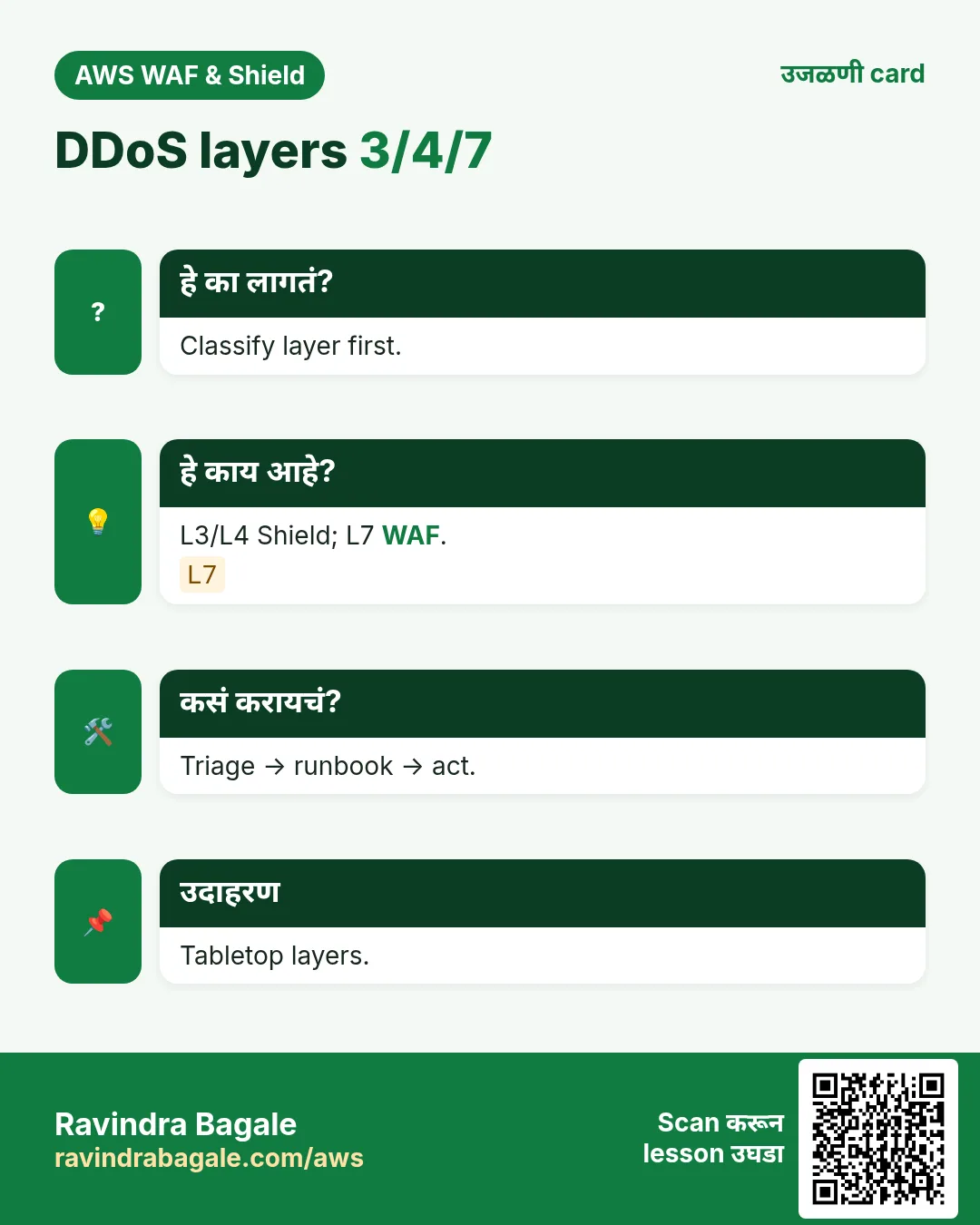
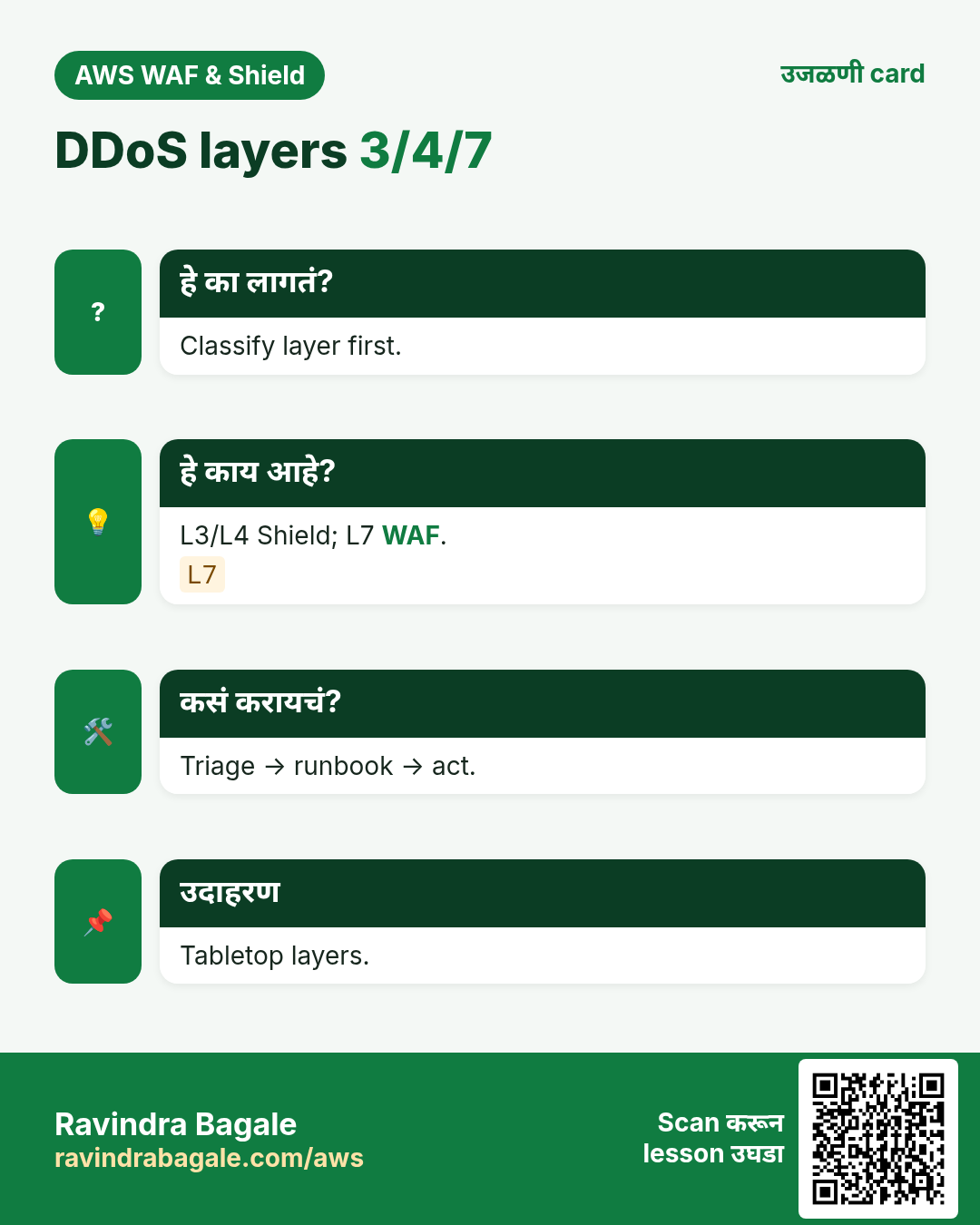
- L3: volumetric — Shield.
- L4: SYN/connections.
- L7: HTTP — WAF (+ Advanced).
6. SRT
Advanced = SRT engage. On-call बदली नाही — multiplier. Black Friday आधी tabletop.
7. Cost protection
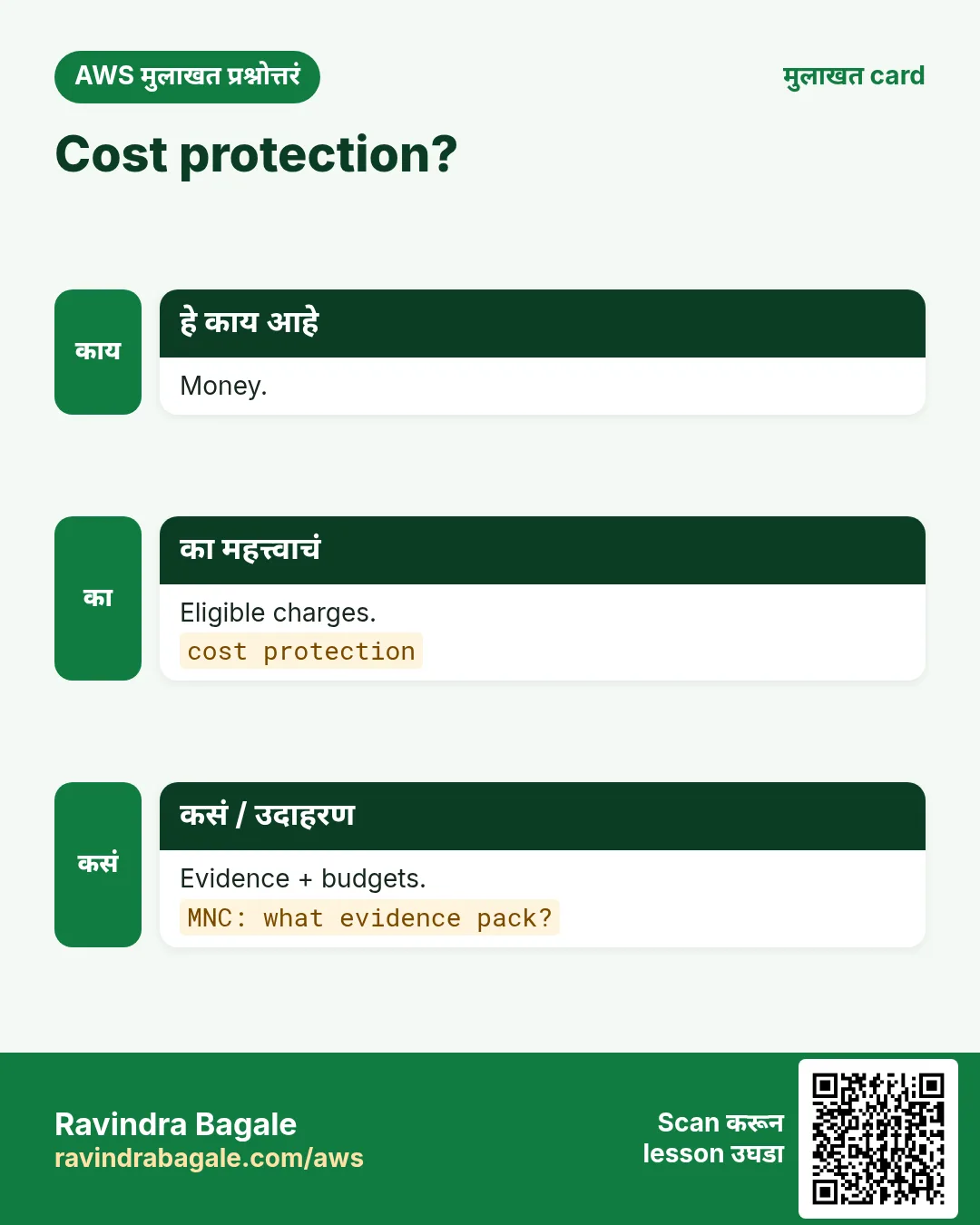
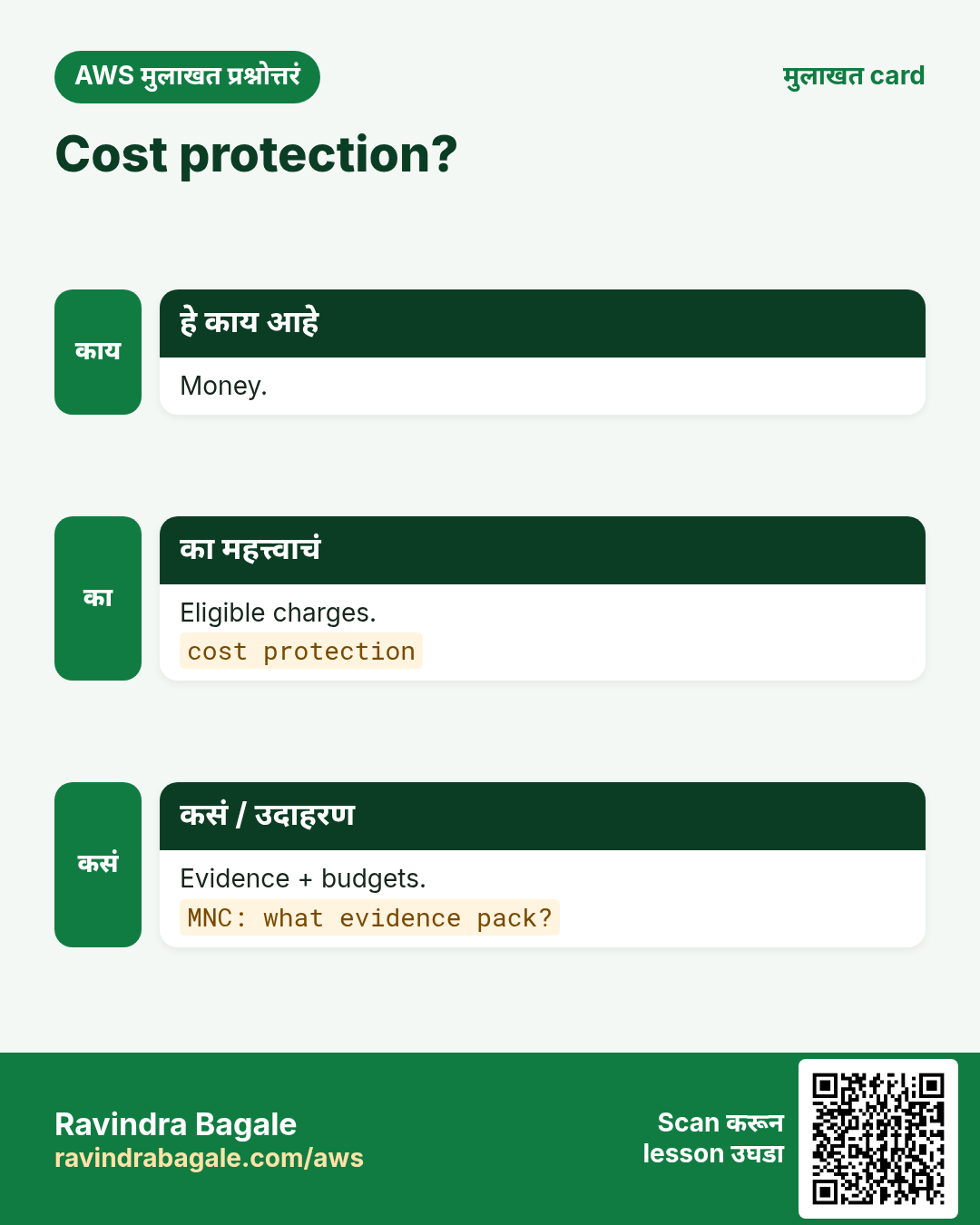
Eligible DDoS-driven charges → cost protection terms. Fine print वाचा. Budgets ठेवाच.
8. Health-based detection
R53 health checks → Advanced detection. “Large traffic” पेक्षा unhealthy signal.
9. Protection groups
Resources bundle — एक unit म्हणून mitigate/visibility.
10. Advanced केव्हा घ्यावे
- Revenue-critical + threat
- Regulated + SRT
- Bill-shock fear
- Internal-only → wait
Ravindra Bagale's Tip
Advanced ≠ DDoS-proof. WAF + ASG limits + R53 failover + runbook (पुढचा chapter) लागतात.
11. Lab: inventory + decision memo
Org block नसेल तर ap-south-1 (Mumbai). आधी budget alert.
कसं करायचं (step by step)
- List entry points.
- Standard screenshot.
- Decision memo.
- List protections.
Cleanup (billing थांबवा)
- No surprise Advanced.
- Wiki memo.
12. सामान्य errors आणि fixes
प्रत्येक row = खरी चूक. Panic करण्याआधी fix वाचा.
| Error / लक्षण | Fix |
|---|---|
| No blocks | Scope + Count. |
| False positive | Count + Allow. |
| Rate silent | Threshold + IP source. |
| Health 403 | Allow health IPs. |
| CAPTCHA on API | API = Block/rate. |
| Empty logs | ARN + bucket policy. |
| CF associate fail | us-east-1. |
| Shield cost | Confirm pricing. |
| Shield≠WAF | Keep WAF. |
| Wrong account | Org plan. |
| No health | Add checks. |
| SRT on Standard | Need Advanced. |
13. Troubleshooting checklist
- Scope check.
- Sampled requests.
- Priority order.
- curl -v.
- Log ruleId.
- CF region.
- ALB ARN.
- Shield health.
- Layer triage.
- Shield metrics.
- SRT path.
14. FAQ
प्र. WAF = network firewall?
नाही — WAF = L7 HTTP.
प्र. CF असताना WAF?
CF ≠ WAF; L7 rules साठी WAF.
प्र. Count vs Block?
Count शिकण्यासाठी; Block नंतर.
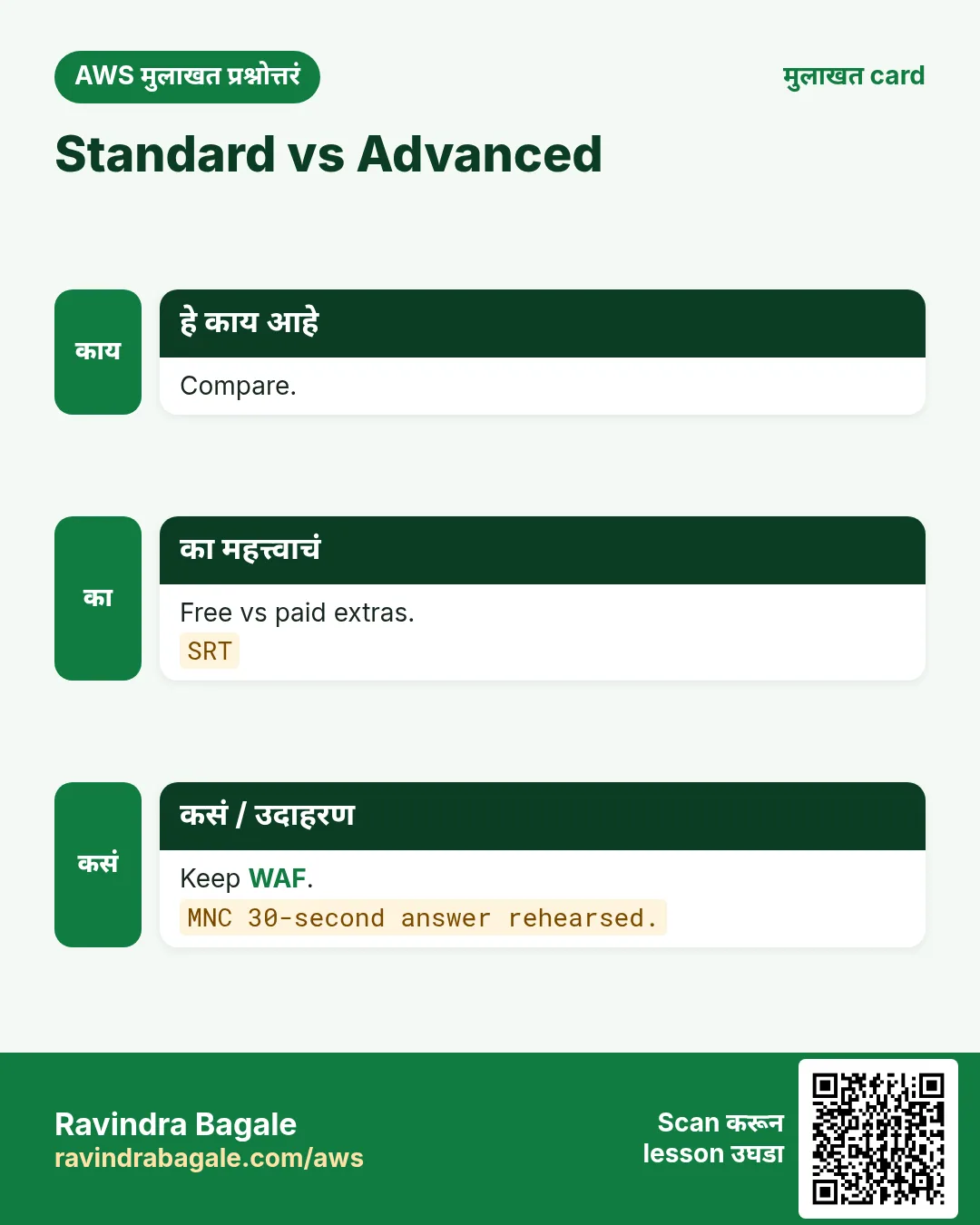
प्र. Standard vs Advanced?
Free L3/L4 vs paid extras.
प्र. Startup brochure?
CF+WAF; later Advanced.
प्र. Advanced = WAF?
WAF वेगळे configure.
प्र. Group vs resource?
Aggregate.
प्र. Cost protection auto?
Process+evidence.
15. Interview Q&A
प्र. 30s compare?
Free vs paid extras.
प्र. WAF layer?
L7.
प्र. 2 Advanced-only?
SRT, cost…
प्र. Before WAF?
L3/L4 edge.
प्र. MNC justify?
Revenue+SRT+cost.
प्र. MNC tabletop?
Detect→act→comms.
प्र. R53?
DNS flood edge.
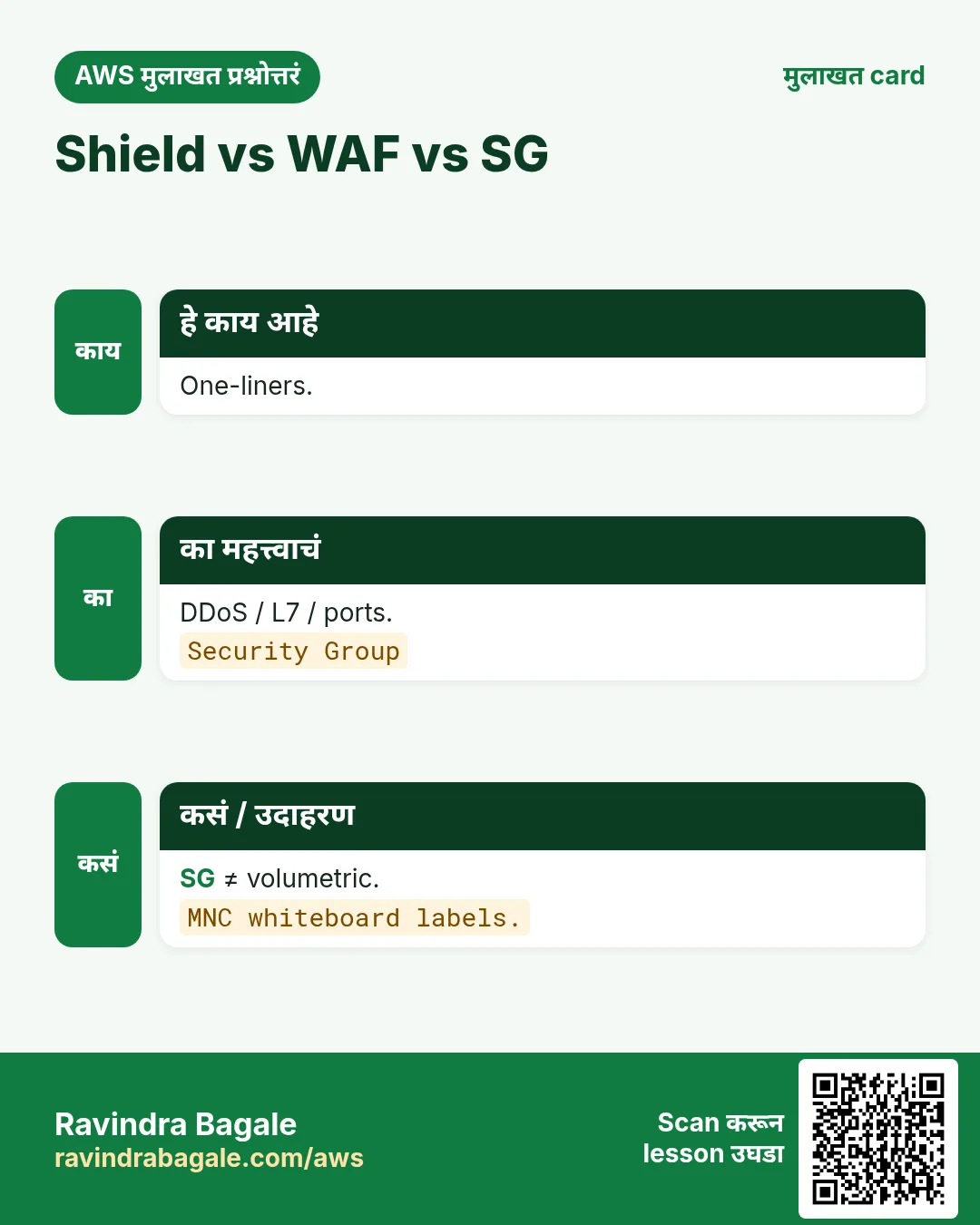
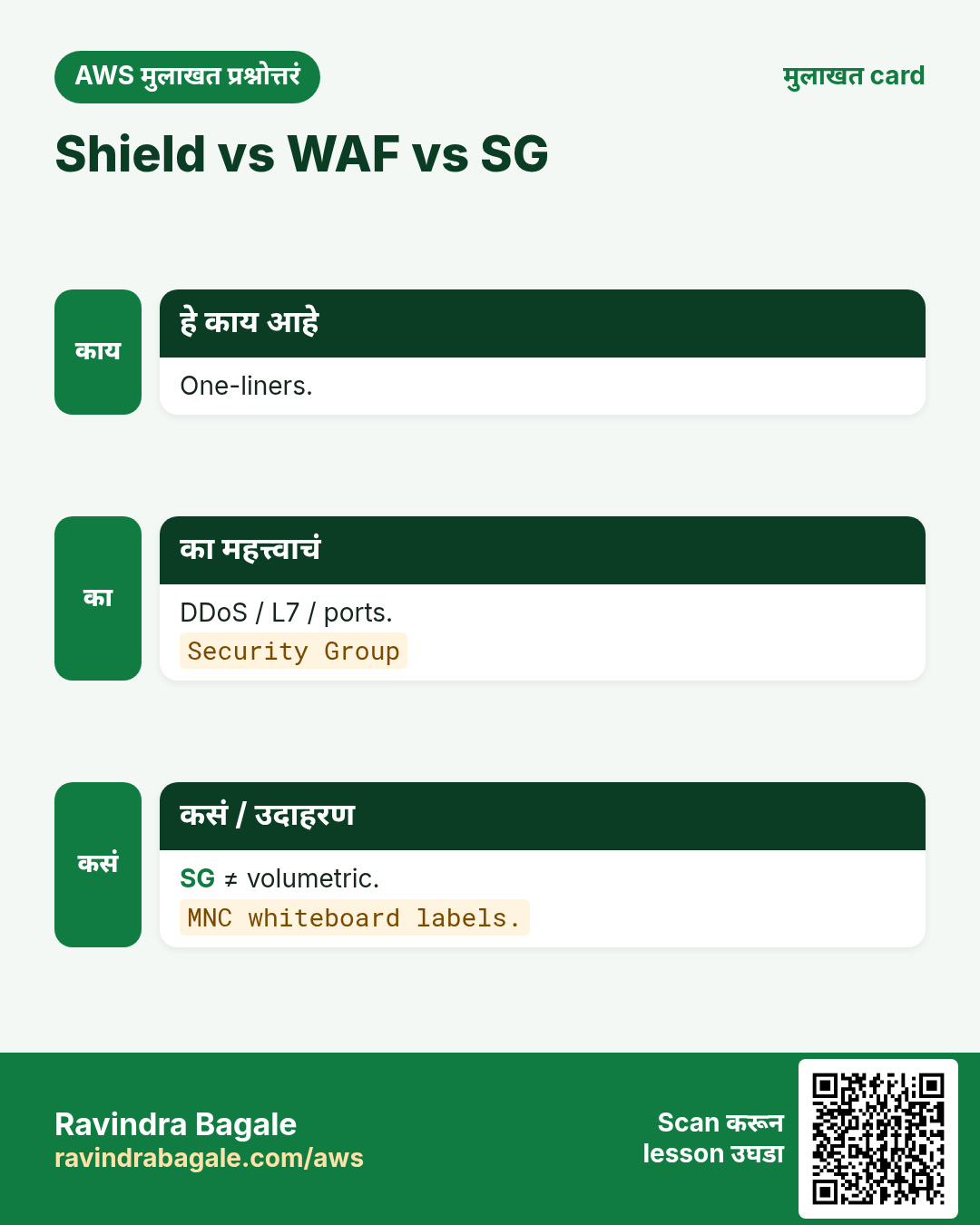
प्र. SG stop DDoS?
नाही volumetric.
16. Tips — English, मराठी आणि हिंदी
Ravindra Bagale's Tip (EN)
Say “Standard is free and automatic; Advanced buys people and money protection.” Then mention WAF for L7.
Ravindra Bagale's Tip (MR)
“Standard free automatic; Advanced = people + money protection.” नंतर L7 WAF.
Tip (HI)
Standard मुफ़्त व automatic है; Advanced लोगों और cost protection के लिए। L7 के लिए WAF.
घरी करून बघा
- Memo draft.
- Layers diagram.
- 3 SRT questions.
थोडक्यात सांगायचं तर
- Standard.
- Advanced.
- WAF stays.
- Memo.
- Next project.
17. Publish करण्याआधी WAF checklist
- Threat एका वाक्यात.
- Global vs regional scope.
- Default action.
- Priority bands.
- Count first.
- CAPTCHA for humans.
- Logging first.
- Allow + 403 tests.
- On-call owner.
- CF+WAF survey link.
18. Copy-paste WAF CLI runbook
# Region for REGIONAL Web ACL (ALB / API GW). Use --scope CLOUDFRONT + us-east-1 for CDN.
export AWS_REGION=ap-south-1
export NAME=rb-waf-lab-$(date +%s)

# IP set (office allowlist example)
aws wafv2 create-ip-set --name $NAME-office --scope REGIONAL --region $AWS_REGION \
  --ip-address-version IPV4 --addresses 203.0.113.10/32

# Web ACL skeleton (default Allow; add rules in console or JSON)
aws wafv2 create-web-acl --name $NAME --scope REGIONAL --region $AWS_REGION \
  --default-action Allow={} --visibility-config SampledRequestsEnabled=true,CloudWatchMetricsEnabled=true,MetricName=$NAME \
  --rules file://rules.json

# Associate to ALB
aws wafv2 associate-web-acl --web-acl-arn $WEB_ACL_ARN --resource-arn $ALB_ARN --region $AWS_REGION

# Logging
aws wafv2 put-logging-configuration --logging-configuration \
  ResourceArn=$WEB_ACL_ARN,LogDestinationConfigs=$LOG_BUCKET_ARN

# Test
curl -s -o /dev/null -w "%{http_code}\n" https://app.example.com/
# expect 200 for allow path; 403 for blocked path
19. Interview-friendly priority bands
- 0–99: emergency Block
- 100–199: Allow exceptions
- 200–499: geo/bot
- 500–799: Managed Rules
- 800–899: custom
- 900–999: rate-based
छोटा number = उच्च priority. पहिला terminating action जिंकतो. Count terminate होत नाही.
20. Industry story bank
एकच WAF pattern; फक्त IP/geo/URI/rate बदला.
- Fintech: /login /otp rate + CAPTCHA.
- Healthcare: geo + SQLi.
- EdTech: Challenge scrapers.
- Ecommerce: Bot + 429.
- Media: search rate.
- SaaS: webhook allowlist.
- Logistics: geo + rate.
- Gov: CRS + CAPTCHA.
- Gaming: Shield + rate.
- Travel: geo + card-test block.
21. False-positive unlock runbook
- Sampled / logs → rule id.
- curl -v reproduce.
- Block→Count.
- Narrow Allow above.
- Label exclusions.
- Retest + ticket.
- Default Allow + empty नको.
22. PR review checklist
- Correct scope.
- Priority table.
- Count → Block date.
- Logs encrypted.
- 200 + 403 proofs.
- Survey link.
- Shield decision.
23. या site वरील related chapters
- CF+WAF survey: chapter
- Well-Architected — पुढचा.
- S3 policy projects.
24. Metric आणि alarm starter pack
Day-one alarms. Thresholds = starting points.
- BlockedRequests spike
- CountedRequests review
- ALB 5xx
- ASG at max
- DDoSDetected
- CF error rate
- R53 unhealthy
- Log delivery
25. Sampled requests वाचन
- Sampled → rule.
- Action/URI/country.
- TP/FP/CAPTCHA.
- Request ids → ticket.
- Samples+logs.
26. Glossary
| Term | Meaning |
|---|---|
| Web ACL | Rules + default |
| Scope | REGIONAL / CLOUDFRONT |
| Managed rule group | AWS/marketplace |
| Label | Downstream tag |
| Rate-based | 5-min threshold |
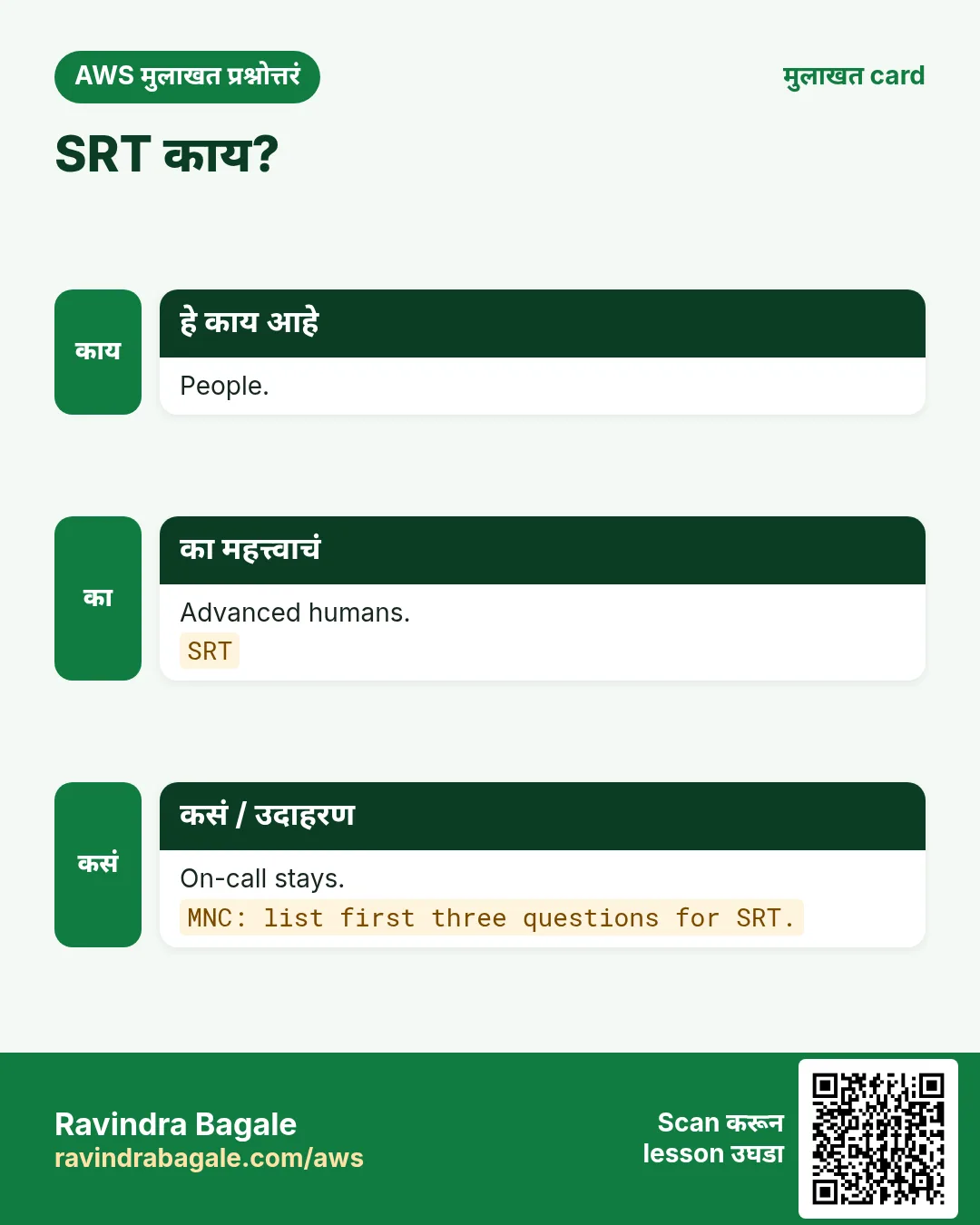
| SRT | Advanced humans |
| Protection group | Shield bundle |
| Firewall Manager | Org policies |
| Cost protection | Attack bill relief |
| Challenge | Silent JS |
27. 15-minute tabletop
- Scenario inject.
- Classify.
- First clicks + page.
- Comms.
- Gap note.
28. Cost notes
WAF = ACL+rules+requests; Bot/ATP जास्त. Shield Advanced = monthly+usage. Logs = storage. Budgets ठेवा.
29. WAF पलीकडे hygiene
- No CF bypass.
- IAM least privilege.
- Log bucket BPA.
- Quarterly IP/geo.
- Redact secrets.
- Break-glass doc.
30. इतर chapters शी pairing
Origin OAC = S3 projects. Security pillar = Well-Architected. CDN/HTTPS = CF+WAF survey.
31. Request flow deep dive
Browser → R53 → CF → WAF → (ALB WAF) → app. Shield पहातो. Logs → SOC.
- DNS+TLS (Shield).
- Edge WAF.
- Cache.
- Origin + regional WAF.
- ASG serve.
- Metrics/logs/SRT.
32. Rule JSON anatomy
{
  "Name": "RateLogin1000",
  "Priority": 900,
  "Action": {"Block": {"CustomResponse": {"ResponseCode": 429}}},
  "VisibilityConfig": {
    "SampledRequestsEnabled": true,
    "CloudWatchMetricsEnabled": true,
    "MetricName": "RateLogin1000"
  },
  "Statement": {
    "RateBasedStatement": {
      "Limit": 1000,
      "AggregateKeyType": "IP",
      "ScopeDownStatement": {
        "ByteMatchStatement": {
          "SearchString": "/login",
          "FieldToMatch": {"UriPath": {}},
          "TextTransformations": [{"Priority": 0, "Type": "LOWERCASE"}],
          "PositionalConstraint": "STARTS_WITH"
        }
      }
    }
  }
}
33. Text transformations
- LOWERCASE
- URL_DECODE
- HTML_ENTITY_DECODE
- CMD_LINE
- Compress/Strip
- Ordered transforms
34. Office-hours drills
- Drill 1 Count.
- Drill 2 priority.
- Drill 3 curl.
- Drill 4 Shield.
- Drill 5 runbook.
- Drill 6 region.
- Drill 7 order.
- Drill 8 redact.
35. Change calendar
- Day 0
- Day 1
- Day 2–3
- Day 4
- Day 5
- Day 7
- Day 14
- Day 30
उजळणी, मुलाखत आणि तुलना cards
हा lesson काही मिनिटांत revise करा. Cards phone वर save करा किंवा PNG download करा. प्रत्येक card वरचा QR हा lesson उघडतो.
अजून cards: Ravi Sir's Cards.
सराव Tasks
London Legal LLP हा लंडन मधला कायदा सेवा व्यवसाय आहे. Oliver Hughes त्यांचं IT व cloud काम पाहतात. त्यांचे पैसे GBP मध्ये मोजले जातात आणि AWS resources eu-west-2 Region मध्ये चालतात. खालच्या tasks मध्ये तुम्ही या lesson मध्ये शिकलेलं वापरून त्यांची खरी कामं करता. सगळी नावं, account IDs, IP addresses व numbers सरावासाठी काल्पनिक आहेत.
0 / 16
सोपं Standard
का: Free.
काय करायचं: Standard included तर 1.
- Task मधले numbers लिहून घ्या.
- कागदावर step by step काढा.
- Box मध्ये फक्त final उत्तर लिहा.
- Check answer दाबा.
सोपं SRT
का: Humans.
काय करायचं: SRT Advanced तर 1.
- Task मधले numbers लिहून घ्या.
- कागदावर step by step काढा.
- Box मध्ये फक्त final उत्तर लिहा.
- Check answer दाबा.
सोपं L3
का: Flood.
काय करायचं: L3 तर 1.
- Task मधले numbers लिहून घ्या.
- कागदावर step by step काढा.
- Box मध्ये फक्त final उत्तर लिहा.
- Check answer दाबा.
सोपं Shield
का: Name.
काय करायचं: Shield.
- Task मधल्या top-level keys पासून सुरू करा.
- Child keys 2 spaces ने indent करा (tabs नकोत).
- प्रत्येक property मध्ये task मधली value भरा.
- Check answer दाबा. Keys चा क्रम महत्त्वाचा नाही.
सोपं Subscription
का: Advanced?
काय करायचं: Subscription state.
- Task वाचा आणि ते कोणत्या AWS service बद्दल आहे ते ठरवा.
- aws लिहा, मग service चं नाव, मग operation (action शब्द).
- प्रत्येक आवश्यक flag (--name) व त्यापुढे task मधली value लिहा.
- Flags कोणत्याही क्रमाने चालतात. Check answer दाबा.
मध्यम L7
का: App.
काय करायचं: WAF L7 तर 1.
- Task मधले numbers लिहून घ्या.
- कागदावर step by step काढा.
- Box मध्ये फक्त final उत्तर लिहा.
- Check answer दाबा.
मध्यम SYN
का: Transport.
काय करायचं: L4 तर 1.
- Task मधले numbers लिहून घ्या.
- कागदावर step by step काढा.
- Box मध्ये फक्त final उत्तर लिहा.
- Check answer दाबा.
मध्यम Cost
का: Bill.
काय करायचं: Cost Adv तर 1.
- Task मधले numbers लिहून घ्या.
- कागदावर step by step काढा.
- Box मध्ये फक्त final उत्तर लिहा.
- Check answer दाबा.
मध्यम Tier
का: Paid.
काय करायचं: Advanced.
- Task मधल्या top-level keys पासून सुरू करा.
- Child keys 2 spaces ने indent करा (tabs नकोत).
- प्रत्येक property मध्ये task मधली value भरा.
- Check answer दाबा. Keys चा क्रम महत्त्वाचा नाही.
मध्यम Protections
का: Inventory.
काय करायचं: List protections.
- Task वाचा आणि ते कोणत्या AWS service बद्दल आहे ते ठरवा.
- aws लिहा, मग service चं नाव, मग operation (action शब्द).
- प्रत्येक आवश्यक flag (--name) व त्यापुढे task मधली value लिहा.
- Flags कोणत्याही क्रमाने चालतात. Check answer दाबा.
मध्यम Attacks
का: History.
काय करायचं: List attacks.
- Task वाचा आणि ते कोणत्या AWS service बद्दल आहे ते ठरवा.
- aws लिहा, मग service चं नाव, मग operation (action शब्द).
- प्रत्येक आवश्यक flag (--name) व त्यापुढे task मधली value लिहा.
- Flags कोणत्याही क्रमाने चालतात. Check answer दाबा.
अवघड Health
का: R53.
काय करायचं: Health checks तर 1.
- Task मधले numbers लिहून घ्या.
- कागदावर step by step काढा.
- Box मध्ये फक्त final उत्तर लिहा.
- Check answer दाबा.
अवघड Groups
का: Bundle.
काय करायचं: Groups Adv तर 1.
- Task मधले numbers लिहून घ्या.
- कागदावर step by step काढा.
- Box मध्ये फक्त final उत्तर लिहा.
- Check answer दाबा.
अवघड Layer
का: 4.
काय करायचं: 4.
- Task मधल्या top-level keys पासून सुरू करा.
- Child keys 2 spaces ने indent करा (tabs नकोत).
- प्रत्येक property मध्ये task मधली value भरा.
- Check answer दाबा. Keys चा क्रम महत्त्वाचा नाही.
अवघड SRT
का: Call.
काय करायचं: SRT.
- Task मधल्या top-level keys पासून सुरू करा.
- Child keys 2 spaces ने indent करा (tabs नकोत).
- प्रत्येक property मध्ये task मधली value भरा.
- Check answer दाबा. Keys चा क्रम महत्त्वाचा नाही.
अवघड Groups
का: Bundles.
काय करायचं: List groups.
- Task वाचा आणि ते कोणत्या AWS service बद्दल आहे ते ठरवा.
- aws लिहा, मग service चं नाव, मग operation (action शब्द).
- प्रत्येक आवश्यक flag (--name) व त्यापुढे task मधली value लिहा.
- Flags कोणत्याही क्रमाने चालतात. Check answer दाबा.