DynamoDB On-Demand vs Provisioned Capacity, Auto Scaling आणि Cost
Budi: provisioned without autoscaling. Modes, autoscaling, cost. Intro link.
या chapter मध्ये तुम्ही काय शिकाल
- Everyday story
- Why/What/How
- Commands
- Industries
- Lab
1. रोजचे उदाहरण: buffet vs coupons
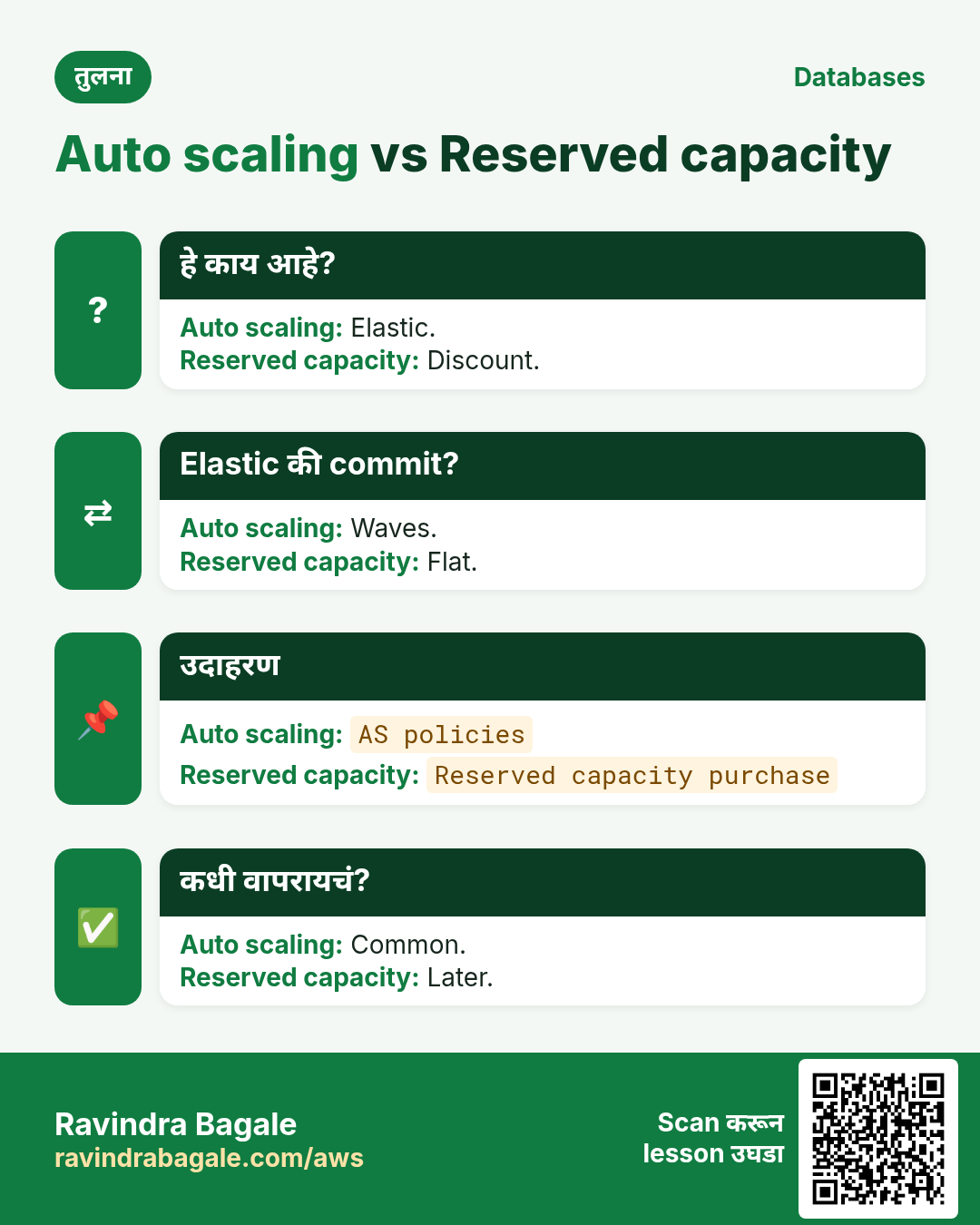
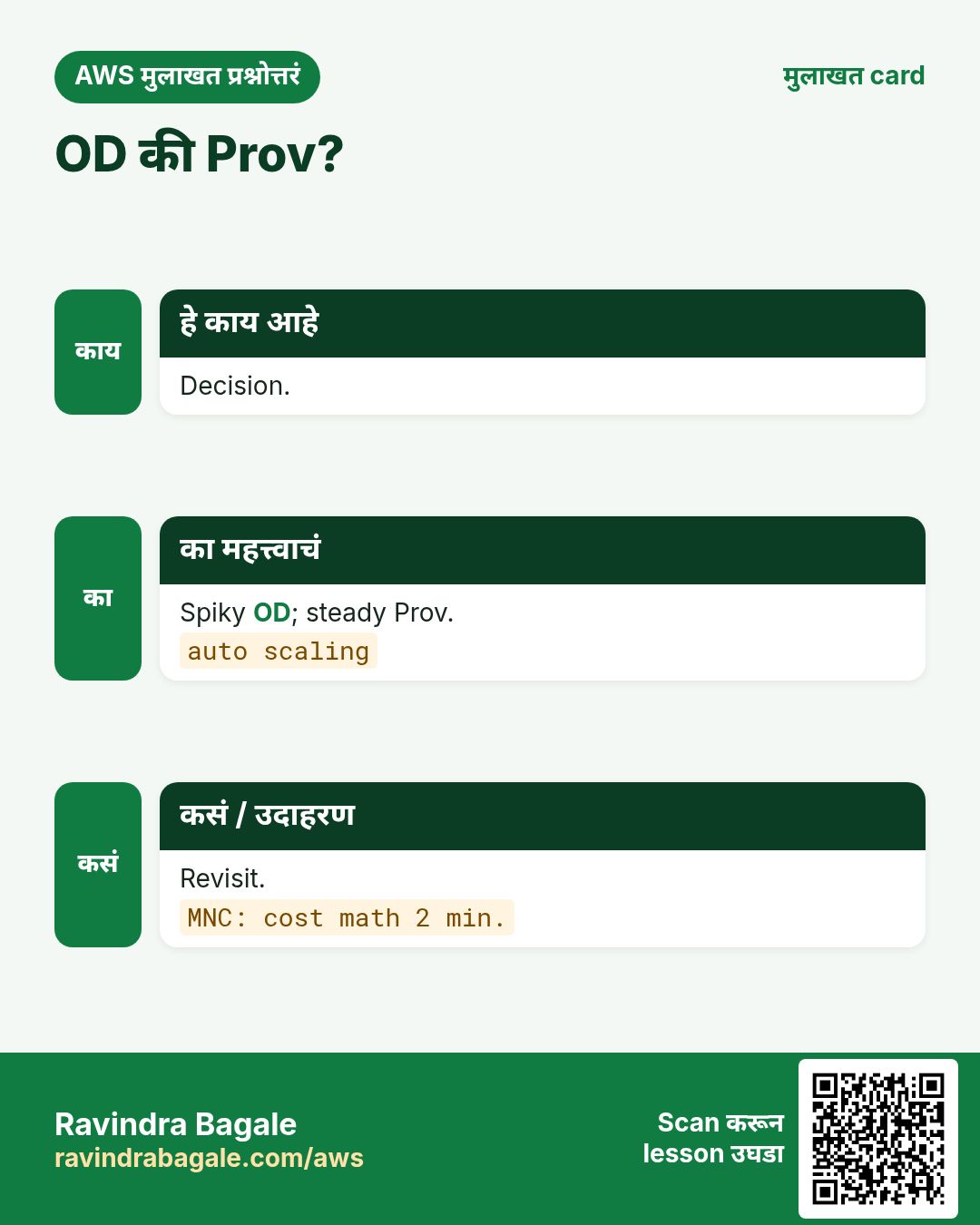
On-demand = buffet. Provisioned = coupons. Autoscaling adjust. Reserved = bulk discount.
2. Vertical steps
3. हे का लागतं?
हे का लागतं?
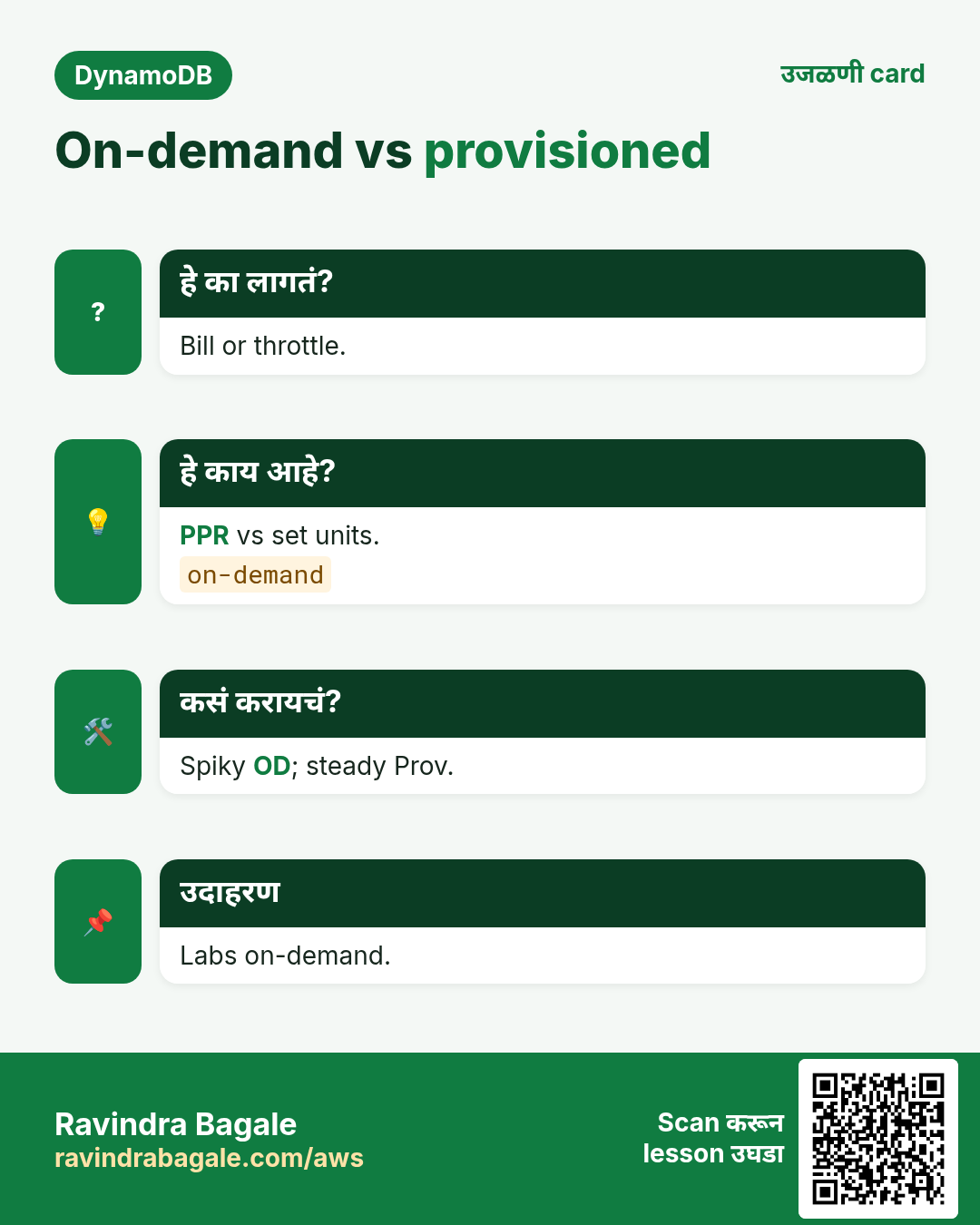
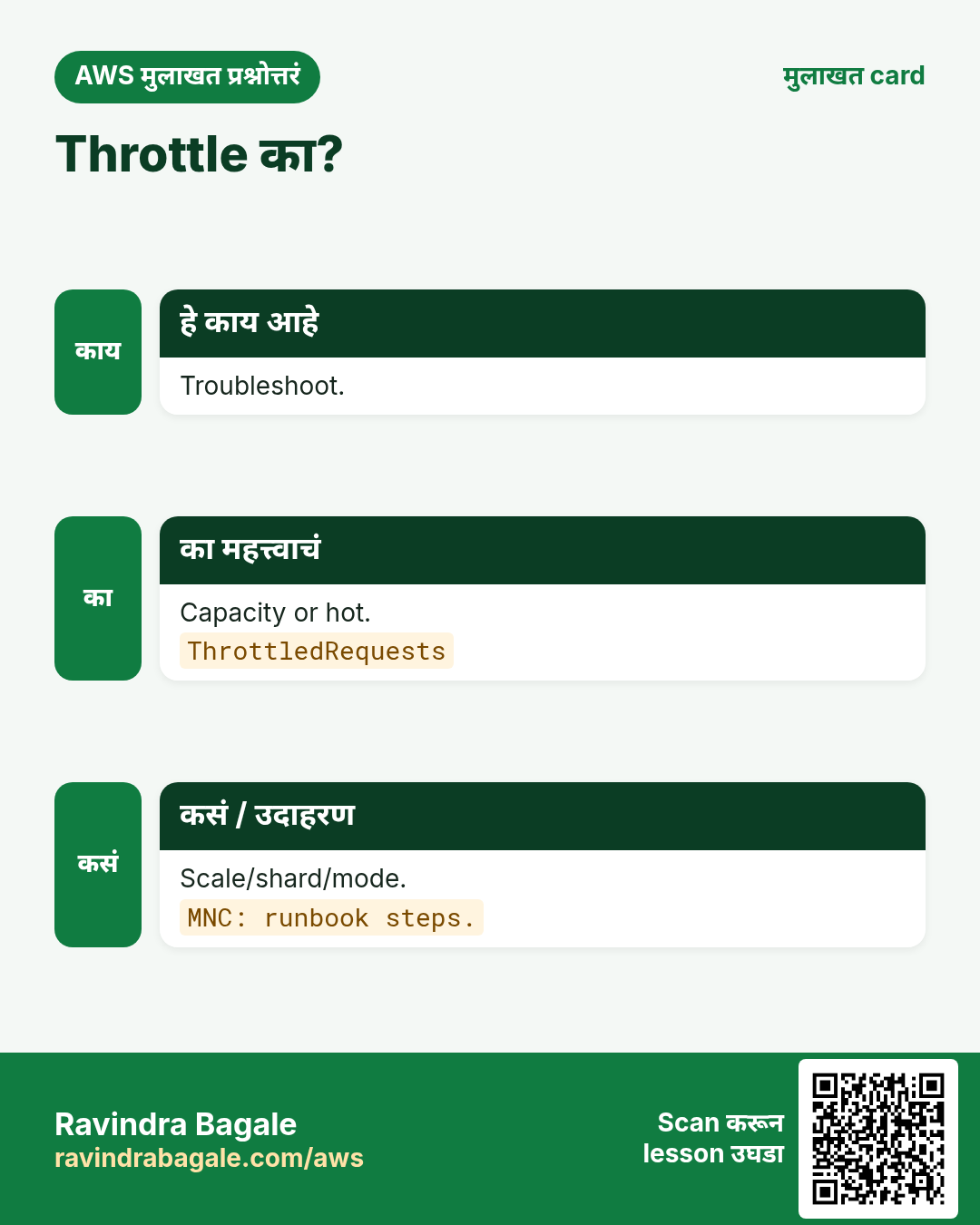
Wrong mode = throttle किंवा bill shock.
4. हे काय आहे?
हे काय आहे?
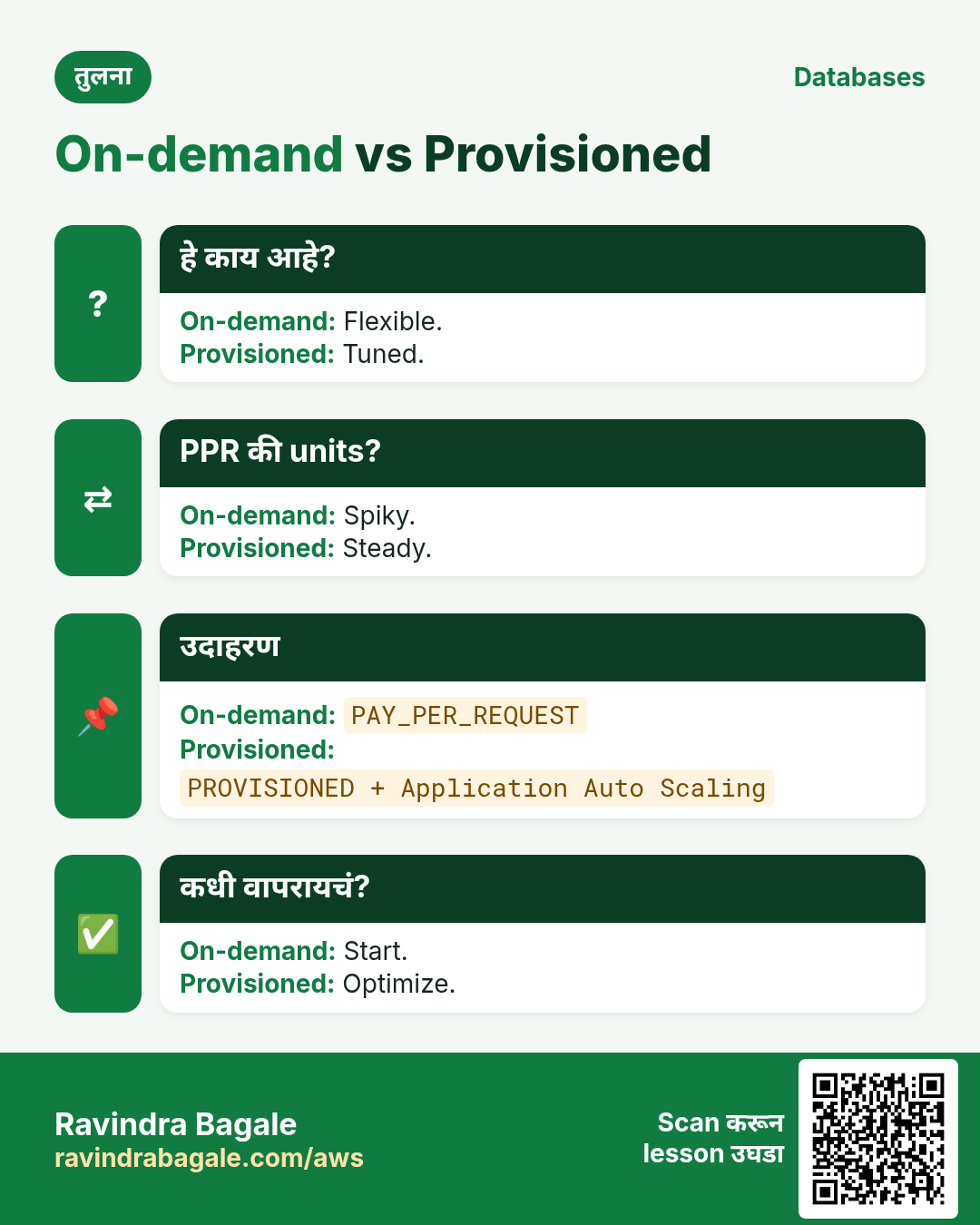
On-demand per request; provisioned RCU/WCU + optional autoscaling; reserved discount.
5. कसं करायचं
कसं करायचं (step by step)
- New = on-demand.
- Steady = provisioned.
- Autoscaling.
- Alarms.
- Reserved review.
6. Cost
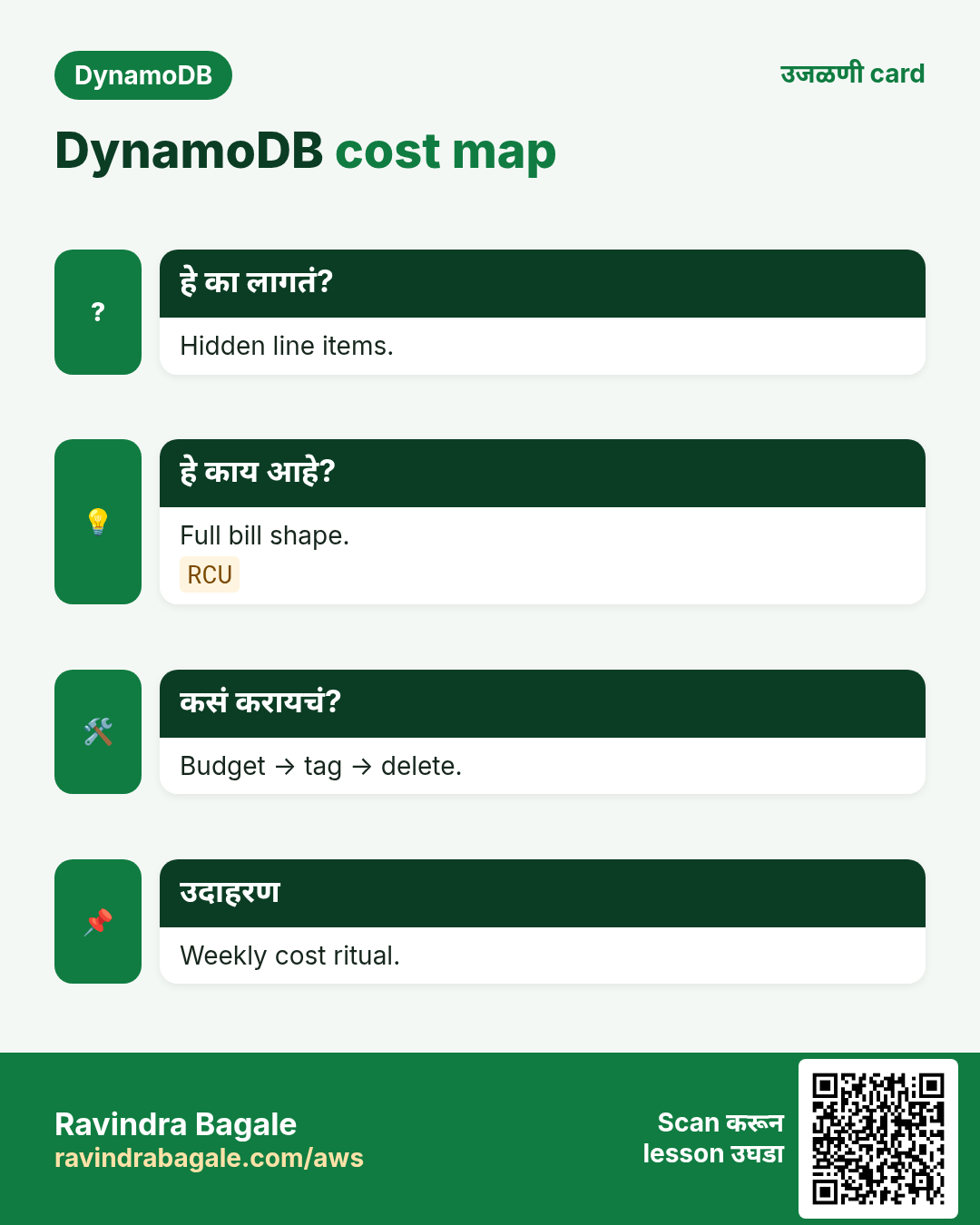
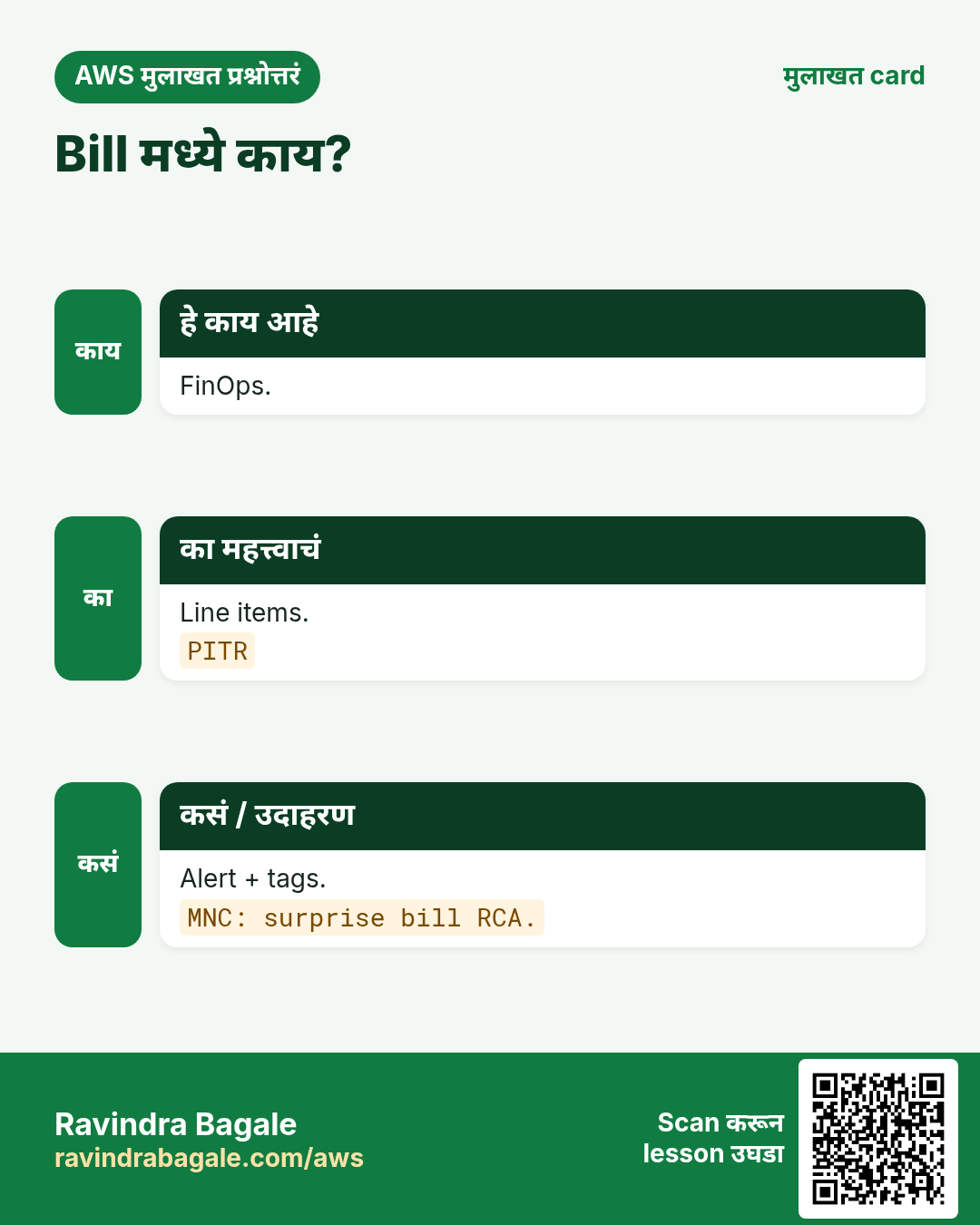
On-demand per request; provisioned hours; Scan/large = जास्त.
7. Autoscaling
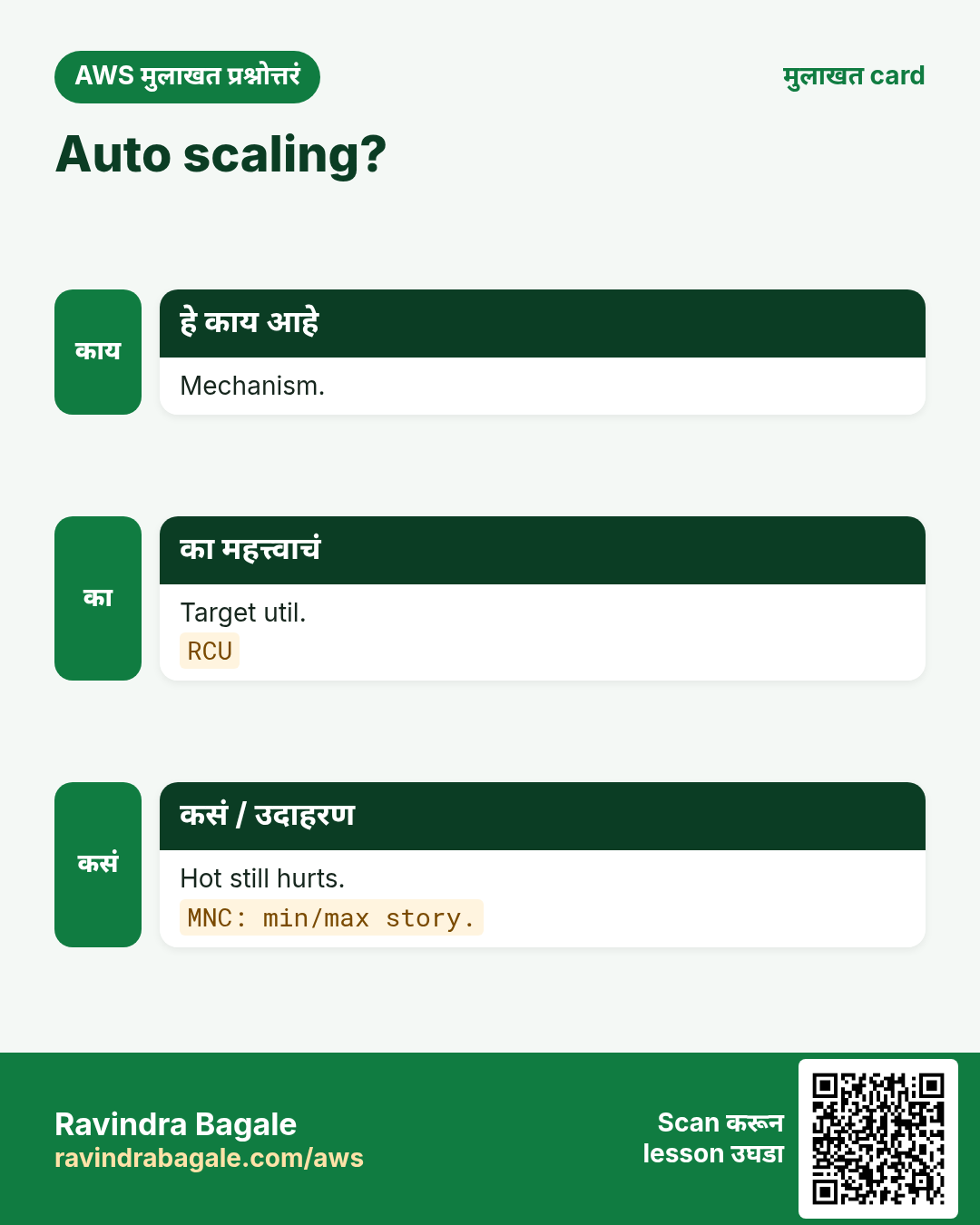
Min/max; scale-out जलद.
8. Commands: output आणि अर्थ
aws dynamodb describe-table --table-name lab-dda-shop --query 'Table.BillingModeSummary'
# Output: BillingMode PAY_PER_REQUEST (or PROVISIONED)
aws dynamodb update-table --table-name lab-dda-shop --billing-mode PROVISIONED \
  --provisioned-throughput ReadCapacityUnits=5,WriteCapacityUnits=5
# Output: TableStatus UPDATING. Meaning: now you own 5 RCU/WCU — add autoscaling next for production.
Mode describe; switch carefully; labs prefer on-demand.
9. Industry stories
- SaaS
- Bank
- Gaming
- IoT
- Clinic
10. Lab
कसं करायचं (step by step)
- Switch practice.
- Budget.
- Delete.
Cleanup
- Delete lab.
- Confirm.
11. Access-pattern workshop (आधी कागदावर)
- प्रत्येक screen/API लिहा.
- प्रत्येकासाठी key/query English मध्ये.
- Relationships mark करा.
- Range गरज गोल करा.
- मगच PK/SK/GSI.
- Peak per PK.
- Entity JSON नमुना.
- Peer review.
12. Copy-paste DynamoDB CLI starters
# Region habit for this series
export AWS_DEFAULT_REGION=ap-south-1

# Describe + sample
aws dynamodb describe-table --table-name ShopApp
aws dynamodb scan --table-name ShopApp --max-items 3

# Query by PK (replace names)
aws dynamodb query --table-name ShopApp   --key-condition-expression "PK = :pk"   --expression-attribute-values '{":pk":{"S":"USER#u123"}}'

# On-demand capacity mode check
aws dynamodb describe-table --table-name ShopApp   --query 'Table.BillingModeSummary'

# Streams status
aws dynamodb describe-table --table-name ShopApp   --query 'Table.StreamSpecification'
13. अजून industry stories
- Retail cart single-table
- Gaming leaderboard shard
- IoT time-series TTL
- Clinic conditional Put
- Fintech audit Streams
- Travel global tables
14. Glossary
| Term | अर्थ |
|---|---|
| PK | Partition ठरवणारी key |
| SK | Partition आतील क्रम |
| Item collection | एक PK चे सर्व items |
| GSI | Alternate index |
| LSI | Same PK, वेगळा SK |
| RCU/WCU | Provisioned units |
| Conditional write | Condition true तरच write |
| Stream view | Stream मध्ये काय येतं |
15. Practice: मोठ्याने explain
- 60s access patterns first.
- 60s hot + shard.
- 60s GSI vs LSI.
- 60s capacity modes.
- 60s version lock.
- 60s Streams audit.
- Record ×2.
16. Safe lab hygiene
- Budget alert.
- lab- prefix.
- On-demand labs.
- Delete after.
- DLQ required.
- Owner+Expiry tags.
17. या set ची links
- Intro chapter
- CRUD survey
- CLI chapter
- SDK chapter
- Serverless projects
18. Single-table sketch pad
Console आधी एक mentally table. Shop: USER#, ORD#, ITEM#, PROD#.
| Entity | PK | SK | Attrs |
|---|---|---|---|
| User | USER#u1 | PROFILE | name, city |
| Order | USER#u1 | ORD#... | total, status |
| Order item | ORD#o9 | ITEM#sku1 | qty, price |
| Product | PROD#sku1 | META | title, stock |
19. दहा oral drills
- Access pattern?
- PK prefixes?
- Hot symptom?
- Sparse GSI?
- LSI timing?
- On-demand bill?
- attribute_not_exists?
- View type trade-off?
- Poison loop?
- Which chapter for Put?
20. Capacity / throttle drill
- CW metrics उघडा.
- Mode note.
- RCU/WCU लिहा.
- Hottest PK.
- Mitigation.
- Budget alert.
- GSI audit.
- Streams audit.
21. Condition cheatsheet
# Create-once
attribute_not_exists(PK)

# Optimistic lock
version = :v

# Stock / seat
stock > :zero
#status = :free

# Combine
attribute_not_exists(PK) AND #type = :user
Conditions = seatbelt. SDK chapter = full samples.
22. Streams consumer checklist
- View type.
- DLQ.
- Idempotent.
- IteratorAge.
- No loop.
- Fan-out.
- Lab disable.
23. Link map batch 1
- Sequence.
- No duplicate verbs.
- Projects later.
24. अधिक oral drills
- 45s PM.
- Chat PK/SK.
- 3 metrics.
- Refuse GSI.
- Txn story.
- ALO.
- Scan->Query.
- Cleanup.
25. Teacher story: notebook → database
Ravindra Sir नी एका दुकानात सगळं एका notebook मध्ये बघितलं — customer, order, payment. unpaid bills शोधायला पाने उलटायला लागत. DynamoDB single-table म्हणजे तोच notebook नीट लेबल (PK/SK) आणि गरज असेल तरच दुसरी tab (GSI). दहा वेगळे books तयार करू नका जोपर्यंत खरंच दहा वेगळे व्यवसाय नाहीत.
Meera (clinic), Omar (travel), Aisha (retail) एकत्र design करतात तेव्हाही आधी कागद: screen यादी, key sketch, sample JSON, peer review. Console शेवटी. म्हणूनच ही deep series PutItem पुन्हा लिहित नाही — intro आणि CRUD ला link करते.
26. सोळा mini tasks (self-check)
- Cart साठी तीन access patterns.
- User + orders PK/SK.
- एक hot anti-pattern.
- 40s मध्ये write sharding.
- GSI vs LSI without notes.
- Sparse index projection का?
- Flash sale mode.
- पाच bill line items.
- Create-once condition शब्दात.
- Version lock वर्णन.
- Txn कधी?
- Audit view type.
- दोन consumer safety rules.
- Stream lag metric.
- PutItem CLI कुठे?
- Lab cleanup checklist.
27. मराठी classroom lines
- Mantra: patterns first.
- Hot = गर्दी.
- GSI vs LSI.
- Modes.
- Seatbelt.
- ALO.
28. Hindi bridge lines
- Patterns first.
- Hot load.
- GSI/LSI.
- Modes.
- Txn.
- Idempotent.
29. सामान्य errors आणि fixes
प्रत्येक row = खरी चूक. Panic करण्याआधी fix वाचा.
| Error / लक्षण | Fix |
|---|---|
| No AS | Enable |
| Mode blame | Fix keys |
| No alarm | Alarm |
| Bad reserved | Steady only |
| GSI forgot | Scale GSI |
| Peak switch | Off-peak |
| RCU math | EC |
| Lab high | Cleanup |
| Storage | Watch |
30. Troubleshooting checklist
- Raise or fix.
- Scan/surge.
- Warm.
- GSI.
- Wait.
31. FAQ
प्र. Single table always?
Related patterns साठी हो; religion नाही.
प्र. RDS अजून?
Joins/SQL reports साठी हो — intro chapter.
प्र. Scan वाईट?
Hot path = Query/Get; Scan rare.
प्र. Put/Get कुठे?
CRUD/CLI/SDK chapters — link.
प्र. Modes?
Per-req vs set.
प्र. AS?
Adjust.
प्र. Reserved?
Discount.
प्र. Lab?
On-demand.
32. Interview Q&A
प्र. Unknown?
On-demand.
प्र. RCU?
Read unit.
प्र. Prov?
Steady.
प्र. Target?
~70%.
प्र. Gov?
Budget+review.
प्र. Launch?
Warm+page.
33. Tips — English, मराठी आणि हिंदी
Ravindra Bagale's Tip (EN)
Pick mode from traffic shape, not habit.
Ravindra Bagale's Tip (MR)
Traffic shape ने mode.
Tip (HI)
आदत से नहीं, traffic से mode चुनो।
घरी करून बघा
- 24h sketch.
- Mode+alarms.
- Intro.
थोडक्यात सांगायचं तर
- Spiky.
- Steady.
- Reserved.
- Alarms.
उजळणी, मुलाखत आणि तुलना cards
हा lesson काही मिनिटांत revise करा. Cards phone वर save करा किंवा PNG download करा. प्रत्येक card वरचा QR हा lesson उघडतो.
अजून cards: Ravi Sir's Cards.
सराव Tasks
Amravati Agro Market हा अमरावती मधला शेती व्यवसाय आहे. Anjali Thakre त्यांचं IT व cloud काम पाहतात. त्यांचे पैसे INR मध्ये मोजले जातात आणि AWS resources ap-south-1 Region मध्ये चालतात. खालच्या tasks मध्ये तुम्ही या lesson मध्ये शिकलेलं वापरून त्यांची खरी कामं करता. सगळी नावं, account IDs, IP addresses व numbers सरावासाठी काल्पनिक आहेत.
0 / 16
सोपं On-demand
का: Mode.
काय करायचं: On-demand pay तर 1.
- Task मधले numbers लिहून घ्या.
- कागदावर step by step काढा.
- Box मध्ये फक्त final उत्तर लिहा.
- Check answer दाबा.
सोपं Provisioned
का: Mode.
काय करायचं: Provisioned RCU/WCU तर 1.
- Task मधले numbers लिहून घ्या.
- कागदावर step by step काढा.
- Box मध्ये फक्त final उत्तर लिहा.
- Check answer दाबा.
सोपं Auto scaling
का: AS.
काय करायचं: Auto scaling तर 1.
- Task मधले numbers लिहून घ्या.
- कागदावर step by step काढा.
- Box मध्ये फक्त final उत्तर लिहा.
- Check answer दाबा.
सोपं Reserved
का: Commit.
काय करायचं: Reserved steady तर 1.
- Task मधले numbers लिहून घ्या.
- कागदावर step by step काढा.
- Box मध्ये फक्त final उत्तर लिहा.
- Check answer दाबा.
सोपं Describe
का: CLI.
काय करायचं: describe.
- Task वाचा आणि ते कोणत्या AWS service बद्दल आहे ते ठरवा.
- aws लिहा, मग service चं नाव, मग operation (action शब्द).
- प्रत्येक आवश्यक flag (--name) व त्यापुढे task मधली value लिहा.
- Flags कोणत्याही क्रमाने चालतात. Check answer दाबा.
सोपं Pick
का: Choose.
काय करायचं: mapping.
- Task मधल्या top-level keys पासून सुरू करा.
- Child keys 2 spaces ने indent करा (tabs नकोत).
- प्रत्येक property मध्ये task मधली value भरा.
- Check answer दाबा. Keys चा क्रम महत्त्वाचा नाही.
सोपं PPR
का: Name.
काय करायचं: PPR=on-demand तर 1.
- Task मधले numbers लिहून घ्या.
- कागदावर step by step काढा.
- Box मध्ये फक्त final उत्तर लिहा.
- Check answer दाबा.
मध्यम Spiky
का: Choice.
काय करायचं: Spiky on-demand तर 1.
- Task मधले numbers लिहून घ्या.
- कागदावर step by step काढा.
- Box मध्ये फक्त final उत्तर लिहा.
- Check answer दाबा.
मध्यम Throttle
का: Symptom.
काय करायचं: Throttle तर 1.
- Task मधले numbers लिहून घ्या.
- कागदावर step by step काढा.
- Box मध्ये फक्त final उत्तर लिहा.
- Check answer दाबा.
मध्यम Bill
का: Cost.
काय करायचं: Full bill तर 1.
- Task मधले numbers लिहून घ्या.
- कागदावर step by step काढा.
- Box मध्ये फक्त final उत्तर लिहा.
- Check answer दाबा.
मध्यम Plan
का: Change.
काय करायचं: Plan switch तर 1.
- Task मधले numbers लिहून घ्या.
- कागदावर step by step काढा.
- Box मध्ये फक्त final उत्तर लिहा.
- Check answer दाबा.
मध्यम Metrics
का: CW.
काय करायचं: metrics यादी.
- Task मधल्या top-level keys पासून सुरू करा.
- Child keys 2 spaces ने indent करा (tabs नकोत).
- प्रत्येक property मध्ये task मधली value भरा.
- Check answer दाबा. Keys चा क्रम महत्त्वाचा नाही.
अवघड Budget
का: FinOps.
काय करायचं: Budget तर 1.
- Task मधले numbers लिहून घ्या.
- कागदावर step by step काढा.
- Box मध्ये फक्त final उत्तर लिहा.
- Check answer दाबा.
अवघड Link
का: Complement.
काय करायचं: Complement intro तर 1.
- Task मधले numbers लिहून घ्या.
- कागदावर step by step काढा.
- Box मध्ये फक्त final उत्तर लिहा.
- Check answer दाबा.
अवघड GSI cap
का: Index.
काय करायचं: GSI throttle तर 1.
- Task मधले numbers लिहून घ्या.
- कागदावर step by step काढा.
- Box मध्ये फक्त final उत्तर लिहा.
- Check answer दाबा.
अवघड Lab
का: Hygiene.
काय करायचं: Lab on-demand तर 1.
- Task मधले numbers लिहून घ्या.
- कागदावर step by step काढा.
- Box मध्ये फक्त final उत्तर लिहा.
- Check answer दाबा.