Amazon GuardDuty आणि Security Hub: AWS वर Threat Detection सोप्या भाषेत
CCTV ≠ समजणारा गार्ड. CloudTrail = टेप. GuardDuty = टेप बघणारा गार्ड. Security Hub = अनेक cameras चा control room wall.
या chapter मध्ये तुम्ही काय शिकाल
- Detection logs वर का
- GuardDuty findings
- Security Hub / standards
- Enable, triage, multi-account
- Lab, errors, FAQ, interview
1. आधी रोजचं उदाहरण
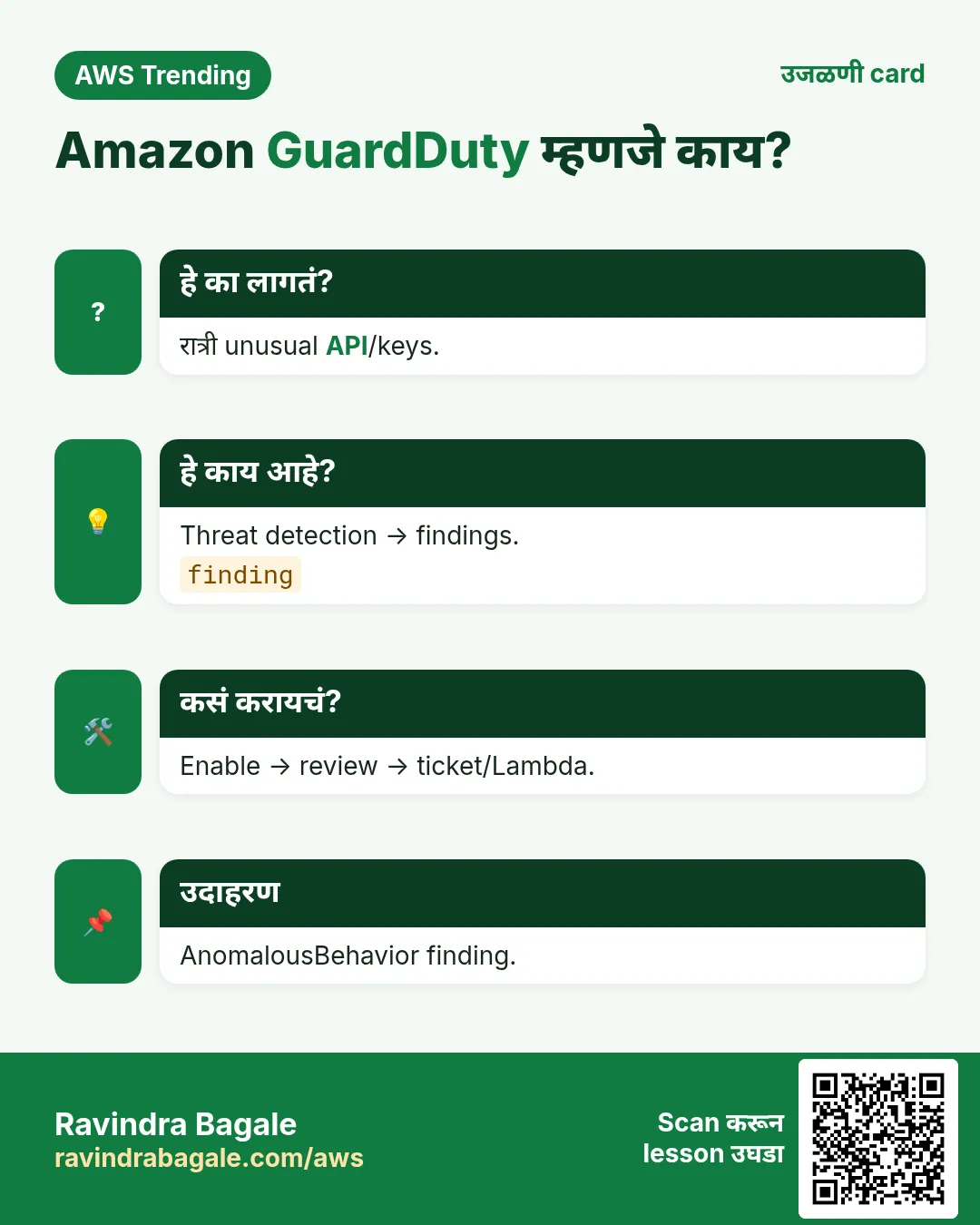
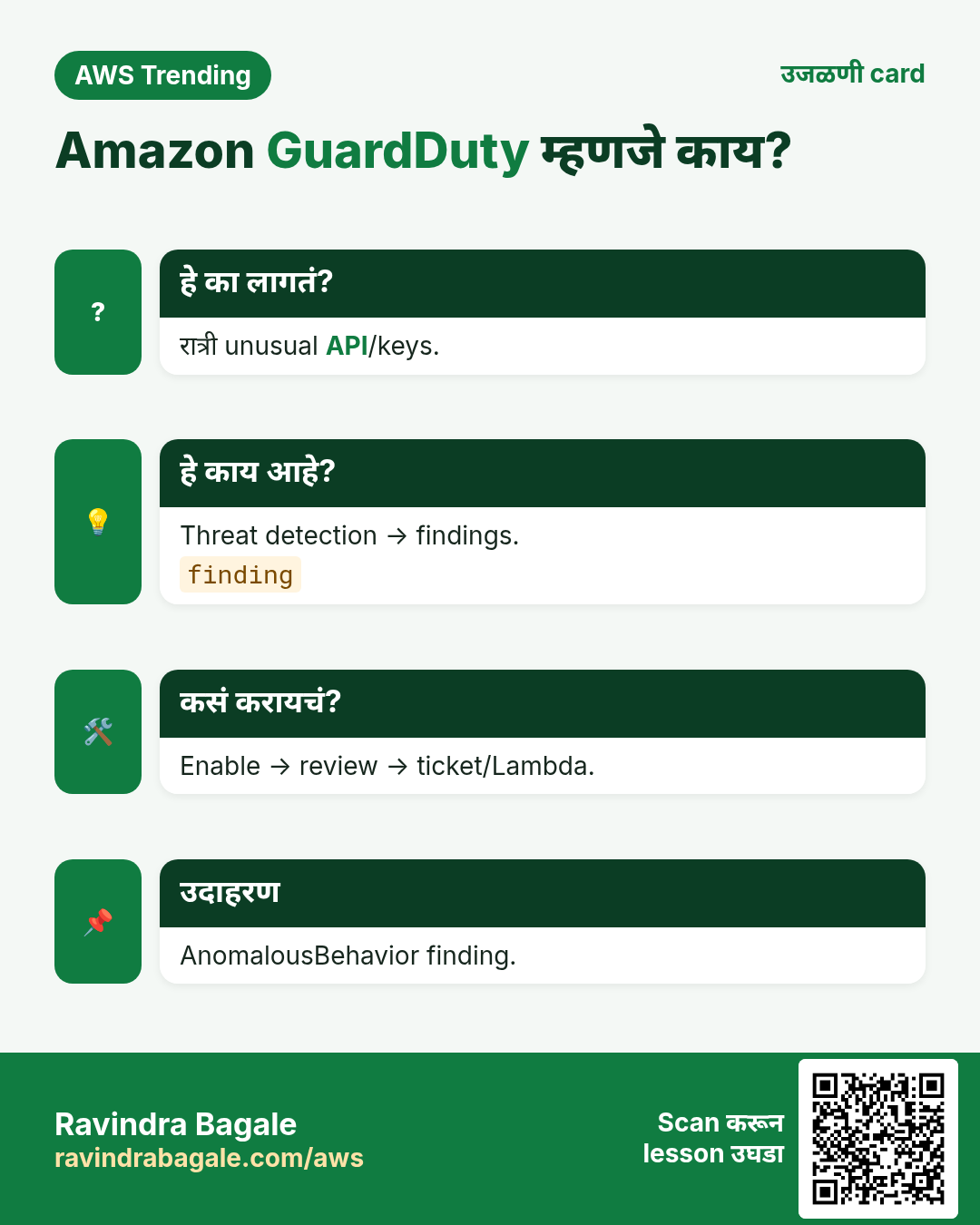
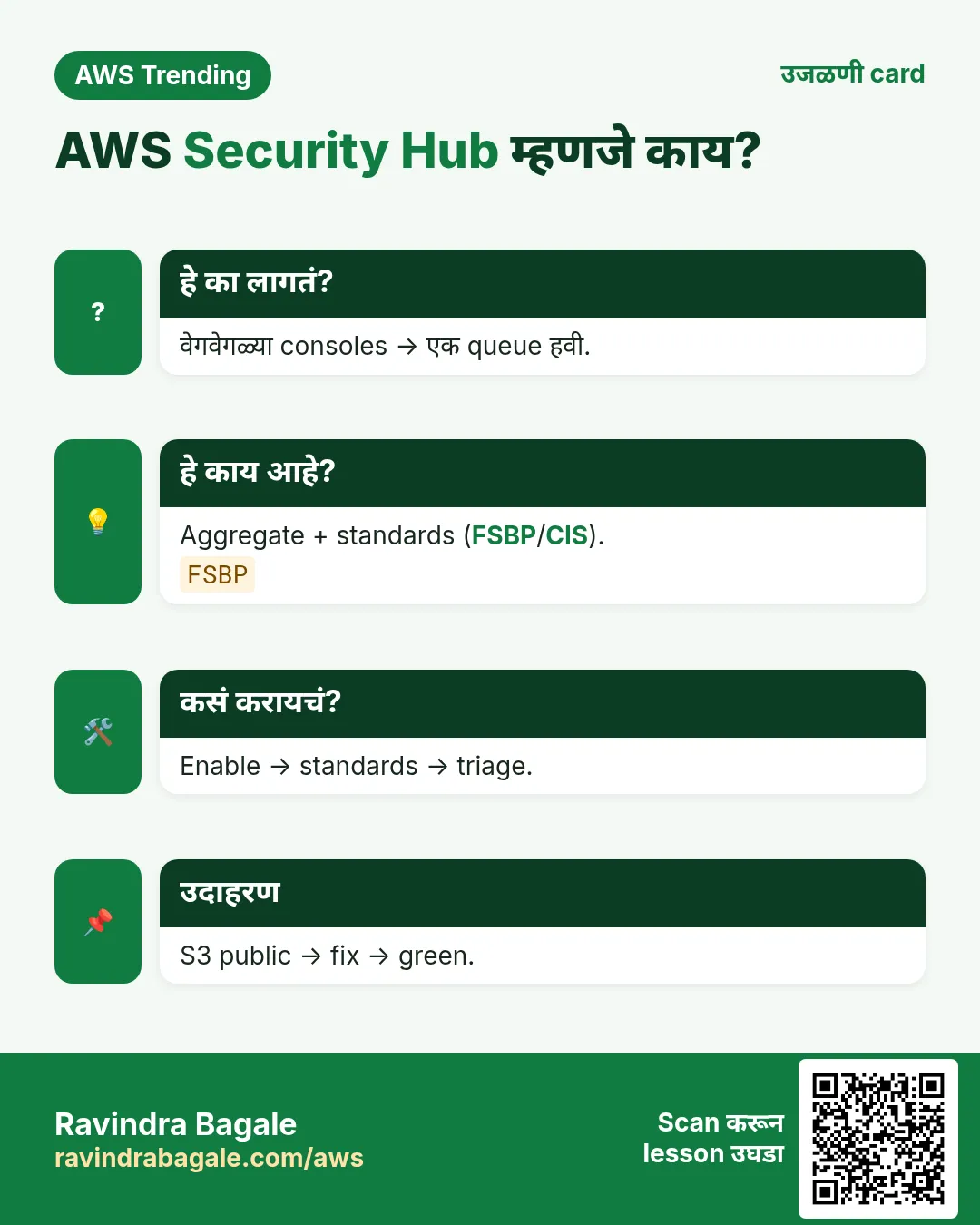
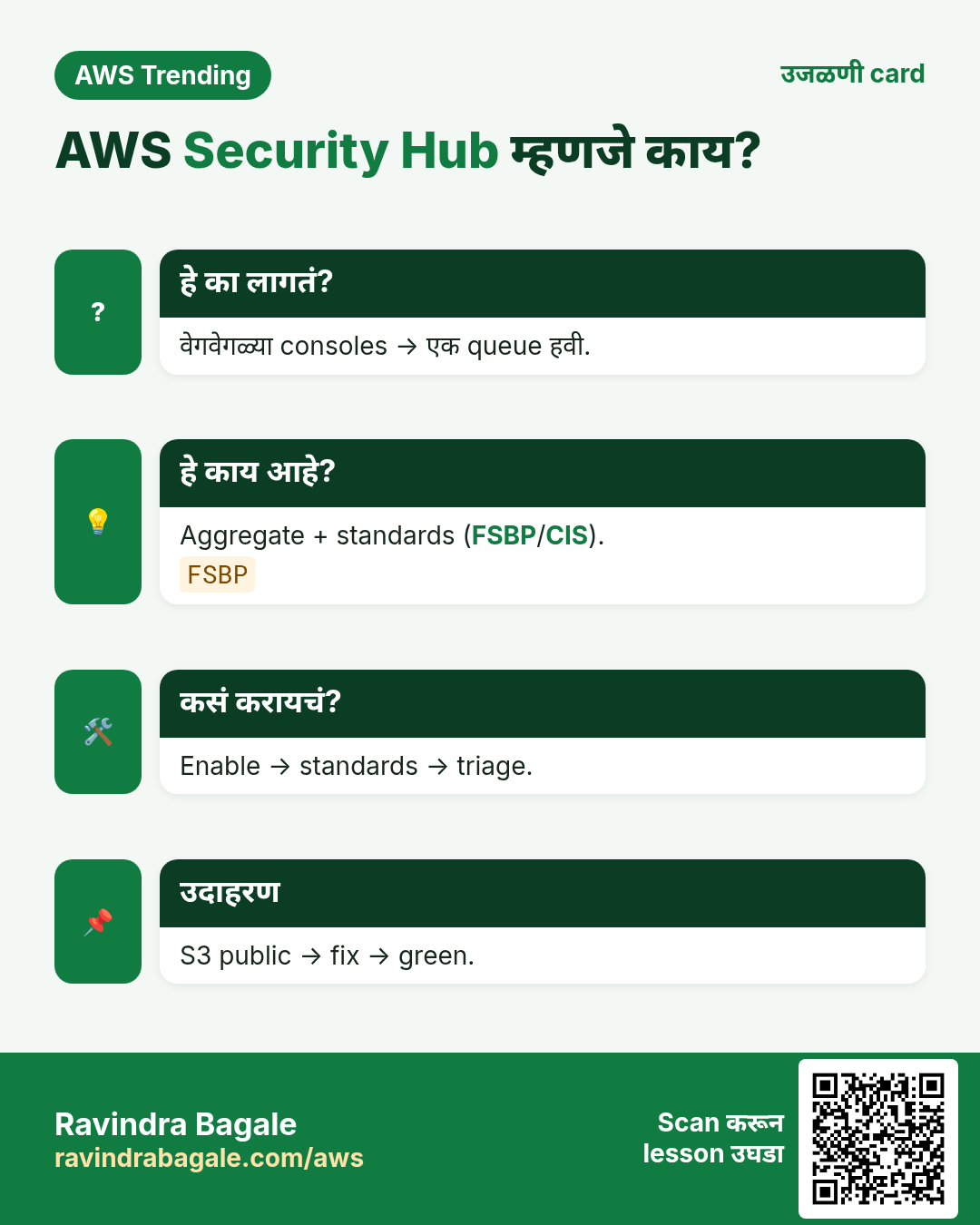
हे का लागतं?
Startup key GitHub वर. कोणी पाहिलं नाही. नव्या region मध्ये miners. GuardDuty enable असती तर UnauthorizedAccess minutes मध्ये.
हे काय आहे?
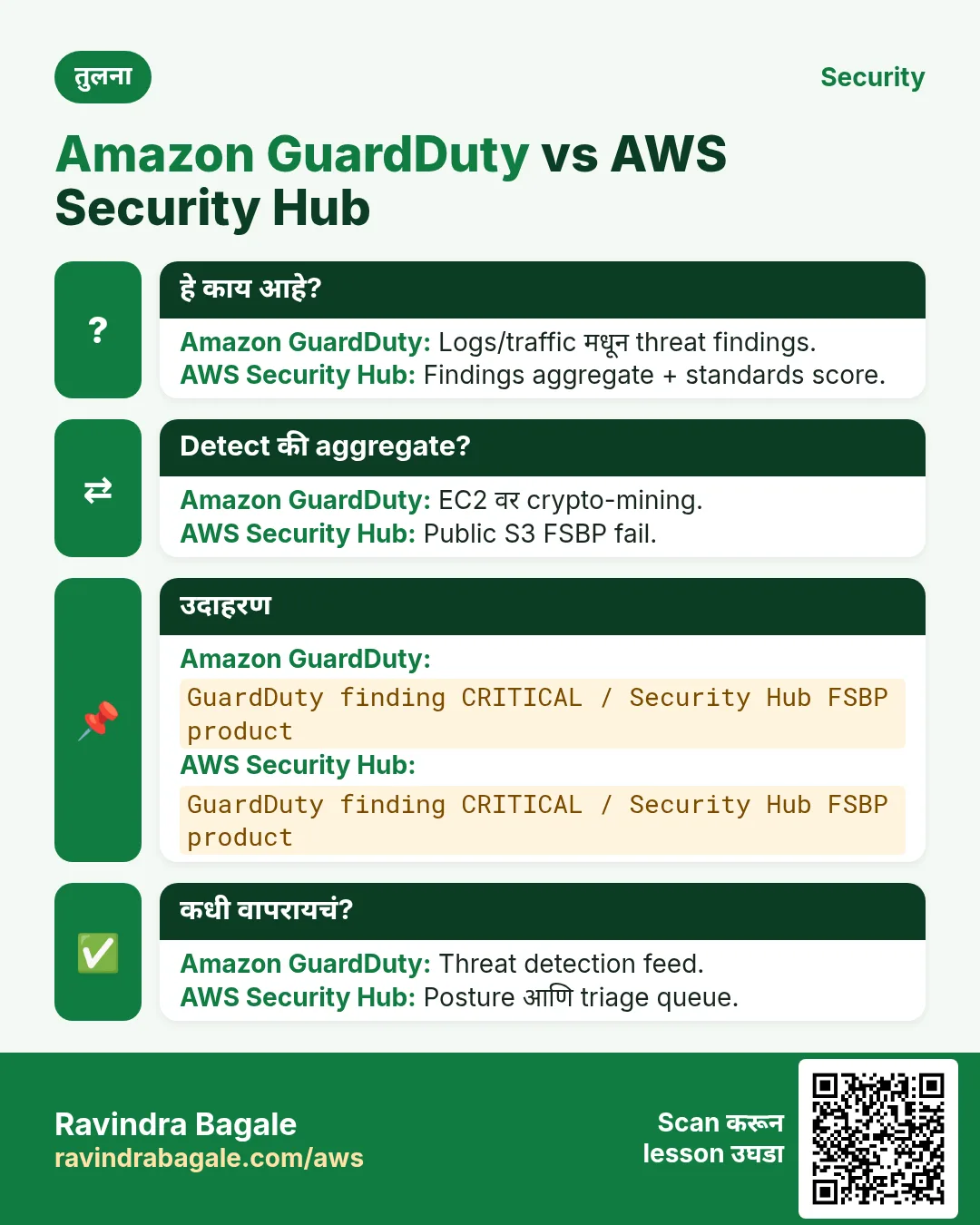
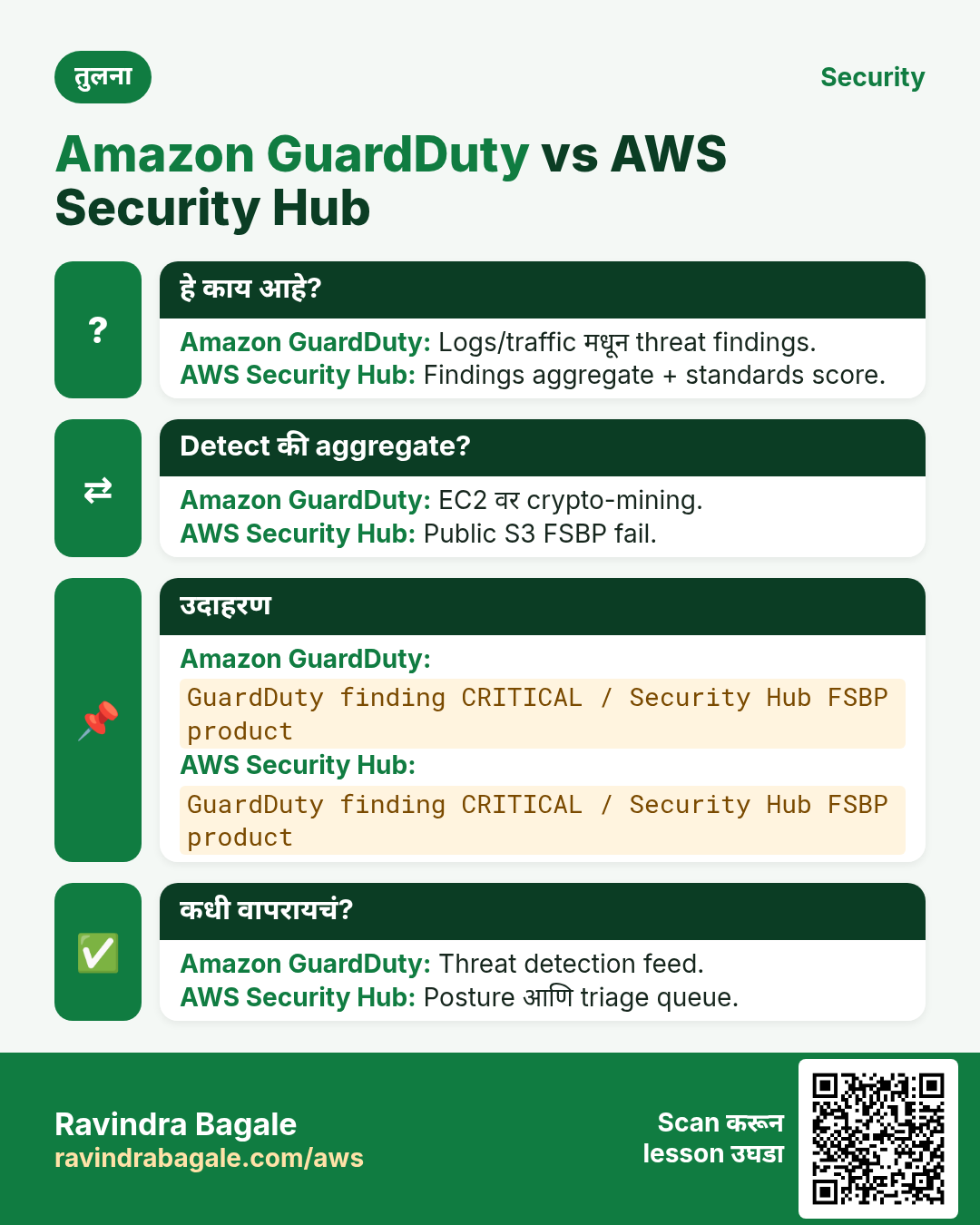
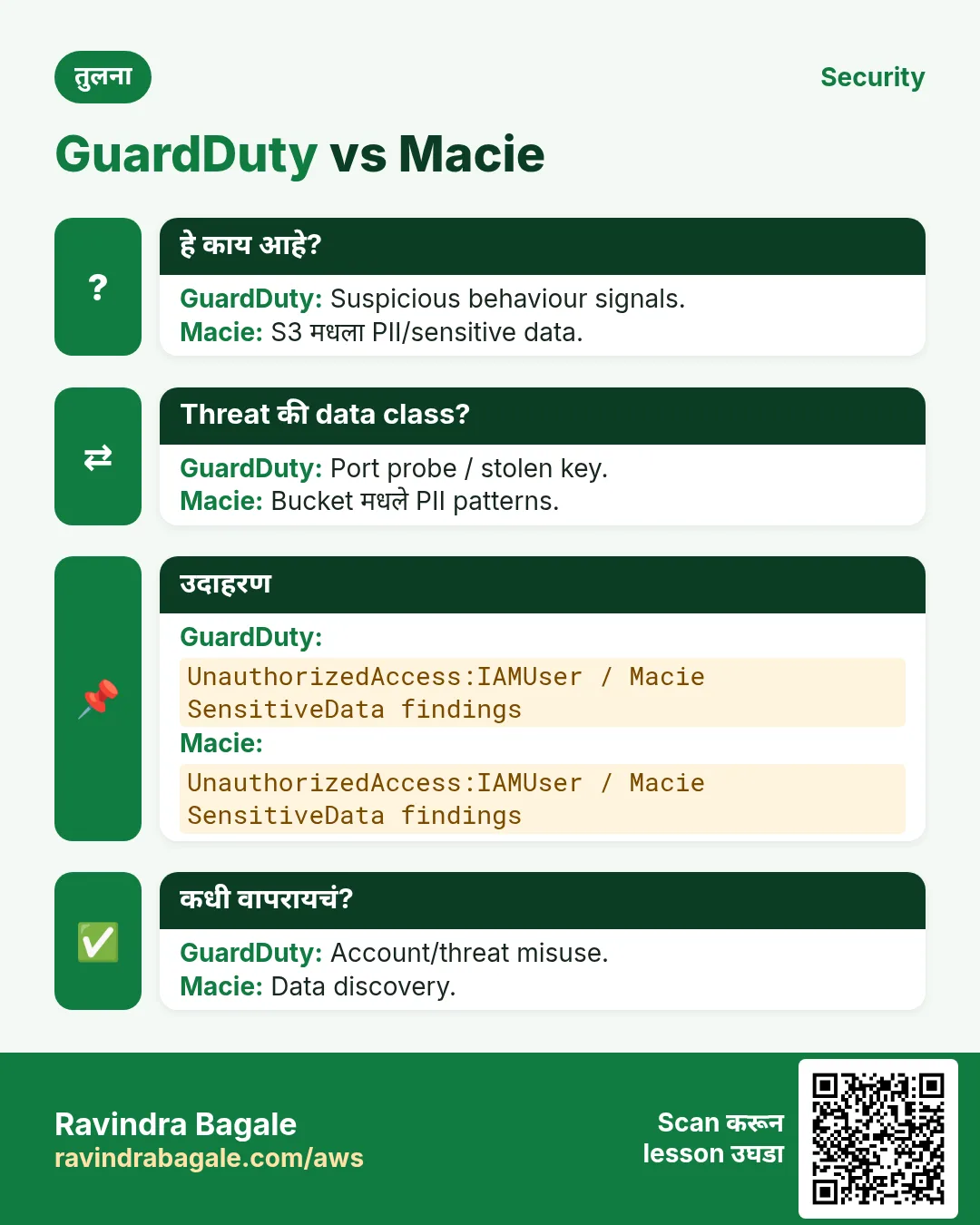
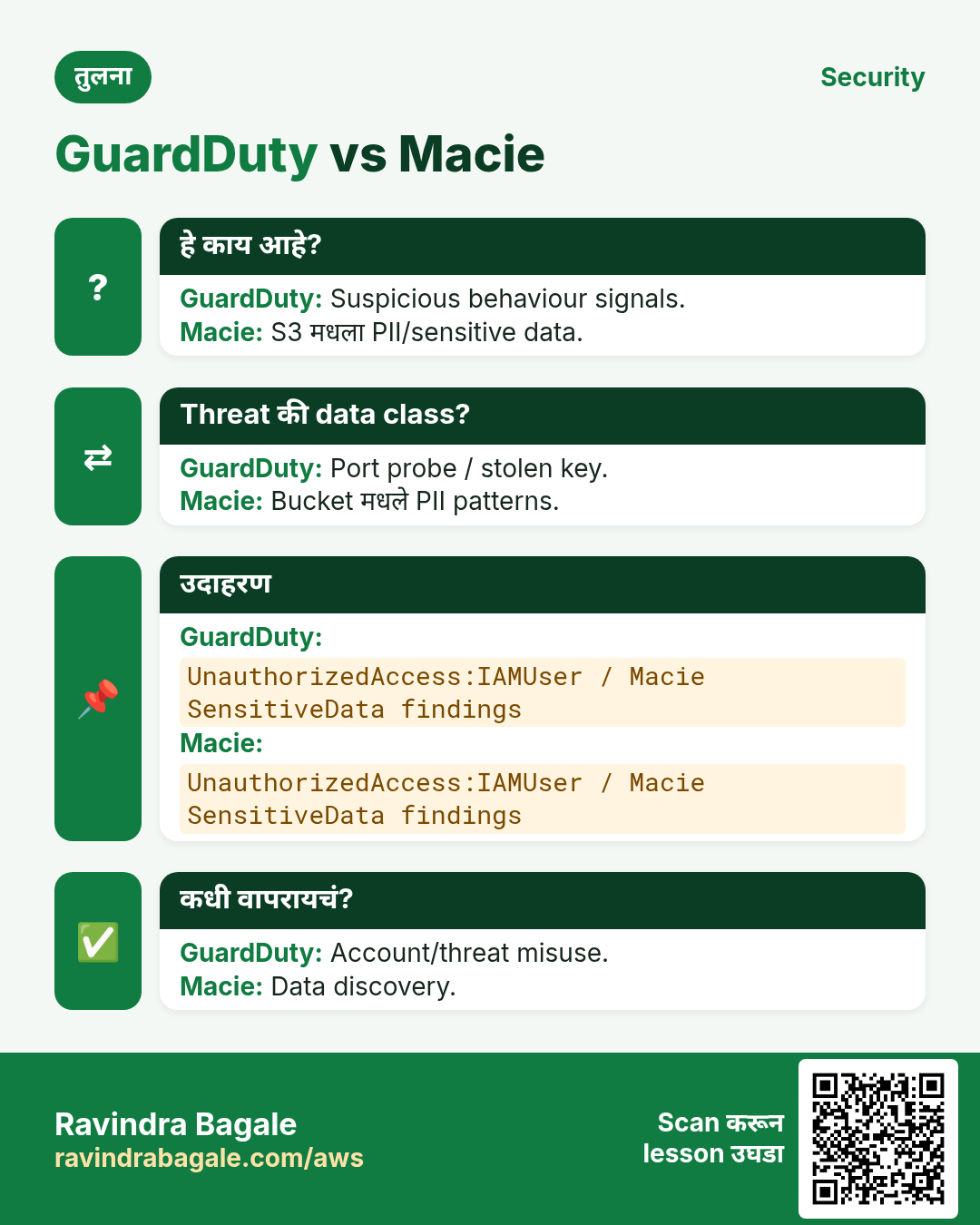
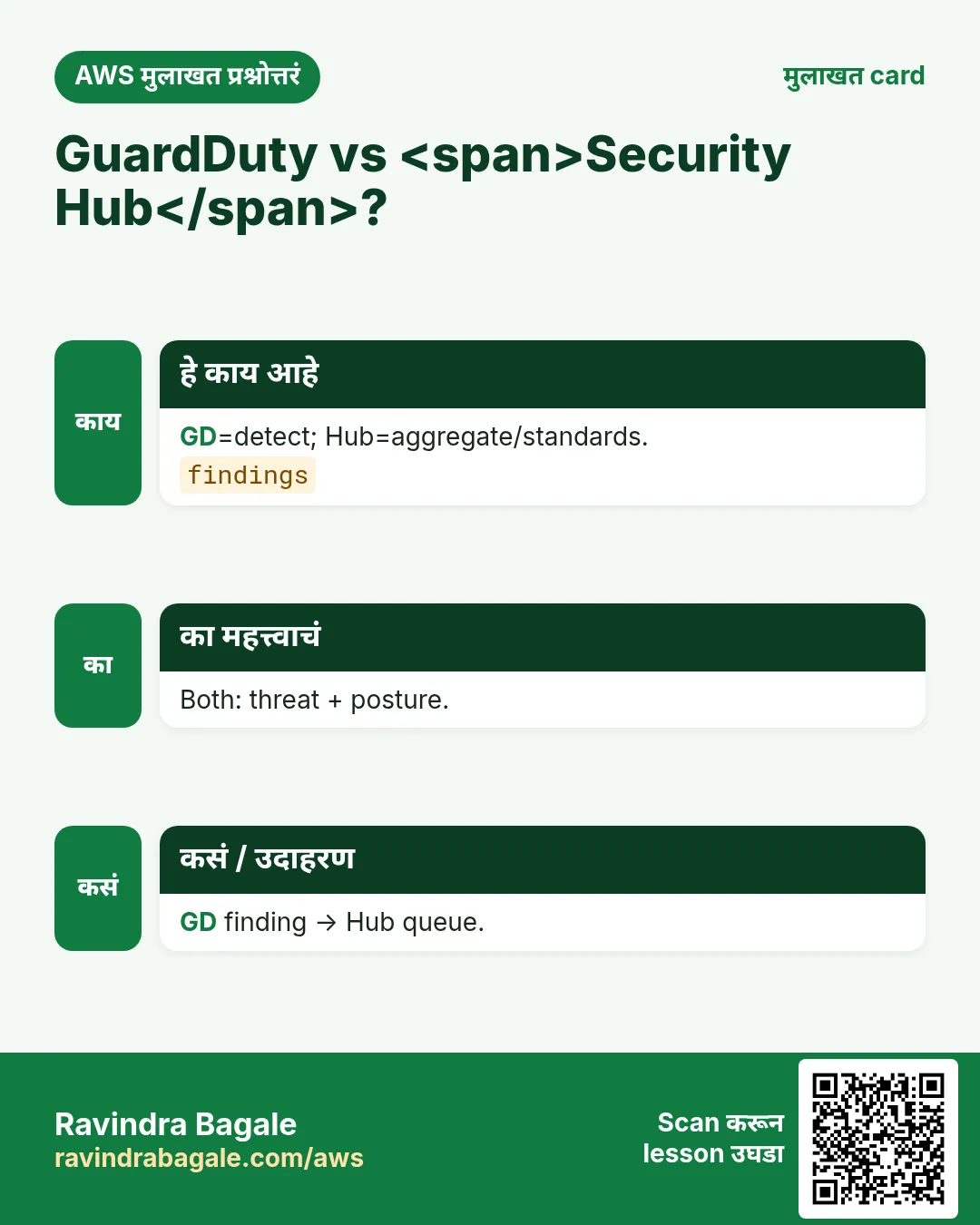
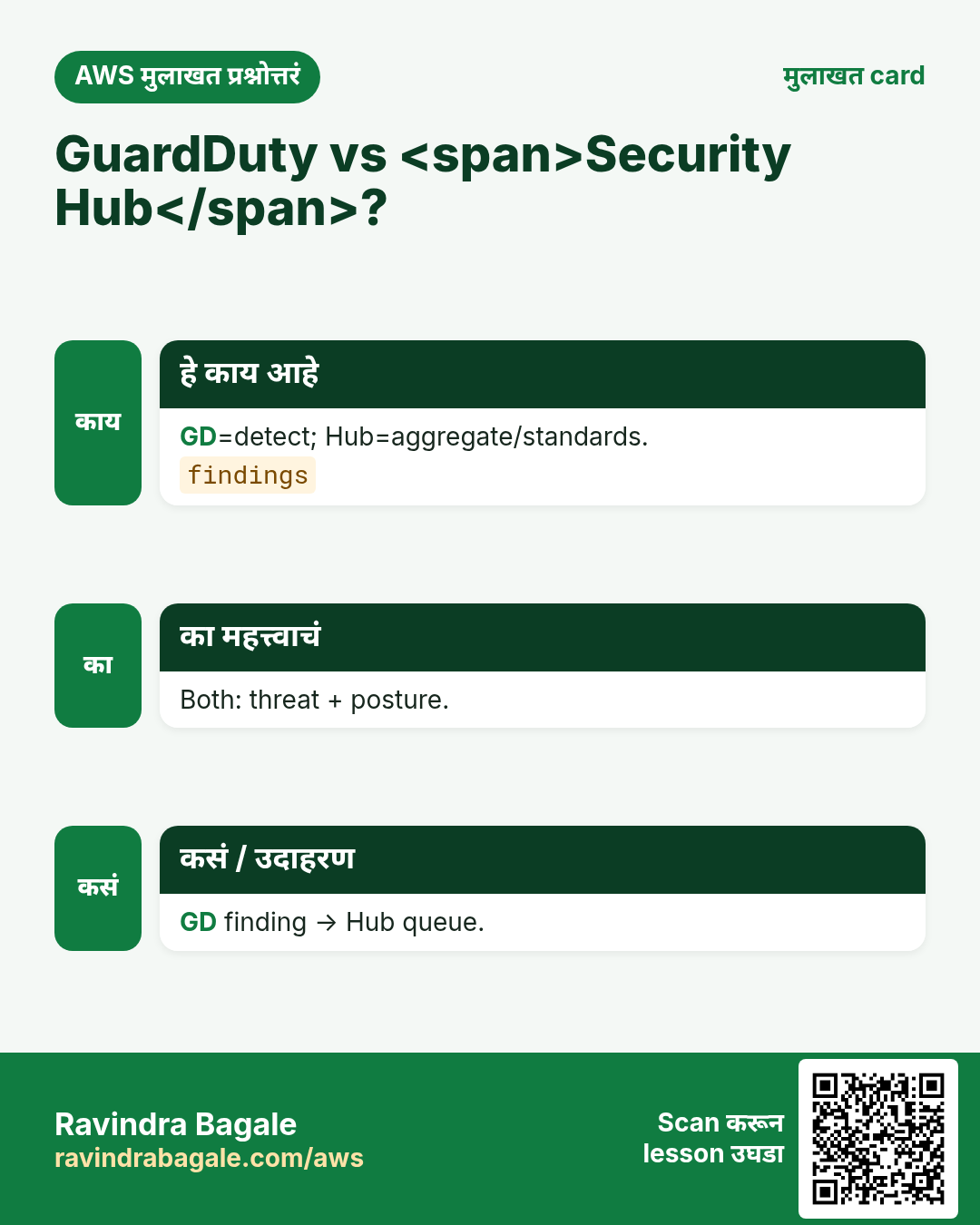
GuardDuty = CloudTrail/Flow/DNS (व optional protections) वर threat detection — findings. Security Hub = अनेक tools च्या findings + standards checks.
2. Findings जे खरंच दिसतात
- UnauthorizedAccess / Tor — विचित्र ठिकाणाहून keys.
- PortProbe — scan.
- Mining — stolen key लक्षण.
- S3 exfiltration (protection on असेल).
- Hub controls: open SG, root MFA नाही.
3. Multi-account
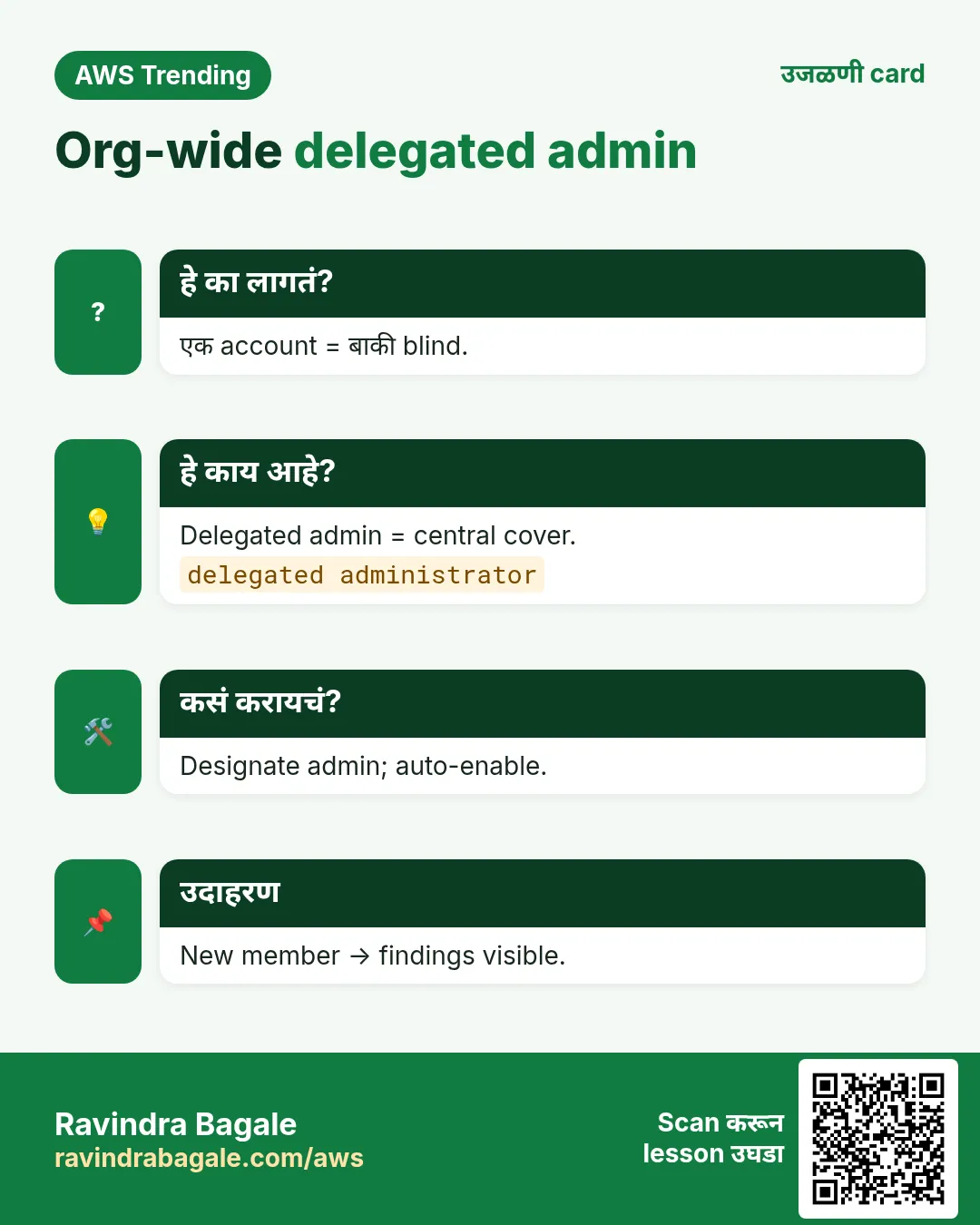
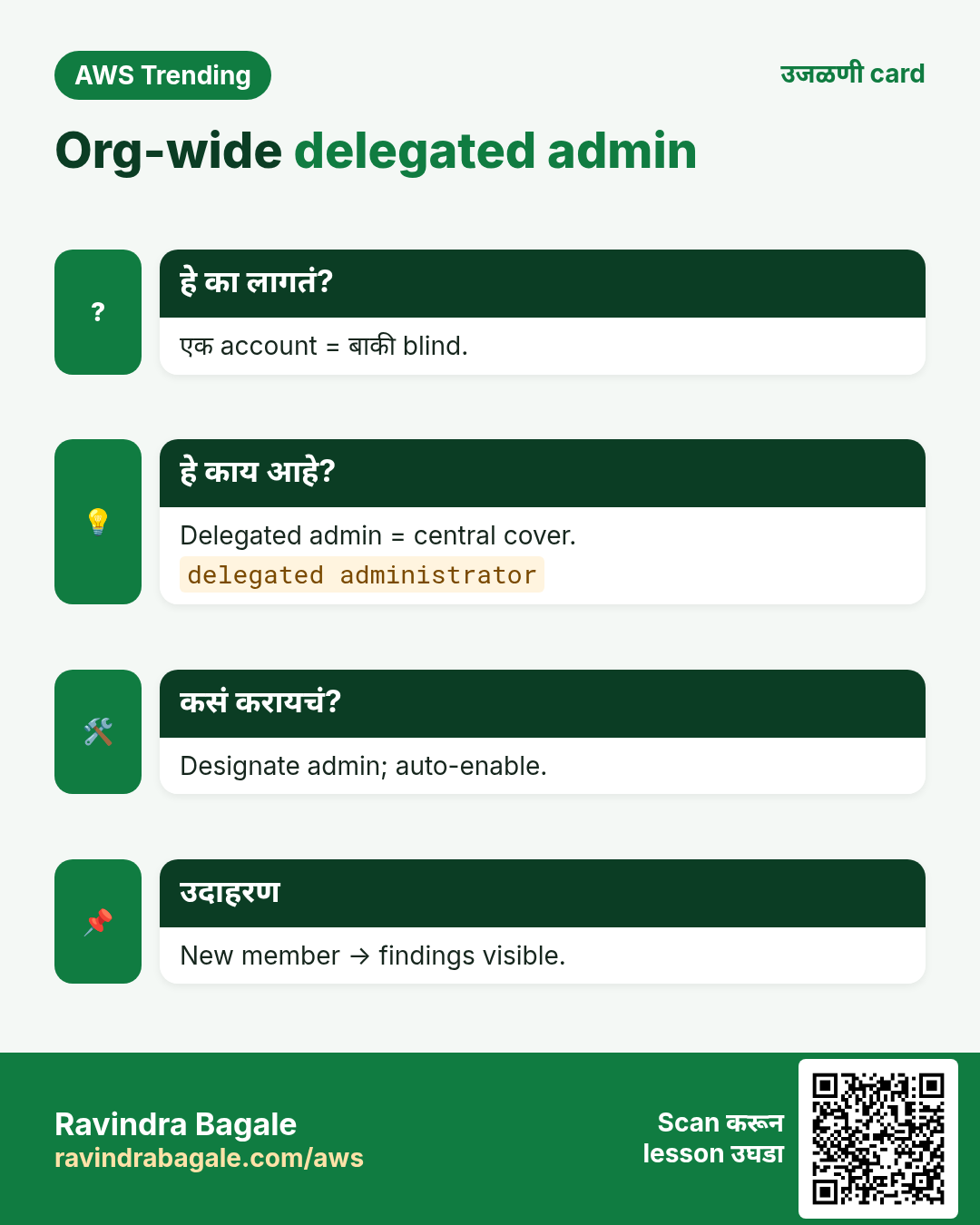
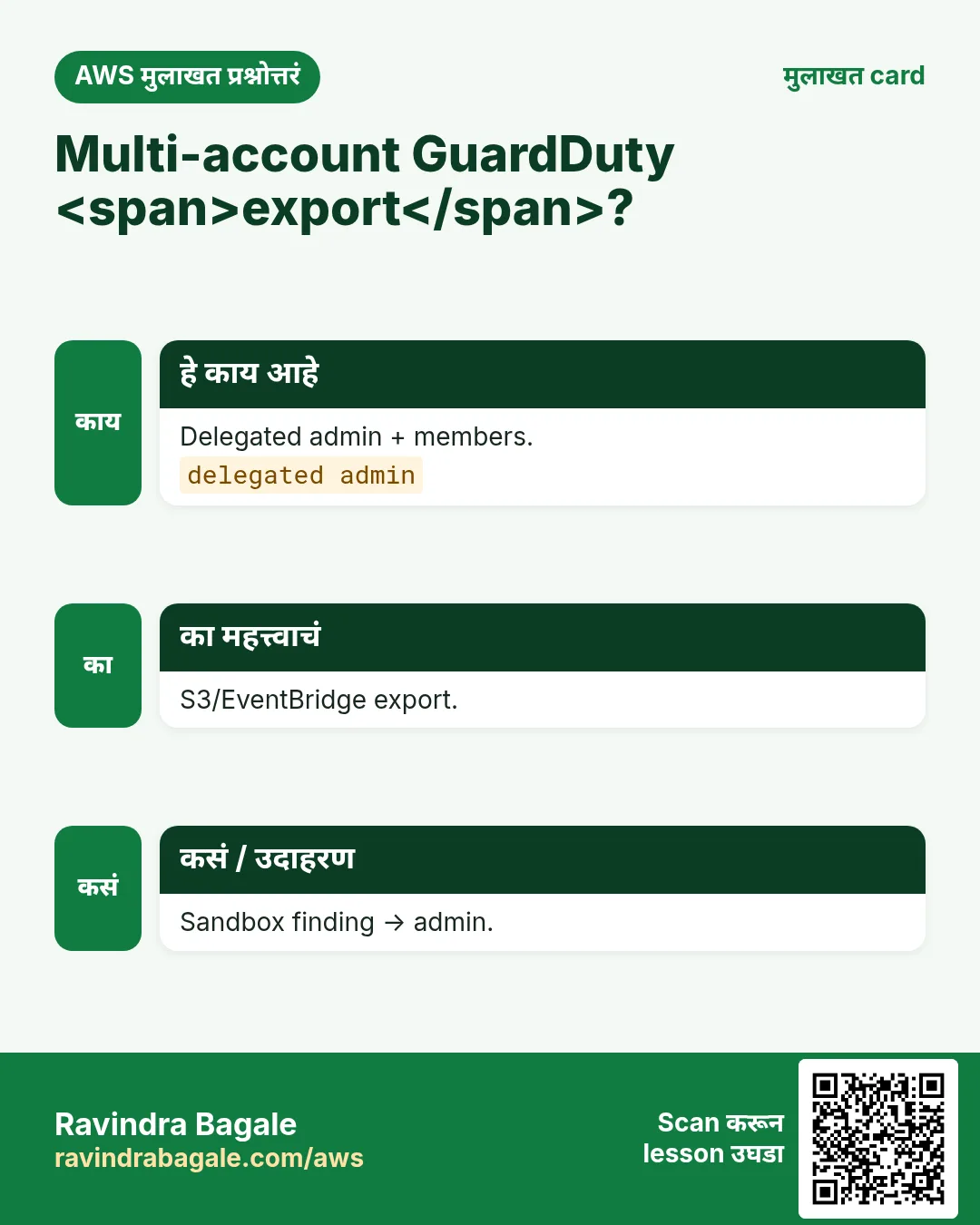
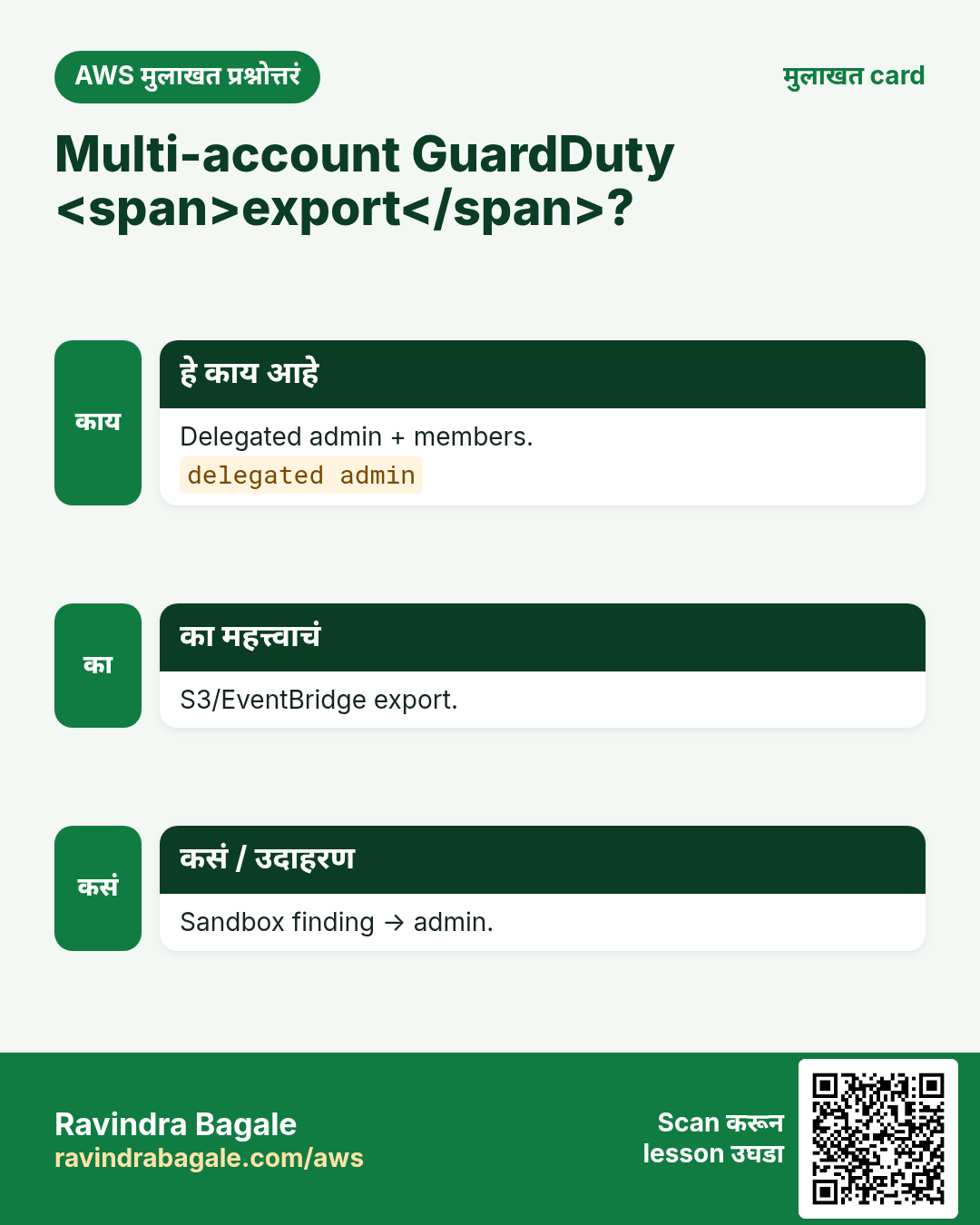
Organizations मध्ये delegated admin security account. Members findings पाठवतात. 40 accounts default — कोणी पाहत नाही हे नको.
Ravindra Bagale's Tip
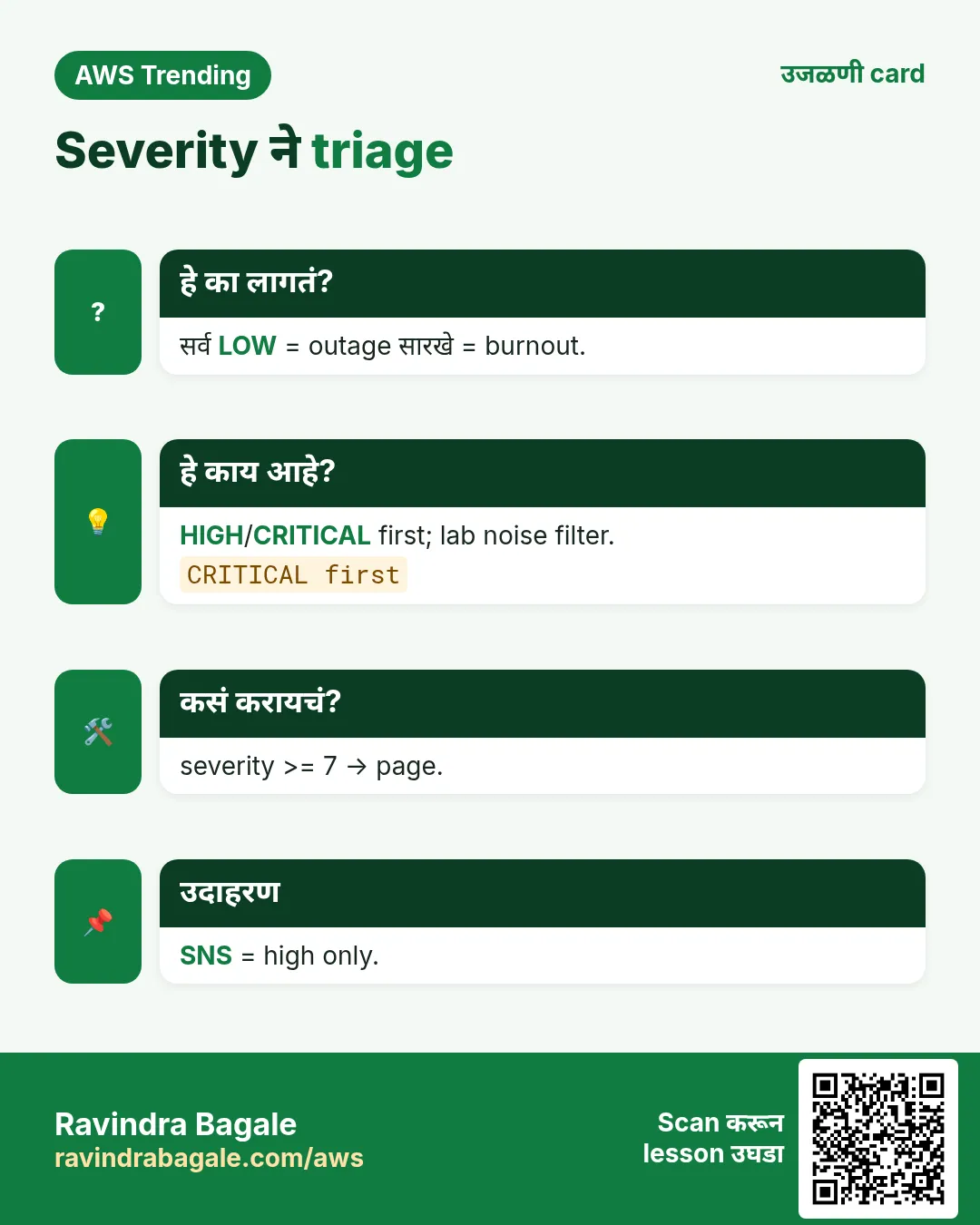
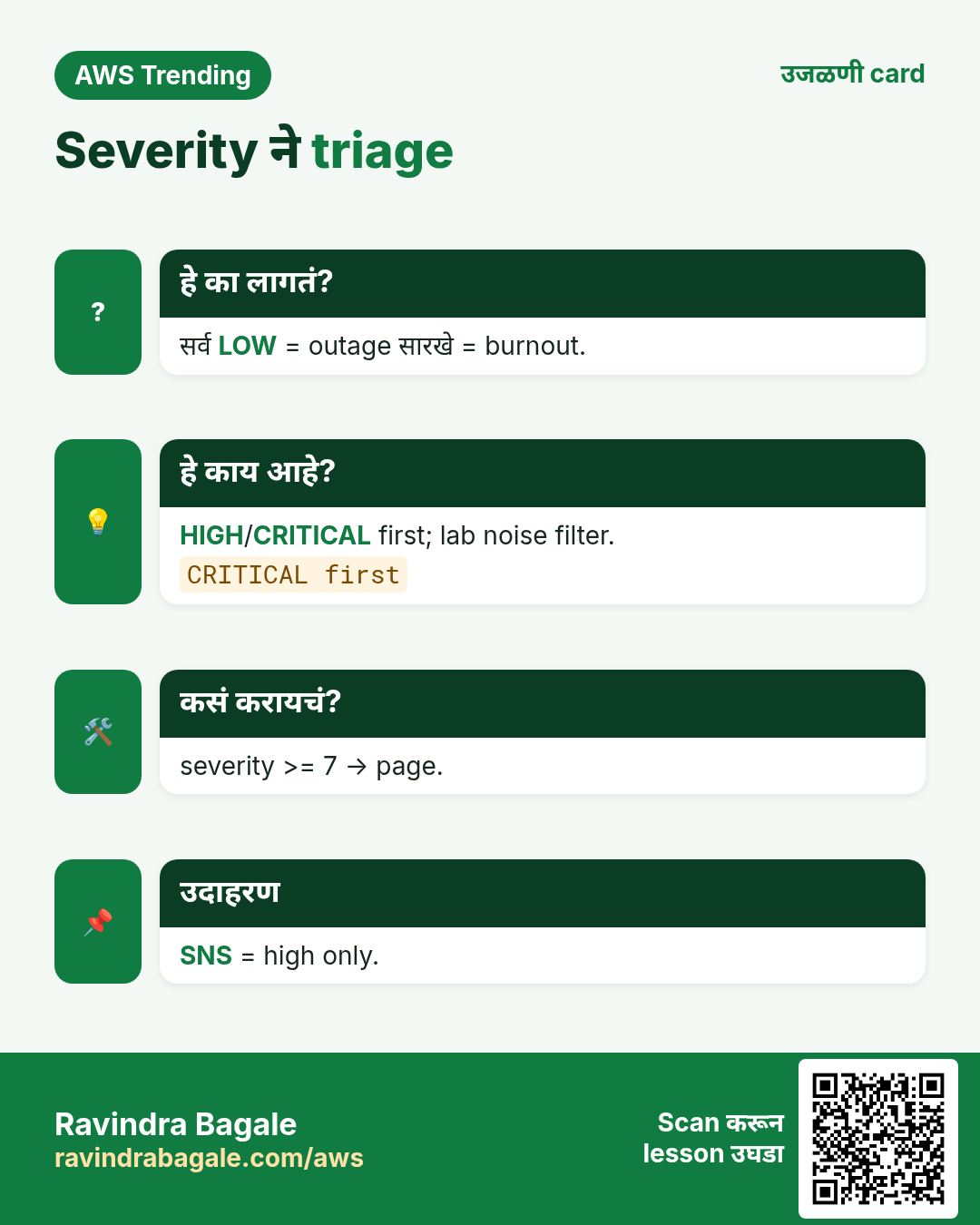
High/Critical = page. Low/Medium = weekly board.
4. Industries
- Banks: detection + SIEM.
- Healthcare: logging + GuardDuty.
- SaaS: multi-account data plane.
- Edtech: lab accounts mining.
- Agencies: Hub score = report card.
5. Mini lab: enable + एक finding
Org block नसेल तर ap-south-1 (Mumbai). आधी budget alert.
कसं करायचं (step by step)
- Sandbox → GuardDuty Enable.
- Security Hub + FSBP.
- Sample findings.
- Finding वाचा — severity/resource/remediation.
- Optional: finding → SNS.
Cleanup (billing थांबवा)
- Sandbox disable optional; prod on ठेवा.
- SNS test काढा.
6. सामान्य errors आणि fixes
प्रत्येक row = खरी चूक. Panic करण्याआधी fix वाचा.
| Error / लक्षण | Fix |
|---|---|
| Silent | Region तपासा. |
| CloudTrail नाही | Org trail. |
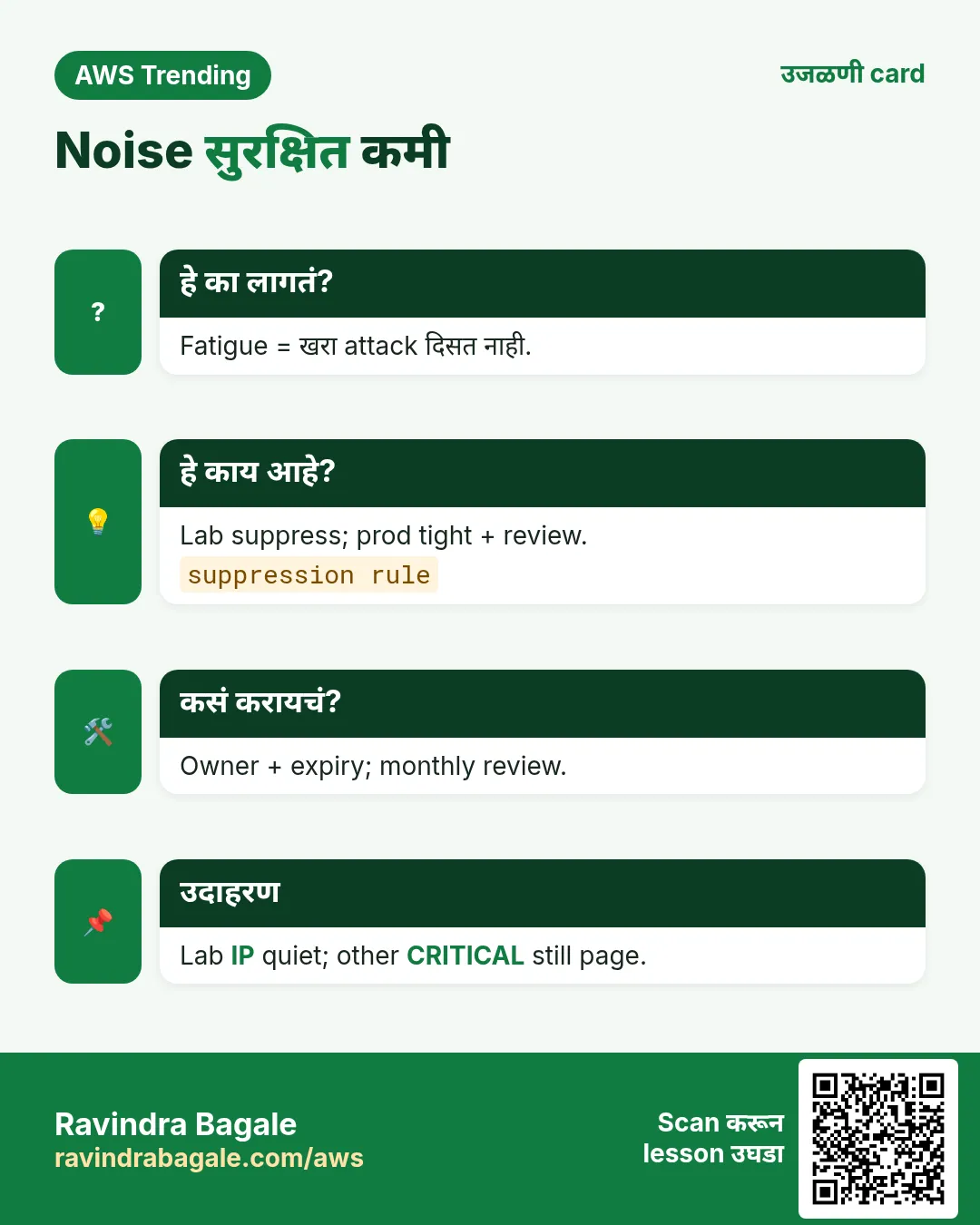
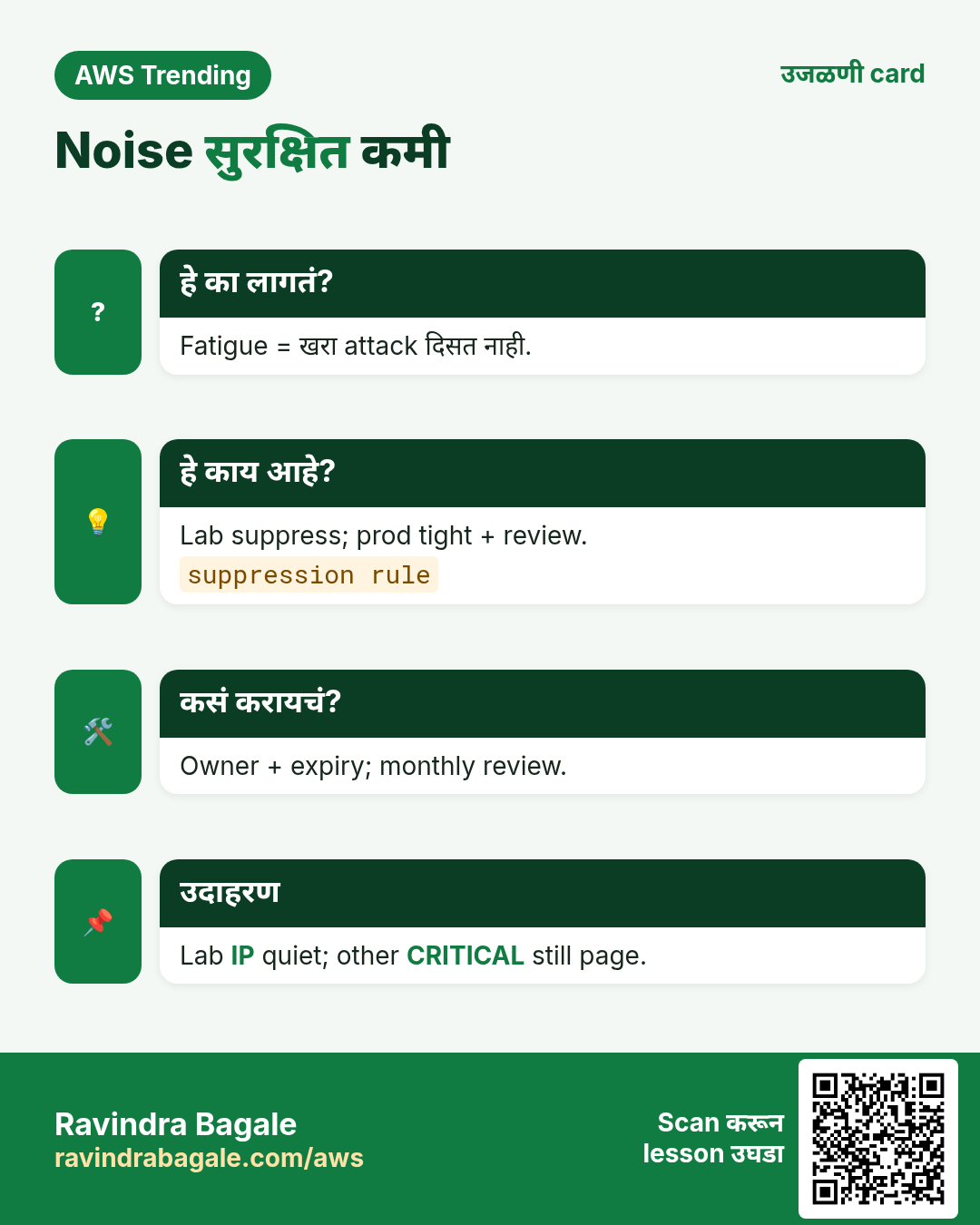
| Fatigue | Suppress काळजीने. |
| Standards skip | FSBP + owners. |
| Member link नाही | Delegated admin. |
| Sample vs real | Label/filter. |
| Remediation loop | Guards. |
| Malware cost | Optional protections पाहा. |
| JSON न वाचता | Expand resource. |
| Root ignore | Fire drill. |
7. Troubleshooting checklist
- Admin account confirm.
- Finding region.
- CloudTrail/DNS.
- Hub filters.
- Runbook map.
8. FAQ
प्र. Antivirus?
नाही — telemetry (+ optional malware).
प्र. vs Hub?
Detect vs aggregate/score.
प्र. CloudTrail?
हो — foundation.
प्र. Slack?
EventBridge patterns.
प्र. Free?
Trial/pricing page पाहा.
9. Interview Q&A
प्र. Inputs?
CloudTrail/Flow/DNS + optional.
प्र. Finding?
Scored security signal.
प्र. Delegated admin?
Central security account.
प्र. Respond?
Triage→contain→eradicate.
प्र. Standards?
Automated pass/fail checks.
प्र. False positive?
Document + suppress reason.
10. Tips — English, मराठी आणि हिंदी
Ravindra Bagale's Tip (EN)
Enable GuardDuty the same day you create the account — before the first leak.
Ravindra Bagale's Tip (MR)
Account बनवल्या दिवशी GuardDuty — पहिल्या leak आधी.
Tip (HI)
अकाउंट बनाते ही दिन GuardDuty ऑन करो — पहले leak से पहले।
घरी करून बघा
- Sandbox enable + screenshot.
- 5 failed controls + owners.
- Mining playbook 5 ओळी.
थोडक्यात सांगायचं तर
- GuardDuty = threat detection.
- Hub = aggregate + standards.
- Org = delegated admin.
- Severity triage + response practice.
उजळणी, मुलाखत आणि तुलना cards
हा lesson काही मिनिटांत revise करा. Cards phone वर save करा किंवा PNG download करा. प्रत्येक card वरचा QR हा lesson उघडतो.
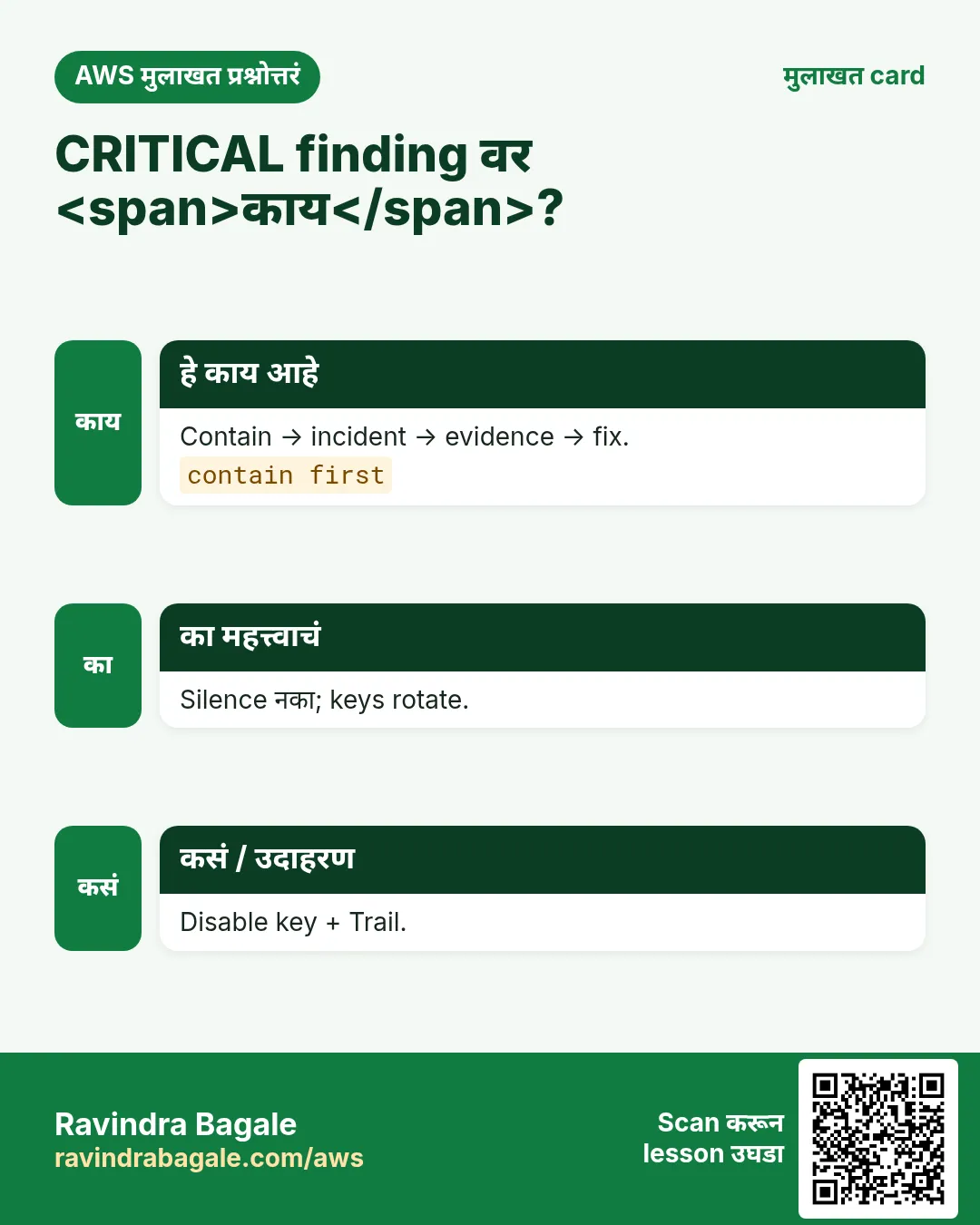
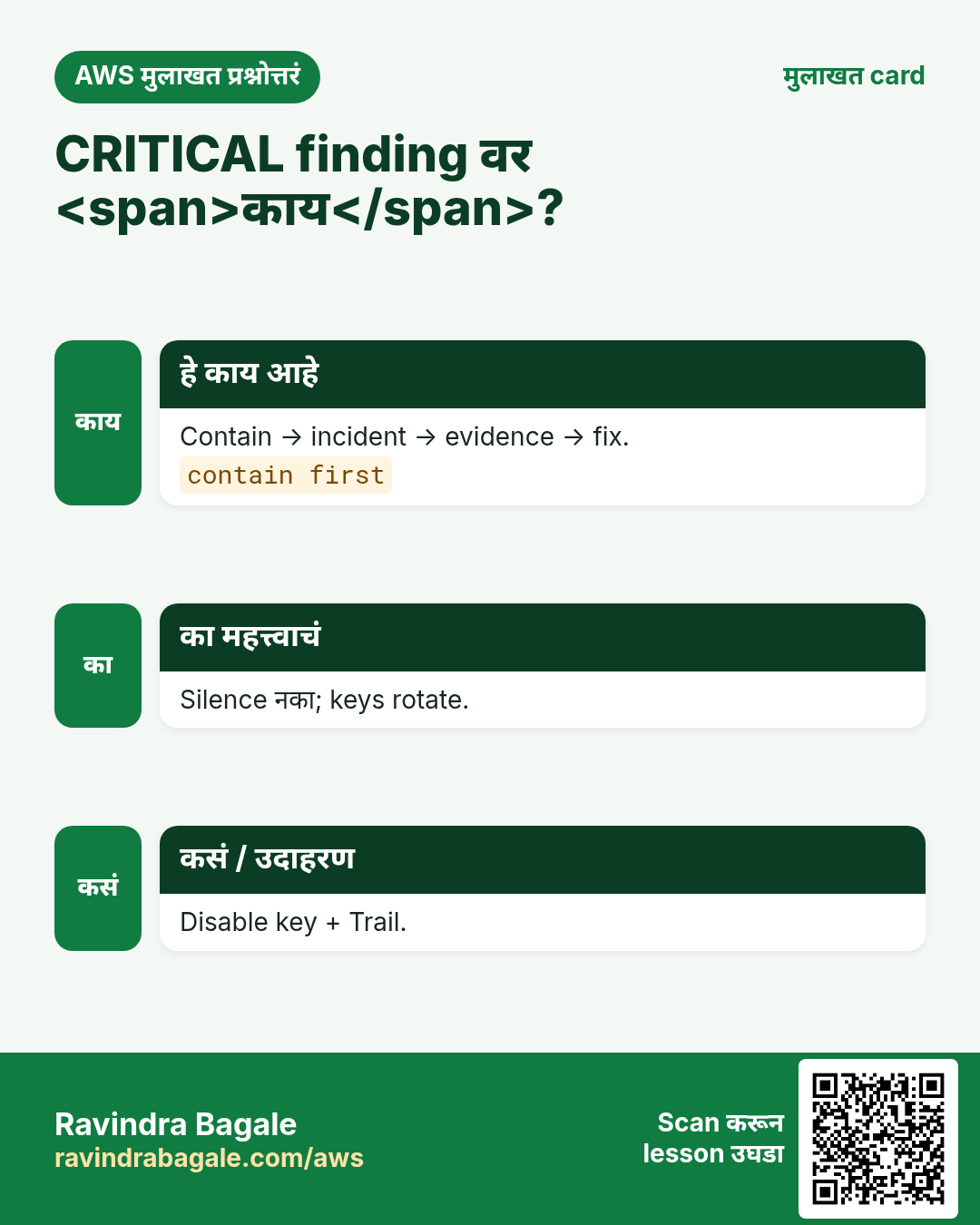
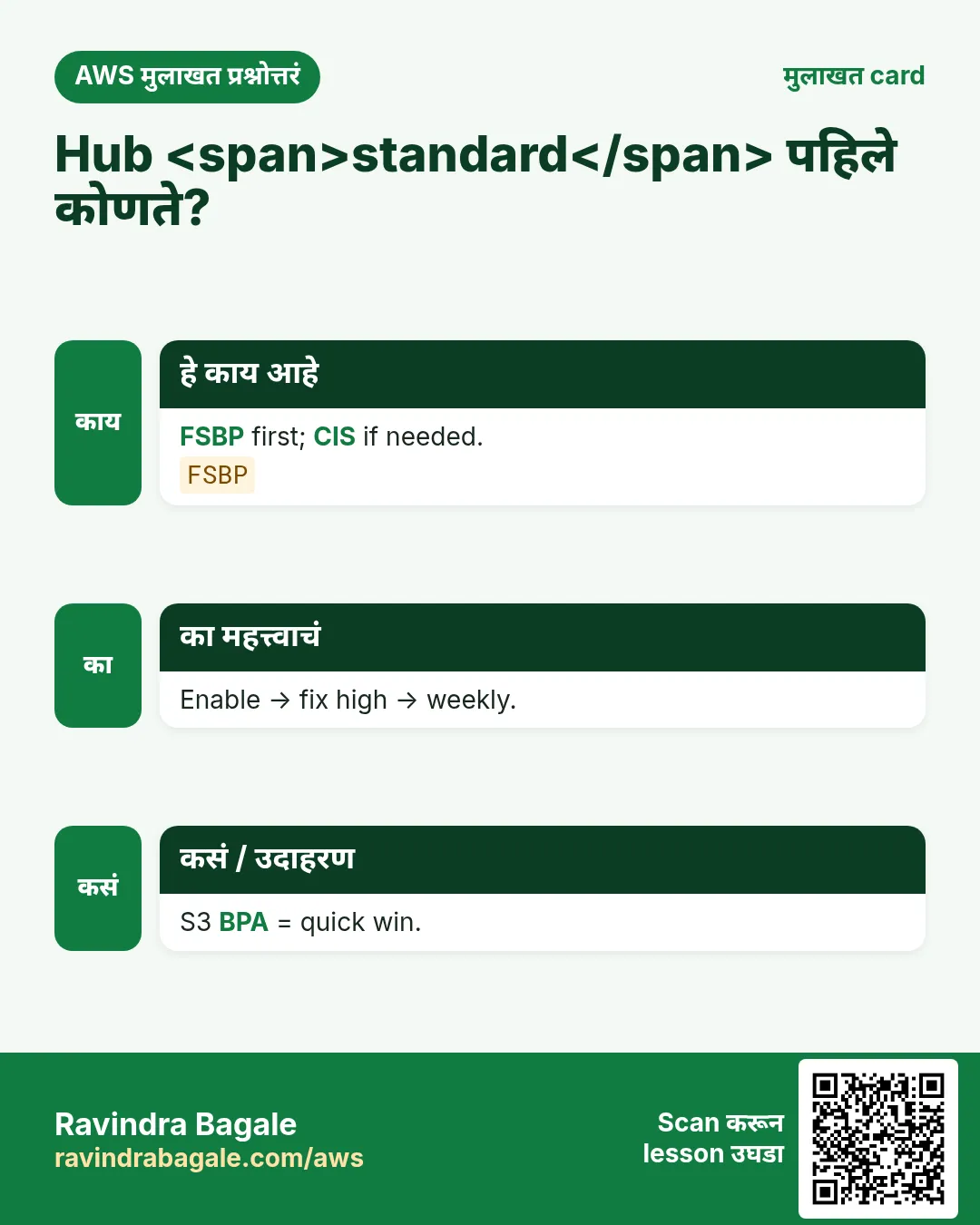
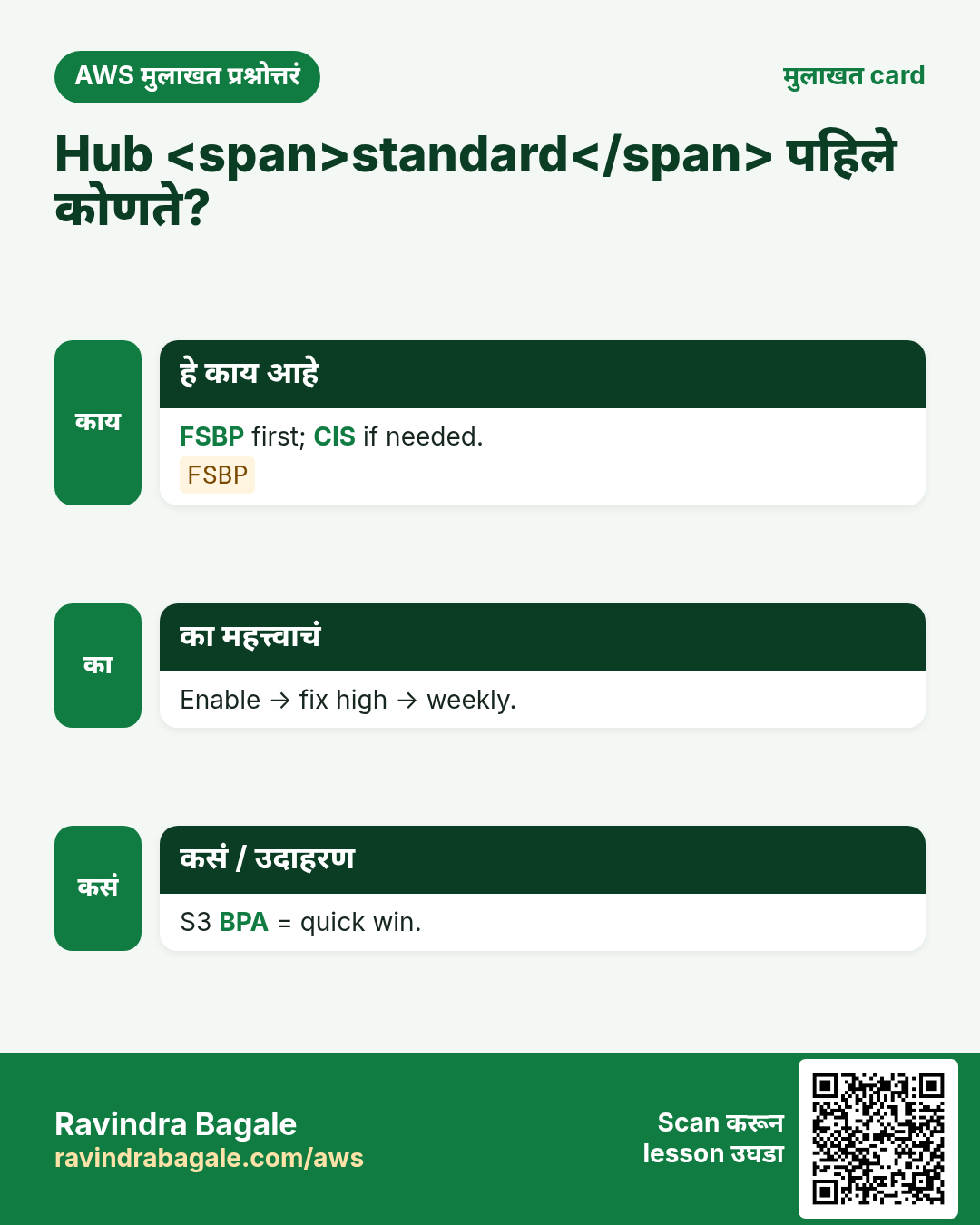
अजून cards: Ravi Sir's Cards.
सराव Tasks
Milan Furniture हा मिलान मधला फर्निचर व्यवसाय आहे. Giulia Rossi त्यांचं IT व cloud काम पाहतात. त्यांचे पैसे EUR मध्ये मोजले जातात आणि AWS resources eu-south-1 Region मध्ये चालतात. खालच्या tasks मध्ये तुम्ही या lesson मध्ये शिकलेलं वापरून त्यांची खरी कामं करता. सगळी नावं, account IDs, IP addresses व numbers सरावासाठी काल्पनिक आहेत.
0 / 16
सोपं Detectors दाखवा
का: Region ला एक.
काय करायचं: eu-south-1 मधले detectors.
- Task वाचा आणि ते कोणत्या AWS service बद्दल आहे ते ठरवा.
- aws लिहा, मग service चं नाव, मग operation (action शब्द).
- प्रत्येक आवश्यक flag (--name) व त्यापुढे task मधली value लिहा.
- Flags कोणत्याही क्रमाने चालतात. Check answer दाबा.
सोपं Detector घ्या
का: Status तपासा.
काय करायचं: detector milanfurnituredet.
- Task वाचा आणि ते कोणत्या AWS service बद्दल आहे ते ठरवा.
- aws लिहा, मग service चं नाव, मग operation (action शब्द).
- प्रत्येक आवश्यक flag (--name) व त्यापुढे task मधली value लिहा.
- Flags कोणत्याही क्रमाने चालतात. Check answer दाबा.
सोपं Security Hub hub
का: Hub enabled?
काय करायचं: eu-south-1 मधला Security Hub.
- Task वाचा आणि ते कोणत्या AWS service बद्दल आहे ते ठरवा.
- aws लिहा, मग service चं नाव, मग operation (action शब्द).
- प्रत्येक आवश्यक flag (--name) व त्यापुढे task मधली value लिहा.
- Flags कोणत्याही क्रमाने चालतात. Check answer दाबा.
सोपं Enabled standards
का: CIS / FSBP.
काय करायचं: Enabled standards दाखवा.
- Task वाचा आणि ते कोणत्या AWS service बद्दल आहे ते ठरवा.
- aws लिहा, मग service चं नाव, मग operation (action शब्द).
- प्रत्येक आवश्यक flag (--name) व त्यापुढे task मधली value लिहा.
- Flags कोणत्याही क्रमाने चालतात. Check answer दाबा.
सोपं High severity score
का: Priority.
काय करायचं: Severity 8 साठी band start 7 — 7 लिहा.
- Task मधले numbers लिहून घ्या.
- कागदावर step by step काढा.
- Box मध्ये फक्त final उत्तर लिहा.
- Check answer दाबा.
सोपं N regions
का: Multi-region.
काय करायचं: 3 regions = किती detectors?
- Task मधले numbers लिहून घ्या.
- कागदावर step by step काढा.
- Box मध्ये फक्त final उत्तर लिहा.
- Check answer दाबा.
मध्यम Findings दाखवा
का: Threats triage.
काय करायचं: detector milanfurnituredet findings.
- Task वाचा आणि ते कोणत्या AWS service बद्दल आहे ते ठरवा.
- aws लिहा, मग service चं नाव, मग operation (action शब्द).
- प्रत्येक आवश्यक flag (--name) व त्यापुढे task मधली value लिहा.
- Flags कोणत्याही क्रमाने चालतात. Check answer दाबा.
मध्यम Findings detail
का: Severity व type.
काय करायचं: detector milanfurnituredet, finding f1.
- Task वाचा आणि ते कोणत्या AWS service बद्दल आहे ते ठरवा.
- aws लिहा, मग service चं नाव, मग operation (action शब्द).
- प्रत्येक आवश्यक flag (--name) व त्यापुढे task मधली value लिहा.
- Flags कोणत्याही क्रमाने चालतात. Check answer दाबा.
मध्यम Detector enable
का: Pause नंतर.
काय करायचं: detector milanfurnituredet enable true.
- Task वाचा आणि ते कोणत्या AWS service बद्दल आहे ते ठरवा.
- aws लिहा, मग service चं नाव, मग operation (action शब्द).
- प्रत्येक आवश्यक flag (--name) व त्यापुढे task मधली value लिहा.
- Flags कोणत्याही क्रमाने चालतात. Check answer दाबा.
मध्यम Security Hub findings
का: Products एकत्र.
काय करायचं: Security Hub findings.
- Task वाचा आणि ते कोणत्या AWS service बद्दल आहे ते ठरवा.
- aws लिहा, मग service चं नाव, मग operation (action शब्द).
- प्रत्येक आवश्यक flag (--name) व त्यापुढे task मधली value लिहा.
- Flags कोणत्याही क्रमाने चालतात. Check answer दाबा.
मध्यम GuardDuty findings read
का: SOC role.
काय करायचं: ListFindings व GetFindings on *.
- { "Version": "2012-10-17", "Statement": [ ... ] } ने सुरू करा.
- प्रत्येक statement मध्ये Effect, Action व Resource लिहा.
- Task ला लागेल तेवढंच द्या (least privilege).
- Double quotes व commas नीट वापरा. Check answer दाबा.
मध्यम CIS controls
का: पुष्कळ controls.
काय करायचं: 5 failed CIS — number?
- Task मधले numbers लिहून घ्या.
- कागदावर step by step काढा.
- Box मध्ये फक्त final उत्तर लिहा.
- Check answer दाबा.
अवघड Detector बनवा
का: GuardDuty चालू.
काय करायचं: enable true सह detector.
- Task वाचा आणि ते कोणत्या AWS service बद्दल आहे ते ठरवा.
- aws लिहा, मग service चं नाव, मग operation (action शब्द).
- प्रत्येक आवश्यक flag (--name) व त्यापुढे task मधली value लिहा.
- Flags कोणत्याही क्रमाने चालतात. Check answer दाबा.
अवघड Security Hub enable
का: Hub चालू.
काय करायचं: Security Hub enable करा.
- Task वाचा आणि ते कोणत्या AWS service बद्दल आहे ते ठरवा.
- aws लिहा, मग service चं नाव, मग operation (action शब्द).
- प्रत्येक आवश्यक flag (--name) व त्यापुढे task मधली value लिहा.
- Flags कोणत्याही क्रमाने चालतात. Check answer दाबा.
अवघड Finding criteria JSON
का: CRITICAL filter.
काय करायचं: Filter.SeverityLabel = CRITICAL.
- Task मधल्या top-level keys पासून सुरू करा.
- Child keys 2 spaces ने indent करा (tabs नकोत).
- प्रत्येक property मध्ये task मधली value भरा.
- Check answer दाबा. Keys चा क्रम महत्त्वाचा नाही.
अवघड SH severity filter
का: HIGH वर focus.
काय करायचं: SeverityLabel HIGH EQUALS.
- Task मधल्या top-level keys पासून सुरू करा.
- Child keys 2 spaces ने indent करा (tabs नकोत).
- प्रत्येक property मध्ये task मधली value भरा.
- Check answer दाबा. Keys चा क्रम महत्त्वाचा नाही.