Linux systemd आणि systemctl: Services manage करा आणि Unit Files लिहा step by step
systemd हा Linux सुरू करणारा पहिला program (PID 1). तो प्रत्येक service सुरू करतो, चालू ठेवतो, crash झाली तर restart करतो आणि योग्य क्रमाने थांबवतो. systemctl हा त्याच्याशी बोलायचा remote control. या chapter मधे प्रत्येक systemctl command एक-एक करून शिकाल, मग स्वतःची unit file लिहाल म्हणजे तुमचं app खऱ्या service सारखं चालेल.
या chapter मध्ये तुम्ही काय शिकाल
- status, is-active आणि is-enabled ने service तपासा
- Services start, stop, restart आणि reload
- Boot ला services enable, disable आणि mask
- Units list आणि failed शोधा
- .service unit file लिहा आणि daemon-reload
- systemctl edit, cat, show, targets आणि systemd-analyze
1. रोजचं उदाहरण: society चा watchman
हे का लागतं?
पुण्याच्या housing society मधे watchman कडे register आहे. रोज सकाळी तो gate उघडतो, पाण्याचा pump चालू करतो, मग lift. Pump trip झाला तर परत चालू करतो. रात्री उलट्या क्रमाने बंद करतो. Secretary त्याला प्रत्येक machine साठी लिहिलेलं card देतो: कधी सुरू करायचं, थांबलं तर काय करायचं, आणि ते कशावर अवलंबून आहे.
हे काय आहे?
Watchman = systemd. प्रत्येक machine = service. लिहिलेलं card = unit file. चालू करायचा क्रम = dependencies (After=, Wants=). Trip नंतर परत चालू = Restart=on-failure. तुम्ही watchman शी बोलणं = systemctl.
कसं करायचं (step by step)
2. systemctl status: माझी service ठीक आहे का?
हे का लागतं?
Website बंद असली की पहिला प्रश्न: service चालू आहे का? status उत्तर देतो आणि शेवटच्या log lines दाखवतो.
हे काय आहे?
systemctl status NAME दाखवतो Loaded (unit file कुठे आणि enabled आहे का), Active (running, failed, inactive), main PID, memory, process tree आणि शेवटच्या 10 log lines. --no-pager less शिवाय print. -l पूर्ण lines. -n 30 म्हणजे 30 log lines.
| Active state | अर्थ |
|---|---|
| active (running) | आत्ता चालू |
| active (exited) | One-shot job ठीक संपला |
| inactive (dead) | थांबलेली |
| failed | Crash किंवा error ने exit |
| activating | सुरू होतेय, अजून तयार नाही |
कसं करायचं (step by step)
- nginx तपासा.
systemctl status nginx --no-pagerOutput:
● nginx.service - The nginx HTTP and reverse proxy server
     Loaded: loaded (/usr/lib/systemd/system/nginx.service; enabled; preset: disabled)
     Active: active (running) since Sun 2026-10-25 09:10:02 IST; 3h ago
   Main PID: 1012 (nginx)
     Memory: 6.1M
याचा अर्थ: 3 तास चालू, boot ला enabled.
- Failed service.
systemctl status shop-api --no-pager -n 5Output:
     Active: failed (Result: exit-code) since Sun 2026-10-25 12:01:44 IST
    Process: 4410 ExecStart=/opt/shop/bin/api (code=exited, status=1/FAILURE)
Oct 25 12:01:44 web1 api[4410]: Error: cannot connect to DB at 10.0.0.9:5432
याचा अर्थ: शेवटची line का ते सांगते.
- पूर्ण लांब lines.
systemctl status shop-api -l --no-pagerOutput:
(lines are not cut with ...)याचा अर्थ: Error लांब असेल तर -l.
3. is-active, is-enabled, is-failed: scripts साठी उत्तरं
हे का लागतं?
Scripts आणि health checks ना एक साधं हो किंवा नाही हवं, पानभर text नाही.
हे काय आहे?
systemctl is-active NAME active किंवा inactive print करतो आणि active असेल तरच exit 0. is-enabled enabled, disabled, masked किंवा static. is-failed failed असेल तर exit 0. --quiet (-q) ने काही print नाही, फक्त exit code.
कसं करायचं (step by step)
- चालू आहे का?
systemctl is-active nginxOutput:
activeयाचा अर्थ: Exit code 0.
- Boot ला सुरू होते का?
systemctl is-enabled nginxOutput:
enabledयाचा अर्थ: disabled म्हणजे हाताने सुरू करायची.
- Script मधे.
systemctl is-active --quiet nginx || sudo systemctl restart nginxOutput:
(no output)याचा अर्थ: बंद असेल तेव्हाच restart.
4. start, stop आणि restart
हे का लागतं?
Maintenance साठी service थांबवता, परत सुरू करता, किंवा code किंवा config बदलल्यावर restart.
हे काय आहे?
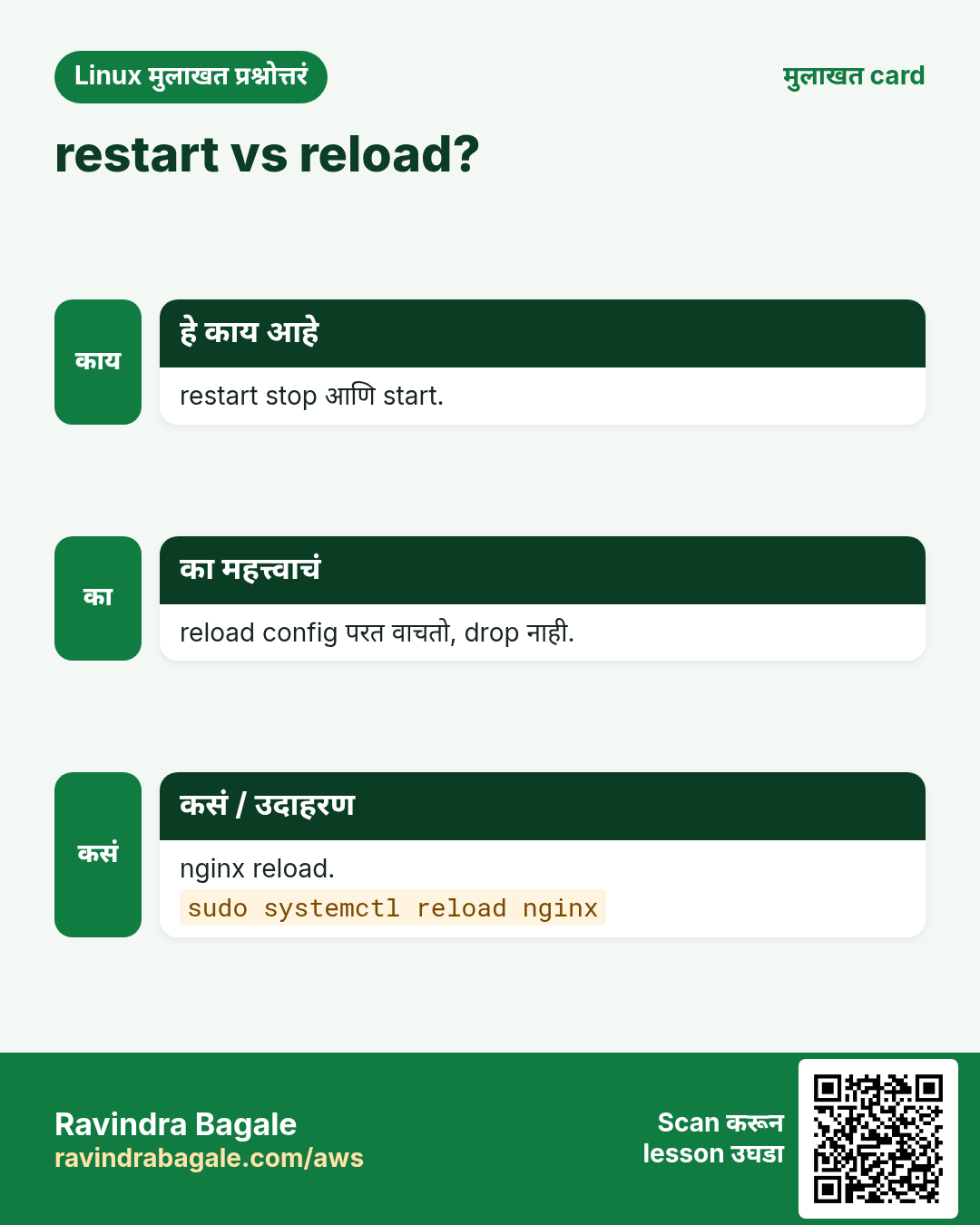
sudo systemctl start NAME आत्ता सुरू. stop SIGTERM पाठवतो, थांबतो (TimeoutStopSec, बहुतेक 90 s), मग SIGKILL. restart = stop मग start, म्हणून थोडा downtime. try-restart आधीच चालू असेल तरच restart. यांनी boot behaviour बदलत नाही. एकदम अनेक नावं देऊ शकता.
कसं करायचं (step by step)
- Maintenance साठी stop.
sudo systemctl stop shop-api && systemctl is-active shop-apiOutput:
inactiveयाचा अर्थ: Clients ना आता errors; plan करा.
- परत start.
sudo systemctl start shop-api && systemctl is-active shop-apiOutput:
activeयाचा अर्थ: परत चालू.
- Code deploy नंतर restart.
sudo systemctl restart shop-apiOutput:
(no output)याचा अर्थ: Output नाही म्हणजे success.
- एकदम दोन.
sudo systemctl restart php-fpm nginxOutput:
(no output)याचा अर्थ: क्रम: डावीकडून उजवीकडे.
5. reload आणि reload-or-restart
हे का लागतं?
Restart ने live connections तुटतात. Reload ने service न थांबता नवी config वाचते.
हे काय आहे?
sudo systemctl reload NAME unit चा ExecReload चालवतो (बहुतेक SIGHUP). प्रत्येक service support करत नाही; मग 'Job type reload is not applicable' दिसतं. reload-or-restart शक्य असेल तर reload, नाहीतर restart. आधी नेहमी config test, उदा. nginx -t किंवा sshd -t.
कसं करायचं (step by step)
- Test, मग nginx reload.
sudo nginx -t && sudo systemctl reload nginxOutput:
nginx: configuration file /etc/nginx/nginx.conf test is successfulयाचा अर्थ: एकही connection तुटत नाही.
- Reload नसलेली service.
sudo systemctl reload shop-apiOutput:
Failed to reload shop-api.service: Job type reload is not applicable for unit shop-api.service.याचा अर्थ: restart वापरा किंवा ExecReload= जोडा.
- Safe पर्याय.
sudo systemctl reload-or-restart shop-apiOutput:
(no output)याचा अर्थ: दोन्ही प्रकारांना चालतो.
6. enable, disable आणि --now
हे का लागतं?
Reboot नंतर फक्त enabled services परत येतात. कोणीतरी service start केली पण enable केली नाही म्हणून अनेक outages होतात.
हे काय आहे?
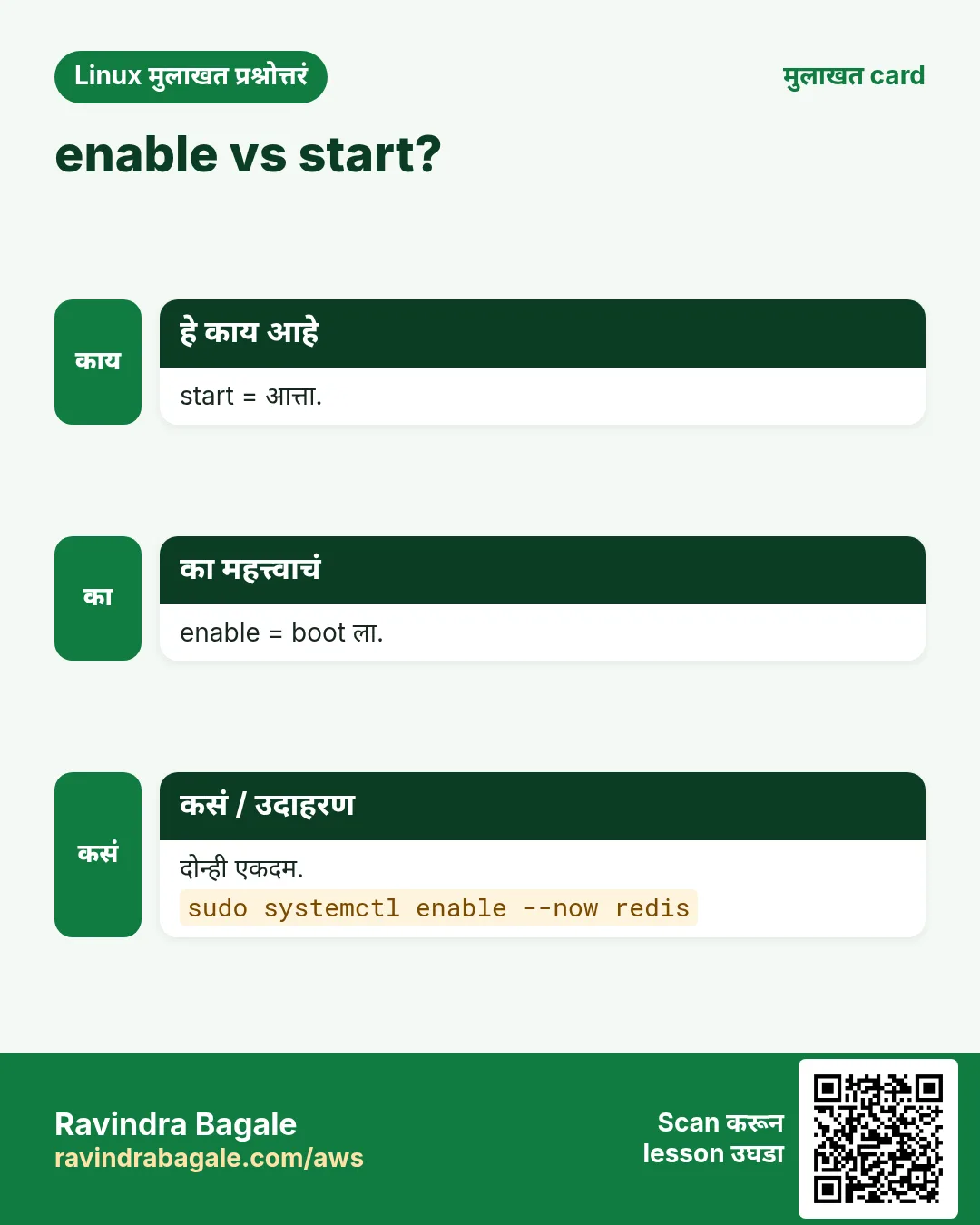
sudo systemctl enable NAME target च्या .wants folder मधे link बनवतो म्हणजे boot ला सुरू. disable तो काढतो. enable --now सुरू पण करतो; disable --now थांबवतो पण. static unit enable होत नाही; दुसरी unit तिला ओढते.
कसं करायचं (step by step)
- एकदम enable आणि start.
sudo systemctl enable --now nginxOutput:
Created symlink /etc/systemd/system/multi-user.target.wants/nginx.service → /usr/lib/systemd/system/nginx.service.याचा अर्थ: Symlink हीच सगळी जादू.
- नको असलेली service stop आणि disable.
sudo systemctl disable --now cupsOutput:
Removed "/etc/systemd/system/multi-user.target.wants/cups.service".याचा अर्थ: कमी attack surface.
- बदलानंतर तपासा.
systemctl is-enabled nginx cupsOutput:
enabled
disabled
याचा अर्थ: प्रत्येक unit ची एक line.
7. mask आणि unmask: service पूर्ण बंद
हे का लागतं?
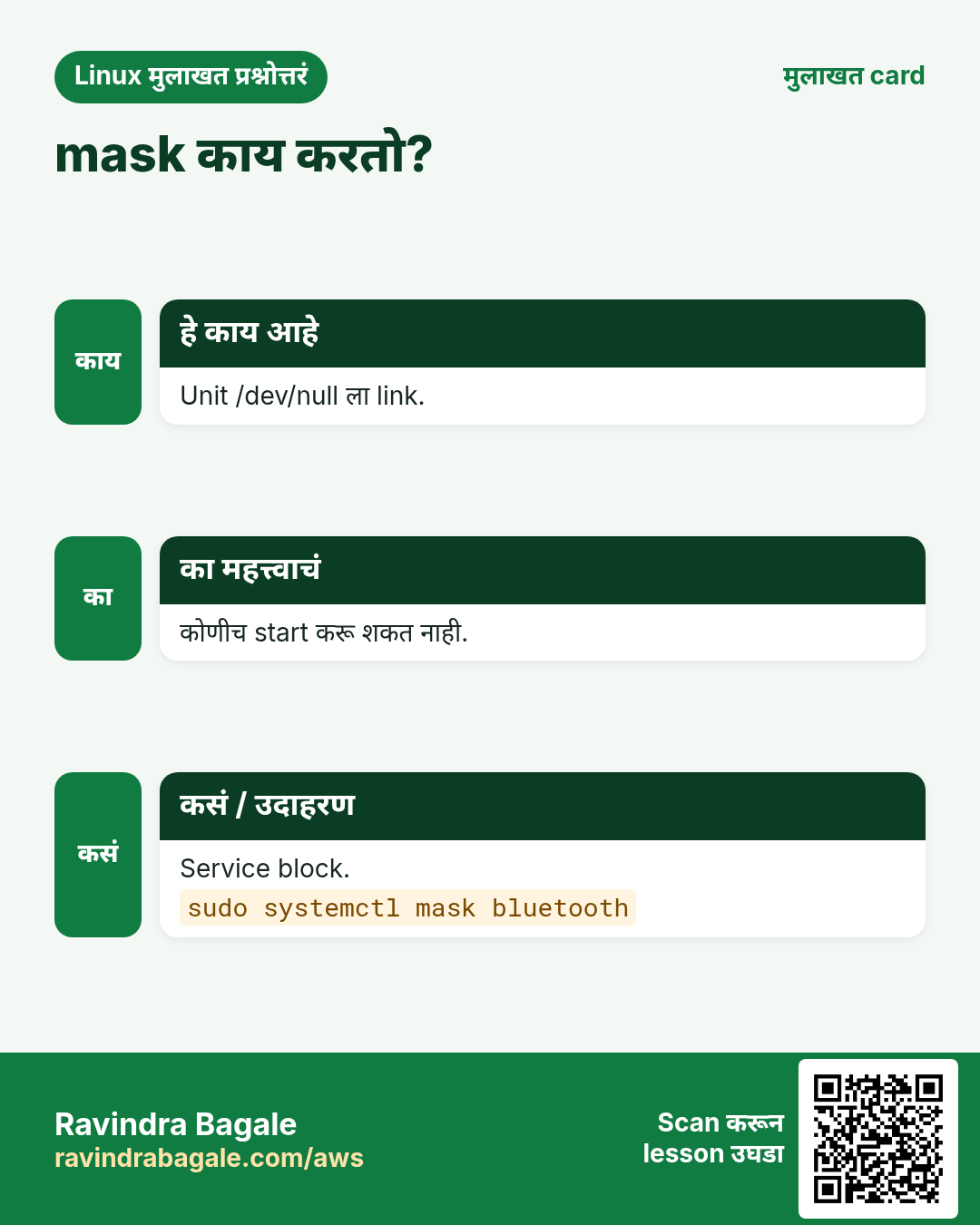
disable नंतरही कोणी किंवा दुसरी unit हाताने service सुरू करू शकते. mask ने सुरू करणंच अशक्य, firewalld आणि iptables सारख्या conflicting services साठी उपयोगी.
हे काय आहे?
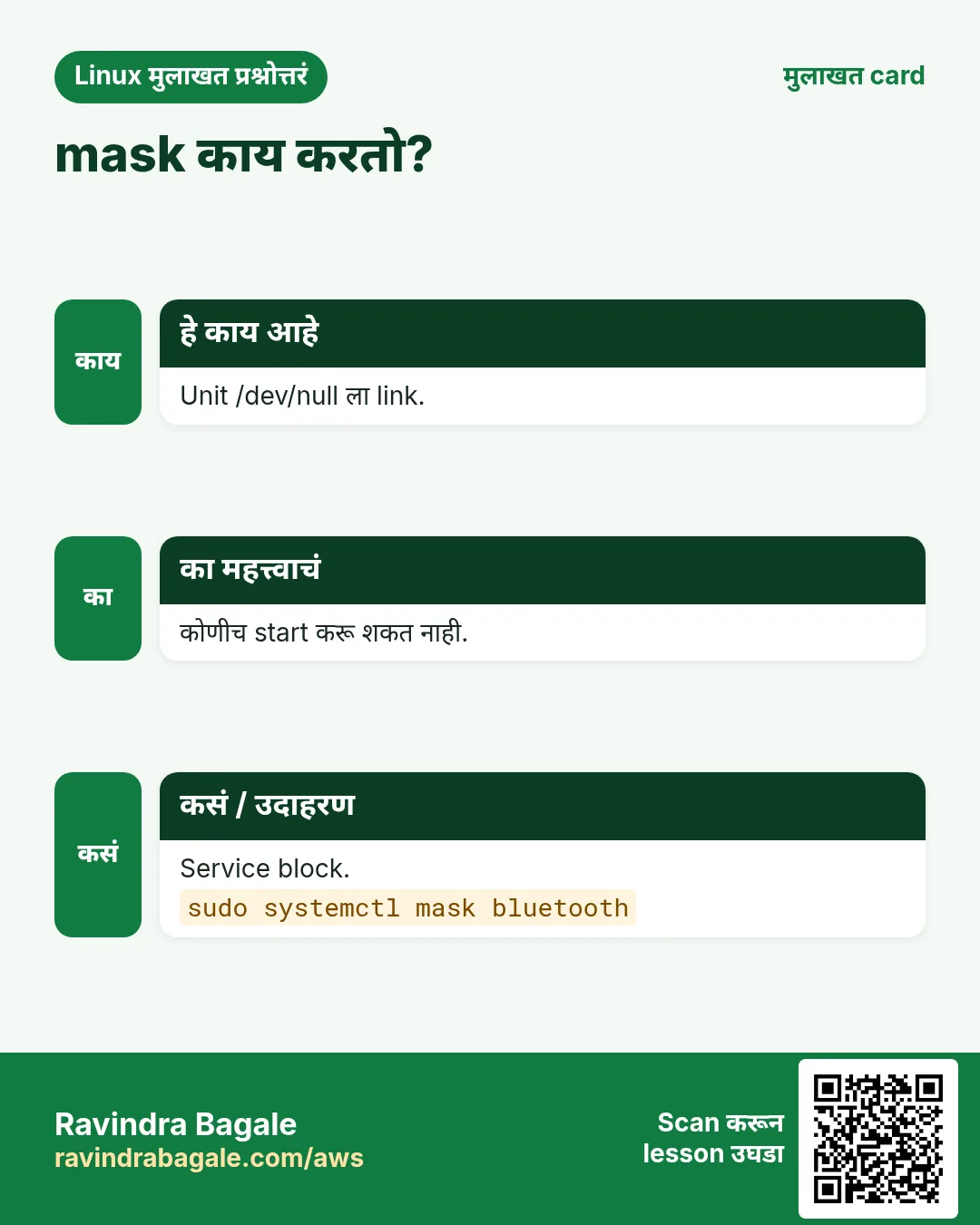
sudo systemctl mask NAME unit ला /dev/null शी link करतो. कोणताही start 'Unit is masked' ने fail. unmask link काढतो. mask सोबत --now ने थांबवतो पण.
कसं करायचं (step by step)
- iptables block.
sudo systemctl mask --now iptablesOutput:
Created symlink /etc/systemd/system/iptables.service → /dev/null.याचा अर्थ: आता firewalld शी भांडण नाही.
- Start करून बघा.
sudo systemctl start iptablesOutput:
Failed to start iptables.service: Unit iptables.service is masked.याचा अर्थ: नेमकं हेच हवं होतं.
- Undo.
sudo systemctl unmask iptablesOutput:
Removed "/etc/systemd/system/iptables.service".याचा अर्थ: परत normal.
8. list-units, list-unit-files आणि --failed
हे का लागतं?
Reboot किंवा alert नंतर काय चालू आणि काय failed ते पटकन बघायचं असतं.
हे काय आहे?
systemctl list-units --type=service loaded services आणि state. --state=running filter. --failed (किंवा systemctl --failed) फक्त failed units. list-unit-files प्रत्येक installed unit आणि enabled आहे का. reset-failed failed list साफ.
कसं करायचं (step by step)
- चालू services.
systemctl list-units --type=service --state=running --no-pager | head -4Output:
  UNIT              LOAD   ACTIVE SUB     DESCRIPTION
  chronyd.service   loaded active running NTP client/server
  crond.service     loaded active running Command Scheduler
  nginx.service     loaded active running The nginx HTTP and reverse proxy server
याचा अर्थ: काय live आहे त्याची list.
- Failed units.
systemctl --failed --no-pagerOutput:
  UNIT             LOAD   ACTIVE SUB    DESCRIPTION
● shop-api.service loaded failed failed Shop API

1 loaded units listed.
याचा अर्थ: प्रत्येक reboot नंतर हे तपासा.
- Boot ला enabled.
systemctl list-unit-files --type=service --state=enabled --no-pager | head -3Output:
UNIT FILE          STATE   PRESET
atd.service        enabled enabled
chronyd.service    enabled enabled
याचा अर्थ: Boot ला काय सुरू होतं त्याचा audit.
9. एक .service unit file, line by line
हे का लागतं?
App nohup ने किंवा tmux मधे चालवलं तर crash ला restart नाही आणि boot ला start नाही. Unit file दोन्ही सोडवते.
हे काय आहे?
Unit file चे तीन भाग. [Unit]: Description, After= (क्रम) आणि Wants=/Requires= (dependency). [Service]: ExecStart (full path), User, WorkingDirectory, Environment किंवा EnvironmentFile, Restart=on-failure, RestartSec. [Install]: WantedBy=multi-user.target, enable वापरतो. स्वतःच्या files /etc/systemd/system/NAME.service मधे.
| Key | काय करतो |
|---|---|
| ExecStart= | चालवायचा command, full path |
| User= | या user म्हणून, root नाही |
| Restart=on-failure | Crash नंतर परत सुरू |
| After=network-online.target | Network आल्यावर सुरू |
| EnvironmentFile= | File मधून KEY=value lines |
| WantedBy=multi-user.target | Enabled असेल तर normal boot ला |
कसं करायचं (step by step)
- File लिहा.
sudo tee /etc/systemd/system/shop-api.service <<'X'
[Unit]
Description=Shop API
After=network-online.target
Wants=network-online.target

[Service]
User=shop
WorkingDirectory=/opt/shop
EnvironmentFile=/etc/shop/api.env
ExecStart=/usr/bin/node /opt/shop/server.js
Restart=on-failure
RestartSec=5

[Install]
WantedBy=multi-user.target
X
Output:
(the file text is echoed)याचा अर्थ: 15 lines मधे खरी, safe service.
- चुका तपासा.
systemd-analyze verify /etc/systemd/system/shop-api.serviceOutput:
(no output)याचा अर्थ: Output नाही म्हणजे errors नाहीत.
- Load, enable आणि start.
sudo systemctl daemon-reload && sudo systemctl enable --now shop-apiOutput:
Created symlink /etc/systemd/system/multi-user.target.wants/shop-api.service → /etc/systemd/system/shop-api.service.याचा अर्थ: आता crashes आणि reboots टिकते.
10. daemon-reload: file बदल systemd ला सांगा
हे का लागतं?
systemd unit files memory मधे ठेवतो. File edit करून reload केलं नाही तर जुनीच वापरतो.
हे काय आहे?
sudo systemctl daemon-reload सगळ्या unit files परत वाचतो. Services restart करत नाही; ते नंतर करा. विसरलात तर systemctl status 'unit file changed on disk' warning देतो.
कसं करायचं (step by step)
- मिळणारी warning.
systemctl status shop-api --no-pager | head -2Output:
Warning: The unit file, source configuration file or drop-ins of shop-api.service changed on disk. Run 'systemctl daemon-reload' to reload units.याचा अर्थ: systemd नेमकं काय करायचं ते सांगतो.
- Reload आणि restart.
sudo systemctl daemon-reload && sudo systemctl restart shop-apiOutput:
(no output)याचा अर्थ: नवे settings live.
11. systemctl cat, edit आणि drop-in overrides
हे का लागतं?
/usr/lib मधली package ची unit file edit केली तर पुढचा update बदल पुसतो. Overrides updates टिकतात.
हे काय आहे?
systemctl cat NAME unit आणि सगळे drop-ins दाखवतो. sudo systemctl edit NAME editor उघडतो आणि /etc/systemd/system/NAME.service.d/override.conf save करतो, मग reload करतो. फक्त बदलणाऱ्या lines, योग्य [Section] खाली. ExecStart बदलायचा असेल तर आधी रिकाम्या ExecStart= ने clear. edit --full पूर्ण file copy करतो. systemctl revert NAME overrides काढतो.
कसं करायचं (step by step)
- खरं काय वापरलं जातं.
systemctl cat nginx --no-pager | head -3Output:
# /usr/lib/systemd/system/nginx.service
[Unit]
Description=The nginx HTTP and reverse proxy server
याचा अर्थ: पहिली line file path.
- Open-file limit वाढवा.
sudo systemctl edit nginx
# add:
[Service]
LimitNOFILE=65535
Output:
(editor closes; systemd reloads)याचा अर्थ: Drop-in म्हणून save.
- Confirm करा आणि लागू.
systemctl show nginx -p LimitNOFILE && sudo systemctl restart nginxOutput:
LimitNOFILE=65535याचा अर्थ: show एक property print करतो.
- सगळे overrides undo.
sudo systemctl revert nginxOutput:
Removed "/etc/systemd/system/nginx.service.d/override.conf".याचा अर्थ: परत package default.
12. systemctl show: नेमके properties
हे का लागतं?
status माणसांसाठी; show scripts आणि debugging साठी नेमकी values देतो, जसं restart count आणि main PID.
हे काय आहे?
systemctl show NAME प्रत्येक property KEY=value. -p काही निवडतो (comma list). --value फक्त value. उपयोगी: MainPID, ActiveState, NRestarts, ExecMainStatus, FragmentPath.
कसं करायचं (step by step)
- किती वेळा crash?
systemctl show shop-api -p NRestarts,ActiveStateOutput:
NRestarts=4
ActiveState=active
याचा अर्थ: 4 restarts: logs बघा.
- फक्त PID.
systemctl show -p MainPID --value nginxOutput:
1012याचा अर्थ: Scripts साठी छान.
13. Targets: systemd मधले runlevels
हे का लागतं?
Servers ना desktop नको. Targets कोणत्या प्रकारची system boot होईल ते ठरवतात, आणि बिघडलं की rescue mode मदत करतो.
हे काय आहे?
Target म्हणजे units चा group. multi-user.target = network सह normal server, GUI नाही. graphical.target = desktop सह. rescue.target = दुरुस्तीसाठी single user. get-default सध्याचा default; set-default बदलतो; isolate आत्ता switch.
कसं करायचं (step by step)
- सध्याचा default.
systemctl get-defaultOutput:
multi-user.targetयाचा अर्थ: Servers साठी normal.
- आतापासून GUI शिवाय boot.
sudo systemctl set-default multi-user.targetOutput:
Created symlink /etc/systemd/system/default.target → /usr/lib/systemd/system/multi-user.target.याचा अर्थ: Servers वर RAM वाचते.
- Service कशावर अवलंबून.
systemctl list-dependencies shop-api --no-pager | head -4Output:
shop-api.service
● ├─system.slice
● ├─network-online.target
● └─sysinit.target
याचा अर्थ: क्रमाची साखळी.
14. systemd-analyze: boot slow का?
हे का लागतं?
Slow boots auto-scaling आणि recovery उशिरा करतात. कोणती unit जबाबदार ते systemd-analyze दाखवतो.
हे काय आहे?
systemd-analyze एकूण boot time. blame units start time ने. critical-chain slow मार्ग. verify FILE unit file errors तपासतो. calendar timer expressions test (पुढचा chapter).
कसं करायचं (step by step)
- एकूण वेळ.
systemd-analyzeOutput:
Startup finished in 1.9s (kernel) + 14.2s (userspace) = 16.1sयाचा अर्थ: Userspace मधे 14 s: खोलात जा.
- कोण slow.
systemd-analyze blame --no-pager | head -3Output:
9.8s NetworkManager-wait-online.service
2.1s cloud-init.service
1.0s dnf-makecache.service
याचा अर्थ: Network ची वाट सर्वात जास्त वेळ.
- Slow साखळी.
systemd-analyze critical-chain shop-api.serviceOutput:
shop-api.service +410ms
└─network-online.target @12.1s
याचा अर्थ: Network ची वाट बघितली.
15. अनेक industries मधली खरी उदाहरणं
हे का लागतं?
तेच Linux skill प्रत्येक प्रकारच्या company मध्ये लागतं. वेगवेगळ्या ठिकाणी पाहिलं की लक्षात राहतं.
हे काय आहे?
प्रत्येक row म्हणजे एक काल्पनिक team. कोण हे वापरतं आणि कसं ते दाखवते.
कसं करायचं (step by step)
| Team आणि शहर | ते कसं वापरतात | Command |
|---|---|---|
| Sneha, food delivery app, Pune | Order API auto restart सह systemd service | systemctl enable --now orders-api |
| Tom, bank, London | Vendor files न बदलता overrides ने limits | systemctl edit postgresql |
| Aisha, hospital IT, Dubai | प्रत्येक patch reboot नंतर failed units | systemctl --failed |
| Kenji, game servers, Osaka | Zero downtime config reload | systemctl reload haproxy |
| Maria, e-commerce, Mexico City | Conflicting firewall service mask | systemctl mask iptables |
| Ravi, college lab, Nashik | Lab PCs वर slow boot units | systemd-analyze blame |
16. नेहमीच्या errors आणि त्यांचे fixes
हे का लागतं?
हे errors सगळ्यांना येतात. कारण माहीत असलं की तास वाचतात.
हे काय आहे?
आधी नेमका message वाचा. मग खालच्या row शी जुळवा.
कसं करायचं (step by step)
| दिसणारा error | का होतं | Fix कसा करायचा |
|---|---|---|
Failed to start shop-api.service: Unit shop-api.service not found. | त्या नावाची unit file नाही, किंवा daemon-reload नाही | File नाव तपासा आणि reload.sudo systemctl daemon-reload |
Warning: The unit file ... changed on disk. Run 'systemctl daemon-reload' | Unit file edit केली | Reload, मग restart.sudo systemctl daemon-reload && sudo systemctl restart shop-api |
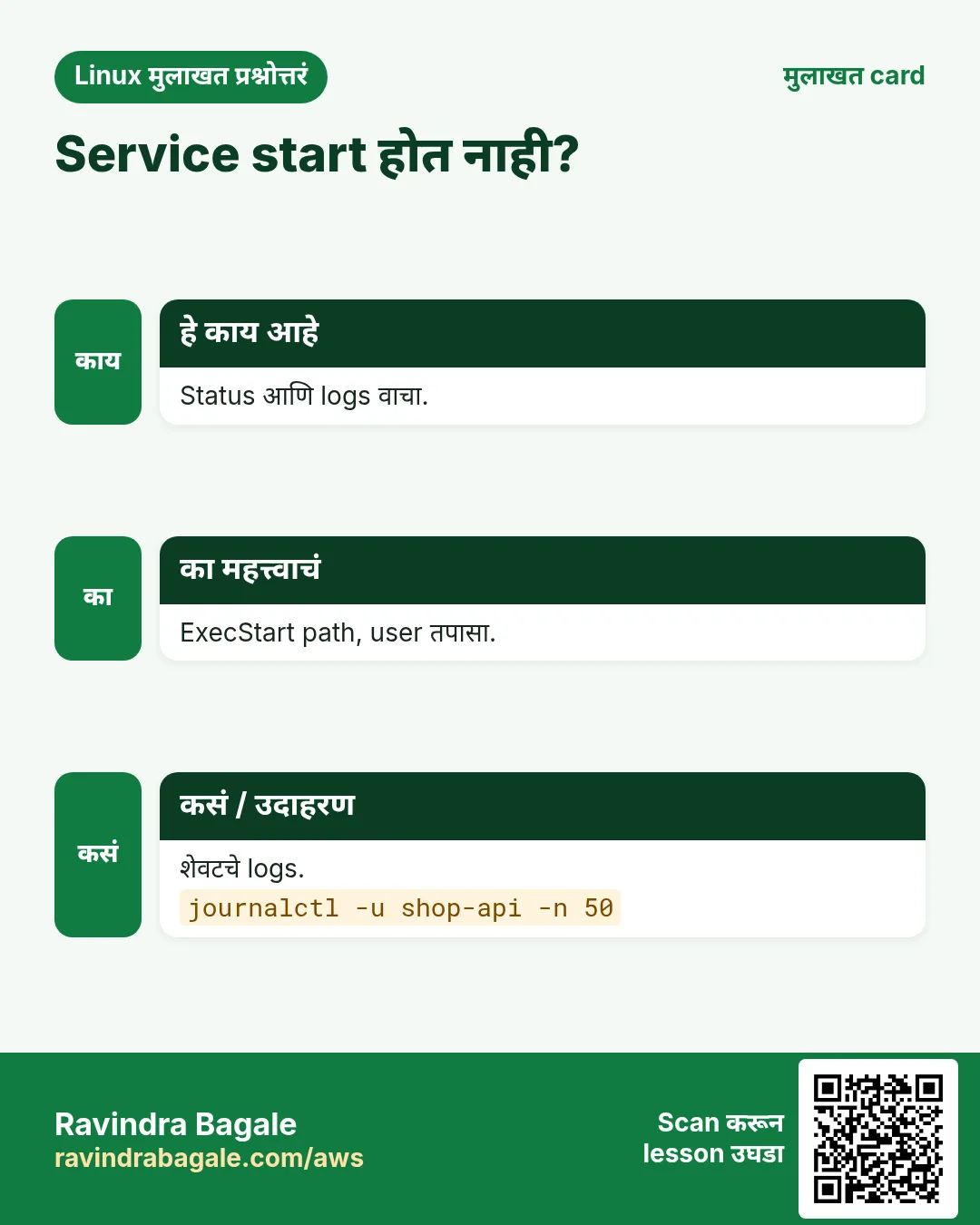
Job for shop-api.service failed because the control process exited with error code. | Program स्वतः start ला crash | त्याचे logs वाचा.journalctl -u shop-api -n 50 --no-pager |
status=203/EXEC | ExecStart path चुकीचा किंवा executable नाही | Full path आणि chmod +x.ls -l /opt/shop/bin/api |
status=217/USER | User= अस्तित्वात नाही | User बनवा किंवा नाव fix.id shop |
status=200/CHDIR | WorkingDirectory नाही | Folder बनवा किंवा path fix.ls -ld /opt/shop |
Start request repeated too quickly. | खूप वेळा crash; StartLimitBurst | Crash fix, मग reset-failed.sudo systemctl reset-failed shop-api |
Failed to start iptables.service: Unit iptables.service is masked. | Unit masked आहे | खरंच हवी असेल तर unmask.sudo systemctl unmask iptables |
Failed to reload ...: Job type reload is not applicable | Unit मधे ExecReload नाही | restart किंवा reload-or-restart.sudo systemctl reload-or-restart shop-api |
Service works by hand but not after reboot | Start केली पण enable नाही | Enable करा.sudo systemctl enable shop-api |
17. Troubleshooting step by step
हे का लागतं?
Service बंद असेल तर state, मग logs, मग unit file, मग program स्वतः.
हे काय आहे?
वरून खाली जा. ज्या step ला problem दिसतो तिथे थांबा.
कसं करायचं (step by step)
- State बघा.
systemctl status shop-api --no-pager -l- अलीकडचे logs.
journalctl -u shop-api -n 50 --no-pager- खरी unit file.
systemctl cat shop-api- File verify.
systemd-analyze verify /etc/systemd/system/shop-api.service- ExecStart command हाताने त्या user म्हणून.
sudo -u shop /usr/bin/node /opt/shop/server.js- Reload, reset आणि start.
sudo systemctl daemon-reload && sudo systemctl reset-failed shop-api && sudo systemctl start shop-api18. Lab 1: Script ला खरी service बनवा
हे का लागतं?
छोटी web server script, systemd service म्हणून चालवा, crash नंतर auto restart बघा.
हे काय आहे?
पूर्ण hands-on lab. प्रत्येक step test Linux machine वर करा (EC2 instance, VM किंवा WSL).
कसं करायचं (step by step)
- App बनवा.
sudo mkdir -p /opt/hello && echo 'hello from systemd' | sudo tee /opt/hello/index.htmlOutput:
hello from systemd- Unit लिहा.
sudo tee /etc/systemd/system/hello.service <<'X'
[Unit]
Description=Hello web
After=network.target
[Service]
WorkingDirectory=/opt/hello
ExecStart=/usr/bin/python3 -m http.server 8088
Restart=on-failure
RestartSec=2
[Install]
WantedBy=multi-user.target
X
Output:
(file text)- Load आणि start.
sudo systemctl daemon-reload && sudo systemctl enable --now hello && curl -s localhost:8088Output:
hello from systemd- Crash करा.
sudo kill -9 $(systemctl show -p MainPID --value hello); sleep 3; systemctl show -p NRestarts helloOutput:
NRestarts=1- साफ.
sudo systemctl disable --now hello && sudo rm /etc/systemd/system/hello.service && sudo systemctl daemon-reloadOutput:
Removed "/etc/systemd/system/multi-user.target.wants/hello.service".19. Lab 2: Override, mask आणि boot analysis
हे का लागतं?
Override ने package service safely बदला, mask ने service block, आणि slow boot units शोधा.
हे काय आहे?
पूर्ण hands-on lab. प्रत्येक step test Linux machine वर करा (EC2 instance, VM किंवा WSL).
कसं करायचं (step by step)
- Override जोडा.
sudo mkdir -p /etc/systemd/system/crond.service.d && printf '[Service]\nNice=5\n' | sudo tee /etc/systemd/system/crond.service.d/nice.conf && sudo systemctl daemon-reloadOutput:
[Service]
Nice=5- तपासा.
sudo systemctl restart crond && systemctl show -p Nice crondOutput:
Nice=5- Revert.
sudo systemctl revert crondOutput:
Removed "/etc/systemd/system/crond.service.d/nice.conf".- Mask आणि unmask.
sudo systemctl mask atd; sudo systemctl start atd; sudo systemctl unmask atdOutput:
Failed to start atd.service: Unit atd.service is masked.- Boot report.
systemd-analyze blame --no-pager | head -3Output:
9.8s NetworkManager-wait-online.serviceRavindra Bagale's Tip
Every time you change a unit file, say three words: daemon-reload, restart, status. And never edit files in /usr/lib/systemd/system; use systemctl edit so updates do not erase your change.
Ravindra Bagale's Tip – मराठी
Unit file बदलली की प्रत्येक वेळी तीन शब्द: daemon-reload, restart, status. आणि /usr/lib/systemd/system मधल्या files कधीच edit करू नका; systemctl edit वापरा म्हणजे updates बदल पुसणार नाहीत.
Ravindra Bagale's Tip – हिंदी
हर बार unit file बदलें तो तीन शब्द: daemon-reload, restart, status. और /usr/lib/systemd/system की files कभी edit न करें; systemctl edit इस्तेमाल करें ताकि updates आपका बदलाव न मिटाएं.
20. नेहमी विचारले जाणारे प्रश्न
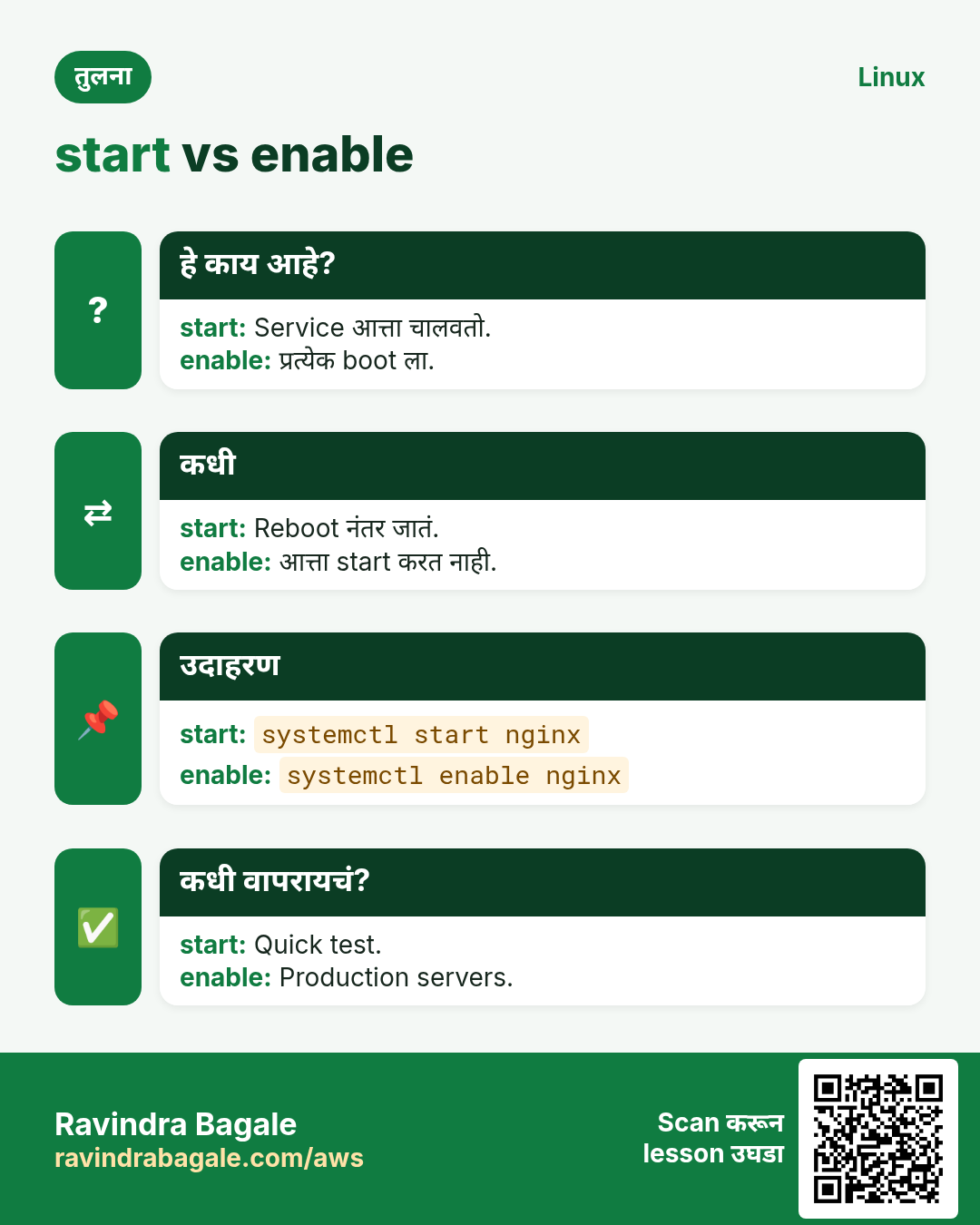
प्र. start vs enable?
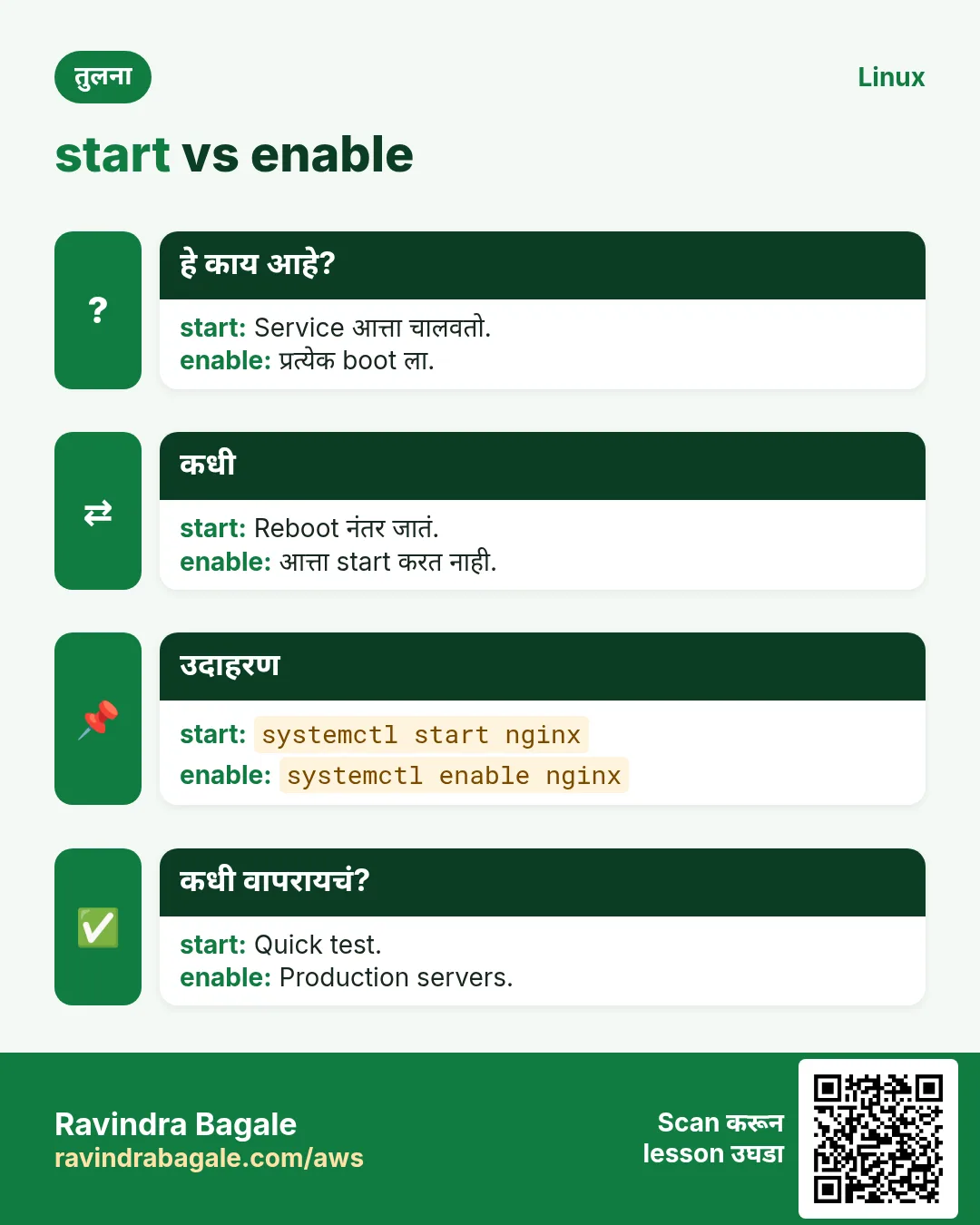
start आत्ता चालवतो; enable boot ला सुरू करतो. दोन्हीसाठी enable --now.
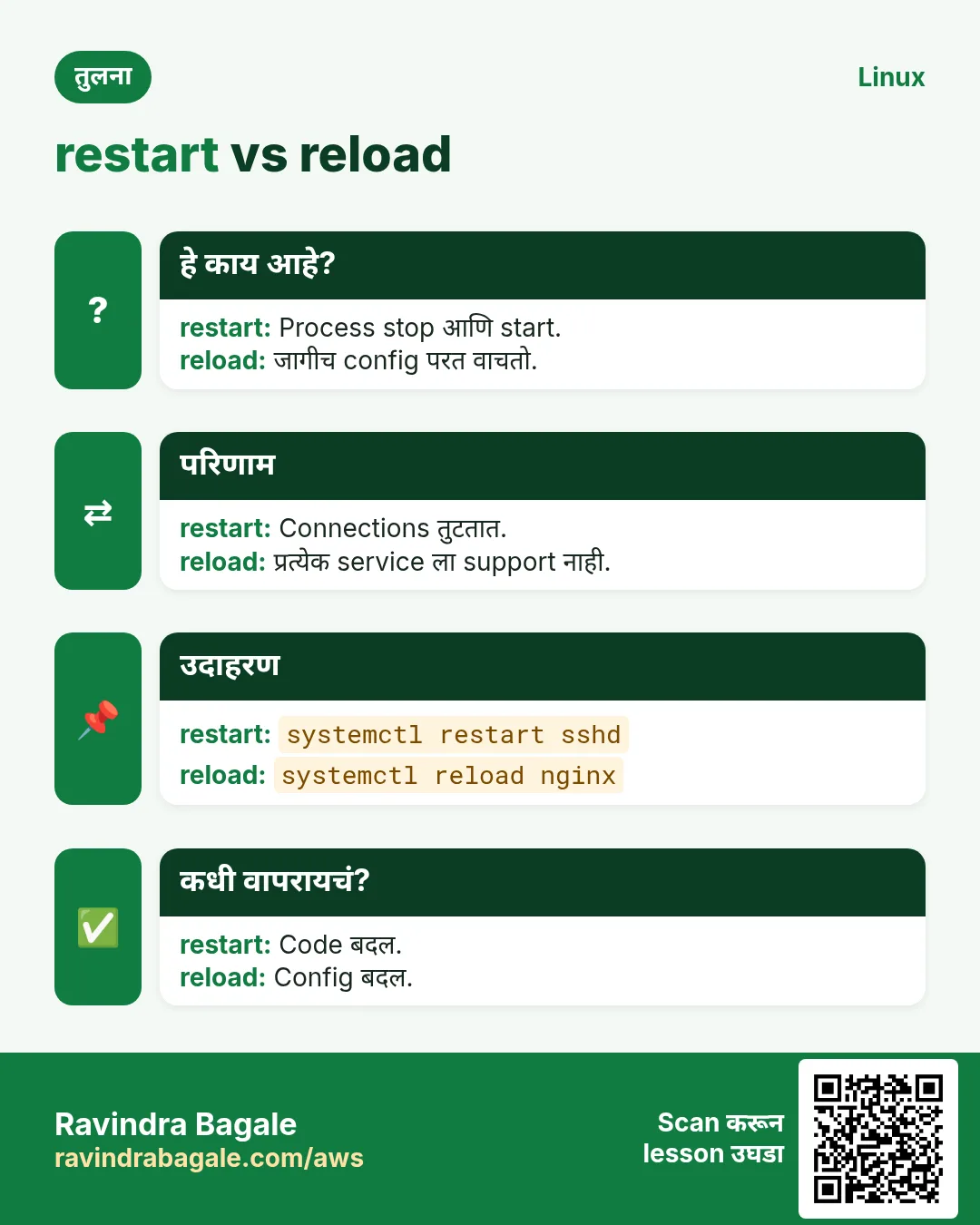
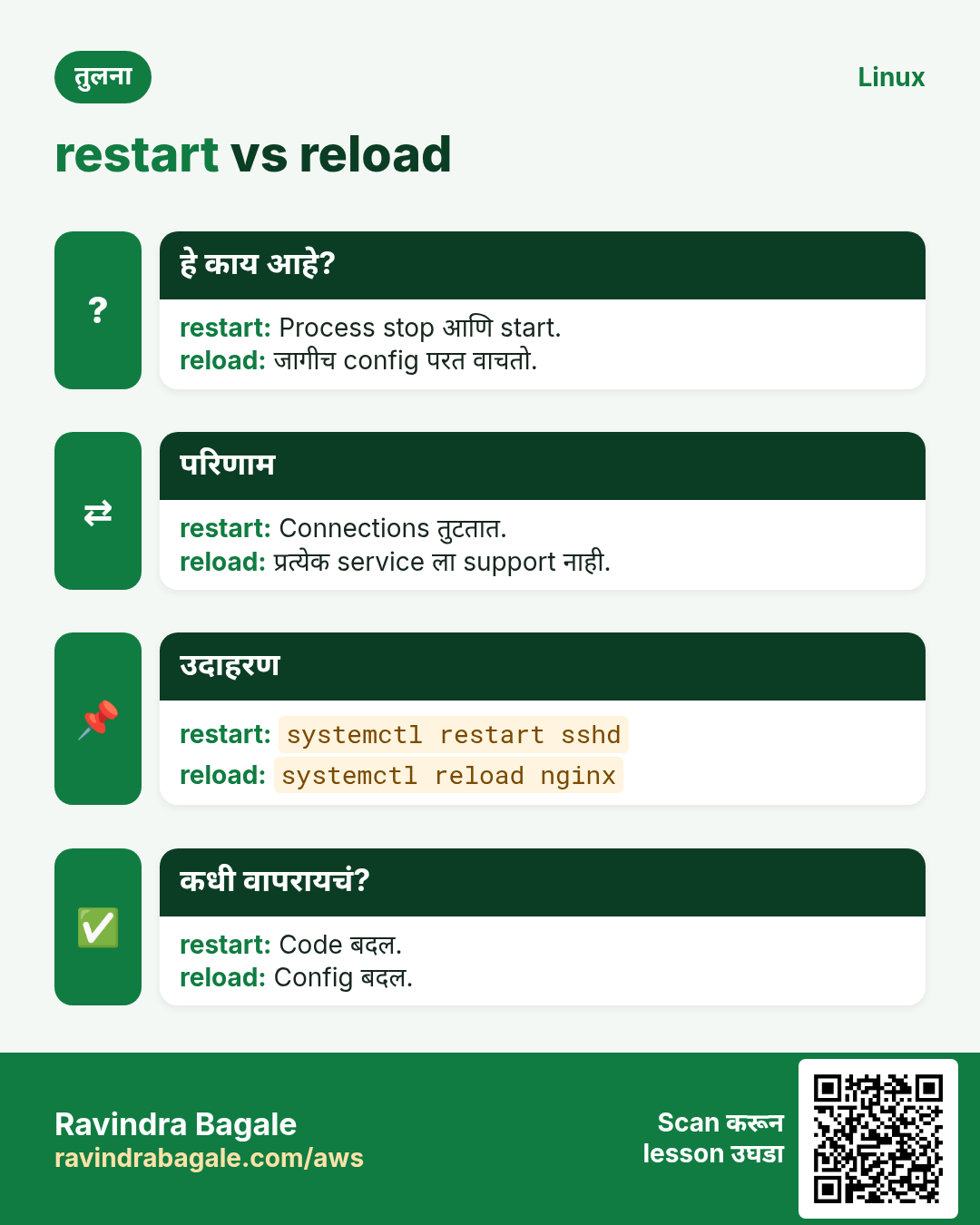
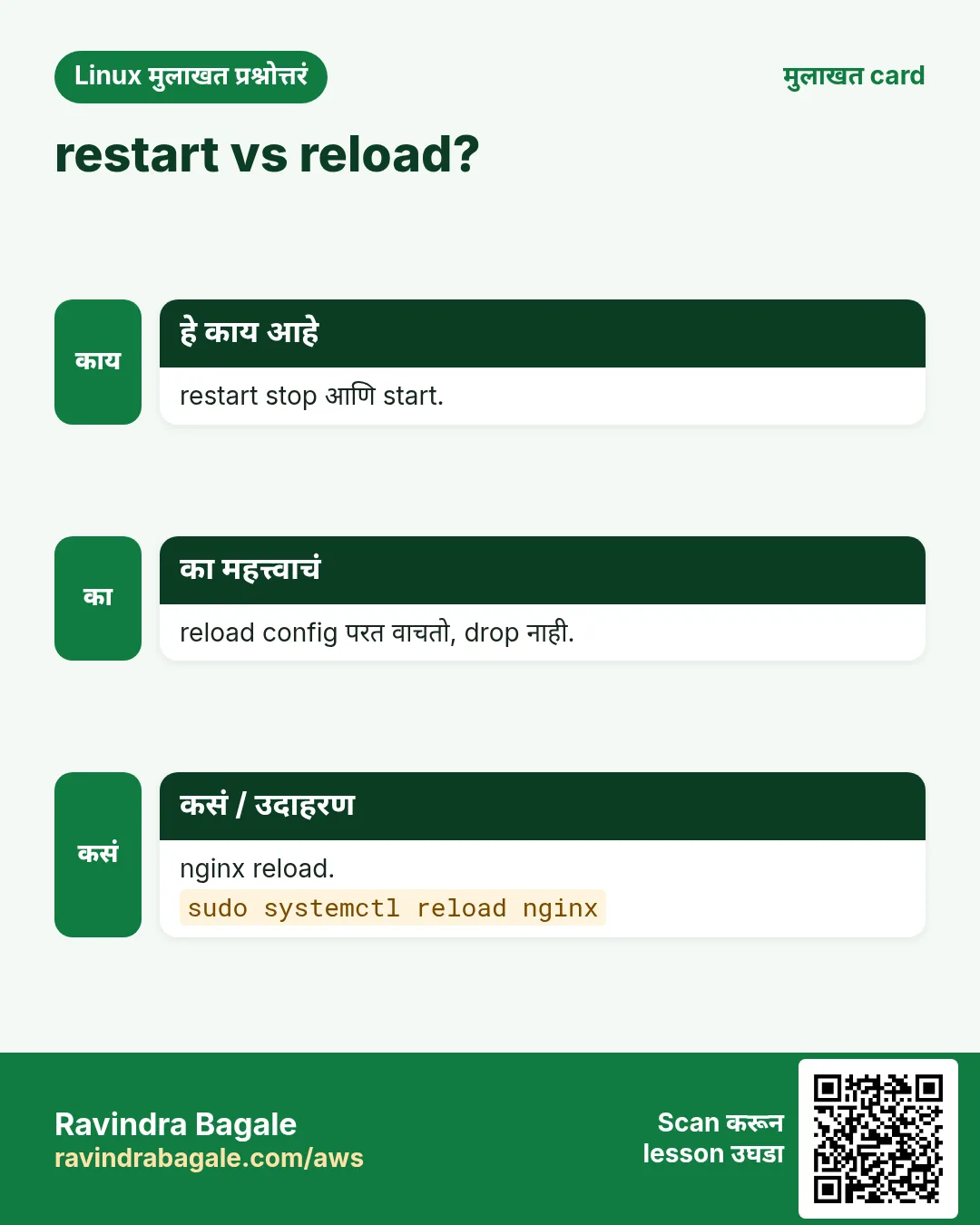
प्र. restart vs reload?
restart थांबवून सुरू (थोडा downtime); reload न थांबता config वाचतो, support असेल तर.
प्र. स्वतःच्या unit files कुठे?
/etc/systemd/system/NAME.service.
प्र. systemctl edit नंतर daemon-reload लागतो का?
नाही, edit स्वतः करतो. हाताने files edit केल्या तर हो.
प्र. disable vs mask?
disable boot start थांबवतो; mask प्रत्येक start block.
प्र. Service root म्हणून का चालते?
User= line नाही. User= आणि Group= जोडा.
प्र. service nginx restart अजून चालतं का?
हो, systemd systems वर systemctl च call करतं, पण systemctl शिका.
प्र. साधा user services चालवू शकतो का?
हो, ~/.config/systemd/user मधे systemctl --user ने user services.
21. मुलाखत प्रश्न आणि उत्तरं
Beginner level
प्र. systemd म्हणजे?
Init system, PID 1, services सुरू आणि manage करतो.
प्र. nginx चालू आहे का कसं?
systemctl status nginx किंवा systemctl is-active nginx.
प्र. Boot ला service कशी सुरू?
systemctl enable NAME.
प्र. Service चे logs कुठे?
journalctl -u NAME.
Mid level level
प्र. Minimal unit file मधे काय?
[Unit] Description, [Service] ExecStart, [Install] WantedBy.
प्र. daemon-reload का?
systemd unit files cache करतो; reload बदल वाचायला लावतो.
प्र. Vendor unit safely कशी बदलायची?
systemctl edit ने drop-in override.
प्र. After= vs Requires=?
After= फक्त क्रम; Requires= पक्की dependency.
Senior level
प्र. Service ला सतत 'Start request repeated too quickly'. Approach?
journalctl -u वाचा, crash कारण fix, RestartSec आणि StartLimitIntervalSec/Burst tune, मग reset-failed.
प्र. Child processes असलेली service systemd कशी थांबवतो?
KillMode प्रमाणे cgroup ला KillSignal, TimeoutStopSec थांबतो, मग SIGKILL.
प्र. Unit harden कशी?
User=, NoNewPrivileges=yes, ProtectSystem=strict, PrivateTmp=yes, ReadWritePaths=; systemd-analyze security ने तपासा.
प्र. Type=simple vs forking vs notify?
simple: ExecStart हाच main process; forking: fork करून parent exit; notify: app ready असल्याचं systemd ला सांगतो.
घरी करून बघा
- तुमच्या कोणत्याही छोट्या script साठी (किंवा python3 -m http.server) unit file लिहा. Enable करा, machine reboot करा, आणि ती परत आली हे सिद्ध करा.
- crond सारखी service घ्या. Nice=10 set करणारा override जोडा, systemctl show ने तपासा, मग revert.
सराव Tasks
Maple Leaf Books हा टोरांटो मधला पुस्तक विक्री व्यवसाय आहे. Emily Tremblay त्यांचं IT व cloud काम पाहतात. त्यांचे पैसे CAD मध्ये मोजले जातात आणि AWS resources ca-central-1 Region मध्ये चालतात. खालच्या tasks मध्ये तुम्ही या lesson मध्ये शिकलेलं वापरून त्यांची खरी कामं करता. सगळी नावं, account IDs, IP addresses व numbers सरावासाठी काल्पनिक आहेत.
0 / 16
सोपं Service status
का: Services BIZ चालू ठेवतात.
काय करायचं: Emily Tremblay Maple Leaf Books मधे nginx service ची state तपासतो.
- हे काम करणारा Linux command शोधा.
- Task ला लागणारे options (उदा. -r, -h) जोडा.
- File नावं, folders किंवा users योग्य क्रमाने लिहा.
- System files/users बदलत असाल तर sudo वापरा. Check answer दाबा.
सोपं Service start
का: Services BIZ चालू ठेवतात.
काय करायचं: nginx service आत्ता start.
- हे काम करणारा Linux command शोधा.
- Task ला लागणारे options (उदा. -r, -h) जोडा.
- File नावं, folders किंवा users योग्य क्रमाने लिहा.
- System files/users बदलत असाल तर sudo वापरा. Check answer दाबा.
सोपं Service stop
का: Services BIZ चालू ठेवतात.
काय करायचं: httpd service stop.
- हे काम करणारा Linux command शोधा.
- Task ला लागणारे options (उदा. -r, -h) जोडा.
- File नावं, folders किंवा users योग्य क्रमाने लिहा.
- System files/users बदलत असाल तर sudo वापरा. Check answer दाबा.
सोपं Restart
का: Services BIZ चालू ठेवतात.
काय करायचं: Config बदलानंतर sshd restart.
- हे काम करणारा Linux command शोधा.
- Task ला लागणारे options (उदा. -r, -h) जोडा.
- File नावं, folders किंवा users योग्य क्रमाने लिहा.
- System files/users बदलत असाल तर sudo वापरा. Check answer दाबा.
सोपं Boot ला start
का: Services BIZ चालू ठेवतात.
काय करायचं: प्रत्येक boot ला nginx start.
- हे काम करणारा Linux command शोधा.
- Task ला लागणारे options (उदा. -r, -h) जोडा.
- File नावं, folders किंवा users योग्य क्रमाने लिहा.
- System files/users बदलत असाल तर sudo वापरा. Check answer दाबा.
सोपं Boot मधून काढा
का: Services BIZ चालू ठेवतात.
काय करायचं: cups boot ला start होऊ नये.
- हे काम करणारा Linux command शोधा.
- Task ला लागणारे options (उदा. -r, -h) जोडा.
- File नावं, folders किंवा users योग्य क्रमाने लिहा.
- System files/users बदलत असाल तर sudo वापरा. Check answer दाबा.
मध्यम Downtime शिवाय reload
का: Services BIZ चालू ठेवतात.
काय करायचं: Connections न तोडता nginx config परत वाचू दे.
- हे काम करणारा Linux command शोधा.
- Task ला लागणारे options (उदा. -r, -h) जोडा.
- File नावं, folders किंवा users योग्य क्रमाने लिहा.
- System files/users बदलत असाल तर sudo वापरा. Check answer दाबा.
मध्यम Enable आणि start
का: Services BIZ चालू ठेवतात.
काय करायचं: redis boot ला enable आणि एका command मधे start.
- हे काम करणारा Linux command शोधा.
- Task ला लागणारे options (उदा. -r, -h) जोडा.
- File नावं, folders किंवा users योग्य क्रमाने लिहा.
- System files/users बदलत असाल तर sudo वापरा. Check answer दाबा.
मध्यम Script check
का: Services BIZ चालू ठेवतात.
काय करायचं: Script मधे docker चालू आहे का test.
- हे काम करणारा Linux command शोधा.
- Task ला लागणारे options (उदा. -r, -h) जोडा.
- File नावं, folders किंवा users योग्य क्रमाने लिहा.
- System files/users बदलत असाल तर sudo वापरा. Check answer दाबा.
मध्यम Failed units
का: Services BIZ चालू ठेवतात.
काय करायचं: Fail झालेले सगळे units list.
- हे काम करणारा Linux command शोधा.
- Task ला लागणारे options (उदा. -r, -h) जोडा.
- File नावं, folders किंवा users योग्य क्रमाने लिहा.
- System files/users बदलत असाल तर sudo वापरा. Check answer दाबा.
मध्यम Unit edit नंतर
का: Services BIZ चालू ठेवतात.
काय करायचं: Unit file edit केली. systemd ला unit files परत वाचायला सांगा.
- हे काम करणारा Linux command शोधा.
- Task ला लागणारे options (उदा. -r, -h) जोडा.
- File नावं, folders किंवा users योग्य क्रमाने लिहा.
- System files/users बदलत असाल तर sudo वापरा. Check answer दाबा.
मध्यम Unit file दाखवा
का: Services BIZ चालू ठेवतात.
काय करायचं: Overrides सह sshd ची unit file print.
- हे काम करणारा Linux command शोधा.
- Task ला लागणारे options (उदा. -r, -h) जोडा.
- File नावं, folders किंवा users योग्य क्रमाने लिहा.
- System files/users बदलत असाल तर sudo वापरा. Check answer दाबा.
अवघड Service पूर्ण block
का: Services BIZ चालू ठेवतात.
काय करायचं: bluetooth कधीच start होऊ नये, हाताने पण.
- हे काम करणारा Linux command शोधा.
- Task ला लागणारे options (उदा. -r, -h) जोडा.
- File नावं, folders किंवा users योग्य क्रमाने लिहा.
- System files/users बदलत असाल तर sudo वापरा. Check answer दाबा.
अवघड Safely override
का: Services BIZ चालू ठेवतात.
काय करायचं: shop-api साठी drop-in override.
- हे काम करणारा Linux command शोधा.
- Task ला लागणारे options (उदा. -r, -h) जोडा.
- File नावं, folders किंवा users योग्य क्रमाने लिहा.
- System files/users बदलत असाल तर sudo वापरा. Check answer दाबा.
अवघड Dependencies
का: Services BIZ चालू ठेवतात.
काय करायचं: multi-user.target कशावर अवलंबून ते दाखवा.
- हे काम करणारा Linux command शोधा.
- Task ला लागणारे options (उदा. -r, -h) जोडा.
- File नावं, folders किंवा users योग्य क्रमाने लिहा.
- System files/users बदलत असाल तर sudo वापरा. Check answer दाबा.
अवघड Default target
का: Services BIZ चालू ठेवतात.
काय करायचं: Default boot target दाखवा.
- हे काम करणारा Linux command शोधा.
- Task ला लागणारे options (उदा. -r, -h) जोडा.
- File नावं, folders किंवा users योग्य क्रमाने लिहा.
- System files/users बदलत असाल तर sudo वापरा. Check answer दाबा.
22. संबंधित chapters
- DevOps साठी Linux Ops Refresh
- Automation साठी Bash Scripting
- Linux grep आणि find Commands Examples सह
- Linux Servers मध्ये Passwordless SSH
थोडक्यात सांगायचं तर
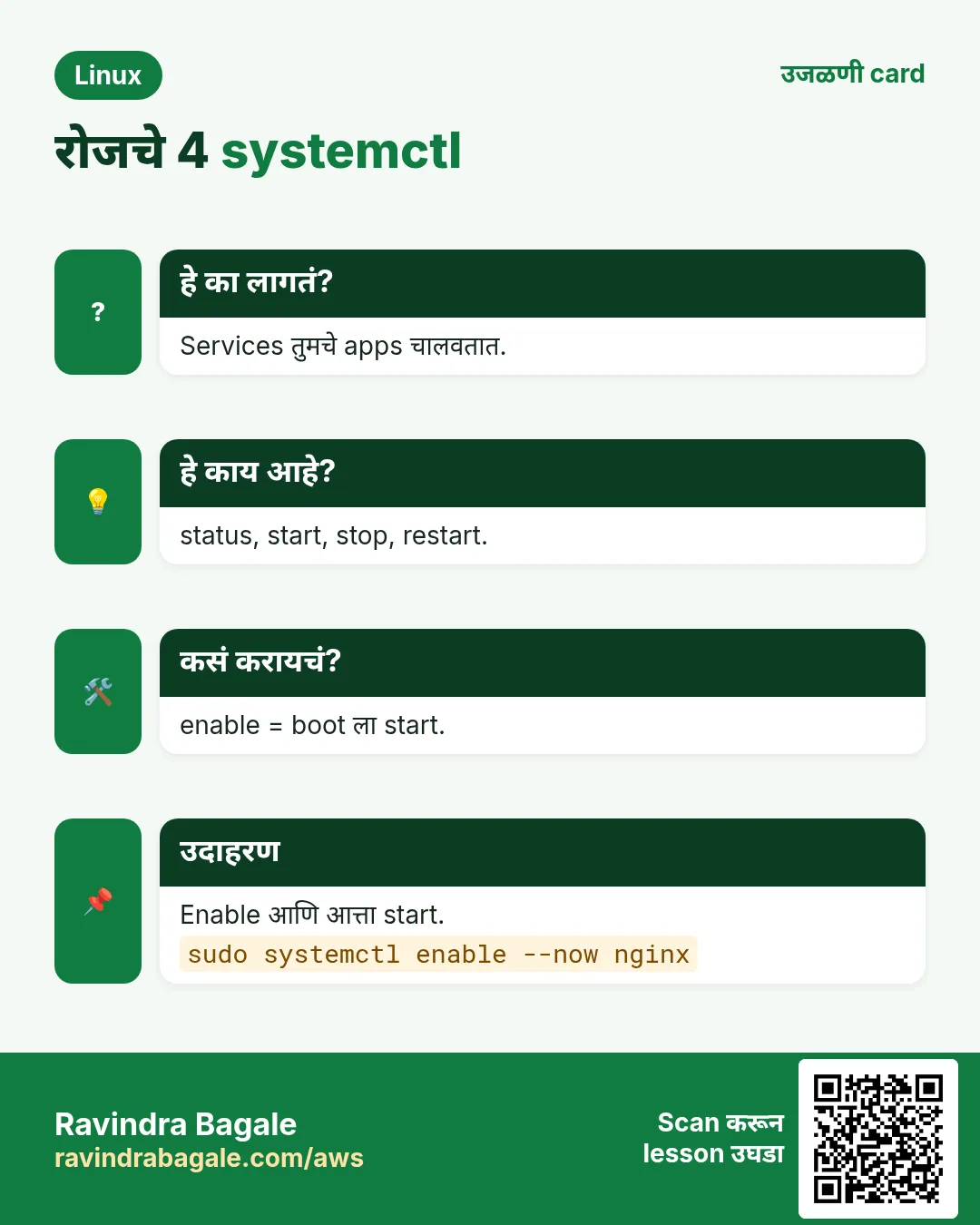
- status, is-active आणि is-enabled state सांगतात.
- start, stop, restart आत्ता; enable, disable boot ला.
- reload connections ठेवतो; mask प्रत्येक start block.
- --failed आणि list-units मोठं चित्र.
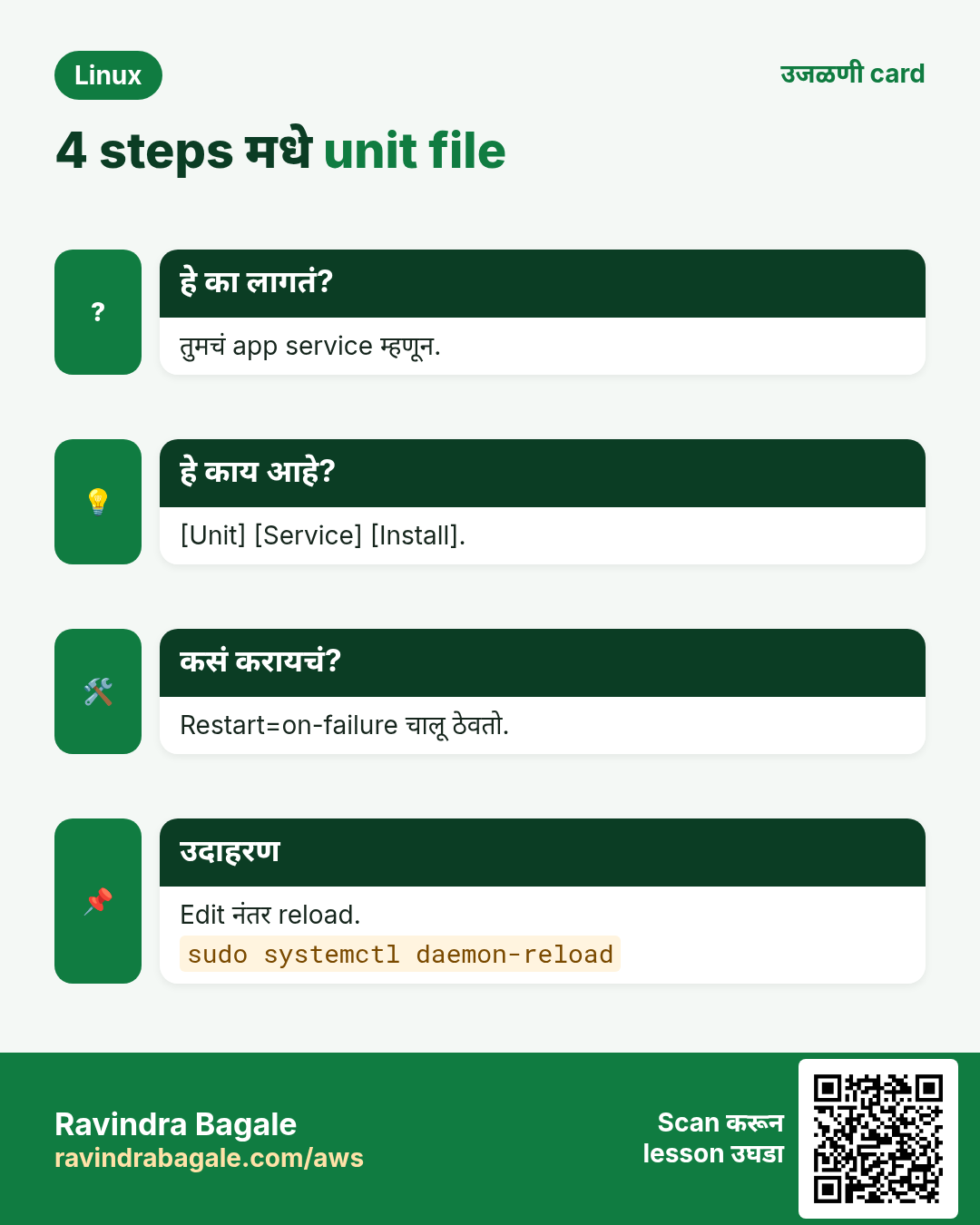
- Unit files: [Unit], [Service], [Install]; मग daemon-reload.
- Overrides साठी systemctl edit; boot time साठी systemd-analyze.
उजळणी, तुलना आणि मुलाखत cards
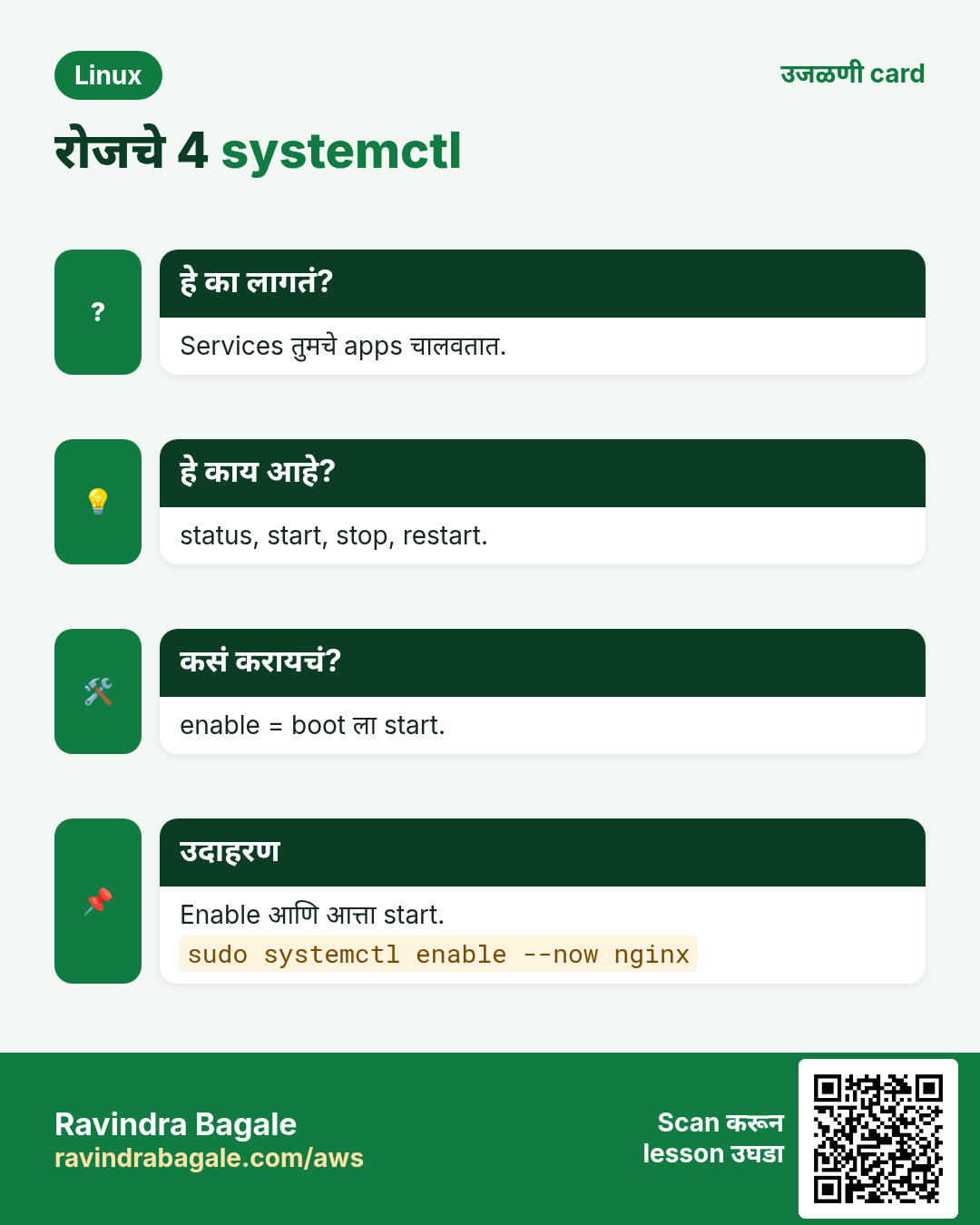
हा lesson काही मिनिटांत revise करा. Cards phone वर save करा किंवा PNG download करा. प्रत्येक card वरचा QR हा lesson उघडतो.
![4 steps मधे unit file. तुमचं app service म्हणून. [Unit] [Service] [Install]. Restart=on-failure चालू ठेवतो. Edit नंतर reload.](../../../aws/ravi-sirs-cards/cards/mr/rev-lx4-unit.webp)
अजून cards: Ravi Sir's Cards.