Shell Scripting Complete 3: Arguments, $@, shift, read आणि getopts ने Script Input
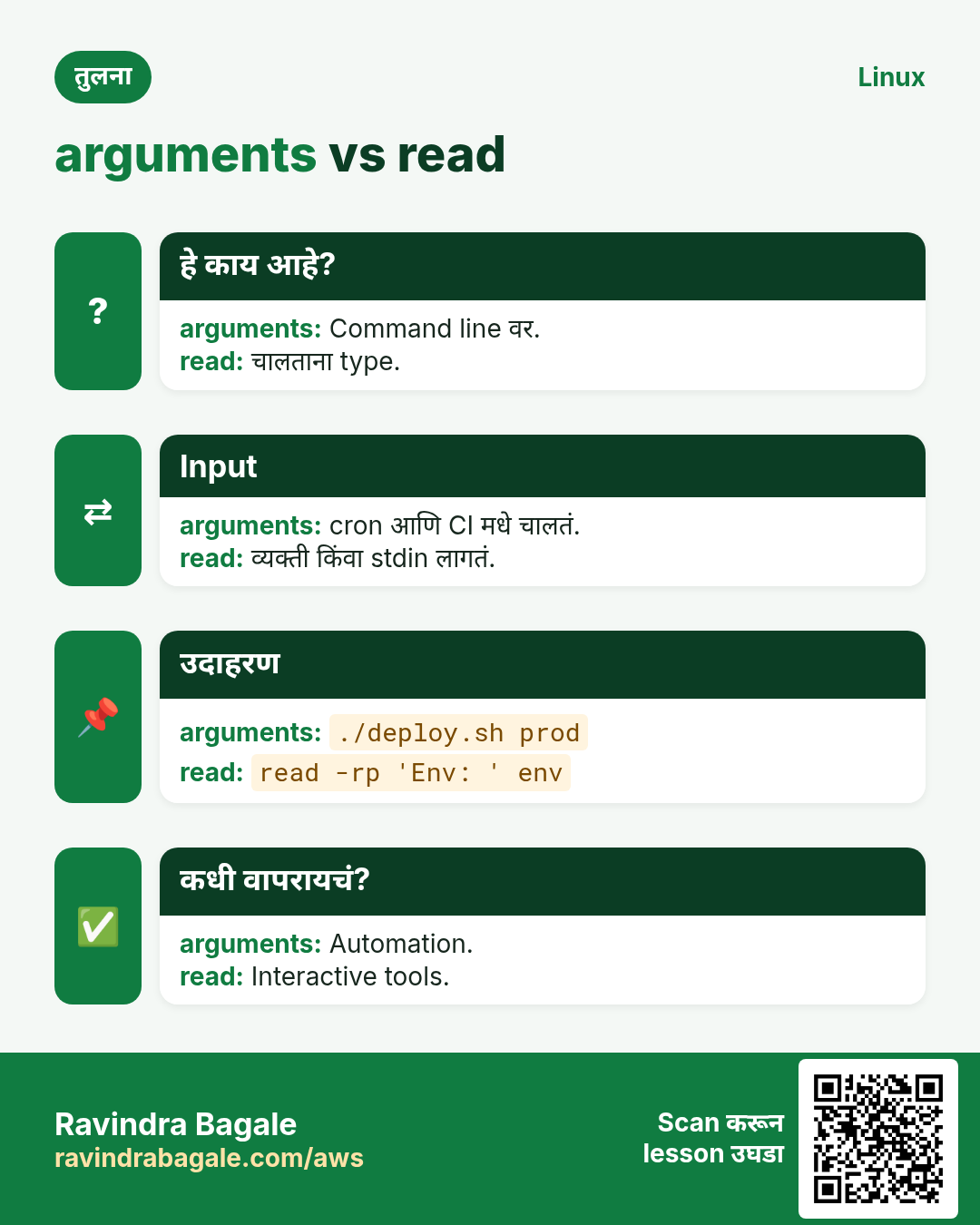
Script input घेऊ शकतो तेव्हा उपयोगी होतो: file नाव, server, दिवसांची संख्या. हा chapter script ला input मिळायचे तीन मार्ग दाखवतो: read ने user कडून, $1, $2, $@ आणि shift ने command line वरून, आणि getopts ने -v किंवा -d DIR सारखे options. Usage message, input check, passwords safely वाचणं आणि pipe किंवा here-document मधून वाचणंही शिकाल.
या chapter मध्ये तुम्ही काय शिकाल
- read -p, -s आणि -t ने user ला विचारा
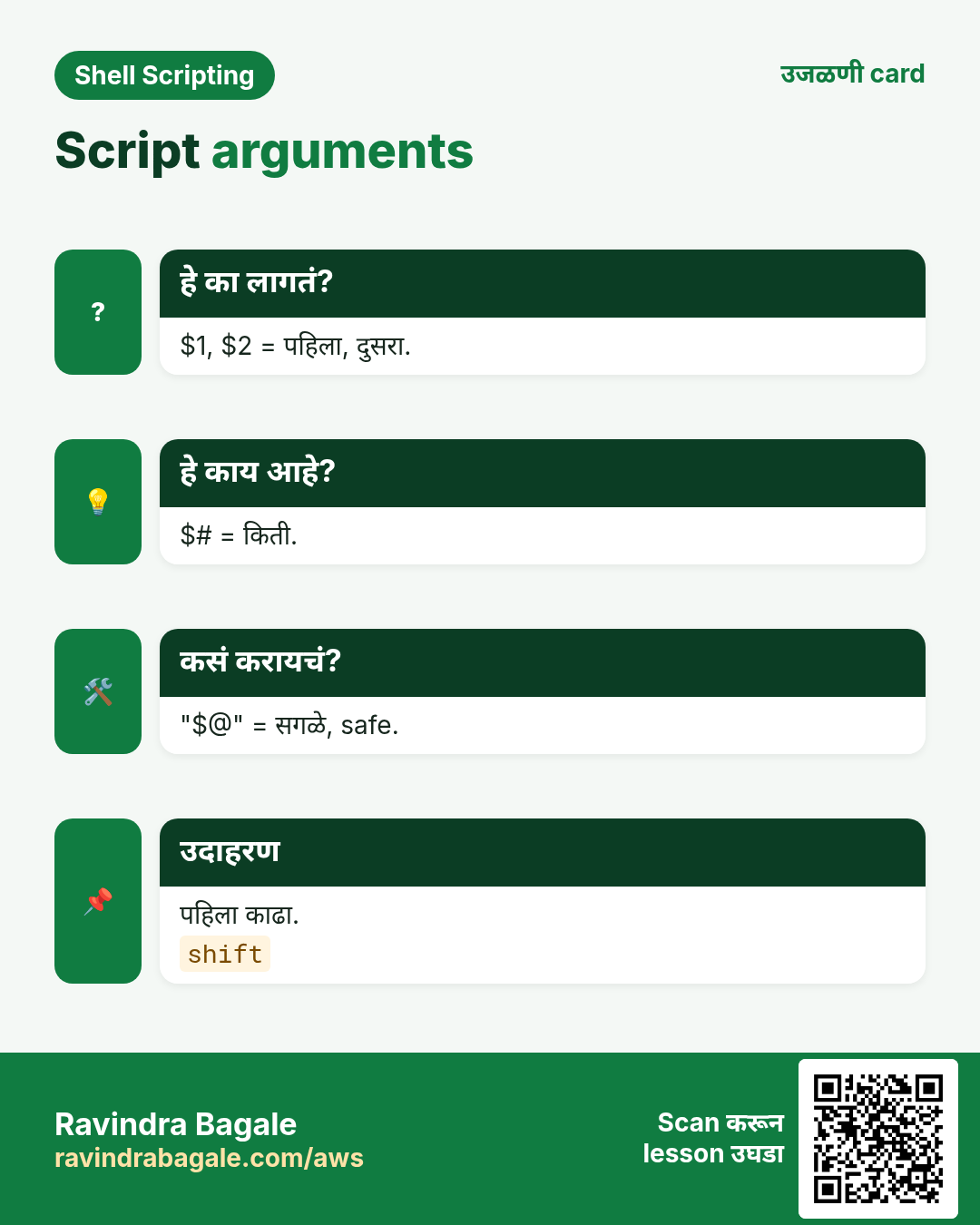
- $1, $#, $@ आणि shift वापरा
- "$@" vs "$*" समजा
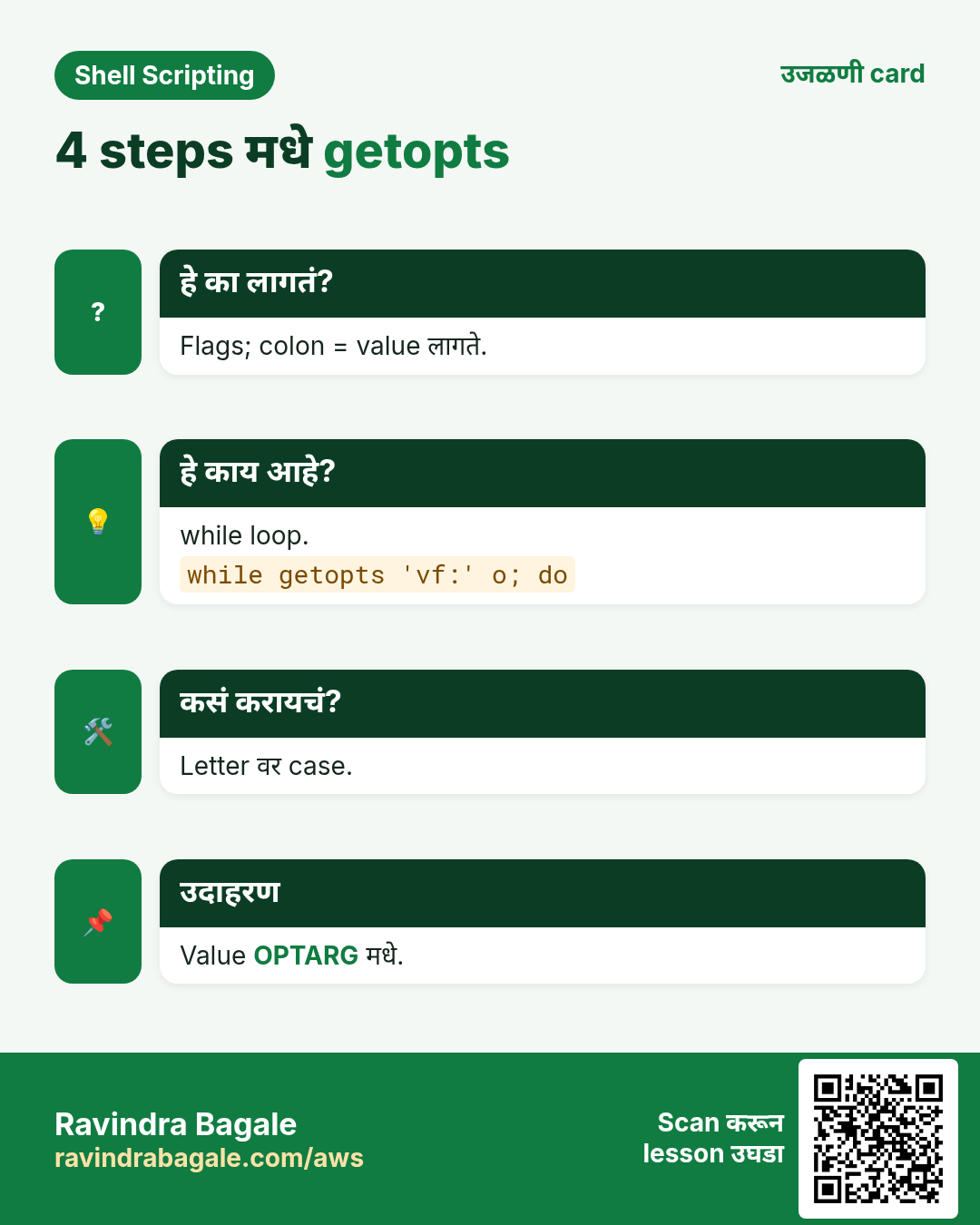
- getopts ने options parse करा
- Usage print करा आणि input validate करा
- stdin, pipes आणि here-docs मधून वाचा
1. रोजचं उदाहरण: चहाच्या टपरीवर order
हे का लागतं?
चहाच्या टपरीवर तीन प्रकारे order देता येते. मालक 'किती?' विचारेपर्यंत थांबून उत्तर देणं (read). सगळं एकदम सांगणं, 'दोन cutting, एक बिनसाखर' (arguments). किंवा menu codes, 'C2 -S' (options). चांगली टपरी तिन्ही समजते आणि तुम्ही चुकीचं बोललात तर menu सांगते.
हे काय आहे?
मालक विचारतो = read. सगळं एकदम = $1 $2. Items ची संख्या = $#. Menu codes = getopts options. Menu दाखवणं = usage message. चुकीची order = exit 2.
कसं करायचं (step by step)
2. read: user ला विचारा
हे का लागतं?
काही scripts ना फक्त माणूस देऊ शकेल अशी value लागते, उदा. ticket number किंवा yes/no.
हे काय आहे?
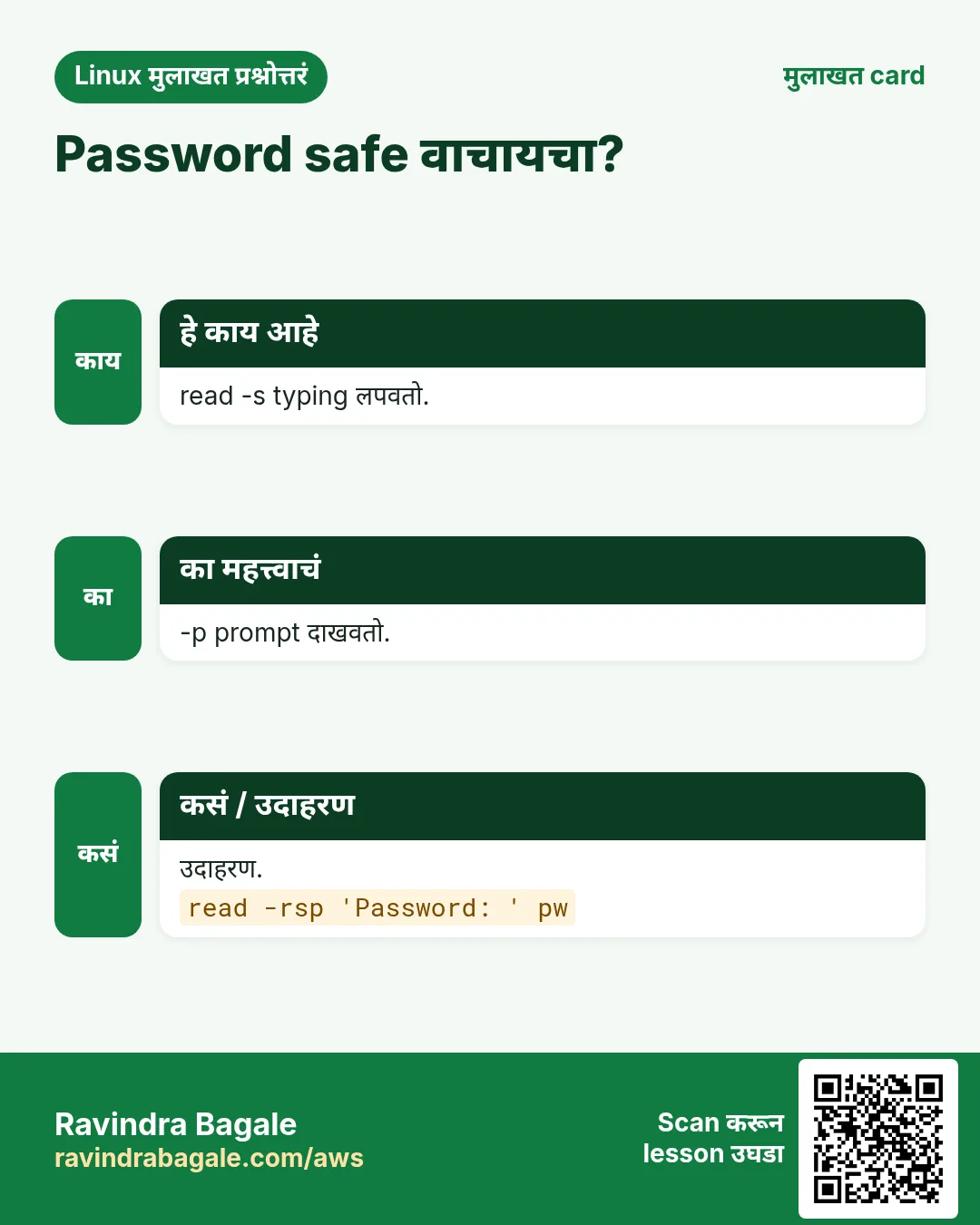
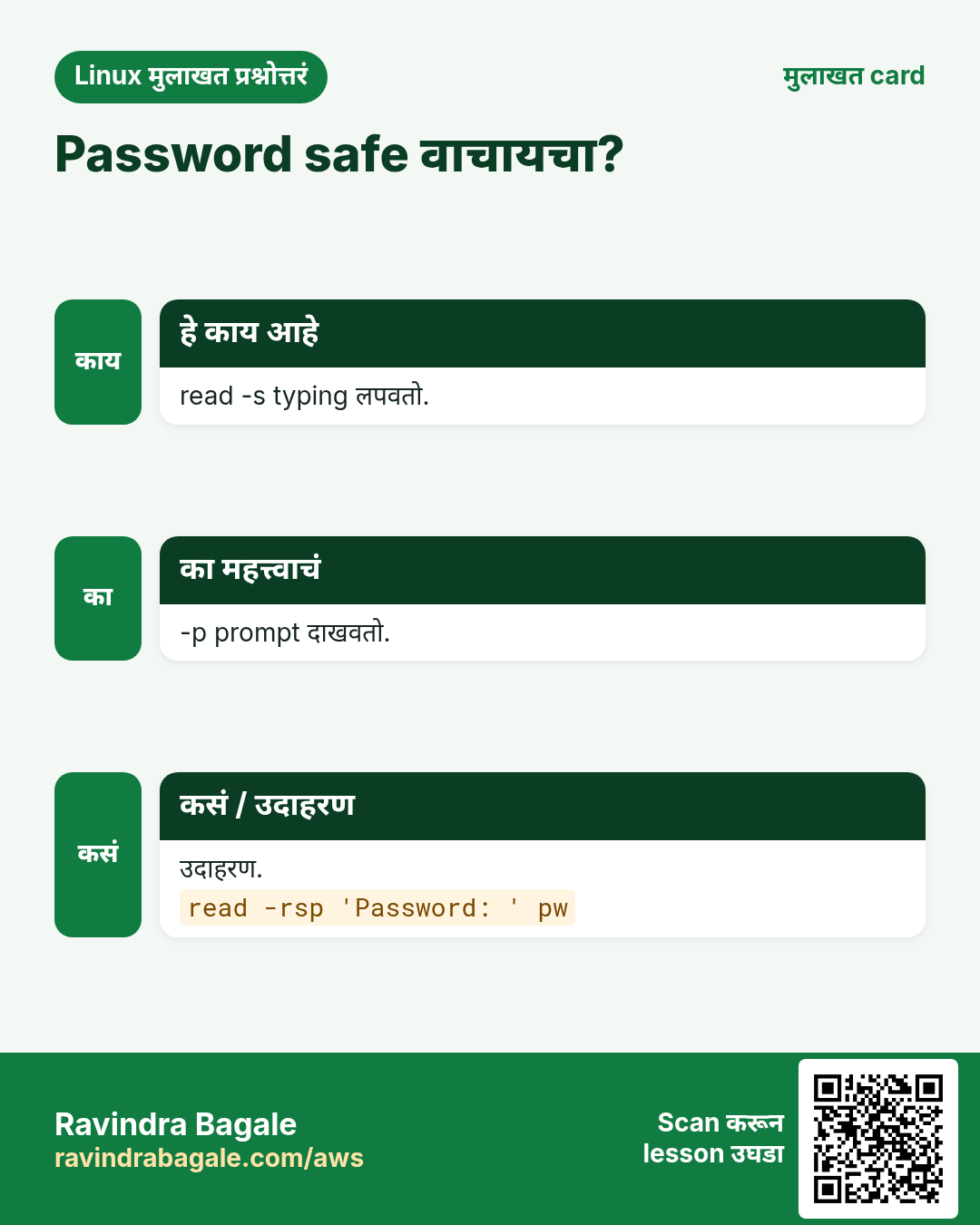
read name line ची वाट बघतो आणि name मधे साठवतो. -p 'text' prompt दाखवतो. -r backslashes जसेच्या तसे ठेवतो (नेहमी वापरा). -s typing लपवतो (passwords). -t 10 10 seconds नंतर सोडून देतो. -n 1 एक key वाचतो. अनेक names दिले तर words प्रत्येकाला आणि उरलेलं शेवटच्याला. नाव नसेल तर line $REPLY मधे.
| Option | काय करतो |
|---|---|
| -p TEXT | prompt दाखवतो |
| -r | raw, backslashes ठेवतो |
| -s | silent, input लपवतो |
| -t N | seconds मधे timeout |
| -n N | N characters वाचतो |
| -a ARR | words array मधे |
कसं करायचं (step by step)
- नाव विचारा.
read -rp 'Your city: ' city; echo "Hello from $city"Output:
Your city: Nashik
Hello from Nashik
याचा अर्थ: Type केलेलं city मधे गेलं.
- दोन values एकदम.
read -rp 'First Last: ' first last; echo "$last, $first"Output:
First Last: Sachin Tendulkar
Tendulkar, Sachin
याचा अर्थ: Words spaces वर तुटले.
- लपवलेला password.
read -rsp 'DB password: ' pw; echo; echo "got ${#pw} chars"Output:
DB password:
got 9 chars
याचा अर्थ: Typing करताना काहीच दिसलं नाही.
- Timeout.
read -t 5 -rp 'Continue? ' ans || echo ' no answer, using default'Output:
Continue? no answer, using defaultयाचा अर्थ: Timeout वर read non-zero देतो.
3. धोकादायक कामाआधी Yes/no confirmation
हे का लागतं?
Delete, restart किंवा deploy आधी विचारायला हवं, म्हणजे बोट घसरून outage होत नाही.
हे काय आहे?
एक उत्तर वाचा, lower-case करा, आणि फक्त y किंवा yes वरच पुढे जा. बाकी सगळं (Enter सुद्धा) no. Automation ला प्रश्न टाळता यावा म्हणून -y option द्या (खाली शिकवलं).
कसं करायचं (step by step)
- Confirm.
read -rp 'Restart nginx? [y/N] ' a; [[ ${a,,} == y* ]] && echo restarting || echo cancelledOutput:
Restart nginx? [y/N] N
cancelled
याचा अर्थ: Default No.
- एक key.
read -n1 -rp 'Press any key to go on...'; echoOutput:
Press any key to go on...याचा अर्थ: एका key ची वाट.
- Terminal नाही?
[ -t 0 ] && echo interactive || echo 'no tty, skip questions'Output:
interactiveयाचा अर्थ: Cron मधे [ -t 0 ] false, म्हणून विचारू नका.
4. Positional arguments: $1, $2, $#, $0
हे का लागतं?
Arguments मुळे इतर लोक आणि cron प्रश्नांशिवाय script चालवू शकतात: ./deploy.sh shop prod.
हे काय आहे?
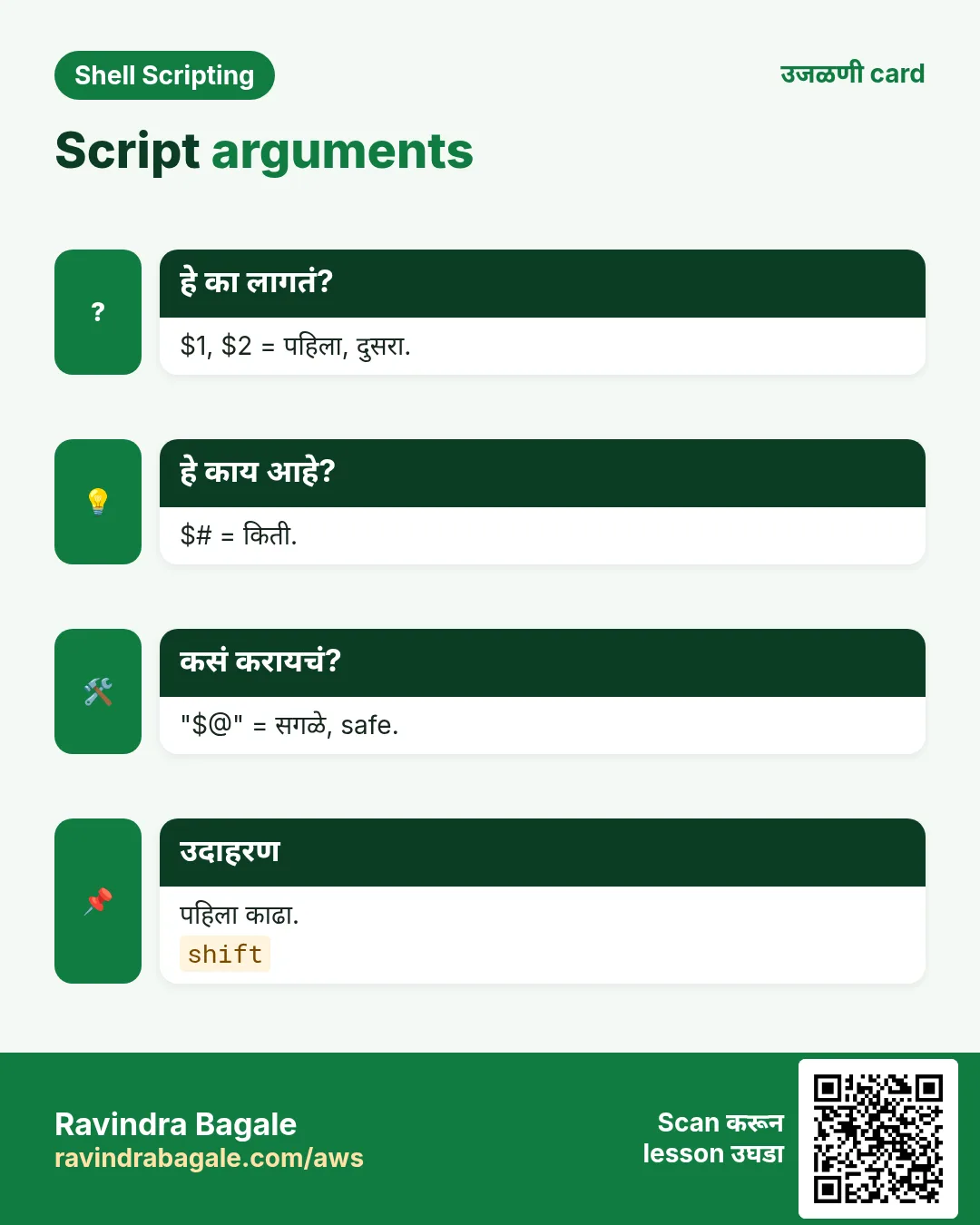
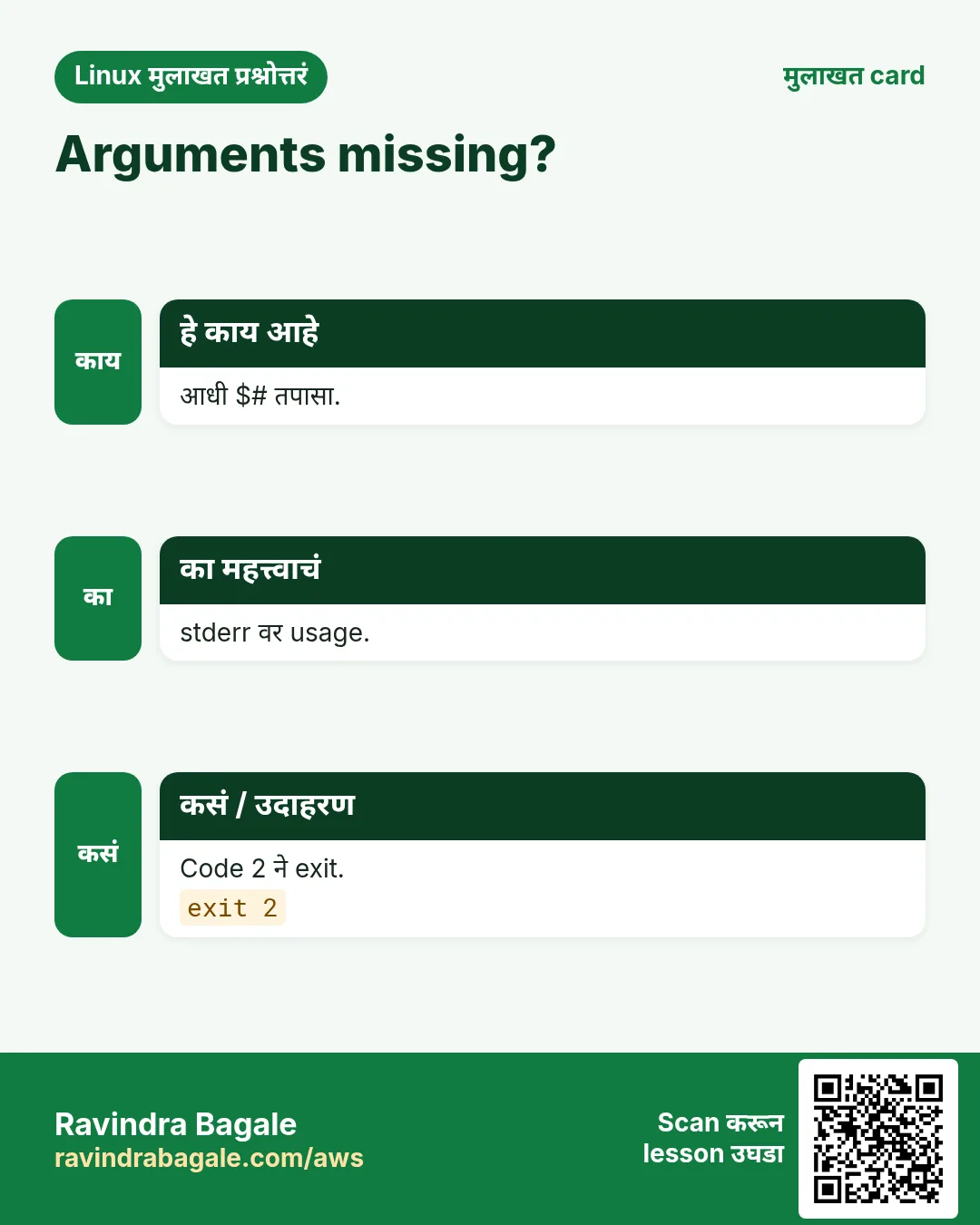
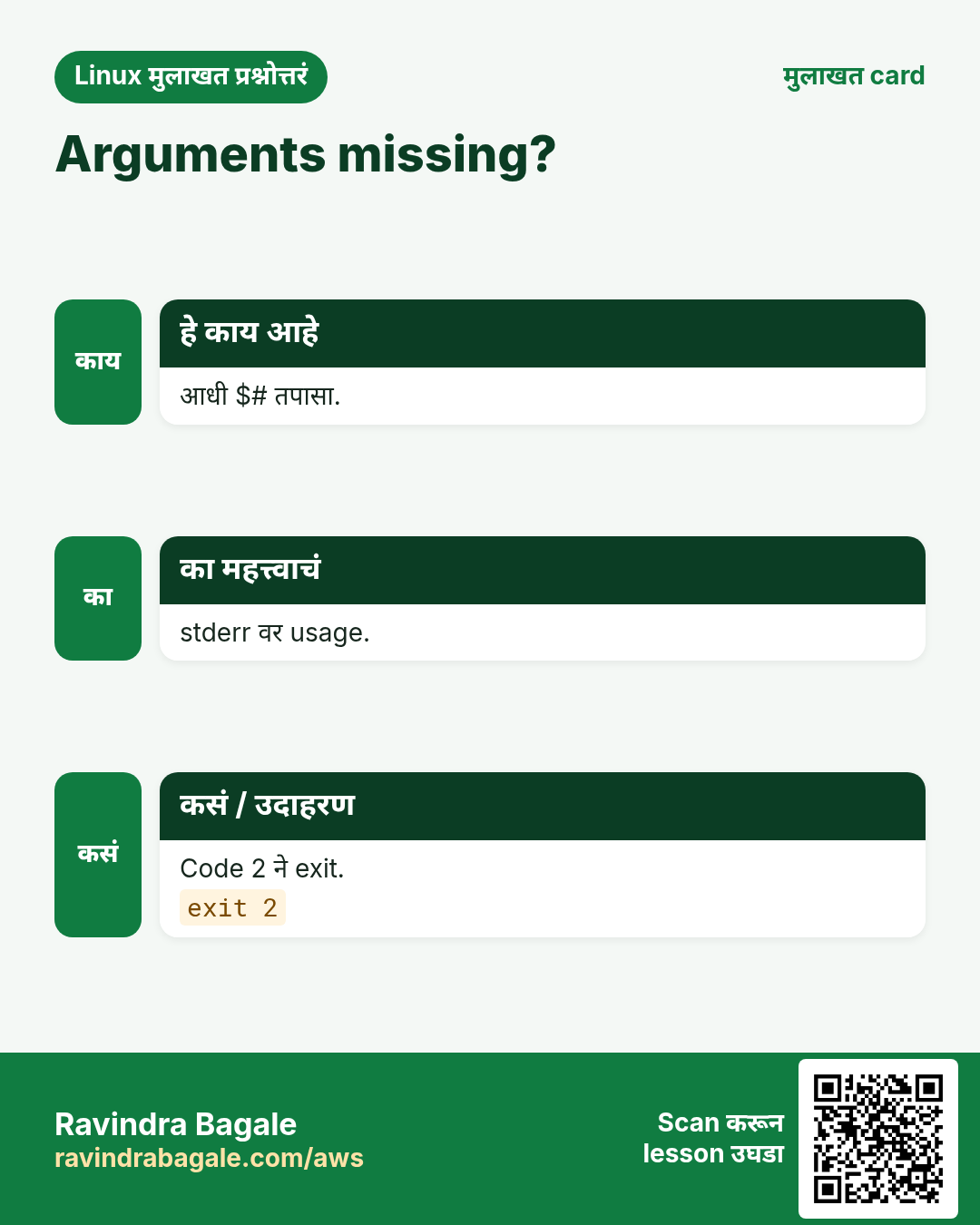
Script नावानंतरचे words $1, $2 ... ${10} होतात (10 पासून braces). $# म्हणजे किती. $0 script नाव. Spaces असलेले arguments caller ने quote करायला हवेत: ./s.sh "my file". आधी $# तपासा आणि काही नसेल तर usage message सह थांबा.
कसं करायचं (step by step)
- बघा.
printf '#!/bin/bash\necho "script=$0 count=$# first=$1 second=$2"\n' | tee args.sh && bash args.sh shop prodOutput:
script=args.sh count=2 first=shop second=prodयाचा अर्थ: प्रत्येक word ला number.
- Quoted argument.
bash args.sh "Pune Camp" eastOutput:
script=args.sh count=2 first=Pune Camp second=eastयाचा अर्थ: Quotes नी 'Pune Camp' एक ठेवलं.
- Usage check.
bash -c '[ $# -ge 1 ] || { echo "usage: $0 FILE"; exit 2; }; echo ok' myscriptOutput:
usage: myscript FILEयाचा अर्थ: bash -c मधे code नंतरचा पहिला word $0 होतो.
- दहावा argument.
set -- a b c d e f g h i j; echo "${10}"Output:
jयाचा अर्थ: set -- arguments set करतो; ${10} ला braces.
5. "$@" vs "$*" आणि arguments पुढे देणं
हे का लागतं?
योग्य प्रकार न वापरल्यास wrappers आणि arguments वरचे loops spaces वर बिघडतात.
हे काय आहे?
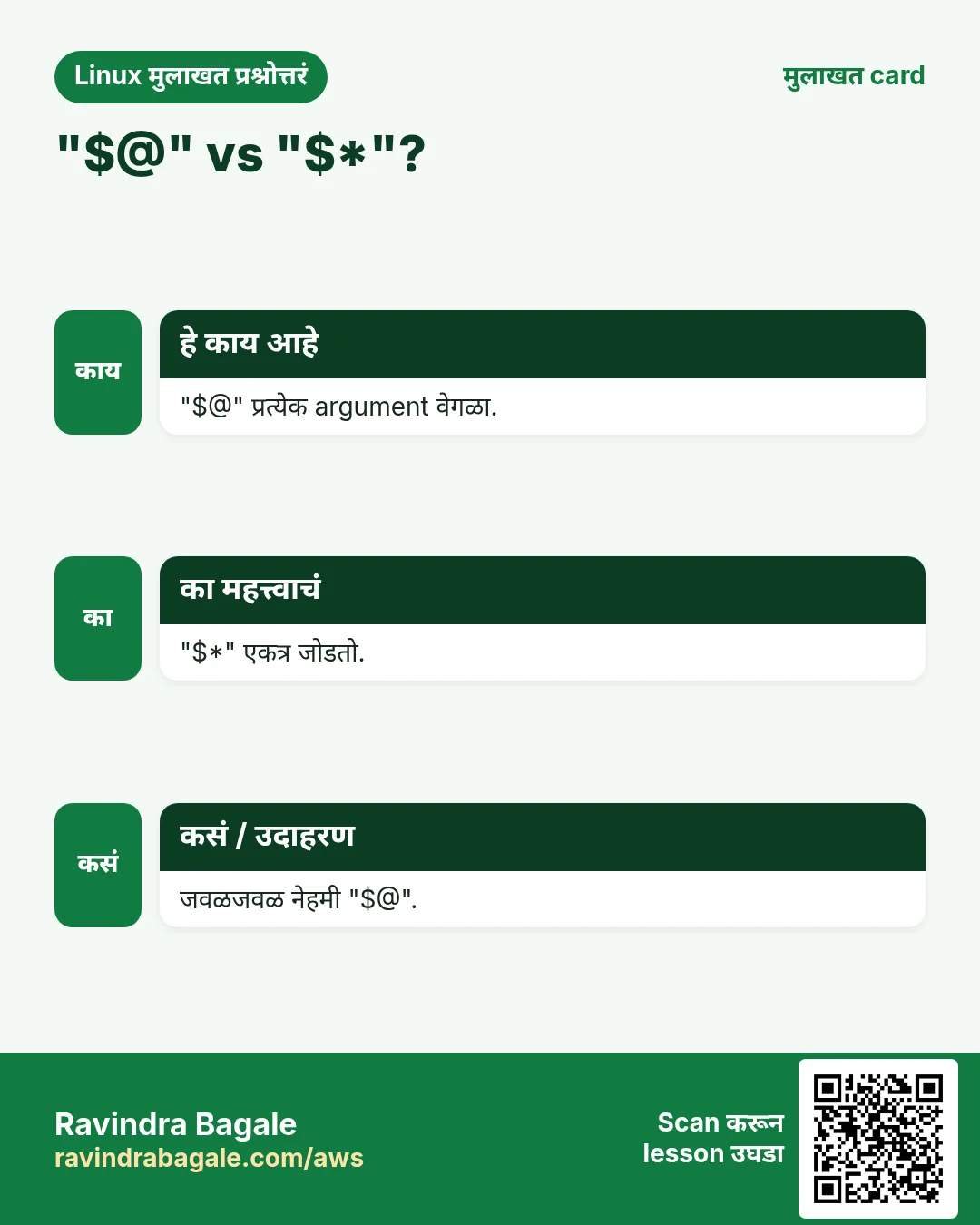
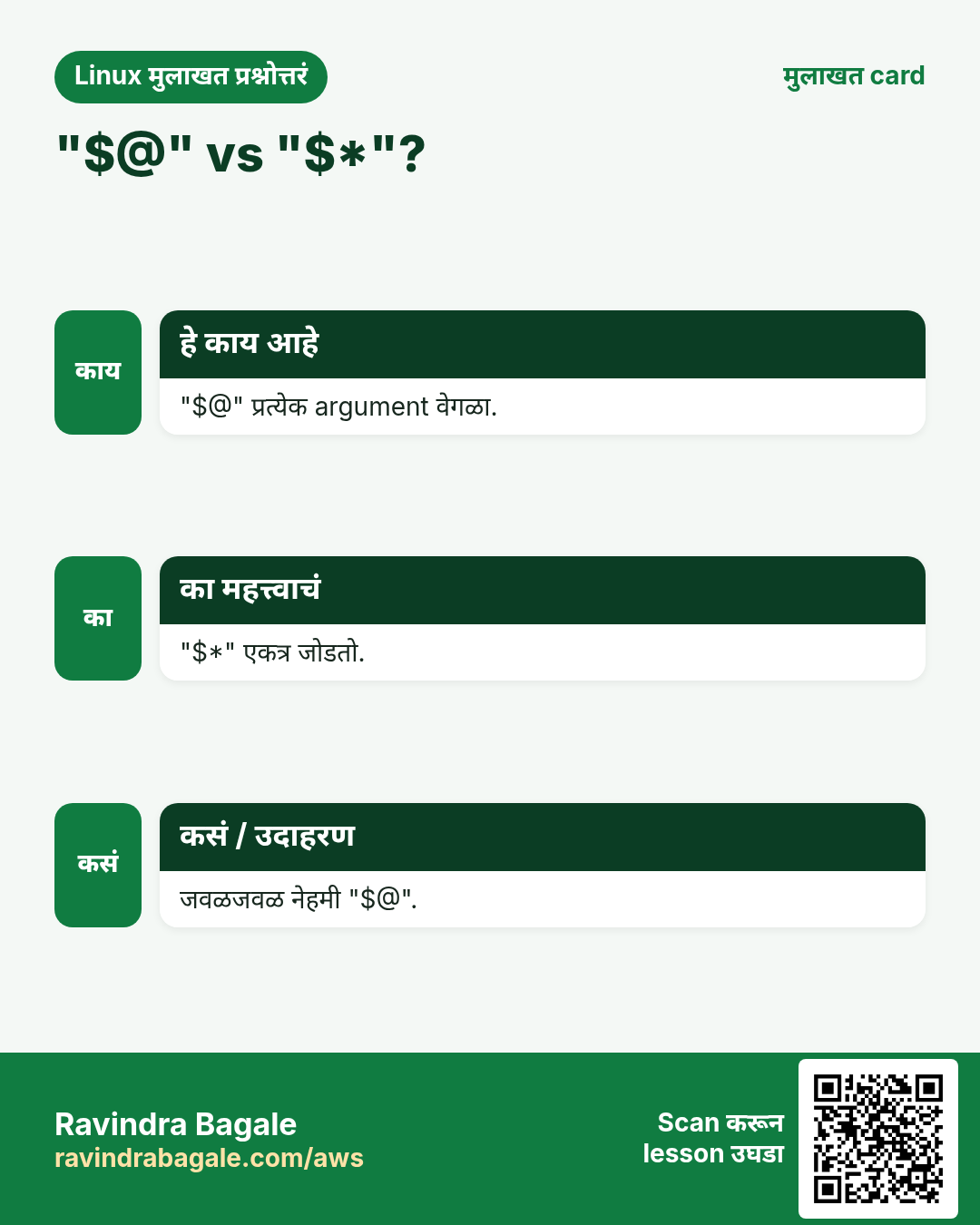
"$@" प्रत्येक argument वेगळा, quoted word म्हणून देतो. 99% वेळा हेच हवं. "$*" सगळे arguments एका string मधे space ने जोडतो (IFS चा पहिला char). Unquoted $@ आणि $* परत spaces वर तुटतात, म्हणून टाळा. सगळे arguments दुसऱ्या command ला: other_cmd "$@".
| प्रकार | Args: 'a b' c | काय देतो |
|---|---|---|
| "$@" | 2 words | [a b] [c] |
| "$*" | 1 word | [a b c] |
| $@ | 3 words | [a] [b] [c] |
कसं करायचं (step by step)
- Safely loop.
set -- 'a b' c; for x in "$@"; do echo "[$x]"; doneOutput:
[a b]
[c]
याचा अर्थ: प्रत्येक argument अख्खा.
- जोडलेलं.
set -- 'a b' c; echo "[$*]"Output:
[a b c]याचा अर्थ: एक string.
- Wrapper.
printf '#!/bin/bash\necho "[wrapper] running ls $*"\nexec ls -l "$@"\n' | tee myls.sh && bash myls.sh /etc/hostsOutput:
[wrapper] running ls /etc/hosts
-rw-r--r-- 1 root root 220 Oct 1 /etc/hosts
याचा अर्थ: Message साठी $*, command साठी "$@".
6. shift: arguments मधून पुढे जा
हे का लागतं?
पहिले arguments special असतात (उदा. command नाव) तेव्हा ते काढून उरलेले list म्हणून हवे.
हे काय आहे?
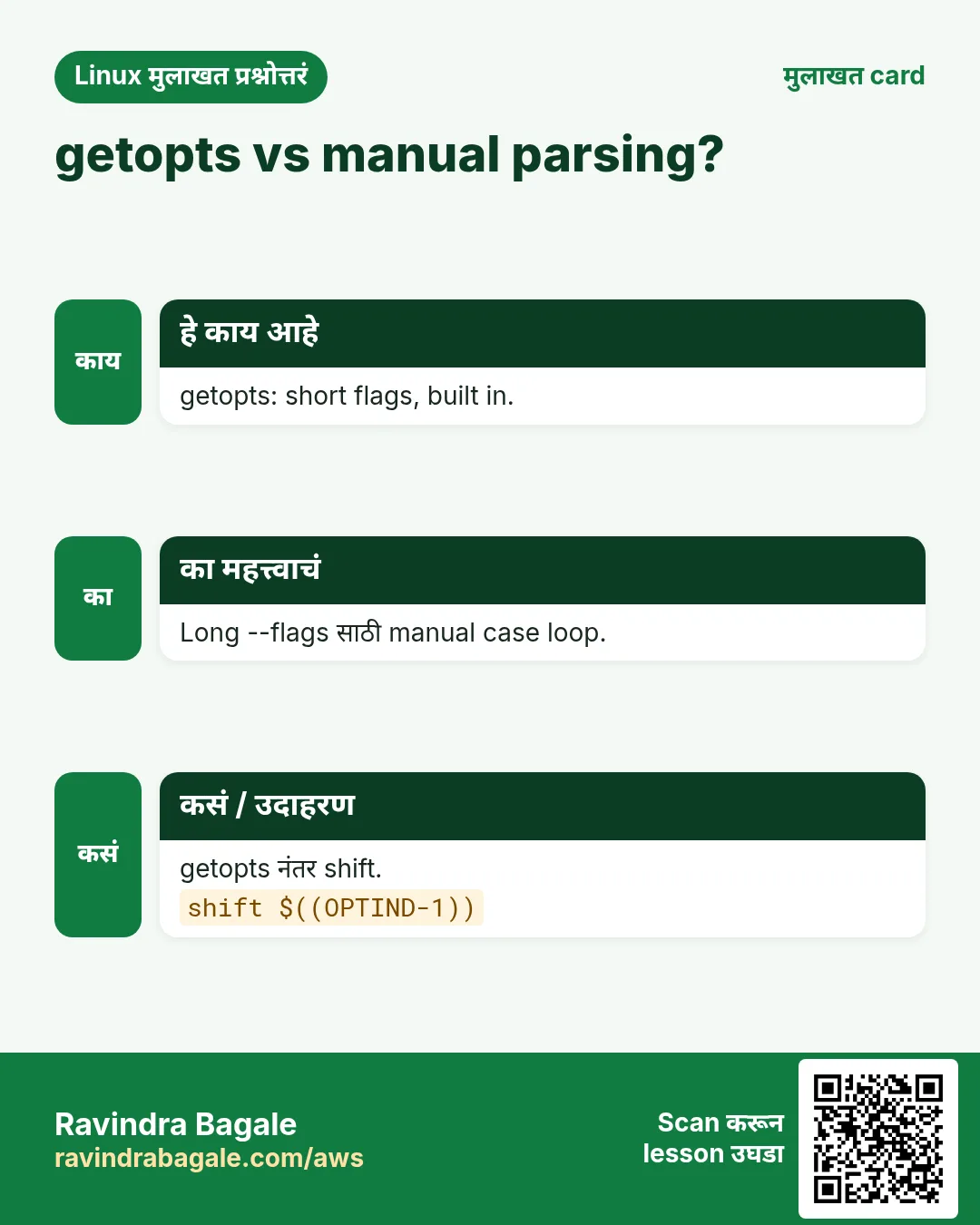
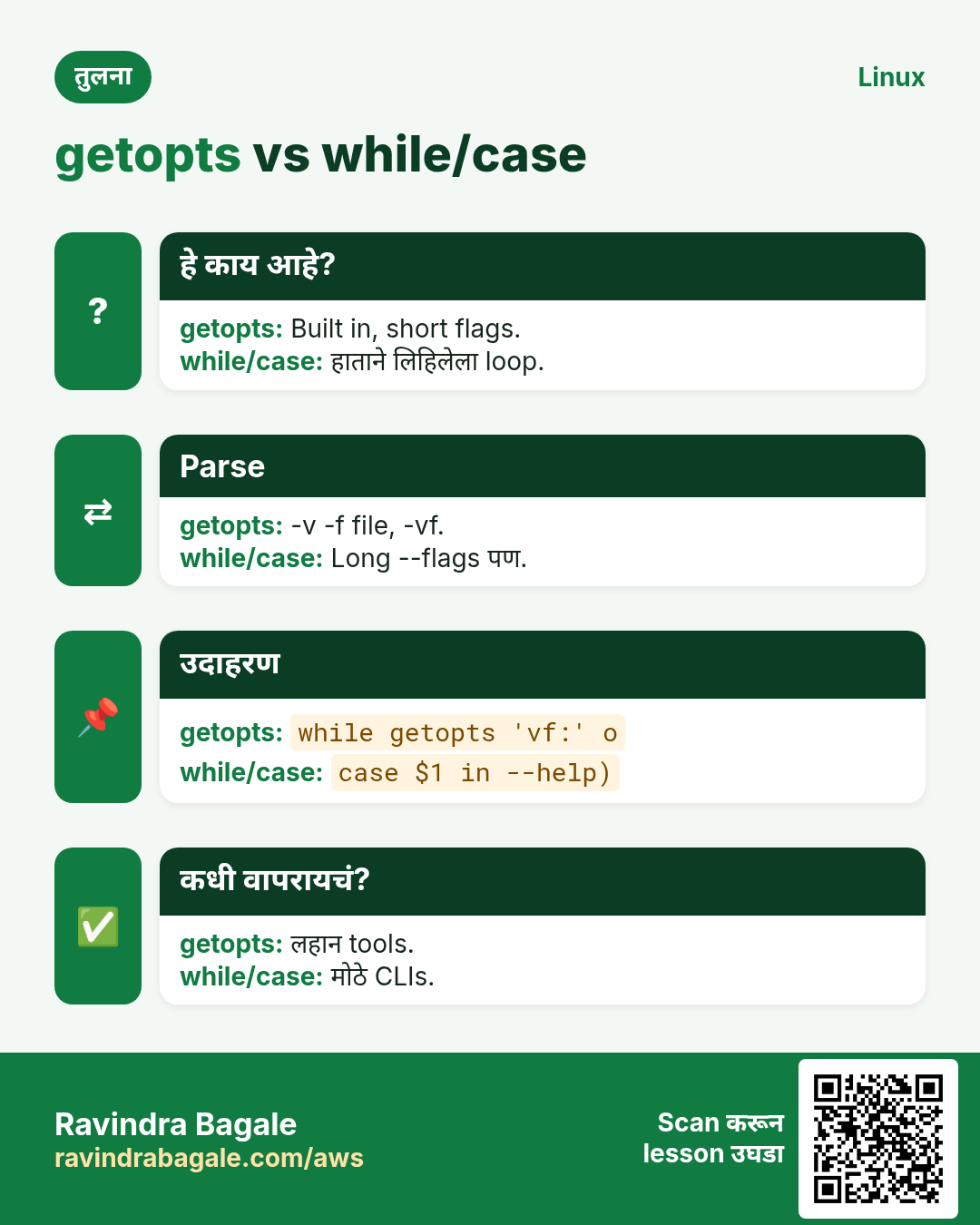
shift $1 काढतो आणि प्रत्येक argument एक जागा डावीकडे हलवतो, म्हणजे $2 चा $1 होतो आणि $# एकने कमी. shift 2 दोन काढतो. नेहमीचा loop: while [ $# -gt 0 ]; do ...; shift; done. getopts ला न जमणाऱ्या --dry-run सारख्या simple long options साठी वापरा.
कसं करायचं (step by step)
- Basic.
set -- deploy web1 web2; cmd=$1; shift; echo "$cmd on: $*"Output:
deploy on: web1 web2याचा अर्थ: Command list मधून काढली.
- Loop.
set -- x y z; while [ $# -gt 0 ]; do echo "item $1 (left $#)"; shift; doneOutput:
item x (left 3)
item y (left 2)
item z (left 1)
याचा अर्थ: प्रत्येक shift पुढच्याकडे.
- Hand ने long options.
set -- --dry-run --env stage app; while [ $# -gt 0 ]; do case $1 in --dry-run) dry=1;; --env) env=$2; shift;; *) break;; esac; shift; done; echo "dry=$dry env=$env rest=$*"Output:
dry=1 env=stage rest=appयाचा अर्थ: --env value घेतो, म्हणून दोनदा shift.
7. getopts: -v आणि -d DIR सारखे नीट options
हे का लागतं?
Users ना tools -h, -v, -n 5 कोणत्याही क्रमाने आणि -vn 5 असे एकत्र स्वीकारावेत असं वाटतं. getopts हे तुमच्यासाठी करतो.
हे काय आहे?
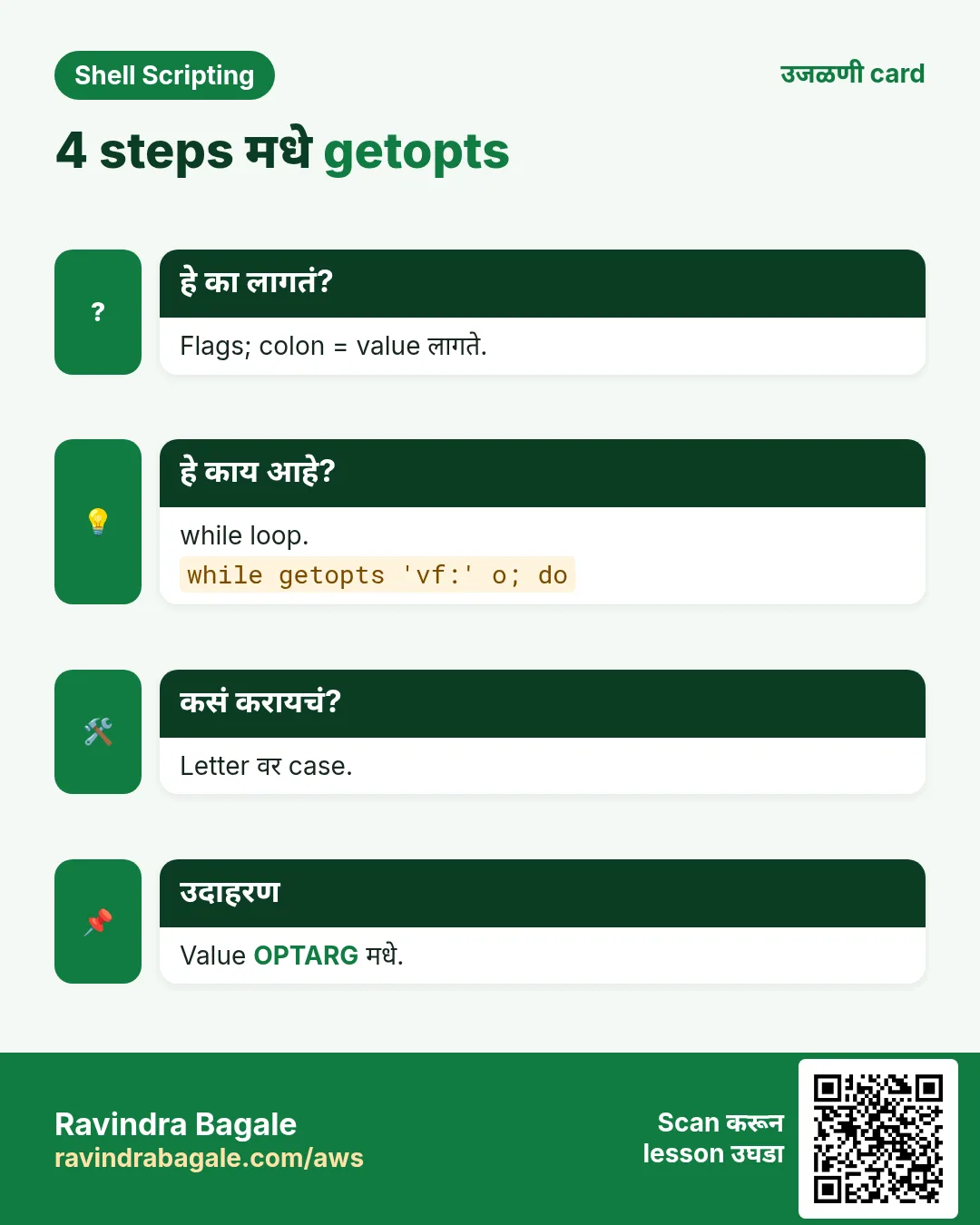
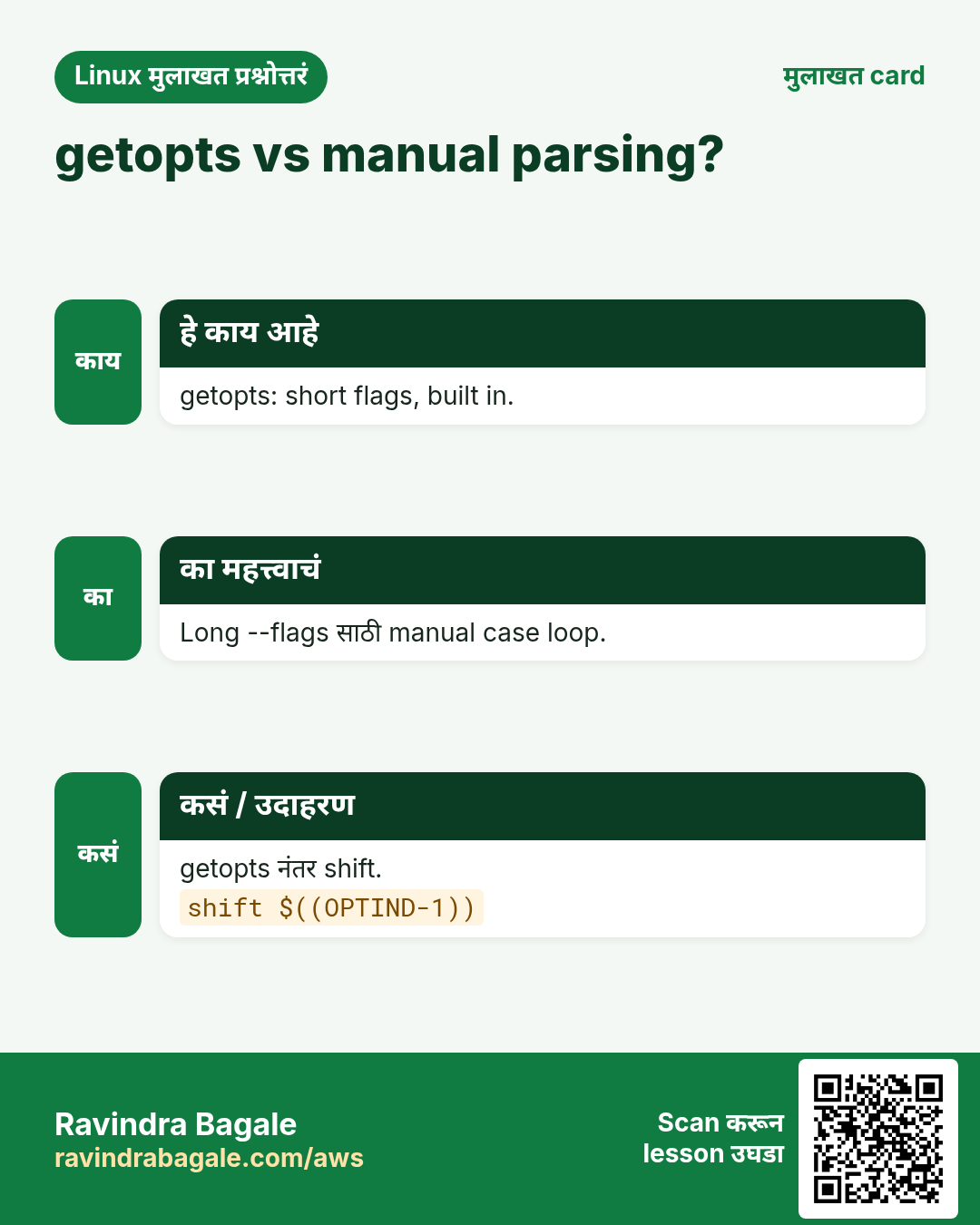
while getopts 'hvd:' opt; do case $opt in ... esac; done. प्रत्येक letter एक option; नंतर colon (d:) म्हणजे value लागते, जी $OPTARG मधे. सुरुवातीचा colon (':hvd:') errors तुम्हीच handle करू देतो: अनोळखी option साठी \? आणि value नसेल तर :. Loop नंतर shift $((OPTIND-1)) options काढतो म्हणजे $1 पहिला साधा argument. getopts फक्त short options handle करतो.
| भाग | अर्थ |
|---|---|
| 'hvd:' | h, v आणि value सह d |
| $opt | सापडलेलं letter |
| $OPTARG | d ची value |
| $OPTIND | पुढच्या argument चा index |
| leading : | तुम्ही handle करायचे silent errors |
कसं करायचं (step by step)
- Script.
cat backup.shOutput:
#!/bin/bash
verbose=0; dest=/backup
while getopts ':hvd:' opt; do
  case $opt in
    h) echo "usage: $0 [-v] [-d DIR] SRC..."; exit 0;;
    v) verbose=1;;
    d) dest=$OPTARG;;
    :) echo "-$OPTARG needs a value"; exit 2;;
    \?) echo "unknown -$OPTARG"; exit 2;;
  esac
done
shift $((OPTIND-1))
echo "verbose=$verbose dest=$dest sources=$*"
याचा अर्थ: h आणि v flags; d ला value.
- वापरा.
./backup.sh -v -d /mnt/usb /etc /homeOutput:
verbose=1 dest=/mnt/usb sources=/etc /homeयाचा अर्थ: shift नंतर फक्त folders राहिले.
- एकत्र flags.
./backup.sh -vd /srv/bk /var/wwwOutput:
verbose=1 dest=/srv/bk sources=/var/wwwयाचा अर्थ: -vd /srv/bk म्हणजे -v -d /srv/bk.
- Errors.
./backup.sh -x; ./backup.sh -dOutput:
unknown -x
-d needs a value
याचा अर्थ: स्पष्ट messages आणि exit 2.
8. Usage message आणि input checks
हे का लागतं?
बहुतेक चुकीचे runs चुकीच्या input मुळे. वर तपासा आणि script कसा वापरायचा ते सांगा.
हे काय आहे?
usage() function लिहा जो syntax stderr (>&2) ला print करतो आणि exit 2. $# चुकीचा असेल किंवा -h दिला तर call करा. Numbers numbers आहेत ([[ $n =~ ^[0-9]+$ ]]), files आहेत ([ -f ]), folders writable ([ -w ]) ते तपासा. if chapter मधे हे tests.
कसं करायचं (step by step)
- Usage function.
usage(){ echo "usage: cleanup.sh DAYS DIR" >&2; exit 2; }; type usage | head -1Output:
usage is a functionयाचा अर्थ: stderr ला print करून exit.
- Number check.
n=abc; [[ $n =~ ^[0-9]+$ ]] && echo number || echo 'not a number'Output:
not a numberयाचा अर्थ: Regex फक्त digits.
- File check.
f=/etc/nope.conf; [ -f "$f" ] || echo "missing $f" >&2Output:
missing /etc/nope.confयाचा अर्थ: काही करण्याआधी थांबा.
9. stdin, pipes आणि files मधून वाचणं
हे का लागतं?
चांगले tools pipes मधे चालतात: cat list.txt | ./check.sh. तुमचा script त्याच प्रकारे lines वाचू शकतो.
हे काय आहे?
File दिली नसेल तर standard input मधून वाचा. while IFS= read -r line; do ...; done एका वेळी एक line वाचतो (chapter 5 मधे IFS). < file file आत पाठवतो. Here-string <<< "text" एक string पाठवतो. Here-document < Output: याचा अर्थ: प्रत्येक line क्रमाने. Output: याचा अर्थ: एक string read मधे. Output: याचा अर्थ: आत variables expand झाले. Output: याचा अर्थ: File नसेल तर /dev/stdin. तेच Linux skill प्रत्येक प्रकारच्या company मध्ये लागतं. वेगवेगळ्या ठिकाणी पाहिलं की लक्षात राहतं. प्रत्येक row म्हणजे एक काल्पनिक team. कोण हे वापरतं आणि कसं ते दाखवते. हे errors सगळ्यांना येतात. कारण माहीत असलं की तास वाचतात. आधी नेमका message वाचा. मग खालच्या row शी जुळवा. Script ला खरं काय मिळालं ते print करा. वरून खाली जा. ज्या step ला problem दिसतो तिथे थांबा. greet.sh लिहा जो $1 दिला असेल तर वापरतो, नाहीतर read ने विचारतो, आणि input तपासतो. पूर्ण hands-on lab. प्रत्येक step test Linux machine वर करा (EC2 instance, VM किंवा WSL). Output: Output: Output: Output: -n COUNT, -d DIR आणि -h सह findbig.sh बनवा जो सगळ्यात मोठ्या files दाखवतो. पूर्ण hands-on lab. प्रत्येक step test Linux machine वर करा (EC2 instance, VM किंवा WSL). Output: Output: Output: Output: Output: Ravindra Bagale's Tip Always quote "$@" when you pass arguments on, and always end a getopts loop with shift $((OPTIND-1)). These two lines are where most argument bugs hide. Ravindra Bagale's Tip – मराठी Arguments पुढे देताना नेहमी "$@" quote करा, आणि getopts loop नेहमी shift $((OPTIND-1)) ने संपवा. बहुतेक argument bugs याच दोन lines मधे लपलेले असतात. Ravindra Bagale's Tip – हिंदी Arguments आगे भेजते समय हमेशा "$@" quote कीजिए, और getopts loop हमेशा shift $((OPTIND-1)) से खत्म कीजिए. ज़्यादातर argument bugs इन्हीं दो lines में छिपे होते हैं. Automation साठी arguments, माणसांसाठी read. Backslashes ठेवतो. Support नाही; case loop किंवा GNU getopt. पुढच्या argument चा index. Misuse साठी convention. stderr ला >&2. हो; chmod 600 सह read -r pw < file. read चा default variable. $1. $#. read -p. read -s. वेगळे words vs एक string. $1 काढून बाकी हलवतो. Spec मधे d:, value $OPTARG मधे. फक्त non-option args ठेवायला. Flags ला getopts, targets positional, usage, validation, prompts टाळायला -y. "${1:-/dev/stdin}" मधून वाचा. सुरुवातीचा colon: तुम्ही \? आणि : handle. Env var किंवा file, argument नाही (ps मधे दिसतं). घरी करून बघा London Legal LLP हा लंडन मधला कायदा सेवा व्यवसाय आहे. Oliver Hughes त्यांचं IT व cloud काम पाहतात. त्यांचे पैसे GBP मध्ये मोजले जातात आणि AWS resources eu-west-2 Region मध्ये चालतात. खालच्या tasks मध्ये तुम्ही या lesson मध्ये शिकलेलं वापरून त्यांची खरी कामं करता. सगळी नावं, account IDs, IP addresses व numbers सरावासाठी काल्पनिक आहेत. 0 / 21 का: BIZ च्या tools ना खऱ्या commands सारखे options लागतात. काय करायचं: "Branch: " विचारा आणि उत्तर br मधे, backslashes ठेवून. का: BIZ च्या tools ना खऱ्या commands सारखे options लागतात. काय करायचं: Script ला किती arguments मिळाले ते print. का: BIZ च्या tools ना खऱ्या commands सारखे options लागतात. काय करायचं: पहिला argument quotes मधे print. का: BIZ च्या tools ना खऱ्या commands सारखे options लागतात. काय करायचं: Script कोणत्या नावाने call झाला ते print. का: BIZ च्या tools ना खऱ्या commands सारखे options लागतात. काय करायचं: पहिले तीन arguments काढा. का: BIZ च्या tools ना खऱ्या commands सारखे options लागतात. काय करायचं: Current option value outdir मधे. का: BIZ च्या tools ना खऱ्या commands सारखे options लागतात. काय करायचं: "PIN: " prompt सह लपवलेली value pin मधे. का: BIZ च्या tools ना खऱ्या commands सारखे options लागतात. काय करायचं: 15 second timeout सह, raw mode मधे ans मधे read. का: BIZ च्या tools ना खऱ्या commands सारखे options लागतात. काय करायचं: एकच character key मधे वाचा. का: BIZ च्या tools ना खऱ्या commands सारखे options लागतात. काय करायचं: अकरावा argument print. का: BIZ च्या tools ना खऱ्या commands सारखे options लागतात. काय करायचं: प्रत्येक argument वेगळ्या line वर printf ने, spaces ठेवून. का: BIZ च्या tools ना खऱ्या commands सारखे options लागतात. काय करायचं: Arguments alpha beta gamma set करा. का: BIZ च्या tools ना खऱ्या commands सारखे options लागतात. काय करायचं: q आणि f flags साठी getopts loop, f ला value, letter o मधे. का: BIZ च्या tools ना खऱ्या commands सारखे options लागतात. काय करायचं: getopts loop नंतर parse केलेले सगळे options काढा. का: BIZ च्या tools ना खऱ्या commands सारखे options लागतात. काय करायचं: Standard output terminal आहे का तपासा आणि असेल तर term print. का: BIZ च्या tools ना खऱ्या commands सारखे options लागतात. काय करायचं: "Satara 415001" here-string ने town आणि code मधे read. का: BIZ च्या tools ना खऱ्या commands सारखे options लागतात. काय करायचं: Script चे सगळे arguments safely देऊन rsync चालवा. का: BIZ च्या tools ना खऱ्या commands सारखे options लागतात. काय करायचं: एक line words array मधे, raw mode. का: BIZ च्या tools ना खऱ्या commands सारखे options लागतात. काय करायचं: h आणि value सह n साठी silent-error getopts loop, letter opt मधे. का: BIZ च्या tools ना खऱ्या commands सारखे options लागतात. काय करायचं: src मधे पहिला argument, नसेल तर /dev/stdin. का: BIZ च्या tools ना खऱ्या commands सारखे options लागतात. काय करायचं: qty variable फक्त digits आहे हे [[ ]] ने तपासा आणि ok print. थोडक्यात सांगायचं तर हा lesson काही मिनिटांत revise करा. Cards phone वर save करा किंवा PNG download करा. प्रत्येक card वरचा QR हा lesson उघडतो. अजून cards: Ravi Sir's Cards.कसं करायचं (step by step)
printf 'web1\nweb2\n' | while IFS= read -r h; do echo "checking $h"; donechecking web1
checking web2read -r a b <<< 'Pune 411001'; echo "$b $a"411001 Punecat <<EOF
Host: $(hostname)
User: $USER
EOFHost: web01
User: ashain=${1:-/dev/stdin}; wc -l < "$in"310. अनेक industries मधली खरी उदाहरणं
हे का लागतं?
हे काय आहे?
कसं करायचं (step by step)
Team आणि शहर ते कसं वापरतात Command Kiran, school ERP, Kolhapur read -p ने class नाव read -rp 'Class: ' clsEmma, retail, Dublin Report tool मधे getopts while getopts 'd:o:' oWei, fintech, Shanghai Silent password prompt read -rsp 'Pass: ' pOmar, airline, Doha "$@" देणारा wrapper exec ansible "$@"Julia, media, Berlin Pipe मधून batch cut -d, -f1 ids.csv | ./fetch.shVikram, logistics, Chennai Usage आणि exit 2 usage(){ ...; exit 2; }11. नेहमीच्या errors आणि त्यांचे fixes
हे का लागतं?
हे काय आहे?
कसं करायचं (step by step)
दिसणारा error का होतं Fix कसा करायचा read hangs in cronType करायला terminal नाही Arguments किंवा [ -t 0 ]. [ -t 0 ] || exit 1Backslashes vanished from input-r शिवाय read read -r वापरा. read -r line$10 printed as first argument plus 0$10 म्हणजे $1 आणि 0 Braces वापरा. echo "${10}"File with spaces split into two argumentsUnquoted $@ किंवा $* "$@" वापरा. for a in "$@"illegal option -- xgetopts ला अनोळखी option Add करा किंवा \? handle. getopts ':ab:' ooption requires an argument -- d-d value शिवाय Value द्या किंवा : handle. ./s.sh -d /tmpArguments still include -v after getoptsshift $((OPTIND-1)) विसरलात Options shift करा. shift $((OPTIND-1))getopts ignores --longgetopts फक्त short options while/case loop किंवा getopt. case $1 in --env) ...;; esacshift count out of rangeArguments नसताना shift shift आधी $#. [ $# -gt 0 ] && shift12. Troubleshooting step by step
हे का लागतं?
हे काय आहे?
कसं करायचं (step by step)
echo "count=$#"printf '[%s]\n' "$@"echo "OPTIND=$OPTIND OPTARG=$OPTARG"[ -t 0 ] && echo ttybash -x s.sh -v -d /tmp xprintf '%q\n' "$1"13. Lab 1: read आणि arguments सह greeting script
हे का लागतं?
हे काय आहे?
कसं करायचं (step by step)
mkdir -p ~/lab39 && cd ~/lab39printf '#!/bin/bash\nname=${1:-}\nif [ -z "$name" ]; then read -rp "Name: " name; fi\n[ -n "$name" ] || { echo "name required" >&2; exit 2; }\necho "Namaskar, $name!"\n' | tee greet.sh && chmod +x greet.sh./greet.sh MeeraNamaskar, Meera!./greet.shName: Raj
Namaskar, Raj!./greet.sh <<< ''; echo $?name required
2echo Sara | ./greet.shNamaskar, Sara!14. Lab 2: खरं getopts tool
हे का लागतं?
हे काय आहे?
कसं करायचं (step by step)
printf '#!/bin/bash\nn=5; d=.\nwhile getopts ":hn:d:" o; do case $o in h) echo "usage: $0 [-n N] [-d DIR]"; exit 0;; n) n=$OPTARG;; d) d=$OPTARG;; :) echo "-$OPTARG needs value" >&2; exit 2;; \\?) echo "bad -$OPTARG" >&2; exit 2;; esac; done\nshift $((OPTIND-1))\n[[ $n =~ ^[0-9]+$ ]] || { echo "N must be a number" >&2; exit 2; }\ndu -ah "$d" 2>/dev/null | sort -rh | head -n "$n"\n' | tee findbig.sh && chmod +x findbig.sh./findbig.sh -husage: ./findbig.sh [-n N] [-d DIR]./findbig.sh -d /var/log | head -21.2G /var/log
800M /var/log/journal./findbig.sh -n 3 -d /etc6.1M /etc
3.0M /etc/selinux
1.1M /etc/ssl./findbig.sh -n many; echo $?N must be a number
2./findbig.sh -d-d needs value15. नेहमी विचारले जाणारे प्रश्न
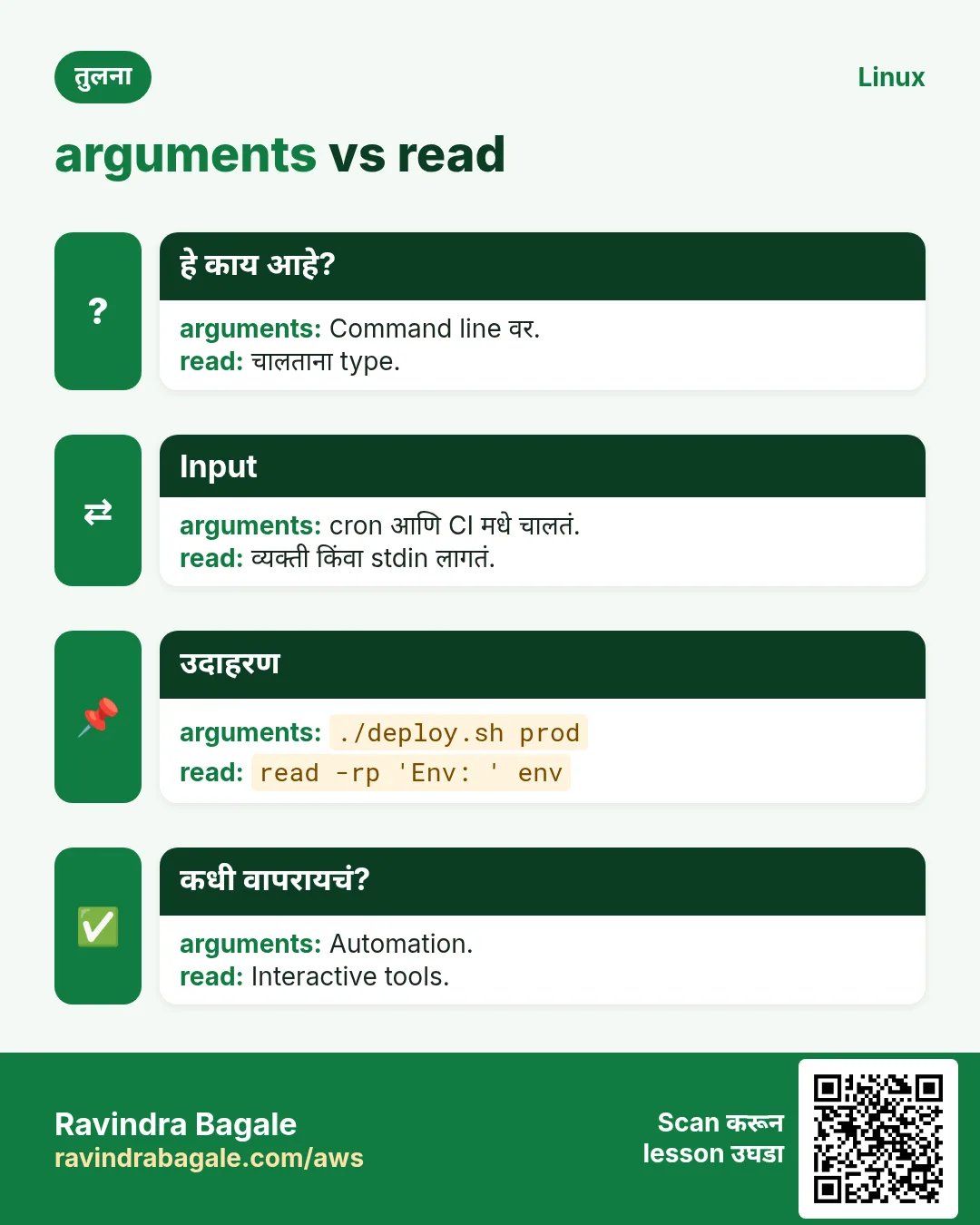
प्र. read की arguments?
प्र. read -r का?
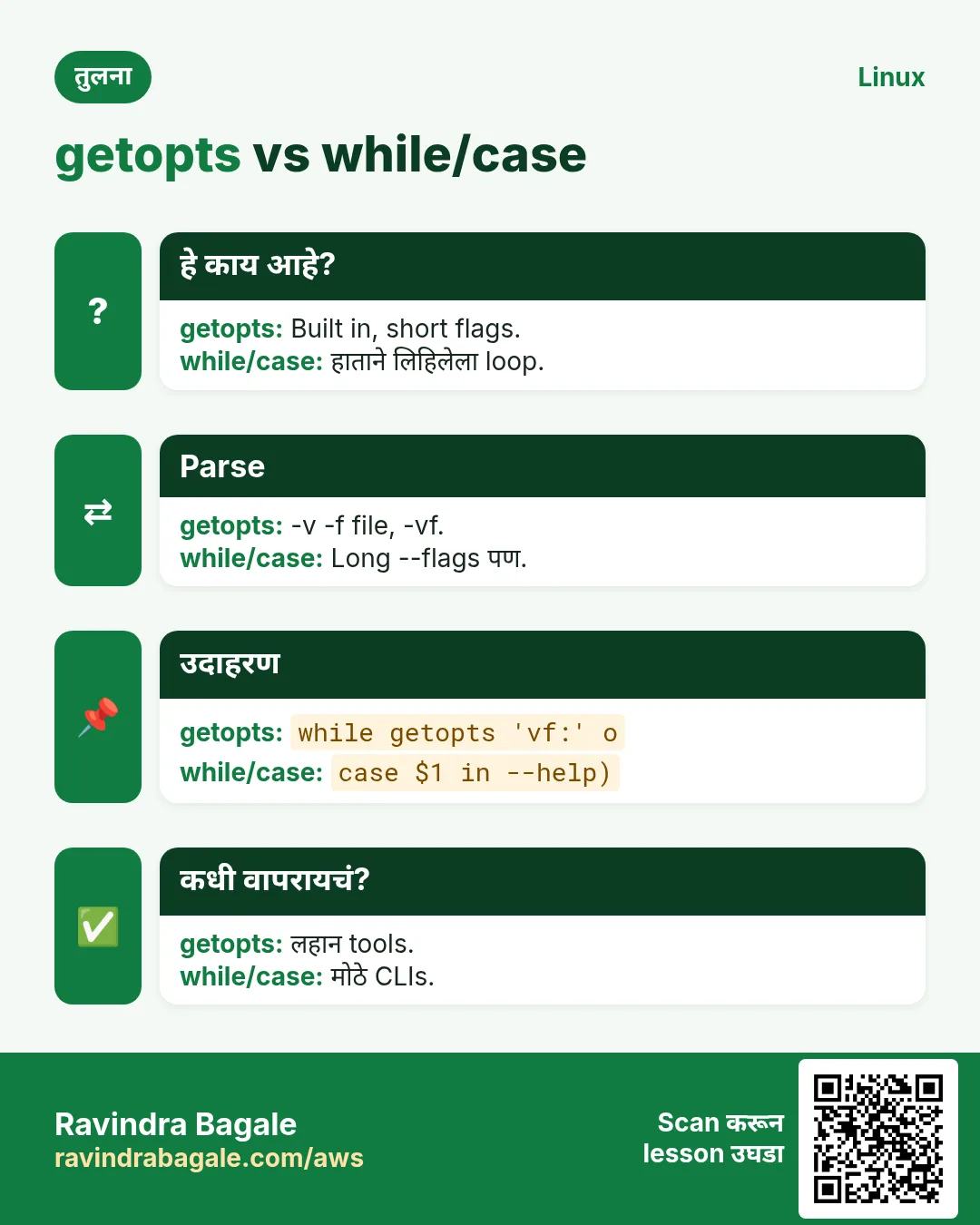
प्र. getopts ने long options?
प्र. OPTIND काय?
प्र. चुकीच्या usage ला exit 2 का?
प्र. Usage कुठे?
प्र. File मधून password?
प्र. $REPLY काय?
16. मुलाखत प्रश्न आणि उत्तरं
Beginner level
प्र. पहिला argument?
प्र. Arguments ची संख्या?
प्र. User ला prompt?
प्र. Password लपवायचा?
Mid level level
प्र. "$@" vs "$*"?
प्र. shift काय करतो?
प्र. -d ची getopts value?
प्र. shift $((OPTIND-1)) का?
Senior level
प्र. Deploy script चा CLI?
प्र. Pipes आणि files दोन्ही?
प्र. Silent vs normal getopts errors?
प्र. Secrets safely?
सराव Tasks
सोपं नाव विचारा
सोपं किती
सोपं पहिला argument
सोपं Script नाव
सोपं तीन काढा
सोपं Option value
मध्यम लपवलेला PIN
मध्यम Timeout
मध्यम एक key
मध्यम अकरावा
मध्यम प्रत्येक argument line वर
मध्यम Arguments set
मध्यम getopts spec
मध्यम Options काढा
मध्यम Output terminal ला?
मध्यम Here-string
मध्यम पुढे द्या
अवघड Words array मधे
अवघड Silent getopts
अवघड File किंवा stdin
अवघड Number आहे
17. संबंधित chapters
उजळणी, तुलना आणि मुलाखत cards