Project: Amazon S3, EC2 आणि RDS MySQL वापरून Reels Video Upload App बनवा
हा project chapter आहे. Amazon S3 म्हणजे काय पासून Versioning आणि Replication पर्यंत सगळं वापरून छोटं reels app बनवू: users छोटे videos upload करतात, files S3 मध्ये, माहिती RDS MySQL मध्ये, आणि playback CloudFront किंवा pre-signed link मधून. मुख्य code Node.js, सोबत Flask आणि PHP versions.
या chapter मध्ये तुम्ही काय शिकाल
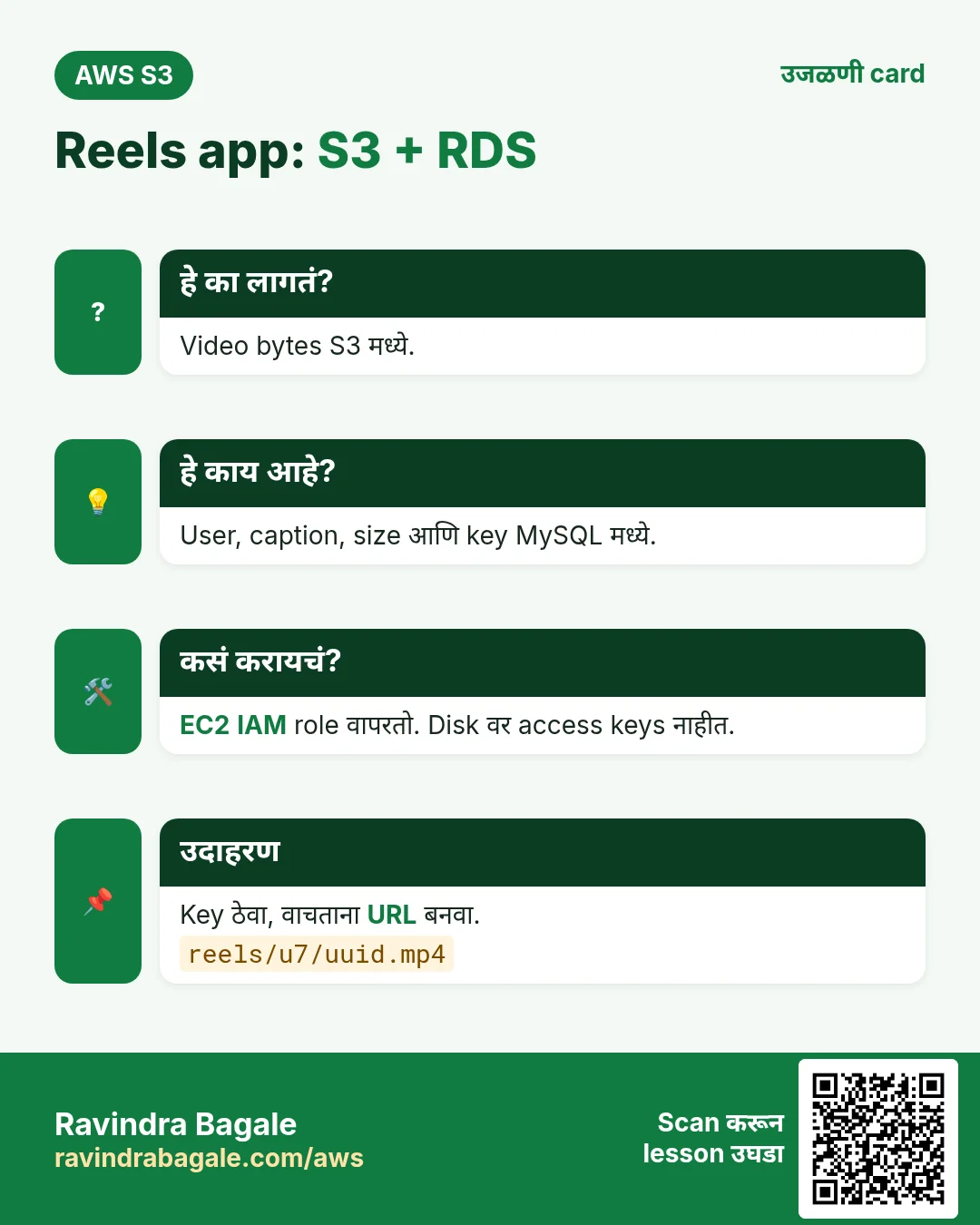
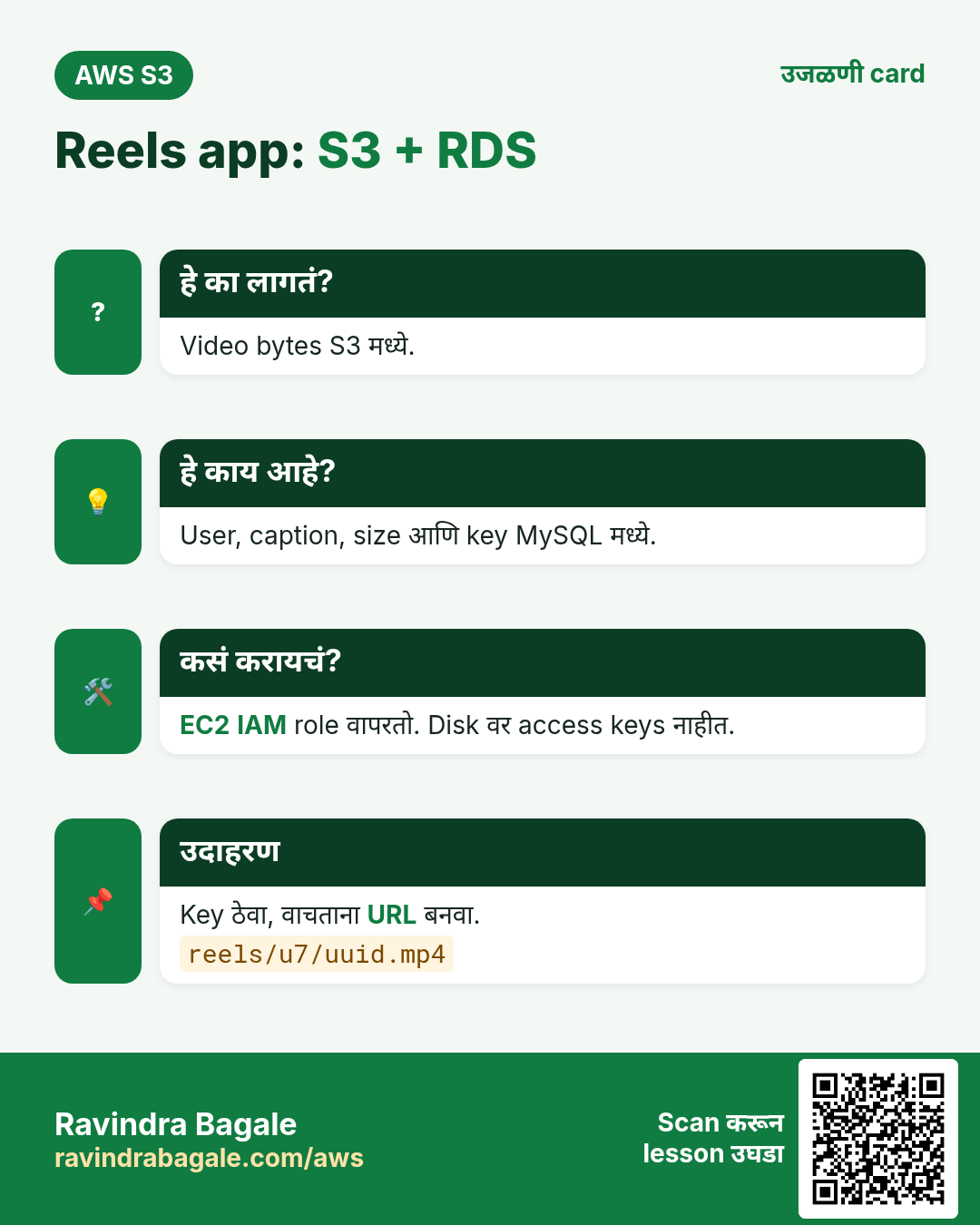
- Videos S3 मध्ये आणि फक्त metadata MySQL मध्ये का
- IAM role सह EC2, access keys नाहीत
- दोन upload मार्ग: server मधून, किंवा pre-signed PUT ने थेट
- Schema, code (Node, Flask, PHP), security groups आणि VPC endpoint
- S3 मध्ये cron backups आणि S3 event notifications
1. गोष्ट: college fest साठी reels app
College fest ला students नी 30-second reels upload करावेत. शेकडो videos, प्रत्येक 20 ते 80 MB, आणि सगळे phones वर बघणार. Videos EC2 disk वर ठेवले तर disk भरते, दुसऱ्या server ला दिसत नाहीत, आणि instance गेला तर fest गेला.
म्हणून: मोठ्या files S3 मध्ये, छोटी माहिती (कोण, caption, size, key) MySQL मध्ये, आणि EC2 वरचं app फक्त दोन्ही जोडतं.
2. Architecture
हे का लागतं?
प्रत्येक भाग त्याला जमणारं काम करतो. Databases मोठ्या binary files ठेवायला वाईट; S3 "user 7 चे latest 20 reels" सारख्या queries ला वाईट.
हे काय आहे?
| भाग | Setting | का |
|---|---|---|
| S3 | reels-app-media, BPA on, ACLs disabled, SSE-S3, versioning on | Private, overwrites पासून सुरक्षित |
| IAM role | reels-ec2-role: s3:PutObject, s3:GetObject on reels-app-media/reels/* | Disk वर keys नाहीत; least privilege |
| SG web | 80, 443 from 0.0.0.0/0; 22 from your IP | Public site, मर्यादित SSH |
| SG db | 3306 from SG web | फक्त app MySQL पर्यंत |
| VPC endpoint | Route tables वर S3 gateway endpoint | Server-to-S3 traffic free आणि private |
| S3 CORS | तुमच्या site origin कडून PUT allow | Browser थेट S3 ला upload करतो |
3. Upload चे दोन मार्ग
हे का लागतं?
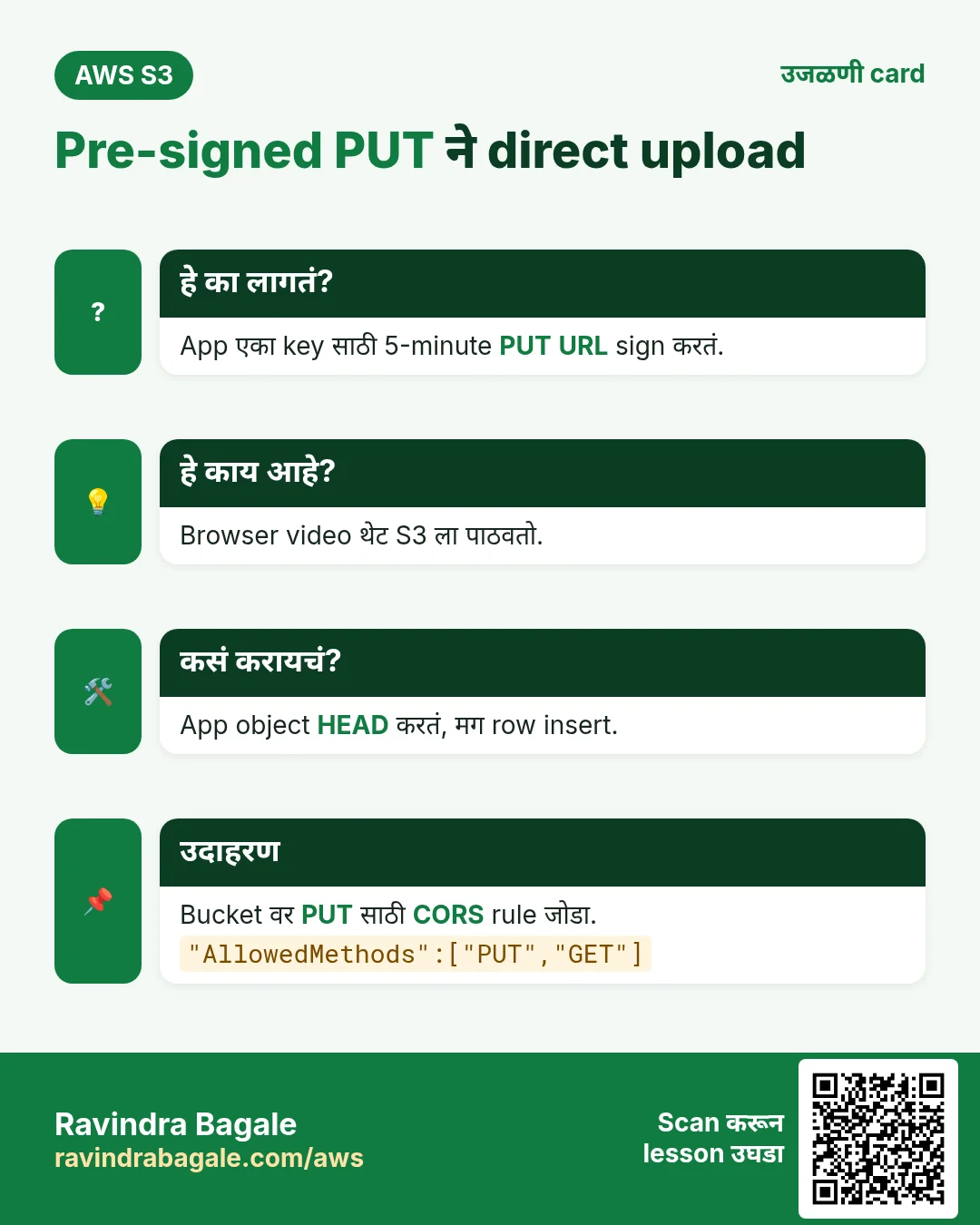
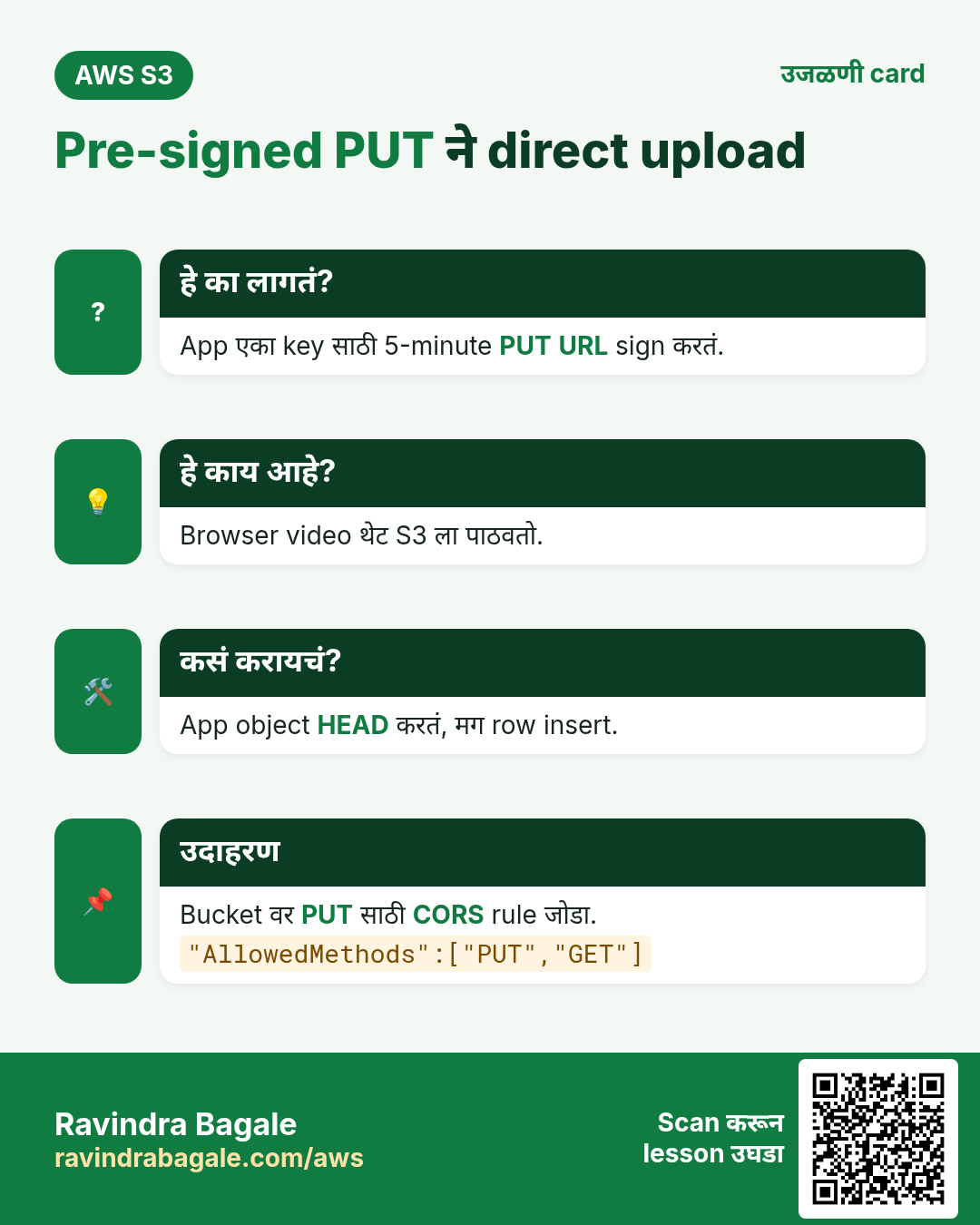
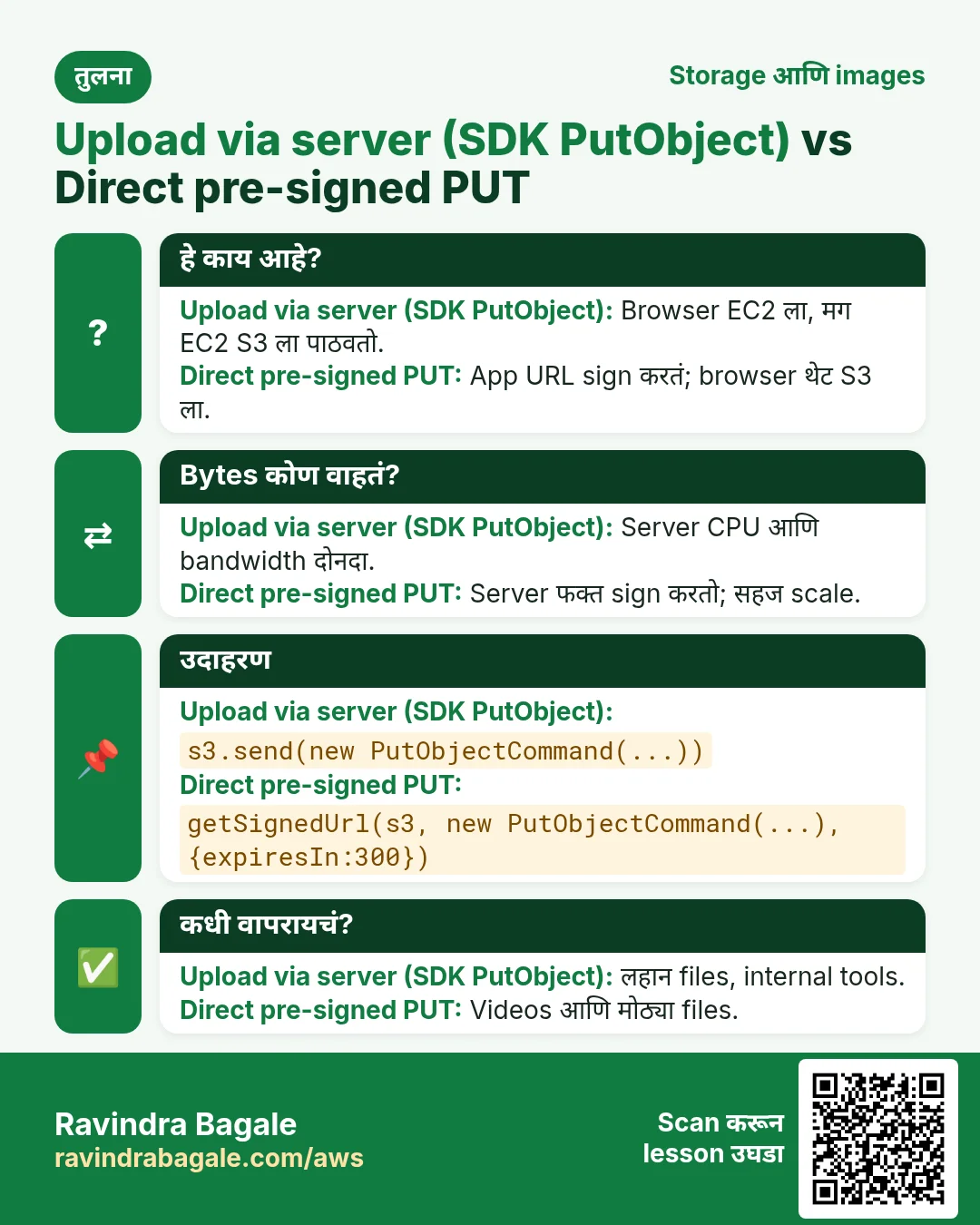
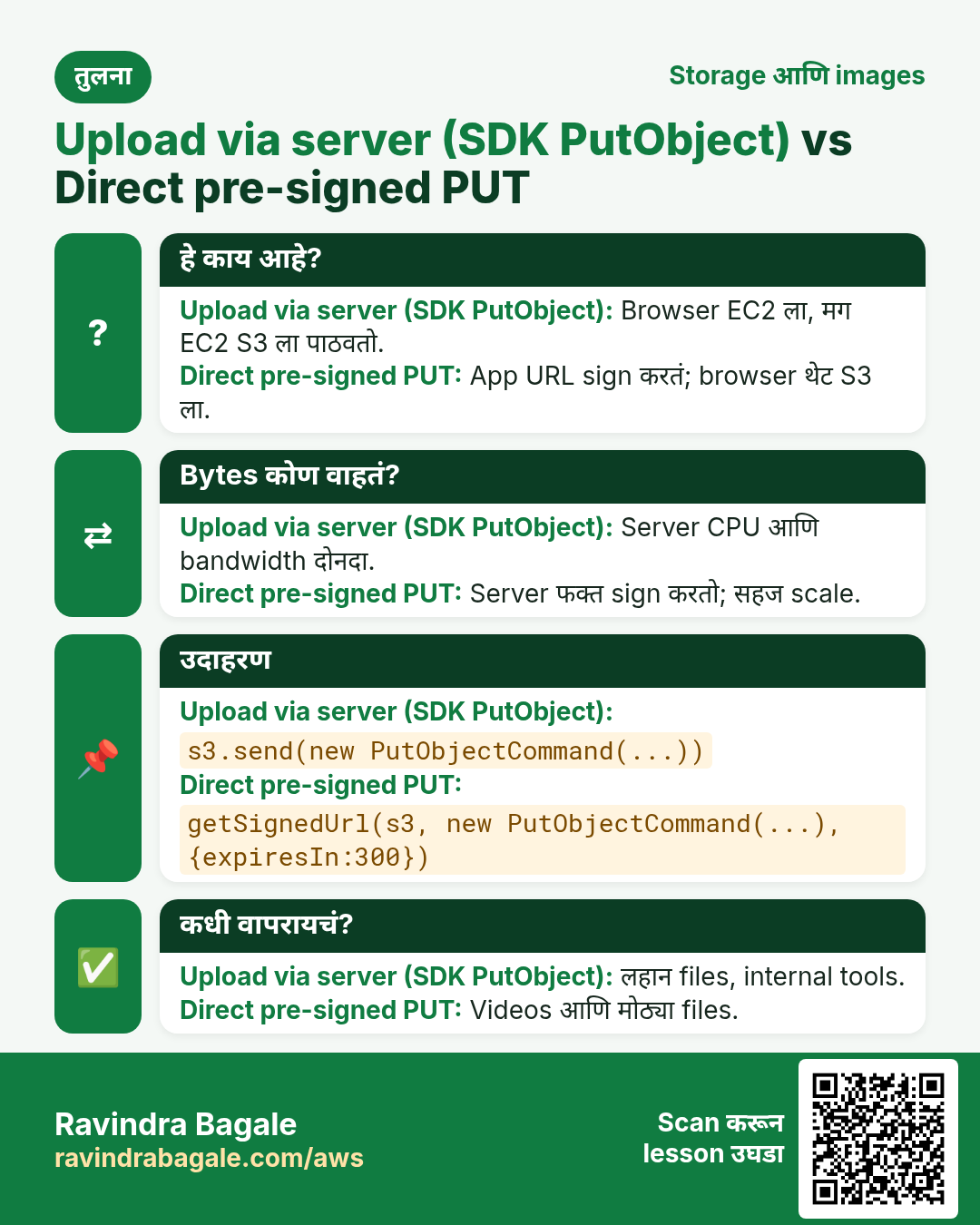
80 MB video server मधून गेला तर त्याचा CPU, memory आणि bandwidth दोनदा (in आणि out) वापरतो. Pre-signed PUT तो थेट S3 ला पाठवतो.
हे काय आहे?
| मुद्दा | Server मधून (SDK PutObject) | थेट (pre-signed PUT) |
|---|---|---|
| मार्ग | Browser → EC2 → S3 | Browser → S3 |
| Server load | जास्त | अगदी कमी (फक्त URL sign) |
| Upload आधी checks | सोपं (file तपासा) | Signed request मध्ये type आणि size मर्यादा; नंतर verify |
| कशासाठी | लहान files, internal tools | Videos, मोठ्या files, अनेक users |
4. Database schema
CREATE DATABASE reels CHARACTER SET utf8mb4;
USE reels;
CREATE TABLE users (
  id INT AUTO_INCREMENT PRIMARY KEY,
  username VARCHAR(50) NOT NULL UNIQUE,
  created_at TIMESTAMP DEFAULT CURRENT_TIMESTAMP
);
CREATE TABLE reels (
  id BIGINT AUTO_INCREMENT PRIMARY KEY,
  user_id INT NOT NULL,
  s3_key VARCHAR(512) NOT NULL UNIQUE,
  caption VARCHAR(300),
  duration_sec SMALLINT,
  size_bytes BIGINT NOT NULL,
  content_type VARCHAR(50) DEFAULT 'video/mp4',
  created_at TIMESTAMP DEFAULT CURRENT_TIMESTAMP,
  FOREIGN KEY (user_id) REFERENCES users(id),
  INDEX idx_user_created (user_id, created_at)
);
INSERT INTO users (username) VALUES ('ravi'), ('asha');
पूर्ण URL नाही तर key का? Domain बदलू शकतो (S3 → CloudFront → custom domain). Key कधी बदलत नाही; वाचताना URL बनवा.
5. Node.js app (मुख्य)
// app.js  -  npm i express mysql2 @aws-sdk/client-s3 @aws-sdk/s3-request-presigner uuid
const express = require('express');
const mysql = require('mysql2/promise');
const { S3Client, PutObjectCommand, GetObjectCommand, HeadObjectCommand } = require('@aws-sdk/client-s3');
const { getSignedUrl } = require('@aws-sdk/s3-request-presigner');
const { v4: uuid } = require('uuid');

const BUCKET = process.env.BUCKET;            // reels-app-media
const CDN = process.env.CDN_DOMAIN || '';      // dxxxx.cloudfront.net (optional)
const s3 = new S3Client({ region: 'ap-south-1' }); // creds come from the EC2 role
const db = mysql.createPool({ host: process.env.DB_HOST, user: 'app',
  password: process.env.DB_PASS, database: 'reels' });
const app = express();
app.use(express.json());
app.use(express.static('public'));

app.post('/api/upload-url', async (req, res) => {
  const { userId, type, size } = req.body;
  if (type !== 'video/mp4' || size > 100 * 1024 * 1024) return res.status(400).json({ error: 'mp4 up to 100 MB' });
  const key = `reels/u${userId}/${uuid()}.mp4`;
  const url = await getSignedUrl(s3, new PutObjectCommand({ Bucket: BUCKET, Key: key,
    ContentType: type, ContentLength: size }), { expiresIn: 300 });
  res.json({ key, url });
});

app.post('/api/reels', async (req, res) => {
  const { userId, key, caption, duration } = req.body;
  if (!key.startsWith(`reels/u${userId}/`)) return res.status(403).end();
  const head = await s3.send(new HeadObjectCommand({ Bucket: BUCKET, Key: key })); // 404 if missing
  await db.execute('INSERT INTO reels (user_id,s3_key,caption,duration_sec,size_bytes) VALUES (?,?,?,?,?)',
    [userId, key, caption, duration, head.ContentLength]);
  res.status(201).json({ ok: true });
});

app.get('/api/reels', async (req, res) => {
  const [rows] = await db.query('SELECT r.id,u.username,r.s3_key,r.caption,r.duration_sec,r.size_bytes,r.created_at FROM reels r JOIN users u ON u.id=r.user_id ORDER BY r.created_at DESC LIMIT 20');
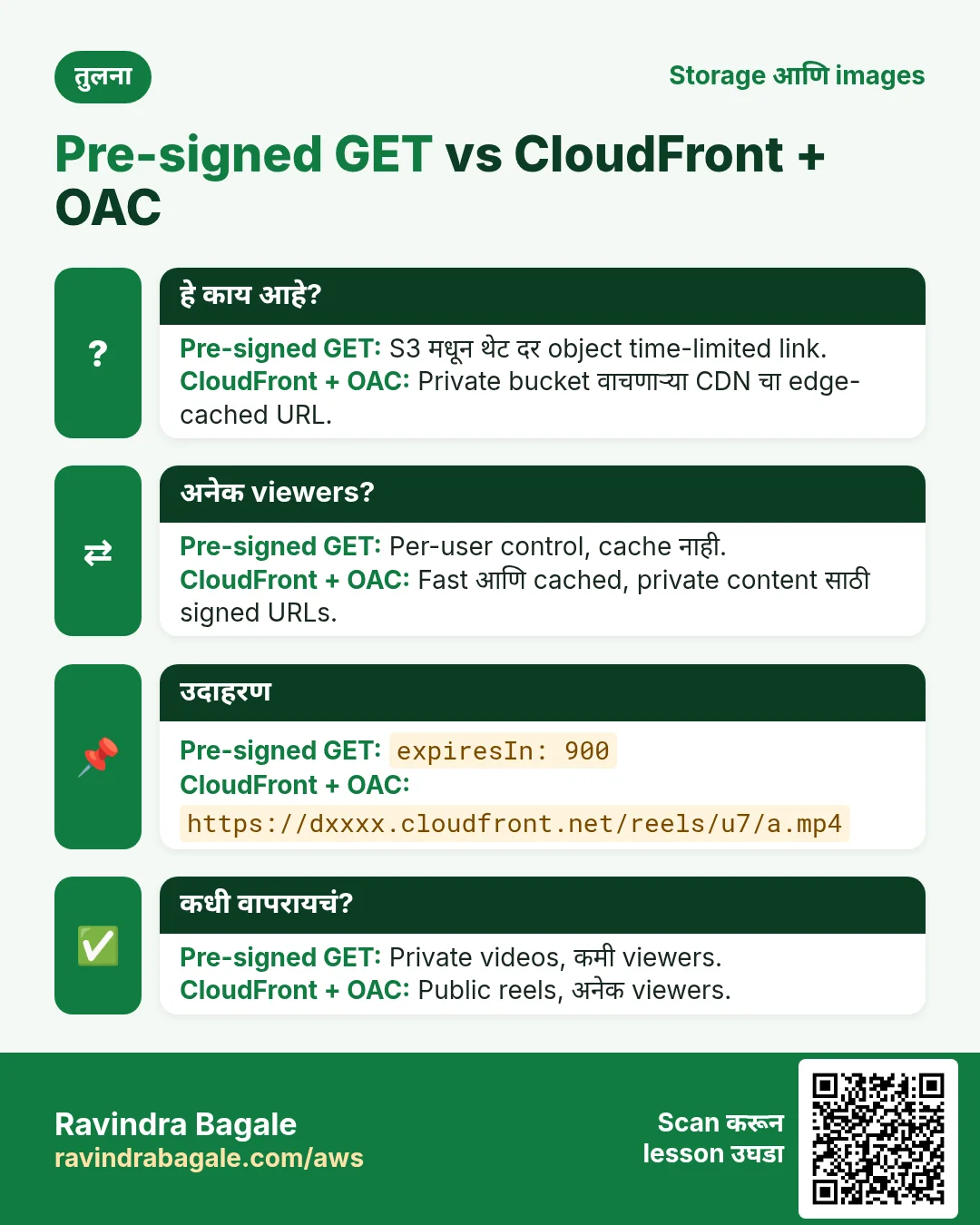
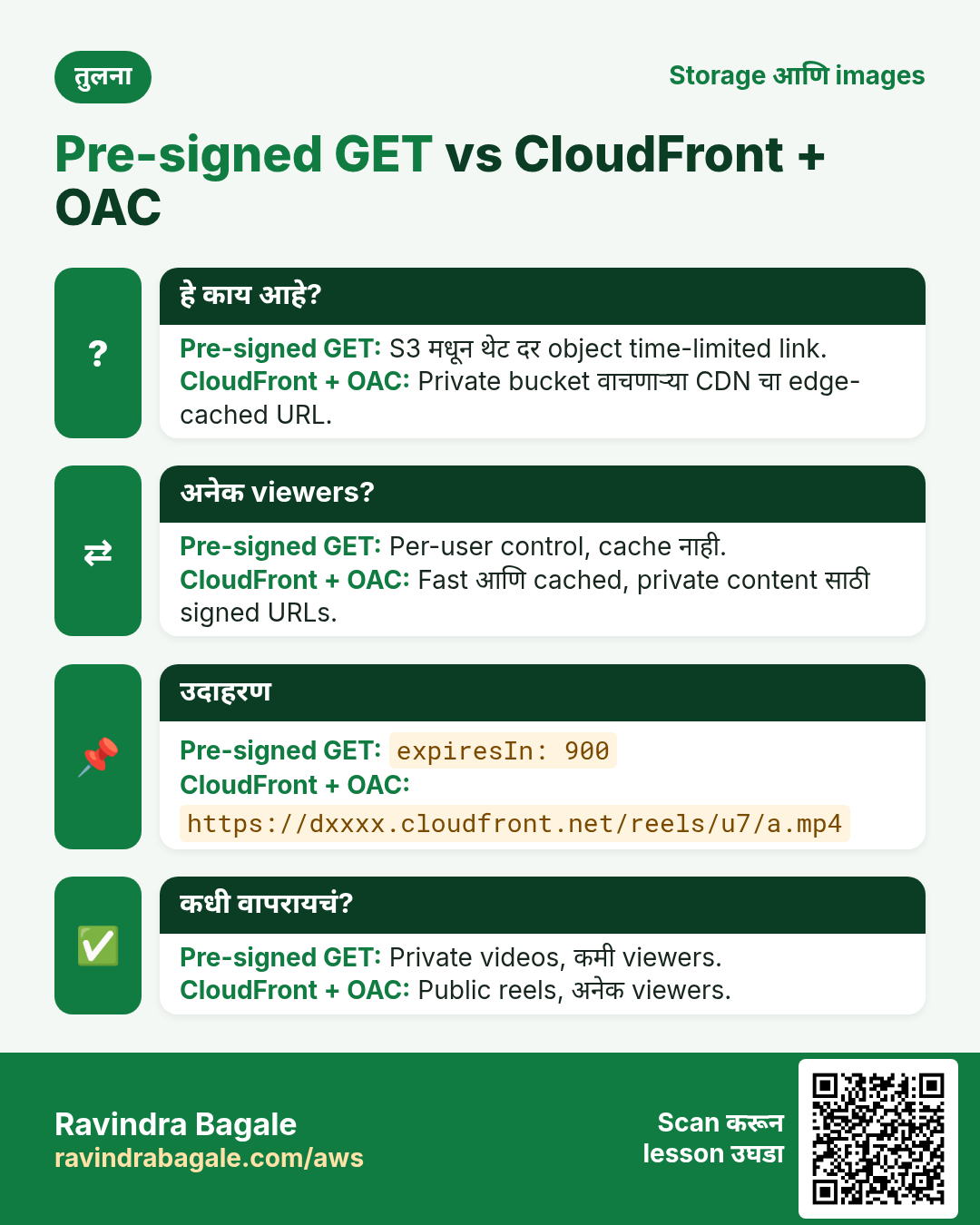
  for (const r of rows) r.url = CDN ? `https://${CDN}/${r.s3_key}`
    : await getSignedUrl(s3, new GetObjectCommand({ Bucket: BUCKET, Key: r.s3_key }), { expiresIn: 900 });
  res.json(rows);
});

app.listen(3000, () => console.log('reels on :3000'));
Browser बाजू (public/index.html), महत्वाचा भाग:
const f = document.querySelector('#file').files[0];
const r = await fetch('/api/upload-url', {method:'POST', headers:{'Content-Type':'application/json'},
  body: JSON.stringify({userId:1, type:f.type, size:f.size})}).then(x => x.json());
await fetch(r.url, {method:'PUT', headers:{'Content-Type':f.type}, body:f});   // straight to S3
await fetch('/api/reels', {method:'POST', headers:{'Content-Type':'application/json'},
  body: JSON.stringify({userId:1, key:r.key, caption:cap.value, duration:30})});
6. Flask आणि PHP versions
# app.py  -  pip install flask boto3 pymysql
import os, uuid, boto3, pymysql
from flask import Flask, request, jsonify
s3 = boto3.client("s3", region_name="ap-south-1")
B = os.environ["BUCKET"]
db = lambda: pymysql.connect(host=os.environ["DB_HOST"], user="app", password=os.environ["DB_PASS"], database="reels")
app = Flask(__name__)

@app.post("/api/upload-url")
def upload_url():
    j = request.json
    if j["type"] != "video/mp4" or j["size"] > 100*1024*1024: return {"error": "mp4 up to 100 MB"}, 400
    key = f"reels/u{j['userId']}/{uuid.uuid4()}.mp4"
    url = s3.generate_presigned_url("put_object", Params={"Bucket": B, "Key": key, "ContentType": j["type"]}, ExpiresIn=300)
    return {"key": key, "url": url}

@app.post("/api/reels")
def save():
    j = request.json
    size = s3.head_object(Bucket=B, Key=j["key"])["ContentLength"]
    with db() as c, c.cursor() as cur:
        cur.execute("INSERT INTO reels (user_id,s3_key,caption,duration_sec,size_bytes) VALUES (%s,%s,%s,%s,%s)",
                    (j["userId"], j["key"], j["caption"], j["duration"], size)); c.commit()
    return {"ok": True}, 201
<?php // upload-url.php - composer require aws/aws-sdk-php
require 'vendor/autoload.php';
$s3 = new Aws\S3\S3Client(['region' => 'ap-south-1', 'version' => 'latest']);
$in = json_decode(file_get_contents('php://input'), true);
$key = sprintf('reels/u%d/%s.mp4', $in['userId'], bin2hex(random_bytes(16)));
$cmd = $s3->getCommand('PutObject', ['Bucket' => getenv('BUCKET'), 'Key' => $key, 'ContentType' => 'video/mp4']);
$url = (string) $s3->createPresignedRequest($cmd, '+5 minutes')->getUri();
header('Content-Type: application/json');
echo json_encode(['key' => $key, 'url' => $url]);7. IAM role, bucket CORS आणि endpoint
{"Version":"2012-10-17","Statement":[{"Effect":"Allow",
 "Action":["s3:PutObject","s3:GetObject"],"Resource":"arn:aws:s3:::reels-app-media/reels/*"},
 {"Effect":"Allow","Action":"s3:PutObject","Resource":"arn:aws:s3:::reels-app-media/backups/*"}]}
[{"AllowedOrigins":["http://YOUR-EC2-PUBLIC-DNS:3000"],"AllowedMethods":["PUT","GET"],
"AllowedHeaders":["*"],"ExposeHeaders":["ETag"],"MaxAgeSeconds":3000}]CORS का: page तुमच्या domain वर पण PUT s3.amazonaws.com ला. CORS शिवाय browser block करतो. HeadObject ला फक्त s3:GetObject का: HEAD GetObject ने authorise होतो.
8. बनवा: पूर्ण lab
कसं करायचं (step by step)
Part A: S3, IAM, network
- Region ap-south-1. Bucket
yourname-reels-media: BPA on, ACLs disabled, versioning Enable, SSE-S3. - Bucket › Permissions › CORS › CORS JSON paste (origin = नंतर EC2 address; testing ला *).
- IAM › Policies › Create: वरचा JSON (तुमच्या bucket सह), name
reels-s3-policy. - IAM › Roles › Create: EC2, reels-s3-policy attach, name
reels-ec2-role. - VPC › Security groups:
reels-web(22 My IP कडून, 3000 0.0.0.0/0 कडून) आणिreels-db(3306 reels-web कडून). - VPC › Endpoints › Create: AWS services,
com.amazonaws.ap-south-1.s3, type Gateway, default VPC, त्याचे route tables निवडा.
Part B: RDS आणि EC2
- RDS › Create database: MySQL 8.0, Free tier, identifier
reels-db, masteradmin, db.t3.micro किंवा db.t4g.micro, 20 GB gp3, Public access No, SG reels-db. - EC2 › Launch: Amazon Linux 2023, t3.micro, SG reels-web, IAM instance profile reels-ec2-role.
- SSH करा.
sudo dnf install -y nodejs mariadb105. - Role तपासा:
aws sts get-caller-identity. अपेक्षित:assumed-role/reels-ec2-roleअसलेला ARN. mysql -h <rds-endpoint> -u admin -p, schema paste करा, मगCREATE USER 'app'@'%' IDENTIFIED BY 'StrongPass#1'; GRANT SELECT,INSERT ON reels.* TO 'app'@'%';mkdir reels && cd reels && npm init -y && npm i express mysql2 @aws-sdk/client-s3 @aws-sdk/s3-request-presigner uuid, app.js आणि public/index.html बनवा.BUCKET=yourname-reels-media DB_HOST=<rds-endpoint> DB_PASS='StrongPass#1' node app.js. अपेक्षित:reels on :3000.
Part C: test
http://EC2-PUBLIC-IP:3000उघडा, छोटा mp4 निवडा, caption टाका, upload.- Browser DevTools › Network: PUT
yourname-reels-media.s3.ap-south-1.amazonaws.comला, status 200. aws s3 ls s3://yourname-reels-media/reels/ --recursive. अपेक्षित:reels/u1/<uuid>.mp4.SELECT s3_key,caption,size_bytes,created_at FROM reels.reels;मध्ये row.curl -s localhost:3000/api/reels: प्रत्येक item ला pre-signedurl. उघडा: video चालतो. 15 minutes नंतर AccessDenied.- Optional: या bucket वर OAC सह CloudFront (static website chapter प्रमाणे), मग
CDN_DOMAIN=dxxxx.cloudfront.netसह restart. का: अनेक viewers साठी cached playback.
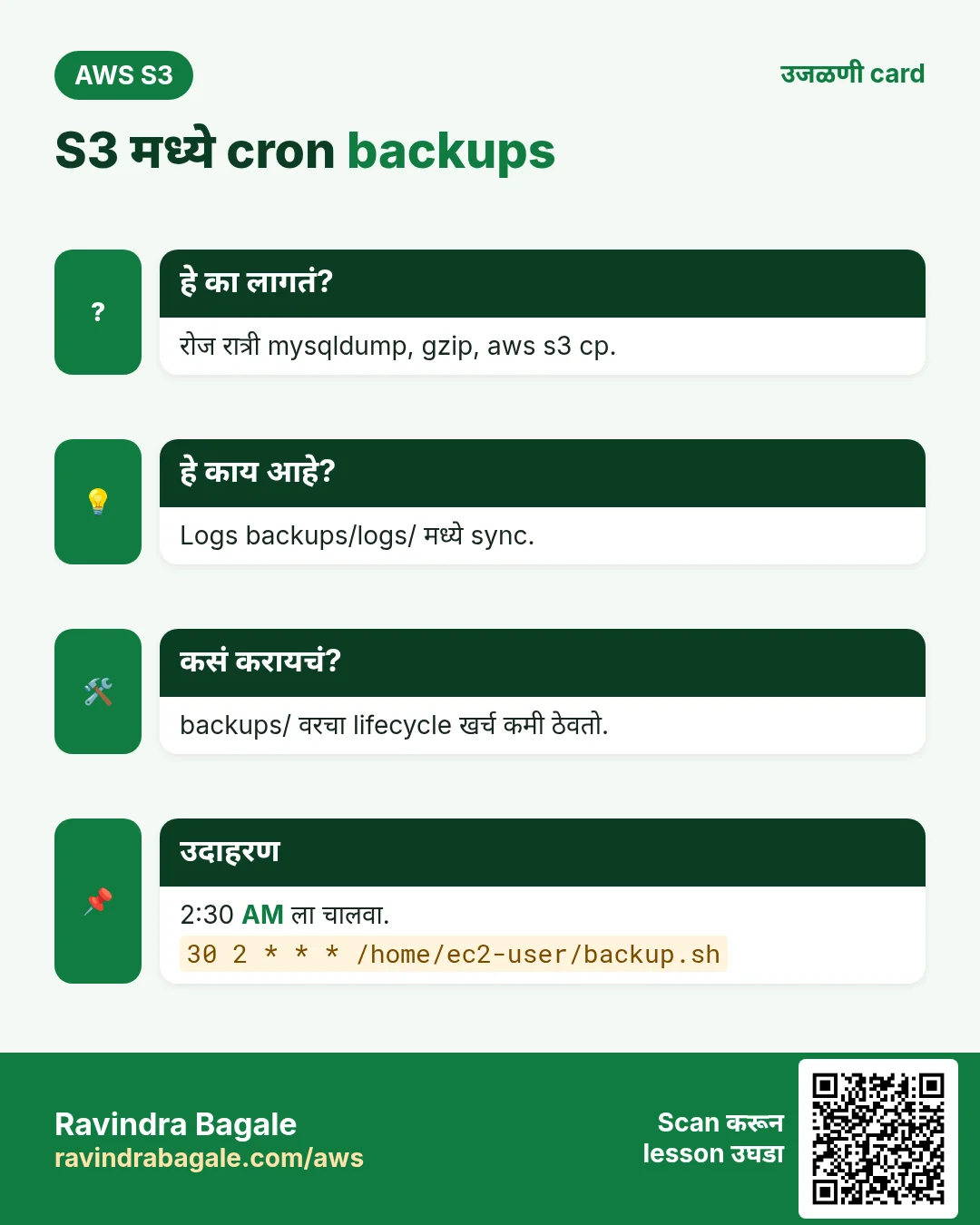
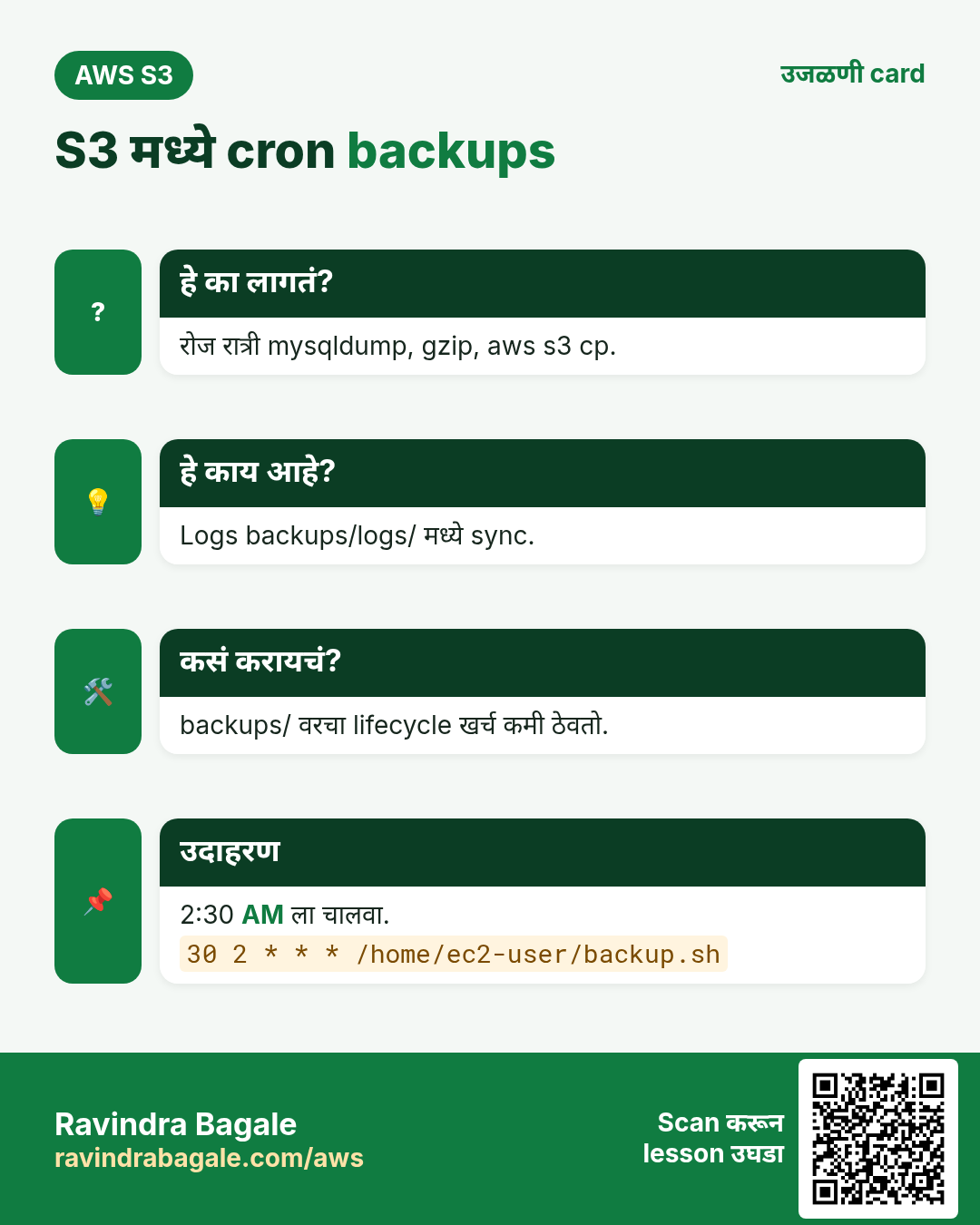
9. Cron ने backups
हे का लागतं?
Logs EC2 disk भरतात, आणि server बाहेर copy नसलेला database धोका. Lifecycle rule सह S3 हा स्वस्त backup target.
कसं करायचं (step by step)
# /home/ec2-user/backup.sh
#!/bin/bash
set -e
D=$(date +%F)
mysqldump -h "$DB_HOST" -u admin -p"$DB_ADMIN_PASS" --single-transaction reels | gzip > /tmp/reels-$D.sql.gz
aws s3 cp /tmp/reels-$D.sql.gz s3://yourname-reels-media/backups/mysql/ --storage-class STANDARD_IA
aws s3 sync /var/log/reels/ s3://yourname-reels-media/backups/logs/$(hostname)/
rm -f /tmp/reels-$D.sql.gz

# crontab -e   (2:30 AM every day)
30 2 * * * DB_HOST=... DB_ADMIN_PASS=... /home/ec2-user/backup.sh >> /var/log/reels-backup.log 2>&1
AL2023 वर आधी cron install: sudo dnf install -y cronie && sudo systemctl enable --now crond. चांगलं: password Secrets Manager किंवा ~/.my.cnf (chmod 600) मध्ये, crontab मध्ये नाही. backups/ वर lifecycle rule: 30 दिवसांनी Glacier Instant, 365 ला expire.
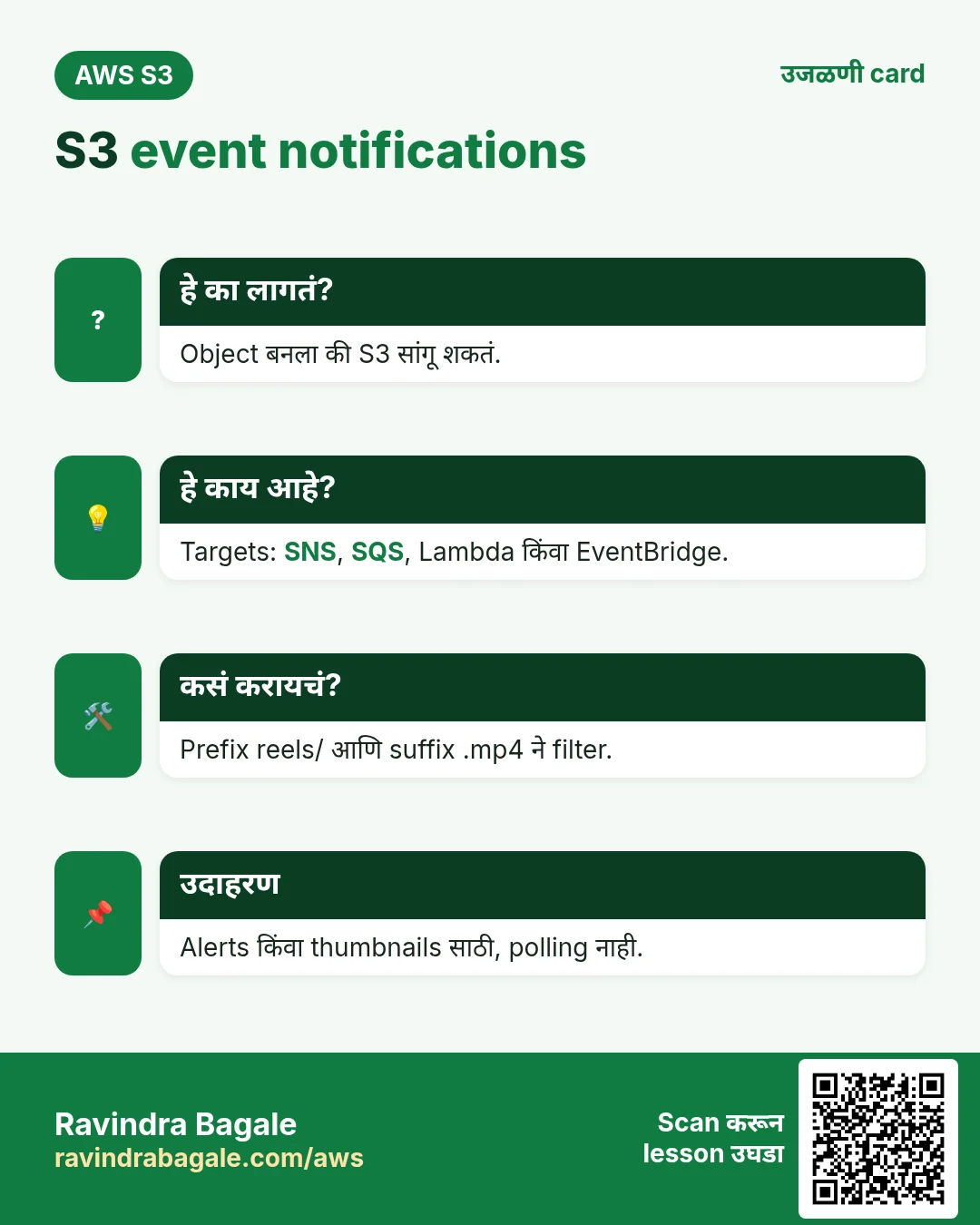
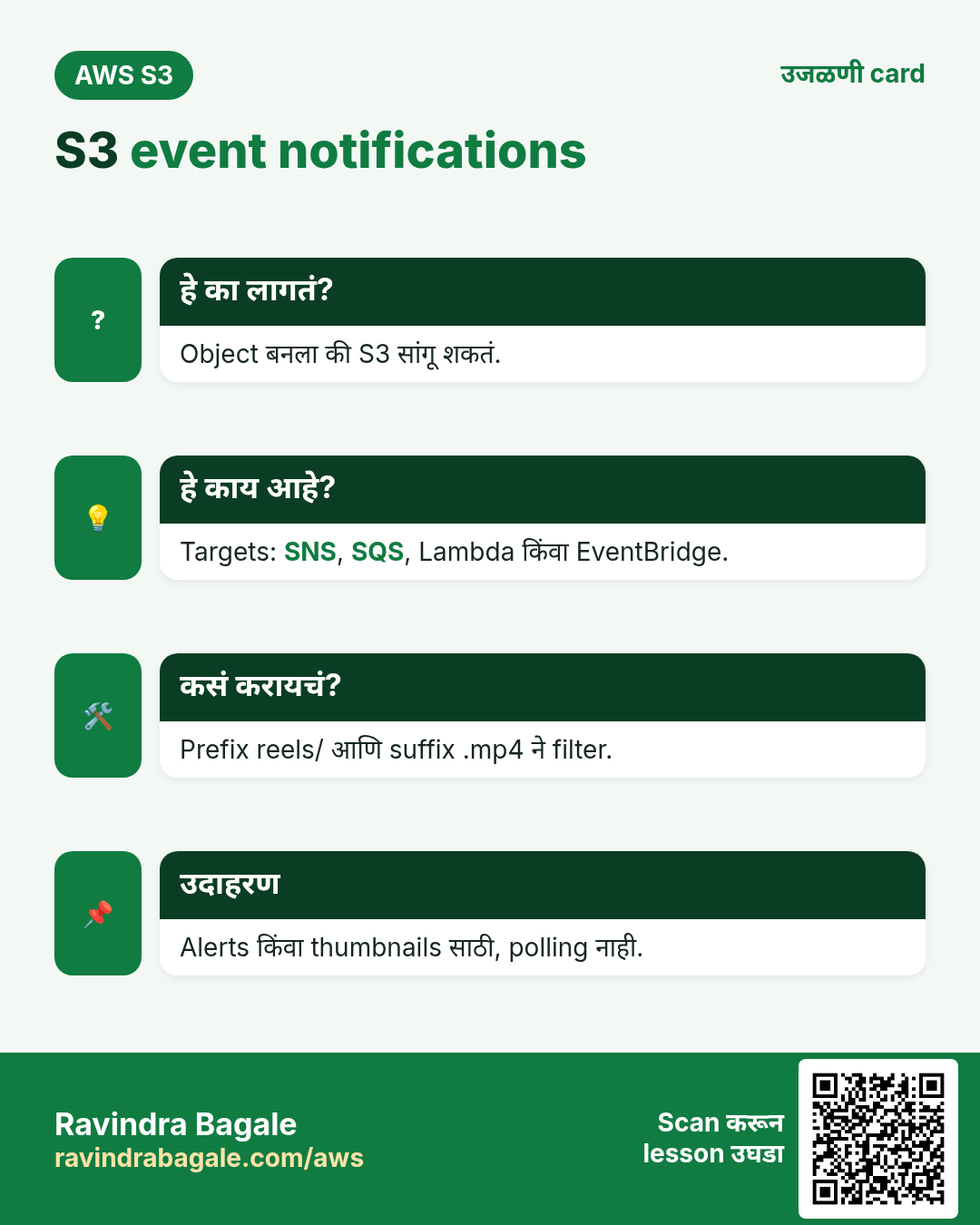
10. S3 event notifications
हे का लागतं?
Reel आला की moderators ना alert किंवा thumbnail बनवायचा असेल, app ने S3 poll न करता.
हे काय आहे?
Bucket › Properties › Event notifications › Create: name new-reel, prefix reels/, suffix .mp4, event All object create events, destination SNS topic (moderators ना email) किंवा Lambda function. SNS topic किंवा Lambda ला s3.amazonaws.com allow करणारी resource policy हवी; Lambda साठी console ती जोडतं. अनेक targets आणि filters साठी EventBridge ला events पाठवा.
# Lambda (Python) - logs each new reel
def handler(event, context):
    for r in event["Records"]:
        print(r["s3"]["bucket"]["name"], r["s3"]["object"]["key"], r["s3"]["object"]["size"])
11. Cleanup
- Event notification, Lambda/SNS topic, CloudFront distribution (आधी disable) delete.
- EC2 instance terminate. RDS reels-db delete (lab साठी final snapshot skip).
- S3 › bucket › Empty (सगळी versions), मग Delete.
- VPC endpoint, security groups reels-web आणि reels-db, role reels-ec2-role आणि policy reels-s3-policy delete.
12. Interview questions
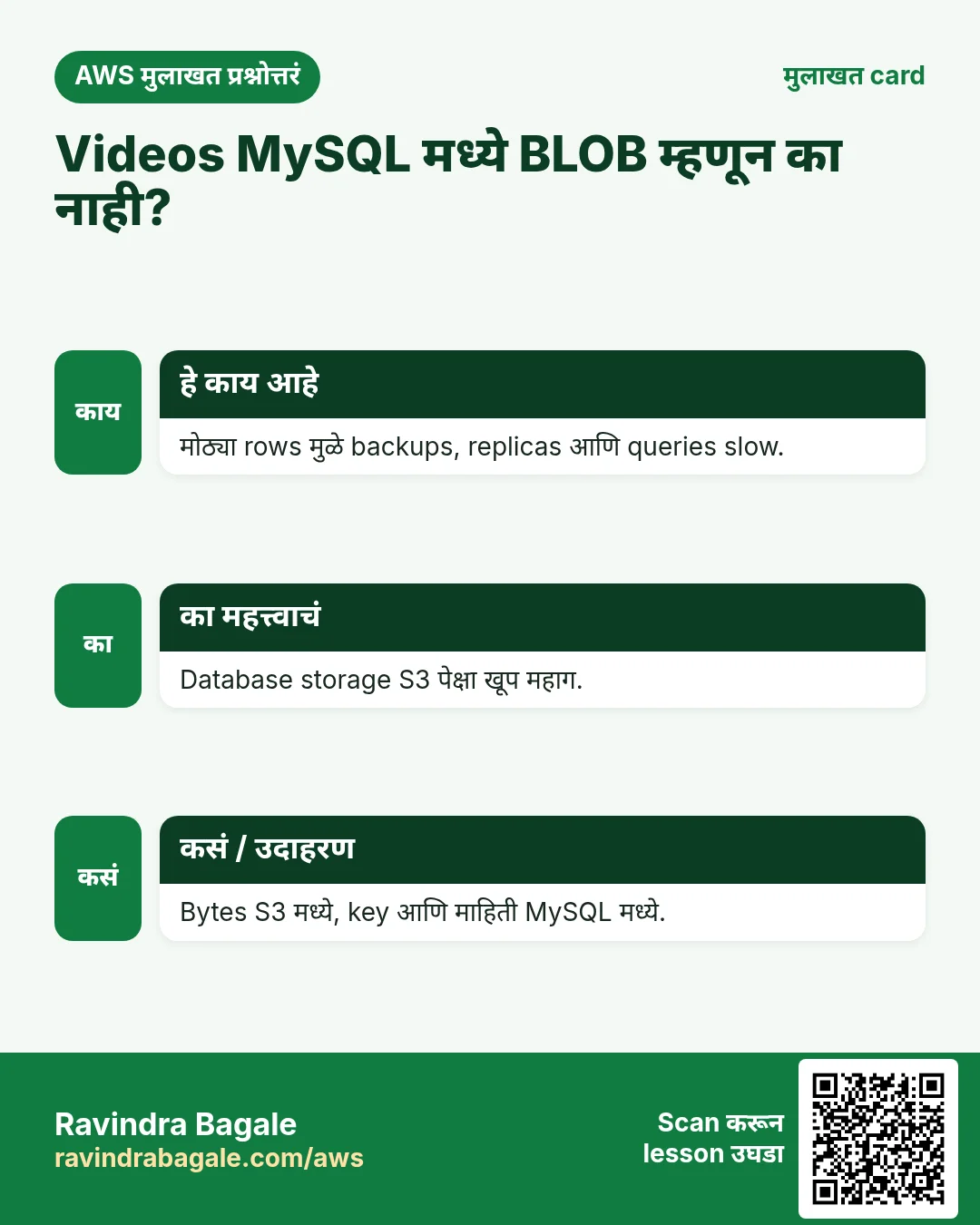
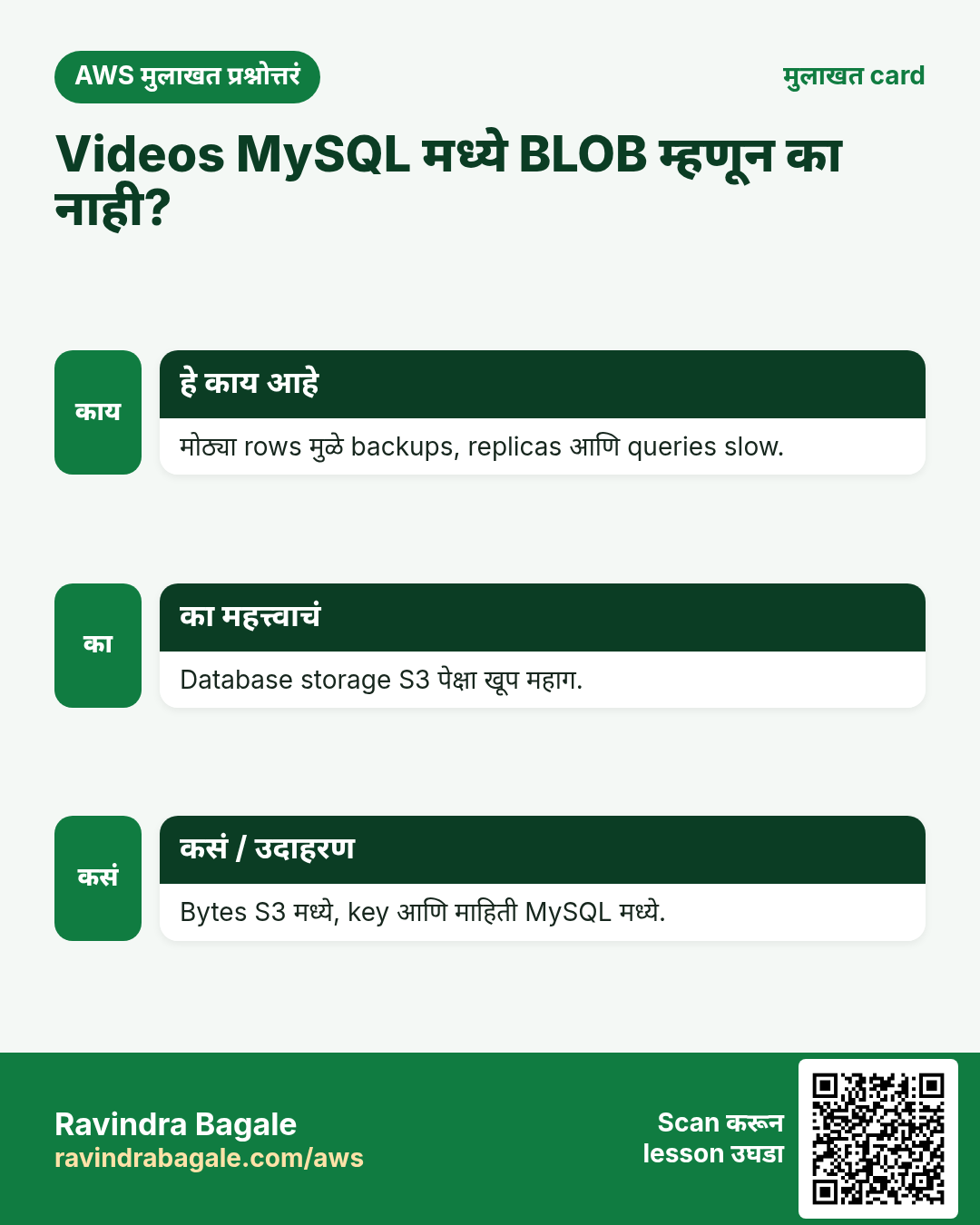
प्र. Videos MySQL मध्ये BLOB म्हणून का नाही?
मोठ्या rows मुळे backups, replicas आणि queries slow, आणि DB storage S3 पेक्षा खूप महाग. Key MySQL मध्ये, bytes S3 मध्ये.
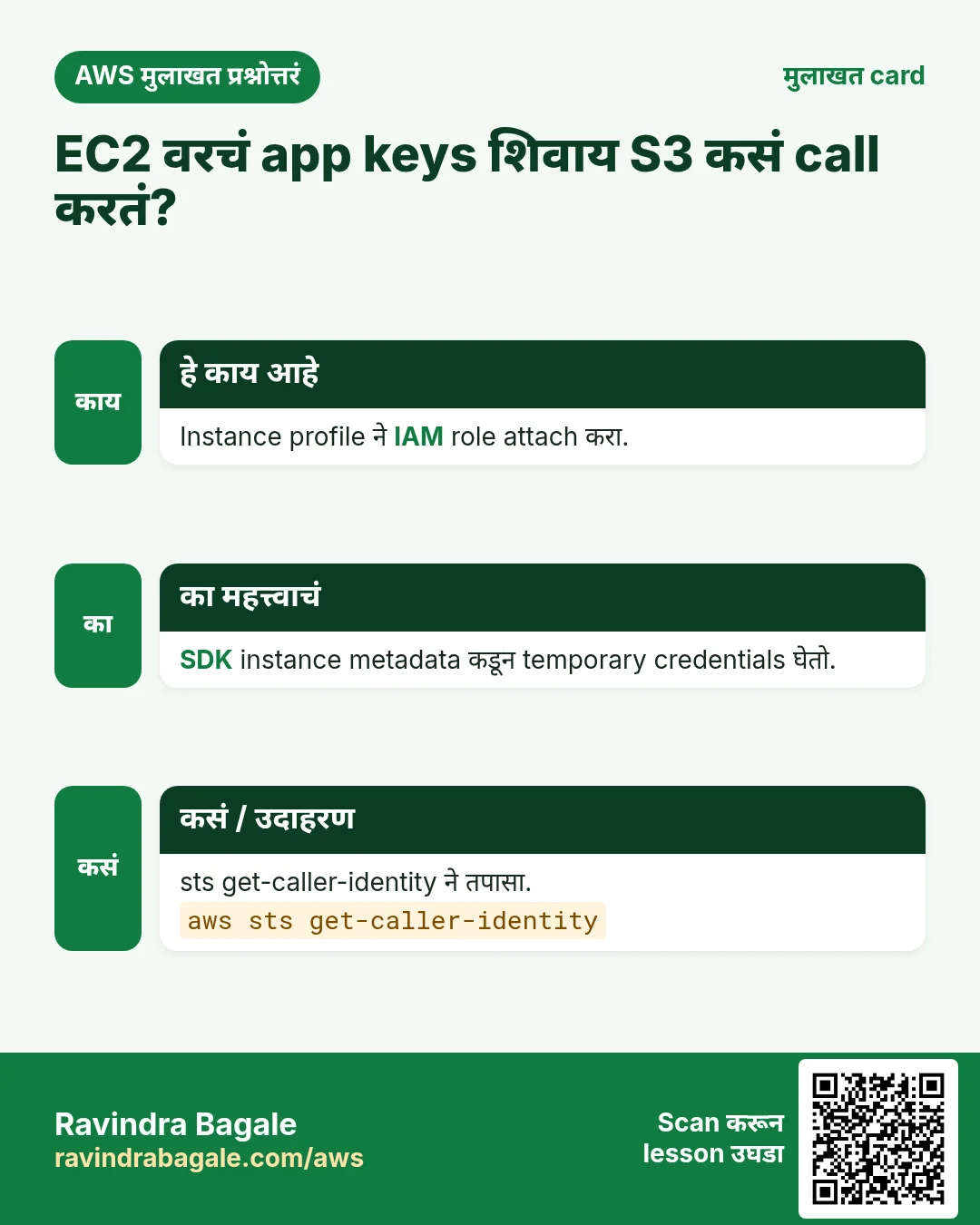
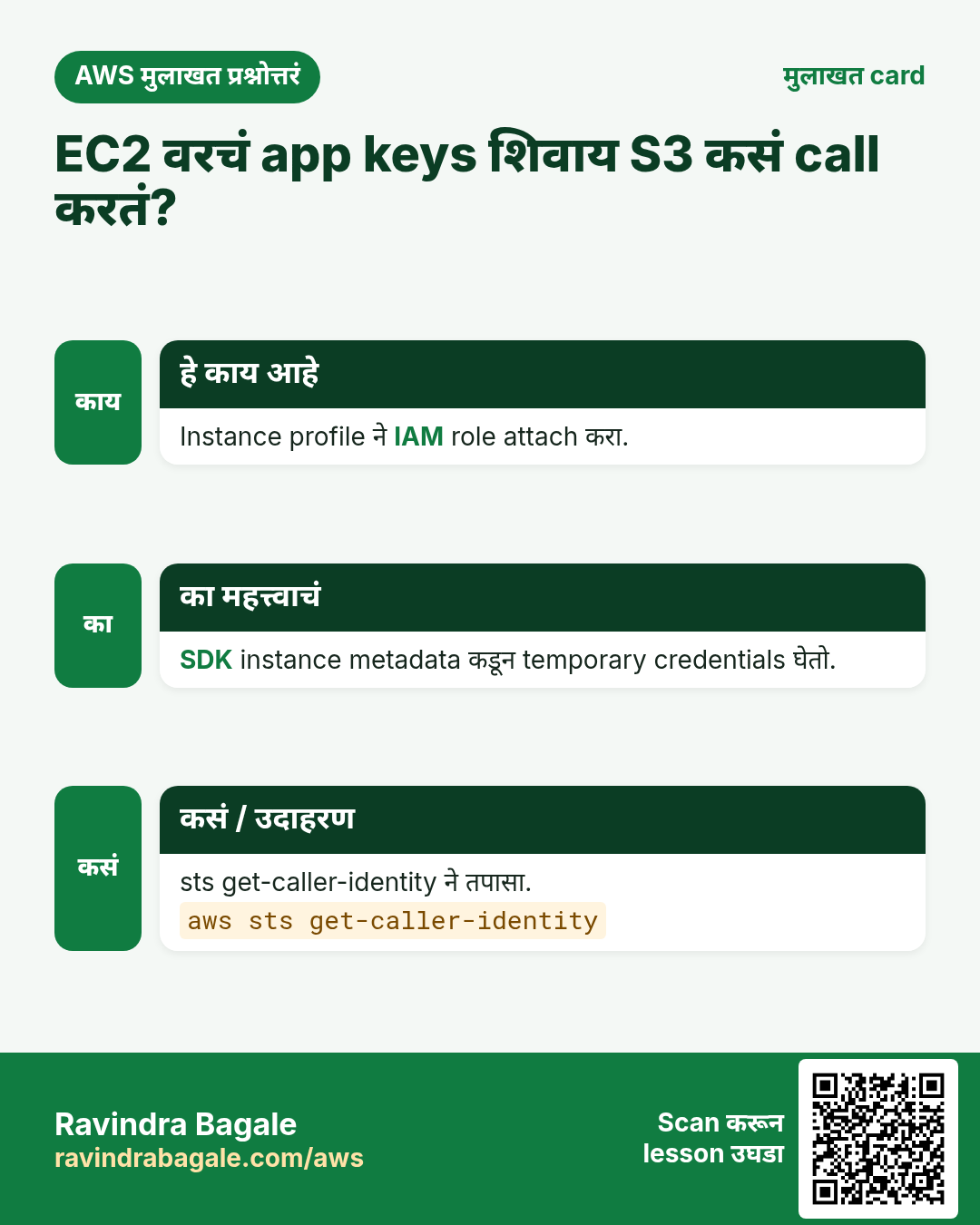
प्र. Access keys शिवाय EC2 app S3 कसं call करतं?
Instance profile मधला IAM role; SDK instance metadata service कडून temporary credentials घेतो.
प्र. Uploads साठी pre-signed PUT का?
File थेट S3 ला जाते, म्हणून server bytes वाहत नाही आणि सहज scale होतो.
प्र. Browser PUT CORS error ने fail होतो. उपाय?
Bucket वर तुमच्या site origin कडून PUT allow करणारा CORS rule.
प्र. प्रत्येक नवीन upload वर कसं react करता?
SNS, SQS, Lambda किंवा EventBridge ला S3 event notification.
घरी करून बघा
- new-reel events वर Lambda जोडा जो object size MySQL मध्ये लिहील.
- Playback CloudFront वर बदला आणि load time compare करा.
- कालचा mysqldump S3 मधून नवीन database मध्ये restore करा.
थोडक्यात सांगायचं तर
- Bytes S3 मध्ये, metadata MySQL मध्ये, EC2 वरचं app जोडतं.
- IAM role, server वर कधीच access keys नाहीत.
- मोठ्या uploads साठी pre-signed PUT; row save करण्याआधी HEAD.
- Playback pre-signed GET किंवा CloudFront + OAC ने.
- Cron backups आणि event notifications मुळे S3 app चं केंद्र.
सराव Tasks
Goa Beach Stays हा पणजी मधला हॉस्पिटॅलिटी व्यवसाय आहे. Rosario Fernandes त्यांचं IT व cloud काम पाहतात. त्यांचे पैसे INR मध्ये मोजले जातात आणि AWS resources ap-south-1 Region मध्ये चालतात. खालच्या tasks मध्ये तुम्ही या lesson मध्ये शिकलेलं वापरून त्यांची खरी कामं करता. सगळी नावं, account IDs, IP addresses व numbers सरावासाठी काल्पनिक आहेत.
0 / 12
सोपं Database endpoint शोधा
का: App endpoint नावाने connect होतं, IP ने नाही.
काय करायचं: DB instance goabeachstays-db describe करा.
- Task वाचा आणि ते कोणत्या AWS service बद्दल आहे ते ठरवा.
- aws लिहा, मग service चं नाव, मग operation (action शब्द).
- प्रत्येक आवश्यक flag (--name) व त्यापुढे task मधली value लिहा.
- Flags कोणत्याही क्रमाने चालतात. Check answer दाबा.
सोपं मोठ्या orders आधी
का: RDS setup नंतर database query करणं रोजचं काम.
काय करायचं: Order id व amount, मोठी amount आधी.
Tables: customers(id, name, city) व orders(id, customer_id, amount, odate).
- Task कोणत्या table बद्दल आहे ते पाहा (box वरची table list).
- SQL statement step by step लिहा: काय, कुठून, कोणते rows.
- Statement ; ने संपवा.
- Check answer दाबा. Query table च्या practice copy वर चालते.
सोपं City नुसार customers
का: RDS setup नंतर database query करणं रोजचं काम.
काय करायचं: Pune मधल्या customers ची नावं.
Tables: customers(id, name, city) व orders(id, customer_id, amount, odate).
- Task कोणत्या table बद्दल आहे ते पाहा (box वरची table list).
- SQL statement step by step लिहा: काय, कुठून, कोणते rows.
- Statement ; ने संपवा.
- Check answer दाबा. Query table च्या practice copy वर चालते.
मध्यम लहान orders काढा
का: RDS setup नंतर database query करणं रोजचं काम.
काय करायचं: 200 पेक्षा कमी amount चे orders delete.
Tables: customers(id, name, city) व orders(id, customer_id, amount, odate).
- Task कोणत्या table बद्दल आहे ते पाहा (box वरची table list).
- SQL statement step by step लिहा: काय, कुठून, कोणते rows.
- Statement ; ने संपवा.
- Check answer दाबा. Query table च्या practice copy वर चालते.
मध्यम Customer नावांसह orders
का: RDS setup नंतर database query करणं रोजचं काम.
काय करायचं: प्रत्येक customer नाव व order amount.
Tables: customers(id, name, city) व orders(id, customer_id, amount, odate).
- Task कोणत्या table बद्दल आहे ते पाहा (box वरची table list).
- SQL statement step by step लिहा: काय, कुठून, कोणते rows.
- Statement ; ने संपवा.
- Check answer दाबा. Query table च्या practice copy वर चालते.
मध्यम एकूण sales
का: RDS setup नंतर database query करणं रोजचं काम.
काय करायचं: सगळ्या order amounts ची बेरीज.
Tables: customers(id, name, city) व orders(id, customer_id, amount, odate).
- Task कोणत्या table बद्दल आहे ते पाहा (box वरची table list).
- SQL statement step by step लिहा: काय, कुठून, कोणते rows.
- Statement ; ने संपवा.
- Check answer दाबा. Query table च्या practice copy वर चालते.
मध्यम City दुरुस्त करा
का: RDS setup नंतर database query करणं रोजचं काम.
काय करायचं: Customer 5 Rome ला गेले. Record update करा.
Tables: customers(id, name, city) व orders(id, customer_id, amount, odate).
- Task कोणत्या table बद्दल आहे ते पाहा (box वरची table list).
- SQL statement step by step लिहा: काय, कुठून, कोणते rows.
- Statement ; ने संपवा.
- Check answer दाबा. Query table च्या practice copy वर चालते.
मध्यम Multi-AZ सुरू करा
का: Multi-AZ दुसऱ्या AZ मध्ये standby ठेवतो व आपोआप failover करतो.
काय करायचं: goabeachstays-db Multi-AZ करा व बदल लगेच लागू करा.
- Task वाचा आणि ते कोणत्या AWS service बद्दल आहे ते ठरवा.
- aws लिहा, मग service चं नाव, मग operation (action शब्द).
- प्रत्येक आवश्यक flag (--name) व त्यापुढे task मधली value लिहा.
- Flags कोणत्याही क्रमाने चालतात. Check answer दाबा.
अवघड Customer नुसार sales
का: RDS setup नंतर database query करणं रोजचं काम.
काय करायचं: Customer नुसार total, फक्त 1000 पेक्षा जास्त.
Tables: customers(id, name, city) व orders(id, customer_id, amount, odate).
- Task कोणत्या table बद्दल आहे ते पाहा (box वरची table list).
- SQL statement step by step लिहा: काय, कुठून, कोणते rows.
- Statement ; ने संपवा.
- Check answer दाबा. Query table च्या practice copy वर चालते.
अवघड Orders नसलेले customers
का: RDS setup नंतर database query करणं रोजचं काम.
काय करायचं: कधीच order न केलेल्या customers ची नावं.
Tables: customers(id, name, city) व orders(id, customer_id, amount, odate).
- Task कोणत्या table बद्दल आहे ते पाहा (box वरची table list).
- SQL statement step by step लिहा: काय, कुठून, कोणते rows.
- Statement ; ने संपवा.
- Check answer दाबा. Query table च्या practice copy वर चालते.
अवघड MySQL database बनवा
का: RDS database तुमच्यासाठी चालवतं: backups, patches व failover managed.
काय करायचं: RDS instance goabeachstays-db बनवा: engine mysql, class db.t3.micro, 20 GiB storage, master user admin, master password $DB_PASS मधून.
- Task वाचा आणि ते कोणत्या AWS service बद्दल आहे ते ठरवा.
- aws लिहा, मग service चं नाव, मग operation (action शब्द).
- प्रत्येक आवश्यक flag (--name) व त्यापुढे task मधली value लिहा.
- Flags कोणत्याही क्रमाने चालतात. Check answer दाबा.
अवघड Read replica बनवा
का: Read replicas reports व read traffic main database वरून कमी करतात.
काय करायचं: Source goabeachstays-db पासून goabeachstays-db-ro read replica बनवा.
- Task वाचा आणि ते कोणत्या AWS service बद्दल आहे ते ठरवा.
- aws लिहा, मग service चं नाव, मग operation (action शब्द).
- प्रत्येक आवश्यक flag (--name) व त्यापुढे task मधली value लिहा.
- Flags कोणत्याही क्रमाने चालतात. Check answer दाबा.
उजळणी, तुलना आणि मुलाखत cards
हा lesson काही मिनिटांत revise करा. Cards phone वर save करा किंवा PNG download करा. प्रत्येक card वरचा QR हा lesson उघडतो.
अजून cards: Ravi Sir's Cards.