Linux म्हणजे काय? Kernel, Shell, Distributions आणि Userland सोप्या भाषेत
गाडीचा विचार करा. आपण steering आणि pedals ला हात लावतो. Engine ला थेट कधीच हात लावत नाही. Linux पण असंच काम करतं. आपण shell मध्ये type करतो. Shell kernel ला विचारतो. Kernel hardware चालवतो. या chapter मध्ये आपण bonnet उघडून प्रत्येक भाग बघणार आहोत.
या chapter मध्ये तुम्ही काय शिकाल
- Linux म्हणजे काय आणि बहुतेक servers वर तेच का असतं
- Kernel, shell आणि userland, आणि ते एकमेकांशी कसे बोलतात
- Distribution म्हणजे काय: Ubuntu, Debian, RHEL, Amazon Linux, Alpine
- आपला distro, kernel version आणि shell कसा तपासायचा
- Package managers: apt, dnf, yum, apk
- Users, root आणि sudo – पहिल्या level वर
1. रोजचं उदाहरण: hotel चं kitchen
हे का लागतं?
पुण्यातल्या hotel मध्ये तुम्ही order waiter ला देता. Waiter chef ला सांगतो. Chef gas आणि सुऱ्या वापरतो. तुम्ही kitchen मध्ये जात नाही. प्रत्येक customer स्वतःच स्वयंपाक करायला लागला तर kitchen मध्ये गोंधळ होईल.
हे काय आहे?
तुम्ही user. Waiter म्हणजे shell. Chef म्हणजे kernel. Gas आणि सुऱ्या म्हणजे hardware (CPU, RAM, disk, network). Menu, ताटं आणि चमचे म्हणजे userland: रोज वापरतो ते programs आणि tools.
कसं करायचं (step by step)
2. Linux म्हणजे काय?
हे का लागतं?
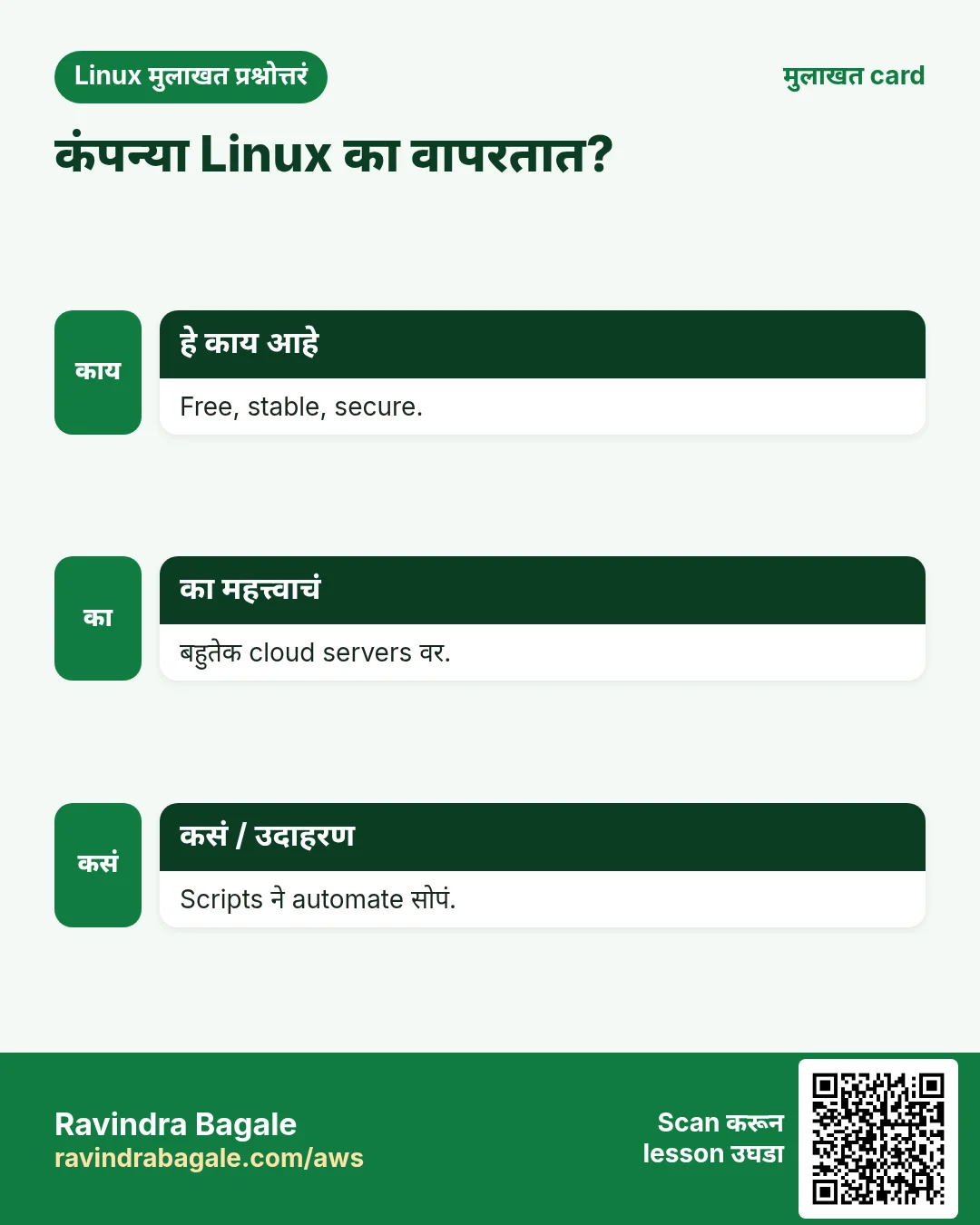
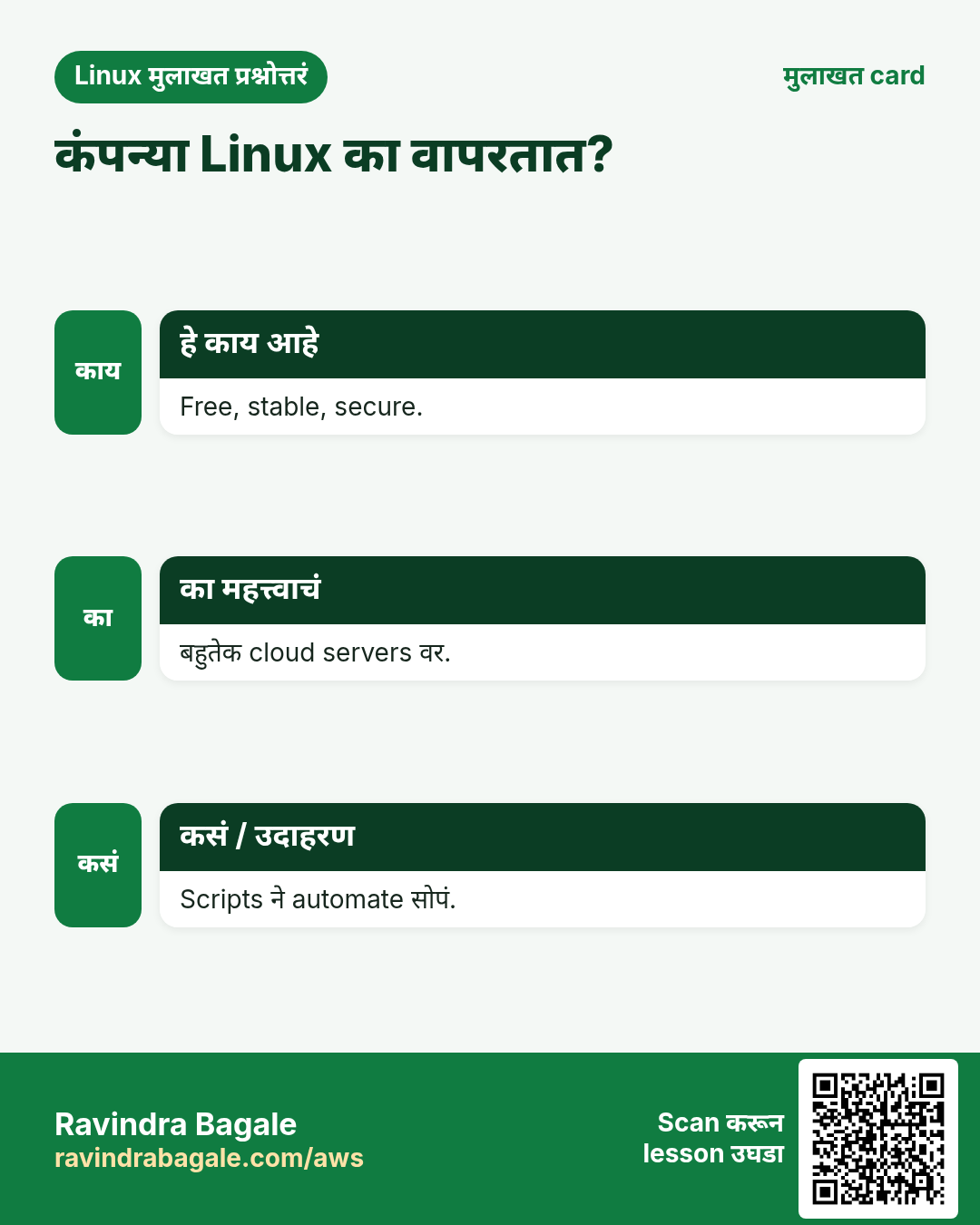
90% पेक्षा जास्त cloud servers, top 500 supercomputers आणि प्रत्येक Android phone Linux वर चालतो. IT, DevOps, cloud, data किंवा security मध्ये काम करणार असाल तर रोज Linux लागेल.
हे काय आहे?
Linux हा free, open-source operating system kernel आहे. Linus Torvalds ने 1991 मध्ये सुरू केला. Kernel भोवती tools जोडून त्या पूर्ण गोष्टीला Linux system म्हणतात. तो multi-user आणि multi-tasking आहे.
| Feature | Linux | Windows |
|---|---|---|
| Cost | Free | Paid licence |
| Source code | Open | Closed |
| Servers | बहुतेक cloud servers | काही servers |
| Main control | Shell (CLI) | आधी GUI |
कसं करायचं (step by step)
- आपण Linux वर आहोत का ते तपासा. uname चालवा.
unameOutput:
Linuxयाचा अर्थ: Kernel चं नाव Linux आहे.
- -a ने kernel ची सगळी माहिती बघा.
uname -aOutput:
Linux web01 6.1.0-18-amd64 #1 SMP Debian 6.1.76-1 x86_64 GNU/Linuxयाचा अर्थ: Host नाव web01, kernel 6.1, 64-bit CPU (x86_64).
- Machine किती वेळ चालू आहे ते बघा.
uptimeOutput:
10:42:01 up 12 days, 3:10, 2 users, load average: 0.15, 0.10, 0.05याचा अर्थ: 12 दिवस चालू. 2 users login. Load कमी आहे.
3. Kernel: Linux चं हृदय
हे का लागतं?
Programs नी CPU, RAM, disk साठी भांडू नये. कुणीतरी ते सुरक्षितपणे वाटून द्यायला हवं. ते काम kernel चं.
हे काय आहे?
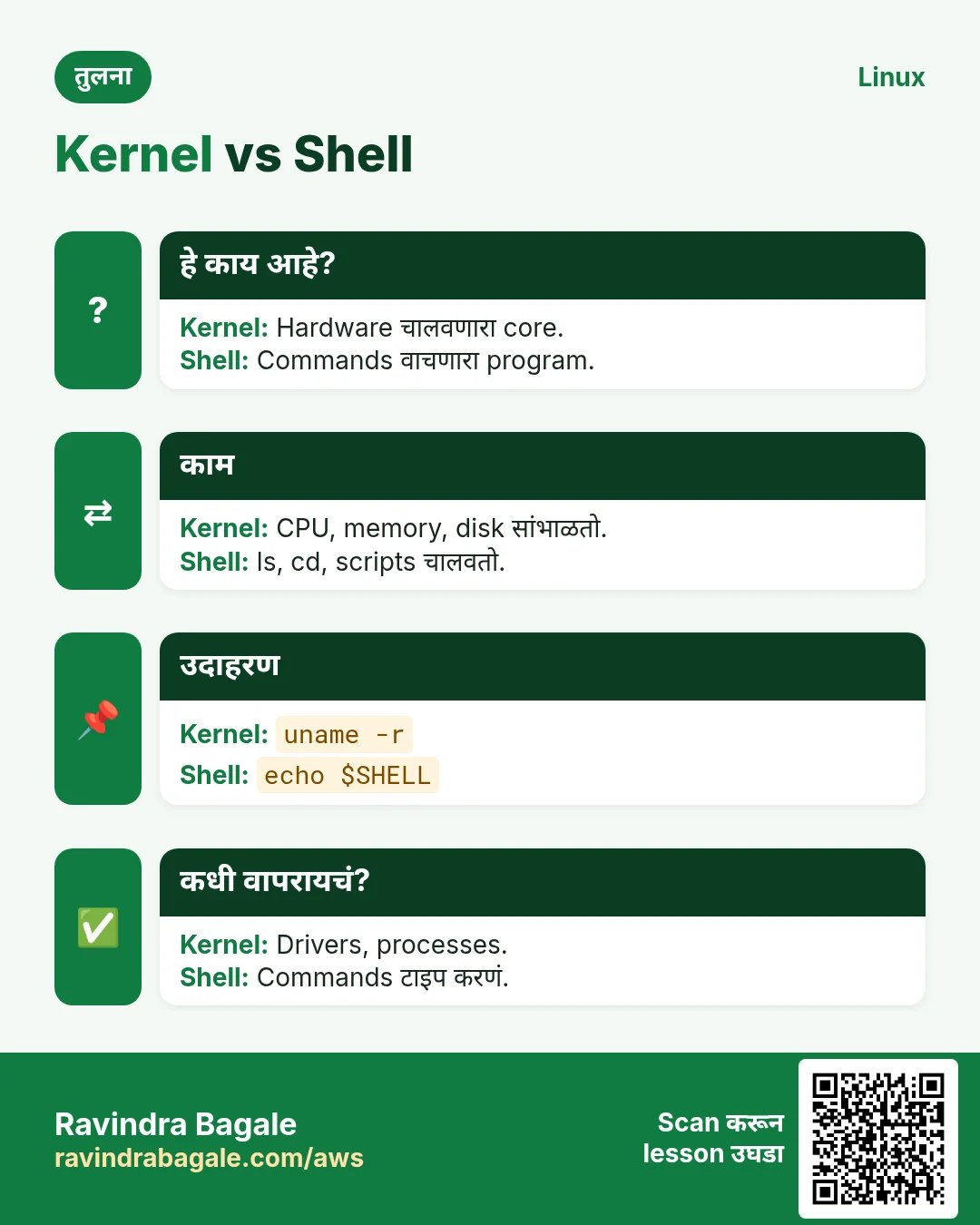
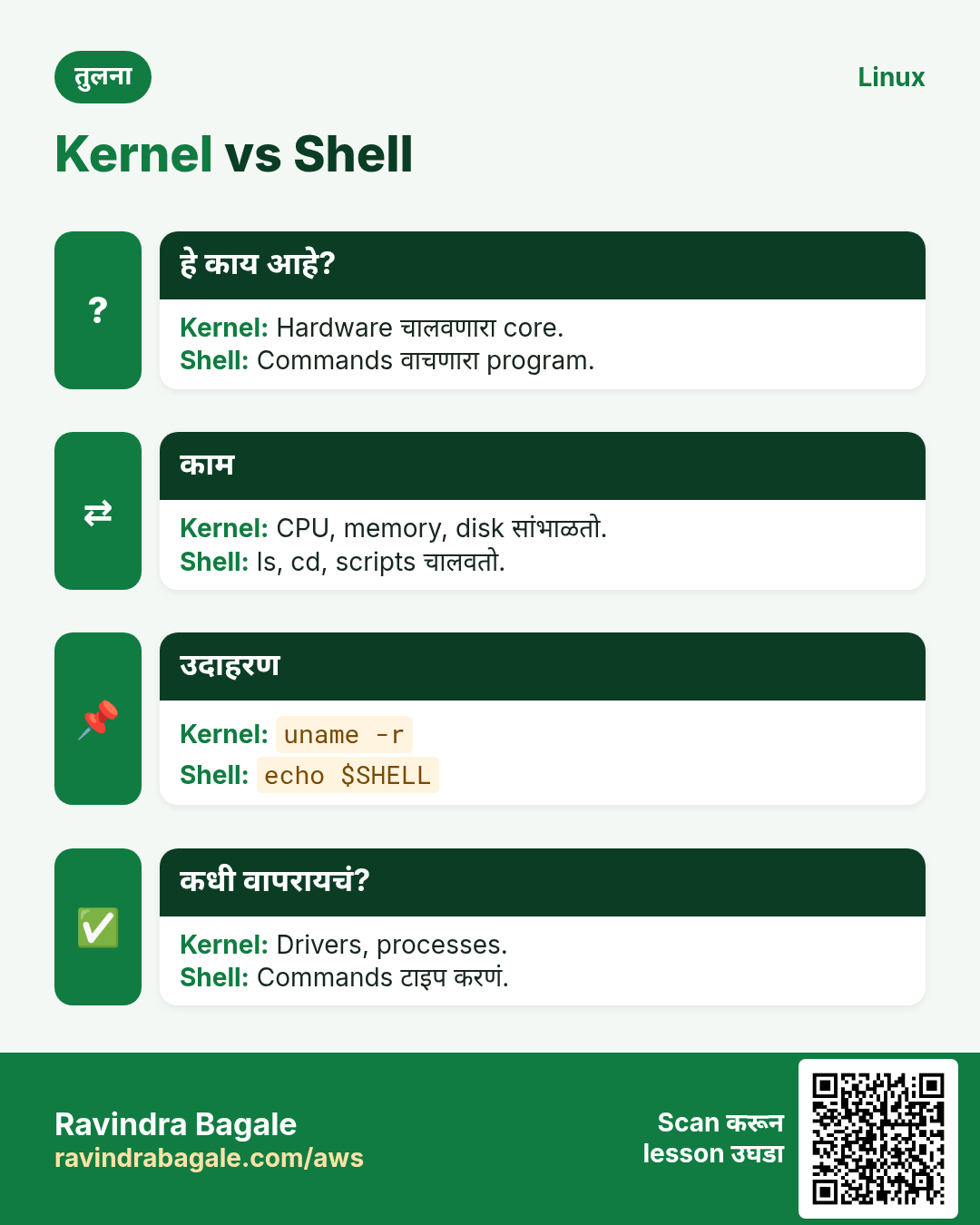
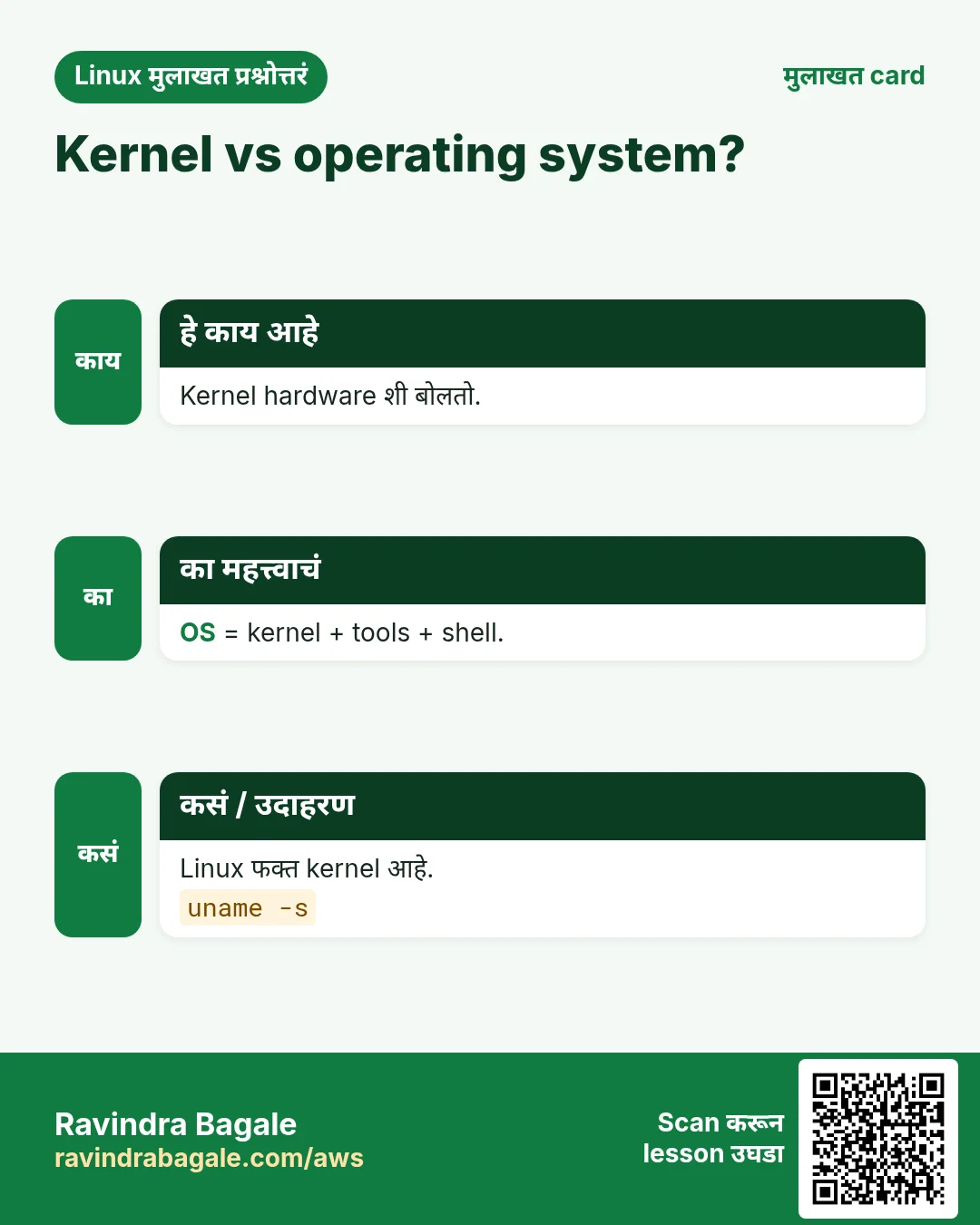
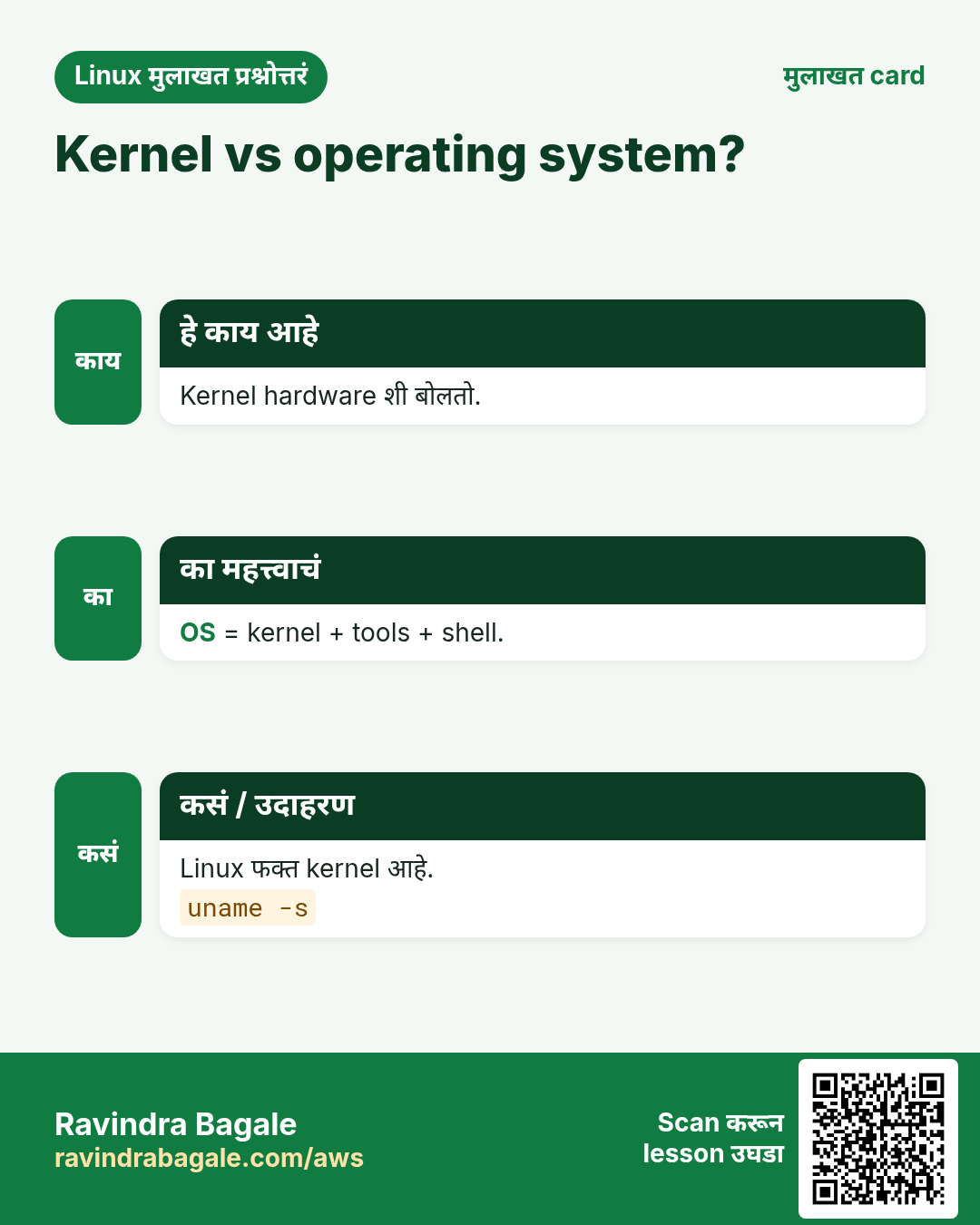
Kernel हा मुख्य program. तो आधी load होतो आणि memory मध्ये राहतो. तो processes, memory, devices (drivers), files आणि networking सांभाळतो. Programs त्याला open, read, write, fork सारख्या system calls ने मदत मागतात.
कसं करायचं (step by step)
- फक्त kernel release दाखवा.
uname -rOutput:
5.15.0-91-genericयाचा अर्थ: Kernel version 5.15, build 91.
- Boot चे kernel messages बघा.
sudo dmesg | head -3Output:
[    0.000000] Linux version 5.15.0-91-generic ...
[    0.000000] Command line: BOOT_IMAGE=/boot/vmlinuz-5.15.0-91-generic root=UUID=...
[    0.004000] BIOS-provided physical RAM map:
याचा अर्थ: या lines थेट kernel कडून येतात.
- Load झालेले kernel modules (drivers) बघा.
lsmod | head -3Output:
Module                  Size  Used by
ext4                  925696  1
xfs                  2002944  0
याचा अर्थ: ext4 आणि xfs file system drivers load आहेत.
- strace ने command चे system calls बघा.
strace -c ls > /dev/nullOutput:
% time     seconds  usecs/call     calls    errors syscall
 ...  openat  read  write  close ...
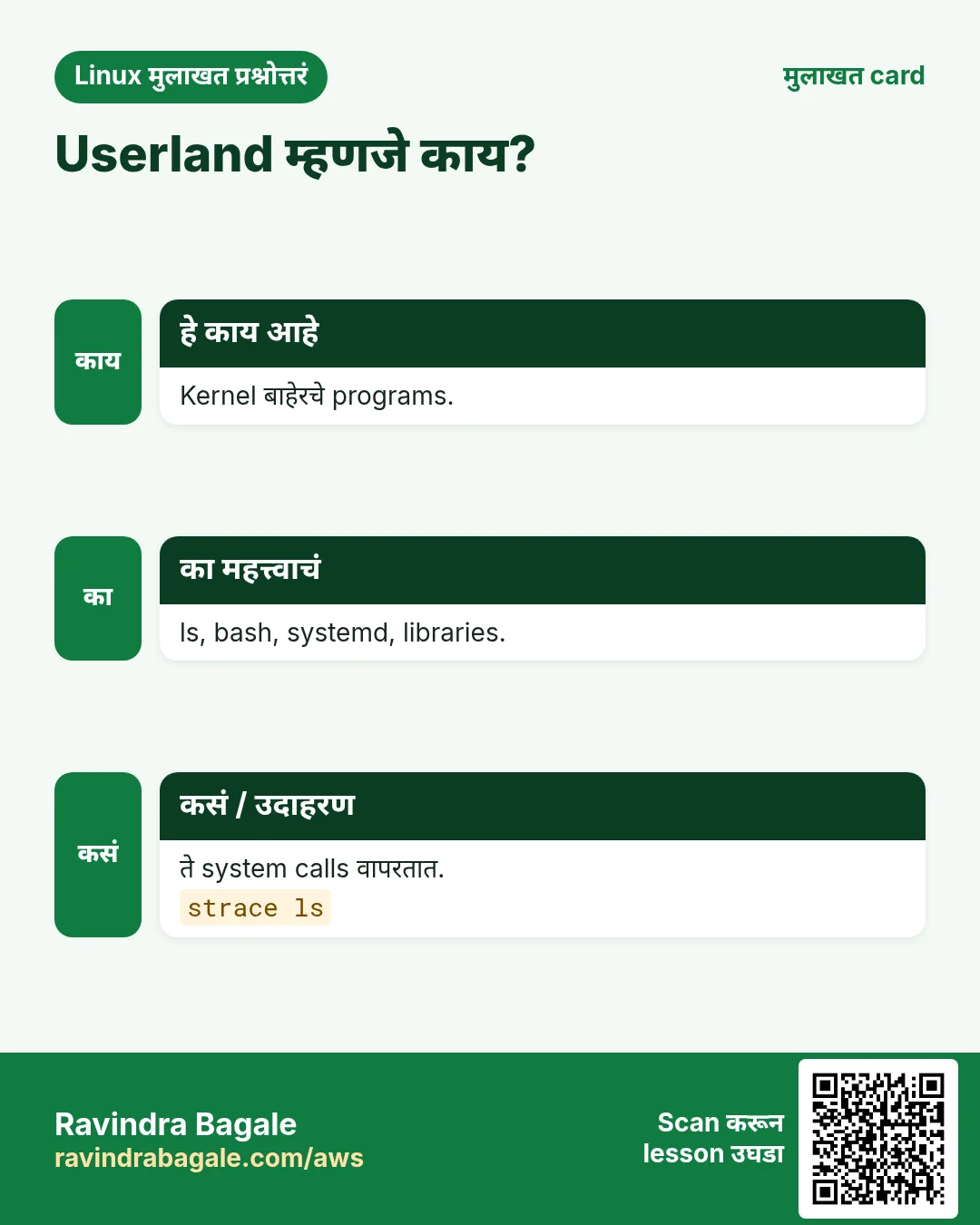
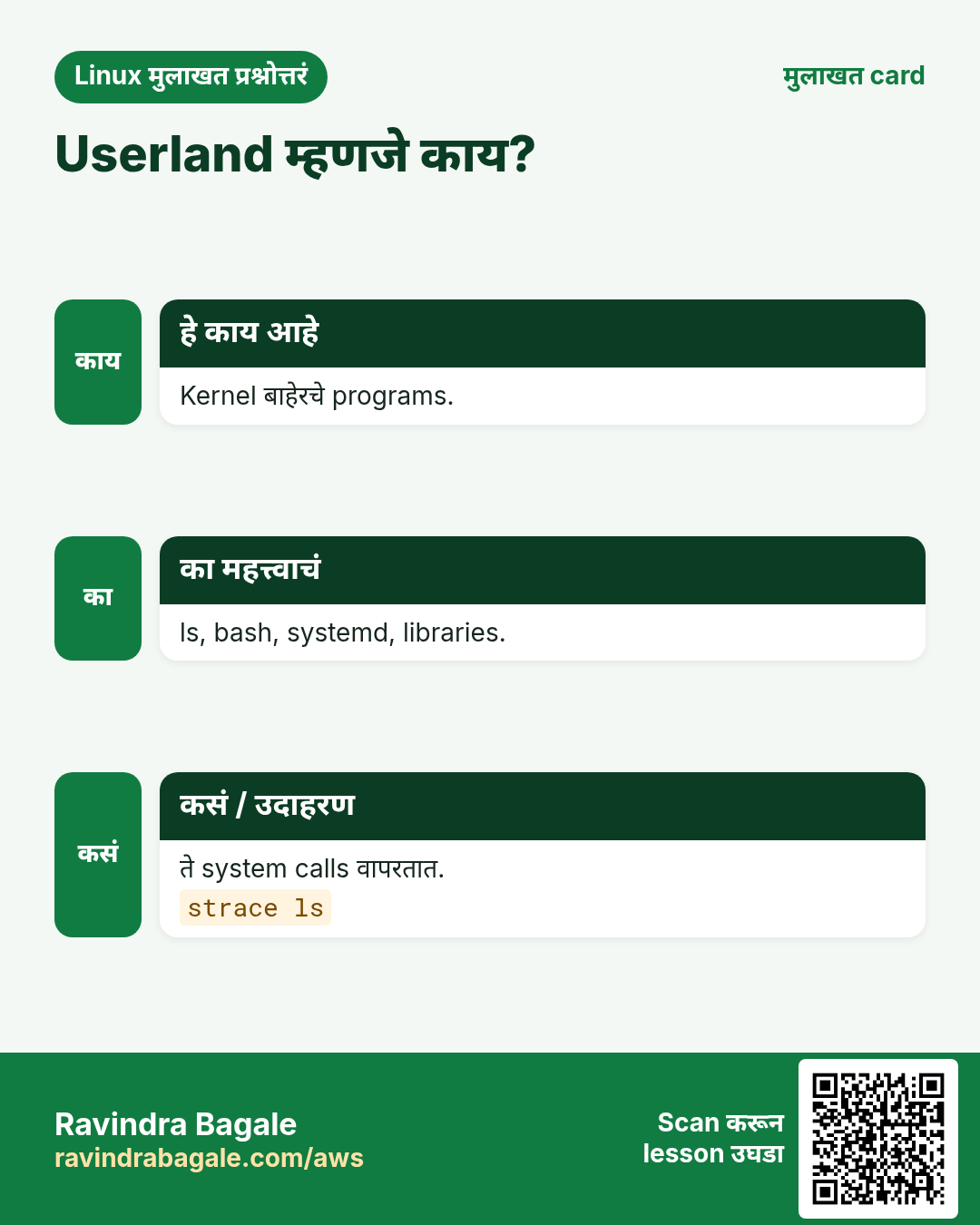
याचा अर्थ: ls kernel ला open, read, write करायला सांगतो. यालाच system call म्हणतात.
4. Shell: तुमचा waiter
हे का लागतं?
Kernel शी साध्या शब्दांत बोलता येत नाही. Command वाचून योग्य program सुरू करणारा translator लागतो.
हे काय आहे?
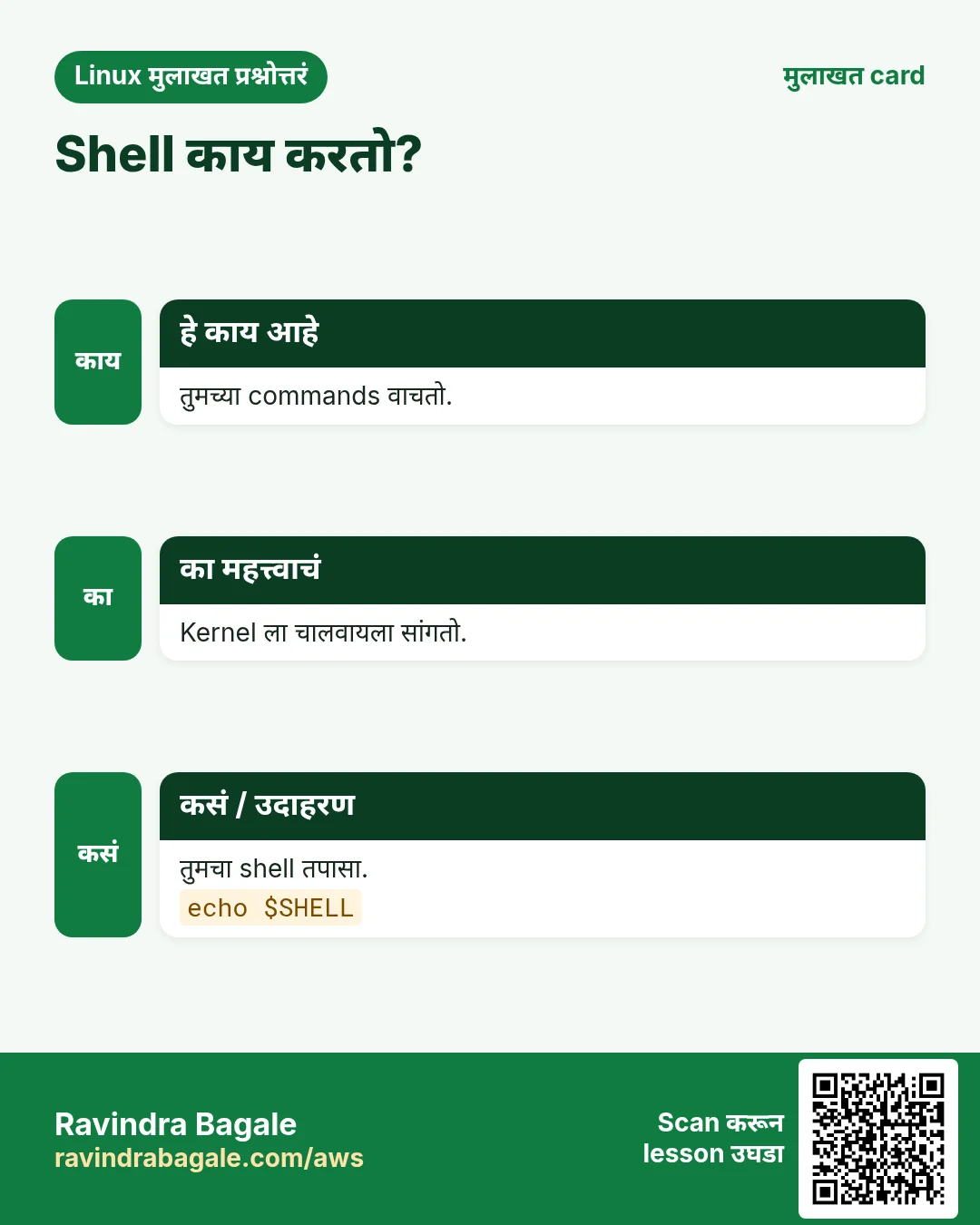
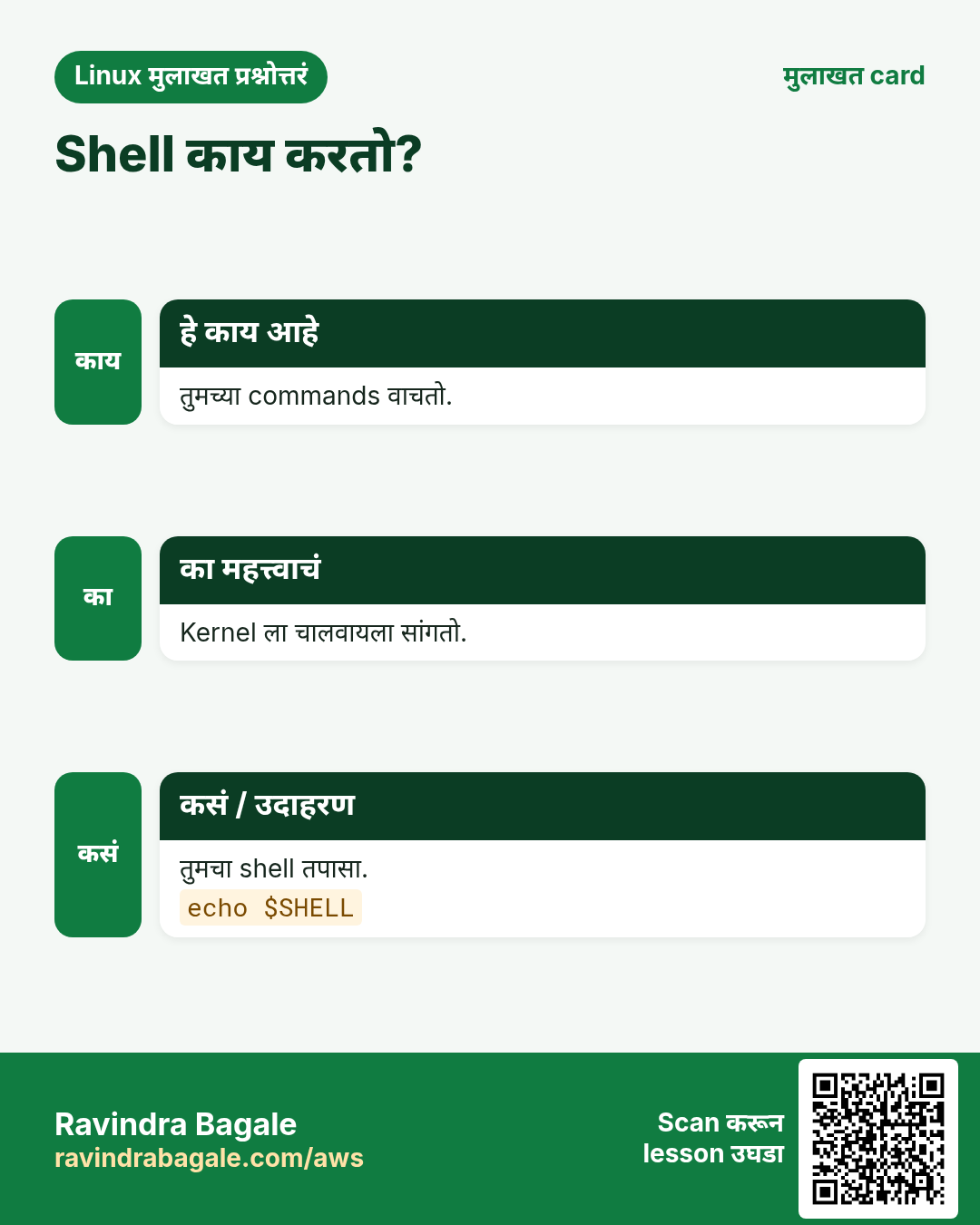
Shell हा commands वाचून चालवणारा program आहे. bash सगळ्यात common. इतर: sh (dash), zsh, ksh, fish. Shell मध्ये variables, loops, scripts पण असतात. यालाच shell scripting म्हणतात.
| Shell | कुठे दिसतो |
|---|---|
| bash | Ubuntu, RHEL, Amazon Linux default |
| sh / dash | Ubuntu /bin/sh, छोटे scripts |
| ash | Alpine Linux, Docker images |
| zsh | macOS default, बरेच developers |
कसं करायचं (step by step)
- आपला current shell बघा.
echo $SHELLOutput:
/bin/bashयाचा अर्थ: तुमचा login shell bash आहे.
- Install असलेले सगळे shells बघा.
cat /etc/shellsOutput:
/bin/sh
/bin/bash
/usr/bin/bash
/bin/dash
/usr/bin/zsh
याचा अर्थ: हे shells login shell म्हणून वापरता येतात.
- Command shell मधला built-in आहे की file ते तपासा.
type cd lsOutput:
cd is a shell builtin
ls is aliased to `ls --color=auto'
याचा अर्थ: cd bash मध्येच आहे. ls वेगळा program आहे (alias सह).
- Program ची file शोधा.
which python3Output:
/usr/bin/python3याचा अर्थ: Shell /usr/bin/python3 चालवेल.
5. Userland: kernel बाहेरचं सगळं
हे का लागतं?
फक्त kernel files list करू शकत नाही किंवा text edit करू शकत नाही. Tools लागतात. हे tools Linux उपयोगी बनवतात.
हे काय आहे?
Userland (user space) म्हणजे kernel बाहेर चालणारे सगळे programs: GNU coreutils (ls, cp, cat), C library (glibc किंवा musl), systemd, shell, editors, web servers आणि तुमची apps. Kernel space protected असतो. User space थेट hardware ला हात लावू शकत नाही.
कसं करायचं (step by step)
- ls कोणत्या package चा आहे ते बघा (Debian/Ubuntu).
dpkg -S /usr/bin/lsOutput:
coreutils: /usr/bin/lsयाचा अर्थ: ls coreutils package मधून येतो. तो userland आहे.
- C library चं version तपासा.
ldd --version | head -1Output:
ldd (Ubuntu GLIBC 2.35-0ubuntu3.6) 2.35याचा अर्थ: glibc 2.35 जवळजवळ प्रत्येक program kernel शी जोडते.
- Process 1 बघा, पहिला userland program.
ps -p 1 -o pid,commOutput:
  PID COMMAND
    1 systemd
याचा अर्थ: systemd म्हणजे PID 1. तो बाकी सगळ्या services सुरू करतो.
6. Distributions: Ubuntu, RHEL, Amazon Linux वगैरे
हे का लागतं?
कोणीही फक्त kernel install करत नाही. तयार package हवा: kernel + tools + installer + updates. Companies support, किंमत आणि सवयीनुसार एक निवडतात.
हे काय आहे?
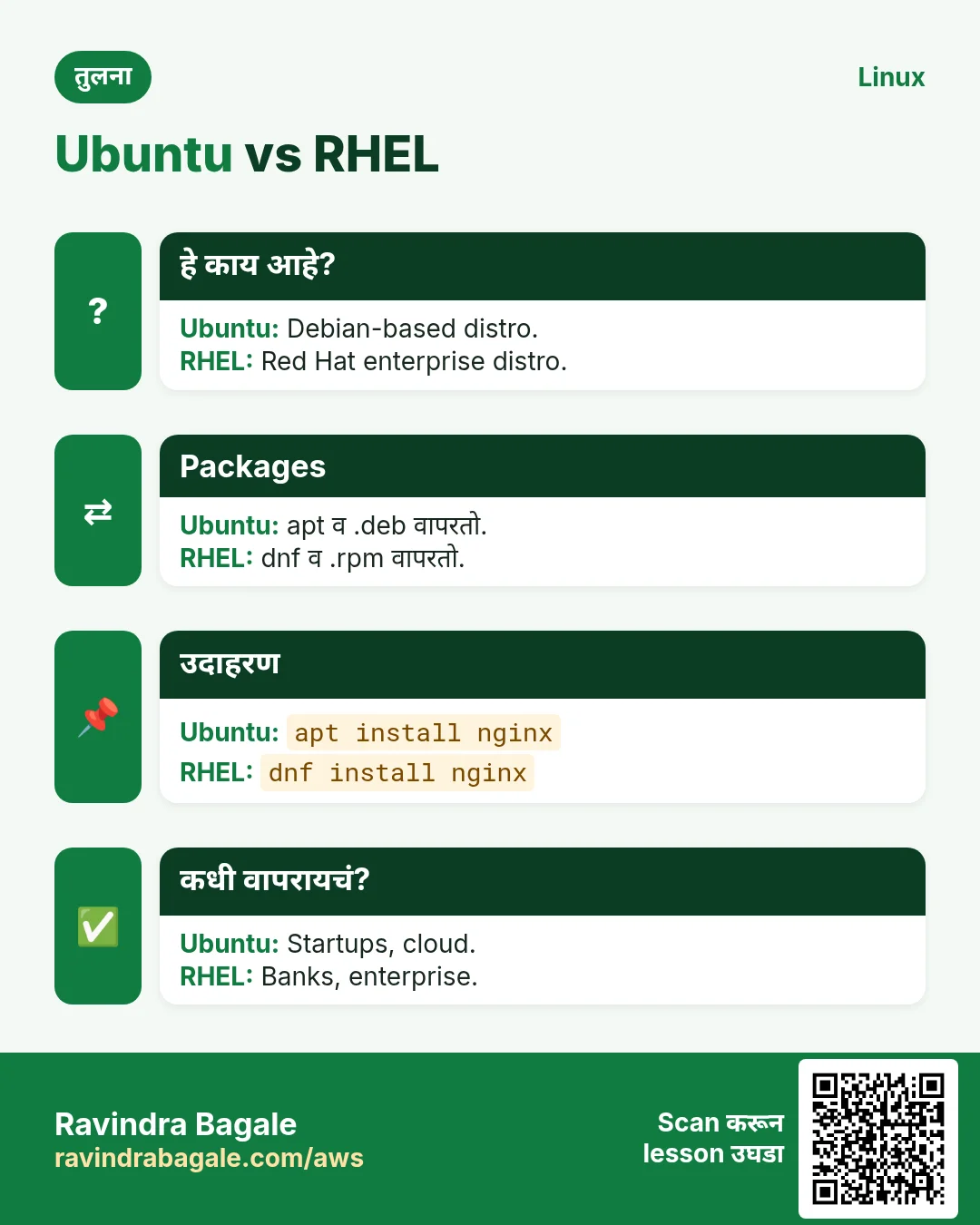
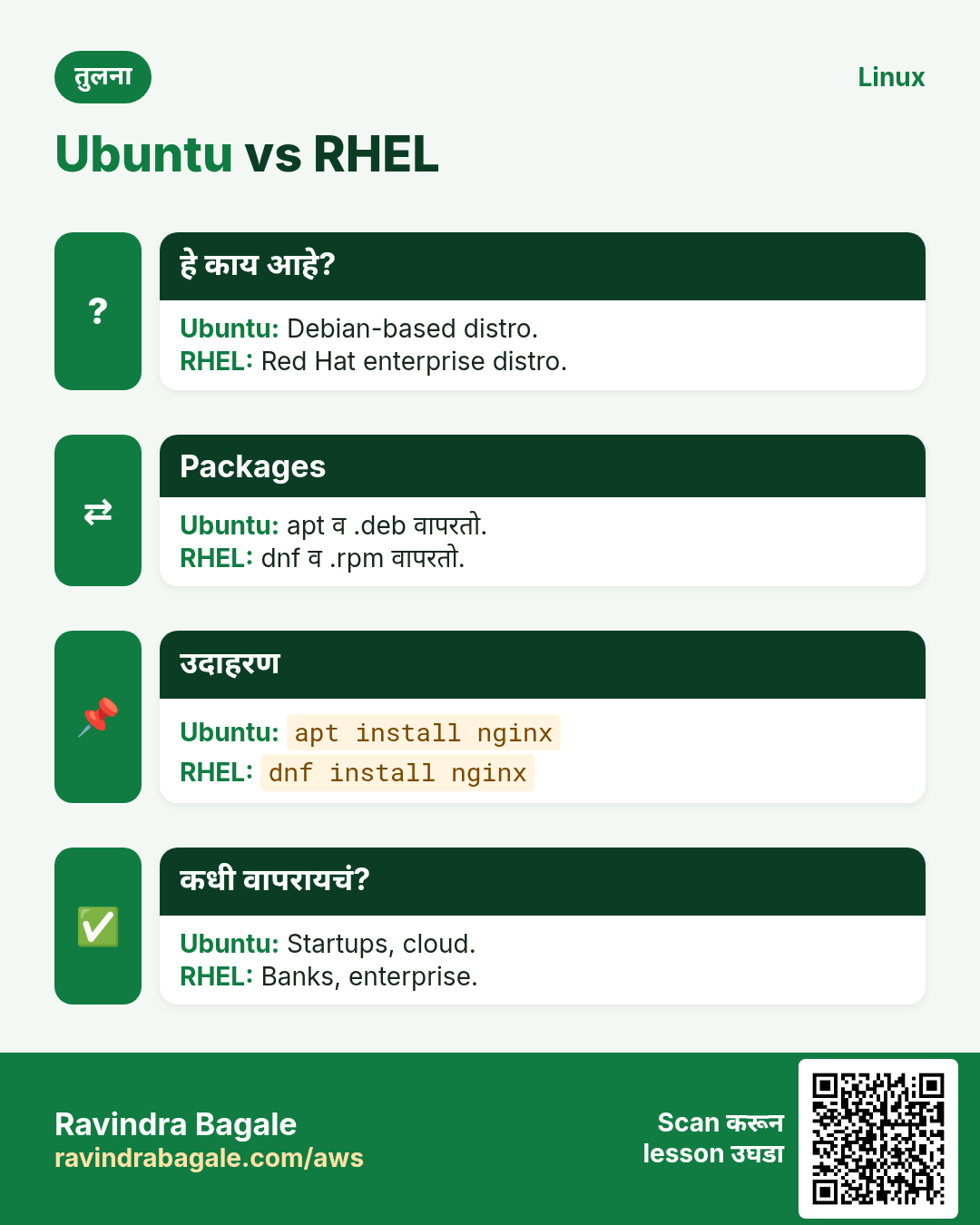
Distribution (distro) म्हणजे kernel + userland + package manager + release plan. दोन मोठी families: Debian (Debian, Ubuntu, Mint) .deb आणि apt वापरते. Red Hat (RHEL, Rocky, AlmaLinux, Fedora, Amazon Linux) .rpm आणि dnf/yum वापरते. Alpine खूप छोटं आहे आणि apk वापरतं.
| Distro | Family | Package tool | कुठे वापरतात |
|---|---|---|---|
| Ubuntu LTS | Debian | apt | Cloud VMs, laptops |
| Debian | Debian | apt | Stable servers |
| RHEL / Rocky / Alma | Red Hat | dnf | Banks, enterprises |
| Amazon Linux 2023 | Red Hat style | dnf | AWS EC2 |
| Alpine | Independent | apk | Docker images |
कसं करायचं (step by step)
- Distro चं नाव आणि version वाचा.
cat /etc/os-releaseOutput:
NAME="Amazon Linux"
VERSION="2023"
ID="amzn"
ID_LIKE="fedora"
PRETTY_NAME="Amazon Linux 2023.4.20240401"
याचा अर्थ: हे Amazon Linux 2023 आहे. Fedora सारखं आहे, म्हणून dnf वापरा.
- hostnamectl ने थोडक्यात.
hostnamectlOutput:
   Static hostname: app01
  Operating System: Ubuntu 22.04.4 LTS
            Kernel: Linux 5.15.0-91-generic
      Architecture: x86-64
याचा अर्थ: एका command मध्ये host, OS, kernel आणि CPU type.
- Debian/Ubuntu वर lsb_release.
lsb_release -aOutput:
Distributor ID: Ubuntu
Description:    Ubuntu 22.04.4 LTS
Release:        22.04
Codename:       jammy
याचा अर्थ: Ubuntu 22.04, code name jammy.
7. Package managers: apt, dnf, yum, apk
हे का लागतं?
कुठूनही programs download करणं unsafe आहे आणि update करणं अवघड. Package manager trusted repos मधून एका command मध्ये install, update, remove करतो.
हे काय आहे?
Package म्हणजे files आणि त्याला काय लागतं (dependencies) याची list असलेला तयार program. Package manager तो repository मधून आणतो आणि dependencies पण install करतो.
| काम | Debian/Ubuntu | RHEL/Amazon Linux | Alpine |
|---|---|---|---|
| List refresh | apt update | dnf check-update | apk update |
| Install | apt install nginx | dnf install nginx | apk add nginx |
| Remove | apt remove nginx | dnf remove nginx | apk del nginx |
| सगळं upgrade | apt upgrade | dnf upgrade | apk upgrade |
| Search | apt search nginx | dnf search nginx | apk search nginx |
कसं करायचं (step by step)
- Ubuntu वर package list refresh करा.
sudo apt updateOutput:
Hit:1 http://archive.ubuntu.com/ubuntu jammy InRelease
Reading package lists... Done
12 packages can be upgraded.
याचा अर्थ: Available versions ची list आता नवी आहे.
- apt ने tree install करा.
sudo apt install -y treeOutput:
Setting up tree (2.0.2-1) ...याचा अर्थ: tree install झालं. -y prompt ला yes देतो.
- तेच Amazon Linux वर.
sudo dnf install -y treeOutput:
Installed:
  tree-1.8.0-6.amzn2023.x86_64
Complete!
याचा अर्थ: Red Hat style distro वर dnf ने तेच काम केलं.
- Alpine container मध्ये install.
apk add --no-cache curlOutput:
OK: 12 MiB in 20 packagesयाचा अर्थ: Alpine छोटं आहे, म्हणून images छोट्या राहतात.
8. Users, root आणि sudo (पहिली ओळख)
हे का लागतं?
सगळ्यांना पूर्ण power असती तर एका typo ने पूर्ण server delete होईल. Linux normal users ना मर्यादित ठेवतं आणि मागितल्यावरच power देतं.
हे काय आहे?
root (UID 0) काहीही करू शकतो. Normal users फक्त स्वतःच्या files चे मालक. sudo /etc/sudoers तपासून एक command root म्हणून चालवतो. Cloud images वर default user ubuntu, ec2-user किंवा admin असतो.
कसं करायचं (step by step)
- मी कोण?
whoamiOutput:
ec2-userयाचा अर्थ: तुम्ही ec2-user म्हणून login आहात.
- आपला user id आणि groups बघा.
idOutput:
uid=1000(ec2-user) gid=1000(ec2-user) groups=1000(ec2-user),4(adm),10(wheel)याचा अर्थ: UID 1000. wheel group sudo वापरू शकतो.
- एक command root म्हणून चालवा.
sudo whoamiOutput:
rootयाचा अर्थ: त्या एका command पुरते तुम्ही root होतात.
9. अनेक industries मधली खरी उदाहरणं
हे का लागतं?
तेच Linux skill प्रत्येक प्रकारच्या company मध्ये लागतं. वेगवेगळ्या ठिकाणी पाहिलं की लक्षात राहतं.
हे काय आहे?
प्रत्येक row म्हणजे एक काल्पनिक team. कोण हे वापरतं आणि कसं ते दाखवते.
कसं करायचं (step by step)
| Team आणि शहर | ते कसं वापरतात | Command |
|---|---|---|
| Meera, fintech, Mumbai | Bank-grade support साठी payment APIs RHEL 9 वर | cat /etc/redhat-release |
| Lukas, e-commerce, Berlin | Images छोट्या ठेवायला Alpine वर Docker images | docker run --rm alpine cat /etc/os-release |
| Aisha, hospital IT, Dubai | Security patch आधी kernel version तपासते | uname -r |
| Ravi, edtech, Pune | Course videos Ubuntu EC2 वर host | lsb_release -d |
| Kenji, gaming, Tokyo | Game servers Amazon Linux 2023 वर tune | hostnamectl |
| Priya, data team, Bengaluru | Spark jobs; आधी CPU count बघते | nproc |
| Carlos, IoT, São Paulo | Raspberry Pi devices ARM वर Debian | uname -m |
10. नेहमीच्या errors आणि त्यांचे fixes
हे का लागतं?
हे errors सगळ्यांना येतात. कारण माहीत असलं की तास वाचतात.
हे काय आहे?
आधी नेमका message वाचा. मग खालच्या row शी जुळवा.
कसं करायचं (step by step)
| दिसणारा error | का होतं | Fix कसा करायचा |
|---|---|---|
bash: tre: command not found | Typo, किंवा program install नाही | Spelling तपासा, मग package install करा.sudo apt install tree |
E: Unable to locate package nginxx | चुकीचं नाव किंवा जुनी package list | apt update करा आणि बरोबर नाव search करा.apt search nginx |
sudo: apt: command not found | तुम्ही Red Hat style distro वर आहात | /etc/os-release बघा आणि dnf वापरा.sudo dnf install nginx |
E: Could not open lock file /var/lib/dpkg/lock-frontend - open (13: Permission denied) | sudo शिवाय apt चालवला | sudo लावा.sudo apt install tree |
Could not get lock /var/lib/dpkg/lock-frontend. It is held by process 1234 (unattended-upgr) | Auto updates चालू आहेत | काही मिनिटं थांबा. Lock file delete करू नका.ps -p 1234 -o comm |
user is not in the sudoers file. This incident will be reported. | तुमच्या user ला sudo rights नाहीत | Admin ला sudo/wheel group मध्ये add करायला सांगा.sudo usermod -aG wheel meera |
cannot execute binary file: Exec format error | दुसऱ्या CPU साठीचा program (ARM vs x86) | uname -m बघा आणि योग्य build घ्या.uname -m |
/bin/sh: 1: [[: not found | Script मध्ये bash syntax पण sh (dash) ने चालवला | bash ने चालवा किंवा पहिली line बदला.bash script.sh |
Temporary failure resolving 'archive.ubuntu.com' | DNS किंवा internet नाही | Network आणि /etc/resolv.conf तपासा.cat /etc/resolv.conf |
11. Troubleshooting step by step
हे का लागतं?
नव्या server वर command fail झाला तर आधी कळायला हवं: कोणता distro, कोणता shell, कोणता user.
हे काय आहे?
वरून खाली जा. ज्या step ला problem दिसतो तिथे थांबा.
कसं करायचं (step by step)
- Distro family तपासा.
grep -E '^(ID|ID_LIKE)=' /etc/os-release- CPU type तपासा.
uname -m- User आणि groups तपासा.
id- कोणता program चालेल ते बघा.
type -a python3- Script कोणता shell चालवतो ते बघा.
head -1 script.sh; ls -l /bin/sh- Package install साठी network तपासा.
ping -c 2 8.8.8.812. Lab 1: कोणताही Linux server 2 मिनिटांत ओळखा
हे का लागतं?
तुम्ही London मधल्या Zara Finance मध्ये join झालात. Lead SSH देतो आणि विचारतो: हा server काय आहे? छोटा report लिहा.
हे काय आहे?
पूर्ण hands-on lab. प्रत्येक step test Linux machine वर करा (EC2 instance, VM किंवा WSL).
कसं करायचं (step by step)
- Login करा.
ssh -i key.pem ec2-user@10.0.1.15Output:
[ec2-user@ip-10-0-1-15 ~]$- Distro आणि version शोधा.
grep PRETTY_NAME /etc/os-releaseOutput:
PRETTY_NAME="Amazon Linux 2023.4.20240401"- Kernel आणि CPU type.
uname -rmOutput:
6.1.82-99.168.amzn2023.x86_64 x86_64- CPUs आणि RAM मोजा.
nproc; free -h | head -2Output:
2
               total        used        free
Mem: 3.8Gi 410Mi 2.9Gi- Disk space बघा.
df -h /Output:
Filesystem      Size  Used Avail Use% Mounted on
/dev/nvme0n1p1 20G 2.1G 18G 11% /- Report file मध्ये save करा.
{ grep PRETTY_NAME /etc/os-release; uname -rm; nproc; } > ~/server-report.txt; cat ~/server-report.txtOutput:
PRETTY_NAME="Amazon Linux 2023.4.20240401"
6.1.82-99.168.amzn2023.x86_64 x86_64
2
13. Lab 2: दोन distros वर तेच काम (Docker मध्ये Ubuntu आणि Alpine)
हे का लागतं?
Distros मध्ये tools वेगळे असतात, kernel नाही, हे स्वतः बघा.
हे काय आहे?
पूर्ण hands-on lab. प्रत्येक step test Linux machine वर करा (EC2 instance, VM किंवा WSL).
कसं करायचं (step by step)
- Ubuntu सुरू करा.
docker run --rm -it ubuntu:22.04 bashOutput:
root@3f2a1b:/#- आत kernel बघा.
uname -rOutput:
6.1.82-99.168.amzn2023.x86_64- apt ने curl install करून exit.
apt update && apt install -y curl; exitOutput:
Setting up curl ...- Alpine सुरू करा.
docker run --rm -it alpine shOutput:
/ #- पुन्हा kernel बघा.
uname -rOutput:
6.1.82-99.168.amzn2023.x86_64- apk ने curl install.
apk add --no-cache curlOutput:
OK: 12 MiB in 20 packagesRavindra Bagale's Tip
Run cat /etc/os-release as your first command on any new server. It tells you the family (apt or dnf) and saves you from half the errors on this page.
Ravindra Bagale's Tip – मराठी
नव्या server वर पहिला command cat /etc/os-release चालवा. Family (apt की dnf) कळते आणि या page वरचे अर्धे errors टळतात.
Ravindra Bagale's Tip – हिंदी
किसी भी नए server पर पहला command cat /etc/os-release चलाइए। Family (apt या dnf) पता चलती है और इस page के आधे errors बच जाते हैं।
14. नेहमी विचारले जाणारे प्रश्न
प्र. Linux OS आहे की kernel?
नेमकं सांगायचं तर Linux हा kernel. रोजच्या बोलण्यात पूर्ण system ला (kernel + GNU tools) Linux म्हणतात.
प्र. Beginner ने कोणता distro शिकावा?
शिकायला Ubuntu LTS. dnf पण शिका, कारण कामावर RHEL आणि Amazon Linux common आहेत.
प्र. Linux free आहे का?
हो, kernel आणि बहुतेक distros free. RHEL code साठी नाही, support साठी पैसे घेतं.
प्र. Docker containers चा स्वतःचा kernel असतो का?
नाही. सगळे containers host चा kernel share करतात. फक्त userland वेगळं.
प्र. LTS म्हणजे काय?
Long Term Support. Ubuntu LTS ला 5 वर्षं security updates मिळतात.
प्र. macOS Linux आहे का?
नाही. macOS Unix-like आहे (BSD मूळ). बरेच commands सारखे दिसतात.
15. मुलाखत प्रश्न आणि उत्तरं
Beginner level
प्र. Kernel म्हणजे काय?
CPU, memory, devices, files, network सांभाळणारा मुख्य program. Programs system calls ने वापरतात.
प्र. Shell म्हणजे काय?
Commands वाचून चालवणारा program, उदा. bash, zsh.
प्र. OS version कसं शोधाल?
cat /etc/os-release किंवा hostnamectl.
प्र. दोन distro families सांगा.
Debian (apt, .deb) आणि Red Hat (dnf/yum, .rpm).
Mid level level
प्र. System call म्हणजे काय? उदाहरणं.
Program ने kernel कडे केलेली request, उदा. open, read, write, fork, execve. strace ने दिसतात.
प्र. Kernel space vs user space?
Kernel space ला पूर्ण hardware access. User space मर्यादित, kernel ला विचारावं लागतं. User space crash एक program मारतो, machine नाही.
प्र. Alpine images छोट्या का?
glibc आणि GNU coreutils ऐवजी musl libc आणि BusyBox वापरतं.
प्र. apt आणि dpkg मध्ये फरक?
dpkg एक .deb file install करतो. apt repos मधून आणतो, dependencies सोडवतो, मग dpkg ला बोलावतो.
Senior level
प्र. Binary laptop वर चालते पण Alpine container मध्ये 'not found' येतो. का?
ती glibc शी linked आहे, Alpine मध्ये musl आहे. Static build करा, glibc base image घ्या, किंवा Alpine वर build करा.
प्र. Company platform साठी distro कसा निवडाल?
Support काळ, security patch वेग, vendor certification, team skills, cloud images, licence cost बघा. Long support ला RHEL/Rocky, tools साठी Ubuntu LTS, AWS integration साठी Amazon Linux.
प्र. Containers host kernel share करतात. त्यात काय risk?
Kernel bug मुळे container escape होऊ शकतो. Host kernel patch ठेवा, seccomp वापरा, capabilities काढा, root ने चालवू नका.
प्र. PID 1 मेला तर काय होतं?
Kernel panic होतो, कारण PID 1 नेहमी चालू हवा. Containers मध्ये container बंद होतो.
घरी करून बघा
- uname -a आणि cat /etc/os-release चालवा. Distro family लिहा.
- echo $SHELL आणि cat /etc/shells चालवा.
- योग्य package manager ने tree install करून tree -L 1 / चालवा.
सराव Tasks
Maple Leaf Books हा टोरांटो मधला पुस्तक विक्री व्यवसाय आहे. Emily Tremblay त्यांचं IT व cloud काम पाहतात. त्यांचे पैसे CAD मध्ये मोजले जातात आणि AWS resources ca-central-1 Region मध्ये चालतात. खालच्या tasks मध्ये तुम्ही या lesson मध्ये शिकलेलं वापरून त्यांची खरी कामं करता. सगळी नावं, account IDs, IP addresses व numbers सरावासाठी काल्पनिक आहेत.
0 / 16
सोपं Kernel नाव आणि release
का: Patches आणि drivers kernel version वर अवलंबून.
काय करायचं: Emily Tremblay ला Maple Leaf Books server चं kernel release सांगायचंय. kernel नाव आणि release एकत्र दाखवा, दोन्ही options जोडून.
- हे काम करणारा Linux command शोधा.
- Task ला लागणारे options (उदा. -r, -h) जोडा.
- File नावं, folders किंवा users योग्य क्रमाने लिहा.
- System files/users बदलत असाल तर sudo वापरा. Check answer दाबा.
सोपं Host आणि machine नाव
का: एका line मधे host, kernel, CPU type.
काय करायचं: Maple Leaf Books server चं node (host) नाव आणि machine hardware नाव एकत्र दाखवा.
- हे काम करणारा Linux command शोधा.
- Task ला लागणारे options (उदा. -r, -h) जोडा.
- File नावं, folders किंवा users योग्य क्रमाने लिहा.
- System files/users बदलत असाल तर sudo वापरा. Check answer दाबा.
सोपं Distro चं नाव वाचा
का: काही install करण्याआधी apt की dnf ते कळायला हवं.
काय करायचं: Maple Leaf Books server वर distro नाव आणि version असलेल्या file मधली फक्त VERSION_ID line दाखवा.
- हे काम करणारा Linux command शोधा.
- Task ला लागणारे options (उदा. -r, -h) जोडा.
- File नावं, folders किंवा users योग्य क्रमाने लिहा.
- System files/users बदलत असाल तर sudo वापरा. Check answer दाबा.
सोपं Install असलेले shells
का: Login shell बदलण्याआधी कोणते allowed ते बघा.
काय करायचं: Maple Leaf Books server वर zsh valid login shell म्हणून listed आहे का ते तपासा.
- हे काम करणारा Linux command शोधा.
- Task ला लागणारे options (उदा. -r, -h) जोडा.
- File नावं, folders किंवा users योग्य क्रमाने लिहा.
- System files/users बदलत असाल तर sudo वापरा. Check answer दाबा.
सोपं तुमचा numeric UID
का: बरेच errors चुकीच्या user मुळे.
काय करायचं: Maple Leaf Books server वर तुम्ही ज्या user ने login आहात त्याचा फक्त numeric UID दाखवा.
- हे काम करणारा Linux command शोधा.
- Task ला लागणारे options (उदा. -r, -h) जोडा.
- File नावं, folders किंवा users योग्य क्रमाने लिहा.
- System files/users बदलत असाल तर sudo वापरा. Check answer दाबा.
सोपं User id आणि groups
का: Groups sudo आणि file access ठरवतात.
काय करायचं: Maple Leaf Books server वर kavya user चा UID, GID आणि groups दाखवा.
- हे काम करणारा Linux command शोधा.
- Task ला लागणारे options (उदा. -r, -h) जोडा.
- File नावं, folders किंवा users योग्य क्रमाने लिहा.
- System files/users बदलत असाल तर sudo वापरा. Check answer दाबा.
सोपं Program file शोधा
का: दोन versions असू शकतात.
काय करायचं: Emily Tremblay साठी चालणाऱ्या node चा पूर्ण path शोधा.
- हे काम करणारा Linux command शोधा.
- Task ला लागणारे options (उदा. -r, -h) जोडा.
- File नावं, folders किंवा users योग्य क्रमाने लिहा.
- System files/users बदलत असाल तर sudo वापरा. Check answer दाबा.
सोपं CPUs मोजा
का: Threads CPUs वर अवलंबून.
काय करायचं: Maple Leaf Books server वरचे सगळे installed CPUs किती ते दाखवा, या process ला न मिळणारे सुद्धा.
- हे काम करणारा Linux command शोधा.
- Task ला लागणारे options (उदा. -r, -h) जोडा.
- File नावं, folders किंवा users योग्य क्रमाने लिहा.
- System files/users बदलत असाल तर sudo वापरा. Check answer दाबा.
सोपं CPU architecture
का: ARM आणि x86 ला वेगळे builds.
काय करायचं: Machine hardware नाव (उदा. x86_64) आणि operating system नाव एकत्र दाखवा.
- हे काम करणारा Linux command शोधा.
- Task ला लागणारे options (उदा. -r, -h) जोडा.
- File नावं, folders किंवा users योग्य क्रमाने लिहा.
- System files/users बदलत असाल तर sudo वापरा. Check answer दाबा.
सोपं PID 1 चं नाव
का: PID 1 सगळ्या services सुरू करतो.
काय करायचं: Maple Leaf Books च्या modern Ubuntu server वर PID 1 कोणता program? नाव लिहा.
- Task मधले numbers लिहून घ्या.
- कागदावर step by step काढा.
- Box मध्ये फक्त final उत्तर लिहा.
- Check answer दाबा.
मध्यम Ubuntu वर package install
का: Packages trusted repos मधून.
काय करायचं: Maple Leaf Books च्या Ubuntu server वर confirm न विचारता htop package install करा.
- हे काम करणारा Linux command शोधा.
- Task ला लागणारे options (उदा. -r, -h) जोडा.
- File नावं, folders किंवा users योग्य क्रमाने लिहा.
- System files/users बदलत असाल तर sudo वापरा. Check answer दाबा.
मध्यम Amazon Linux वर package install
का: Red Hat family चा tool वेगळा.
काय करायचं: Maple Leaf Books Amazon Linux 2023 वापरतो. Prompt शिवाय nginx install करा.
- हे काम करणारा Linux command शोधा.
- Task ला लागणारे options (उदा. -r, -h) जोडा.
- File नावं, folders किंवा users योग्य क्रमाने लिहा.
- System files/users बदलत असाल तर sudo वापरा. Check answer दाबा.
मध्यम Alpine मधे package
का: छोट्या images ना cache नको.
काय करायचं: Maple Leaf Books च्या Alpine container मधे cache न ठेवता jq add करा.
- हे काम करणारा Linux command शोधा.
- Task ला लागणारे options (उदा. -r, -h) जोडा.
- File नावं, folders किंवा users योग्य क्रमाने लिहा.
- System files/users बदलत असाल तर sudo वापरा. Check answer दाबा.
मध्यम Builtin की program?
का: काही commands shell मधेच असतात.
काय करायचं: pushd shell builtin आहे की वेगळा program ते तपासा.
- हे काम करणारा Linux command शोधा.
- Task ला लागणारे options (उदा. -r, -h) जोडा.
- File नावं, folders किंवा users योग्य क्रमाने लिहा.
- System files/users बदलत असाल तर sudo वापरा. Check answer दाबा.
मध्यम कोणता package tool?
का: ID_LIKE family सांगतो.
काय करायचं: Maple Leaf Books server वर /etc/os-release मधे ID_LIKE="rhel fedora". कोणता package tool? नाव लिहा.
- Task मधले numbers लिहून घ्या.
- कागदावर step by step काढा.
- Box मध्ये फक्त final उत्तर लिहा.
- Check answer दाबा.
अवघड System calls मोजा
का: Program kernel शी कसा बोलतो ते दिसतं.
काय करायचं: df ने केलेल्या system calls चा summary count दाखवा.
- हे काम करणारा Linux command शोधा.
- Task ला लागणारे options (उदा. -r, -h) जोडा.
- File नावं, folders किंवा users योग्य क्रमाने लिहा.
- System files/users बदलत असाल तर sudo वापरा. Check answer दाबा.
16. संबंधित chapters
- DevOps साठी Linux Ops Refresh
- Automation साठी Bash Scripting
- Linux grep आणि find Commands Examples सह
- Linux Servers मध्ये Passwordless SSH
थोडक्यात सांगायचं तर
- Kernel = chef, shell = waiter, userland = menu आणि ताटं.
- Distro = kernel + tools + package manager.
- Debian/Ubuntu ला apt, RHEL/Amazon Linux ला dnf, Alpine ला apk.
- नव्या server वर पहिला command: cat /etc/os-release.
उजळणी, तुलना आणि मुलाखत cards
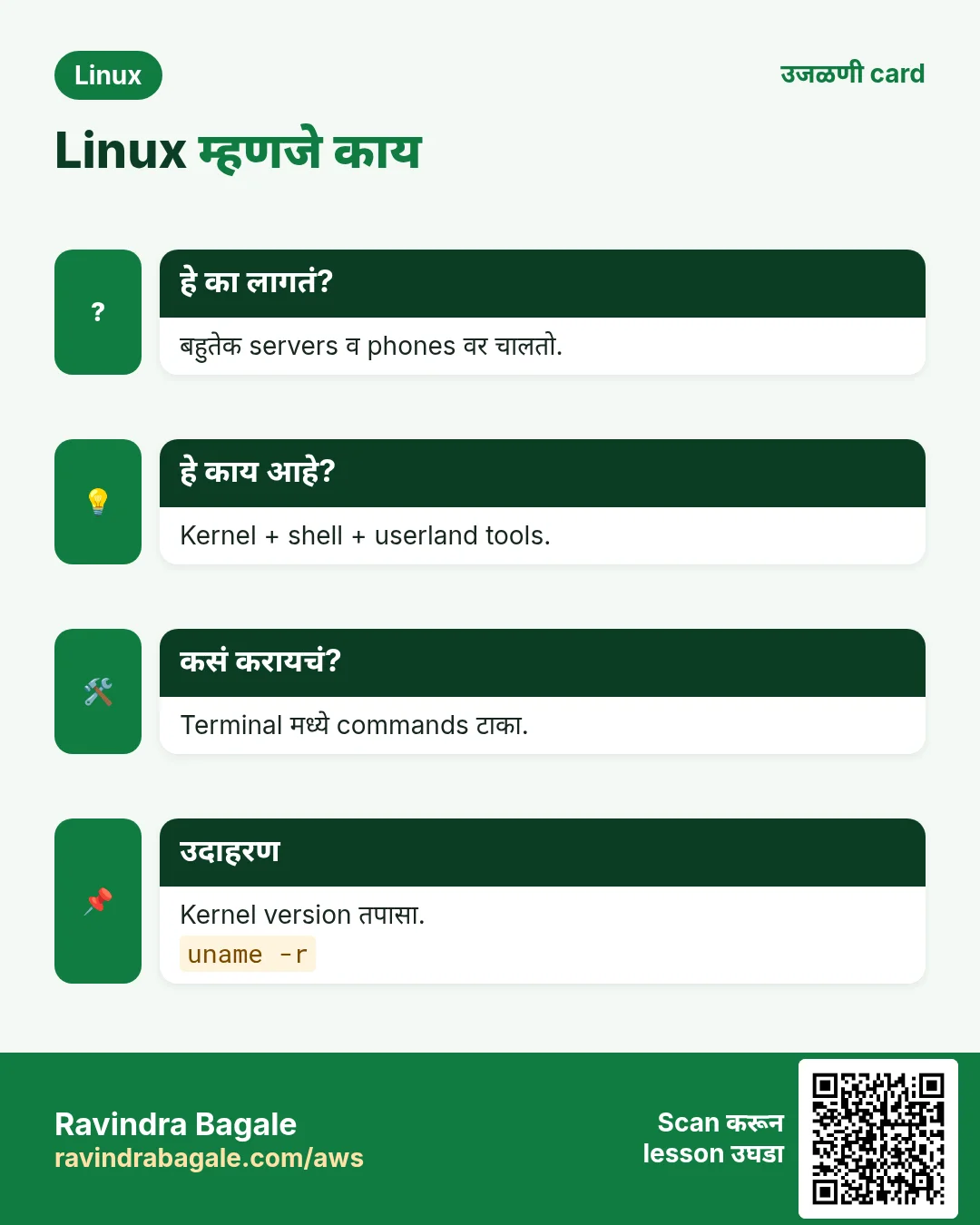
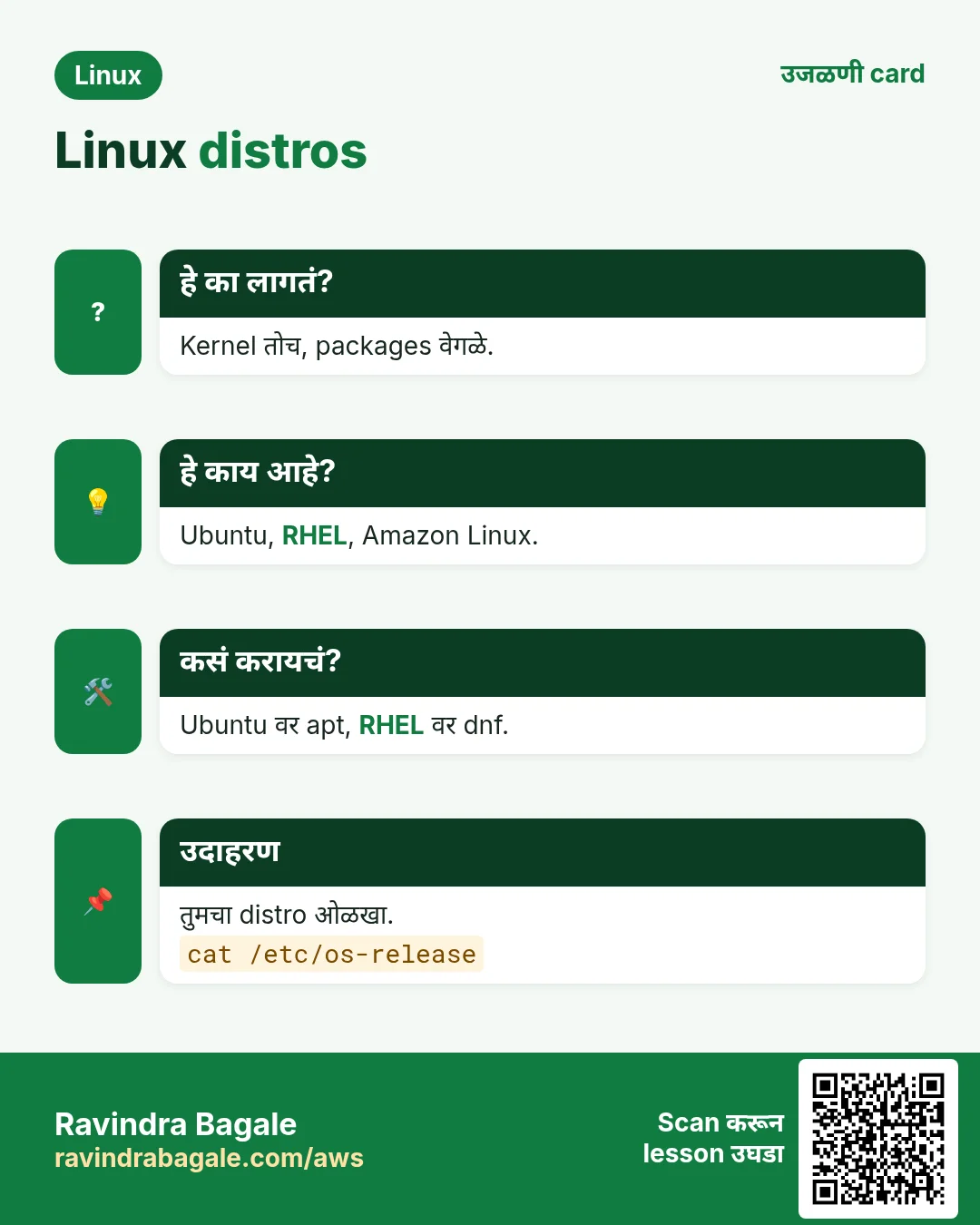
हा lesson काही मिनिटांत revise करा. Cards phone वर save करा किंवा PNG download करा. प्रत्येक card वरचा QR हा lesson उघडतो.
अजून cards: Ravi Sir's Cards.