AWS CLI Route 53 Commands: Hosted Zones आणि DNS Records
Internet वरची नावं हाताळू: hosted zones, A, CNAME, alias records, health checks, DNS test आणि cleanup.
या chapter मध्ये तुम्ही काय शिकाल
- Hosted zone बनवा
- Records add, change
- Alias records
- Health checks
- DNS test, delete
1. मोठं चित्र: phone मधली contacts list
हे का लागतं?
Contacts मध्ये "आई" save केलं की phone number शोधतो. DNS "shop.example.com" ला server IP शोधतो. Route 53 तुमच्या domain ची contacts list.
हे काय आहे?
Commands aws route53 मध्ये: create-hosted-zone, change-resource-record-sets, list-resource-record-sets, create-health-check, test-dns-answer.
कसं करायचं (step by step)
2. Hosted zone
हे का लागतं?
Domain चे records राहायला जागा हवी.
हे काय आहे?
Public hosted zone records ठेवतो आणि 4 name servers देतो. caller-reference दर वेळी unique.
कसं करायचं (step by step)
- Zone बनवा.
Z=$(aws route53 create-hosted-zone --name example.com --caller-reference cli-$(date +%s) --query HostedZone.Id --output text)
echo $Z
अपेक्षित output:
/hostedzone/Z0123456789ABCDEFGHIJ- Name servers बघा.
aws route53 get-hosted-zone --id $Z --query DelegationSet.NameServers --output textअपेक्षित output:
ns-123.awsdns-15.com ns-456.awsdns-57.net ns-789.awsdns-34.org ns-1011.awsdns-62.co.uk3. Records add आणि change
हे का लागतं?
Server घेतला, www त्याकडे point करायचा.
हे काय आहे?
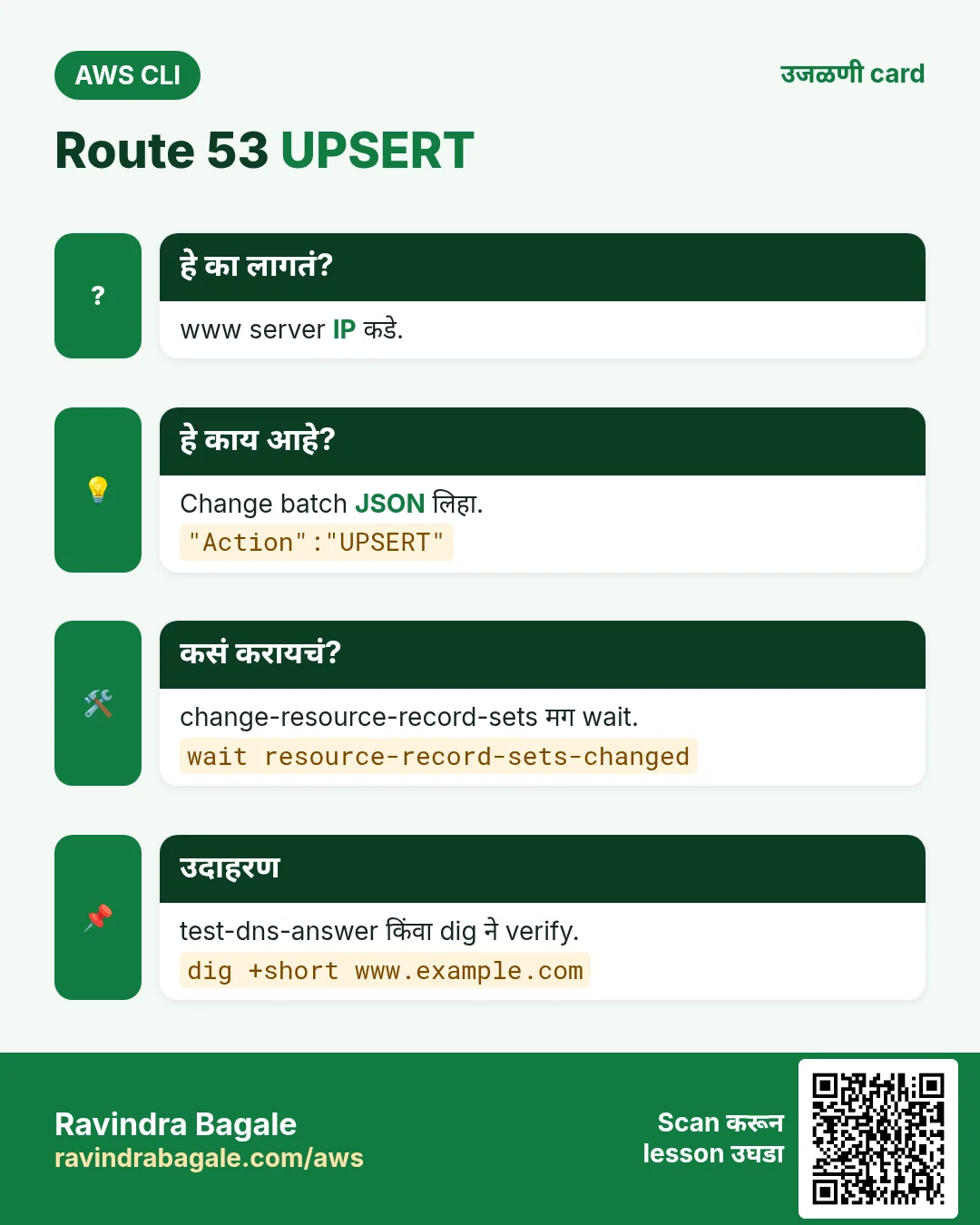
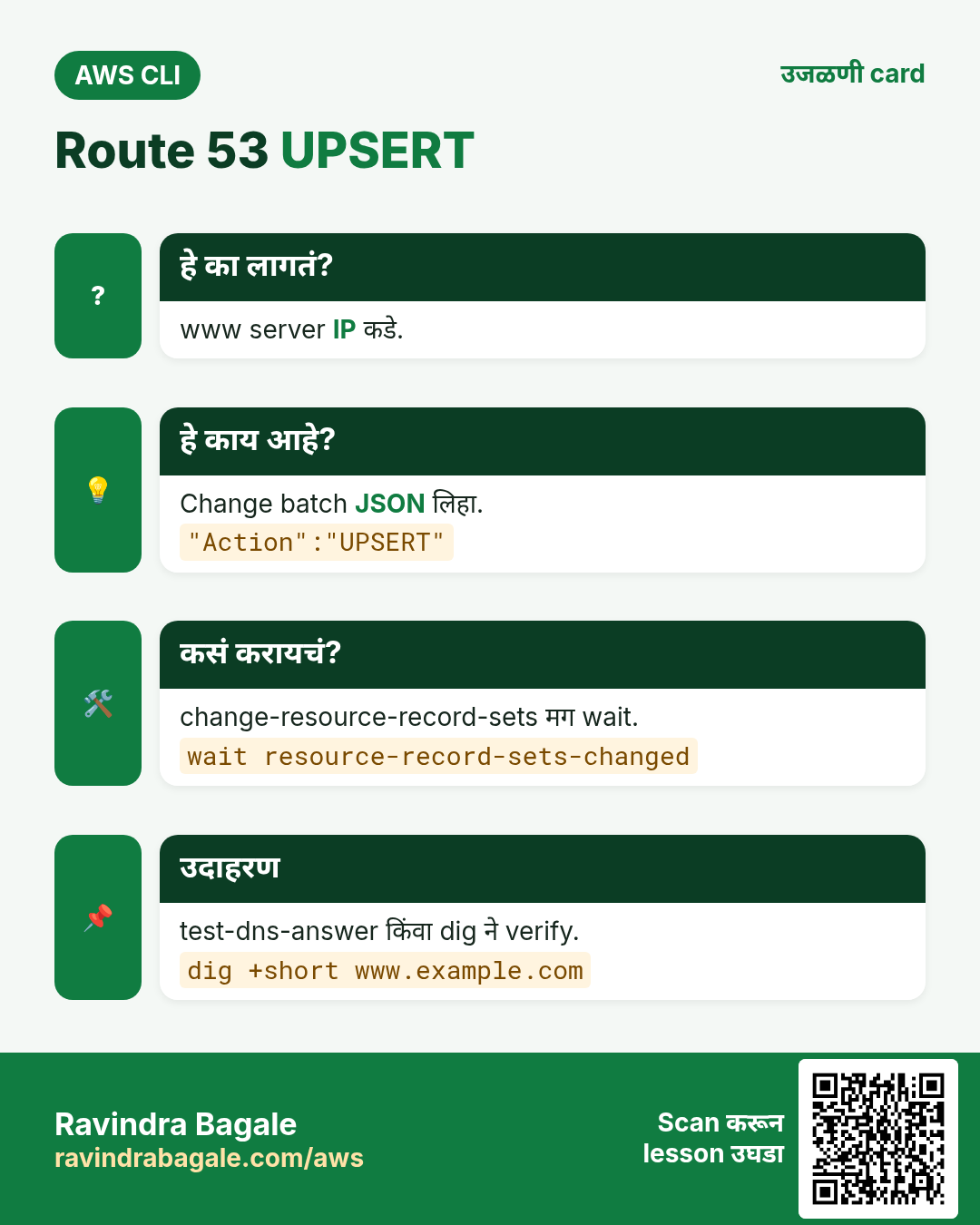
change-resource-record-sets CREATE, DELETE, UPSERT असलेला change batch घेतो. UPSERT create किंवा update.
कसं करायचं (step by step)
- Change लिहा.
cat > a.json <<J
{"Changes":[{"Action":"UPSERT","ResourceRecordSet":{"Name":"www.example.com","Type":"A","TTL":300,"ResourceRecords":[{"Value":"15.252.55.24"}]}}]}
J
अपेक्षित output:
(no output means success)- Apply करून wait.
C=$(aws route53 change-resource-record-sets --hosted-zone-id $Z --change-batch file://a.json --query ChangeInfo.Id --output text)
aws route53 wait resource-record-sets-changed --id $C
aws route53 get-change --id $C --query ChangeInfo.Status --output text
अपेक्षित output:
INSYNC- Records list.
aws route53 list-resource-record-sets --hosted-zone-id $Z --query "ResourceRecordSets[].[Name,Type]" --output textअपेक्षित output:
example.com.  NS
example.com.  SOA
www.example.com.  A
4. Alias records
हे का लागतं?
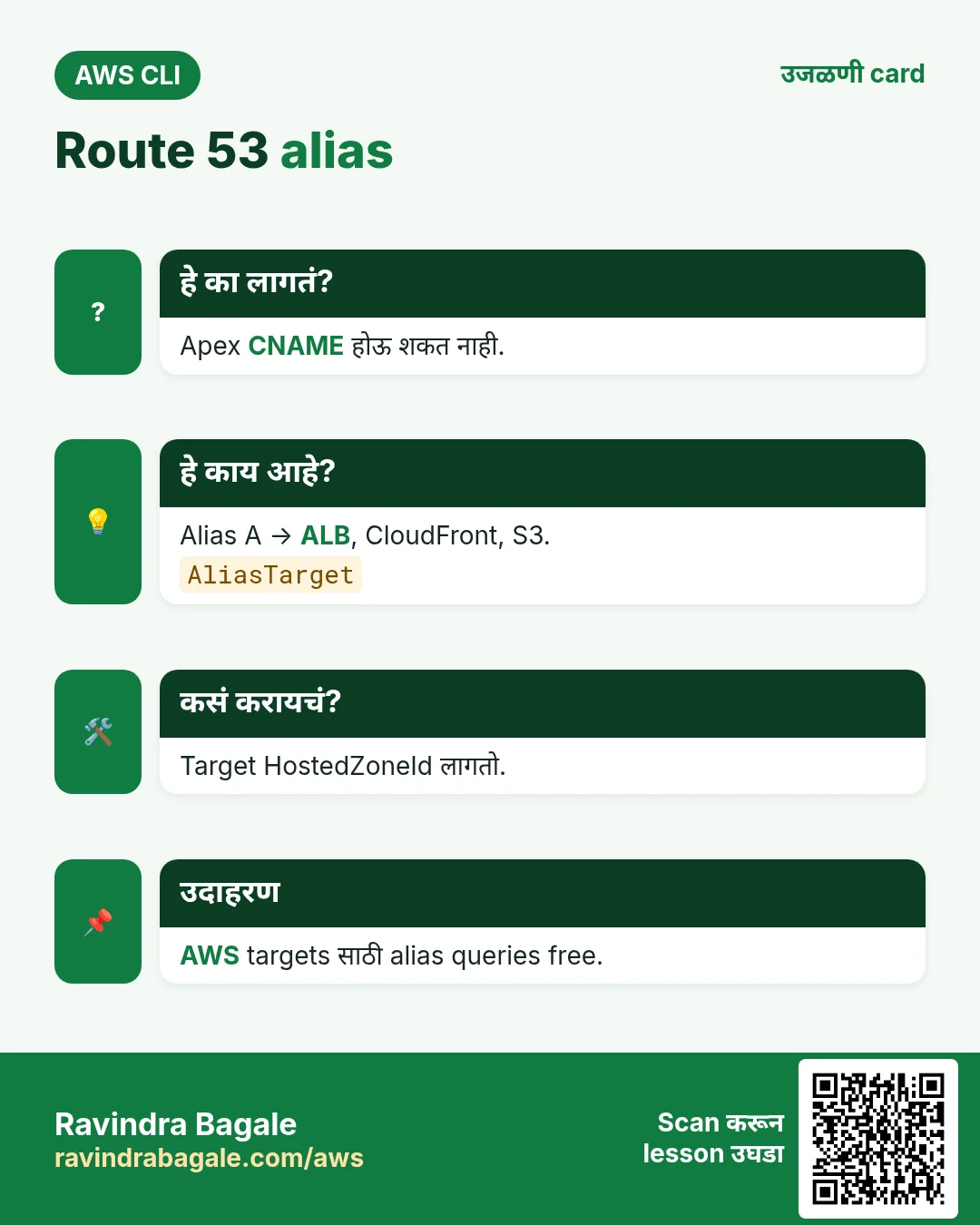
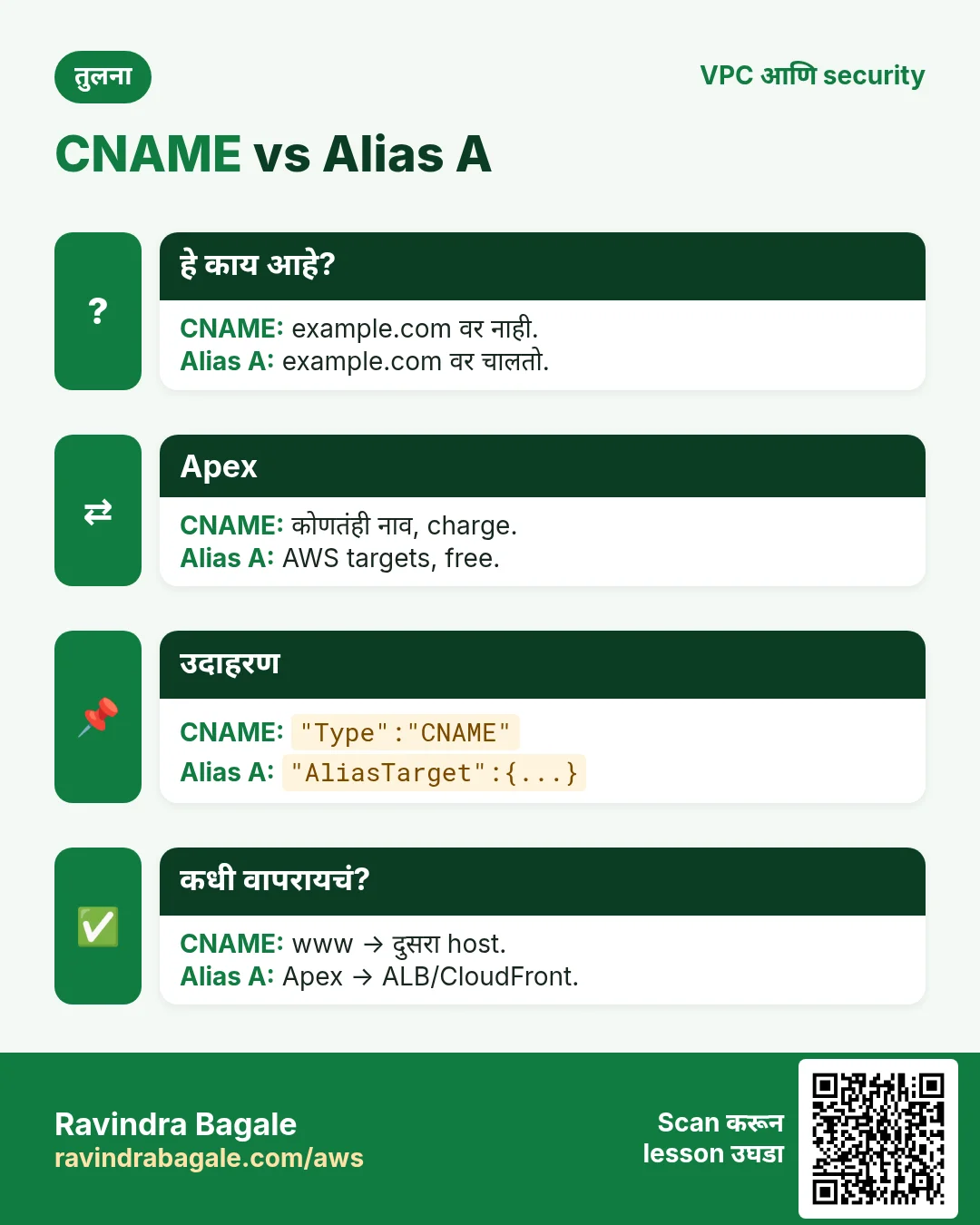
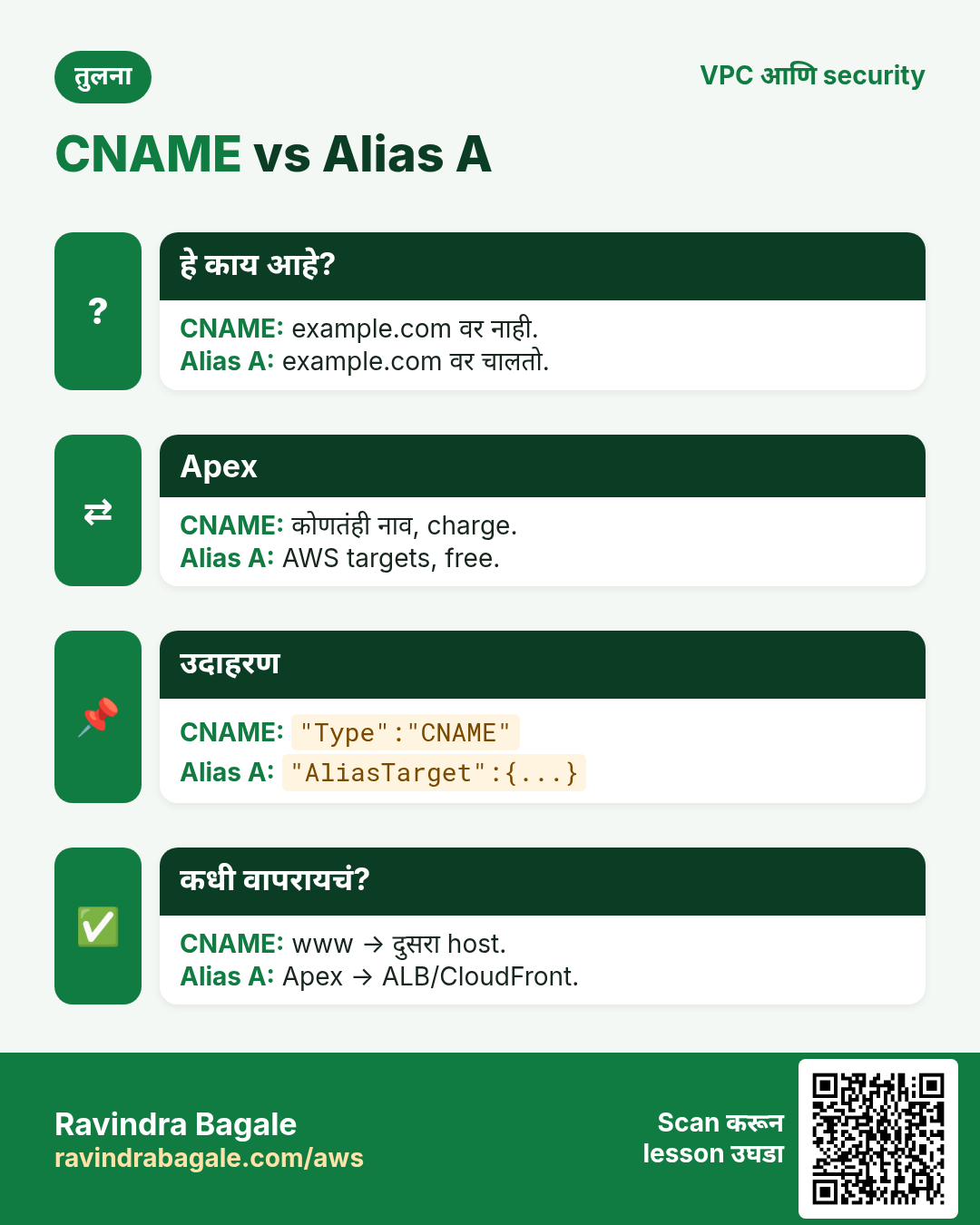
Root domain example.com CNAME होऊ शकत नाही, पण load balancer वर हवा.
हे काय आहे?
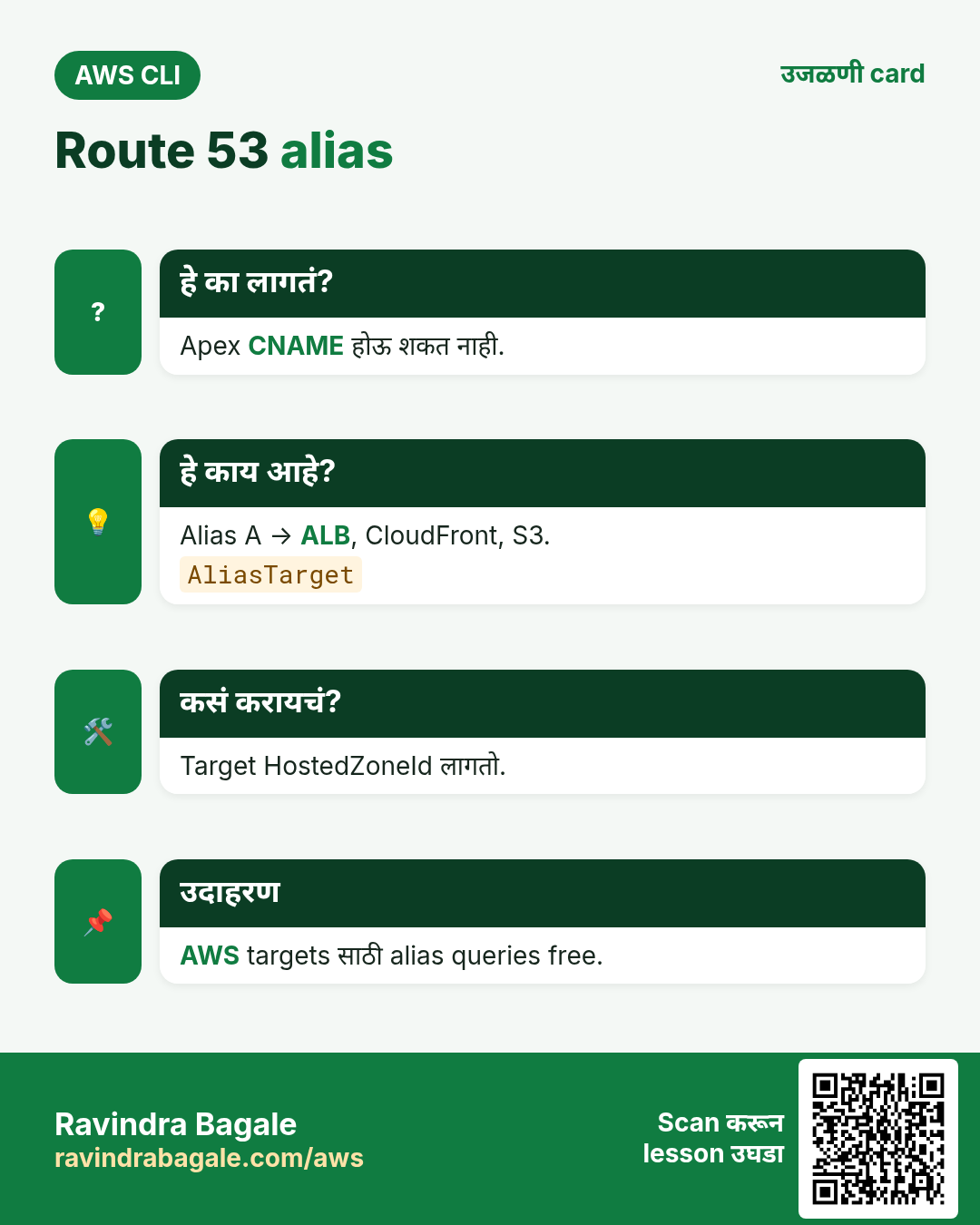
Alias A record AWS resources (ALB, CloudFront, S3 website) कडे point, queries free. Target hosted zone id लागतो.
कसं करायचं (step by step)
- Apex ALB कडे.
cat > al.json <<J
{"Changes":[{"Action":"UPSERT","ResourceRecordSet":{"Name":"example.com","Type":"A","AliasTarget":{"HostedZoneId":"ZP97RAFLXTNZK","DNSName":"cli-alb-123.ap-south-1.elb.amazonaws.com","EvaluateTargetHealth":true}}}]}
J
aws route53 change-resource-record-sets --hosted-zone-id $Z --change-batch file://al.json --query ChangeInfo.Status --output text
अपेक्षित output:
PENDING5. Health checks आणि testing
हे का लागतं?
Server बंद पडला तर DNS ने लोक तिकडे पाठवू नयेत.
हे काय आहे?
create-health-check URL probe करतो. Failover records वापरतात. test-dns-answer Route 53 काय उत्तर देईल ते सांगतो.
कसं करायचं (step by step)
- Health check बनवा.
H=$(aws route53 create-health-check --caller-reference hc-$(date +%s) --health-check-config Type=HTTPS,FullyQualifiedDomainName=www.example.com,Port=443,ResourcePath=/,RequestInterval=30,FailureThreshold=3 --query HealthCheck.Id --output text)
echo $H
अपेक्षित output:
a1b2c3d4-5678-90ab-cdef-111122223333- Answer test.
aws route53 test-dns-answer --hosted-zone-id $Z --record-name www.example.com --record-type A --query "[RecordData,ResponseCode]" --output textअपेक्षित output:
15.252.55.24 NOERROR- तुमच्या machine वरून.
dig +short www.example.com @ns-123.awsdns-15.comअपेक्षित output:
15.252.55.246. हीच action Python, Node.js, Java, Go, .NET आणि PHP मध्ये
हे का लागतं?
Scripts CLI मध्ये सुरू होतात. Apps तोच API SDK मधून call करतात. दोन्ही माहीत असले की test केलेली command थेट code मध्ये नेता येते.
हे काय आहे?
प्रत्येक CLI command म्हणजे एक API call. उदा. aws route53 change-resource-record-sets --hosted-zone-id $Z --change-batch file://a.json म्हणजे Upsert record API.
कसं करायचं (step by step)
हीच action (Record upsert) code मधून. प्रत्येक SDK CLI सारखेच profile, region आणि credentials वाचतो.
| Stack | Code |
|---|---|
| Python (boto3) | boto3.client("route53").change_resource_record_sets(HostedZoneId=z,ChangeBatch=batch) |
| Node.js (v3) | await r53.send(new ChangeResourceRecordSetsCommand({HostedZoneId:z,ChangeBatch:batch})); |
| Java (v2) | r53.changeResourceRecordSets(r -> r.hostedZoneId(z).changeBatch(batch)); |
| Go (v2) | c.ChangeResourceRecordSets(ctx, &route53.ChangeResourceRecordSetsInput{HostedZoneId: aws.String(z), ChangeBatch: batch}) |
| .NET | await r53.ChangeResourceRecordSetsAsync(new ChangeResourceRecordSetsRequest{HostedZoneId=z,ChangeBatch=batch}); |
| PHP | $r53->changeResourceRecordSets(["HostedZoneId"=>$z,"ChangeBatch"=>$batch]); |
7. काहीही खर्च चालू राहू नये म्हणून cleanup
हे का लागतं?
चालू ठेवलेले lab resources पैसे खातात आणि security risk बनतात.
हे काय आहे?
उलट्या क्रमाने delete करा: आधी children, मग parents.
कसं करायचं (step by step)
- तुम्ही add केलेले records delete (zone मध्ये फक्त NS, SOA).
sed -i s/UPSERT/DELETE/ a.json al.json
aws route53 change-resource-record-sets --hosted-zone-id $Z --change-batch file://a.json
aws route53 change-resource-record-sets --hosted-zone-id $Z --change-batch file://al.json
अपेक्षित output:
(no output means success)- Health check आणि zone delete.
aws route53 delete-health-check --health-check-id $H
aws route53 delete-hosted-zone --id $Z --query ChangeInfo.Status --output text
अपेक्षित output:
PENDING- Verify.
aws route53 list-hosted-zones-by-name --dns-name example.com --query "HostedZones[?Name=='example.com.']"अपेक्षित output:
[]Ravindra Bagale's Tip
Hosted zone न वापरता सुद्धा महिन्याला सुमारे 0.50 USD. Test zones delete करा; registrar NS बदलाला 48 तास लागू शकतात.
8. मुलाखत प्रश्न आणि उत्तरं
प्र. A vs CNAME vs alias?
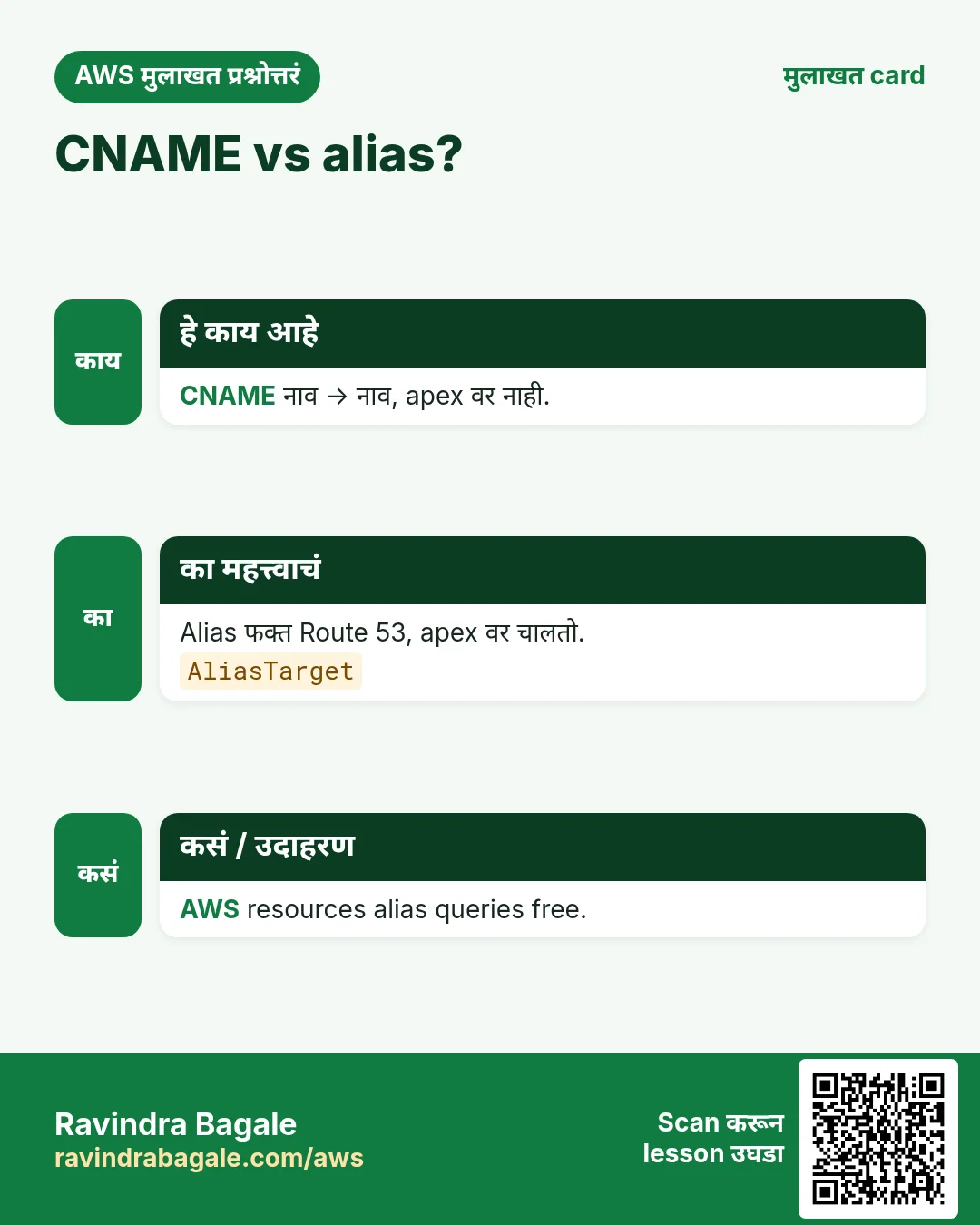
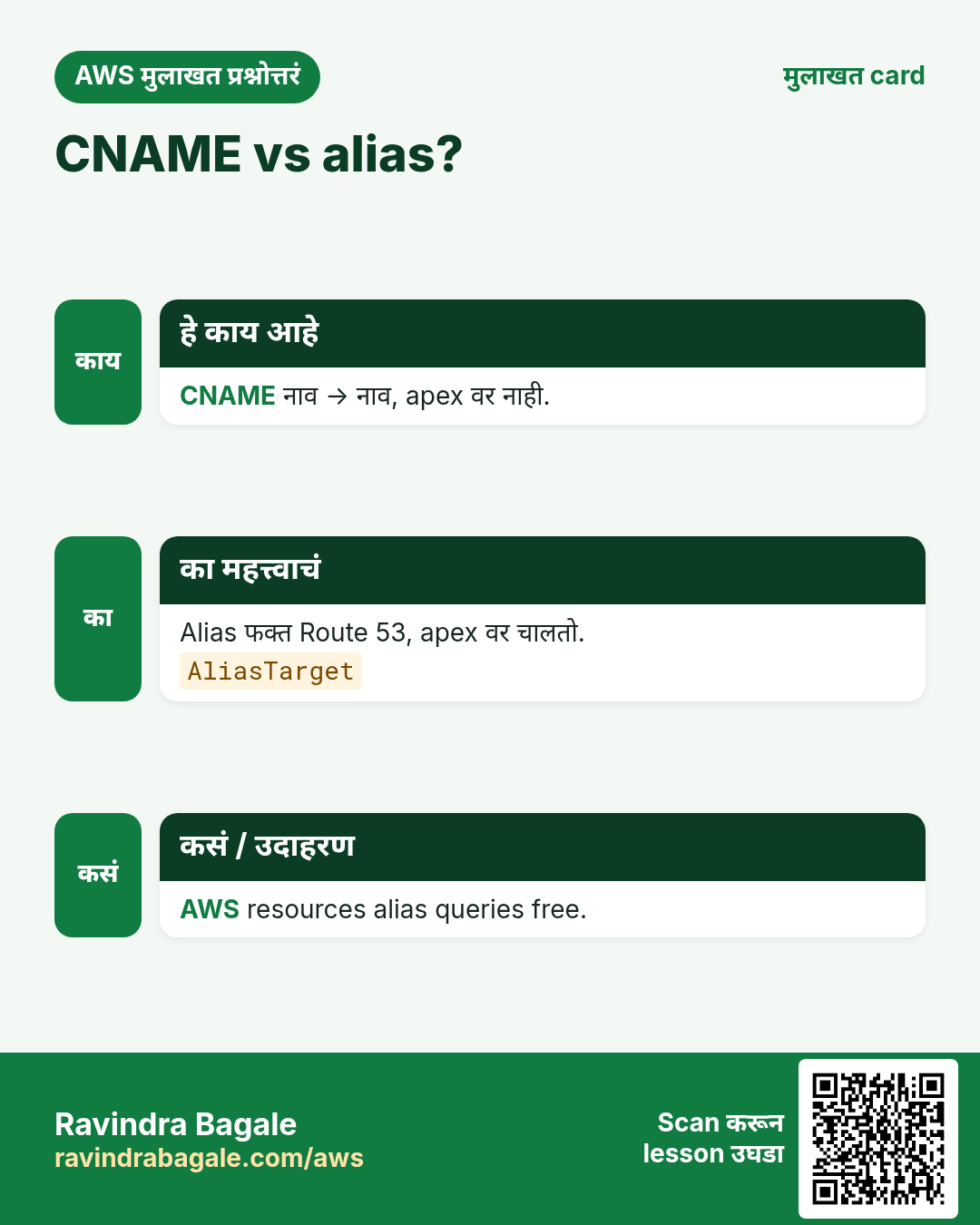
A = IP; CNAME = नाव (apex नाही); alias apex वर, AWS resources.
प्र. UPSERT काय?
नसेल तर create, असेल तर update.
प्र. TTL काय?
Resolver cache seconds.
प्र. caller-reference का?
Retry ने दोन zones नकोत.
प्र. Routing policies?
Simple, weighted, latency, failover, geo, multivalue.
घरी करून बघा
- 70/30 weighted A records बनवून test-dns-answer ने test.
- Domain verification साठी TXT record.
थोडक्यात सांगायचं तर
- create-hosted-zone.
- Change batch JSON.
- UPSERT.
- Apex ला alias.
- Zone आधी records delete.
सराव Tasks
Maple Leaf Books हा टोरांटो मधला पुस्तक विक्री व्यवसाय आहे. Emily Tremblay त्यांचं IT व cloud काम पाहतात. त्यांचे पैसे CAD मध्ये मोजले जातात आणि AWS resources ca-central-1 Region मध्ये चालतात. खालच्या tasks मध्ये तुम्ही या lesson मध्ये शिकलेलं वापरून त्यांची खरी कामं करता. सगळी नावं, account IDs, IP addresses व numbers सरावासाठी काल्पनिक आहेत.
0 / 12
सोपं Hosted zones दाखवा
का: Records बदलायला zone ID लागतो.
काय करायचं: Account मधले सगळे hosted zones दाखवा.
- Task वाचा आणि ते कोणत्या AWS service बद्दल आहे ते ठरवा.
- aws लिहा, मग service चं नाव, मग operation (action शब्द).
- प्रत्येक आवश्यक flag (--name) व त्यापुढे task मधली value लिहा.
- Flags कोणत्याही क्रमाने चालतात. Check answer दाबा.
सोपं Database endpoint शोधा
का: App endpoint नावाने connect होतं, IP ने नाही.
काय करायचं: DB instance mapleleafbooks-db describe करा.
- Task वाचा आणि ते कोणत्या AWS service बद्दल आहे ते ठरवा.
- aws लिहा, मग service चं नाव, मग operation (action शब्द).
- प्रत्येक आवश्यक flag (--name) व त्यापुढे task मधली value लिहा.
- Flags कोणत्याही क्रमाने चालतात. Check answer दाबा.
सोपं मोठ्या orders आधी
का: RDS setup नंतर database query करणं रोजचं काम.
काय करायचं: Order id व amount, मोठी amount आधी.
Tables: customers(id, name, city) व orders(id, customer_id, amount, odate).
- Task कोणत्या table बद्दल आहे ते पाहा (box वरची table list).
- SQL statement step by step लिहा: काय, कुठून, कोणते rows.
- Statement ; ने संपवा.
- Check answer दाबा. Query table च्या practice copy वर चालते.
सोपं City नुसार customers
का: RDS setup नंतर database query करणं रोजचं काम.
काय करायचं: Pune मधल्या customers ची नावं.
Tables: customers(id, name, city) व orders(id, customer_id, amount, odate).
- Task कोणत्या table बद्दल आहे ते पाहा (box वरची table list).
- SQL statement step by step लिहा: काय, कुठून, कोणते rows.
- Statement ; ने संपवा.
- Check answer दाबा. Query table च्या practice copy वर चालते.
मध्यम Hosted zone बनवा
का: Hosted zone तुमच्या domain चे सगळे DNS records ठेवतो.
काय करायचं: mapleleafbooks.ca साठी public hosted zone बनवा, caller reference mapleleafbooks-2026-01.
- Task वाचा आणि ते कोणत्या AWS service बद्दल आहे ते ठरवा.
- aws लिहा, मग service चं नाव, मग operation (action शब्द).
- प्रत्येक आवश्यक flag (--name) व त्यापुढे task मधली value लिहा.
- Flags कोणत्याही क्रमाने चालतात. Check answer दाबा.
मध्यम Zone मधले records दाखवा
का: बदलण्याआधी कोणते A, CNAME व MX records आहेत ते पाहा.
काय करायचं: Hosted zone Z0123456789ABCDEFGHIJ मधले record sets दाखवा.
- Task वाचा आणि ते कोणत्या AWS service बद्दल आहे ते ठरवा.
- aws लिहा, मग service चं नाव, मग operation (action शब्द).
- प्रत्येक आवश्यक flag (--name) व त्यापुढे task मधली value लिहा.
- Flags कोणत्याही क्रमाने चालतात. Check answer दाबा.
मध्यम लहान orders काढा
का: RDS setup नंतर database query करणं रोजचं काम.
काय करायचं: 200 पेक्षा कमी amount चे orders delete.
Tables: customers(id, name, city) व orders(id, customer_id, amount, odate).
- Task कोणत्या table बद्दल आहे ते पाहा (box वरची table list).
- SQL statement step by step लिहा: काय, कुठून, कोणते rows.
- Statement ; ने संपवा.
- Check answer दाबा. Query table च्या practice copy वर चालते.
मध्यम Customer नावांसह orders
का: RDS setup नंतर database query करणं रोजचं काम.
काय करायचं: प्रत्येक customer नाव व order amount.
Tables: customers(id, name, city) व orders(id, customer_id, amount, odate).
- Task कोणत्या table बद्दल आहे ते पाहा (box वरची table list).
- SQL statement step by step लिहा: काय, कुठून, कोणते rows.
- Statement ; ने संपवा.
- Check answer दाबा. Query table च्या practice copy वर चालते.
मध्यम एकूण sales
का: RDS setup नंतर database query करणं रोजचं काम.
काय करायचं: सगळ्या order amounts ची बेरीज.
Tables: customers(id, name, city) व orders(id, customer_id, amount, odate).
- Task कोणत्या table बद्दल आहे ते पाहा (box वरची table list).
- SQL statement step by step लिहा: काय, कुठून, कोणते rows.
- Statement ; ने संपवा.
- Check answer दाबा. Query table च्या practice copy वर चालते.
अवघड DNS record बनवा/update करा
का: UPSERT record बनवतो किंवा आधी असल्यास update करतो.
काय करायचं: change.json मधले record बदल hosted zone Z0123456789ABCDEFGHIJ ला लावा.
- Task वाचा आणि ते कोणत्या AWS service बद्दल आहे ते ठरवा.
- aws लिहा, मग service चं नाव, मग operation (action शब्द).
- प्रत्येक आवश्यक flag (--name) व त्यापुढे task मधली value लिहा.
- Flags कोणत्याही क्रमाने चालतात. Check answer दाबा.
अवघड Customer नुसार sales
का: RDS setup नंतर database query करणं रोजचं काम.
काय करायचं: Customer नुसार total, फक्त 1000 पेक्षा जास्त.
Tables: customers(id, name, city) व orders(id, customer_id, amount, odate).
- Task कोणत्या table बद्दल आहे ते पाहा (box वरची table list).
- SQL statement step by step लिहा: काय, कुठून, कोणते rows.
- Statement ; ने संपवा.
- Check answer दाबा. Query table च्या practice copy वर चालते.
अवघड Orders नसलेले customers
का: RDS setup नंतर database query करणं रोजचं काम.
काय करायचं: कधीच order न केलेल्या customers ची नावं.
Tables: customers(id, name, city) व orders(id, customer_id, amount, odate).
- Task कोणत्या table बद्दल आहे ते पाहा (box वरची table list).
- SQL statement step by step लिहा: काय, कुठून, कोणते rows.
- Statement ; ने संपवा.
- Check answer दाबा. Query table च्या practice copy वर चालते.
उजळणी, तुलना आणि मुलाखत cards
हा lesson काही मिनिटांत revise करा. Cards phone वर save करा किंवा PNG download करा. प्रत्येक card वरचा QR हा lesson उघडतो.
अजून cards: Ravi Sir's Cards.