AWS CLI S3 Commands: cp, sync आणि s3api उदाहरणं
S3 चे दोन command sets. aws s3 सोपा, files साठी copy-paste सारखा. aws s3api मध्ये प्रत्येक API action. दोन्ही वापरू.
या chapter मध्ये तुम्ही काय शिकाल
- Buckets बनवा आणि काढा
- cp, mv, sync, ls, rm
- s3api ने versioning, encryption, public access block
- Presigned URLs
- Lifecycle rules
1. मोठं चित्र: s3 vs s3api
हे का लागतं?
Courier office आठवा. Front desk (aws s3) एका step मध्ये parcel घेतो. Back office (aws s3api) form वरचा प्रत्येक detail set करू देतो.
हे काय आहे?
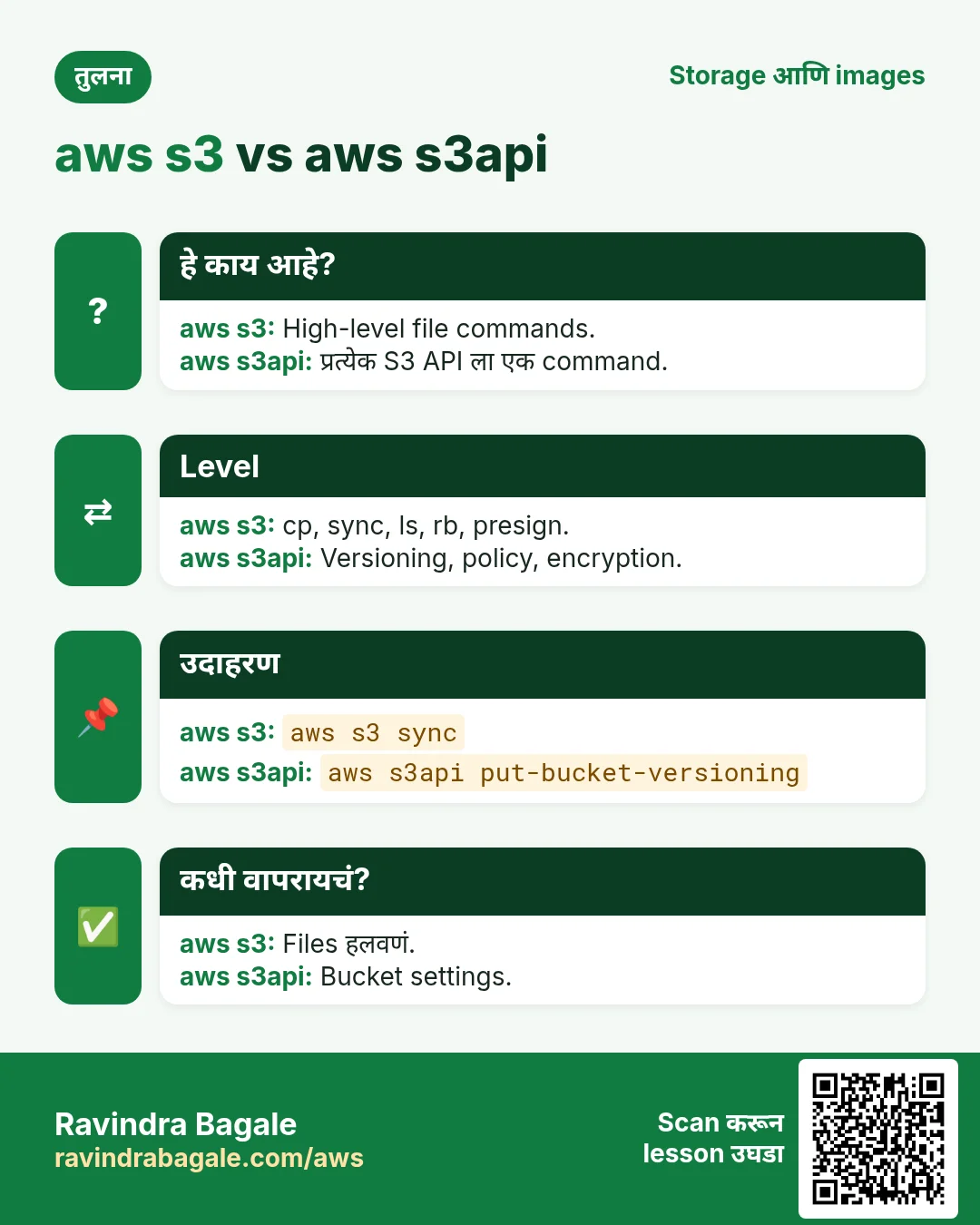
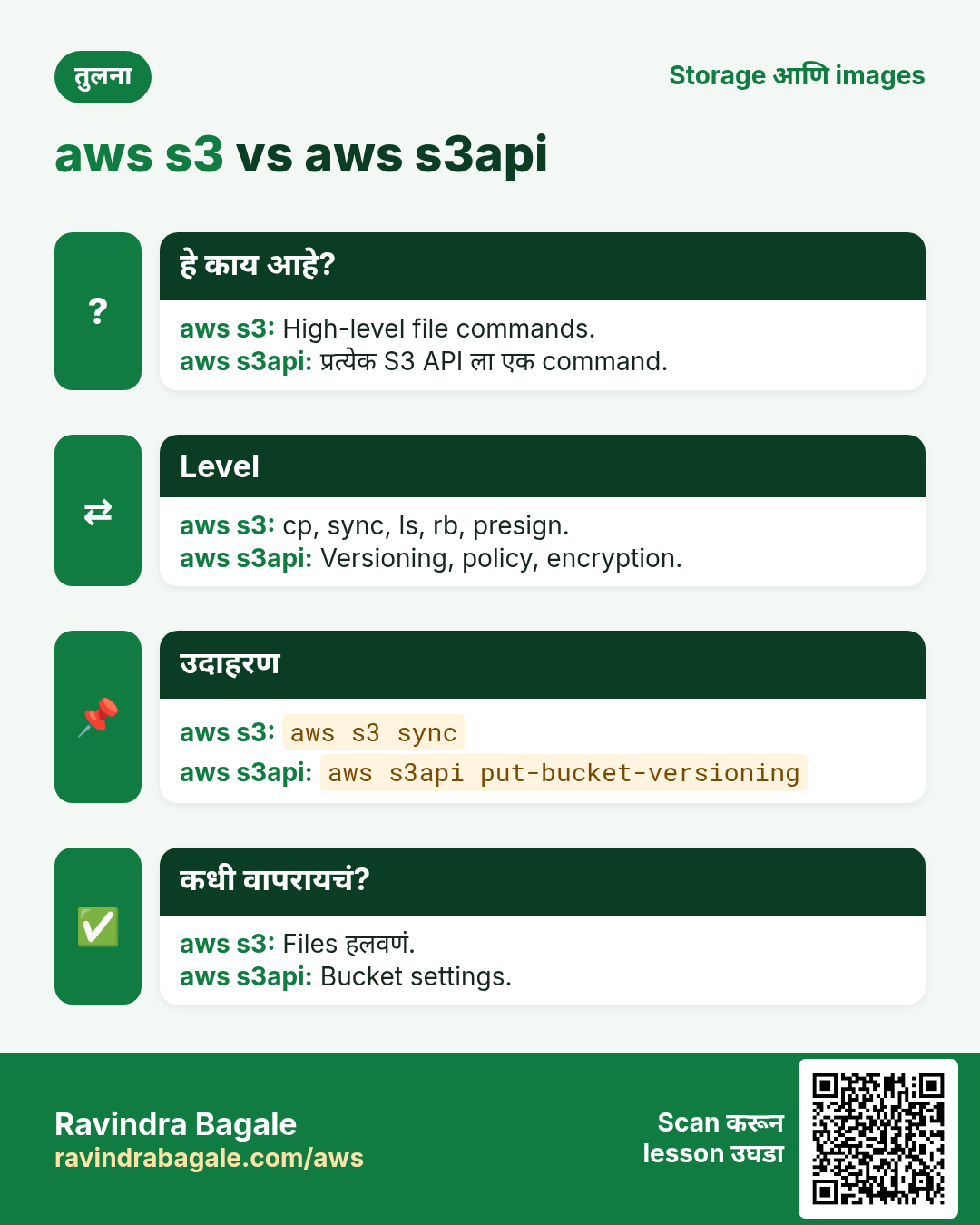
aws s3 = high-level (cp, sync, ls, mb, rb, rm, mv, presign). aws s3api = low-level, प्रत्येक API साठी एक command.
कसं करायचं (step by step)
2. Buckets बनवा आणि list
हे का लागतं?
S3 मधलं सगळं bucket मध्ये.
हे काय आहे?
aws s3 mb s3://name region मध्ये bucket. aws s3 ls buckets/objects list.
कसं करायचं (step by step)
- Bucket बनवा.
B=ravi-cli-lab-$RANDOM
aws s3 mb s3://$B --region ap-south-1
अपेक्षित output:
make_bucket: ravi-cli-lab-12345- Buckets list.
aws s3 lsअपेक्षित output:
2026-10-24 11:02:10 ravi-cli-lab-12345- s3api ने (us-east-1 बाहेर LocationConstraint).
aws s3api create-bucket --bucket $B-2 --region ap-south-1 --create-bucket-configuration LocationConstraint=ap-south-1अपेक्षित output:
{ "Location": "http://ravi-cli-lab-12345-2.s3.amazonaws.com/" }- Region verify.
aws s3api get-bucket-location --bucket $Bअपेक्षित output:
{ "LocationConstraint": "ap-south-1" }3. Files copy, move, sync, delete
हे का लागतं?
Website किंवा backup folder upload करणं हे सगळ्यात common काम.
हे काय आहे?
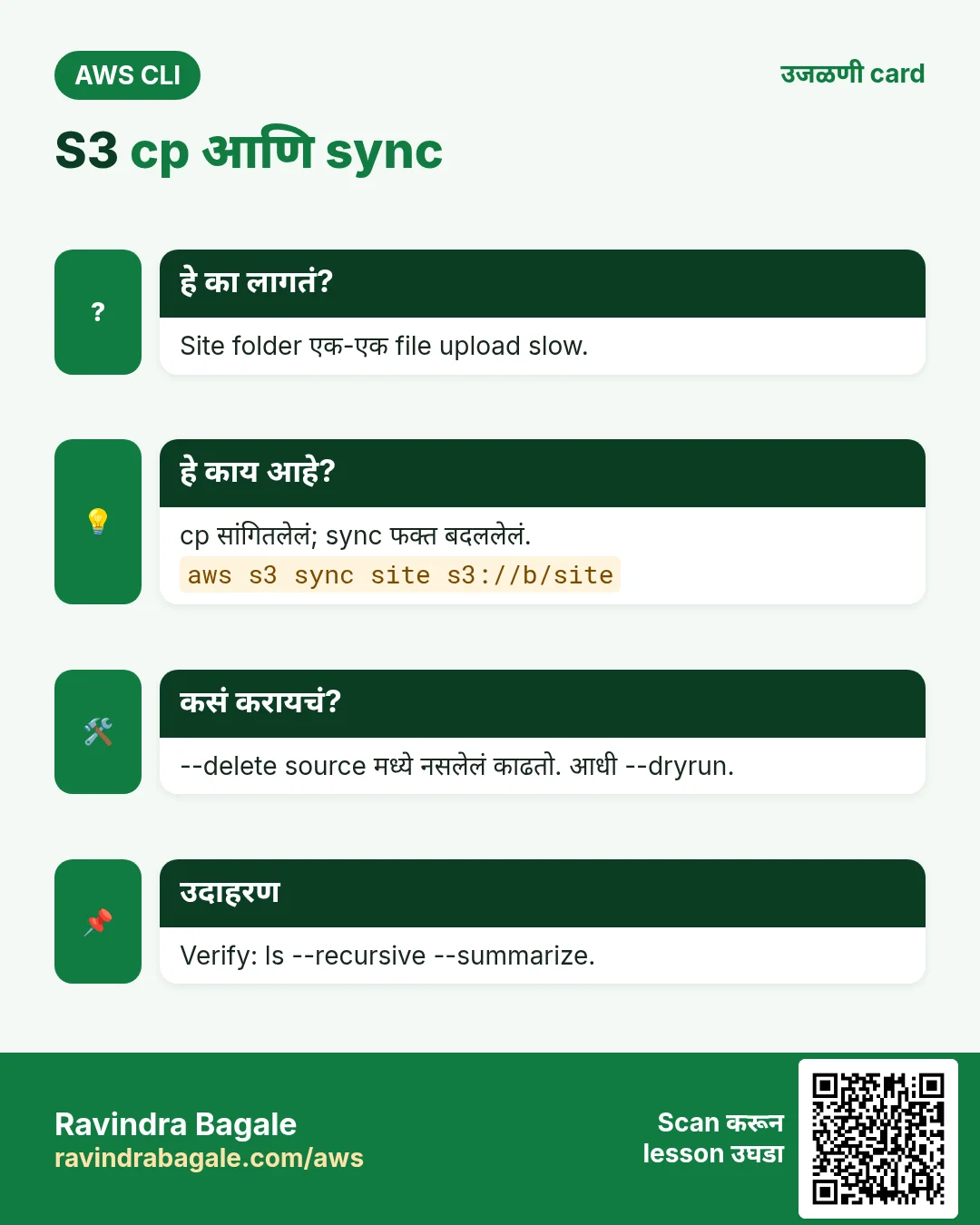
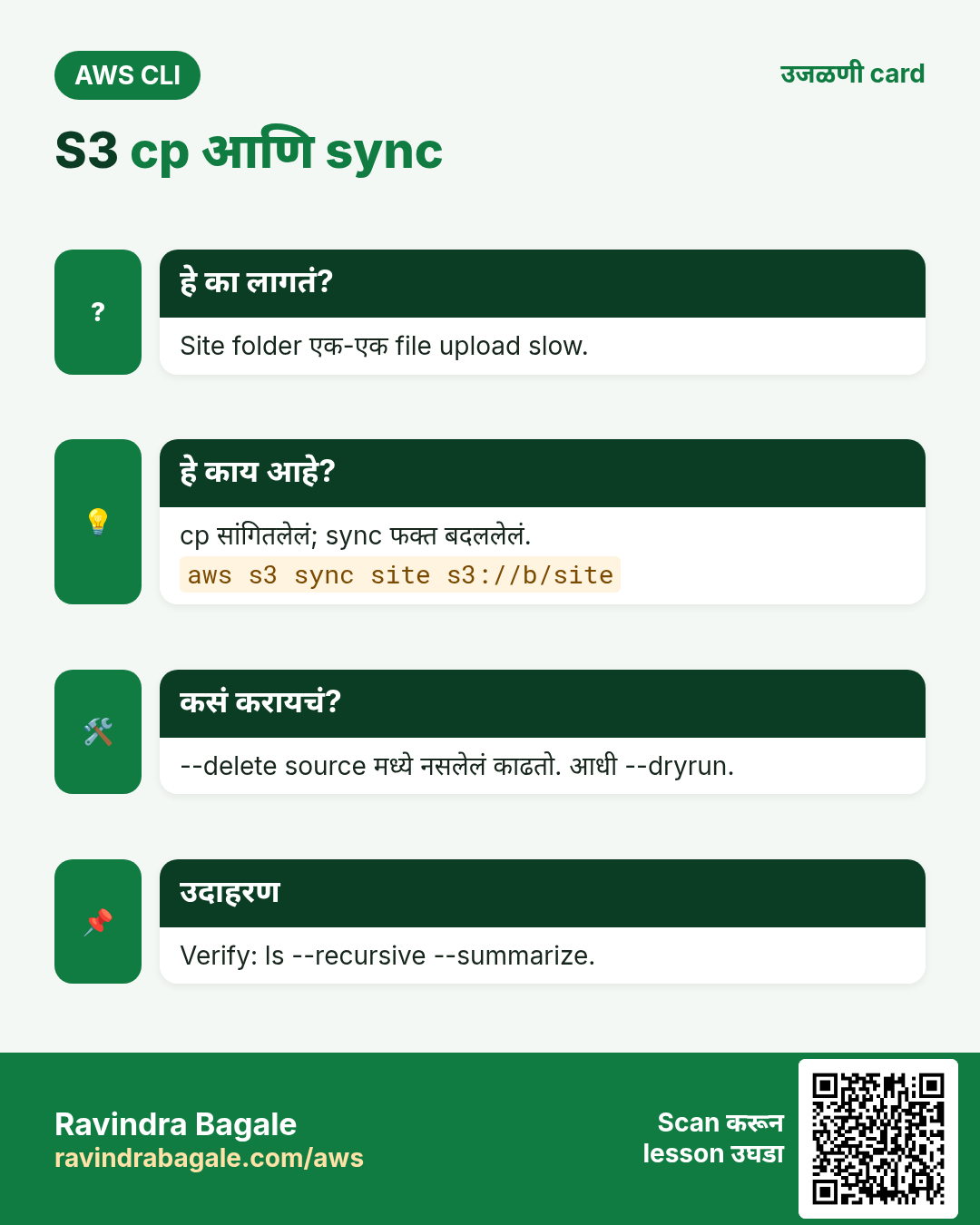
cp एक file (folder साठी --recursive). sync फक्त बदललेल्या files. --delete source मध्ये नसलेल्या files काढतो. --exclude/--include.
कसं करायचं (step by step)
- File upload.
echo hello > a.txt
aws s3 cp a.txt s3://$B/docs/a.txt
अपेक्षित output:
upload: ./a.txt to s3://ravi-cli-lab-12345/docs/a.txt- Screen वर परत वाचा.
aws s3 cp s3://$B/docs/a.txt -अपेक्षित output:
hello- Folder sync.
mkdir -p site && echo "<h1>Hi</h1>" > site/index.html
aws s3 sync site s3://$B/site --exclude "*.tmp"
अपेक्षित output:
upload: site/index.html to s3://ravi-cli-lab-12345/site/index.html- परत sync: काही नाही.
aws s3 sync site s3://$B/siteअपेक्षित output:
(no output)- Delete-sync preview.
aws s3 sync site s3://$B/site --delete --dryrunअपेक्षित output:
(dryrun) delete: s3://.../site/old.html- Sizes सोबत recursive list.
aws s3 ls s3://$B --recursive --human-readable --summarizeअपेक्षित output:
2026-10-24 11:05:01    6 Bytes docs/a.txt
Total Objects: 2
Total Size: 18 Bytes- Move आणि remove.
aws s3 mv s3://$B/docs/a.txt s3://$B/archive/a.txt
aws s3 rm s3://$B/archive/a.txt
अपेक्षित output:
move: s3://.../docs/a.txt to s3://.../archive/a.txt
delete: s3://.../archive/a.txt
4. s3api ने bucket secure
हे का लागतं?
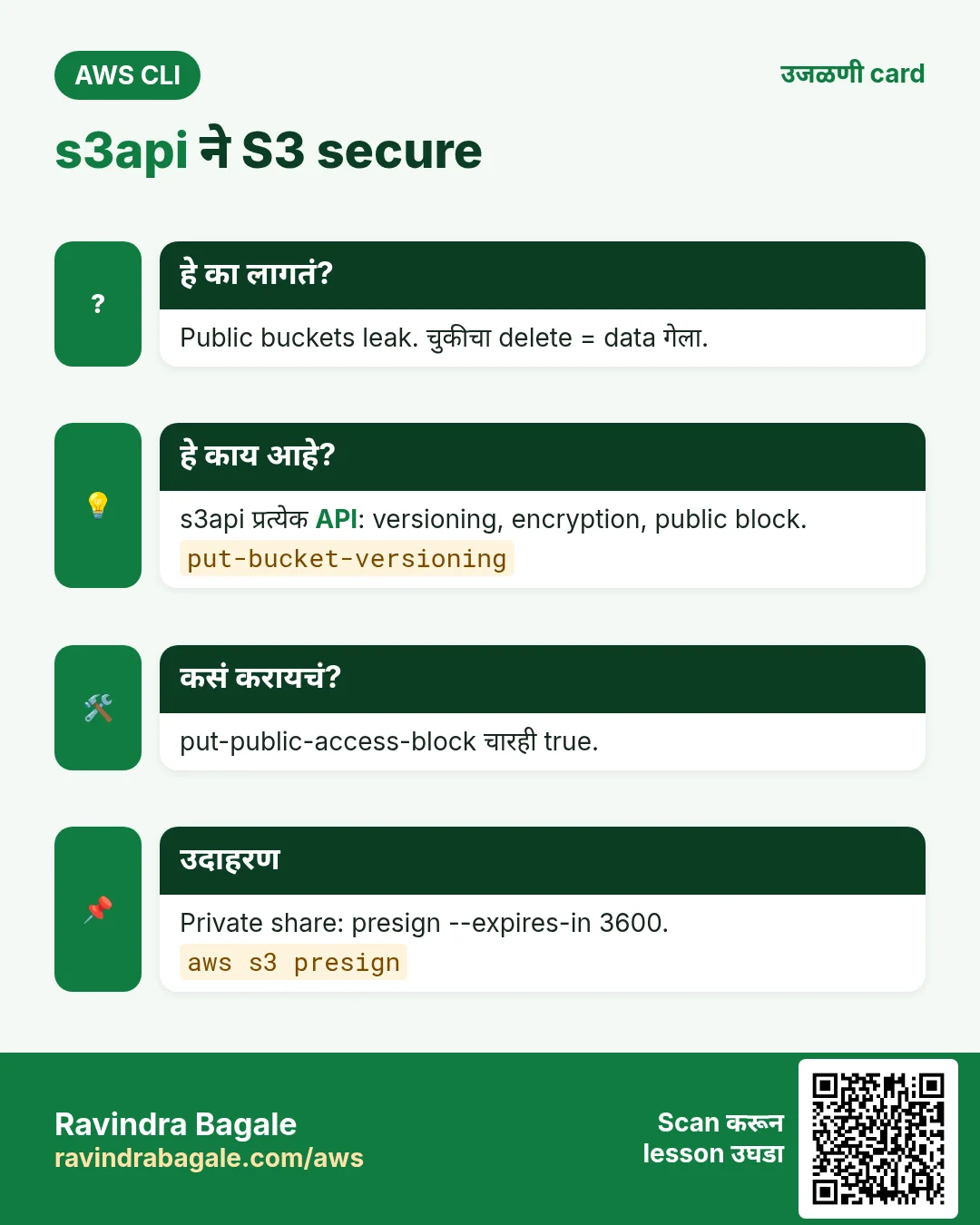
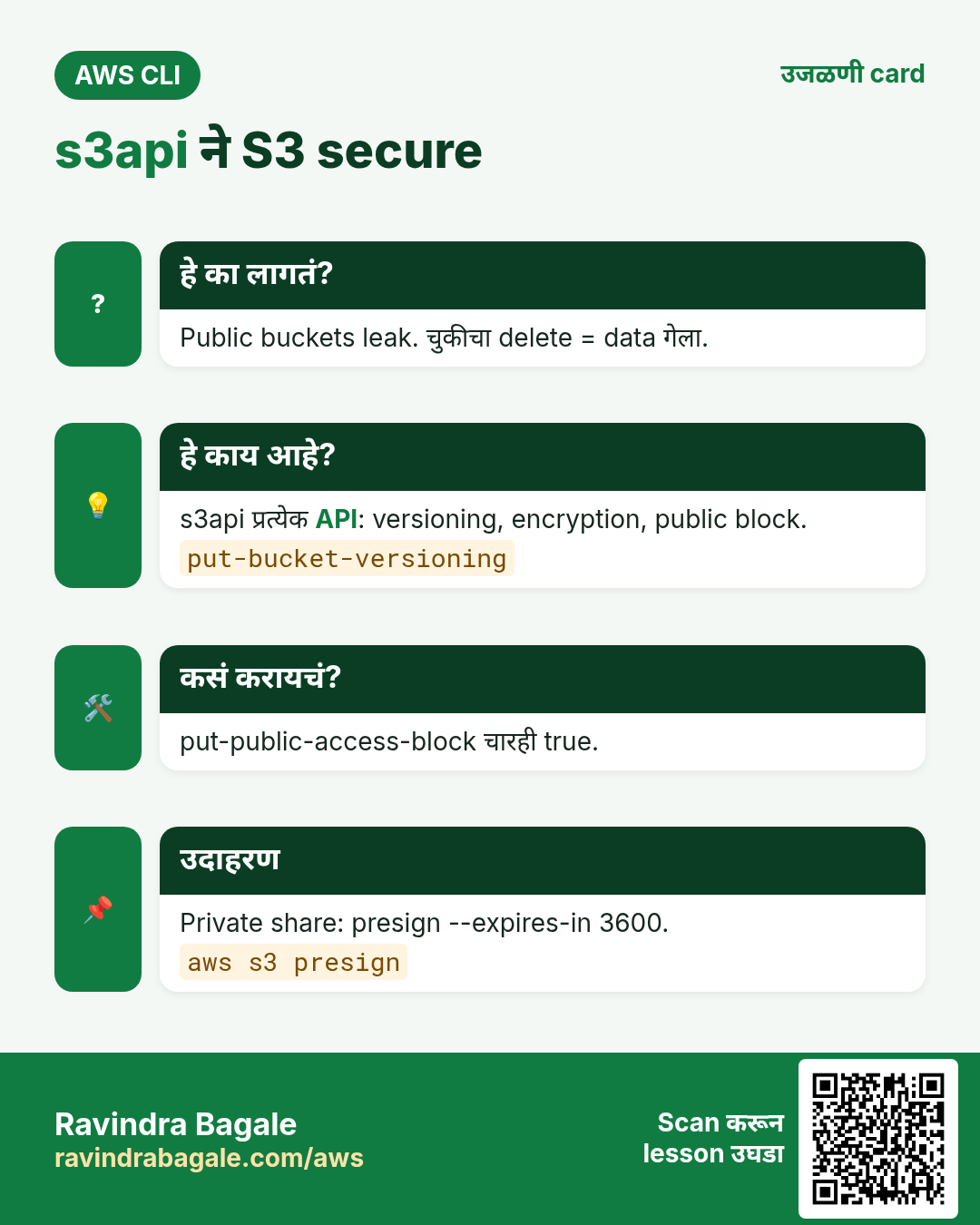
बहुतेक S3 leaks public buckets मुळे. Versioning चुकून delete पासून वाचवतं.
हे काय आहे?
यांना aws s3 shortcut नाही, म्हणून s3api.
कसं करायचं (step by step)
- सगळा public access block.
aws s3api put-public-access-block --bucket $B --public-access-block-configuration BlockPublicAcls=true,IgnorePublicAcls=true,BlockPublicPolicy=true,RestrictPublicBuckets=trueअपेक्षित output:
(no output means success)- Versioning on.
aws s3api put-bucket-versioning --bucket $B --versioning-configuration Status=Enabledअपेक्षित output:
(no output means success)- Versioning verify.
aws s3api get-bucket-versioning --bucket $Bअपेक्षित output:
{ "Status": "Enabled" }- SSE-S3 default encryption.
aws s3api put-bucket-encryption --bucket $B --server-side-encryption-configuration '{"Rules":[{"ApplyServerSideEncryptionByDefault":{"SSEAlgorithm":"AES256"}}]}'अपेक्षित output:
(no output means success)- Object metadata.
aws s3api head-object --bucket $B --key site/index.html --query "[ContentLength,ServerSideEncryption]"अपेक्षित output:
[ 12, "AES256" ]- Object versions list.
aws s3api list-object-versions --bucket $B --prefix site/ --query "Versions[].[Key,VersionId,IsLatest]" --output textअपेक्षित output:
site/index.html 3HL4kqtJlcpXroDTDmJ... True5. Presigned URLs आणि lifecycle
हे का लागतं?
एक private file एक तासासाठी share, जुने logs आपोआप delete.
हे काय आहे?
aws s3 presign signed link. put-bucket-lifecycle-configuration prefix आणि वयावर rules.
कसं करायचं (step by step)
- 1 तासाची link.
aws s3 presign s3://$B/site/index.html --expires-in 3600अपेक्षित output:
https://ravi-cli-lab-12345.s3.ap-south-1.amazonaws.com/site/index.html?X-Amz-Algorithm=...&X-Amz-Expires=3600...- curl ने उघडा.
curl -s "<paste URL>"अपेक्षित output:
<h1>Hi</h1>- logs/ 30 दिवसांनी expire.
aws s3api put-bucket-lifecycle-configuration --bucket $B --lifecycle-configuration '{"Rules":[{"ID":"logs30","Status":"Enabled","Filter":{"Prefix":"logs/"},"Expiration":{"Days":30}}]}'अपेक्षित output:
(no output means success)- Rule verify.
aws s3api get-bucket-lifecycle-configuration --bucket $B --query "Rules[0].[ID,Expiration.Days]" --output textअपेक्षित output:
logs30 306. हीच action Python, Node.js, Java, Go, .NET आणि PHP मध्ये
हे का लागतं?
Scripts CLI मध्ये सुरू होतात. Apps तोच API SDK मधून call करतात. दोन्ही माहीत असले की test केलेली command थेट code मध्ये नेता येते.
हे काय आहे?
प्रत्येक CLI command म्हणजे एक API call. उदा. aws s3 cp a.txt s3://B/a.txt म्हणजे PutObject API.
कसं करायचं (step by step)
हीच action (PutObject) code मधून. प्रत्येक SDK CLI सारखेच profile, region आणि credentials वाचतो.
| Stack | Code |
|---|---|
| Python (boto3) | boto3.client("s3").upload_file("a.txt", B, "a.txt") |
| Node.js (v3) | await s3.send(new PutObjectCommand({Bucket:B, Key:"a.txt", Body: fs.readFileSync("a.txt")})); |
| Java (v2) | s3.putObject(r -> r.bucket(B).key("a.txt"), RequestBody.fromFile(Paths.get("a.txt"))); |
| Go (v2) | f, _ := os.Open("a.txt"); c.PutObject(ctx, &s3.PutObjectInput{Bucket:&b, Key:aws.String("a.txt"), Body:f}) |
| .NET | await s3.PutObjectAsync(new PutObjectRequest{BucketName=B, Key="a.txt", FilePath="a.txt"}); |
| PHP | $s3->putObject(["Bucket"=>$b,"Key"=>"a.txt","SourceFile"=>"a.txt"]); |
7. काहीही खर्च चालू राहू नये म्हणून cleanup
हे का लागतं?
चालू ठेवलेले lab resources पैसे खातात आणि security risk बनतात.
हे काय आहे?
उलट्या क्रमाने delete करा: आधी children, मग parents.
कसं करायचं (step by step)
- सगळे objects आणि bucket delete.
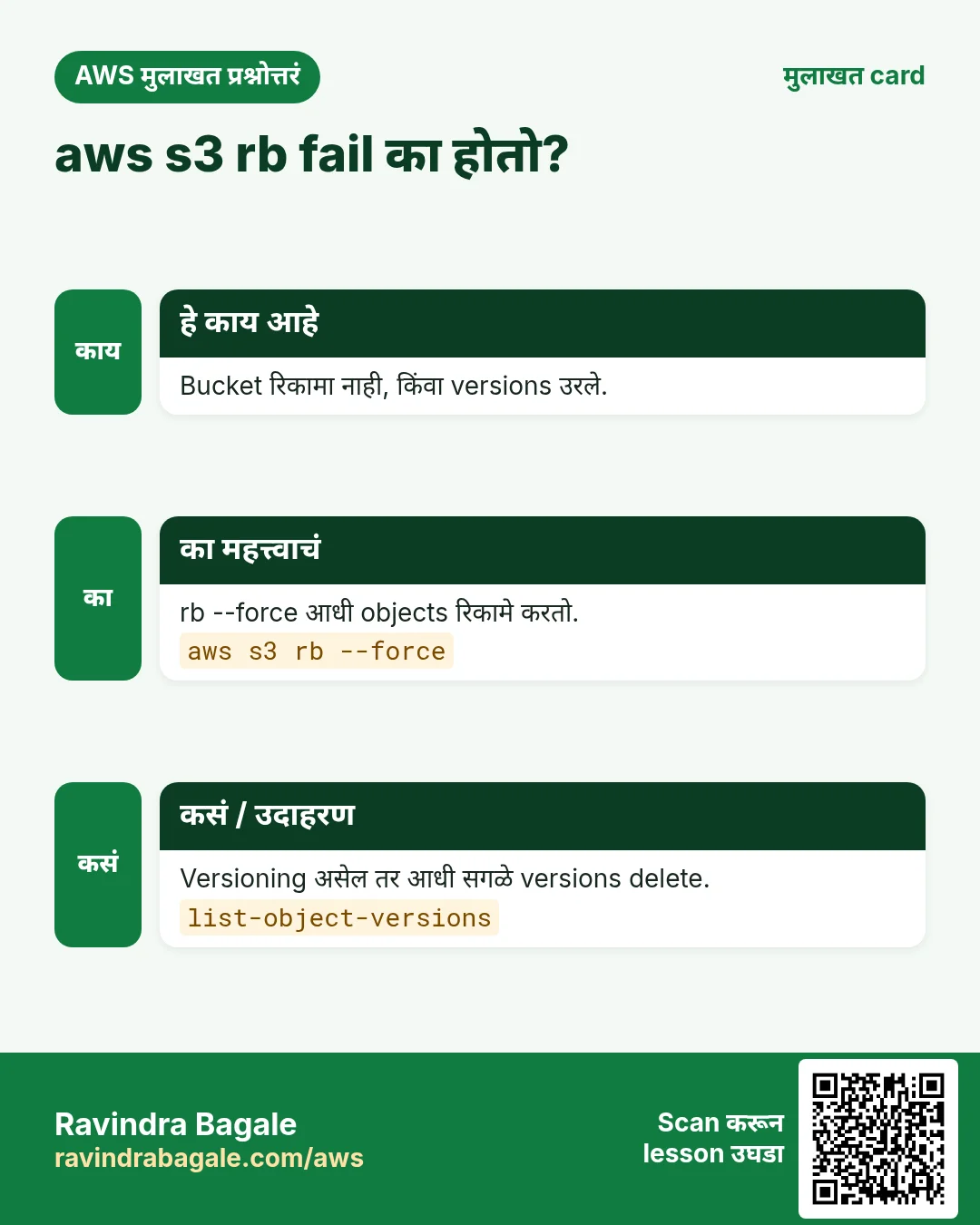
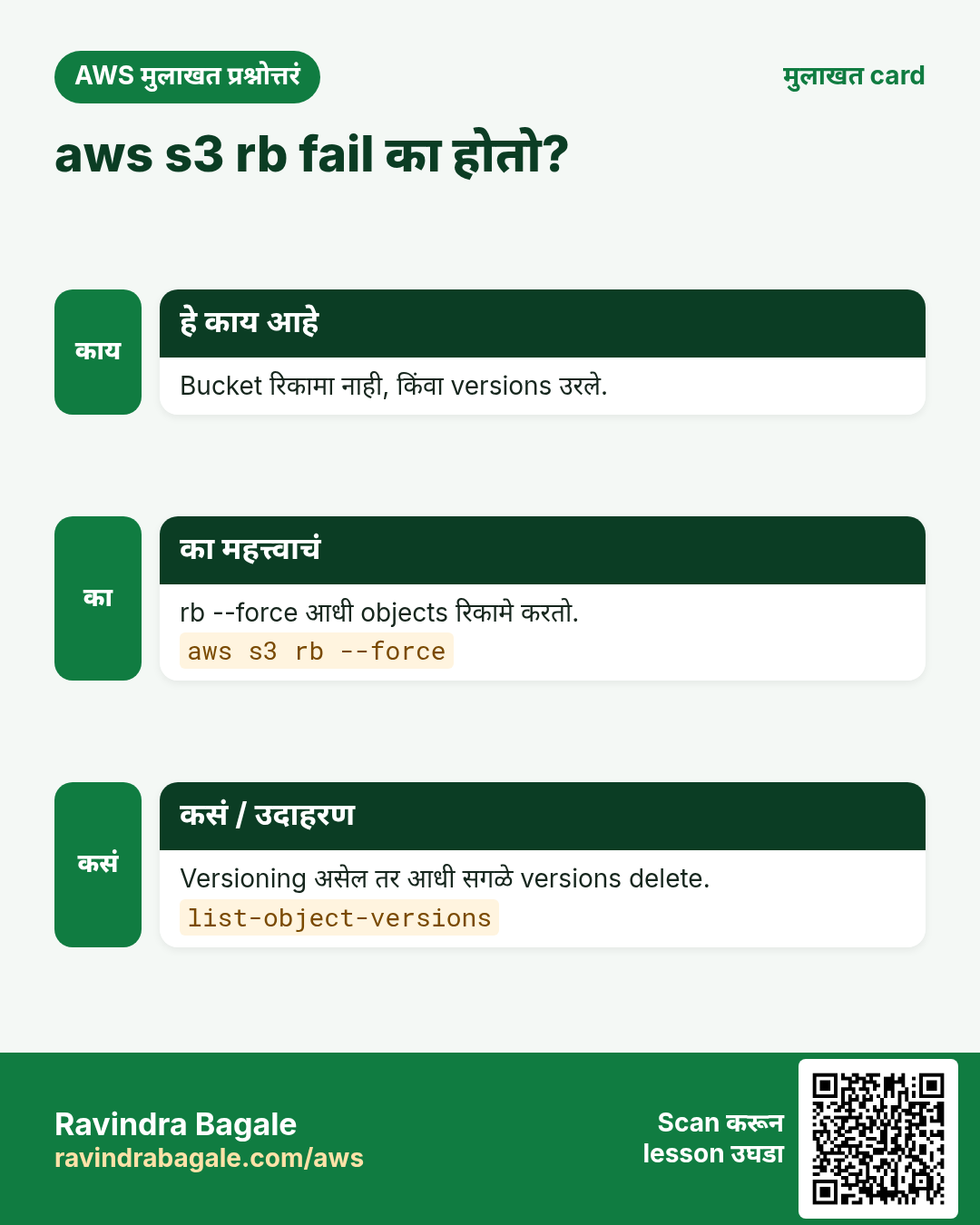
aws s3 rb s3://$B --force
aws s3 rb s3://$B-2
अपेक्षित output:
remove_bucket: ravi-cli-lab-12345- Versioning मुळे अडलं तर आधी versions delete.
aws s3api delete-objects --bucket $B --delete "$(aws s3api list-object-versions --bucket $B --query '{Objects: Versions[].{Key:Key,VersionId:VersionId}}')"अपेक्षित output:
(no output means success)- Verify.
aws s3 ls | grep ravi-cli-lab || echo goneअपेक्षित output:
goneRavindra Bagale's Tip
sync --delete आधी नेहमी --dryrun सोबत चालवा. काय delete होईल ते नक्की दिसतं.
8. मुलाखत प्रश्न आणि उत्तरं
प्र. aws s3 vs s3api?
s3 files साठी high-level. s3api प्रत्येक API.
प्र. cp vs sync?
cp सांगितलेलं copy. sync फक्त नवीन/बदललेलं.
प्र. Private object थोड्या वेळासाठी share?
aws s3 presign --expires-in.
प्र. Versioned bucket वर rb fail का?
जुने versions उरतात, आधी delete करा.
प्र. Public exposure कसं थांबवायचं?
put-public-access-block चारही true.
घरी करून बघा
- sync ने static site folder, presigned URL ने check.
- backups/ 60 दिवसांनी Glacier मध्ये नेणारा lifecycle rule.
थोडक्यात सांगायचं तर
- mb, ls, cp, sync, rm, rb.
- s3api: versioning, encryption, public block.
- presign: थोड्या वेळाचं sharing.
- Lifecycle जुना data साफ.
- cleanup साठी rb --force.
सराव Tasks
Paris Fashion Hub हा पॅरिस मधला फॅशन व्यवसाय आहे. Camille Laurent त्यांचं IT व cloud काम पाहतात. त्यांचे पैसे EUR मध्ये मोजले जातात आणि AWS resources eu-west-3 Region मध्ये चालतात. खालच्या tasks मध्ये तुम्ही या lesson मध्ये शिकलेलं वापरून त्यांची खरी कामं करता. सगळी नावं, account IDs, IP addresses व numbers सरावासाठी काल्पनिक आहेत.
0 / 11
सोपं S3 वर file upload करा
का: aws s3 cp Linux cp सारखं, फक्त एक बाजू S3.
काय करायचं: report.pdf ला s3://parisfashion-invoices-2026/reports/report.pdf वर upload करा.
- Task वाचा आणि ते कोणत्या AWS service बद्दल आहे ते ठरवा.
- aws लिहा, मग service चं नाव, मग operation (action शब्द).
- प्रत्येक आवश्यक flag (--name) व त्यापुढे task मधली value लिहा.
- Flags कोणत्याही क्रमाने चालतात. Check answer दाबा.
सोपं Bucket folder मधल्या files दाखवा
का: Upload झालं का व files चे sizes पाहा.
काय करायचं: s3://parisfashion-invoices-2026/reports/ खालचे objects दाखवा.
- Task वाचा आणि ते कोणत्या AWS service बद्दल आहे ते ठरवा.
- aws लिहा, मग service चं नाव, मग operation (action शब्द).
- प्रत्येक आवश्यक flag (--name) व त्यापुढे task मधली value लिहा.
- Flags कोणत्याही क्रमाने चालतात. Check answer दाबा.
सोपं Bucket बनवा
का: Bucket म्हणजे S3 मधल्या files चा मुख्य container.
काय करायचं: eu-west-3 मध्ये parisfashion-invoices-2026 bucket बनवा.
- Task वाचा आणि ते कोणत्या AWS service बद्दल आहे ते ठरवा.
- aws लिहा, मग service चं नाव, मग operation (action शब्द).
- प्रत्येक आवश्यक flag (--name) व त्यापुढे task मधली value लिहा.
- Flags कोणत्याही क्रमाने चालतात. Check answer दाबा.
सोपं एक object delete करा
का: न लागणाऱ्या files काढा म्हणजे storage खर्च वाचतो.
काय करायचं: s3://parisfashion-invoices-2026/tmp/test.txt delete करा.
- Task वाचा आणि ते कोणत्या AWS service बद्दल आहे ते ठरवा.
- aws लिहा, मग service चं नाव, मग operation (action शब्द).
- प्रत्येक आवश्यक flag (--name) व त्यापुढे task मधली value लिहा.
- Flags कोणत्याही क्रमाने चालतात. Check answer दाबा.
मध्यम Object चा metadata वाचा
का: head-object file download न करता size, type व version दाखवतो.
काय करायचं: parisfashion-media bucket मधल्या reels/v1.mp4 key चा metadata दाखवा.
- Task वाचा आणि ते कोणत्या AWS service बद्दल आहे ते ठरवा.
- aws लिहा, मग service चं नाव, मग operation (action शब्द).
- प्रत्येक आवश्यक flag (--name) व त्यापुढे task मधली value लिहा.
- Flags कोणत्याही क्रमाने चालतात. Check answer दाबा.
मध्यम पूर्ण S3 folder download करा
का: --recursive ने cp prefix खालचे सगळे objects copy करतो.
काय करायचं: s3://parisfashion-invoices-2026/2026/ खालचं सगळं ./invoices folder मध्ये download करा.
- Task वाचा आणि ते कोणत्या AWS service बद्दल आहे ते ठरवा.
- aws लिहा, मग service चं नाव, मग operation (action शब्द).
- प्रत्येक आवश्यक flag (--name) व त्यापुढे task मधली value लिहा.
- Flags कोणत्याही क्रमाने चालतात. Check answer दाबा.
मध्यम Temporary download link बनवा
का: Pre-signed URL ने bucket public न करता एक private file थोड्या वेळासाठी share होते.
काय करायचं: s3://parisfashion-invoices-2026/inv-101.pdf साठी 3600 seconds मध्ये expire होणारा pre-signed URL बनवा.
- Task वाचा आणि ते कोणत्या AWS service बद्दल आहे ते ठरवा.
- aws लिहा, मग service चं नाव, मग operation (action शब्द).
- प्रत्येक आवश्यक flag (--name) व त्यापुढे task मधली value लिहा.
- Flags कोणत्याही क्रमाने चालतात. Check answer दाबा.
मध्यम Website folder S3 ला sync करा
का: sync फक्त नव्या/बदललेल्या files upload करतो व deleted काढू शकतो.
काय करायचं: ./site folder s3://parisfashion-web/ ला sync करा आणि ./site मध्ये नसलेल्या S3 files delete करा.
- Task वाचा आणि ते कोणत्या AWS service बद्दल आहे ते ठरवा.
- aws लिहा, मग service चं नाव, मग operation (action शब्द).
- प्रत्येक आवश्यक flag (--name) व त्यापुढे task मधली value लिहा.
- Flags कोणत्याही क्रमाने चालतात. Check answer दाबा.
मध्यम File मधून bucket policy लावा
का: मोठा JSON file मध्ये ठेवणं सोपं; file:// ने CLI ती file वाचतो.
काय करायचं: policy.json मधली bucket policy parisfashion-web bucket ला लावा.
- Task वाचा आणि ते कोणत्या AWS service बद्दल आहे ते ठरवा.
- aws लिहा, मग service चं नाव, मग operation (action शब्द).
- प्रत्येक आवश्यक flag (--name) व त्यापुढे task मधली value लिहा.
- Flags कोणत्याही क्रमाने चालतात. Check answer दाबा.
मध्यम स्वस्त storage class मध्ये upload करा
का: क्वचित वापरल्या जाणाऱ्या files Standard-IA मध्ये स्वस्त.
काय करायचं: archive-2025.zip ला s3://parisfashion-archive/ वर STANDARD_IA storage class ने upload करा.
- Task वाचा आणि ते कोणत्या AWS service बद्दल आहे ते ठरवा.
- aws लिहा, मग service चं नाव, मग operation (action शब्द).
- प्रत्येक आवश्यक flag (--name) व त्यापुढे task मधली value लिहा.
- Flags कोणत्याही क्रमाने चालतात. Check answer दाबा.
मध्यम Versioning सुरू करा
का: Versioning जुन्या copies ठेवतं, overwrite/delete undo करता येतो.
काय करायचं: parisfashion-invoices-2026 bucket वर versioning enable करा.
- Task वाचा आणि ते कोणत्या AWS service बद्दल आहे ते ठरवा.
- aws लिहा, मग service चं नाव, मग operation (action शब्द).
- प्रत्येक आवश्यक flag (--name) व त्यापुढे task मधली value लिहा.
- Flags कोणत्याही क्रमाने चालतात. Check answer दाबा.
उजळणी, तुलना आणि मुलाखत cards
हा lesson काही मिनिटांत revise करा. Cards phone वर save करा किंवा PNG download करा. प्रत्येक card वरचा QR हा lesson उघडतो.
अजून cards: Ravi Sir's Cards.