Shell Scripting Complete 4: if, else, test, [[ ]], (( )) आणि case सोप्या भाषेत
Scripts ना निर्णय घ्यावे लागतात: disk भरली का, file आहे का, command चालली का, कोणतं environment? हा chapter if, elif आणि else, test command आणि [ ], जास्त safe bash [[ ]], number आणि string comparisons, file tests, =~ ने regex matching, && आणि || shortcuts, numbers साठी (( )), आणि menus आणि अनेक choices साठी case शिकवतो.
या chapter मध्ये तुम्ही काय शिकाल
- if / elif / else लिहा
- if exit code तपासतो हे समजा
- Numbers आणि strings बरोबर compare करा
- File tests -f -d -r -s वापरा
- [[ ]] वापरा आणि =~
- अनेक choices साठी case
1. रोजचं उदाहरण: traffic signal
हे का लागतं?
Signal वर तुम्ही ठरवता: red असेल तर थांबा; नाहीतर yellow असेल तर हळू; नाहीतर जा. मोठ्या चौकातला traffic police अनेक रस्त्यांसाठी तेच करतो: रस्ता 1, रस्ता 2, रस्ता 3. Scripts पण असेच निर्णय घेतात, yes किंवा no उत्तर देणाऱ्या tests वापरून.
हे काय आहे?
Light चा रंग = value. रंग तपासणं = test किंवा [[ ]]. थांबा/हळू/जा = if, elif, else. अनेक रस्त्यांचा चौक = case. Yes/no उत्तर = exit code 0 किंवा non-zero.
कसं करायचं (step by step)
2. if, then, elif, else, fi
हे का लागतं?
निर्णयांशिवाय काहीतरी चुकलं तरी script तेच करत राहतो.
हे काय आहे?
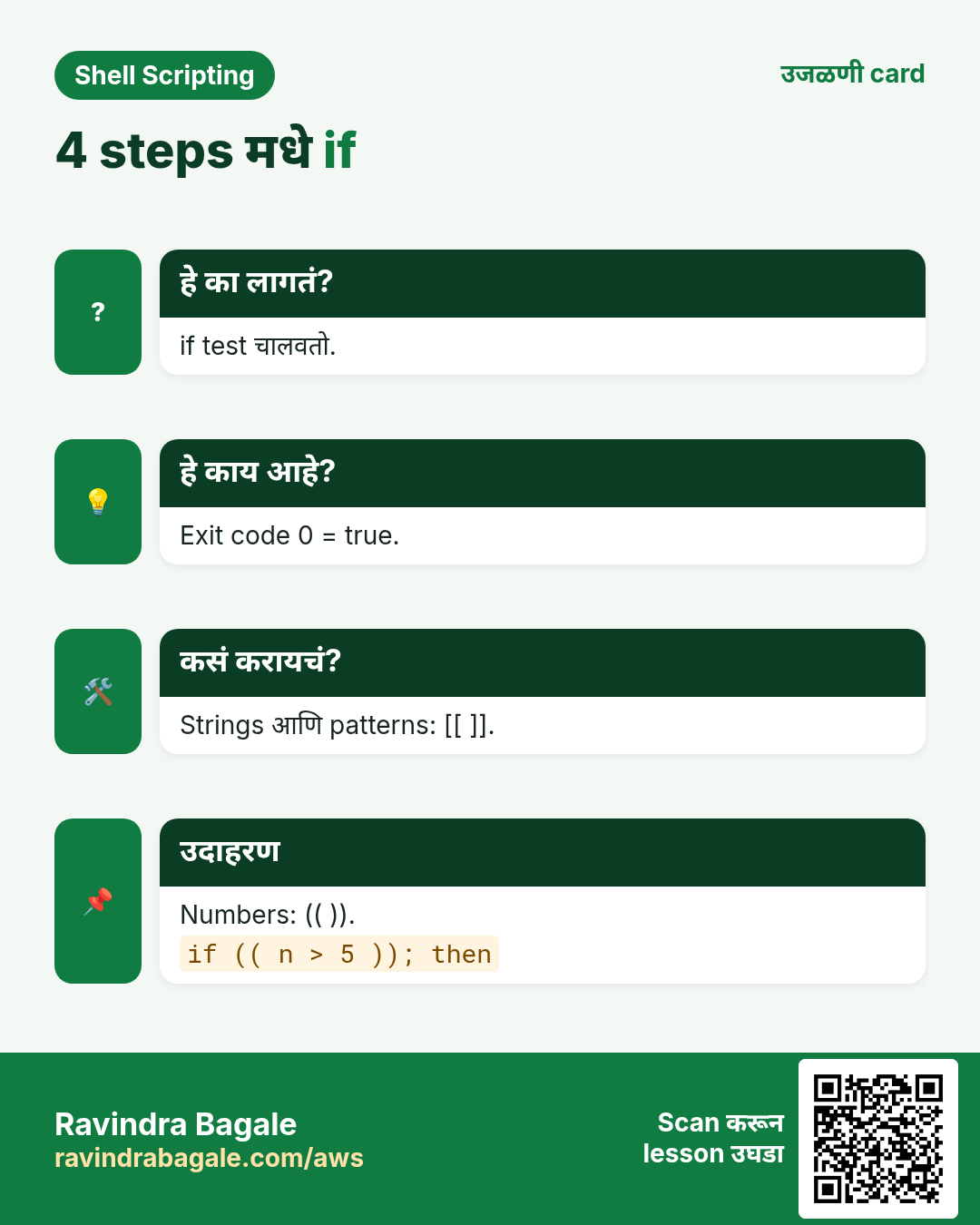
if COMMAND; then ...; elif COMMAND; then ...; else ...; fi. if कोणतीही command चालवतो आणि exit code तपासतो: 0 म्हणजे true. म्हणून if grep -q x file; then लिहू शकता. then आधीचा ; ऐवजी new line चालते. Body दोन किंवा चार spaces ने indent करा.
कसं करायचं (step by step)
- Command हाच test.
if ping -c1 -W1 8.8.8.8 &>/dev/null; then echo online; else echo offline; fiOutput:
onlineयाचा अर्थ: ping ने 0 दिला.
- तीन branches.
hour=$(date +%H); if [ $hour -lt 12 ]; then echo 'Good morning'; elif [ $hour -lt 17 ]; then echo 'Good afternoon'; else echo 'Good evening'; fiOutput:
Good eveningयाचा अर्थ: फक्त पहिला true branch चालतो.
- grep -q.
if grep -q '^asha:' /etc/passwd; then echo 'user exists'; fiOutput:
user existsयाचा अर्थ: -q काही print करत नाही, फक्त exit code.
- उलटं.
if ! systemctl is-active -q nginx; then echo 'nginx is down'; fiOutput:
nginx is downयाचा अर्थ: ! true आणि false उलटतो.
3. test आणि [ ]: numbers
हे का लागतं?
Disk percent, error counts आणि retry numbers ना comparisons लागतात.
हे काय आहे?
[ हा test command; बंद ] आवश्यक आणि आत spaces आवश्यक: [ $a -gt 5 ]. Number operators words आहेत: -eq equal, -ne not equal, -lt कमी, -le कमी किंवा equal, -gt जास्त, -ge जास्त किंवा equal. [ ] मधे numbers साठी < किंवा > वापरू नका: तिथे ते redirection.
| Operator | अर्थ |
|---|---|
| -eq | equal |
| -ne | not equal |
| -lt / -le | कमी / कमी किंवा equal |
| -gt / -ge | जास्त / जास्त किंवा equal |
कसं करायचं (step by step)
- Disk alert.
use=$(df --output=pcent / | tail -1 | tr -dc 0-9); if [ "$use" -ge 90 ]; then echo "ALERT $use%"; else echo "ok $use%"; fiOutput:
ok 41%याचा अर्थ: tr -dc 0-9 फक्त digits ठेवतो.
- Spaces महत्त्वाचे.
[$use -ge 90]Output:
bash: [41: command not foundयाचा अर्थ: [ वेगळा word हवा.
- test सारखंच.
test 5 -gt 3 && echo yesOutput:
yesयाचा अर्थ: [ ] म्हणजे test लिहायचा दुसरा प्रकार.
- रिकामा variable trap.
x=; [ $x -eq 1 ]Output:
bash: [: -eq: unary operator expectedयाचा अर्थ: Quote करा किंवा default द्या.
4. String tests: =, !=, -z, -n
हे का लागतं?
Environment नावं, उत्तरं आणि रिकाम्या values तपासणं रोजचं काम.
हे काय आहे?
[ "$a" = "$b" ] equal, != not equal. -z "$a" रिकामा असेल तर true, -n "$a" रिकामा नसेल तर true. [ ] मधे variables नेहमी quote करा नाहीतर रिकामी value test बिघडवते. [[ ]] मधे (पुढचा section) == पण चालतो आणि quoting कमी critical.
कसं करायचं (step by step)
- Equal.
env=prod; if [ "$env" = prod ]; then echo 'careful: production'; fiOutput:
careful: productionयाचा अर्थ: Strings नेमके compare.
- रिकामं check.
name=''; [ -z "$name" ] && echo 'name is empty'Output:
name is emptyयाचा अर्थ: -z म्हणजे zero length.
- रिकामं नाही.
[ -n "$HOME" ] && echo "home set: $HOME"Output:
home set: /home/ashaयाचा अर्थ: -n म्हणजे non-zero length.
- Case महत्त्वाचा.
[ Prod = prod ] || echo differentOutput:
differentयाचा अर्थ: Case ignore करायला ${v,,} compare.
5. File tests: -e -f -d -r -w -x -s
हे का लागतं?
Read, copy किंवा delete आधी file आहे आणि योग्य प्रकारची आहे हे माहीत हवं.
हे काय आहे?
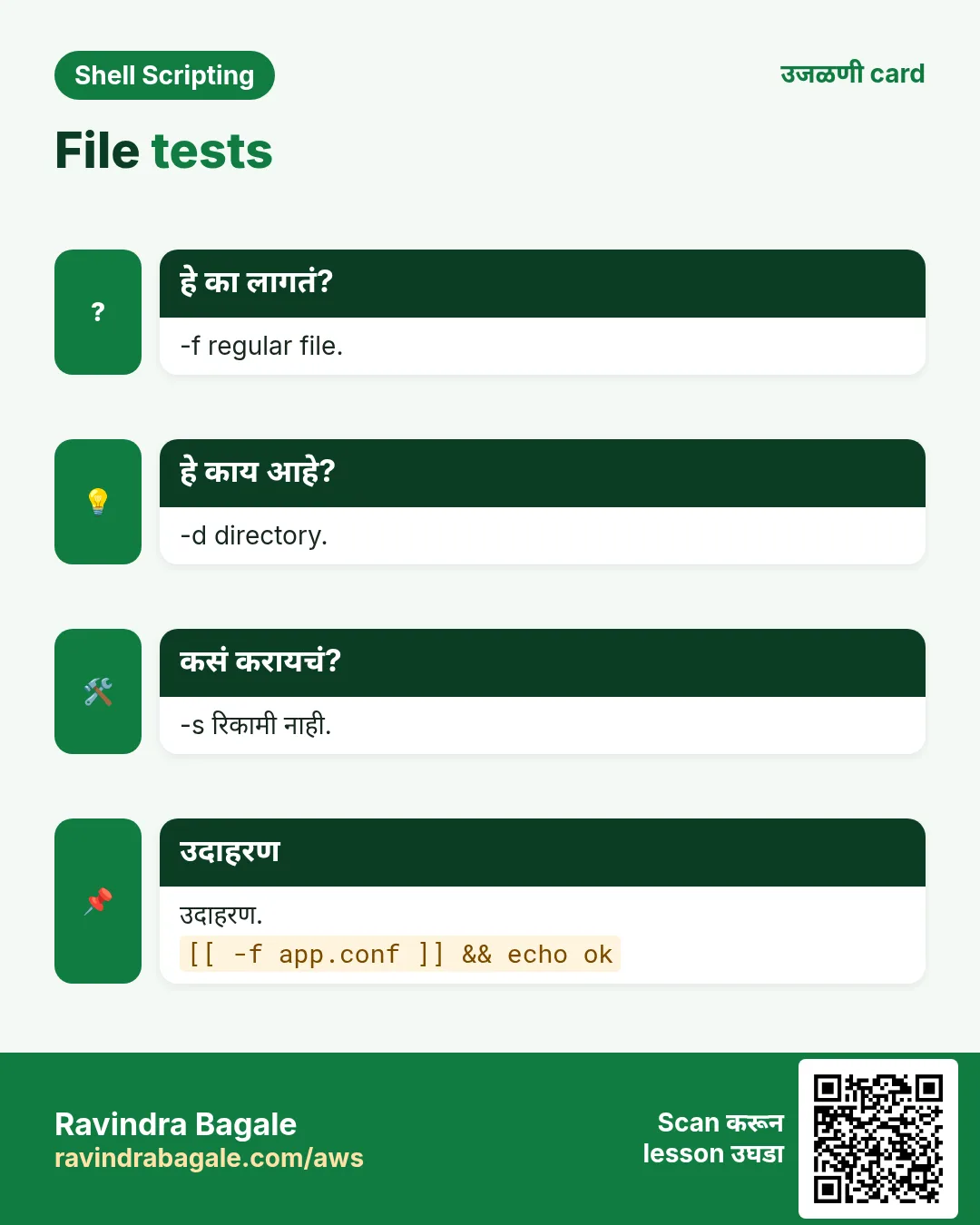
-e आहे. -f regular file. -d directory. -L symlink. -r readable, -w writable, -x तुमच्यासाठी executable. -s आहे आणि रिकामी नाही. a -nt b म्हणजे a b पेक्षा नवी; -ot जुनी.
| Test | कधी true |
|---|---|
| -e | आहे |
| -f | regular file |
| -d | directory |
| -s | size > 0 |
| -r/-w/-x | तुम्ही read/write/run करू शकता |
| -nt | पेक्षा नवी |
कसं करायचं (step by step)
- Config आहे?
conf=/etc/ssh/sshd_config; if [ -f "$conf" ]; then echo found; else echo missing; fiOutput:
foundयाचा अर्थ: Regular file.
- नसेल तर folder.
[ -d /tmp/reports ] || mkdir -p /tmp/reports; ls -d /tmp/reportsOutput:
/tmp/reportsयाचा अर्थ: Test fail झाला तरच || चालतं.
- रिकामी file.
: > /tmp/e.txt; [ -s /tmp/e.txt ] || echo 'file is empty'Output:
file is emptyयाचा अर्थ: -s ला किमान एक byte.
- नवी.
[ /etc/hosts -nt /etc/hostname ] && echo 'hosts changed later'Output:
hosts changed laterयाचा अर्थ: Modification times compare.
6. [[ ]]: जास्त safe bash test
हे का लागतं?
[ ] मधे रिकाम्या values आणि special characters चे traps आहेत. [[ ]] bash मधे built-in आणि बहुतेक टाळतो.
हे काय आहे?
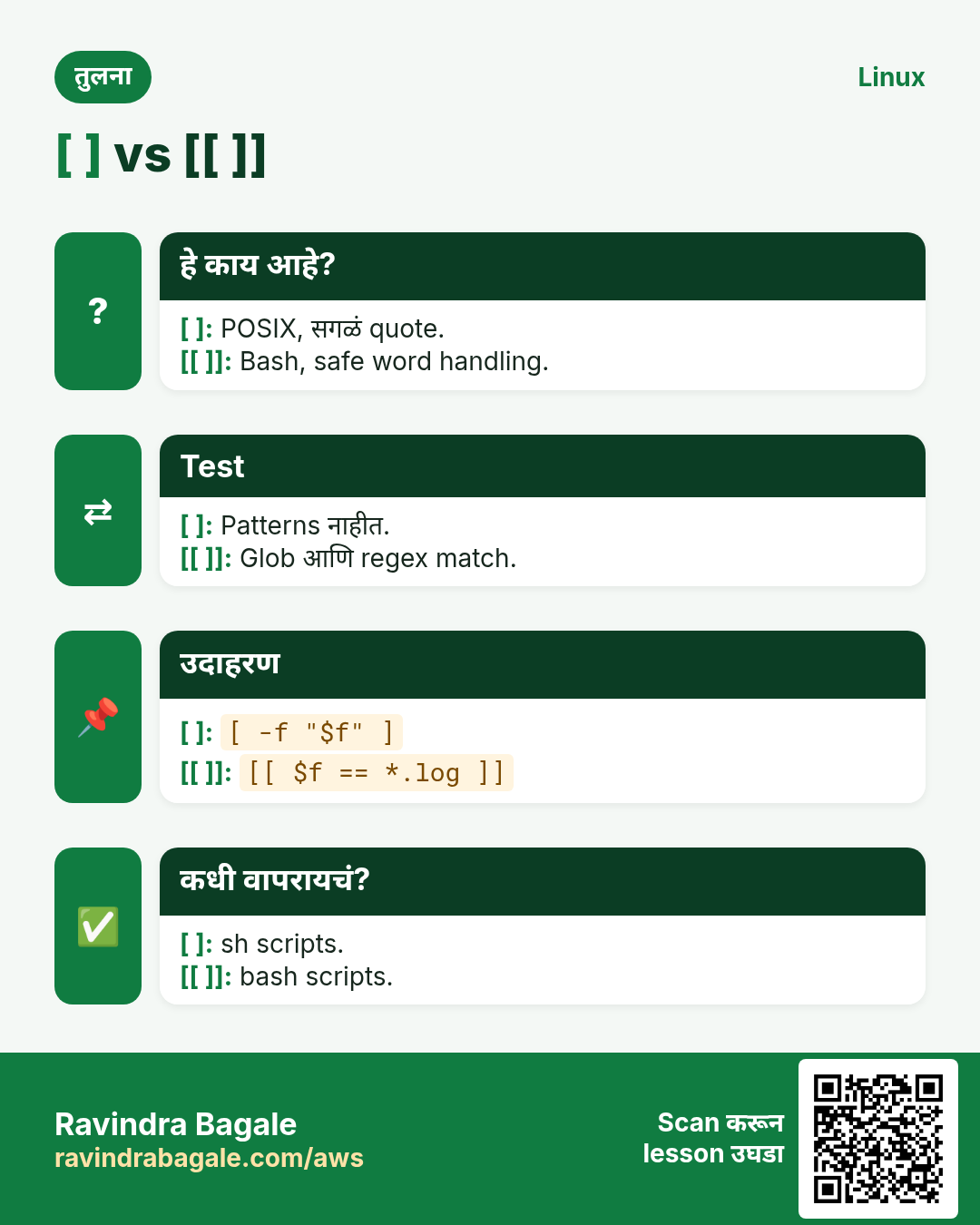
[[ ]] variables वर words तोडत नाही किंवा globs expand करत नाही, म्हणून रिकामा $x safe. आत && आणि ||, patterns सह == ([[ $f == *.log ]]), string क्रमासाठी < आणि >, आणि regex साठी =~. bash मधे चालतं, साध्या sh मधे नाही. Bash scripts मधे strings आणि files साठी [[ ]] आणि numbers साठी (( )).
| Feature | [ ] | [[ ]] |
|---|---|---|
| empty var unquoted | तुटतं | safe |
| && || inside | नाही (-a -o) | हो |
| pattern == | नाही | हो |
| regex =~ | नाही | हो |
| POSIX sh | हो | नाही |
कसं करायचं (step by step)
- Pattern.
f=app-2026.log; [[ $f == *.log ]] && echo 'a log file'Output:
a log fileयाचा अर्थ: इथे * pattern आहे, file list नाही.
- दोन conditions.
age=25; city=Pune; [[ $age -ge 18 && $city == Pune ]] && echo 'can vote in Pune'Output:
can vote in Puneयाचा अर्थ: आत && चालतं.
- रिकामं safe.
x=; [[ $x == yes ]] || echo 'not yes'Output:
not yesयाचा अर्थ: रिकाम्या value ने error नाही.
- String क्रम.
[[ apple < banana ]] && echo 'apple comes first'Output:
apple comes firstयाचा अर्थ: < alphabetically compare.
7. =~ आणि BASH_REMATCH सह regex
हे का लागतं?
Email, version number किंवा IP validate करायला equality नाही, pattern लागतो.
हे काय आहे?
Regex match झाला तर [[ $s =~ regex ]] true. Regex quote करू नका (quotes literal बनवतात); spaces असतील तर variable मधे ठेवा. ( ) मधले groups BASH_REMATCH array मधे: ${BASH_REMATCH[1]} पहिला group.
कसं करायचं (step by step)
- Indian PIN code.
pin=411045; [[ $pin =~ ^[1-9][0-9]{5}$ ]] && echo 'valid PIN'Output:
valid PINयाचा अर्थ: सहा digits, 0 ने सुरू नाही.
- Version काढा.
v='nginx/1.24.0'; [[ $v =~ ([0-9]+)\.([0-9]+) ]] && echo "major=${BASH_REMATCH[1]} minor=${BASH_REMATCH[2]}"Output:
major=1 minor=24याचा अर्थ: Groups साठवले.
- Variable मधे regex.
re='^[a-z]+@[a-z]+\.[a-z]+$'; [[ ravi@shop.in =~ $re ]] && echo 'looks like email'Output:
looks like emailयाचा अर्थ: Unquoted $re regex म्हणून.
8. && आणि || shortcuts, आणि numbers साठी (( ))
हे का लागतं?
छोटे checks एका line वर छान वाचतात, आणि number checks साध्या गणित चिन्हांनी सोपे.
हे काय आहे?
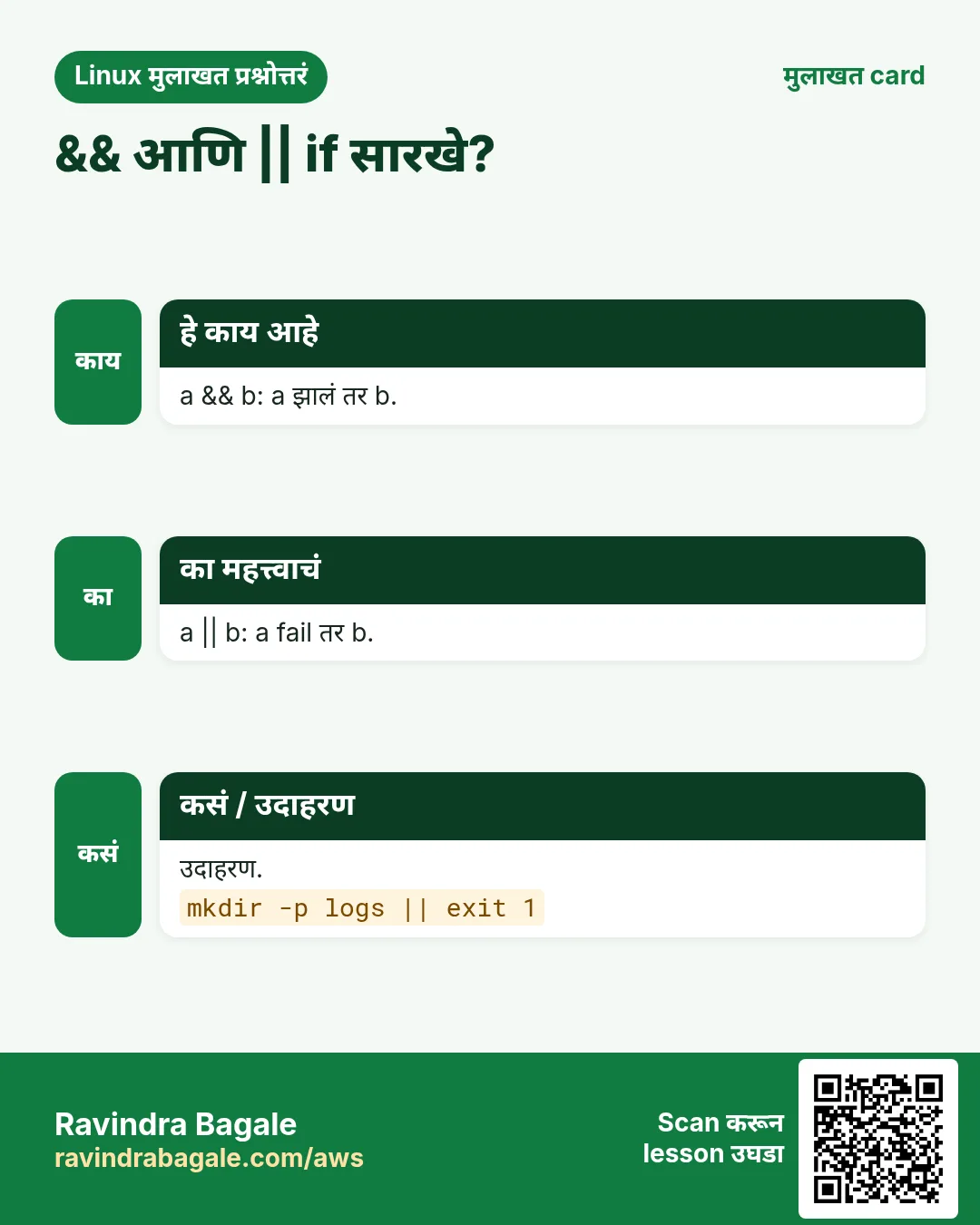
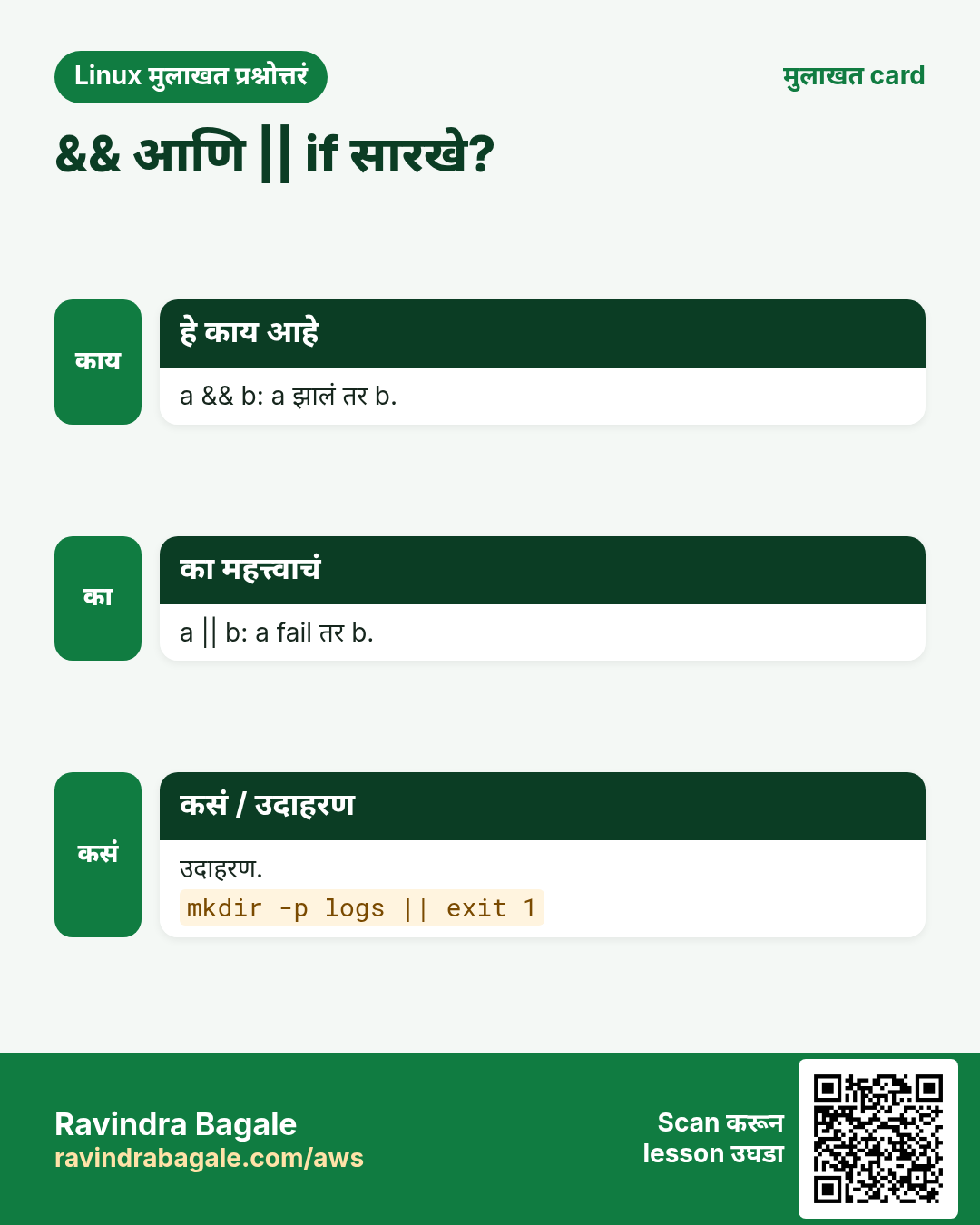
a && b फक्त a चाललं तर b चालवतो. a || b फक्त a fail झालं तर b. a && b || c सांभाळा: b fail झालं तरी c चालतो, म्हणून b fail होऊ शकत असेल तर पूर्ण if. (( expr )) result 0 नसेल तर true, आणि numbers सोबत < > == != वापरू शकता: (( count > 10 )).
कसं करायचं (step by step)
- चाललं तरच.
mkdir -p /tmp/deploy && cd /tmp/deploy && pwdOutput:
/tmp/deployयाचा अर्थ: पहिल्या failure ला थांबतं.
- Fallback.
cd /no/such/dir 2>/dev/null || echo 'could not cd, stopping'Output:
could not cd, stoppingयाचा अर्थ: || failure handle करतो.
- Numbers सोप्या पद्धतीने.
errors=12; if (( errors > 10 )); then echo 'too many errors'; fiOutput:
too many errorsयाचा अर्थ: -gt नको.
- Even की odd.
n=7; (( n % 2 == 0 )) && echo even || echo oddOutput:
oddयाचा अर्थ: % म्हणजे बाकी.
9. case: अनेक choices नीटपणे
हे का लागतं?
एकाच variable ला compare करणारे दहा elifs वाचायला अवघड. case स्वच्छ आणि patterns support करतो.
हे काय आहे?
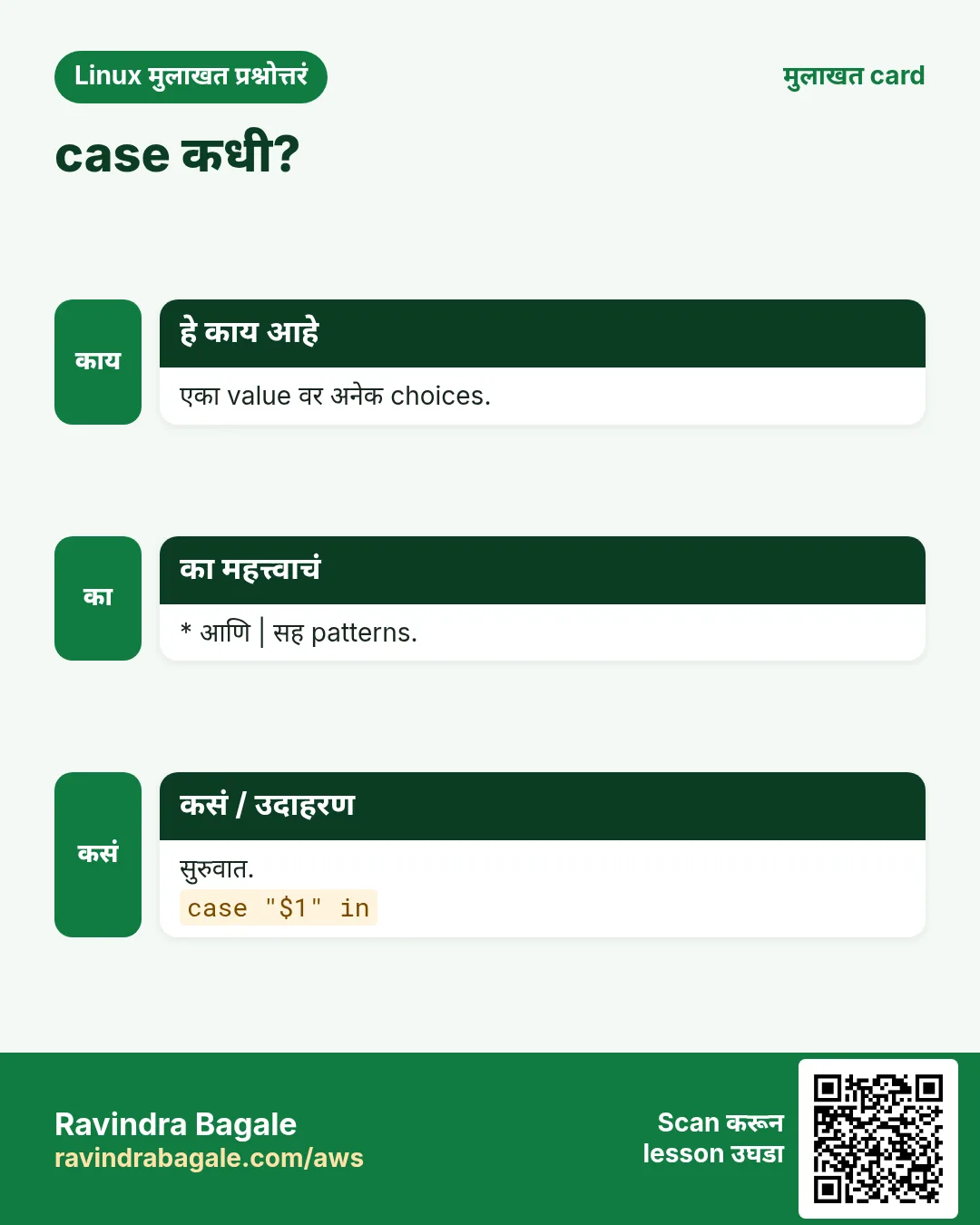
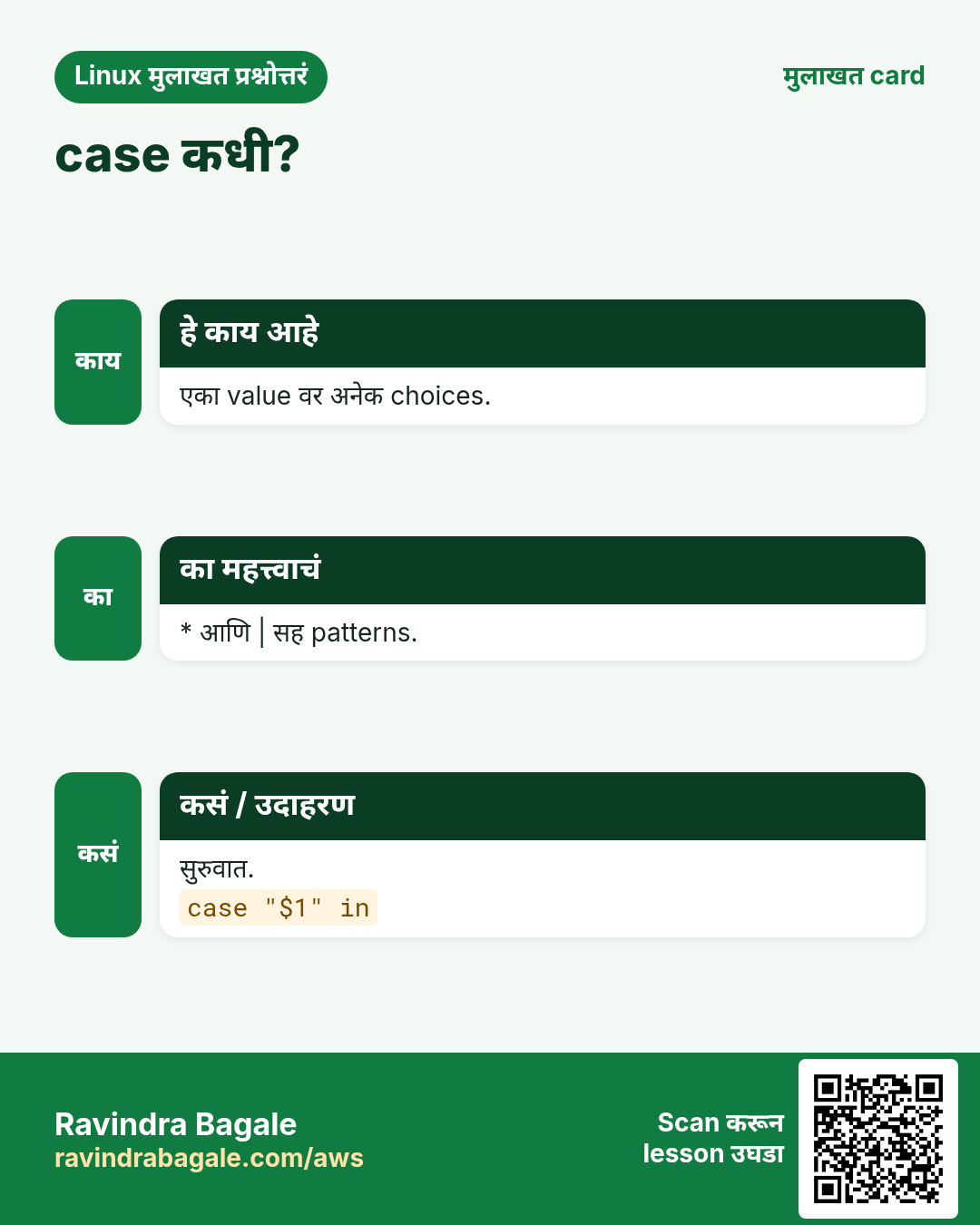
case $x in pattern1) ...;; pattern2|pattern3) ...;; *) default;; esac. Patterns globs आहेत: *.jpg, [yY]*, start|begin. ;; प्रत्येक branch संपवतो. पहिला match जिंकतो, म्हणून *) शेवटी. start/stop/status menus आणि file types साठी फार common.
कसं करायचं (step by step)
- Service menu.
act=restart; case $act in start) echo starting;; stop) echo stopping;; restart|reload) echo 'stop then start';; *) echo "usage: start|stop|restart";; esacOutput:
stop then startयाचा अर्थ: | एका branch ला दोन नावं.
- Extension प्रमाणे.
f=photo.JPG; case ${f,,} in *.jpg|*.png) echo image;; *.pdf) echo document;; *) echo other;; esacOutput:
imageयाचा अर्थ: ${f,,} आधी lower case करतो.
- Yes/no.
ans=Yes; case $ans in [yY]*) echo ok;; *) echo no;; esacOutput:
okयाचा अर्थ: [yY]* y, Y, yes, Yes match.
- Weekday.
case $(date +%u) in 6|7) echo weekend;; *) echo 'work day';; esacOutput:
weekendयाचा अर्थ: date +%u 1-7 देतो.
10. अनेक industries मधली खरी उदाहरणं
हे का लागतं?
तेच Linux skill प्रत्येक प्रकारच्या company मध्ये लागतं. वेगवेगळ्या ठिकाणी पाहिलं की लक्षात राहतं.
हे काय आहे?
प्रत्येक row म्हणजे एक काल्पनिक team. कोण हे वापरतं आणि कसं ते दाखवते.
कसं करायचं (step by step)
| Team आणि शहर | ते कसं वापरतात | Command |
|---|---|---|
| Sneha, hospital, Pune | Disk >= 90 वर alert | (( use >= 90 )) |
| Liam, bank, Sydney | Prod host नसेल तर थांबा | [[ $(hostname) == prod-* ]] |
| Yuki, gaming, Tokyo | =~ ने version check | [[ $v =~ ^2\. ]] |
| Fatima, telecom, Dubai | case ने start/stop menu | case $1 in start) |
| Lucas, logistics, São Paulo | रिकाम्या CSV files टाळा | [ -s "$f" ] || continue |
| Anil, manufacturing, Aurangabad | Down असेल तरच restart | systemctl is-active -q x || systemctl restart x |
11. नेहमीच्या errors आणि त्यांचे fixes
हे का लागतं?
हे errors सगळ्यांना येतात. कारण माहीत असलं की तास वाचतात.
हे काय आहे?
आधी नेमका message वाचा. मग खालच्या row शी जुळवा.
कसं करायचं (step by step)
| दिसणारा error | का होतं | Fix कसा करायचा |
|---|---|---|
[: missing `]' | ] आधी space नाही | Brackets आत spaces.[ "$a" = b ] |
[41: command not found | [ नंतर space नाही | [ $x ... लिहा.[ "$x" -gt 5 ] |
unary operator expected | रिकामा unquoted variable | Quote करा किंवा [[ ]].[[ $x -eq 1 ]] |
integer expression expected | -gt सोबत text | Number आहे का तपासा.[[ $x =~ ^[0-9]+$ ]] |
A file named 5 appeared | [ ] मधे numbers साठी > | -gt किंवा (( )).(( a > 5 )) |
syntax error near unexpected token `fi' | then नाही | then लिहा.if x; then y; fi |
syntax error near unexpected token `)' in case | ;; किंवा in नाही | प्रत्येक branch ;; ने संपवा.case $a in x) y;; esac |
Regex never matches | Regex quote केला | Quotes काढा किंवा variable.[[ $s =~ $re ]] |
[[: not found | Script sh ने चालवला | bash किंवा #!/bin/bash.bash s.sh |
12. Troubleshooting step by step
हे का लागतं?
Compare होणाऱ्या values print करा, मग test एकटा चालवून $? बघा.
हे काय आहे?
वरून खाली जा. ज्या step ला problem दिसतो तिथे थांबा.
कसं करायचं (step by step)
- Values बघा.
echo "[$a] [$b]"- Test एकटा.
[[ $a == $b ]]; echo $?- Trace.
bash -x s.sh- Lint.
shellcheck s.sh- कोणता shell?
head -1 s.sh- Windows मधला hidden \r.
cat -A s.sh | grep -m3 '\^M'13. Lab 1: if आणि file tests सह health check
हे का लागतं?
health.sh लिहा जो disk, config file आणि service तपासतो आणि OK/WARN/FAIL lines दाखवतो.
हे काय आहे?
पूर्ण hands-on lab. प्रत्येक step test Linux machine वर करा (EC2 instance, VM किंवा WSL).
कसं करायचं (step by step)
- Folder.
mkdir -p ~/lab40 && cd ~/lab40- Disk भाग.
use=$(df --output=pcent / | tail -1 | tr -dc 0-9); if (( use >= 90 )); then echo "FAIL disk $use%"; elif (( use >= 75 )); then echo "WARN disk $use%"; else echo "OK disk $use%"; fiOutput:
OK disk 41%- Config भाग.
f=/etc/ssh/sshd_config; [[ -r $f ]] && echo "OK $f readable" || echo "FAIL $f"Output:
OK /etc/ssh/sshd_config readable- Service भाग.
if systemctl is-active -q sshd; then echo 'OK sshd'; else echo 'FAIL sshd'; fiOutput:
OK sshd- रिकामा log check.
touch app.log; [[ -s app.log ]] || echo 'WARN app.log is empty'Output:
WARN app.log is empty- Exit code.
bash -c 'exit 0'; echo $?Output:
014. Lab 2: case वर आधारित service tool
हे का लागतं?
Fake service साठी svc.sh start|stop|status|-h बनवा, pattern matching आणि usage message सह.
हे काय आहे?
पूर्ण hands-on lab. प्रत्येक step test Linux machine वर करा (EC2 instance, VM किंवा WSL).
कसं करायचं (step by step)
- लिहा.
printf '#!/bin/bash\ncase ${1:-} in\n start) touch /tmp/svc.pid; echo started;;\n stop) rm -f /tmp/svc.pid; echo stopped;;\n status) [[ -e /tmp/svc.pid ]] && echo running || echo stopped;;\n -h|--help|"") echo "usage: $0 start|stop|status";;\n *) echo "unknown: $1" >&2; exit 2;;\nesac\n' | tee svc.sh && chmod +x svc.sh- Start.
./svc.sh start; ./svc.sh statusOutput:
started
running- Stop.
./svc.sh stop; ./svc.sh statusOutput:
stopped
stopped- Help.
./svc.shOutput:
usage: ./svc.sh start|stop|status- चुकीचं input.
./svc.sh boom; echo $?Output:
unknown: boom
2- Lint करा.
shellcheck svc.sh && echo cleanOutput:
cleanRavindra Bagale's Tip
In bash scripts use [[ ]] for strings and files, (( )) for numbers, and case when you compare one value against many choices. Remember: if only looks at an exit code, so any command can be a test.
Ravindra Bagale's Tip – मराठी
Bash scripts मधे strings आणि files साठी [[ ]], numbers साठी (( )), आणि एक value अनेक choices शी compare करताना case. लक्षात ठेवा: if फक्त exit code बघतो, म्हणून कोणतीही command test असू शकते.
Ravindra Bagale's Tip – हिंदी
Bash scripts में strings और files के लिए [[ ]], numbers के लिए (( )), और एक value को कई choices से compare करते समय case. याद रखिए: if सिर्फ exit code देखता है, इसलिए कोई भी command test हो सकती है.
15. नेहमी विचारले जाणारे प्रश्न
प्र. [ ] की [[ ]]?
bash मधे [[ ]]; POSIX sh साठी [ ].
प्र. Brackets आत spaces का?
[ command आहे; args ना spaces.
प्र. = की ==?
[[ ]] मधे दोन्ही; [ ] मधे =.
प्र. 'Not' कसं?
Test आधी !.
प्र. case regex वापरतो?
नाही, फक्त glob patterns.
प्र. (( 0 )) true?
नाही; तिथे 0 false.
प्र. Decimals compare?
awk किंवा bc.
प्र. case मधे ;;& काय?
पुढचे patterns तपासत राहतो (bash 4).
16. मुलाखत प्रश्न आणि उत्तरं
Beginner level
प्र. Number पेक्षा जास्त?
-gt किंवा (( > )).
प्र. File आहे?
-e किंवा -f.
प्र. String रिकामी?
-z.
प्र. if कसा संपवायचा?
fi.
Mid level level
प्र. [ ] vs [[ ]]?
[[ ]] safe, patterns, regex, && ||.
प्र. if ऐवजी case कधी?
एका value वर अनेक choices.
प्र. a && b || c चा धोका?
b fail झालं तरी c चालतो.
प्र. Regex groups?
BASH_REMATCH.
Senior level
प्र. if grep का चालतं?
if exit codes तपासतो; match वर grep 0.
प्र. Portable tests?
Quoted vars आणि = सह [ ].
प्र. IPv4 validate?
=~ ^([0-9]{1,3}\.){3}[0-9]{1,3}$ आणि range checks.
प्र. Prod वर चालण्यापासून रोखायचं?
[[ $(hostname) == prod* ]] आणि confirmation.
घरी करून बघा
- grade.sh लिहा जो marks (0-100) घेऊन if/elif ने A/B/C/Fail दाखवतो. चुकीचं input नाकारा.
- ftype.sh लिहा जो case वापरून प्रत्येक argument साठी image, video, document किंवा other सांगतो.
सराव Tasks
Amravati Agro Market हा अमरावती मधला शेती व्यवसाय आहे. Anjali Thakre त्यांचं IT व cloud काम पाहतात. त्यांचे पैसे INR मध्ये मोजले जातात आणि AWS resources ap-south-1 Region मध्ये चालतात. खालच्या tasks मध्ये तुम्ही या lesson मध्ये शिकलेलं वापरून त्यांची खरी कामं करता. सगळी नावं, account IDs, IP addresses व numbers सरावासाठी काल्पनिक आहेत.
0 / 21
सोपं किमान 80
का: BIZ च्या scripts नी काम करण्याआधी निर्णय घ्यायला हवा.
काय करायचं: [ ] ने cpu variable 80 पेक्षा जास्त किंवा equal आहे का.
- हे काम करणारा Linux command शोधा.
- Task ला लागणारे options (उदा. -r, -h) जोडा.
- File नावं, folders किंवा users योग्य क्रमाने लिहा.
- System files/users बदलत असाल तर sudo वापरा. Check answer दाबा.
सोपं Number not equal
का: BIZ च्या scripts नी काम करण्याआधी निर्णय घ्यायला हवा.
काय करायचं: [ ] ने rc variable 0 ला equal नाही.
- हे काम करणारा Linux command शोधा.
- Task ला लागणारे options (उदा. -r, -h) जोडा.
- File नावं, folders किंवा users योग्य क्रमाने लिहा.
- System files/users बदलत असाल तर sudo वापरा. Check answer दाबा.
सोपं 5 पेक्षा कमी
का: BIZ च्या scripts नी काम करण्याआधी निर्णय घ्यायला हवा.
काय करायचं: (( )) ने tries 5 पेक्षा कमी.
- हे काम करणारा Linux command शोधा.
- Task ला लागणारे options (उदा. -r, -h) जोडा.
- File नावं, folders किंवा users योग्य क्रमाने लिहा.
- System files/users बदलत असाल तर sudo वापरा. Check answer दाबा.
सोपं रिकामा?
का: BIZ च्या scripts नी काम करण्याआधी निर्णय घ्यायला हवा.
काय करायचं: [ ] ने reply variable रिकामा आहे.
- हे काम करणारा Linux command शोधा.
- Task ला लागणारे options (उदा. -r, -h) जोडा.
- File नावं, folders किंवा users योग्य क्रमाने लिहा.
- System files/users बदलत असाल तर sudo वापरा. Check answer दाबा.
सोपं रिकामा नाही
का: BIZ च्या scripts नी काम करण्याआधी निर्णय घ्यायला हवा.
काय करायचं: [[ ]] ने sku variable रिकामा नाही.
- हे काम करणारा Linux command शोधा.
- Task ला लागणारे options (उदा. -r, -h) जोडा.
- File नावं, folders किंवा users योग्य क्रमाने लिहा.
- System files/users बदलत असाल तर sudo वापरा. Check answer दाबा.
सोपं String equal
का: BIZ च्या scripts नी काम करण्याआधी निर्णय घ्यायला हवा.
काय करायचं: [ ] ने tier variable gold ला equal.
- हे काम करणारा Linux command शोधा.
- Task ला लागणारे options (उदा. -r, -h) जोडा.
- File नावं, folders किंवा users योग्य क्रमाने लिहा.
- System files/users बदलत असाल तर sudo वापरा. Check answer दाबा.
सोपं Folder आहे
का: BIZ च्या scripts नी काम करण्याआधी निर्णय घ्यायला हवा.
काय करायचं: /srv/invoices directory आहे.
- हे काम करणारा Linux command शोधा.
- Task ला लागणारे options (उदा. -r, -h) जोडा.
- File नावं, folders किंवा users योग्य क्रमाने लिहा.
- System files/users बदलत असाल तर sudo वापरा. Check answer दाबा.
सोपं File आहे
का: BIZ च्या scripts नी काम करण्याआधी निर्णय घ्यायला हवा.
काय करायचं: /etc/nginx/nginx.conf regular file आहे.
- हे काम करणारा Linux command शोधा.
- Task ला लागणारे options (उदा. -r, -h) जोडा.
- File नावं, folders किंवा users योग्य क्रमाने लिहा.
- System files/users बदलत असाल तर sudo वापरा. Check answer दाबा.
सोपं रिकामं उत्तर
का: BIZ च्या scripts नी काम करण्याआधी निर्णय घ्यायला हवा.
काय करायचं: [[ ]] आणि && वापरून ans variable ची length zero असेल तर empty print.
- हे काम करणारा Linux command शोधा.
- Task ला लागणारे options (उदा. -r, -h) जोडा.
- File नावं, folders किंवा users योग्य क्रमाने लिहा.
- System files/users बदलत असाल तर sudo वापरा. Check answer दाबा.
मध्यम Executable
का: BIZ च्या scripts नी काम करण्याआधी निर्णय घ्यायला हवा.
काय करायचं: /usr/local/bin/sync-erp तुमच्यासाठी executable.
- हे काम करणारा Linux command शोधा.
- Task ला लागणारे options (उदा. -r, -h) जोडा.
- File नावं, folders किंवा users योग्य क्रमाने लिहा.
- System files/users बदलत असाल तर sudo वापरा. Check answer दाबा.
मध्यम रिकामी नसलेली file
का: BIZ च्या scripts नी काम करण्याआधी निर्णय घ्यायला हवा.
काय करायचं: orders.json आहे आणि रिकामी नाही.
- हे काम करणारा Linux command शोधा.
- Task ला लागणारे options (उदा. -r, -h) जोडा.
- File नावं, folders किंवा users योग्य क्रमाने लिहा.
- System files/users बदलत असाल तर sudo वापरा. Check answer दाबा.
मध्यम Writable folder
का: BIZ च्या scripts नी काम करण्याआधी निर्णय घ्यायला हवा.
काय करायचं: /var/backups writable आहे, नाहीतर "no write" print.
- हे काम करणारा Linux command शोधा.
- Task ला लागणारे options (उदा. -r, -h) जोडा.
- File नावं, folders किंवा users योग्य क्रमाने लिहा.
- System files/users बदलत असाल तर sudo वापरा. Check answer दाबा.
मध्यम Pattern match
का: BIZ च्या scripts नी काम करण्याआधी निर्णय घ्यायला हवा.
काय करायचं: [[ ]] ने img variable .webp ने संपतो.
- हे काम करणारा Linux command शोधा.
- Task ला लागणारे options (उदा. -r, -h) जोडा.
- File नावं, folders किंवा users योग्य क्रमाने लिहा.
- System files/users बदलत असाल तर sudo वापरा. Check answer दाबा.
मध्यम दोन conditions
का: BIZ च्या scripts नी काम करण्याआधी निर्णय घ्यायला हवा.
काय करायचं: एका [[ ]] मधे age किमान 21 आणि city Nagpur.
- हे काम करणारा Linux command शोधा.
- Task ला लागणारे options (उदा. -r, -h) जोडा.
- File नावं, folders किंवा users योग्य क्रमाने लिहा.
- System files/users बदलत असाल तर sudo वापरा. Check answer दाबा.
मध्यम If grep
का: BIZ च्या scripts नी काम करण्याआधी निर्णय घ्यायला हवा.
काय करायचं: /etc/group मधे docker: ने सुरू line आहे का शांतपणे तपासून yes print करणारा if.
- हे काम करणारा Linux command शोधा.
- Task ला लागणारे options (उदा. -r, -h) जोडा.
- File नावं, folders किंवा users योग्य क्रमाने लिहा.
- System files/users बदलत असाल तर sudo वापरा. Check answer दाबा.
मध्यम Active नाही
का: BIZ च्या scripts नी काम करण्याआधी निर्णय घ्यायला हवा.
काय करायचं: redis service active नसेल तर "redis down", systemctl quiet.
- हे काम करणारा Linux command शोधा.
- Task ला लागणारे options (उदा. -r, -h) जोडा.
- File नावं, folders किंवा users योग्य क्रमाने लिहा.
- System files/users बदलत असाल तर sudo वापरा. Check answer दाबा.
मध्यम Odd
का: BIZ च्या scripts नी काम करण्याआधी निर्णय घ्यायला हवा.
काय करायचं: n ला 2 ने भागल्यावर बाकी 1 असेल तेव्हा (( )) आणि && ने odd print.
- हे काम करणारा Linux command शोधा.
- Task ला लागणारे options (उदा. -r, -h) जोडा.
- File नावं, folders किंवा users योग्य क्रमाने लिहा.
- System files/users बदलत असाल तर sudo वापरा. Check answer दाबा.
मध्यम दुसऱ्यावर case
का: BIZ च्या scripts नी काम करण्याआधी निर्णय घ्यायला हवा.
काय करायचं: दुसऱ्या argument वर case statement सुरू करा.
- हे काम करणारा Linux command शोधा.
- Task ला लागणारे options (उदा. -r, -h) जोडा.
- File नावं, folders किंवा users योग्य क्रमाने लिहा.
- System files/users बदलत असाल तर sudo वापरा. Check answer दाबा.
अवघड नवी file
का: BIZ च्या scripts नी काम करण्याआधी निर्णय घ्यायला हवा.
काय करायचं: build.tar src.tar पेक्षा नवी आहे.
- हे काम करणारा Linux command शोधा.
- Task ला लागणारे options (उदा. -r, -h) जोडा.
- File नावं, folders किंवा users योग्य क्रमाने लिहा.
- System files/users बदलत असाल तर sudo वापरा. Check answer दाबा.
अवघड Regex
का: BIZ च्या scripts नी काम करण्याआधी निर्णय घ्यायला हवा.
काय करायचं: =~ ने gstin variable दोन digits ने सुरू होतो.
- हे काम करणारा Linux command शोधा.
- Task ला लागणारे options (उदा. -r, -h) जोडा.
- File नावं, folders किंवा users योग्य क्रमाने लिहा.
- System files/users बदलत असाल तर sudo वापरा. Check answer दाबा.
अवघड n ने सुरू
का: BIZ च्या scripts नी काम करण्याआधी निर्णय घ्यायला हवा.
काय करायचं: [[ ]] आणि bracket pattern ने ans n किंवा N ने सुरू होत असेल तर skip print.
- हे काम करणारा Linux command शोधा.
- Task ला लागणारे options (उदा. -r, -h) जोडा.
- File नावं, folders किंवा users योग्य क्रमाने लिहा.
- System files/users बदलत असाल तर sudo वापरा. Check answer दाबा.
17. संबंधित chapters
- DevOps साठी Linux Ops Refresh
- Automation साठी Bash Scripting
- Linux grep आणि find Commands Examples सह
- Linux Servers मध्ये Passwordless SSH
थोडक्यात सांगायचं तर
- if exit code तपासतो; 0 true.
- [ ] ला spaces आणि quoted vars.
- Numbers साठी -eq -lt -gt; strings साठी = != -z -n.
- Files साठी -f -d -s -r -w -x.
- [[ ]] patterns, regex आणि && || देतो.
- case patterns ने अनेक choices.
उजळणी, तुलना आणि मुलाखत cards
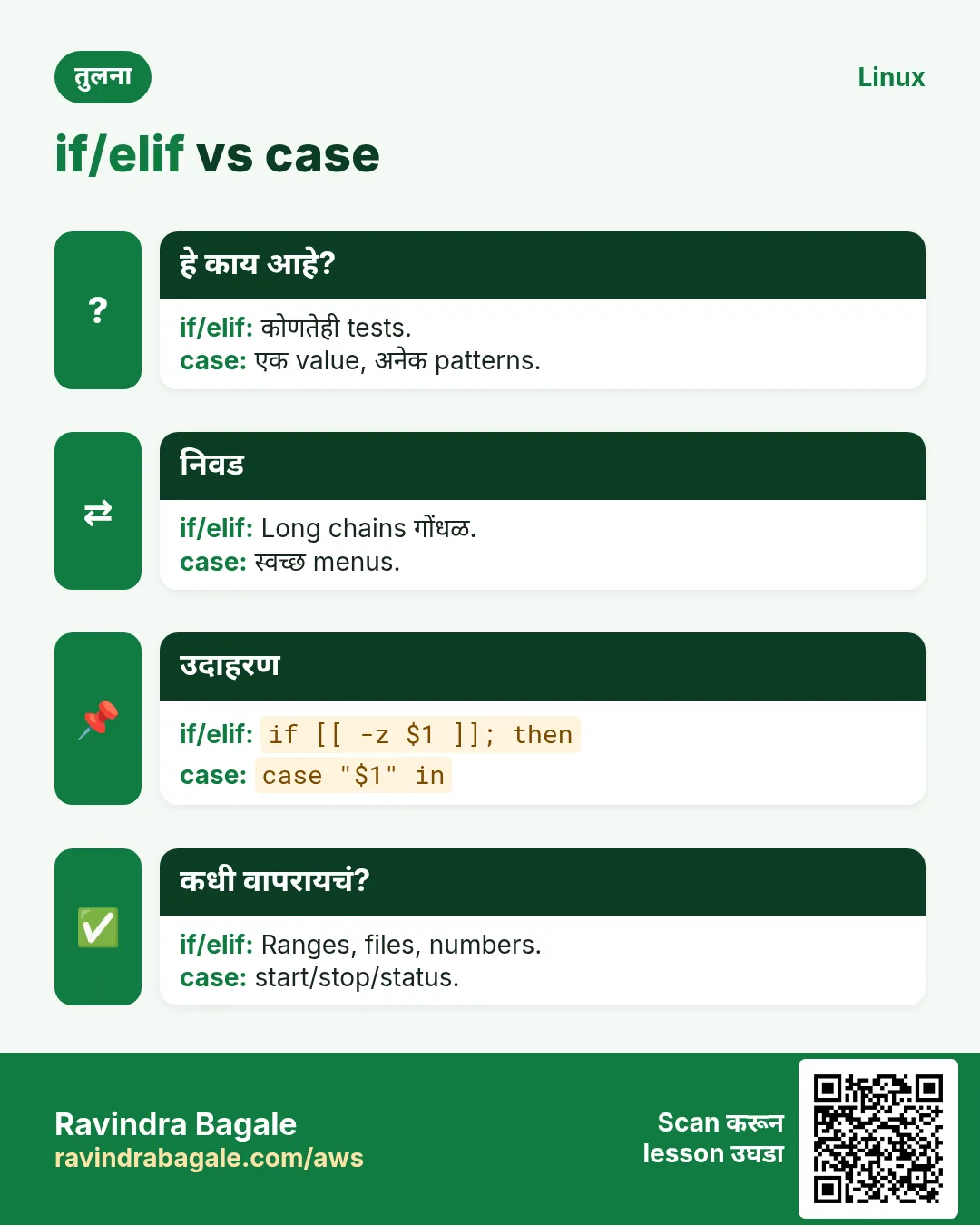
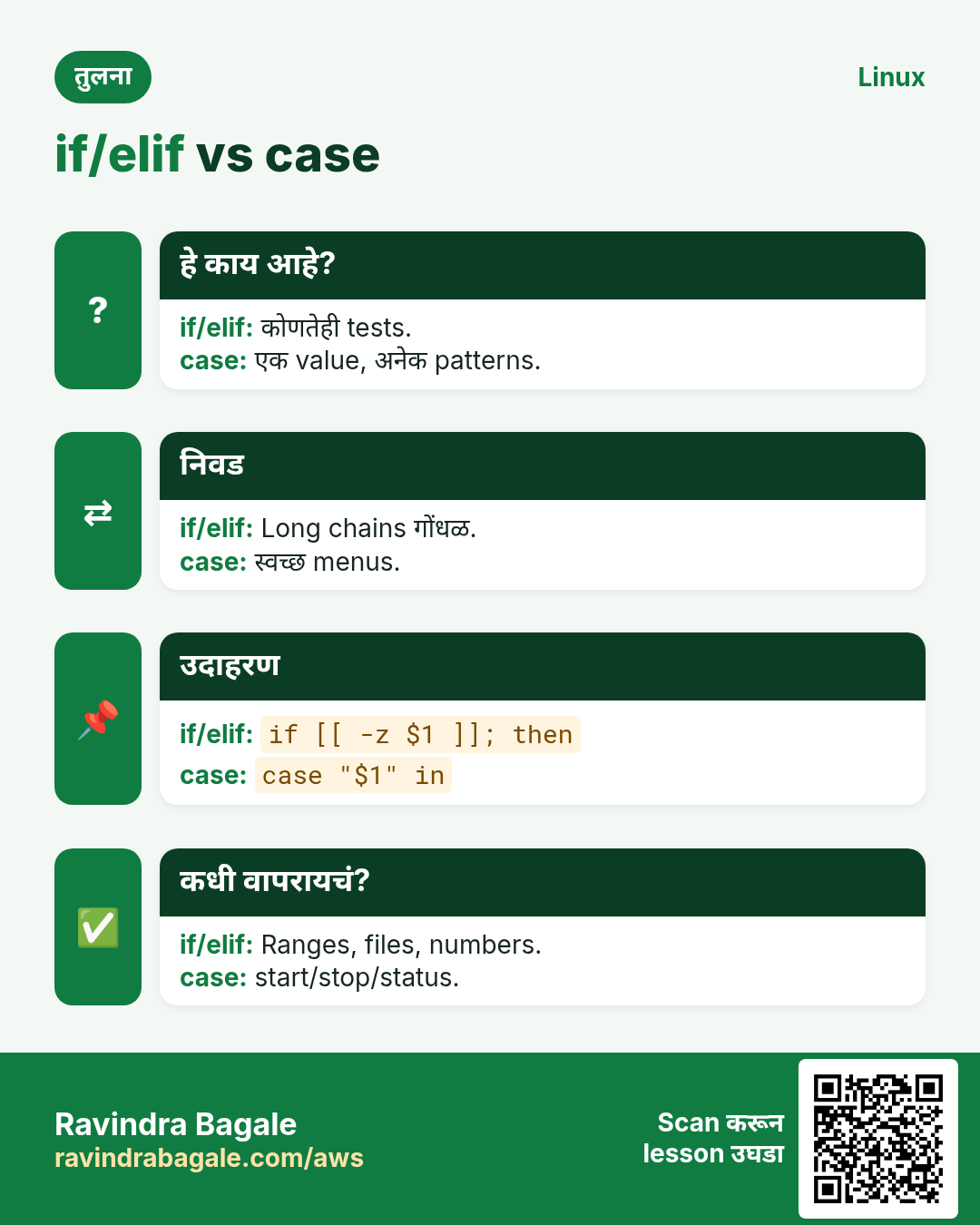
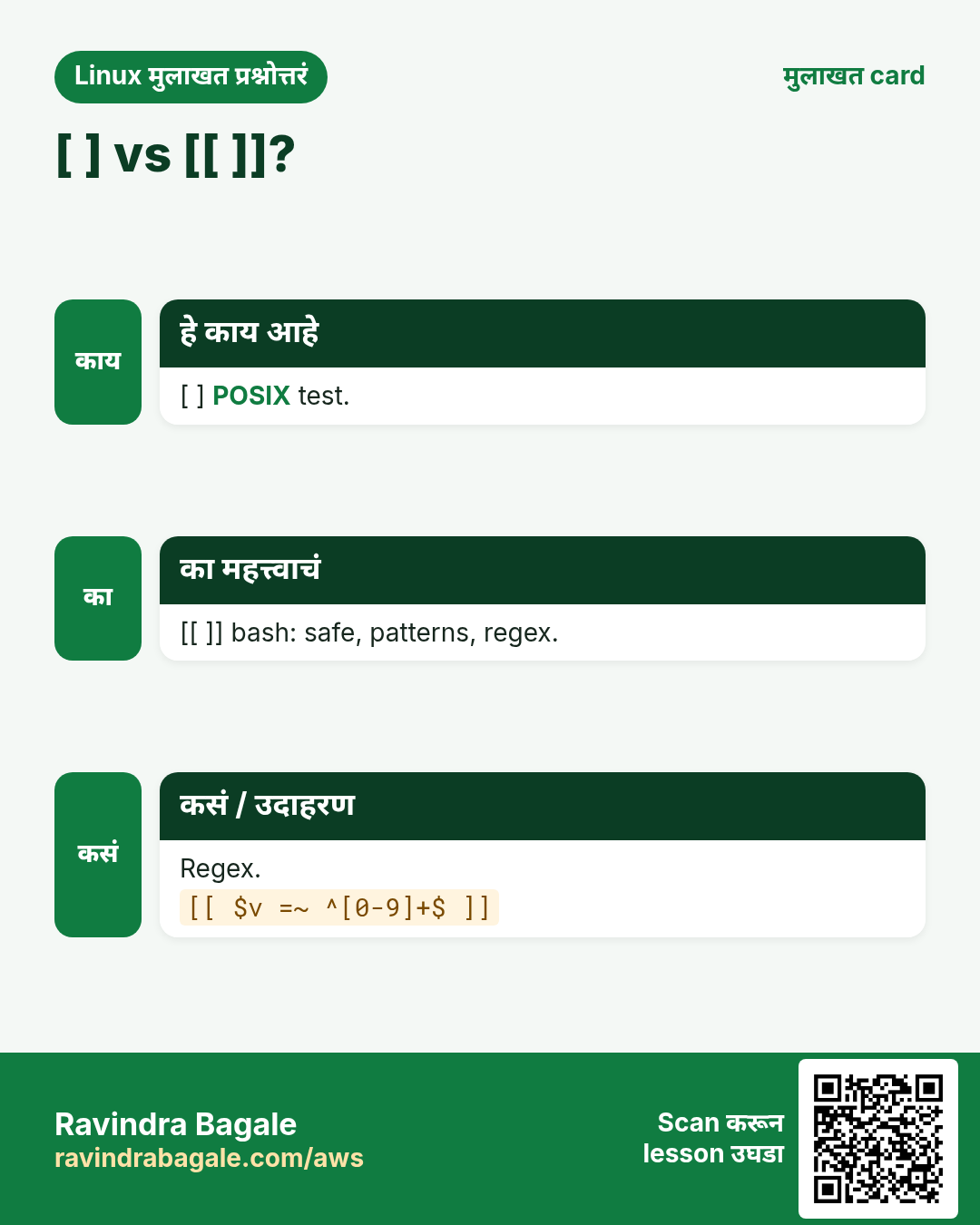
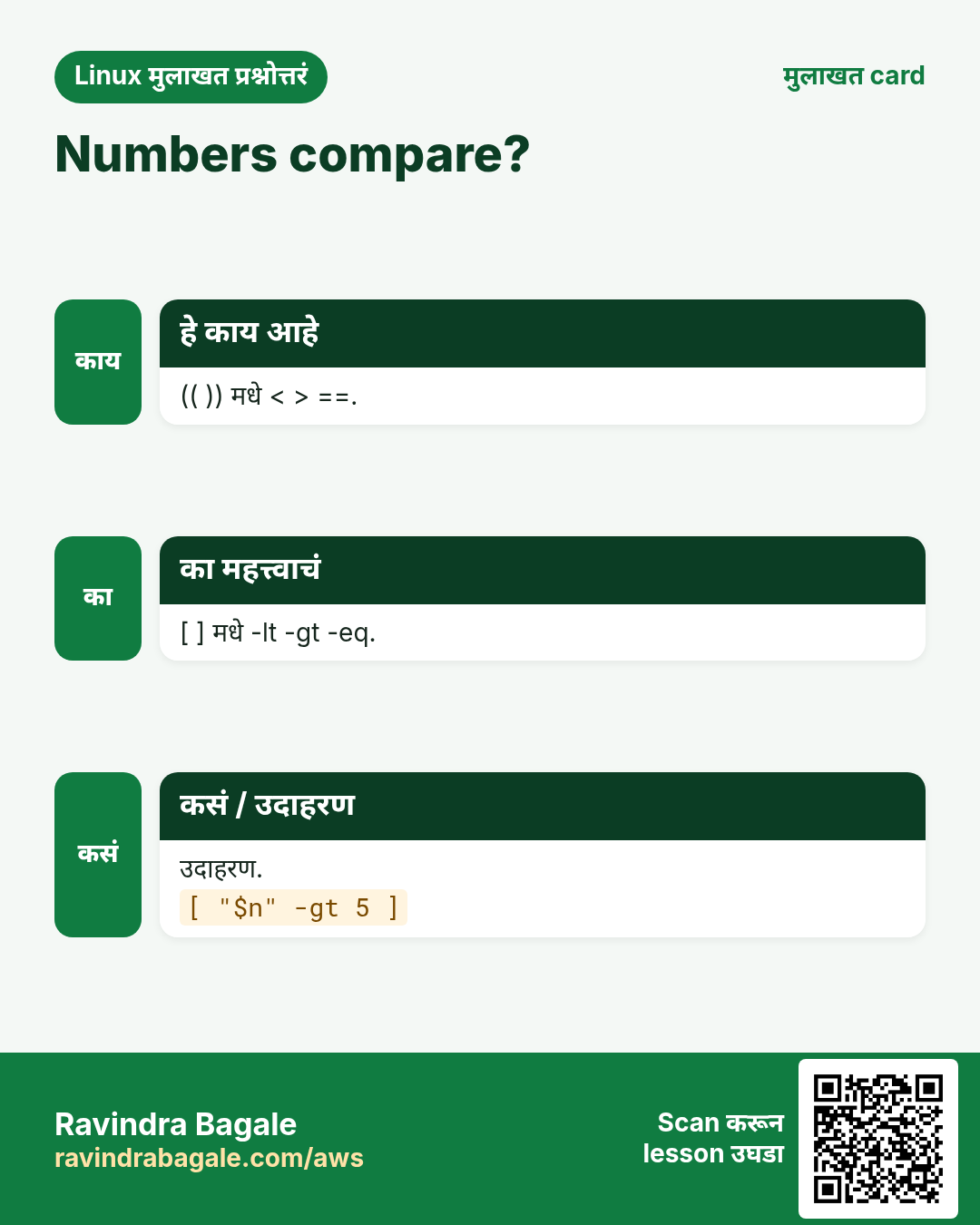
हा lesson काही मिनिटांत revise करा. Cards phone वर save करा किंवा PNG download करा. प्रत्येक card वरचा QR हा lesson उघडतो.
![4 steps मधे if. if test चालवतो. Exit code 0 = true. Strings आणि patterns: [[ ]]. Numbers: (( )).](../../../aws/ravi-sirs-cards/cards/mr/rev-lx7-if.webp)
![[ ] vs [[ ]]. POSIX, सगळं quote. / Bash, safe word handling.](../../../aws/ravi-sirs-cards/cards/mr/cmp-lx7-test-vs-dbl.webp)
![[ ] vs [[ ]]?. [ ] POSIX test. [[ ]] bash: safe, patterns, regex. Regex.](../../../aws/ravi-sirs-cards/cards/mr/int-lx7-int-brackets.webp)
![Numbers compare?. (( )) मधे < > ==. [ ] मधे -lt -gt -eq. उदाहरण.](../../../aws/ravi-sirs-cards/cards/mr/int-lx7-int-numcmp.webp)
अजून cards: Ravi Sir's Cards.