Linux awk Command Tutorial: Fields, Patterns, Sums आणि Reports
awk हा columns मधल्या text साठी छोटी programming language आहे. प्रत्येक line fields मधे तोडतो, condition ने lines निवडू देतो, maths, totals आणि नीट reports. एक awk line पूर्ण spreadsheet काम करू शकते: शहरानुसार totals, सरासरी response time, सगळ्यात slow URLs.
या chapter मध्ये तुम्ही काय शिकाल
- $1, $NF आणि -F ने fields print
- Patterns आणि conditions ने lines filter
- BEGIN, END, NR, NF आणि OFS
- Sum, count, average, min आणि max
- Arrays ने group (key नुसार totals)
- printf ने reports आणि variables
1. रोजचं उदाहरण: दूधवाल्याची वही
हे का लागतं?
गणेश दूधवाला प्रत्येक delivery अशी लिहितो: date, घर, litres, rate. महिन्याच्या शेवटी त्याला हवं: एकूण litres, प्रत्येक घराचं bill, फक्त 20 litres पेक्षा जास्त असलेले दिवस, रोजची सरासरी, आणि columns नीट लावलेलं printed bill.
हे काय आहे?
प्रत्येक line = record, प्रत्येक column = field ($1 date, $2 घर, $3 litres). Total = END मधे sum+=$3. घरानुसार bill = bill[$2]+=$3*$4. 20 पेक्षा जास्त = $3>20. नीट bill = printf.
कसं करायचं (step by step)
2. Fields: $1, $NF आणि separator -F
हे का लागतं?
Command output आणि logs spaces किंवा commas ने वेगळे columns असतात. Spaces असमान असतील तर cut fail होतो; awk सांभाळतो.
हे काय आहे?
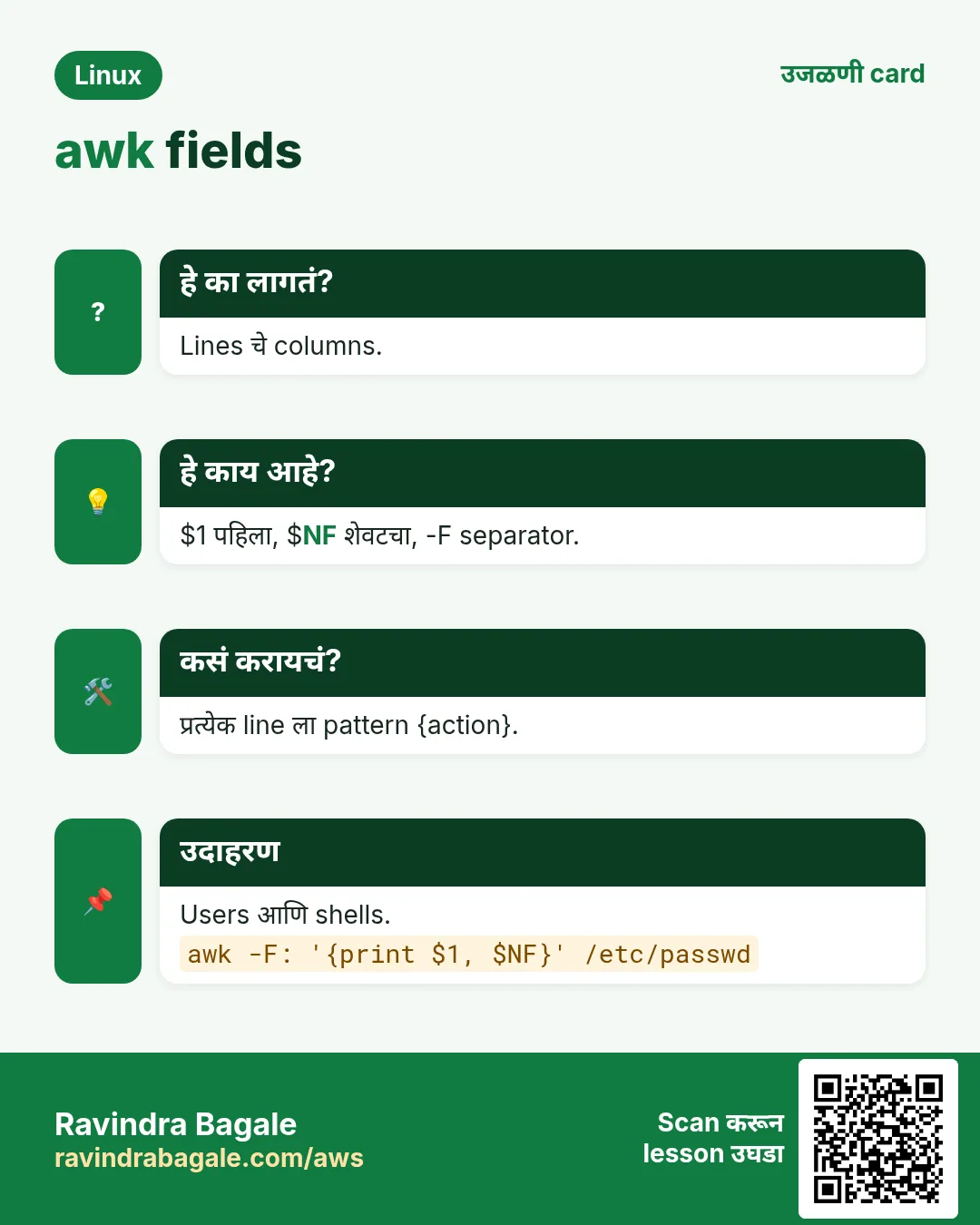
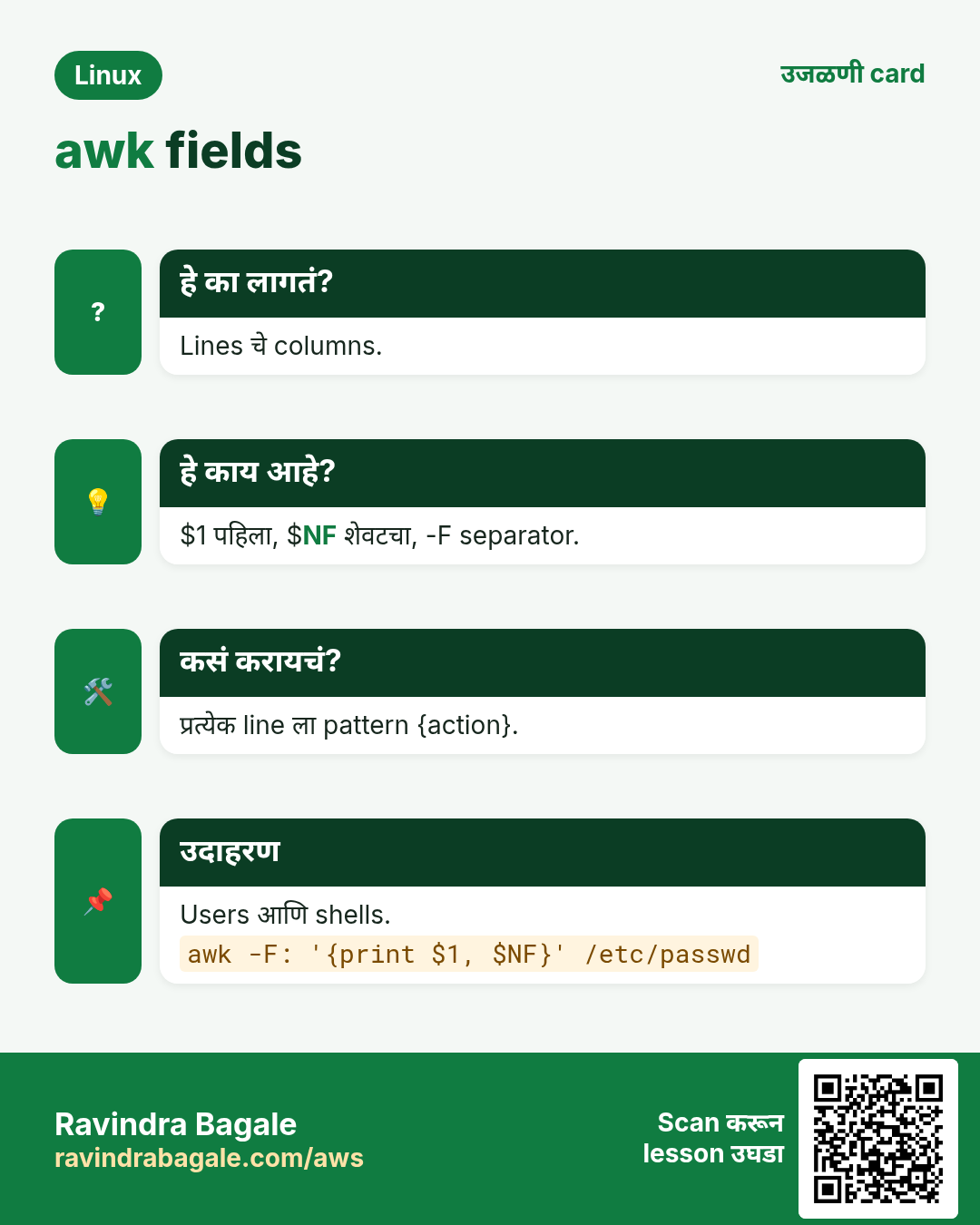
awk '{print $1}' field 1 print करतो. Default fields spaces किंवा tabs च्या कितीही run ने वेगळे, म्हणून असमान spacing चालतं. $0 पूर्ण line, $NF शेवटचा field, $(NF-1) त्याच्या आधीचा. -F, comma separator, -F: colon, -F'[,;]' regex. OFS output separator; print $1,$2 तो वापरतो (default space).
| Item | अर्थ |
|---|---|
| $0 | पूर्ण line |
| $1 $2 | Field 1, 2 |
| $NF | शेवटचा field |
| NF | Fields ची संख्या |
| NR | Line number (record) |
| FS / -F | Input separator |
| OFS | Output separator |
कसं करायचं (step by step)
- ps output चा पहिला column.
ps aux | awk '{print $1}' | sort | uniq -c | sort -nr | head -3Output:
     98 root
     12 nginx
      7 ravi
याचा अर्थ: असमान spaces चालतात.
- Users आणि shells.
awk -F: '{print $1, $7}' /etc/passwd | tail -2Output:
ravi /bin/bash
nginx /sbin/nologin
याचा अर्थ: -F: colons वर तोडतो.
- शेवटचा field.
df -h | awk '{print $NF}'Output:
Mounted
/
/boot
/data
याचा अर्थ: $NF म्हणजे mount point.
- Output separator बदला.
awk -F: 'BEGIN{OFS=","} {print $1,$3}' /etc/passwd | head -2Output:
root,0
bin,1
याचा अर्थ: OFS="," CSV बनवतो.
- Columns reorder.
echo 'Pune 4500 2026-10-01' | awk '{print $3, $1, $2}'Output:
2026-10-01 Pune 4500याचा अर्थ: हवा तो क्रम.
- प्रत्येक line चे fields.
awk -F, '{print NR": "NF}' sales.csv | head -3Output:
1: 4
2: 4
3: 3
याचा अर्थ: Line 3 मधे column कमी. Data checks साठी उपयोगी.
3. Patterns: condition ने lines निवडा
हे का लागतं?
Amount > 5000 असलेल्या rows, UID ≥ 1000 असलेले users, किंवा एका column मधे regex जुळणाऱ्या lines हव्यात.
हे काय आहे?
pattern { action }. Action नसेल तर awk line print करतो. Patterns: /regex/, $3 > 100, $2 == "Pune", $1 ~ /^web/ (जुळतं), $1 !~ /test/ (जुळत नाही), जोडायला && आणि ||, NR==1, header skip ला NR>1, /start/,/end/ ranges.
कसं करायचं (step by step)
- 5000 पेक्षा जास्त rows.
awk -F, '$4 > 5000' sales.csvOutput:
2026-10-02,Mumbai,Asha,7200
2026-10-03,Pune,Imran,5600
याचा अर्थ: Action नाही म्हणजे print.
- खरे users (UID 1000+).
awk -F: '$3 >= 1000 && $3 < 65000 {print $1}' /etc/passwdOutput:
ravi
anita
याचा अर्थ: && ने दोन conditions.
- Text compare.
awk -F, '$2 == "Pune" {print $3}' sales.csvOutput:
Imran
Sneha
याचा अर्थ: Text साठी quotes सह ==.
- एका field वर regex.
awk '$1 ~ /^web/' hosts.txtOutput:
web1 10.0.0.11
web2 10.0.0.12
याचा अर्थ: ~ म्हणजे 'जुळतं'.
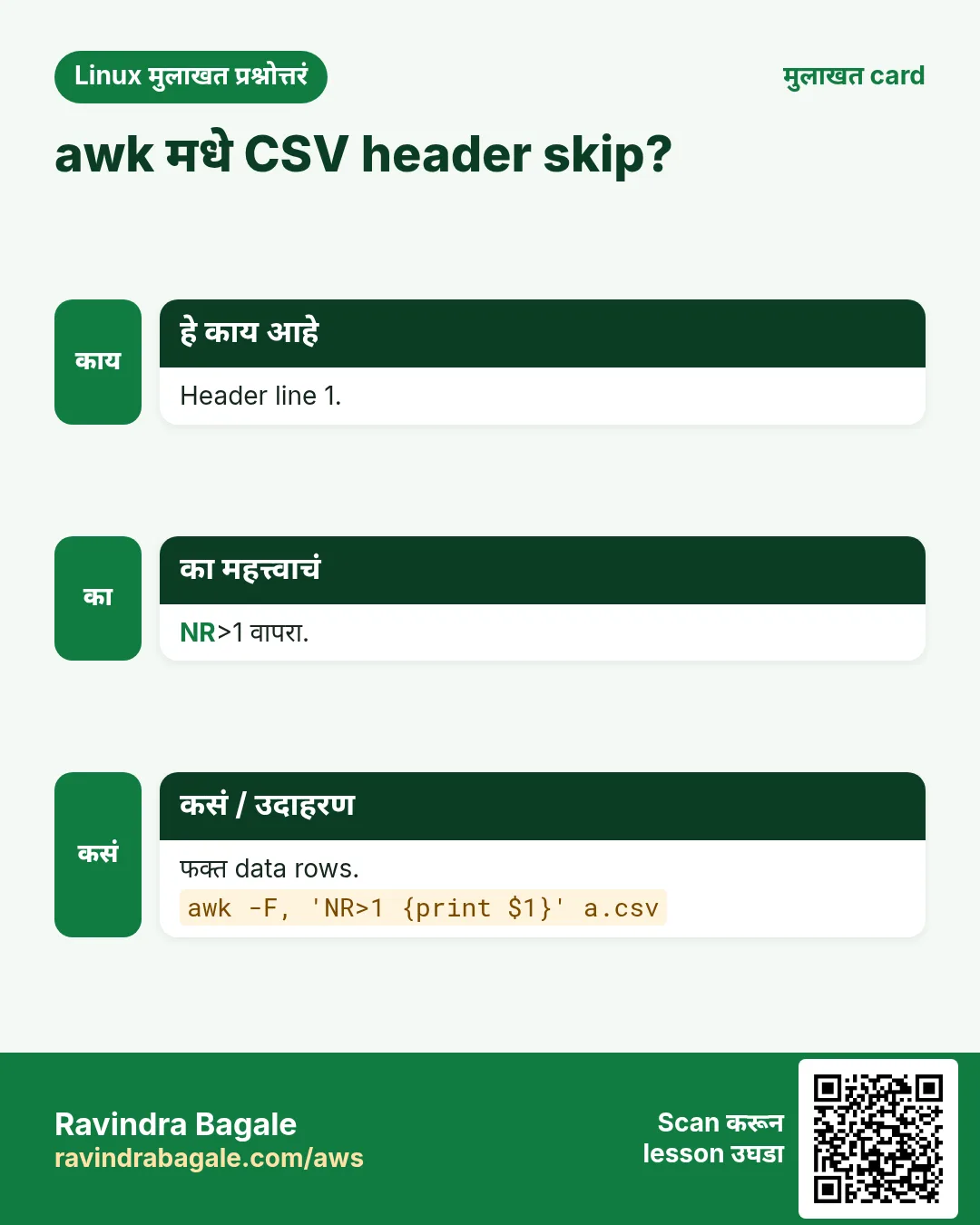
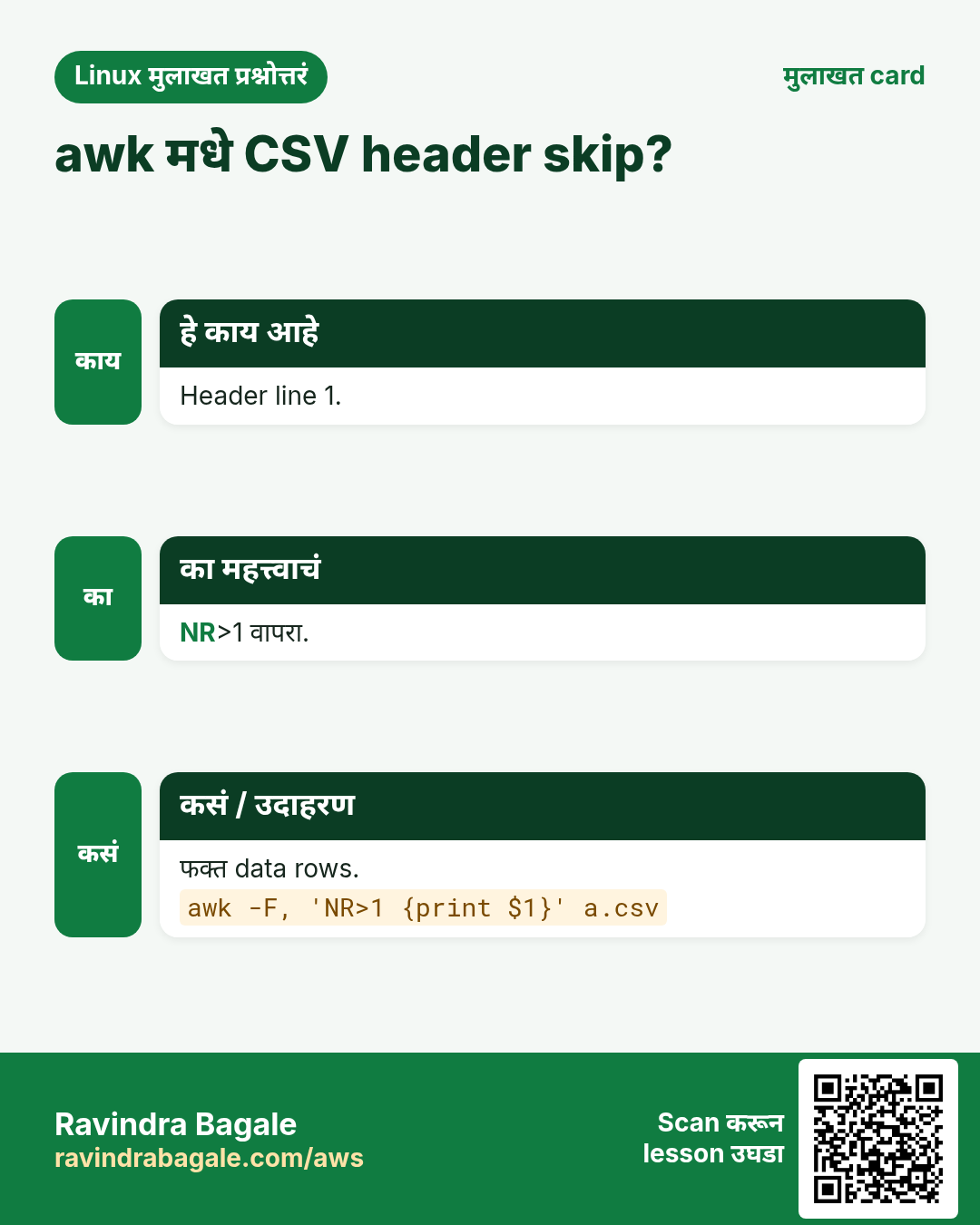
- Header skip.
awk -F, 'NR > 1 {print $2}' sales.csv | sort -uOutput:
Mumbai
Nashik
Pune
याचा अर्थ: NR म्हणजे line number.
- Access log मधून HTTP 5xx.
awk '$9 >= 500 {print $7, $9}' access.log | head -2Output:
/pay 503
/cart 500
याचा अर्थ: nginx combined format मधे $9 status, $7 URL.
4. BEGIN, END, NR आणि running totals
हे का लागतं?
Reports ला आधी header आणि शेवटी totals हवेत.
हे काय आहे?
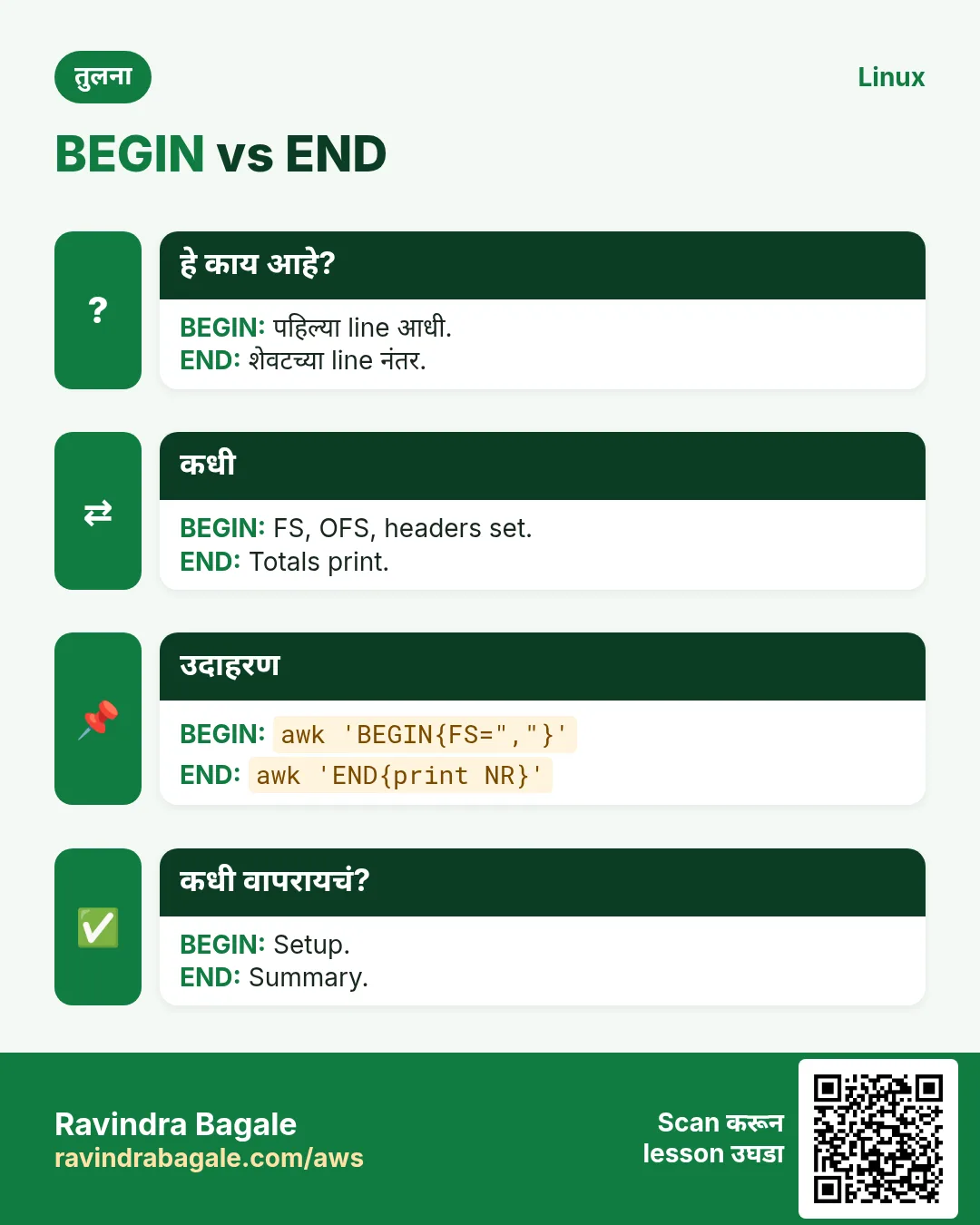
BEGIN { } पहिल्या line आधी चालतो (FS, OFS set, headers print). END { } शेवटच्या line नंतर (totals print). Variables 0 किंवा रिकाम्याने सुरू, म्हणून sum += $3 सरळ चालतं. END मधे NR म्हणजे एकूण lines. Average = sum/NR (filter केलं असेल तर sum/count).
कसं करायचं (step by step)
- एकूण litres.
awk '{sum += $3} END {print "Total:", sum}' milk.txtOutput:
Total: 642याचा अर्थ: sum प्रत्येक line चा field 3 जोडतो.
- सरासरी response time.
awk '{s += $NF} END {printf "avg %.2f ms over %d requests\n", s/NR, NR}' resp.logOutput:
avg 182.40 ms over 1200 requestsयाचा अर्थ: printf 2 decimals देतो.
- Min आणि max.
awk 'NR==1{min=max=$2} {if($2<min)min=$2; if($2>max)max=$2} END{print min, max}' temps.txtOutput:
18 41याचा अर्थ: min, max line 1 पासून.
- Header आणि footer.
awk -F, 'BEGIN{print "CITY AMOUNT"} NR>1{print $2, $4; t+=$4} END{print "TOTAL", t}' sales.csvOutput:
CITY AMOUNT
Pune 4500
Nashik 3200
TOTAL 7700
याचा अर्थ: एका line मधे छोटा report.
- जुळणाऱ्या lines मोजा.
awk '/ERROR/ {n++} END {print n+0}' app.logOutput:
27याचा अर्थ: काही नसेल तर n+0 रिकाम्या ऐवजी 0.
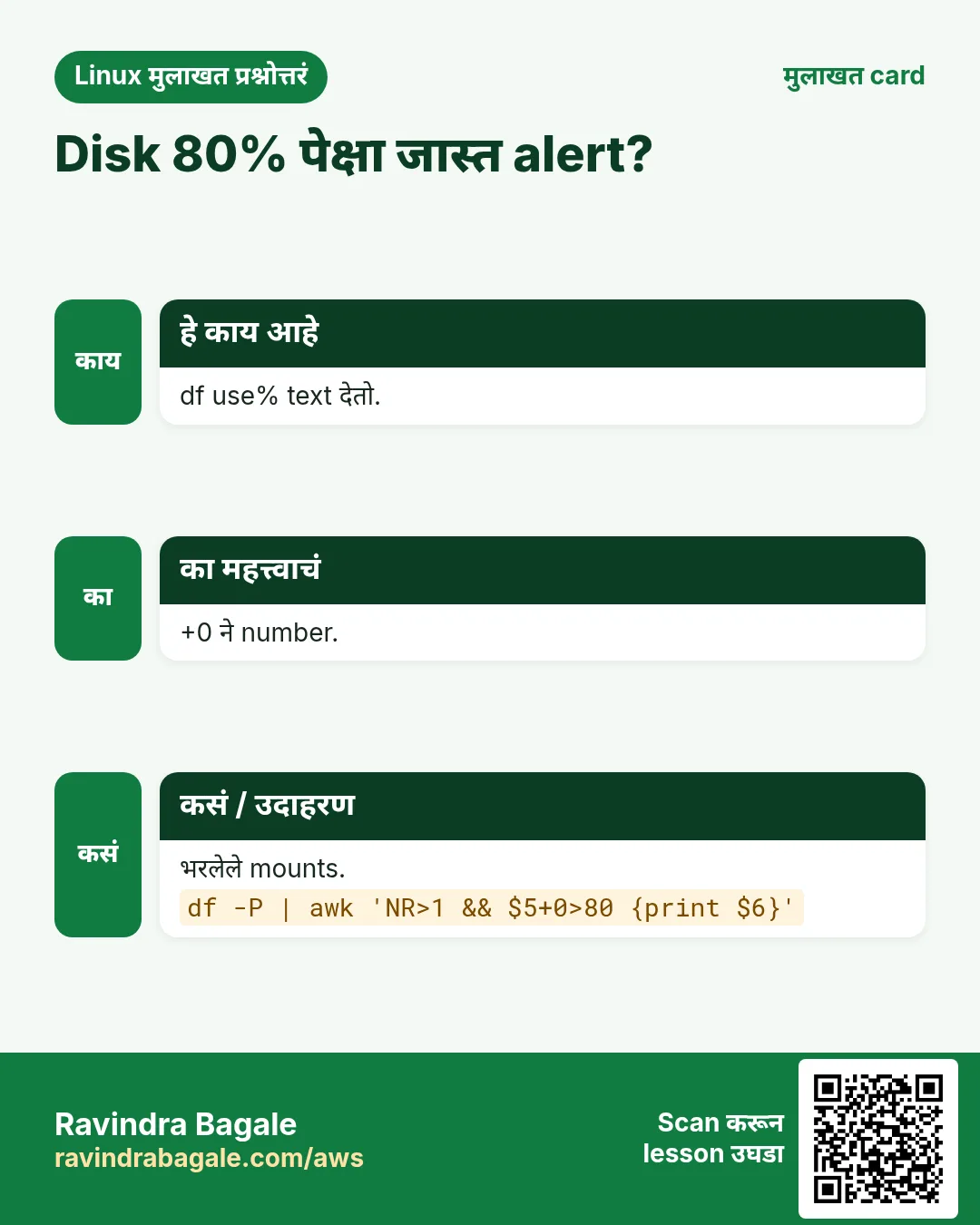
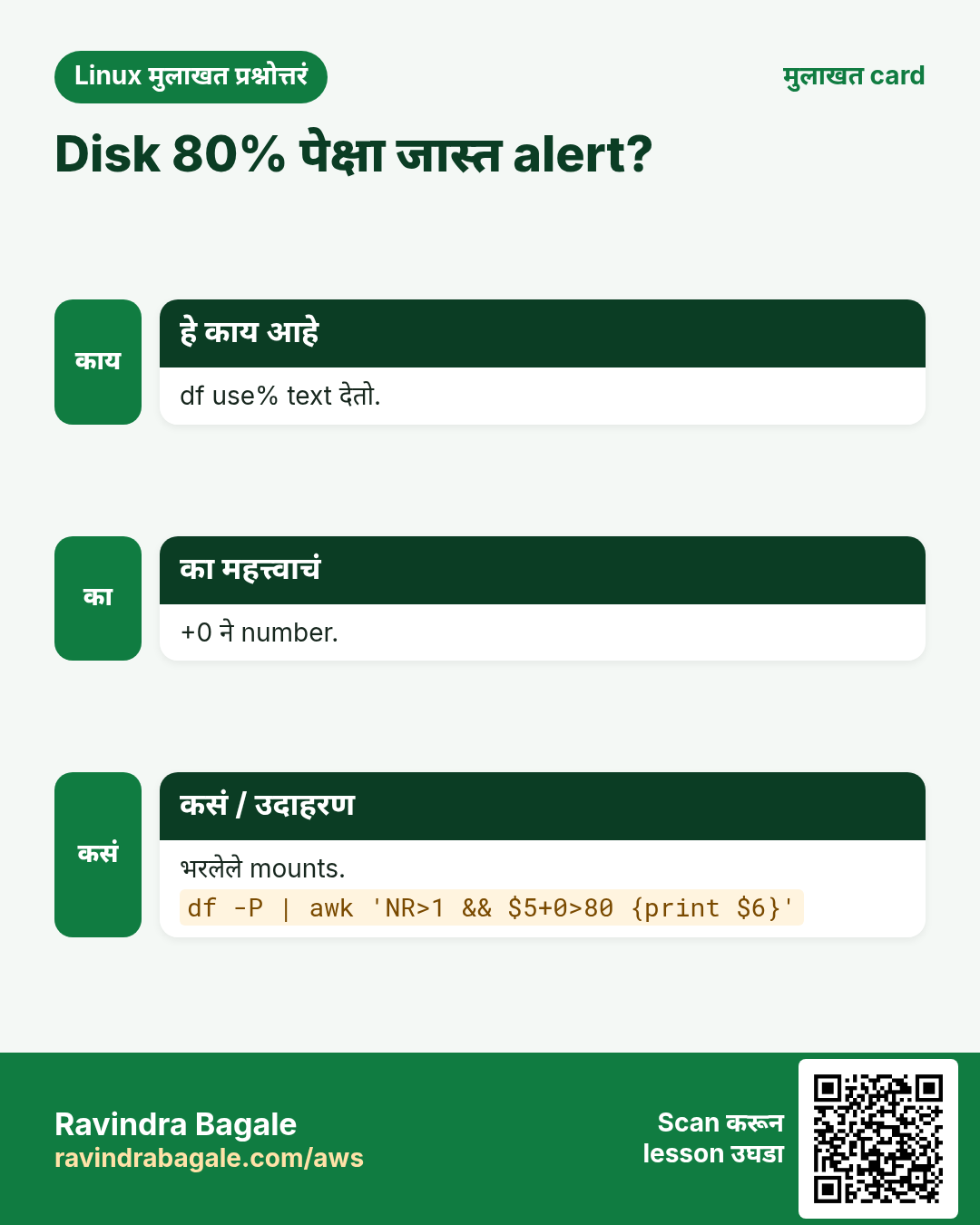
- 80 पेक्षा जास्त disk used.
df -h | awk 'NR>1 && $5+0 > 80 {print $6, $5}'Output:
/data 91%याचा अर्थ: $5+0 '91%' चं number 91 करतो.
5. Arrays: group नुसार totals
हे का लागतं?
घरानुसार bill, IP नुसार requests, शहरानुसार sales: प्रत्येक key साठी एक total हवं.
हे काय आहे?
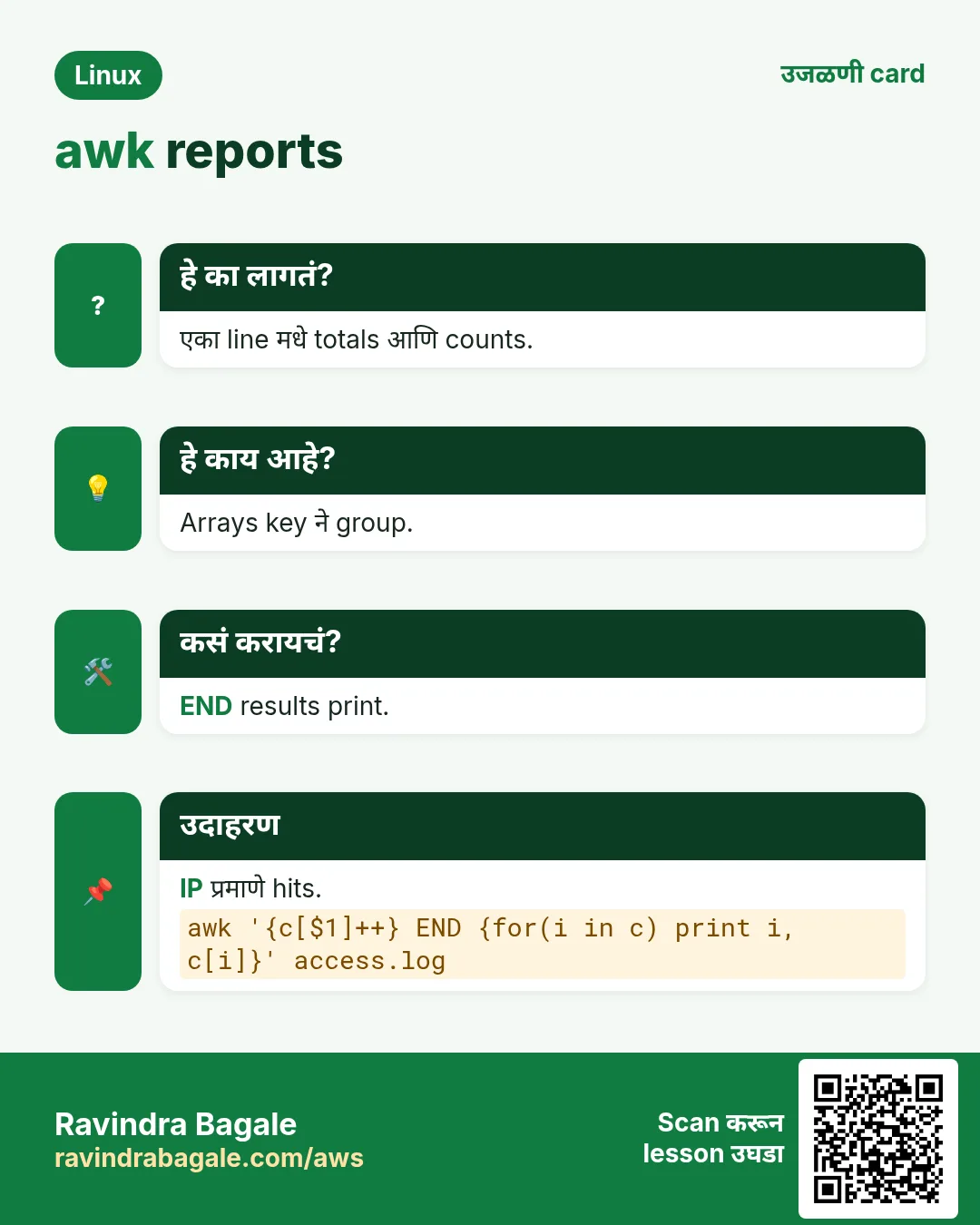
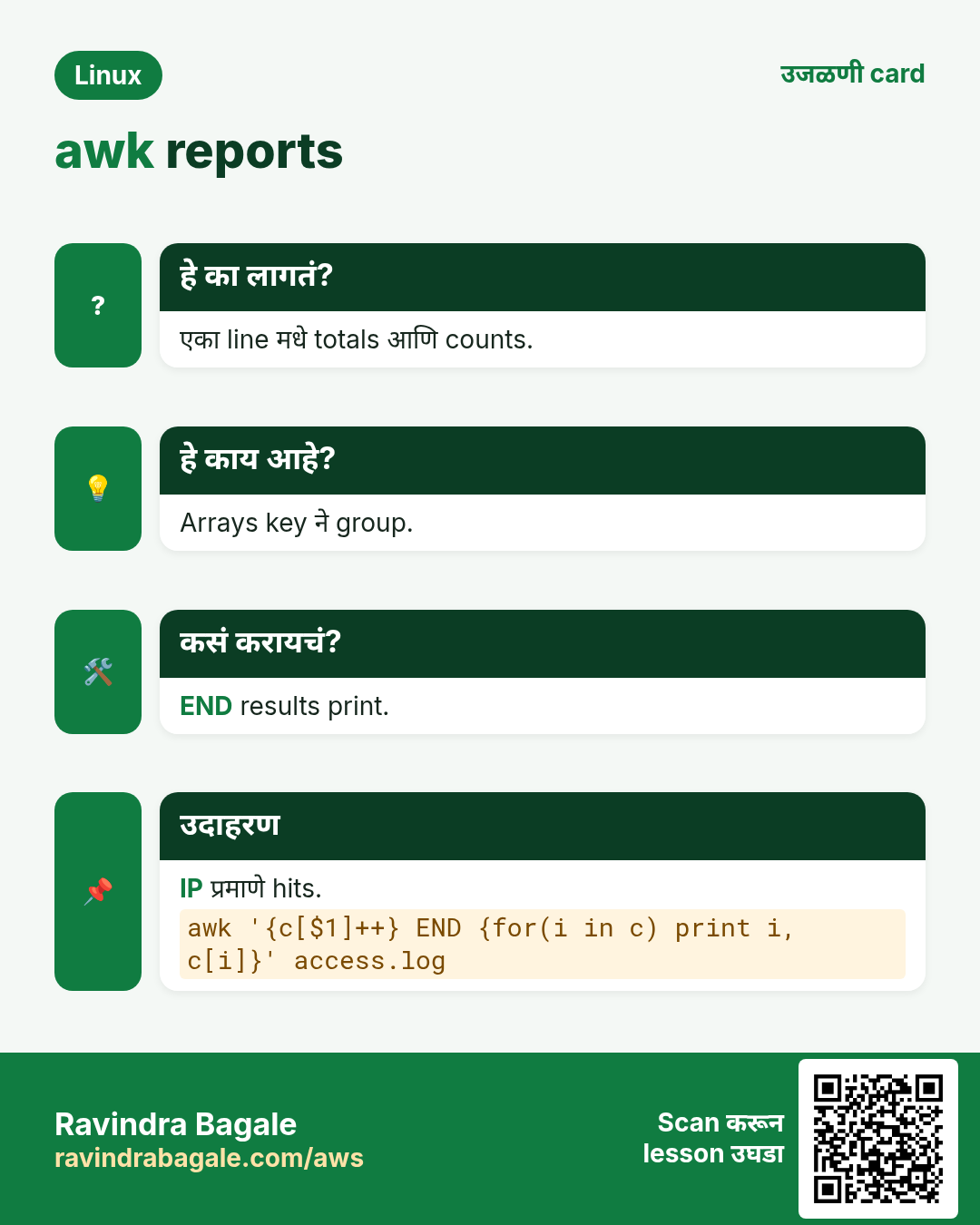
awk arrays text keys वापरतात: t[$2] += $4. END मधे for (k in t) print k, t[k] ने loop. क्रम random, म्हणून sort मधे pipe. count[$1]++ मोजतो. if (k in arr) key तपासतो. delete arr[k] काढतो. !seen[$0]++ हा famous one-liner प्रत्येक line फक्त पहिल्यांदा print करतो (sort शिवाय dedupe).
कसं करायचं (step by step)
- शहरानुसार sales.
awk -F, 'NR>1 {t[$2]+=$4} END {for (c in t) print c, t[c]}' sales.csv | sort -k2 -nrOutput:
Pune 10100
Mumbai 7200
Nashik 3200
याचा अर्थ: प्रत्येक key ला एक total.
- IP नुसार requests.
awk '{c[$1]++} END {for (ip in c) print c[ip], ip}' access.log | sort -nr | head -3Output:
812 10.0.0.7
430 10.0.0.2
95 49.36.12.4
याचा अर्थ: sort | uniq -c सारखं, एका tool मधे.
- घरानुसार bill.
awk '{b[$2] += $3*$4} END {for (h in b) printf "%-6s Rs %d\n", h, b[h]}' milk.txt | sortOutput:
A-101  Rs 1680
B-204  Rs 2240
याचा अर्थ: Litres × rate, घरानुसार बेरीज.
- Duplicates काढा, क्रम ठेवा.
awk '!seen[$0]++' emails.txt | wc -lOutput:
151याचा अर्थ: पहिल्यांदा seen[$0] 0, !0 true, म्हणून print.
- Group नुसार average.
awk '{s[$1]+=$2; n[$1]++} END {for (k in s) printf "%s %.1f\n", k, s[k]/n[k]}' resp_by_api.txtOutput:
/orders 210.5
/login 95.0
याचा अर्थ: दोन arrays: sum आणि count.
6. printf, variables आणि छोटे programs
हे का लागतं?
Reports नीट लावायचे असतात, आणि कधी shell मधली value किंवा if/else लागतं.
हे काय आहे?
printf "%-10s %8.2f\n", a, b: %s text, %d integer, %f decimal, %-10s left aligned width 10, %8.2f width 8 आणि 2 decimals. Shell values -v name="$VAR" ने द्या (program मधे $VAR paste करू नका). awk मधे if/else, for, while, next (पुढच्या line वर), आणि functions: length(), substr(s,i,n), tolower(), toupper(), split(s,a,sep), gsub(/re/,"x") आणि sub(), index(), sprintf(), int().
कसं करायचं (step by step)
- नीट table.
awk -F, 'NR>1 {printf "%-8s %-8s %8.2f\n", $2, $3, $4}' sales.csvOutput:
Pune     Imran     5600.00
Mumbai   Asha      7200.00
याचा अर्थ: Columns नीट लागतात.
- Shell value safely द्या.
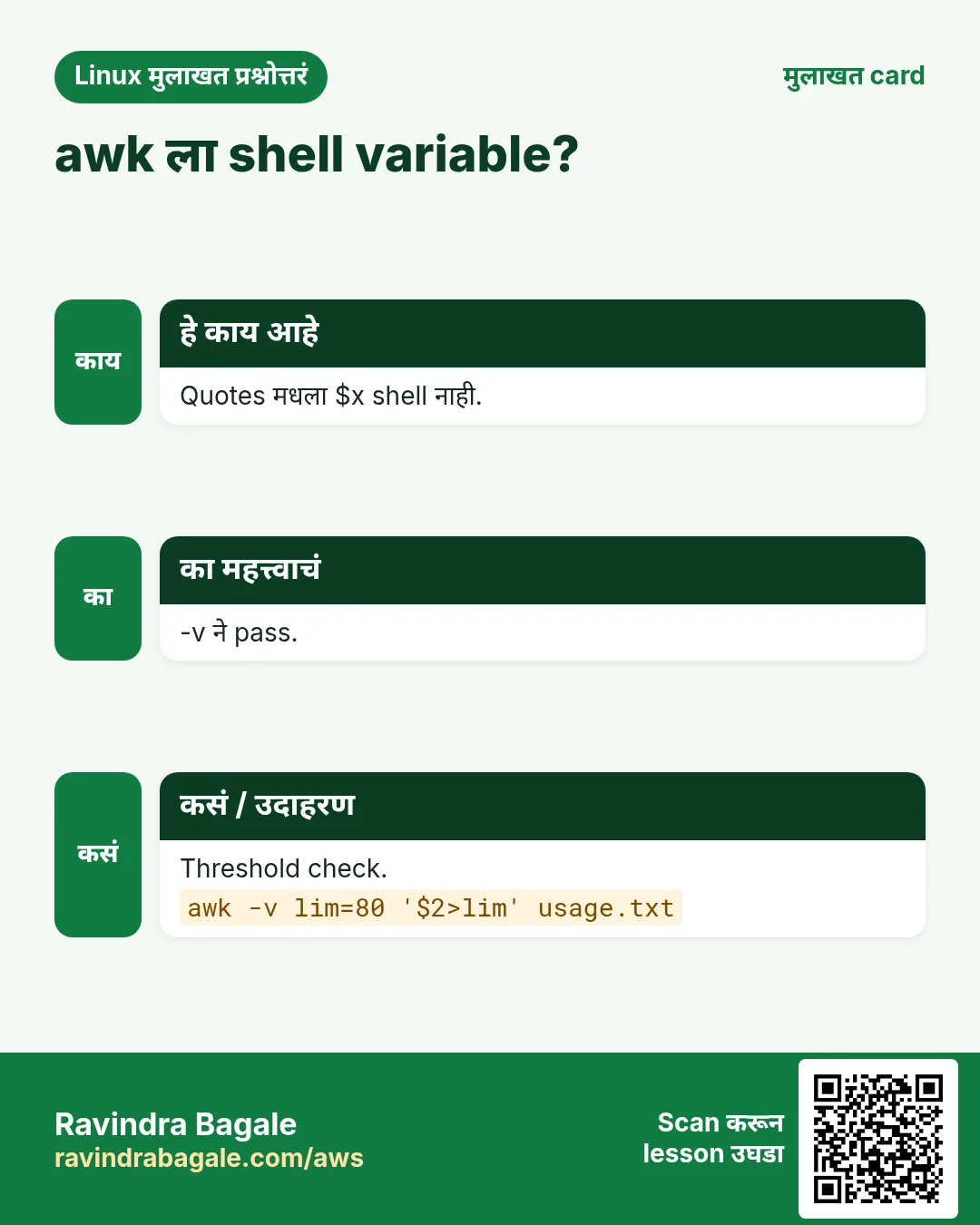
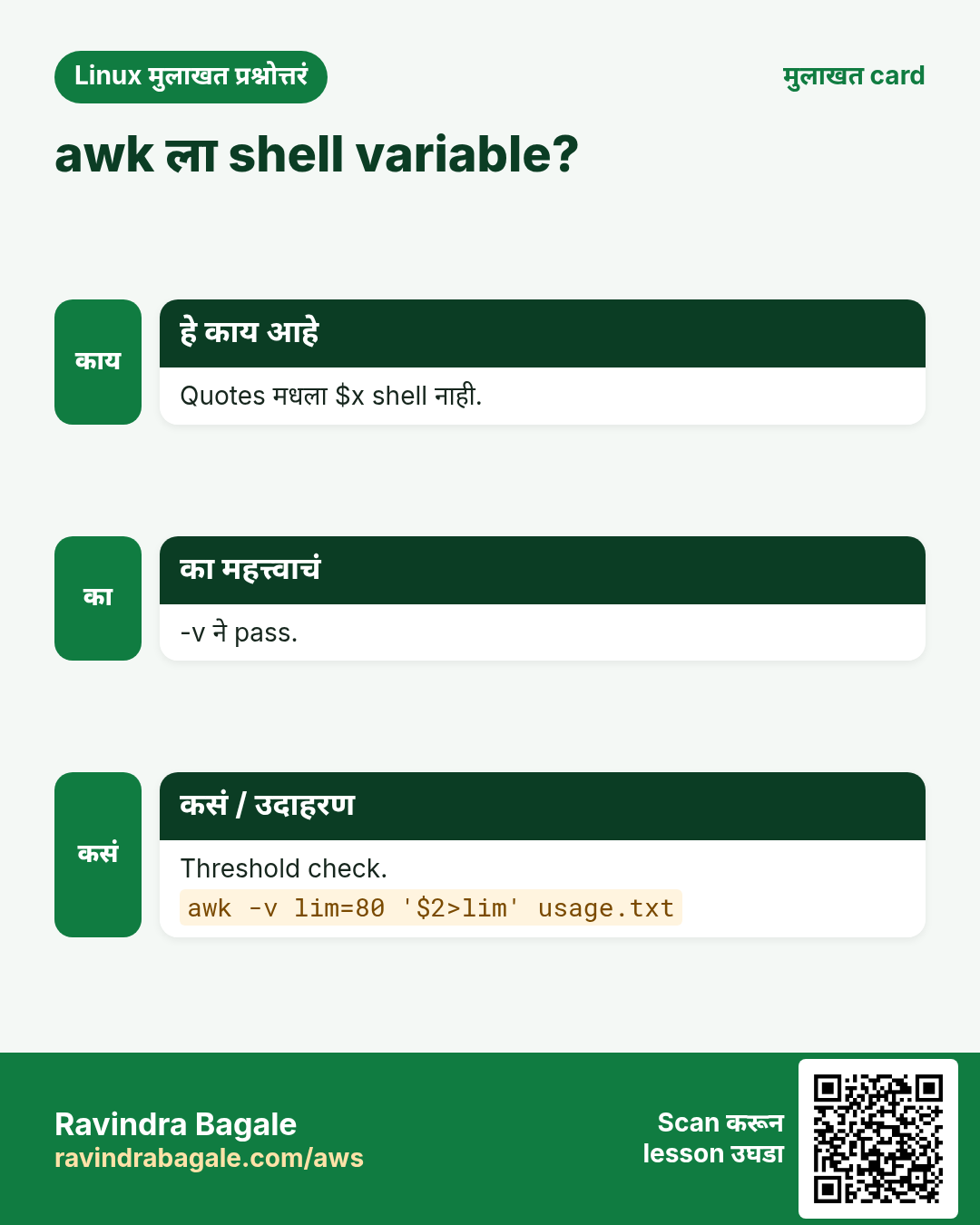
LIMIT=5000; awk -F, -v lim="$LIMIT" 'NR>1 && $4 > lim {print $3}' sales.csvOutput:
Asha
Imran
याचा अर्थ: -v awk variable set करतो.
- if/else labels.
awk '{if ($2 >= 35) r="PASS"; else r="FAIL"; print $1, r}' marks.txtOutput:
Sneha PASS
Raj FAIL
याचा अर्थ: Normal programming logic.
- Field मधे replace.
echo 'Poona,4500' | awk -F, 'BEGIN{OFS=","} {gsub(/Poona/,"Pune",$1); print}'Output:
Pune,4500याचा अर्थ: gsub $1 मधले सगळे matches बदलतो.
- Substring आणि upper case.
echo '2026-10-25 web01' | awk '{print substr($1,1,7), toupper($2)}'Output:
2026-10 WEB01याचा अर्थ: substr(s, start, length).
- next ने lines skip.
awk '/^#/ {next} NF {print}' app.confOutput:
port=8080
mode=prod
याचा अर्थ: next पुढच्या line वर; NF blank lines skip.
- Script file.
printf 'BEGIN{FS=","}\nNR>1{t+=$4}\nEND{print t}\n' > total.awk && awk -f total.awk sales.csvOutput:
22500याचा अर्थ: मोठे programs .awk file मधे.
7. awk ने खरा log analysis
हे का लागतं?
Incident वेळी काही मिनिटांत उत्तर हवं: कोणती URL slow, कोणते status codes, शेवटच्या तासात काय बदललं.
हे काय आहे?
Log format माहीत हवा. nginx combined: $1 IP, $4 time, $7 URL, $9 status, $10 bytes; शेवटी $request_time जोडलं तर $NF seconds. Filters, arrays आणि sort एकत्र. Quoted commas असलेल्या CSV साठी खरं CSV tool (csvkit, Miller mlr, किंवा gawk 5.3+ मधे gawk --csv).
कसं करायचं (step by step)
- Status code counts.
awk '{c[$9]++} END {for (s in c) print s, c[s]}' access.log | sortOutput:
200 9120
301 210
404 77
500 14
याचा अर्थ: पटकन health picture.
- Average time ने slowest URLs.
awk '{t[$7]+=$NF; n[$7]++} END {for (u in t) printf "%.3f %s\n", t[u]/n[u], u}' access.log | sort -nr | head -3Output:
2.140 /api/report
0.910 /api/search
0.120 /cart
याचा अर्थ: $NF म्हणजे request time.
- दर तासाचे bytes.
awk '{split($4,a,":"); b[a[2]]+=$10} END {for (h in b) print h, int(b[h]/1048576) " MB"}' access.log | sortOutput:
09 512 MB
10 830 MB
याचा अर्थ: split time तोडतो; a[2] म्हणजे hour.
- Top memory processes.
ps aux | awk 'NR>1 {print $4, $11}' | sort -nr | head -3Output:
12.4 /usr/bin/java
3.1 /usr/sbin/mysqld
1.2 nginx:
याचा अर्थ: $4 %MEM, $11 command.
- Time window मधल्या lines.
awk '$2 >= "10:00:00" && $2 <= "10:05:00"' app.log | wc -lOutput:
412याचा अर्थ: Fixed-width times साठी text compare चालतं.
8. अनेक industries मधली खरी उदाहरणं
हे का लागतं?
तेच Linux skill प्रत्येक प्रकारच्या company मध्ये लागतं. वेगवेगळ्या ठिकाणी पाहिलं की लक्षात राहतं.
हे काय आहे?
प्रत्येक row म्हणजे एक काल्पनिक team. कोण हे वापरतं आणि कसं ते दाखवते.
कसं करायचं (step by step)
| Team आणि शहर | ते कसं वापरतात | Command |
|---|---|---|
| Deepak, SRE, Noida | nginx logs मधून slowest API | awk '{t[$7]+=$NF;n[$7]++} END{for(u in t) print t[u]/n[u],u}' access.log | sort -nr | head |
| Sophie, retail analytics, Lyon | CSV मधून store नुसार sales | awk -F, 'NR>1{t[$2]+=$5} END{for(s in t) print s,t[s]}' sales.csv |
| Abdul, telecom billing, Riyadh | Customer नुसार call minutes | awk '{m[$1]+=$3} END{for(c in m) print c,m[c]}' cdr.txt |
| Grace, research lab, Nairobi | Sensor readings ची average आणि max | awk '{s+=$2; if($2>m)m=$2} END{print s/NR, m}' sensor.log |
| Rakesh, banking ops, Mumbai | Limit पेक्षा जास्त transactions flag | awk -F, -v lim=200000 '$6>lim' txn.csv |
| Hiro, cloud costs, Tokyo | Billing CSV मधून AWS service नुसार cost | awk -F, '{c[$3]+=$9} END{for(s in c) printf "%-20s %10.2f\n",s,c[s]}' bill.csv |
9. नेहमीच्या errors आणि त्यांचे fixes
हे का लागतं?
हे errors सगळ्यांना येतात. कारण माहीत असलं की तास वाचतात.
हे काय आहे?
आधी नेमका message वाचा. मग खालच्या row शी जुळवा.
कसं करायचं (step by step)
| दिसणारा error | का होतं | Fix कसा करायचा |
|---|---|---|
awk: cmd. line:1: syntax error at source line 1 | Shell quoting ने program तुटला (double quotes किंवा brace चुकला) | Program single quotes मधे आणि { } तपासा.awk '{print $1}' f |
Prints the whole line instead of a field | Double quotes, म्हणून shell ने $1 रिकामं केलं | Program ला single quotes.awk '{print $2}' f |
Sum is 0 or wrong | चुकीचा field किंवा separator | आधी NF आणि field print, -F set.awk -F, '{print NF, $4}' f | head |
awk: division by zero | 0 असलेल्या count ने भागाकार (lines जुळल्या नाहीत) | if (n) ने guard.awk '/x/{s+=$2;n++} END{if(n) print s/n}' f |
Numbers with % or commas add wrongly | '91%' किंवा '1,200' clean numbers नाहीत | gsub ने साफ किंवा +0.awk '{gsub(/,/,"",$2); s+=$2} END{print s}' f |
Fields shift in some CSV rows | Quoted fields मधे commas | gawk --csv, mlr किंवा csvkit.mlr --icsv --opprint cat f.csv |
Shell variable not seen inside awk | Single quotes मधे $VAR expand होत नाही | -v ने द्या.awk -v x="$VAR" '$1==x' f |
for (k in arr) output in random order | awk arrays ला क्रम नाही | sort मधे pipe (किंवा gawk PROCINFO sorted_in).awk '...' | sort -k2 -nr |
awk: function gensub never defined | gensub आणि काही features फक्त gawk मधे | gawk install करा किंवा sub/gsub.sudo dnf install gawk |
Blank or wrong output with Windows files | शेवटचा \r शेवटचा field बिघडवतो | आधी \r काढा.awk '{sub(/\r$/,"")} {print $NF}' f |
10. Troubleshooting step by step
हे का लागतं?
awk report चुकीचा असेल तर awk ला दिसणारे fields एक एक step बघा.
हे काय आहे?
वरून खाली जा. ज्या step ला problem दिसतो तिथे थांबा.
कसं करायचं (step by step)
- प्रत्येक line ला किती fields.
awk -F, '{print NR, NF}' data.csv | head- Spaces दिसायला markers सह field.
awk -F, '{print "["$4"]"}' data.csv | head -3- Hidden \r तपासा.
head -2 data.csv | cat -A- फक्त filter तपासा.
awk -F, '$4 > 5000' data.csv | head- कोणता awk आहे.
awk --version 2>/dev/null | head -1 || awk -W version- END मधे empty input guard.
awk '{n++} END{print n+0}' data.csv11. Lab 1: महिन्याचा दुधाचा bill report
हे का लागतं?
Totals, groups आणि printf सह पूर्ण report बनवा.
हे काय आहे?
पूर्ण hands-on lab. प्रत्येक step test Linux machine वर करा (EC2 instance, VM किंवा WSL).
कसं करायचं (step by step)
- Delivery file बनवा.
mkdir -p ~/lab11 && cd ~/lab11 && for d in $(seq -w 1 30); do echo "2026-10-$d A-101 2 56"; echo "2026-10-$d B-204 $(( (10#$d % 3) + 1 )) 56"; done > milk.txt; head -2 milk.txtOutput:
2026-10-01 A-101 2 56
2026-10-01 B-204 2 56- एकूण litres.
awk '{s+=$3} END{print s}' milk.txtOutput:
120- घरानुसार bill.
awk '{b[$2]+=$3*$4} END{for(h in b) printf "%-6s Rs %6d\n", h, b[h]}' milk.txt | sortOutput:
A-101  Rs   3360
B-204 Rs 3360- B-204 ने 3 litres घेतलेले दिवस.
awk '$2=="B-204" && $3==3 {n++} END{print n}' milk.txtOutput:
10- घरानुसार रोजची सरासरी litres.
awk '{s[$2]+=$3; n[$2]++} END{for(h in s) printf "%s %.2f\n", h, s[h]/n[h]}' milk.txt | sortOutput:
A-101 2.00
B-204 2.00
12. Lab 2: Web log incident report
हे का लागतं?
खरे incident प्रश्न: status codes, slow URLs, top IPs.
हे काय आहे?
पूर्ण hands-on lab. प्रत्येक step test Linux machine वर करा (EC2 instance, VM किंवा WSL).
कसं करायचं (step by step)
- Sample log (IP, URL, status, seconds).
cd ~/lab11 && for i in $(seq 1 500); do echo "10.0.0.$((i%5)) /api/p$((i%4)) $([ $((i%25)) -eq 0 ] && echo 500 || echo 200) 0.$((i%9))"; done > web.logOutput:
(no output)- Status counts.
awk '{c[$3]++} END{for(s in c) print s, c[s]}' web.log | sortOutput:
200 480
500 20- URL नुसार average time.
awk '{t[$2]+=$4; n[$2]++} END{for(u in t) printf "%.3f %s\n", t[u]/n[u], u}' web.log | sort -nrOutput:
0.404 /api/p1 ...(4 lines)- कोणत्या URLs 500 देतात?
awk '$3==500 {u[$2]++} END{for(k in u) print u[k], k}' web.log | sort -nrOutput:
20 /api/p0- Top 2 IPs.
awk '{c[$1]++} END{for(i in c) print c[i], i}' web.log | sort -nr | head -2Output:
100 10.0.0.0
100 10.0.0.1Ravindra Bagale's Tip
Before writing a big awk program, run awk '{print NF": "$0}' on a few lines. If the field count is not what you think, every later total will be wrong.
Ravindra Bagale's Tip – मराठी
मोठा awk program लिहायच्या आधी काही lines वर awk '{print NF": "$0}' चालवा. Field count तुम्हाला वाटतो तसा नसेल तर पुढचा प्रत्येक total चुकेल.
Ravindra Bagale's Tip – हिंदी
बड़ा awk program लिखने से पहले कुछ lines पर awk '{print NF": "$0}' चलाएं. अगर field count वैसा नहीं जैसा आप सोचते हैं, तो आगे का हर total गलत होगा.
13. नेहमी विचारले जाणारे प्रश्न
प्र. awk, gawk, mawk: कोणता?
awk standard. gawk (GNU) मधे सगळ्यात जास्त features, mawk खूप fast. बहुतेक scripts सगळ्यांवर चालतात.
प्र. cut ऐवजी awk कधी?
Spaces असमान असतील, conditions, maths, totals किंवा groups हवे असतील तेव्हा.
प्र. Program ला single quotes का?
Shell ने $1, $NF आणि इतर awk symbols ना हात लावू नये म्हणून.
प्र. Tab separator कसा?
awk -F'\t' आणि OFS='\t'.
प्र. awk arrays चा क्रम ठेवतो का?
नाही. Output sort मधे pipe करा.
प्र. NR==FNR म्हणजे?
फक्त पहिली file वाचताना true. File 1 array मधे load करून file 2 match करायला.
प्र. awk file in place edit करू शकतो का?
gawk मधे -i inplace. नाहीतर temp file मधे लिहून mv.
प्र. मोठ्या files साठी awk चांगला का?
हो, line by line stream करतो आणि arrays फार मोठे नसतील तर कमी memory.
14. मुलाखत प्रश्न आणि उत्तरं
Beginner level
प्र. दुसरा column कसा print?
awk '{print $2}' file.
प्र. Comma separator कसा?
awk -F, '{print $1}' file.csv.
प्र. $NF म्हणजे?
Line चा शेवटचा field.
प्र. NR म्हणजे?
सध्याचा line (record) number.
Mid level level
प्र. Column ची बेरीज.
awk '{s+=$3} END{print s}' file.
प्र. Column 3 > 100 असलेल्या lines.
awk '$3 > 100' file.
प्र. फक्त awk ने IP नुसार requests.
awk '{c[$1]++} END{for(i in c) print c[i], i}' access.log | sort -nr.
प्र. Sort न करता duplicate lines काढा.
awk '!seen[$0]++' file.
Senior level
प्र. awk '!seen[$0]++' कसं काम करतं?
पहिल्यांदा seen[$0] 0; post-increment 0 परत देतो, ! true करतो, line print; नंतर ≥1, false. Unique lines प्रमाणे memory वाढते.
प्र. awk ने दोन files key वर join.
awk 'NR==FNR{a[$1]=$2; next} $1 in a {print $0, a[$1]}' f1 f2: f1 array मधे, मग f2 ची प्रत्येक line lookup.
प्र. Log मधून p95 latency.
Time column काढा, sort -n, मग ceil(0.95*N) वी line: sort -n t | awk '{a[NR]=$1} END{print a[int(NR*0.95+0.5)]}'.
प्र. Excel मधल्या CSV export वर awk चुकीचे totals का देतो?
Quoted commas fields तोडतात, line ends वर \r, thousands separators आणि BOM. साफ करा किंवा gawk --csv / mlr.
घरी करून बघा
- 15 lines मधे महिन्याचे खर्च 'date category amount' असे लिहा. awk ने एकूण, category नुसार total आणि सगळ्यात मोठा एक खर्च काढा.
- 'df -h | awk ...' चालवून फक्त 50% पेक्षा जास्त भरलेल्या file systems print करा.
सराव Tasks
Milan Furniture हा मिलान मधला फर्निचर व्यवसाय आहे. Giulia Rossi त्यांचं IT व cloud काम पाहतात. त्यांचे पैसे EUR मध्ये मोजले जातात आणि AWS resources eu-south-1 Region मध्ये चालतात. खालच्या tasks मध्ये तुम्ही या lesson मध्ये शिकलेलं वापरून त्यांची खरी कामं करता. सगळी नावं, account IDs, IP addresses व numbers सरावासाठी काल्पनिक आहेत.
0 / 16
सोपं पहिला field
का: Output मधून नावं.
काय करायचं: awk ने users.txt (space separated) च्या प्रत्येक line चा पहिला field.
- हे काम करणारा Linux command शोधा.
- Task ला लागणारे options (उदा. -r, -h) जोडा.
- File नावं, folders किंवा users योग्य क्रमाने लिहा.
- System files/users बदलत असाल तर sudo वापरा. Check answer दाबा.
सोपं Colon separator
का: /etc/passwd colons वापरतो.
काय करायचं: awk आणि -F: ने /etc/passwd मधून usernames (field 1).
- हे काम करणारा Linux command शोधा.
- Task ला लागणारे options (उदा. -r, -h) जोडा.
- File नावं, folders किंवा users योग्य क्रमाने लिहा.
- System files/users बदलत असाल तर sudo वापरा. Check answer दाबा.
सोपं awk ने lines मोजा
का: NR line count ठेवतो.
काय करायचं: awk आणि END ने data.txt मधल्या lines ची संख्या.
- हे काम करणारा Linux command शोधा.
- Task ला लागणारे options (उदा. -r, -h) जोडा.
- File नावं, folders किंवा users योग्य क्रमाने लिहा.
- System files/users बदलत असाल तर sudo वापरा. Check answer दाबा.
सोपं Field count variable
का: Line ला किती columns.
काय करायचं: सध्याच्या line मधल्या fields ची संख्या कोणत्या built-in awk variable मधे?
- Task मधले numbers लिहून घ्या.
- कागदावर step by step काढा.
- Box मध्ये फक्त final उत्तर लिहा.
- Check answer दाबा.
मध्यम शेवटचा field
का: Shells शेवटचा field.
काय करायचं: -F: आणि $NF ने /etc/passwd च्या प्रत्येक line चा शेवटचा field.
- हे काम करणारा Linux command शोधा.
- Task ला लागणारे options (उदा. -r, -h) जोडा.
- File नावं, folders किंवा users योग्य क्रमाने लिहा.
- System files/users बदलत असाल तर sudo वापरा. Check answer दाबा.
मध्यम Number ने filter
का: मोठे orders.
काय करायचं: orders.csv comma separated. Field 3 हा 5000 पेक्षा मोठा असलेल्या lines print.
- हे काम करणारा Linux command शोधा.
- Task ला लागणारे options (उदा. -r, -h) जोडा.
- File नावं, folders किंवा users योग्य क्रमाने लिहा.
- System files/users बदलत असाल तर sudo वापरा. Check answer दाबा.
मध्यम Regex जुळणाऱ्या lines
का: grep सारखं, पण fields print.
काय करायचं: app.log मधल्या ERROR lines चा field 2 print.
- हे काम करणारा Linux command शोधा.
- Task ला लागणारे options (उदा. -r, -h) जोडा.
- File नावं, folders किंवा users योग्य क्रमाने लिहा.
- System files/users बदलत असाल तर sudo वापरा. Check answer दाबा.
मध्यम Column बेरीज
का: दिवसाचा total revenue.
काय करायचं: sales.txt (space) चा field 2 बेरीज करून शेवटी total print. s+=$2 आणि END.
- हे काम करणारा Linux command शोधा.
- Task ला लागणारे options (उदा. -r, -h) जोडा.
- File नावं, folders किंवा users योग्य क्रमाने लिहा.
- System files/users बदलत असाल तर sudo वापरा. Check answer दाबा.
मध्यम Header row skip
का: Headers data नाहीत.
काय करायचं: report.csv (comma) च्या पहिल्या सोडून प्रत्येक line चा field 1. NR>1.
- हे काम करणारा Linux command शोधा.
- Task ला लागणारे options (उदा. -r, -h) जोडा.
- File नावं, folders किंवा users योग्य क्रमाने लिहा.
- System files/users बदलत असाल तर sudo वापरा. Check answer दाबा.
मध्यम Formatted output
का: नीट reports.
काय करायचं: prices.txt साठी field 1 10 chars left-aligned आणि field 2 2 decimals सह. printf "%-10s %.2f\n".
- हे काम करणारा Linux command शोधा.
- Task ला लागणारे options (उदा. -r, -h) जोडा.
- File नावं, folders किंवा users योग्य क्रमाने लिहा.
- System files/users बदलत असाल तर sudo वापरा. Check answer दाबा.
मध्यम Shell variable pass
का: Threshold प्रत्येक run ला बदलतो.
काय करायचं: -v ने lim=80 देऊन usage.txt मधे field 2 > lim lines print.
- हे काम करणारा Linux command शोधा.
- Task ला लागणारे options (उदा. -r, -h) जोडा.
- File नावं, folders किंवा users योग्य क्रमाने लिहा.
- System files/users बदलत असाल तर sudo वापरा. Check answer दाबा.
मध्यम लांब lines
का: 120 chars पेक्षा लांब lines.
काय करायचं: length वापरून app.py च्या 120 characters पेक्षा लांब lines.
- हे काम करणारा Linux command शोधा.
- Task ला लागणारे options (उदा. -r, -h) जोडा.
- File नावं, folders किंवा users योग्य क्रमाने लिहा.
- System files/users बदलत असाल तर sudo वापरा. Check answer दाबा.
अवघड Group प्रमाणे totals
का: शहरानुसार sales.
काय करायचं: sales.csv: city,amount. शहरानुसार amount बेरीज, city आणि total print. t[$1]+=$2 आणि END मधे for loop.
- हे काम करणारा Linux command शोधा.
- Task ला लागणारे options (उदा. -r, -h) जोडा.
- File नावं, folders किंवा users योग्य क्रमाने लिहा.
- System files/users बदलत असाल तर sudo वापरा. Check answer दाबा.
अवघड IP प्रमाणे hits
का: त्रास देणारे clients.
काय करायचं: access.log मधे IP (field 1) प्रमाणे lines मोजा, ip आणि count print. c[$1]++.
- हे काम करणारा Linux command शोधा.
- Task ला लागणारे options (उदा. -r, -h) जोडा.
- File नावं, folders किंवा users योग्य क्रमाने लिहा.
- System files/users बदलत असाल तर sudo वापरा. Check answer दाबा.
अवघड Output separator बदला
का: Spaces चं CSV.
काय करायचं: BEGIN मधे OFS="," ठेवून data.txt चे fields 1 आणि 3 commas ने.
- हे काम करणारा Linux command शोधा.
- Task ला लागणारे options (उदा. -r, -h) जोडा.
- File नावं, folders किंवा users योग्य क्रमाने लिहा.
- System files/users बदलत असाल तर sudo वापरा. Check answer दाबा.
अवघड Disk use alert
का: Full disks लवकर पकडा.
काय करायचं: df -P output मधून use% ($5, +0 ने number) 80 पेक्षा जास्त असेल तेव्हा mount point ($6). NR>1 ने header skip.
- हे काम करणारा Linux command शोधा.
- Task ला लागणारे options (उदा. -r, -h) जोडा.
- File नावं, folders किंवा users योग्य क्रमाने लिहा.
- System files/users बदलत असाल तर sudo वापरा. Check answer दाबा.
15. संबंधित chapters
- DevOps साठी Linux Ops Refresh
- Automation साठी Bash Scripting
- Linux grep आणि find Commands Examples सह
- Linux Servers मध्ये Passwordless SSH
थोडक्यात सांगायचं तर
- Fields: $1..$NF, $0; -F separator; output साठी OFS.
- pattern { action }; action नाही = print.
- BEGIN आधी, END नंतर; NR lines मोजतो.
- sum += $n, arrays t[key] += $n, count[key]++.
- Aligned reports साठी printf; shell values साठी -v.
- Array output sort मधे pipe.
उजळणी, तुलना आणि मुलाखत cards
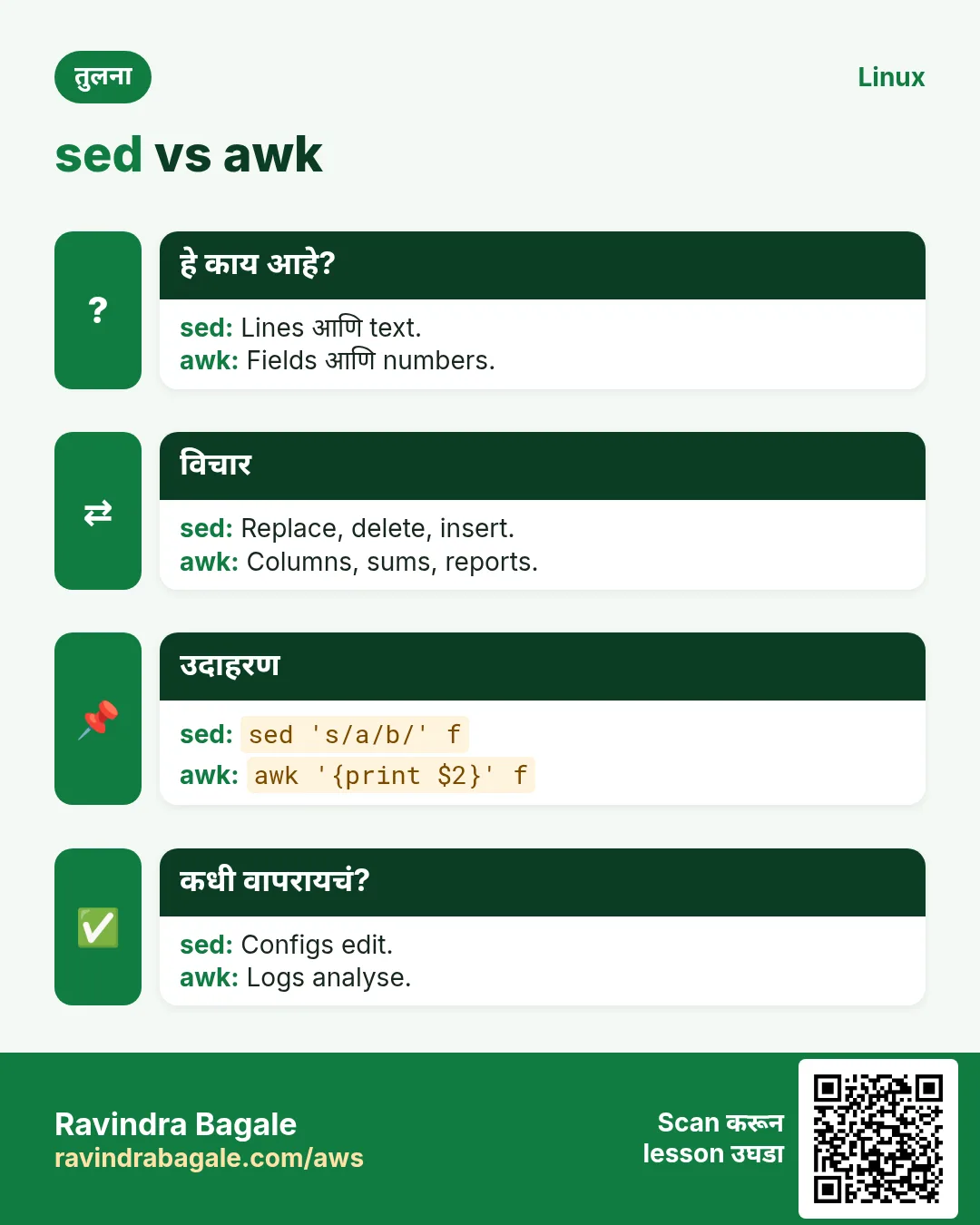
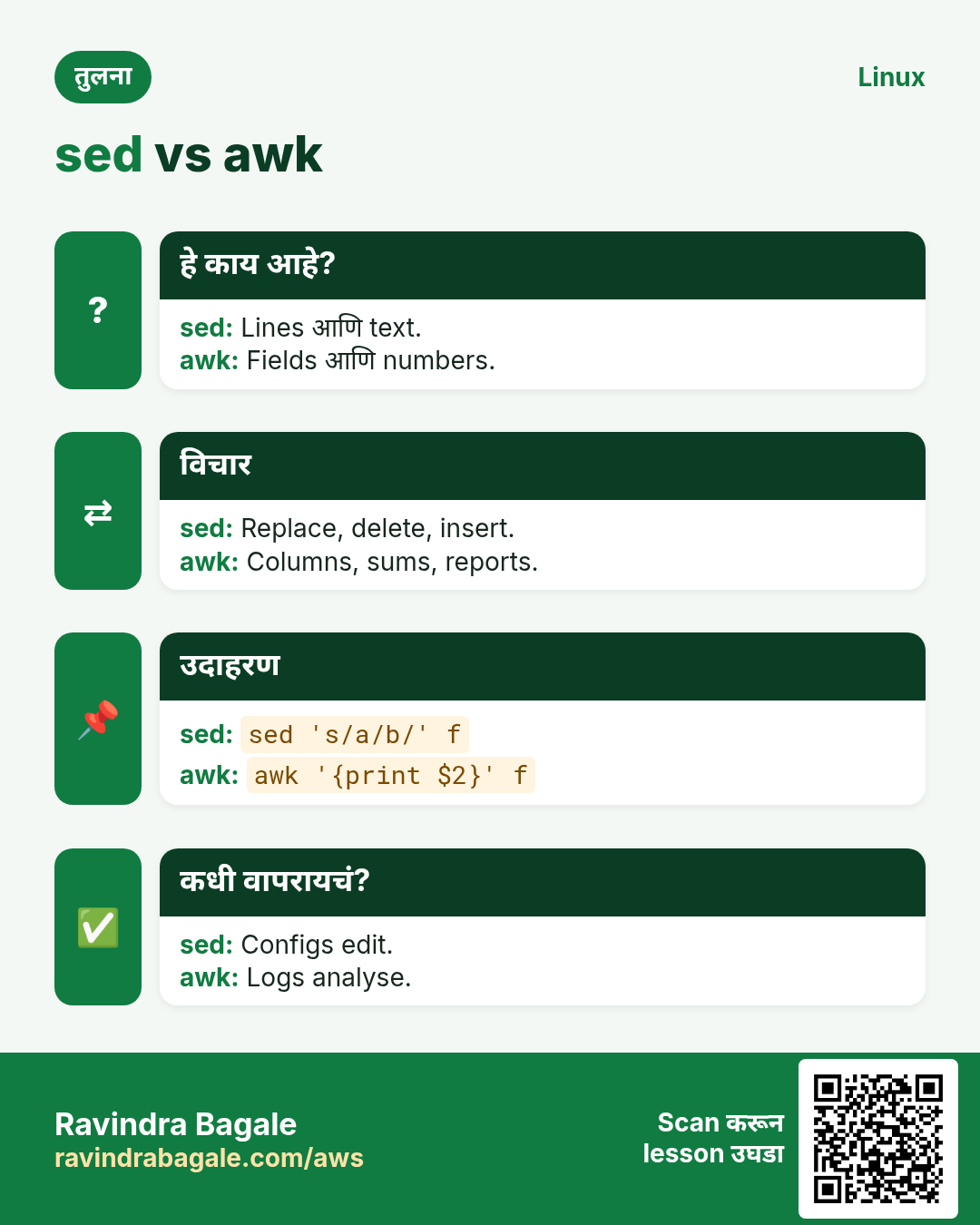
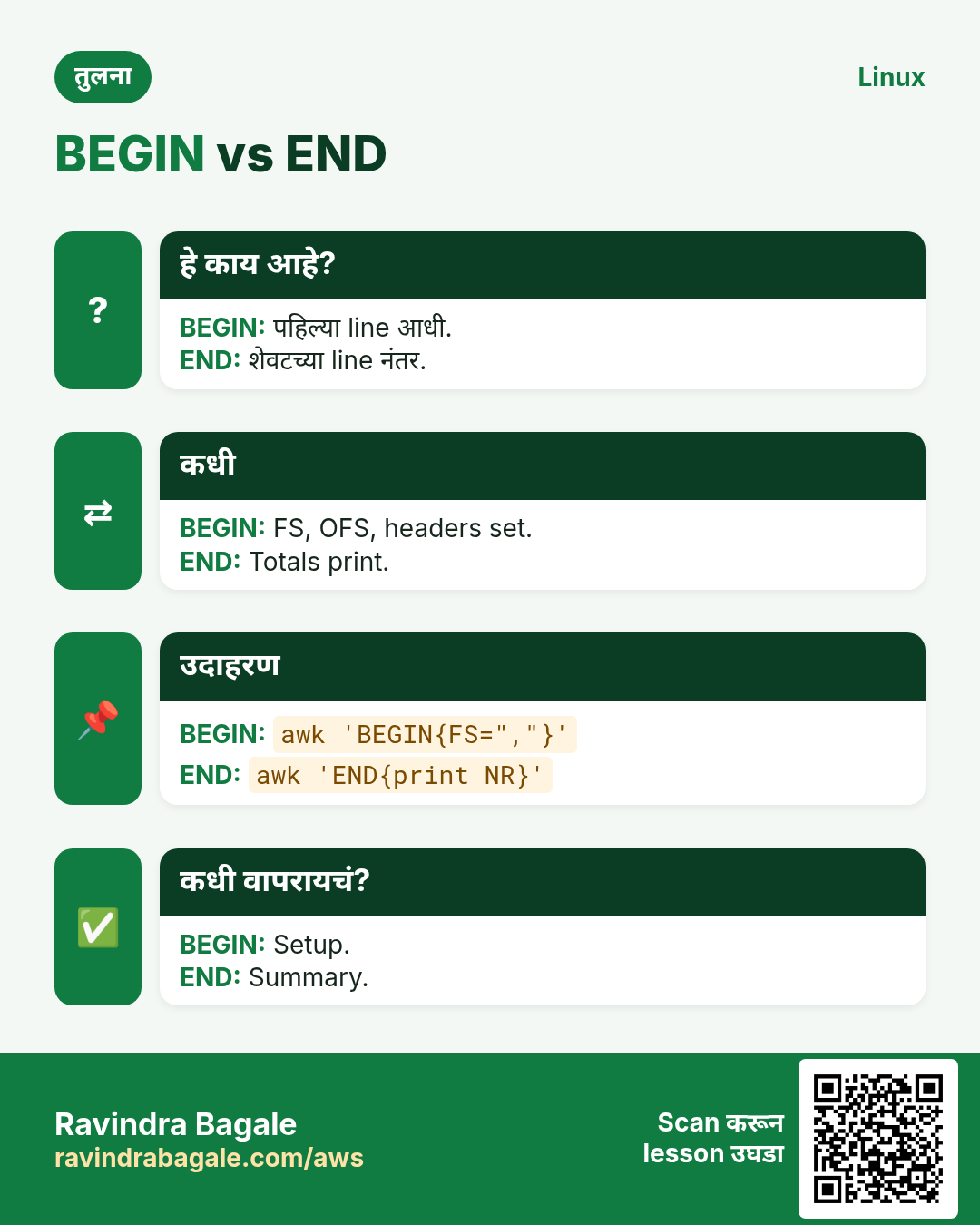
हा lesson काही मिनिटांत revise करा. Cards phone वर save करा किंवा PNG download करा. प्रत्येक card वरचा QR हा lesson उघडतो.


अजून cards: Ravi Sir's Cards.