Serverless Observability: X-Ray, Powertools आणि Structured Logs
पार्सल हरवले की प्रत्येक गोदामात tracking number. Serverless observability = structured logs, metrics, X-Ray + correlation id. SSH नाही — hop शोधा.
या chapter मध्ये तुम्ही काय शिकाल
- JSON logs
- EMF metrics
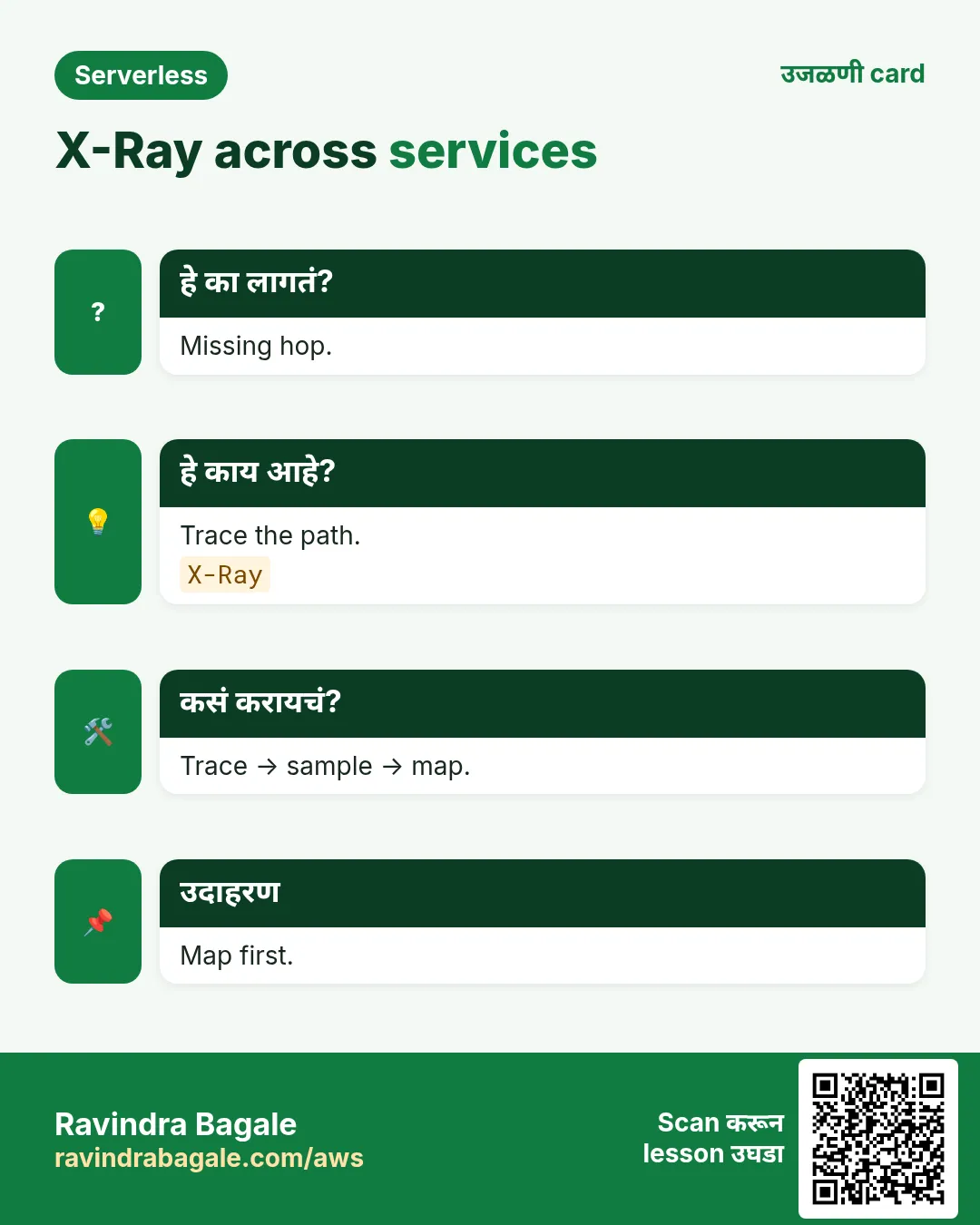
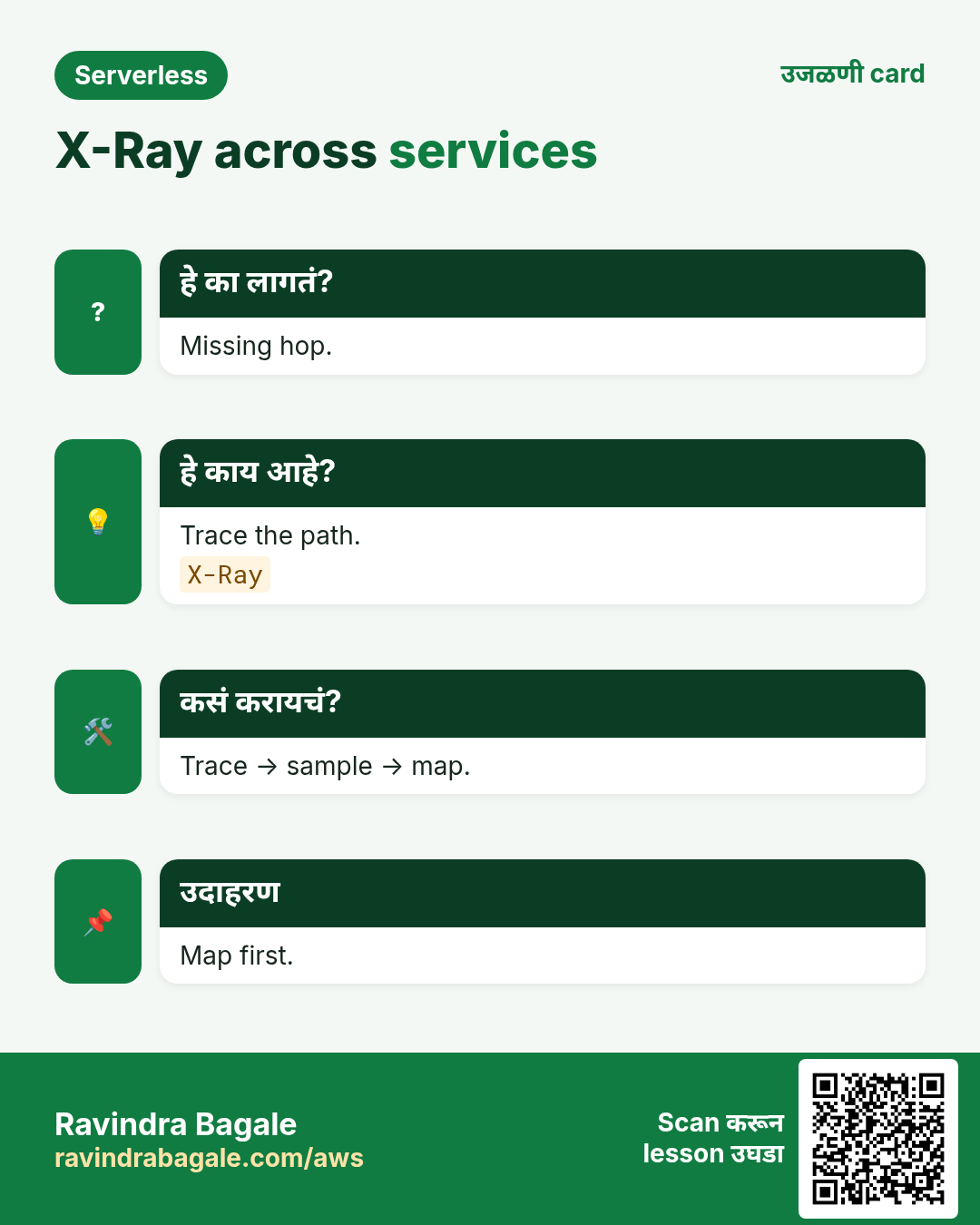
- X-Ray
- Alarms
- CW link
1. रोजचे उदाहरण: कुरिअर tracking
Fatima (MAD) tracking. Diego (BRL) checkout: APIGW → Lambda → DDB. Correlation id नसेल तर Black Friday अंधुक.
Depth: CloudWatch; compute: Lambda. इथे serverless observe pattern.
2. का?
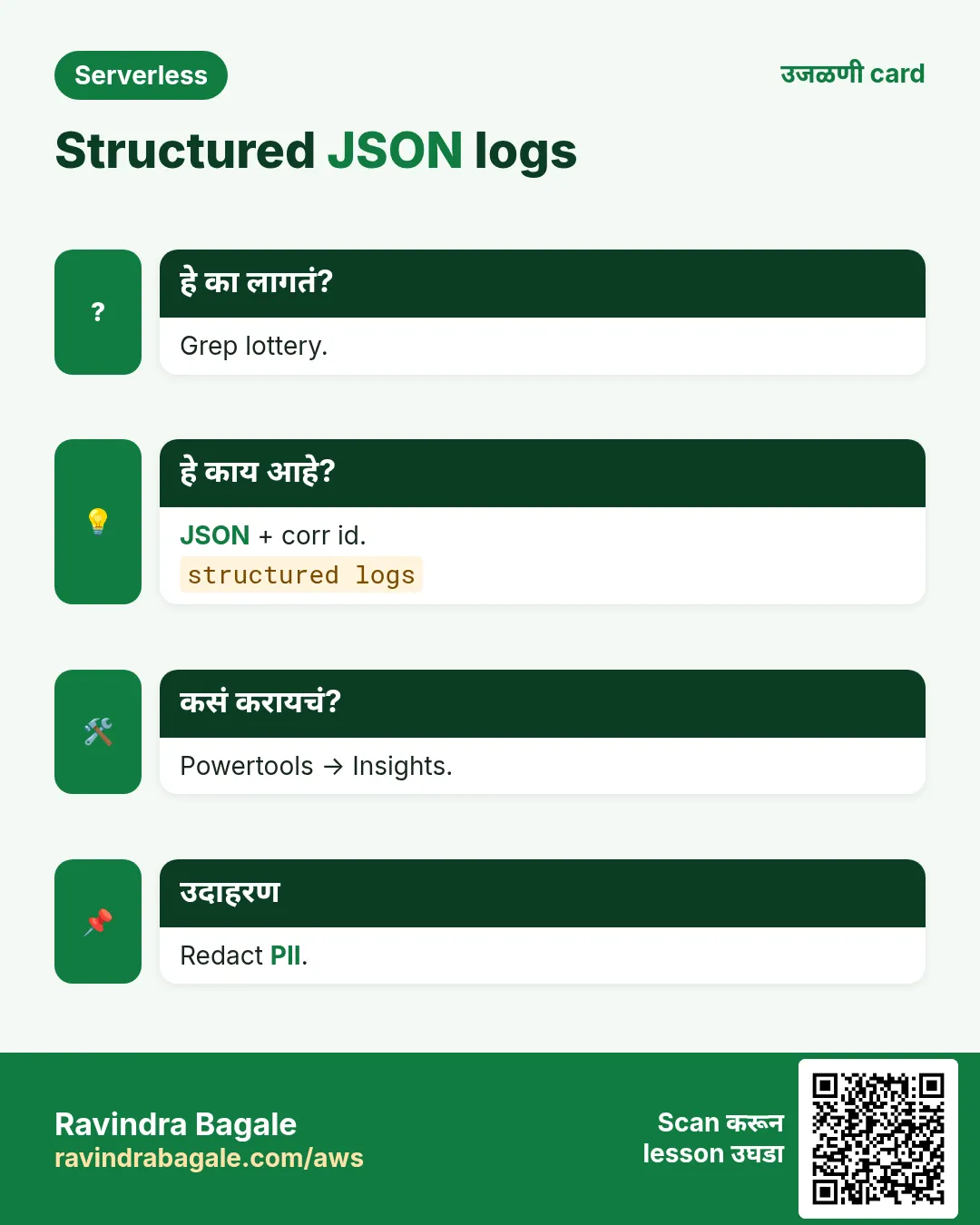
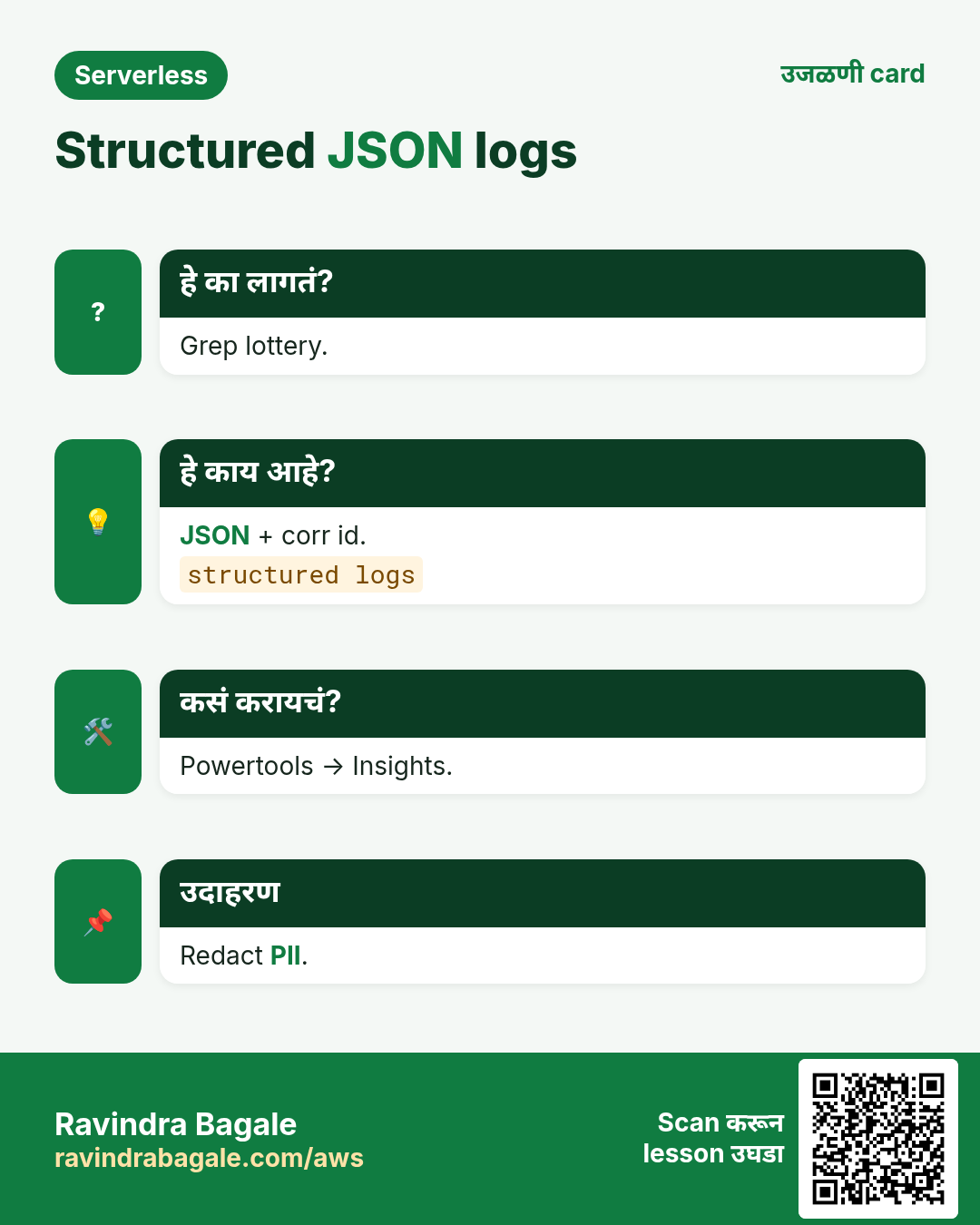
हे का लागतं?
SSH नाही. Short-lived. Retries मध्ये failure लपते. Day one observe — 2 AM नंतर नव्हे.
हे काय आहे?
Serverless observability = logs + metrics + traces + alarms + correlation ids.
3. Vertical diagram
4. How: MVO
कसं करायचं (step by step)
- JSON fields.
- X-Ray on.
- Business metrics.
- Core alarms.
- Runbook in alarm.
- Redact PII.
5. Commands + meaning
Tail logs
aws logs tail /aws/lambda/checkout-api --region ap-south-1 --since 10m --format shortअर्थ: Incident साठी जलद view.
X-Ray summary
aws xray get-service-graph --region ap-south-1 \
  --start-time $(date -u -d '30 minutes ago' +%s) \
  --end-time $(date -u +%s) \
  --query 'Services[].{N:Name,E:RootSummaryStatistics.ErrorCount}'
अर्थ: कुठला hop error.
Alarm sketch
aws cloudwatch describe-alarms --region ap-south-1 \
  --alarm-name-prefix checkout --max-records 10 \
  --query 'MetricAlarms[].{N:AlarmName,S:StateValue}'
अर्थ: Staging मध्ये alarm state.
Filter orderId
aws logs filter-log-events --region ap-south-1 \
  --log-group-name /aws/lambda/checkout-api \
  --filter-pattern '{ $.orderId = "ord-7841" }' --limit 20
अर्थ: JSON orderId असेल तरच.
6. Powertools
- Logger bind.
- Tracer outbound.
- Cold start metric.
- Idempotency util.
7. Alarms
| Signal | Page? | Notes |
|---|---|---|
| Errors | Yes user | Probes |
| Throttles | Yes | Headroom |
| DLQ money | Yes | Notify ticket |
| IteratorAge | Yes streams | Stale |
| p99 | SLO | Cold link |
8. Industries
- Fintech corr.
- Ecommerce.
- PHI redact.
- Logistics hubs.
- SaaS tenant.
9. Lab
10. Lab - logs/alarm
Org block नसेल तर ap-south-1 (Mumbai). आधी budget alert.
कसं करायचं (step by step)
- JSON log.
- X-Ray map.
- Alarm+SNS.
- Runbook 5 lines.
Cleanup (billing थांबवा)
- Cleanup alarm.
- X-Ray off.
11. एकाच pattern — वेगवेगळ्या industries
- Fintech (Aisha, Lagos): payment webhooks → SQS → Lambda.
- Ecommerce (Rohan, Pune): checkout API; inventory SNS fan-out.
- Healthcare (Mei, Singapore): SNS SMS; PHI + fine-grained IAM.
- EdTech (Diego, São Paulo): EventBridge nightly cleanup.
- Logistics (Fatima, Casablanca): EventBridge + saga.
- Media (Kenji, Osaka): S3 → Lambda thumbs + fan-out.
- SaaS (Priya, Bengaluru): Cognito + per-tenant partition.
- Gov (Omar, Amman): strangler fig per form route.
12. Troubleshooting checklist
- Region confirm करा.
- CloudWatch Logs + request id.
- Execution role permissions.
- DLQ + oldest message age.
- curl -v + CORS.
- SFN event history.
- Linked chapter पुन्हा वाचा.
- Cost: concurrency/retries.
13. सामान्य errors आणि fixes
प्रत्येक row = खरी चूक. Panic करण्याआधी fix वाचा.
| Error / लक्षण | Fix |
|---|---|
| Text soup | JSON. |
| X-Ray empty | Enable+IAM. |
| Flapping | Period. |
| PII | Redact. |
| Lost order | Propagate. |
| No metrics | EMF flush. |
| Trace cost | Sampling. |
| Email storm | Severity. |
| Wrong region | Region. |
14. FAQ
प्र. Powertools must?
Recommended.
प्र. OTel?
One story.
प्र. Retention?
Cost vs compliance.
प्र. CW link?
CW chapter.
प्र. Async?
DLQ+age.
15. Interview Q&A (Beginner / Mid / Senior + MNC)
प्र. Beginner corr
Same id.
प्र. Structured
JSON.
प्र. EMF
Logs→metrics.
प्र. Alarm what
Core four.
प्र. Senior sample
Enough not all.
प्र. MNC
Retention+runbook.
16. Tips — English, मराठी आणि हिंदी
Ravindra Bagale's Tip (EN)
No SSH: your tracking number is the correlation id across logs, metrics and traces.
Ravindra Bagale's Tip (MR)
SSH नाही: tracking = correlation id.
Tip (HI)
SSH नहीं: ट्रैकिंग नंबर = correlation id।
घरी करून बघा
- orderId log.
- 3 alarms.
थोडक्यात सांगायचं तर
- गोष्टी पासून सुरू, मग services.
- Existing chapters link — labs copy नको.
- Failure साठी design.
- Measure → मग पैसे.
17. Architecture decision checklist
- User journey 5 bullets, no AWS names.
- Sync vs async mark.
- Failure mode.
- Idempotency key.
- Data from access patterns.
- Cost 1x and 10x.
- Quotas ap-south-1.
- Auth decision.
- On-call + alarm.
- Deep chapter link.
- मग console/IaC.
18. Copy-paste quick commands
# Region and identity
aws configure get region
aws sts get-caller-identity

# Lambda landscape
aws lambda list-functions --region ap-south-1 --max-items 20 \
  --query 'Functions[].{N:FunctionName,R:Runtime,T:Timeout,M:MemorySize}' --output table
aws lambda get-account-settings --region ap-south-1

# API Gateway (HTTP APIs)
aws apigatewayv2 get-apis --region ap-south-1 --query 'Items[].{N:Name,Id:ApiId,Ep:ProtocolType}' --output table

# Queues and topics
aws sqs list-queues --region ap-south-1
aws sns list-topics --region ap-south-1 --query 'Topics[].TopicArn'

# Event buses and state machines
aws events list-event-buses --region ap-south-1
aws stepfunctions list-state-machines --region ap-south-1 --query 'stateMachines[].name'

# DynamoDB tables (names only)
aws dynamodb list-tables --region ap-south-1
Sandbox + read-only IAM.
19. अजून industry आणि stack stories
- Fintech Lagos: webhook → SQS → idempotent ledger.
- Ecommerce Pune: throttle + fan-out.
- Healthcare SG: SNS + PHI IAM.
- EdTech: EventBridge cleanup.
- Logistics: bus + saga.
- Media: avoid recursive S3.
- SaaS: tenant partition.
- Gov: strangler peel.
- Startup: Function URL → HTTP API.
- Retail: FIFO vs Standard.
- Python: thin handlers.
- Node: async/await.
- Java: SnapStart.
- .NET: package size.
- Go: static binary.
- PHP: hybrid.
20. Glossary
| Term | अर्थ |
|---|---|
| Cold start | पहिल्या invoke ची init |
| Idempotency | दोनदा = तोच effect |
| DLQ | Fail झालेले messages |
| Choreography | Events; conductor नाही |
| Orchestration | SFN central |
| Fan-out | एक → अनेक |
| Fan-in | अनेक → join |
| Strangler fig | Monolith peel |
| Saga | Steps + compensate |
| Provisioned concurrency | Warm N; pay |
21. Practice: मोठ्याने explain
- 60s: serverless observability गोष्ट.
- 60s: sync vs async checkout.
- 60s: Lambda नको कधी.
- 60s: DLQ + idempotency.
- Record ×2.
22. Safe lab hygiene
- Tag owner+expiry.
- Budget alarm आधी.
- Read-only first.
- Cleanup.
- No secrets in env/screenshots.
- No provisioned on hello.
23. या chapter च्या links
- Compute: Lambda.
- HTTP: API Gateway.
- Data: DynamoDB.
- Messaging: SQS/SNS.
- Events: EventBridge.
- Workflows: Step Functions.
- build-* projects link.
24. Myths
| Myth | खरं |
|---|---|
| Servers नाहीत | Servers आहेत; manage नको |
| नेहमी स्वस्त | Steady वर EC2 |
| No Ops | IAM/data/alarms |
| एक Lambda | Bounded contexts |
| Queues optional | Load leveler |
25. Serverless error budget
Checkout error budget 0.1% असेल तर aggressive retries email duplicates देऊन budget जाळू शकतात. Money SLO ≠ notify SLO.
- दोन SLOs.
- Money retries bounded.
- Notify best-effort.
- Money page; notify ticket.
26. Regional notes (ap-south-1)
- Labs Mumbai.
- Feature availability.
- Data residency.
- Latency India.
27. Naming conventions
# Suggested prefixes
# Lambda:  pay-intake-prod, pay-worker-prod
# SQS:     pay-orders.fifo / pay-orders-dlq
# SNS:     pay-order-events
# EB bus:  pay.domain
# SFN:     pay-refund-saga
# DDB:     pay-orders-prod
env + domain नावात ठेवा. CloudWatch grep सोपा.
28. Pre-mortems
- Double charge headline.
- DLQ drain plan.
- Cognito outage mode.
- Runbook.
29. Currency / locale
Currencies आणि names rotate करा — global mental model.
30. Aisha ledger
- Page.
- DDB throttle.
- DLQ.
- Fix+runbook.
31. Anti-patterns
- No request id.
- No runbook.
- Over-trace.
उजळणी, मुलाखत आणि तुलना cards
हा lesson काही मिनिटांत revise करा. Cards phone वर save करा किंवा PNG download करा. प्रत्येक card वरचा QR हा lesson उघडतो.
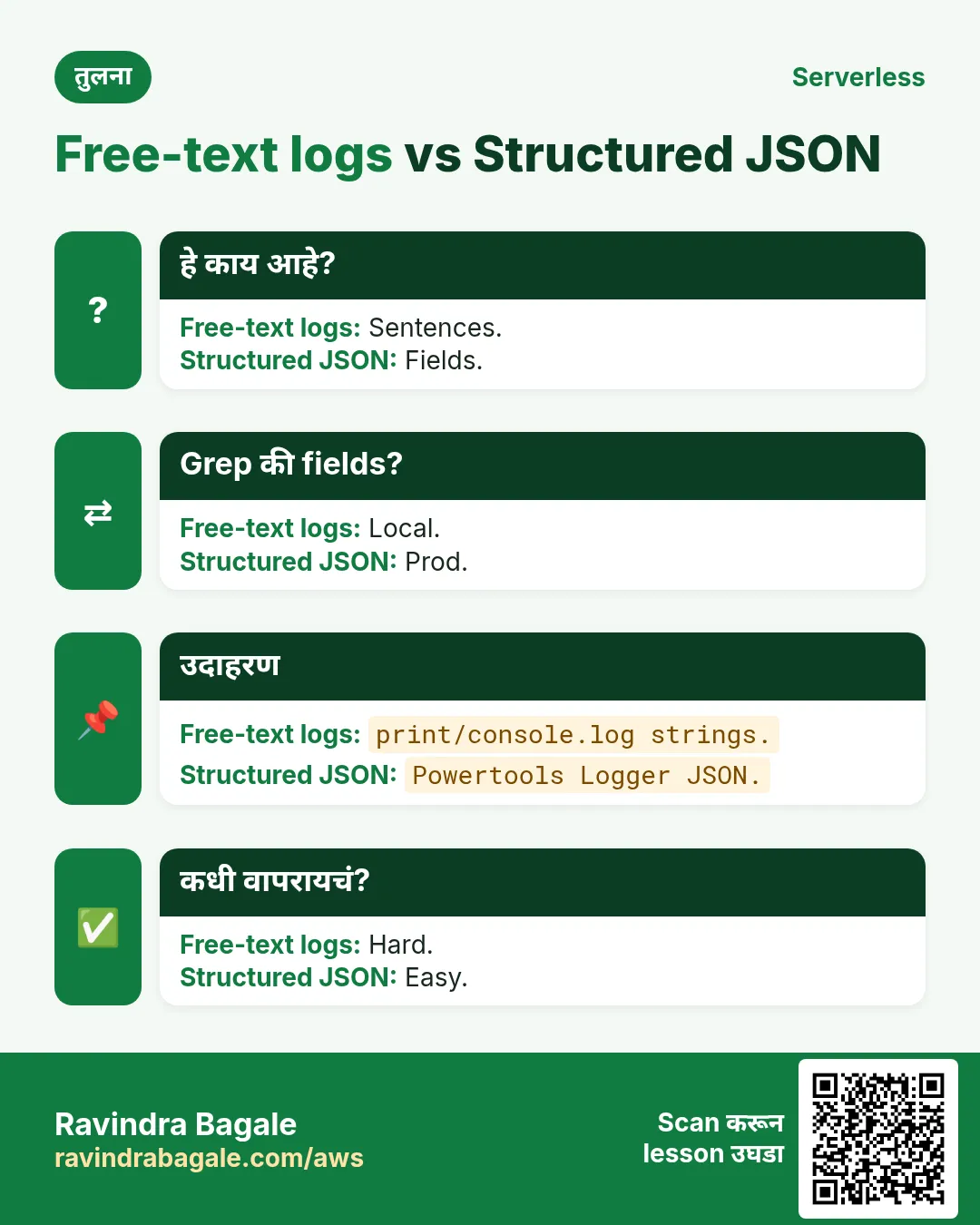
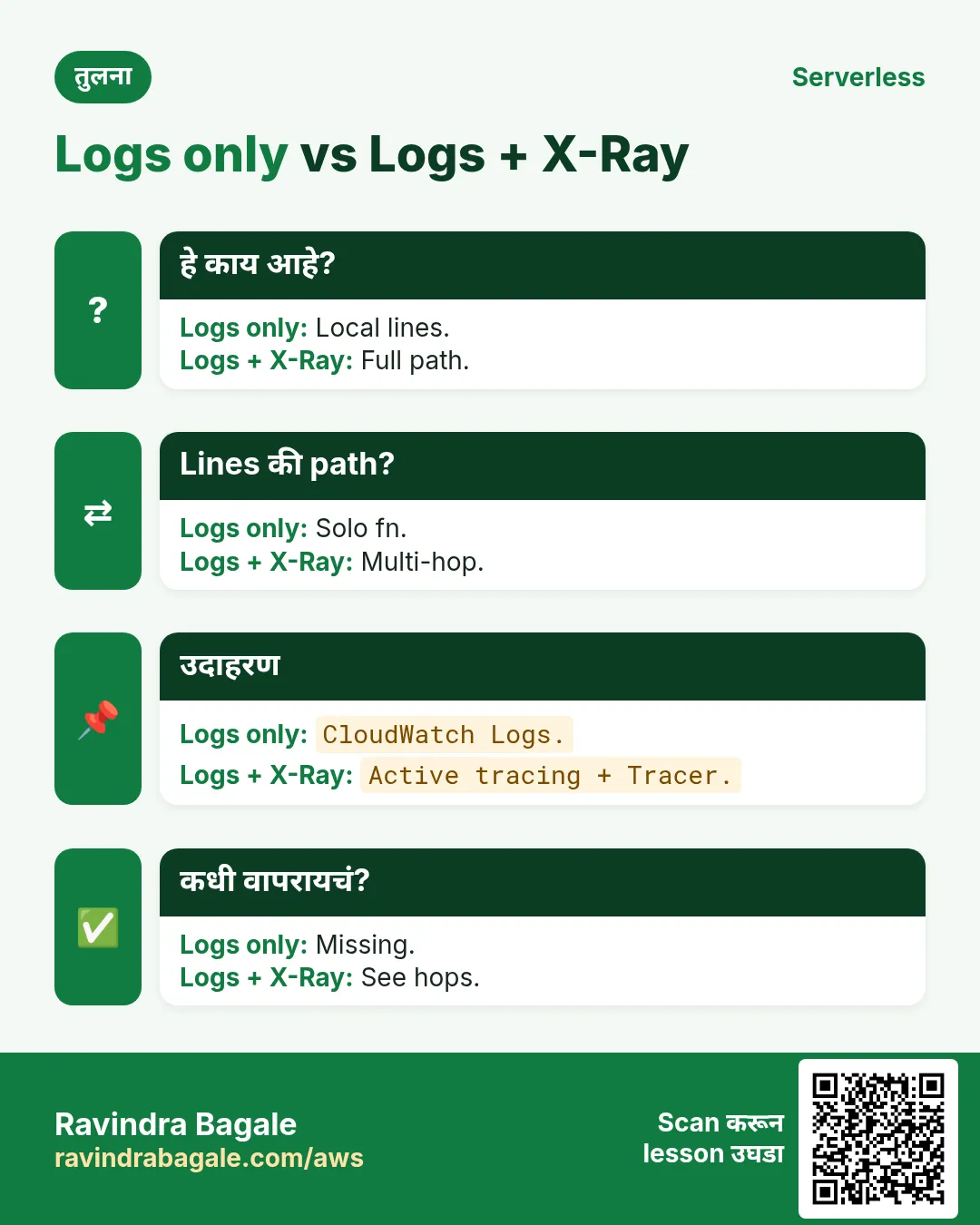
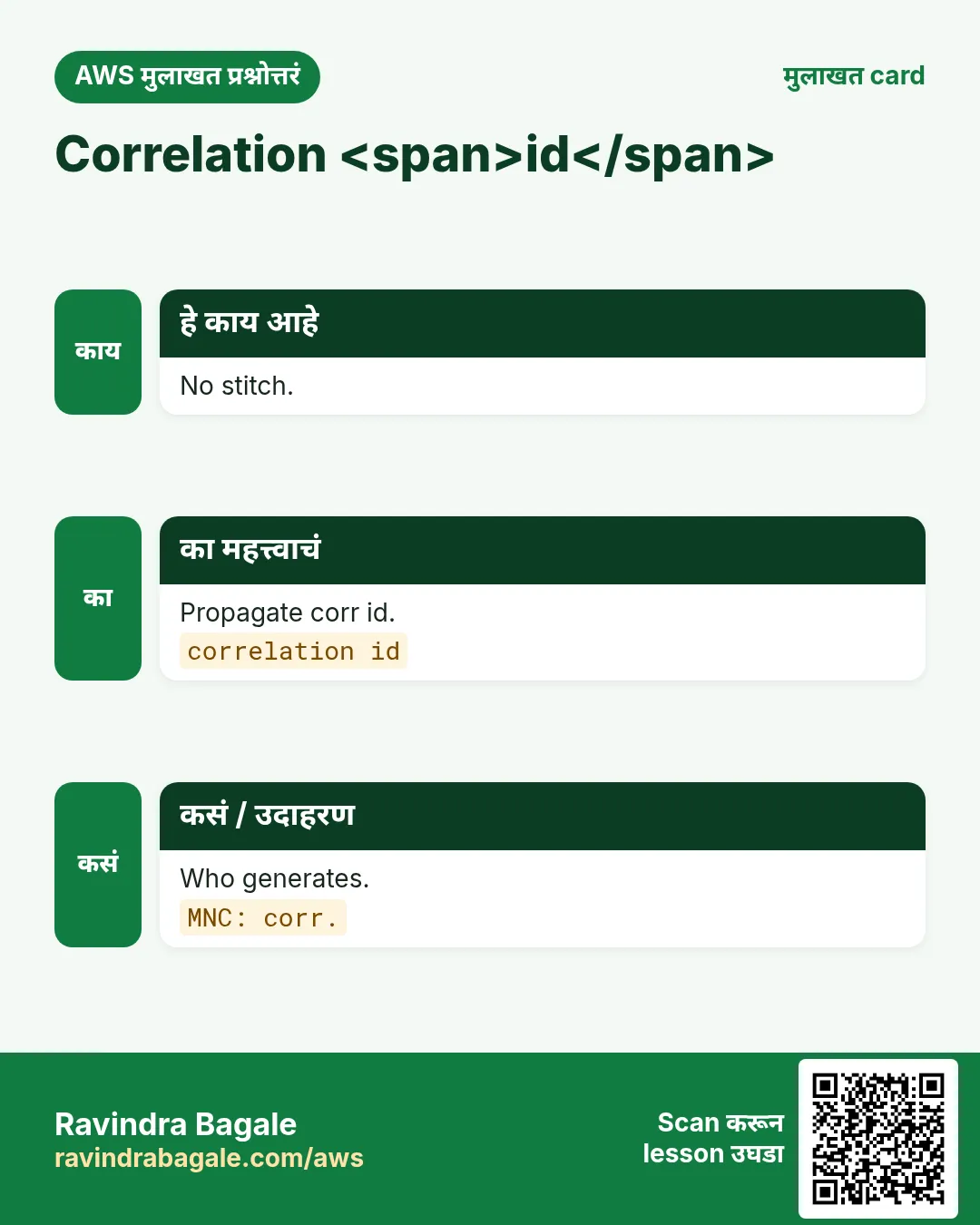
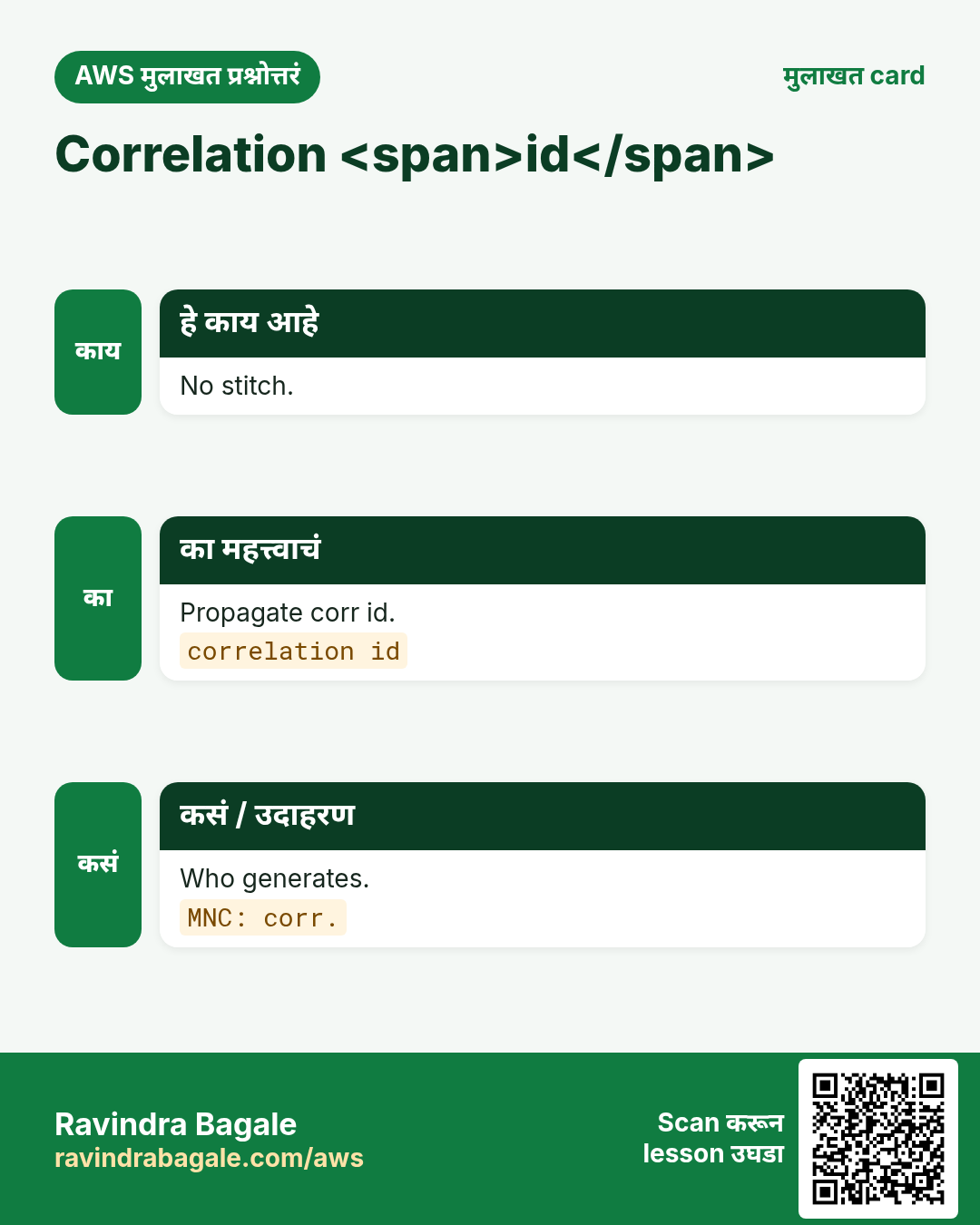
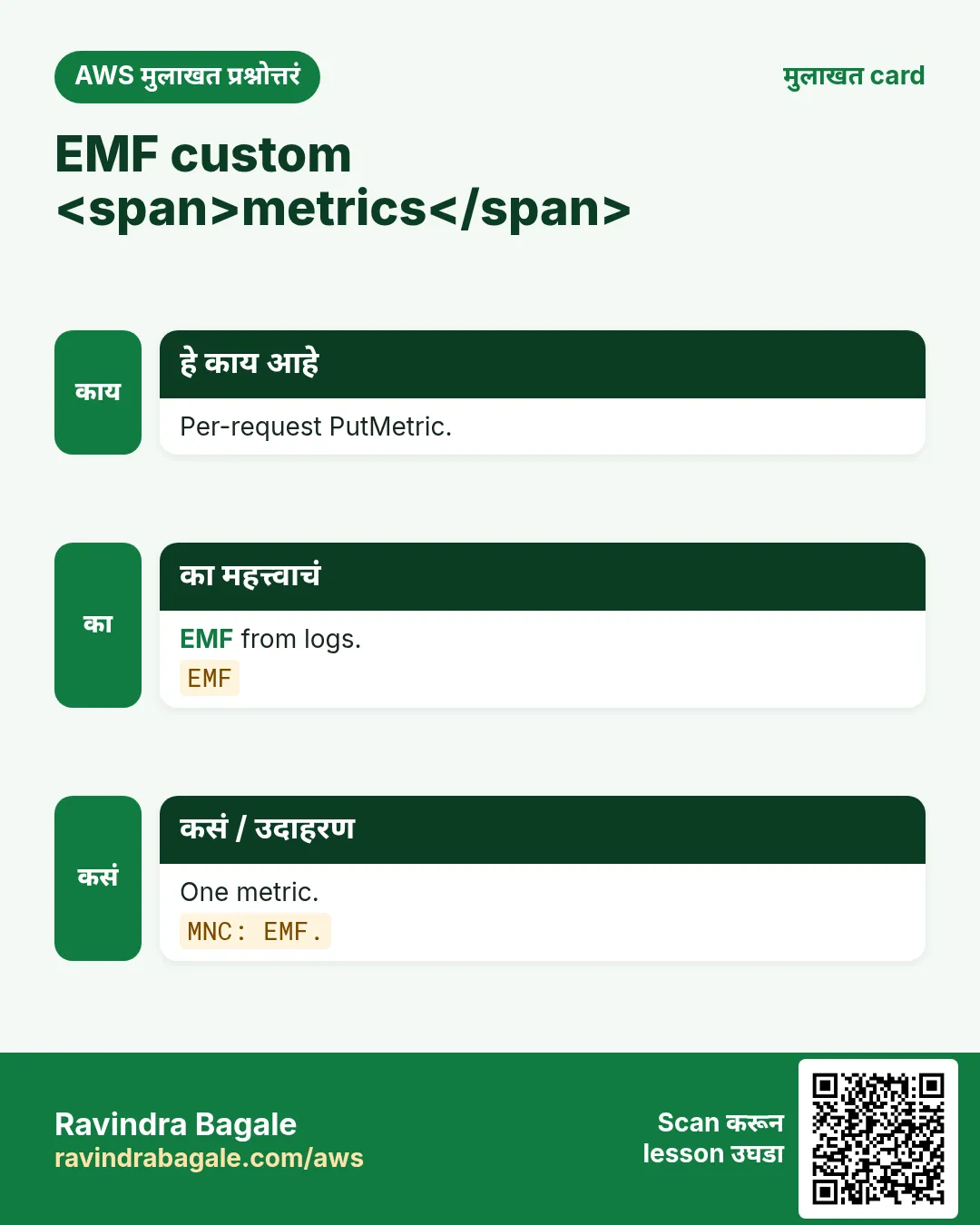
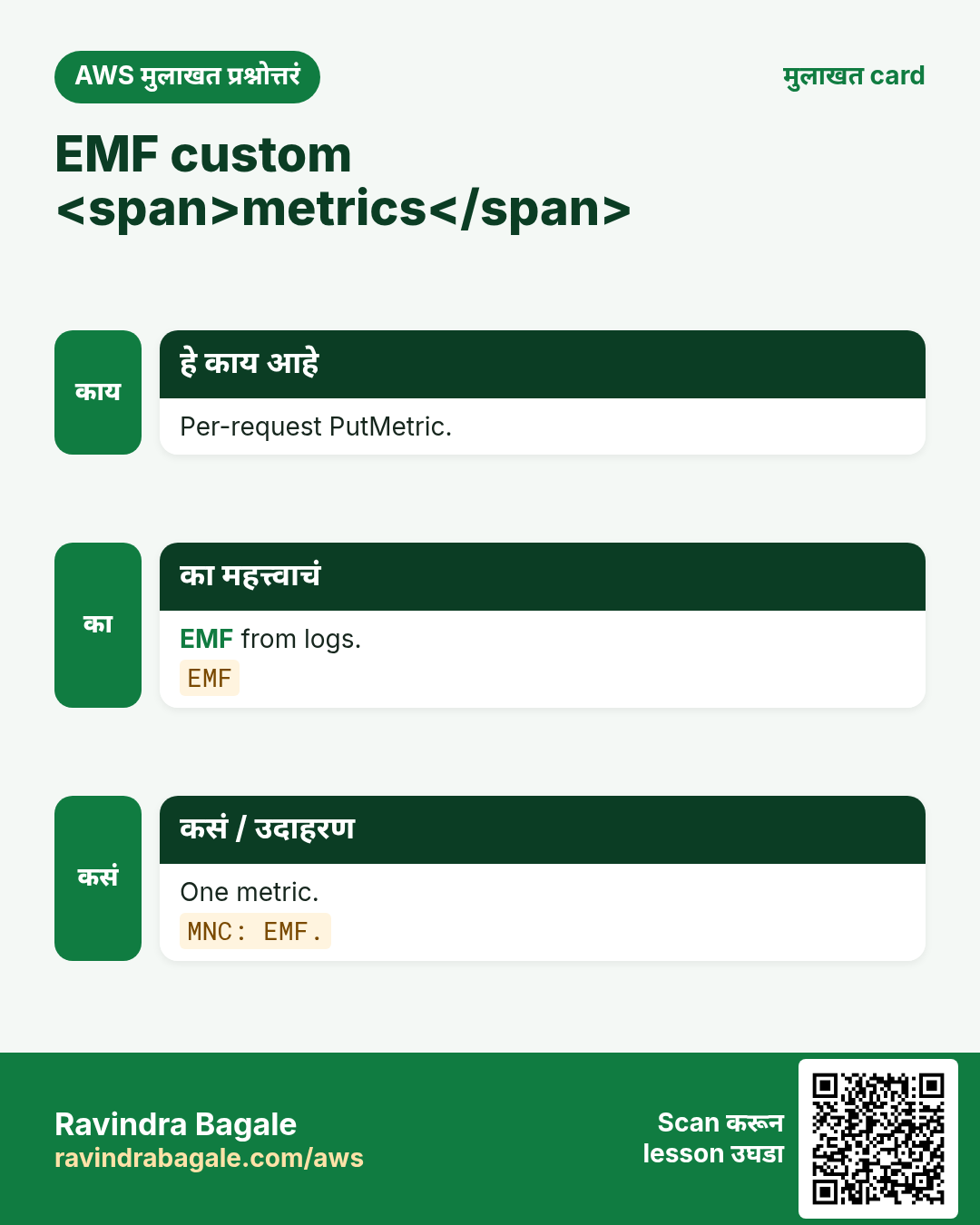
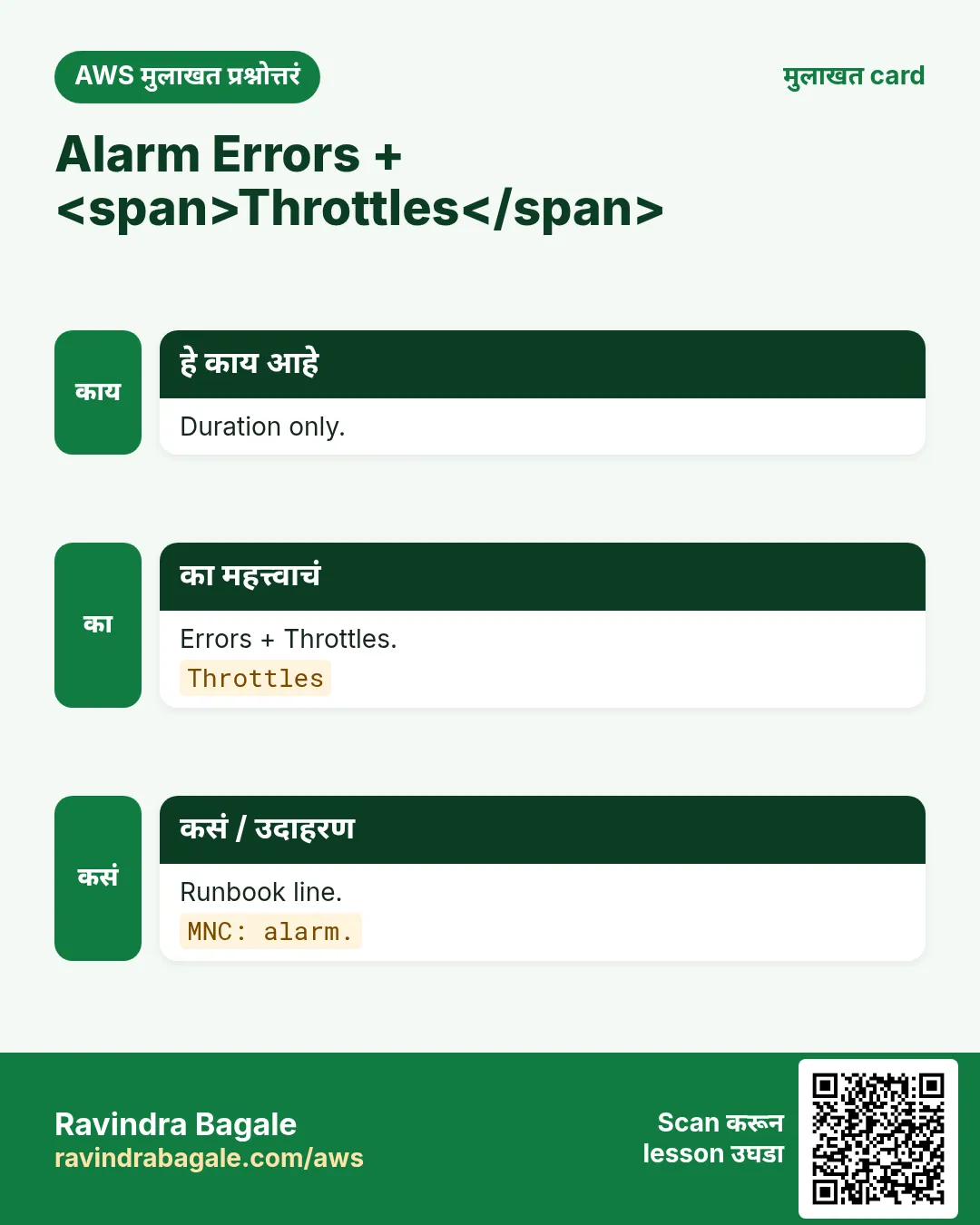
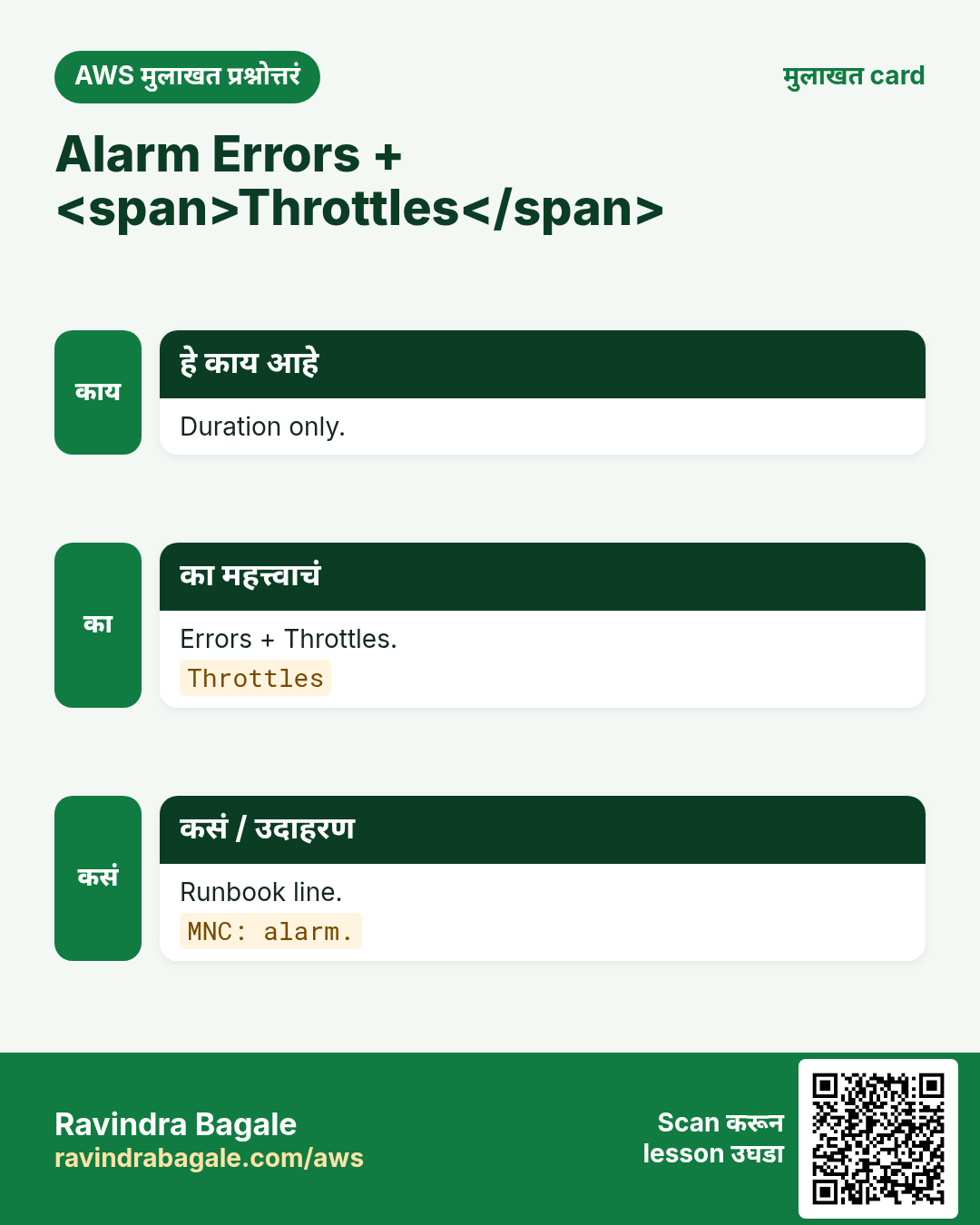
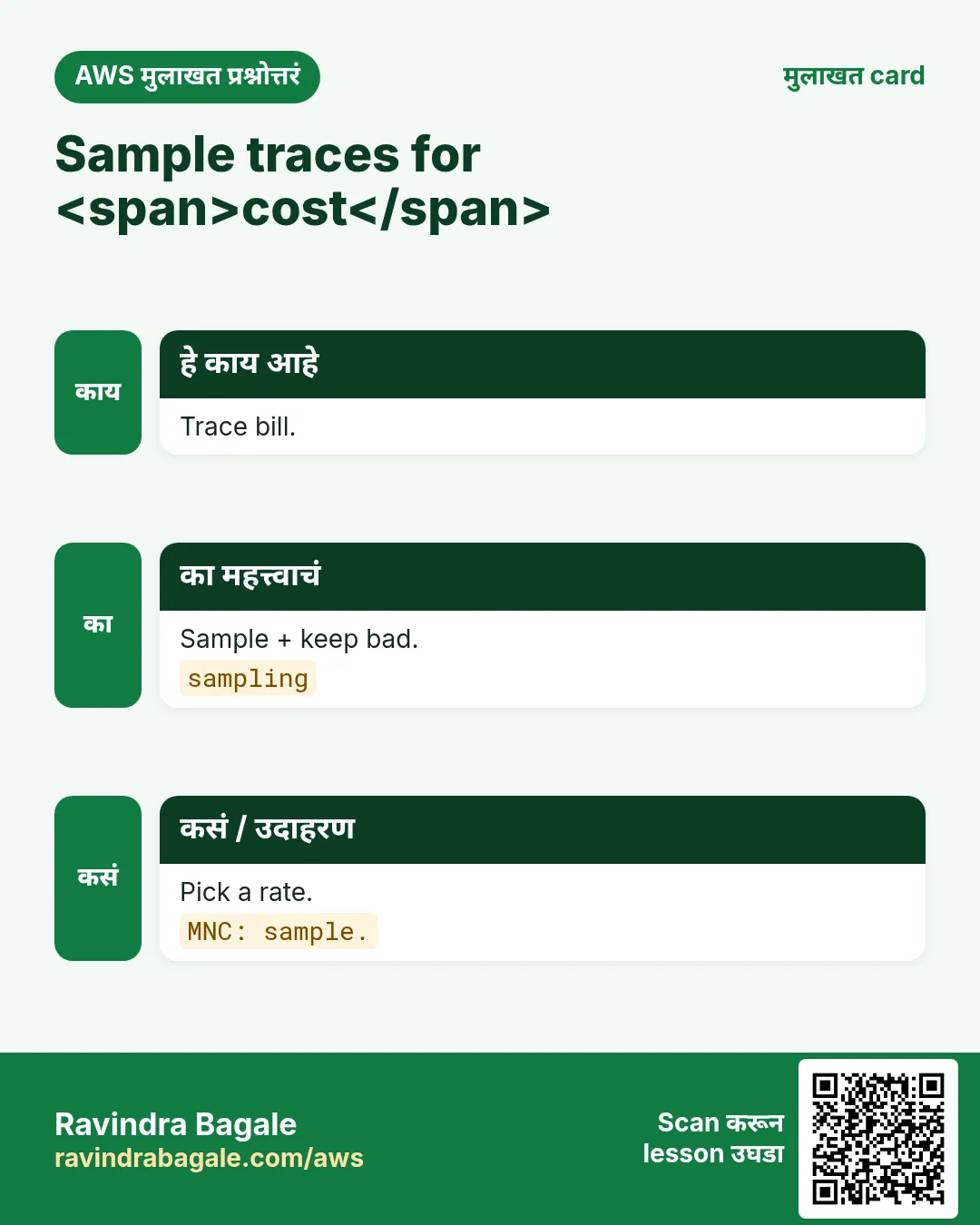
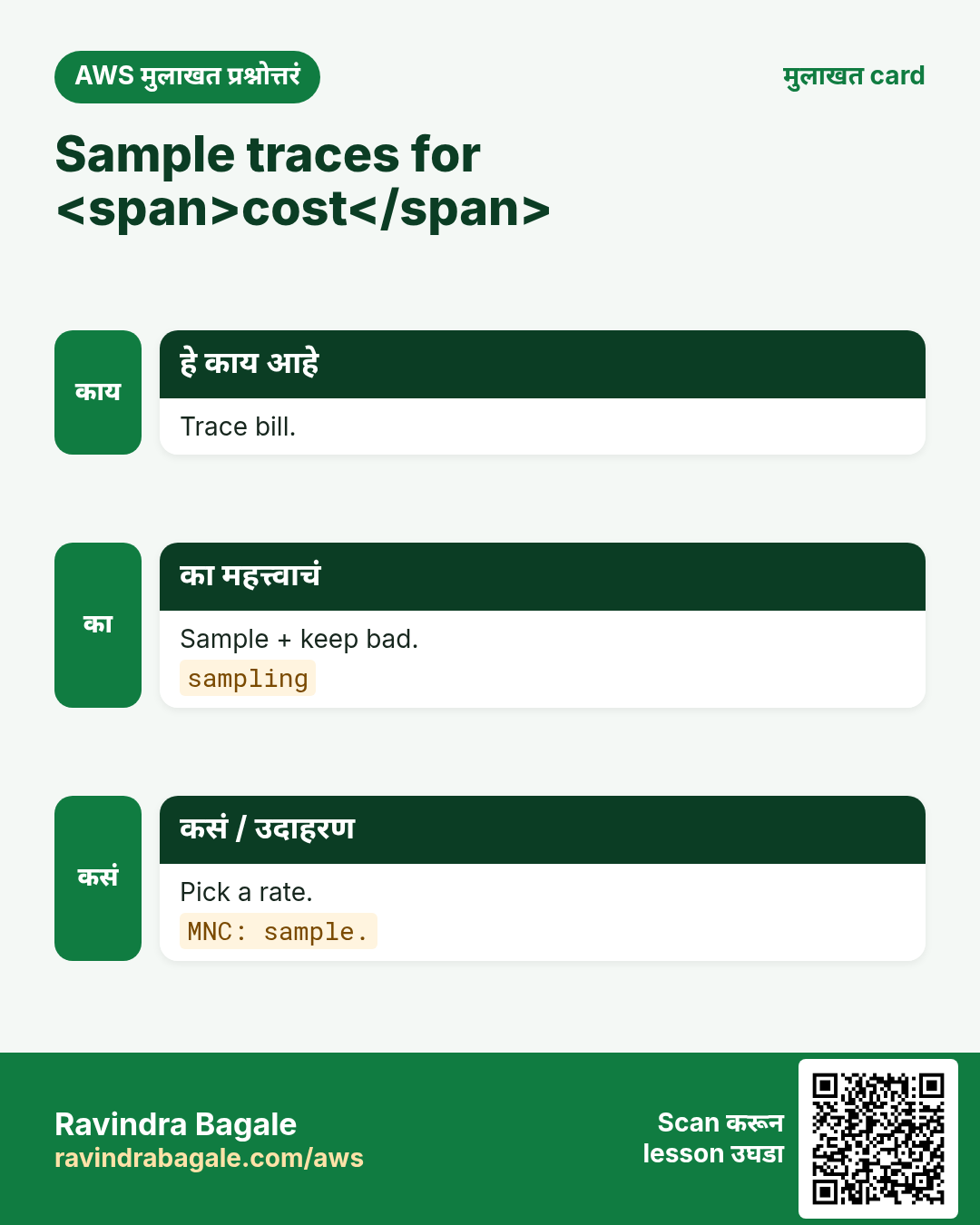
अजून cards: Ravi Sir's Cards.
सराव Tasks
Milan Furniture हा मिलान मधला फर्निचर व्यवसाय आहे. Giulia Rossi त्यांचं IT व cloud काम पाहतात. त्यांचे पैसे EUR मध्ये मोजले जातात आणि AWS resources eu-south-1 Region मध्ये चालतात. खालच्या tasks मध्ये तुम्ही या lesson मध्ये शिकलेलं वापरून त्यांची खरी कामं करता. सगळी नावं, account IDs, IP addresses व numbers सरावासाठी काल्पनिक आहेत.
0 / 16
सोपं XRay
का: Trace.
काय करायचं: Trace तर 1.
- Task मधले numbers लिहून घ्या.
- कागदावर step by step काढा.
- Box मध्ये फक्त final उत्तर लिहा.
- Check answer दाबा.
सोपं JSON
का: Logs.
काय करायचं: JSON logs तर 1.
- Task मधले numbers लिहून घ्या.
- कागदावर step by step काढा.
- Box मध्ये फक्त final उत्तर लिहा.
- Check answer दाबा.
सोपं Corr
का: Link.
काय करायचं: Correlation तर 1.
- Task मधले numbers लिहून घ्या.
- कागदावर step by step काढा.
- Box मध्ये फक्त final उत्तर लिहा.
- Check answer दाबा.
सोपं PT
का: Lib.
काय करायचं: Powertools तर 1.
- Task मधले numbers लिहून घ्या.
- कागदावर step by step काढा.
- Box मध्ये फक्त final उत्तर लिहा.
- Check answer दाबा.
सोपं List-logs
का: CLI.
काय करायचं: list.
- Task वाचा आणि ते कोणत्या AWS service बद्दल आहे ते ठरवा.
- aws लिहा, मग service चं नाव, मग operation (action शब्द).
- प्रत्येक आवश्यक flag (--name) व त्यापुढे task मधली value लिहा.
- Flags कोणत्याही क्रमाने चालतात. Check answer दाबा.
सोपं Stack
का: Map.
काय करायचं: traces/logs/lib.
- Task मधल्या top-level keys पासून सुरू करा.
- Child keys 2 spaces ने indent करा (tabs नकोत).
- प्रत्येक property मध्ये task मधली value भरा.
- Check answer दाबा. Keys चा क्रम महत्त्वाचा नाही.
सोपं Active
का: XRay.
काय करायचं: Active tracing तर 1.
- Task मधले numbers लिहून घ्या.
- कागदावर step by step काढा.
- Box मध्ये फक्त final उत्तर लिहा.
- Check answer दाबा.
मध्यम EMF
का: Metrics.
काय करायचं: EMF तर 1.
- Task मधले numbers लिहून घ्या.
- कागदावर step by step काढा.
- Box मध्ये फक्त final उत्तर लिहा.
- Check answer दाबा.
मध्यम Alarm
का: Ops.
काय करायचं: Alarm errors तर 1.
- Task मधले numbers लिहून घ्या.
- कागदावर step by step काढा.
- Box मध्ये फक्त final उत्तर लिहा.
- Check answer दाबा.
मध्यम Sample
का: Cost.
काय करायचं: Sample traces तर 1.
- Task मधले numbers लिहून घ्या.
- कागदावर step by step काढा.
- Box मध्ये फक्त final उत्तर लिहा.
- Check answer दाबा.
मध्यम PII
का: Safe.
काय करायचं: Redact PII तर 1.
- Task मधले numbers लिहून घ्या.
- कागदावर step by step काढा.
- Box मध्ये फक्त final उत्तर लिहा.
- Check answer दाबा.
मध्यम Ops
का: Alarm.
काय करायचं: alarm_on/link.
- Task मधल्या top-level keys पासून सुरू करा.
- Child keys 2 spaces ने indent करा (tabs नकोत).
- प्रत्येक property मध्ये task मधली value भरा.
- Check answer दाबा. Keys चा क्रम महत्त्वाचा नाही.
अवघड Init
का: Cold.
काय करायचं: InitDuration तर 1.
- Task मधले numbers लिहून घ्या.
- कागदावर step by step काढा.
- Box मध्ये फक्त final उत्तर लिहा.
- Check answer दाबा.
अवघड Dash
का: Ops.
काय करायचं: Dashboard तर 1.
- Task मधले numbers लिहून घ्या.
- कागदावर step by step काढा.
- Box मध्ये फक्त final उत्तर लिहा.
- Check answer दाबा.
अवघड Noise
का: Hygiene.
काय करायचं: Avoid noise तर 1.
- Task मधले numbers लिहून घ्या.
- कागदावर step by step काढा.
- Box मध्ये फक्त final उत्तर लिहा.
- Check answer दाबा.
अवघड Lab
का: Hygiene.
काय करायचं: Delete lab तर 1.
- Task मधले numbers लिहून घ्या.
- कागदावर step by step काढा.
- Box मध्ये फक्त final उत्तर लिहा.
- Check answer दाबा.