DynamoDB Security: IAM Fine-Grained Access, KMS आणि VPC Endpoints
Layla व Arjun: app नंतर security = उशीर. LeadingKeys + KMS + VPC endpoint. Multi-tenant आणि modeling links.
या chapter मध्ये तुम्ही काय शिकाल
- IAM least privilege
- LeadingKeys / FGAC
- KMS choice
- VPC endpoint
- Lab + cleanup
1. रोजचे उदाहरण: hotel key cards
Master = IAM *. Guest card = LeadingKeys. Cylinder = KMS. Private lift = VPC endpoint.
2. Vertical steps
3. हे का लागतं?
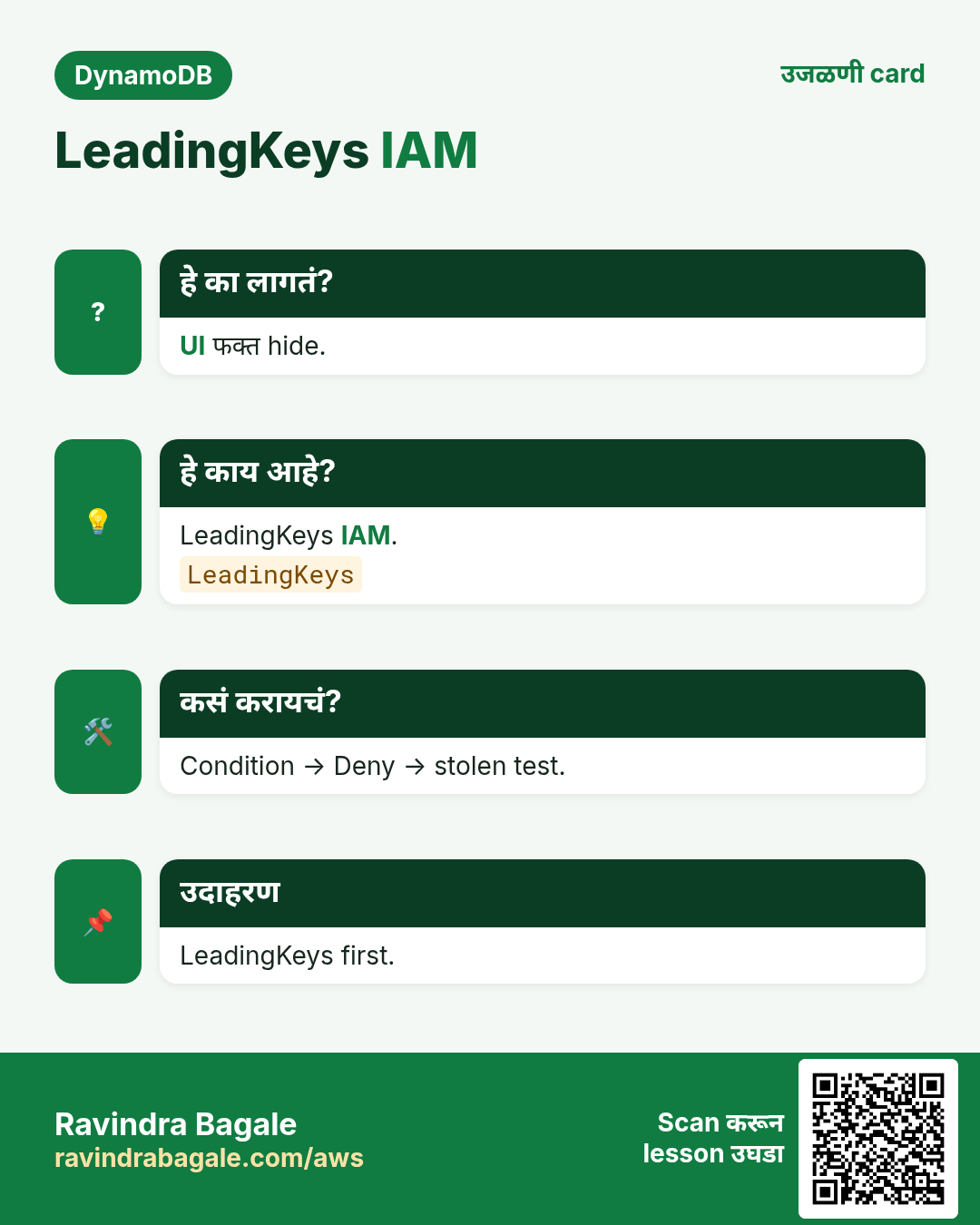
हे का लागतं?
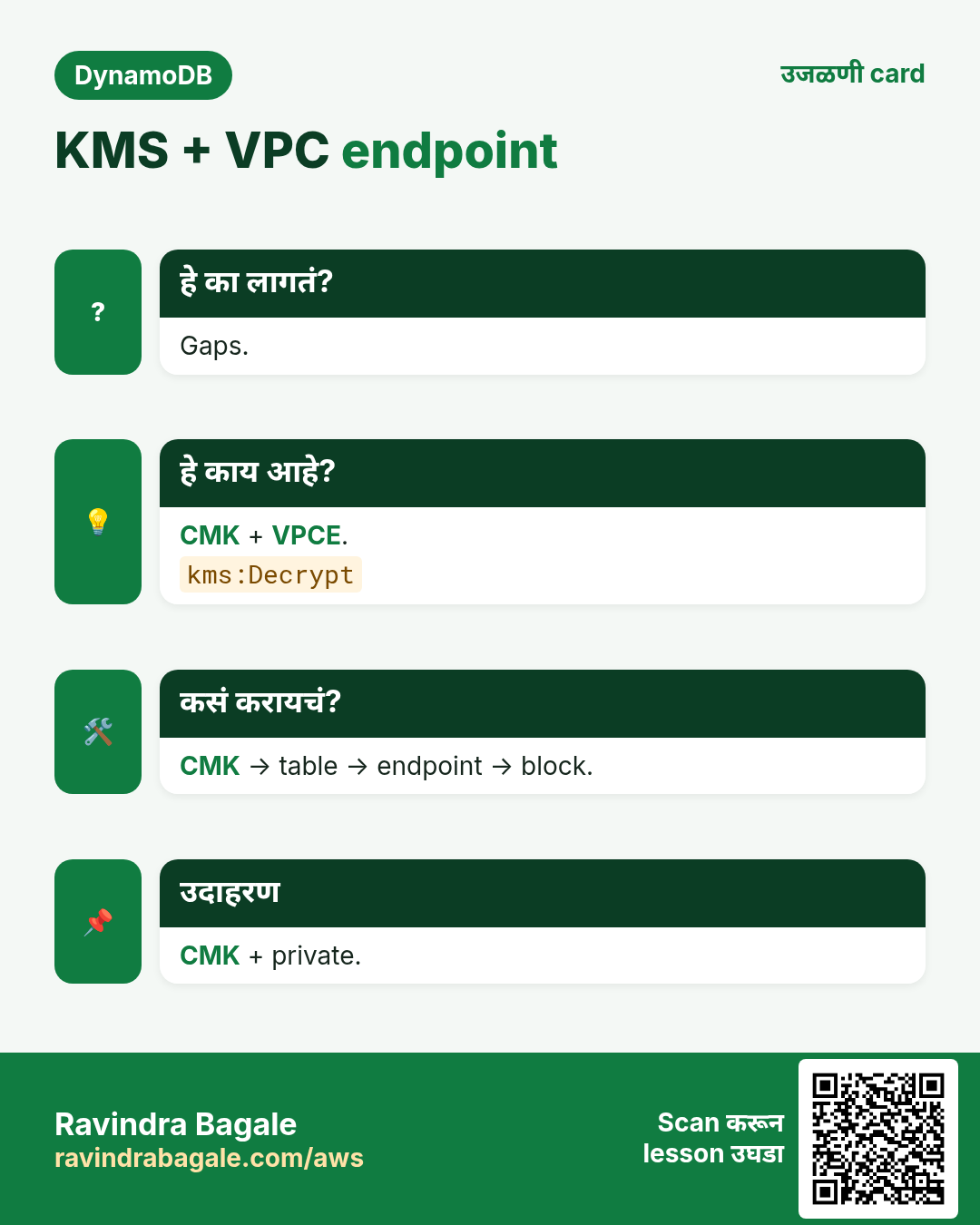
Stolen keys + broad roles = leak. FGAC tenant stop. KMS decrypt control. VPC private path.
4. हे काय आहे?
हे काय आहे?
IAM actions+ARNs. LeadingKeys condition. SSE-DynamoDB किंवा CMK. VPC gateway endpoint.
5. कसं करायचं
कसं करायचं (step by step)
- Who × which table.
- Table + index ARNs.
- LeadingKeys.
- KMS choice.
- VPC endpoint.
- Optional SCP.
- Negative test.
6. IAM policy sketch (LeadingKeys)
{
  "Effect": "Allow",
  "Action": ["dynamodb:GetItem","dynamodb:Query","dynamodb:PutItem","dynamodb:UpdateItem"],
  "Resource": [
    "arn:aws:dynamodb:ap-south-1:111122223333:table/lab-ddr-secure",
    "arn:aws:dynamodb:ap-south-1:111122223333:table/lab-ddr-secure/index/*"
  ],
  "Condition": {
    "ForAllValues:StringLike": {"dynamodb:LeadingKeys": ["TENANT#acme"]}
  }
}
# Meaning: role may only touch items whose PK begins with TENANT#acme.
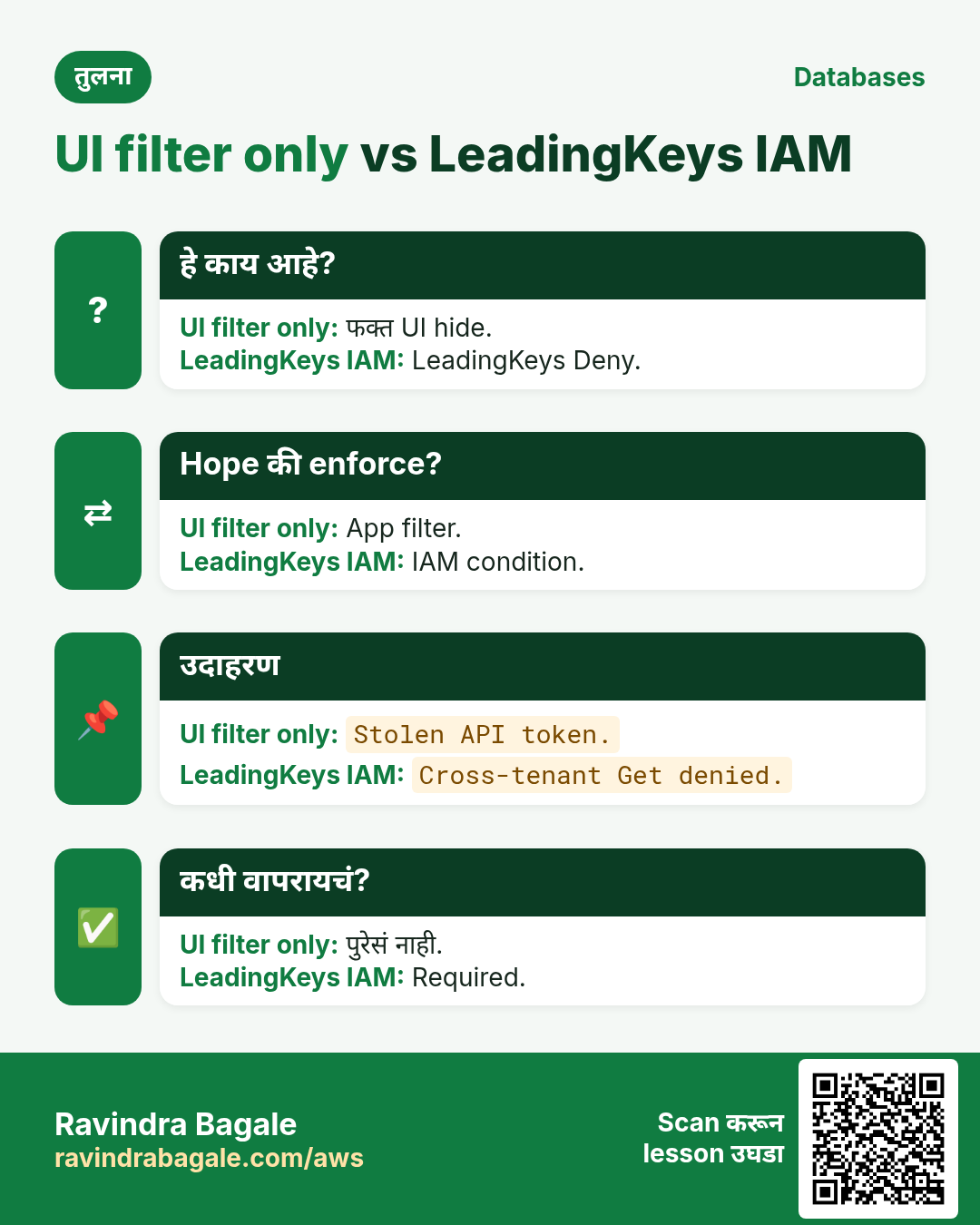
App prefix + IAM. UI filter ≠ security.
7. KMS आणि encryption at rest
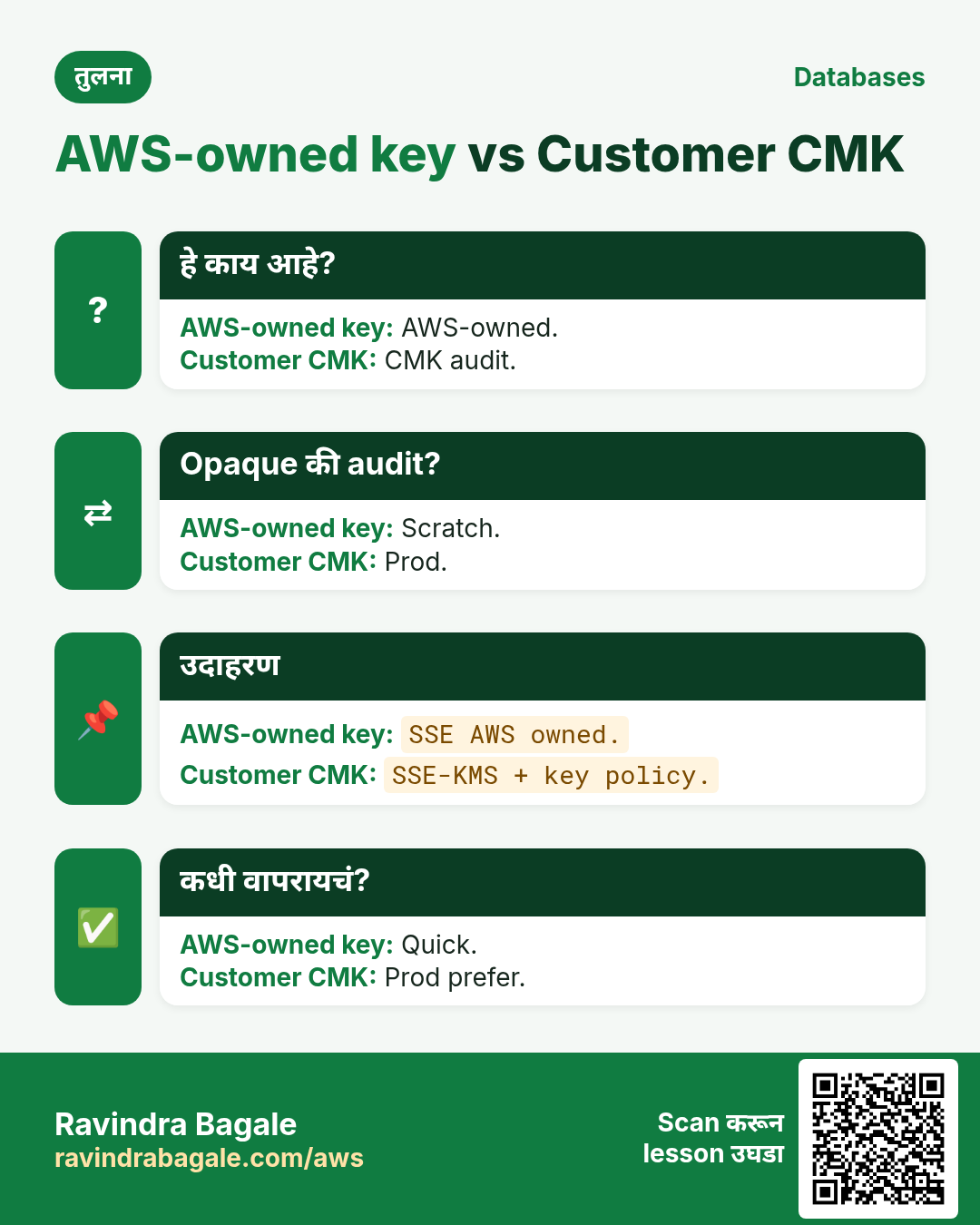
- Default AWS-owned.
- CMK = control + audit.
- Indexes/backups too.
- TLS in transit.
8. VPC gateway endpoint
Gateway endpoint + route. Endpoint policy. No NAT for DDB traffic.
9. Commands: output आणि अर्थ
aws dynamodb create-table --table-name lab-ddr-secure   --attribute-definitions AttributeName=PK,AttributeType=S AttributeName=SK,AttributeType=S   --key-schema AttributeName=PK,KeyType=HASH AttributeName=SK,KeyType=RANGE   --billing-mode PAY_PER_REQUEST   --sse-specification Enabled=true,SSEType=KMS
# Output: TableStatus CREATING; SSEDescription present when active
aws dynamodb describe-table --table-name lab-ddr-secure   --query 'Table.SSEDescription'
# Output: Status ENABLED, SSEType KMS — meaning encryption at rest on
aws ec2 create-vpc-endpoint --vpc-id vpc-0abc --service-name com.amazonaws.ap-south-1.dynamodb   --route-table-ids rtb-0xyz --vpc-endpoint-type Gateway
# Output: VpcEndpointId vpce-… State available — private path ready
SSE on → describe → endpoint. Cleanup later.
10. Industry stories
- SaaS FGAC
- Bank CMK
- Health
- Retail
- IoT
- Gaming
11. Lab
कसं करायचं (step by step)
- Create+SSE.
- Put two tenants.
- FGAC test.
- Endpoint optional.
- Cleanup.
Cleanup
- Table delete.
- Endpoint delete.
- Confirm gone.
12. Ops checklist (ship आधी)
- TTL attr + seconds.
- Delete policy.
- PITR on.
- RPO/RTO doc.
- Multi-region rules.
- DAX miss path.
- Tags.
- Budget alert.
13. Copy-paste CLI starters
export AWS_DEFAULT_REGION=ap-south-1

# TTL status
aws dynamodb describe-time-to-live --table-name ShopApp

# PITR / continuous backups
aws dynamodb describe-continuous-backups --table-name ShopApp

# On-demand backup
aws dynamodb create-backup --table-name ShopApp --backup-name lab-shop-$(date +%Y%m%d)

# List backups
aws dynamodb list-backups --table-name ShopApp

# Global table description (v2)
aws dynamodb describe-table --table-name ShopApp --query 'Table.Replicas'
14. अजून industry stories
- Retail TTL carts
- Bank PITR drill
- Travel GT
- Gaming DAX
- Social edges
- IoT TTL
15. Glossary
| Term | अर्थ |
|---|---|
| TTL | Epoch seconds नंतर delete |
| Soft delete | Flag; item राहतो |
| PITR | Continuous restore window |
| Global Table | Multi-region replica |
| LWW | Last write जिंकते |
| DAX | In-memory cache |
| Adjacency | Relationship edges |
| Fan-out | एक write → अनेक copies |
16. Practice: मोठ्याने explain
- 60s delete modes.
- 60s PITR vs backup.
- 60s GT.
- 60s DAX.
- 60s CartLite.
- 60s social.
- Record ×2.
17. Safe lab hygiene
- Budget alert.
- lab- prefix.
- Delete paid extras.
- GT write plan.
- Tags.
- S3 cleanup.
18. या set ची links
- Modeling
- Transactions
- Streams
- CRUD TTL
- Intro
19. Delete / archive pad
| Need | Prefer | Why |
|---|---|---|
| Undo | Soft flag | Restore |
| Hard expiry | TTL | Auto |
| Cold keep | S3 | Cheap |
| Mistake | PITR | Restore |
20. दहा oral drills
- TTL units?
- Instant?
- PITR window?
- GT conflict?
- Sticky?
- DAX vs?
- Cart PK?
- Lines PK?
- Follow SK?
- Unread GSI?
21. RPO / RTO mini workshop
- RPO minutes.
- RTO.
- Map tools.
- Drill.
- Owner.
22. Cost watch list
- Backup storage
- GT writes
- DAX idle
- Export/S3
- TTL→Streams
23. Project Definition of Done
- Patterns done.
- Samples.
- Lab hygiene.
- Condition/txn.
- Cleanup notes.
- Oral.
24. Batch आतील links
- TTL→Backup
- GT→hot
- DAX after model
- P1 reuse
- P2 reuse
25. Quick self-check
- TTL delay?
- Soft vs hard?
- PITR start?
- GT no?
- DAX≠key fix?
- Cart keys?
- Follow edge?
- Cleanup habit?
26. सामान्य errors आणि fixes
प्रत्येक row = खरी चूक. Panic करण्याआधी fix वाचा.
| Error / लक्षण | Fix |
|---|---|
| Resource * | Scope ARNs |
| UI only | IAM FGAC |
| Wrong prefix | Match PK |
| No index ARN | Add /index/* |
| CMK deny | Fix key policy |
| SG on gateway | Endpoint policy |
| Key in app | Temp creds |
| Scan allow | Deny Scan |
| No test | Negative test |
27. Troubleshooting checklist
- IAM match.
- PK shape.
- Wait SSE.
- Routes.
- CMK grants.
28. FAQ
प्र. Single table always?
Related patterns साठी हो; religion नाही.
प्र. RDS अजून?
Joins/SQL reports साठी हो — intro chapter.
प्र. Scan वाईट?
Hot path = Query/Get; Scan rare.
प्र. Put/Get कुठे?
CRUD/CLI/SDK chapters — link.
प्र. VPC endpoint required?
Private/compliance साठी हो; IAM अजून locked ठेवा.
प्र. LeadingKeys vs filter?
App UX; IAM enforce.
प्र. CMK कधी?
Key policy/audit गरज.
प्र. GSI + FGAC?
Tenant in GSI PK too.
प्र. LeadingKeys काय?
PK condition match.
प्र. Gateway endpoint का?
Private, no NAT.
प्र. CMK benefit?
Policy+audit.
प्र. MNC isolation proof?
Negative test+Trail.
घरी करून बघा
- Policy draft.
- CMK who.
- Routes list.
थोडक्यात सांगायचं तर
- Least privilege.
- LeadingKeys.
- KMS choice.
- VPC endpoint.
- Negative test.
उजळणी, मुलाखत आणि तुलना cards
हा lesson काही मिनिटांत revise करा. Cards phone वर save करा किंवा PNG download करा. प्रत्येक card वरचा QR हा lesson उघडतो.
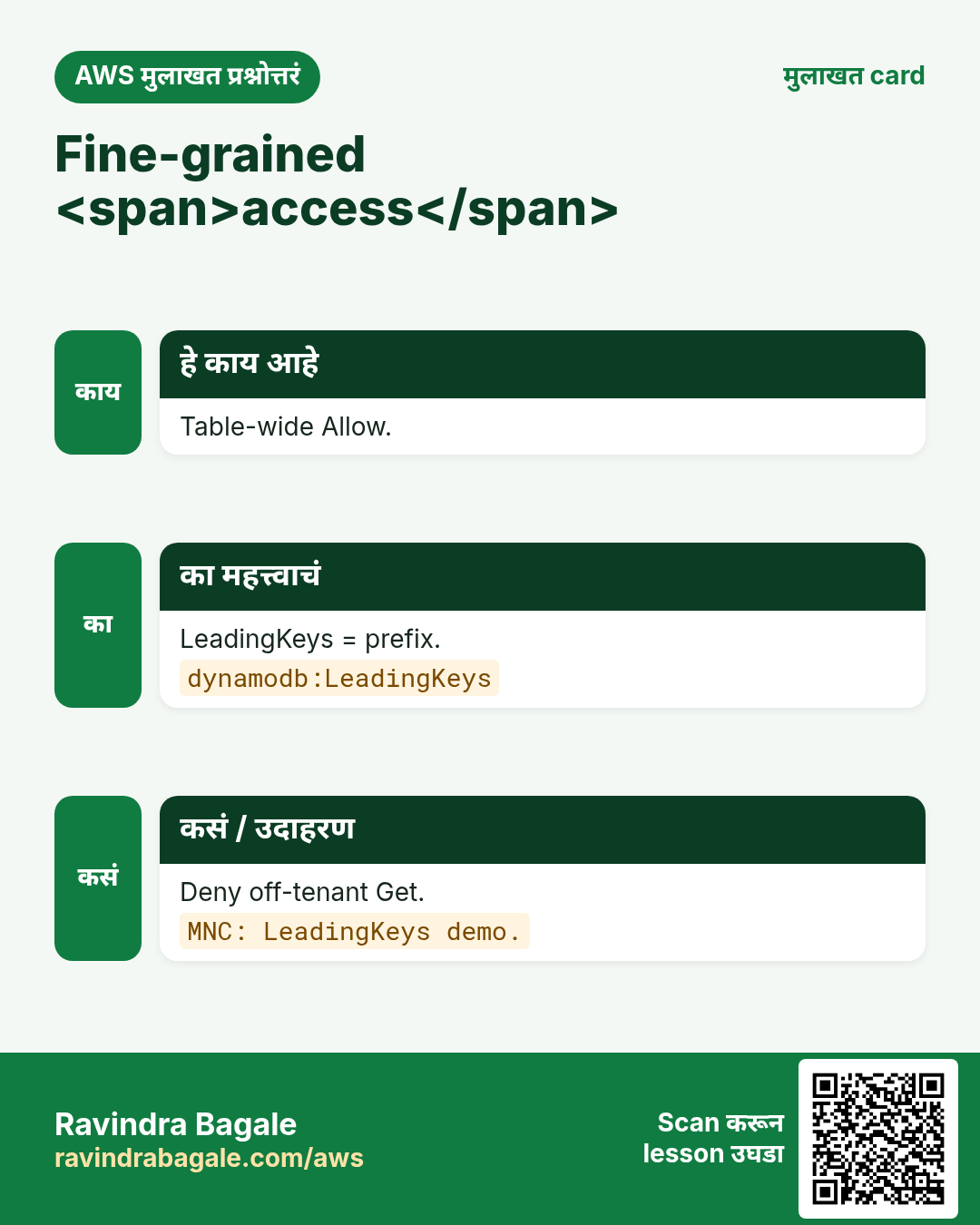
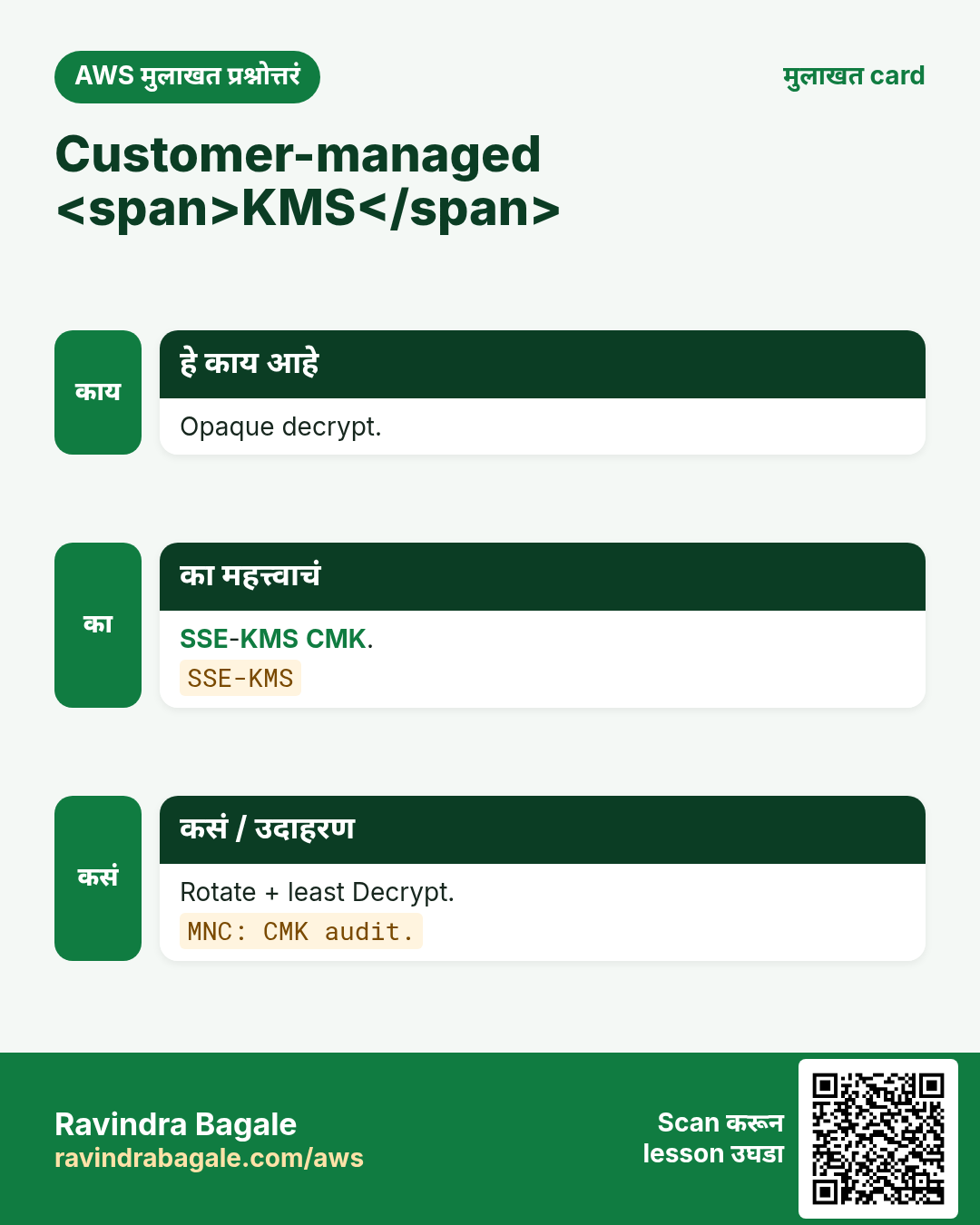
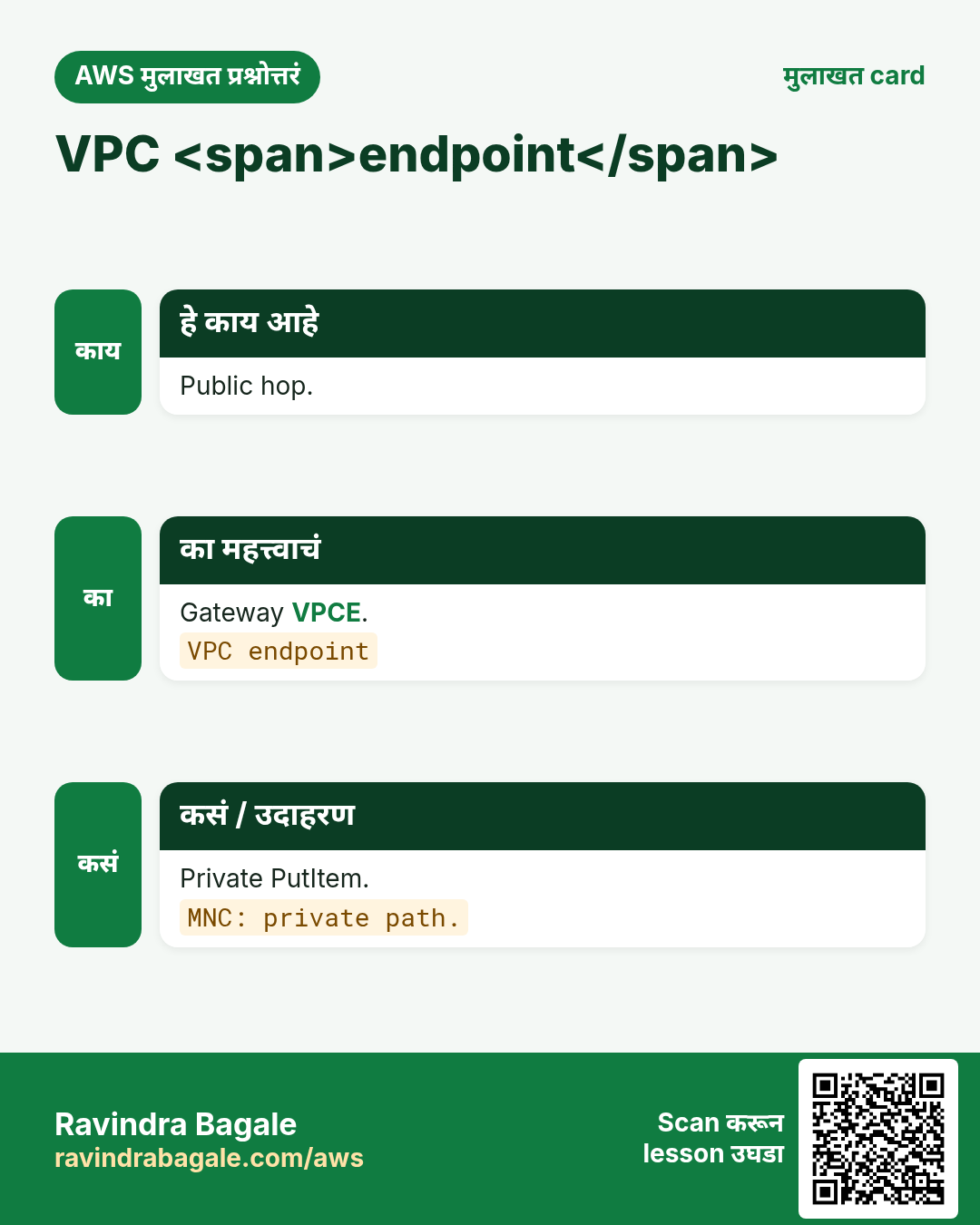
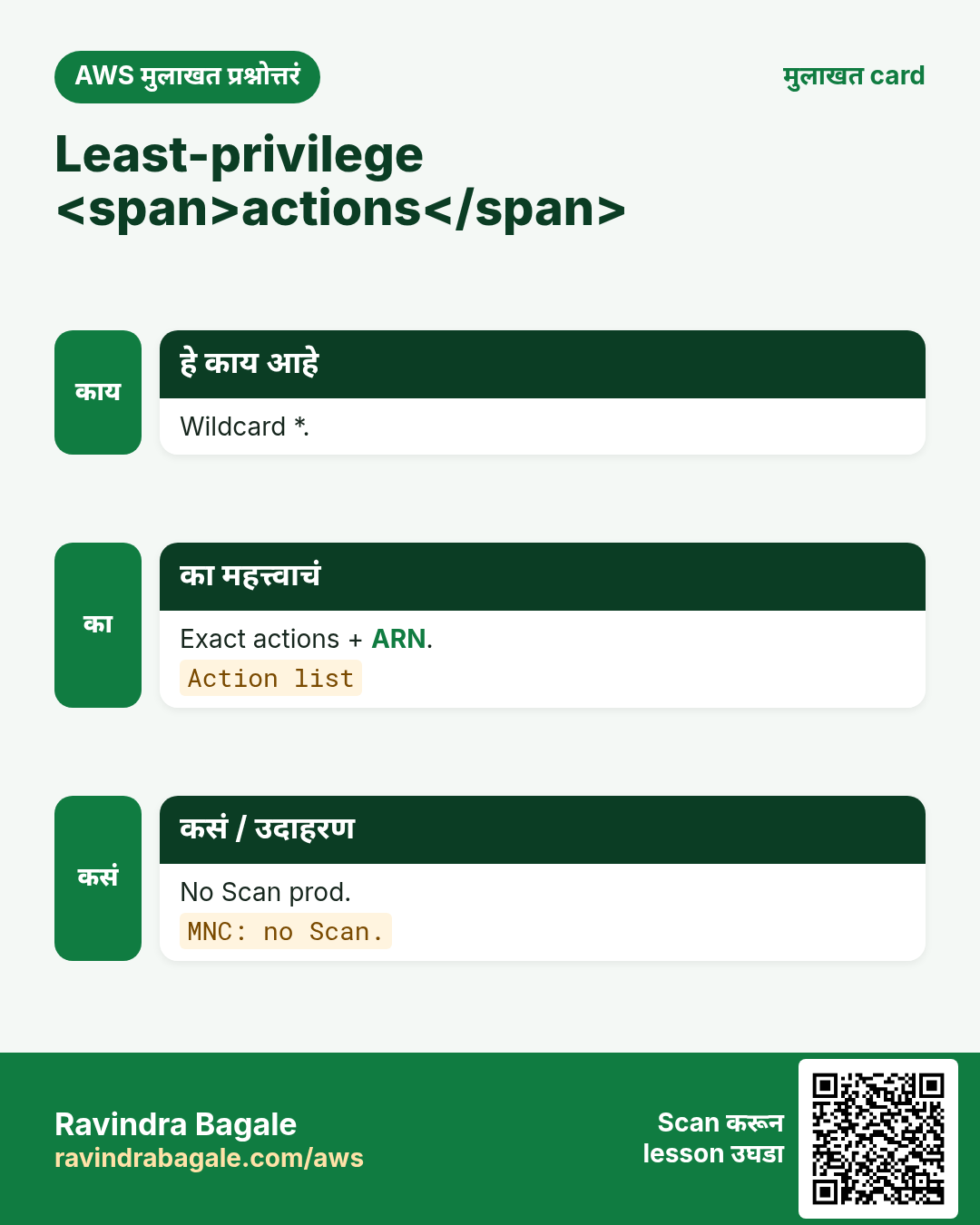
अजून cards: Ravi Sir's Cards.
सराव Tasks
Maple Leaf Books हा टोरांटो मधला पुस्तक विक्री व्यवसाय आहे. Emily Tremblay त्यांचं IT व cloud काम पाहतात. त्यांचे पैसे CAD मध्ये मोजले जातात आणि AWS resources ca-central-1 Region मध्ये चालतात. खालच्या tasks मध्ये तुम्ही या lesson मध्ये शिकलेलं वापरून त्यांची खरी कामं करता. सगळी नावं, account IDs, IP addresses व numbers सरावासाठी काल्पनिक आहेत.
0 / 16
सोपं Least
का: IAM.
काय करायचं: Scope ARNs तर 1.
- Task मधले numbers लिहून घ्या.
- कागदावर step by step काढा.
- Box मध्ये फक्त final उत्तर लिहा.
- Check answer दाबा.
सोपं LeadingKeys
का: FGAC.
काय करायचं: LeadingKeys तर 1.
- Task मधले numbers लिहून घ्या.
- कागदावर step by step काढा.
- Box मध्ये फक्त final उत्तर लिहा.
- Check answer दाबा.
सोपं UI≠sec
का: Truth.
काय करायचं: UI not enough तर 1.
- Task मधले numbers लिहून घ्या.
- कागदावर step by step काढा.
- Box मध्ये फक्त final उत्तर लिहा.
- Check answer दाबा.
सोपं CMK
का: KMS.
काय करायचं: CMK तर 1.
- Task मधले numbers लिहून घ्या.
- कागदावर step by step काढा.
- Box मध्ये फक्त final उत्तर लिहा.
- Check answer दाबा.
सोपं Describe
का: CLI.
काय करायचं: describe.
- Task वाचा आणि ते कोणत्या AWS service बद्दल आहे ते ठरवा.
- aws लिहा, मग service चं नाव, मग operation (action शब्द).
- प्रत्येक आवश्यक flag (--name) व त्यापुढे task मधली value लिहा.
- Flags कोणत्याही क्रमाने चालतात. Check answer दाबा.
सोपं IAM
का: Name.
काय करायचं: key.
- Task मधल्या top-level keys पासून सुरू करा.
- Child keys 2 spaces ने indent करा (tabs नकोत).
- प्रत्येक property मध्ये task मधली value भरा.
- Check answer दाबा. Keys चा क्रम महत्त्वाचा नाही.
सोपं EP policy
का: Policy.
काय करायचं: Endpoint policy तर 1.
- Task मधले numbers लिहून घ्या.
- कागदावर step by step काढा.
- Box मध्ये फक्त final उत्तर लिहा.
- Check answer दाबा.
मध्यम SSE
का: Rest.
काय करायचं: SSE rest तर 1.
- Task मधले numbers लिहून घ्या.
- कागदावर step by step काढा.
- Box मध्ये फक्त final उत्तर लिहा.
- Check answer दाबा.
मध्यम VPCE
का: Private.
काय करायचं: Gateway तर 1.
- Task मधले numbers लिहून घ्या.
- कागदावर step by step काढा.
- Box मध्ये फक्त final उत्तर लिहा.
- Check answer दाबा.
मध्यम Routes
का: Net.
काय करायचं: Routes तर 1.
- Task मधले numbers लिहून घ्या.
- कागदावर step by step काढा.
- Box मध्ये फक्त final उत्तर लिहा.
- Check answer दाबा.
मध्यम Index ARN
का: GSI.
काय करायचं: Index ARN तर 1.
- Task मधले numbers लिहून घ्या.
- कागदावर step by step काढा.
- Box मध्ये फक्त final उत्तर लिहा.
- Check answer दाबा.
मध्यम Keys
का: Sketch.
काय करायचं: pk/sk.
- Task मधल्या top-level keys पासून सुरू करा.
- Child keys 2 spaces ने indent करा (tabs नकोत).
- प्रत्येक property मध्ये task मधली value भरा.
- Check answer दाबा. Keys चा क्रम महत्त्वाचा नाही.
अवघड Negative
का: Proof.
काय करायचं: Negative test तर 1.
- Task मधले numbers लिहून घ्या.
- कागदावर step by step काढा.
- Box मध्ये फक्त final उत्तर लिहा.
- Check answer दाबा.
अवघड No Scan
का: Anti.
काय करायचं: Deny Scan तर 1.
- Task मधले numbers लिहून घ्या.
- कागदावर step by step काढा.
- Box मध्ये फक्त final उत्तर लिहा.
- Check answer दाबा.
अवघड No key
का: Creds.
काय करायचं: No embedded key तर 1.
- Task मधले numbers लिहून घ्या.
- कागदावर step by step काढा.
- Box मध्ये फक्त final उत्तर लिहा.
- Check answer दाबा.
अवघड Lab
का: Hygiene.
काय करायचं: Delete lab तर 1.
- Task मधले numbers लिहून घ्या.
- कागदावर step by step काढा.
- Box मध्ये फक्त final उत्तर लिहा.
- Check answer दाबा.