API Gateway, Lambda आणि DynamoDB ने Serverless API Backend Pattern
फूड कार्ट खिडकीवर ऑर्डर घेते, टिकिट लिहिते, किचन शिजवते. Serverless API backend ती खिडकी: API Gateway = counter, Lambda = एका टिकिटचा cook, DynamoDB = order book.
या chapter मध्ये तुम्ही काय शिकाल
- Counter/cook/book map
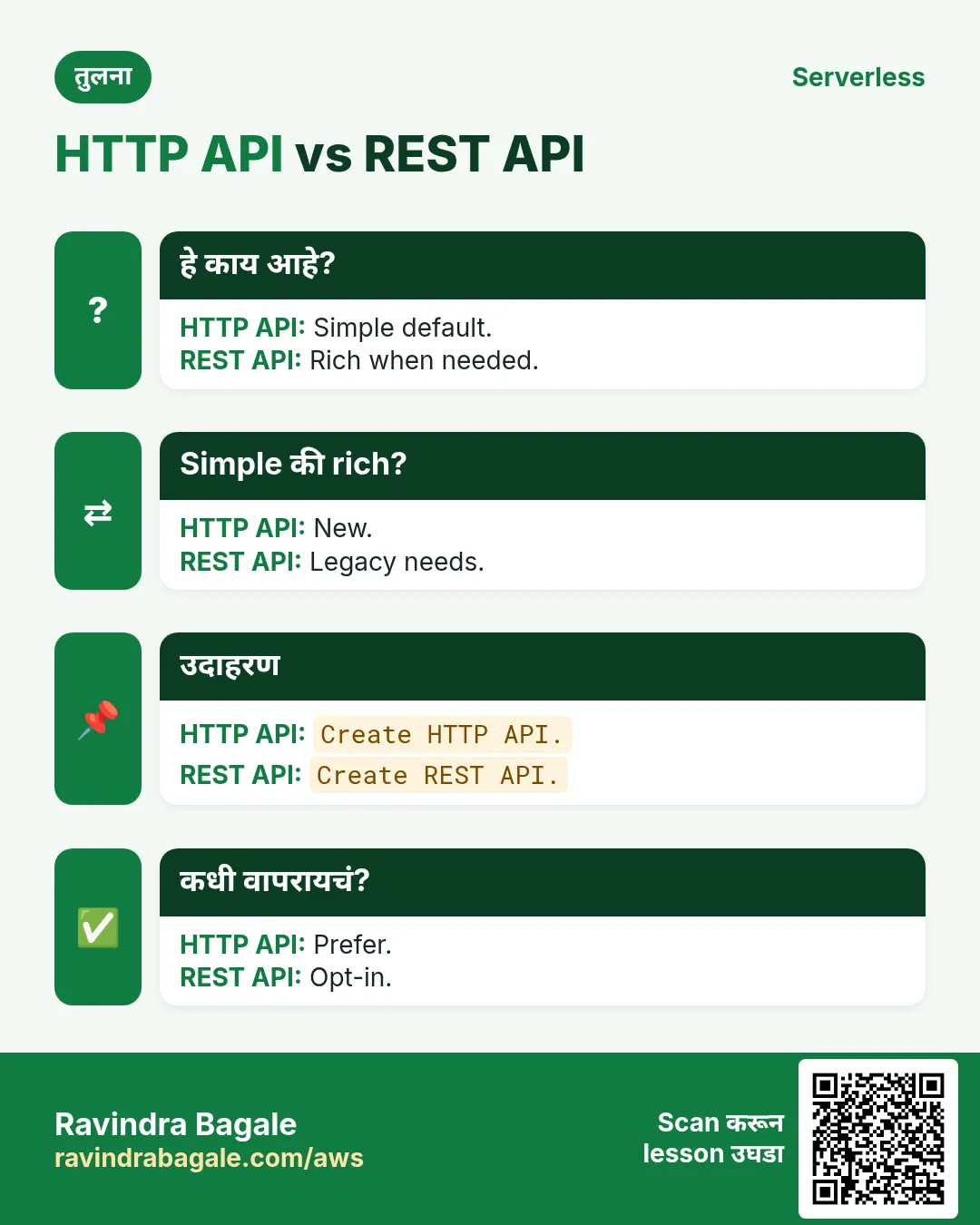
- HTTP vs REST vs Function URL
- Request flow + status codes
- Edge auth + throttle
- Project chapters link
1. रोजचे उदाहरण: फूड कार्ट
Meera (Pune) momo cart: खिडकी = पेमेंट; किचन सार्वजनिक नाही. API Gateway = HTTPS खिडकी; DynamoDB = ticket.
तुम्ही URL shortener project आणि REST API project मध्ये variants केले. इथे pattern आणि design choices.
2. हे pattern का?
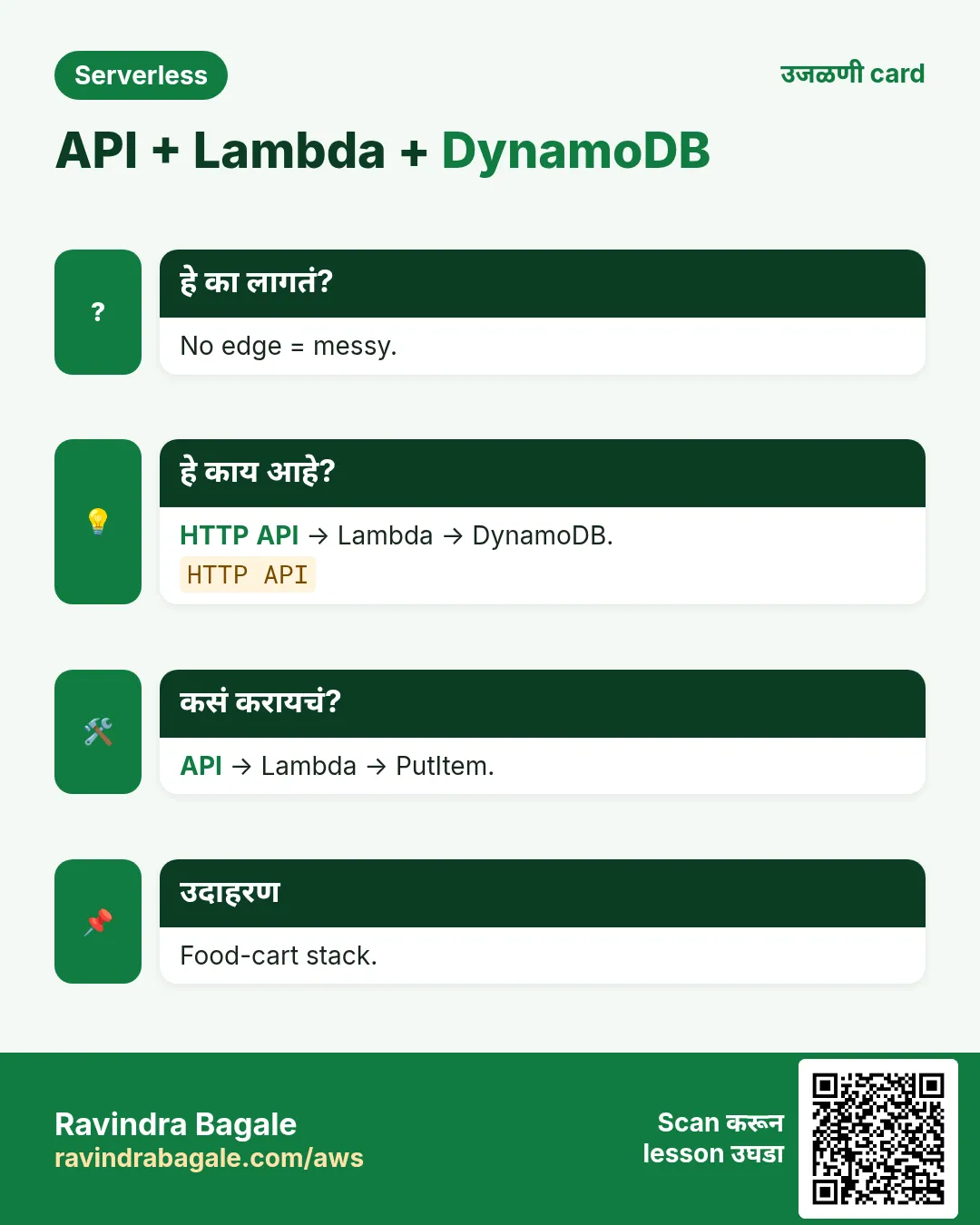
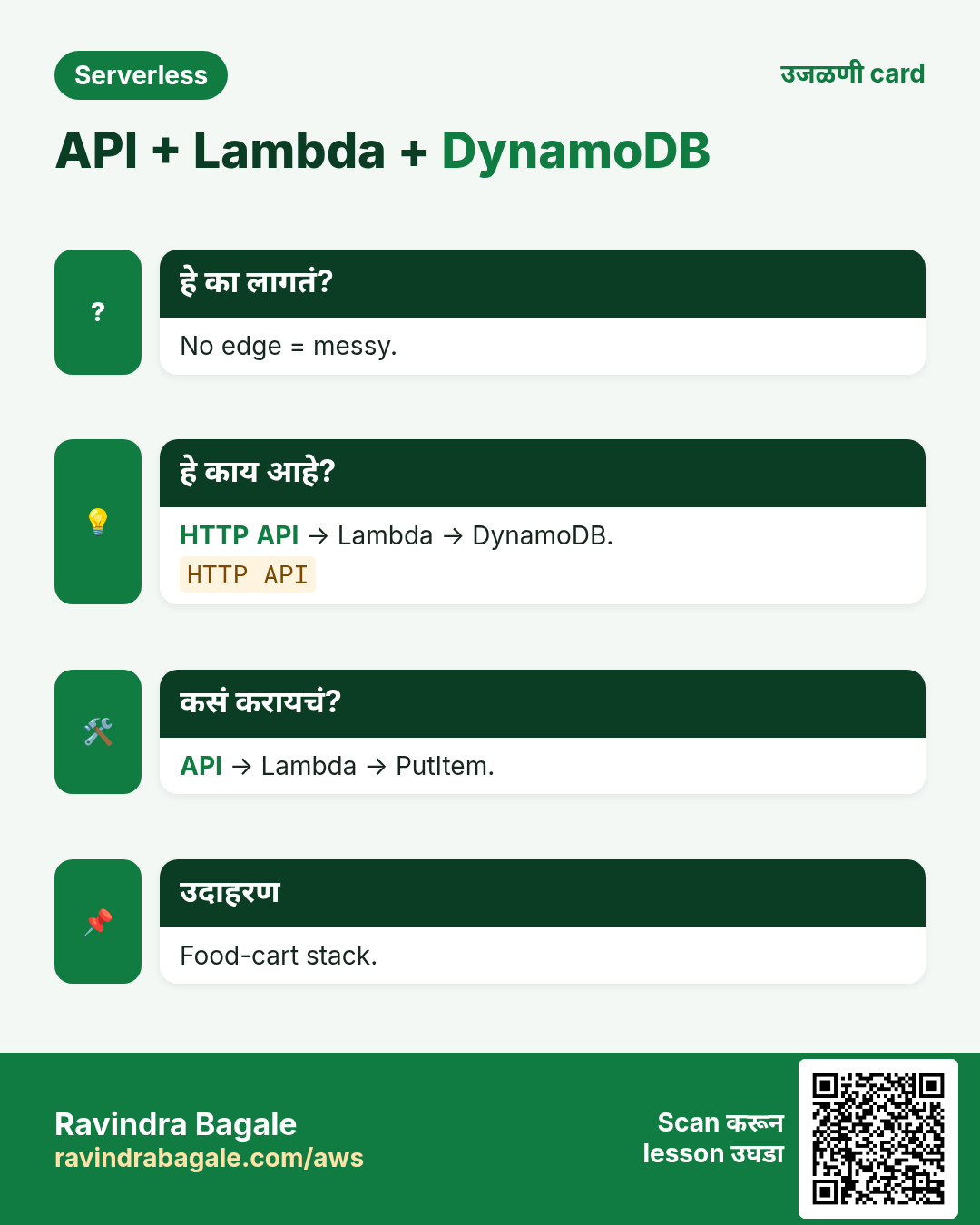
हे का लागतं?
EC2 public IP, TLS विसरणं, gateway मध्ये business logic — pattern तीन boxes स्वच्छ ठेवतो.
हे काय आहे?
Serverless API backend = HTTPS edge + Lambda + data + IAM.
3. Vertical diagram
4. HTTP vs REST vs Function URL
| Option | कधी | काळजी |
|---|---|---|
| HTTP API | नवीन APIs; JWT | REST पेक्षा कमी features |
| REST API | API keys/usage plans | महाग |
| Function URL | Quick demos | DIY routing |
Ravindra Bagale's Tip
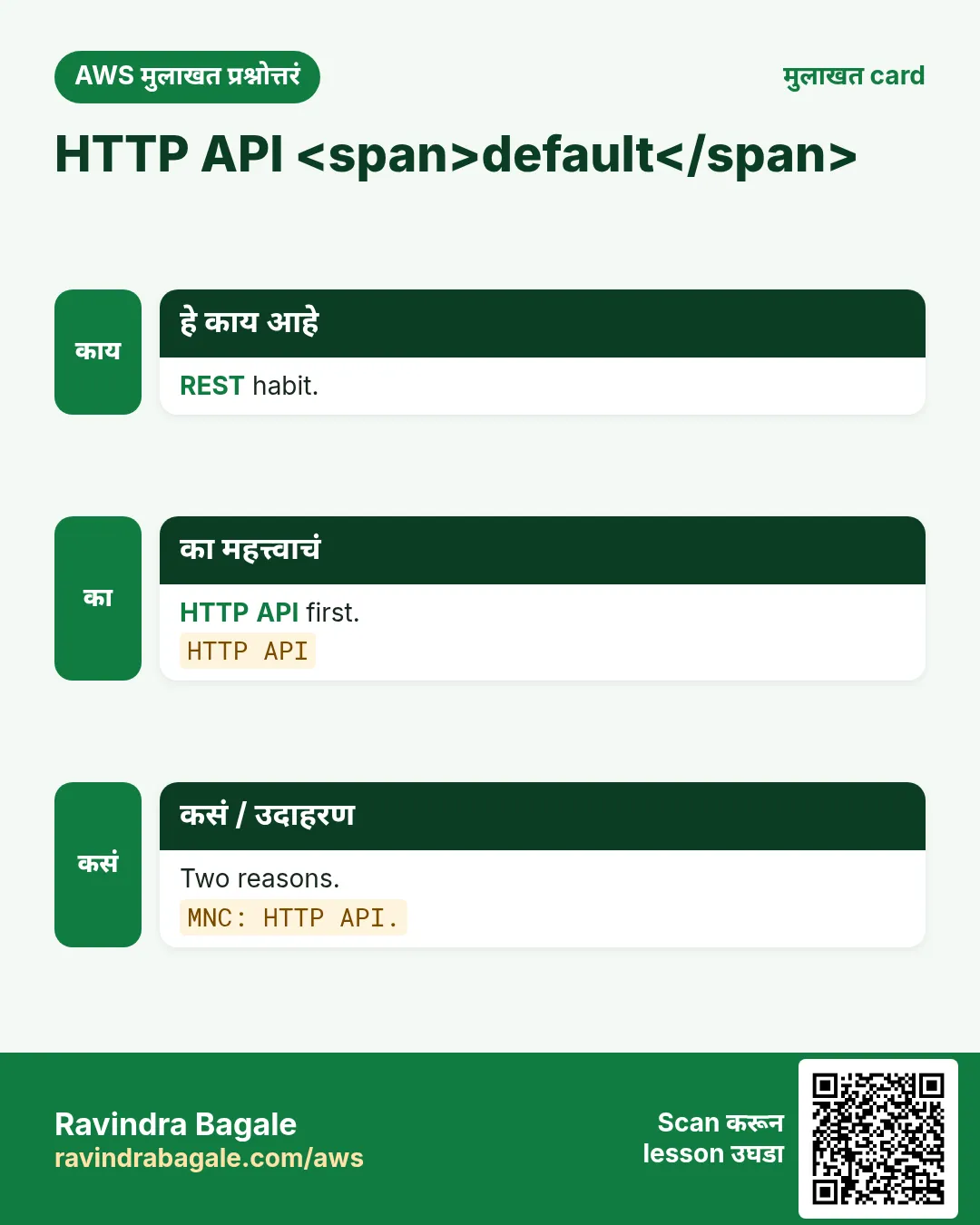
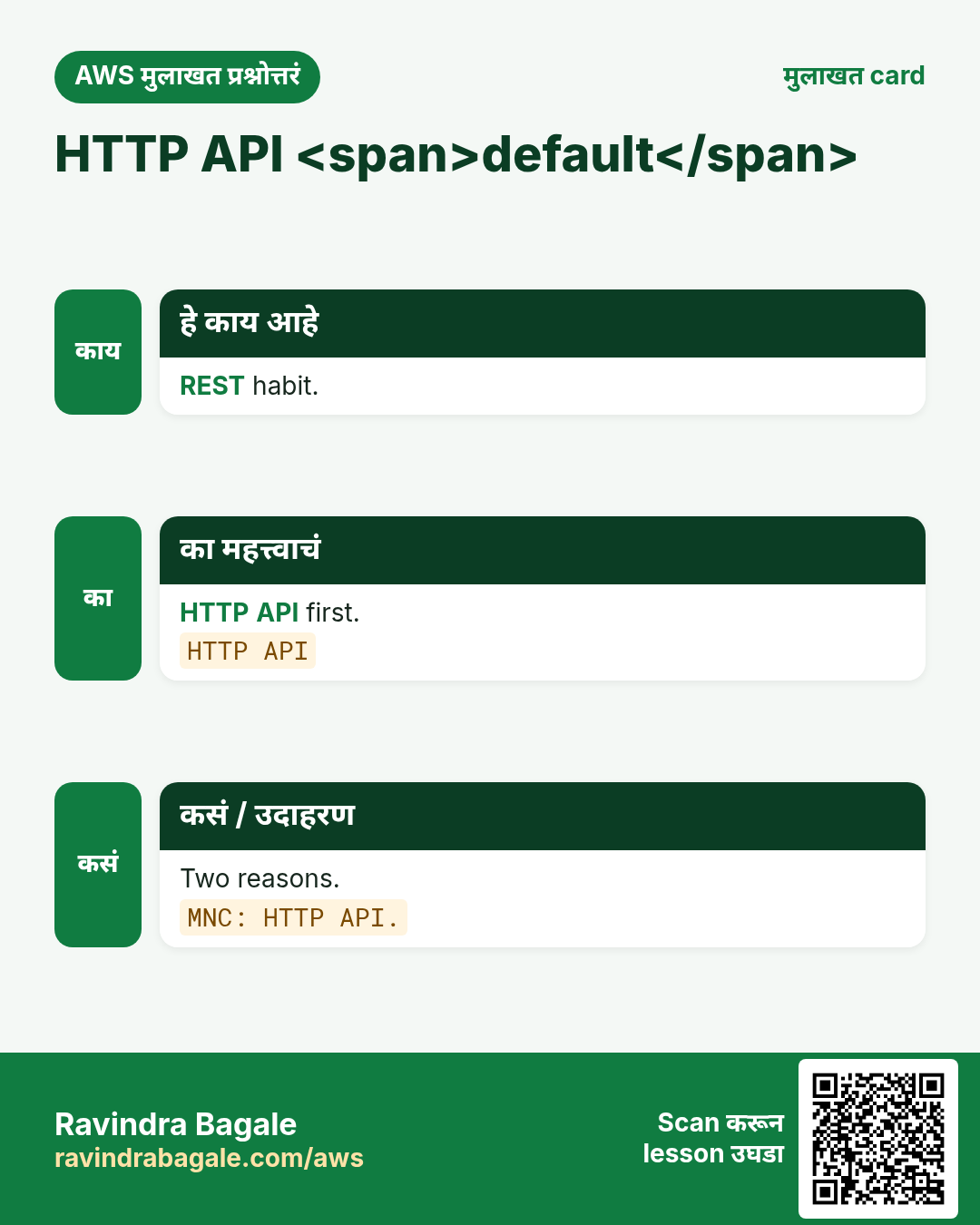
Default: HTTP API + JWT/IAM. REST फक्त गरज असेल तर.
5. How: request path
कसं करायचं (step by step)
- Routes कागदावर.
- Table from access patterns.
- Lambda handler.
- Least-privilege role.
- HTTP API + CORS.
- Auth + throttle.
- curl + logs.
- Optional SNS.
HTTP API create
aws apigatewayv2 create-api --name meera-momo-api --protocol-type HTTP --region ap-south-1 \
  --query '{Id:ApiId,Ep:ApiEndpoint}'
अर्थ: Invoke URL मिळते. Lab नंतर delete.
Route wire
aws apigatewayv2 create-integration --api-id $API --integration-type AWS_PROXY \
  --integration-uri $LAMBDA_ARN --payload-format-version 2.0 --region ap-south-1
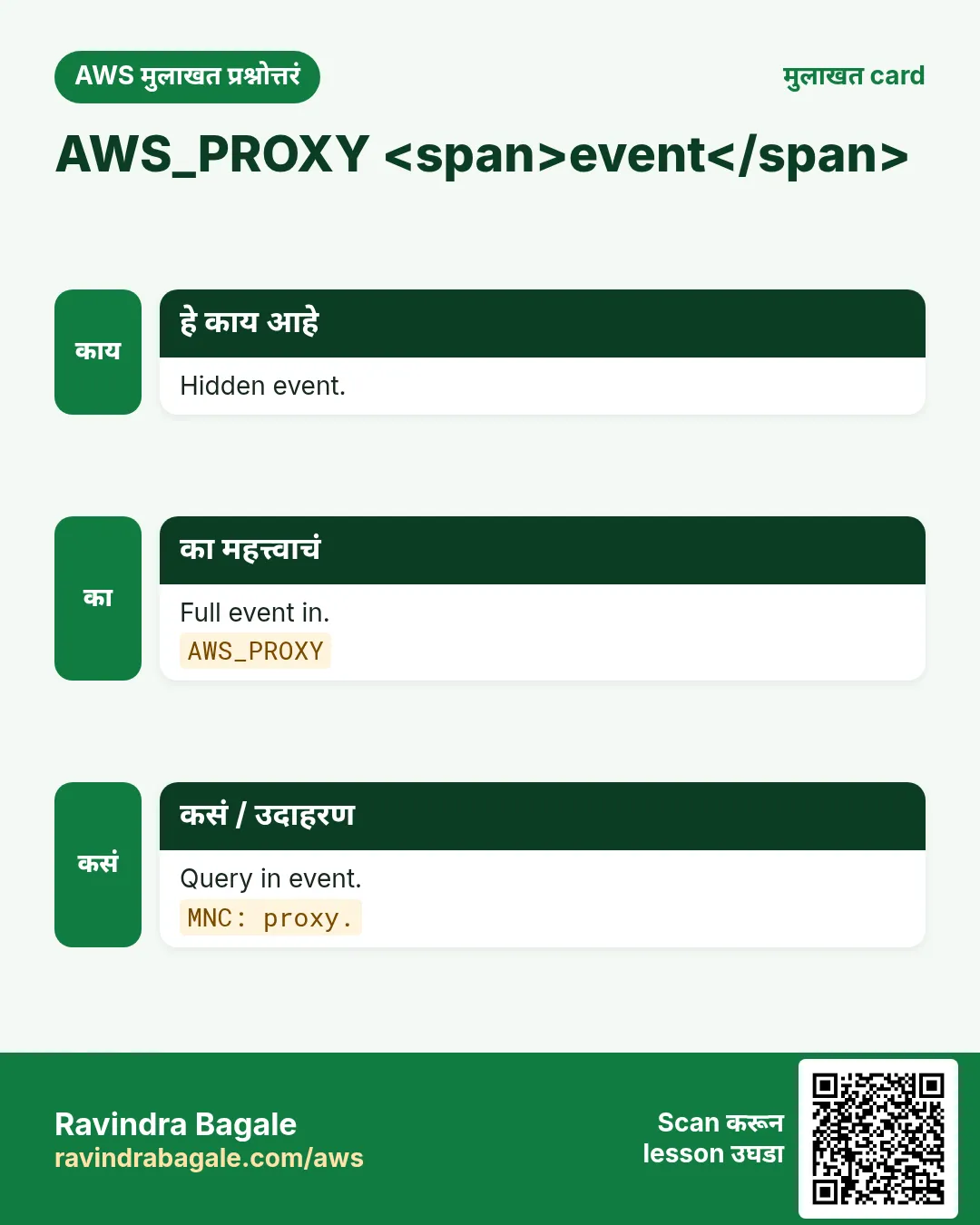
अर्थ: AWS_PROXY = पूर्ण HTTP event.
6. Status codes
| Code | अर्थ | Client |
|---|---|---|
| 200 | Read OK | Body |
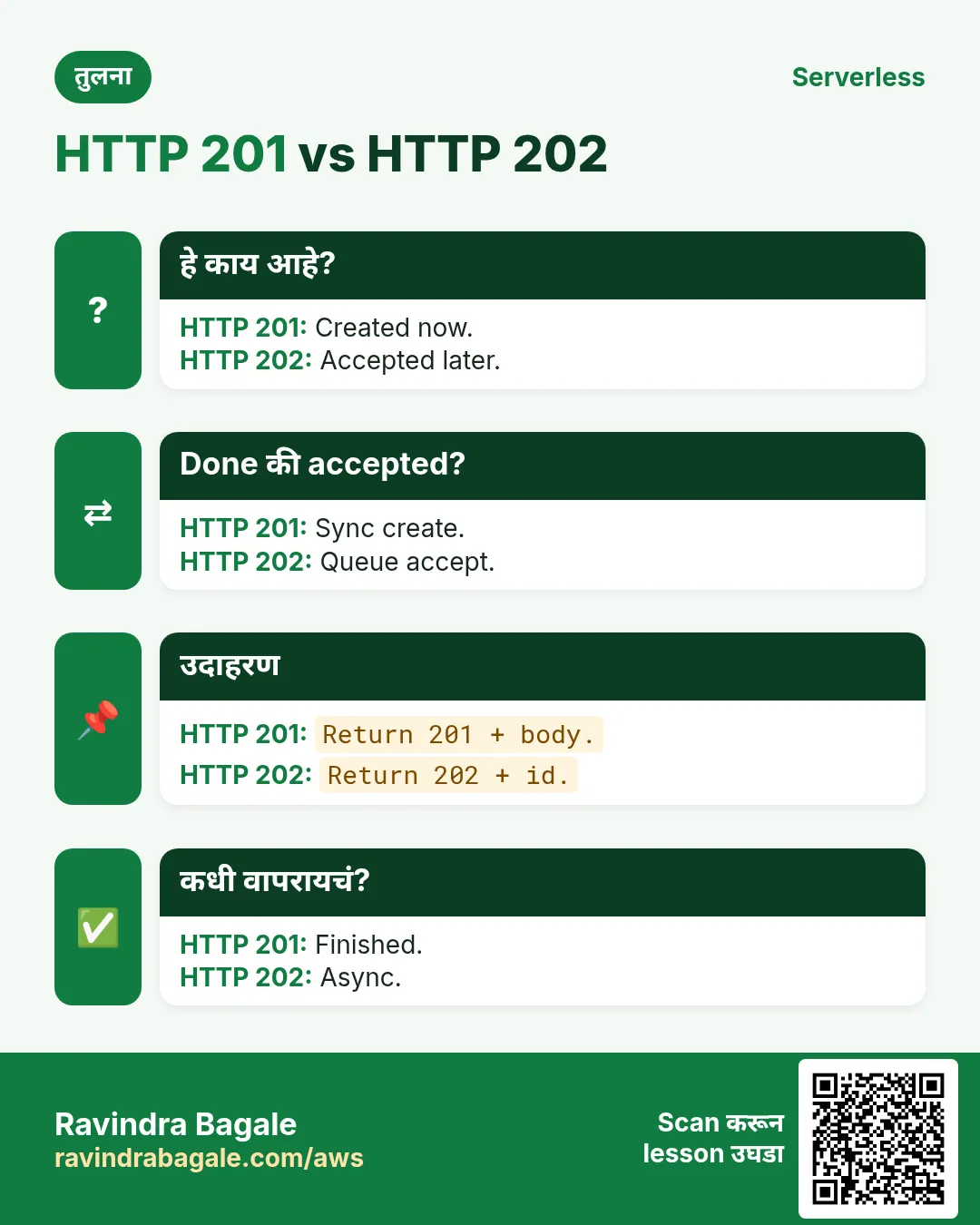
| 201 | Created | id ठेवा |
| 202 | Async accept | Poll/webhook |
| 400 | Validation | Fix |
| 401/403 | Auth | Re-login |
| 404 | Missing | Not found |
| 429 | Throttle | Backoff |
| 500 | Server | Retry+alert |
7. Mini-examples
Python response
def ok(body, code=200):
    import json
    return {"statusCode": code, "headers": {"content-type": "application/json"},
            "body": json.dumps(body)}
print(ok({"orderId": "o-1"}, 201)["statusCode"])
Output: 201. अर्थ: statusCode महत्त्वाचा.
Node validate
exports.handler = async (event) => {
  if (!event.body) return {statusCode: 400, body: '{"error":"empty"}'};
  return {statusCode: 200, body: event.body};
};
अर्थ: DynamoDB आधी fail fast.
curl smoke
curl -sS -X POST "$API_URL/orders" -H 'content-type: application/json' \
  -d '{"sku":"MOMO-STEAM","qty":2,"currency":"INR"}'
अर्थ: 201 + orderId किंवा 400.
8. Lab: sketch + optional API
Org block नसेल तर ap-south-1 (Mumbai). आधी budget alert.
कसं करायचं (step by step)
- Routes+keys+codes.
- Optional sandbox.
- curl + request ids.
- Throttle → 429.
- Cleanup.
Cleanup (billing थांबवा)
- API → Lambda → table → role.
- Log group.
9. Auth आणि multi-tenant
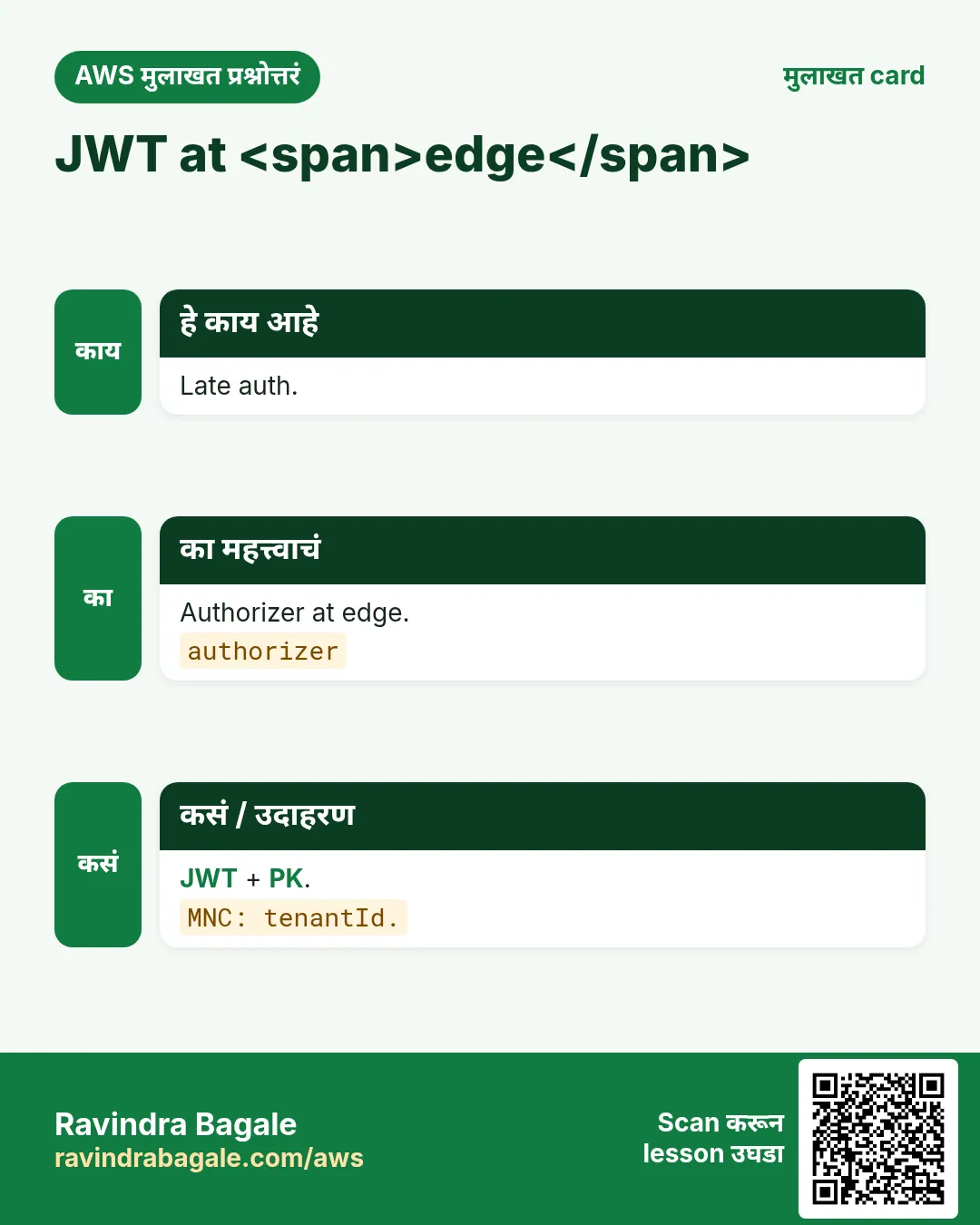
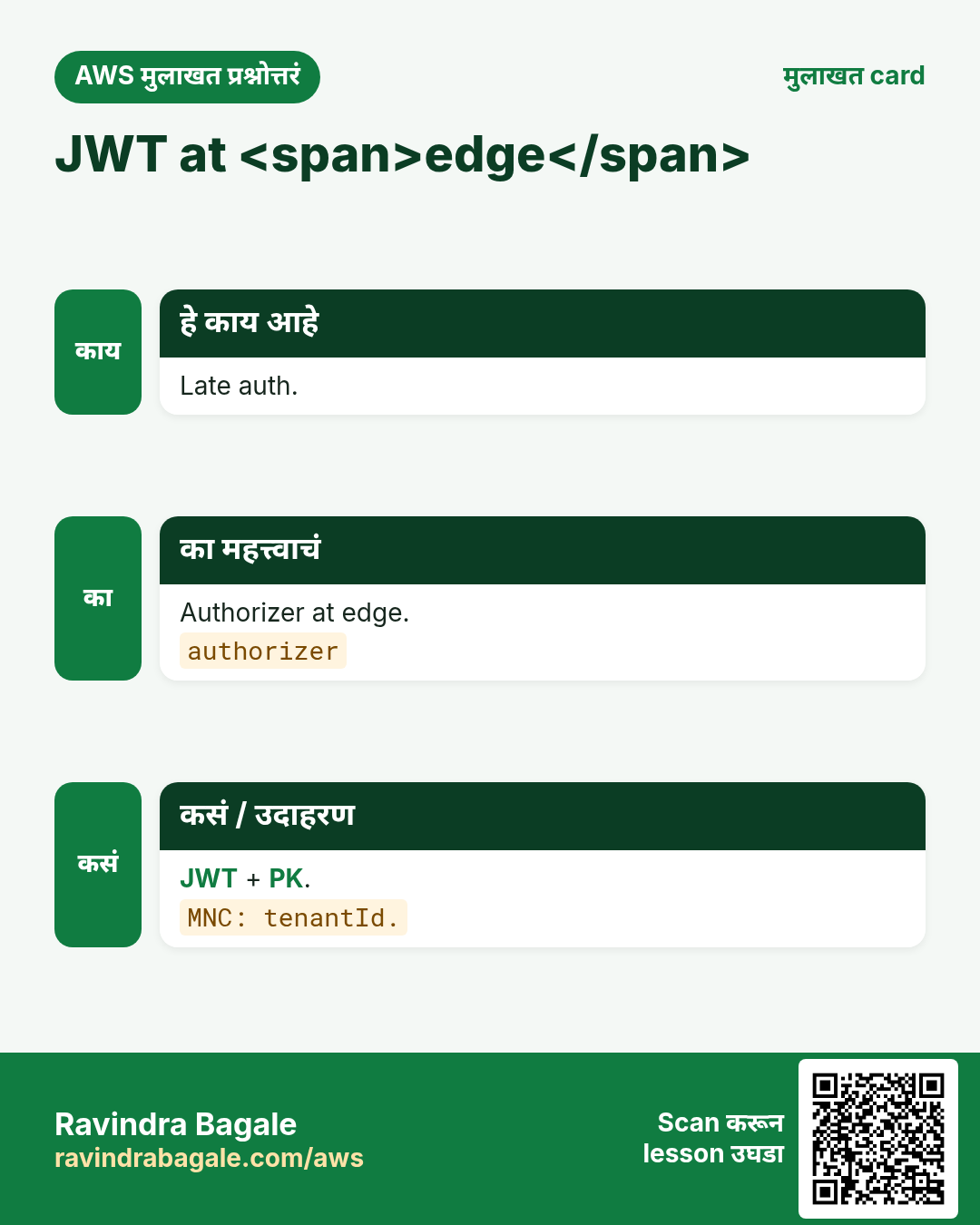
JWT gateway वर. Cognito. SaaS: tenantId token+PK — फक्त body वर विश्वास नका.
10. CORS
Browser CORS हवा; native mobile ला नको.
Routes
aws apigatewayv2 get-routes --api-id $API --region ap-south-1 --query 'Items[].RouteKey'अर्थ: Routes confirm.
11. एकाच pattern — वेगवेगळ्या industries
- Fintech (Aisha, Lagos): payment webhooks → SQS → Lambda.
- Ecommerce (Rohan, Pune): checkout API; inventory SNS fan-out.
- Healthcare (Mei, Singapore): SNS SMS; PHI + fine-grained IAM.
- EdTech (Diego, São Paulo): EventBridge nightly cleanup.
- Logistics (Fatima, Casablanca): EventBridge + saga.
- Media (Kenji, Osaka): S3 → Lambda thumbs + fan-out.
- SaaS (Priya, Bengaluru): Cognito + per-tenant partition.
- Gov (Omar, Amman): strangler fig per form route.
12. Troubleshooting checklist
- Region confirm करा.
- CloudWatch Logs + request id.
- Execution role permissions.
- DLQ + oldest message age.
- curl -v + CORS.
- SFN event history.
- Linked chapter पुन्हा वाचा.
- Cost: concurrency/retries.
13. सामान्य errors आणि fixes
प्रत्येक row = खरी चूक. Panic करण्याआधी fix वाचा.
| Error / लक्षण | Fix |
|---|---|
| Public Lambda IP | Gateway. |
| Default REST | HTTP API. |
| 200 for create | 201/202. |
| IAM * | Least privilege. |
| CORS * | Explicit origin. |
| Rules in Gateway | Lambda. |
| No throttle | Throttle. |
| Trust body tenant | JWT claim. |
| Monolith handler | Split. |
| Forgotten APIs | Delete. |
14. FAQ
प्र. HTTP API prod?
हो — WAF/auth.
प्र. Cognito?
Authorizer.
प्र. Function URL?
Demos vs routing.
प्र. RDS?
VPC cost; DDB prefer.
प्र. Version?
/v1 or stages.
प्र. Shortener?
Same pattern.
15. Interview Q&A (Beginner / Mid / Senior + MNC)
प्र. Beginner boxes
GW+Lambda+data.
प्र. Why Gateway
Routing/auth.
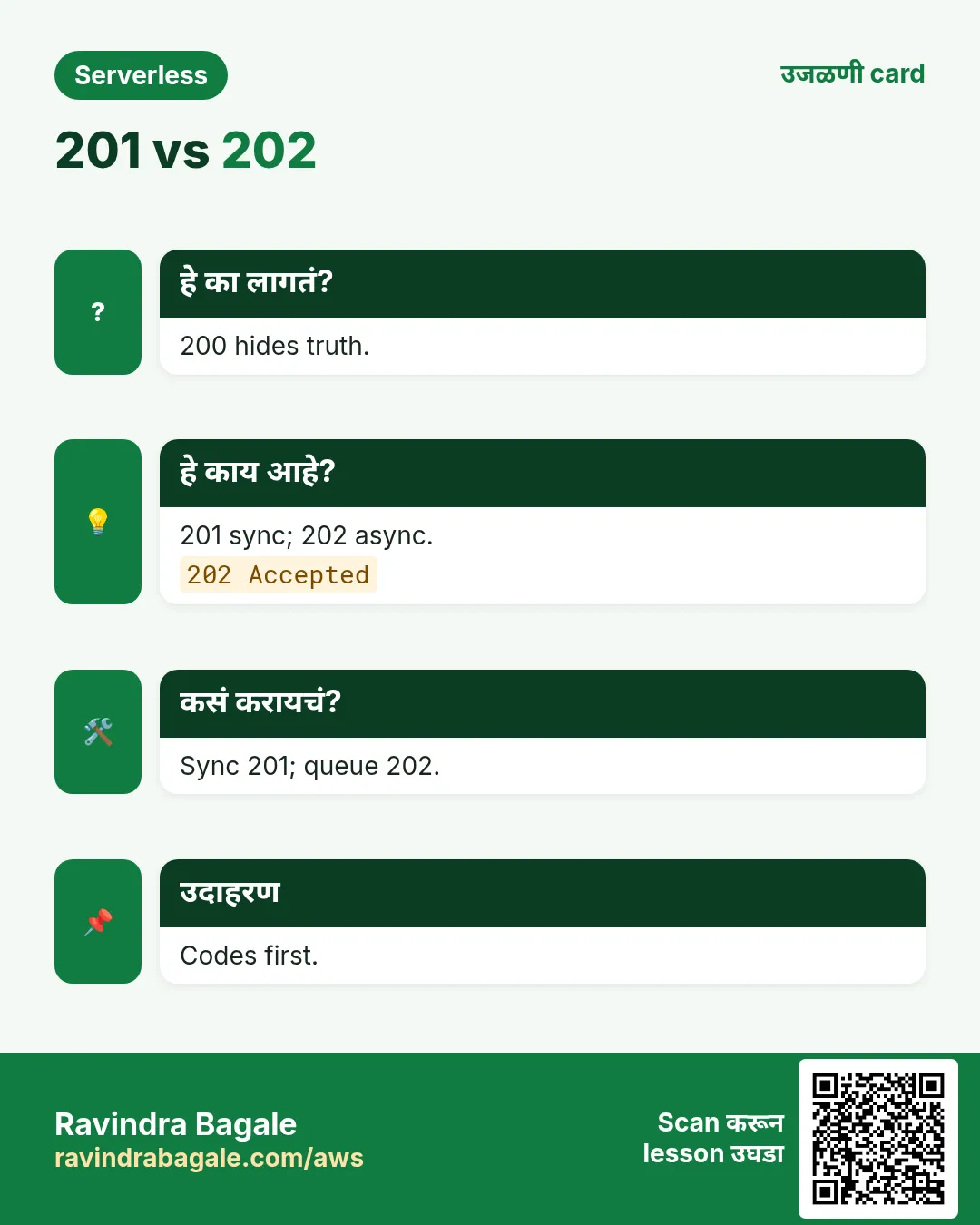
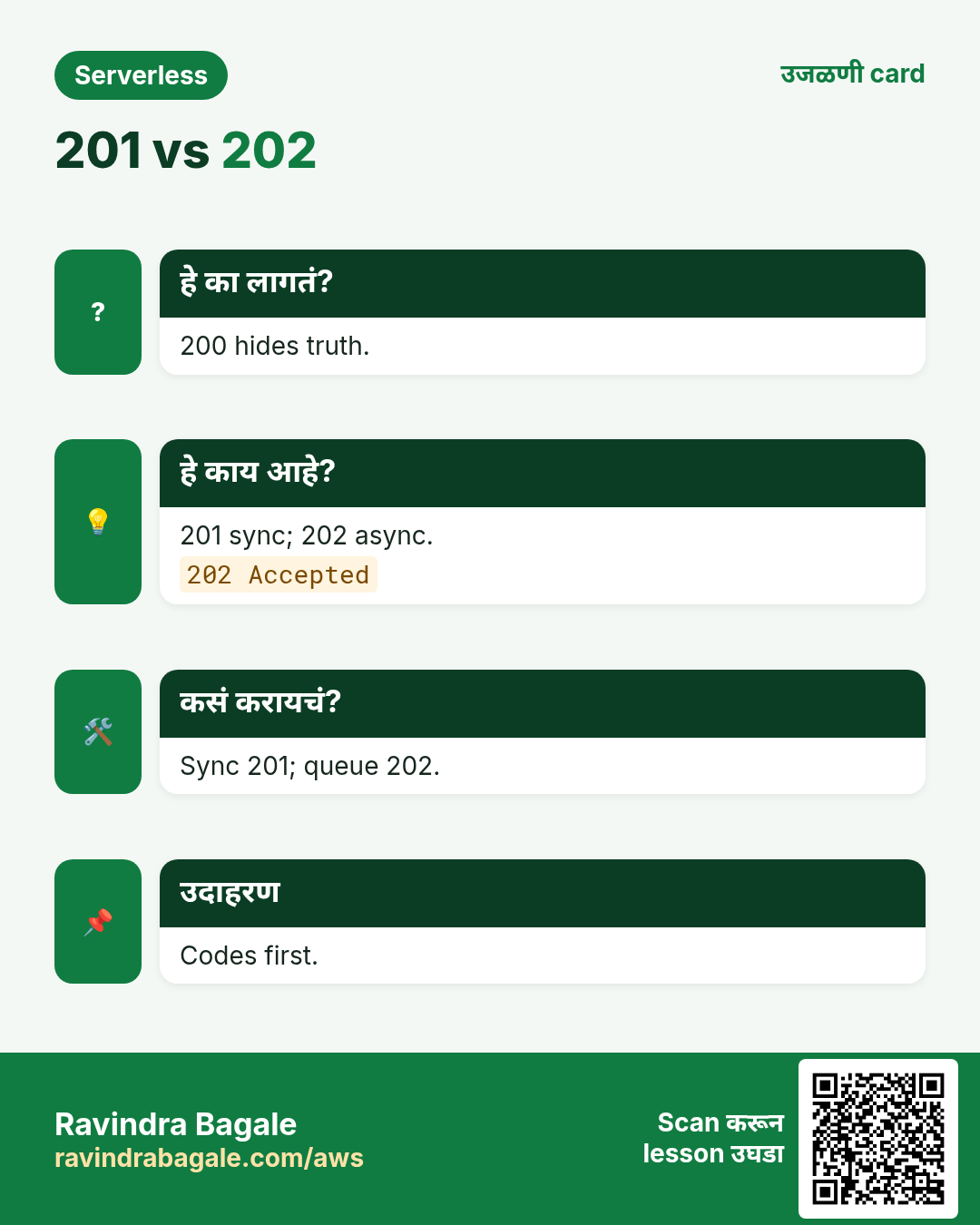
प्र. 201 vs 202
Created vs accepted.
प्र. Least privilege
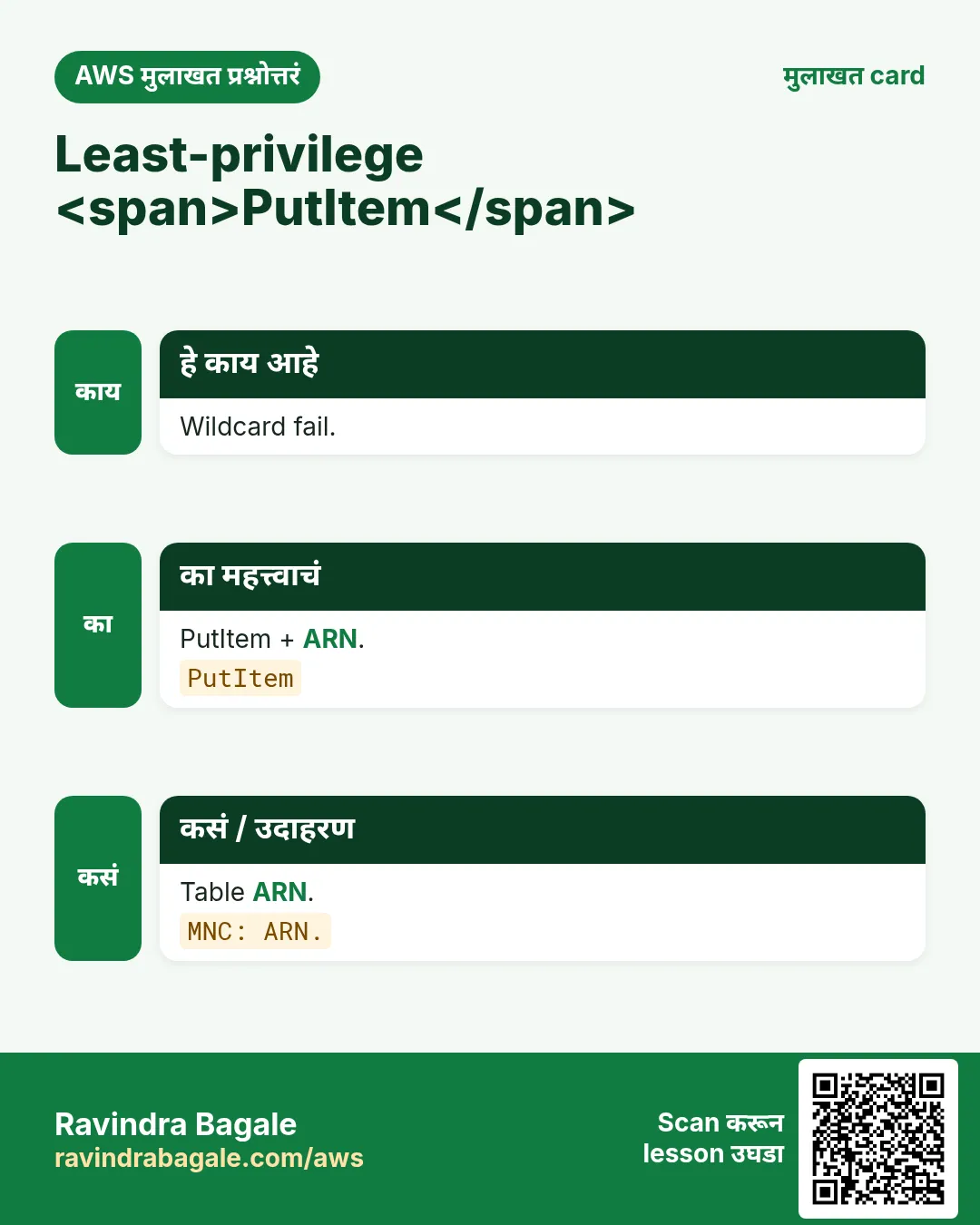
PutItem on ARN.
प्र. Senior tenant
PK+JWT.
प्र. MNC auth
Edge+object authz.
16. Tips — English, मराठी आणि हिंदी
Ravindra Bagale's Tip (EN)
Keep the window, the cook, and the order book separate — Gateway, Lambda, DynamoDB.
Ravindra Bagale's Tip (MR)
खिडकी, cook आणि order book वेगळे ठेवा — Gateway, Lambda, DynamoDB.
Tip (HI)
खिड़की, रसोइया और ऑर्डर बुक अलग रखें — Gateway, Lambda, DynamoDB.
घरी करून बघा
- Side project sketch.
- Status codes list.
थोडक्यात सांगायचं तर
- गोष्टी पासून सुरू, मग services.
- Existing chapters link — labs copy नको.
- Failure साठी design.
- Measure → मग पैसे.
17. Payload आणि pagination
- Large files → S3 keys.
- nextToken; no unbounded.
- content-type check.
- Idempotency-Key.
18. Aliases नी blue/green
Versions + alias live; weighted shift. Integration = alias ARN, $LATEST नको.
Publish version
aws lambda publish-version --function-name meera-orders --region ap-south-1 --query Versionअर्थ: Rollback साठी version pin.
19. Contract tests
CI मध्ये curl contract tests — checkout customers आधी.
20. Architecture decision checklist
- User journey 5 bullets, no AWS names.
- Sync vs async mark.
- Failure mode.
- Idempotency key.
- Data from access patterns.
- Cost 1x and 10x.
- Quotas ap-south-1.
- Auth decision.
- On-call + alarm.
- Deep chapter link.
- मग console/IaC.
21. Copy-paste quick commands
# Region and identity
aws configure get region
aws sts get-caller-identity

# Lambda landscape
aws lambda list-functions --region ap-south-1 --max-items 20 \
  --query 'Functions[].{N:FunctionName,R:Runtime,T:Timeout,M:MemorySize}' --output table
aws lambda get-account-settings --region ap-south-1

# API Gateway (HTTP APIs)
aws apigatewayv2 get-apis --region ap-south-1 --query 'Items[].{N:Name,Id:ApiId,Ep:ProtocolType}' --output table

# Queues and topics
aws sqs list-queues --region ap-south-1
aws sns list-topics --region ap-south-1 --query 'Topics[].TopicArn'

# Event buses and state machines
aws events list-event-buses --region ap-south-1
aws stepfunctions list-state-machines --region ap-south-1 --query 'stateMachines[].name'

# DynamoDB tables (names only)
aws dynamodb list-tables --region ap-south-1
Sandbox + read-only IAM.
22. अजून industry आणि stack stories
- Fintech Lagos: webhook → SQS → idempotent ledger.
- Ecommerce Pune: throttle + fan-out.
- Healthcare SG: SNS + PHI IAM.
- EdTech: EventBridge cleanup.
- Logistics: bus + saga.
- Media: avoid recursive S3.
- SaaS: tenant partition.
- Gov: strangler peel.
- Startup: Function URL → HTTP API.
- Retail: FIFO vs Standard.
- Python: thin handlers.
- Node: async/await.
- Java: SnapStart.
- .NET: package size.
- Go: static binary.
- PHP: hybrid.
23. Glossary
| Term | अर्थ |
|---|---|
| Cold start | पहिल्या invoke ची init |
| Idempotency | दोनदा = तोच effect |
| DLQ | Fail झालेले messages |
| Choreography | Events; conductor नाही |
| Orchestration | SFN central |
| Fan-out | एक → अनेक |
| Fan-in | अनेक → join |
| Strangler fig | Monolith peel |
| Saga | Steps + compensate |
| Provisioned concurrency | Warm N; pay |
24. Practice: मोठ्याने explain
- 60s: serverless API backend गोष्ट.
- 60s: sync vs async checkout.
- 60s: Lambda नको कधी.
- 60s: DLQ + idempotency.
- Record ×2.
25. Safe lab hygiene
- Tag owner+expiry.
- Budget alarm आधी.
- Read-only first.
- Cleanup.
- No secrets in env/screenshots.
- No provisioned on hello.
26. या chapter च्या links
- Compute: Lambda.
- HTTP: API Gateway.
- Data: DynamoDB.
- Messaging: SQS/SNS.
- Events: EventBridge.
- Workflows: Step Functions.
- build-* projects link.
27. Myths
| Myth | खरं |
|---|---|
| Servers नाहीत | Servers आहेत; manage नको |
| नेहमी स्वस्त | Steady वर EC2 |
| No Ops | IAM/data/alarms |
| एक Lambda | Bounded contexts |
| Queues optional | Load leveler |
28. Serverless error budget
Checkout error budget 0.1% असेल तर aggressive retries email duplicates देऊन budget जाळू शकतात. Money SLO ≠ notify SLO.
- दोन SLOs.
- Money retries bounded.
- Notify best-effort.
- Money page; notify ticket.
29. Regional notes (ap-south-1)
- Labs Mumbai.
- Feature availability.
- Data residency.
- Latency India.
30. Naming conventions
# Suggested prefixes
# Lambda:  pay-intake-prod, pay-worker-prod
# SQS:     pay-orders.fifo / pay-orders-dlq
# SNS:     pay-order-events
# EB bus:  pay.domain
# SFN:     pay-refund-saga
# DDB:     pay-orders-prod
env + domain नावात ठेवा. CloudWatch grep सोपा.
31. Pre-mortems
- Double charge headline.
- DLQ drain plan.
- Cognito outage mode.
- Runbook.
32. Currency / locale
Currencies आणि names rotate करा — global mental model.
उजळणी, मुलाखत आणि तुलना cards
हा lesson काही मिनिटांत revise करा. Cards phone वर save करा किंवा PNG download करा. प्रत्येक card वरचा QR हा lesson उघडतो.
अजून cards: Ravi Sir's Cards.
सराव Tasks
Vidarbha Cotton Mills हा नागपूर मधला वस्त्रोद्योग व्यवसाय आहे. Ganesh Wankhede त्यांचं IT व cloud काम पाहतात. त्यांचे पैसे INR मध्ये मोजले जातात आणि AWS resources ap-south-1 Region मध्ये चालतात. खालच्या tasks मध्ये तुम्ही या lesson मध्ये शिकलेलं वापरून त्यांची खरी कामं करता. सगळी नावं, account IDs, IP addresses व numbers सरावासाठी काल्पनिक आहेत.
0 / 16
सोपं Window
का: Metaphor.
काय करायचं: Window तर 1.
- Task मधले numbers लिहून घ्या.
- कागदावर step by step काढा.
- Box मध्ये फक्त final उत्तर लिहा.
- Check answer दाबा.
सोपं HTTP API
का: Default.
काय करायचं: HTTP API तर 1.
- Task मधले numbers लिहून घ्या.
- कागदावर step by step काढा.
- Box मध्ये फक्त final उत्तर लिहा.
- Check answer दाबा.
सोपं 202
का: Codes.
काय करायचं: 202 Accepted तर 1.
- Task मधले numbers लिहून घ्या.
- कागदावर step by step काढा.
- Box मध्ये फक्त final उत्तर लिहा.
- Check answer दाबा.
सोपं 201
का: Codes.
काय करायचं: 201 Created तर 1.
- Task मधले numbers लिहून घ्या.
- कागदावर step by step काढा.
- Box मध्ये फक्त final उत्तर लिहा.
- Check answer दाबा.
सोपं Get-rest
का: CLI.
काय करायचं: get.
- Task वाचा आणि ते कोणत्या AWS service बद्दल आहे ते ठरवा.
- aws लिहा, मग service चं नाव, मग operation (action शब्द).
- प्रत्येक आवश्यक flag (--name) व त्यापुढे task मधली value लिहा.
- Flags कोणत्याही क्रमाने चालतात. Check answer दाबा.
सोपं Stack
का: Parts.
काय करायचं: edge/compute/store.
- Task मधल्या top-level keys पासून सुरू करा.
- Child keys 2 spaces ने indent करा (tabs नकोत).
- प्रत्येक property मध्ये task मधली value भरा.
- Check answer दाबा. Keys चा क्रम महत्त्वाचा नाही.
सोपं Stage
का: Ops.
काय करायचं: Stages तर 1.
- Task मधले numbers लिहून घ्या.
- कागदावर step by step काढा.
- Box मध्ये फक्त final उत्तर लिहा.
- Check answer दाबा.
मध्यम Proxy
का: Integration.
काय करायचं: Full event तर 1.
- Task मधले numbers लिहून घ्या.
- कागदावर step by step काढा.
- Box मध्ये फक्त final उत्तर लिहा.
- Check answer दाबा.
मध्यम IAM
का: Scope.
काय करायचं: Scoped PutItem तर 1.
- Task मधले numbers लिहून घ्या.
- कागदावर step by step काढा.
- Box मध्ये फक्त final उत्तर लिहा.
- Check answer दाबा.
मध्यम JWT
का: Auth.
काय करायचं: Authorizer तर 1.
- Task मधले numbers लिहून घ्या.
- कागदावर step by step काढा.
- Box मध्ये फक्त final उत्तर लिहा.
- Check answer दाबा.
मध्यम URL
का: Scope.
काय करायचं: Demos तर 1.
- Task मधले numbers लिहून घ्या.
- कागदावर step by step काढा.
- Box मध्ये फक्त final उत्तर लिहा.
- Check answer दाबा.
मध्यम Codes
का: Map.
काय करायचं: accepted/created.
- Task मधल्या top-level keys पासून सुरू करा.
- Child keys 2 spaces ने indent करा (tabs नकोत).
- प्रत्येक property मध्ये task मधली value भरा.
- Check answer दाबा. Keys चा क्रम महत्त्वाचा नाही.
अवघड CORS
का: Web.
काय करायचं: Browsers तर 1.
- Task मधले numbers लिहून घ्या.
- कागदावर step by step काढा.
- Box मध्ये फक्त final उत्तर लिहा.
- Check answer दाबा.
अवघड Tenant
का: SaaS.
काय करायचं: JWT+PK तर 1.
- Task मधले numbers लिहून घ्या.
- कागदावर step by step काढा.
- Box मध्ये फक्त final उत्तर लिहा.
- Check answer दाबा.
अवघड Body
का: Anti.
काय करायचं: Body alone no तर 1.
- Task मधले numbers लिहून घ्या.
- कागदावर step by step काढा.
- Box मध्ये फक्त final उत्तर लिहा.
- Check answer दाबा.
अवघड Lab
का: Hygiene.
काय करायचं: Delete lab तर 1.
- Task मधले numbers लिहून घ्या.
- कागदावर step by step काढा.
- Box मध्ये फक्त final उत्तर लिहा.
- Check answer दाबा.