DynamoDB DAX Caching and Read Acceleration
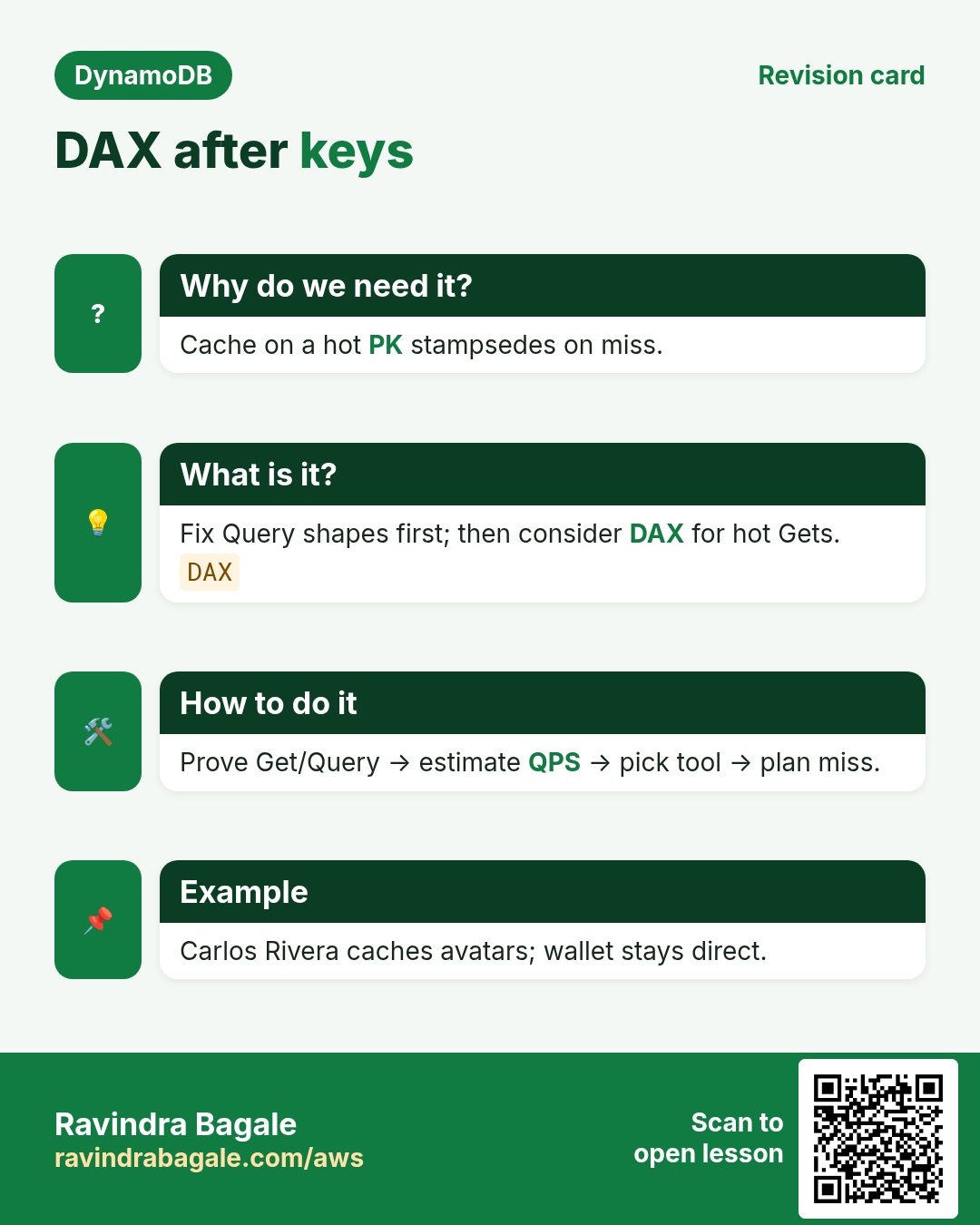
DAX is a sports car — useless if the road (keys) is wrong. Mexico City gaming lead Carlos Rivera and Kochi media engineer Priya Nair said: We added DAX before fixing a hot PK — cache stampeded on miss. Cache hot Gets after Query shapes are right. Capacity: capacity. Modeling: modeling.
What you'll learn in this chapter
- Explain DAX simply
- Know consistency trade-offs
- Decide DAX vs cheaper caches
- Industry map
- Lab mindset + cleanup
1. Everyday example: counter display
A shop counter shows stock from a whiteboard (cache). Board can lag; cashier still checks the notebook (DynamoDB) for money. Meera caches public doctor profiles; never caches prescription ledgers.
2. Vertical steps
3. Why do we need this?
Why do we need this?
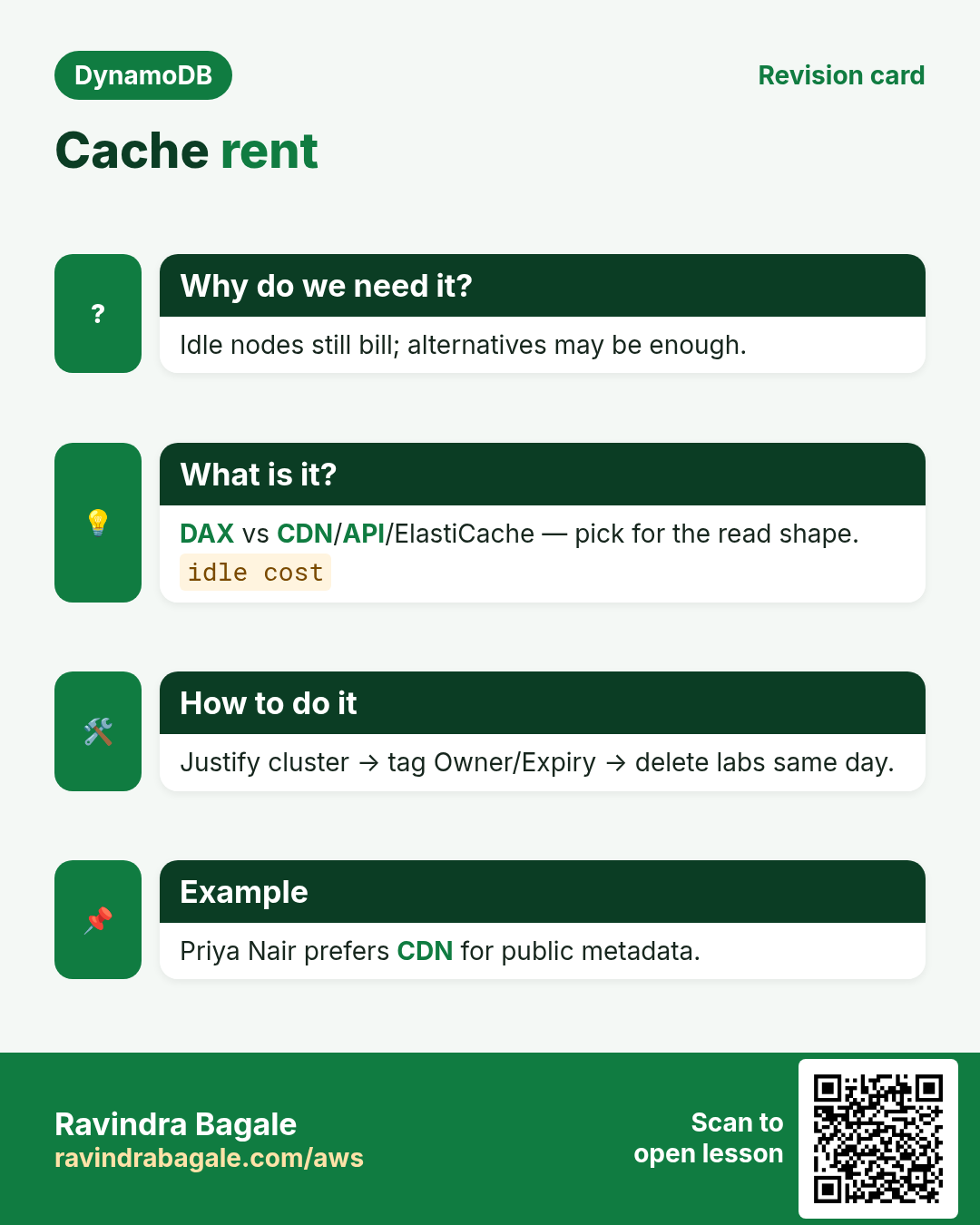
Hot GetItem paths can dominate RCU and latency. After keys are correct, a cache can absorb repeated reads. DAX is DynamoDB-aware cache — but node hours cost even idle.
4. What is it?
What is it?
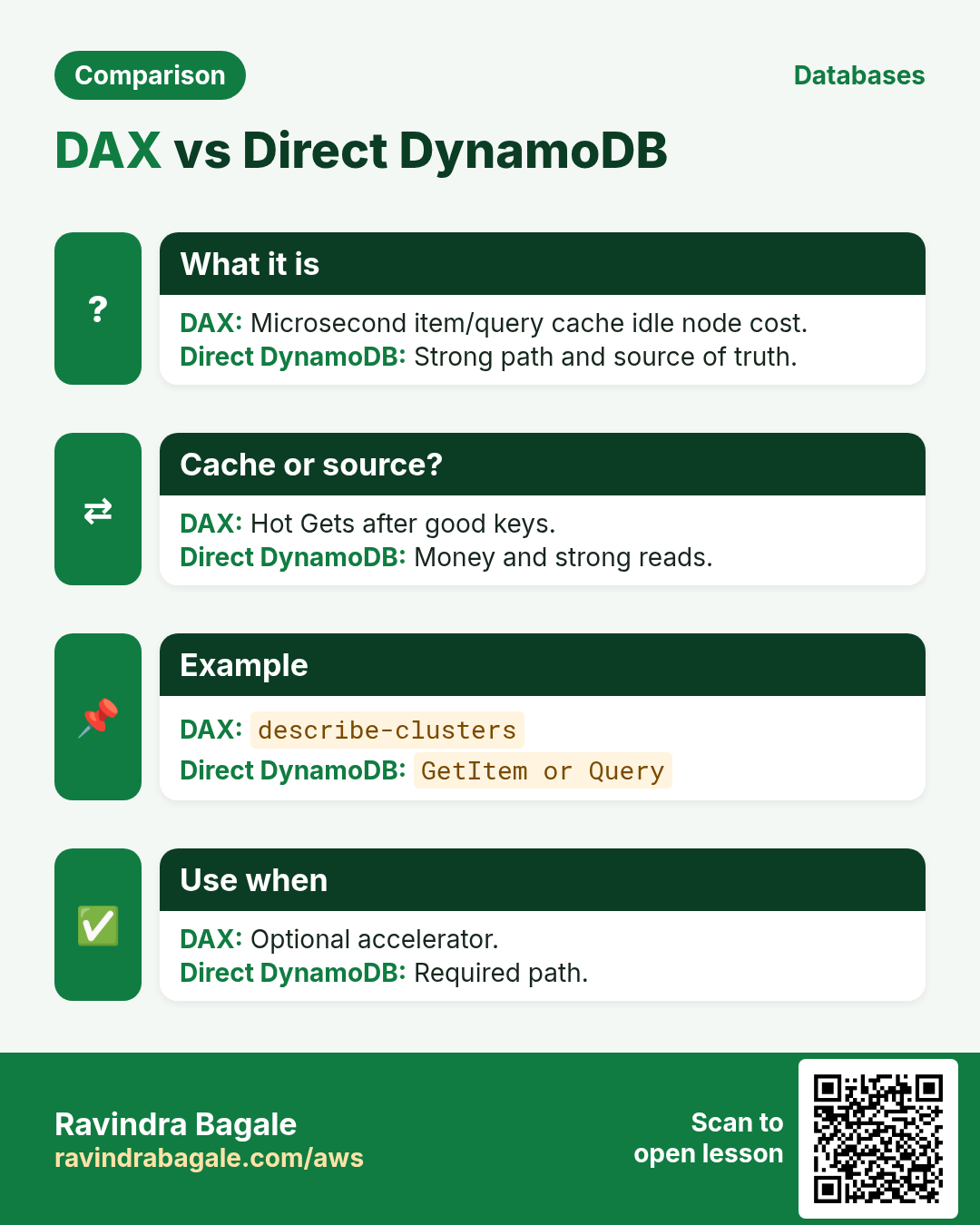
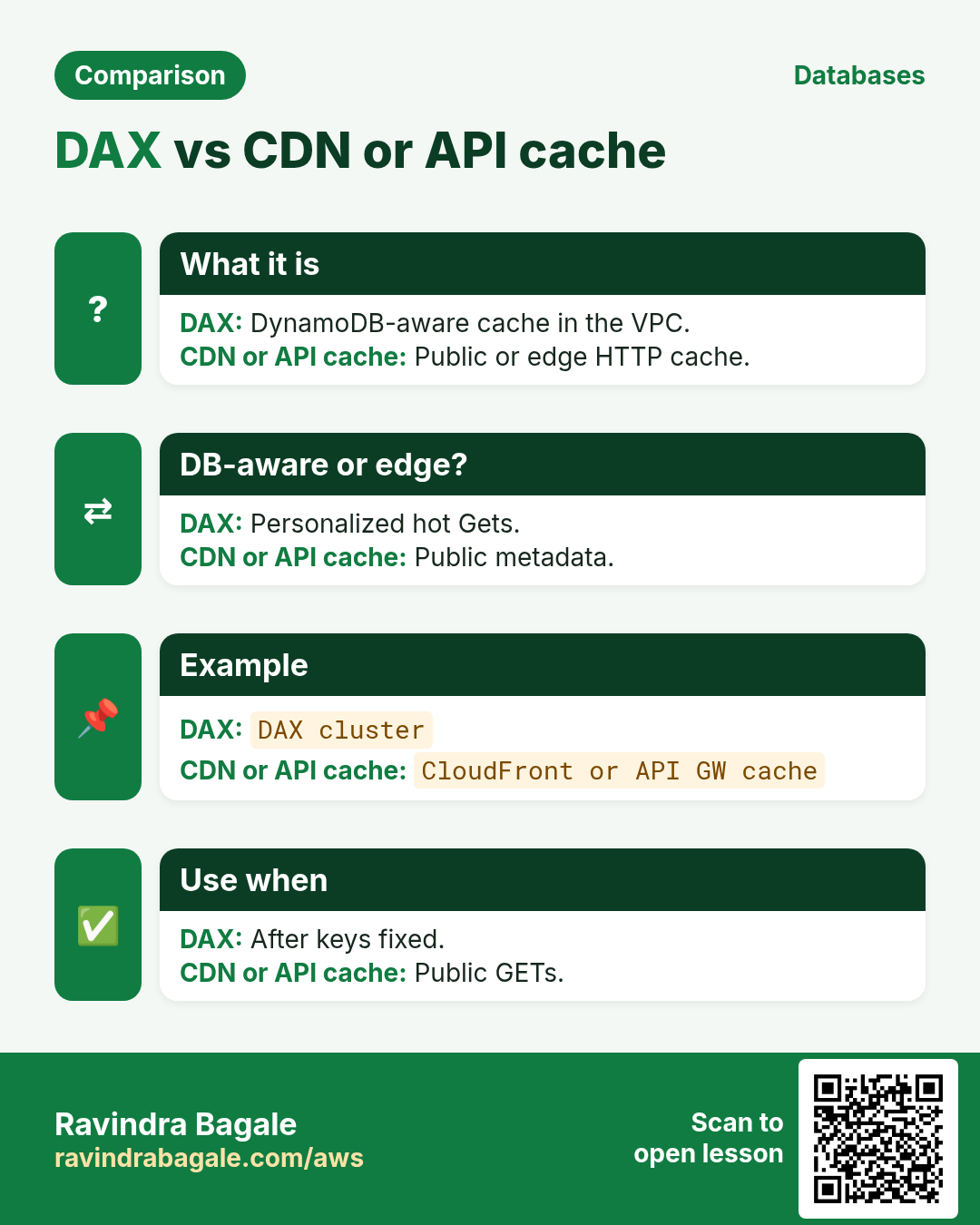
DAX: managed in-memory cluster in front of DynamoDB. Item and query caches; consistency nuances vs direct DynamoDB strong reads. Alternatives: API Gateway/CloudFront, ElastiCache, or app caches.
5. How to do it (step by step)
How to do it (step by step)
- Prove the hot path is Get/Query — not Scan.
- Fix keys/hot partitions first.
- Estimate QPS and item size for cluster sizing talk.
- Decide: DAX vs CDN/API cache vs ElastiCache.
- Plan miss path and invalidation/TTL mental model.
- Never put money-critical strong-read ledgers on stale cache alone.
6. Commands with output and meaning
# DAX is managed separately from the table API.
aws dax describe-clusters --region ap-south-1
# Output: Clusters list (empty if none). Meaning: optional infra —
# create only after a written hot-Get justification; delete lab clusters same day.
describe-clusters shows spend. Create only with justification; lab clusters deleted same day.
7. Industry stories
- Gaming (Carlos): avatar/profile Gets via DAX; wallet direct.
- Media (Priya): public metadata CDN; personalized via DynamoDB.
- Retail (Aisha): product card cache; checkout strong path.
- SaaS (Omar): feature-flag Gets cached; billing direct.
- IoT (Mei): prefer rollups/S3 over DAX for time-series.
- Bank (Lucas): no DAX on ledger — strong correctness.
8. Lab
How to do it (step by step)
- Write: three reads OK to cache; two must be strong.
- Optional: describe-clusters; if you create a tiny lab cluster, delete same day.
- Re-measure without cache after key fix — often enough.
Cleanup (stop billing)
- Delete lab resources you created.
- Confirm with describe that names are gone.
9. Ops checklist before you ship
- Confirm TTL attribute name and units (epoch seconds).
- Decide soft-delete vs hard-delete vs archive-to-S3.
- Enable PITR on any table you cannot rebuild from source.
- Document RPO/RTO and who runs restore drills.
- If multi-region: pick write stickiness and conflict rules.
- If DAX: prove cache-miss path and warm-up plan.
- Tag Owner + Expiry on every lab resource.
- Budget alert in the account before load tests.
10. Copy-paste DynamoDB CLI starters (batch 2)
export AWS_DEFAULT_REGION=ap-south-1

# TTL status
aws dynamodb describe-time-to-live --table-name ShopApp

# PITR / continuous backups
aws dynamodb describe-continuous-backups --table-name ShopApp

# On-demand backup
aws dynamodb create-backup --table-name ShopApp --backup-name lab-shop-$(date +%Y%m%d)

# List backups
aws dynamodb list-backups --table-name ShopApp

# Global table description (v2)
aws dynamodb describe-table --table-name ShopApp --query 'Table.Replicas'
11. More industry stories
- Retail (Aisha Khan, Dubai): TTL clears abandoned carts; soft-delete keeps 30-day undo.
- Bank (Lucas Meyer, Berlin): PITR on ledger table; restore drill every quarter.
- Travel (Omar Haddad, Amman): Global Tables for catalog reads; inventory writes sticky.
- Gaming (Carlos Rivera, Mexico City): DAX for hot profile Gets; never cache money ledgers.
- Social (Priya Nair, Kochi): adjacency edges for follows; sparse GSI for unread inbox.
- IoT (Mei Lin, Shenzhen): device#day PK + TTL 14 days; rollups to S3.
12. Glossary (batch 2)
| Term | Meaning |
|---|---|
| TTL | Time to Live — attribute with epoch seconds; DynamoDB deletes later |
| Soft delete | Flag deleted=true; item remains until TTL/archive |
| PITR | Point-in-time recovery — continuous backups window |
| Global Table | Multi-region replicated DynamoDB table |
| LWW | Last-writer-wins conflict resolution on replicas |
| DAX | DynamoDB Accelerator — in-memory cache cluster |
| Adjacency list | Edge items modeling relationships in one table |
| Fan-out | Write once; push copies to many feeds/inboxes |
13. Practice: explain out loud
- 60s: TTL vs soft-delete vs S3 archive.
- 60s: PITR vs on-demand backup.
- 60s: when Global Tables help and hurt.
- 60s: DAX consistency trade-off.
- 60s: CartLite checkout keys in one breath.
- 60s: follow edge vs feed item.
- Record once; cut filler; record again.
14. Safe lab hygiene
- Use ap-south-1 labs with a budget alert.
- Prefix lab tables with lab- and your initials.
- Delete replicas, DAX clusters, and backups you created for labs.
- Never enable Global Tables on production without a write plan.
- Tag every resource Owner + Expiry.
- Export/import labs can create large S3 bills — delete prefixes.
15. How this set links other chapters
- Data modeling — keys we reuse in projects.
- Transactions — checkout and seat patterns.
- Streams + Lambda — fan-out and CDC.
- CRUD survey — short TTL note we deepen.
- What Is DynamoDB? — intro.
16. Delete / archive decision pad
| Need | Prefer | Why |
|---|---|---|
| Undo 7-30 days | Soft-delete flag | User restore |
| Hard expiry, no read | TTL attribute | Auto delete later |
| Compliance keep cold | Export/archive to S3 | Cheap long store |
| Mistake recovery | PITR / backup | Table-level restore |
17. Ten oral drill questions
- What units does DynamoDB TTL use?
- Does TTL delete instantly?
- PITR window typical length?
- Global Tables conflict default?
- When sticky writes matter?
- DAX vs API Gateway cache?
- Cart PK for a shopper?
- Order lines under which PK?
- Follow edge SK example?
- Unread inbox sparse GSI idea?
18. RPO / RTO mini workshop
- Write the worst data loss you can accept (RPO) in minutes.
- Write how long restore may take (RTO) before business pain.
- Map: on-demand backup vs PITR vs multi-region replica.
- Schedule a restore drill on a lab table this month.
- Name the person who runs the drill.
19. Cost watch list (batch 2)
- PITR storage and on-demand backup storage.
- Global Tables: replicated WCUs in every region.
- DAX node hours even at idle.
- Export to S3 + S3 storage + Athena later.
- Streams + Lambda still bill during TTL deletes.
20. Project Definition of Done
- Access patterns written and peer-reviewed.
- Sample items drawn for happy path + one failure.
- Lab table created, exercised, deleted (or tagged Expiry).
- At least one conditional write or transaction exercised.
- Cleanup commands pasted in your notes.
- One interview answer recorded out loud.
21. Cross-links inside this batch
- TTL hygiene → Backup/PITR for “oops” recovery.
- Global Tables → sticky writes from capacity/hot lessons.
- DAX → only after Query shapes are correct.
- P1 CartLite reuses modeling + transactions.
- P2 Social reuses adjacency + Streams ideas.
22. Quick self-check (yes/no)
- I can explain TTL delay vs instant DeleteItem.
- I know when soft-delete beats hard delete.
- I can start PITR and say what restore costs in time.
- I can name one reason NOT to use Global Tables.
- I know DAX does not fix a bad partition key.
- I can sketch CartLite USER# and ORD# keys.
- I can sketch a follow edge item.
- I delete lab replicas/DAX/backups the same day.
23. Common errors and fixes
Each row is a real mistake students and juniors hit. Read the fix before you panic.
| Error / symptom | Fix |
|---|---|
| DAX before key fix | Fix keys first. |
| Cache money ledger | Strong path. |
| Forget idle node cost | Delete labs. |
| Assume strong like GetItem | Know DAX consistency. |
| Cache Scans | Do not — fix model. |
| No miss plan | Document miss. |
| Stampede on expiry | Soft TTL / lock. |
| One huge node forever | Right-size / HA. |
| Ignore VPC/SG | Network path. |
24. Troubleshooting checklist
- Empty clusters: none created — OK.
- High latency still: check keys/hot.
- Stale reads: expected cache lag — design.
- Bill surprise: node hours.
- App errors: endpoint/SG/IAM.
25. FAQ
Q. Should I always use a single table?
Often yes for related access patterns; not a religion. Separate tables are fine for unrelated domains or different capacity/security needs.
Q. Do I still need RDS?
Yes for heavy joins, multi-row SQL reports, and strong relational constraints. See the intro DynamoDB vs RDS chapter.
Q. Is Scan evil?
Scan is a tool for rare admin jobs and small tables. Design so hot paths use Query/GetItem.
Q. Where are Put/Get command details?
In the CRUD survey, CLI and SDK chapters — this deep set links them instead of copying.
Q. DAX mandatory?
No — often CDN/app cache enough.
Q. Fixes hot PK?
No.
Q. Strong read?
Prefer direct DynamoDB when required.
Q. Link capacity?
Yes for cost.
26. Interview Q&A
Q. (B) DAX?
DynamoDB Accelerator in-memory cache cluster.
Q. (B) First step?
Fix access patterns/keys.
Q. (M) When not DAX?
Strong money paths; tiny traffic; Scan-heavy.
Q. (M) Idle cost?
Nodes bill even with low QPS.
Q. (S/MNC) Stampede?
Many misses after expiry hit DB together.
Q. (MNC) Alternative?
CloudFront/API cache/ElastiCache/app.
27. Tips in English, Marathi and Hindi
Ravindra Bagale's Tip (EN)
Make the Query cheap first; then decide if a cache earns its rent.
Ravindra Bagale's Tip (MR)
आधी Query स्वस्त; मग cache.
Tip (HI)
पहले Query सस्ता, फिर cache।
Try at home
- List 3 cacheable vs 2 non-cacheable reads.
- Price a small DAX node roughly (docs).
- Re-read modeling one page.
In short
- DAX after correct keys.
- Consistency and idle cost matter.
- Alternatives often enough.
- Delete lab clusters.
Revision, interview and comparison cards
Revise this lesson in a few minutes. Save the cards on your phone or download them as PNG files. The QR code on each card opens this lesson.
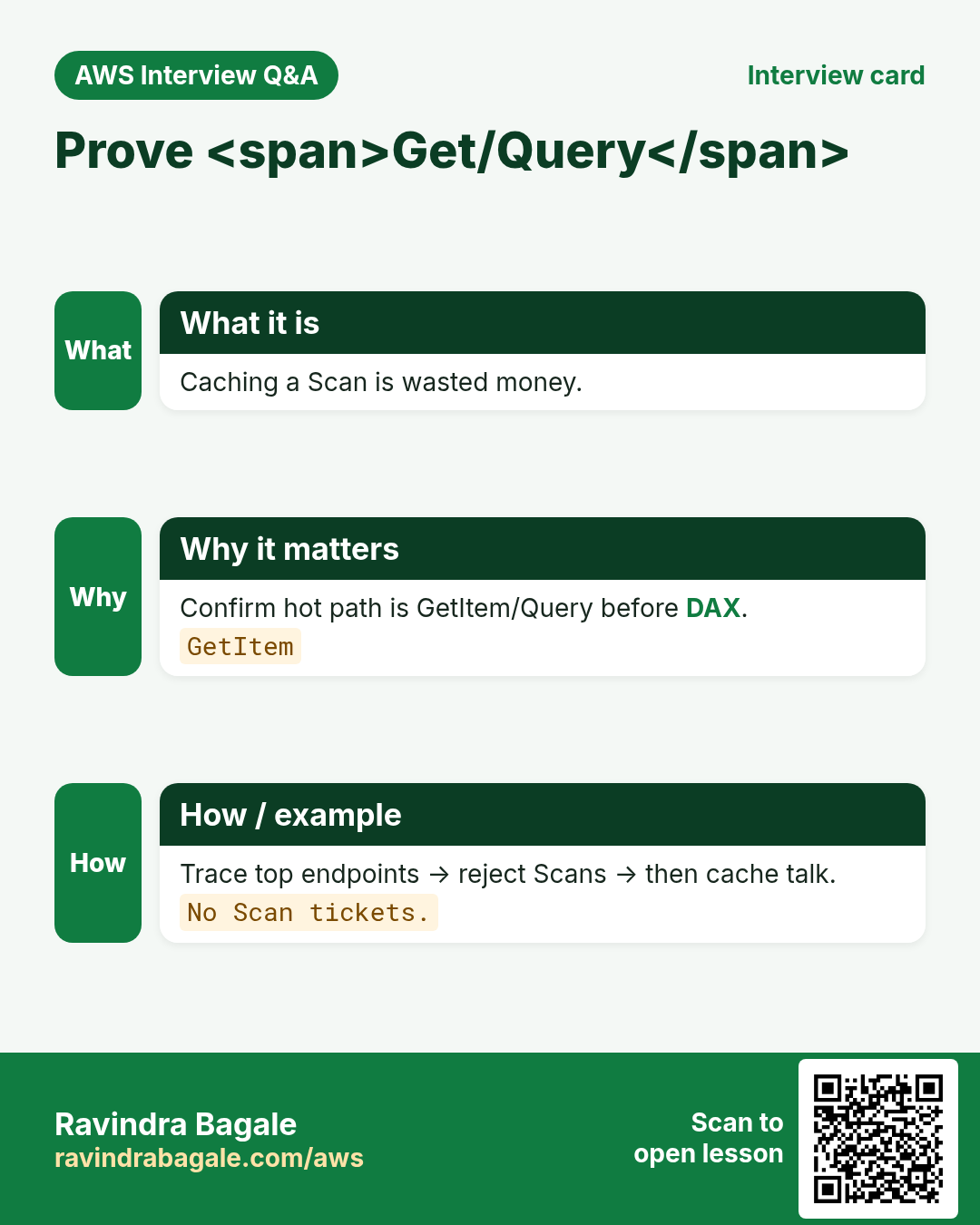
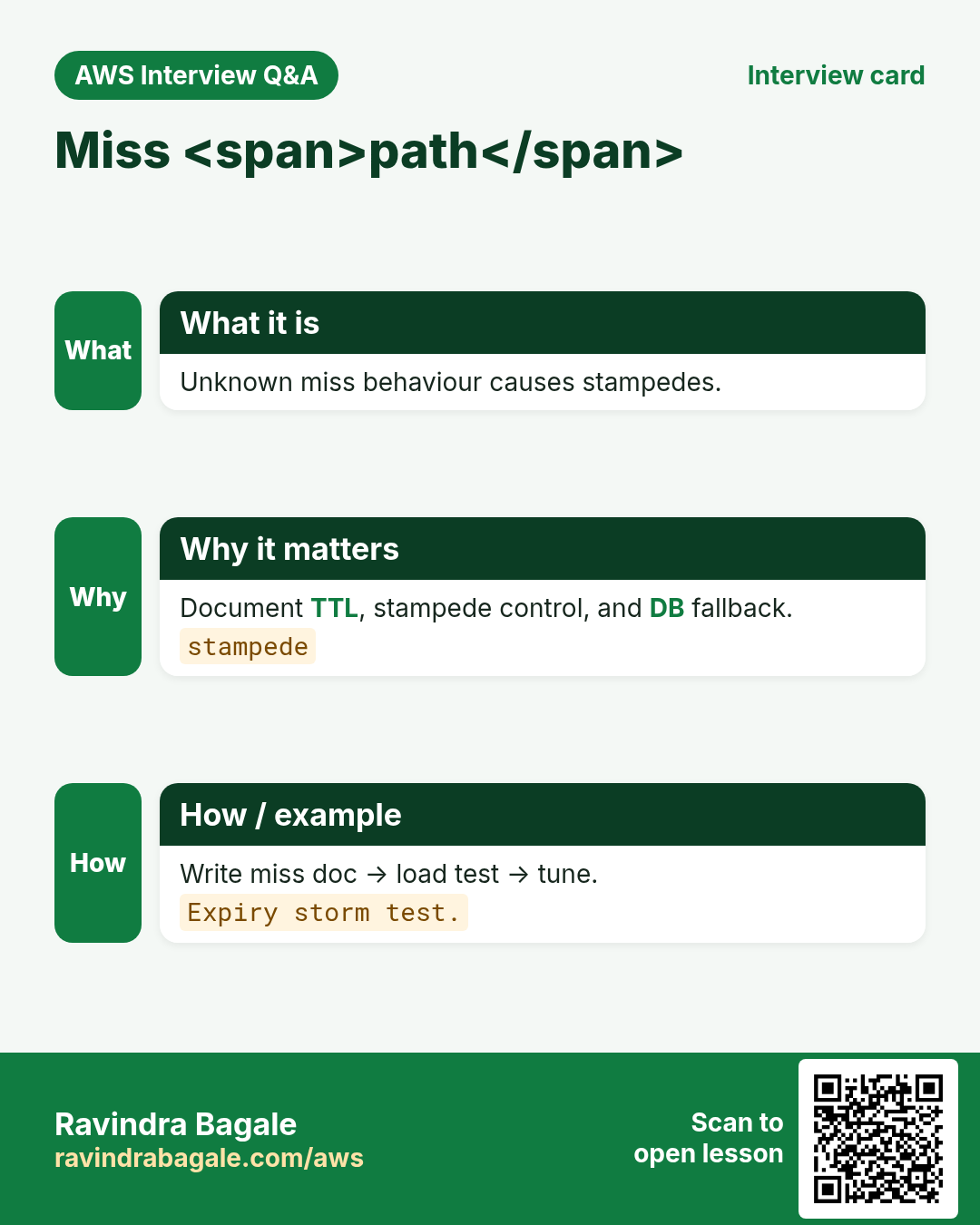
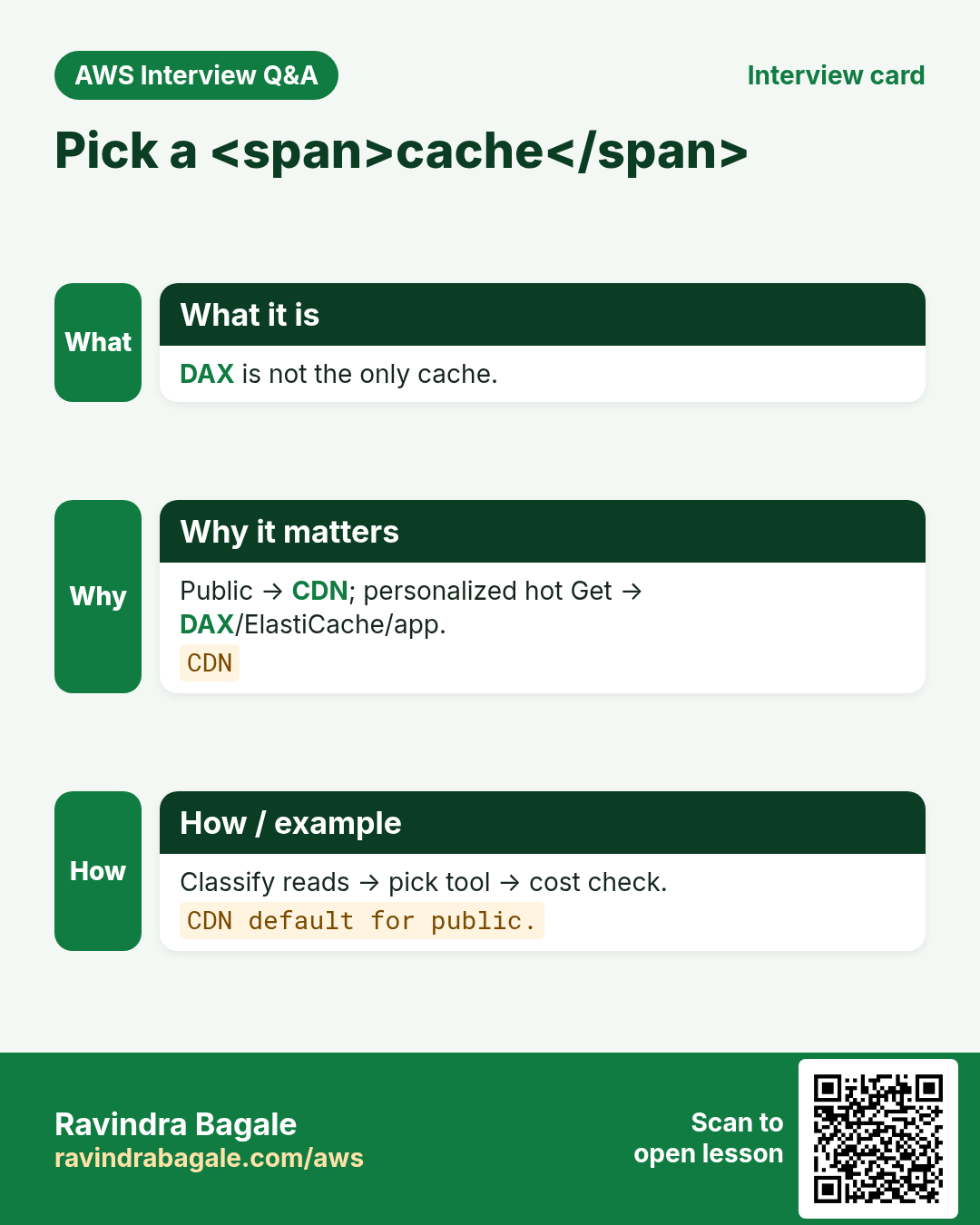
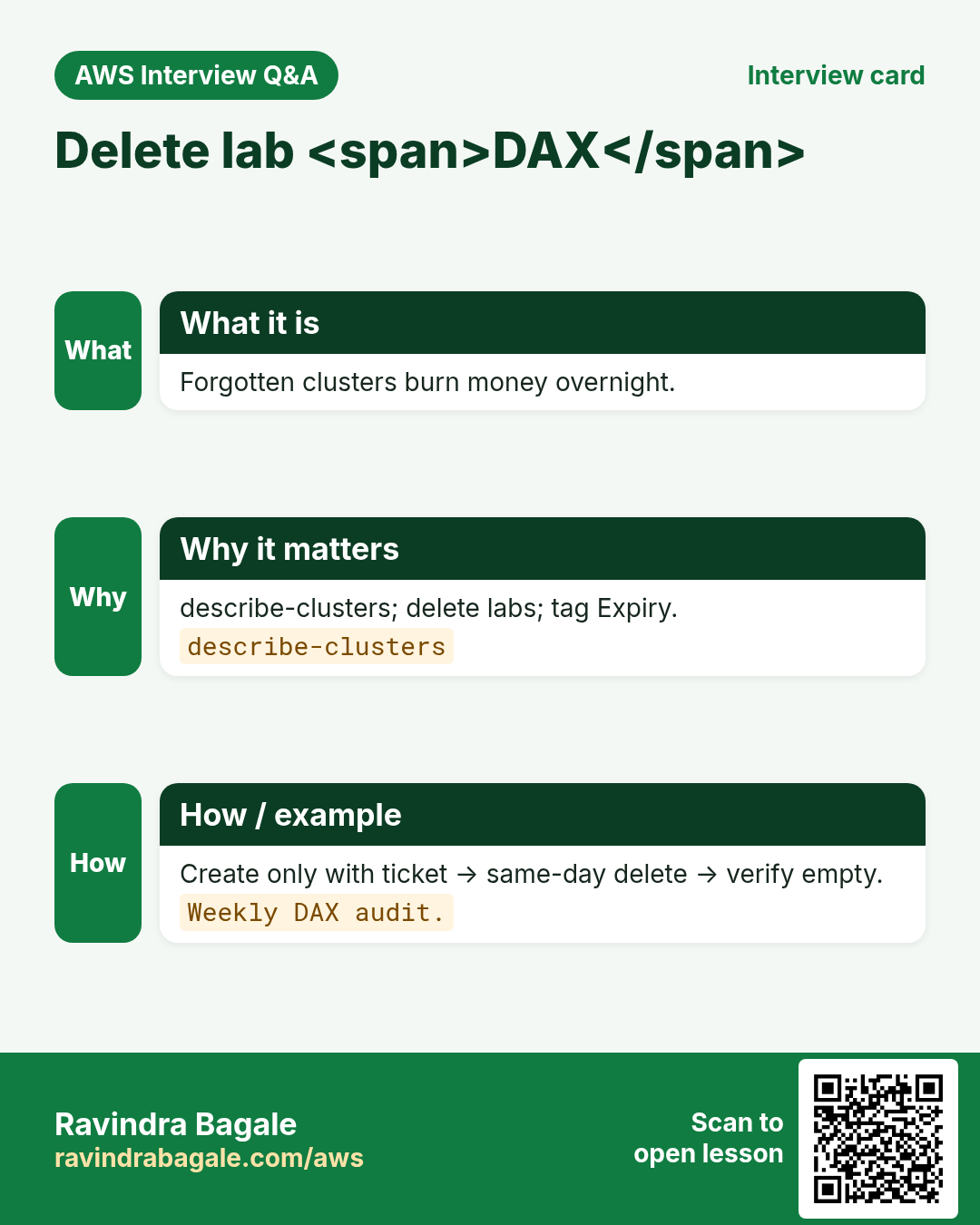
More cards: Ravi Sir's Cards.
Practice Tasks
Amravati Agro Market is a agriculture business in Amravati. Anjali Thakre looks after its IT and cloud work. They count money in INR and run their AWS resources in the ap-south-1 Region. In the tasks below you do real jobs for them using what this lesson teaches. All names, account IDs, IP addresses and numbers are made up for practice.
0 / 16
Easy DAX is an in-memory cache — 1
Why: Def.
What to do: Enter 1 if DAX is a DynamoDB Accelerator cache cluster.
- Write down the numbers the task gives you.
- Work it out step by step on paper.
- Type only the final answer in the box.
- Click Check answer.
Easy Fix keys before DAX — 1
Why: Order.
What to do: Enter 1 if access patterns/keys come before DAX.
- Write down the numbers the task gives you.
- Work it out step by step on paper.
- Type only the final answer in the box.
- Click Check answer.
Easy Idle nodes still bill — 1
Why: Cost.
What to do: Enter 1 if DAX nodes bill even when idle.
- Write down the numbers the task gives you.
- Work it out step by step on paper.
- Type only the final answer in the box.
- Click Check answer.
Easy Do not cache money ledgers lightly — 1
Why: Safety.
What to do: Enter 1 if money ledgers often need direct strong reads.
- Write down the numbers the task gives you.
- Work it out step by step on paper.
- Type only the final answer in the box.
- Click Check answer.
Easy Describe table (baseline)
Why: CLI.
What to do: Describe table ShopApp
- Read the task and decide which AWS service it is about.
- Write aws, then the service name, then the operation (the action word).
- Add each needed flag (--name) followed by its value from the task.
- Flags can be in any order. Click Check answer.
Easy Cacheable YAML
Why: List.
What to do: YAML list cacheable with profile and flags.
- Start from the top-level keys the task names.
- Indent child keys with 2 spaces (no tabs).
- Fill in each property with the value from the task.
- Click Check answer. Key order does not matter.
Easy Estimate QPS before sizing — 1
Why: Size.
What to do: Enter 1 if you estimate QPS before talking cluster size.
- Write down the numbers the task gives you.
- Work it out step by step on paper.
- Type only the final answer in the box.
- Click Check answer.
Medium Stampede = many misses together — 1
Why: Risk.
What to do: Enter 1 if cache stampede is many misses hitting DB together.
- Write down the numbers the task gives you.
- Work it out step by step on paper.
- Type only the final answer in the box.
- Click Check answer.
Medium DAX does not fix hot PK — 1
Why: Truth.
What to do: Enter 1 if DAX does not fix a hot partition key.
- Write down the numbers the task gives you.
- Work it out step by step on paper.
- Type only the final answer in the box.
- Click Check answer.
Medium CDN/API/ElastiCache are alternatives — 1
Why: Choice.
What to do: Enter 1 if other caches can replace DAX for some reads.
- Write down the numbers the task gives you.
- Work it out step by step on paper.
- Type only the final answer in the box.
- Click Check answer.
Medium Do not cache Scans as a fix — 1
Why: Anti.
What to do: Enter 1 if DAX should not be a Scan band-aid.
- Write down the numbers the task gives you.
- Work it out step by step on paper.
- Type only the final answer in the box.
- Click Check answer.
Medium Do-not-cache YAML
Why: List.
What to do: YAML list nocache with ledger and checkout.
- Start from the top-level keys the task names.
- Indent child keys with 2 spaces (no tabs).
- Fill in each property with the value from the task.
- Click Check answer. Key order does not matter.
Hard Plan the miss path — 1
Why: Design.
What to do: Enter 1 if you must document cache-miss behaviour.
- Write down the numbers the task gives you.
- Work it out step by step on paper.
- Type only the final answer in the box.
- Click Check answer.
Hard Delete lab clusters same day — 1
Why: Hygiene.
What to do: Enter 1 if lab DAX clusters should be deleted same day.
- Write down the numbers the task gives you.
- Work it out step by step on paper.
- Type only the final answer in the box.
- Click Check answer.
Hard Know consistency trade-offs — 1
Why: Model.
What to do: Enter 1 if DAX consistency can differ from strong GetItem.
- Write down the numbers the task gives you.
- Work it out step by step on paper.
- Type only the final answer in the box.
- Click Check answer.
Hard DAX not mandatory — 1
Why: Choice.
What to do: Enter 1 if DAX is optional not mandatory.
- Write down the numbers the task gives you.
- Work it out step by step on paper.
- Type only the final answer in the box.
- Click Check answer.