Linux Host Firewalls Hands-On: iptables, nftables, firewalld and UFW
Chapter 1 gave you the map. Now we put a host firewall on a Linux box. Berlin SRE Lucas Meyer and Hyderabad platform engineer Sneha Reddy use four tools in the wild: iptables (legacy nft-compatible), nftables (modern), firewalld (RHEL/CentOS/Fedora zones) and ufw (Ubuntu-friendly). This chapter is firewall-only hands-on with commands and sample output. For SELinux, fail2ban, Apparmor and full hardening, use Linux security hardening — we link, we do not rewrite it.
What you'll learn in this chapter
- List when to use iptables vs nftables vs firewalld vs ufw
- Allow and deny TCP/UDP ports with each tool
- Read sample command output and say what it means
- Test with curl and nc; make rules persistent
- Avoid fighting cloud Security Groups blindly
1. Everyday example
Your EC2 web box already has a Security Group. Still, a stray process binds :9000 on the host. Same-SG peers can reach it. Host firewall is the apartment lock after the building gate. Sneha closes 9000 with ufw; Lucas prefers nftables on Debian bastions.
2. Why a host firewall when SG exists?
Why do we need this?
- Same-SG or same-subnet peers bypass "internet" thinking
- Bastions and jump boxes need OS-level deny by default
- Containers/VMs on metal still need a local policy
- Compliance often asks for host-based controls too
3. Tool map
| Tool | Best on | Style |
|---|---|---|
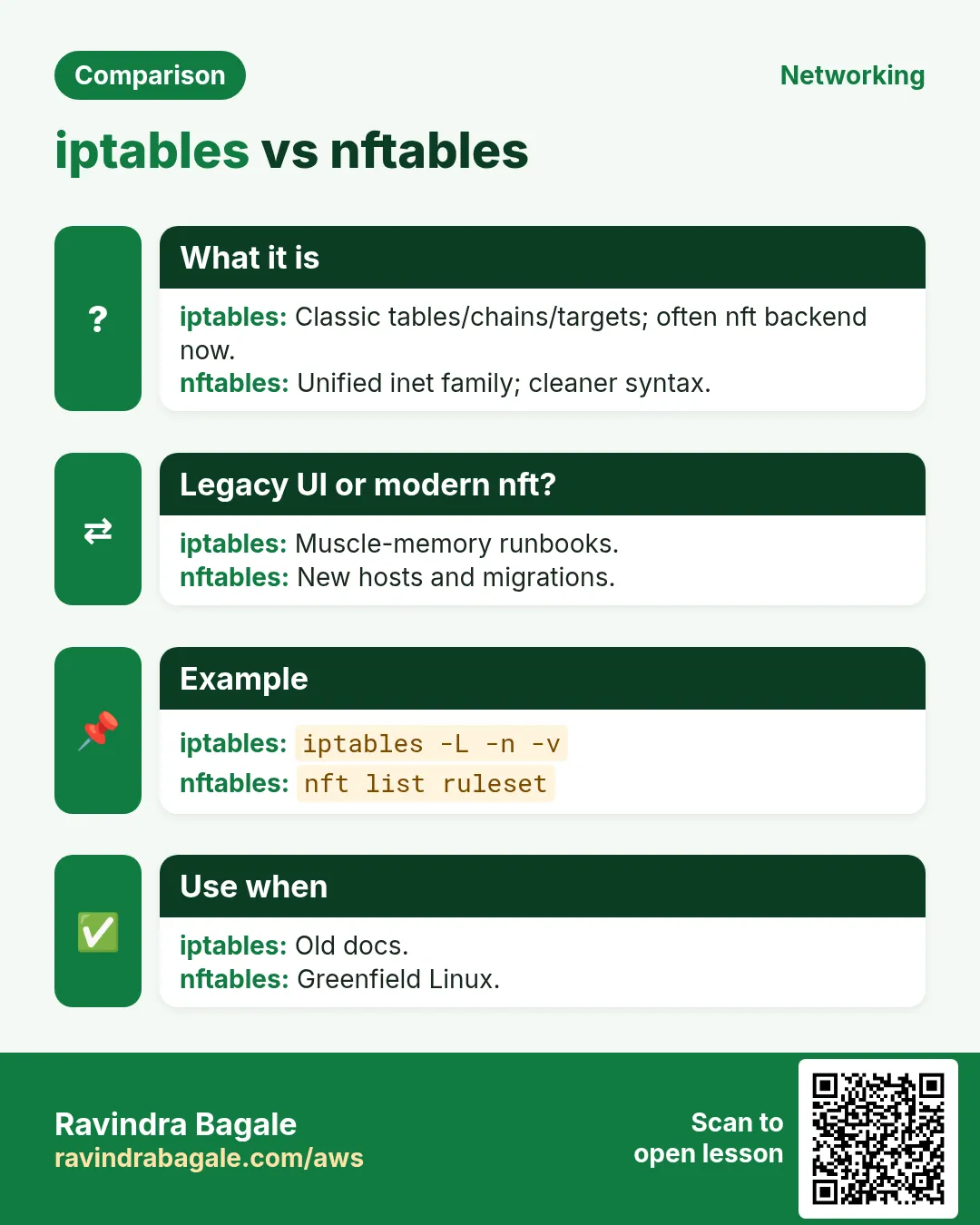
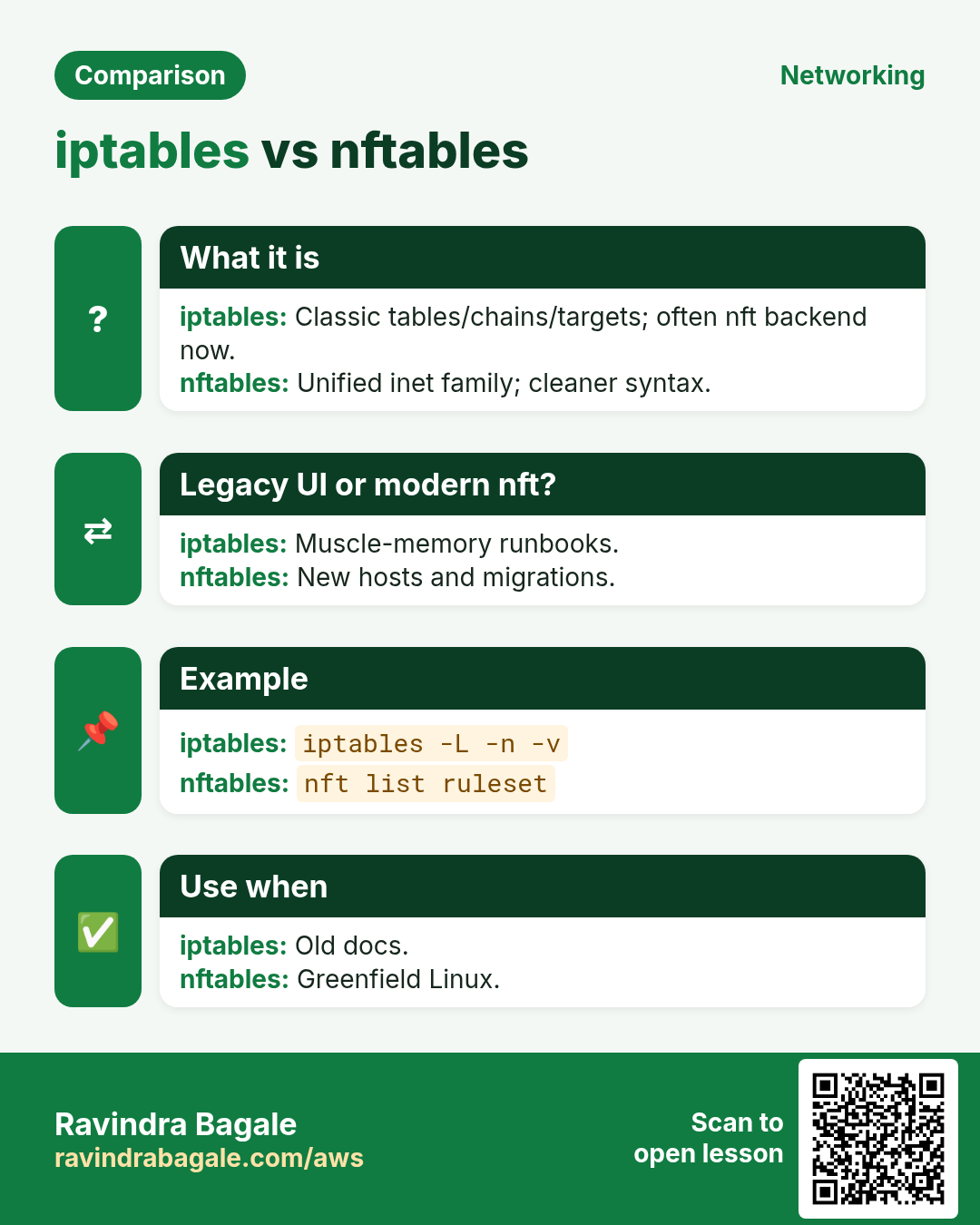
| iptables | Legacy scripts; still everywhere | Chains INPUT/OUTPUT/FORWARD |
| nftables | Modern Debian/Ubuntu/RHEL 8+ | One nft language; replaces iptables |
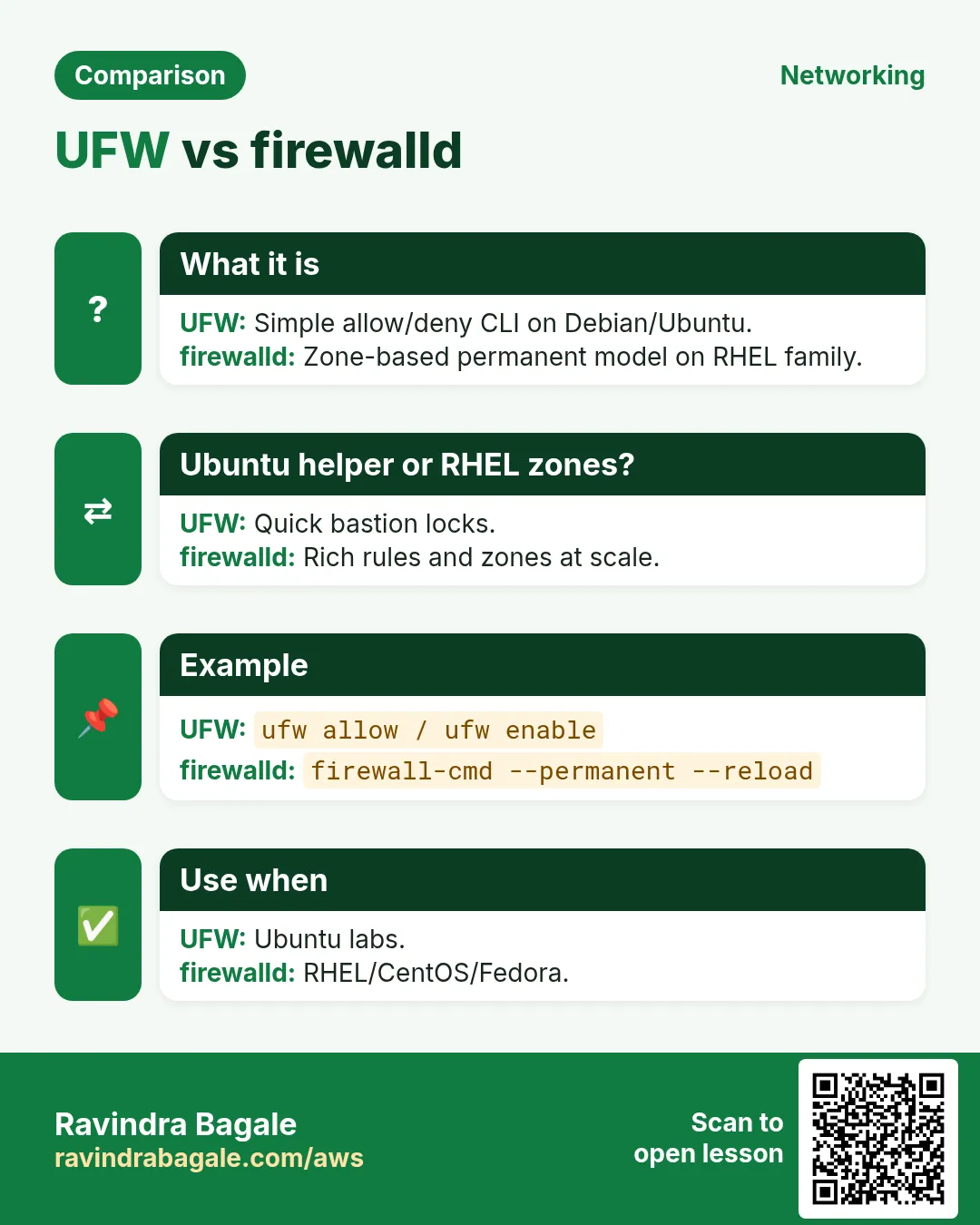
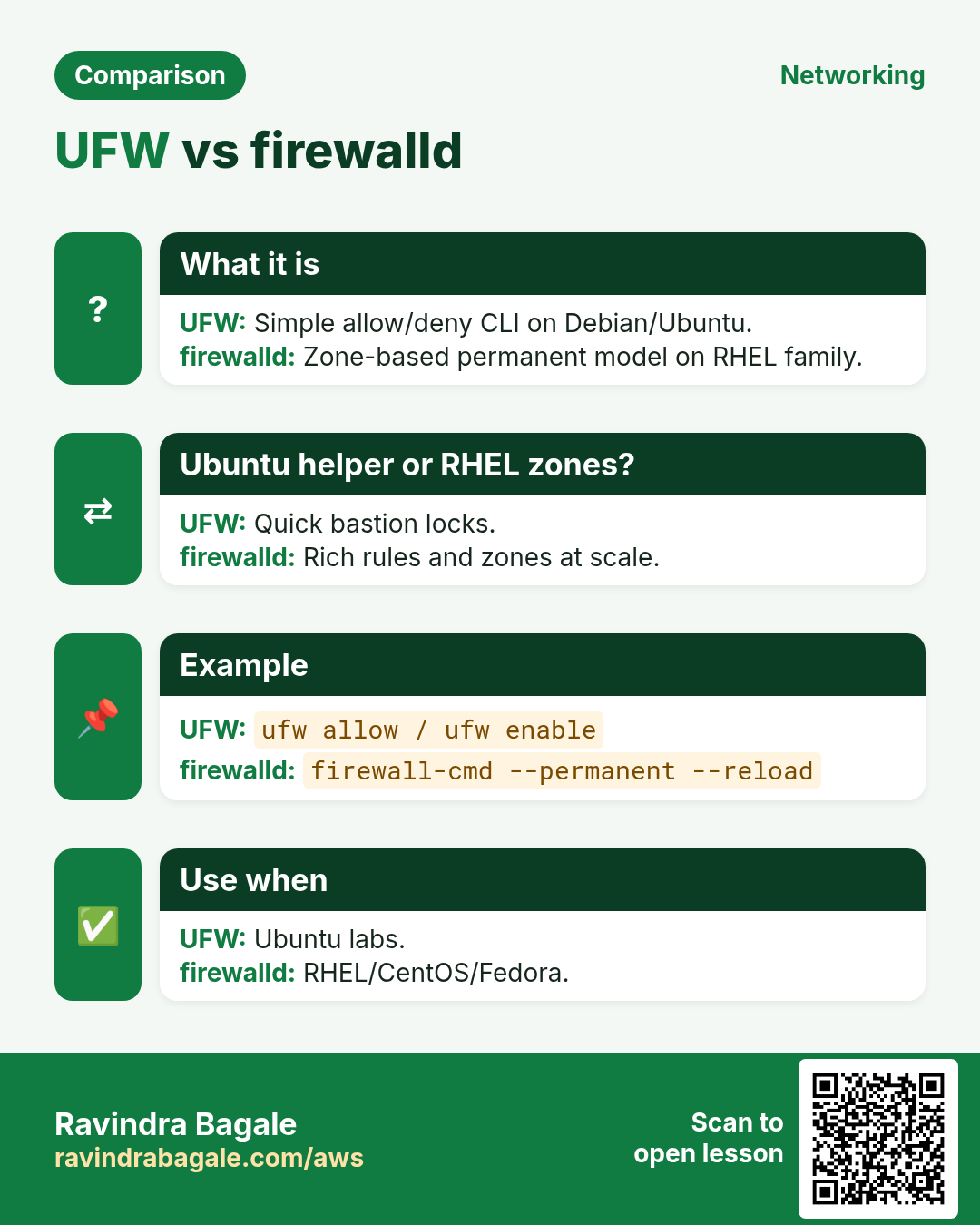
| firewalld | RHEL / Rocky / Alma / Fedora | Zones + services; XML/nm |
| ufw | Ubuntu desktops/servers | Simple allow/deny CLI |
One backend at a time
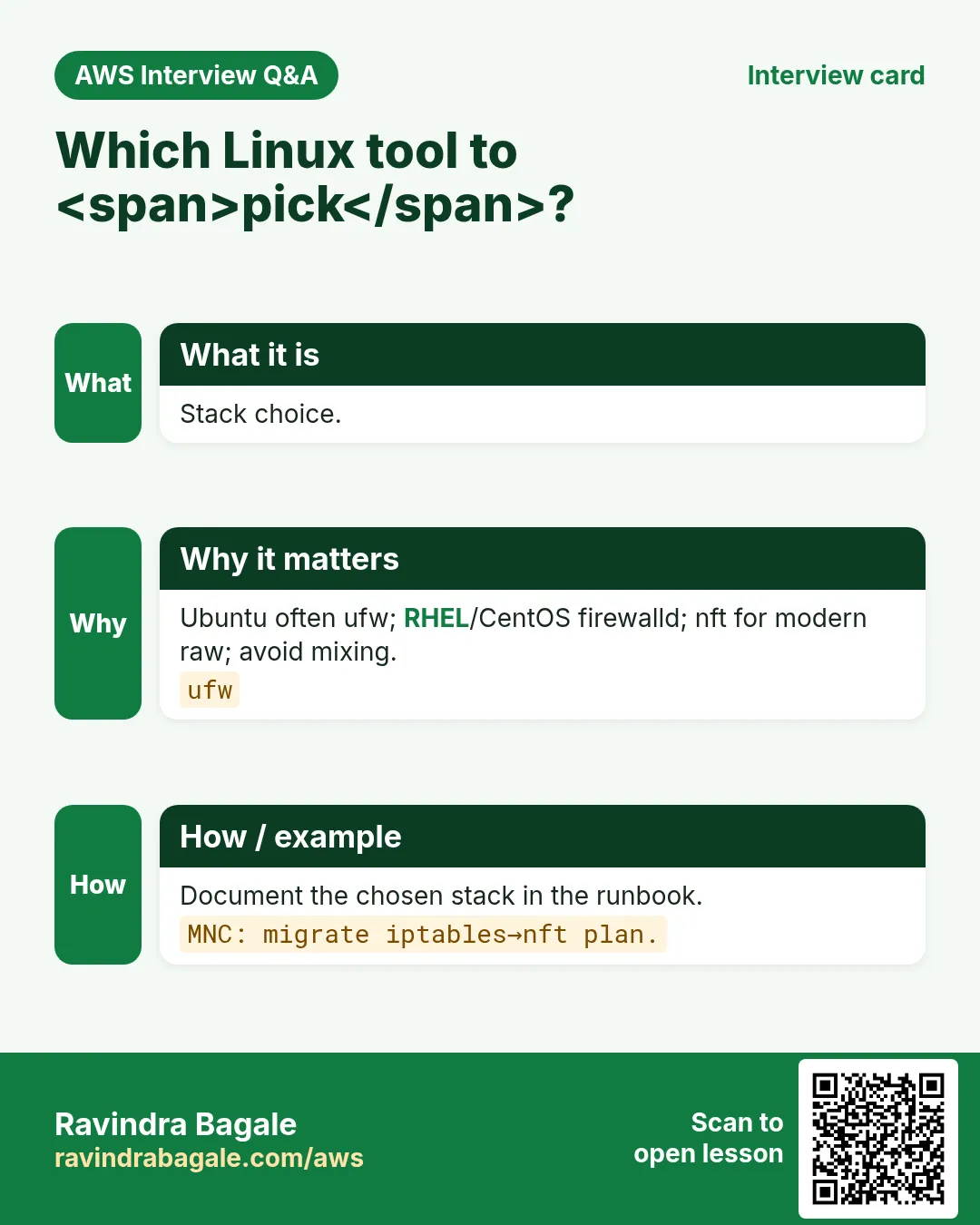
Do not run ufw and firewalld and raw iptables edits on the same host without a plan — they fight. Pick one primary tool per host image.
4. iptables hands-on
What is it?
iptables talks to netfilter. Common filter table chains: INPUT (to this host), OUTPUT (from this host), FORWARD (through this host). Policies are ACCEPT or DROP.
How to do it (step by step)
# View rules (filter table)
sudo iptables -L -n -v --line-numbers
# sample output meaning:
# Chain INPUT (policy ACCEPT 0 packets, 0 bytes)
# num  pkts bytes target  prot  opt  in  out  source      destination
# 1       0     0 ACCEPT  tcp   --   *   *    0.0.0.0/0   0.0.0.0/0   tcp dpt:22
# → line 1 allows SSH (tcp/22) from anywhere

# Default deny incoming (careful: keep SSH allowed first!)
sudo iptables -A INPUT -m conntrack --ctstate ESTABLISHED,RELATED -j ACCEPT
sudo iptables -A INPUT -p tcp --dport 22 -j ACCEPT
sudo iptables -A INPUT -p tcp --dport 80 -j ACCEPT
sudo iptables -A INPUT -i lo -j ACCEPT
sudo iptables -P INPUT DROP
sudo iptables -P FORWARD DROP
# OUTPUT often left ACCEPT for beginners

# Delete a line
sudo iptables -D INPUT 3
Persist (Debian/Ubuntu): sudo apt install iptables-persistent && sudo netfilter-persistent save. RHEL: write a service or migrate to nft/firewalld.
5. nftables hands-on
# List
sudo nft list ruleset
# sample: table inet filter { chain input { type filter hook input priority 0; policy drop;
#   ct state established,related accept
#   tcp dport 22 accept
# } }

# Quick inet filter (IPv4+IPv6)
sudo nft add table inet filter
sudo nft add chain inet filter input '{ type filter hook input priority 0; policy drop; }'
sudo nft add rule inet filter input ct state established,related accept
sudo nft add rule inet filter input iif lo accept
sudo nft add rule inet filter input tcp dport 22 accept
sudo nft add rule inet filter input tcp dport 80 accept

# Persist: save to /etc/nftables.conf and enable nftables.service
sudo nft list ruleset | sudo tee /etc/nftables.conf
sudo systemctl enable --now nftables
6. firewalld hands-on
# State and default zone
sudo firewall-cmd --state
# running
sudo firewall-cmd --get-default-zone
# public

# Allow HTTP permanently and reload
sudo firewall-cmd --permanent --add-service=http
sudo firewall-cmd --permanent --add-port=8080/tcp
sudo firewall-cmd --reload
sudo firewall-cmd --list-all
# sample: public (active)
#   services: cockpit dhcpv6-client http ssh
#   ports: 8080/tcp
# → http and 8080 are allowed in zone public

# Rich rule example: allow 10.0.0.0/24 to 3306
sudo firewall-cmd --permanent --add-rich-rule='rule family=ipv4 source address=10.0.0.0/24 port port=3306 protocol=tcp accept'
sudo firewall-cmd --reload
7. ufw hands-on
sudo ufw status verbose
# Status: inactive

sudo ufw default deny incoming
sudo ufw default allow outgoing
sudo ufw allow OpenSSH
# or: sudo ufw allow 22/tcp
sudo ufw allow 80/tcp
sudo ufw allow 443/tcp
sudo ufw enable
# Command may ask for confirmation — say y

sudo ufw status numbered
# [ 1] 22/tcp ALLOW IN Anywhere
# [ 2] 80/tcp ALLOW IN Anywhere
# → SSH and HTTP allowed; everything else incoming denied by default

# Delete rule number 2
sudo ufw delete 2
ufw writes under /etc/ufw/; enabled means persistent across reboot.
8. Test with curl and nc
How to do it (step by step)
# From a second host (or your laptop if SG allows)
curl -s -o /dev/null -w "%{http_code}\n" http://TARGET/
# 200 → web allowed; 000 / timeout → blocked or down

nc -vz TARGET 22
# Connection to TARGET 22 port [tcp/ssh] succeeded!
nc -vz TARGET 9000
# nc: connect to TARGET port 9000 (tcp) failed: Connection refused / timed out
# → refused often means nothing listening; timed out often means filtered (FW)

# On the target, watch drops (nft example)
sudo nft monitor | head
Ravindra Bagale's Tip
On AWS, open the Security Group and the host firewall. Students forget one and blame the other for 30 minutes.
9. Make rules persistent — cheat sheet
| Tool | Persist how |
|---|---|
| iptables | iptables-persistent / netfilter-persistent save |
| nftables | /etc/nftables.conf + systemctl enable nftables |
| firewalld | --permanent then --reload (runtime alone dies on reboot) |
| ufw | ufw enable (files under /etc/ufw) |
10. Multi-industry snapshots
- Clinic (Adaeze): ufw on Ubuntu imaging PACS jump box; only 22 from bastion IP.
- Fintech (Arjun): nftables on hardened Debian bastions; firewalld on Rocky app nodes.
- Ecommerce (Lucas): ufw on build agents; deny all except CI subnet.
- Uni lab (Sofia): firewalld zones — student wifi zone vs servers zone.
11. Lab: lock a lab VM then prove it
- Snapshot / take AMI if this is a cloud VM.
- Pick ONE tool (ufw on Ubuntu, firewalld on Rocky).
- Allow SSH from your IP only; allow 80; default deny incoming.
- curl :80 → 200; nc :9000 → fail; nc :22 from wrong IP → fail.
- Reboot and re-run status — rules must survive.
- Write the four proof lines in your notes.
Cleanup
- If this was a throwaway VM, terminate it.
- If shared, remove lab-only allows and leave SSH locked to bastion.
12. Side-by-side command map
| Job | iptables | nftables | firewalld | ufw |
|---|---|---|---|---|
| List rules | iptables -L -n -v | nft list ruleset | firewall-cmd --list-all | ufw status verbose |
| Allow TCP 8080 | iptables -A INPUT -p tcp --dport 8080 -j ACCEPT | nft add rule inet filter input tcp dport 8080 accept | firewall-cmd --add-port=8080/tcp | ufw allow 8080/tcp |
| Deny source IP | iptables -I INPUT -s 203.0.113.9 -j DROP | nft insert rule inet filter input ip saddr 203.0.113.9 drop | firewall-cmd --add-rich-rule=rule family=ipv4 source address=203.0.113.9 drop | ufw deny from 203.0.113.9 |
| Save | iptables-save > /etc/iptables/rules.v4 | nft list ruleset > /etc/nftables.conf | firewall-cmd --runtime-to-permanent | ufw enable (auto) |
13. Lab A — allow then prove
On a throwaway VM: start a tiny HTTP server, lock the host, open only one port, prove with curl and nc from another host.
# Terminal 1 (server)
python3 -m http.server 8080 --bind 0.0.0.0
# Terminal 2 (firewall) — ufw example
sudo ufw default deny incoming
sudo ufw allow OpenSSH
sudo ufw allow 8080/tcp
sudo ufw enable
sudo ufw status numbered
# Terminal 3 (client)
curl -v --max-time 3 http://SERVER_IP:8080/
nc -vz SERVER_IP 8080
nc -vz SERVER_IP 8081
Expected: 8080 returns HTTP; 8081 hangs or fails. If both work, default was still allow or another layer opened it.
14. Lab B — iptables to nftables migration sketch
# Export legacy
sudo iptables-save > /tmp/legacy.v4
iptables -V
sudo nft flush ruleset
sudo nft -f - <<'EOF'
table inet filter {
  chain input { type filter hook input priority 0; policy drop;
    ct state established,related accept
    iif lo accept
    tcp dport { 22, 80, 443 } accept
  }
  chain forward { type filter hook forward priority 0; policy drop; }
  chain output { type filter hook output priority 0; policy accept; }
}
EOF
sudo nft list ruleset
sudo nft list ruleset > /etc/nftables.conf
sudo systemctl enable --now nftables
15. Lab C — firewalld zones for a bastion
sudo firewall-cmd --get-active-zones
sudo firewall-cmd --set-default-zone=public
sudo firewall-cmd --permanent --zone=public --add-service=ssh
sudo firewall-cmd --permanent --zone=public --add-rich-rule='rule family="ipv4" source address="203.0.113.0/24" service name="ssh" accept'
sudo firewall-cmd --reload
sudo firewall-cmd --list-all
16. Eight common errors (Linux FW)
17. Common errors and fixes
Each row is a real mistake students and juniors hit. Read the fix before you panic.
| Error / symptom | Fix |
|---|---|
| iptables -A after a broad ACCEPT | Insert (-I) or reorder; first match wins. |
| Saved runtime never permanent | firewall-cmd --runtime-to-permanent; ufw enable; nft save. |
| UFW + firewalld both enabled | Pick one stack; disable the other. |
| Testing from the same host | Loopback bypasses INPUT; test from another IP. |
| IPv6 left open | ip6tables / nft inet / ufw covers v6 — verify. |
| Docker rewriting iptables | Docker inserts DOCKER chains; plan for them. |
| fail2ban ban but UFW resets | Integrate fail2ban action with your FW backend. |
| No counter check after change | iptables -L -v / nft list — confirm hits. |
18. Troubleshooting Linux FW
19. Troubleshooting checklist
- Is the daemon running? systemctl status firewalld|ufw|nftables
- Which tool owns the stack? iptables -V; nft list ruleset; ufw status
- Default policy ACCEPT or DROP?
- Are you hitting INPUT or FORWARD (containers/bridges)?
- Does curl fail with timeout (filtered) or connection refused (port closed but reachable)?
- Check order: first matching rule wins in iptables/nft.
20. Firewall decision checklist
- Write the threat in one sentence (scan, SQLi, malware DNS, lateral SSH).
- Pick the layer: packet / stateful / proxy / NGFW / WAF / DNS / host.
- Pick the form: host tool, network appliance, or cloud service.
- Default deny or default allow? Write it down.
- Plan allow tests and deny tests before go-live.
- Plan logging destination (file, CloudWatch, SIEM).
- Name the on-call for false positives.
- Link the deep chapter you will not duplicate (SG/NACL, WAF, hardening).
- Estimate monthly cost (especially Network Firewall).
- Schedule a reboot or failover test for persistence.
21. Copy-paste quick commands
# --- Host (Ubuntu ufw) ---
sudo ufw status verbose
sudo ufw allow OpenSSH && sudo ufw allow 80/tcp && sudo ufw enable

# --- Host (RHEL firewalld) ---
sudo firewall-cmd --permanent --add-service=http && sudo firewall-cmd --reload

# --- Host (nft) ---
sudo nft list ruleset

# --- AWS pointers (details in linked chapters) ---
aws ec2 describe-security-groups --group-ids $SG
aws wafv2 list-web-acls --scope REGIONAL --region ap-south-1
aws network-firewall list-firewalls --region ap-south-1
aws route53resolver list-firewall-rule-groups --region ap-south-1
22. More industry stories
- Retail POS (Kenji, Osaka): host FW on till PCs; network FW between stores and HQ; WAF only on ecommerce, not on private VPN APIs.
- Media streaming (Priya, Pune): CloudFront+WAF for viewers; Network Firewall for origin admin VPC; Shield Advanced on match-day.
- Gov portal (Fatima, Rabat): FMS mandates WAF CRS + DNS Firewall across ministries; local teams cannot disable.
- Startup (Diego, São Paulo): start with SG+ufw+CloudFront WAF; add Network Firewall when east-west grows.
- Logistics (Mei, Singapore): DNS Firewall blocks sinkholes; Suricata drops known C2 on inspection VPC.
23. Glossary (short)
| Term | Meaning |
|---|---|
| Netfilter | Linux kernel packet filter framework |
| Suricata | IDS/IPS engine; Network Firewall stateful dialect |
| 5-tuple | src IP, dest IP, proto, src port, dest port |
| East-west | Traffic between workloads inside the cloud/DC |
| North-south | Traffic in/out to internet or partners |
| Default deny | If no rule matches, drop |
| False positive | Legit traffic blocked by mistake |
24. Practice: explain out loud
- 60 seconds: building-guard story for firewall types.
- 60 seconds: iptables vs nftables vs firewalld vs ufw.
- 60 seconds: SG vs NACL vs Network Firewall vs WAF.
- 60 seconds: inspection VPC with Transit Gateway.
- Record yourself once; fix filler words; record again.
25. Safe lab hygiene
- Never practice DROP rules on a production SSH session without console access.
- Tag every cloud lab resource with owner and expiry.
- Keep a written rollback: old ruleset file or SG snapshot.
- Prefer allowlists over giant denylists when starting.
- After lab, delete Network Firewall — it bills hourly.
26. How this set links other chapters
- Networking basics / ports — foundations before filters.
- SG vs NACL class — stateful vs stateless on AWS VPC.
- Linux hardening survey — SELinux, fail2ban, auditd beyond FW.
- CloudFront+WAF survey — CDN/HTTPS + light WAF.
- WAF explained / hands-on / Shield / DDoS project — L7 and DDoS depth.
27. Rule-writing workshop
Write rules in English first, then translate to the tool. Bad: "block bad stuff". Good: "Drop TCP 445 from 0.0.0.0/0 on INPUT; allow TCP 445 only from 10.0.0.0/16".
- Name the direction: inbound, outbound, or east-west.
- Name the 5-tuple or domain or HTTP path.
- Name the action: accept, drop, alert, challenge.
- Name the hit counter / log you will check.
- Name the rollback (previous ruleset file).
- Peer-review with someone who did not write it.
28. Sample allow / deny matrix
| Flow | SG | Host FW | Edge WAF | Network FW |
|---|---|---|---|---|
| Public HTTPS to web | 80/443 from 0.0.0.0/0 | 80/443 | CRS+rate on /login | usually not on edge path |
| SSH to bastion | 22 from corp CIDR | 22 corp only | n/a | optional geo/IP |
| App to DB | 3306 from app SG | optional deny others | n/a | east-west inspect optional |
| Private egress DNS | 53 via resolver | allow | n/a | DNS FW lists + NF domain |
29. Ten oral drill questions
- Say three differences between packet filter and stateful.
- Name four Linux host firewall tools.
- Why does connection refused ≠ filtered?
- What is an inspection VPC for?
- When is UTM a good first buy?
- Where do Suricata rules run on AWS?
- What does Firewall Manager stop?
- Why link SG vs NACL instead of rewriting?
- Give one healthcare and one fintech firewall story.
- What do you delete first in lab cleanup for cost?
30. Common errors and fixes
Each row is a real mistake students and juniors hit. Read the fix before you panic.
| Error / symptom | Fix |
|---|---|
| Dropped SSH before allowing it | Always allow 22/your IP before default DROP. |
| firewalld --add without --permanent | Runtime lost on reload/reboot — use --permanent. |
| ufw + firewalld both enabled | Pick one; disable the other. |
| iptables -P INPUT DROP on wrong tty | Use console/serial if locked out. |
| Testing from same host with curl localhost | Localhost may bypass some paths — test from a second host. |
| Ignoring AWS SG | Open SG port too or tests time out. |
| Saving empty nft ruleset over good conf | List and review before tee to conf. |
| Allowing 0.0.0.0/0 on SSH "temporarily" | Calendar a revoke; prefer MFA bastion. |
| Assuming connection refused = firewall | Refused = nothing listening; timeout ≈ filter. |
31. Troubleshooting checklist
- Confirm which tool owns the host: nft list, iptables -L, firewall-cmd --state, ufw status.
- Check SG/NACL on cloud before blaming host FW.
- For DROP issues, briefly LOG prefix then DROP to see hits.
- conntrack full? Check nf_conntrack_count vs max.
- After changes, reboot once in lab to prove persist.
32. FAQ
Q. iptables or nftables in 2026?
Prefer nftables on new images; still read iptables because legacy docs/scripts remain.
Q. Does ufw use nft or iptables underneath?
Modern Ubuntu ufw talks to nftables backend.
Q. Can host FW replace AWS Network Firewall?
No — different scope. Host = one OS; Network Firewall = VPC paths.
Q. Where is SELinux in this chapter?
Intentionally linked out to the hardening survey chapter.
Q. Can I skip host firewalls in the cloud?
No — same-SG peers and bastions still need OS locks.
Q. Where should I start learning?
Types chapter → Linux hands-on → AWS cloud firewalls → linked WAF/Shield set.
33. Interview Q&A
Q. Difference between iptables and nftables?
Both configure netfilter; nftables is the modern unified language and framework; iptables is the legacy interface.
Q. How do you make firewalld rules survive reboot?
firewall-cmd --permanent … then --reload.
Q. How do you prove a port is filtered?
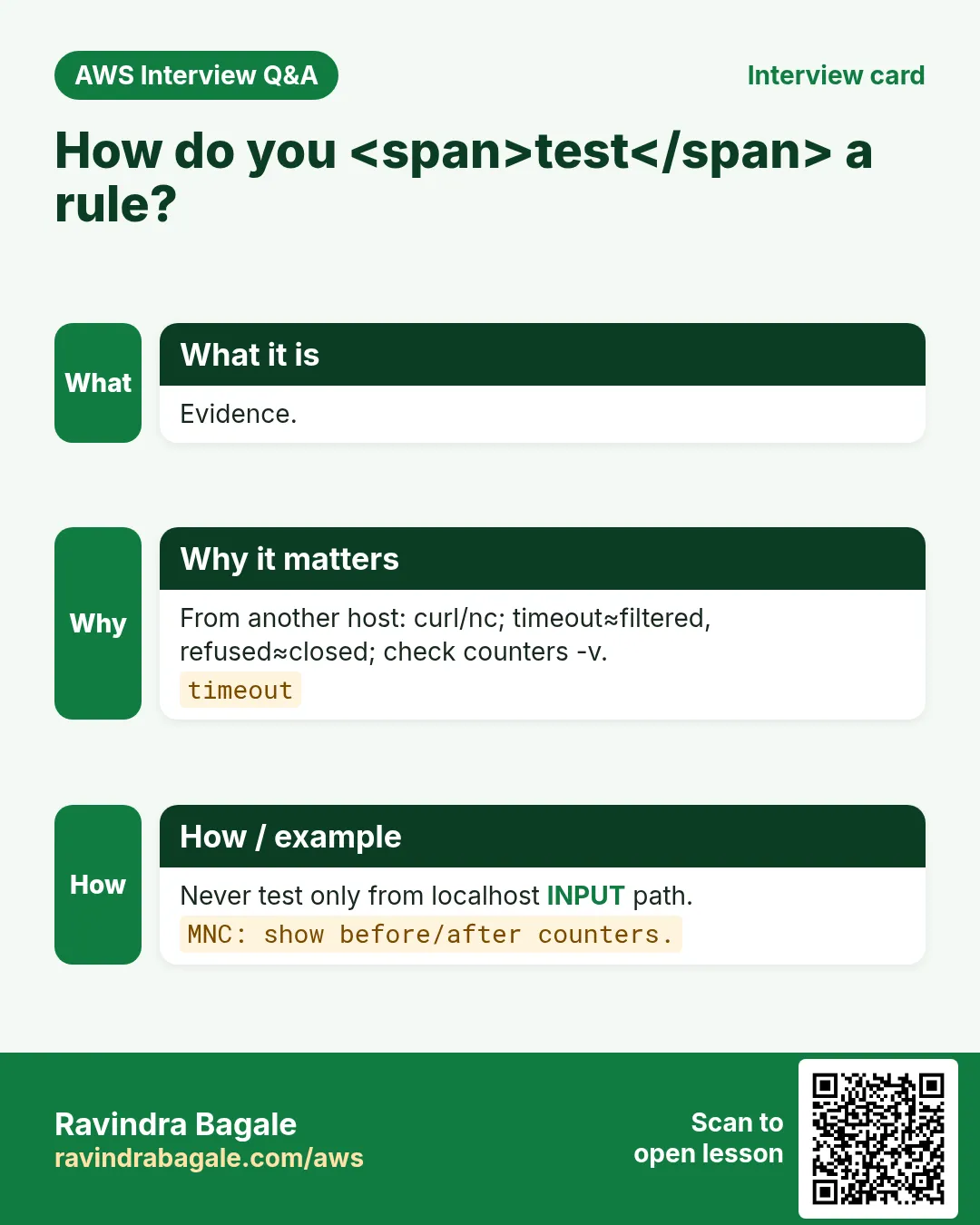
From a remote host: nc/curl; timeout suggests filter; refused suggests closed/no listener. Correlate with FW counters.
Q. MNC: harden a bastion overnight.
Default deny in; allow SSH from corp VPN CIDR only; host FW + SG aligned; logging on; reboot test; document.
Q. ufw allow 80/tcp vs allow http?
Port form is explicit; service form uses application profiles — both fine if profile matches.
34. Tips in English, Marathi and Hindi
Ravindra Bagale's Tip (EN)
Allow management access first, default deny second, prove with a second host third, persist fourth.
Ravindra Bagale's Tip (MR)
आधी management allow, मग default deny, मग remote proof, शेवटी persist.
Tip (HI)
पहले SSH/आपना IP allow करें, फिर default deny, दूसरे होस्ट से test, फिर persist।
Try at home
- On a disposable VM, implement ufw or firewalld lab steps.
- Paste status output into your notes with comments.
- Skim the linked hardening chapter for fail2ban.
In short
- Four tools: iptables, nftables, firewalld, ufw — one primary per image.
- Allow SSH first; default deny incoming; test remotely.
- Persist explicitly; reboot to prove.
- SG and host FW both matter on cloud.
Revision, interview and comparison cards
Revise this lesson in a few minutes. Save the cards on your phone or download them as PNG files. The QR code on each card opens this lesson.
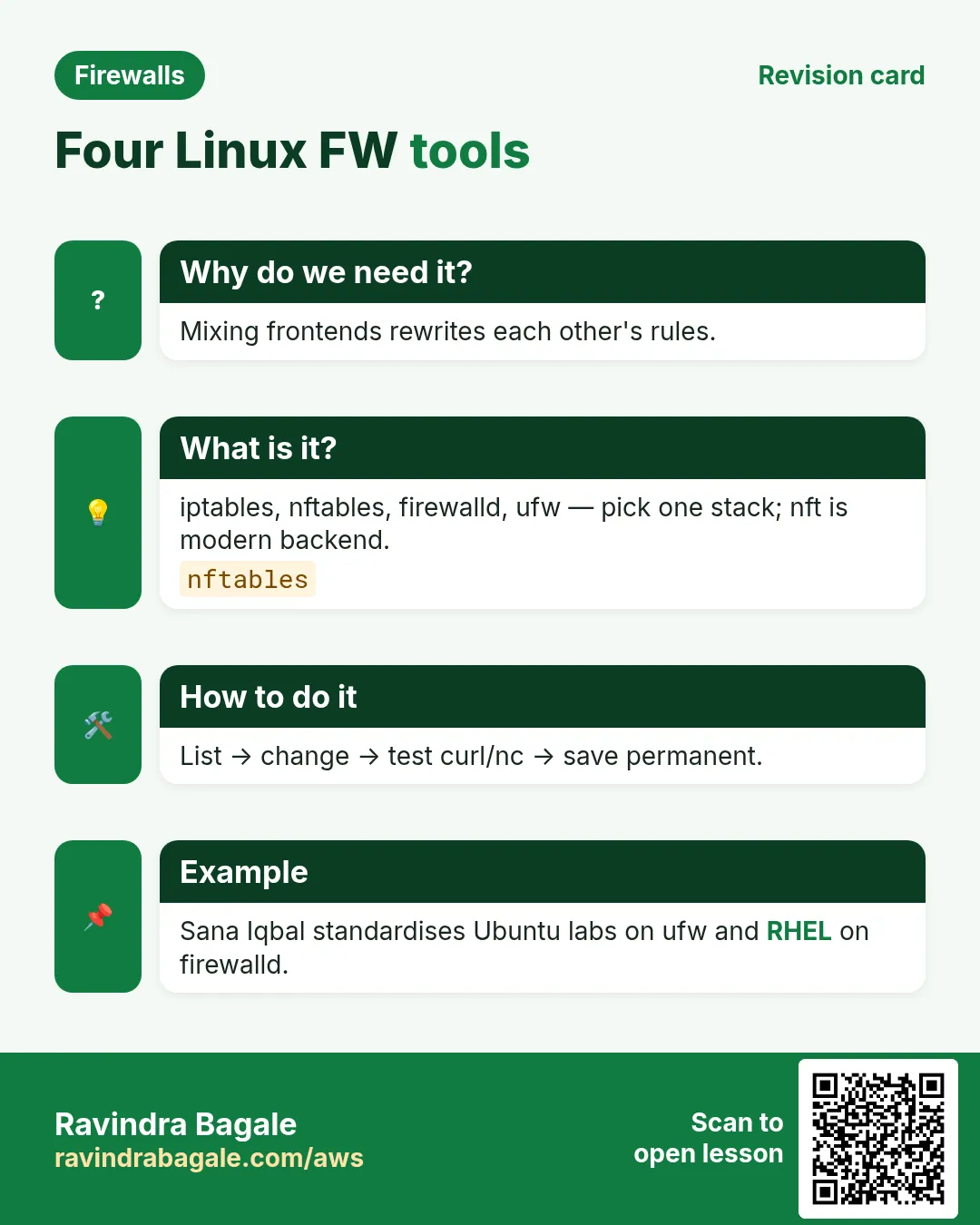
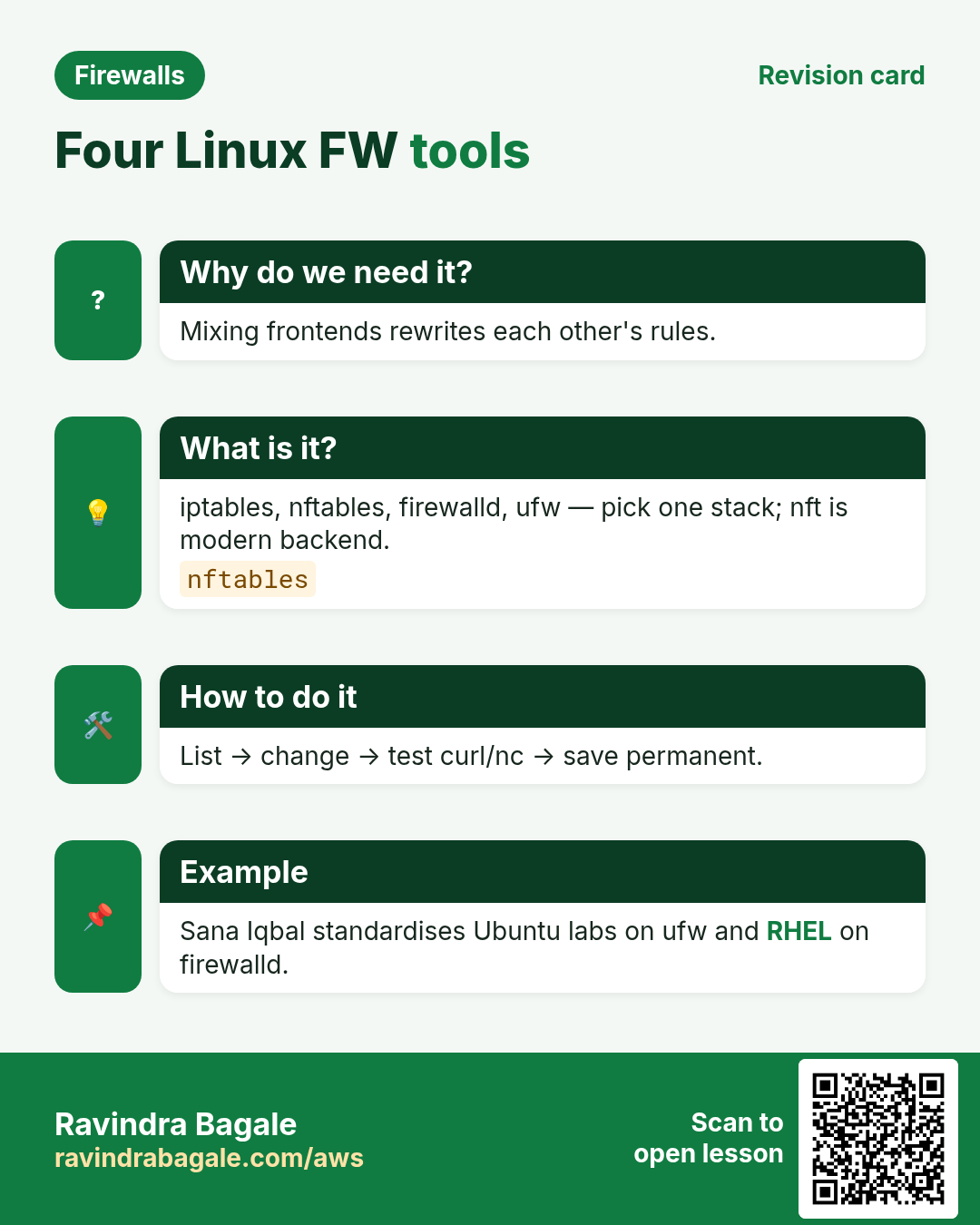
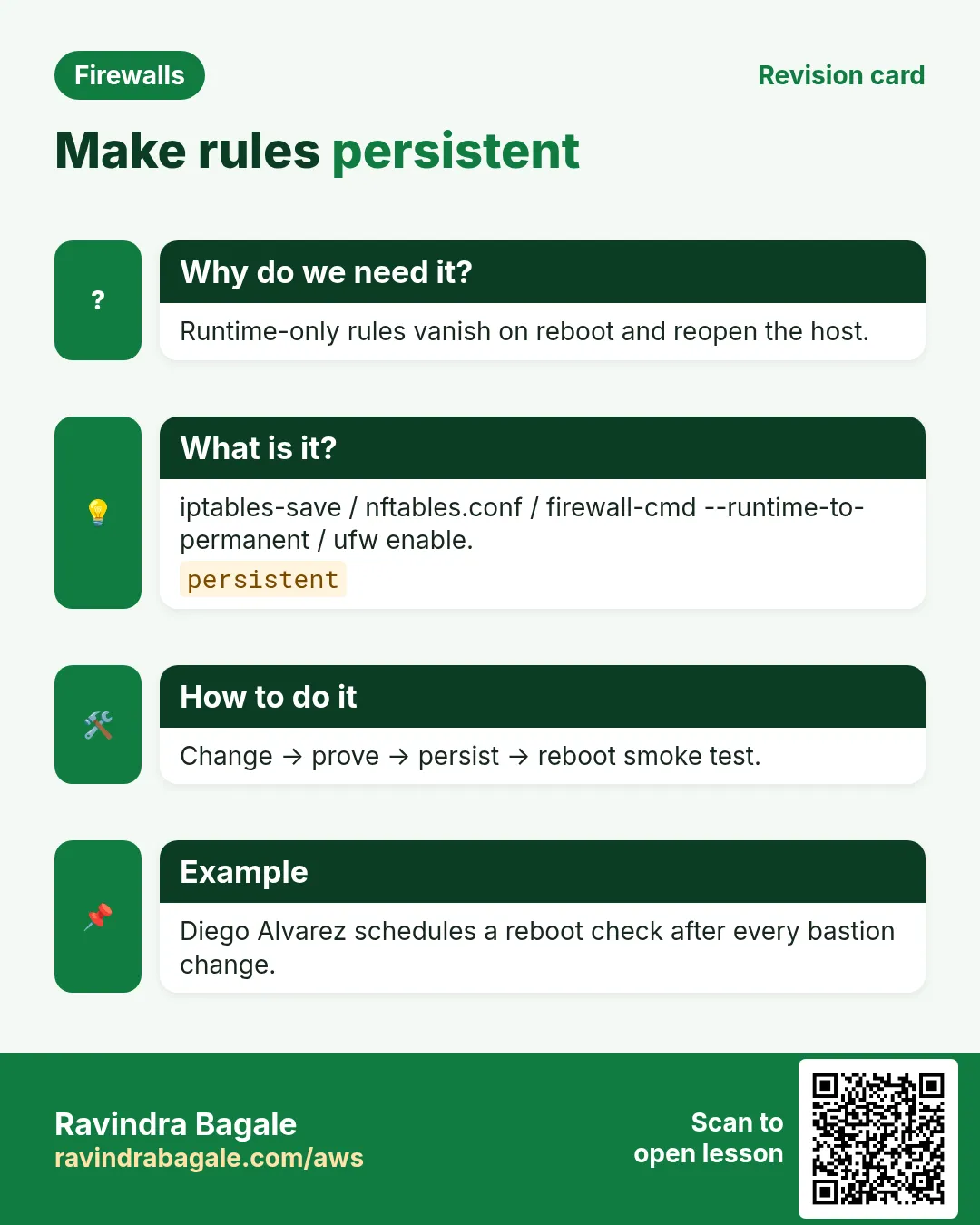
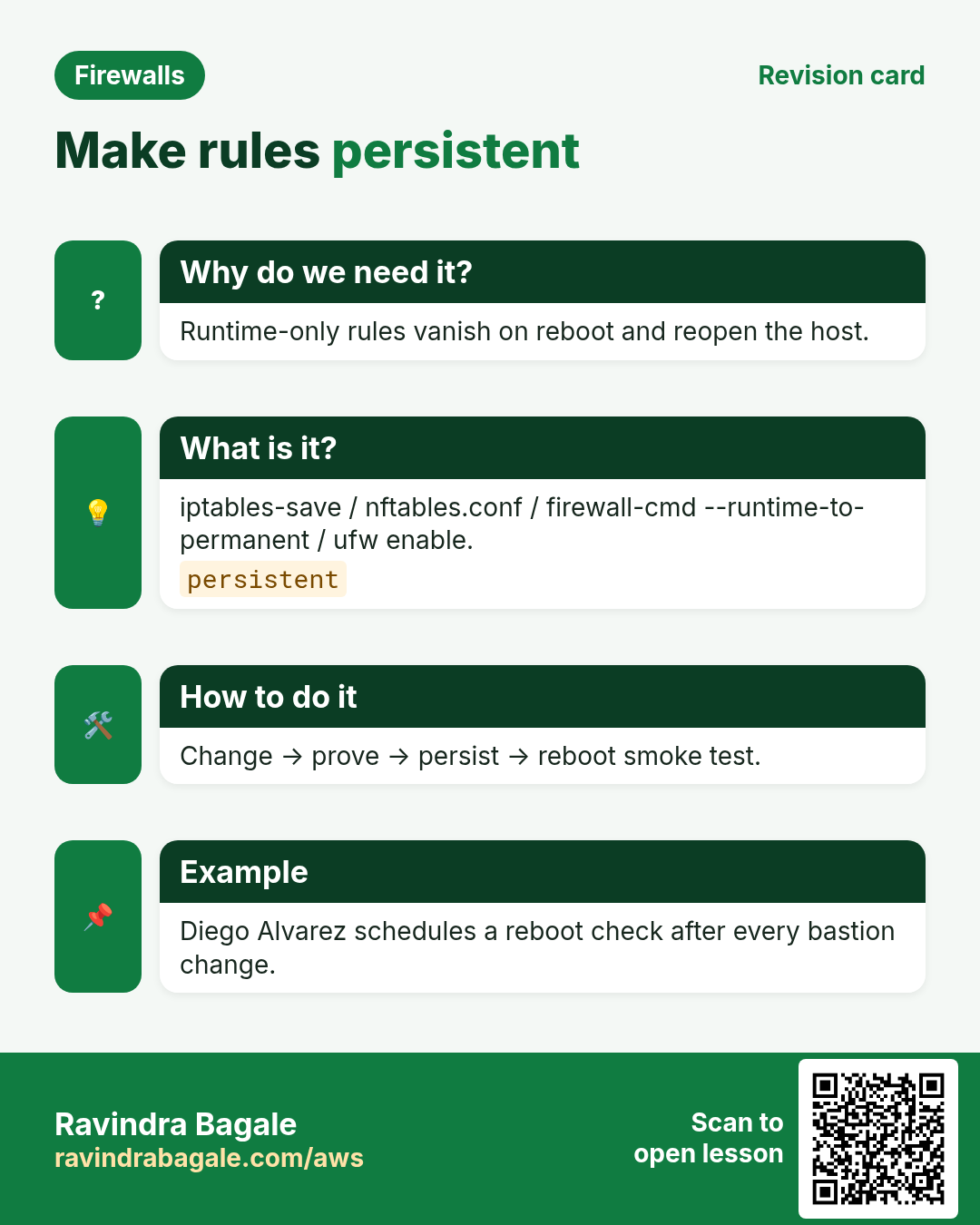
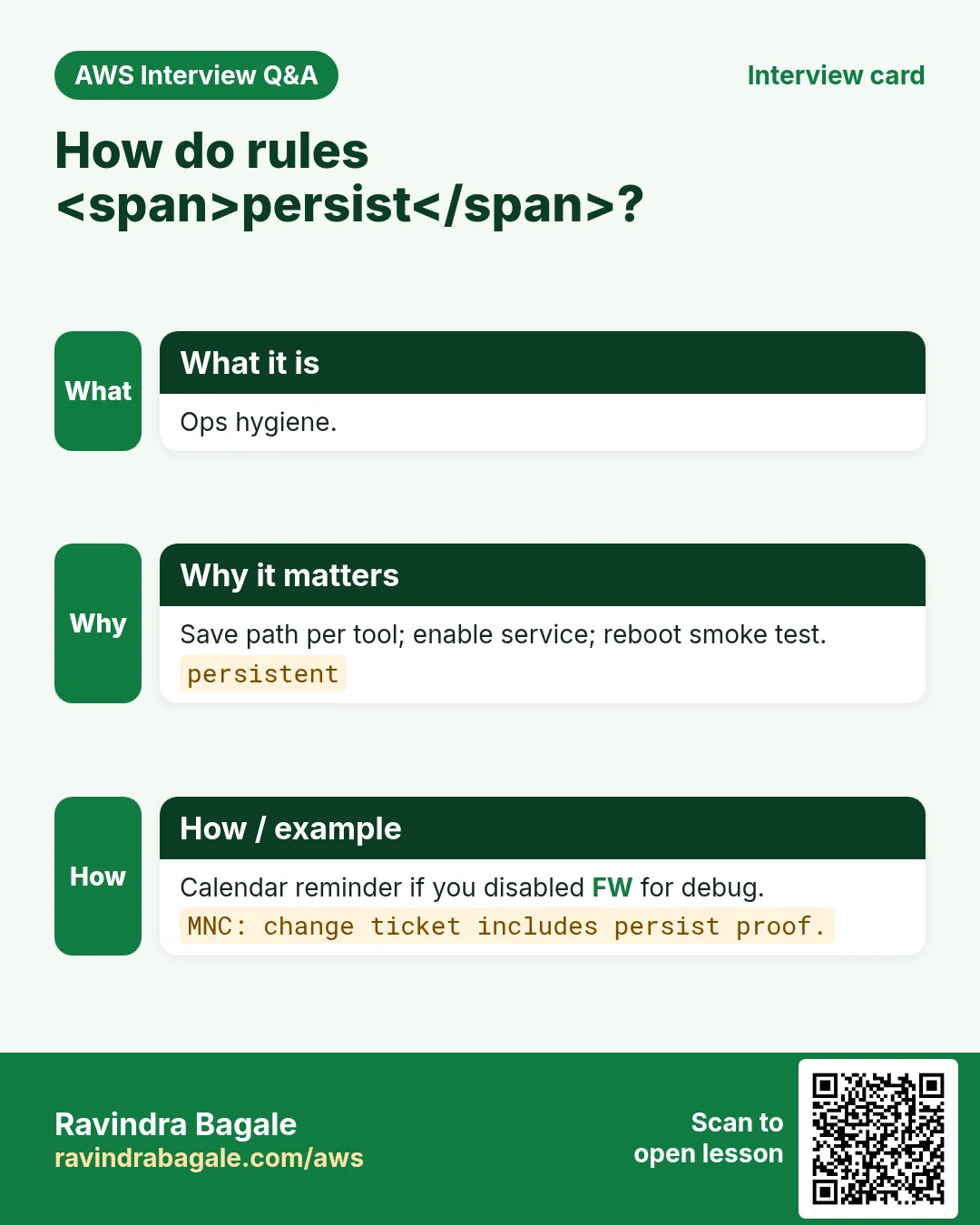
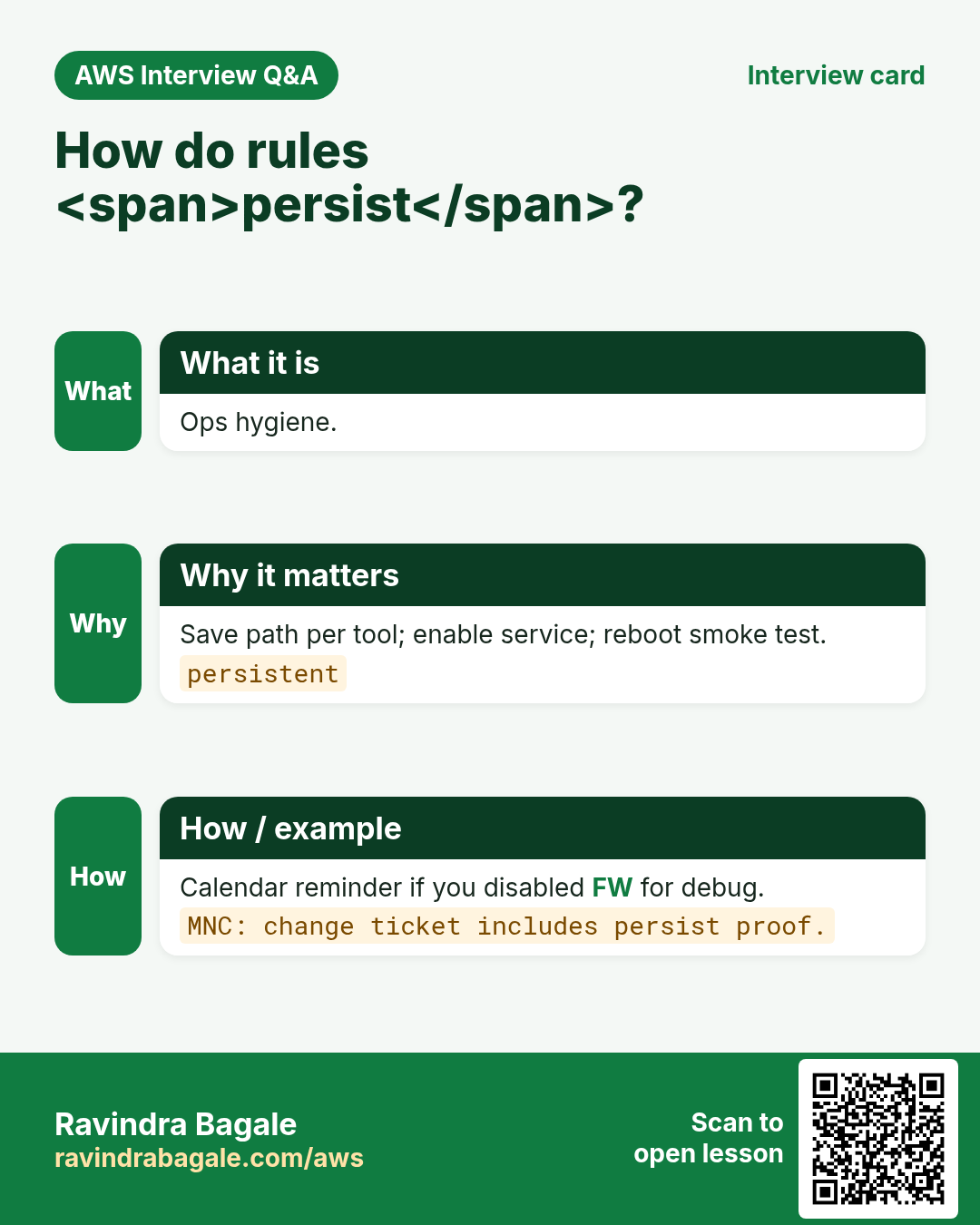
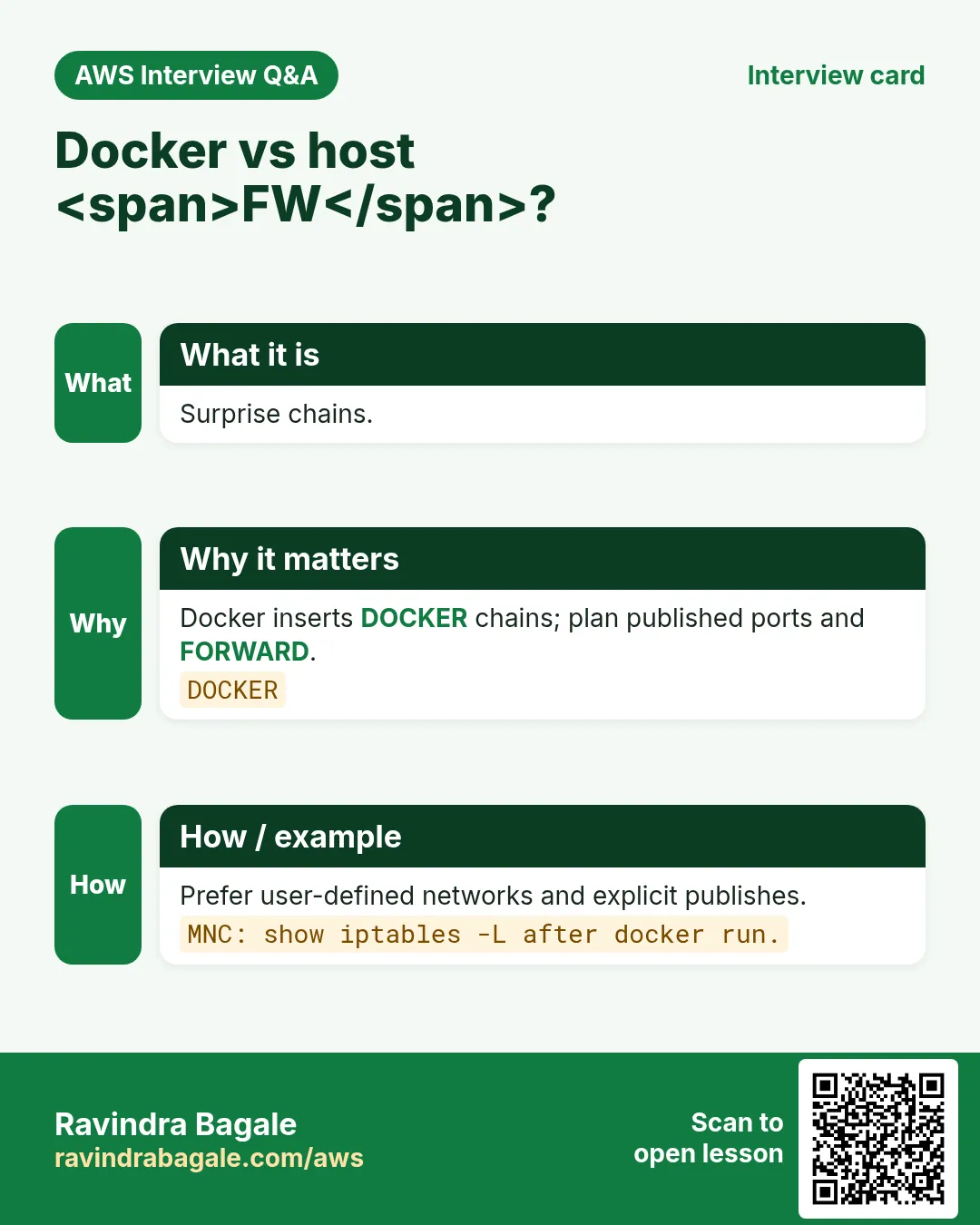
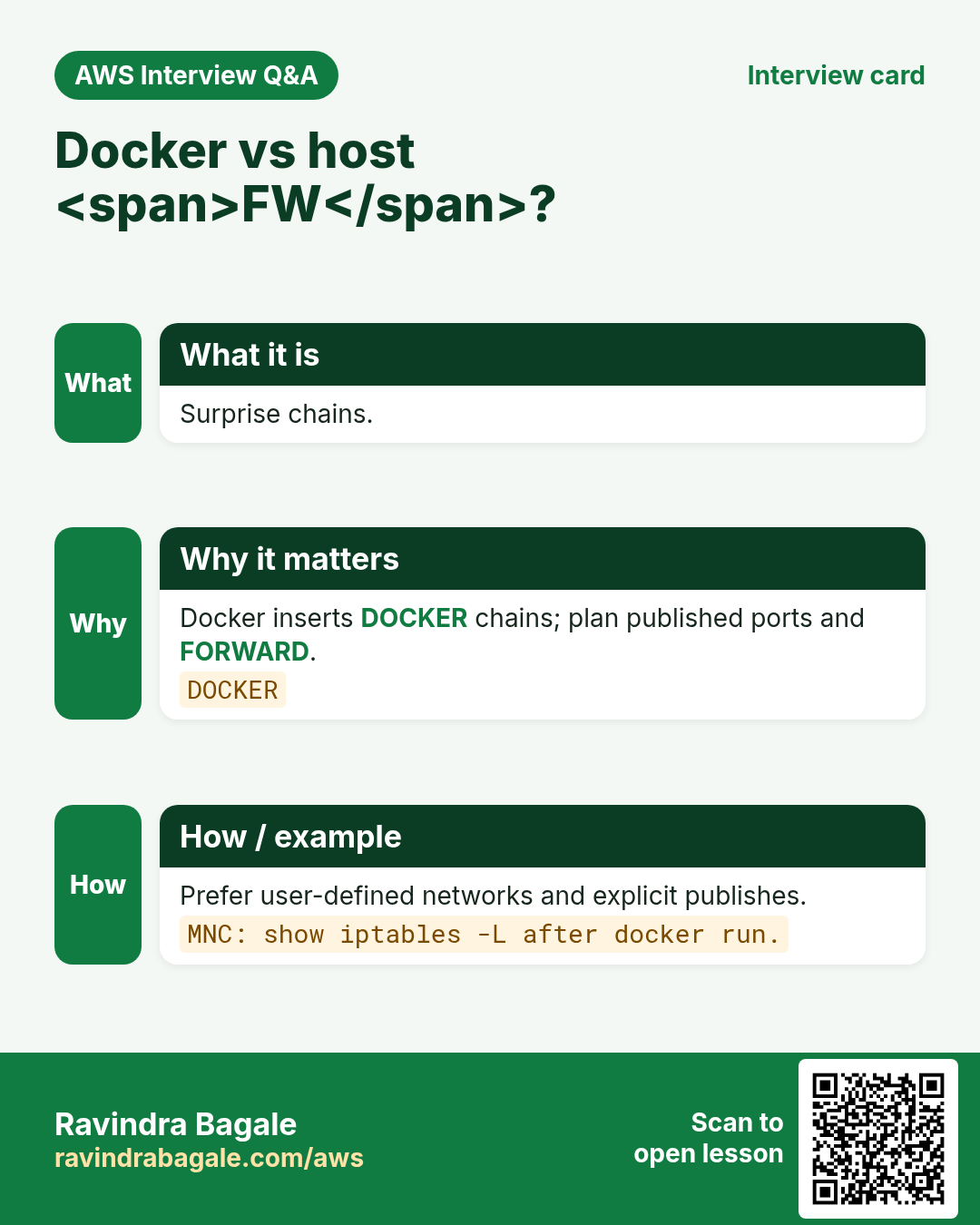
More cards: Ravi Sir's Cards.
Practice Tasks
Vidarbha Cotton Mills is a textiles business in Nagpur. Ganesh Wankhede looks after its IT and cloud work. They count money in INR and run their AWS resources in the ap-south-1 Region. In the tasks below you do real jobs for them using what this lesson teaches. All names, account IDs, IP addresses and numbers are made up for practice.
0 / 16
Easy iptables -L lists rules — 1
Why: List.
What to do: Enter 1 if iptables -L lists filter rules.
- Write down the numbers the task gives you.
- Work it out step by step on paper.
- Type only the final answer in the box.
- Click Check answer.
Easy nft list ruleset shows rules — 1
Why: List.
What to do: Enter 1 if nft list ruleset prints the ruleset.
- Write down the numbers the task gives you.
- Work it out step by step on paper.
- Type only the final answer in the box.
- Click Check answer.
Easy ufw allow opens a port helper — 1
Why: Allow.
What to do: Enter 1 if ufw allow 8080/tcp is the simple allow helper.
- Write down the numbers the task gives you.
- Work it out step by step on paper.
- Type only the final answer in the box.
- Click Check answer.
Easy firewalld uses zones — 1
Why: Zones.
What to do: Enter 1 if firewalld organizes policy with zones.
- Write down the numbers the task gives you.
- Work it out step by step on paper.
- Type only the final answer in the box.
- Click Check answer.
Easy Show ufw status
Why: Check.
What to do: Write the command that shows verbose ufw status.
- Find the Linux command that does this job.
- Add the options (like -r or -h) the task needs.
- Add the file names, folders or users in the right order.
- Use sudo if the job changes system files or users. Click Check answer.
Easy Probe port with nc
Why: Test.
What to do: Write nc that probes TCP host 10.0.0.5 port 22 verbosely and zero-I/O.
- Find the Linux command that does this job.
- Add the options (like -r or -h) the task needs.
- Add the file names, folders or users in the right order.
- Use sudo if the job changes system files or users. Click Check answer.
Medium First matching rule wins — 1
Why: Order.
What to do: Enter 1 if the first matching iptables/nft rule wins.
- Write down the numbers the task gives you.
- Work it out step by step on paper.
- Type only the final answer in the box.
- Click Check answer.
Medium firewalld needs permanent+reload — 1
Why: Persist.
What to do: Enter 1 if --permanent plus --reload keeps firewalld changes.
- Write down the numbers the task gives you.
- Work it out step by step on paper.
- Type only the final answer in the box.
- Click Check answer.
Medium Timeout often means filtered — 1
Why: Probe.
What to do: Enter 1 if curl timeout often means filtered/dropped.
- Write down the numbers the task gives you.
- Work it out step by step on paper.
- Type only the final answer in the box.
- Click Check answer.
Medium Refused often means closed port — 1
Why: Probe.
What to do: Enter 1 if connection refused often means reachable but closed.
- Write down the numbers the task gives you.
- Work it out step by step on paper.
- Type only the final answer in the box.
- Click Check answer.
Medium List nft ruleset
Why: Check.
What to do: Write the command that lists the full nftables ruleset.
- Find the Linux command that does this job.
- Add the options (like -r or -h) the task needs.
- Add the file names, folders or users in the right order.
- Use sudo if the job changes system files or users. Click Check answer.
Medium Allow TCP 8080 with ufw
Why: Open.
What to do: Allow TCP port 8080 with ufw.
- Find the Linux command that does this job.
- Add the options (like -r or -h) the task needs.
- Add the file names, folders or users in the right order.
- Use sudo if the job changes system files or users. Click Check answer.
Hard Do not run ufw and firewalld together — 1
Why: Conflict.
What to do: Enter 1 if enabling both ufw and firewalld is a conflict risk.
- Write down the numbers the task gives you.
- Work it out step by step on paper.
- Type only the final answer in the box.
- Click Check answer.
Hard Check IPv6 rules too — 1
Why: v6.
What to do: Enter 1 if IPv6 must be checked when locking a host.
- Write down the numbers the task gives you.
- Work it out step by step on paper.
- Type only the final answer in the box.
- Click Check answer.
Hard Docker inserts its own chains — 1
Why: Chains.
What to do: Enter 1 if Docker often inserts DOCKER-related filter chains.
- Write down the numbers the task gives you.
- Work it out step by step on paper.
- Type only the final answer in the box.
- Click Check answer.
Hard Use -v counters after changes — 1
Why: Hits.
What to do: Enter 1 if iptables -L -v counters help confirm hits.
- Write down the numbers the task gives you.
- Work it out step by step on paper.
- Type only the final answer in the box.
- Click Check answer.