AWS Cost Optimization and FinOps: Cut Cloud Bills Safely
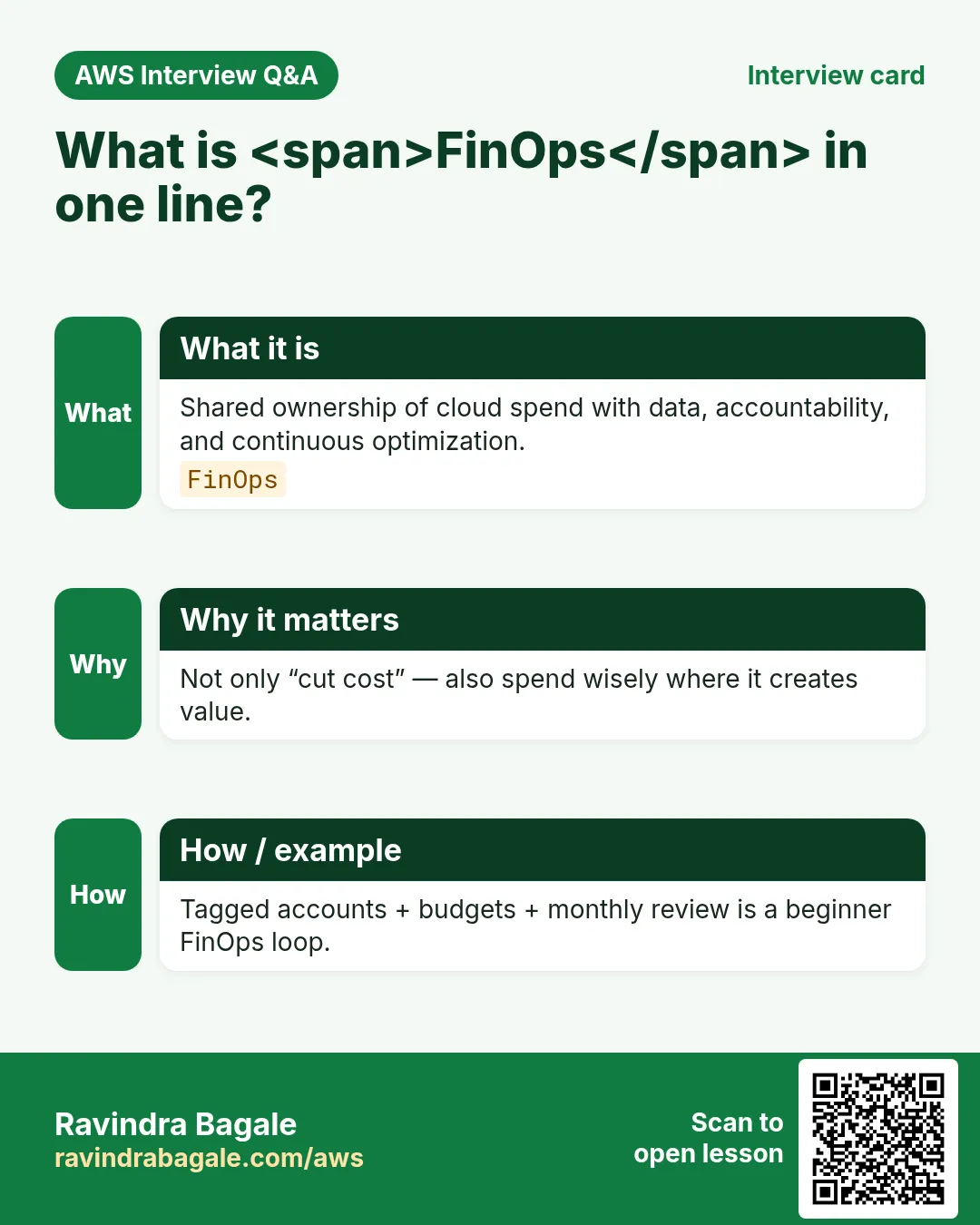
FinOps is not "never spend". It is knowing who ordered the biryani, whether 40 people ate it, and stopping the buffet when the party ends. AWS bills grow when nobody owns leftovers — idle NAT gateways, forgotten disks, oversized RDS.
What you'll learn in this chapter
- Why engineers must own cost with product
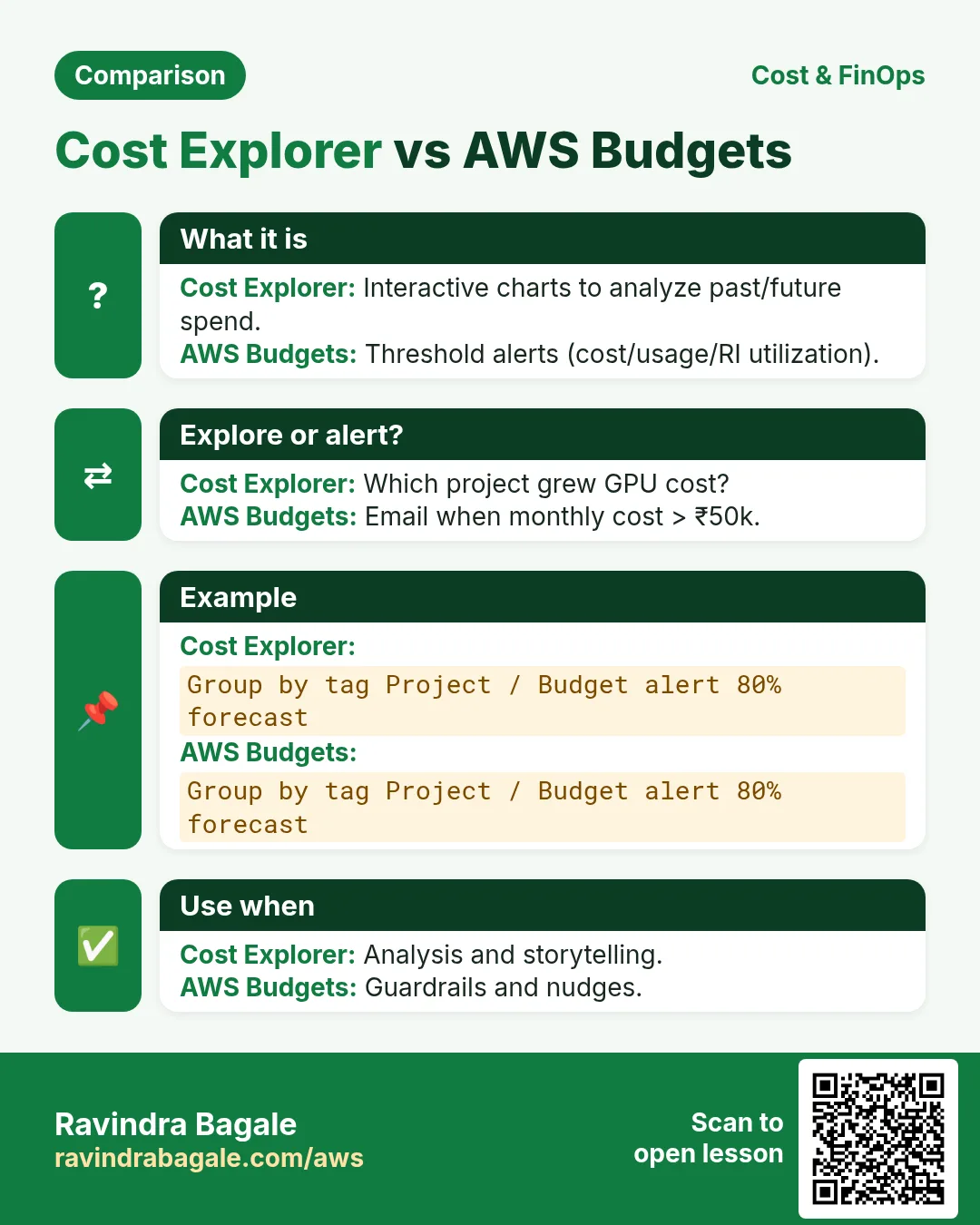
- Cost Explorer, Budgets, anomaly detection
- Rightsizing, SP vs RI, Spot basics
- Tags, chargeback, idle cleanup
- Lab, errors, FAQ, interview
1. Everyday example first
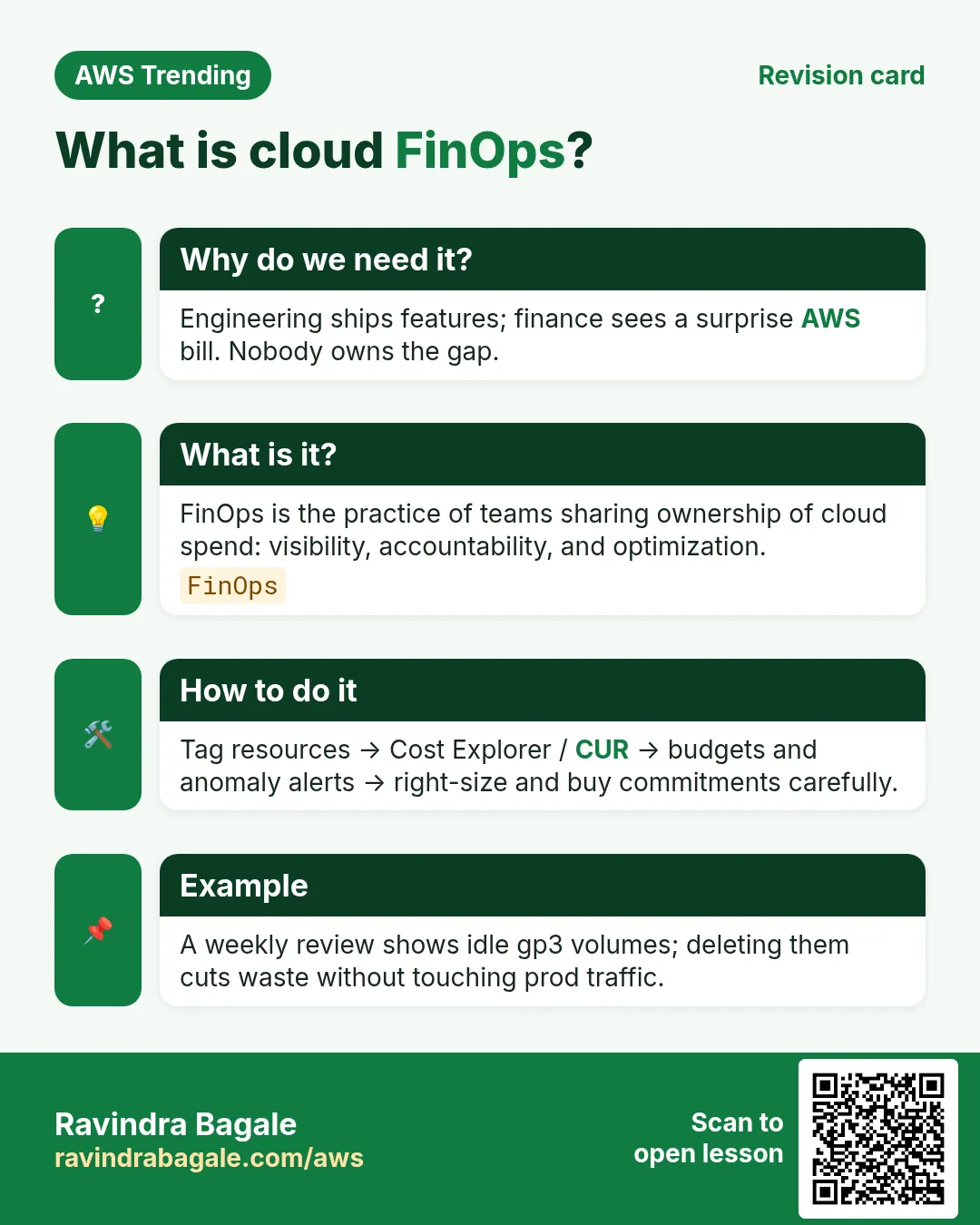
Why do we need this?
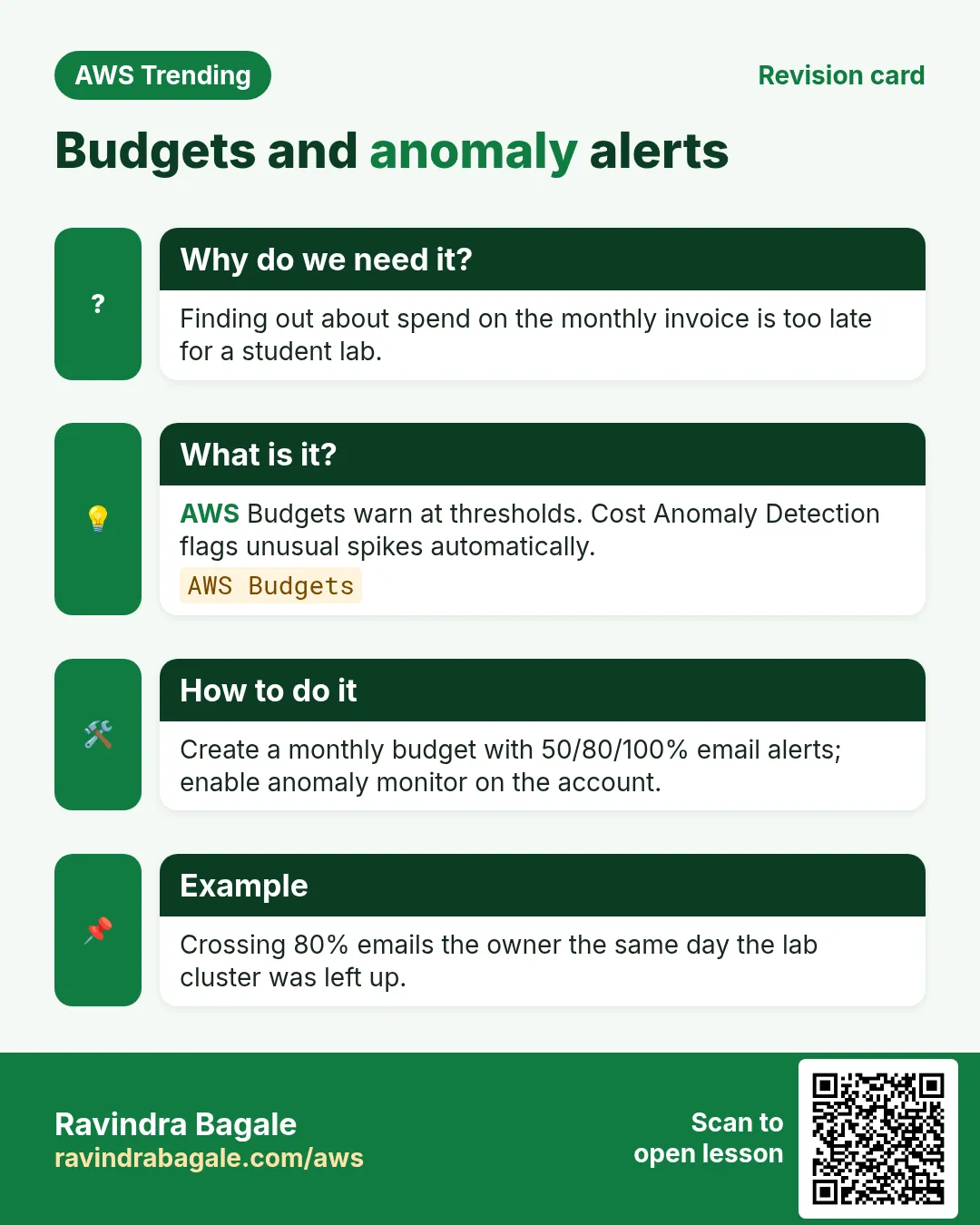
A Hyderabad edtech bill jumped 3× after a hackathon left 12 gp3 volumes and an idle ALB. No budget alarm. Finance found out at month end. A $20 budget alert would have pinged Slack on day two.
What is it?
FinOps is a culture: engineering, finance and product share cloud cost data. On AWS you use Cost Explorer, Budgets, Cost Anomaly Detection, Compute Optimizer, Savings Plans / RIs, and tagging for chargeback. The Well-Architected Cost Optimization pillar is the checklist.
2. Quick wins (first 30 days)
- Turn on Cost Explorer + create a monthly Budget with email/SNS.
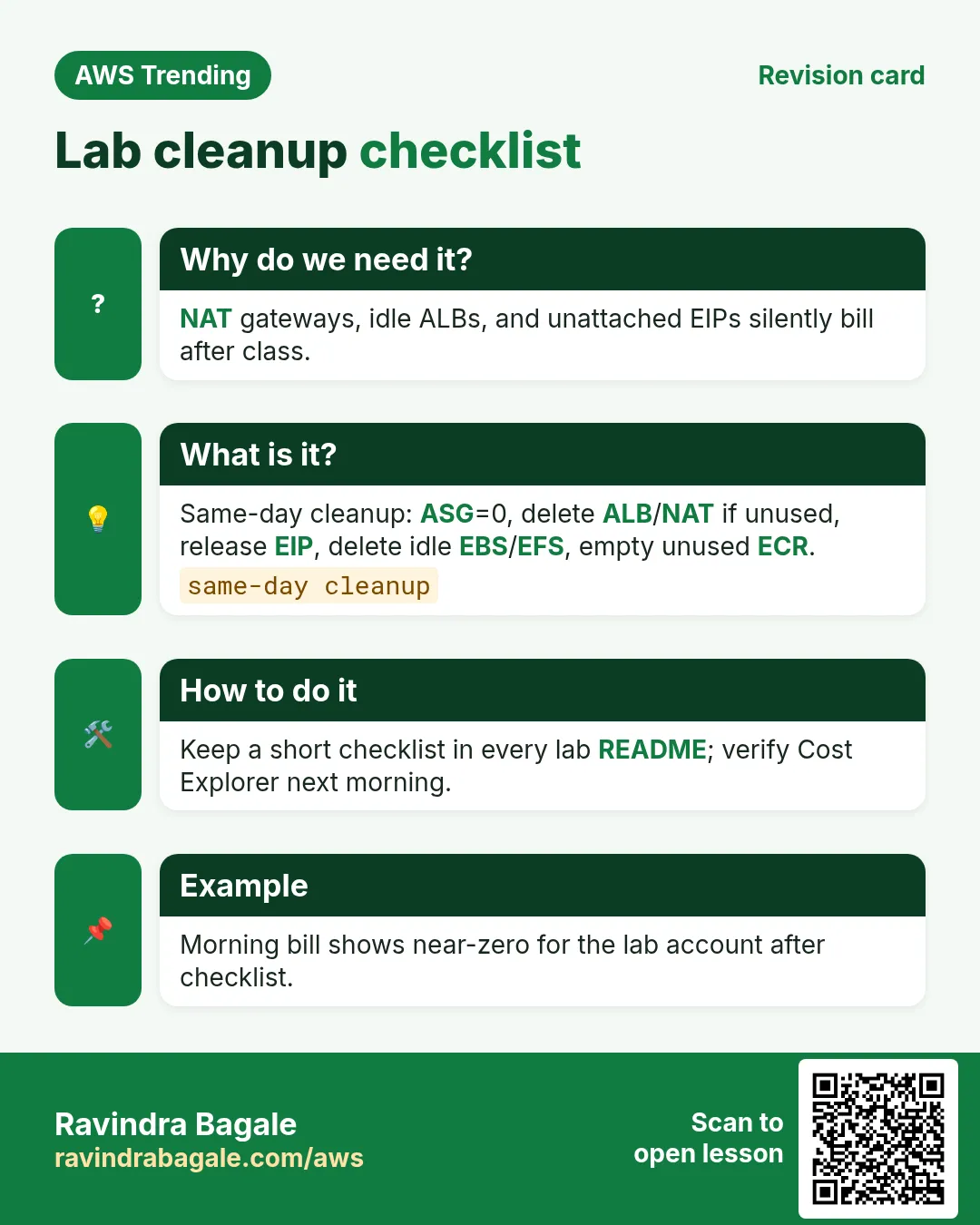
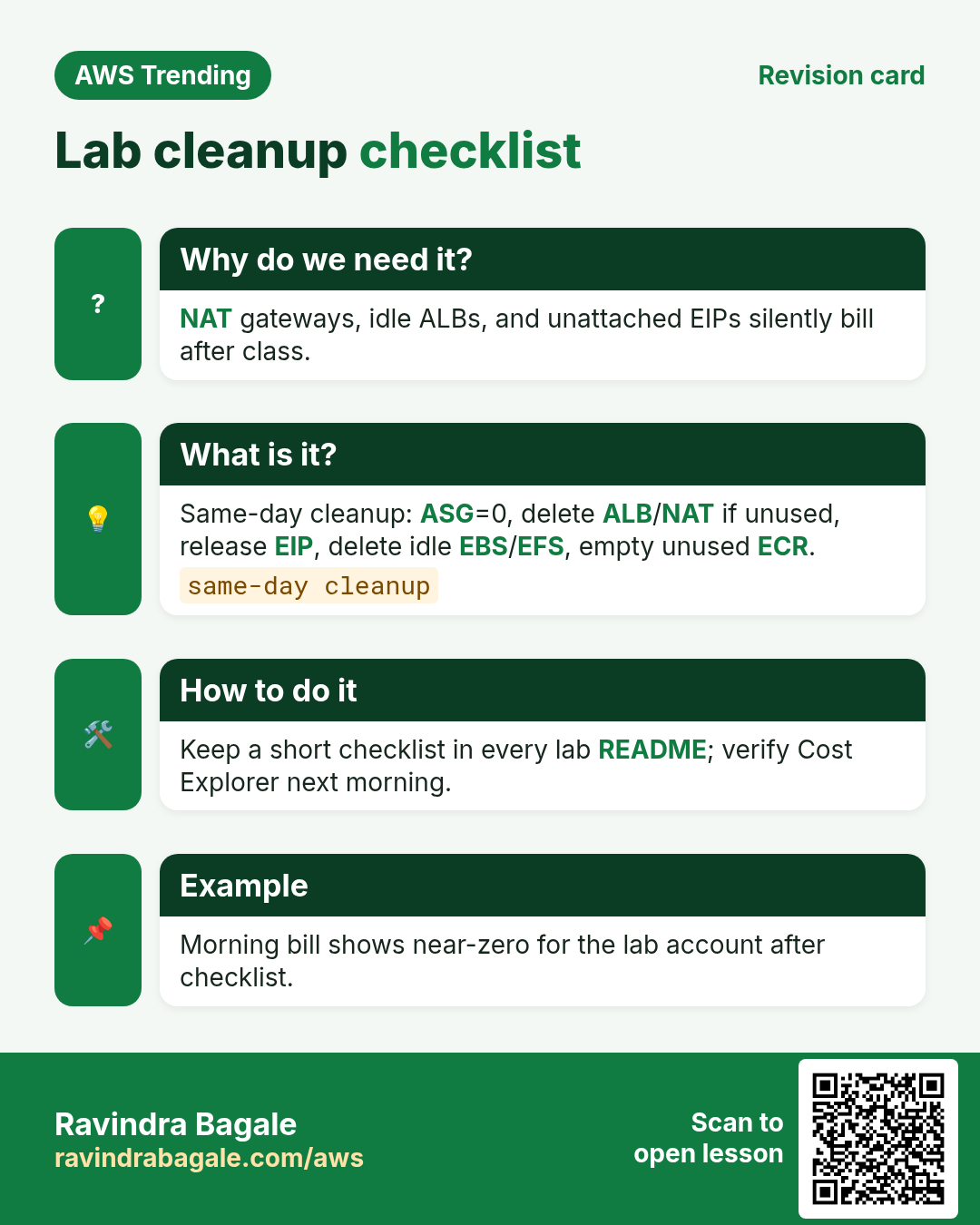
- Delete idle: unattached EBS, old snapshots, unused EIPs, idle NAT, empty load balancers.
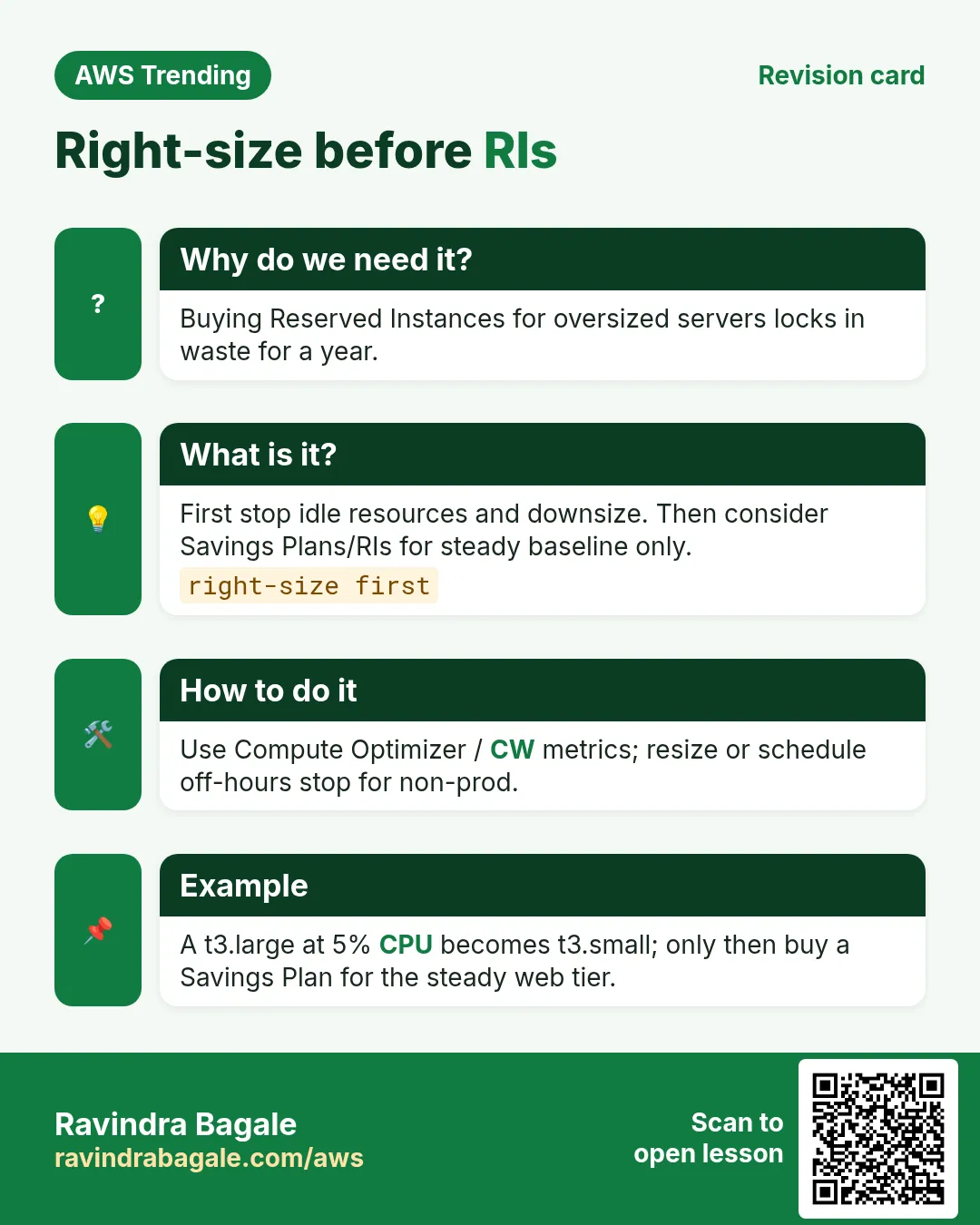
- Rightsize EC2/RDS using Compute Optimizer recommendations (staging first).
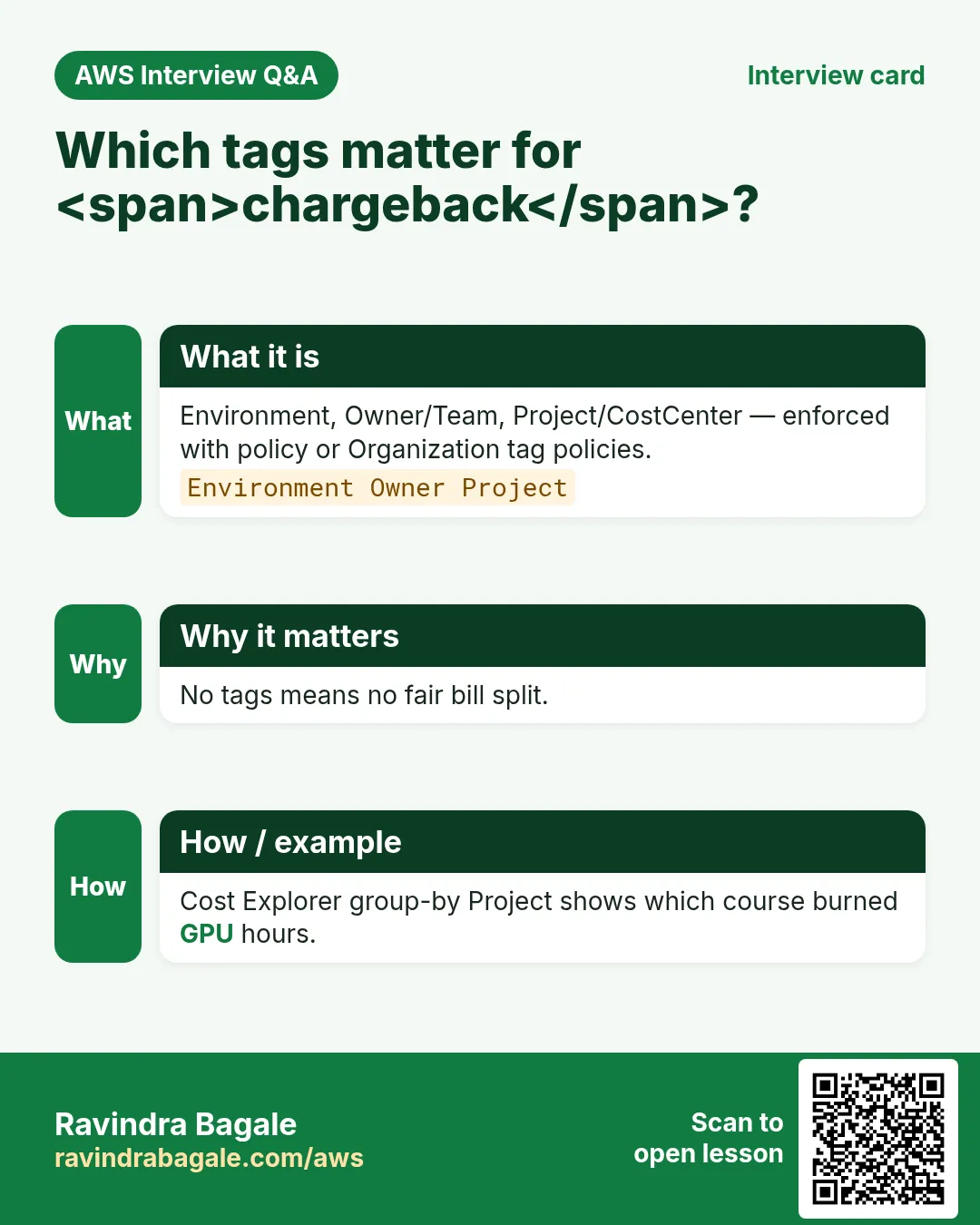
- Require tags: Environment, Team, Application on every create (SCP/policy).
- Only then talk Savings Plans for steady production compute.
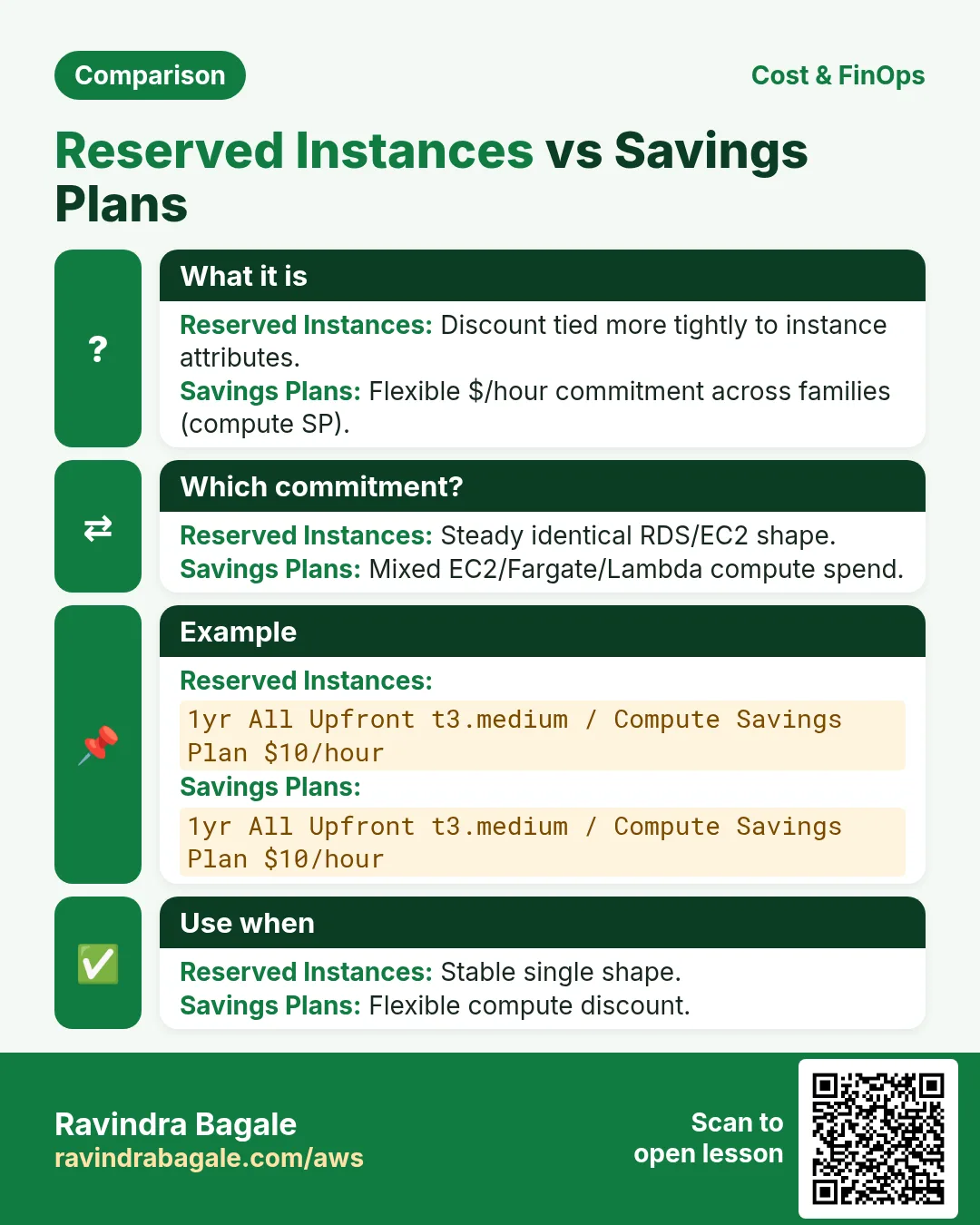
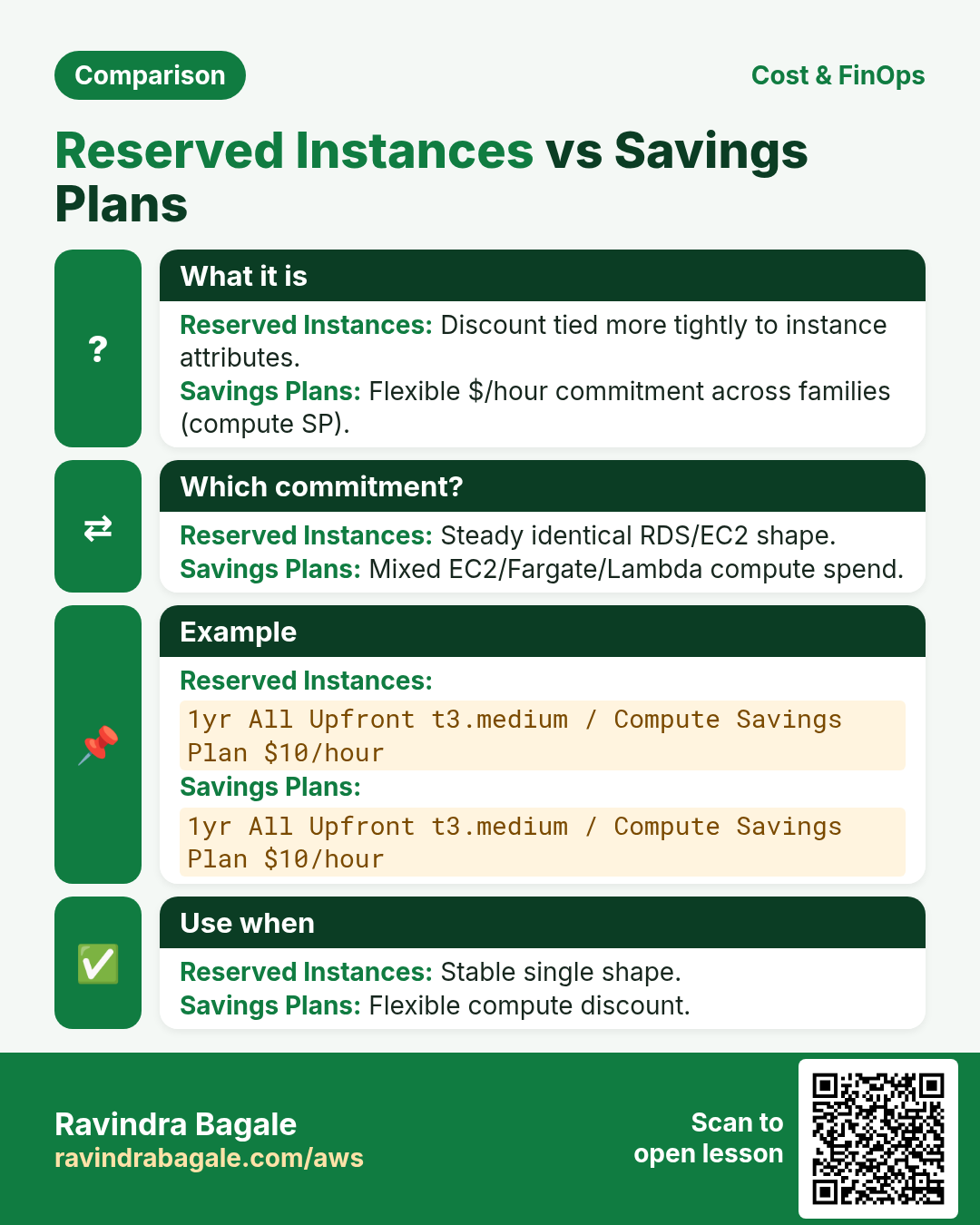
3. Savings Plans vs Reserved Instances
| Tool | Flexibility | When |
|---|---|---|
| Compute Savings Plans | Across instance families/regions (rules apply) | Default modern choice for steady compute |
| EC2 Instance SP / RI | Narrower | Very stable same-family fleets |
| Spot | Cheapest, can reclaim | Stateless / fault-tolerant workers |
| CUD-style for others | SageMaker/etc. have own models | Read service-specific pages |
Ravindra Bagale's Tip
A Budget without an owner is decoration. Put a human and a Slack channel on every alarm.
4. Industries
- SaaS: per-tenant cost tags for gross margin.
- Banks: showback to business units monthly.
- Startups: survival — kill staging at night.
- Data lakes: S3 storage class + lifecycle > bigger clusters.
- Agencies: separate linked accounts per client.
5. Mini lab: Budget + idle hunt
Do this in ap-south-1 (Mumbai) unless your org forbids it. Set a budget alert first.
How to do it (step by step)
- Billing → Budgets → create cost budget $10 with email alert at 80%.
- EC2 → Elastic IPs: release unused.
- EC2 → Volumes: note unattached; snapshot then delete if lab junk.
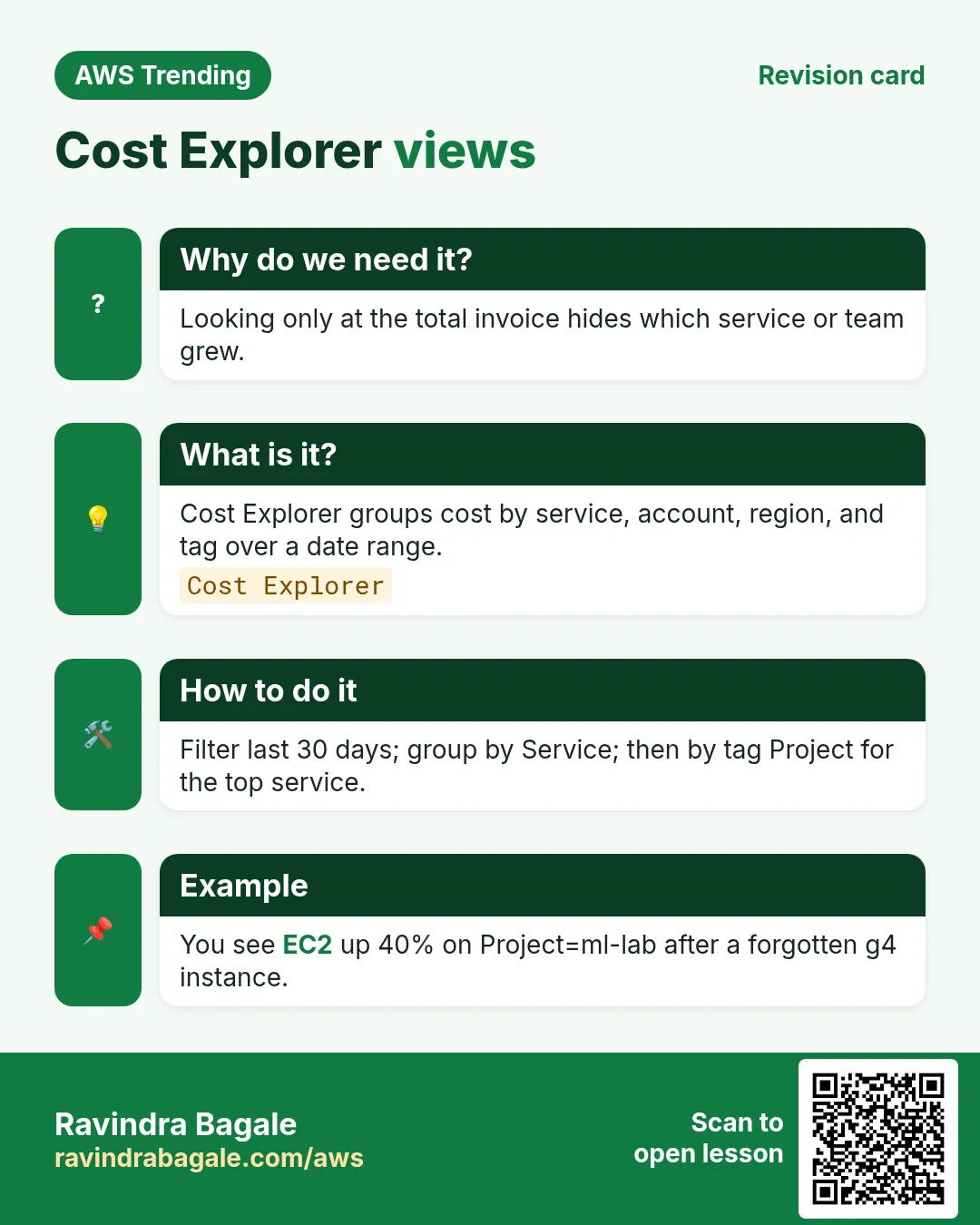
- Cost Explorer: group by Service last 7 days; screenshot top 3.
- Optional: enable Cost Anomaly Detection.
Cleanup (stop billing)
- Leave the Budget on — it is cheap insurance.
- Document what you deleted in a notes file.
6. Common errors and fixes
Each row is a real mistake students and juniors hit. Read the fix before you panic.
| Error / symptom | Fix |
|---|---|
| Bill shock, no alerts | Create Budgets same day as account. |
| Untagged resources | Enforce required tags via IAM/SCP. |
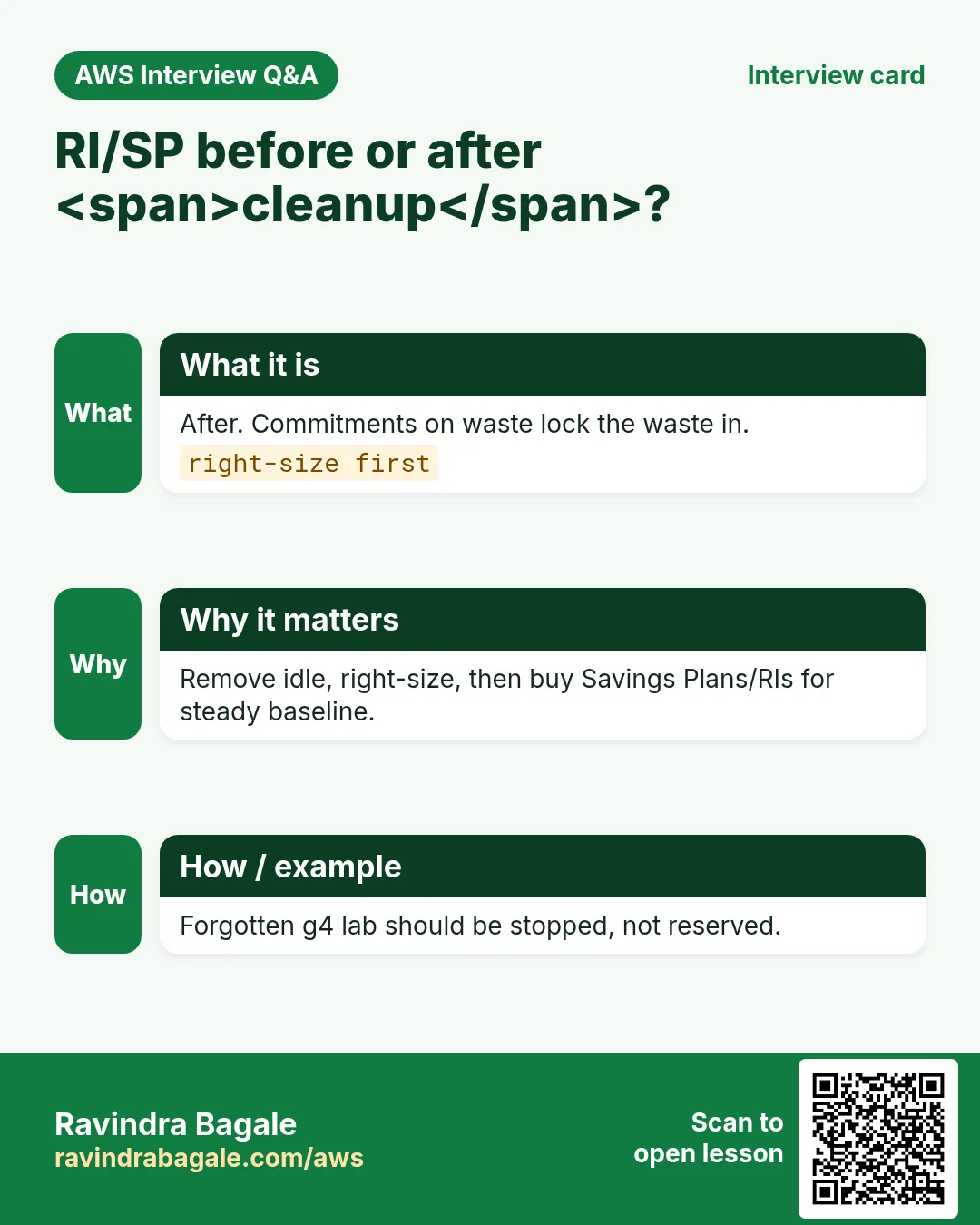
| RI / SP purchase too early | Need 2–4 weeks of stable baseline. |
| NAT gateway forgotten | One NAT ~ nontrivial monthly — share or delete labs. |
| Gp2 leftovers after gp3 move | Delete old volumes/snapshots. |
| Data transfer surprise | Watch cross-AZ and internet egress. |
| Explorer empty | Wait 24h after enable; check correct account/management view. |
| Finance-only FinOps | Engineers must see dashboards weekly. |
| Orphan snapshots | Lifecycle policies on AMIs/EBS. |
| Over-cleaning prod | Change windows + peer review before delete. |
7. Troubleshooting checklist
- Confirm you are in the payer / correct linked account view.
- Budgets SNS email in spam? Confirm subscription.
- Cost Explorer granularity daily for recent spikes.
- Compute Optimizer needs hours of metrics — wait.
- Tag Editor to find missing Environment tags.
8. FAQ
Q. Is FinOps only for huge companies?
No — a $50/month student account benefits from a $5 budget.
Q. Savings Plans refundable?
Generally non-refundable commitments — model carefully.
Q. What is showback vs chargeback?
Showback reports; chargeback actually bills teams.
Q. Does S3 Intelligent-Tiering always win?
Often for unknown access; small objects have caveats.
Q. Well-Architected Cost tool?
AWS WA Tool includes Cost pillar questions — use it.
9. Interview Q&A
Q. First three cost actions in a messy account?
Budgets, idle cleanup, tags.
Q. SP vs RI?
SP usually more flexible for compute; RI for specific stable shapes.
Q. How do tags help FinOps?
Allocate spend to Team/App for ownership.
Q. What is rightsizing?
Match instance/DB size to actual utilization.
Q. Who owns cloud cost?
Shared — engineering creates, finance governs, product prioritizes.
Q. Spot risk?
Interruptions — use for tolerant workloads with checkpoints.
10. Tips in English, Marathi and Hindi
Ravindra Bagale's Tip (EN)
Every lab needs a destroy step written before the create step.
Ravindra Bagale's Tip (MR)
प्रत्येक lab ला create आधी destroy step लिहा.
Tip (HI)
हर lab में create से पहले destroy स्टेप लिखो।
Try at home
- Create a $5 budget on your sandbox.
- List idle resources in a table: type, id, monthly guess.
- Propose 5 required tags for your team.
In short
- FinOps = shared ownership of cloud spend.
- Budgets + tags + idle cleanup before commitments.
- Rightsizing beats blind RI shopping.
- Write destroy steps into every lab.
Revision, interview and comparison cards
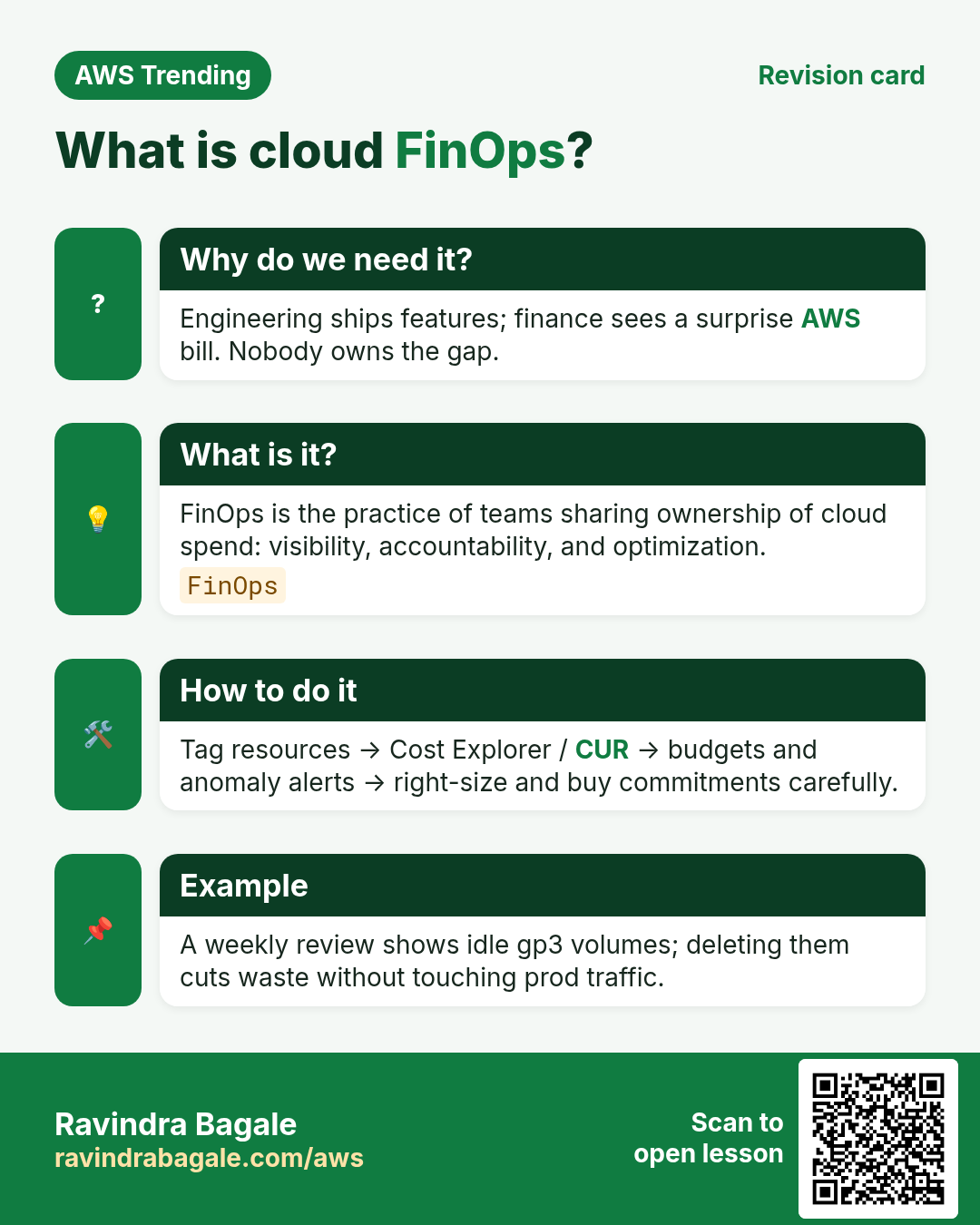
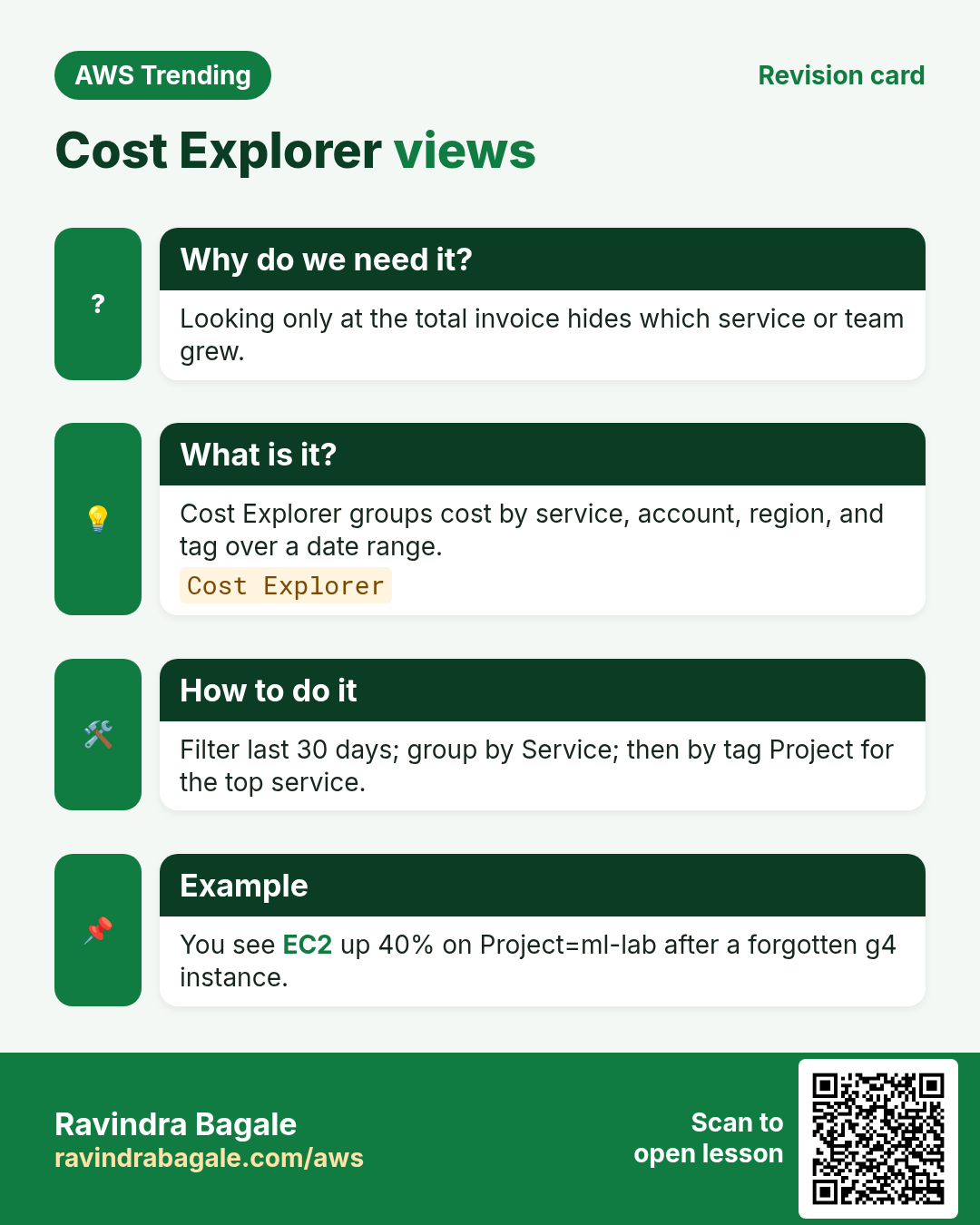
Revise this lesson in a few minutes. Save the cards on your phone or download them as PNG files. The QR code on each card opens this lesson.
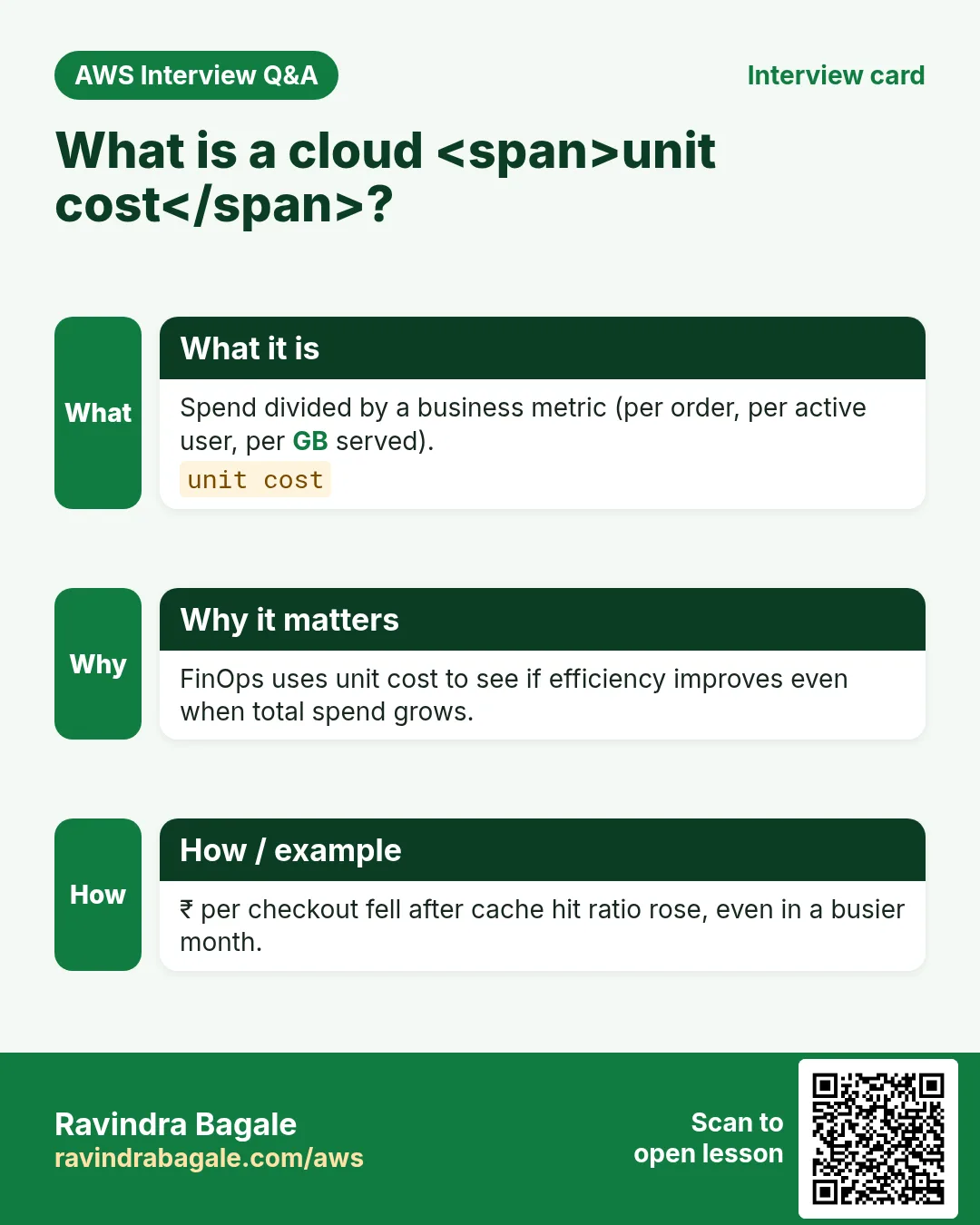
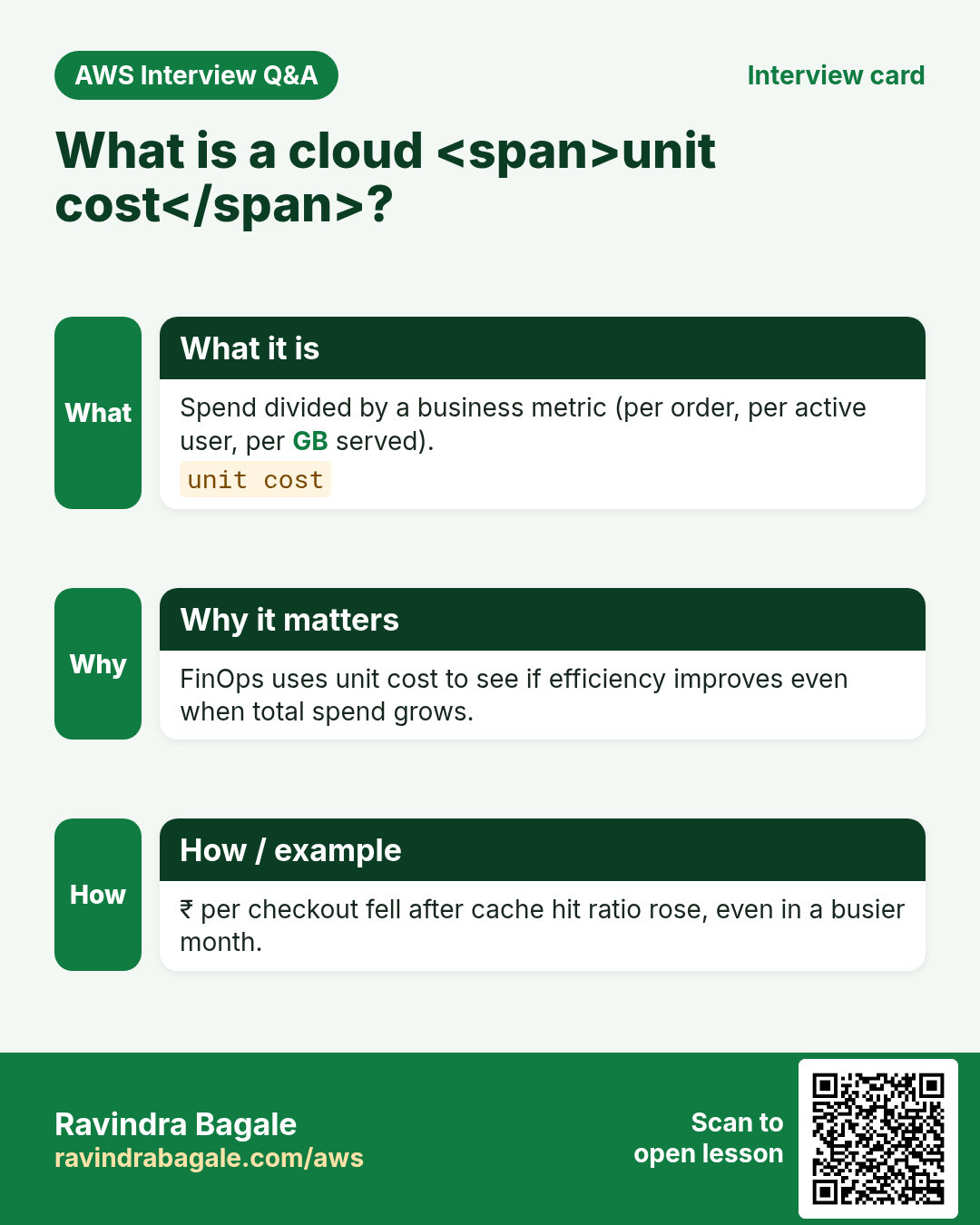
More cards: Ravi Sir's Cards.
Practice Tasks
Ahmednagar Sugar Co-op is a sugar co-operative business in Ahilyanagar. Balasaheb Pawar looks after its IT and cloud work. They count money in INR and run their AWS resources in the ap-south-1 Region. In the tasks below you do real jobs for them using what this lesson teaches. All names, account IDs, IP addresses and numbers are made up for practice.
0 / 16
Easy Get cost and usage
Why: See the bill drivers.
What to do: Get cost and usage with time period 2026-01-01 to 2026-02-01 granularity MONTHLY metrics UnblendedCost.
- Read the task and decide which AWS service it is about.
- Write aws, then the service name, then the operation (the action word).
- Add each needed flag (--name) followed by its value from the task.
- Flags can be in any order. Click Check answer.
Easy Describe a budget
Why: Track spend caps.
What to do: Describe budget nagarsugar-monthly for account 131959625285.
- Read the task and decide which AWS service it is about.
- Write aws, then the service name, then the operation (the action word).
- Add each needed flag (--name) followed by its value from the task.
- Flags can be in any order. Click Check answer.
Easy Describe instances for waste hunt
Why: Find stopped vs running.
What to do: Describe instances in ap-south-1.
- Read the task and decide which AWS service it is about.
- Write aws, then the service name, then the operation (the action word).
- Add each needed flag (--name) followed by its value from the task.
- Flags can be in any order. Click Check answer.
Easy Describe volumes
Why: Orphan EBS costs money.
What to do: Describe volumes in ap-south-1.
- Read the task and decide which AWS service it is about.
- Write aws, then the service name, then the operation (the action word).
- Add each needed flag (--name) followed by its value from the task.
- Flags can be in any order. Click Check answer.
Easy List buckets for unused data
Why: Old logs in S3.
What to do: List buckets.
- Read the task and decide which AWS service it is about.
- Write aws, then the service name, then the operation (the action word).
- Add each needed flag (--name) followed by its value from the task.
- Flags can be in any order. Click Check answer.
Easy 1-year Reserved Instance term
Why: Commitment length.
What to do: How many years is a common Reserved Instance term taught first?
- Write down the numbers the task gives you.
- Work it out step by step on paper.
- Type only the final answer in the box.
- Click Check answer.
Easy 3-year Savings Plan option
Why: Longer term more discount.
What to do: What is the longer common Savings Plans term in years?
- Write down the numbers the task gives you.
- Work it out step by step on paper.
- Type only the final answer in the box.
- Click Check answer.
Medium Cost by SERVICE
Why: Find expensive services.
What to do: Get cost and usage Start 2026-01-01 End 2026-02-01 MONTHLY UnblendedCost group-by Type DIMENSION Key SERVICE.
- Read the task and decide which AWS service it is about.
- Write aws, then the service name, then the operation (the action word).
- Add each needed flag (--name) followed by its value from the task.
- Flags can be in any order. Click Check answer.
Medium Cost by tag Project
Why: Tags power chargeback.
What to do: Get cost and usage Start 2026-01-01 End 2026-02-01 MONTHLY UnblendedCost group-by Type TAG Key Project.
- Read the task and decide which AWS service it is about.
- Write aws, then the service name, then the operation (the action word).
- Add each needed flag (--name) followed by its value from the task.
- Flags can be in any order. Click Check answer.
Medium Get cost forecast
Why: Predict month end.
What to do: Get cost forecast Start 2026-10-01 End 2026-11-01 MONTHLY UnblendedCost.
- Read the task and decide which AWS service it is about.
- Write aws, then the service name, then the operation (the action word).
- Add each needed flag (--name) followed by its value from the task.
- Flags can be in any order. Click Check answer.
Medium Budget alert at 80 percent
Why: Alert before breach.
What to do: If you alert at 80 percent of budget, what number is that?
- Write down the numbers the task gives you.
- Work it out step by step on paper.
- Type only the final answer in the box.
- Click Check answer.
Medium Allow Cost Explorer read
Why: FinOps role.
What to do: Allow ce:GetCostAndUsage and ce:GetCostForecast on *.
- Start with { "Version": "2012-10-17", "Statement": [ ... ] }.
- In each statement write Effect, Action and Resource.
- Give only what the task needs (least privilege).
- Use double quotes and commas correctly. Click Check answer.
Hard Get rightsizing recommendation
Why: Downsize idle EC2.
What to do: Get EC2 rightsizing recommendation.
- Read the task and decide which AWS service it is about.
- Write aws, then the service name, then the operation (the action word).
- Add each needed flag (--name) followed by its value from the task.
- Flags can be in any order. Click Check answer.
Hard Savings Plans coverage
Why: Measure commitment use.
What to do: Get Savings Plans coverage Start 2026-01-01 End 2026-02-01 granularity DAILY.
- Read the task and decide which AWS service it is about.
- Write aws, then the service name, then the operation (the action word).
- Add each needed flag (--name) followed by its value from the task.
- Flags can be in any order. Click Check answer.
Hard Budget limit JSON
Why: Budget API shape.
What to do: JSON Budget with BudgetName monthly, BudgetLimit Amount 100 Unit USD, TimeUnit MONTHLY, BudgetType COST.
- Start from the top-level keys the task names.
- Indent child keys with 2 spaces (no tabs).
- Fill in each property with the value from the task.
- Click Check answer. Key order does not matter.
Hard Required cost tags document
Why: Enforce Project and Env.
What to do: JSON tags required: Project and Env as keys in an array required_tags.
- Start from the top-level keys the task names.
- Indent child keys with 2 spaces (no tabs).
- Fill in each property with the value from the task.
- Click Check answer. Key order does not matter.