Ravi Sir's Cards › AWS
Cost Explorer views
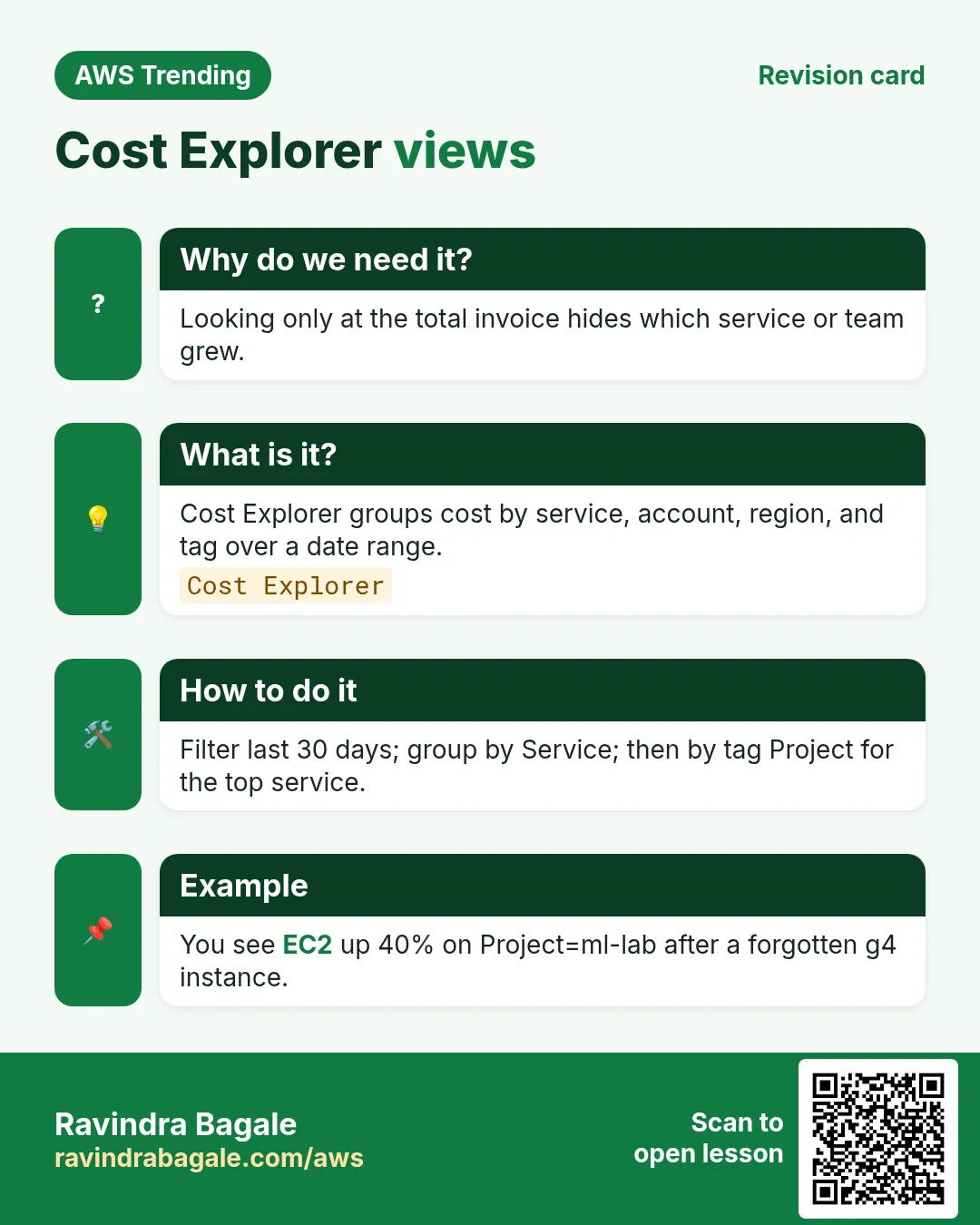
This revision card explains Cost Explorer views. It starts from the need that looking only at the total invoice hides which service or team grew. It describes cost Explorer groups cost by service, account, region, and tag over a date range. The how-to section notes filter last 30 days; group by Service; then by tag Project for the top service. An example on the card is you see EC2 up 40% on Project=ml-lab after a forgotten g4 instance.
Read card text
What this card says
Why do we need it?
Looking only at the total invoice hides which service or team grew.
What is it?
Cost Explorer groups cost by service, account, region, and tag over a date range.
Cost Explorer
How to do it
Filter last 30 days; group by Service; then by tag Project for the top service.
Example
You see EC2 up 40% on Project=ml-lab after a forgotten g4 instance.