Ravi Sir's Cards › AWS
Budgets and anomaly alerts
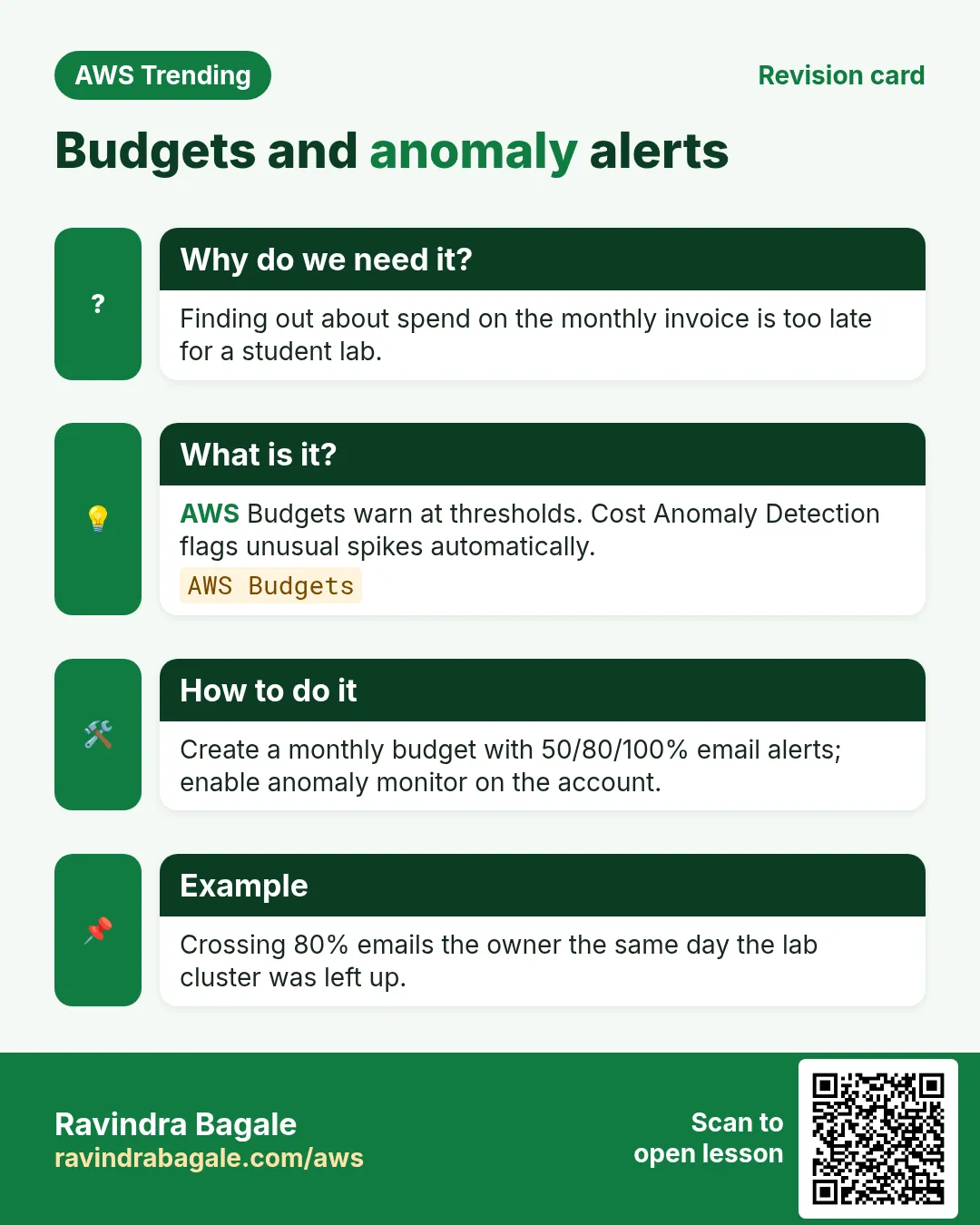
This revision card explains Budgets and anomaly alerts. It starts from the need that finding out about spend on the monthly invoice is too late for a student lab. AWS Budgets warn at thresholds. Cost Anomaly Detection flags unusual spikes automatically. The how-to section covers how to create a monthly budget with 50/80/100% email alerts; enable anomaly monitor on the account. An example on the card is crossing 80% emails the owner the same day the lab cluster was left up.
Read card text
What this card says
Why do we need it?
Finding out about spend on the monthly invoice is too late for a student lab.
What is it?
AWS Budgets warn at thresholds. Cost Anomaly Detection flags unusual spikes automatically.
AWS Budgets
How to do it
Create a monthly budget with 50/80/100% email alerts; enable anomaly monitor on the account.
Example
Crossing 80% emails the owner the same day the lab cluster was left up.