What Is Amazon API Gateway? REST vs HTTP vs WebSocket
Your Lambda works with a Test button. Browsers and mobile apps cannot call that button. They need an HTTPS URL, routes like /notes, and methods like GET and POST. Amazon API Gateway is that front door. This chapter explains REST vs HTTP vs WebSocket and why you should not expose Lambda alone.
What you'll learn in this chapter
- Why a public HTTPS front door is needed
- What API Gateway is
- REST vs HTTP vs WebSocket APIs
- Routes, methods and stages
- A comparison table you can use in interviews
1. A story: the shop with no counter
Aniket built a Lambda that returns today's menu as JSON. He pasted the Lambda invoke URL into a React app. It failed: CORS errors, no easy auth, and the URL looked like a temporary SDK endpoint. Friends on other networks could not call it cleanly.
He put API Gateway in front. Now the app calls https://api.hisdomain.com/menu. Gateway checks the route, handles HTTPS, can add API keys or JWT, and only then invokes Lambda.
2. What is Amazon API Gateway?
Why do we need this?
Lambda is compute. It is not a full HTTP product. You need TLS certificates, routing, throttling and often auth at the edge.
What is it?
Amazon API Gateway is a managed front door for APIs. Clients send HTTP(S) or WebSocket messages to Gateway; Gateway forwards them to Lambda, HTTP backends, or other AWS services.
3. REST vs HTTP vs WebSocket
Why do we need this?
AWS offers three API products under the API Gateway umbrella. Picking wrong costs money or blocks a feature you need.
What is it?
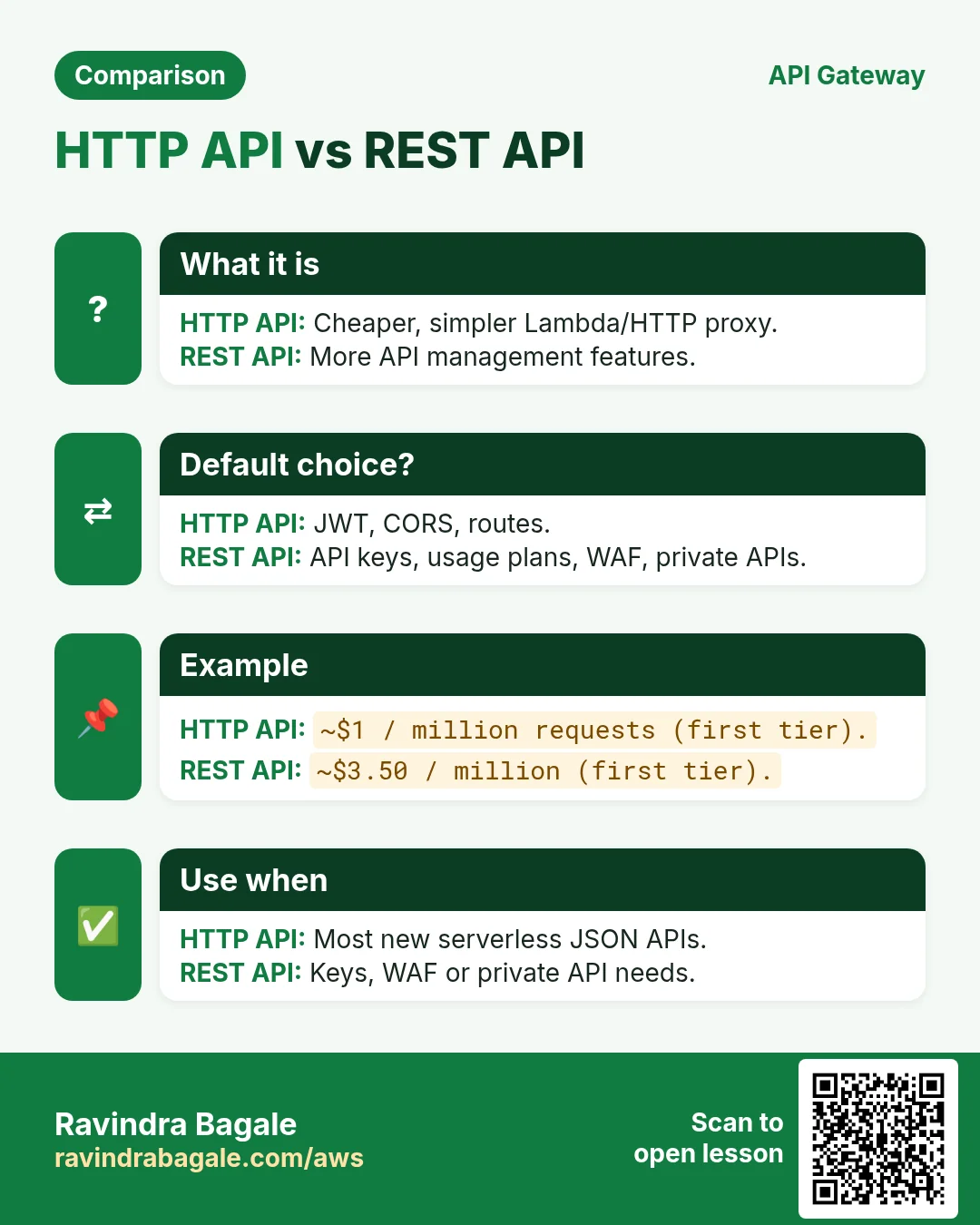
| Feature | HTTP API | REST API | WebSocket API |
|---|---|---|---|
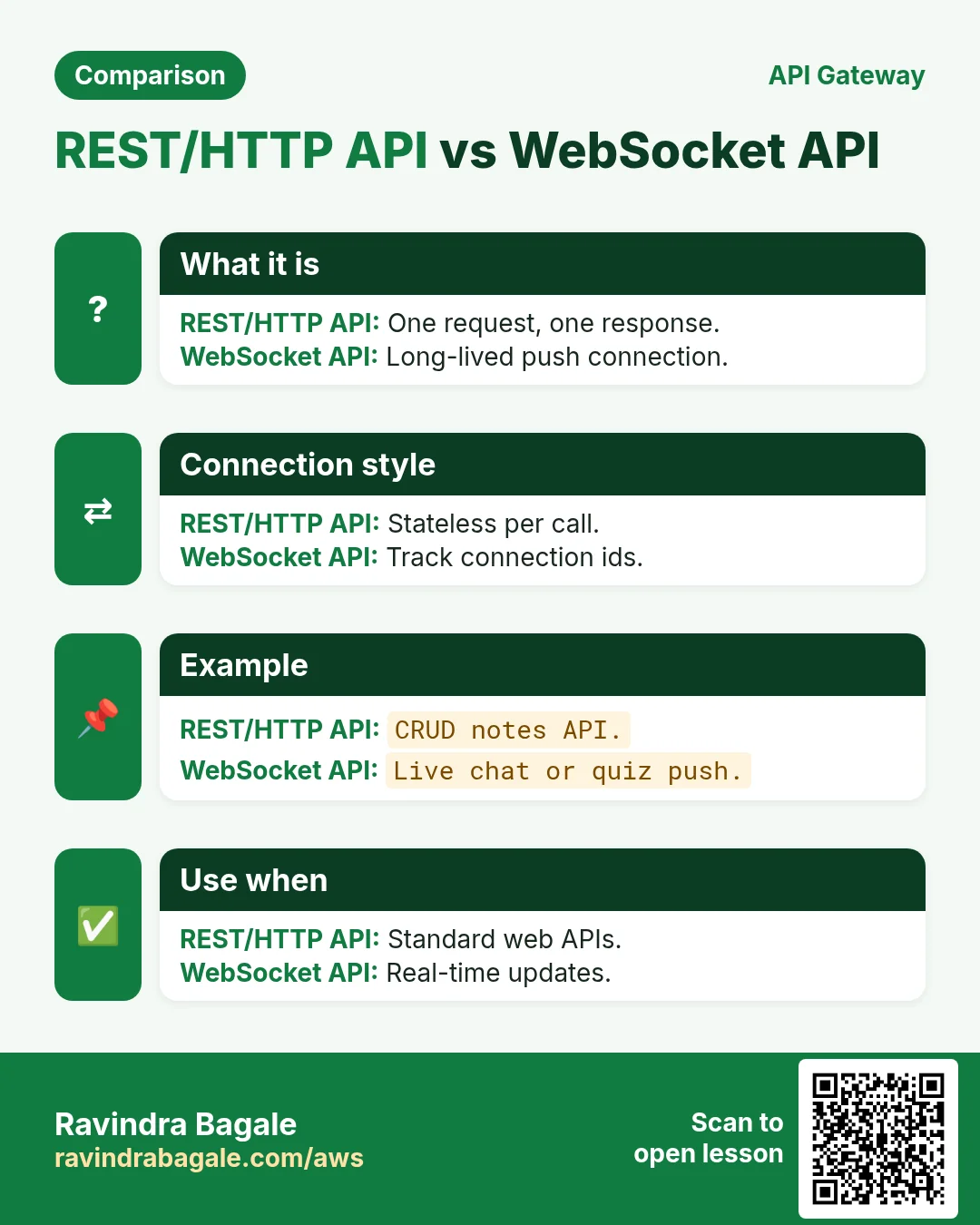
| Best for | Simple Lambda/HTTP proxies, low cost, low latency | API keys, usage plans, request validation, WAF, private APIs, caching | Chat, live dashboards, games — long-lived connections |
| HTTPS routes | Yes | Yes | Upgrade to WebSocket |
| API keys + usage plans | No | Yes | No |
| AWS WAF | No | Yes | No |
| JWT / OIDC authorizer | Yes | Yes (also Lambda authorizer) | Yes (some options) |
| Price (ballpark, us-east-1) | About $1.00 / million requests (first tier) | About $3.50 / million requests (first tier) | Messages + connection minutes |
| Default choice for new serverless APIs | Yes, unless you need REST-only features | When you need API management features | When you need push to the client |
Ravindra Bagale's Tip
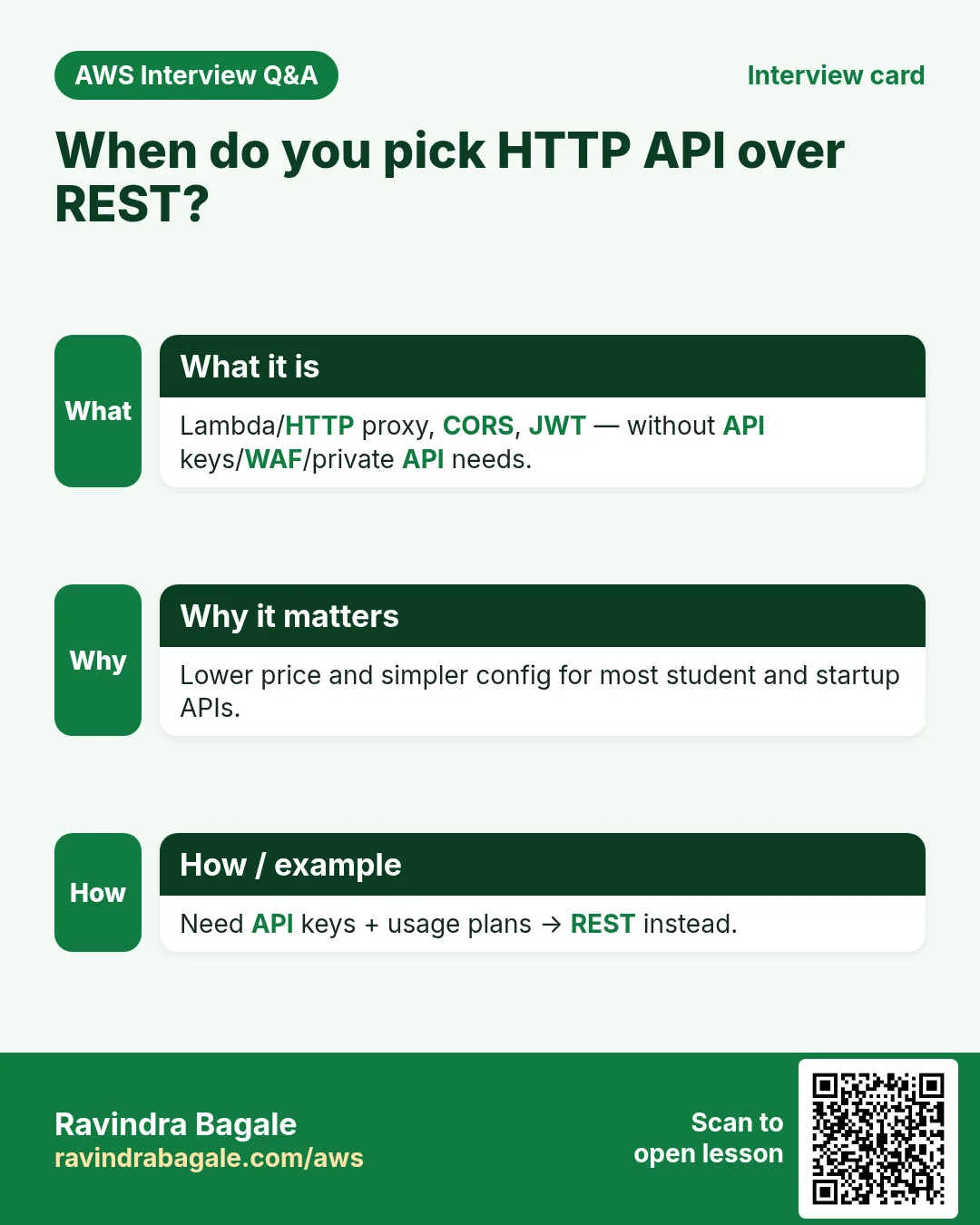
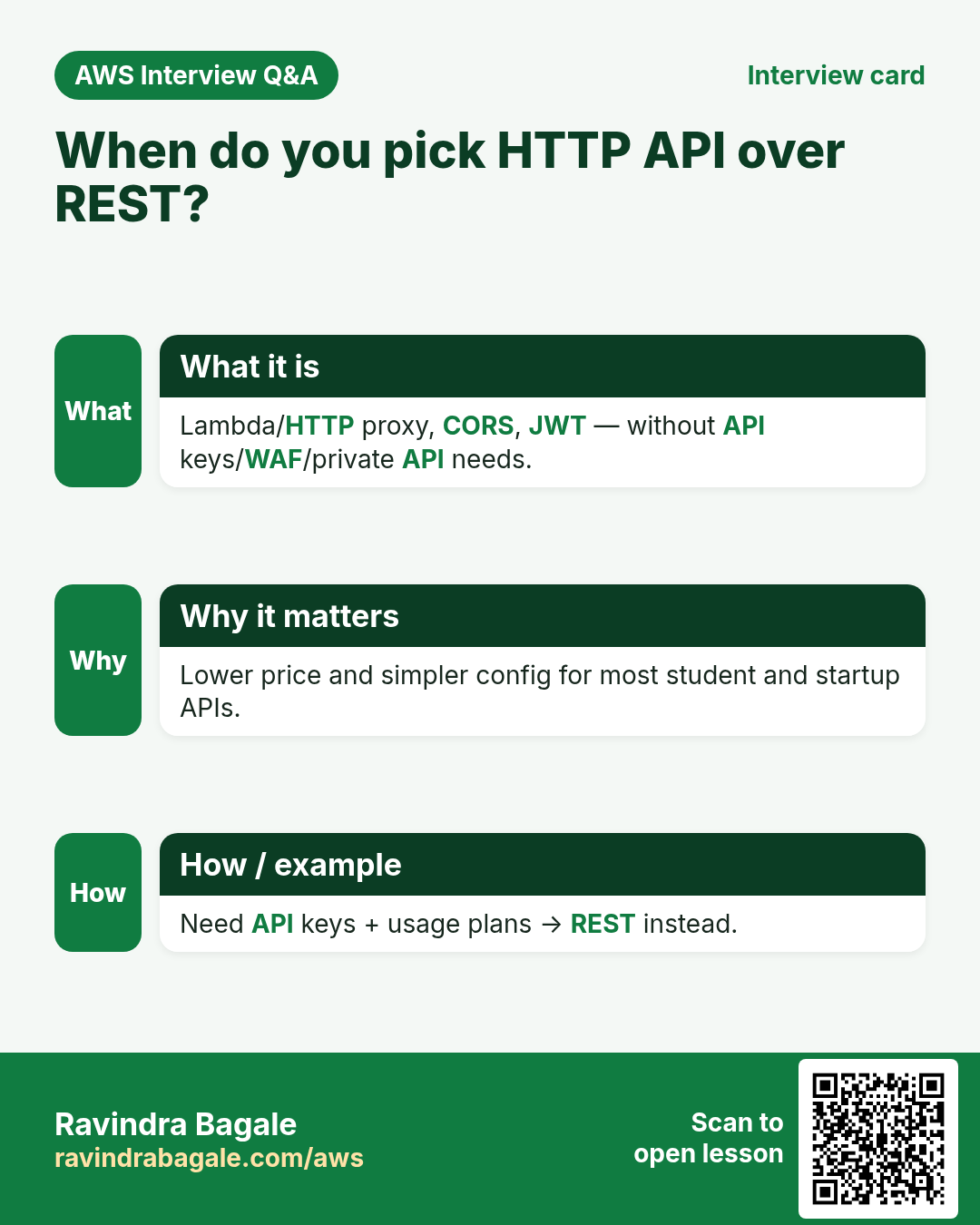
For most student and startup serverless APIs, start with an HTTP API. Switch to REST if you need API keys, usage plans, WAF or private API endpoints.
4. Routes, methods and stages
What is it?
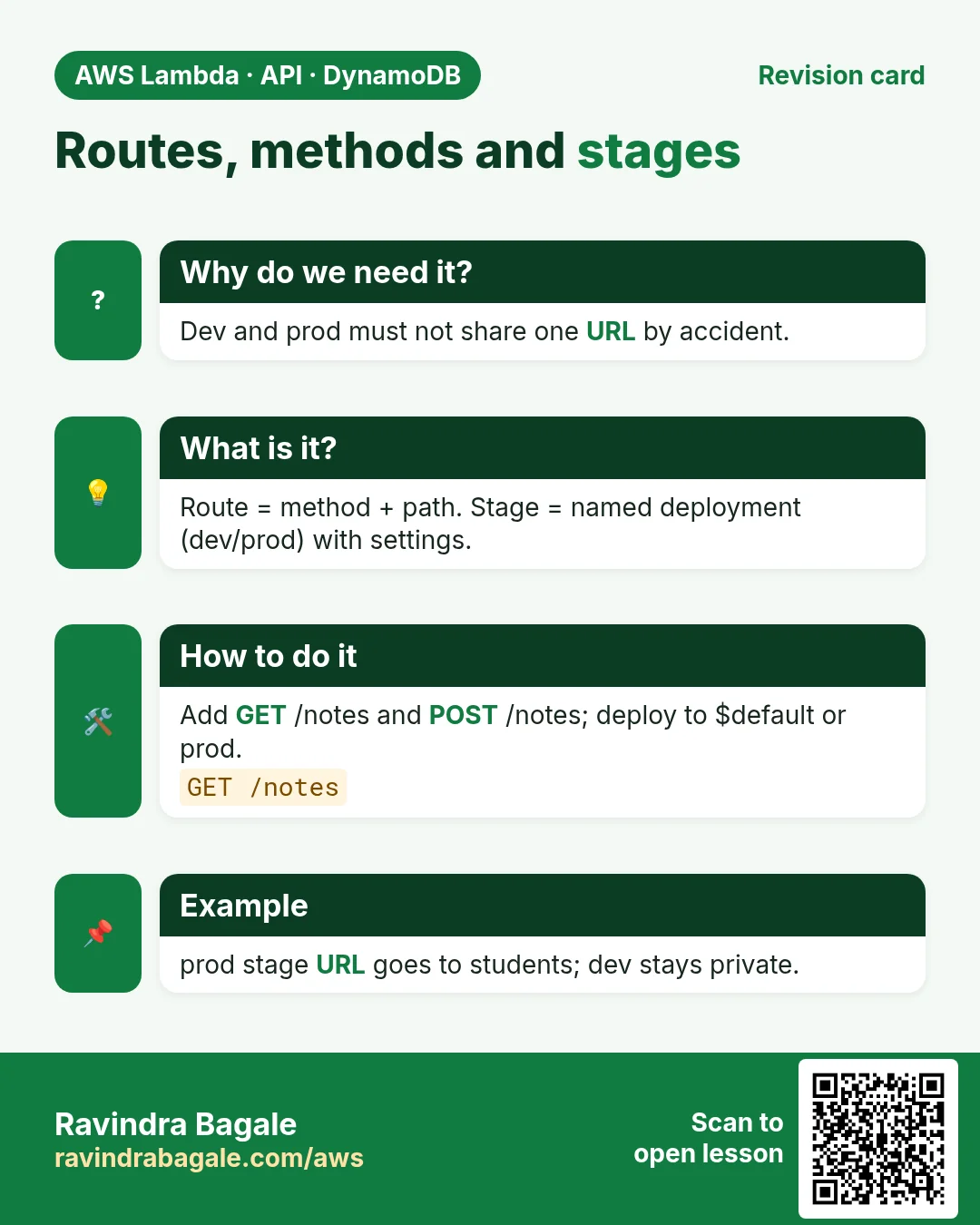
- Route = path pattern, like
GET /notesorGET /notes/{id}. - Method = GET, POST, PUT, PATCH, DELETE, OPTIONS.
- Integration = where Gateway sends the request (Lambda proxy is the common choice).
- Stage = a named snapshot of the API, like
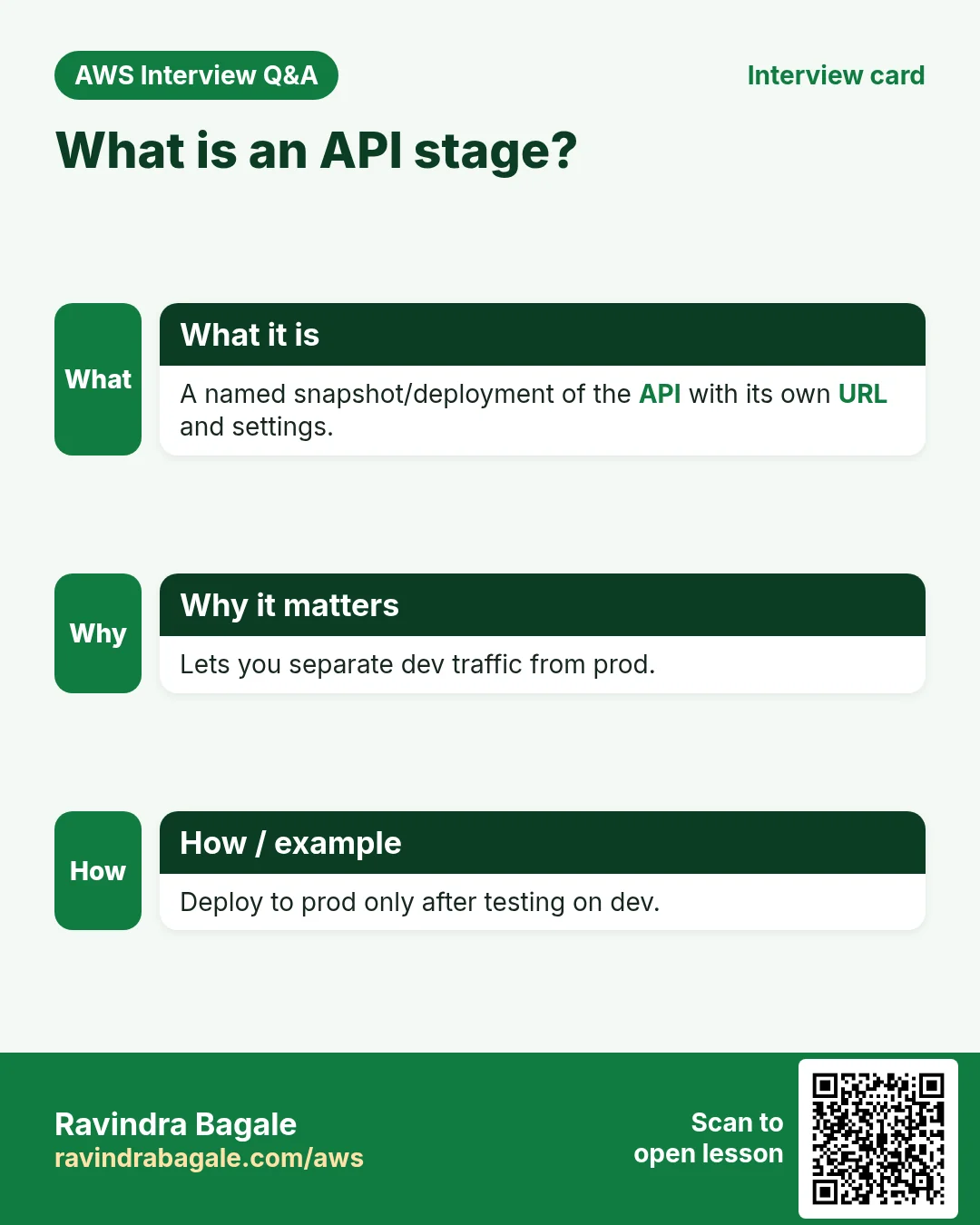
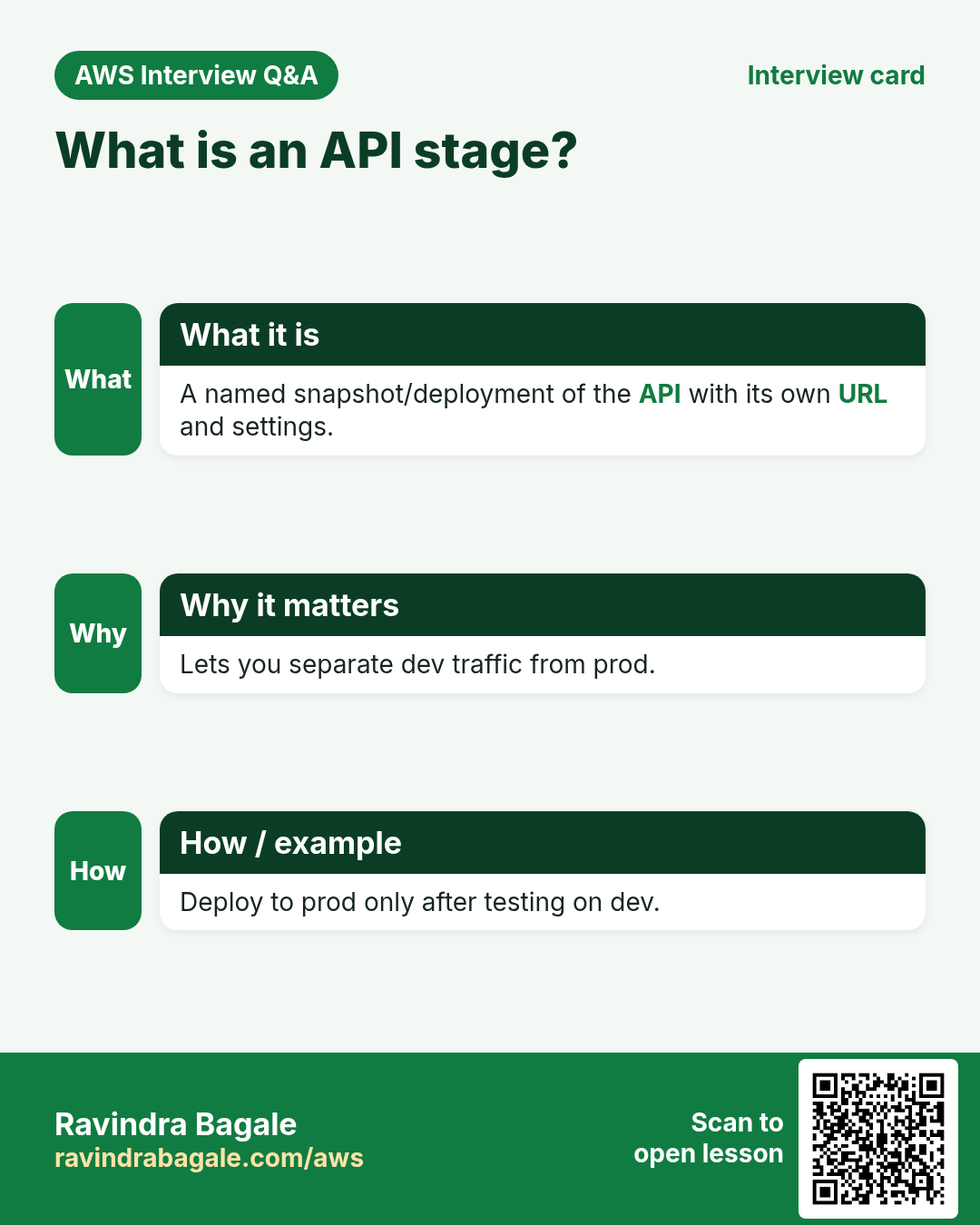
devorprod, with its own URL and throttling. HTTP APIs auto-deploy to a stage named$defaultunless you set your own.
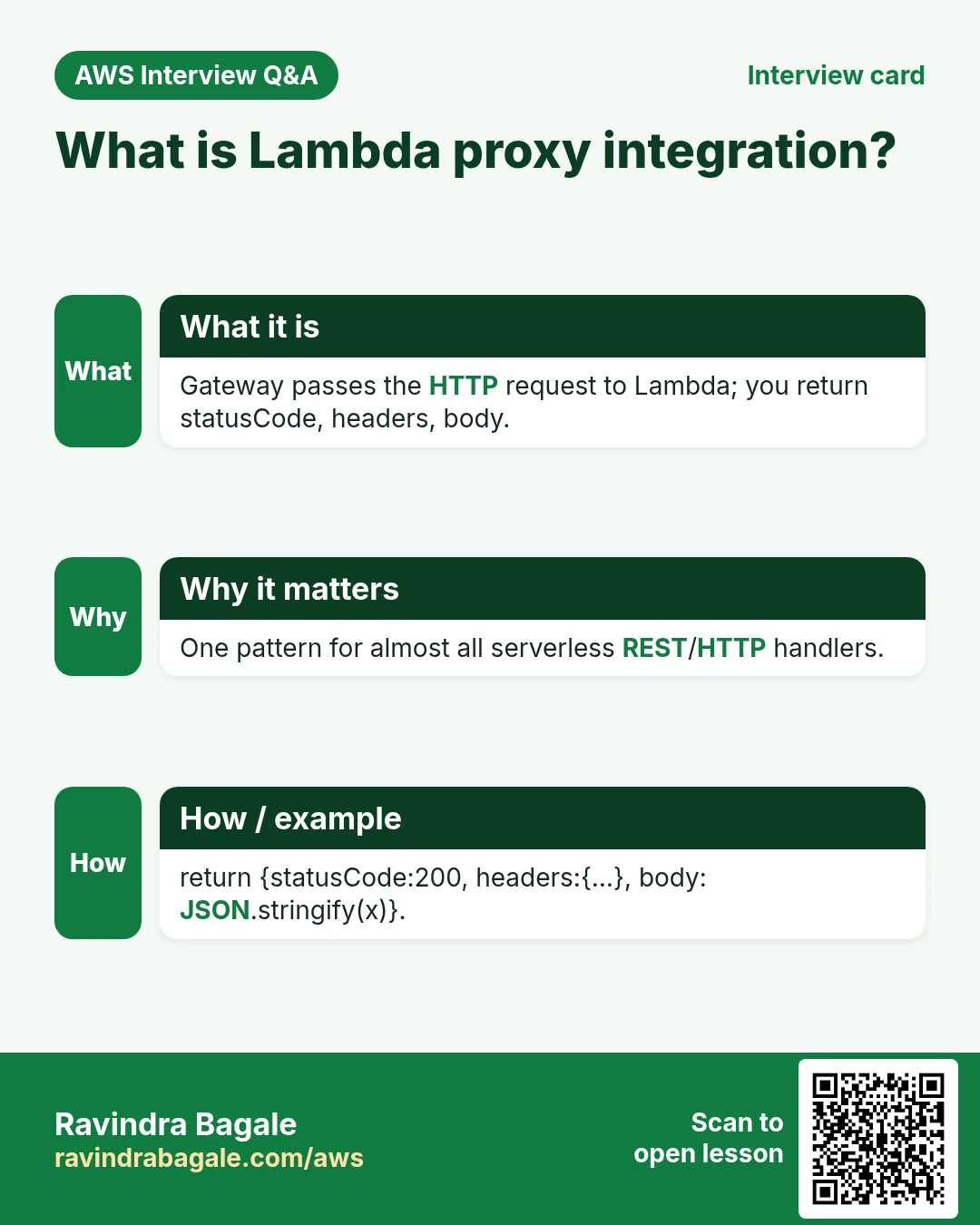
Lambda proxy integration means Gateway passes the full HTTP request as JSON to Lambda, and your function returns statusCode, headers and body. That is the pattern used in the next chapter's lab.
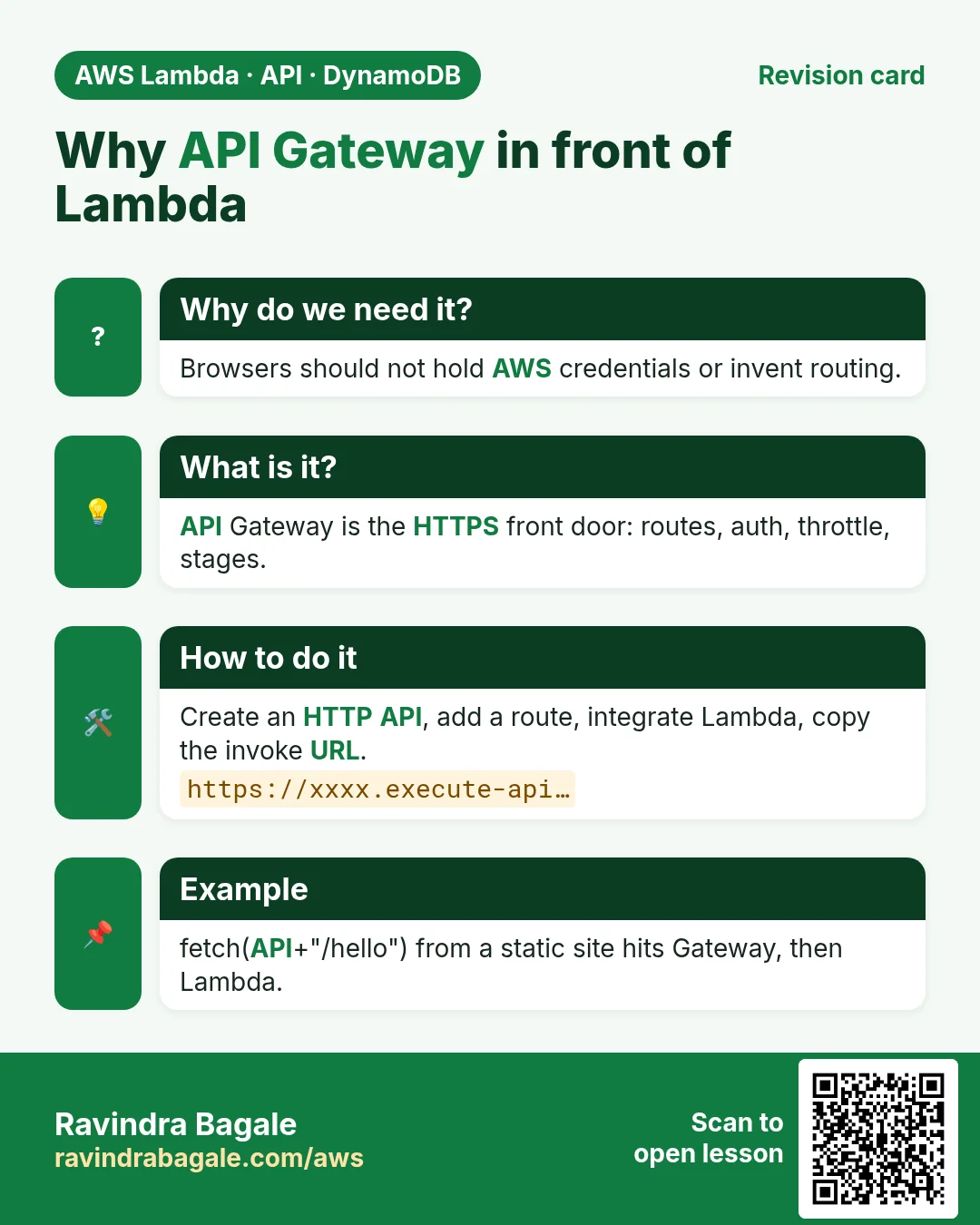
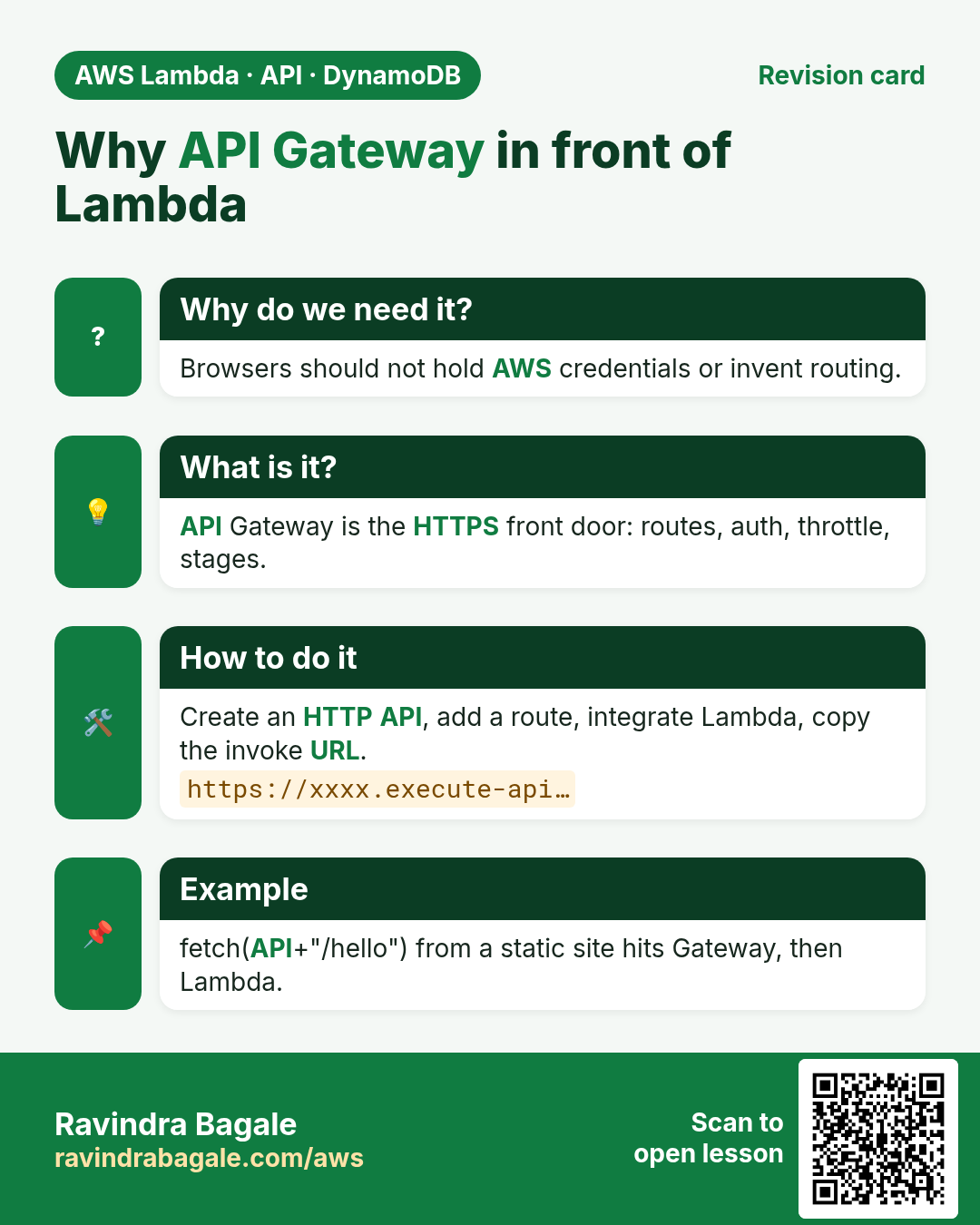
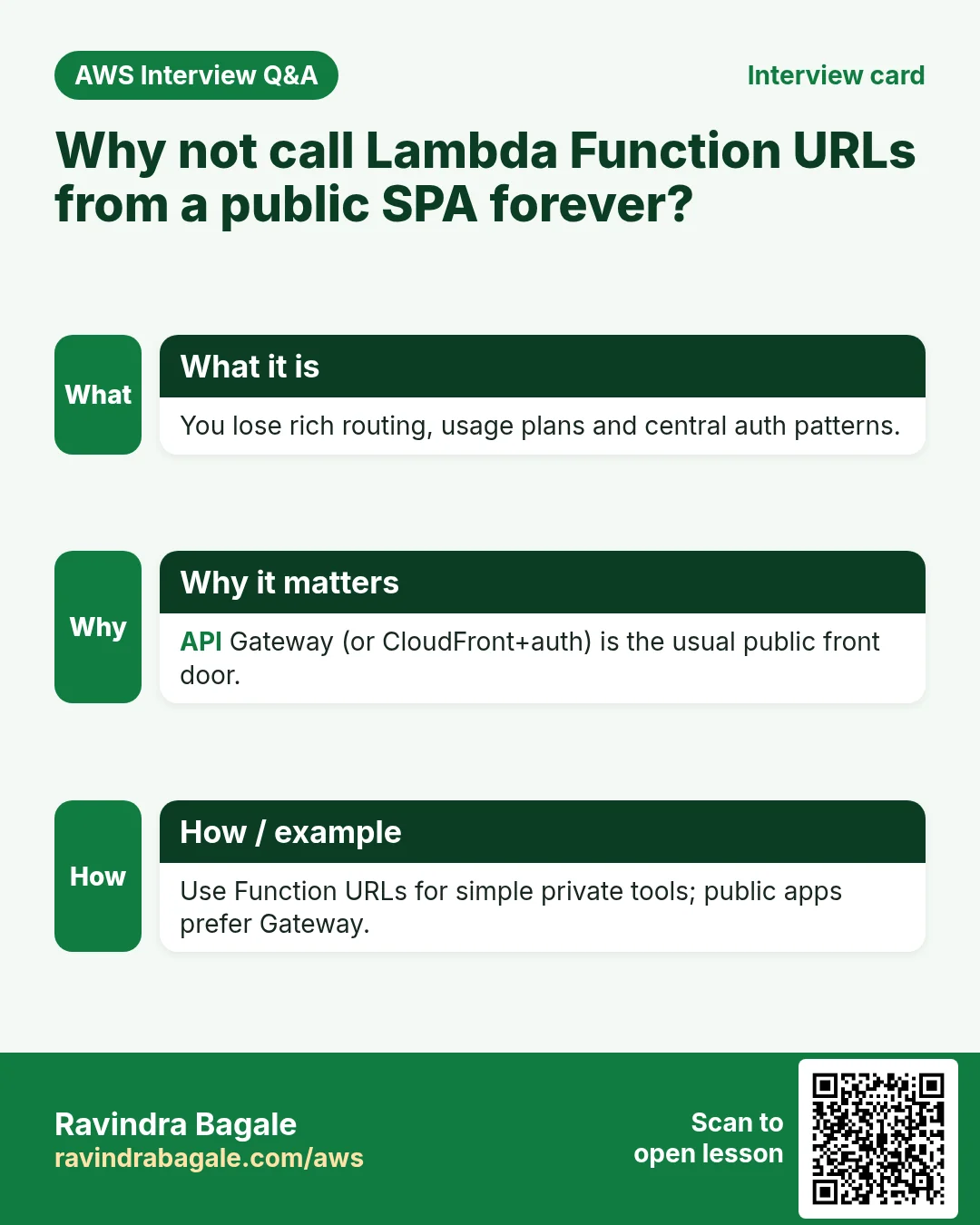
5. Why not call Lambda directly from the browser?
- No stable, friendly URL or custom domain story as clean as Gateway.
- Auth, throttling, API keys and WAF are Gateway features (especially REST).
- You would need AWS credentials or complex signing in the browser — a security smell.
- CORS and HTTP semantics are easier at Gateway.
6. Interview questions
Q. What is API Gateway?
Managed front door for HTTP and WebSocket APIs that can invoke Lambda and other backends.
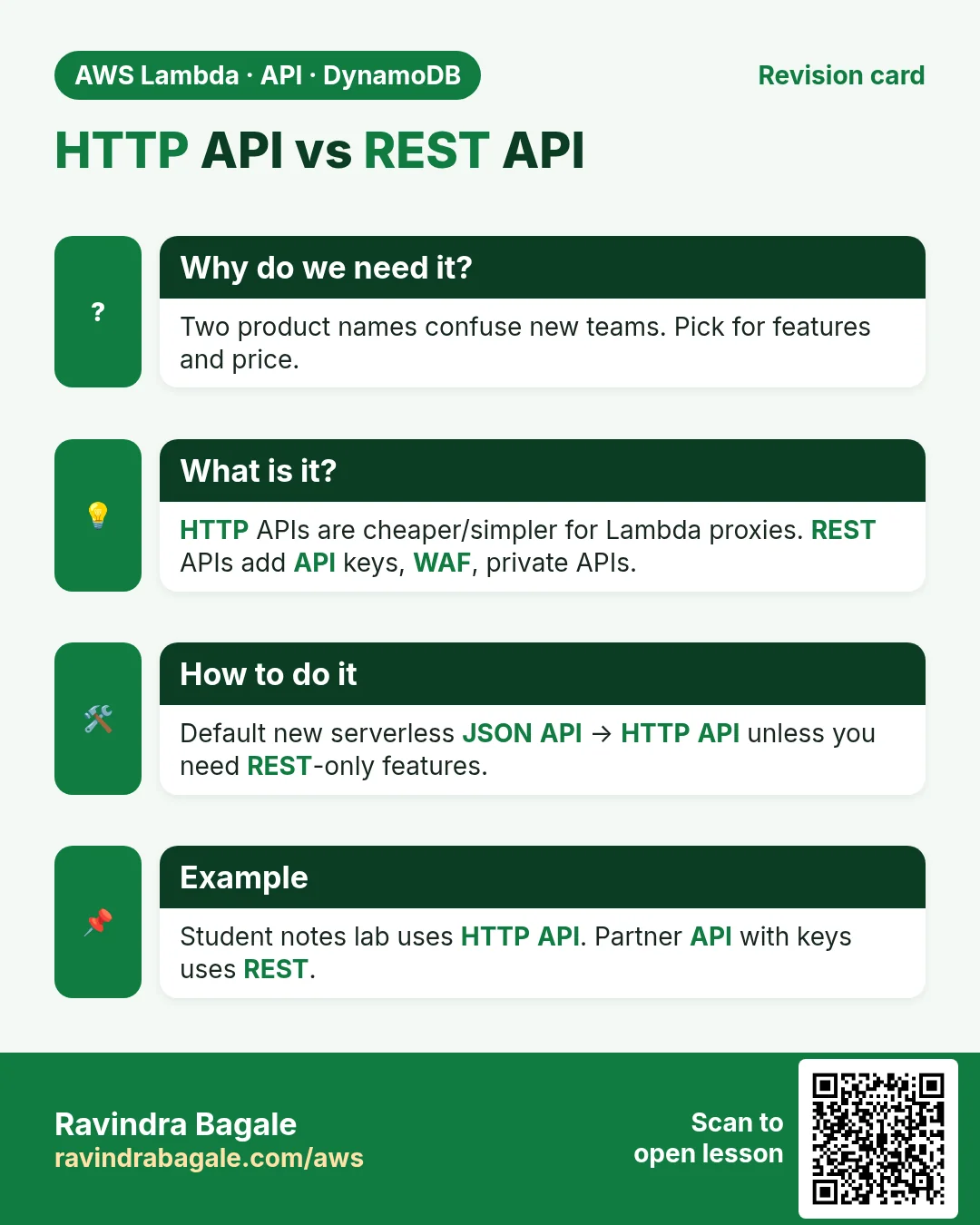
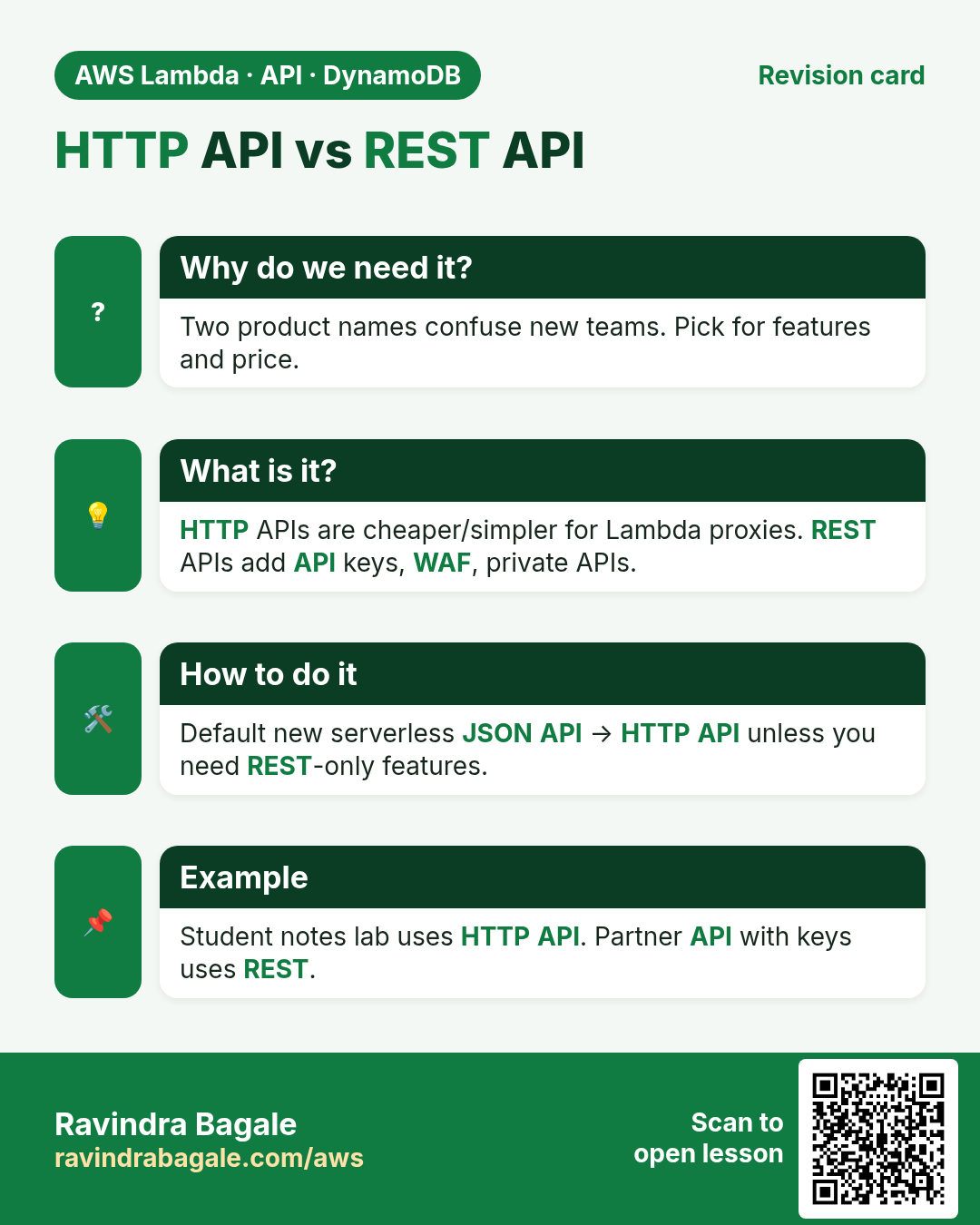
Q. HTTP API vs REST API?
HTTP API: cheaper, faster, great for Lambda proxy; fewer management features. REST API: API keys, usage plans, WAF, caching, private APIs.
Q. What is a stage?
A named deployment of the API (dev/prod) with its own URL and settings.
Q. What is Lambda proxy integration?
Gateway sends the raw HTTP request to Lambda; Lambda returns statusCode, headers, body.
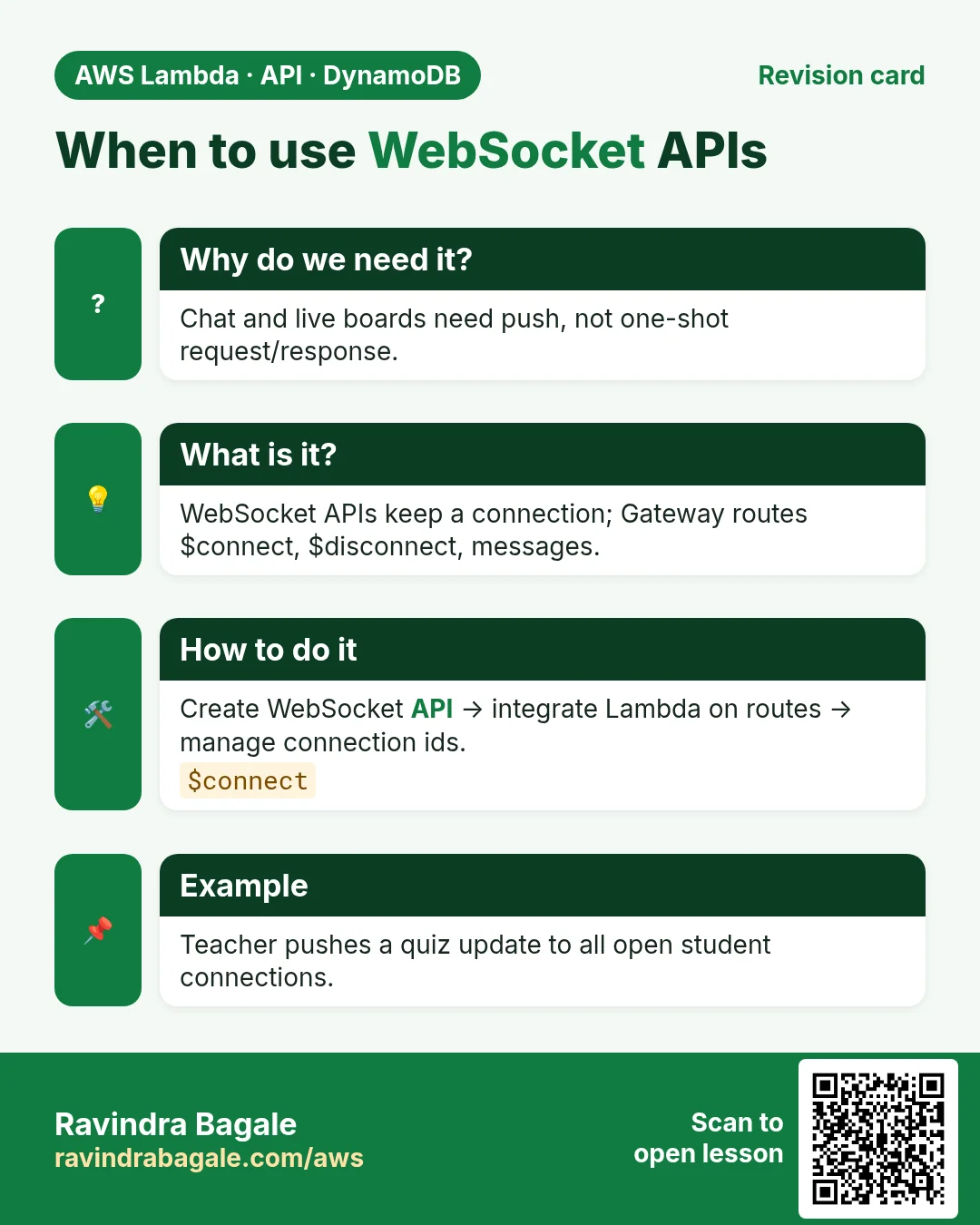
Q. When WebSocket?
When the server must push to the client over a long-lived connection (chat, live scores).
Try at home
- In the console, open API Gateway and list any existing APIs. Note whether each is HTTP, REST or WebSocket.
- Read the official "HTTP API vs REST API" table once and write three bullets in your notes.
In short
- API Gateway = HTTPS front door in front of Lambda.
- HTTP API for most serverless; REST when you need management features; WebSocket for push.
- Routes + methods + stages shape the URL your app calls.
- Do not call Lambda invoke URLs straight from the browser.
Practice Tasks
Pune Fintech Labs is a finance business in Pune. Rohan Kulkarni looks after its IT and cloud work. They count money in INR and run their AWS resources in the ap-south-1 Region. In the tasks below you do real jobs for them using what this lesson teaches. All names, account IDs, IP addresses and numbers are made up for practice.
0 / 12
Easy Invoke one function
Why: A caller should invoke only the function it needs.
What to do: Allow lambda:InvokeFunction on arn:aws:lambda:ap-south-1:105420458853:function:punefintech-orders-fn only.
- Start with { "Version": "2012-10-17", "Statement": [ ... ] }.
- In each statement write Effect, Action and Resource.
- Give only what the task needs (least privilege).
- Use double quotes and commas correctly. Click Check answer.
Easy List functions
Why: See which functions exist in this Region.
What to do: List the Lambda functions in ap-south-1.
- Read the task and decide which AWS service it is about.
- Write aws, then the service name, then the operation (the action word).
- Add each needed flag (--name) followed by its value from the task.
- Flags can be in any order. Click Check answer.
Medium Create a REST API
Why: REST APIs give API keys, usage plans and request validation.
What to do: Create a REST API named punefintech-rest.
- Read the task and decide which AWS service it is about.
- Write aws, then the service name, then the operation (the action word).
- Add each needed flag (--name) followed by its value from the task.
- Flags can be in any order. Click Check answer.
Medium Deploy a REST API to a stage
Why: Changes to a REST API go live only after a deployment to a stage.
What to do: Deploy REST API a1b2c3d4e5 to the stage prod.
- Read the task and decide which AWS service it is about.
- Write aws, then the service name, then the operation (the action word).
- Add each needed flag (--name) followed by its value from the task.
- Flags can be in any order. Click Check answer.
Medium Change timeout and memory
Why: More memory also gives more CPU; timeout stops runaway runs.
What to do: Set punefintech-orders-fn to timeout 30 seconds and memory 512 MB.
- Read the task and decide which AWS service it is about.
- Write aws, then the service name, then the operation (the action word).
- Add each needed flag (--name) followed by its value from the task.
- Flags can be in any order. Click Check answer.
Medium Invoke a function
Why: Invoke runs the function now and saves its answer in a file.
What to do: Invoke punefintech-orders-fn and save the response to out.json.
- Read the task and decide which AWS service it is about.
- Write aws, then the service name, then the operation (the action word).
- Add each needed flag (--name) followed by its value from the task.
- Flags can be in any order. Click Check answer.
Medium Let a function write logs
Why: Without these actions, Lambda logs never appear in CloudWatch.
What to do: Allow logs:CreateLogGroup, logs:CreateLogStream, logs:PutLogEvents on arn:aws:logs:*:*:* only.
- Start with { "Version": "2012-10-17", "Statement": [ ... ] }.
- In each statement write Effect, Action and Resource.
- Give only what the task needs (least privilege).
- Use double quotes and commas correctly. Click Check answer.
Hard Quick-create an HTTP API for Lambda
Why: Quick create builds an HTTP API, a default route and stage pointing at your function.
What to do: Create an HTTP API named punefintech-api whose target is arn:aws:lambda:ap-south-1:105420458853:function:punefintech-orders-fn.
- Read the task and decide which AWS service it is about.
- Write aws, then the service name, then the operation (the action word).
- Add each needed flag (--name) followed by its value from the task.
- Flags can be in any order. Click Check answer.
Hard Let S3 call your function
Why: A resource-based permission is needed before S3 can invoke the function.
What to do: Add permission statement s3invoke to punefintech-orders-fn so s3.amazonaws.com can call lambda:InvokeFunction from bucket arn:aws:s3:::punefintech-uploads.
- Read the task and decide which AWS service it is about.
- Write aws, then the service name, then the operation (the action word).
- Add each needed flag (--name) followed by its value from the task.
- Flags can be in any order. Click Check answer.
Hard Lambda GB-seconds
Why: Lambda bills memory × time.
What to do: 1,000,000 invocations, 512 MB memory, 200 ms each. How many GB-seconds?
- Write down the numbers the task gives you.
- Work it out step by step on paper.
- Type only the final answer in the box.
- Click Check answer.
Hard Create a Lambda function
Why: Lambda needs the code zip, a runtime, a handler name and an execution role.
What to do: Create function punefintech-orders-fn: runtime python3.12, handler app.handler, role arn:aws:iam::105420458853:role/lambda-basic, code in function.zip.
- Read the task and decide which AWS service it is about.
- Write aws, then the service name, then the operation (the action word).
- Add each needed flag (--name) followed by its value from the task.
- Flags can be in any order. Click Check answer.
Hard Set environment variables
Why: Keep settings like table names out of the code.
What to do: Set the environment variable TABLE=punefintech-orders on punefintech-orders-fn.
- Read the task and decide which AWS service it is about.
- Write aws, then the service name, then the operation (the action word).
- Add each needed flag (--name) followed by its value from the task.
- Flags can be in any order. Click Check answer.
Revision, comparison and interview cards
Revise this lesson in a few minutes. Save the cards on your phone or download them as PNG files. The QR code on each card opens this lesson.
More cards: Ravi Sir's Cards.