Chapter 10: Dynamic Website Hosting (PHP, Python, Node.js with MySQL)
Common Mistakes I See Students Make
Friends, I see these dynamic-site mistakes in every batch – passwords in code, the IPv6 mix-up with localhost, the app dying when SSH closes. Read them once.
मित्रांनो, डायनॅमिक साइट्सच्या या चुका मी प्रत्येक बॅचमध्ये बघतो – कोडमध्ये पासवर्ड, localhost चा IPv6 घोटाळा, SSH बंद केल्यावर ॲप बंद. एकदा वाचून ठेवा.
दोस्तों, डायनामिक साइट्स की ये गलतियाँ मैं हर बैच में देखता हूँ – कोड में पासवर्ड, localhost का IPv6 घोटाला, SSH बंद करने पर ऐप बंद. एक बार पढ़ लो.
- Hard-coding passwords in code and pushing to GitHub. Use
.envfiles with permission 600 and add them to.gitignore. - Using
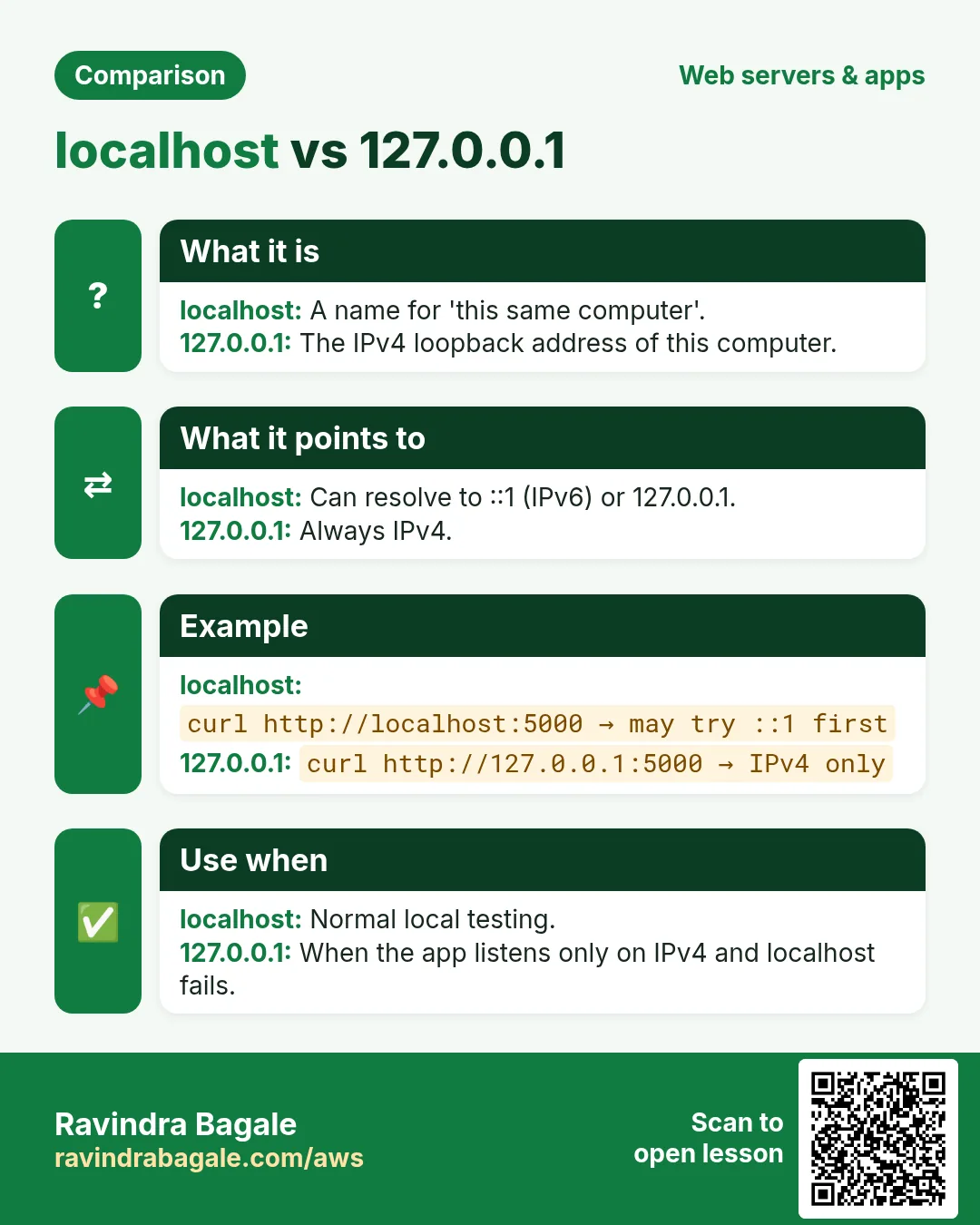
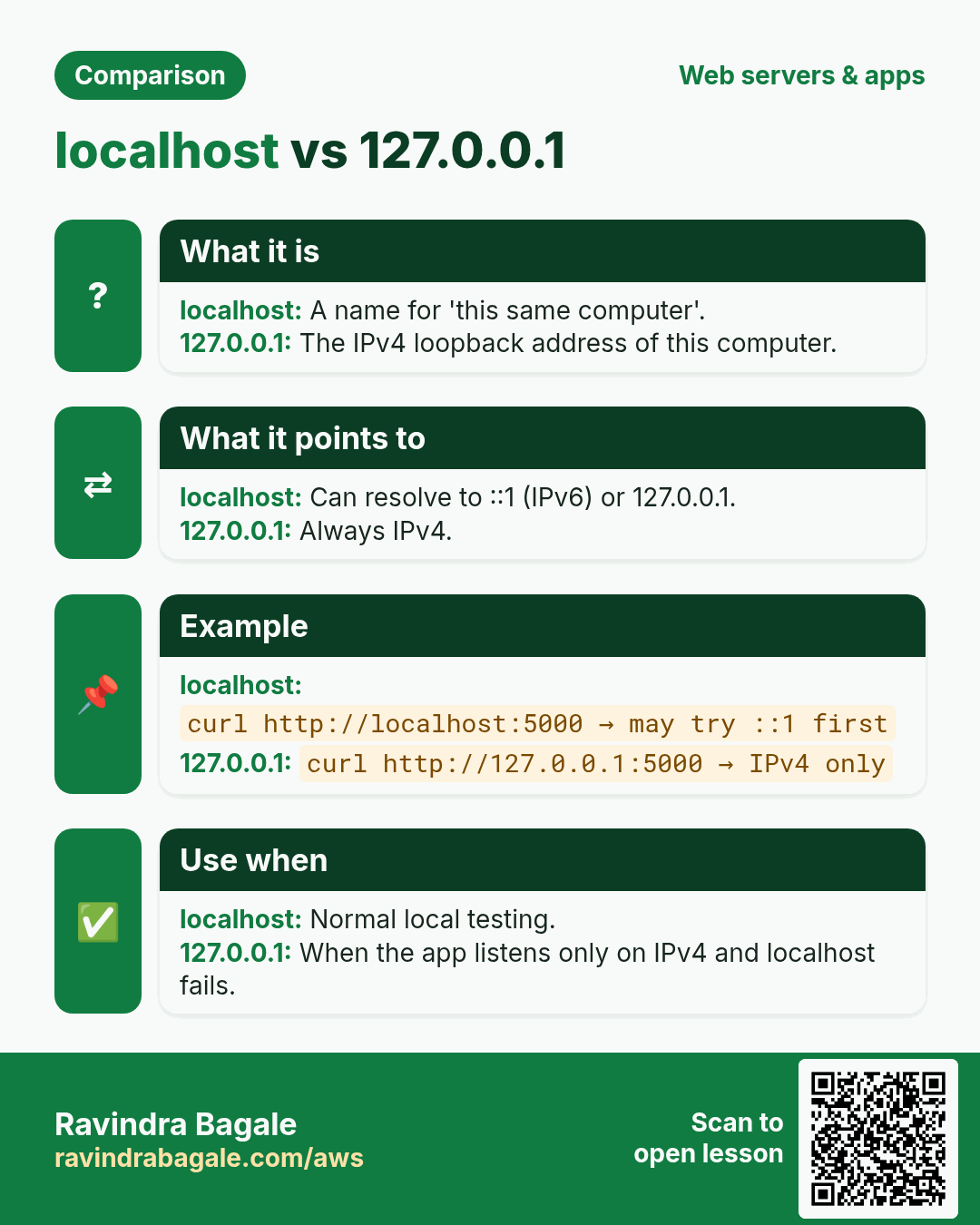
localhostin Node.js and gettingECONNREFUSED ::1:3306. Use127.0.0.1. - Running the app with
node app.jsin the SSH session and closing the terminal — the app dies. Use pm2 or systemd. - Running both pm2 and a systemd unit for the same app → port 3000 already in use.
- Opening port 3306 or 3000 to the internet instead of using the reverse proxy.
- Forgetting
setsebool -P httpd_can_network_connect 1on CentOS → 502 Bad Gateway. - Not restarting PHP-FPM/Apache after installing PHP modules.
The same mistakes in other languages
Passwords in code: the safe version per stack
The first mistake on the list (hard-coded passwords) is the most dangerous. Here is the safe pattern everywhere.
PHP
getenv('DB_PASS'), or a config file outside the web root with mode 600.
$pass = getenv('DB_PASS');Python / Flask
os.environ, set in the systemd unit with EnvironmentFile=.
EnvironmentFile=/etc/flaskapp.envNode.js
process.env, with an ecosystem file for PM2 that is not committed.
DB_HOST=127.0.0.1 pm2 start app.jsJava / Spring Boot
${DB_PASSWORD} in application.properties.
spring.datasource.password=${DB_PASSWORD}.NET
Environment variables override appsettings.json, using a double underscore for nesting.
ConnectionStrings__Default="Server=..."Go
os.Getenv, and fail fast if it is empty.
pass := os.Getenv("DB_PASS")Ruby / Rails
Encrypted credentials or ENV.
ENV.fetch("DB_PASS")Why localhost vs 127.0.0.1 matters
Newer Node.js versions may resolve localhost to the IPv6 address ::1 first. If MySQL listens only on IPv4, you see ECONNREFUSED ::1:3306. Using 127.0.0.1 removes the guesswork. Other languages can hit the same issue depending on the OS settings.
Real example
Global: automated bots search public GitHub repositories for database URLs and cloud keys. Many teams have found leaked credentials being used within hours. Everyday: you would not write your ATM PIN on the card.
What you see for each mistake
| Mistake | You see |
|---|---|
| App started in SSH, then the terminal closed | 502 a few minutes later |
| PM2 and systemd both running the app | EADDRINUSE :::3000 |
| SELinux boolean off (CentOS) | 502, and Permission denied in the nginx error log |
| PHP module installed, no restart | Call to undefined function mysqli_connect() |
| Port 3306 open to the world | Login attempts from unknown IPs in the MySQL error log |
Indian company example (sample): a startup's MySQL on EC2 had 3306 open "for the reporting tool". Within days the error log showed thousands of failed root logins. Closing the port and using an SSH tunnel or SSM port forwarding fixed it.
Beginner questions I get in class
Q. Is pm2 or systemd better?
Either works. Use only one per app.
Key terms
- Three tiers: Web, app and data.
- WSGI / ASGI: Python app interfaces used by Gunicorn and Uvicorn.
- PM2: Node.js process manager.
- systemd unit: A service definition with restart and boot rules.
- Least-privilege DB user: A user with rights on one database only.
- 504: Gateway timeout: the app or database is too slow.
Mini case study
Suppose we are a junior cloud engineer at a Bengaluru e-commerce startup (sample data). The team runs a PHP admin, a Node.js storefront API and a Python report job on two EC2 instances. Using this chapter, you write a one-page runbook: which service listens where, how to test and reload each one, which logs to read, and which ports are public (only 80 and 443, plus 22 from the office IP). New team members can then fix most problems on their own.
Recap
- Secrets from the environment, in every language.
- App and database ports stay private.
- Use a process manager, not an SSH session.
Quick revision cards
Revise this lesson in two minutes. Save the cards on your phone or download them as PNG files. The QR code on each card opens its lesson.
More cards: Ravi Sir's Cards.