Chapter 6: Web Servers — Nginx and Apache
6.2 Nginx vs Apache
Students in my class always ask: "Sir, which one is better?" Honest answer – both are excellent; the right choice depends on your use case. Think of it this way: Nginx for Mauli Dairy's static order page, and Apache for a WordPress site that needs .htaccess. Look at the comparison below:
माझ्या क्लासमध्ये स्टुडंट्स नेहमी विचारतात: "सर, कोणता better आहे?" खरं उत्तर – दोन्ही उत्तम आहेत; योग्य निवड तुमच्या use case वर अवलंबून आहे. Mauli Dairy च्या स्टॅटिक ऑर्डर पेजसाठी Nginx, आणि .htaccess लागणाऱ्या WordPress साठी Apache – असा विचार करा. बघा, खाली कंपॅरिझन:
मेरी क्लास में स्टूडेंट्स हमेशा पूछते हैं: "सर, कौन सा better है?" सच्चा जवाब – दोनों बढ़िया हैं; सही चुनाव आपके use case पर निर्भर है. Mauli Dairy के स्टैटिक ऑर्डर पेज के लिए Nginx, और .htaccess वाली WordPress साइट के लिए Apache – ऐसे सोचो. देखो, नीचे कंपैरिज़न:
Apache HTTP Server is the classic, highly flexible web server with a module for almost everything. Nginx (pronounced "engine-x") was designed to solve the C10K problem (10,000 simultaneous connections) using an event-driven architecture. Today both are widely used, often together.
| Feature | Nginx | Apache (httpd / apache2) |
|---|---|---|
| Architecture | Event-driven, asynchronous; few worker processes handle thousands of connections | Process/thread per connection (MPMs: prefork, worker, event) |
| Static content | Extremely fast, low memory | Fast, but uses more memory under heavy load |
| Dynamic content (PHP) | Via external PHP-FPM (FastCGI) | Via mod_php (embedded) or PHP-FPM |
| Configuration | Central config files; server {} blocks |
Central config + per-directory .htaccess files |
.htaccess support |
No (faster, but less flexible for shared hosting) | Yes (WordPress pretty links, shared hosting) |
| Reverse proxy / load balancer | Excellent, built in | Good (mod_proxy, mod_proxy_balancer) |
| Modules | Compiled in or dynamic modules | Huge set of dynamically loadable modules |
| Virtual hosts | server { server_name ... } |
<VirtualHost *:80> ServerName ... </VirtualHost> |
| Typical use | Reverse proxy for Node/Python, static sites, high traffic | LAMP apps, WordPress, legacy apps, shared hosting |
Which should I choose?
For static sites and as a reverse proxy in front of Node.js/Python apps, Nginx is the default modern choice. For PHP applications that rely on .htaccess (many WordPress plugins), Apache is the easiest. Only one of them can listen on port 80 at a time — stop one before starting the other on the same server.
Ravindra Bagale's Tip
When you work on a new distribution, always keep the quick-reference table below open. Most beginner mistakes come from using an Ubuntu path on Amazon Linux (or the other way round) – apache2 vs httpd, /var/www/html vs /usr/share/nginx/html. First check the OS with cat /etc/os-release, then pick the path.
Ravindra Bagale's Tip – मराठी
नवीन distribution वर काम करताना खालचा quick-reference table नेहमी उघडा ठेवा. Beginners च्या बहुतेक चुका म्हणजे Amazon Linux वर Ubuntu चा path वापरणे (किंवा उलट) – apache2 vs httpd, /var/www/html vs /usr/share/nginx/html. आधी cat /etc/os-release ने OS बघा, मग path निवडा.
Ravindra Bagale's Tip – हिंदी
नए distribution पर काम करते समय नीचे वाली quick-reference table हमेशा खुली रखो. Beginners की ज़्यादातर गलतियाँ Amazon Linux पर Ubuntu का path इस्तेमाल करने से (या उल्टा) होती हैं – apache2 vs httpd, /var/www/html vs /usr/share/nginx/html. पहले cat /etc/os-release से OS देखो, फिर path चुनो.
Lab
Chala, Mauli Dairy sathi kagdavar nivad kara: static order page aani ek WordPress blog. Pratyekasathi Nginx ki Apache te liha aani varchya table madhli don karane dya. Mag tumchya EC2 var sudo ss -tlnp | grep :80 chalva aani port 80 var aadhich koni aahe ka te bagha.
Quick revision cards
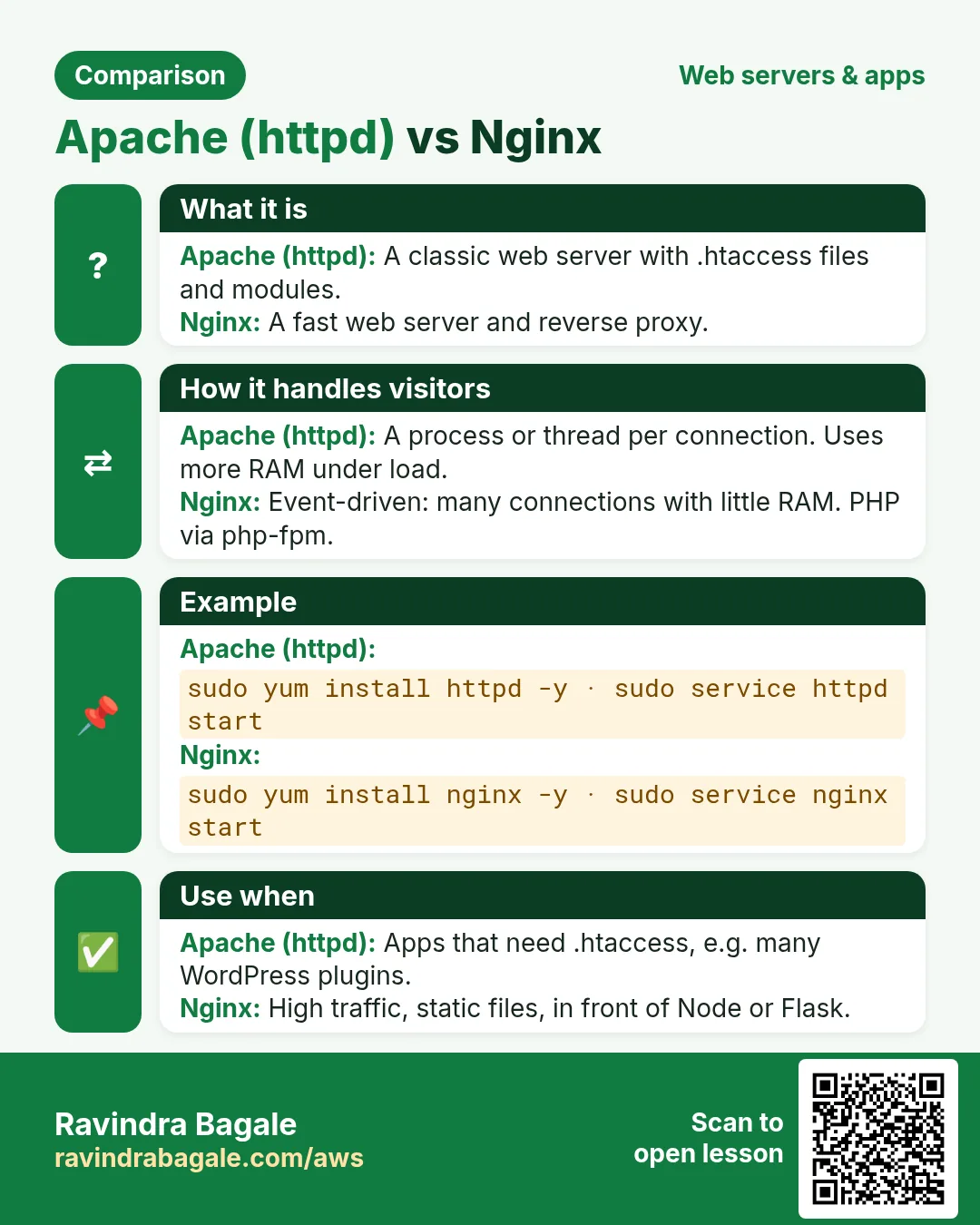
Revise this lesson in two minutes. Save the cards on your phone or download them as PNG files. The QR code on each card opens its lesson.
More cards: Ravi Sir's Cards.