DynamoDB CRUD, Query, Scan, GSI and TTL Step by Step
In What Is Amazon DynamoDB? you made a table and learned keys. Now you do real work: Put, Get, Query vs Scan, GSI and LSI, TTL, Streams and backups — with code in Python, Node.js, Java and PHP.
What you'll learn in this chapter
- PutItem and GetItem
- Query vs Scan and cost
- GSI and LSI
- TTL, Streams, backups
- Code samples in four languages
1. A story: find orders by email without scanning the world
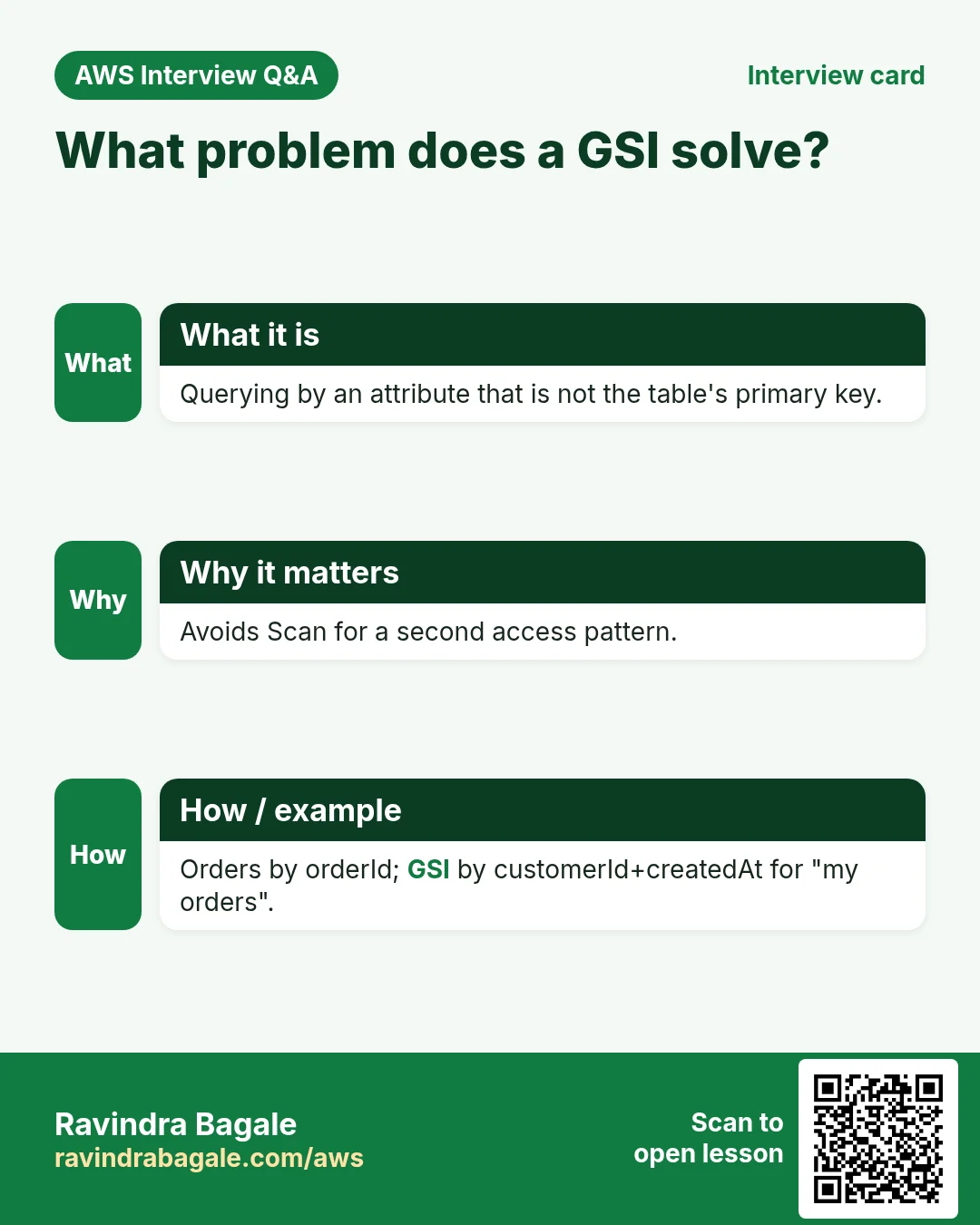
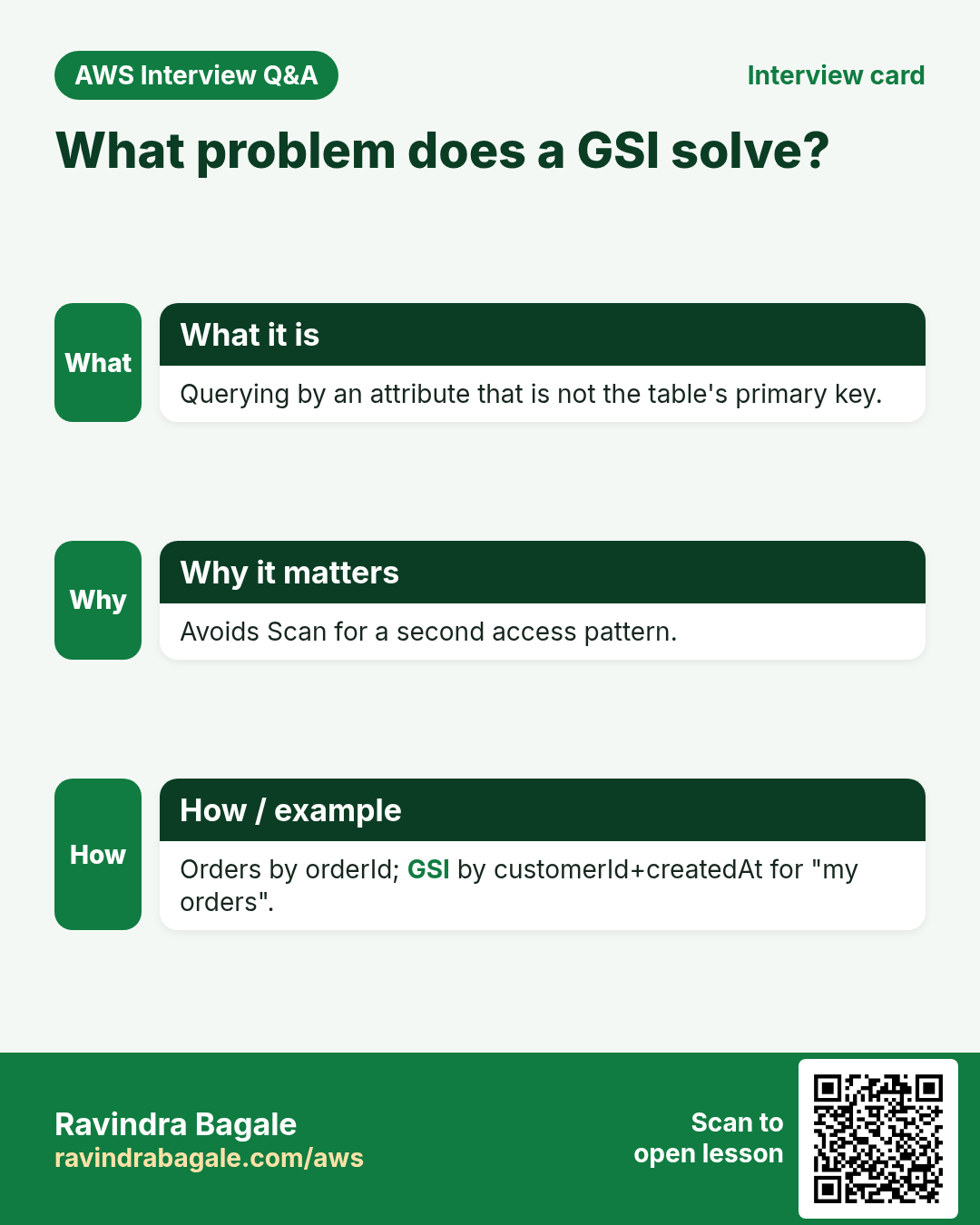
Orders table PK is orderId. Support asks: show all orders for rita@mail.test. A Scan of every order works for 50 rows and dies at 5 million. The fix is a Global Secondary Index with PK email and SK createdAt, then a Query.
2. CRUD basics
What is it?
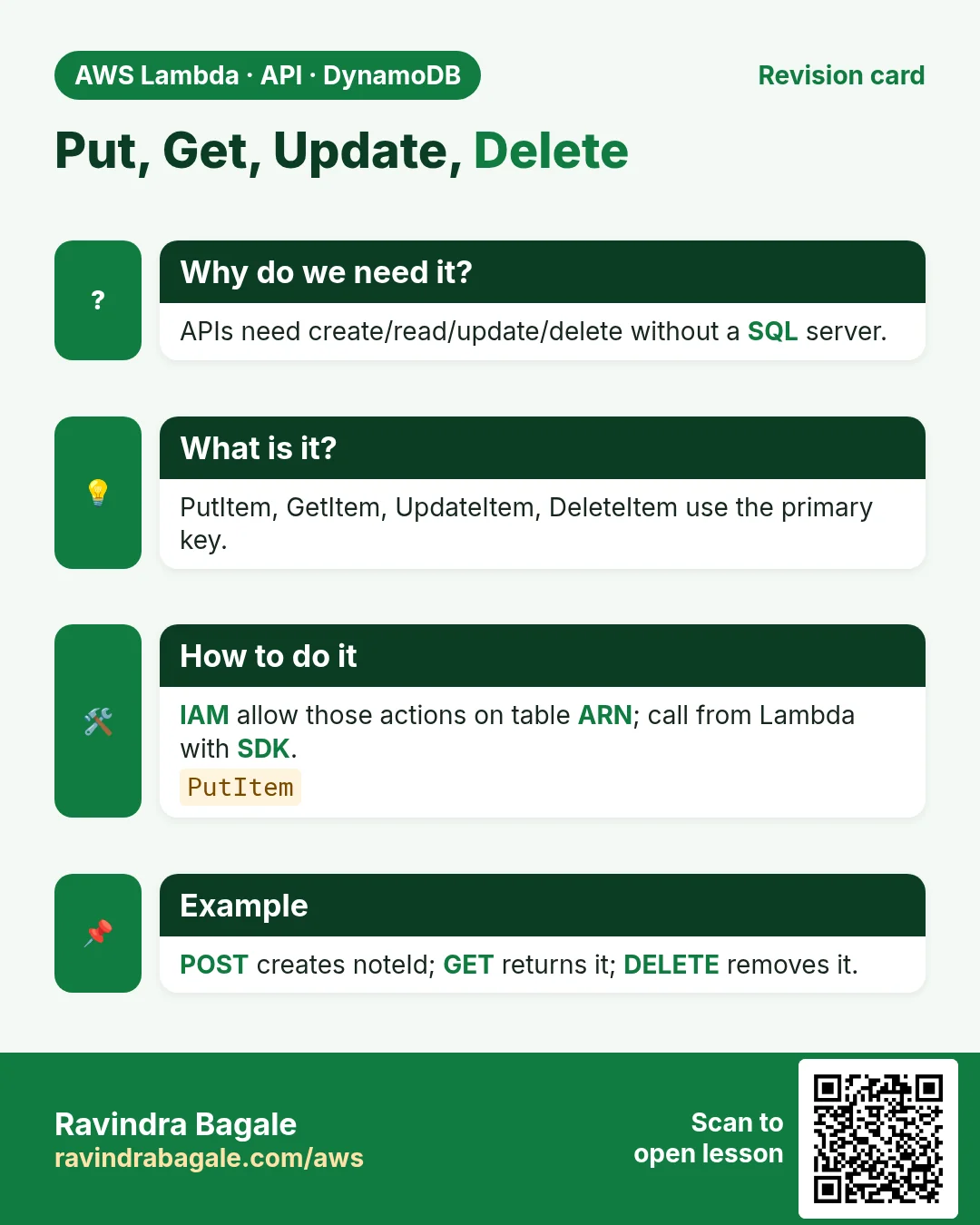
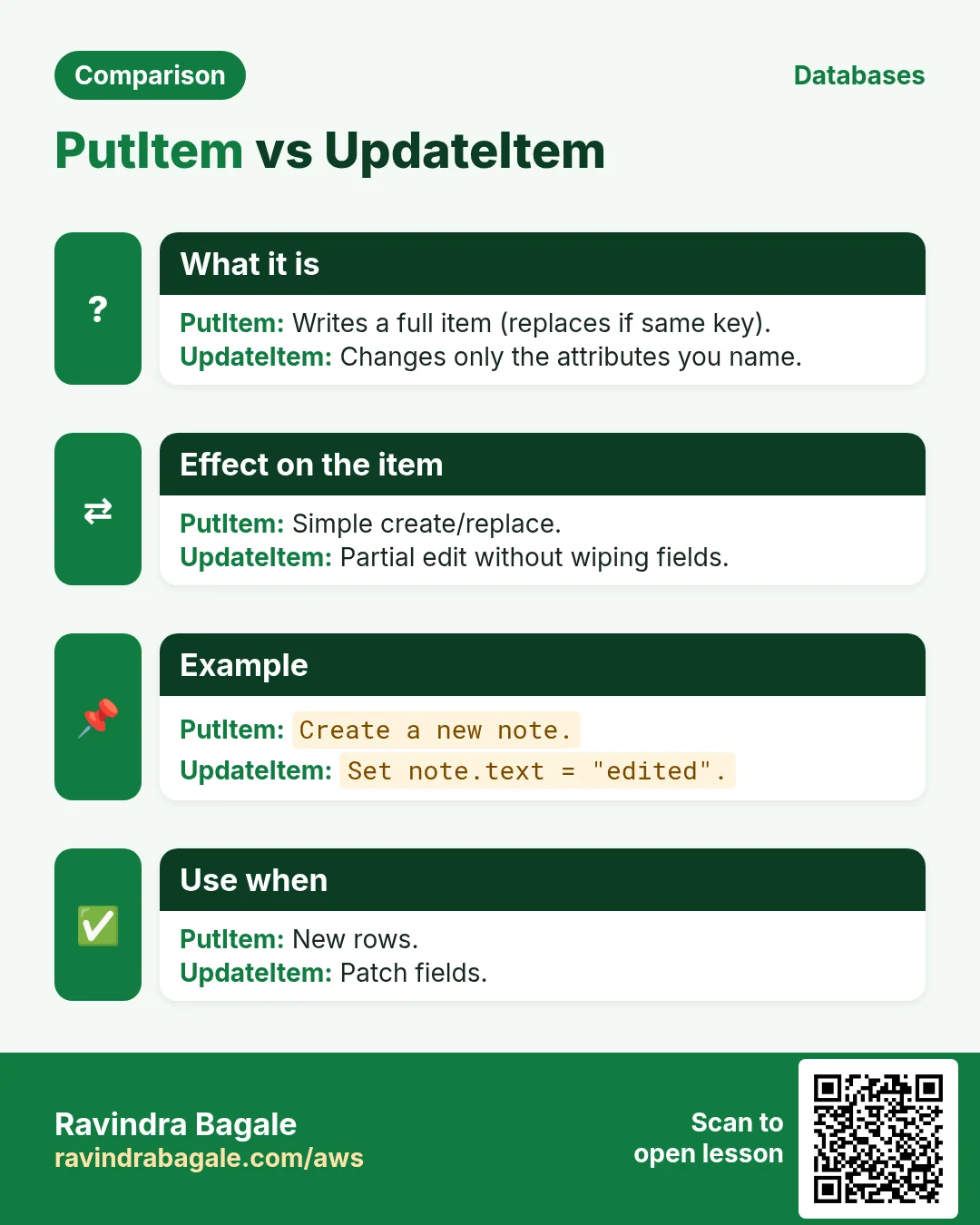
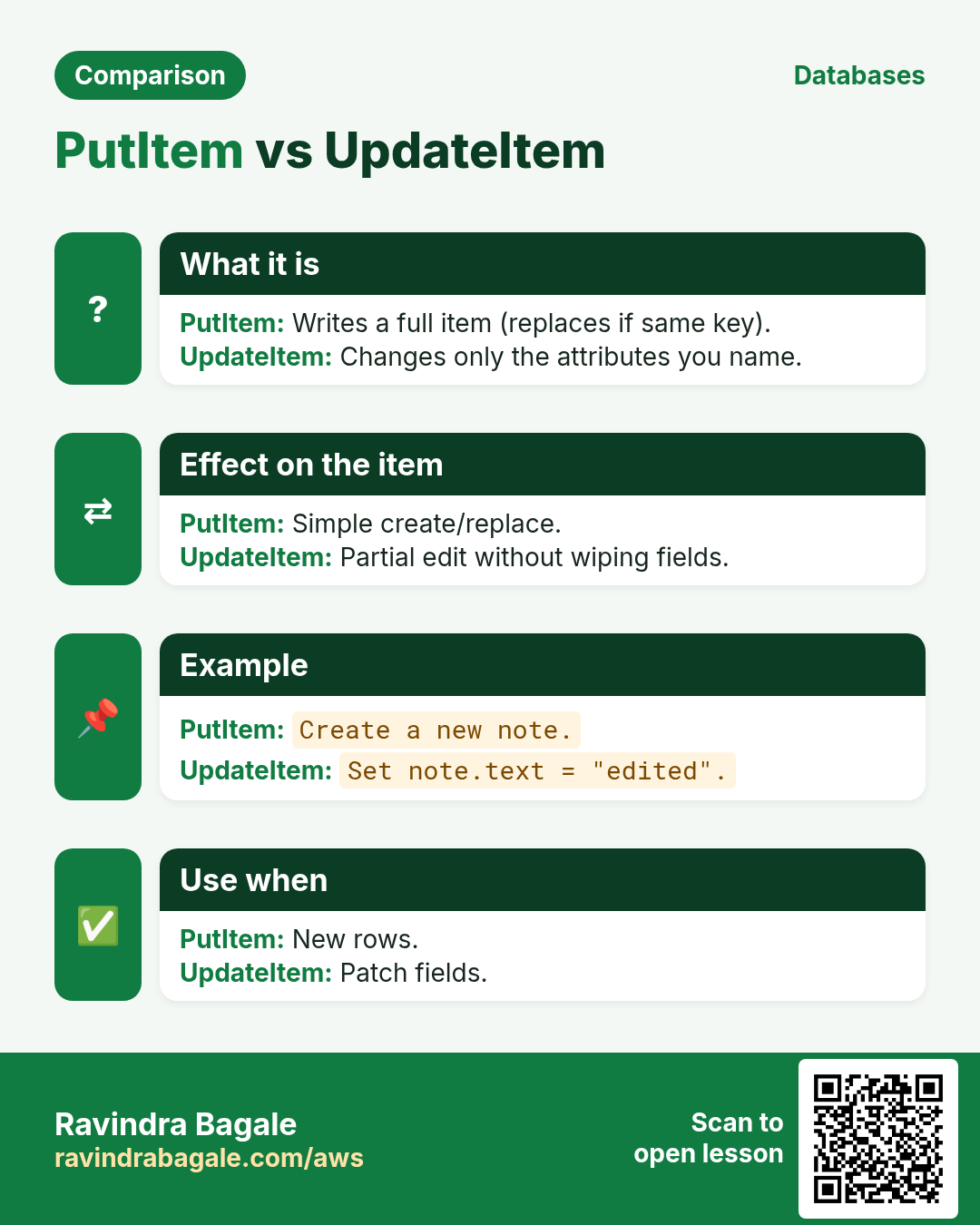
- PutItem — create or replace a whole item.
- GetItem — read by full primary key (PK + SK if you have one).
- UpdateItem — change some attributes.
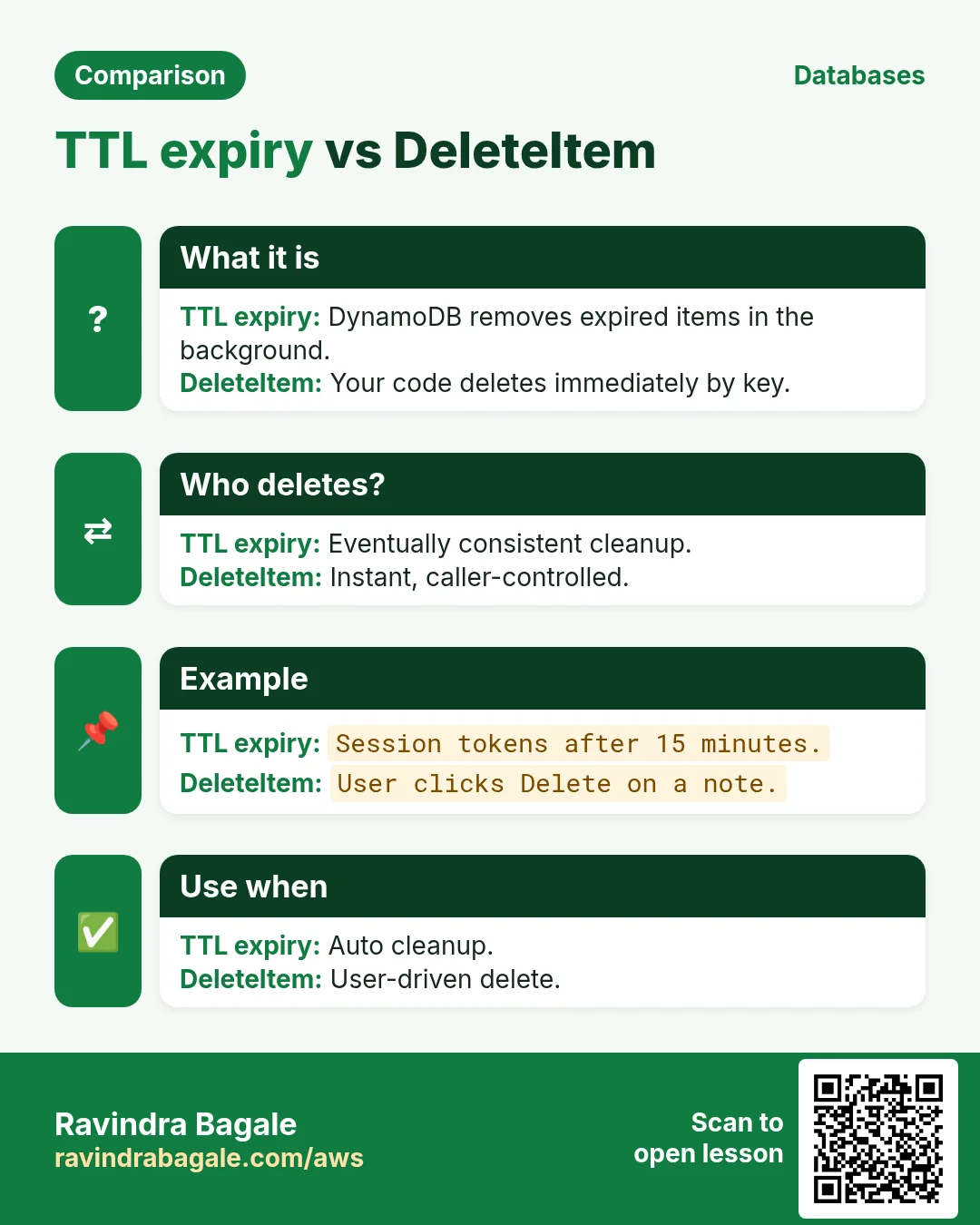
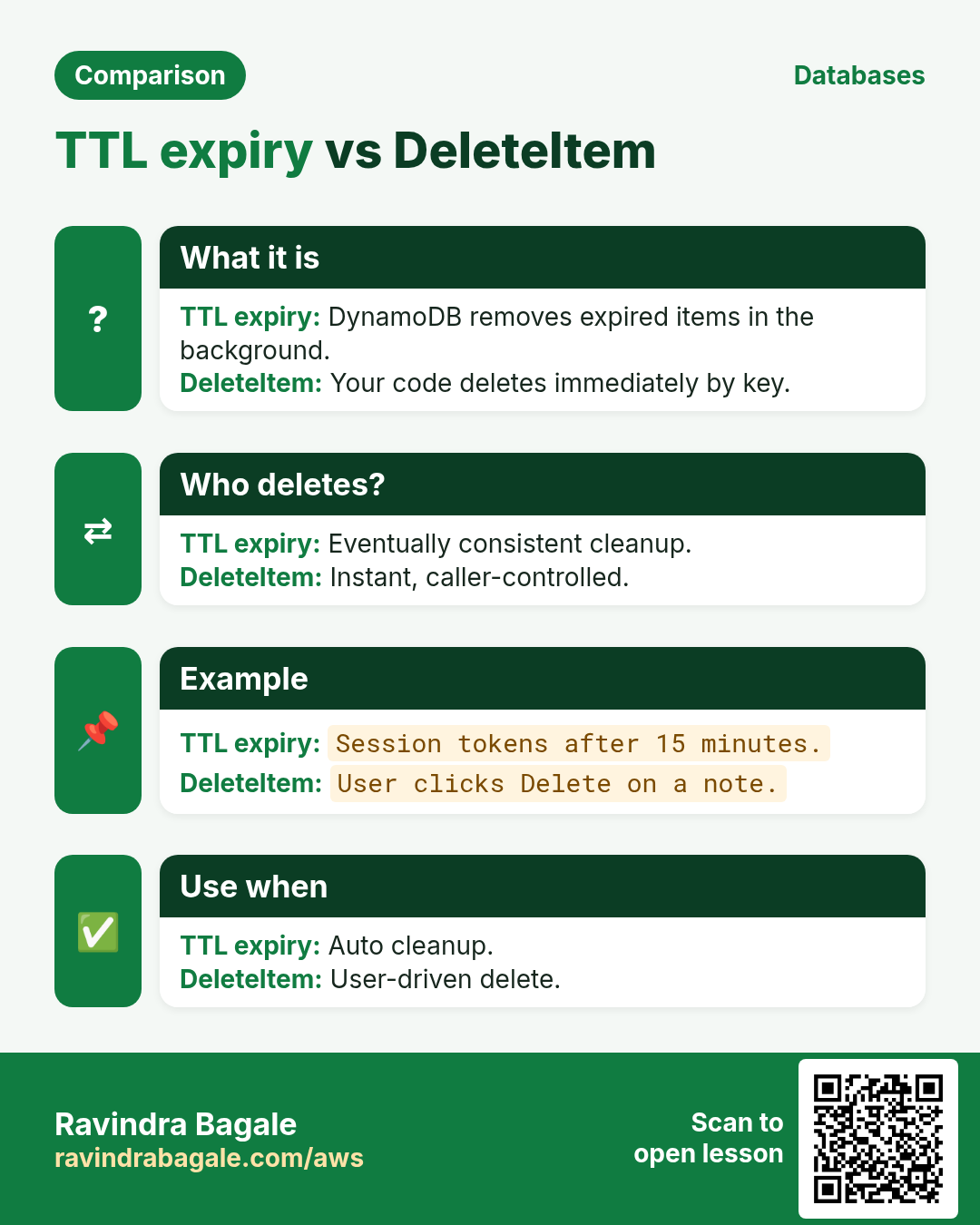
- DeleteItem — remove by key.
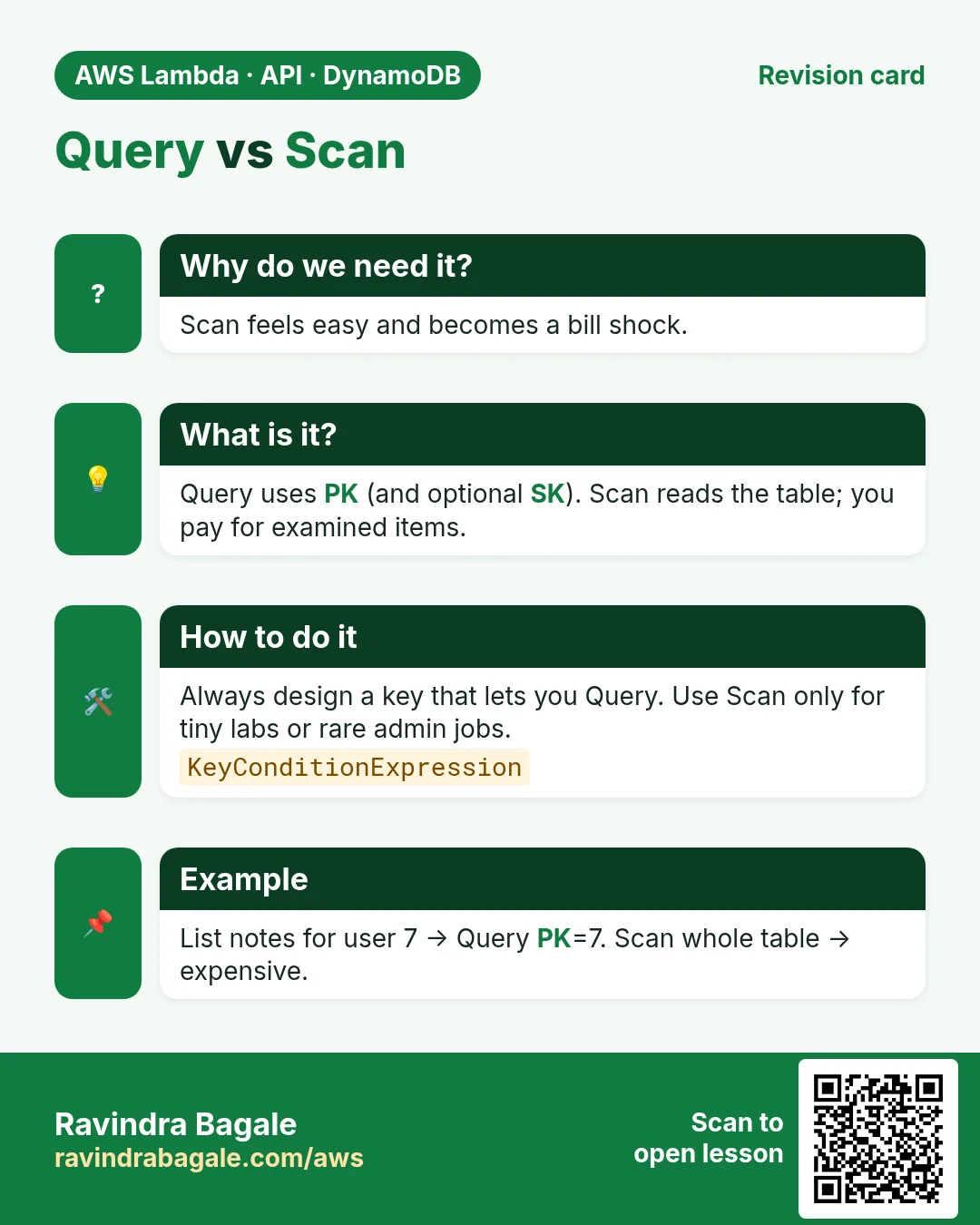
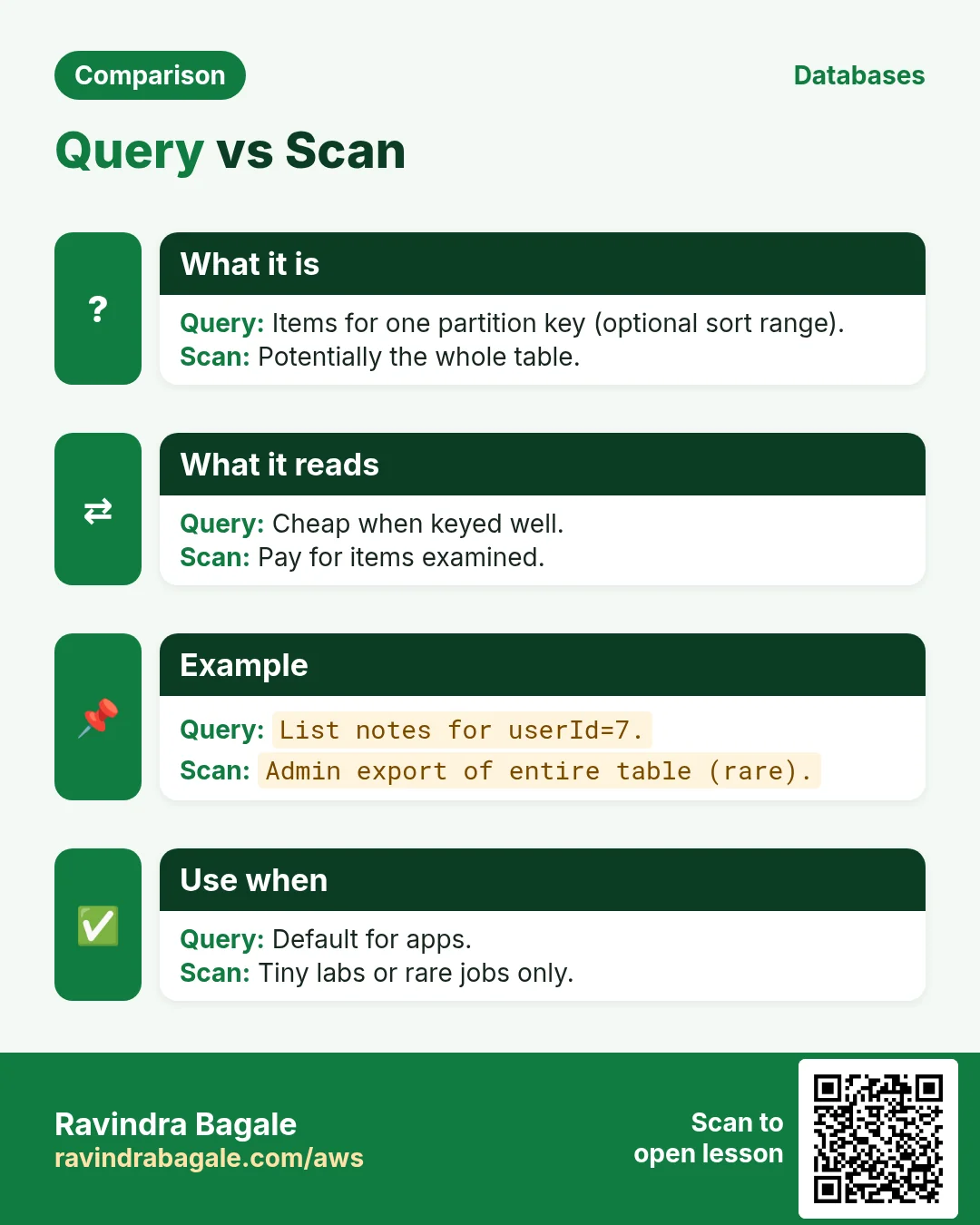
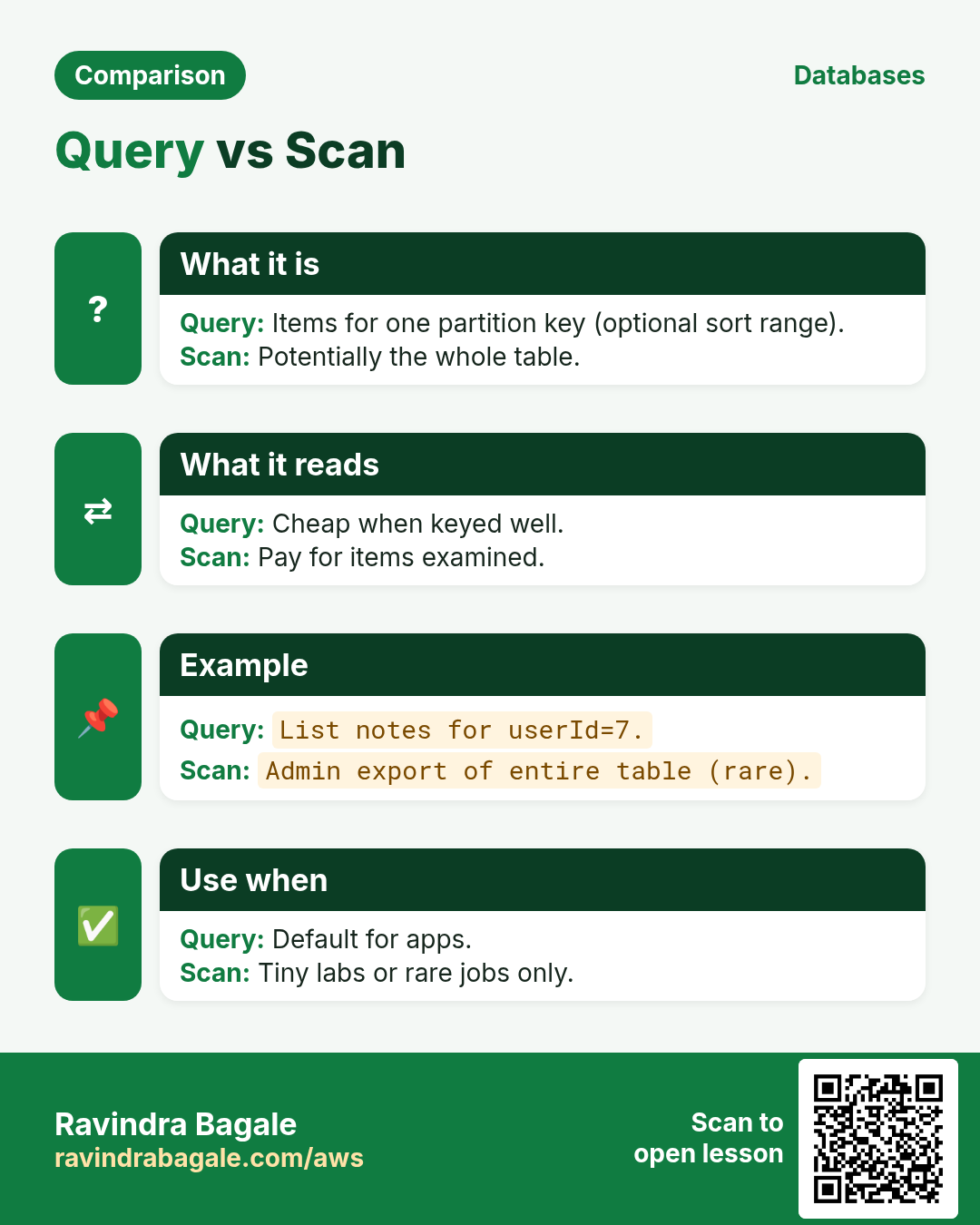
- Query — all items under one PK (optional SK condition). Uses indexes efficiently.
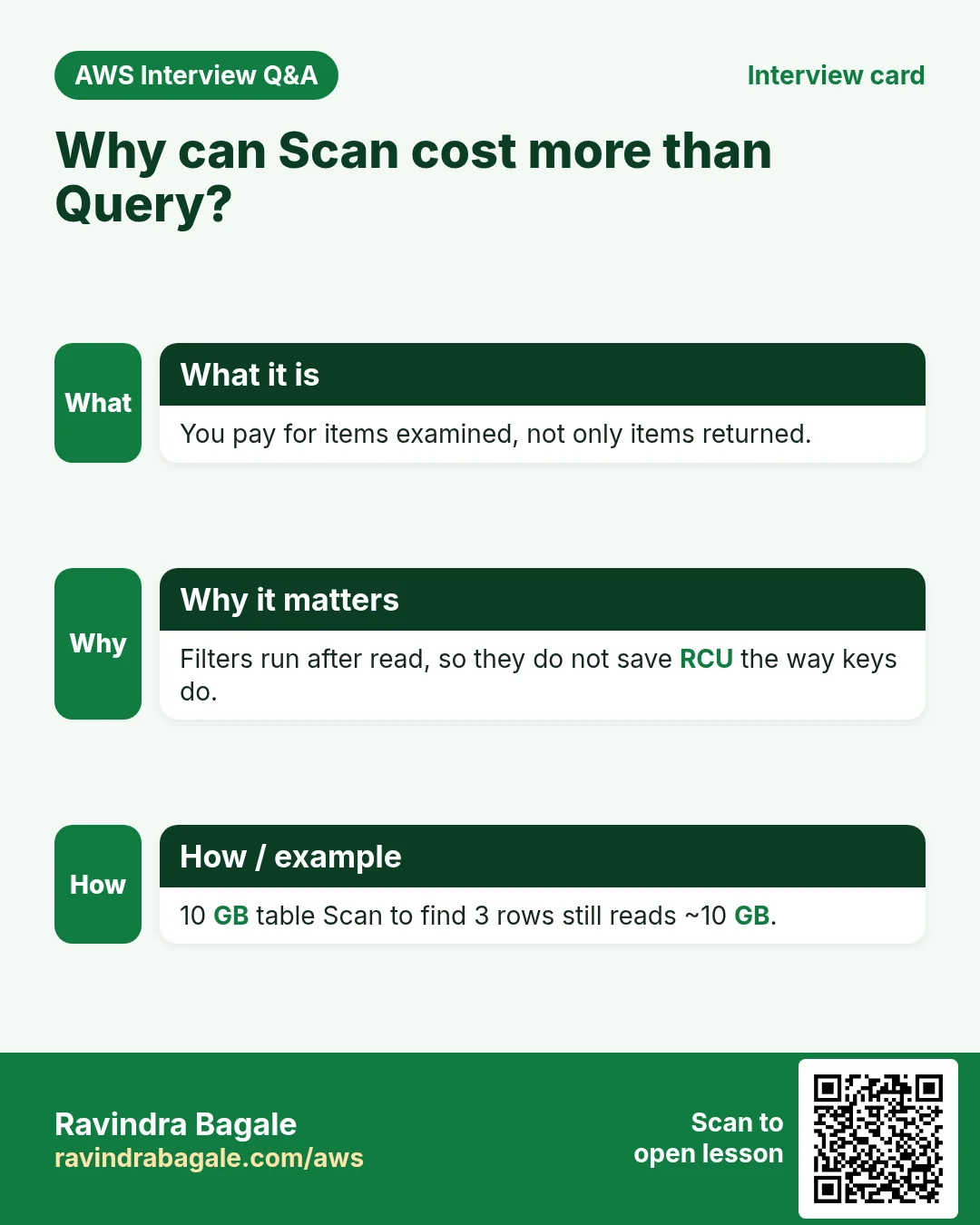
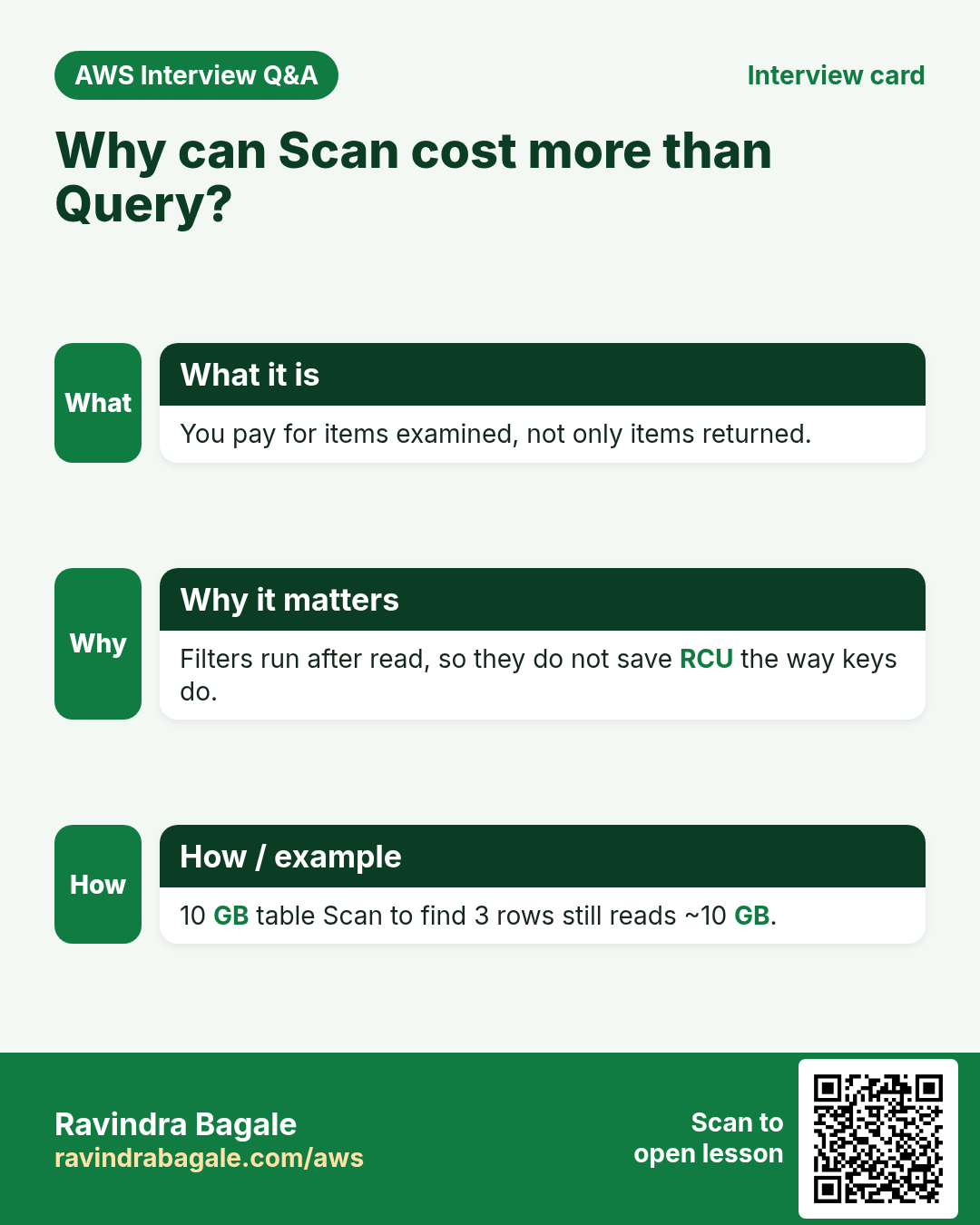
- Scan — walk the table or index; filter after read. Costs for every item examined.
Why Scan costs more: billing for reads is based on data examined, not only data returned. A filter that throws away 99% still charged you for reading it.
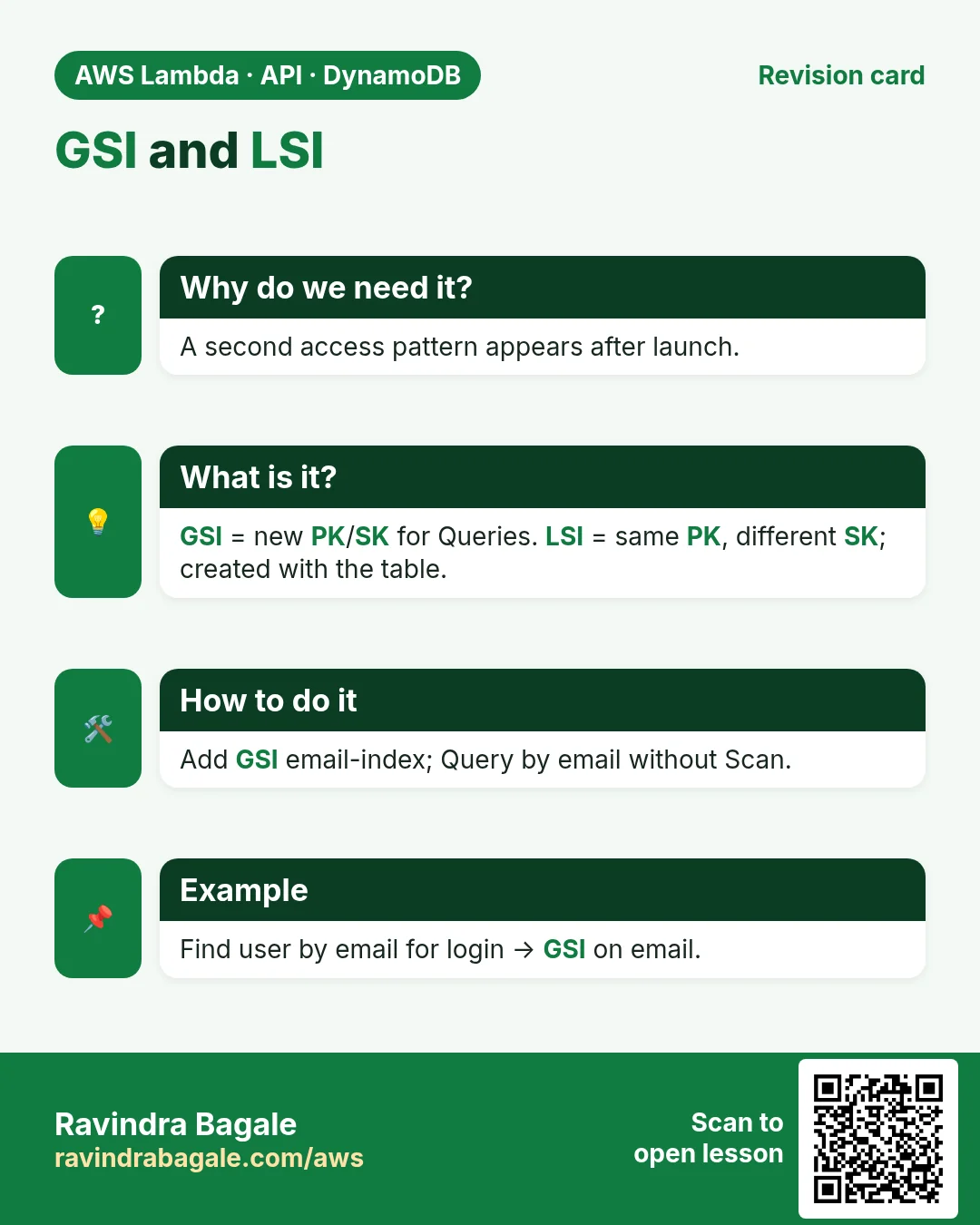
3. GSI vs LSI
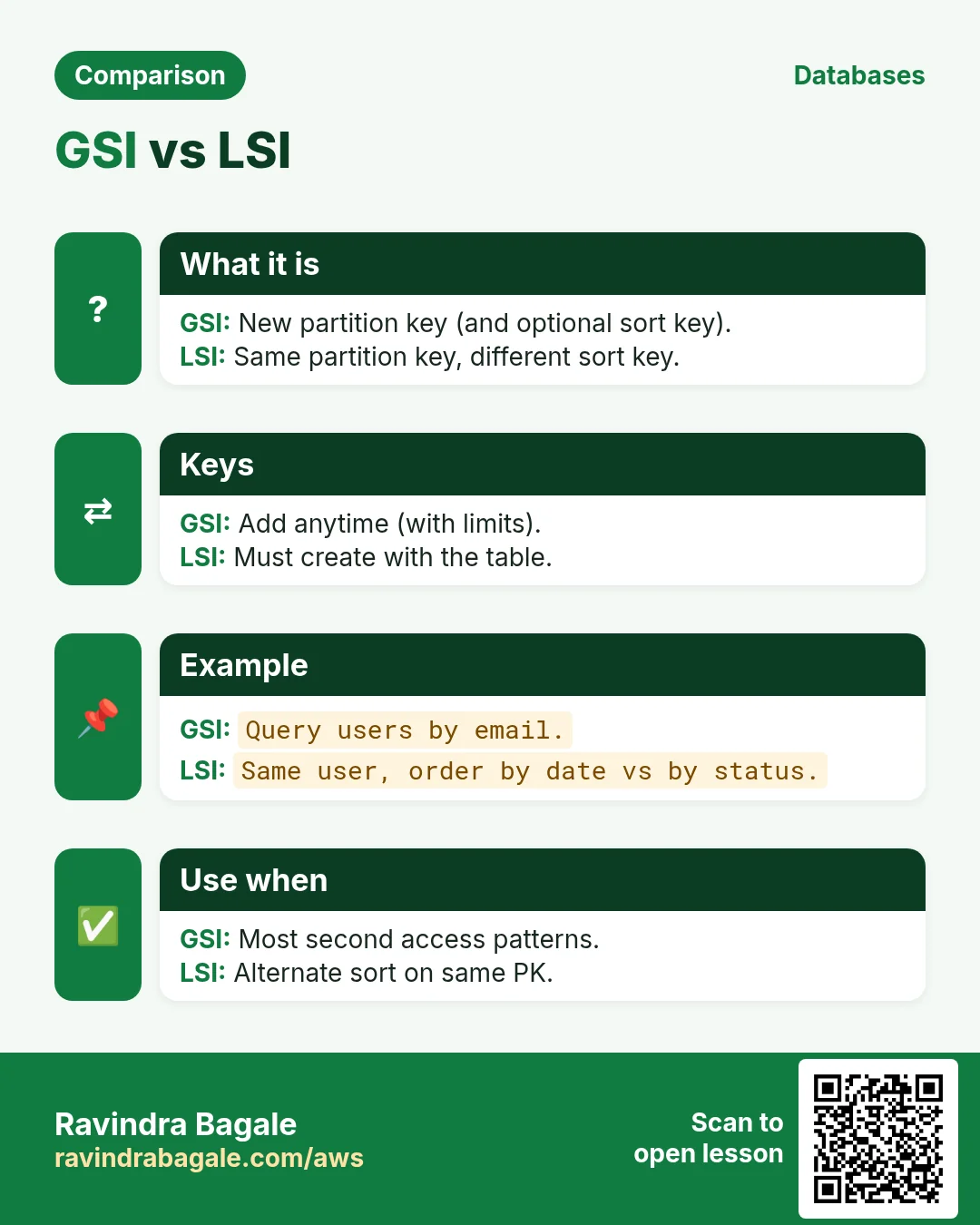
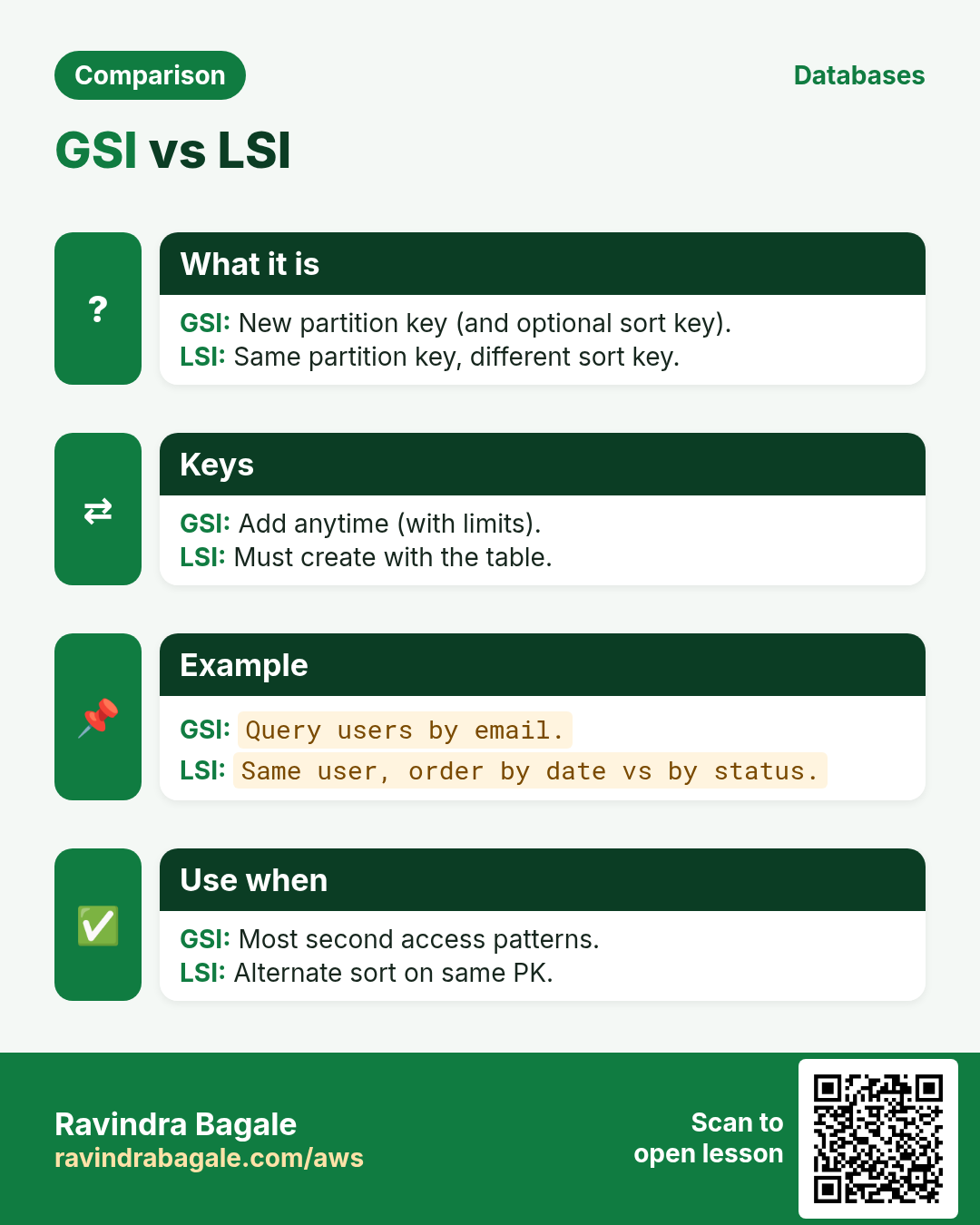
| GSI (Global Secondary Index) | LSI (Local Secondary Index) | |
|---|---|---|
| Keys | PK and SK can both differ from the table | Same PK as table, different SK |
| Capacity | Own throughput (or on-demand) | Shares the table's capacity |
| Size limit per PK | None special beyond table rules | 10 GB per partition key value |
| When | New access pattern with a different PK | Same PK, sort another attribute |
| Count limits | Up to 20 GSIs per table (default quota) | Up to 5 LSIs; only at table creation |
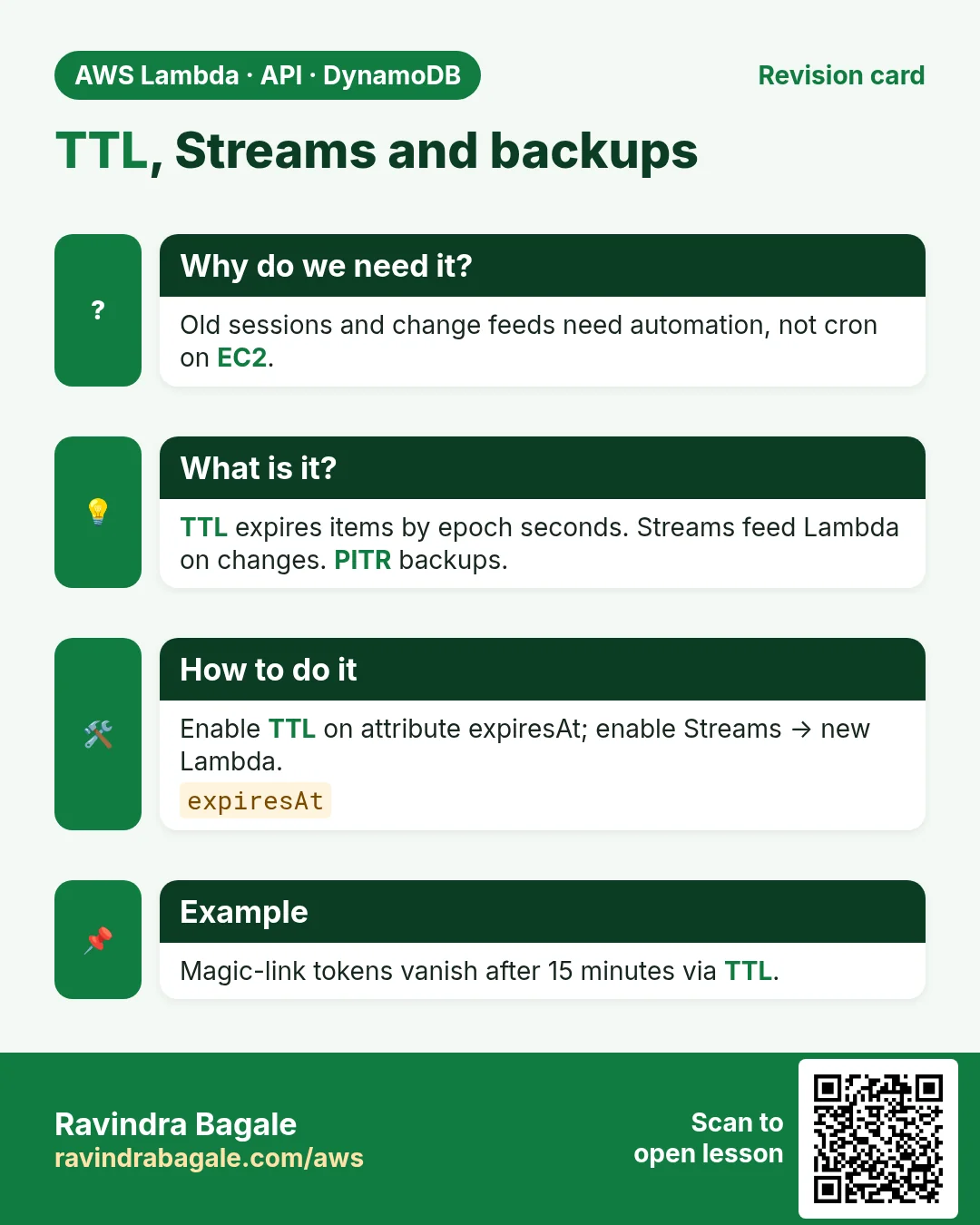
4. TTL, Streams and backups
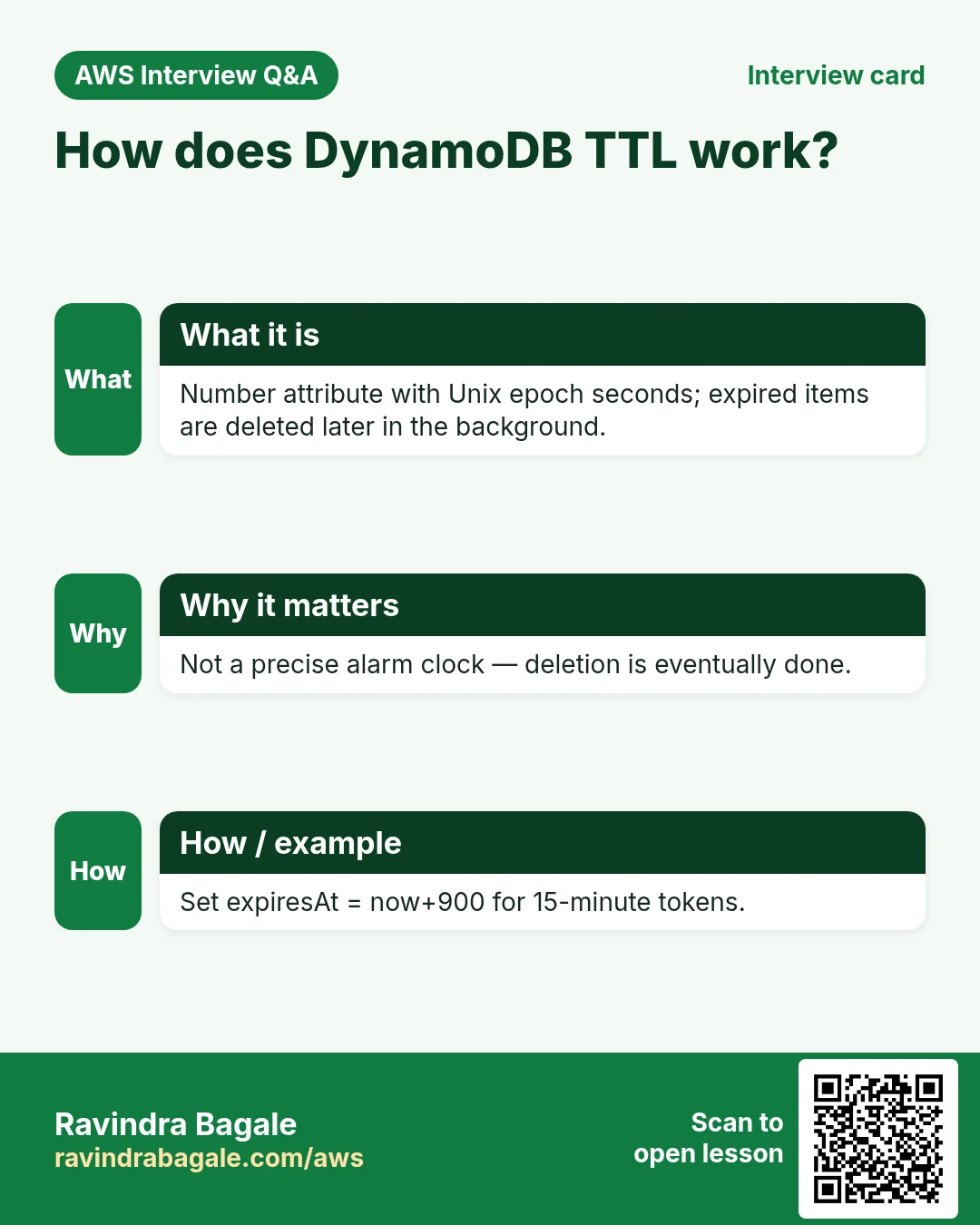
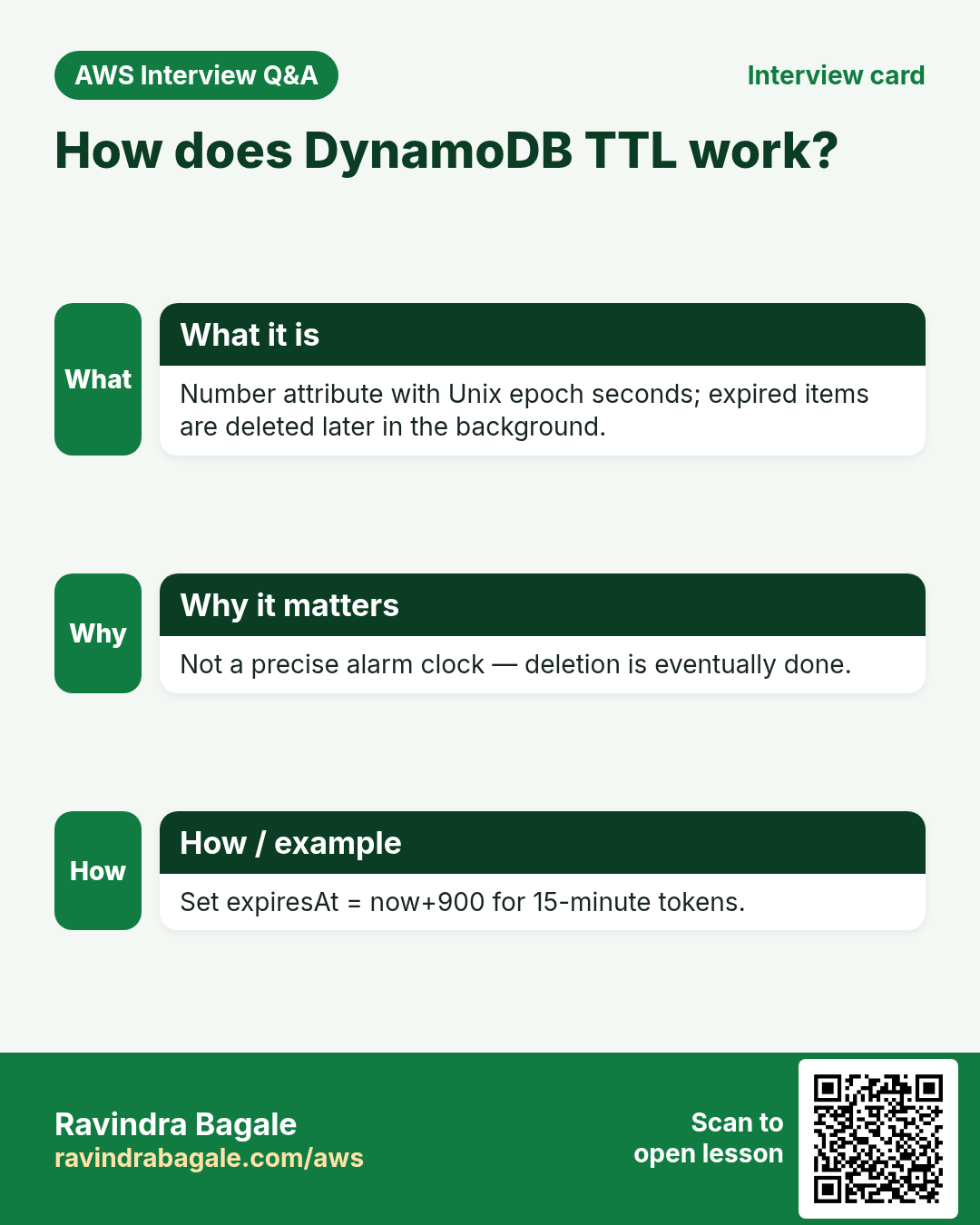
- TTL: an attribute holding a Unix epoch second. When time passes, DynamoDB deletes the item for free in the background. Great for sessions and temp links.
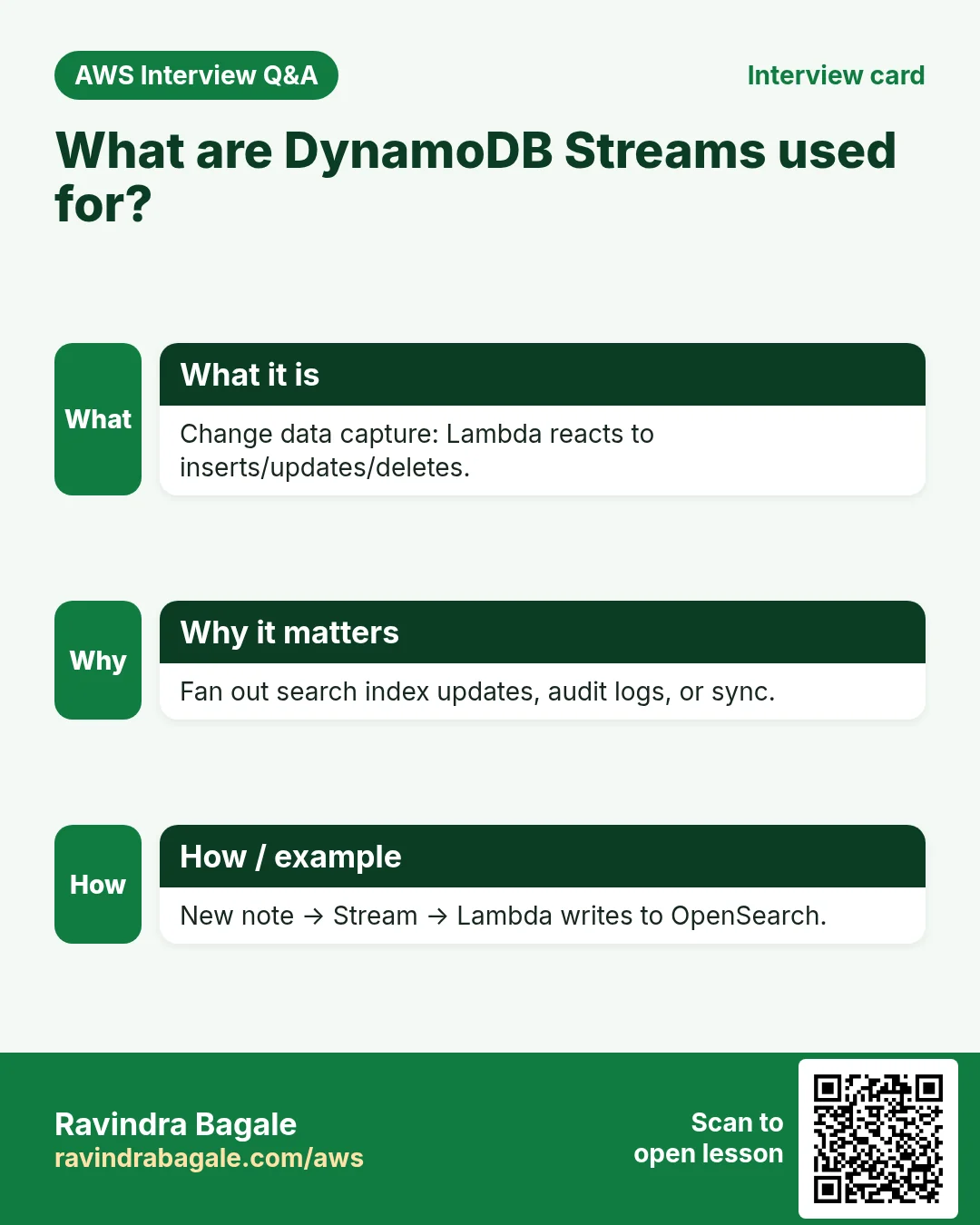
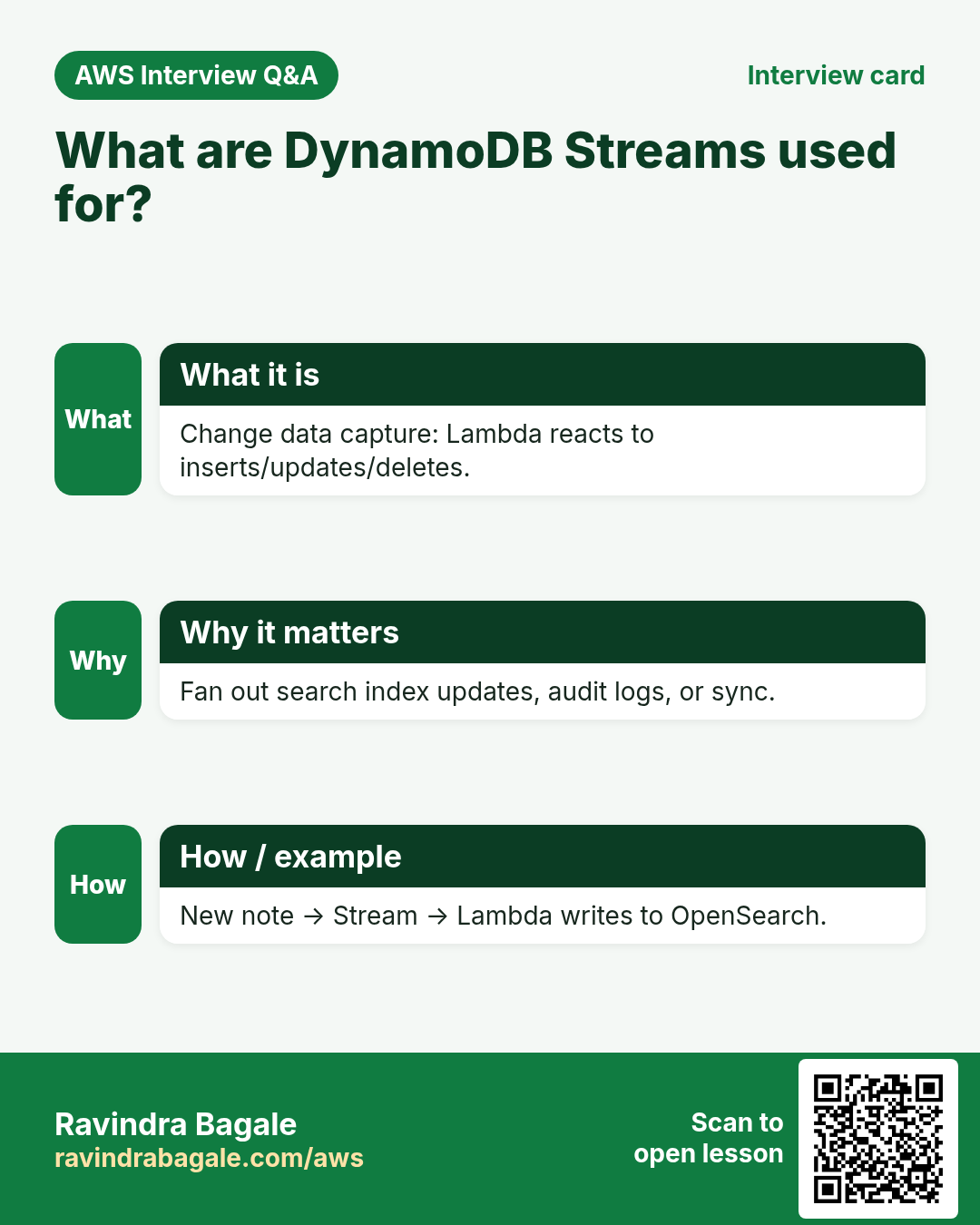
- Streams: a time-ordered log of item changes. Lambda can process inserts/updates/deletes (sync search index, drive workflows).
- Backups: on-demand backup or point-in-time recovery (PITR) for restore. Turn PITR on for important tables.
5. Code: Put and Query
Python (boto3)
import boto3
from boto3.dynamodb.conditions import Key
table = boto3.resource("dynamodb", region_name="ap-south-1").Table("OrdersLab")
table.put_item(Item={"orderId": "O1", "email": "rita@mail.test", "total": 499})
# After GSI EmailIndex (PK email, SK orderId):
r = table.query(IndexName="EmailIndex", KeyConditionExpression=Key("email").eq("rita@mail.test"))
print(r["Items"])
Node.js (@aws-sdk/client-dynamodb)
import { DynamoDBClient, PutItemCommand, QueryCommand } from "@aws-sdk/client-dynamodb";
const c = new DynamoDBClient({ region: "ap-south-1" });
await c.send(new PutItemCommand({ TableName: "OrdersLab",
  Item: { orderId: { S: "O1" }, email: { S: "rita@mail.test" }, total: { N: "499" } } }));
const q = await c.send(new QueryCommand({ TableName: "OrdersLab", IndexName: "EmailIndex",
  KeyConditionExpression: "email = :e", ExpressionAttributeValues: { ":e": { S: "rita@mail.test" } } }));
console.log(q.Items);
Java (AWS SDK v2)
DynamoDbClient ddb = DynamoDbClient.builder().region(Region.AP_SOUTH_1).build();
ddb.putItem(PutItemRequest.builder().tableName("OrdersLab")
  .item(Map.of("orderId", AttributeValue.fromS("O1"),
               "email", AttributeValue.fromS("rita@mail.test"),
               "total", AttributeValue.fromN("499"))).build());
PHP (AWS SDK for PHP)
$ddb = new Aws\DynamoDb\DynamoDbClient(['region'=>'ap-south-1','version'=>'latest']);
$ddb->putItem(['TableName'=>'OrdersLab','Item'=>[
  'orderId'=>['S'=>'O1'], 'email'=>['S'=>'rita@mail.test'], 'total'=>['N'=>'499']
]]);
6. Lab: Query, GSI and TTL
How to do it (step by step)
- Create table
OrdersLab, PKorderId(S), on-demand. - Put three items with different orderId and emails (console or CLI).
- Indexes → Create index → GSI name
EmailIndex, PKemail(S), SKorderId(S), on-demand → Create. Wait until Active. - Query on EmailIndex with one email — only that user's orders. Compare a Scan with a filter on email — works, but note Consumed capacity is higher on large tables.
- Additional settings → TTL → enable attribute
expiresAt. Put an item with expiresAt = now+120 (epoch seconds). After a few minutes it disappears (TTL is eventually processed, not instant). - Backups → Edit PITR → On (optional for lab).
Cleanup
- Delete table OrdersLab (deletes GSIs). Turn off PITR first if prompted.
7. Interview questions
Q. Query vs Scan?
Query reads items for one PK (efficient). Scan reads the table/index then filters (costly at scale).
Q. When GSI?
When you need to Query with a partition key that is not the table PK.
Q. When LSI?
Same PK, different sort attribute; must be defined at table creation; 10 GB per PK.
Q. What is TTL?
An epoch-seconds attribute; DynamoDB deletes expired items in the background at no extra write cost.
Q. Why Streams + Lambda?
React to every change — sync OpenSearch, send email, update aggregates — without polling.
Try at home
- Add a GSI on AttendanceLab for date as PK and studentId as SK; query who was present on one day.
- From Python or Node, PutItem five orders and Query by email.
In short
- Put/Get/Update/Delete by key; Query by PK; avoid Scan on big tables.
- GSI = new PK/SK; LSI = same PK, new SK at create time.
- TTL auto-expires; Streams feed Lambda; PITR saves you.
- Same SDK ideas in Python, Node, Java, PHP.
Practice Tasks
Cape Town Safaris is a tourism business in Cape Town. Thabo Nkosi looks after its IT and cloud work. They count money in ZAR and run their AWS resources in the af-south-1 Region. In the tasks below you do real jobs for them using what this lesson teaches. All names, account IDs, IP addresses and numbers are made up for practice.
0 / 11
Easy Describe a table
Why: See the keys, indexes, item count and status of a table.
What to do: Describe table capetownsafari-orders.
- Read the task and decide which AWS service it is about.
- Write aws, then the service name, then the operation (the action word).
- Add each needed flag (--name) followed by its value from the task.
- Flags can be in any order. Click Check answer.
Easy Scan a small table
Why: Scan is fine for tiny tables or one-off checks; avoid it on big ones.
What to do: Scan the table capetownsafari-settings.
- Read the task and decide which AWS service it is about.
- Write aws, then the service name, then the operation (the action word).
- Add each needed flag (--name) followed by its value from the task.
- Flags can be in any order. Click Check answer.
Medium Get one item by key
Why: GetItem is the fastest read: one item by its full key.
What to do: Get the item with orderId "o-101" from capetownsafari-orders.
- Read the task and decide which AWS service it is about.
- Write aws, then the service name, then the operation (the action word).
- Add each needed flag (--name) followed by its value from the task.
- Flags can be in any order. Click Check answer.
Medium Put an item
Why: DynamoDB JSON shows the type of each value: S for string, N for number.
What to do: Put an item into capetownsafari-orders with orderId "o-101" (string) and amount 2500 (number).
- Read the task and decide which AWS service it is about.
- Write aws, then the service name, then the operation (the action word).
- Add each needed flag (--name) followed by its value from the task.
- Flags can be in any order. Click Check answer.
Medium CloudFormation: on-demand table
Why: On-demand tables need no capacity planning.
What to do: Template with a DynamoDB table capetownsafari-orders, partition key orderId (String), billing mode PAY_PER_REQUEST.
- Start from the top-level keys the task names.
- Indent child keys with 2 spaces (no tabs).
- Fill in each property with the value from the task.
- Click Check answer. Key order does not matter.
Medium Lambda access to one table
Why: The function only needs to read and write items in its own table.
What to do: Allow dynamodb:GetItem, dynamodb:PutItem, dynamodb:Query on arn:aws:dynamodb:af-south-1:122836786824:table/capetownsafari-orders only.
- Start with { "Version": "2012-10-17", "Statement": [ ... ] }.
- In each statement write Effect, Action and Resource.
- Give only what the task needs (least privilege).
- Use double quotes and commas correctly. Click Check answer.
Medium Delete one item
Why: Delete by the full primary key.
What to do: Delete the item with orderId "o-099" from capetownsafari-orders.
- Read the task and decide which AWS service it is about.
- Write aws, then the service name, then the operation (the action word).
- Add each needed flag (--name) followed by its value from the task.
- Flags can be in any order. Click Check answer.
Hard Read capacity units
Why: Provisioned tables need the right RCU.
What to do: Strongly consistent reads of 6 KB items, 10 reads per second. How many RCUs?
- Write down the numbers the task gives you.
- Work it out step by step on paper.
- Type only the final answer in the box.
- Click Check answer.
Hard Create a DynamoDB table
Why: On-demand billing means you pay per request, with no capacity to plan.
What to do: Create table capetownsafari-orders with partition key orderId (string), on-demand billing.
- Read the task and decide which AWS service it is about.
- Write aws, then the service name, then the operation (the action word).
- Add each needed flag (--name) followed by its value from the task.
- Flags can be in any order. Click Check answer.
Hard Query by partition key
Why: Query reads only matching items, unlike Scan which reads the whole table.
What to do: Query table capetownsafari-payments for customerId = "c-77" using the expression customerId = :c.
- Read the task and decide which AWS service it is about.
- Write aws, then the service name, then the operation (the action word).
- Add each needed flag (--name) followed by its value from the task.
- Flags can be in any order. Click Check answer.
Hard Turn on TTL
Why: TTL deletes expired items for free, e.g. OTPs or sessions.
What to do: Enable TTL on table capetownsafari-otp using the attribute expiresAt.
- Read the task and decide which AWS service it is about.
- Write aws, then the service name, then the operation (the action word).
- Add each needed flag (--name) followed by its value from the task.
- Flags can be in any order. Click Check answer.
Revision, comparison and interview cards
Revise this lesson in a few minutes. Save the cards on your phone or download them as PNG files. The QR code on each card opens this lesson.
More cards: Ravi Sir's Cards.