16. Practice Exercises with Answer Hints
16.14 Mixed Scenario Exercises
- A manager sends two lists – FreshGo orders and payment gateway records. Find orders that were delivered but not paid. Hint: XLOOKUP/COUNTIFS from orders into payments; filter "Not found".
- Monthly sales per city for a year are in 12 separate sheets. Build one summary.
Hint: Power Query From Folder/append, or 3D reference
=SUM(Jan:Dec!B2)if layouts are identical. - The workbook is slow (40 MB). List five fixes.
Hint: remove volatile functions (OFFSET, INDIRECT, TODAY in thousands of rows), full-column references, unused formatting; use Tables/Power Query; set Manual calculation while editing; save as
.xlsb. - Calculate MoM growth % per city from a pivot. Hint: Show Values As › % Difference From › Base field Month › (previous).
- Highlight rows where sales dropped more than 10% vs last month.
Hint: Conditional Formatting › New Rule › Use a formula:
=$D2<$C2*0.9. - Frequent buyers: customers with 5 or more orders in October.
Hint: pivot Count of Order ID by Customer with a Value Filter ≥ 5, or
COUNTIFS. - Extract the domain from e-mails like
zoya@example.com. Hint:=MID(A2,FIND("@",A2)+1,100)or=TEXTAFTER(A2,"@").
Ravindra Bagale's Tip
Many students read a scenario question and immediately start writing a formula. First write the approach in 1–2 sentences (which data, which key, how you will check), then the formula. Do the same in an interview – explain the approach first, then the solution.
Ravindra Bagale's Tip – मराठी
बरेच students scenario प्रश्न वाचून लगेच formula लिहायला सुरू करतात. आधी 1–2 वाक्यांत approach लिहा (कोणता data, कोणती key, कसं चेक करणार), मग formula. Interview मध्ये पण हेच करा – आधी approach सांगा, मग solution.
Ravindra Bagale's Tip – हिंदी
बहुत से students scenario सवाल पढ़ते ही formula लिखना शुरू कर देते हैं. पहले 1–2 वाक्यों में approach लिखो (कौन सा data, कौन सी key, कैसे check करोगे), फिर formula. Interview में भी यही करो – पहले approach बताओ, फिर solution.
Loading practice tasks...
- Total quantity (Easy): Add up the "Quantity" column.
- Average unit price (Easy): Average of the Unit price ($) column, rounded to 2 decimals.
- Rows in Website (Easy): How many rows have Channel "Website"?
- Largest quantity (Easy): The largest value in the "Quantity" column.
- Quantity for Website (Medium): Total of the Quantity column where Channel is "Website".
- Website in Seattle (Medium): Total of the Quantity column where Channel is "Website" and City is "Seattle".
- Best in Website (Medium): Largest value in the "Unit price ($)" column where "Channel" is "Website".
- Value of row 2 (Medium): Multiply the first-row Quantity by the first-row Unit price ($).
- Look up Sneha Patil (Medium): The Quantity for "Sneha Patil" (use a lookup on the "Name" column).
- Total value (Hard): Sum of "Quantity" times "Unit price ($)" for all rows.
- Share of Website (Hard): Share of the "Quantity" column that is "Website", rounded to 3 decimals.
- How many rows are above the average "Unit price ($)" (Hard): Count the rows where "Unit price ($)" is above the average "Unit price ($)".
- Above average? (Hard): "Above" if the "Unit price ($)" value in the first row is above the average of the "Unit price ($)" column, else "Below".
Worked example — mixed scenario exercises
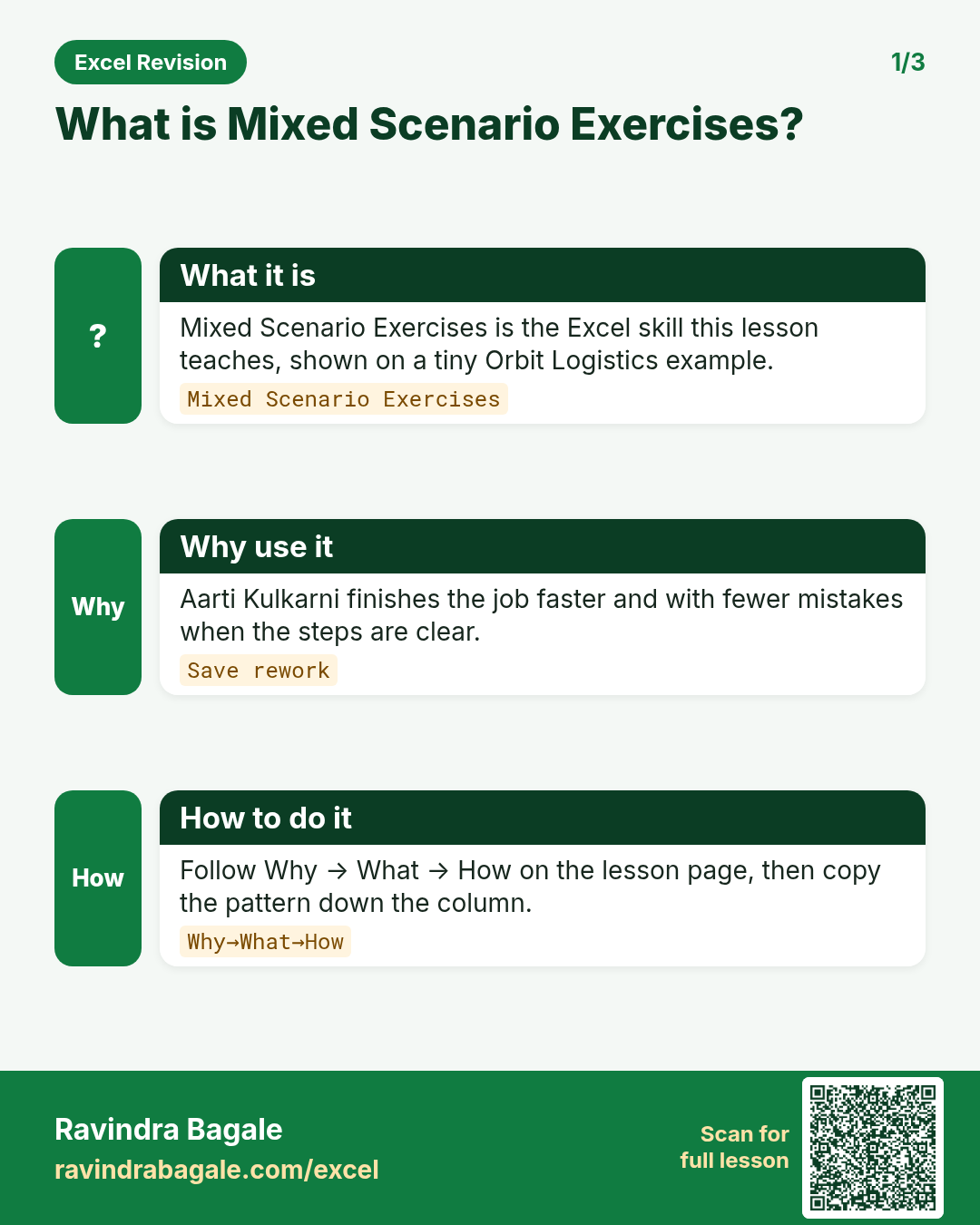
Why
Neha Shah in Pune and Liam Murphy abroad both need a clear, repeatable way to use mixed scenario exercises on a NovaCraft Tools sheet without breaking totals.
What
Mixed Scenario Exercises is the Excel idea this page teaches. We will walk one tiny example end to end.
How
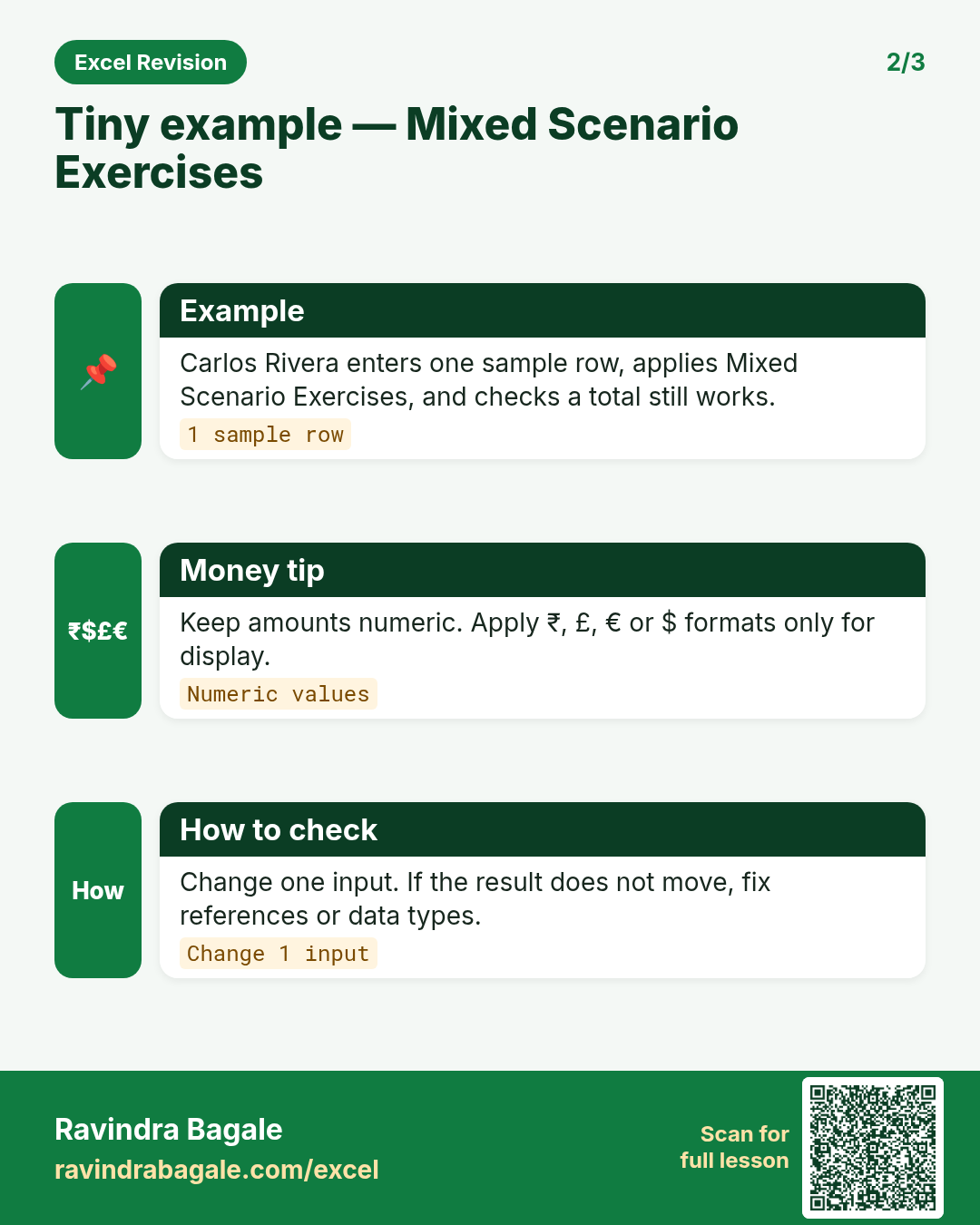
- Open a blank sheet. In A1 type a short label for mixed scenario exercises.
- Enter a small made-up value for Neha Shah using £ where money appears.
- Add a second value for Liam Murphy using £ so you see mixed currencies stay numeric.
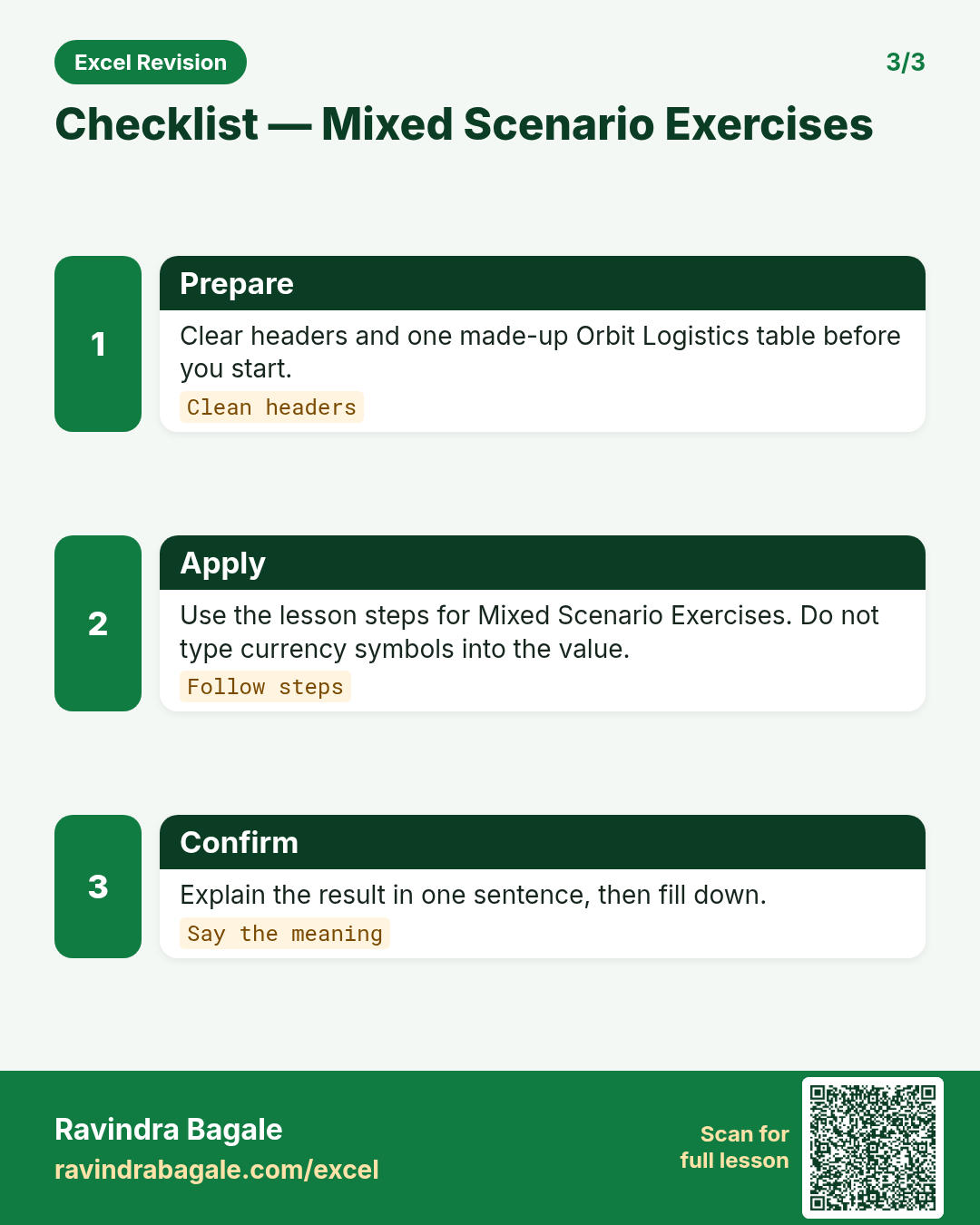
- Apply the method from this lesson step by step (menu or formula as shown above).
- Check the result still works inside SUM or a simple check cell.
Formula / action
Follow the formula or ribbon steps shown in this lesson (keep values numeric).Meaning: Once mixed scenario exercises is correct on one row, copy the same pattern down the column.
Quick revision cards
Three standalone cards. Each one explains the idea with its own example. Scan the QR to open this lesson.