13.1 Planning: Audience, Questions and KPIs
A dashboard fails most often before anyone opens Excel – because nobody decided who it is for and which questions it must answer.
Steps (on paper first)
- Audience: who opens it, and how often? (Example: Ravindra Bagale, Pune city manager – every morning at 9:00 IST.)
- Questions: write 4–6 business questions. "How much did we sell yesterday and this month?", "Which city and area is behind target?", "Are deliveries getting slower?", "Which category drives sales?"
- KPIs: turn each question into one number with a clear definition (numerator, denominator, filter). Write the definitions on a
Notessheet. - Comparison: a number alone means nothing. Decide what each KPI is compared against – target, last month, or same day last week.
- Granularity and filters: what should the user be able to slice by? (Month, City, Platform, Category.)
- Sketch the layout on paper: KPI cards at the top, trend in the middle, breakdowns below, slicers on the left.
Worked example – KPI definition sheet.
| KPI | Definition | Compared with | Good direction |
|---|---|---|---|
| Net Sales | Sum of Amount, Status = Delivered | Monthly target ₹48,00,000 | ↑ |
| AOV | Net Sales ÷ Delivered Orders | Last month ₹362 | ↑ |
| Cancellation Rate | Cancelled ÷ Total Orders | Target ≤ 5% | ↓ |
| Avg Delivery Time | Average Delivery Mins, Delivered | Promise 12 min | ↓ |
About this data: Teaching sample for a fictional shop “HomeNest Supplies”. Figures and names (e.g. Vikram Rao) are made up for this lesson on planning audience questions and kpis.
Against target, March Net Sales is ₹49,50,000 ÷ ₹48,00,000 = 103.1% – on track.
Ravindra Bagale's Tip
Many students start building charts straight away, and then the dashboard has 12 charts but doesn't answer a single question. First, write down on paper 4–6 questions and the definition of every KPI – its numerator and denominator. If you don't decide first whether "Sales" means Delivered orders or all orders, two people's numbers will never match.
Ravindra Bagale's Tip – मराठी
बरेच students थेट charts बनवायला सुरू करतात आणि मग dashboard वर 12 charts होतात पण एकाही प्रश्नाचं उत्तर मिळत नाही. आधी कागदावर 4–6 प्रश्न आणि प्रत्येक KPI ची definition – numerator (अंश) आणि denominator (छेद) – लिहून काढा. "Sales" म्हणजे Delivered की सगळे orders – हे आधी ठरवलं नाही तर दोन लोकांचा आकडा कधीच match होणार नाही.
Ravindra Bagale's Tip – हिंदी
बहुत से students सीधे charts बनाना शुरू कर देते हैं और फिर dashboard पर 12 charts होते हैं पर एक भी सवाल का जवाब नहीं मिलता. पहले काग़ज़ पर 4–6 सवाल और हर KPI की definition – numerator (अंश) और denominator (हर) – लिख लो. "Sales" का मतलब Delivered है या सारे orders – यह पहले तय नहीं किया तो दो लोगों के आँकड़े कभी match नहीं होंगे.
Worked example — planning audience questions and kpis
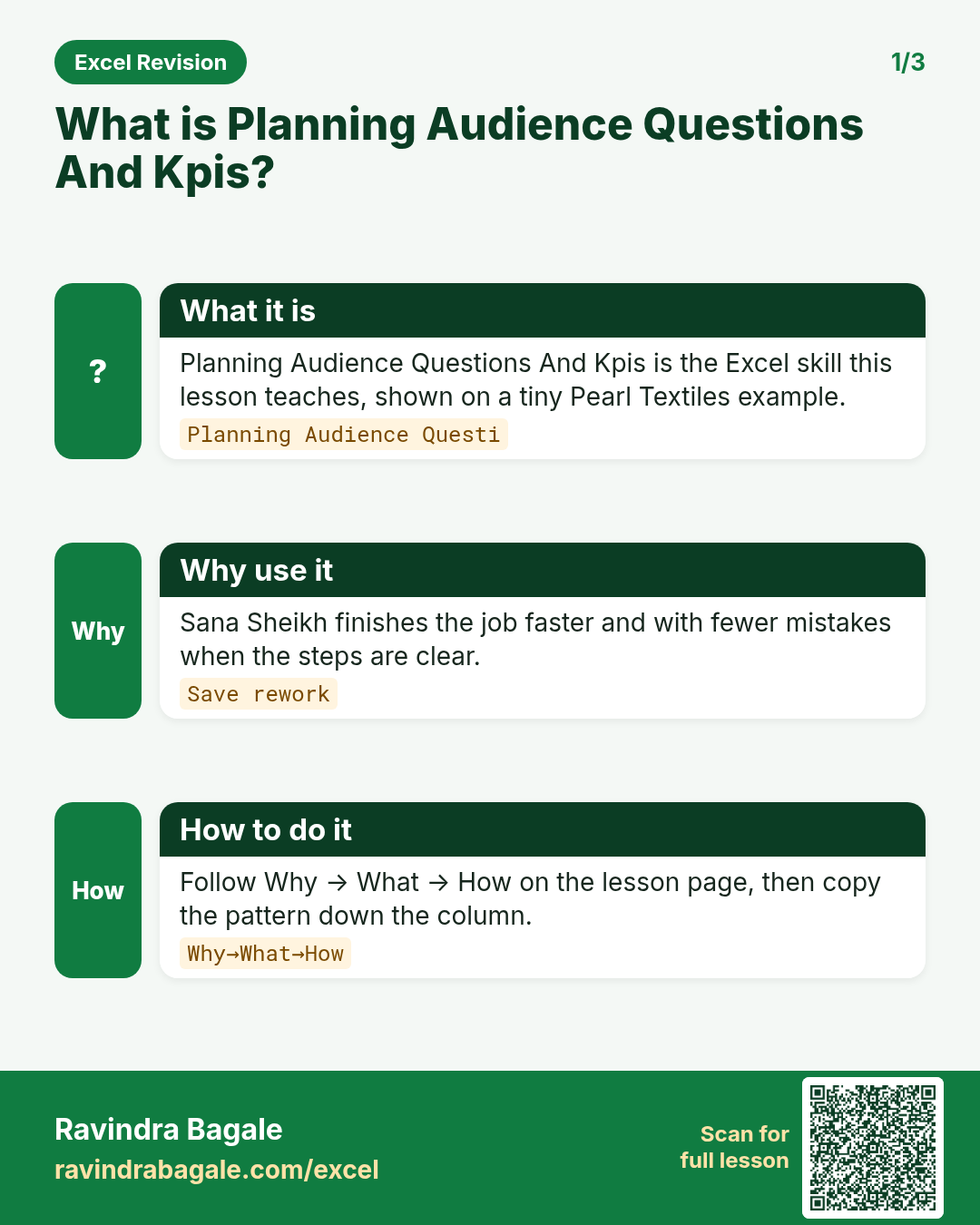
Why
Aarti Kulkarni in Pune and Sophie Martin abroad both need a clear, repeatable way to use planning audience questions and kpis on a QuickCart Delivery sheet without breaking totals.
What
Planning Audience Questions And Kpis is the Excel idea this page teaches. We will walk one tiny example end to end.
How
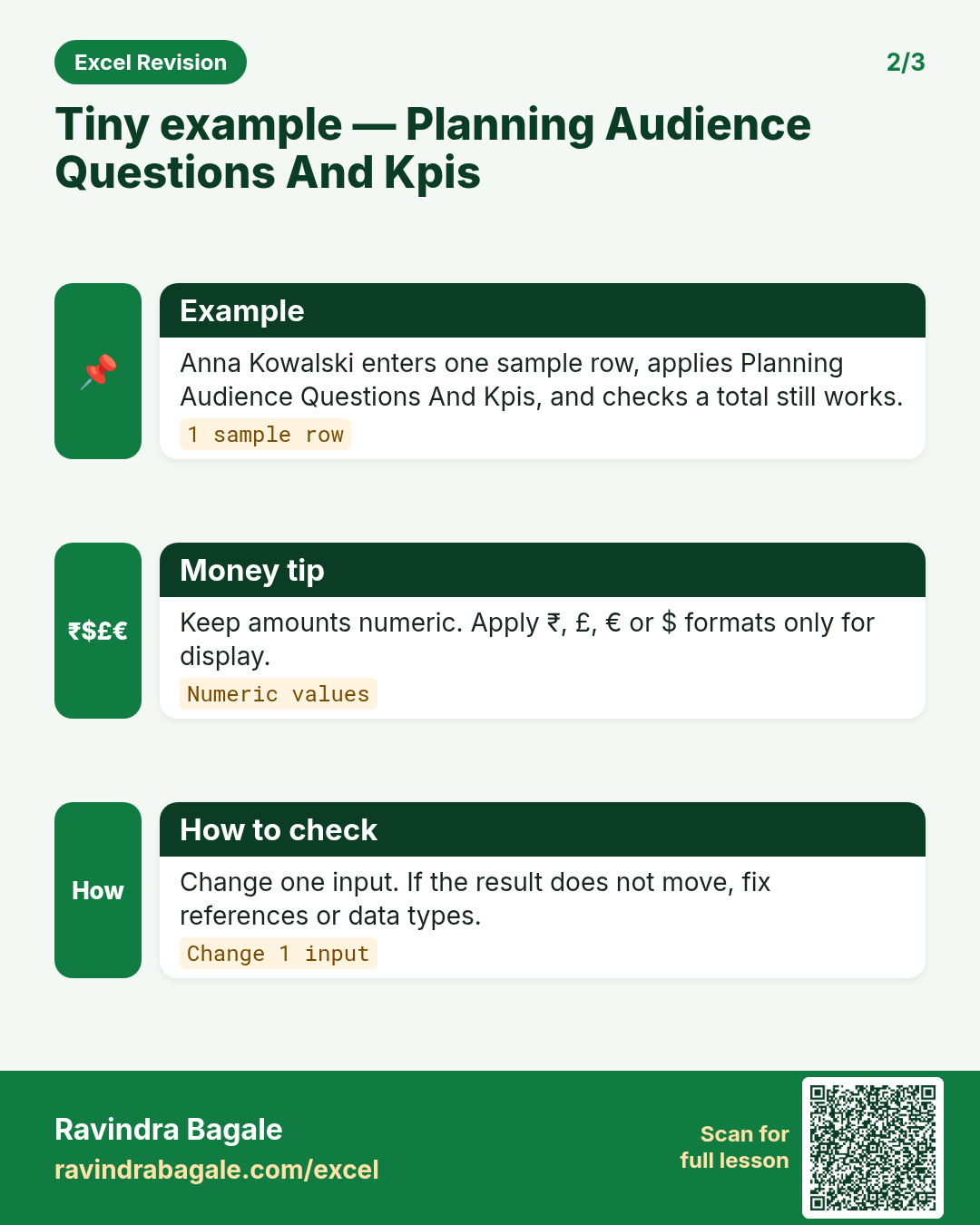
- Open a blank sheet. In A1 type a short label for planning audience questions and kpis.
- Enter a small made-up value for Aarti Kulkarni using ₹ where money appears.
- Add a second value for Sophie Martin using € so you see mixed currencies stay numeric.
- Apply the method from this lesson step by step (menu or formula as shown above).
- Check the result still works inside SUM or a simple check cell.
Formula / action
Follow the formula or ribbon steps shown in this lesson (keep values numeric).Meaning: Once planning audience questions and kpis is correct on one row, copy the same pattern down the column.
Practice tasks (10+)
Try these on a blank sheet. Open a hint only if you are stuck. No quiz — just practice.
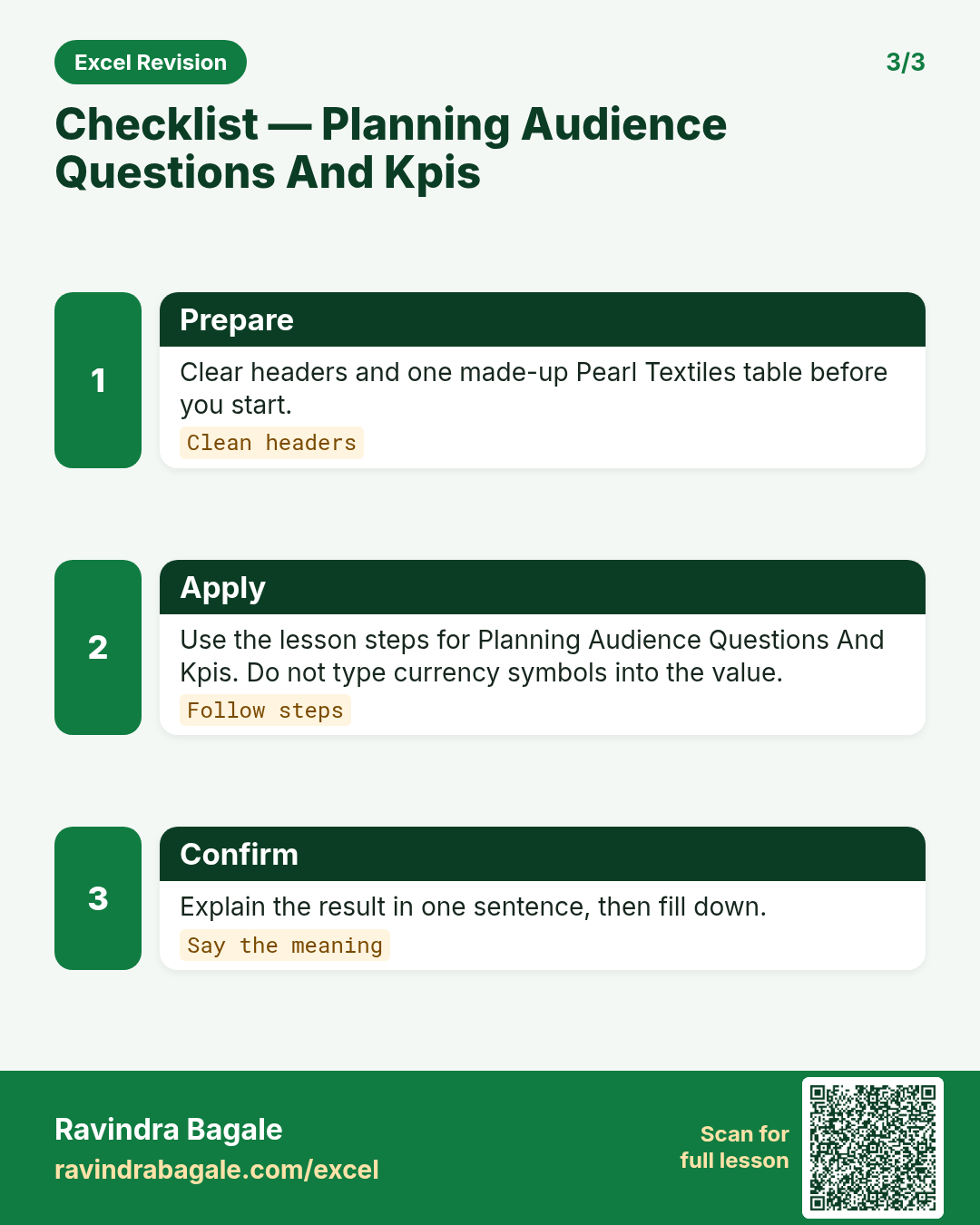
1. Rebuild the smallest example of planning audience questions and kpis on a blank sheet for HomeNest Supplies.
Hint: Use only the steps on this page. Keep numbers numeric.
2. Change one input for Priya Deshmukh and confirm the result updates.
Hint: If the result is stuck, check absolute vs relative references.
3. Repeat the same steps with a £ or € value for Emma Clarke.
Hint: Formatting must not break SUM.
4. Write the result meaning in one plain sentence next to the cell.
Hint: Imagine explaining it to a new joiners.
5. Add a second row and fill the method down.
Hint: Double-click the fill handle if the pattern is consistent.
6. Break the example on purpose, then fix it using this lesson.
Hint: Common break: text instead of a number.
7. Apply planning audience questions and kpis to a 5-row made-up HomeNest Supplies table.
Hint: Keep column headers clear.
8. Check your answer with a simple total or COUNT.
Hint: A wrong total usually means a format or key mismatch.
9. Swap ₹ and $ on one column and re-check totals.
Hint: Stored values stay the same; only the display changes.
10. List two mistakes beginners make with planning audience questions and kpis.
Hint: Look back at the tip box on this page.
11. Teach the steps out loud in under one minute.
Hint: Why → What → How.
12. Save the sheet as HomeNestSup_practice.xlsx.
Hint: Use a clear file name for class.
Quick revision cards
Three standalone cards. Each one explains the idea with its own example. Scan the QR to open this lesson.