17. Interview Questions and Answers
17.7 Macros and VBA Basics
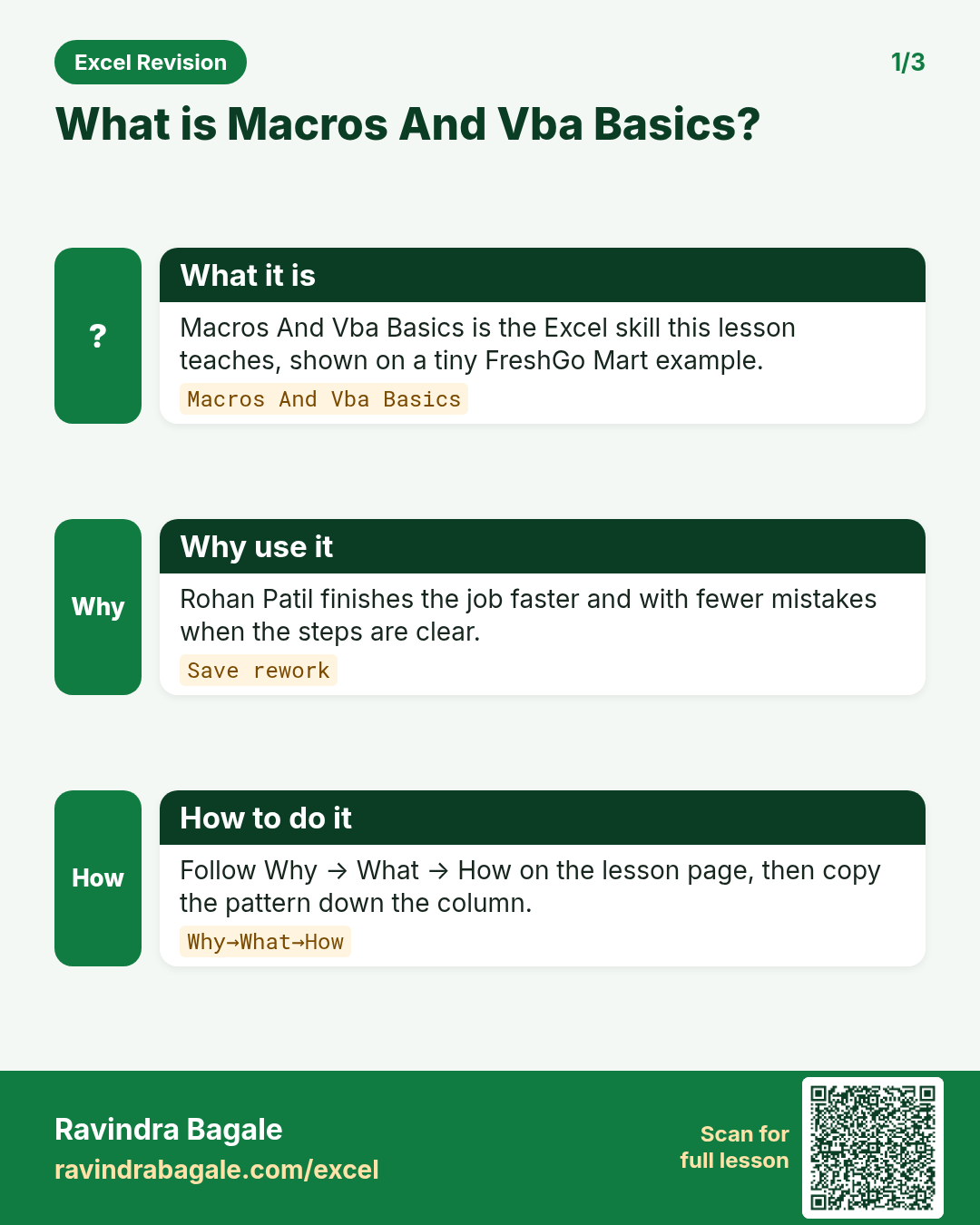
Q55. What is a macro?
A recorded or written set of instructions (in VBA) that automates repetitive tasks such as formatting a daily report. Macro workbooks are saved as .xlsm.
Q56. What is the difference between recording a macro and writing VBA?
The recorder converts your clicks into VBA, which is quick but produces rigid code with fixed ranges and selections. Writing VBA lets you use variables, loops, conditions, dynamic last-row detection and error handling, so the macro works on data of any size.
Q57. What are absolute and relative references in macro recording?
By default the recorder stores exact cell addresses (absolute), so the macro always acts on the same cells. With Use Relative References on, actions are recorded relative to the active cell, so the macro can run anywhere.
Q58. How do you find the last used row in VBA?
lastRow = ws.Cells(ws.Rows.Count, "A").End(xlUp).Row – it starts from the bottom of column A and moves up to the last non-empty cell. For a Table use ws.ListObjects("tblOrders").ListRows.Count.
Q59. What is the difference between a Sub and a Function in VBA?
A Sub performs actions (formatting, copying) and is run as a macro. A Function returns a value and can be used in worksheet formulas as a user-defined function, for example =DeliveryFee(G2).
Q60. How do you handle errors in VBA?
On Error GoTo ErrHandler with a labelled handler that shows Err.Description and cleans up (for example turning ScreenUpdating back on). On Error Resume Next should be used only around a single line whose failure you check immediately, then reset with On Error GoTo 0.
Q61. How do you debug a macro?
Step through with F8, set breakpoints with F9, inspect variables in the Locals and Watch windows, print values with Debug.Print to the Immediate window, and use Option Explicit to catch undeclared variables.
Q62. Why might a macro not run on someone else's computer?
Macros may be disabled by Trust Center settings, the file may be blocked because it came from the internet (Mark of the Web – unblock via file Properties if trusted), it may have been saved as .xlsx, or it may reference a sheet name or path that doesn't exist there.
Ravindra Bagale's Tip
Many students write "VBA" on their resume but can't write the code for the last row or a loop. At a minimum you should be able to write these three: last row, a For loop, and an On Error handler. And explain the difference between "recording vs writing" with an example.
Ravindra Bagale's Tip – मराठी
बरेच students resume वर "VBA" लिहितात पण last row चा code किंवा loop लिहिता येत नाही. कमीत कमी हे तीन लिहिता यायला पाहिजेत: last row, For loop, आणि On Error handler. आणि "recording vs writing" चा फरक उदाहरणासोबत सांगा.
Ravindra Bagale's Tip – हिंदी
बहुत से students resume पर "VBA" लिखते हैं पर last row का code या loop नहीं लिख पाते. कम से कम ये तीन लिखने आने चाहिए: last row, For loop, और On Error handler. और "recording vs writing" का फ़र्क उदाहरण के साथ बताओ.
Practice tasks (10+)
Try these on a blank sheet. Open a hint only if you are stuck. No quiz — just practice.
1. Rebuild the smallest example of macros and vba basics on a blank sheet for Summit Schools.
Hint: Use only the steps on this page. Keep numbers numeric.
2. Change one input for Vikram Rao and confirm the result updates.
Hint: If the result is stuck, check absolute vs relative references.
3. Repeat the same steps with a £ or € value for Oliver Bennett.
Hint: Formatting must not break SUM.
4. Write the result meaning in one plain sentence next to the cell.
Hint: Imagine explaining it to a new joiners.
5. Add a second row and fill the method down.
Hint: Double-click the fill handle if the pattern is consistent.
6. Break the example on purpose, then fix it using this lesson.
Hint: Common break: text instead of a number.
7. Apply macros and vba basics to a 5-row made-up Summit Schools table.
Hint: Keep column headers clear.
8. Check your answer with a simple total or COUNT.
Hint: A wrong total usually means a format or key mismatch.
9. Swap ₹ and $ on one column and re-check totals.
Hint: Stored values stay the same; only the display changes.
10. List two mistakes beginners make with macros and vba basics.
Hint: Look back at the tip box on this page.
11. Teach the steps out loud in under one minute.
Hint: Why → What → How.
12. Save the sheet as SummitSchoo_practice.xlsx.
Hint: Use a clear file name for class.
Quick revision cards
Three standalone cards. Each one explains the idea with its own example. Scan the QR to open this lesson.