Ravi Sir's Cards › Excel
Small Business Accounts Receivable System in Excel (card 1 of 2)
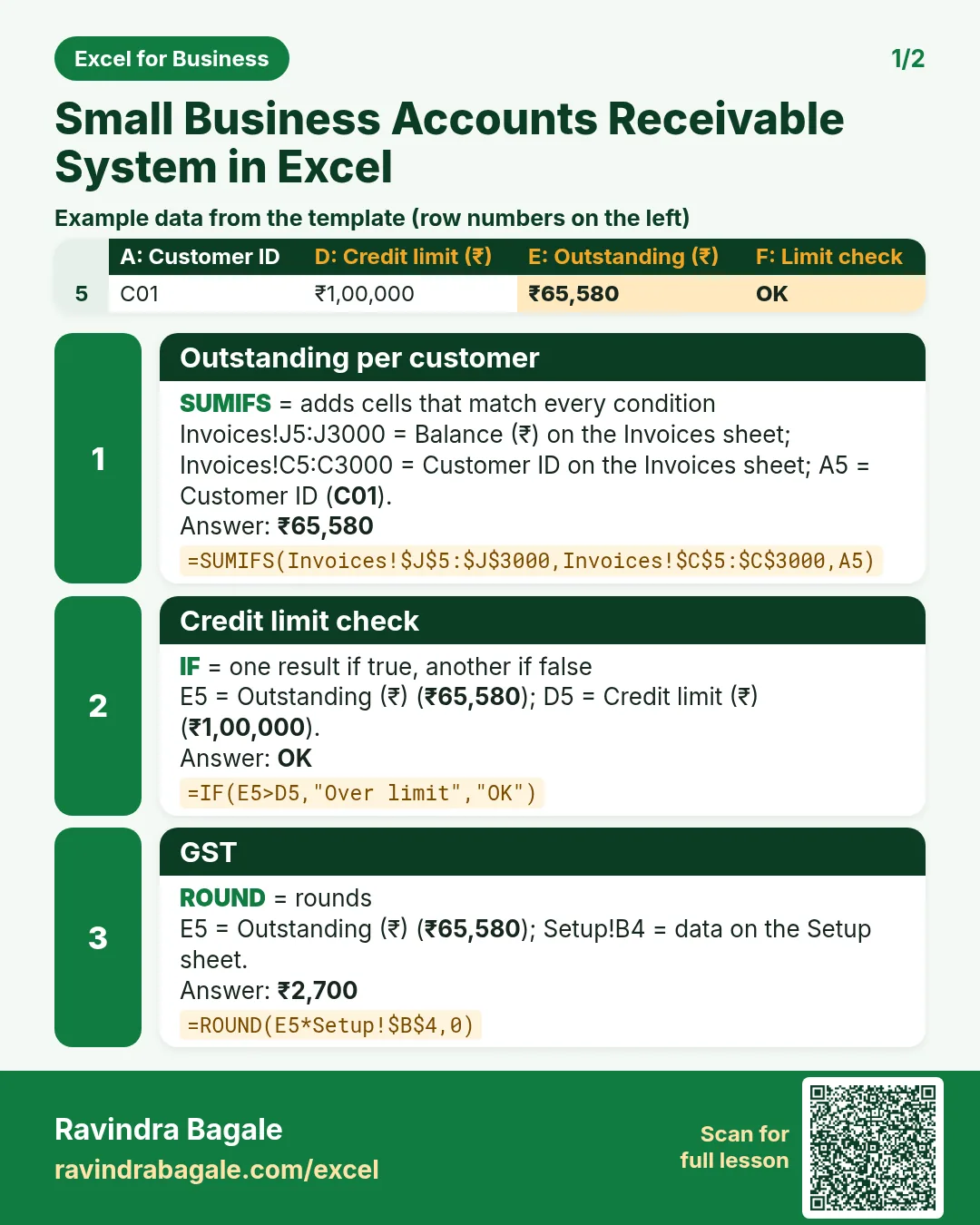
Revision card 1 for Small Business Accounts Receivable System in Excel: Outstanding per customer: =SUMIFS(Invoices!$J$5:$J$3000,Invoices!$C$5:$C$3000,A5) gives ₹65,580; Credit limit check: =IF(E5>D5,"Over limit","OK") gives OK; GST: =ROUND(E5*Setup!$B$4,0) gives ₹2,700. Includes an example data table.
Read card text
What this card says
1 for Small Business Accounts Receivable System in Excel: Outstanding per customer: =SUMIFS(Invoices!$J$5:$J$3000,Invoices!$C$5:$C$3000,A5) gives ₹65,580
Credit limit check: =IF(E5>D5,"Over limit","OK") gives OK
GST: =ROUND(E5*Setup!$B$4,0) gives ₹2,700. Includes an
Example
data table
Learn this in the lesson: Small Business Accounts Receivable System in Excel: Invoices, Part Payments, Due Dates, Ageing Buckets, Credit Limits and Statement