Ravi Sir's Cards › Excel
Rent Collection Tracker in Excel (card 1 of 2)
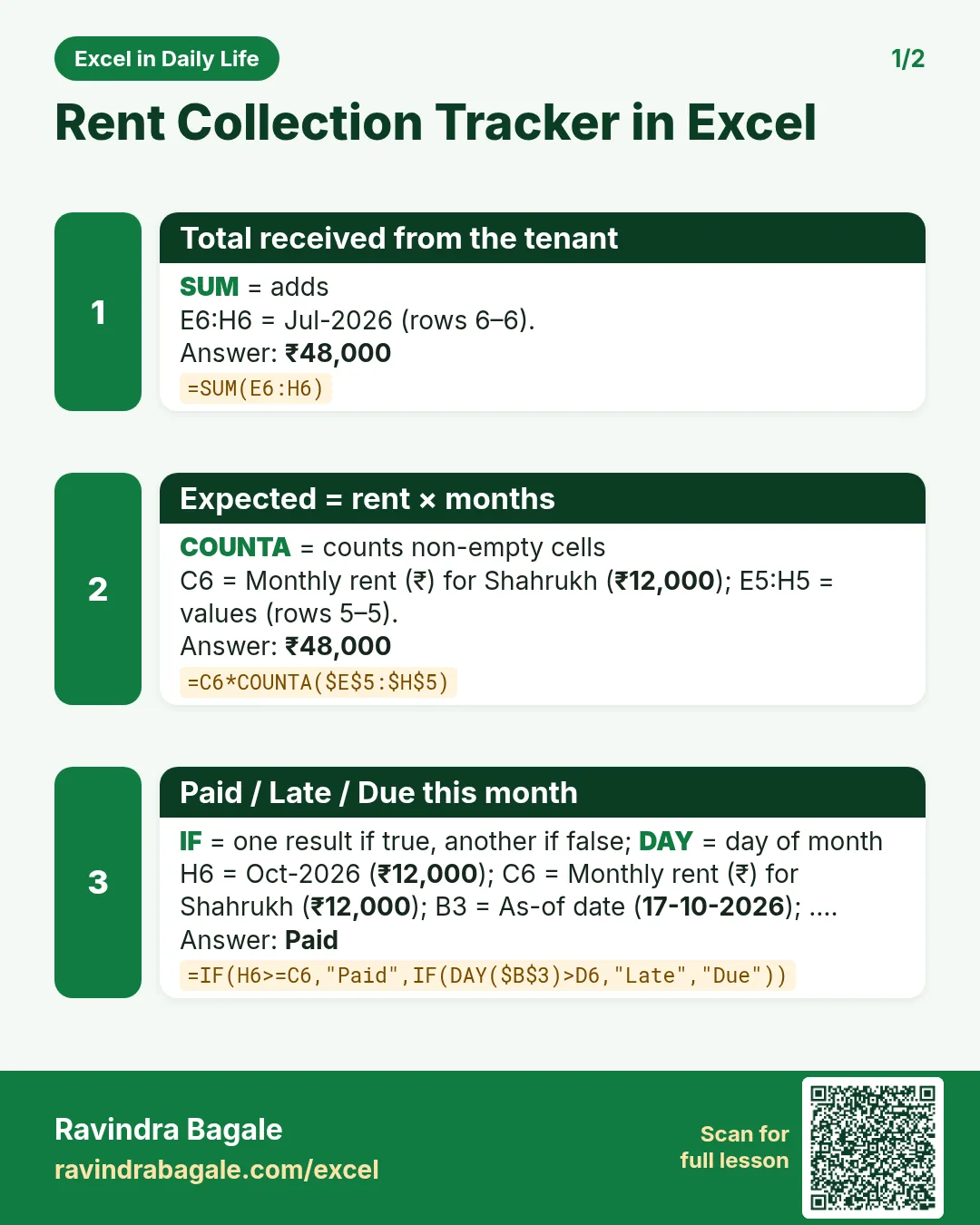
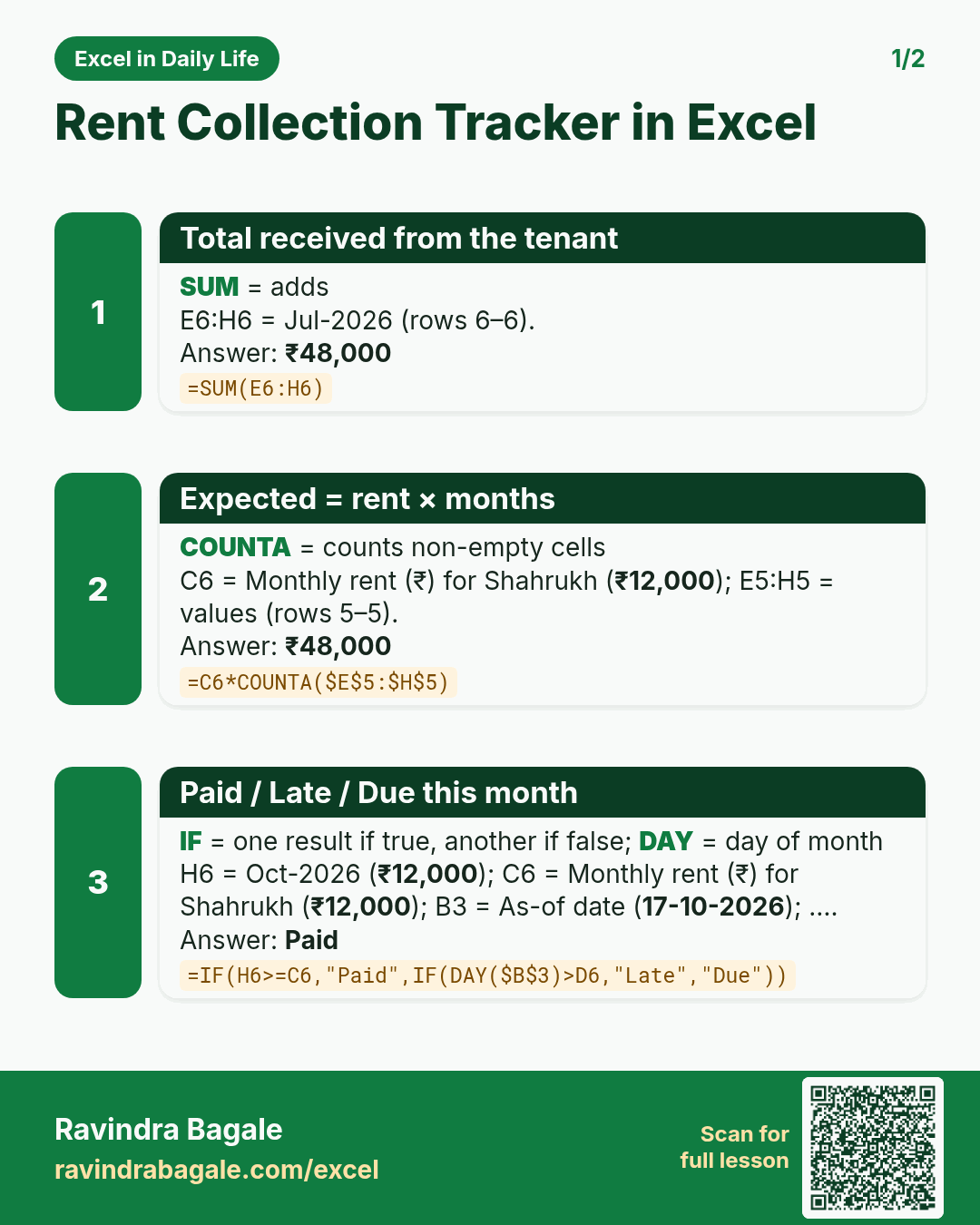
Revision card 1 for Rent Collection Tracker in Excel: Total received from the tenant: =SUM(E6:H6) gives ₹48,000; Expected = rent × months: =C6*COUNTA($E$5:$H$5) gives ₹48,000; Paid / Late / Due this month: =IF(H6>=C6,"Paid",IF(DAY($B$3)>D6,"Late","Due")) gives Paid.
Read card text
What this card says
1 for Rent Collection Tracker in Excel: Total received from the tenant: =SUM(E6:H6) gives ₹48,000
Expected = rent × months: =C6*COUNTA($E$5:$H$5) gives ₹48,000
Paid / Late / Due this month: =IF(H6>=C6,"Paid",IF(DAY($B$3)>D6,"Late","Due")) gives Paid.
Learn this in the lesson: Rent Collection Tracker in Excel: Monthly Rent Received, Pending Dues and Late Tenants