Ravi Sir's Cards › Excel
PivotTable: sort, move items, show details
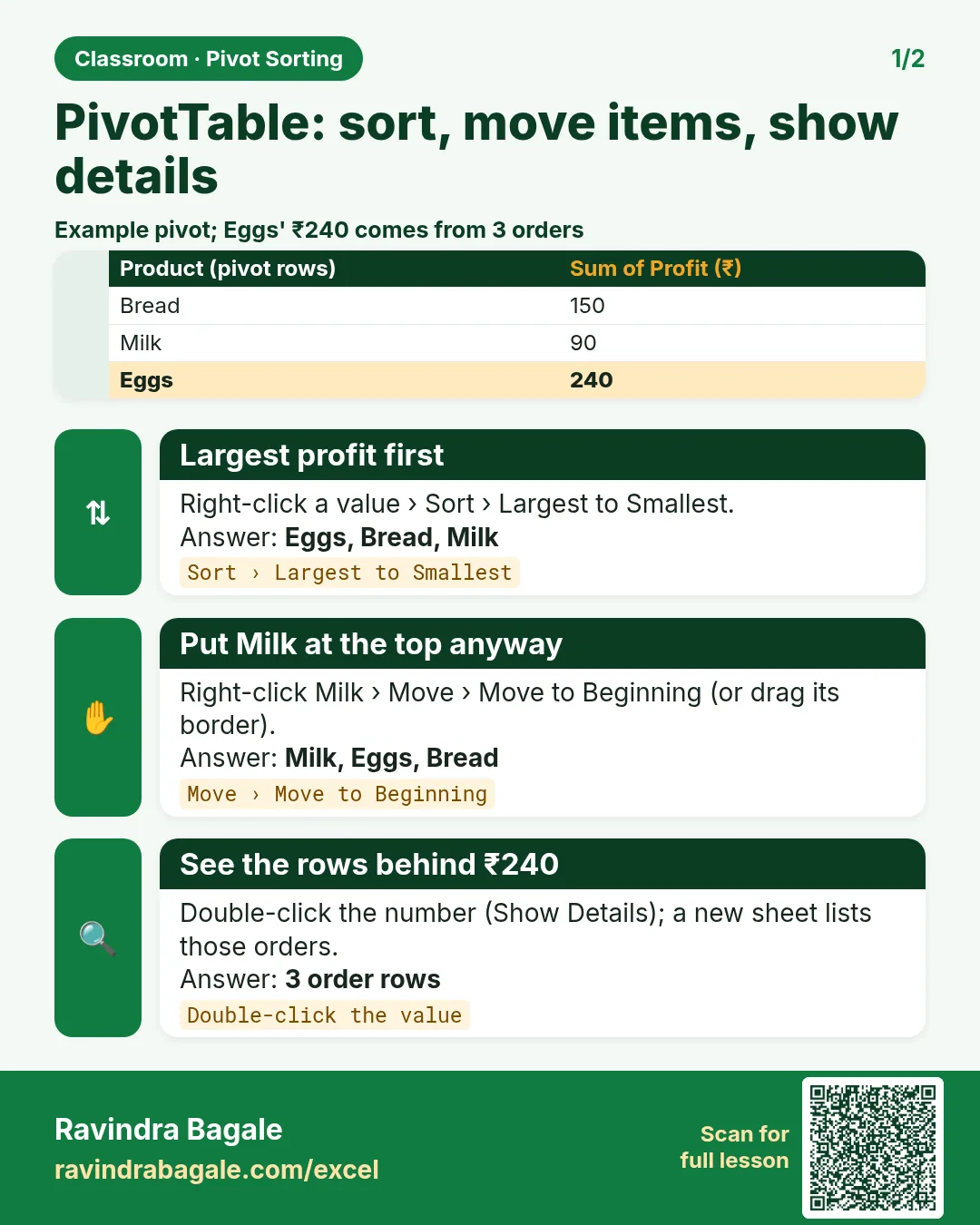
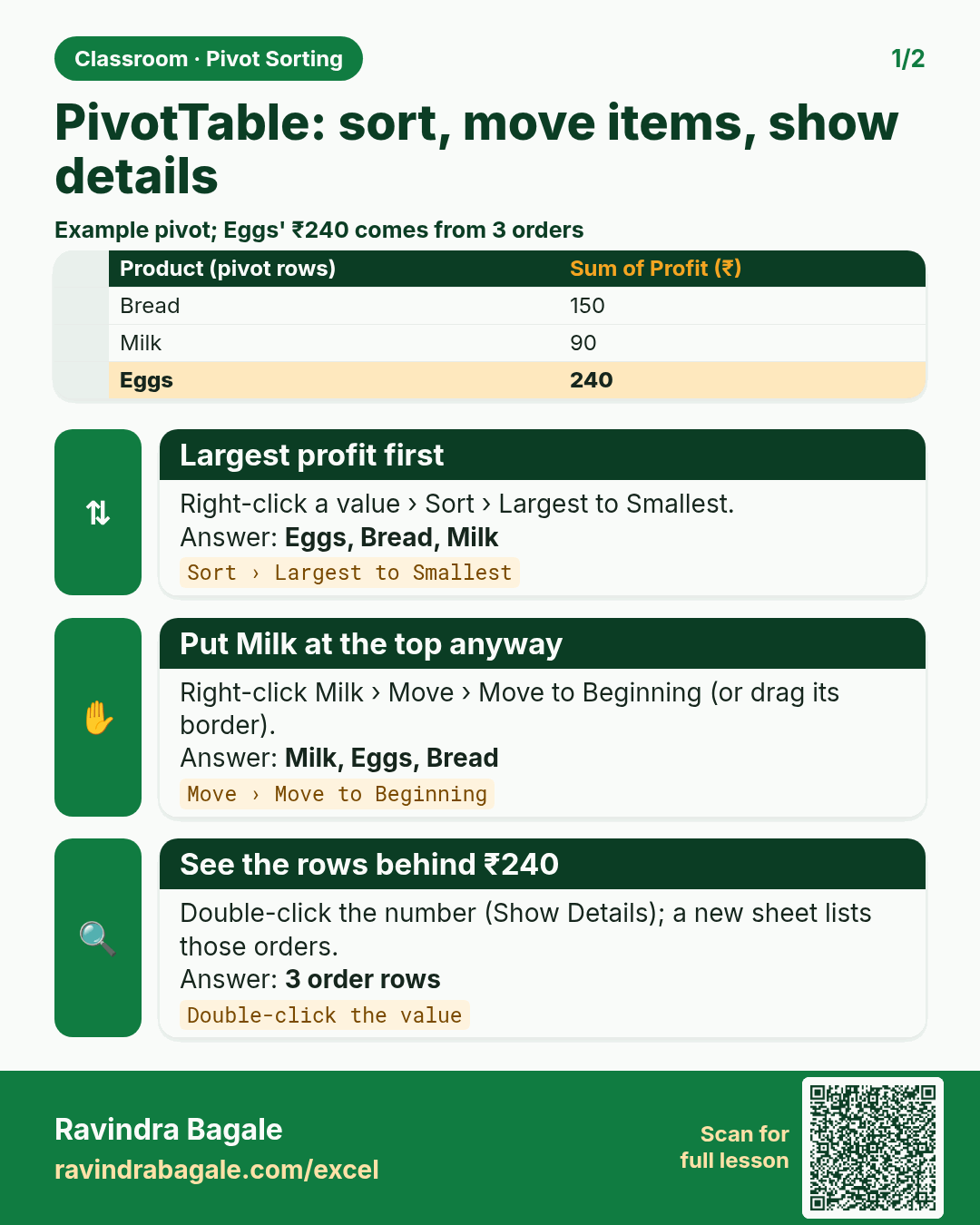
Revision card: PivotTable: sort, move items, show details. Example data table with Largest profit first: Eggs, Bread, Milk; Put Milk at the top anyway: Milk, Eggs, Bread; See the rows behind ₹240: 3 order rows.
Read card text
What this card says
PivotTable: sort, move items, show details
Example
data table with Largest profit first: Eggs, Bread, Milk; Put Milk at the top anyway: Milk, Eggs, Bread; See the rows behind ₹240: 3 order rows
Learn this in the lesson: How to Sort a PivotTable in Excel: Largest to Smallest, Move Items Manually, Expand/Collapse and Show Details (Drill Down)