Ravi Sir's Cards › Excel
Pharmacy Management System in Excel (card 1 of 2)
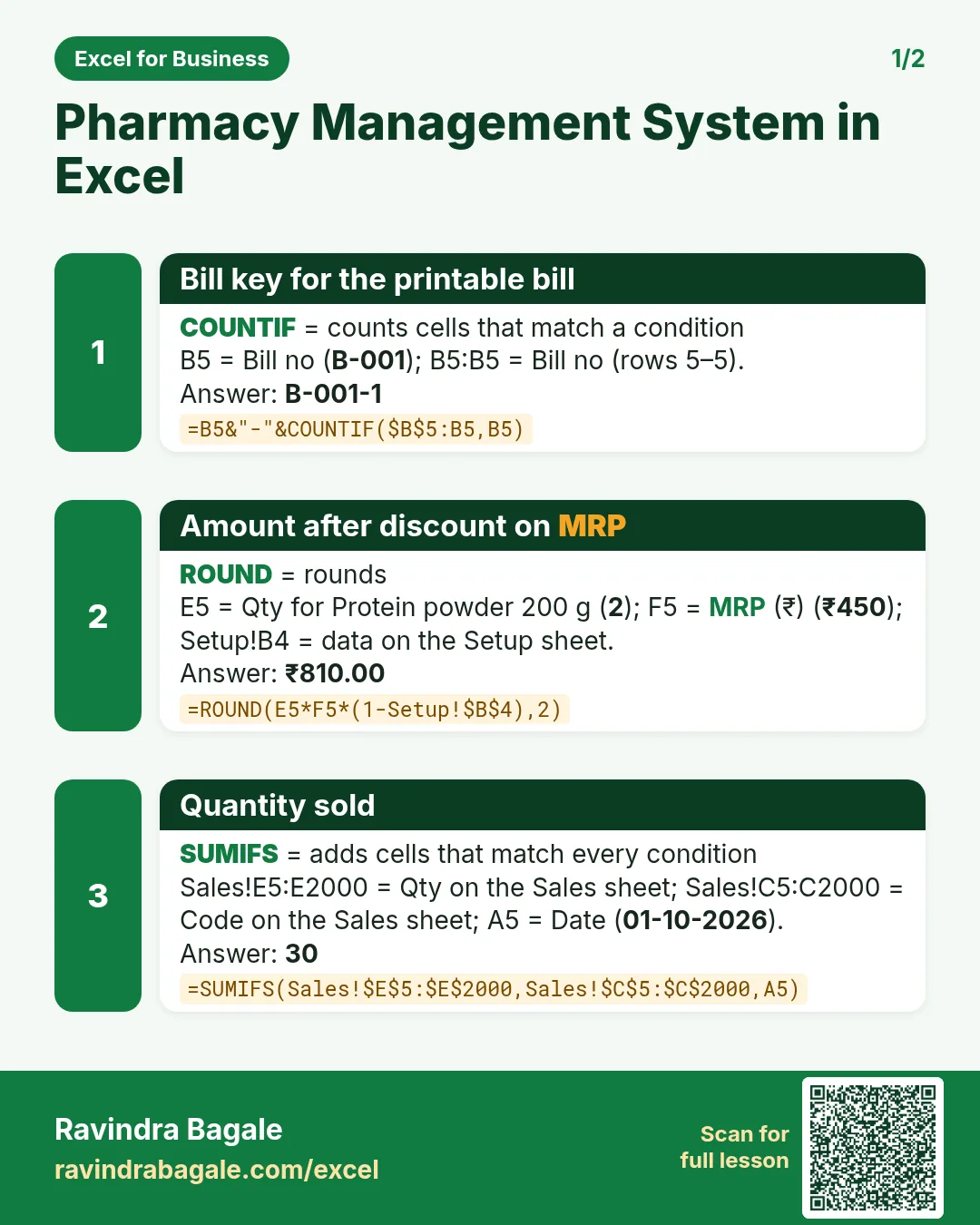
Revision card 1 for Pharmacy Management System in Excel: Bill key for the printable bill: =B5&"-"&COUNTIF($B$5:B5,B5) gives B-001-1; Amount after discount on MRP: =ROUND(E5*F5*(1-Setup!$B$4),2) gives ₹810.00; Quantity sold: =SUMIFS(Sales!$E$5:$E$2000,Sales!$C$5:$C$2000,A5) gives 30.
Read card text
What this card says
1 for Pharmacy Management System in Excel: Bill key for the printable bill: =B5&"-"&COUNTIF($B$5:B5,B5) gives B-001-1
Amount after discount on MRP: =ROUND(E5*F5*(1-Setup!$B$4),2) gives ₹810.00
Quantity sold: =SUMIFS(Sales!$E$5:$E$2000,Sales!$C$5:$C$2000,A5) gives 30.
Learn this in the lesson: Pharmacy Management System in Excel: Items, Sales Bills, Stock, Expiry Alerts and Dashboard