Ravi Sir's Cards › Excel
Home Loan EMI in Excel (card 2 of 2)
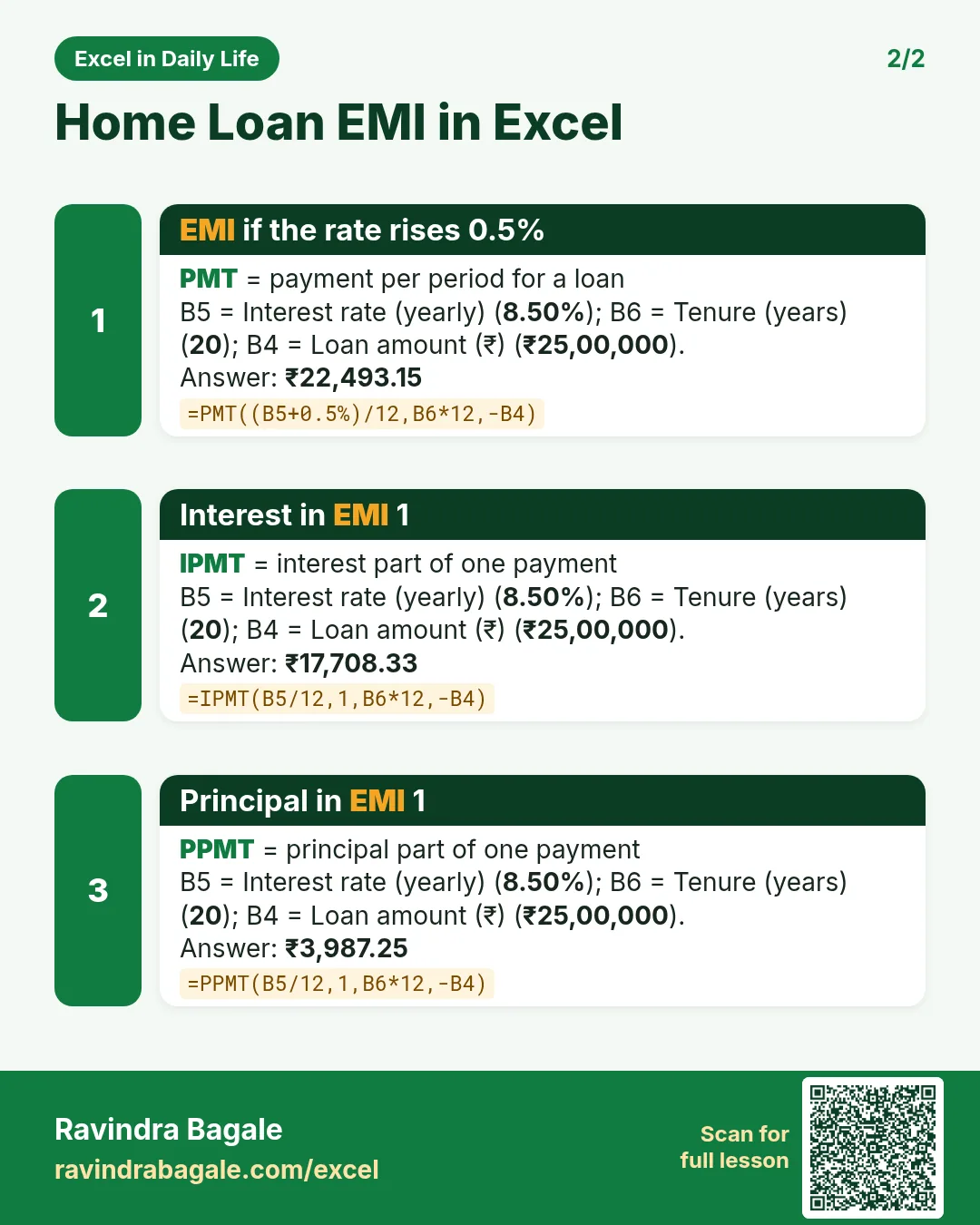
Revision card 2 for Home Loan EMI in Excel: EMI if the rate rises 0.5%: =PMT((B5+0.5%)/12,B6*12,-B4) gives ₹22,493.15; Interest in EMI 1: =IPMT(B5/12,1,B6*12,-B4) gives ₹17,708.33; Principal in EMI 1: =PPMT(B5/12,1,B6*12,-B4) gives ₹3,987.25.
Read card text
What this card says
2 for Home Loan EMI in Excel: EMI if the rate rises 0.5%: =PMT((B5+0.5%)/12,B6*12,-B4) gives ₹22,493.15
Interest in EMI 1: =IPMT(B5/12,1,B6*12,-B4) gives ₹17,708.33
Principal in EMI 1: =PPMT(B5/12,1,B6*12,-B4) gives ₹3,987.25.
Learn this in the lesson: How to Calculate Home Loan EMI in Excel with PMT (and Make a Month-by-Month Repayment Schedule)